Upgrade to Pro — share decks privately, control downloads, hide ads and more …

DIALux evo: Professional Lighting Design & Calc...

DIALux evo: Professional Lighting Design & Calculation for Engineers

DIALux evo is a professional lighting design and calculation software used for indoor, outdoor, street, sports, and emergency lighting applications.

This presentation provides an engineering-focused overview of DIALux evo, covering its core workflow, key features, photometric calculation engine, application areas, and lighting standards.

Topics covered include:

Building and project modeling in DIALux evo
CAD, DWG, DXF, BIM/IFC integration
Luminaire selection and manufacturer photometric data
Illuminance and luminance calculations
Direct and indirect lighting analysis
Calculation grids and uniformity evaluation
UGR and lighting-performance verification
False-color visualizations and isolux diagrams
Indoor, outdoor, street, and emergency lighting applications
EN, IES/ANSI and other lighting standards
Engineering documentation and professional reporting

The presentation is intended for engineers, architects, lighting designers, MEP professionals, and engineering students who want to understand how DIALux evo supports professional lighting design and verification.

Avatar for Ali Uday Harobey

Ali Uday Harobey

September 09, 2026

Other Decks in Design

Transcript

  1. DIALux evo www.dialux.com DIALux evo Professional Lighting Design & Calculation

    Software for Engineers Presented By: Eng. Ali Uday Harobey www.dialux.com
  2. DIALux evo 01. Introduction DIALux evo is a free, professional

    application for planning indoor, outdoor, sports, and street lighting. Developed by DIAL GmbH, it lets engineers model buildings in 3D, place manufacturer luminaires, and run precise photometric calculations. www.dialux.com
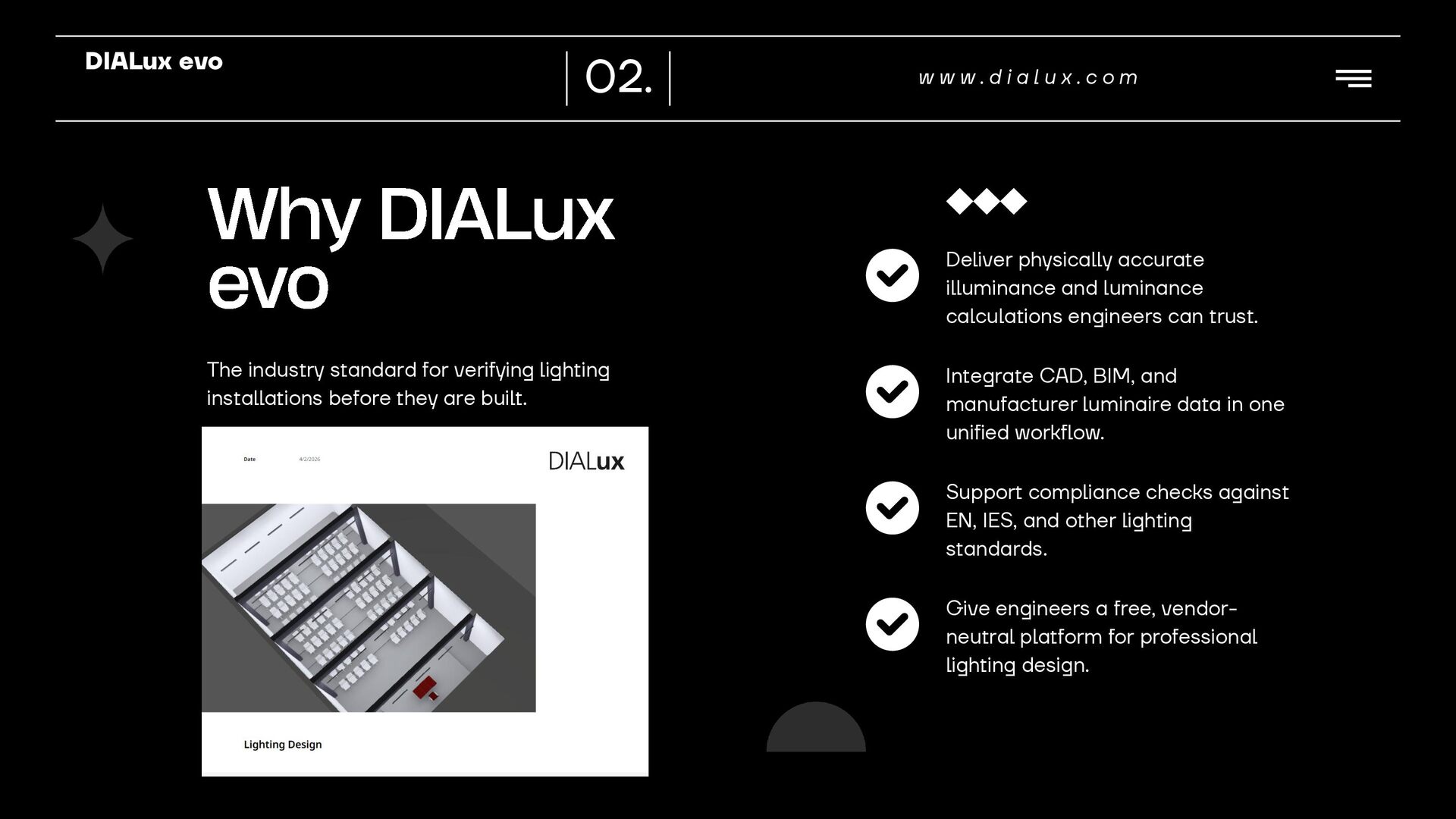
  3. DIALux evo 02. Why DIALux evo The industry standard for

    verifying lighting installations before they are built. www.dialux.com Deliver physically accurate illuminance and luminance calculations engineers can trust. Integrate CAD, BIM, and manufacturer luminaire data in one unified workflow. Support compliance checks against EN, IES, and other lighting standards. Give engineers a free, vendorneutral platform for professional lighting design.
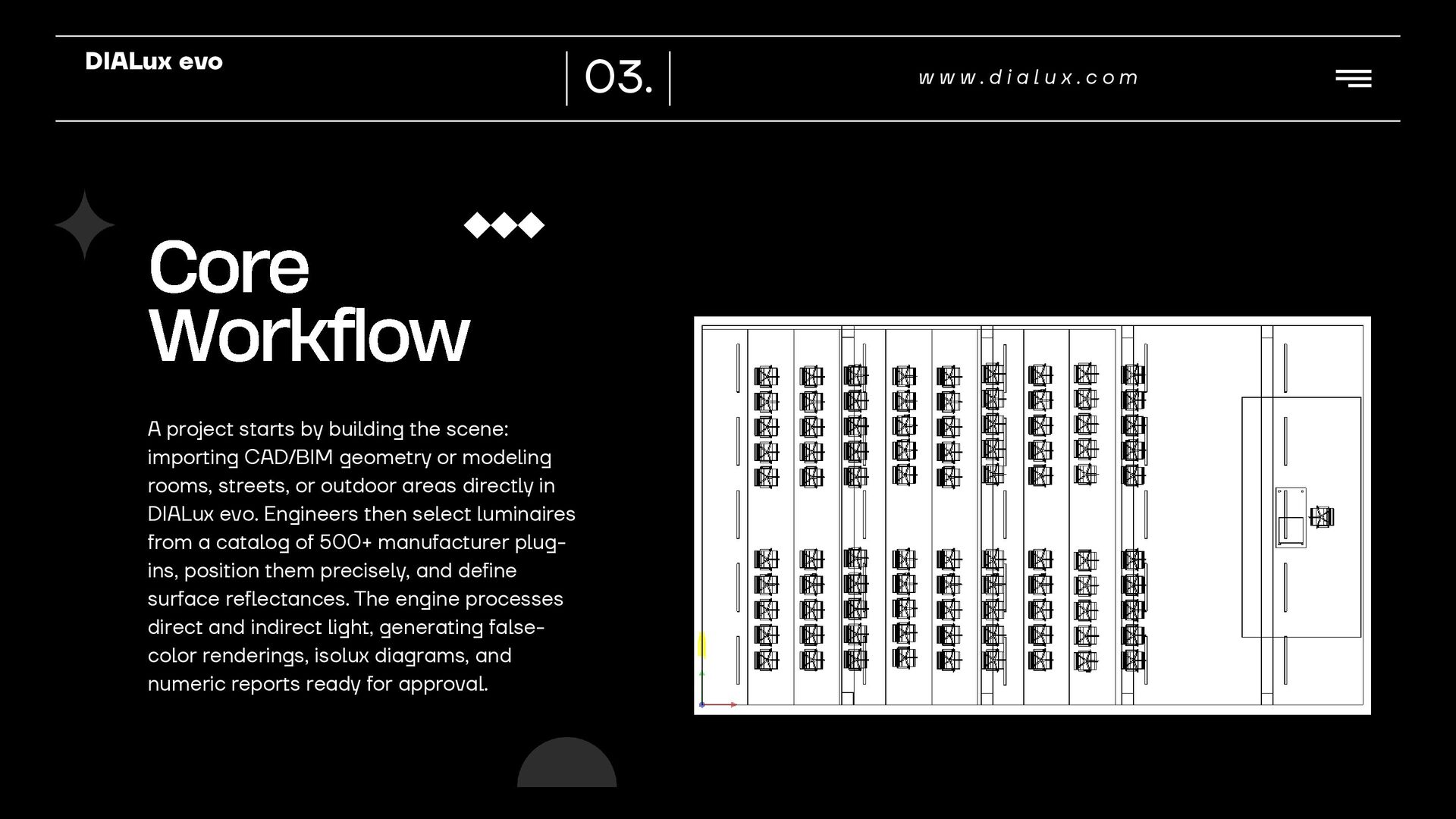
  4. DIALux evo Core Workflow A project starts by building the

    scene: importing CAD/BIM geometry or modeling rooms, streets, or outdoor areas directly in DIALux evo. Engineers then select luminaires from a catalog of 500+ manufacturer plugins, position them precisely, and define surface reflectances. The engine processes direct and indirect light, generating falsecolor renderings, isolux diagrams, and numeric reports ready for approval. 03. www.dialux.com
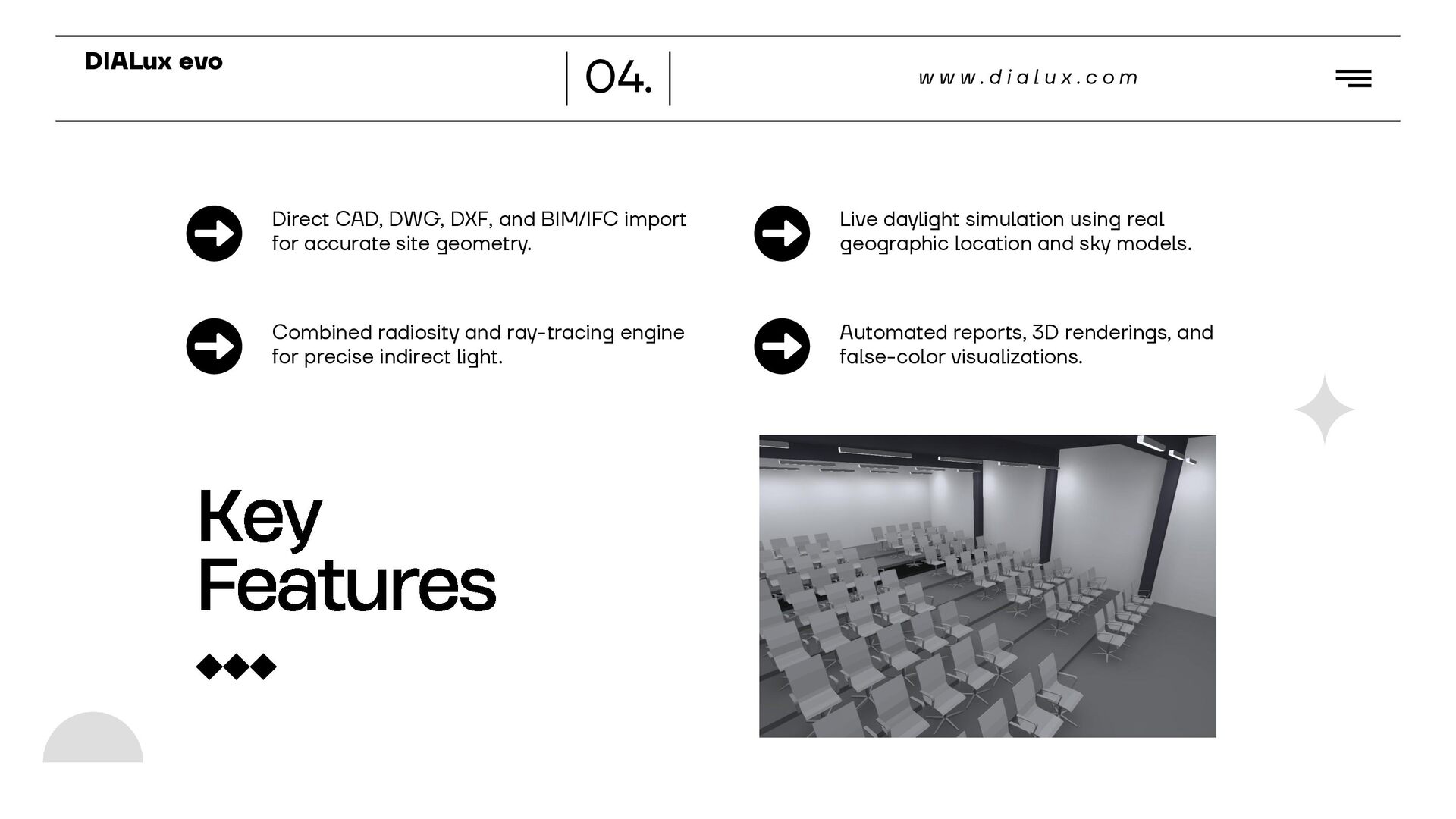
  5. DIALux evo 04. www.dialux.com Direct CAD, DWG, DXF, and BIM/IFC

    import for accurate site geometry. Live daylight simulation using real geographic location and sky models. Combined radiosity and ray-tracing engine for precise indirect light. Automated reports, 3D renderings, and false-color visualizations. Key Features
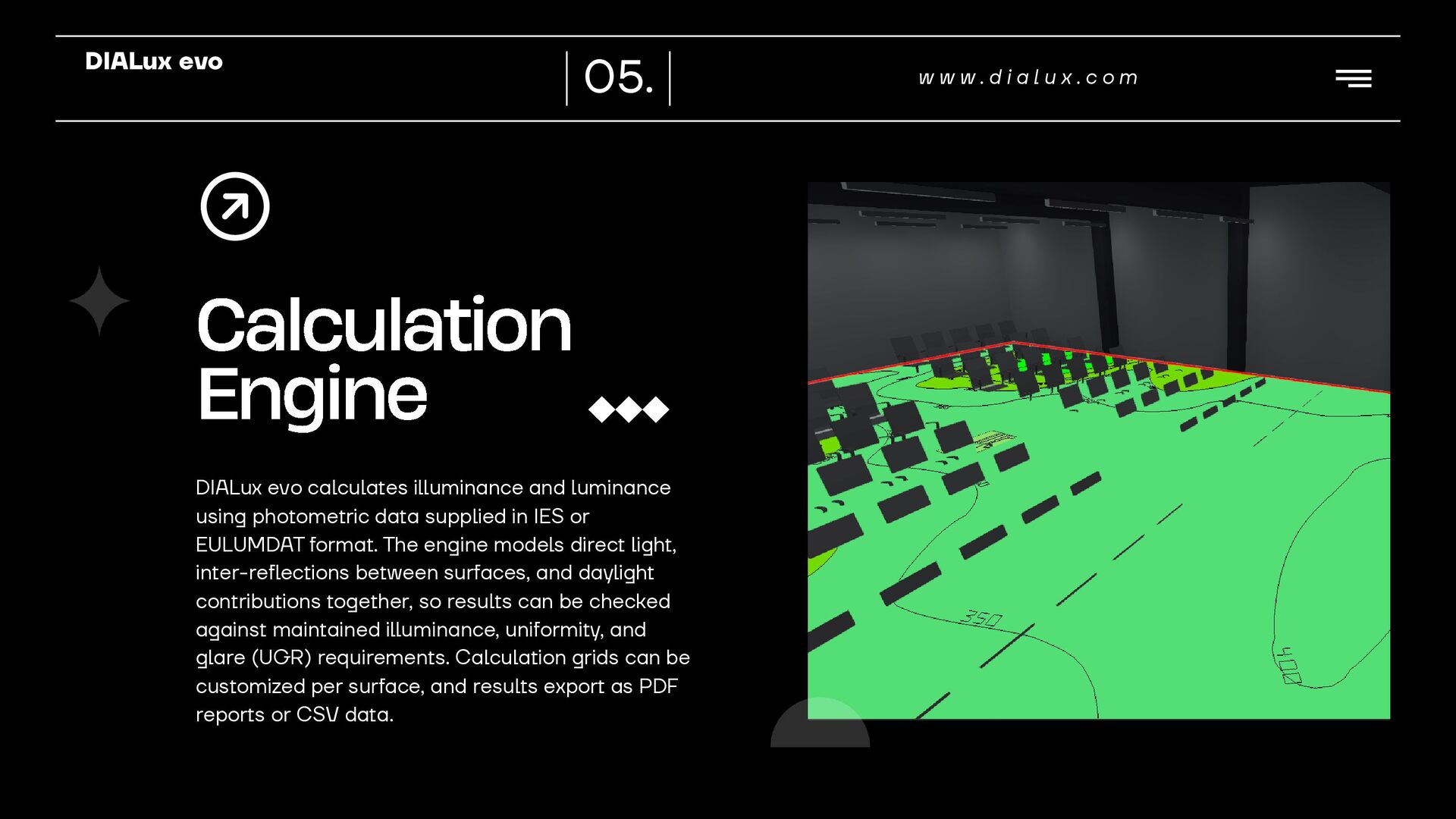
  6. DIALux evo 05. Calculation Engine DIALux evo calculates illuminance and

    luminance using photometric data supplied in IES or EULUMDAT format. The engine models direct light, inter-reflections between surfaces, and daylight contributions together, so results can be checked against maintained illuminance, uniformity, and glare (UGR) requirements. Calculation grids can be customized per surface, and results export as PDF reports or CSV data. www.dialux.com
  7. DIALux evo 06. www.dialux.com Application Areas Indoor Lighting Outdoor &

    Street Lighting Emergency Lighting Office, retail, industrial, and residential interior calculations. Road, area, sports field, and facade lighting per regional standards. Escape route and open area emergency lighting verification.
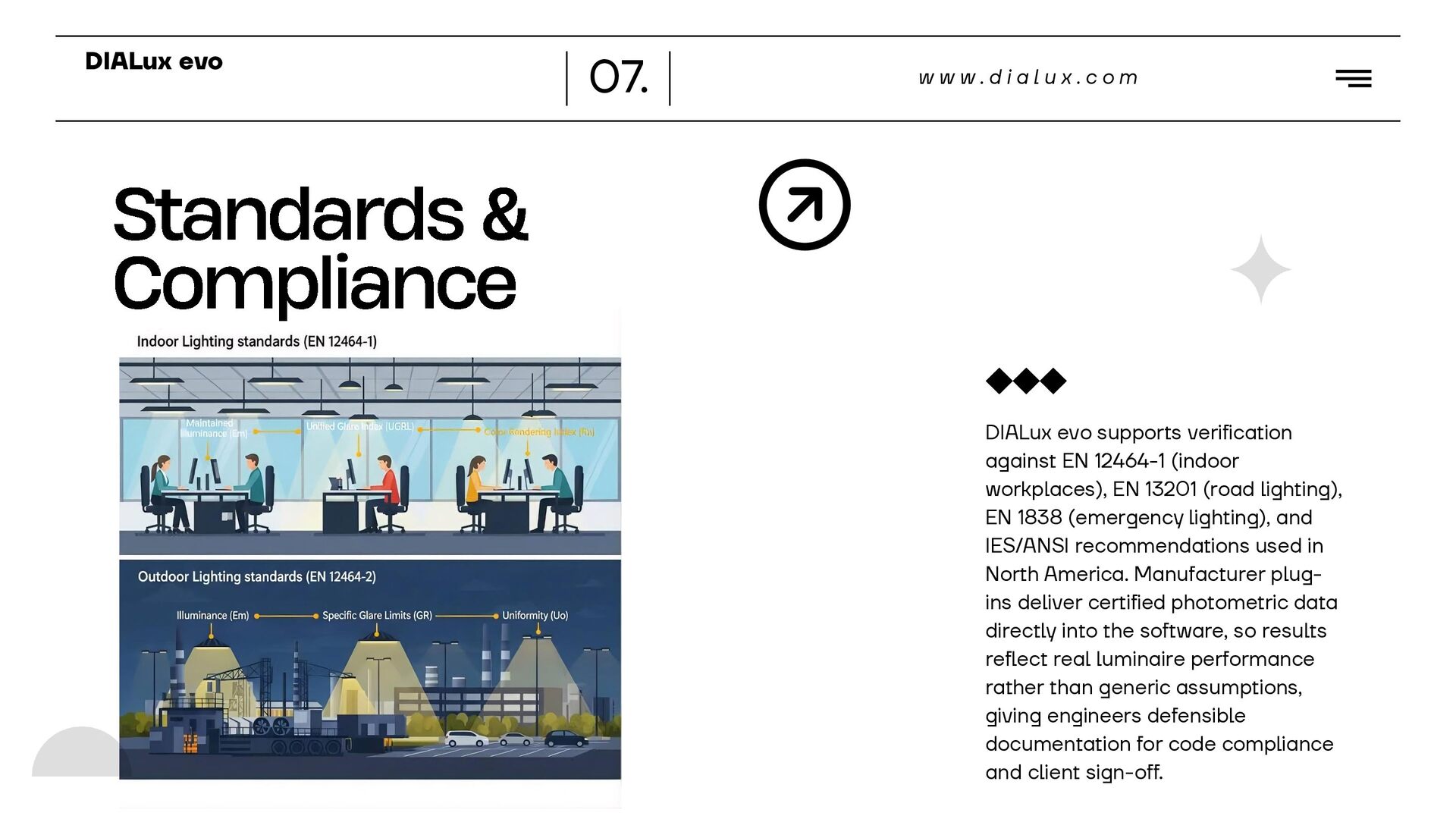
  8. DIALux evo 07. www.dialux.com Standards & Compliance DIALux evo supports

    verification against EN 12464-1 (indoor workplaces), EN 13201 (road lighting), EN 1838 (emergency lighting), and IES/ANSI recommendations used in North America. Manufacturer plugins deliver certified photometric data directly into the software, so results reflect real luminaire performance rather than generic assumptions, giving engineers defensible documentation for code compliance and client sign-off.
  9. DIALux evo 08. www.dialux.com Industry Adoption Used by lighting engineers

    and architects in over 180 countries worldwide. Free to download and use, with no licensing fees for professional projects. Backed by an ecosystem of 500+ manufacturer luminaire plug-ins. Referenced in university curricula and professional lighting certifications.
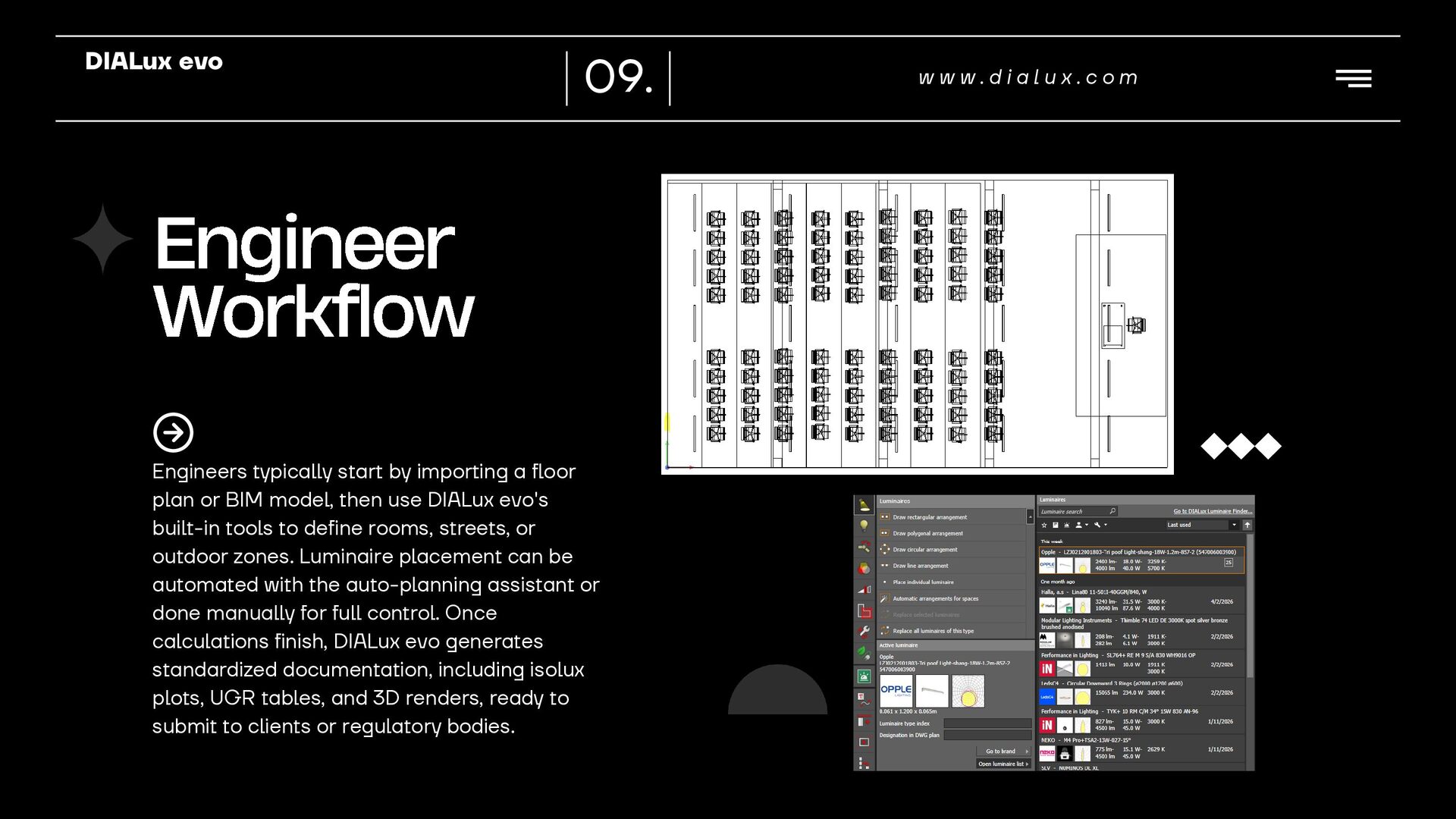
  10. DIALux evo 09. Engineer Workflow Engineers typically start by importing

    a floor plan or BIM model, then use DIALux evo's built-in tools to define rooms, streets, or outdoor zones. Luminaire placement can be automated with the auto-planning assistant or done manually for full control. Once calculations finish, DIALux evo generates standardized documentation, including isolux plots, UGR tables, and 3D renders, ready to submit to clients or regulatory bodies. www.dialux.com
  11. DIALux evo Get Started Download DIALux evo free at dialux.com

    and start your first lighting calculation project today. 10. www.dialux.com Join the global community of lighting design engineers. Get certified through official DIALux evo training programs.
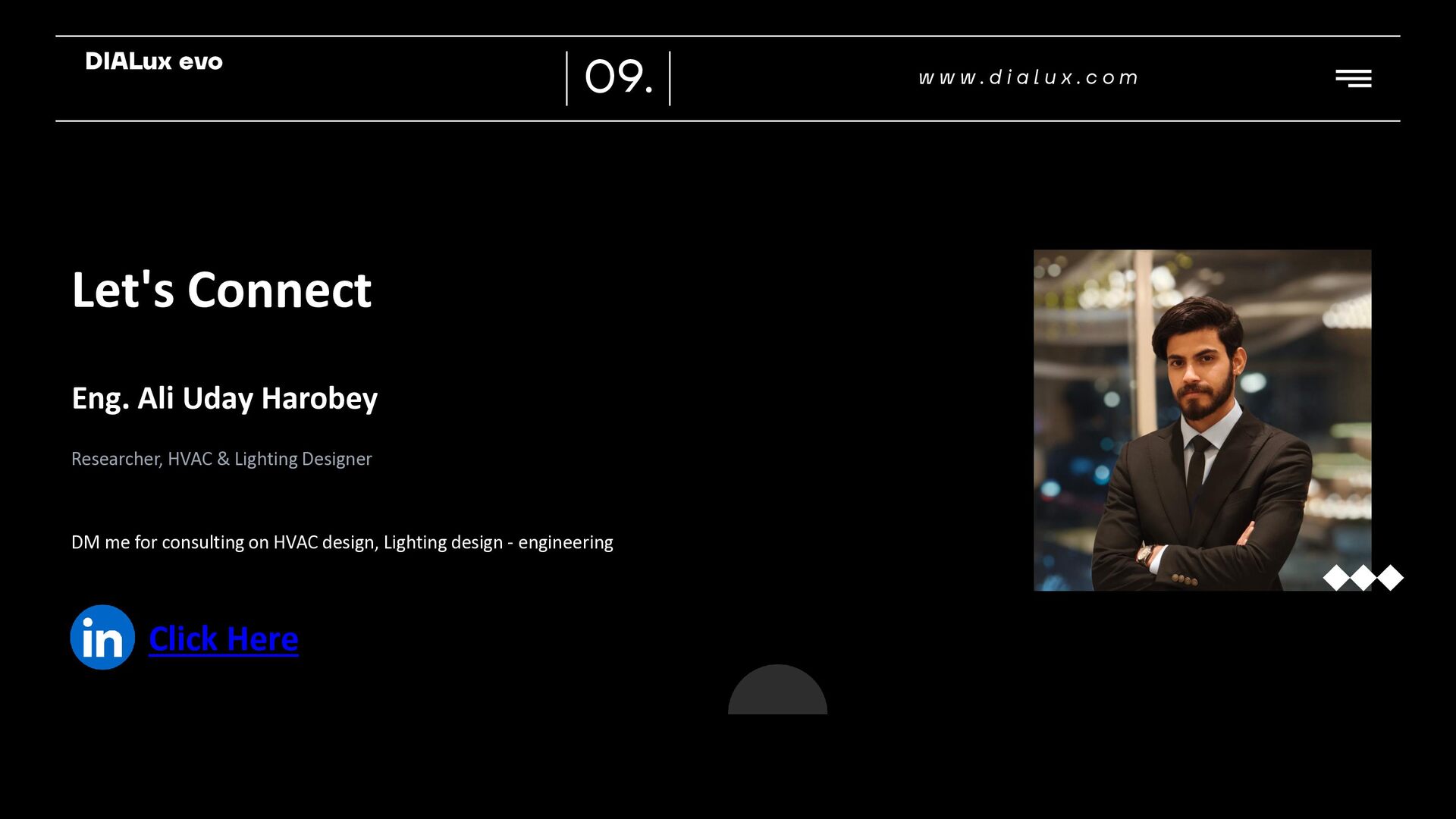
  12. DIALux evo 09. Let's Connect Eng. Ali Uday Harobey Researcher,

    HVAC & Lighting Designer DM me for consulting on HVAC design, Lighting design - engineering Linkedin logo png, Linkedin icon transparent png 18930480 PNG Click Here www.dialux.com