Upgrade to Pro — share decks privately, control downloads, hide ads and more …

Good practices for debugging Selenium and Appiu...

Sponsored · Your Podcast. Everywhere. Effortlessly. Share. Educate. Inspire. Entertain. You do you. We'll handle the rest. →

Good practices for debugging Selenium and Appium scripts

We often come across situations when:
> We cannot figure out why our Selenium/Appium scripts fail during execution
> We need to debug scripts locally while writing them but find debugging painful and slow

Debugging the scripts is usually the approach to fix them. There are multiple approaches we can adopt to get the most out of debugging.

I gave a talk at the 11th TAQELAH meetup at Singapore on the topic of how we can effectively debug issues in Selenium/Appium scripts by adopting various tools and techniques

Avatar for abhivaikar

abhivaikar

July 18, 2019

Other Decks in Technology

Transcript

  1. 11th Meetup 18 July 2019 DBS, Singapore Good practices for

    debugging Selenium and Appium scripts
  2. Abhijeet Vaikar Software Engineer Test @ Carousell Co-organizer @ taqelah!
    Testing web and mobile apps since 7 years LinkedIn: https://www.linkedin.com/in/abhijeetvaikar/ Twitter: https://twitter.com/AbhijeetVaikar
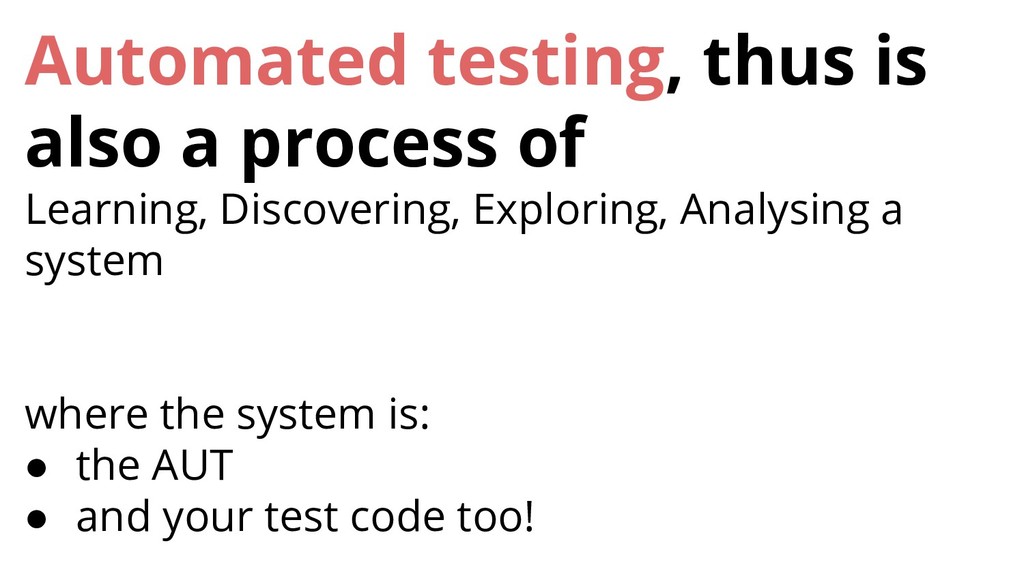
  3. Automated testing, thus is also a process of Learning, Discovering,

    Exploring, Analysing a system where the system is: • the AUT • and your test code too!

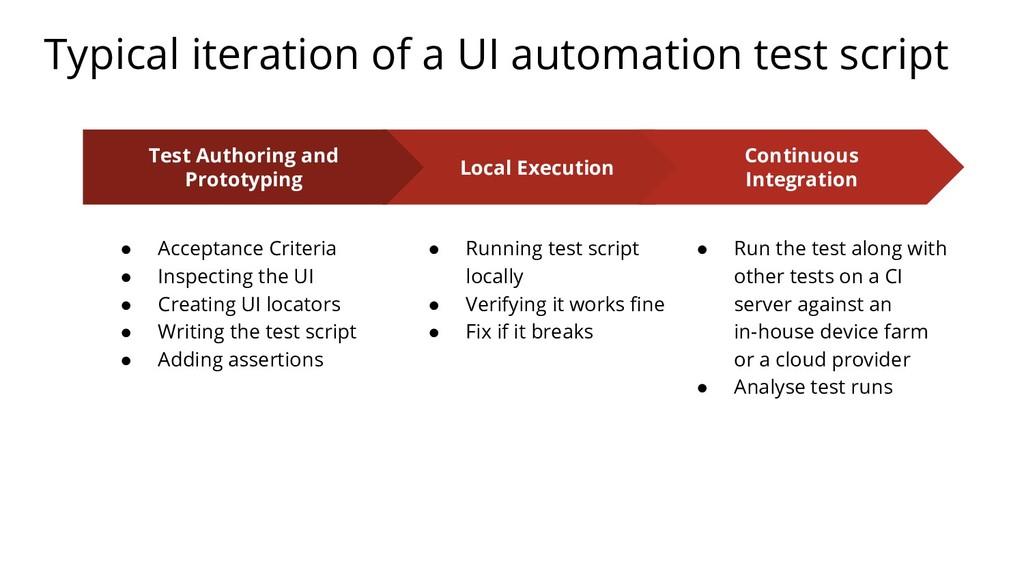
  4. Typical iteration of a UI automation test script Local Execution

    • Running test script locally • Verifying it works fine • Fix if it breaks Continuous Integration • Run the test along with other tests on a CI server against an in-house device farm or a cloud provider • Analyse test runs Test Authoring and Prototyping • Acceptance Criteria • Inspecting the UI • Creating UI locators • Writing the test script • Adding assertions
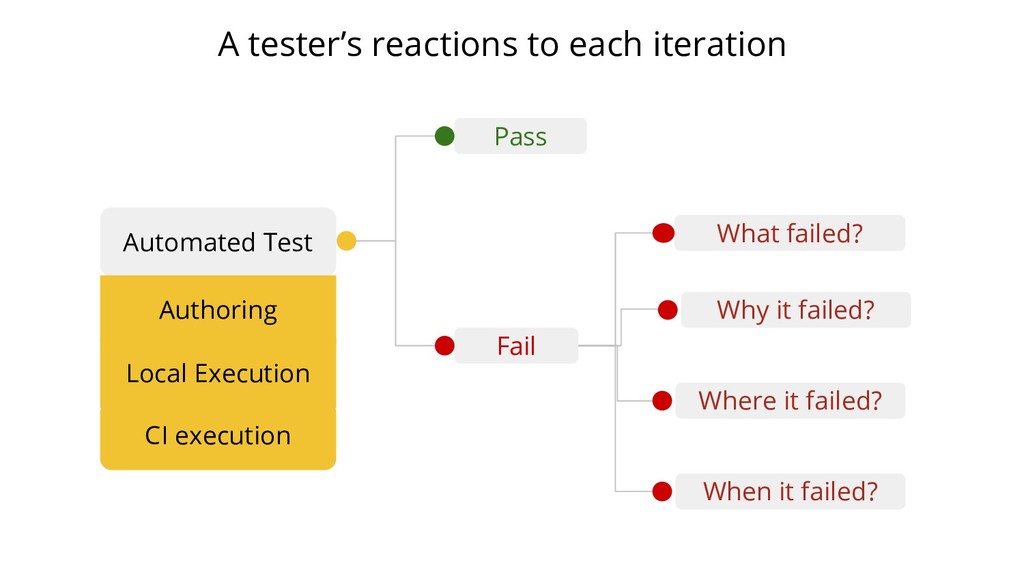
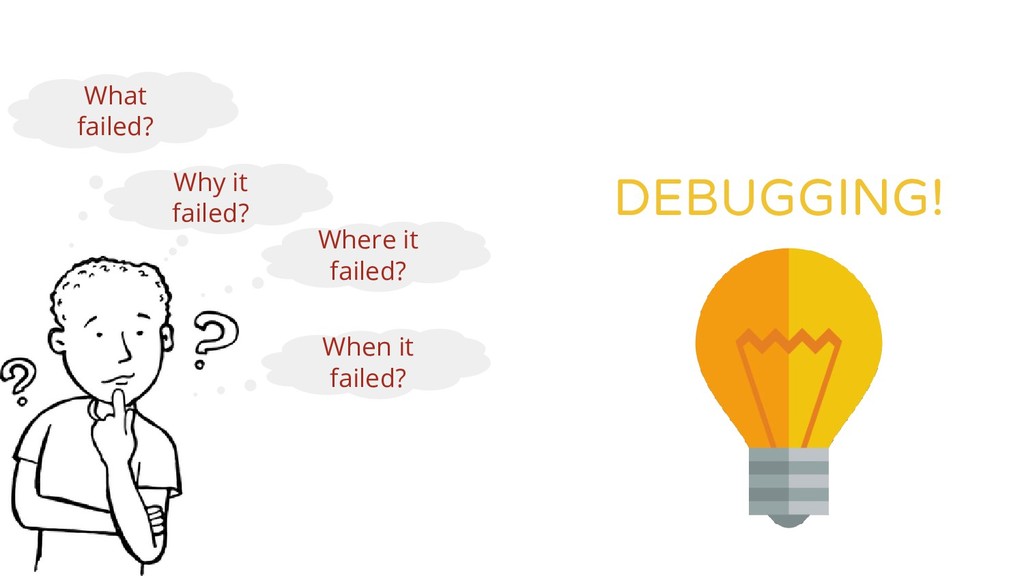
  5. Pass Automated Test Fail What failed? Why it failed? Where

    it failed? When it failed? A tester’s reactions to each iteration Authoring Local Execution CI execution
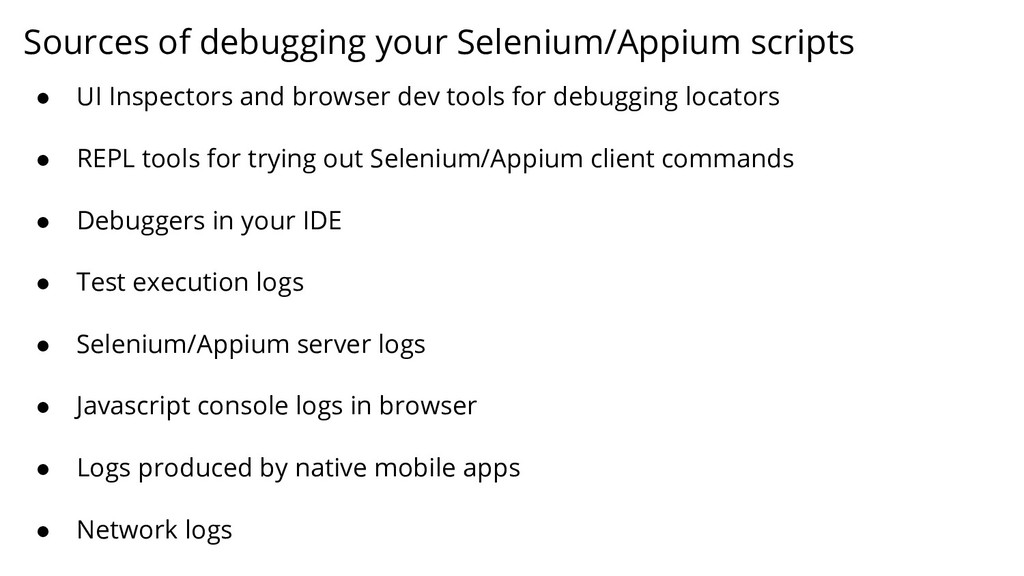
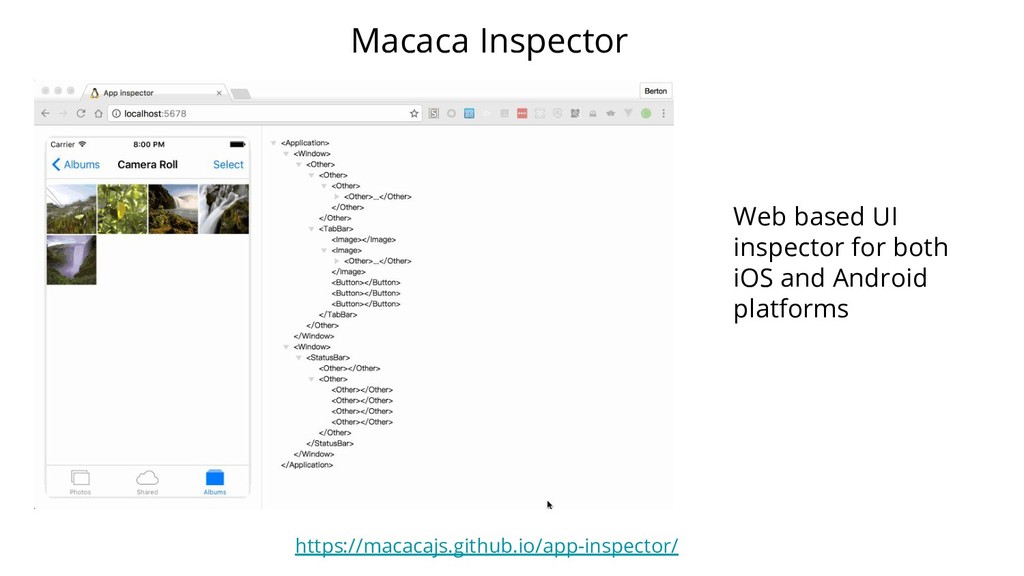
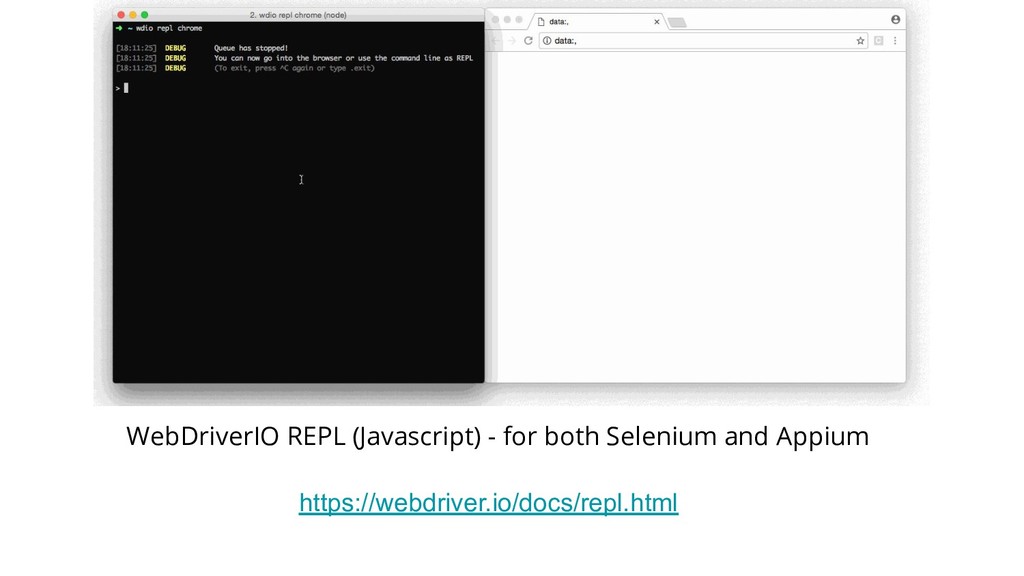
  6. Sources of debugging your Selenium/Appium scripts • UI Inspectors and

    browser dev tools for debugging locators • REPL tools for trying out Selenium/Appium client commands • Debuggers in your IDE • Test execution logs • Selenium/Appium server logs • Javascript console logs in browser • Logs produced by native mobile apps • Network logs
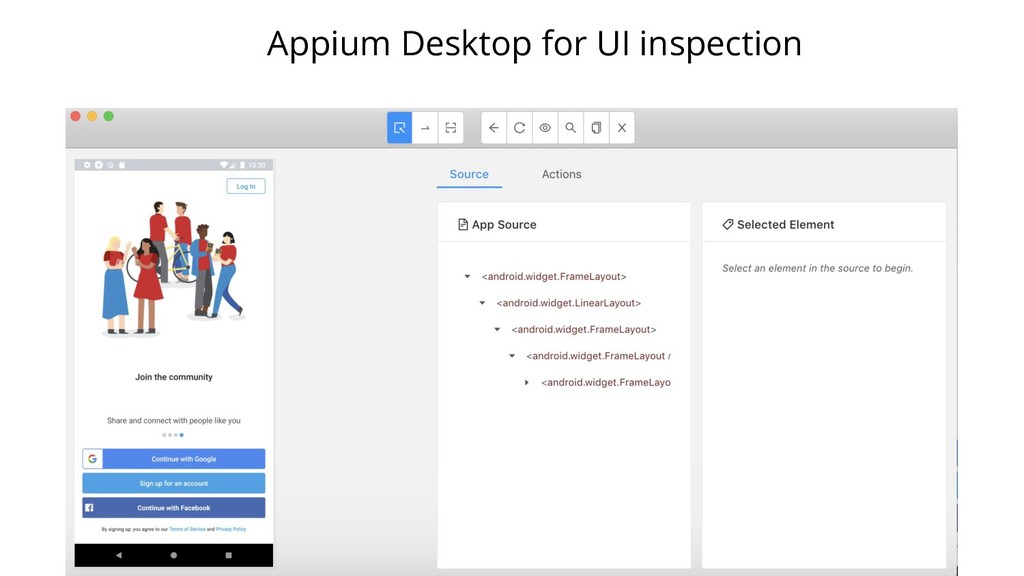
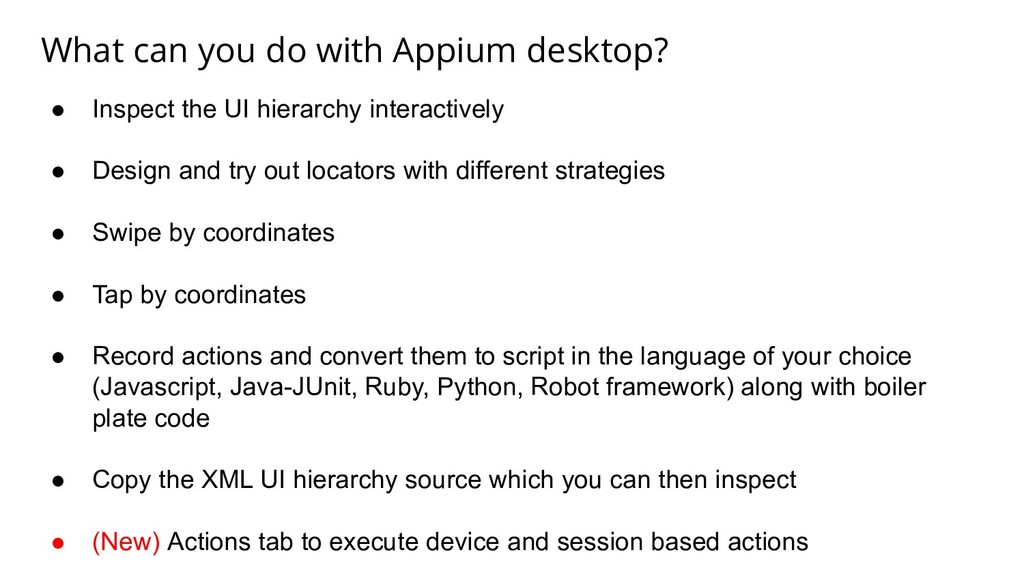
  7. What can you do with Appium desktop? • Inspect the

    UI hierarchy interactively • Design and try out locators with different strategies • Swipe by coordinates • Tap by coordinates • Record actions and convert them to script in the language of your choice (Javascript, Java-JUnit, Ruby, Python, Robot framework) along with boiler plate code • Copy the XML UI hierarchy source which you can then inspect • (New) Actions tab to execute device and session based actions
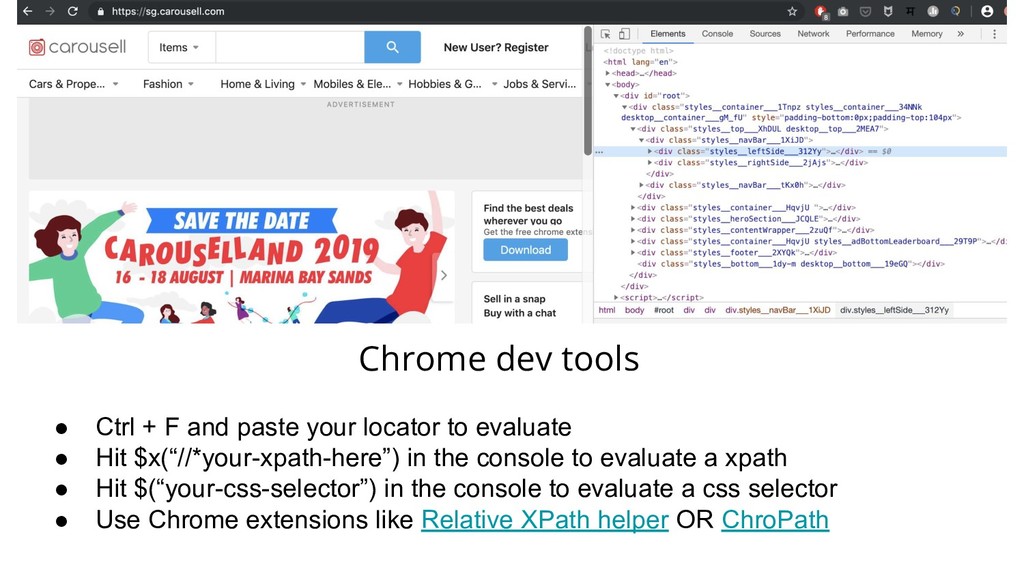
  8. Chrome dev tools • Ctrl + F and paste your

    locator to evaluate • Hit $x(“//*your-xpath-here”) in the console to evaluate a xpath • Hit $(“your-css-selector”) in the console to evaluate a css selector • Use Chrome extensions like Relative XPath helper OR ChroPath
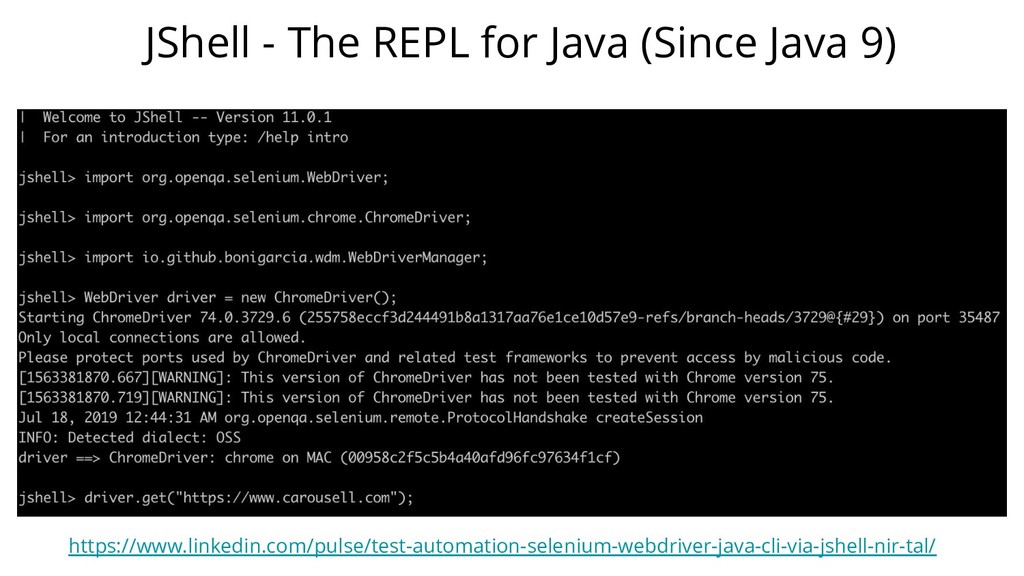
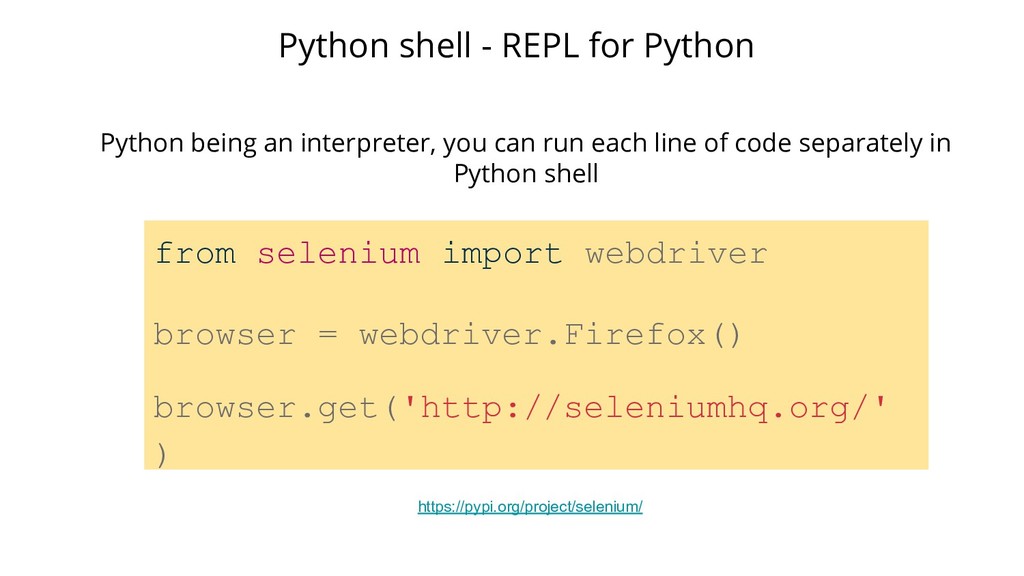
  9. from selenium import webdriver browser = webdriver.Firefox() browser.get('http://seleniumhq.org/' ) Python

    shell - REPL for Python Python being an interpreter, you can run each line of code separately in Python shell https://pypi.org/project/selenium/
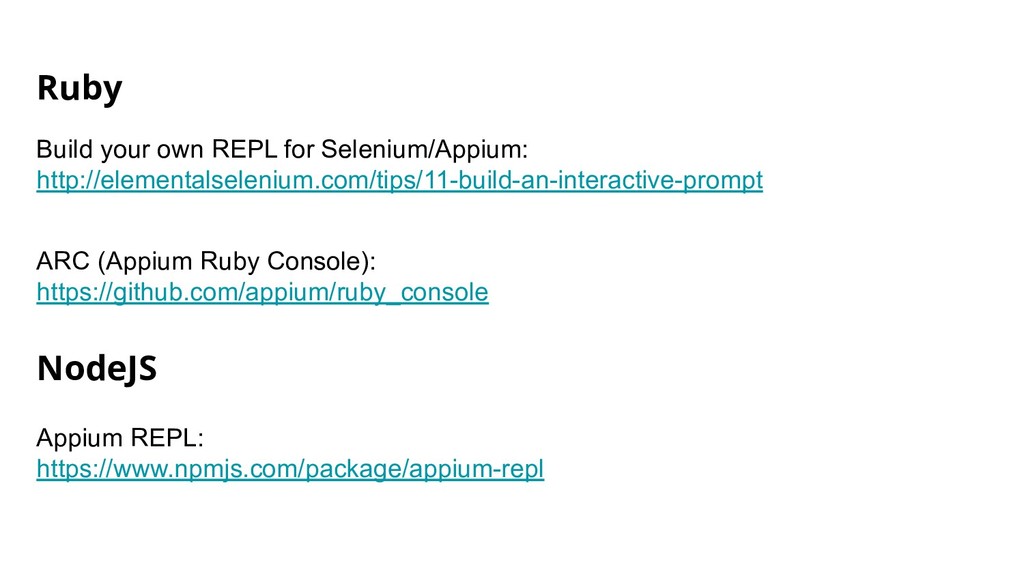
  10. Ruby Build your own REPL for Selenium/Appium: http://elementalselenium.com/tips/11-build-an-interactive-prompt ARC (Appium

    Ruby Console): https://github.com/appium/ruby_console NodeJS Appium REPL: https://www.npmjs.com/package/appium-repl
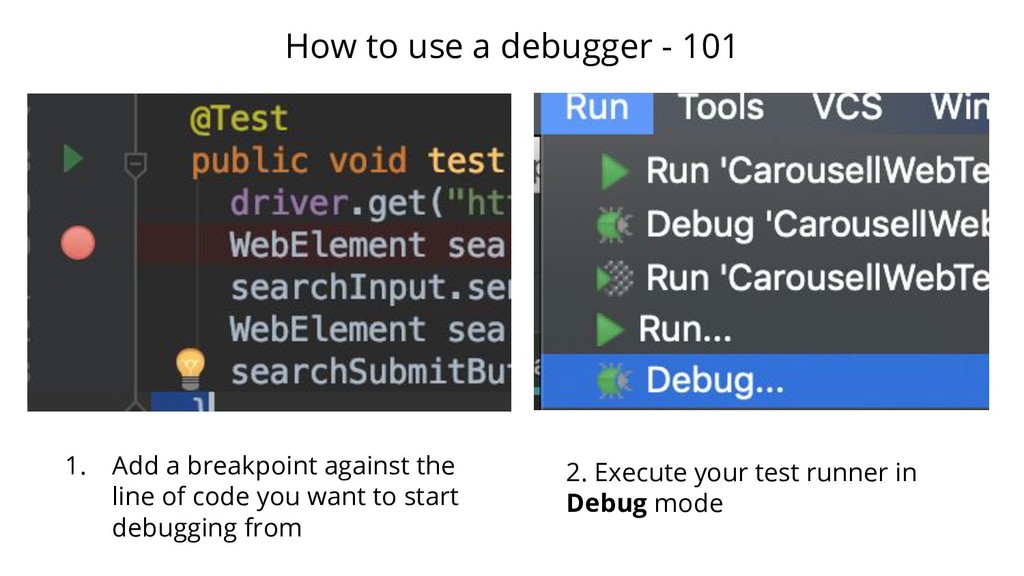
  11. How to use a debugger - 101 1. Add a

    breakpoint against the line of code you want to start debugging from 2. Execute your test runner in Debug mode
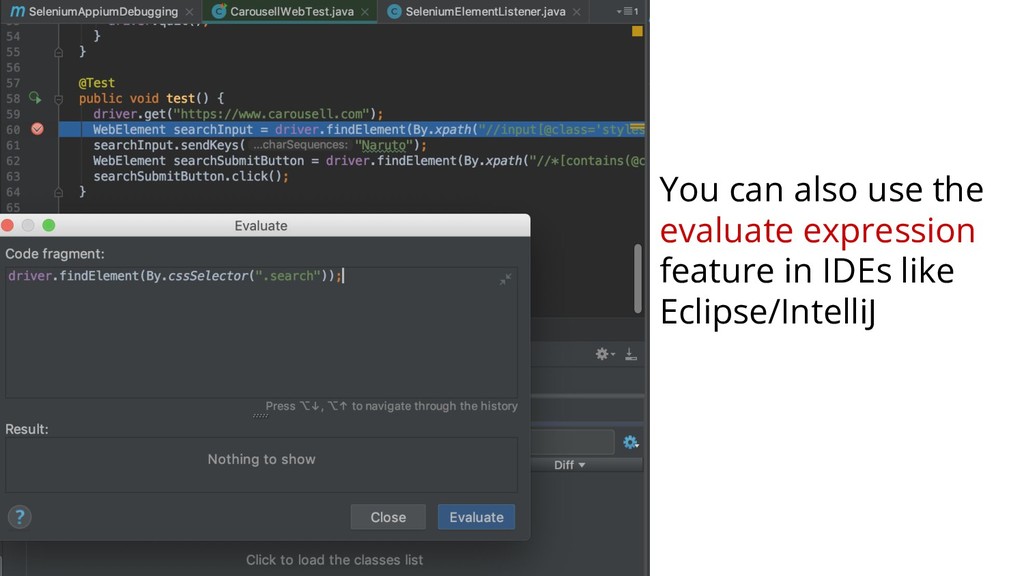
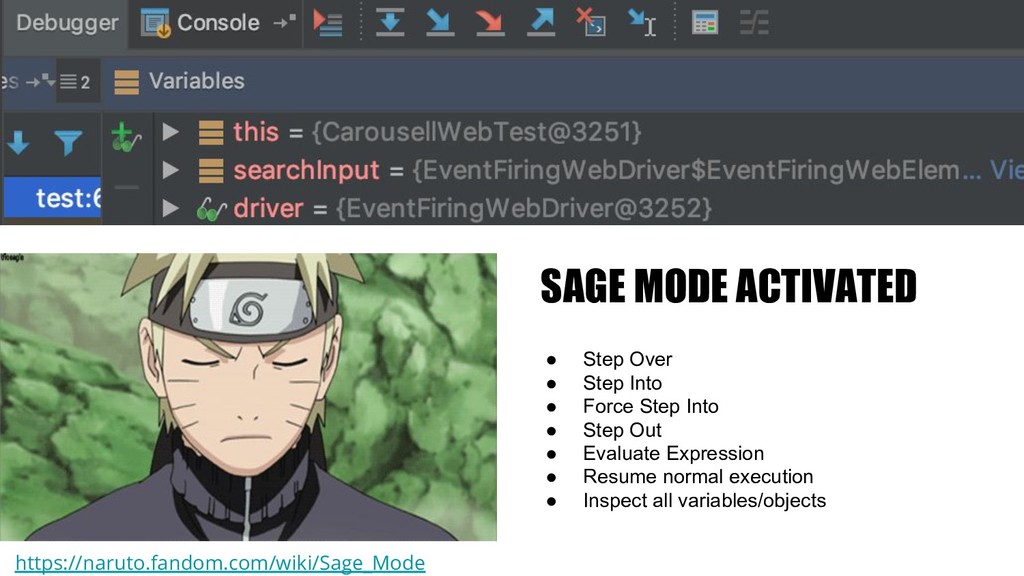
  12. SAGE MODE ACTIVATED • Step Over • Step Into •

    Force Step Into • Step Out • Evaluate Expression • Resume normal execution • Inspect all variables/objects https://naruto.fandom.com/wiki/Sage_Mode
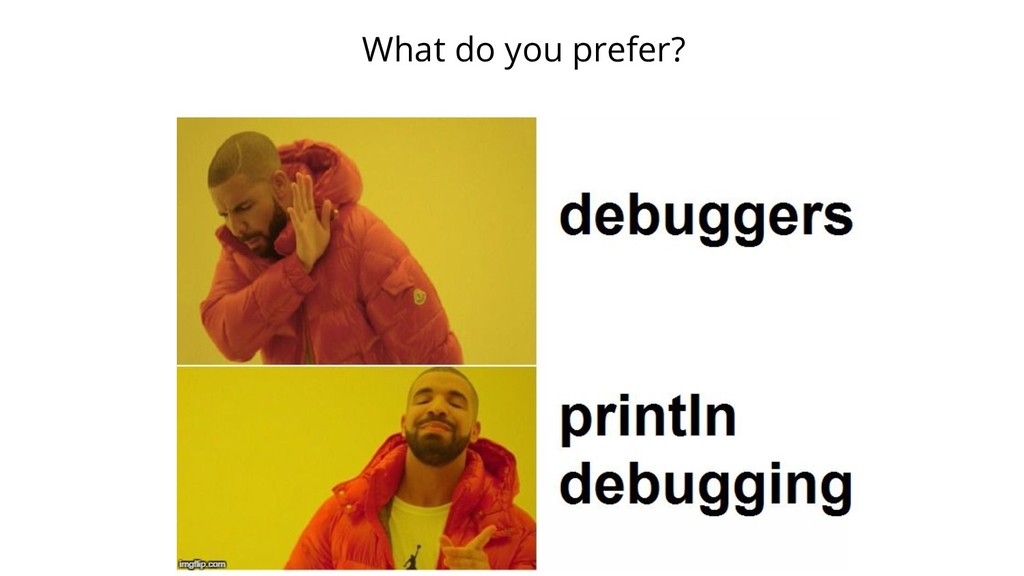
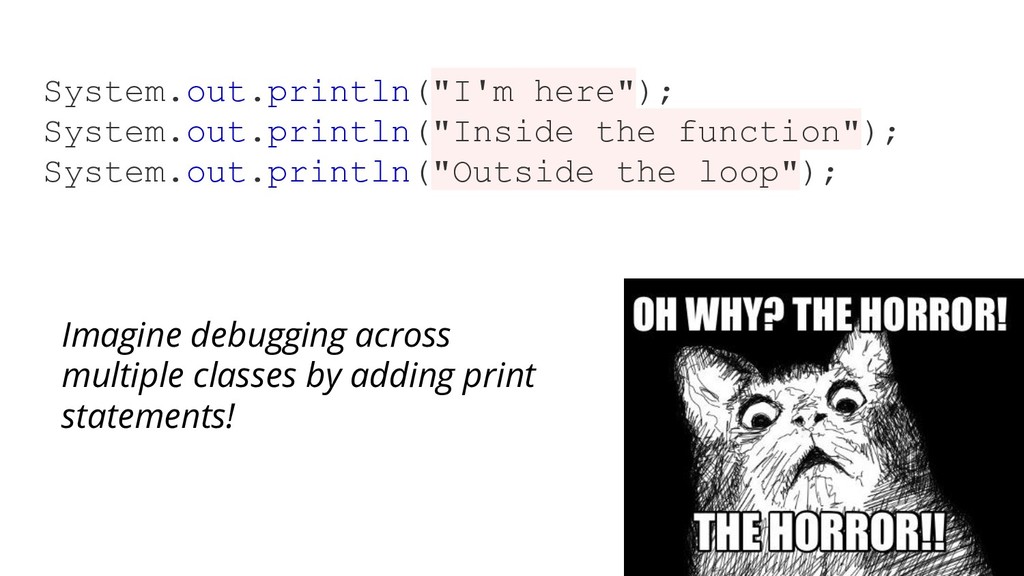
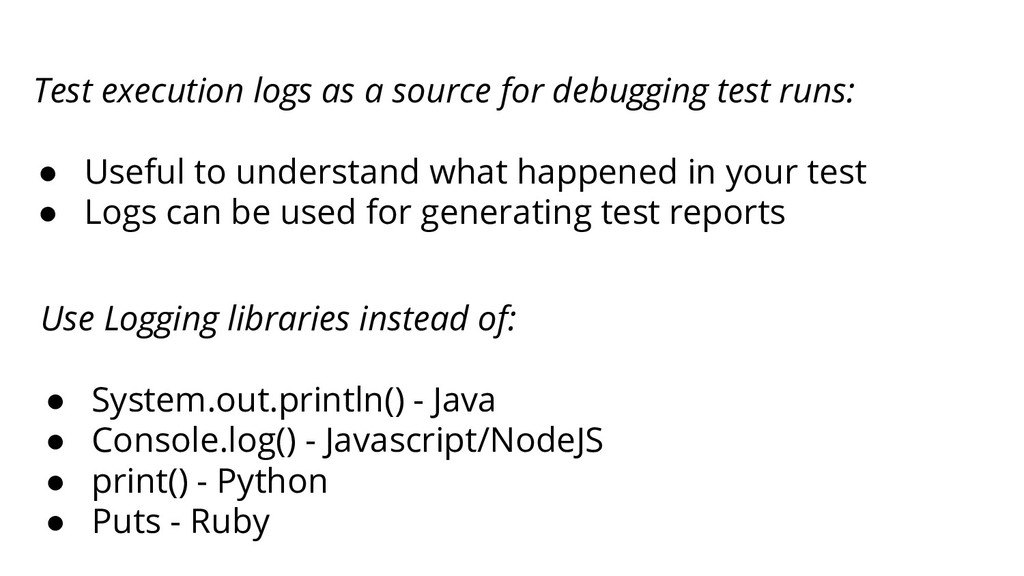
  13. Use Logging libraries instead of: • System.out.println() - Java •

    Console.log() - Javascript/NodeJS • print() - Python • Puts - Ruby Test execution logs as a source for debugging test runs: • Useful to understand what happened in your test • Logs can be used for generating test reports
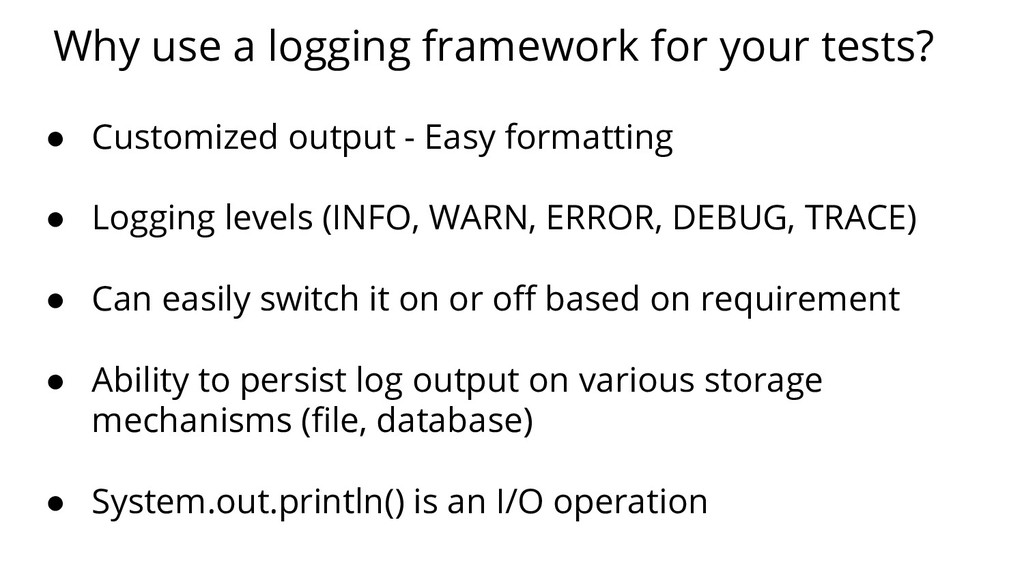
  14. Why use a logging framework for your tests? • Customized

    output - Easy formatting • Logging levels (INFO, WARN, ERROR, DEBUG, TRACE) • Can easily switch it on or off based on requirement • Ability to persist log output on various storage mechanisms (file, database) • System.out.println() is an I/O operation
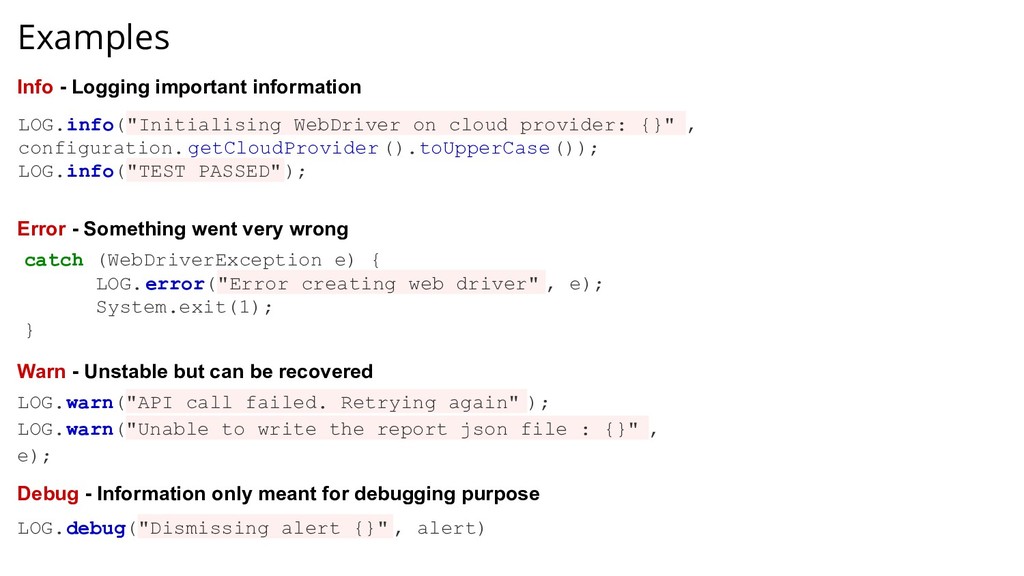
  15. Examples LOG.info("Initialising WebDriver on cloud provider: {}" , configuration. getCloudProvider

    ().toUpperCase()); LOG.info("TEST PASSED"); catch (WebDriverException e) { LOG.error("Error creating web driver" , e); System.exit(1); } LOG.warn("API call failed. Retrying again" ); LOG.warn("Unable to write the report json file : {}" , e); Info - Logging important information Error - Something went very wrong Warn - Unstable but can be recovered LOG.debug("Dismissing alert {}" , alert) Debug - Information only meant for debugging purpose
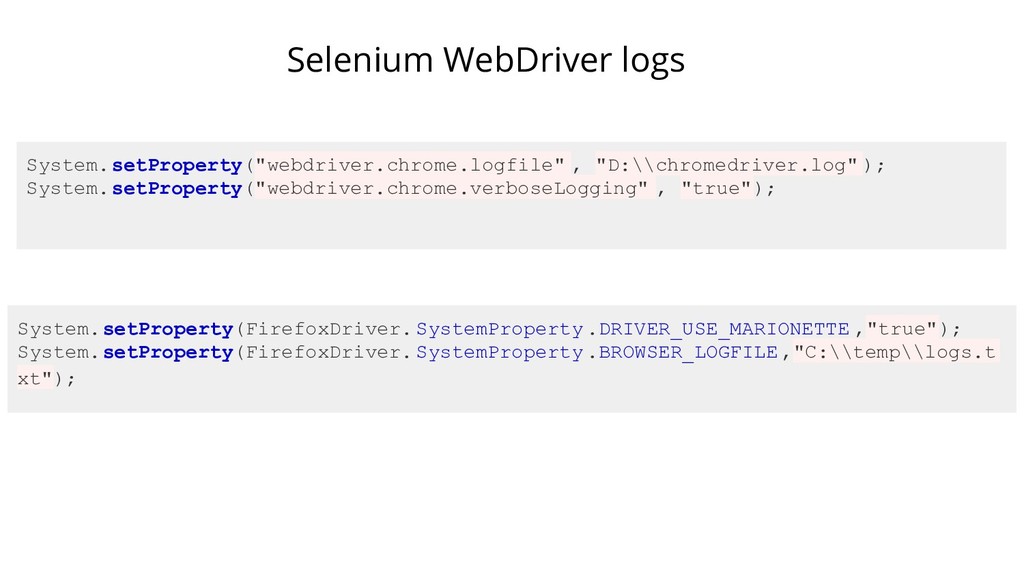
  16. Selenium WebDriver logs System.setProperty("webdriver.chrome.logfile" , "D:\\chromedriver.log" ); System.setProperty("webdriver.chrome.verboseLogging" , "true");

    System.setProperty(FirefoxDriver. SystemProperty .DRIVER_USE_MARIONETTE ,"true"); System.setProperty(FirefoxDriver. SystemProperty .BROWSER_LOGFILE ,"C:\\temp\\logs.t xt");
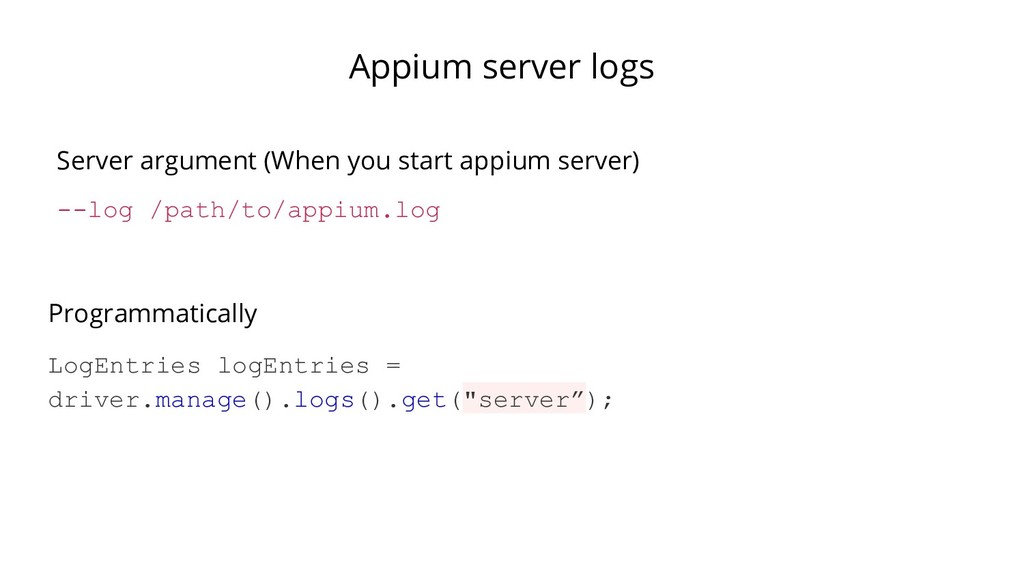
  17. Appium server logs --log /path/to/appium.log Server argument (When you start

    appium server) LogEntries logEntries = driver.manage().logs().get("server”); Programmatically
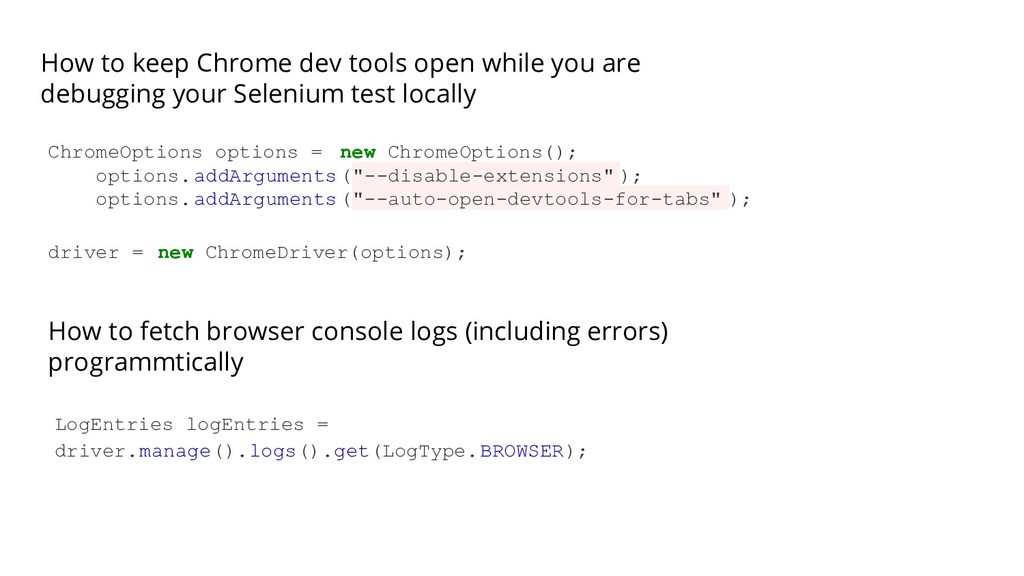
  18. How to keep Chrome dev tools open while you are

    debugging your Selenium test locally ChromeOptions options = new ChromeOptions(); options.addArguments("--disable-extensions" ); options.addArguments("--auto-open-devtools-for-tabs" ); driver = new ChromeDriver(options); How to fetch browser console logs (including errors) programmtically LogEntries logEntries = driver.manage().logs().get(LogType.BROWSER);
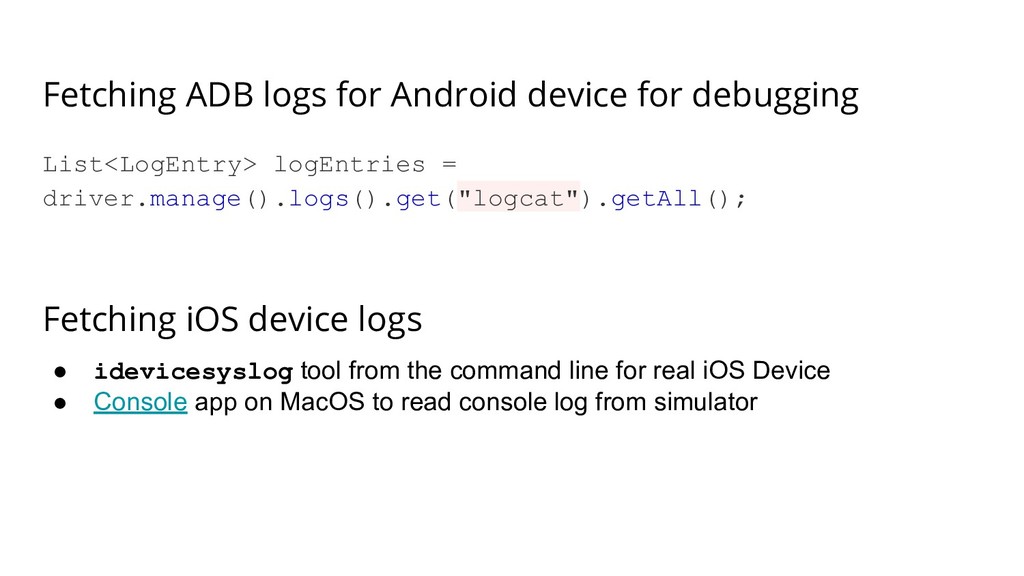
  19. Fetching ADB logs for Android device for debugging List<LogEntry> logEntries

    = driver.manage().logs().get("logcat").getAll(); Fetching iOS device logs • idevicesyslog tool from the command line for real iOS Device • Console app on MacOS to read console log from simulator
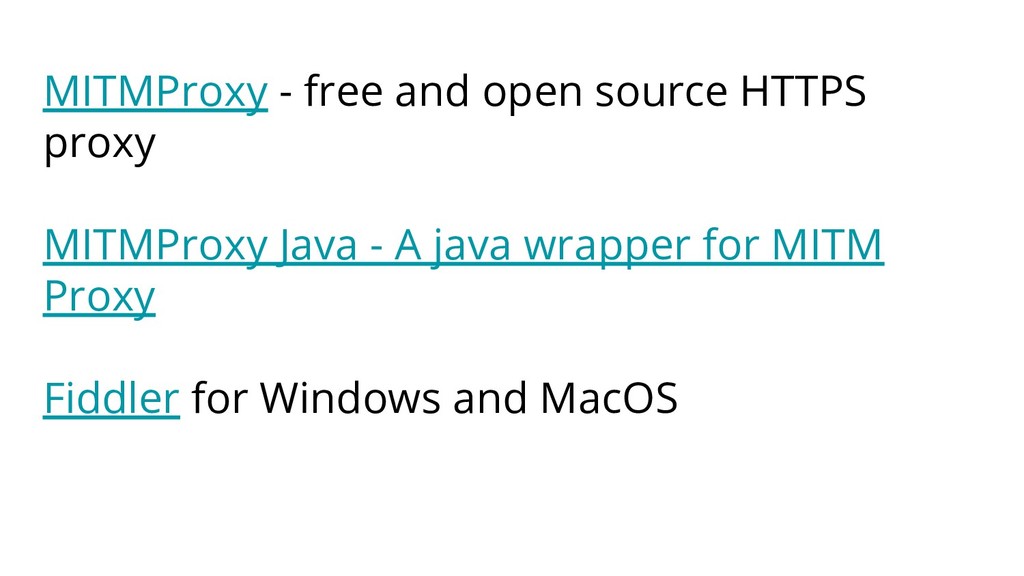
  20. MITMProxy - free and open source HTTPS proxy MITMProxy Java

    - A java wrapper for MITM Proxy Fiddler for Windows and MacOS