Upgrade to Pro — share decks privately, control downloads, hide ads and more …

BDD 2025 - Harnessing Flutter's Power: Adding F...

BDD 2025 - Harnessing Flutter's Power: Adding Flutter Web Sections to Your Existing Web App.pdf

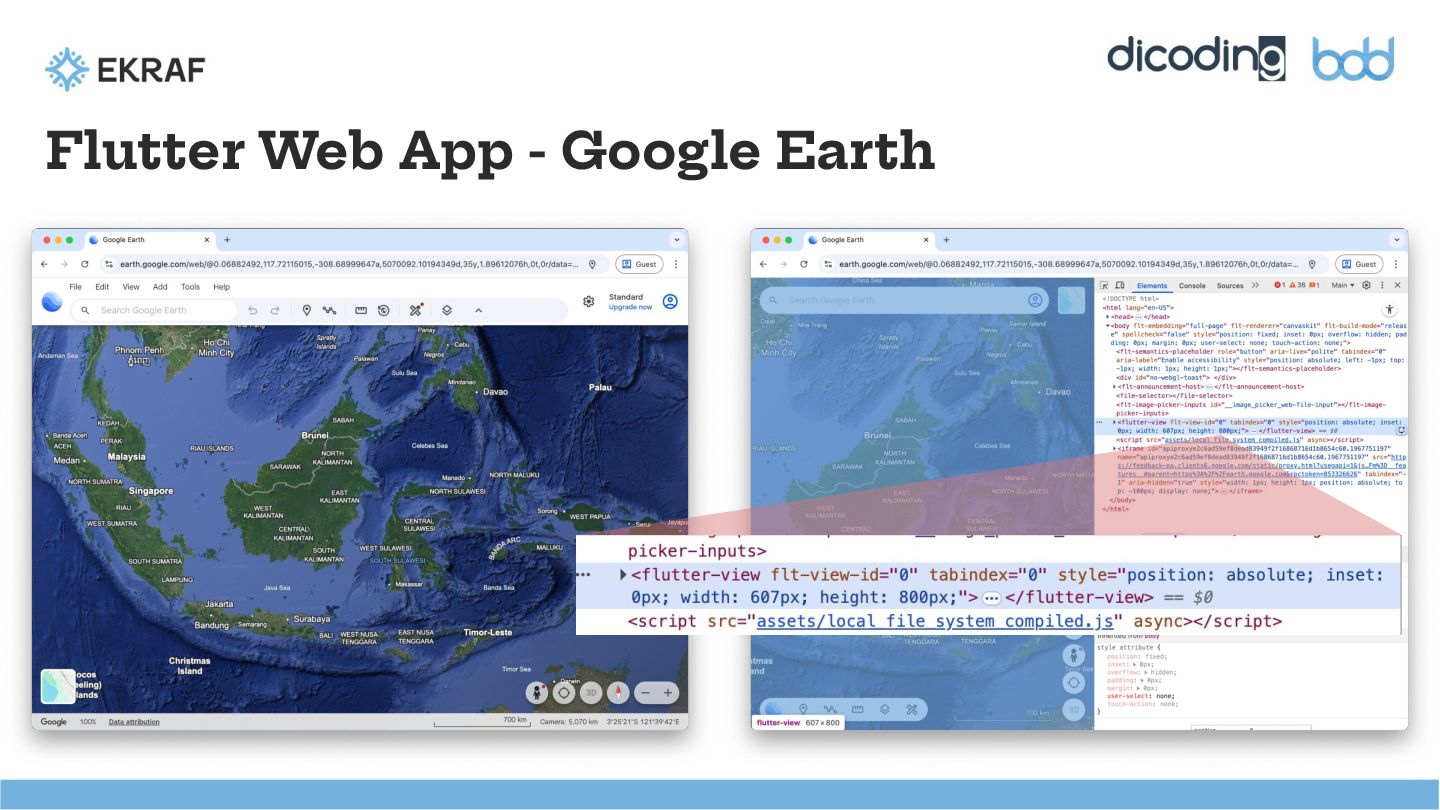
Flutter is known for its "six platforms from one codebase" capability, with Web being a key target. We'll start by exploring the general Flutter Web experience. The focus then shifts to solving a critical integration challenge: embedding.

Learn the "how-to" of integrating isolated Flutter UI sections directly into your existing native web applications (HTML, CSS, and JavaScript). We will dive into multi-view setup, enabling two-way communication between the host JS and the embedded Flutter app, allowing you to seamlessly combine the efficiency of Flutter with your current web technology stack.

Avatar for Achmad Ilham

Achmad Ilham

December 07, 2025

Other Decks in Programming

Transcript

  1. Harnessing Flutter’s Power: Adding Flutter Web Sections to Your Existing

    Web App Achmad Ilham Imanuddin Associate Lead Curriculum Developer @ Dicoding Indonesia
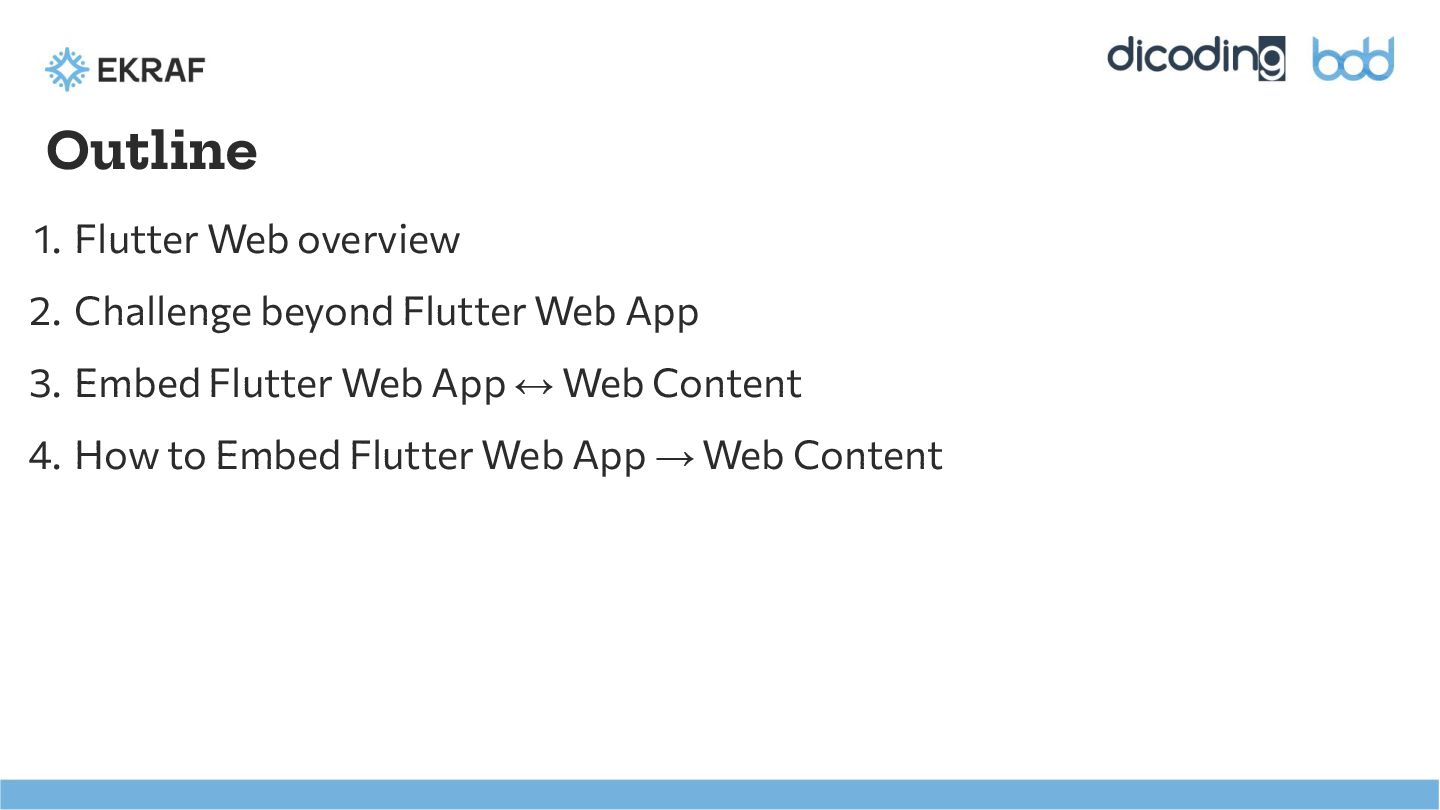
  2. Outline 1. Flutter Web overview 2. Challenge beyond Flutter Web

    App 3. Embed Flutter Web App ↔ Web Content 4. How to Embed Flutter Web App → Web Content
  3. Why Flutter • 1⃣ One Codebase to Rule Them All

    Write once and run apps across multiple platform. • 🚀 Near-Native Performance Smooth animation, quick load times, and feel like native experiences. • 🎨 Customizable & Beautiful UI Rendering by engine, Skia (Impeller later on), can create highly customized designs.
  4. Why Flutter Web • 🚅 Quicker time-to-market Updates are released

    across platform simultaneously. • 🔻 Reduced maintenance expenses Teams manage one project instead of three or four. • 📱 Seamless user experiences Consistency across browser and devices.
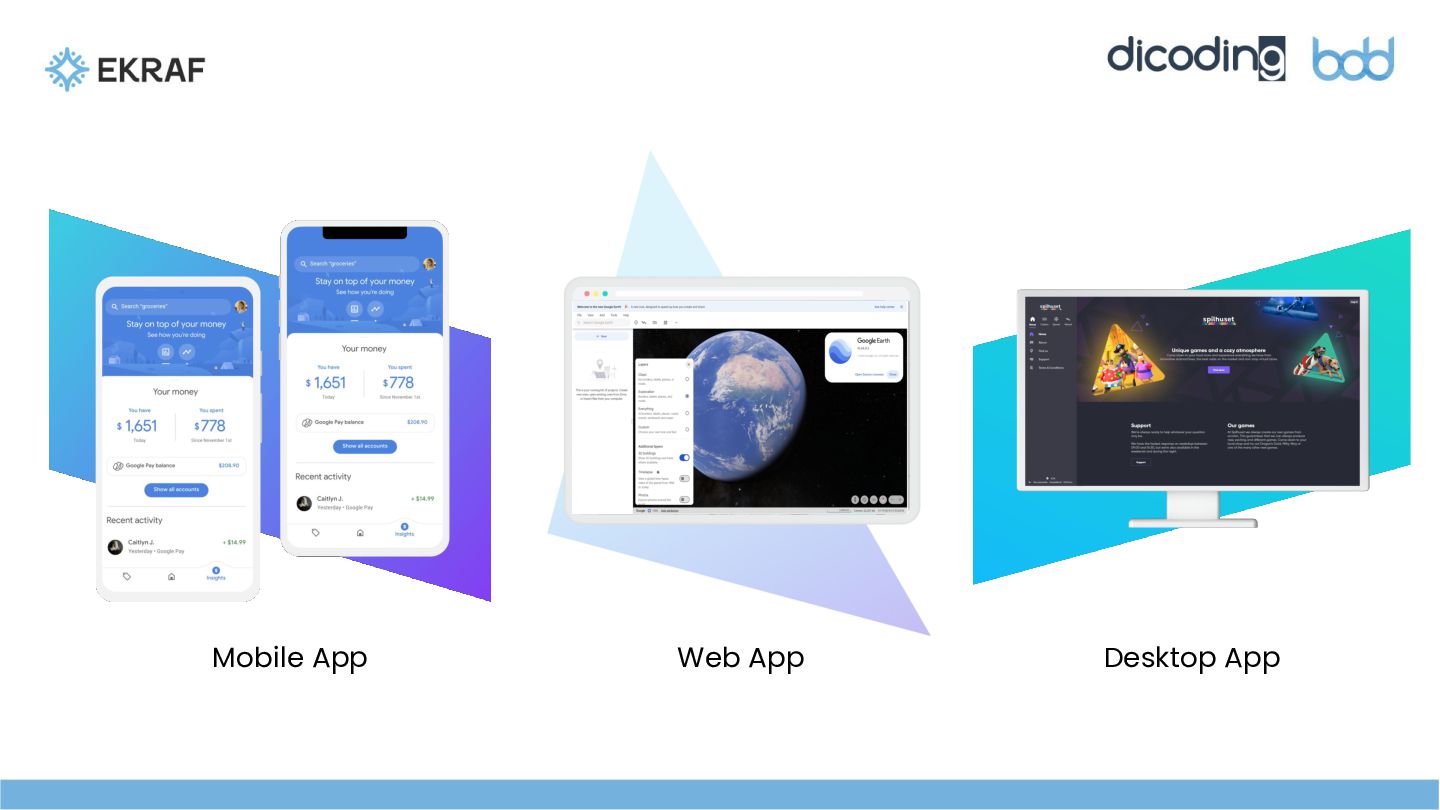
  5. Output Flutter Web → Web App • A program that

    can be accessed and used directly through a browser, such as Chrome or Firefox. • You don't need to install it specifically on your device, like a mobile or desktop app. • Web apps are designed to provide a consistent experience across different devices and operating systems. • Examples include Progressive Web Apps (PWA) or Single Page Apps (SPA).
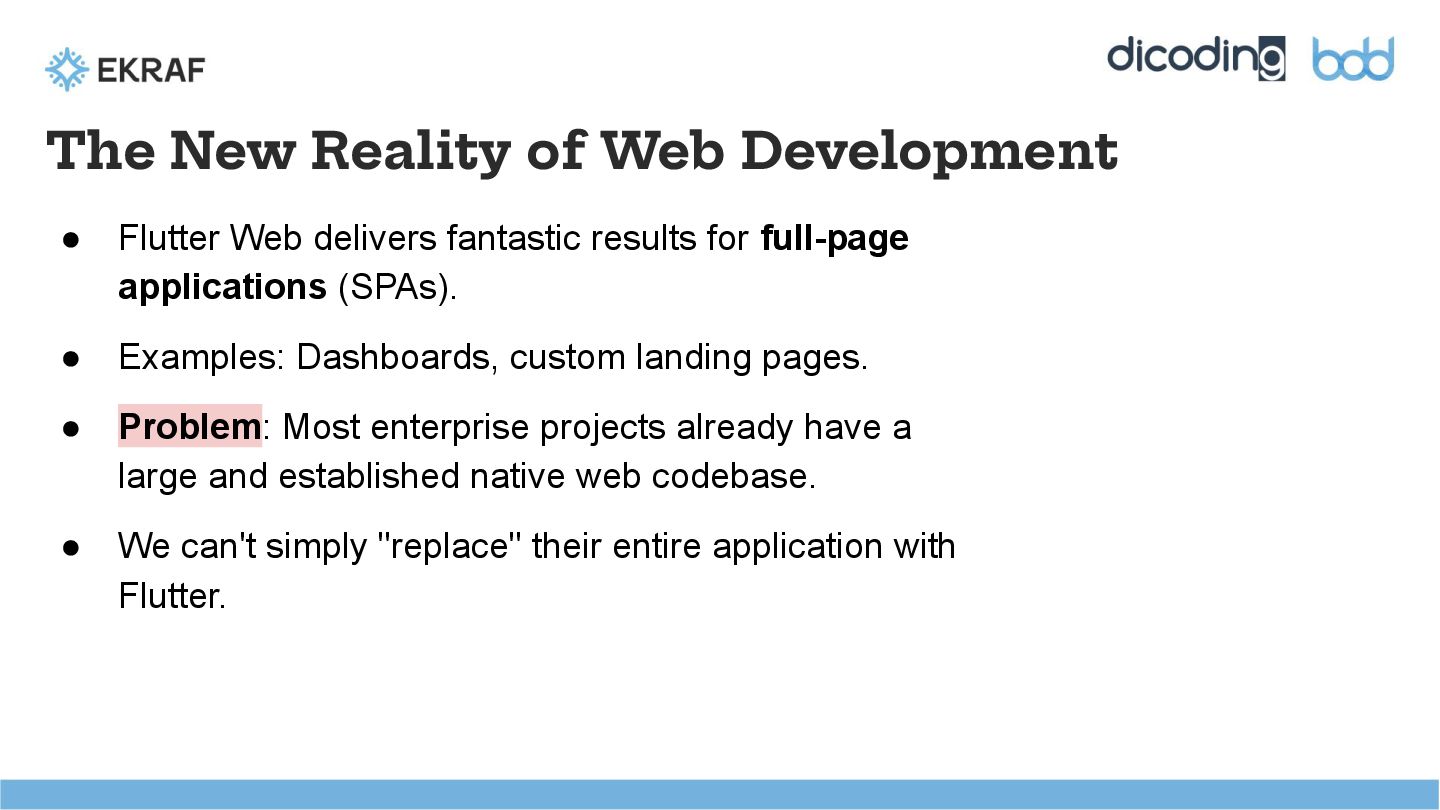
  6. The New Reality of Web Development • Flutter Web delivers

    fantastic results for full-page applications (SPAs). • Examples: Dashboards, custom landing pages. • Problem: Most enterprise projects already have a large and established native web codebase. • We can't simply "replace" their entire application with Flutter.
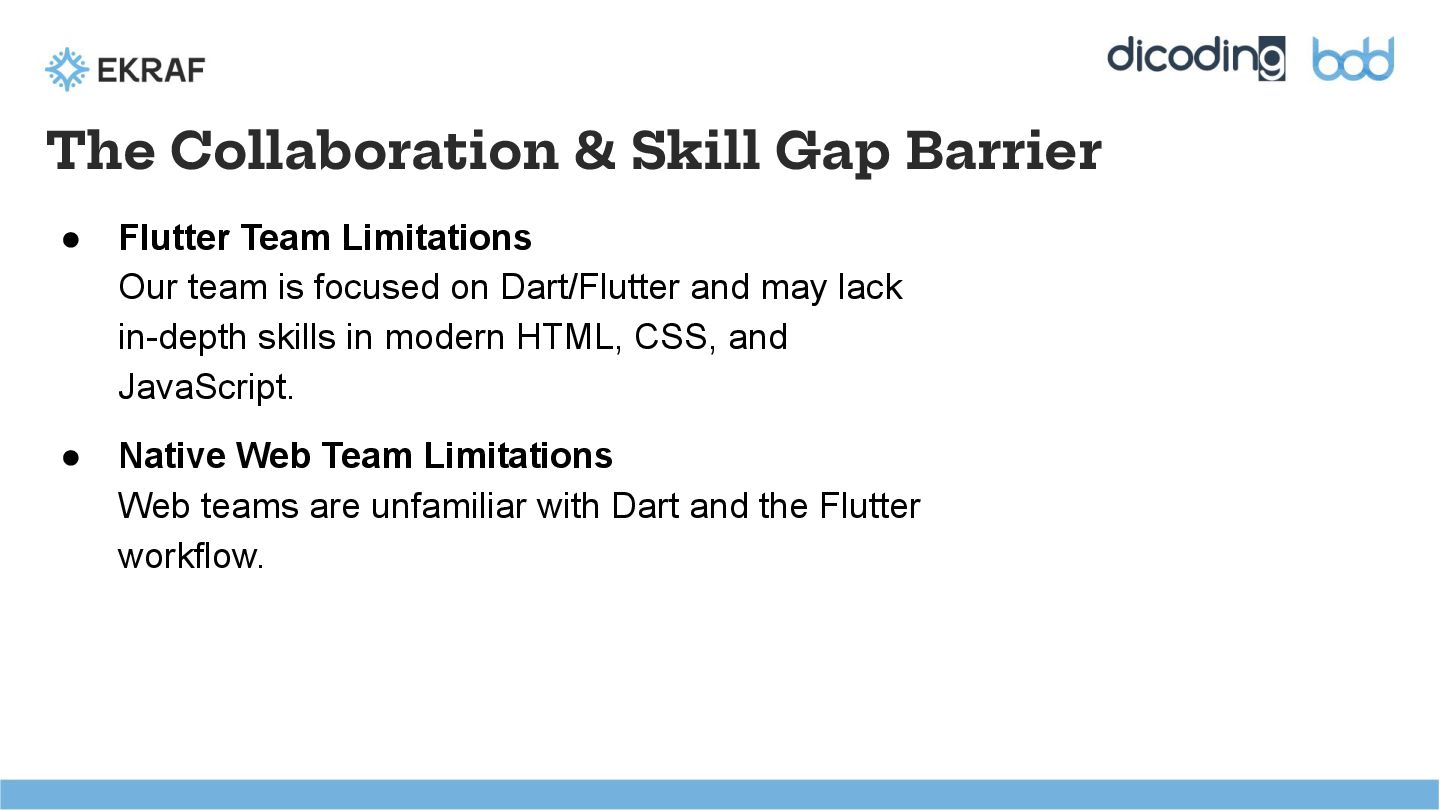
  7. The Collaboration & Skill Gap Barrier • Flutter Team Limitations

    Our team is focused on Dart/Flutter and may lack in-depth skills in modern HTML, CSS, and JavaScript. • Native Web Team Limitations Web teams are unfamiliar with Dart and the Flutter workflow.
  8. The Dilemma: Choosing Between Efficiency and Integration • The Native

    Web Team built new features directly in JS/HTML. • Built with Flutter Web, then using an <iframe> to house the app.
  9. The Solution: Flutter as an Embeddable Component • We're no

    longer building web apps; we're building Web Components. • Flutter acts as a "bridge" that allows the Flutter Team to focus on their High-Fidelity UI. • The Flutter team only needs to focus on Dart; integration into the host HTML becomes a simpler task. • Using a single codebase (Dart) for UIs that are difficult to create in Native Web.
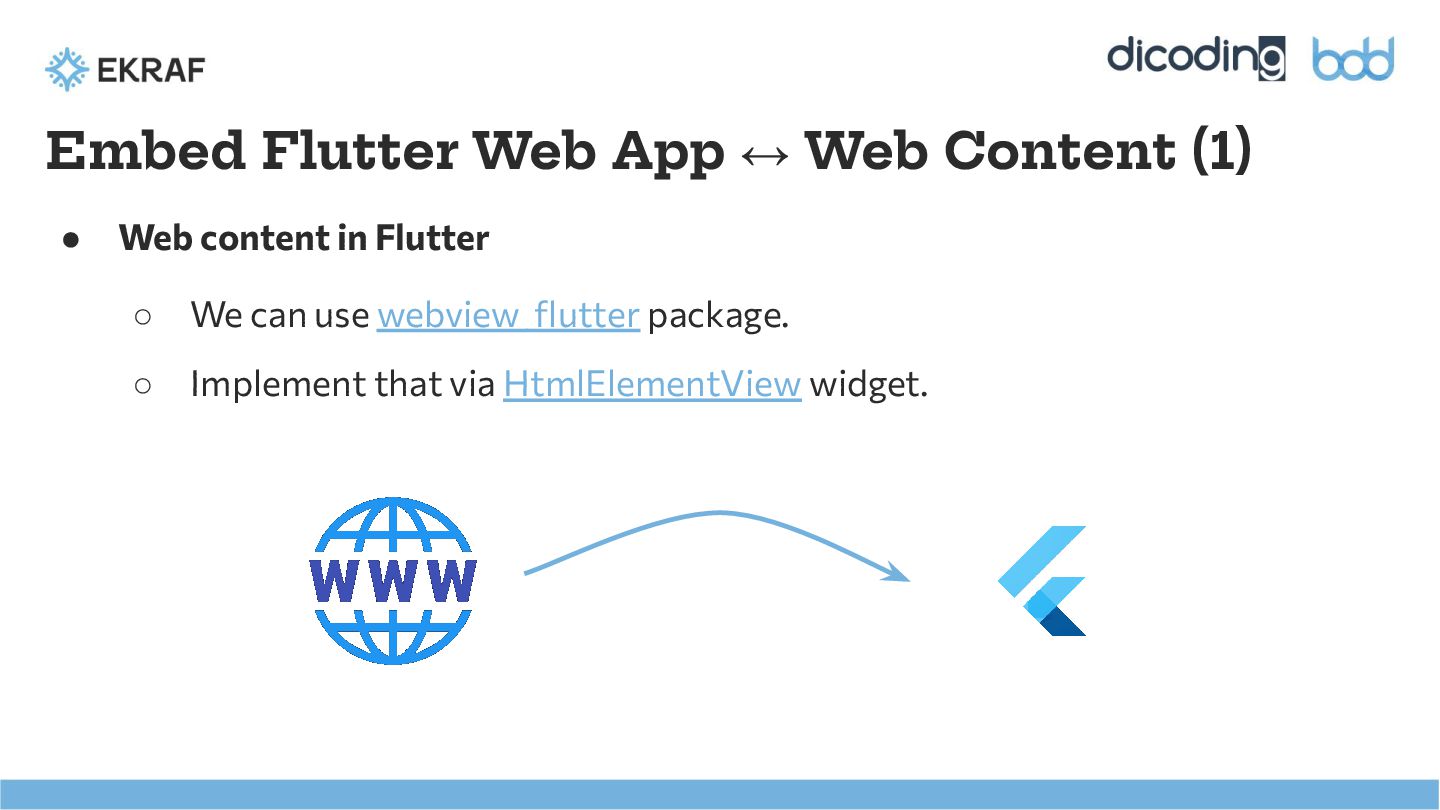
  10. Embed Flutter Web App ↔ Web Content (1) • Web

    content in Flutter ◦ We can use webview_flutter package. ◦ Implement that via HtmlElementView widget.
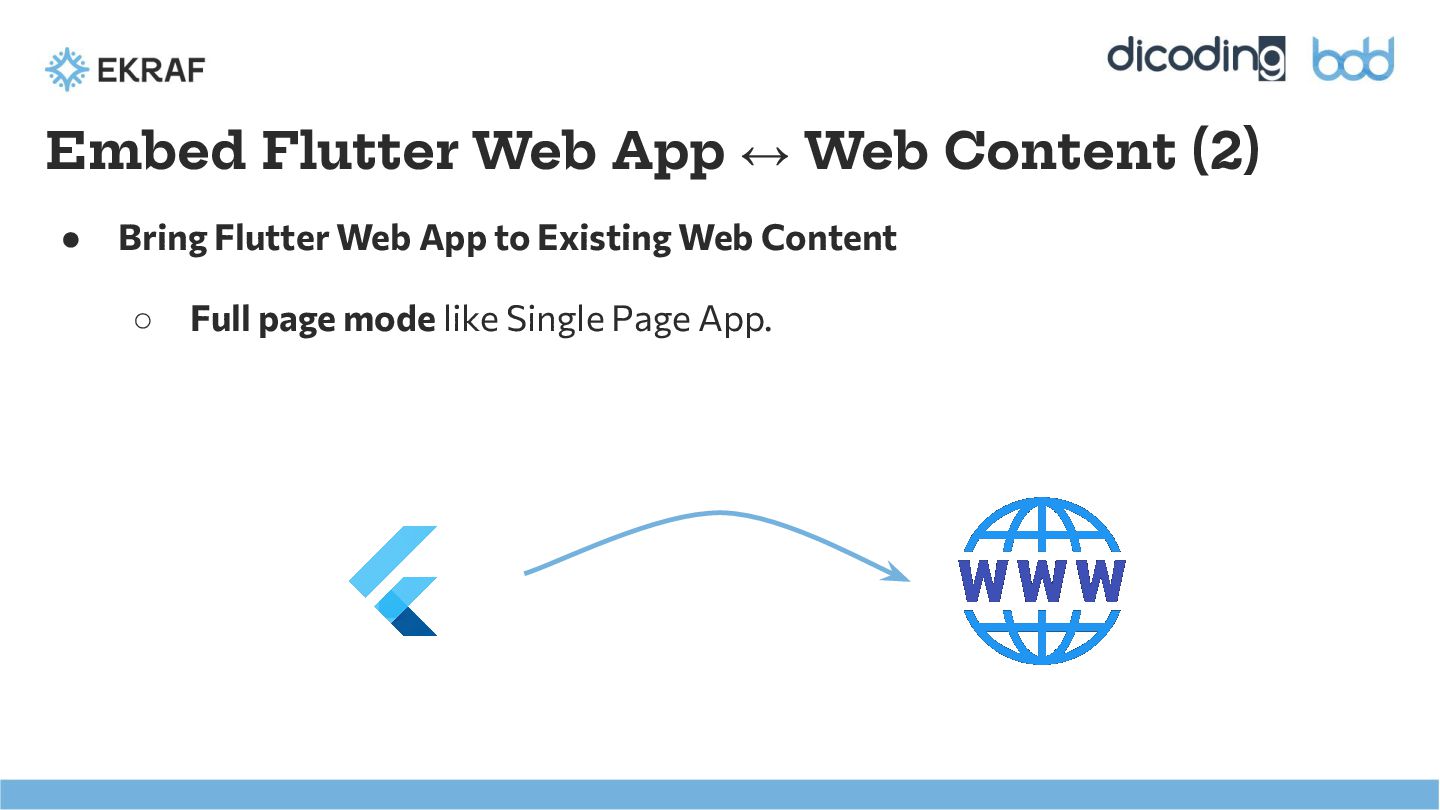
  11. ◦ Full page mode like Single Page App. Embed Flutter

    Web App ↔ Web Content (2) • Bring Flutter Web App to Existing Web Content
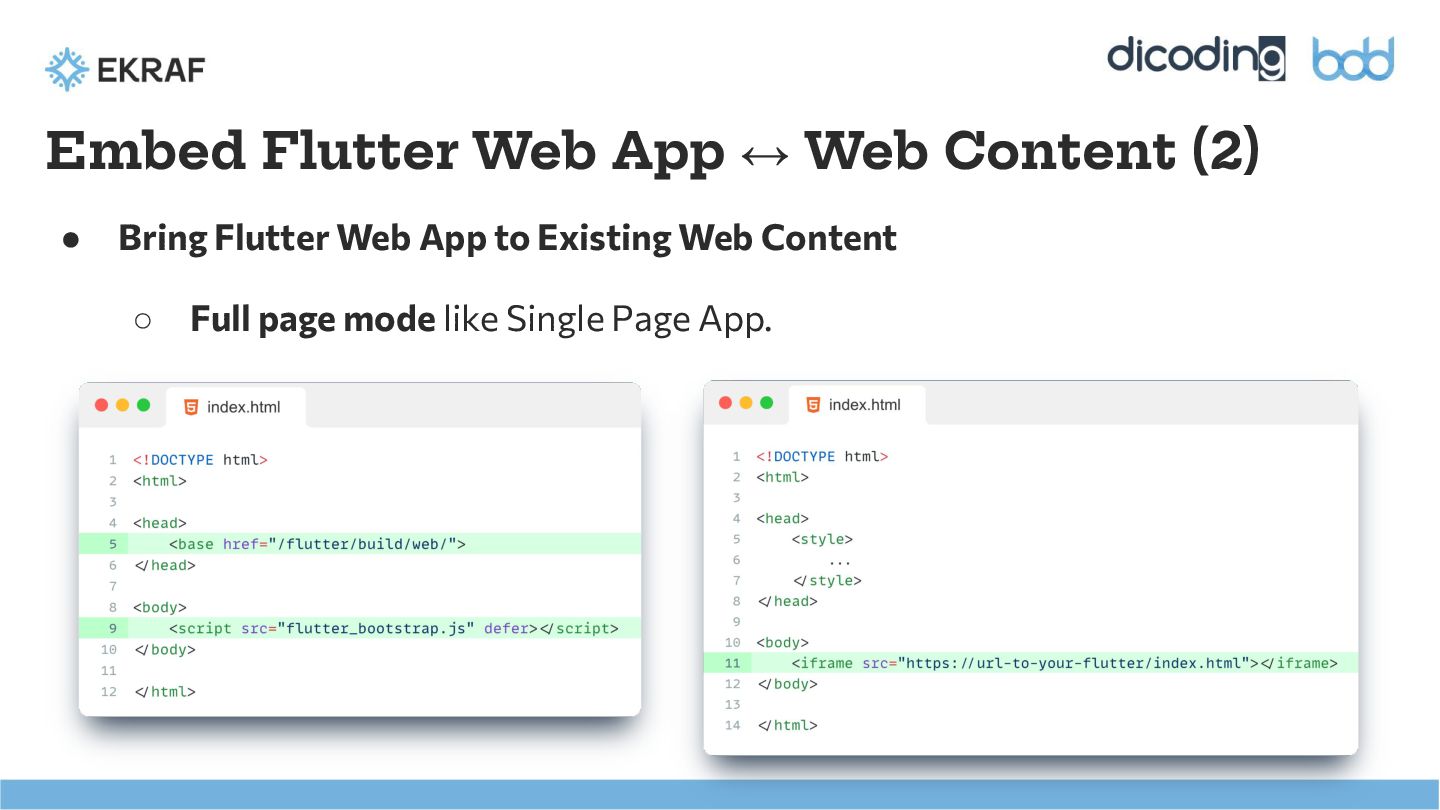
  12. ◦ Full page mode like Single Page App. Embed Flutter

    Web App ↔ Web Content (2) • Bring Flutter Web App to Existing Web Content
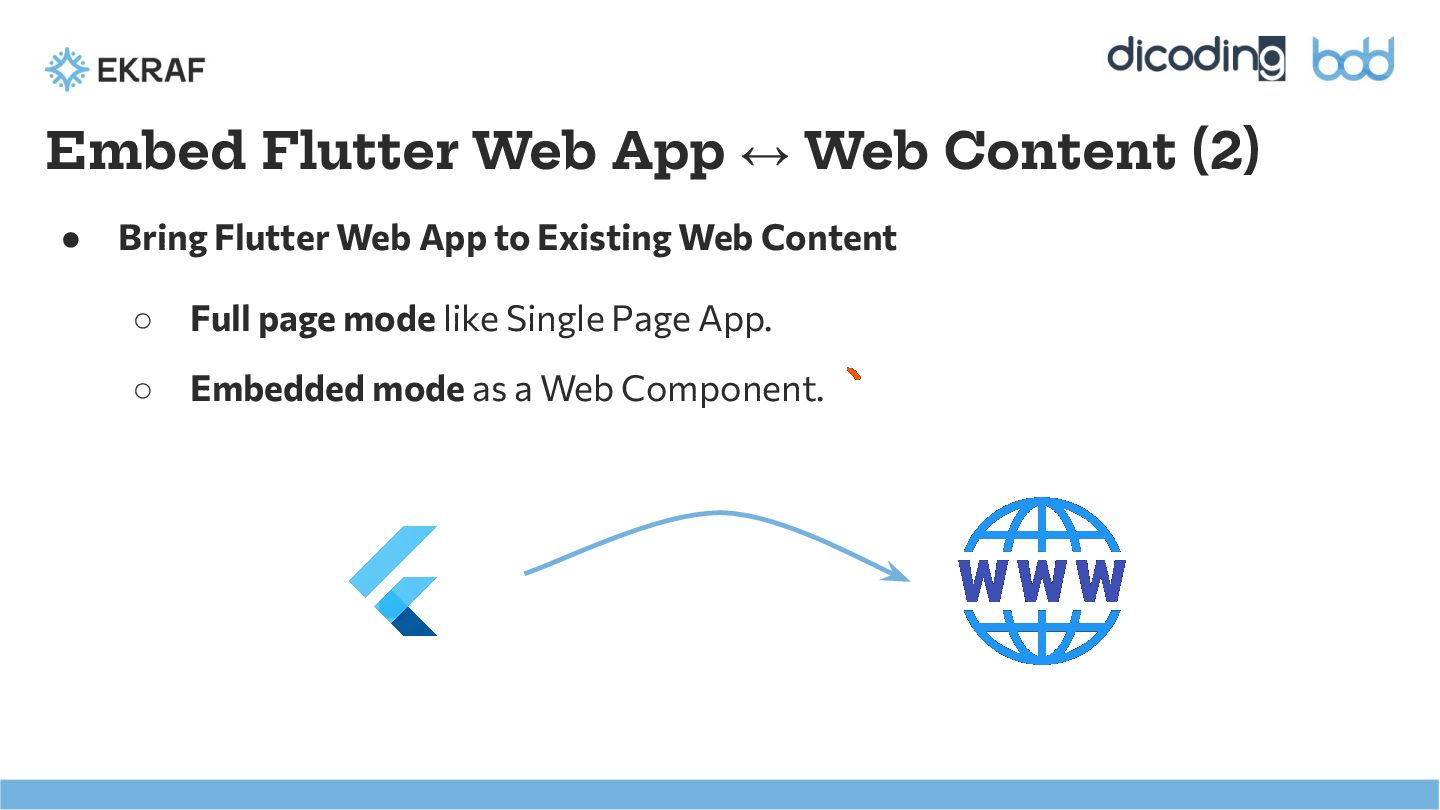
  13. ◦ Full page mode like Single Page App. ◦ Embedded

    mode as a Web Component. Embed Flutter Web App ↔ Web Content (2) • Bring Flutter Web App to Existing Web Content
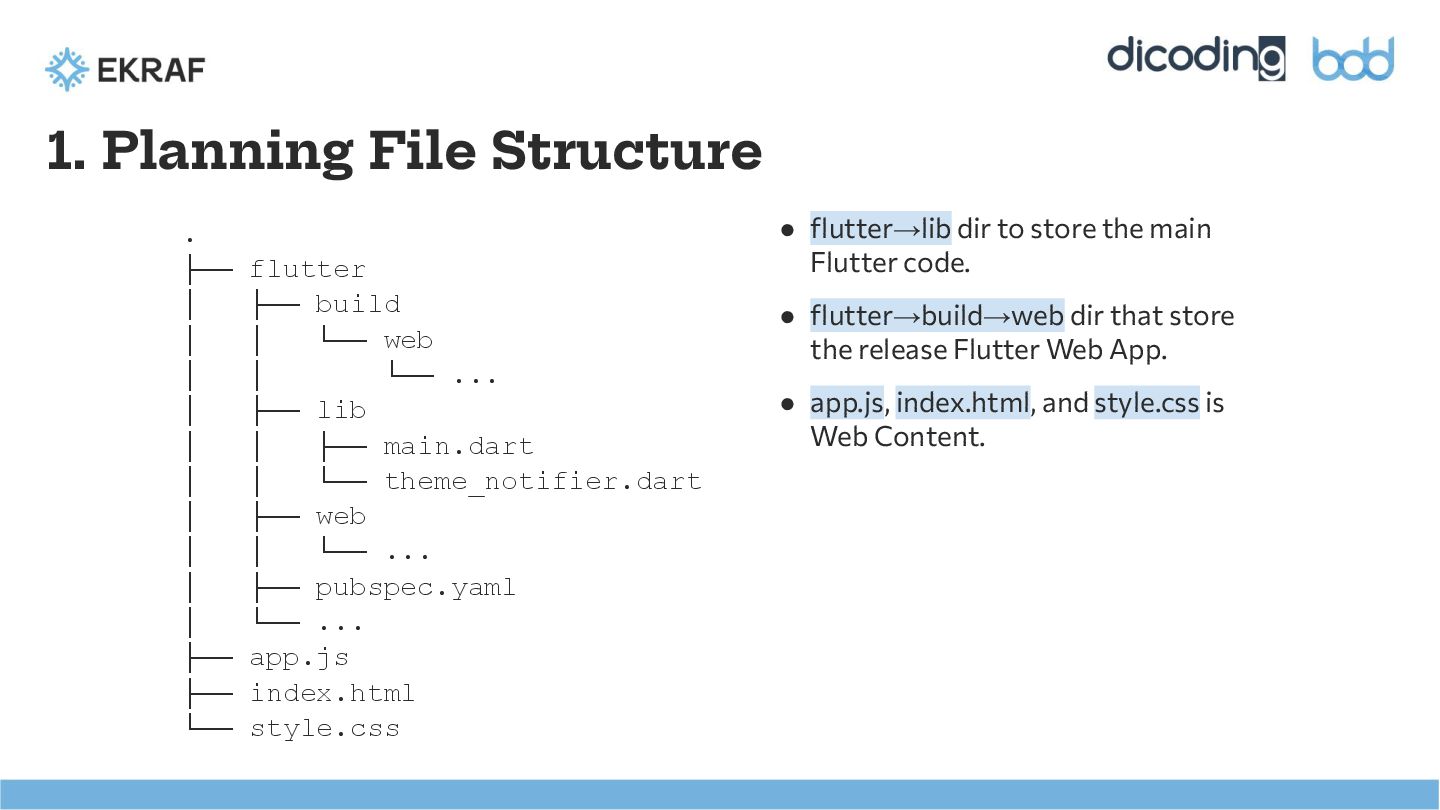
  14. 1. Planning File Structure . ├── flutter │ ├── build

    │ │ └── web │ │ └── ... │ ├── lib │ │ ├── main.dart │ │ └── theme_notifier.dart │ ├── web │ │ └── ... │ ├── pubspec.yaml │ └── ... ├── app.js ├── index.html └── style.css • flutter→lib dir to store the main Flutter code. • flutter→build→web dir that store the release Flutter Web App. • app.js, index.html, and style.css is Web Content.
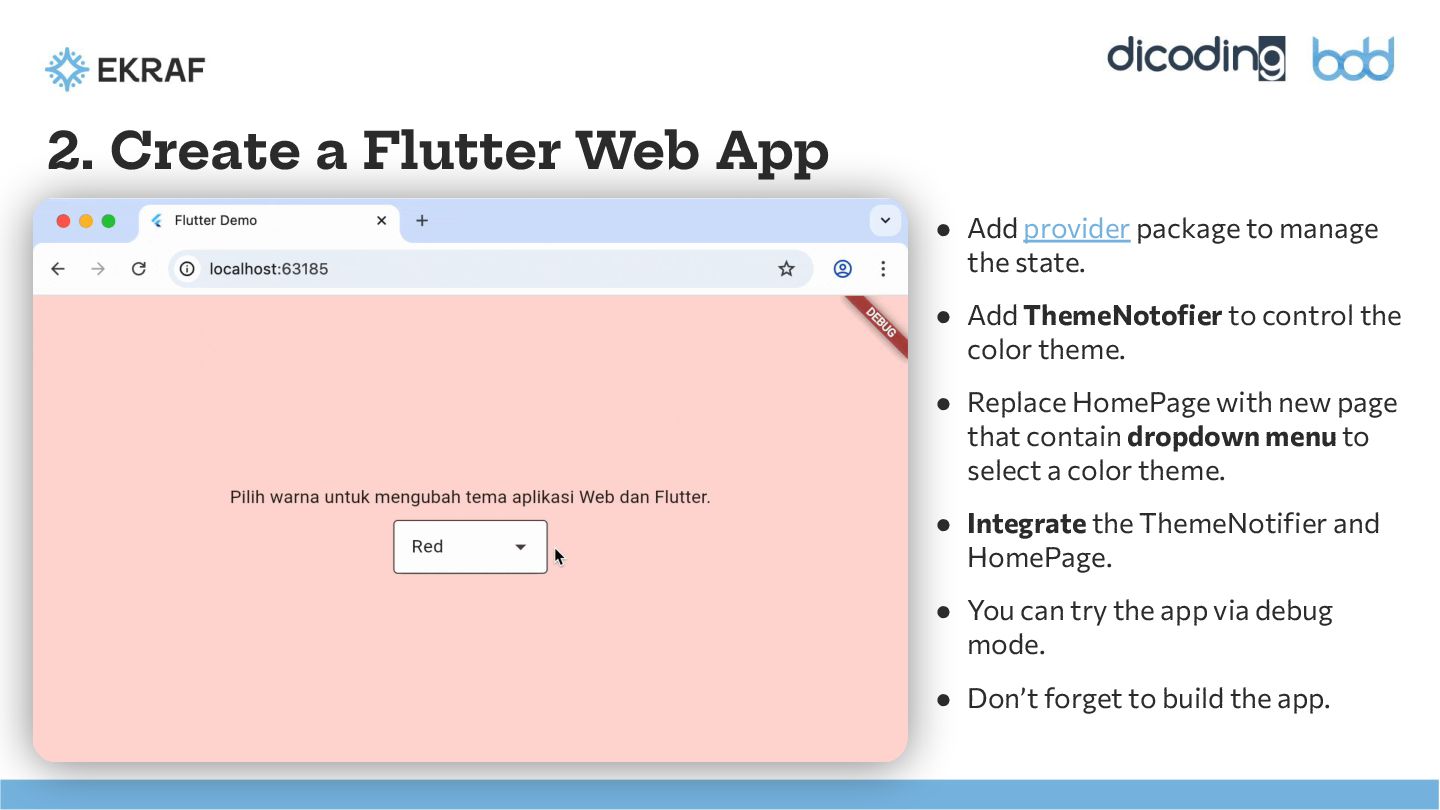
  15. 2. Create a Flutter Web App • Add provider package

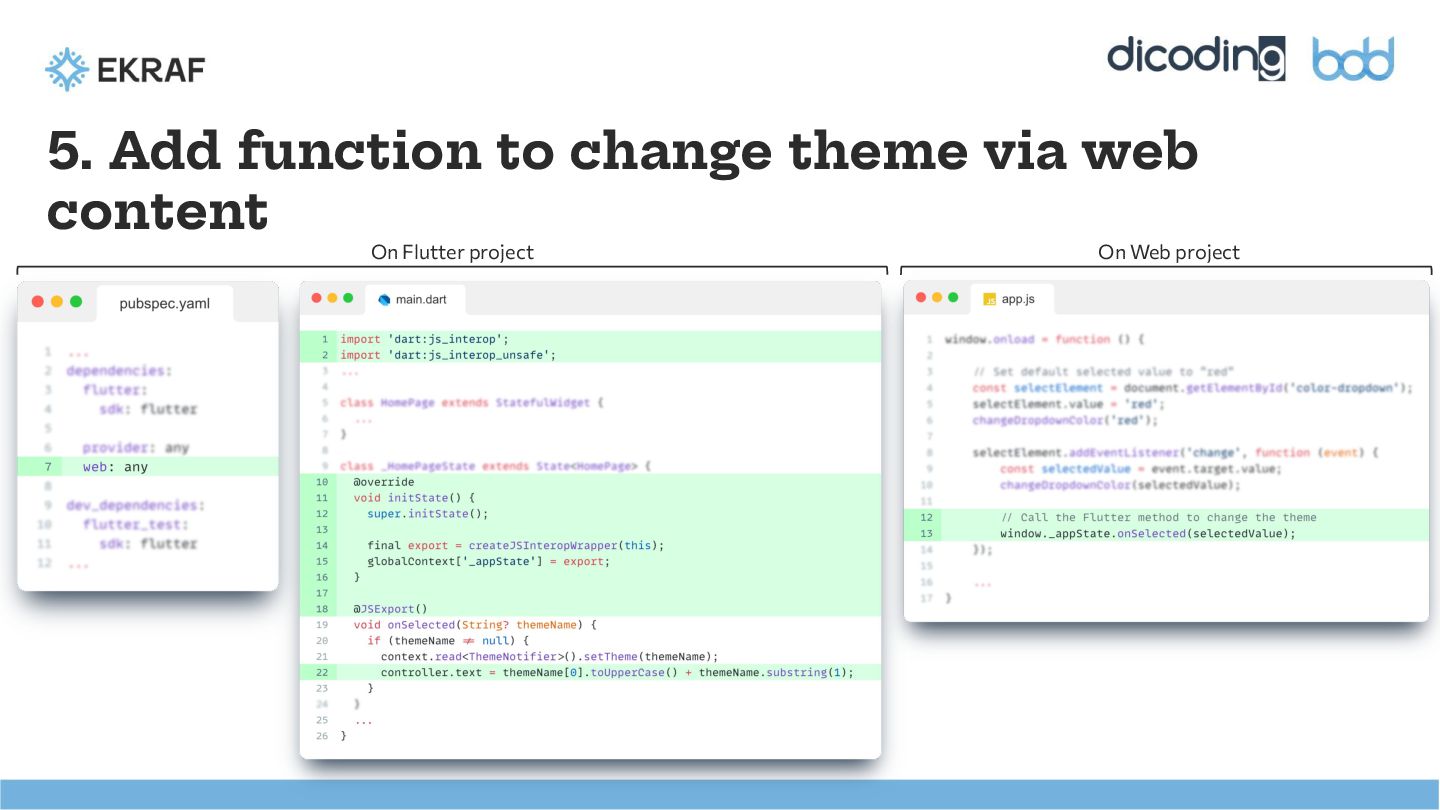
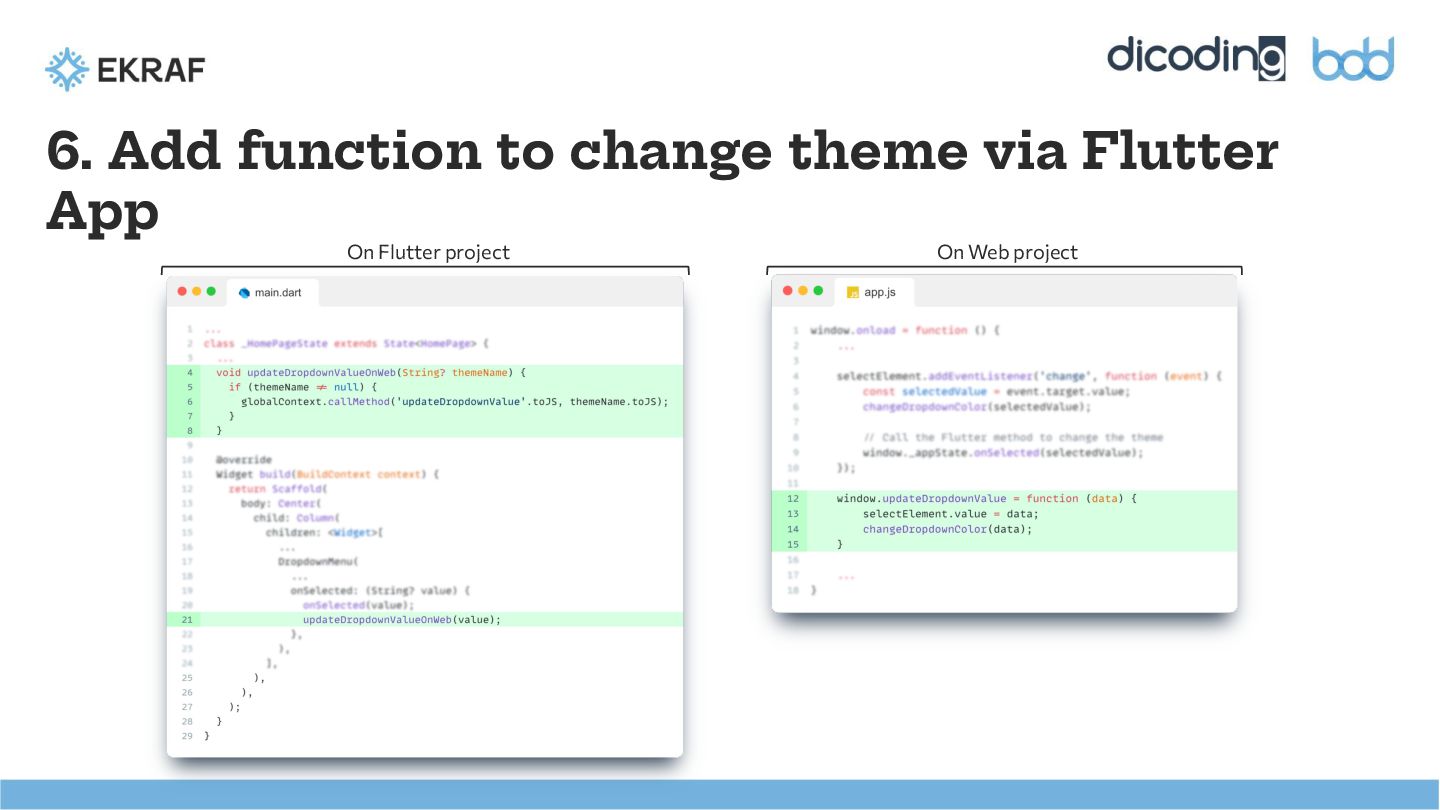
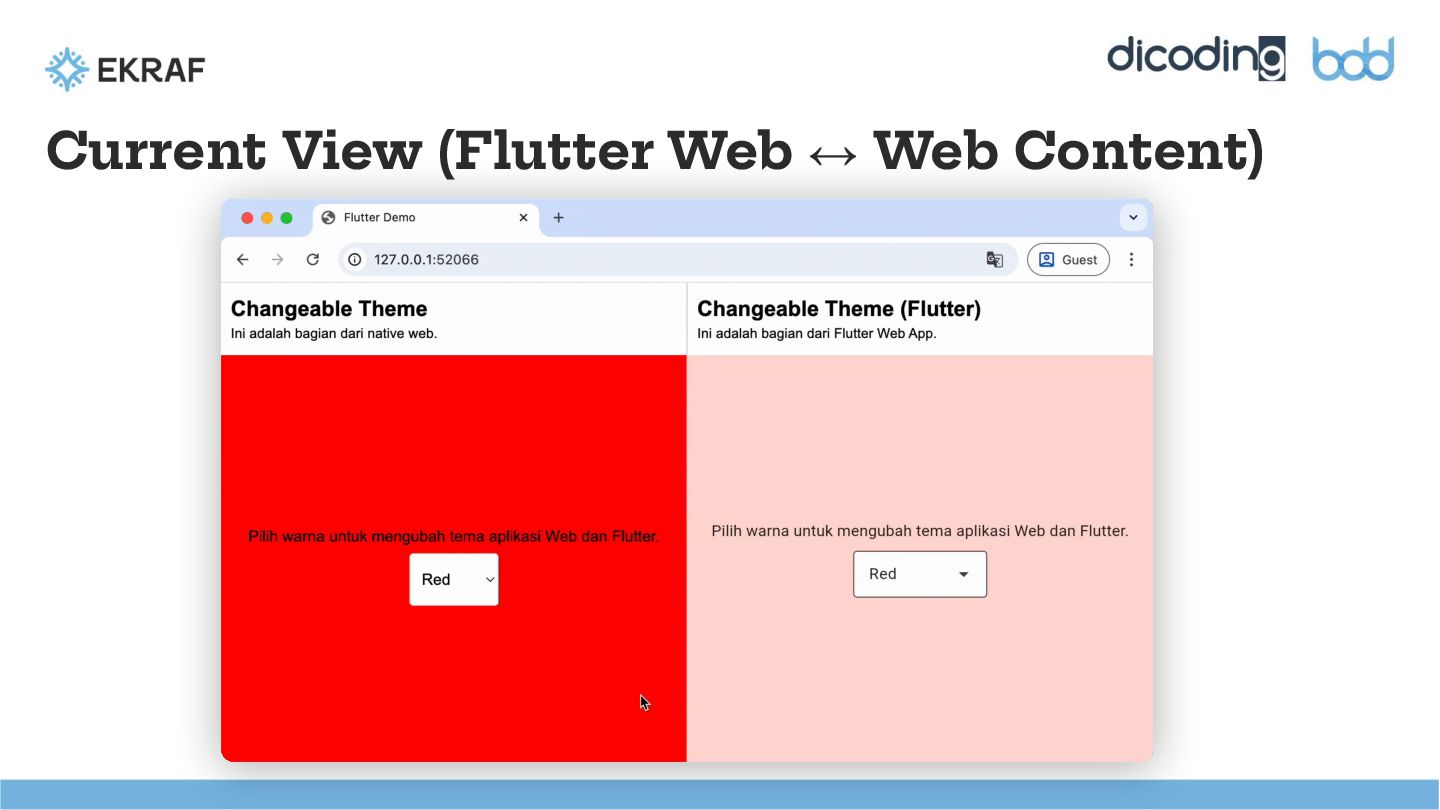
    to manage the state. • Add ThemeNotofier to control the color theme. • Replace HomePage with new page that contain dropdown menu to select a color theme. • Integrate the ThemeNotifier and HomePage. • You can try the app via debug mode. • Don’t forget to build the app.
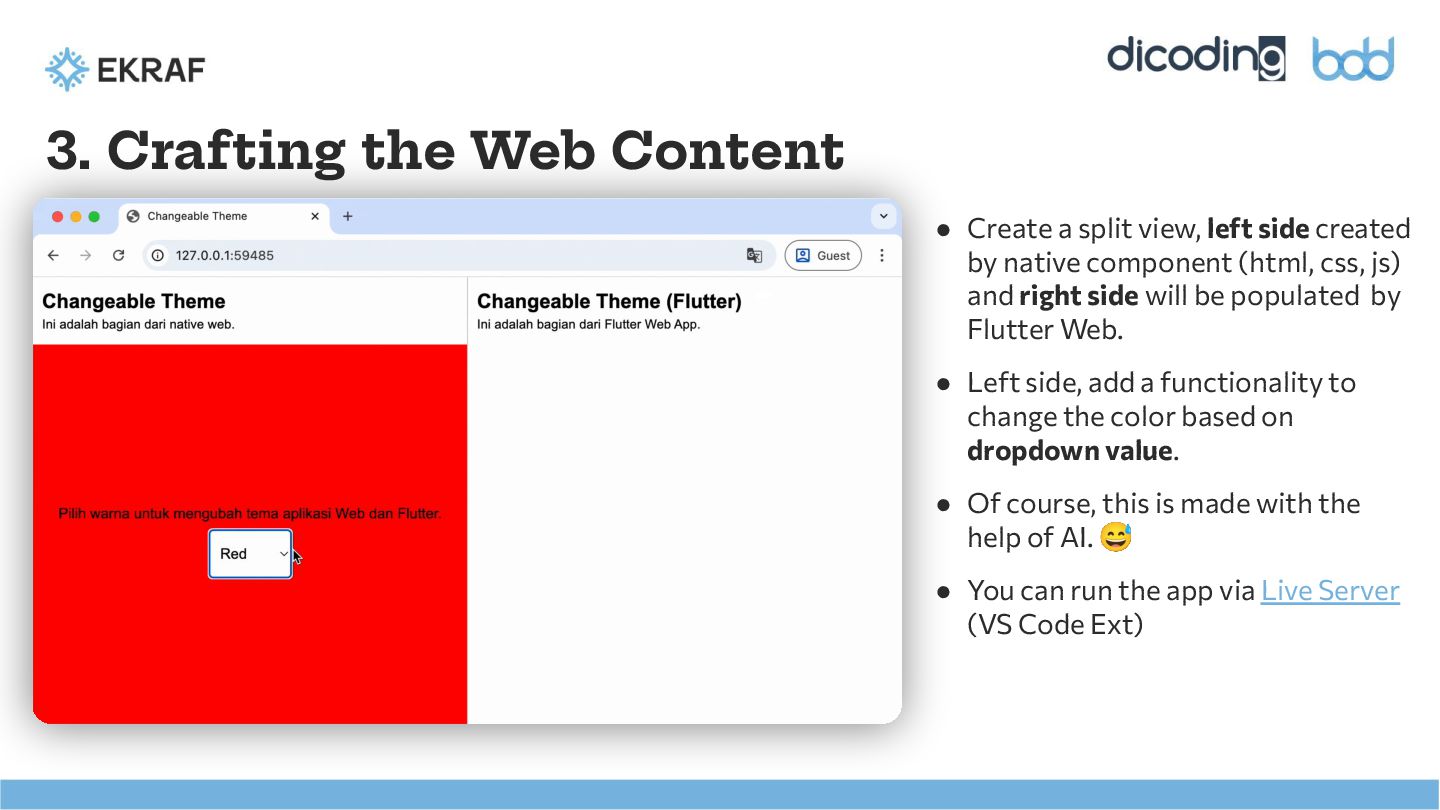
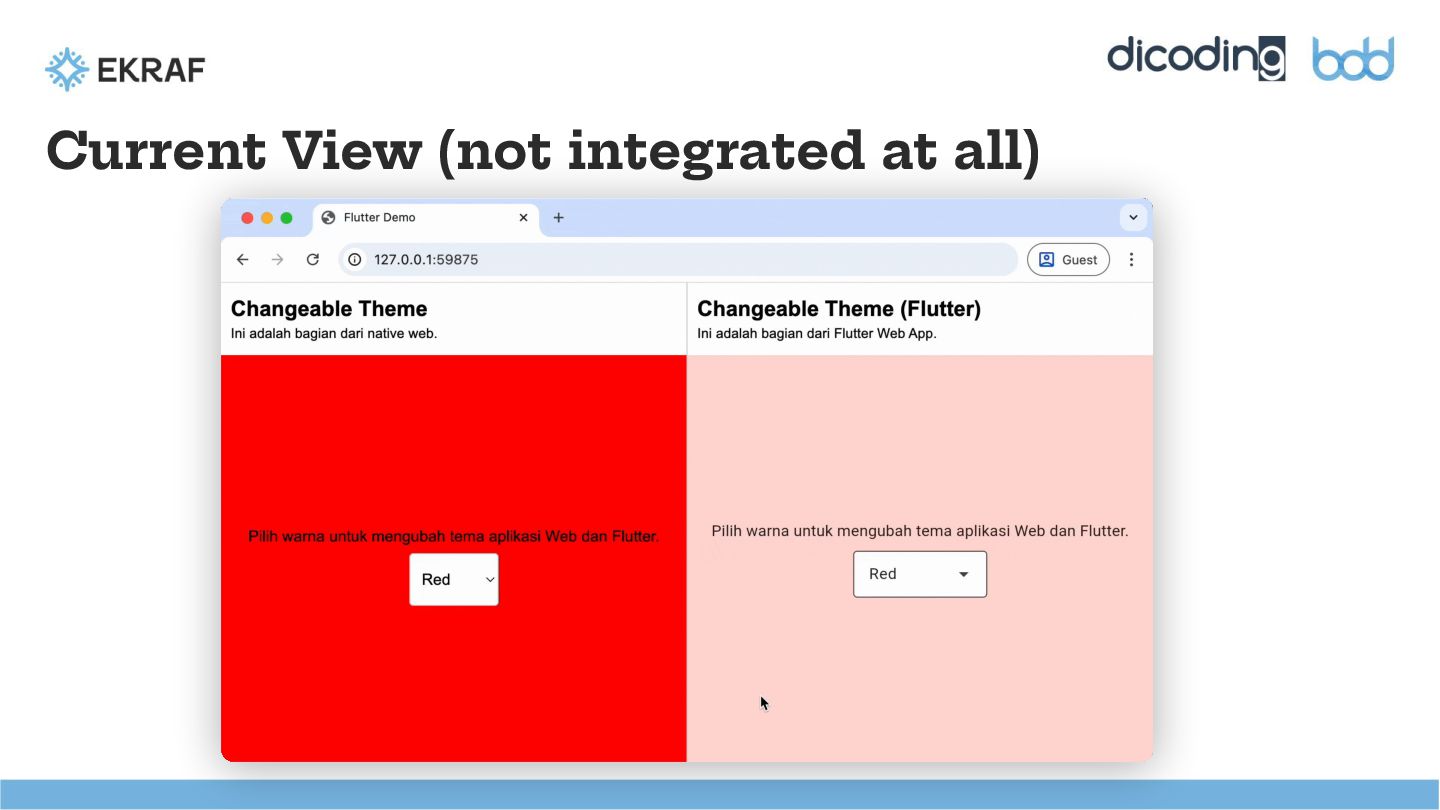
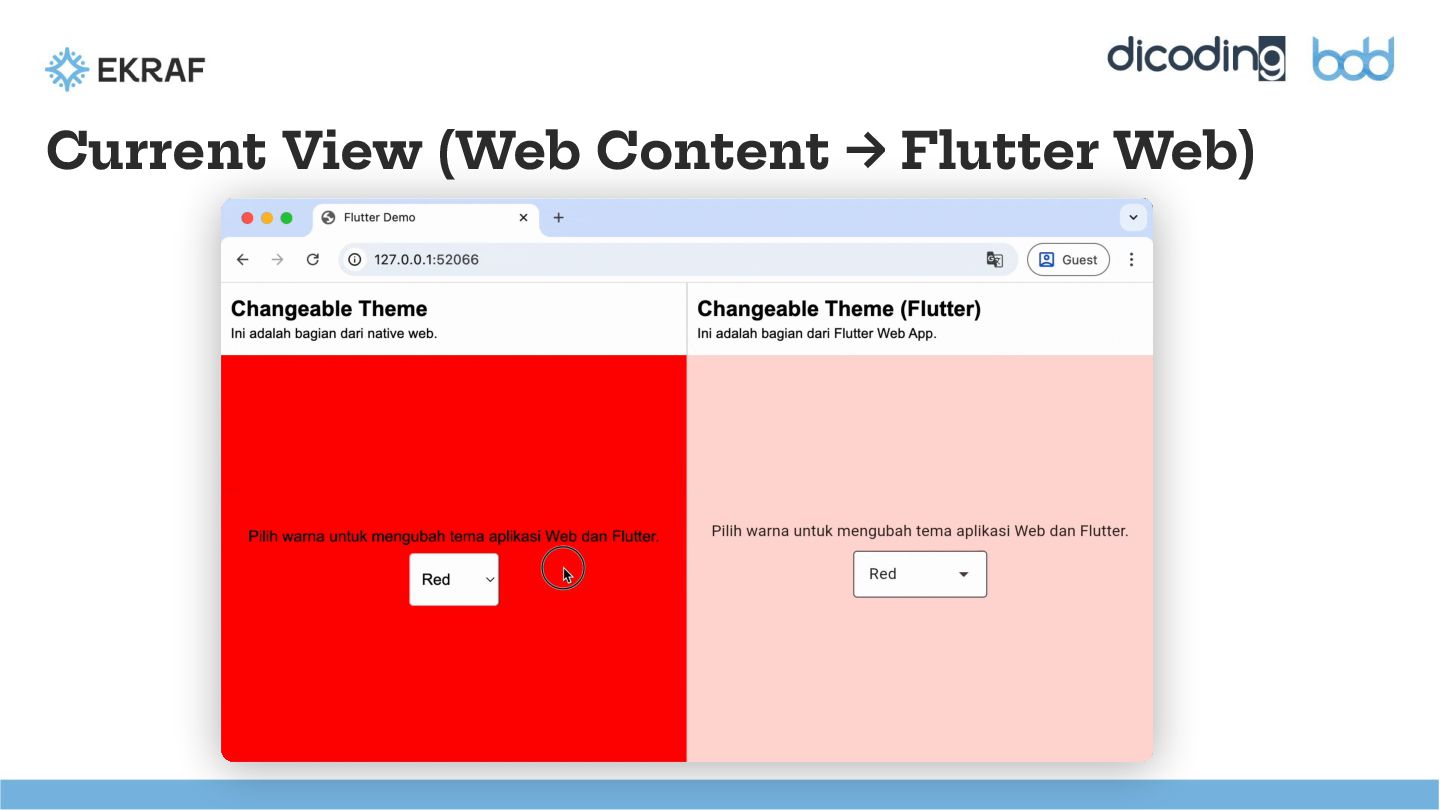
  16. 3. Crafting the Web Content • Create a split view,

    left side created by native component (html, css, js) and right side will be populated by Flutter Web. • Left side, add a functionality to change the color based on dropdown value. • Of course, this is made with the help of AI. 😅 • You can run the app via Live Server (VS Code Ext)
  17. Key Takeaways We have seen that Flutter Web is not

    only a tool for building full-fledged applications (SPAs), but also a solution to address integration challenges and skill gaps in enterprise project development.