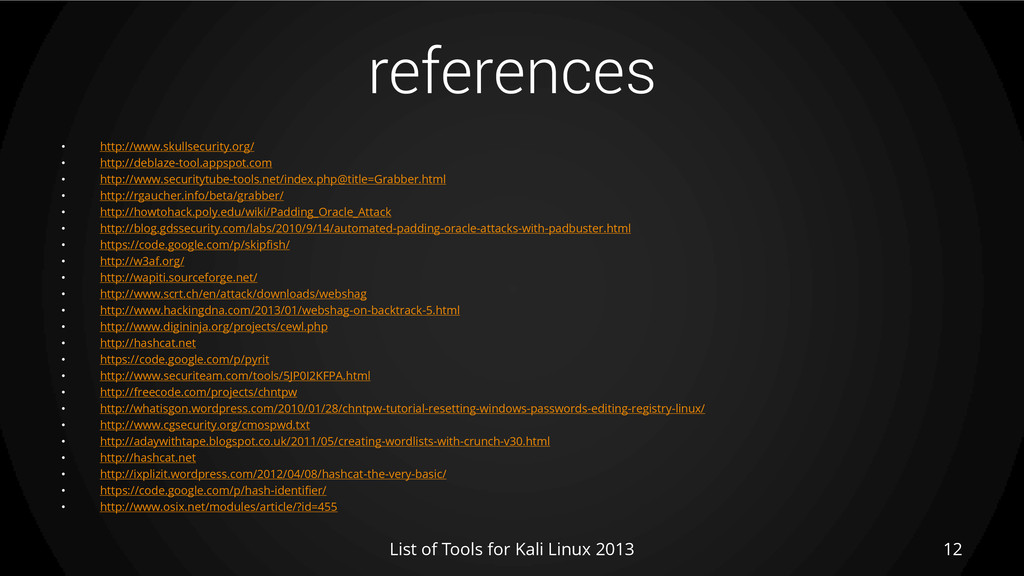
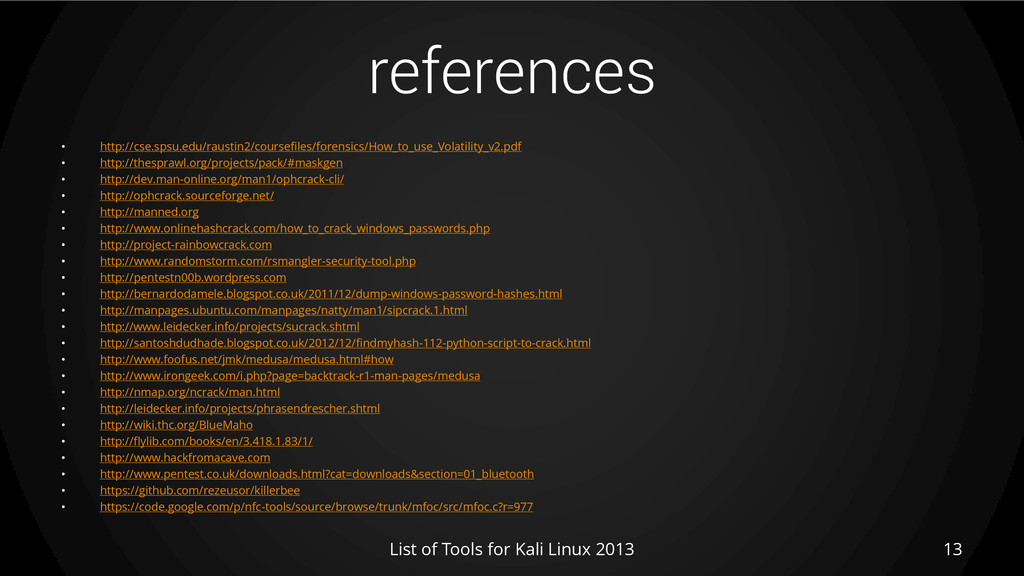
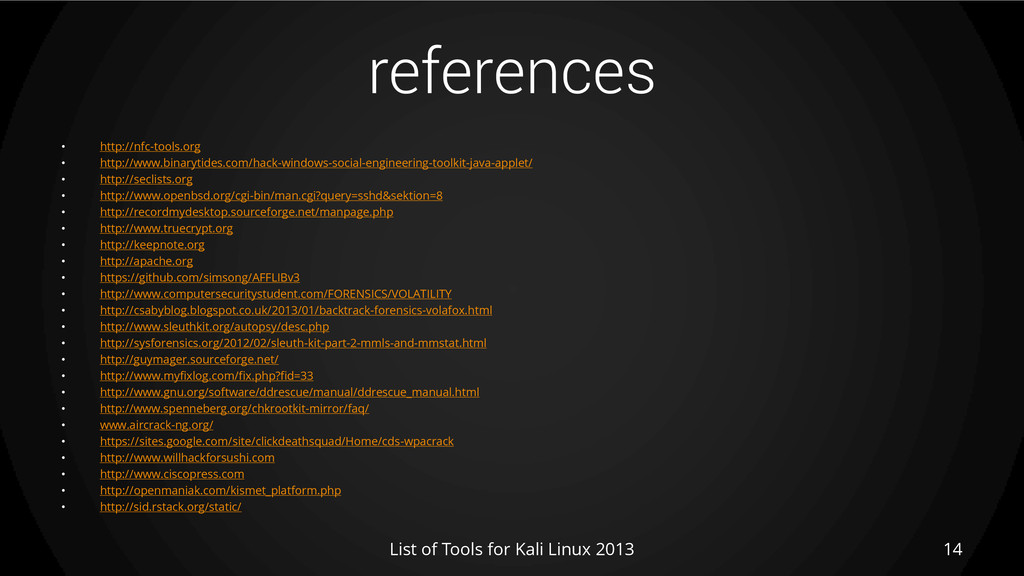
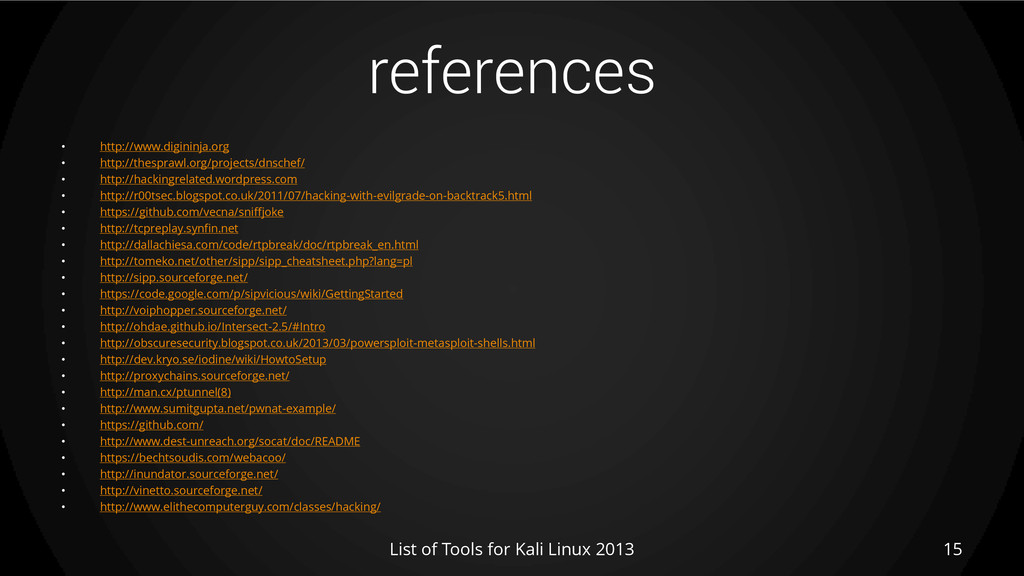
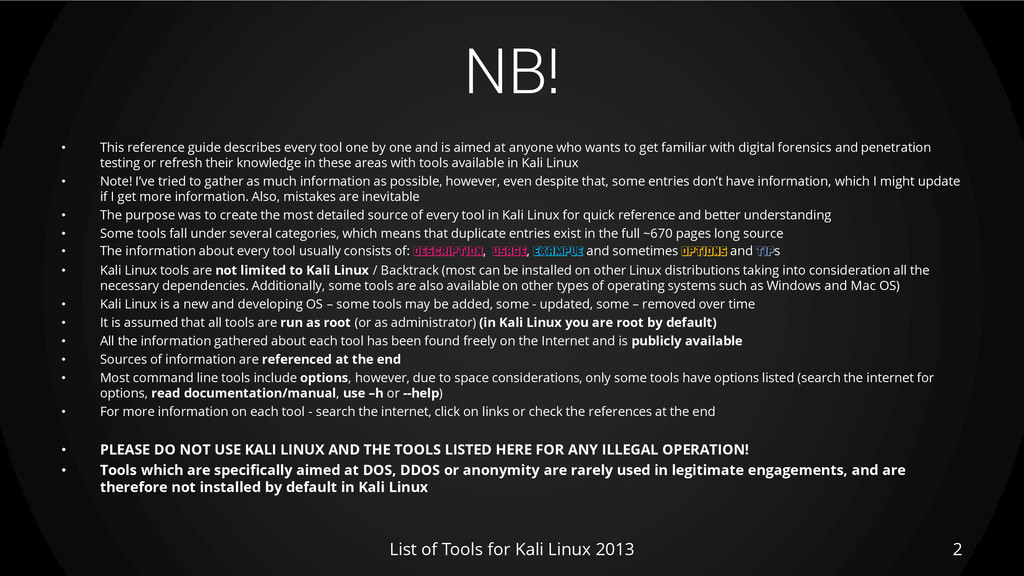
one and is aimed at anyone who wants to get familiar with digital forensics and penetration testing or refresh their knowledge in these areas with tools available in Kali Linux • Note! I’ve tried to gather as much information as possible, however, even despite that, some entries don’t have information, which I might update if I get more information. Also, mistakes are inevitable • The purpose was to create the most detailed source of every tool in Kali Linux for quick reference and better understanding • Some tools fall under several categories, which means that duplicate entries exist in the full ~670 pages long source • The information about every tool usually consists of: DESCRIPTION, USAGE, EXAMPLE and sometimes OPTIONS and TIPs • Kali Linux tools are not limited to Kali Linux / Backtrack (most can be installed on other Linux distributions taking into consideration all the necessary dependencies. Additionally, some tools are also available on other types of operating systems such as Windows and Mac OS) • Kali Linux is a new and developing OS – some tools may be added, some - updated, some – removed over time • It is assumed that all tools are run as root (or as administrator) (in Kali Linux you are root by default) • All the information gathered about each tool has been found freely on the Internet and is publicly available • Sources of information are referenced at the end • Most command line tools include options, however, due to space considerations, only some tools have options listed (search the internet for options, read documentation/manual, use –h or --help) • For more information on each tool - search the internet, click on links or check the references at the end • PLEASE DO NOT USE KALI LINUX AND THE TOOLS LISTED HERE FOR ANY ILLEGAL OPERATION! • Tools which are specifically aimed at DOS, DDOS or anonymity are rarely used in legitimate engagements, and are therefore not installed by default in Kali Linux List of Tools for Kali Linux 2013 2
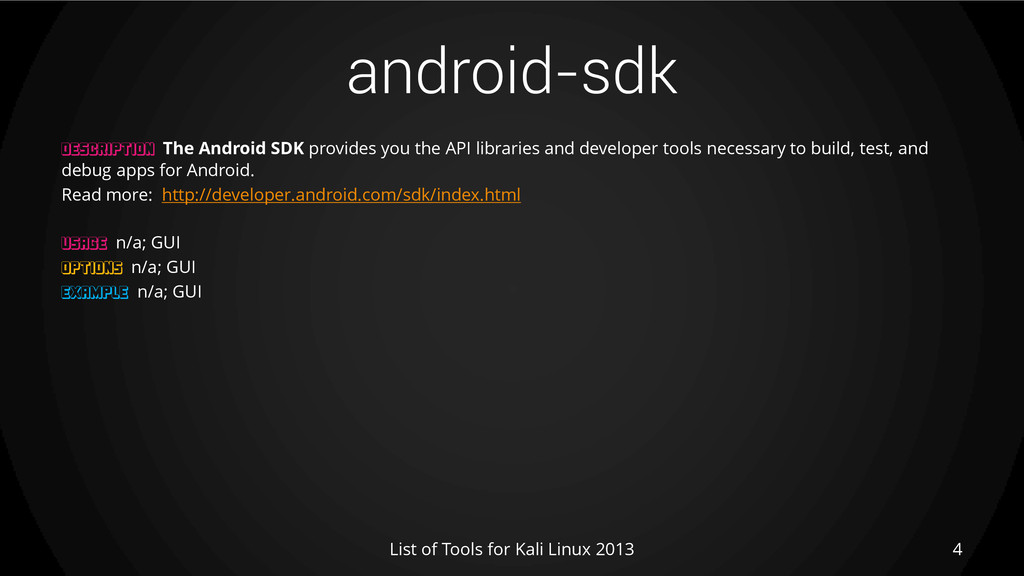
The Android SDK provides you the API libraries and developer tools necessary to build, test, and debug apps for Android. Read more: http://developer.android.com/sdk/index.html USAGE n/a; GUI OPTIONS n/a; GUI EXAMPLE n/a; GUI
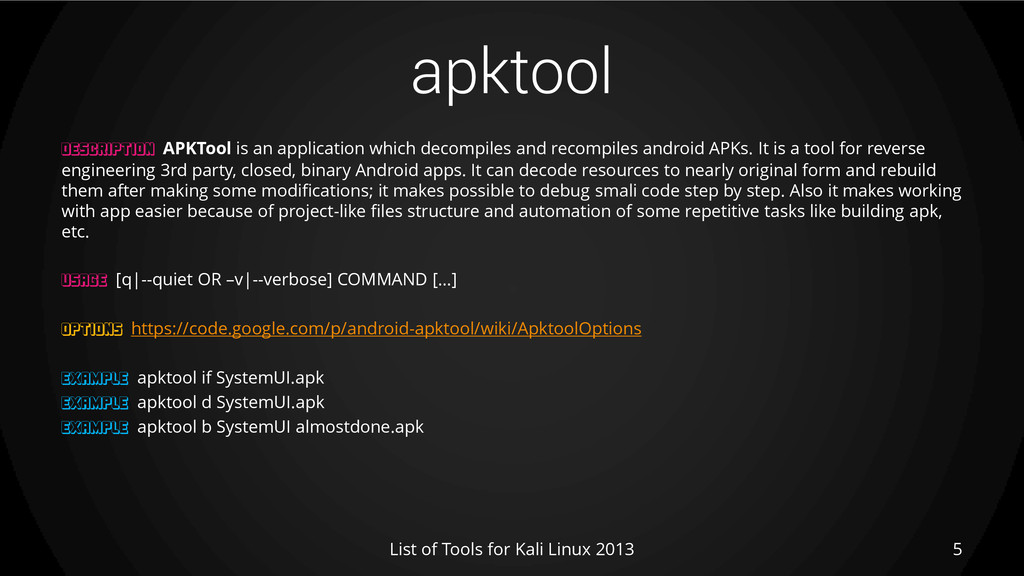
APKTool is an application which decompiles and recompiles android APKs. It is a tool for reverse engineering 3rd party, closed, binary Android apps. It can decode resources to nearly original form and rebuild them after making some modifications; it makes possible to debug smali code step by step. Also it makes working with app easier because of project-like files structure and automation of some repetitive tasks like building apk, etc. USAGE [q|--quiet OR –v|--verbose] COMMAND […] OPTIONS https://code.google.com/p/android-apktool/wiki/ApktoolOptions EXAMPLE apktool if SystemUI.apk EXAMPLE apktool d SystemUI.apk EXAMPLE apktool b SystemUI almostdone.apk
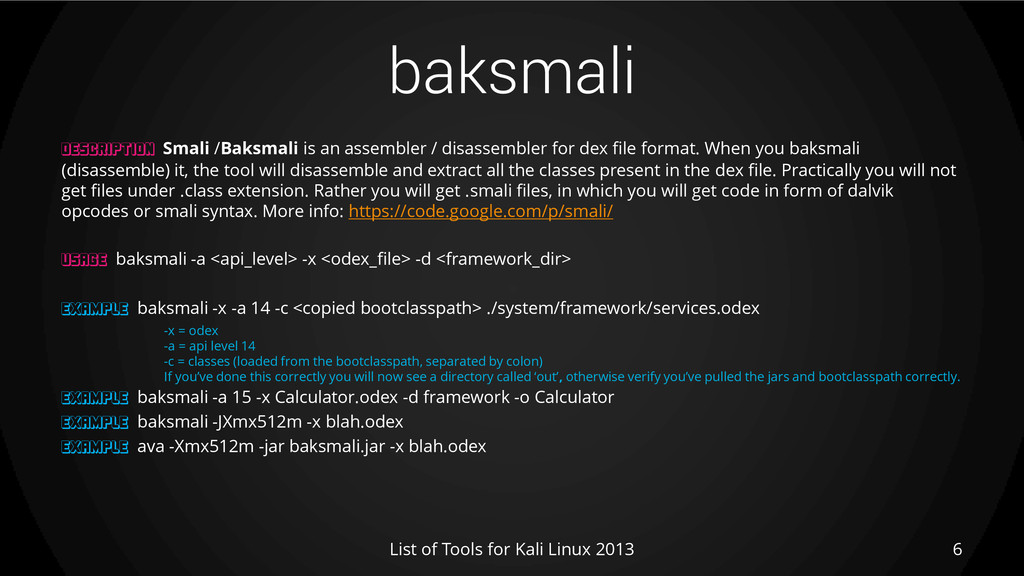
Smali /Baksmali is an assembler / disassembler for dex file format. When you baksmali (disassemble) it, the tool will disassemble and extract all the classes present in the dex file. Practically you will not get files under .class extension. Rather you will get .smali files, in which you will get code in form of dalvik opcodes or smali syntax. More info: https://code.google.com/p/smali/ USAGE baksmali -a <api_level> -x <odex_file> -d <framework_dir> EXAMPLE baksmali -x -a 14 -c <copied bootclasspath> ./system/framework/services.odex -x = odex -a = api level 14 -c = classes (loaded from the bootclasspath, separated by colon) If you’ve done this correctly you will now see a directory called ‘out’, otherwise verify you’ve pulled the jars and bootclasspath correctly. EXAMPLE baksmali -a 15 -x Calculator.odex -d framework -o Calculator EXAMPLE baksmali -JXmx512m -x blah.odex EXAMPLE ava -Xmx512m -jar baksmali.jar -x blah.odex
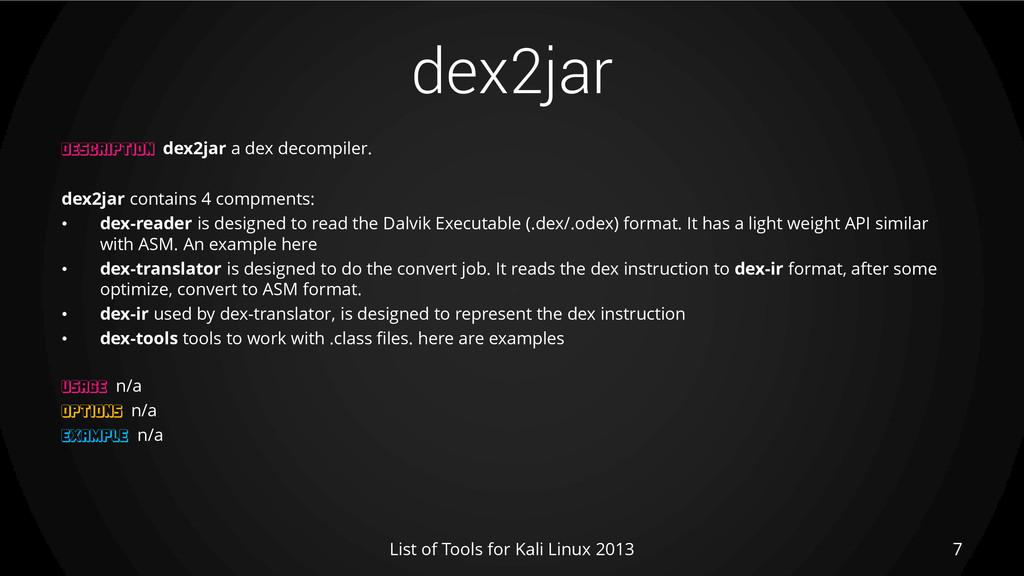
dex2jar a dex decompiler. dex2jar contains 4 compments: • dex-reader is designed to read the Dalvik Executable (.dex/.odex) format. It has a light weight API similar with ASM. An example here • dex-translator is designed to do the convert job. It reads the dex instruction to dex-ir format, after some optimize, convert to ASM format. • dex-ir used by dex-translator, is designed to represent the dex instruction • dex-tools tools to work with .class files. here are examples USAGE n/a OPTIONS n/a EXAMPLE n/a
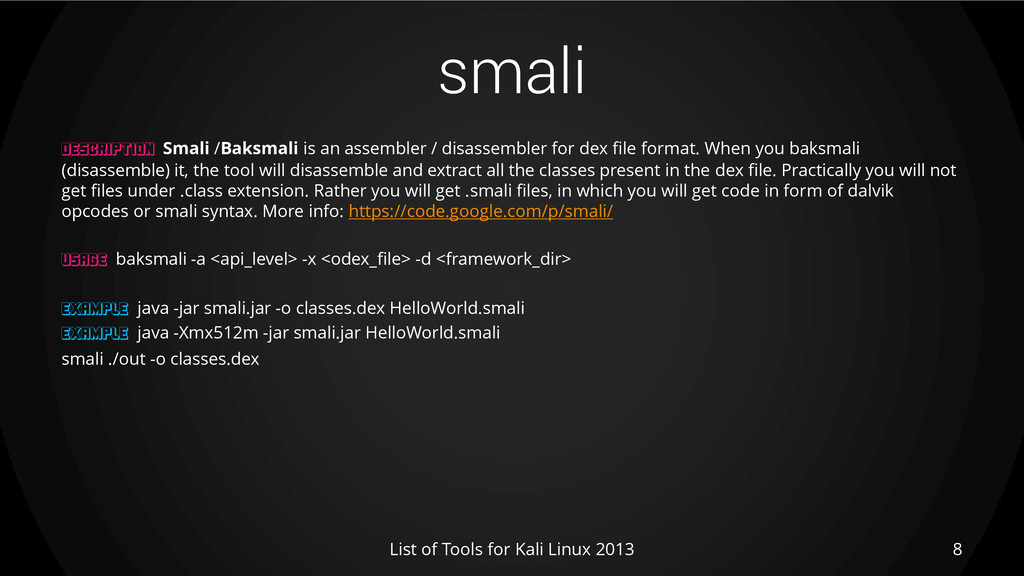
Smali /Baksmali is an assembler / disassembler for dex file format. When you baksmali (disassemble) it, the tool will disassemble and extract all the classes present in the dex file. Practically you will not get files under .class extension. Rather you will get .smali files, in which you will get code in form of dalvik opcodes or smali syntax. More info: https://code.google.com/p/smali/ USAGE baksmali -a <api_level> -x <odex_file> -d <framework_dir> EXAMPLE java -jar smali.jar -o classes.dex HelloWorld.smali EXAMPLE java -Xmx512m -jar smali.jar HelloWorld.smali smali ./out -o classes.dex


 achudars
 kaminashi
 terapyon
 ivry_presentationmaterials
 mhrtech
 endonanana
 takahashim
 codmoninc
 hiracky16
 odashi
 sh_fk2
 grimoh
 tetsuya28
 uxyall
 pauljervisheath
 addyosmani
 cassininazir
 tammielis
 tenderlove
 techseoconnect
 tammyeverts
 tessaabrams
 vanstee
 reverentgeek
 mfonobong
![[60] HARDWARE HACKING: ANDROID TOOLS • android-sdk • apktool •](https://files.speakerdeck.com/presentations/7b1e3fe0906d01307a216eeb2b1ed4e7/slide_2.jpg)