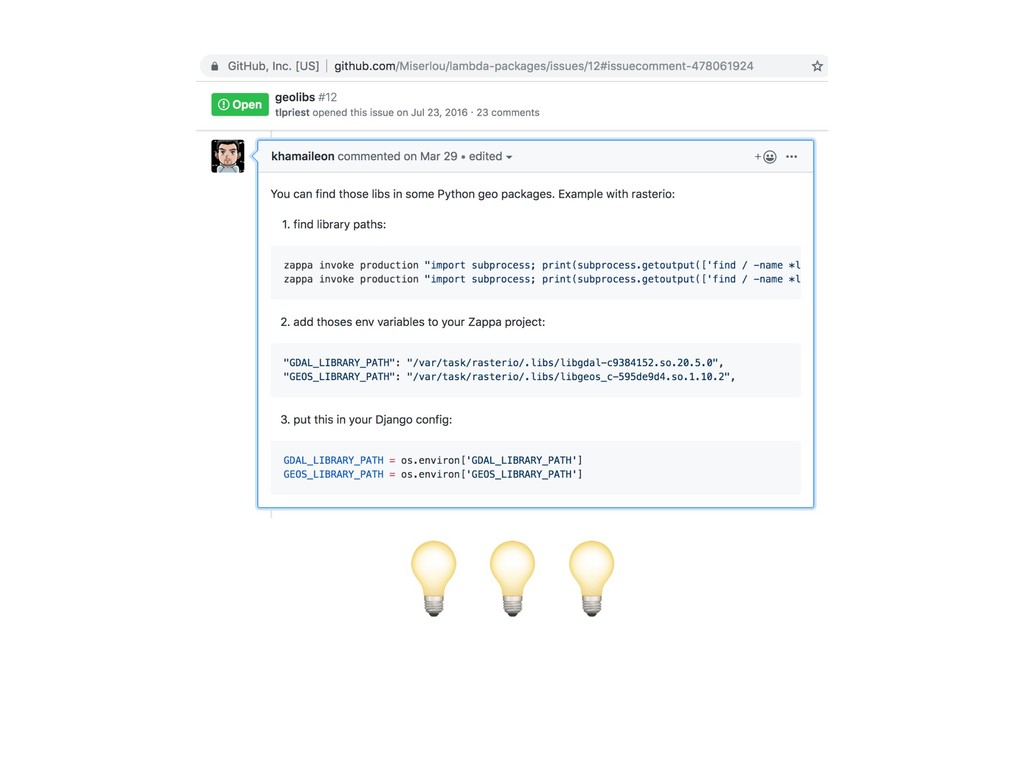
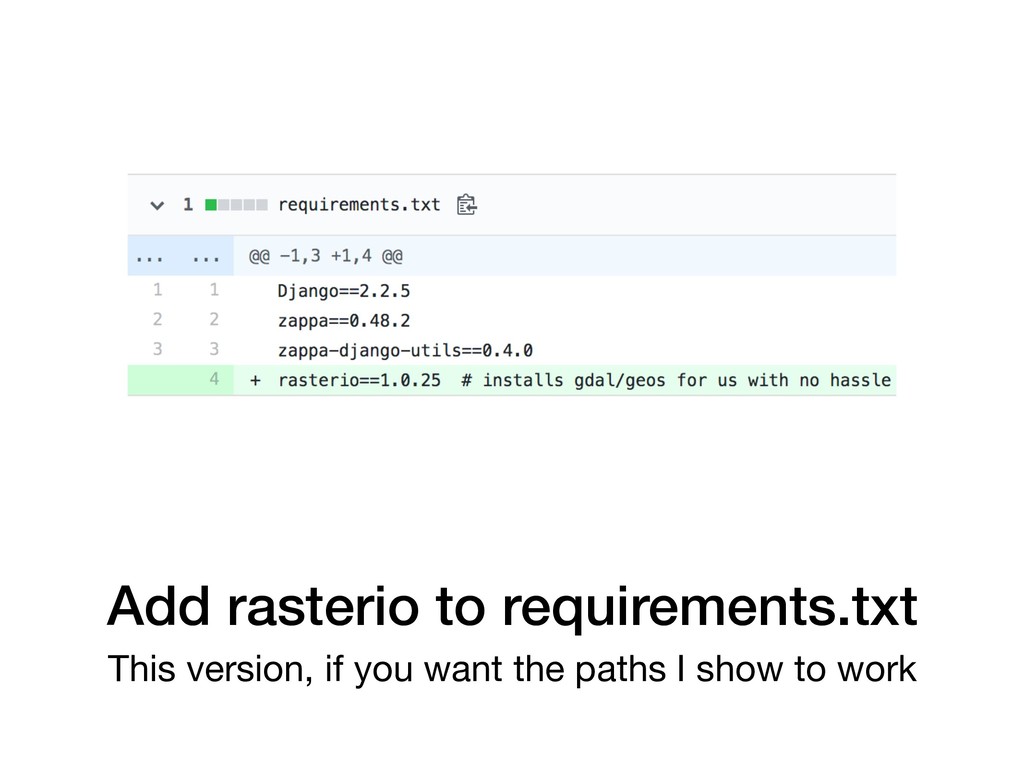
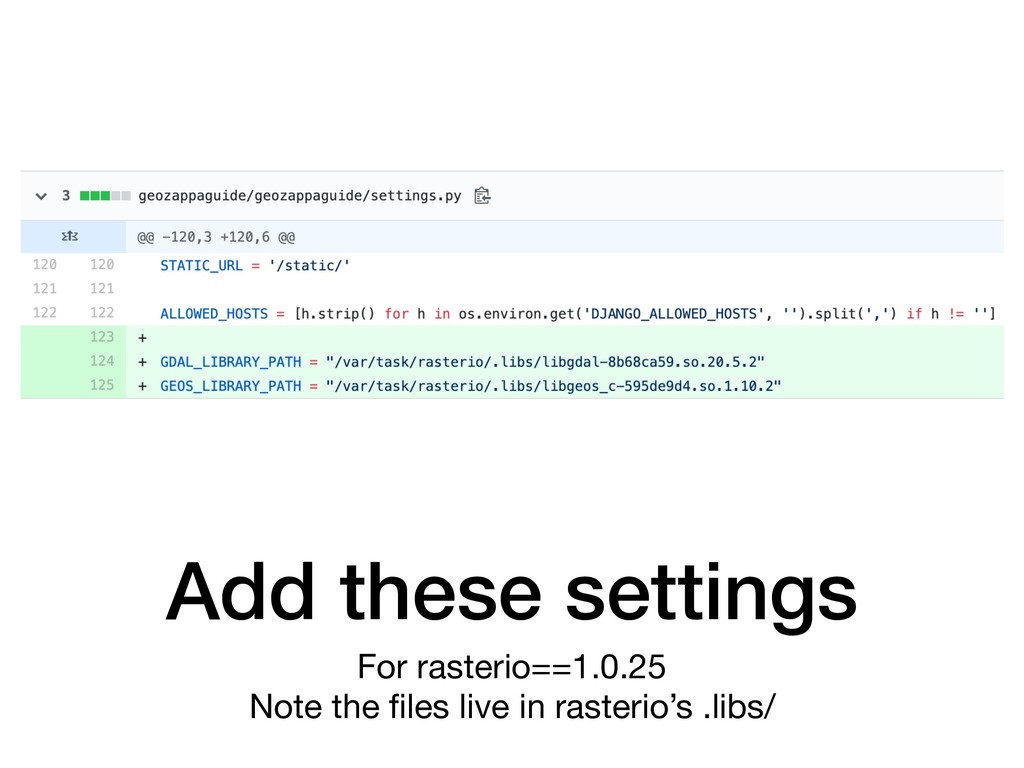
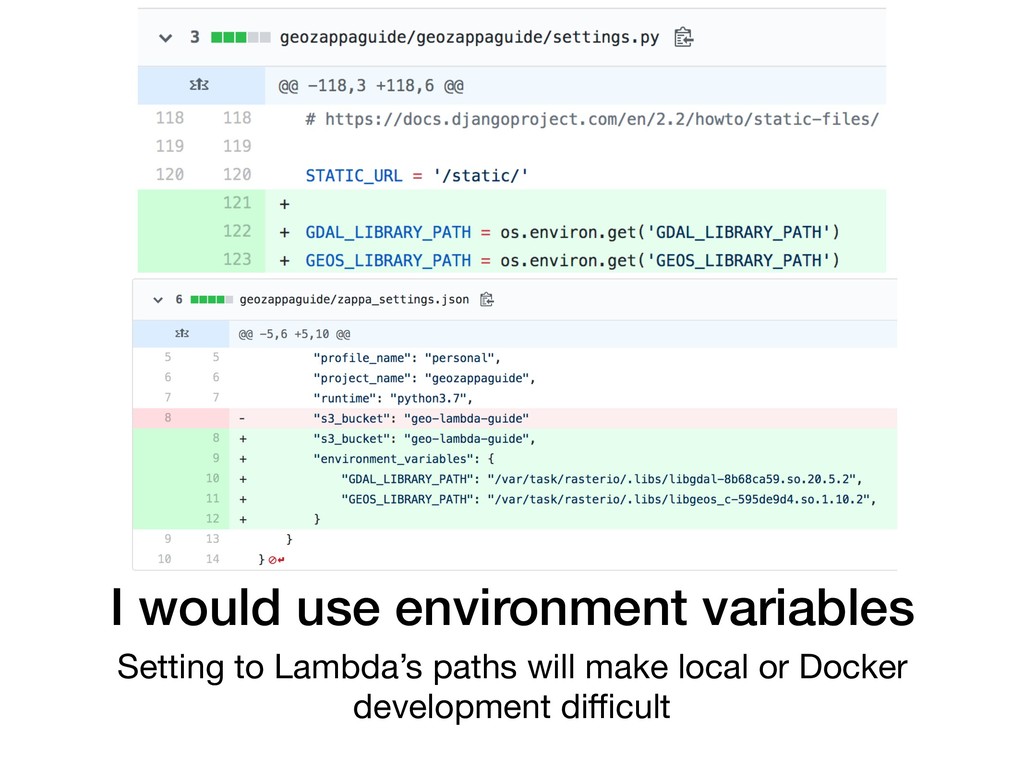
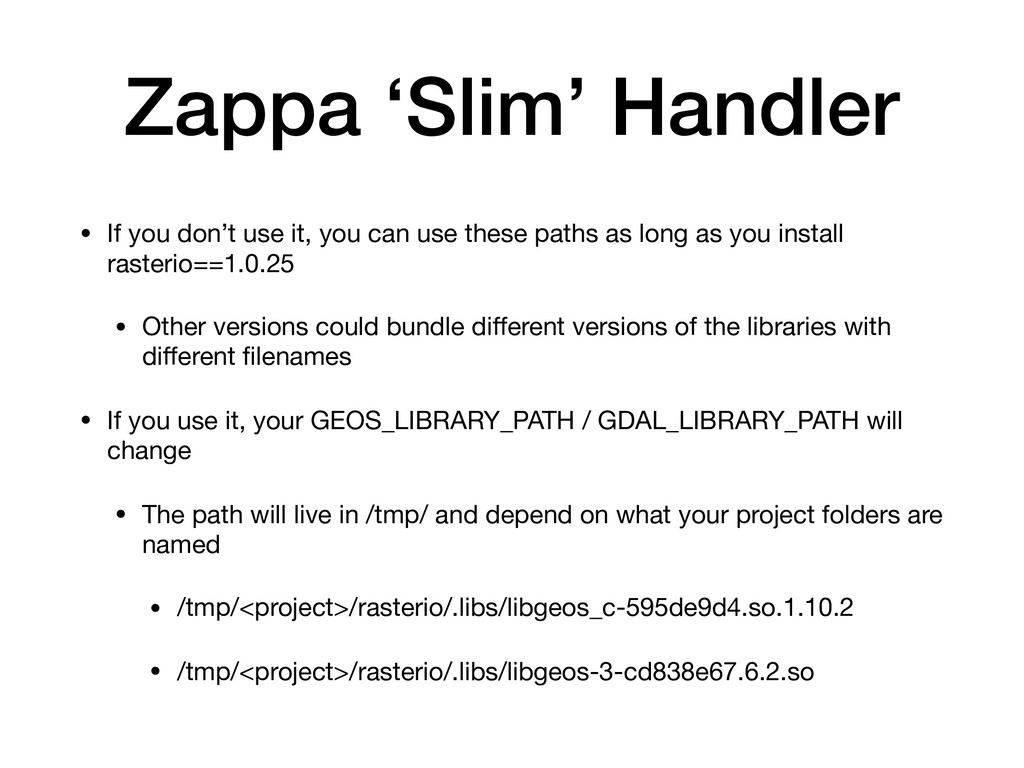
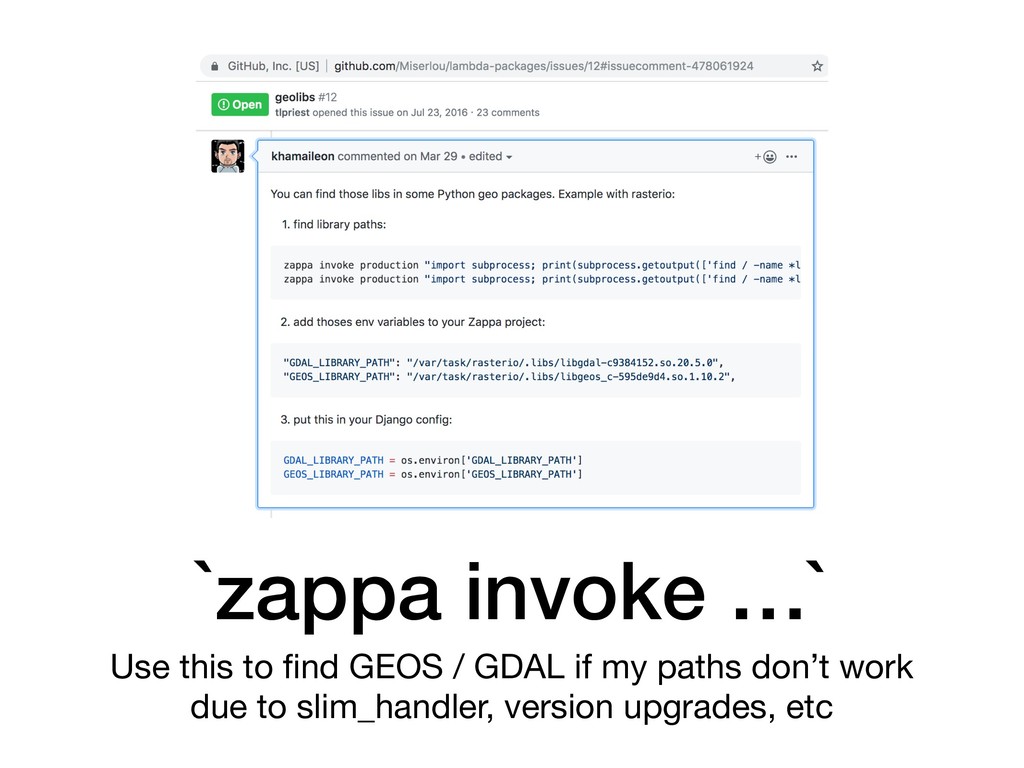
can use these paths as long as you install rasterio==1.0.25 • Other versions could bundle different versions of the libraries with different filenames • If you use it, your GEOS_LIBRARY_PATH / GDAL_LIBRARY_PATH will change • The path will live in /tmp/ and depend on what your project folders are named • /tmp/<project>/rasterio/.libs/libgeos_c-595de9d4.so.1.10.2 • /tmp/<project>/rasterio/.libs/libgeos-3-cd838e67.6.2.so
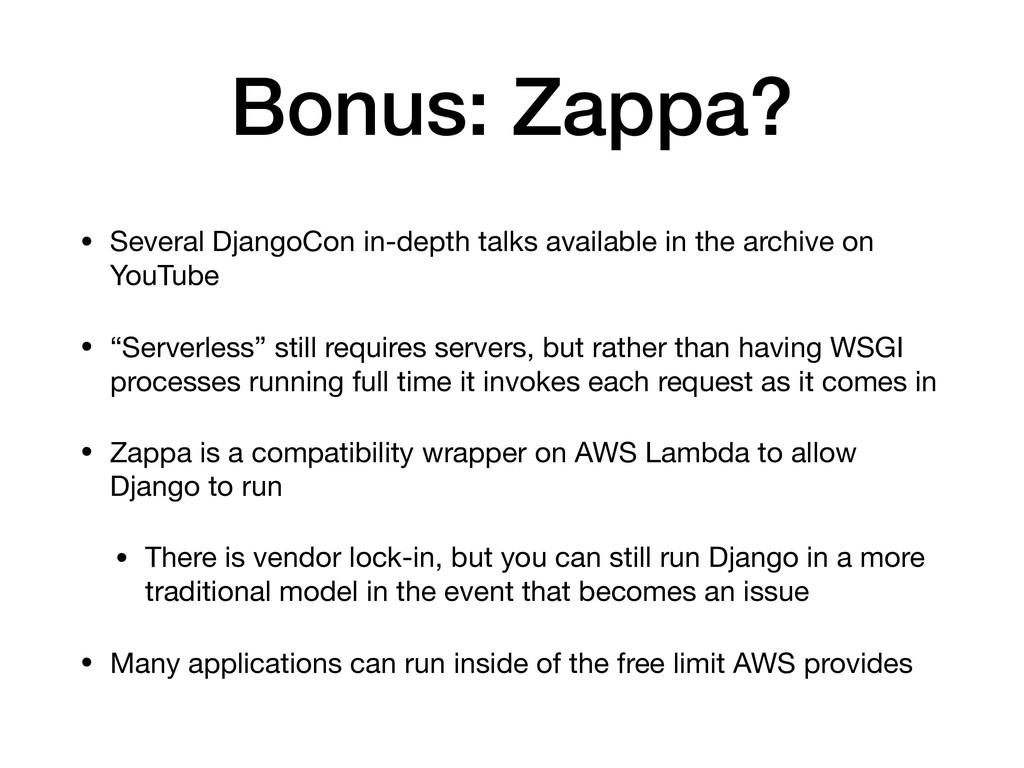
archive on YouTube • “Serverless” still requires servers, but rather than having WSGI processes running full time it invokes each request as it comes in • Zappa is a compatibility wrapper on AWS Lambda to allow Django to run • There is vendor lock-in, but you can still run Django in a more traditional model in the event that becomes an issue • Many applications can run inside of the free limit AWS provides
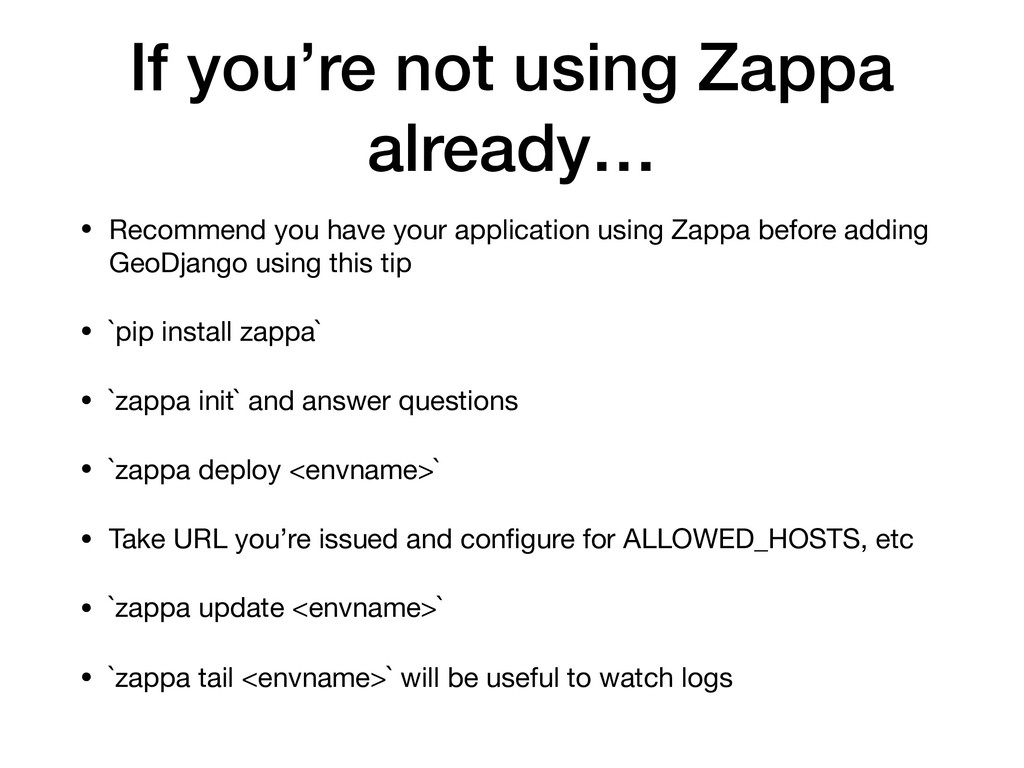
your application using Zappa before adding GeoDjango using this tip • `pip install zappa` • `zappa init` and answer questions • `zappa deploy <envname>` • Take URL you’re issued and configure for ALLOWED_HOSTS, etc • `zappa update <envname>` • `zappa tail <envname>` will be useful to watch logs


 adamfast
 gonta
gonta
 naokihaba
 shihochan
 tosite
 ___akari11
 tanahiro2010
 kinopeee
 prota
prota
 iwatsukayura
 sylph01
 seike460
 kishida
 rocio
rocio
 jacobtomlinson
 andyhume
 malarkey
 gurzu
gurzu
 coloredviolet
 sergeychernyshev
 mraible
 skoyamalab
 chriscoyier
 shpigford
 varn
varn