Upgrade to PRO for Only $50/Year—Limited-Time Offer! 🔥

Android App Development Workflow

Avatar for Alam Kanak Alam Kanak
November 12, 2016

Android App Development Workflow

A talk on Android App Development Workflow presented for 2016 EATL App Bootcamp

Avatar for Alam Kanak

Alam Kanak

November 12, 2016
Tweet

Other Decks in Programming

Transcript

  1. Android App Development Workflow From sketch to app Raquib-ul-Alam Kanak

    Senior Software Engineer, Golden Frog, TX, USA EEE, BUET
  2. 90% of the startups fail • Lack good business model

    • Lack previous experience • Follow incorrect approach • Do not know how to grow users • Excellent Forbes article: http://www.forbes.com/sites/neilpatel/2015/01/16/90-of-startups- will-fail-heres-what-you-need-to-know-about-the-10/
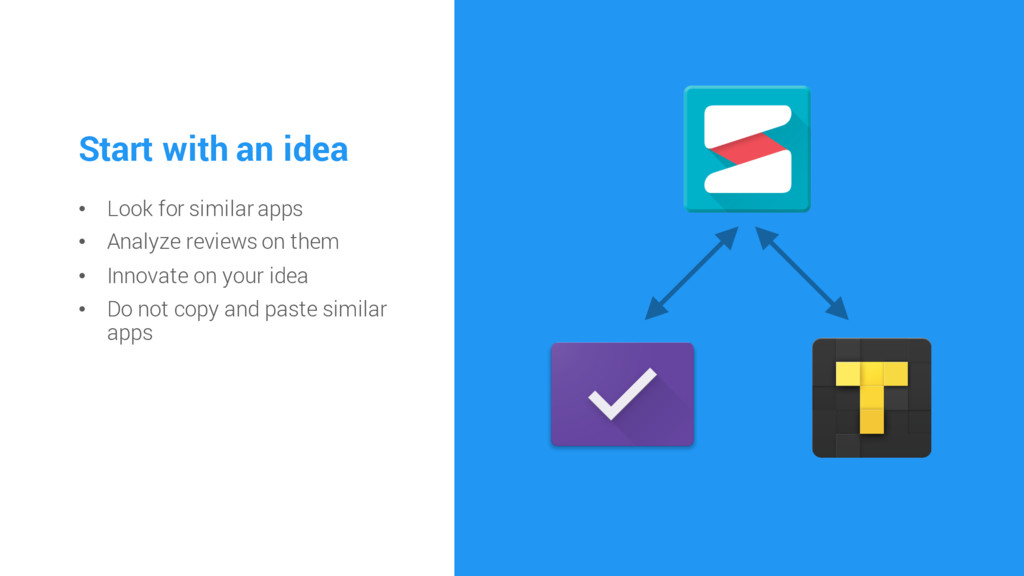
  3. Start with an idea • Look for similar apps •

    Analyze reviews on them • Innovate on your idea • Do not copy and paste similar apps
  4. Make goals • Set up a deadline • Set up

    scale that will measure your success • Provides motivation
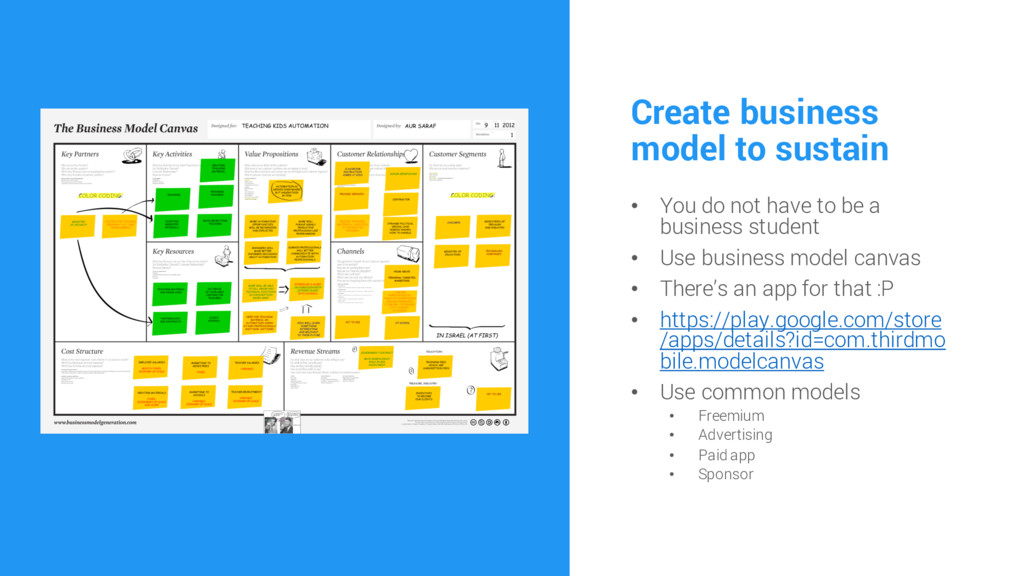
  5. Create business model to sustain • You do not have

    to be a business student • Use business model canvas • There’s an app for that :P • https://play.google.com/store /apps/details?id=com.thirdmo bile.modelcanvas • Use common models • Freemium • Advertising • Paid app • Sponsor
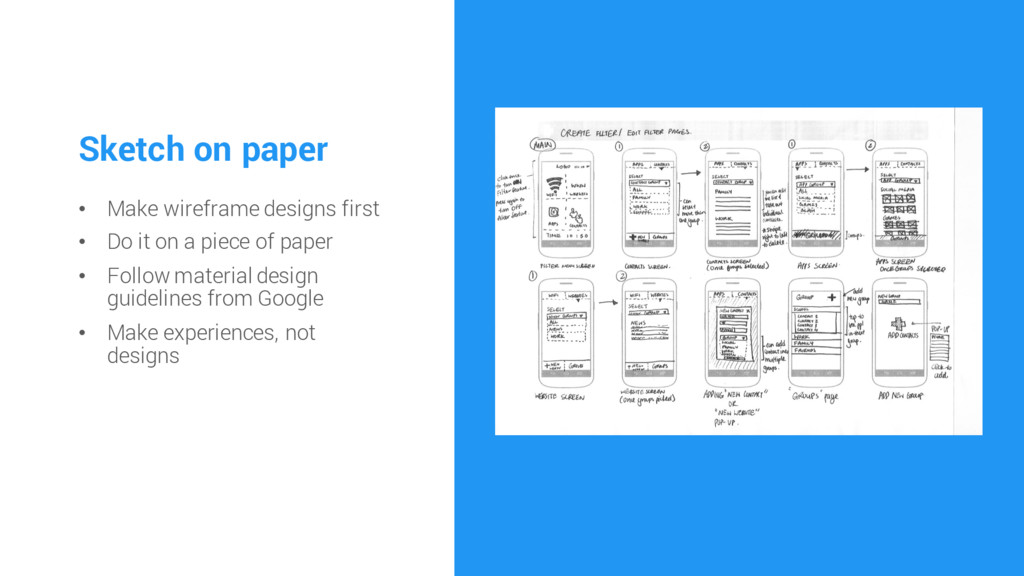
  6. Sketch on paper • Make wireframe designs first • Do

    it on a piece of paper • Follow material design guidelines from Google • Make experiences, not designs
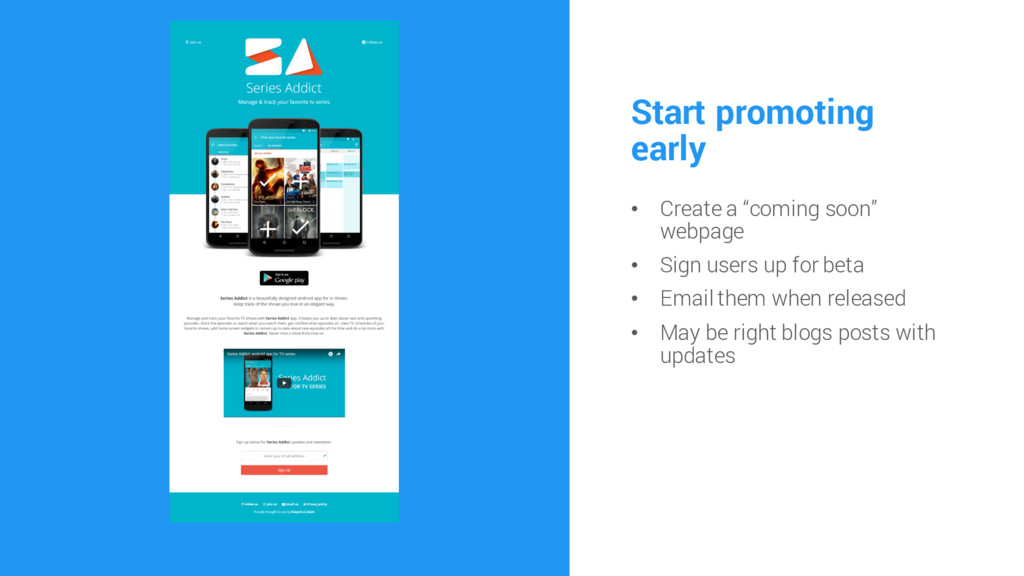
  7. Start promoting early • Create a “coming soon” webpage •

    Sign users up for beta • Email them when released • May be right blogs posts with updates
  8. Use Android Studio and Java • Avoid cross platform •

    Supports latest features from Google • Supports thousands of libraries • Best environment for testing and profiling • And more…
  9. Use git • Source control • Collaboration with team •

    Code history tracking • Free hosting at bitbucket.com
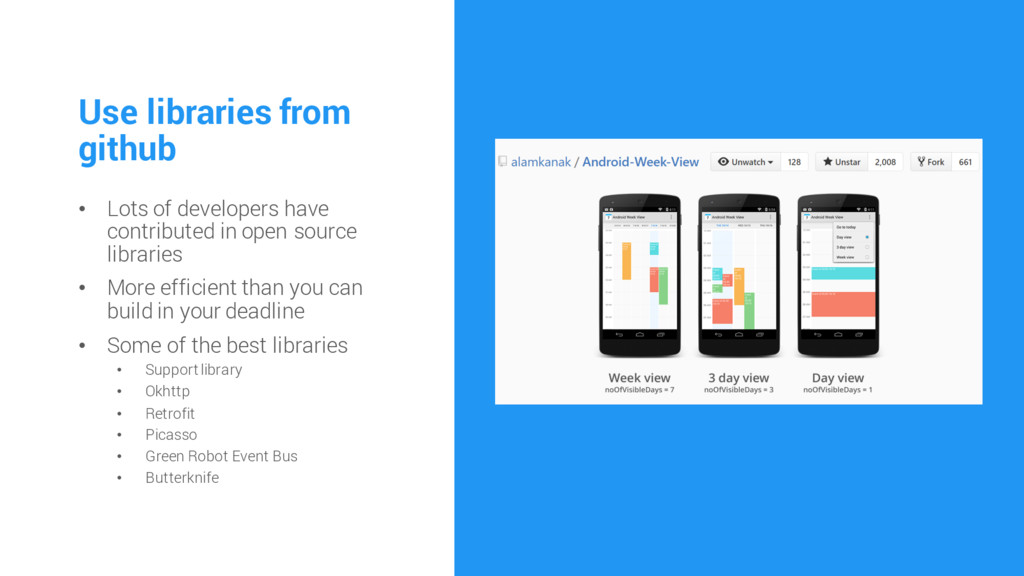
  10. Use libraries from github • Lots of developers have contributed

    in open source libraries • More efficient than you can build in your deadline • Some of the best libraries • Support library • Okhttp • Retrofit • Picasso • Green Robot Event Bus • Butterknife
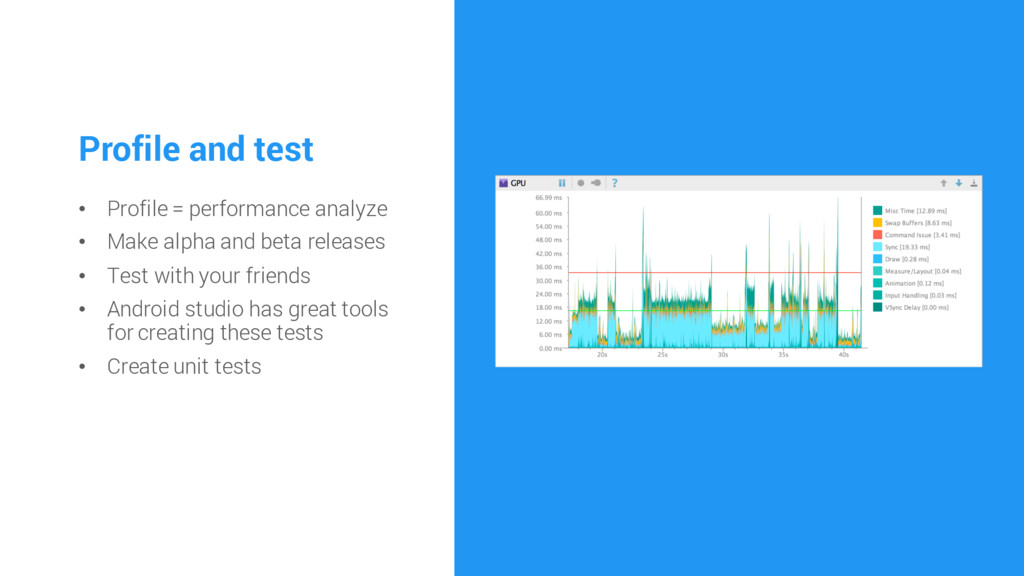
  11. Profile and test • Profile = performance analyze • Make

    alpha and beta releases • Test with your friends • Android studio has great tools for creating these tests • Create unit tests
  12. Release • Email beta subscribers • Share it in relevant

    places • Update coming soon web page • Optimize for search results • Users have to know that your app exists
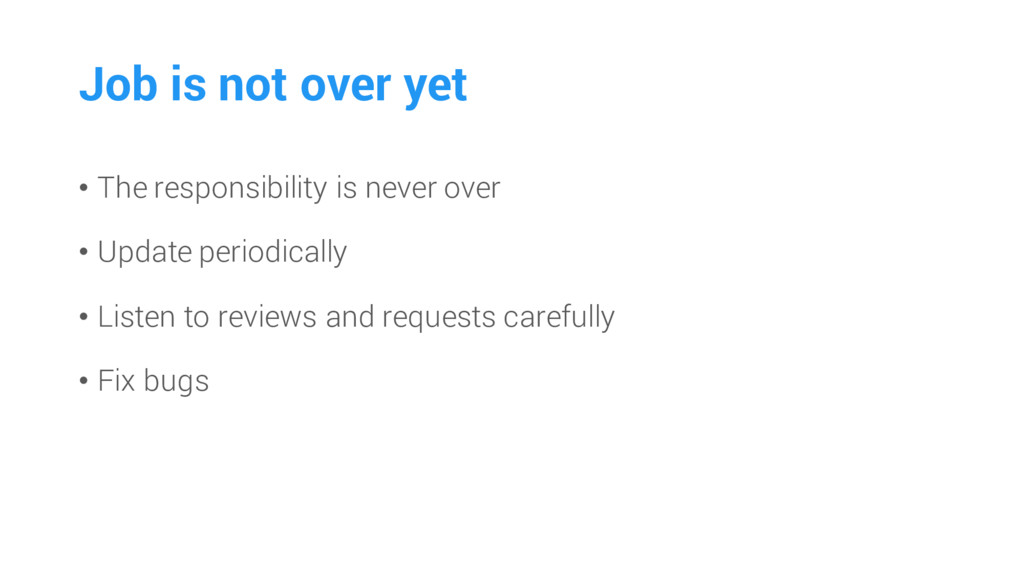
  13. Job is not over yet • The responsibility is never

    over • Update periodically • Listen to reviews and requests carefully • Fix bugs
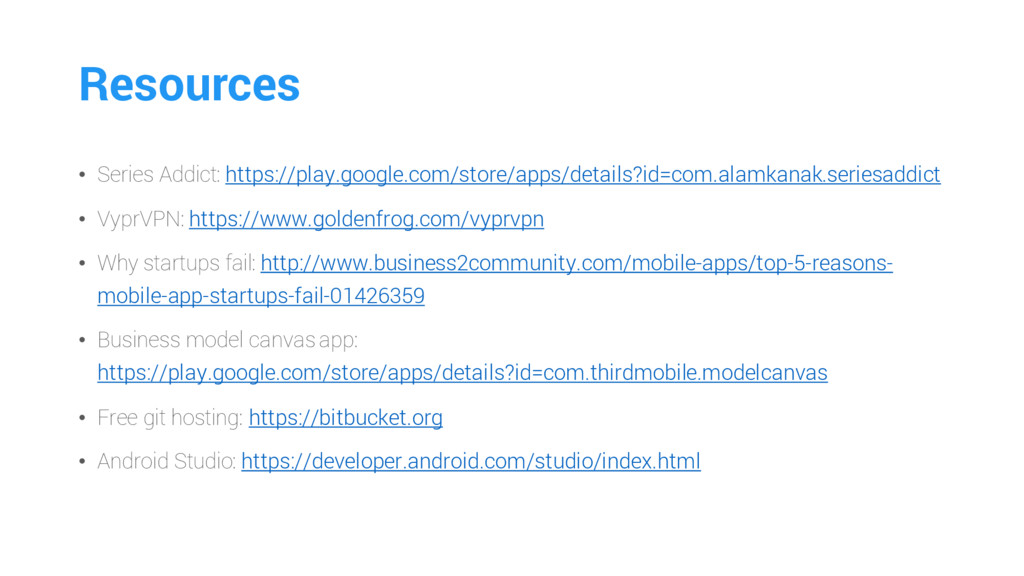
  14. Resources • Series Addict: https://play.google.com/store/apps/details?id=com.alamkanak.seriesaddict • VyprVPN: https://www.goldenfrog.com/vyprvpn • Why

    startups fail: http://www.business2community.com/mobile-apps/top-5-reasons- mobile-app-startups-fail-01426359 • Business model canvas app: https://play.google.com/store/apps/details?id=com.thirdmobile.modelcanvas • Free git hosting: https://bitbucket.org • Android Studio: https://developer.android.com/studio/index.html