building web applications, and by no means the only way to do so. There are a million other ways of doing this; the only difference is this one doesn’t suck.
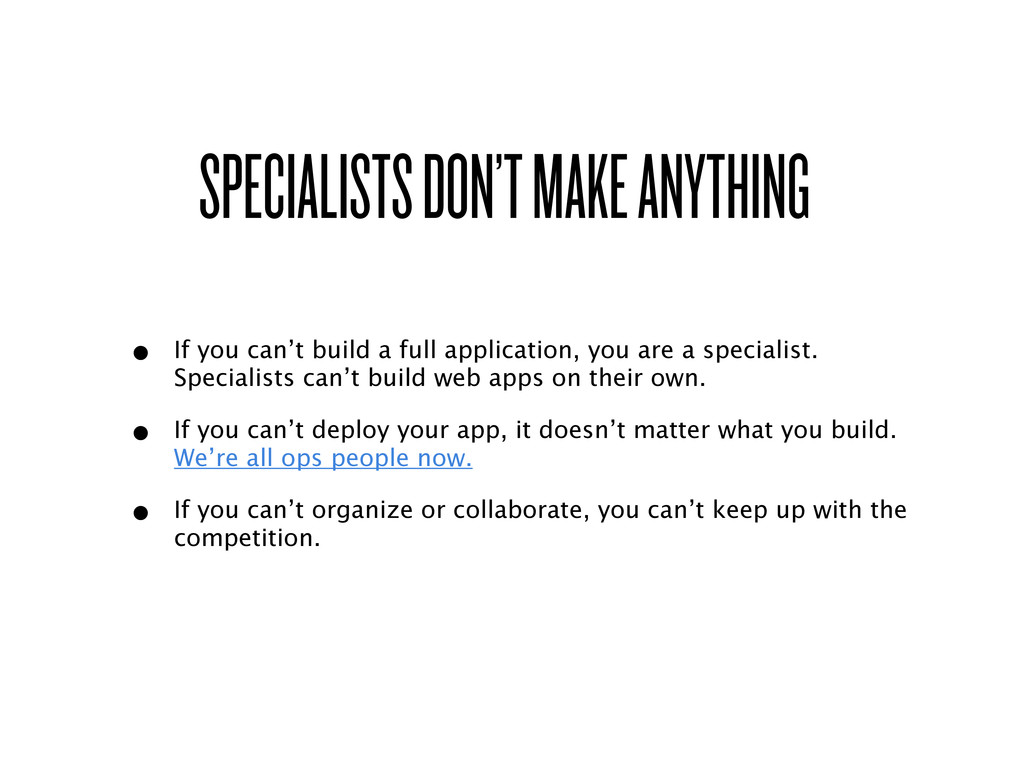
full application, you are a specialist. Specialists can’t build web apps on their own. • If you can’t deploy your app, it doesn’t matter what you build. We’re all ops people now. • If you can’t organize or collaborate, you can’t keep up with the competition.
to build and launch a modern web application • Flexible: Swap out parts as needed, customize to liking • Organized: Follow a methodology that lets you bring in others because your project is logically structured • Scalable: Ensure people can use your app in the event it doesn’t suck ™
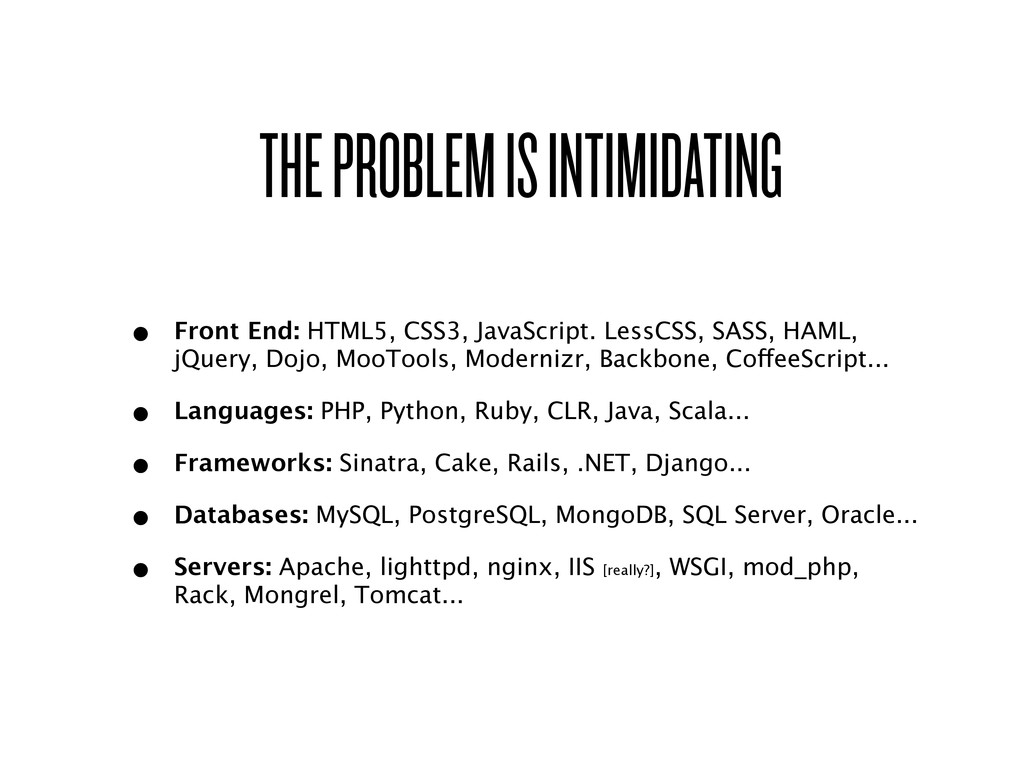
didn’t pick their components and thus have no idea what I’m talking about. • HTML: Open, works everywhere, what else are you going to use? Flash? • jQuery: Heavily tested, works pretty much everywhere, lots of support. • SASS: Writing and maintaining CSS sucks. SASS allows for indented syntax, functions, math, mixings, and compression. • Compass: Expansive library for SASS, use CSS3 now. • Python: Like Ruby, for adults. • Django: Smart template system, great ecosystem, scales well, highly decoupled. • South: Dead-simple migrations for the default ORM • PostgreSQL: Like MySQL, but good.
On a Mac, this means Homebrew. • Mirrors your production environment • Allows you to work on multiple projects simultaneously • Easy to tear down and rebuild (you’ll be doing this a lot)
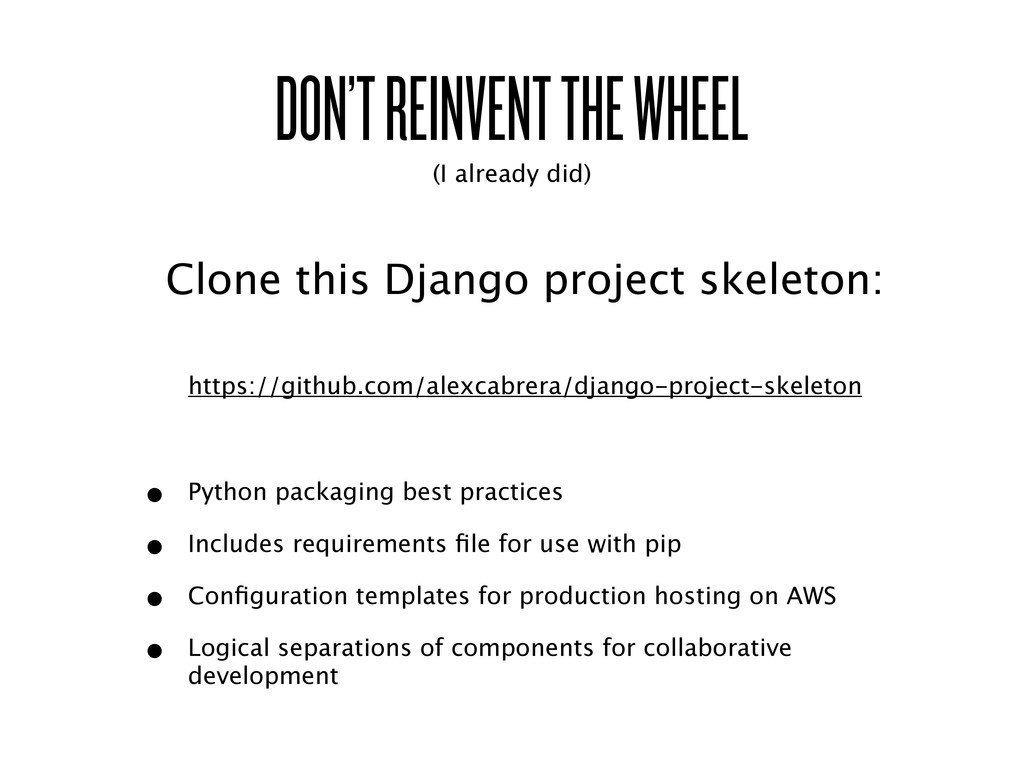
project skeleton: https://github.com/alexcabrera/django-project-skeleton • Python packaging best practices • Includes requirements file for use with pip • Configuration templates for production hosting on AWS • Logical separations of components for collaborative development
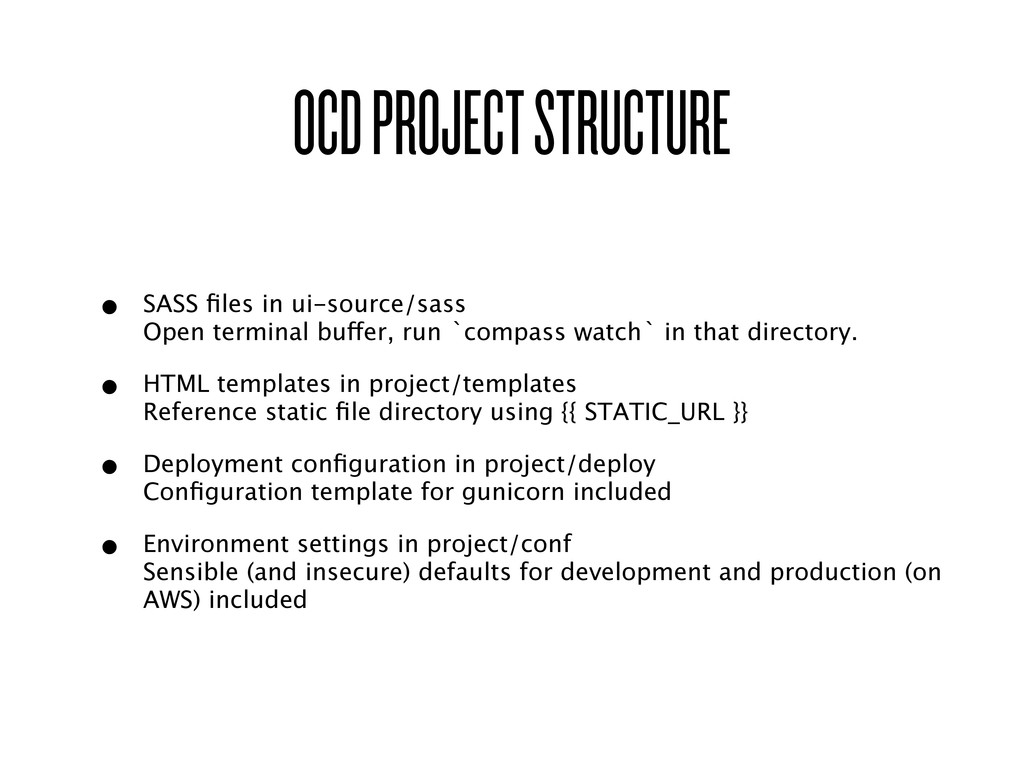
buffer, run `compass watch` in that directory. • HTML templates in project/templates Reference static file directory using {{ STATIC_URL }} • Deployment configuration in project/deploy Configuration template for gunicorn included • Environment settings in project/conf Sensible (and insecure) defaults for development and production (on AWS) included
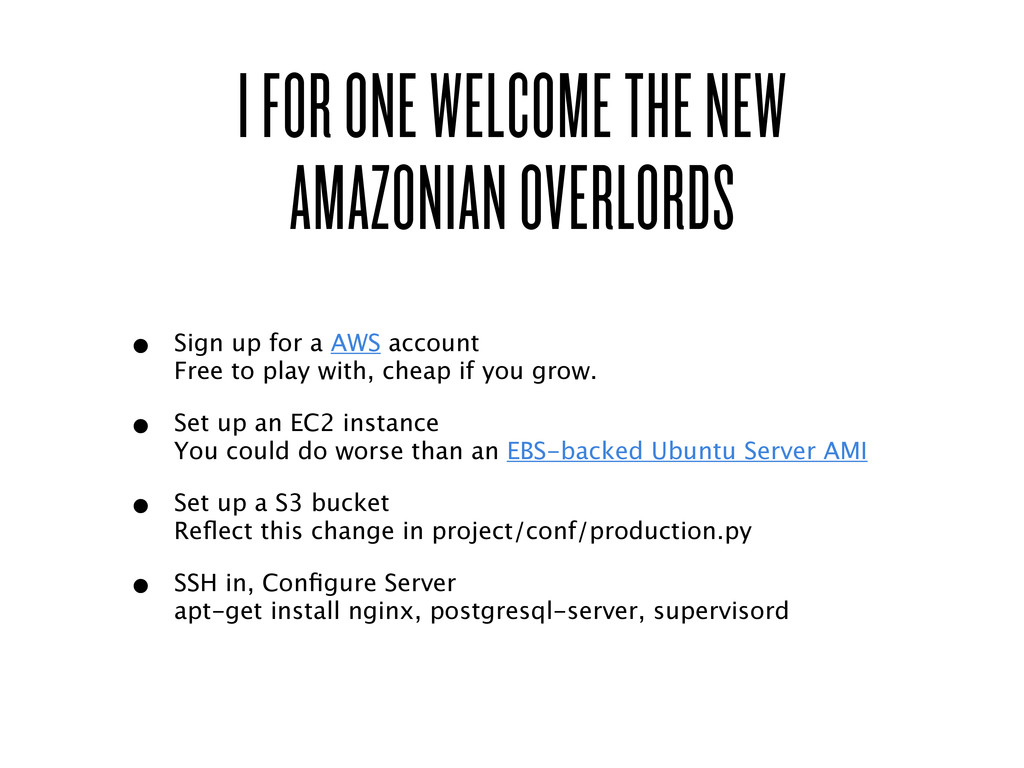
up for a AWS account Free to play with, cheap if you grow. • Set up an EC2 instance You could do worse than an EBS-backed Ubuntu Server AMI • Set up a S3 bucket Reflect this change in project/conf/production.py • SSH in, Configure Server apt-get install nginx, postgresql-server, supervisord
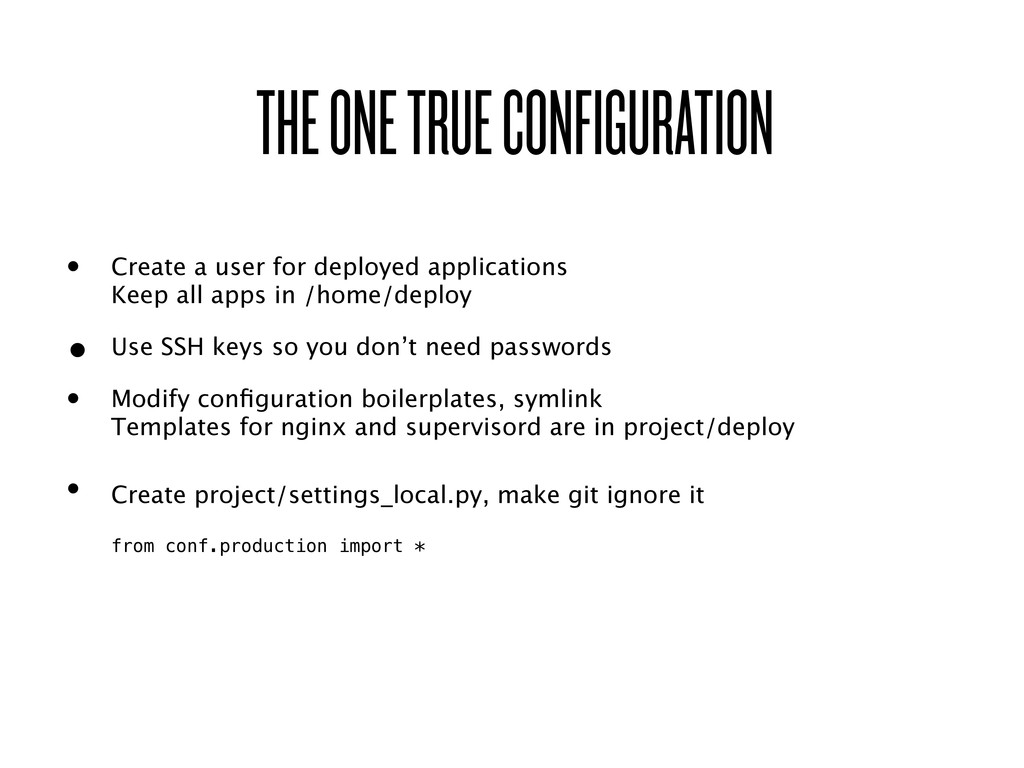
applications Keep all apps in /home/deploy • Use SSH keys so you don’t need passwords • Modify configuration boilerplates, symlink Templates for nginx and supervisord are in project/deploy • Create project/settings_local.py, make git ignore it from conf.production import *
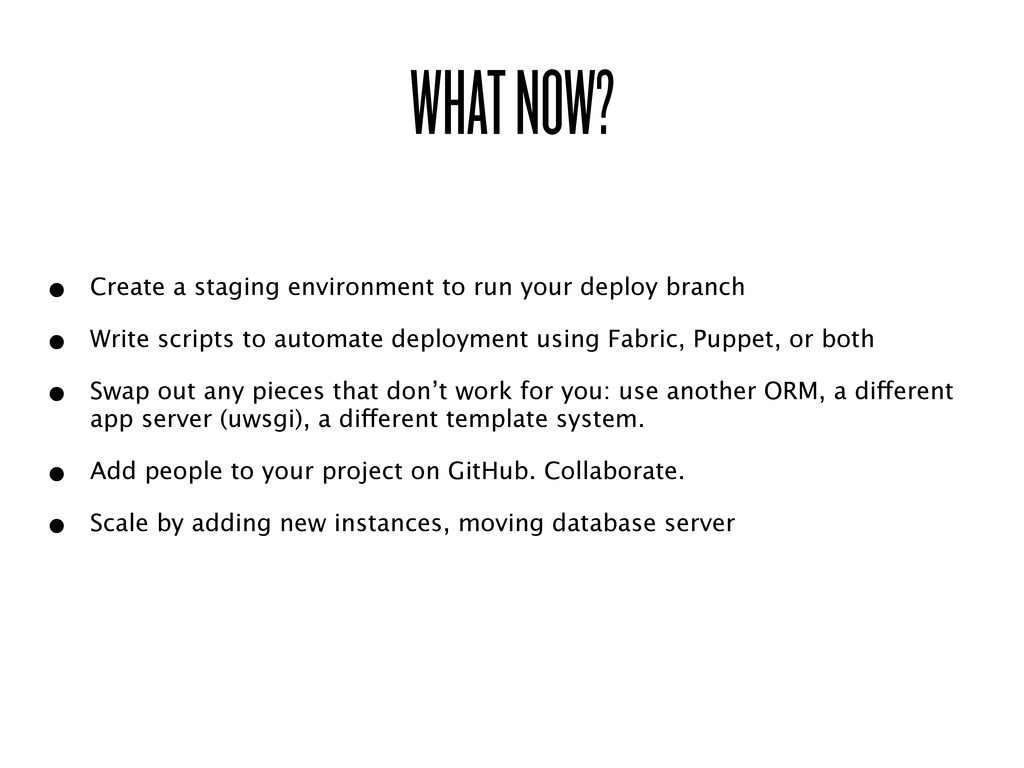
deploy branch • Write scripts to automate deployment using Fabric, Puppet, or both • Swap out any pieces that don’t work for you: use another ORM, a different app server (uwsgi), a different template system. • Add people to your project on GitHub. Collaborate. • Scale by adding new instances, moving database server


.jpg) yumnumm
yumnumm
 satoshi256kbyte
 lef237
 kasacchiful
 lynnswap
 yub0n
yub0n
 nao_randd
 skydoves
 colorful12
 kishida
 kinopeee
 akase244
 addyosmani
 hatefulcrawdad
 bkeepers
 maggiecrowley
 tmiket
 erikaheidi
 apolaine
 sarafernandez
 eitanlees
 bcantrill
 helmedeiros
 jmmastey
![IT WORKS! > git clone [email protected]:alexcabrera/django-project-skeleton.git exampleproj > cd exampleproj](https://files.speakerdeck.com/presentations/4ea8c5f991b0b3005100491d/slide_11.jpg)