Upgrade to PRO for Only $50/Year—Limited-Time Offer! 🔥

UDP in K8S: Signed, Sealed, but Delivered?

UDP in K8S: Signed, Sealed, but Delivered?

This talk was presented at KubeCon North America '17.

It's based on my personal experience working with Kubernetes in production. I talked about the UDP failures we encountered in production, how we found out the root cause, how we mitigated and fixed the bug in kube-proxy. This will help you understand the Kubernetes networking design better and debug any issues you face.

Youtube video: https://youtu.be/auBNs9qpCJI
Sched: https://kccncna17.sched.com/event/CU8P

Avatar for Amanpreet Singh

Amanpreet Singh

December 08, 2017
Tweet

More Decks by Amanpreet Singh

Other Decks in Technology

Transcript

  1. Where do we use UDP anyway? KubeDNS
 • Service discovery!


    • Crucial in a cluster where services call each other all the time
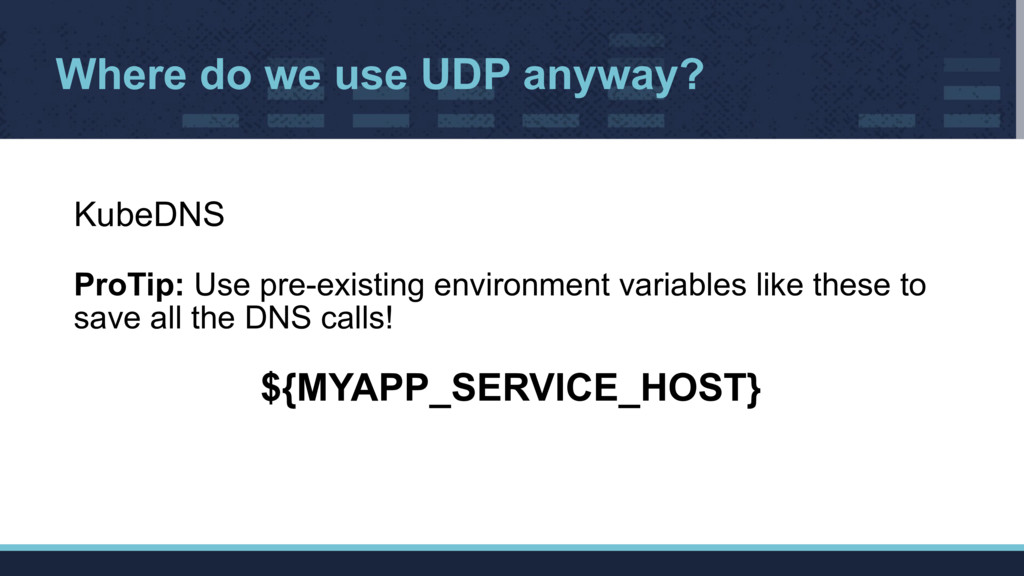
  2. Where do we use UDP anyway? KubeDNS
 ProTip: Use pre-existing

    environment variables like these to save all the DNS calls!
 ${MYAPP_SERVICE_HOST}
  3. Where do we use UDP anyway? StatsD
 • Statsd+graphite for

    custom business and service metrics.
 • Single-pod deployment backed by a persistent volume (EBS)
 • Not HA since Kubernetes restarts it quickly in case of failure
  4. K8S Networking Primer Key Concepts:
 • Every pod has a

    unique IP
 • These IPs are routable from all the pods
 (even on different nodes)
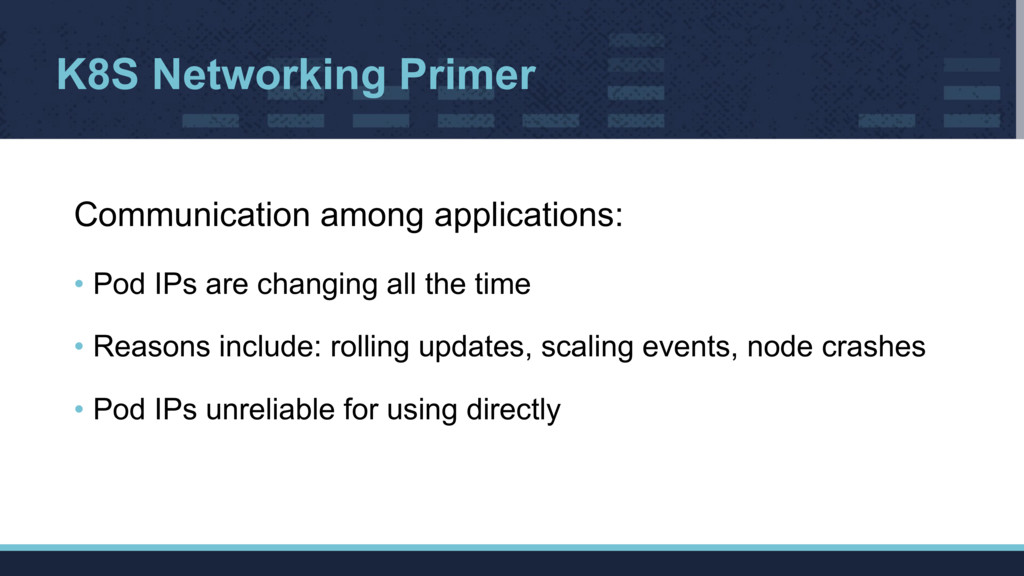
  5. K8S Networking Primer Communication among applications:
 • Pod IPs are

    changing all the time
 • Reasons include: rolling updates, scaling events, node crashes
 • Pod IPs unreliable for using directly
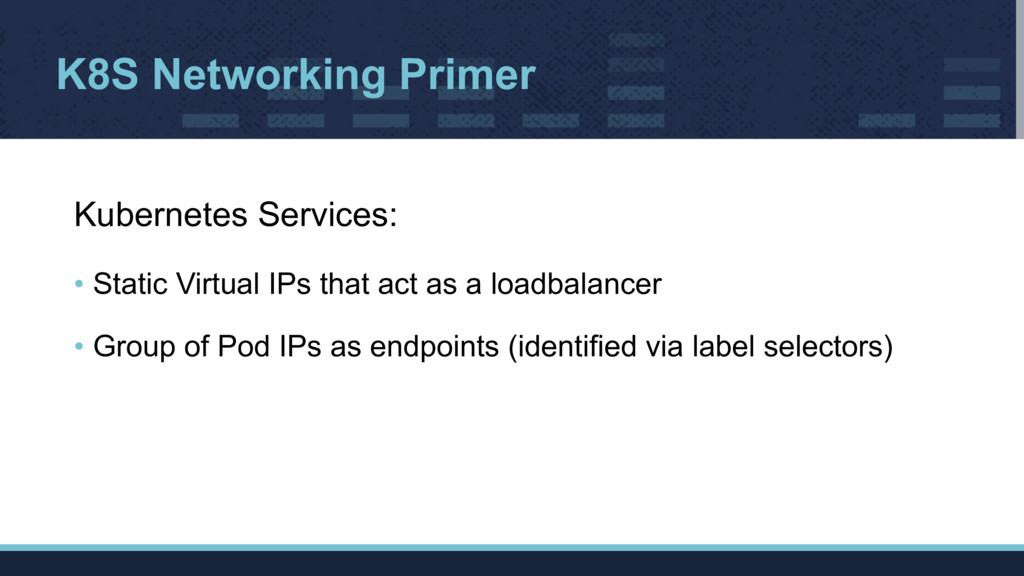
  6. K8S Networking Primer Kubernetes Services:
 • Static Virtual IPs that

    act as a loadbalancer
 • Group of Pod IPs as endpoints (identified via label selectors)
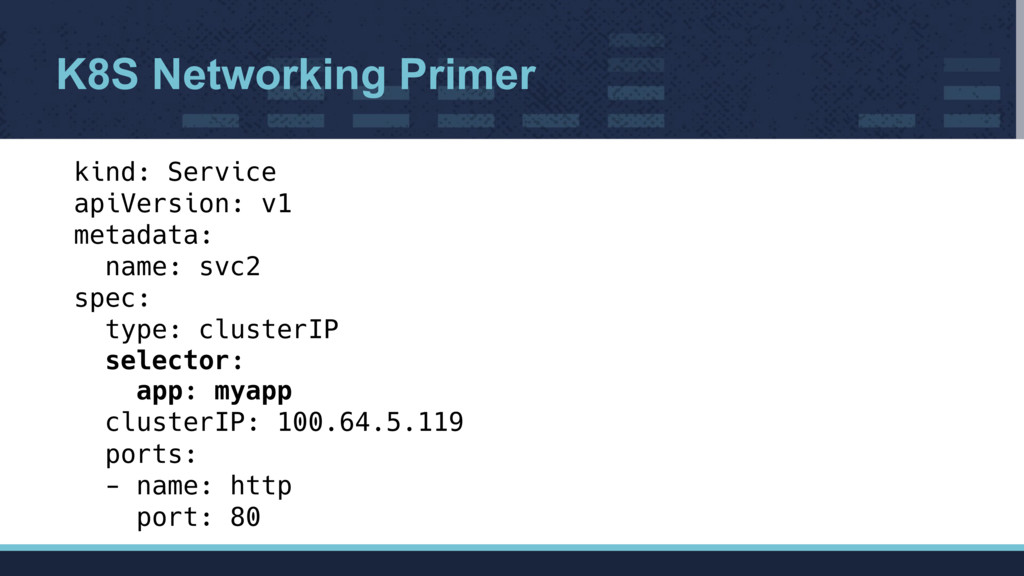
  7. K8S Networking Primer kind: Service apiVersion: v1 metadata: name: svc2

    spec: type: clusterIP selector: app: myapp clusterIP: 100.64.5.119 ports: - name: http port: 80
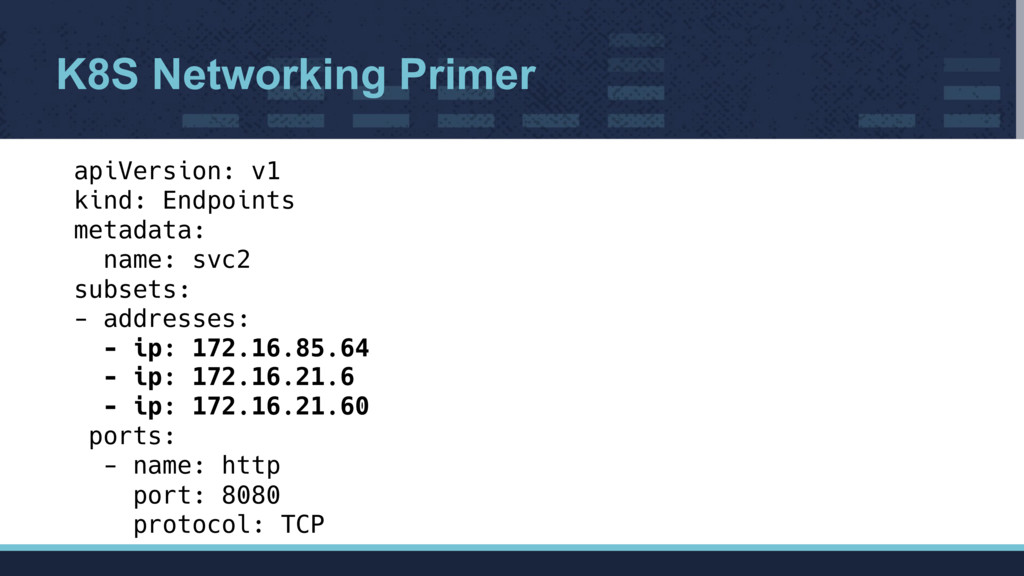
  8. K8S Networking Primer apiVersion: v1 kind: Endpoints metadata: name: svc2

    subsets: - addresses: - ip: 172.16.85.64 - ip: 172.16.21.6 - ip: 172.16.21.60 ports: - name: http port: 8080 protocol: TCP
  9. K8S Networking Primer How do these services work?
 • Magic

    ✨
 • Actually, it's even more complicated than that...
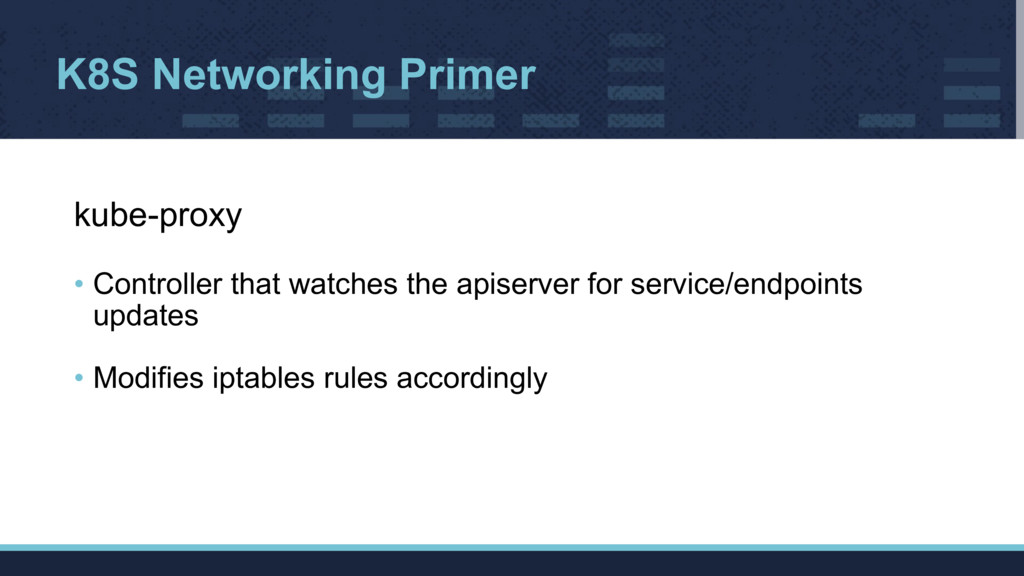
  10. K8S Networking Primer kube-proxy
 • Controller that watches the apiserver

    for service/endpoints updates
 • Modifies iptables rules accordingly
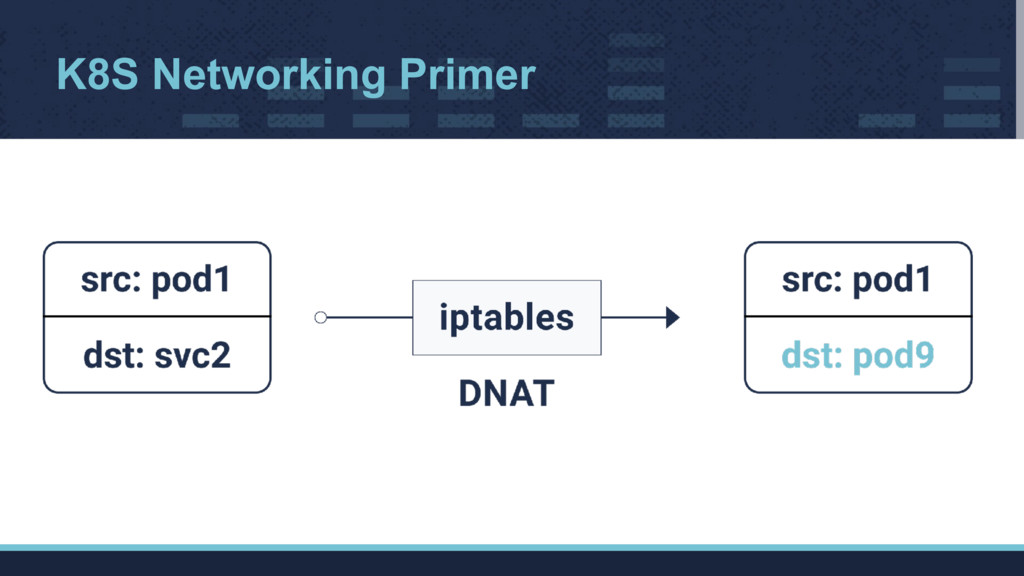
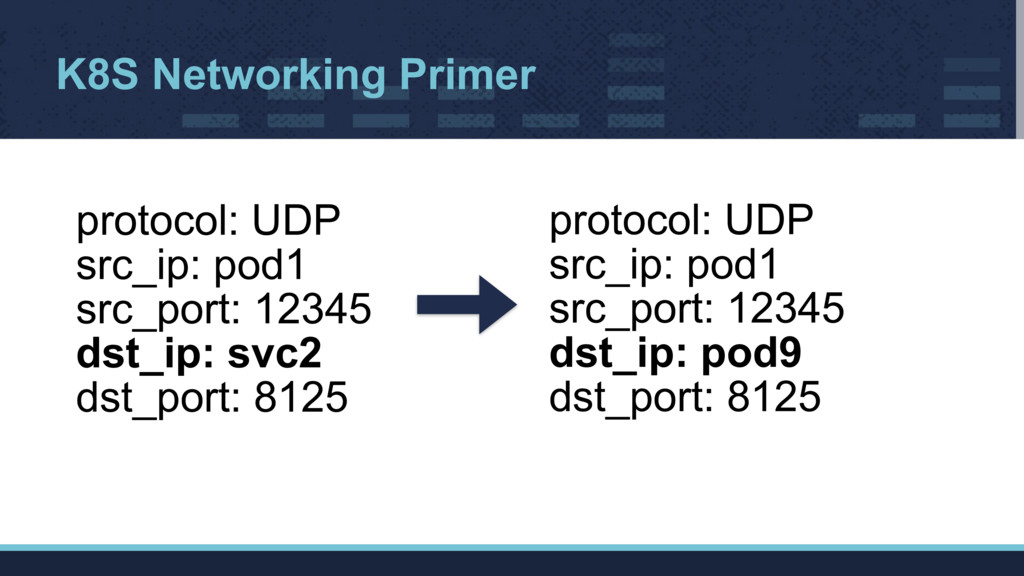
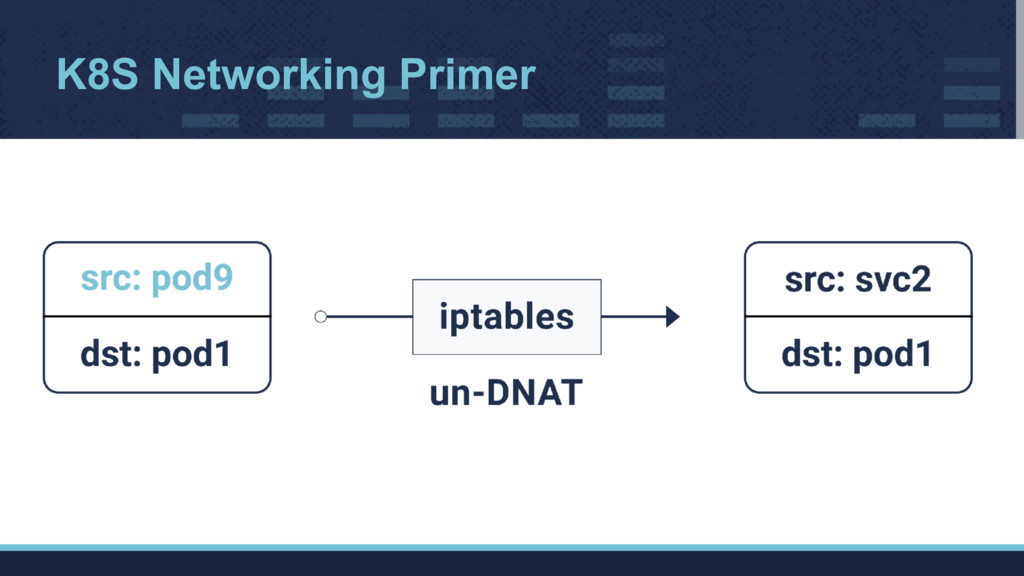
  11. K8S Networking Primer protocol: UDP src_ip: pod1 src_port: 12345 dst_ip:

    pod9 dst_port: 8125 protocol: UDP src_ip: pod1 src_port: 12345 dst_ip: svc2 dst_port: 8125
  12. What went wrong? • When the StatsD pod is recreated,

    the metrics for some of the applications won’t reach StatsD
 • Some applications were still able to send metrics successfully
 • Restarting the application pods fixed it without touching the StatsD pod at all
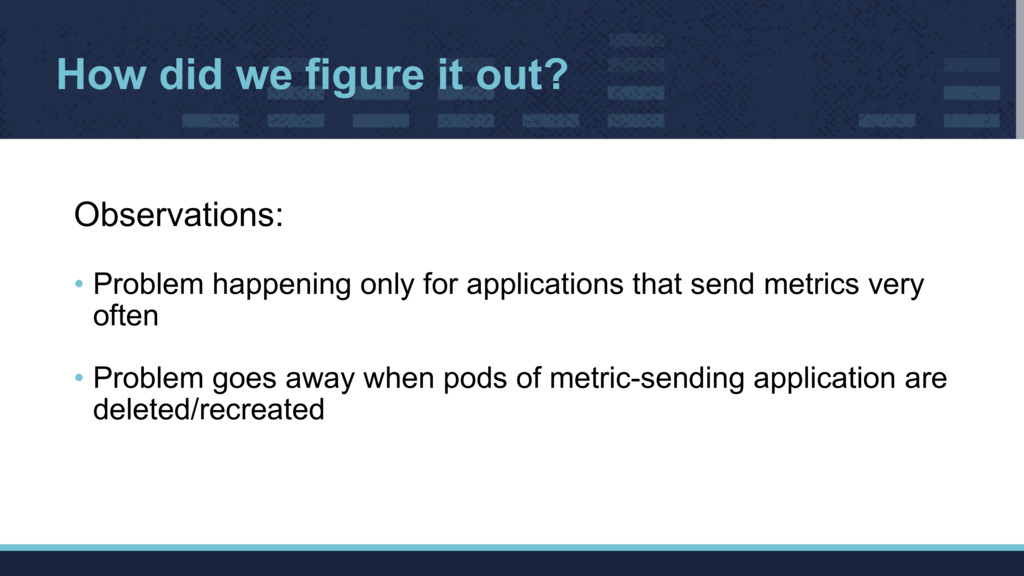
  13. How did we figure it out? Observations:
 • Problem happening

    only for applications that send metrics very often
 • Problem goes away when pods of metric-sending application are deleted/recreated
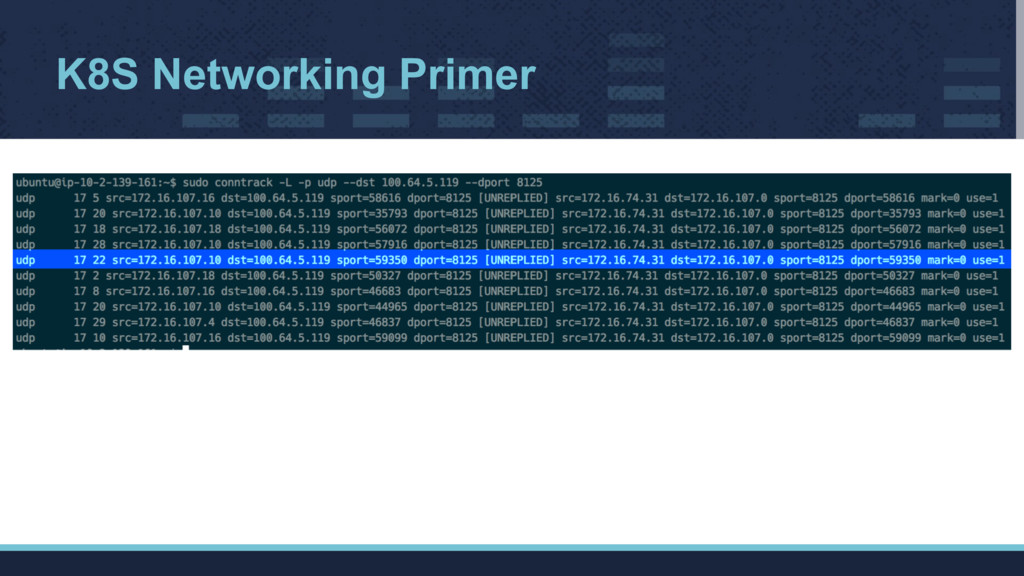
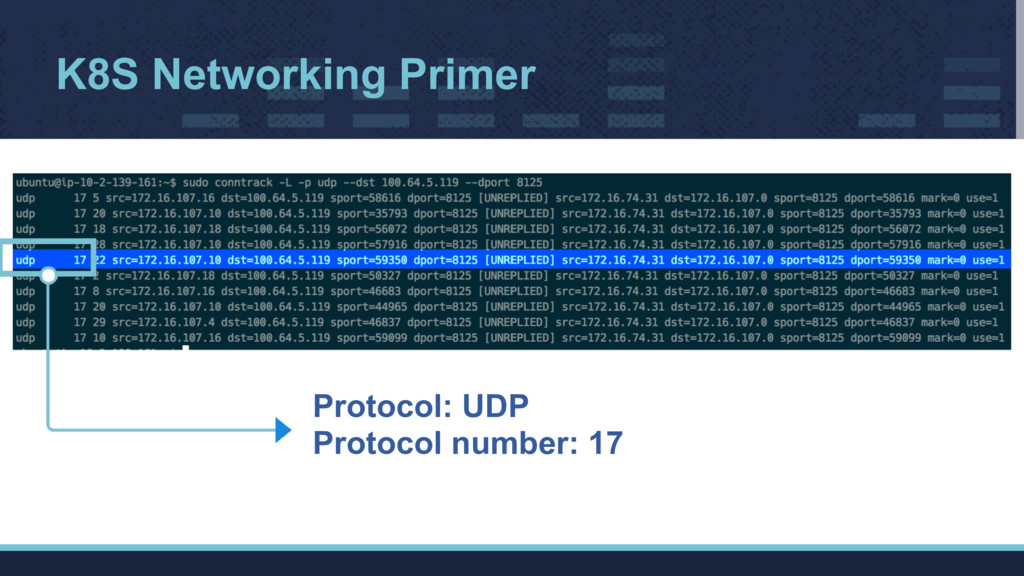
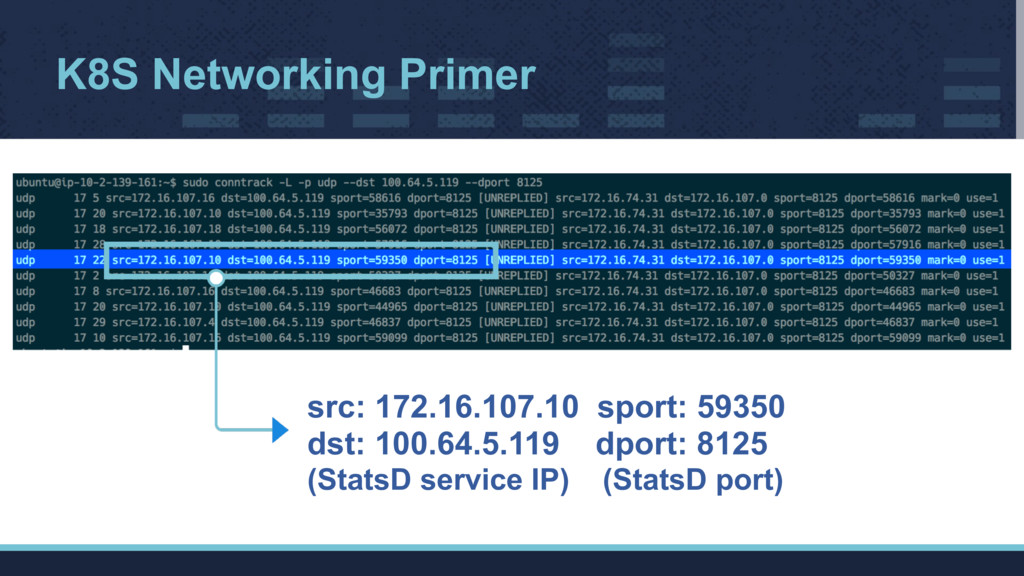
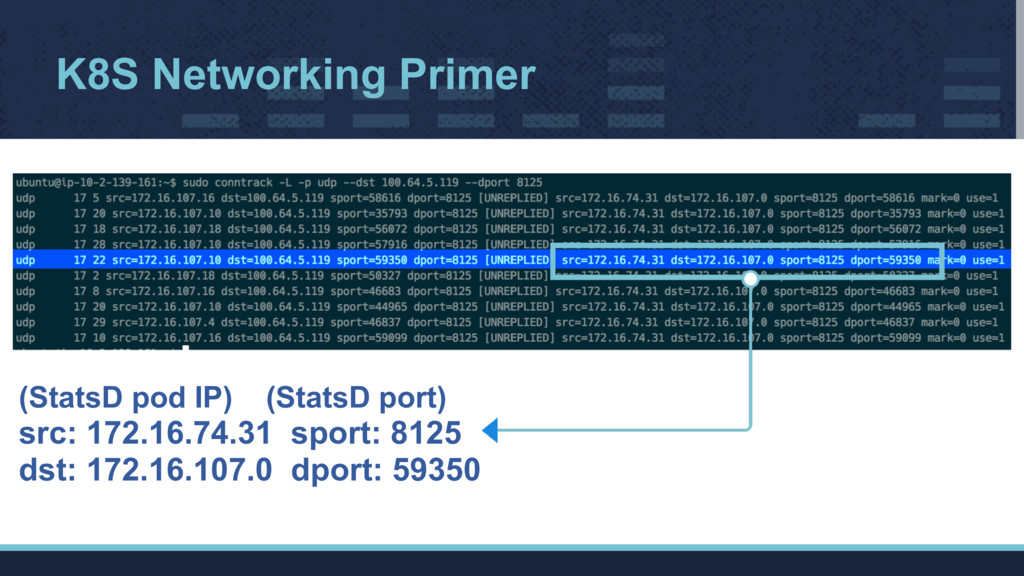
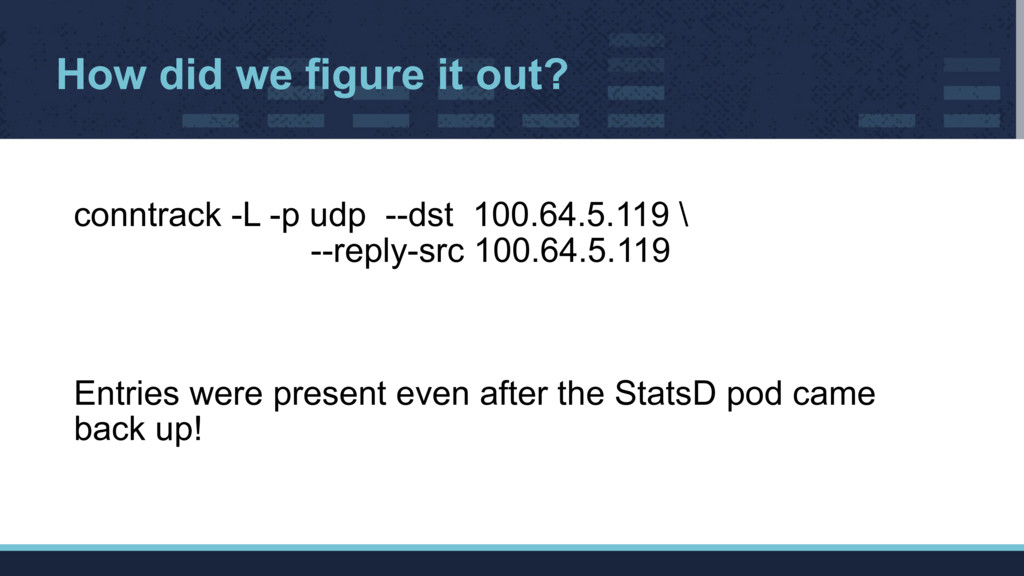
  14. How did we figure it out? conntrack -L -p udp

    --dst 100.64.5.119 \ --reply-src 100.64.5.119
 
 
 Entries were present even after the StatsD pod came back up!
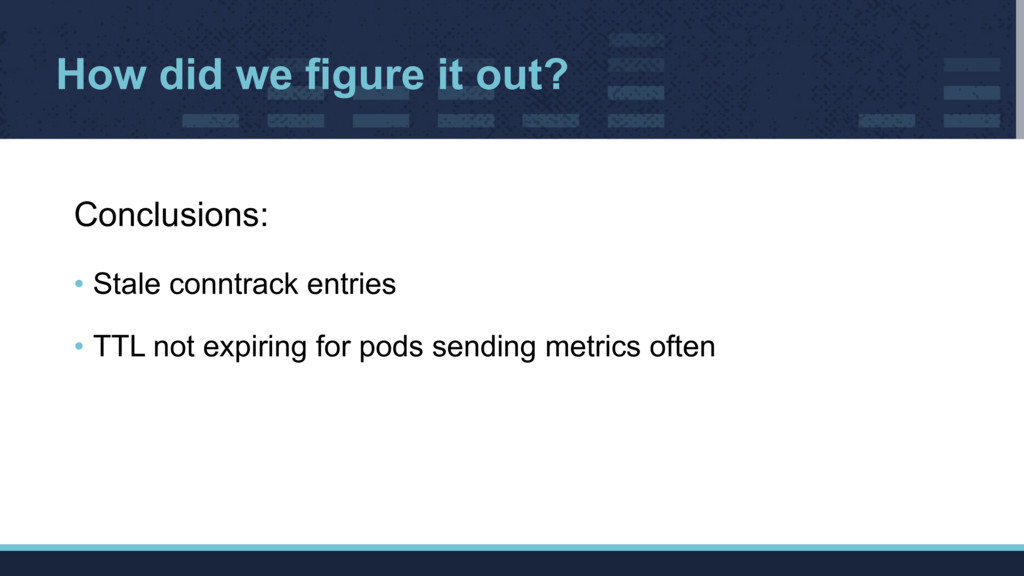
  15. How did we figure it out? Conclusions:
 • Stale conntrack

    entries
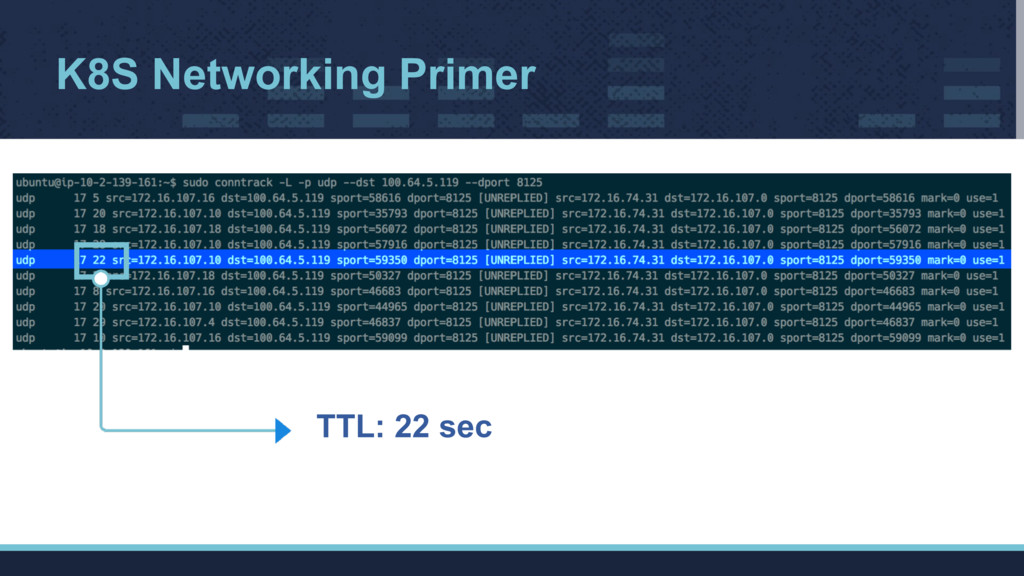
 • TTL not expiring for pods sending metrics often
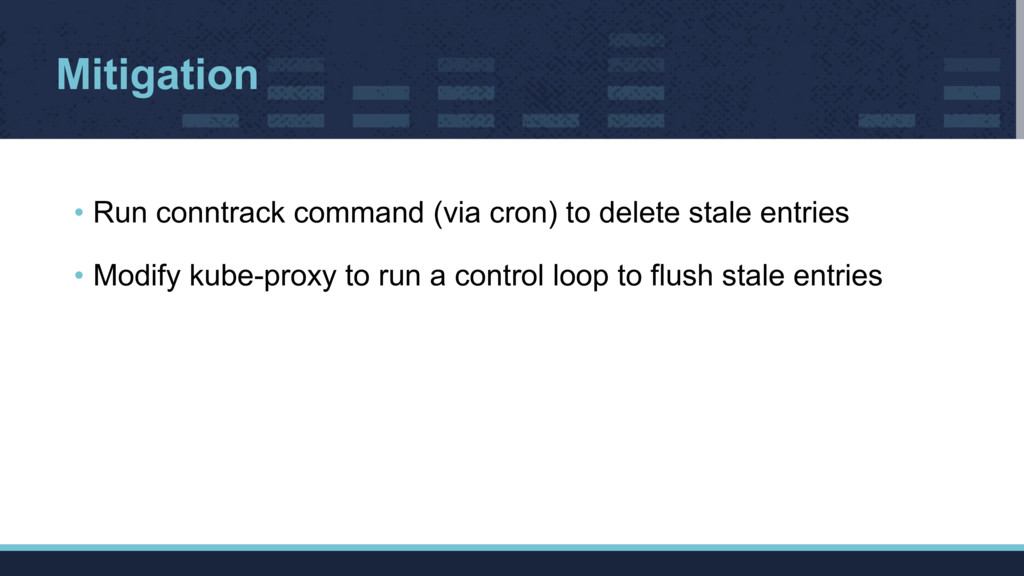
  16. Mitigation • Run conntrack command (via cron) to delete stale

    entries
 • Modify kube-proxy to run a control loop to flush stale entries
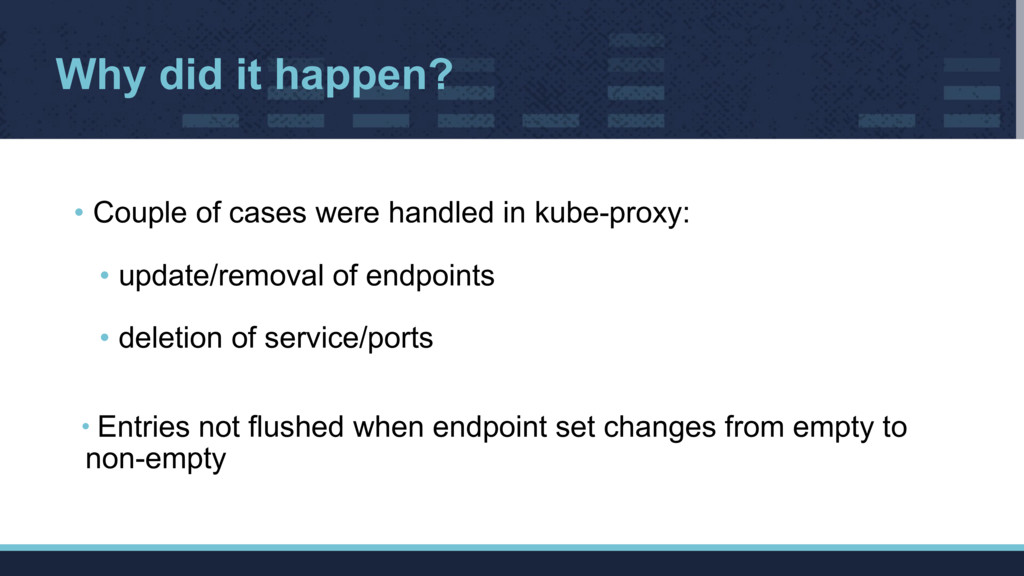
  17. Why did it happen? • Couple of cases were handled

    in kube-proxy:
 • update/removal of endpoints
 • deletion of service/ports
 
 • Entries not flushed when endpoint set changes from empty to non-empty
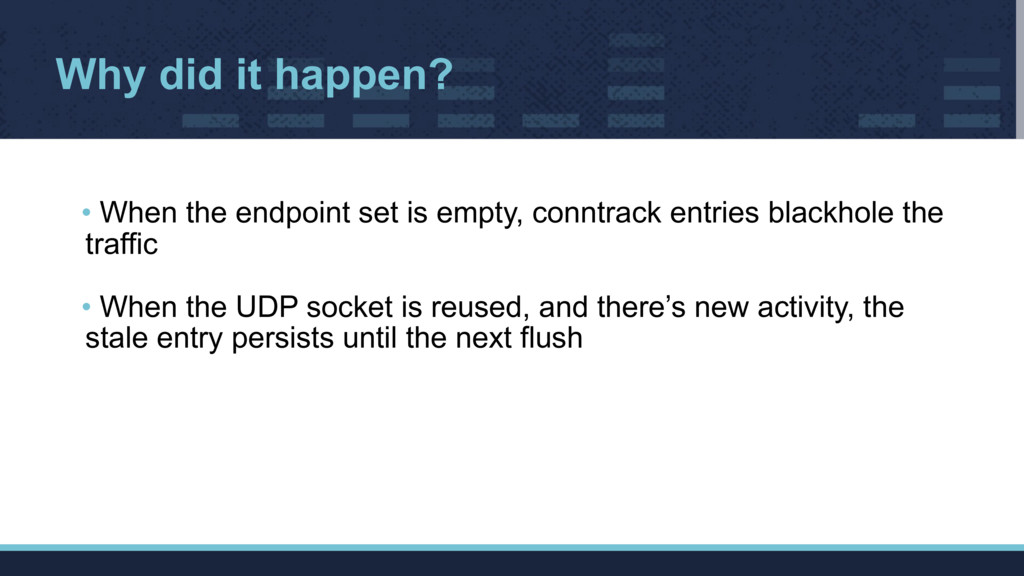
  18. Why did it happen? • When the endpoint set is

    empty, conntrack entries blackhole the traffic
 • When the UDP socket is reused, and there’s new activity, the stale entry persists until the next flush
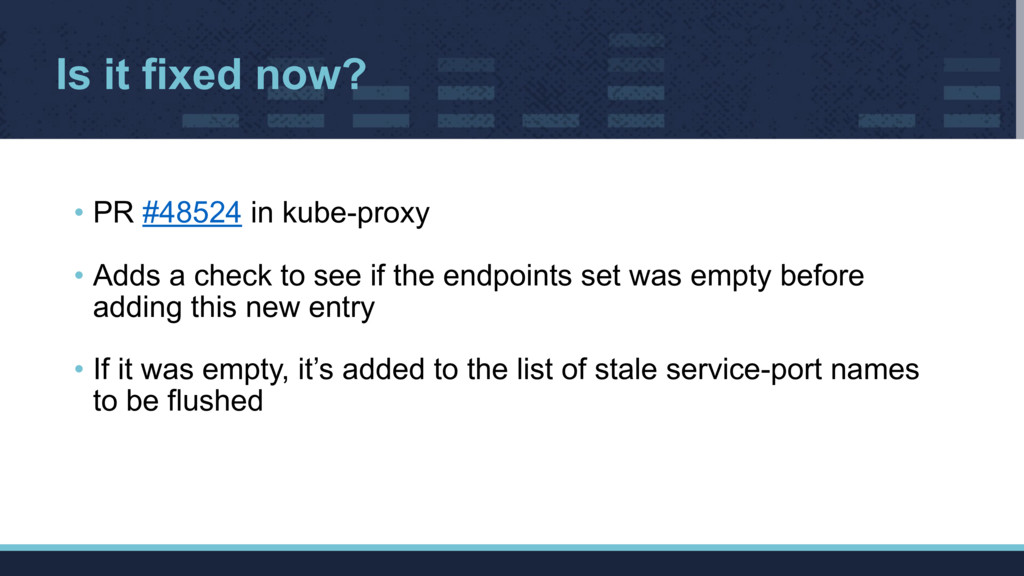
  19. Is it fixed now? • PR #48524 in kube-proxy
 •

    Adds a check to see if the endpoints set was empty before adding this new entry
 • If it was empty, it’s added to the list of stale service-port names to be flushed