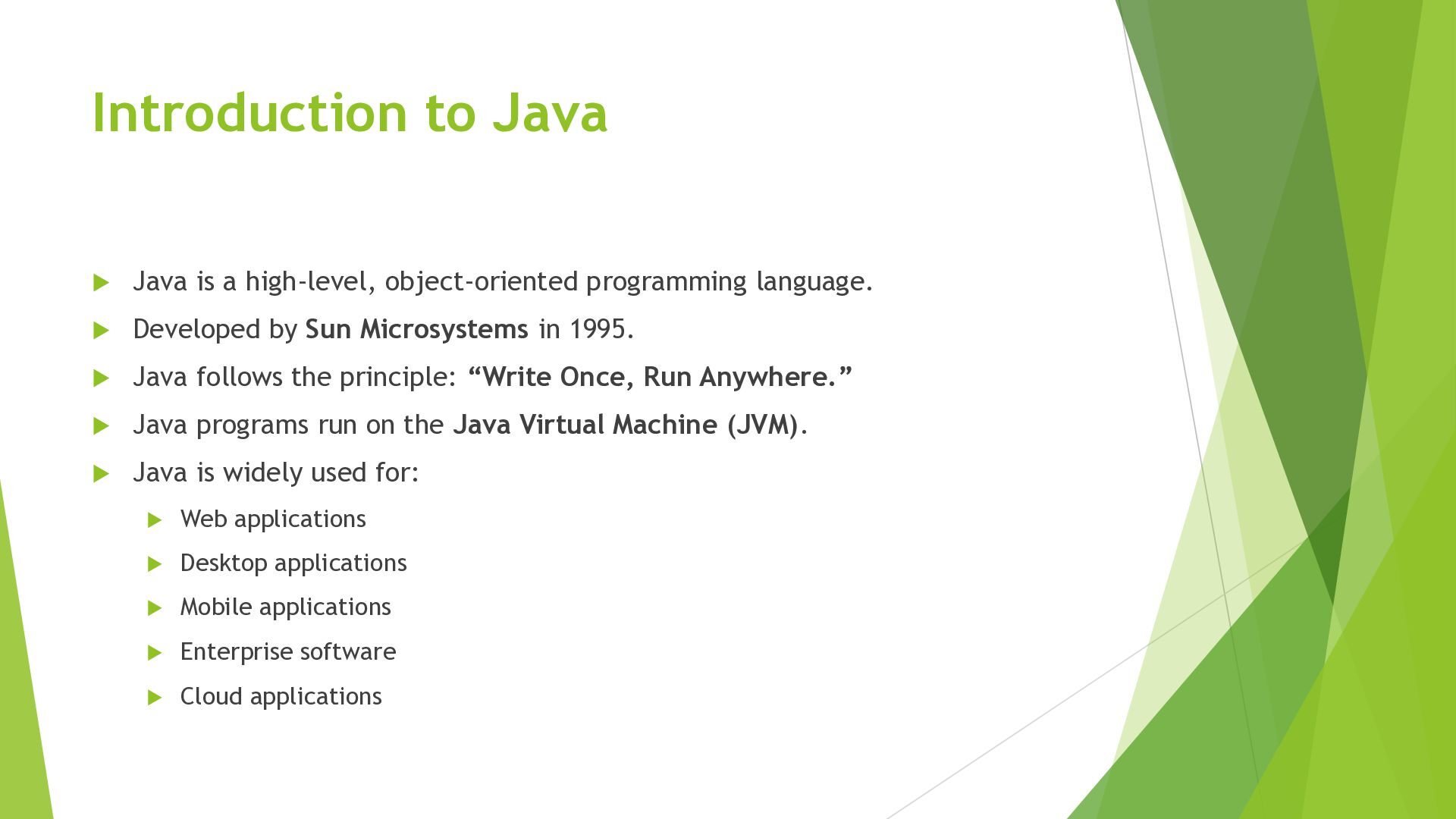
language. Developed by Sun Microsystems in 1995. Java follows the principle: “Write Once, Run Anywhere.” Java programs run on the Java Virtual Machine (JVM). Java is widely used for: Web applications Desktop applications Mobile applications Enterprise software Cloud applications
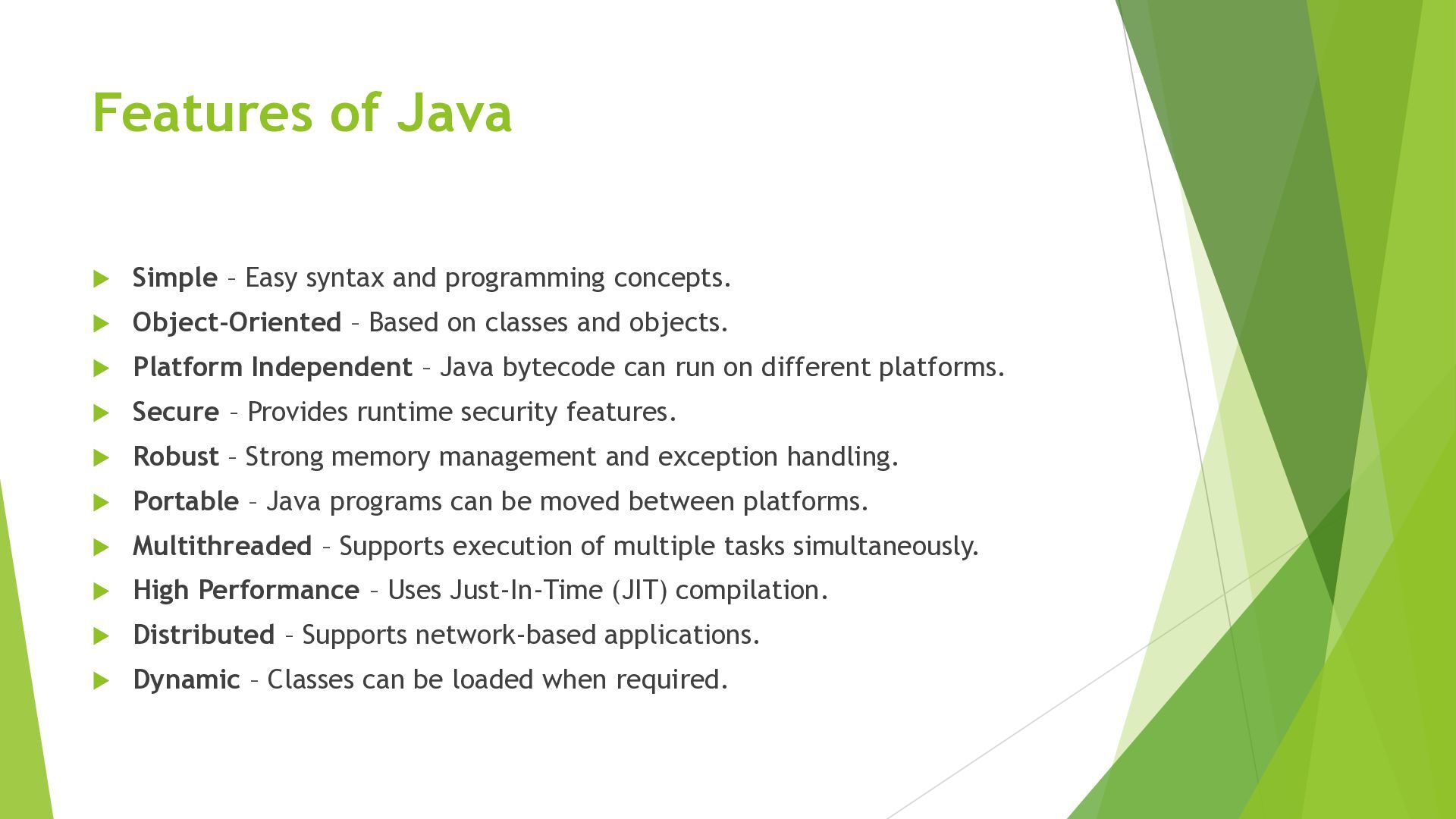
concepts. Object-Oriented – Based on classes and objects. Platform Independent – Java bytecode can run on different platforms. Secure – Provides runtime security features. Robust – Strong memory management and exception handling. Portable – Java programs can be moved between platforms. Multithreaded – Supports execution of multiple tasks simultaneously. High Performance – Uses Just-In-Time (JIT) compilation. Distributed – Supports network-based applications. Dynamic – Classes can be loaded when required.
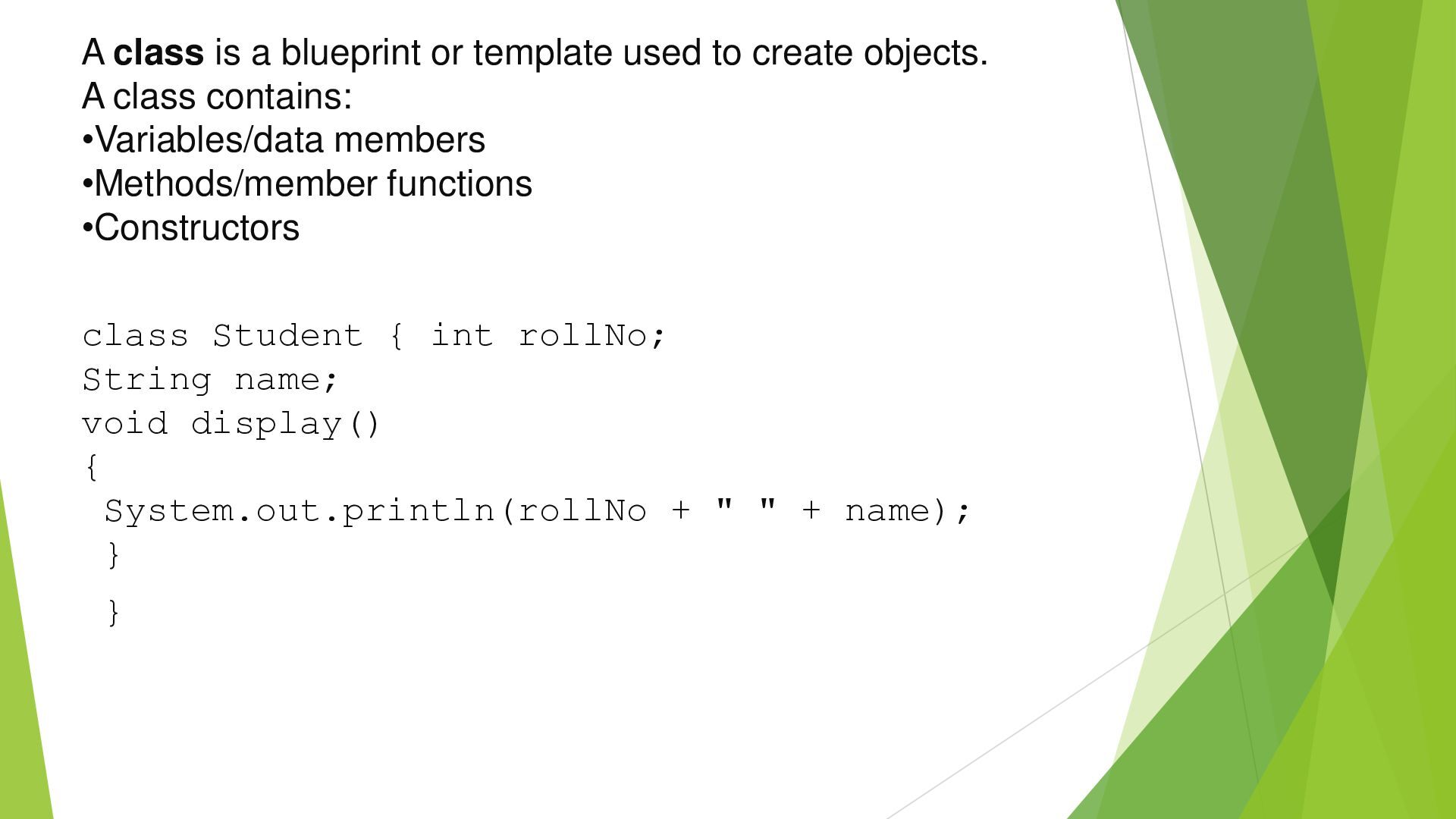
objects. A class contains: Define a Class •Variables/data members •Methods/member functions •Constructors class Student { int rollNo; String name; void display() { System.out.println(rollNo + " " + name); } }
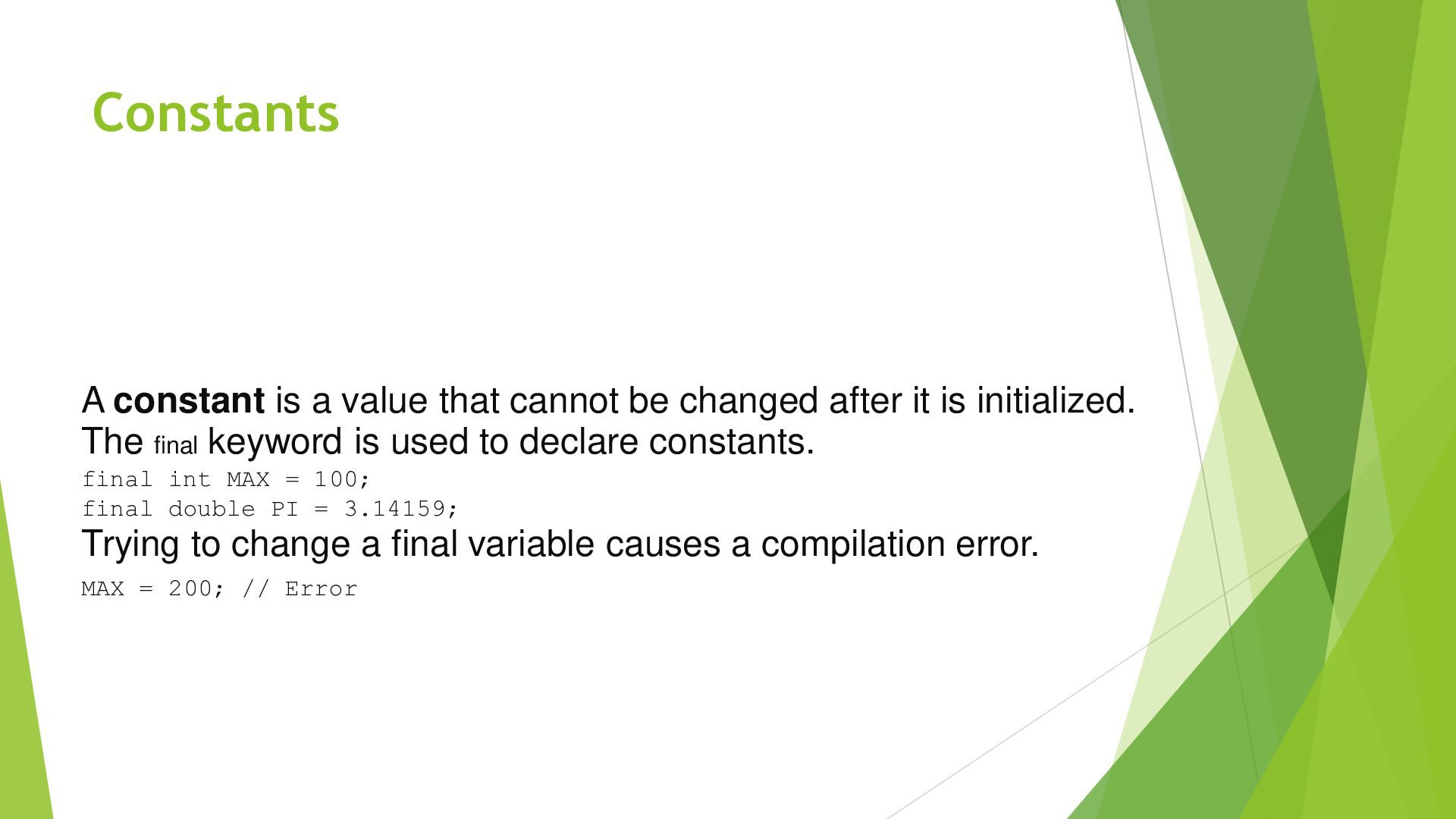
after it is initialized. The final keyword is used to declare constants. final int MAX = 100; final double PI = 3.14159; Trying to change a final variable causes a compilation error. MAX = 200; // Error
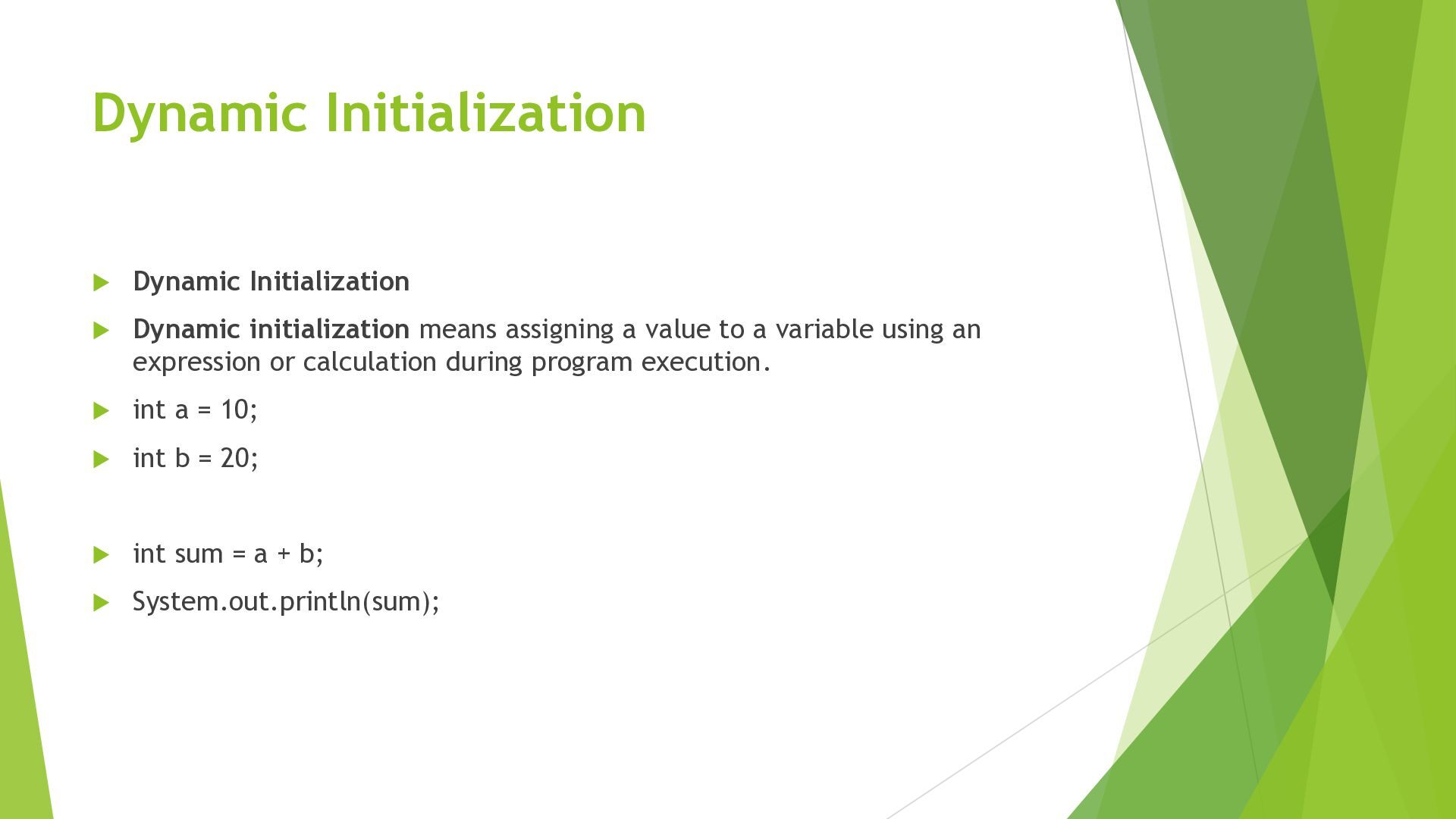
a value to a variable using an expression or calculation during program execution. int a = 10; int b = 20; int sum = a + b; System.out.println(sum);
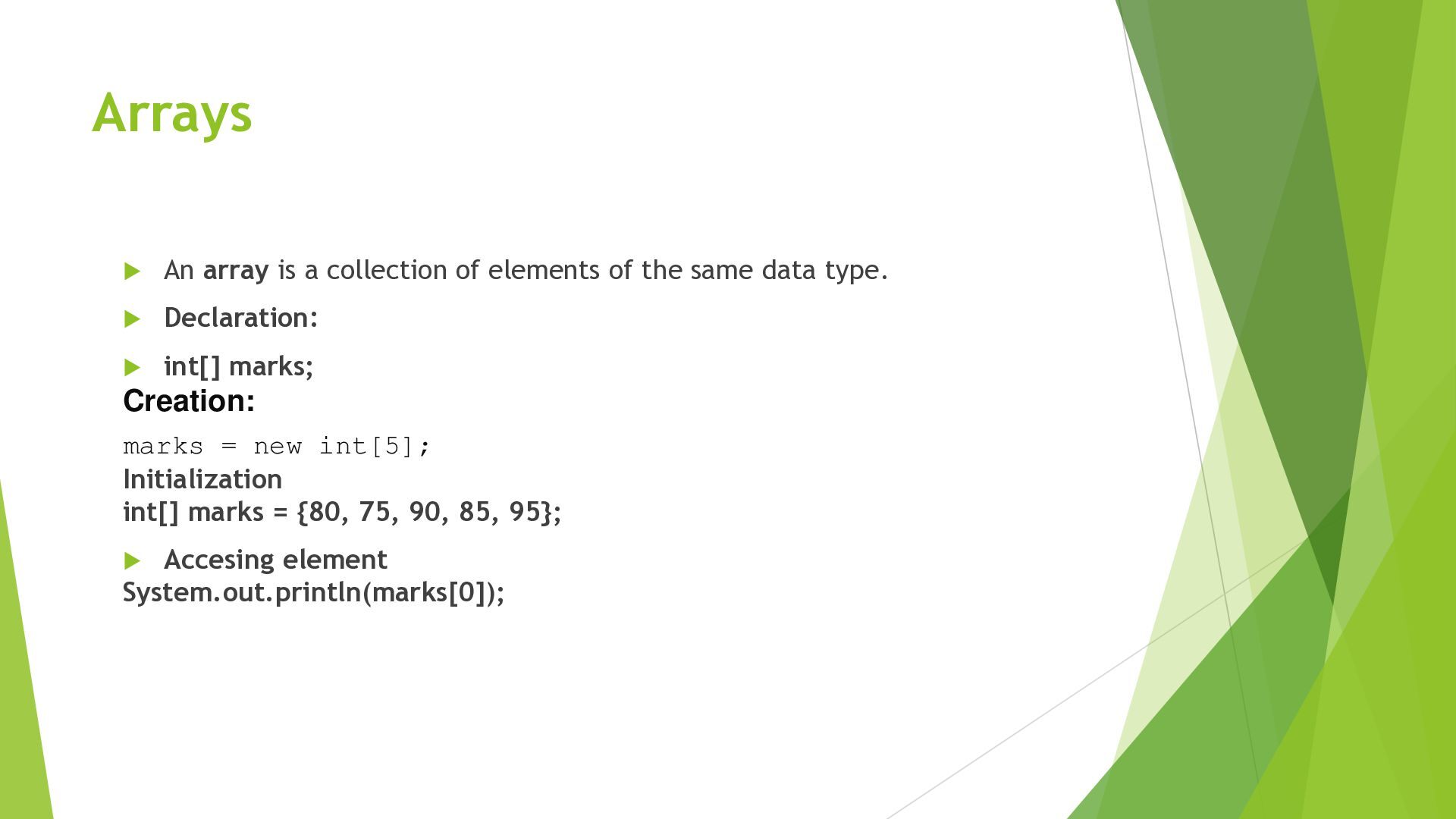
the same data type. Declaration: int[] marks; Creation: marks = new int[5]; Initialization int[] marks = {80, 75, 90, 85, 95}; Accesing element System.out.println(marks[0]);
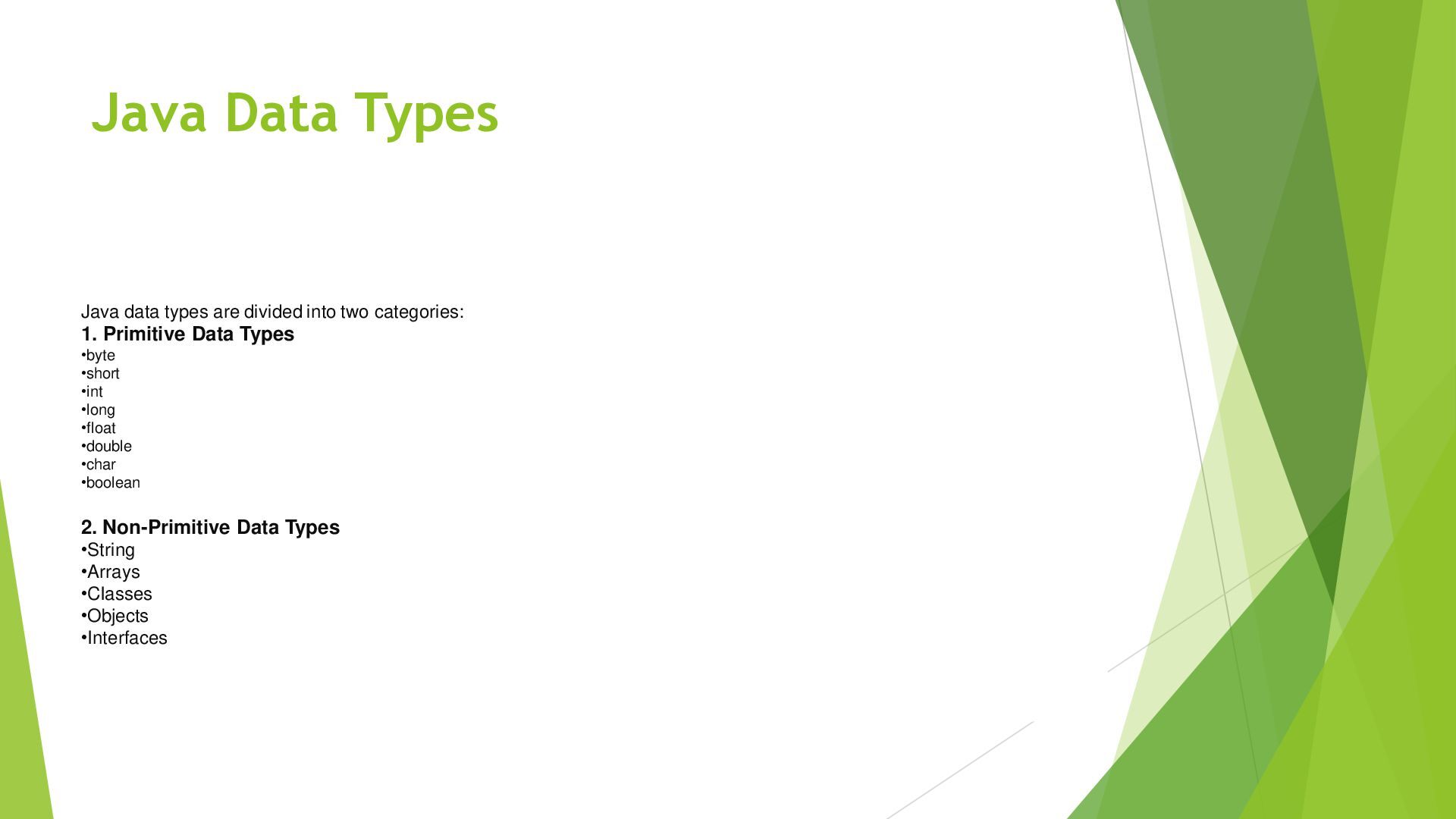
Java Java programming environment Classes and objects Accessing class members Java tokens Data types and constants Variables and dynamic initialization Arrays


 signer
 suisan
 kekekenta
 uranoken
 naoji_taniguchi_ksk_0827
 frievea
 matleenalaakso
 drpoonamkc
 ainischool
 arnoknobbe
 yoshimura_datam
 aleyda
 nikkihalliwell
 greggifford
 tmiket
 livdayseo
 marketingsoph
 inesmontani
 3n
3n
 skipperchong
 axbom
axbom
 akosma