Share
The State of Navigation in Kotlin Multiplatform
Navigation across mobile, desktop, and web remains a core architectural challenge. While developers once relied on platform-specific hacks, Compose Multiplatform now promises unified state management and UI consistency across targets.
However, the launch of Jetpack Navigation Multiplatform has disrupted the ecosystem, challenging established community favourites like Decompose and Voyager. Choosing a tool is no longer just about routing; it dictates your entire approach to lifecycles and state. It is impressive how many distinct ways the community has invented just to move between screens without breaking application state.
This talk cuts through documentation optimism to evaluate the current reality of multiplatform navigation. We will compare the structural tradeoffs of the leading frameworks and their actual fitness for production. You will leave with a clear framework to choose the tool that fits your codebase with the least amount of architectural regret.
Ash Davies
Transcript
55 slides
-
The state of navigation in Kotlin Multiplatform DevFest Berlin 2026
Ash Davies ashdavies.dev androiddev.social/@ashdavies -
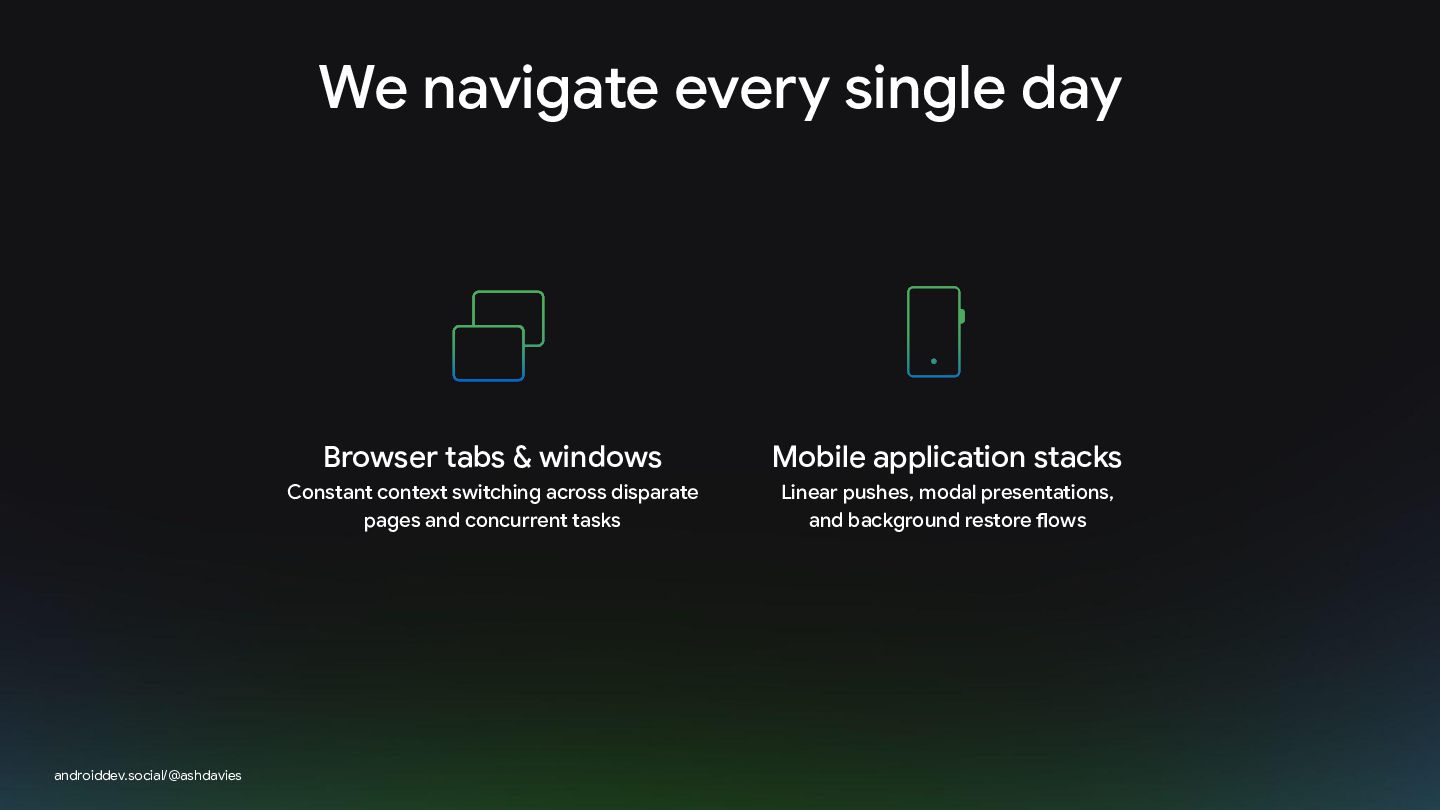
We navigate every single day androiddev.social/@ashdavies Browser tabs & windows
Mobile application stacks Constant context switching across disparate pages and concurrent tasks Linear pushes, modal presentations, and background restore flows -
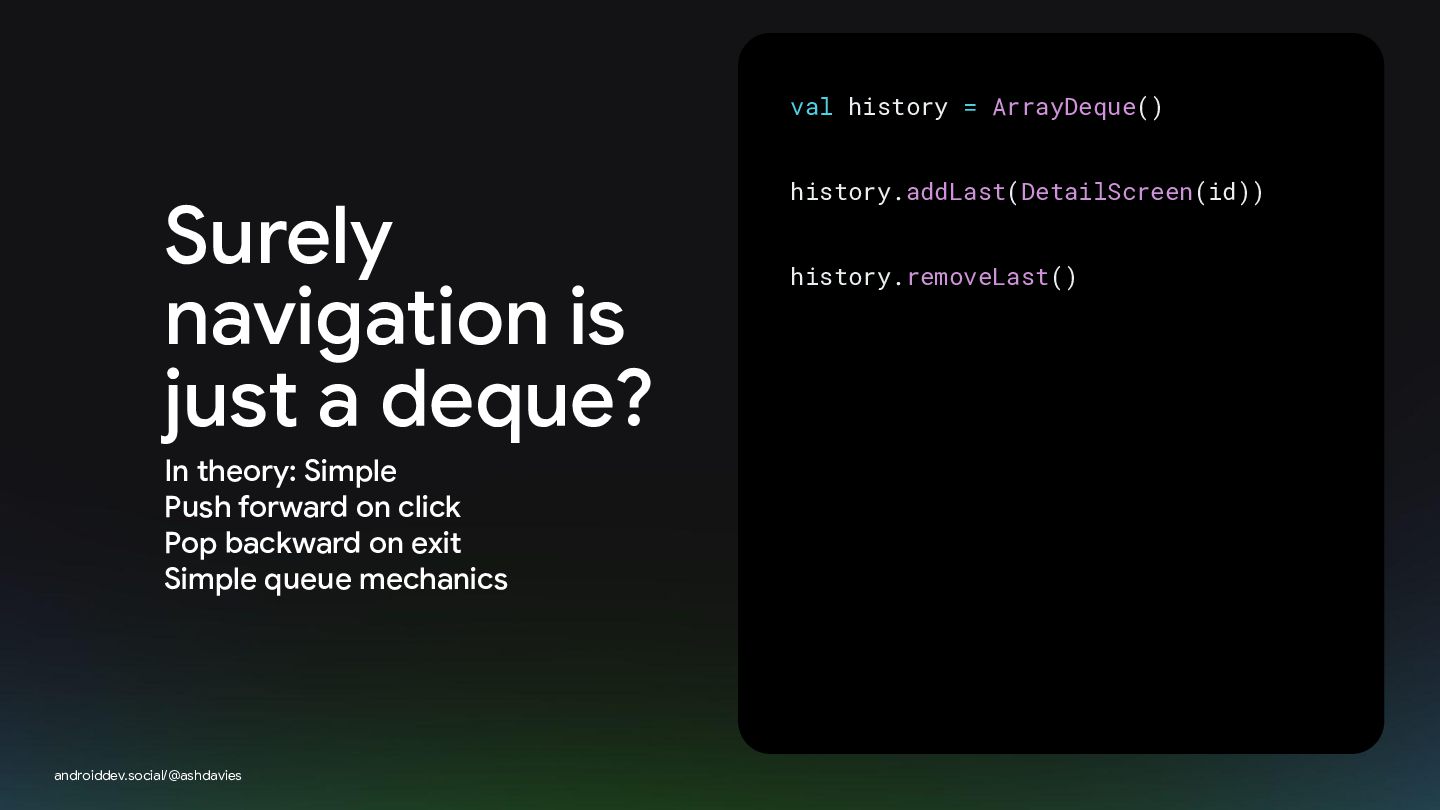
val history = ArrayDeque() Surely navigation is just a deque?
In theory: Simple Push forward on click Pop backward on exit Simple queue mechanics androiddev.social/@ashdavies history.addLast(DetailScreen(id)) history.removeLast() -
The reality: It's complicated Real navigation is multidimensional, highly parallel,
and prone to state destruction androiddev.social/@ashdavies -
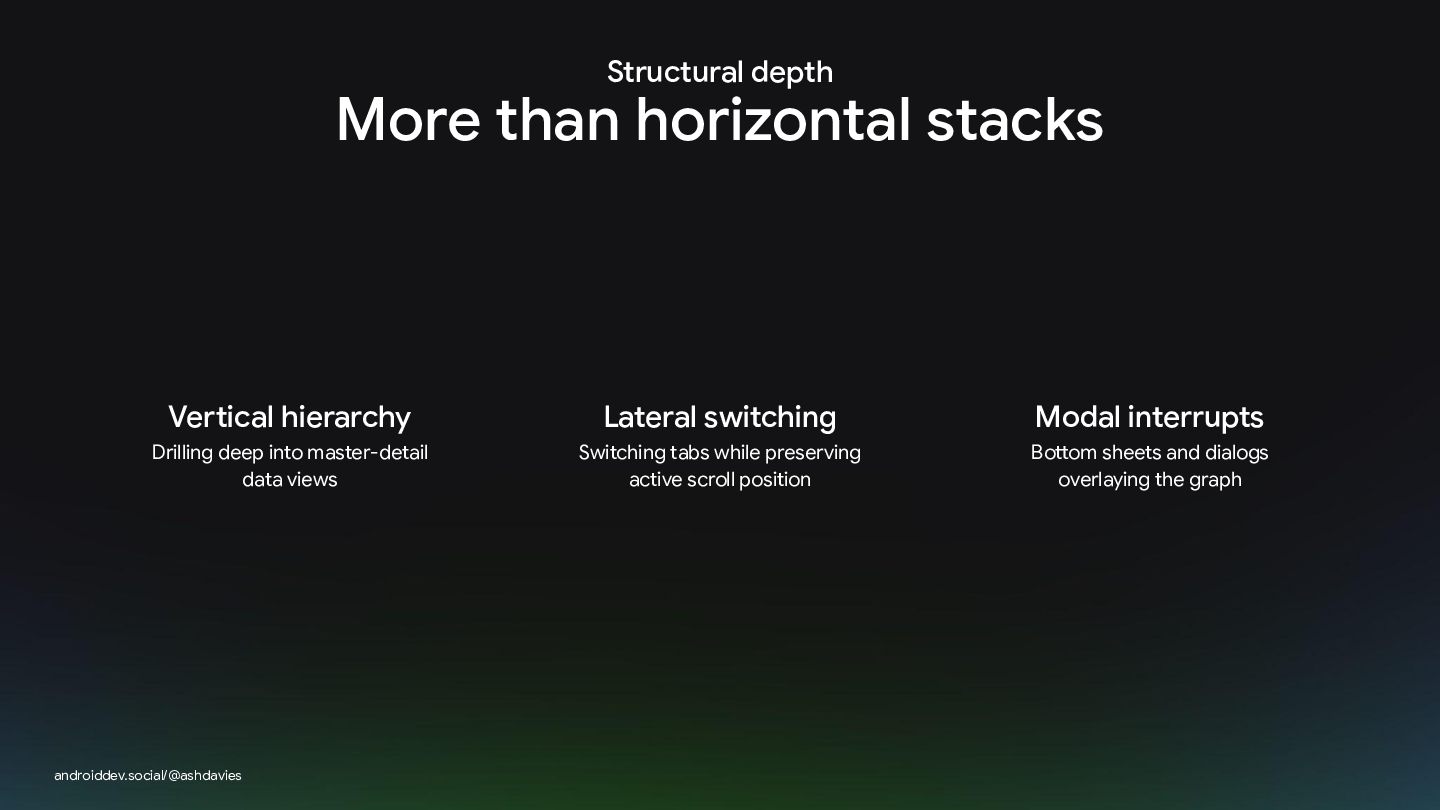
Structural depth More than horizontal stacks Vertical hierarchy Lateral switching
Modal interrupts Drilling deep into master-detail data views Switching tabs while preserving active scroll position Bottom sheets and dialogs overlaying the graph androiddev.social/@ashdavies -
Interaction design The power of affordances An affordance tells you
how to act without thinking Push vs. pull doors need no manual. Your navigation system must feel natively intuitive to the target OS androiddev.social/@ashdavies -
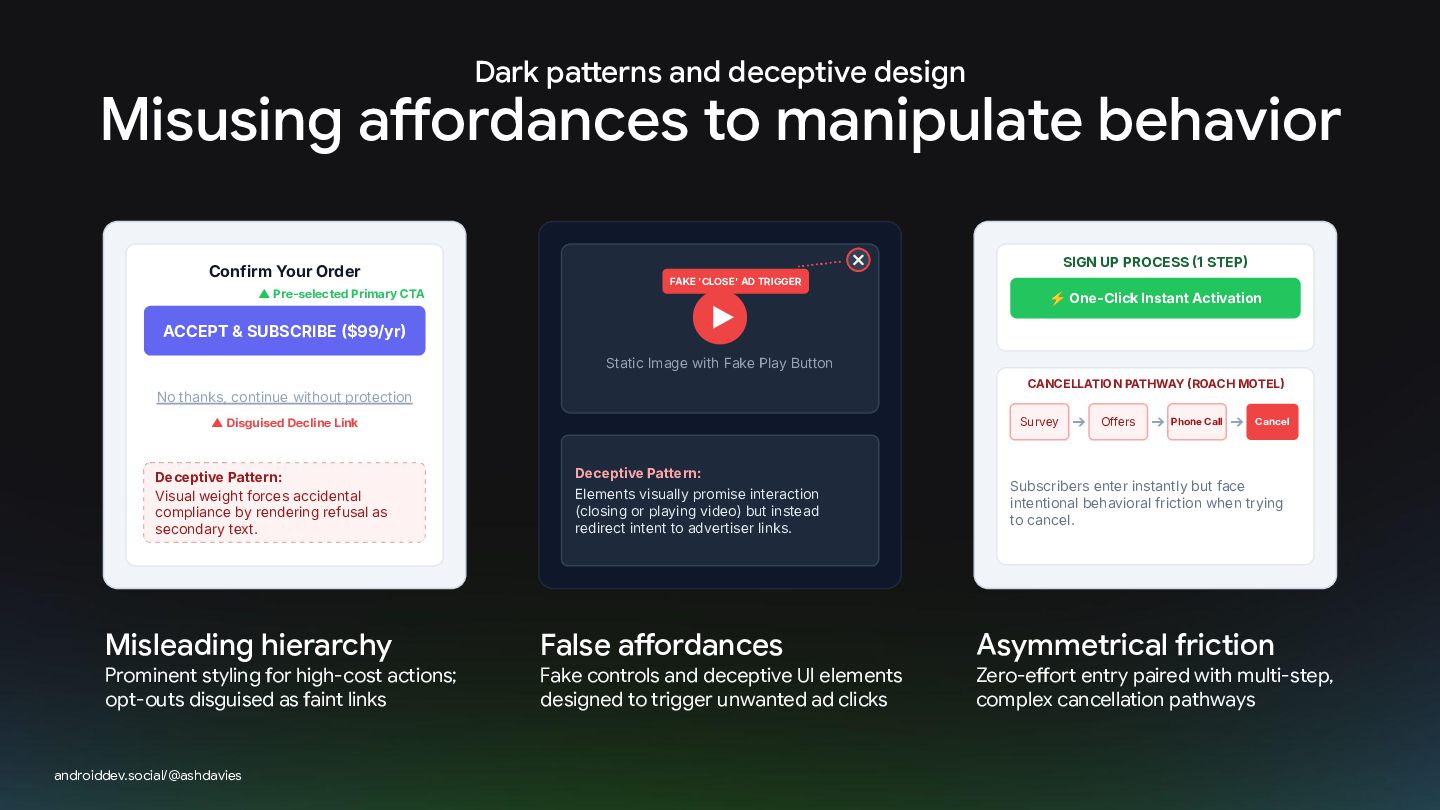
Dark patterns and deceptive design Misusing affordances to manipulate behavior
Confirm Your Order ▲ Pre-selected Primary CTA ✕ SIGN UP PROCESS 1 STEP FAKE 'CLOSE' AD TRIGGER ⚡ One-Click Instant Activation ACCEPT & SUBSCRIBE $99/yr Static Image with Fake Play Button CANCELLATION PATHWAY ROACH MOTEL No thanks, continue without protection Survey ▲ Disguised Decline Link Deceptive Pattern: Visual weight forces accidental compliance by rendering refusal as secondary text. Misleading hierarchy Prominent styling for high-cost actions; opt-outs disguised as faint links androiddev.social/@ashdavies #AndroidDevSummit Deceptive Pattern: Elements visually promise interaction (closing or playing video) but instead redirect intent to advertiser links. False affordances Fake controls and deceptive UI elements designed to trigger unwanted ad clicks ➔ Offers ➔ Phone Call ➔ Cancel Subscribers enter instantly but face intentional behavioral friction when trying to cancel. Asymmetrical friction Zero-effort entry paired with multi-step, complex cancellation pathways -
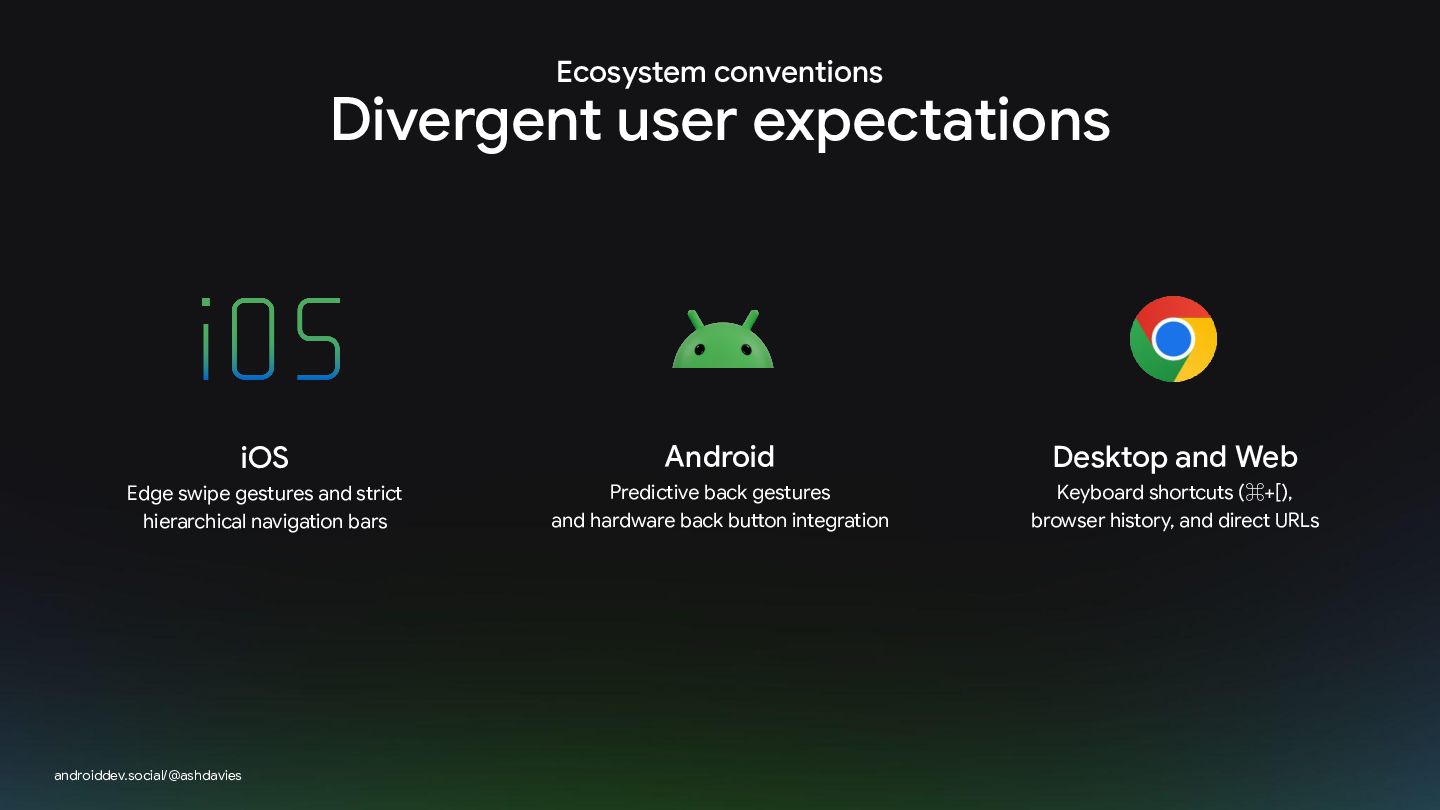
Ecosystem conventions Divergent user expectations iOS Android Desktop and Web
Edge swipe gestures and strict hierarchical navigation bars Predictive back gestures and hardware back button integration Keyboard shortcuts (⌘+[), browser history, and direct URLs androiddev.social/@ashdavies -
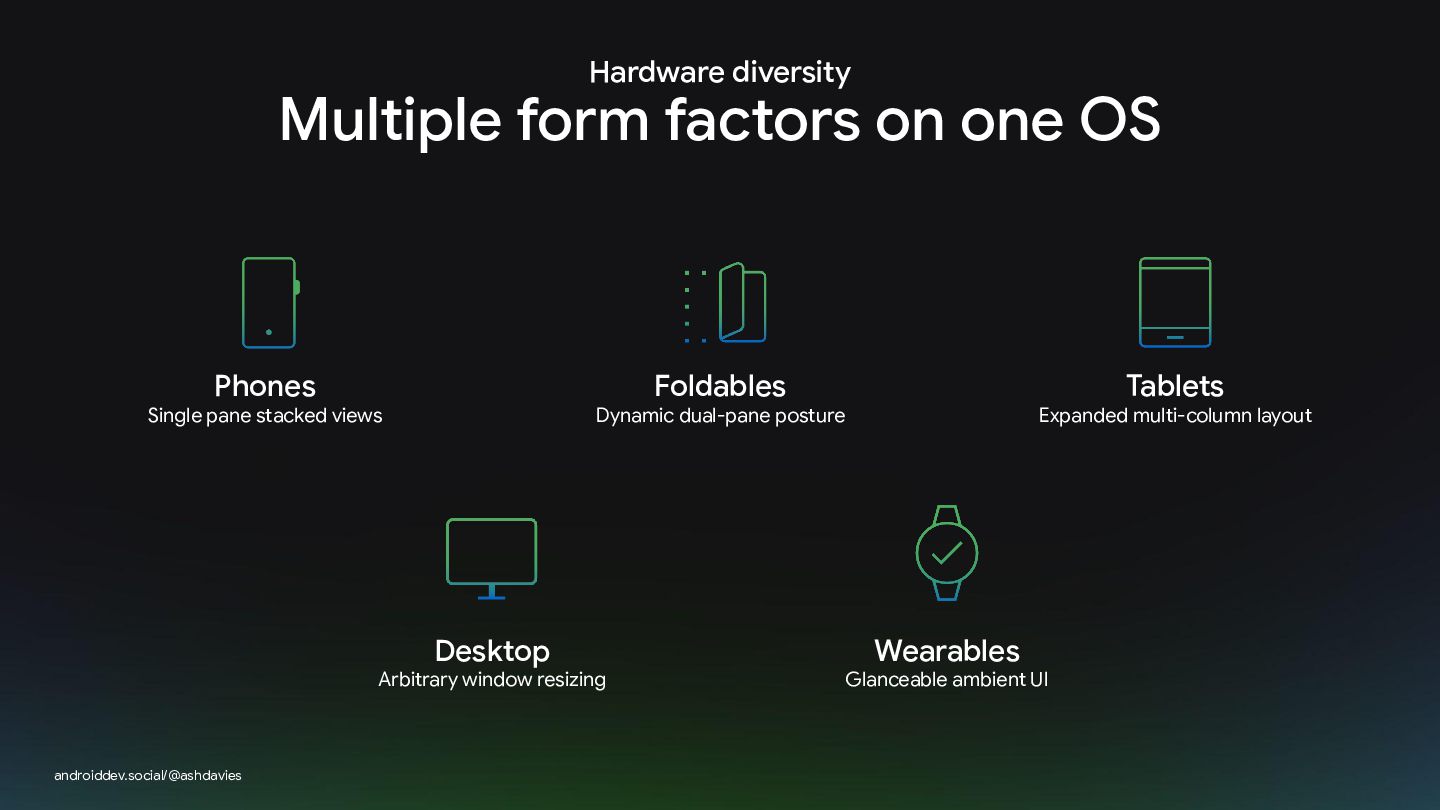
Hardware diversity Multiple form factors on one OS Phones Foldables
Single pane stacked views Desktop Arbitrary window resizing androiddev.social/@ashdavies Tablets Dynamic dual-pane posture Expanded multi-column layout Wearables Glanceable ambient UI -
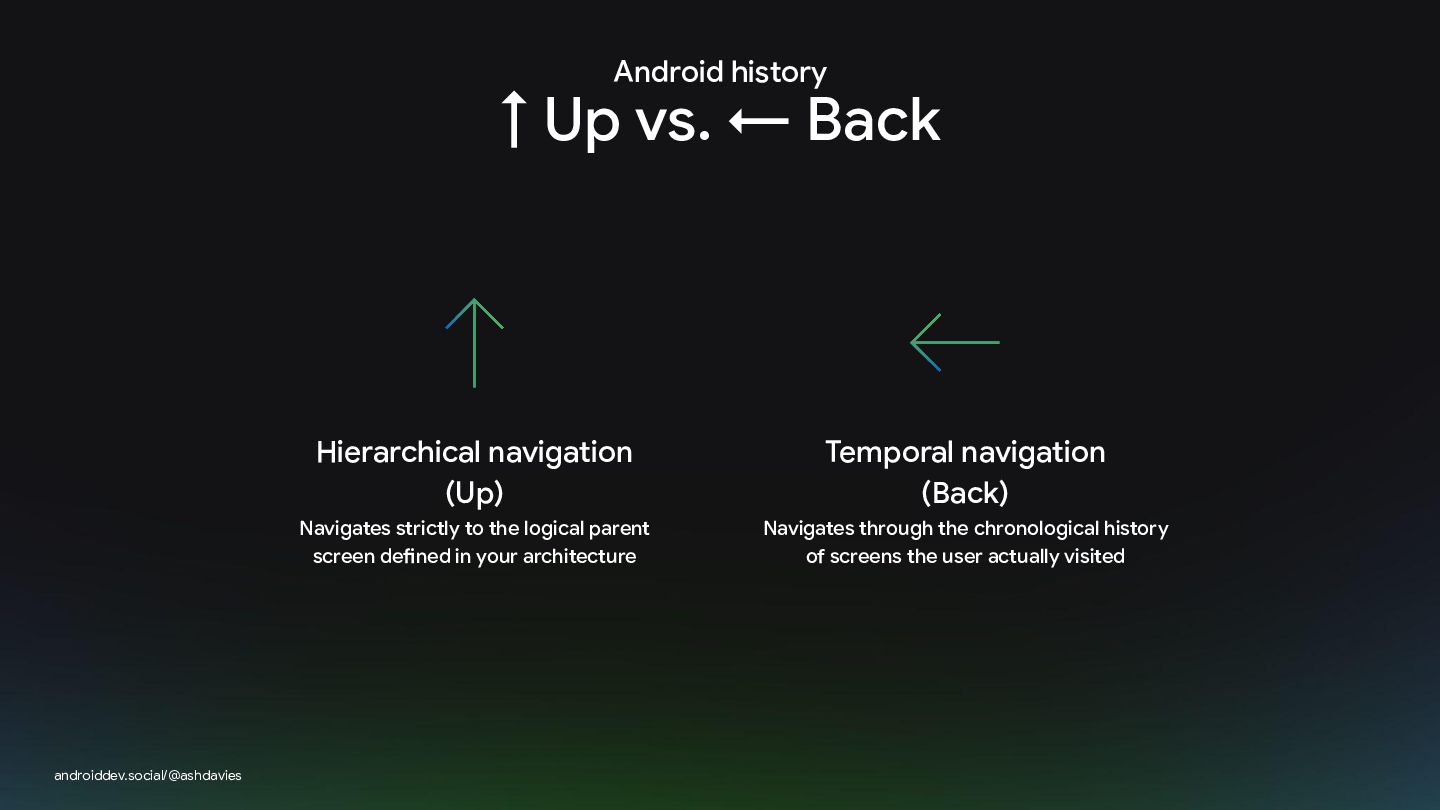
Android history ↑ Up vs. ← Back androiddev.social/@ashdavies Hierarchical navigation
(Up) Temporal navigation (Back) Navigates strictly to the logical parent screen defined in your architecture Navigates through the chronological history of screens the user actually visited -
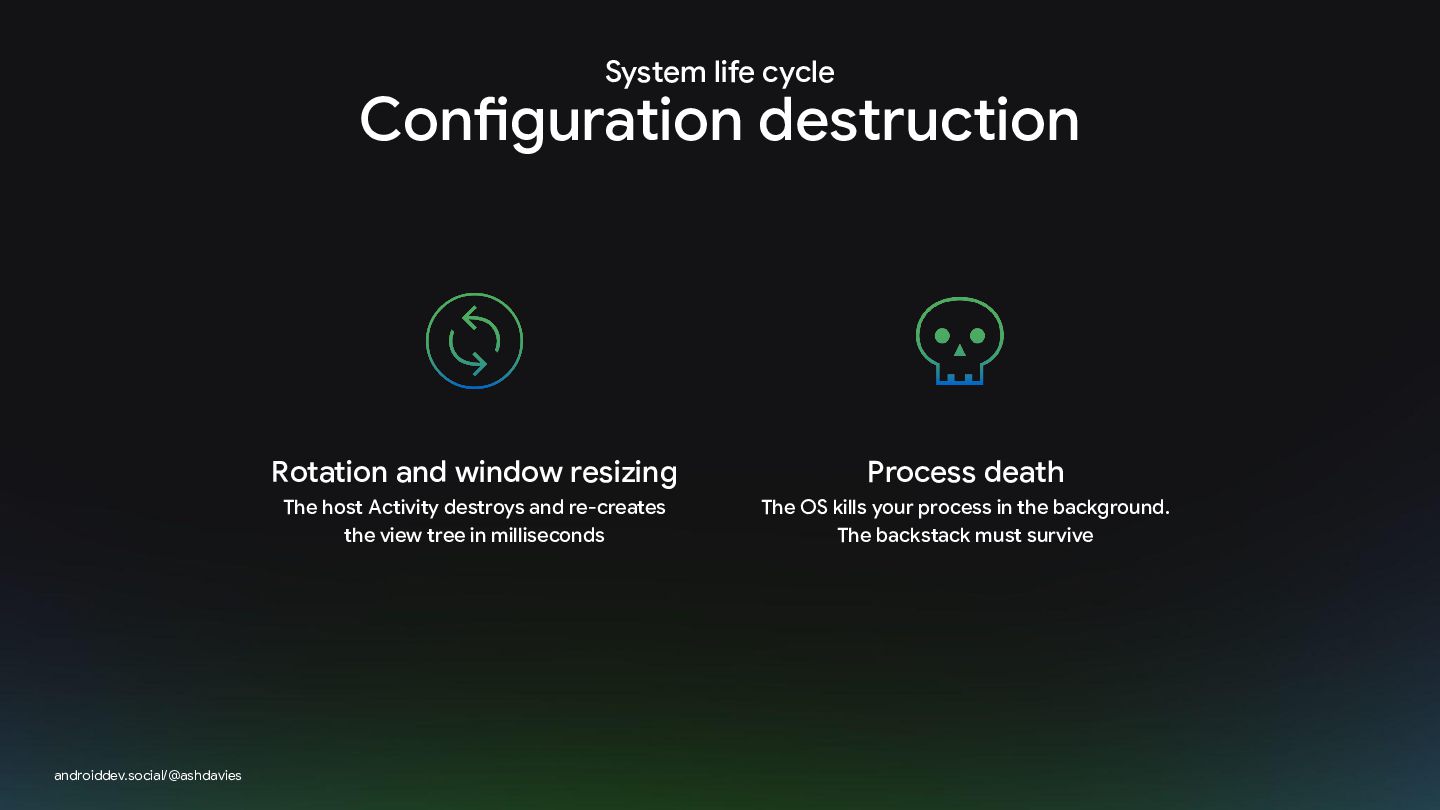
System life cycle Configuration destruction androiddev.social/@ashdavies Rotation and window resizing
Process death The host Activity destroys and re-creates the view tree in milliseconds The OS kills your process in the background. The backstack must survive -
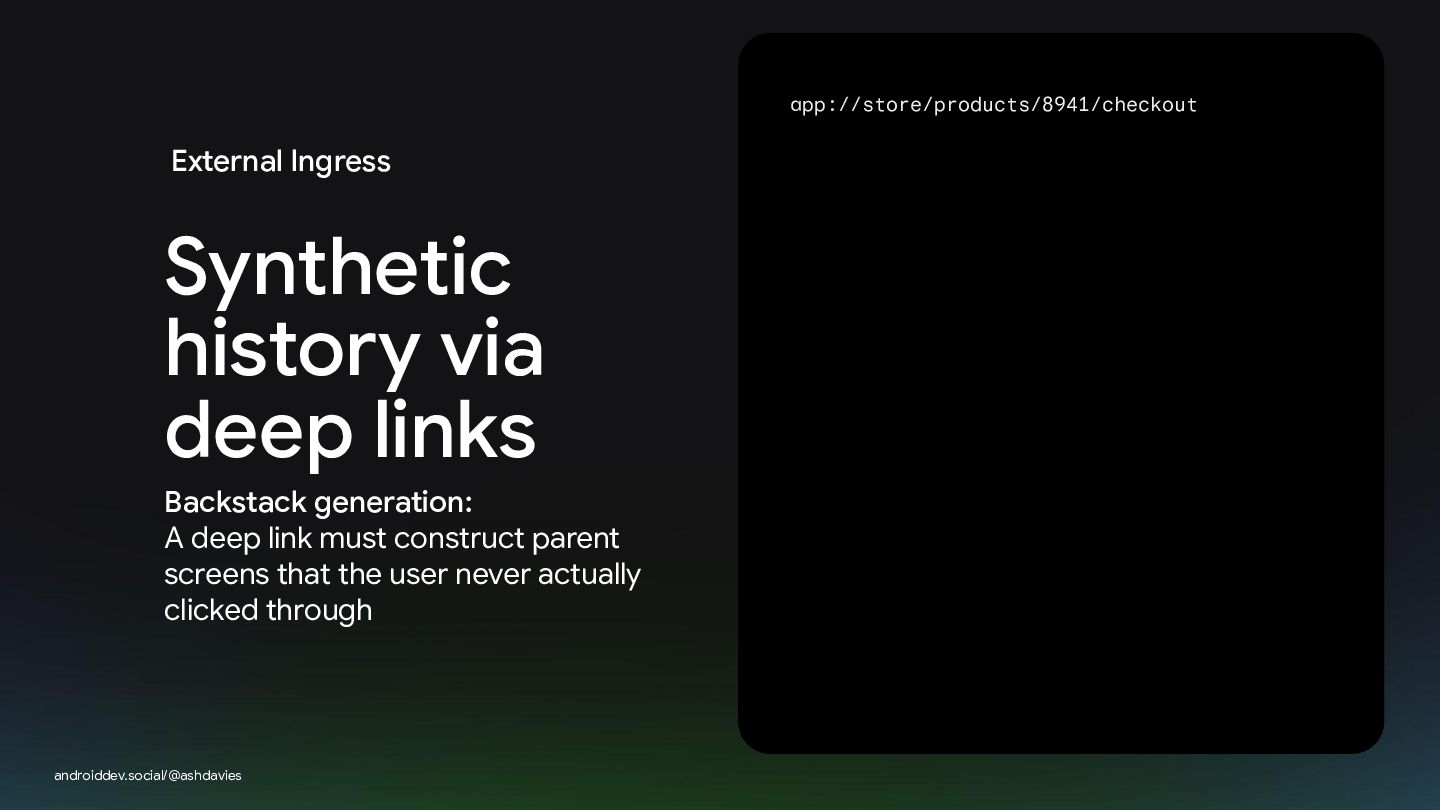
app://store/products/8941/checkout External Ingress Synthetic history via deep links Backstack generation:
A deep link must construct parent screens that the user never actually clicked through androiddev.social/@ashdavies -
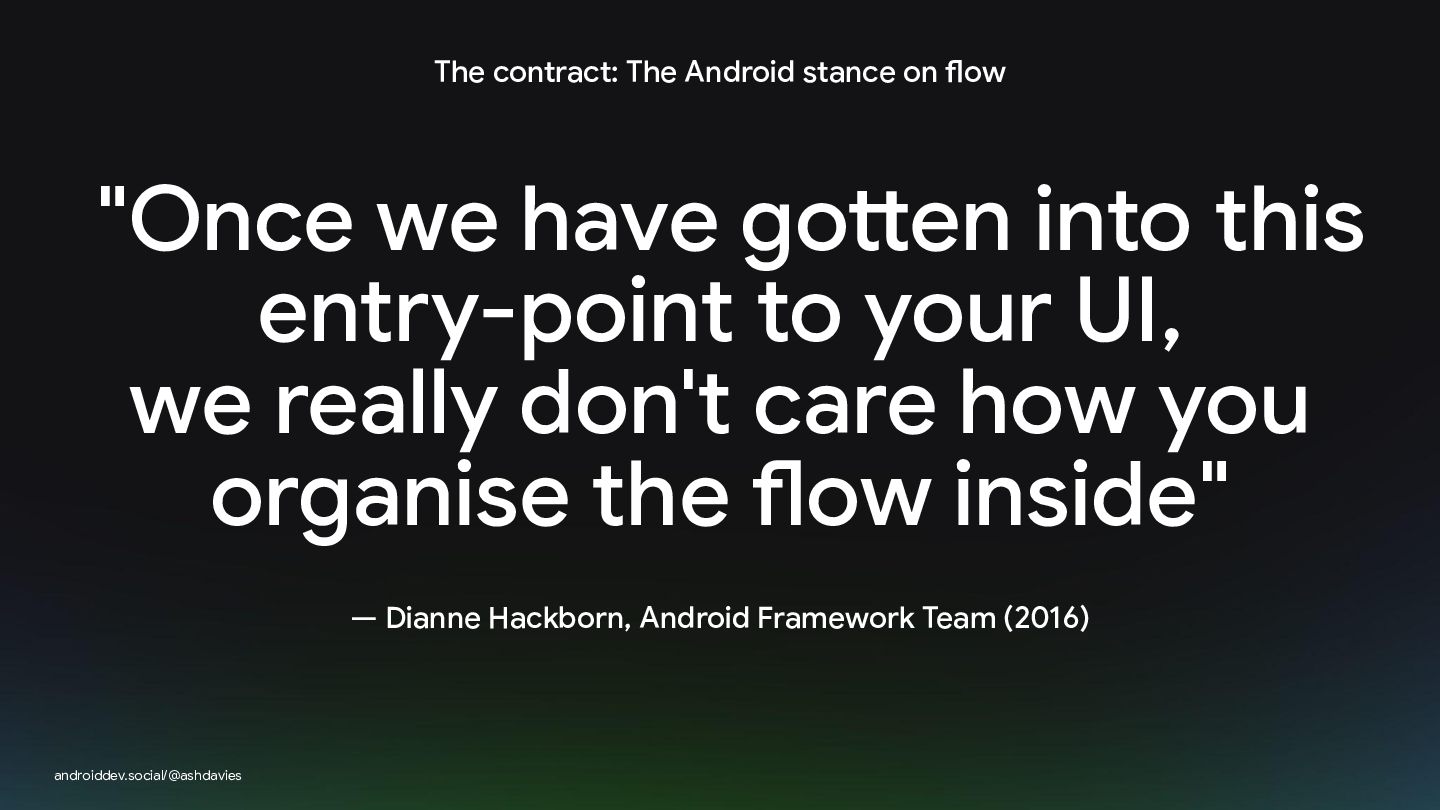
The contract: The Android stance on flow "Once we have
gotten into this entry-point to your UI, we really don't care how you organise the flow inside" — Dianne Hackborn, Android Framework Team (2016) androiddev.social/@ashdavies -
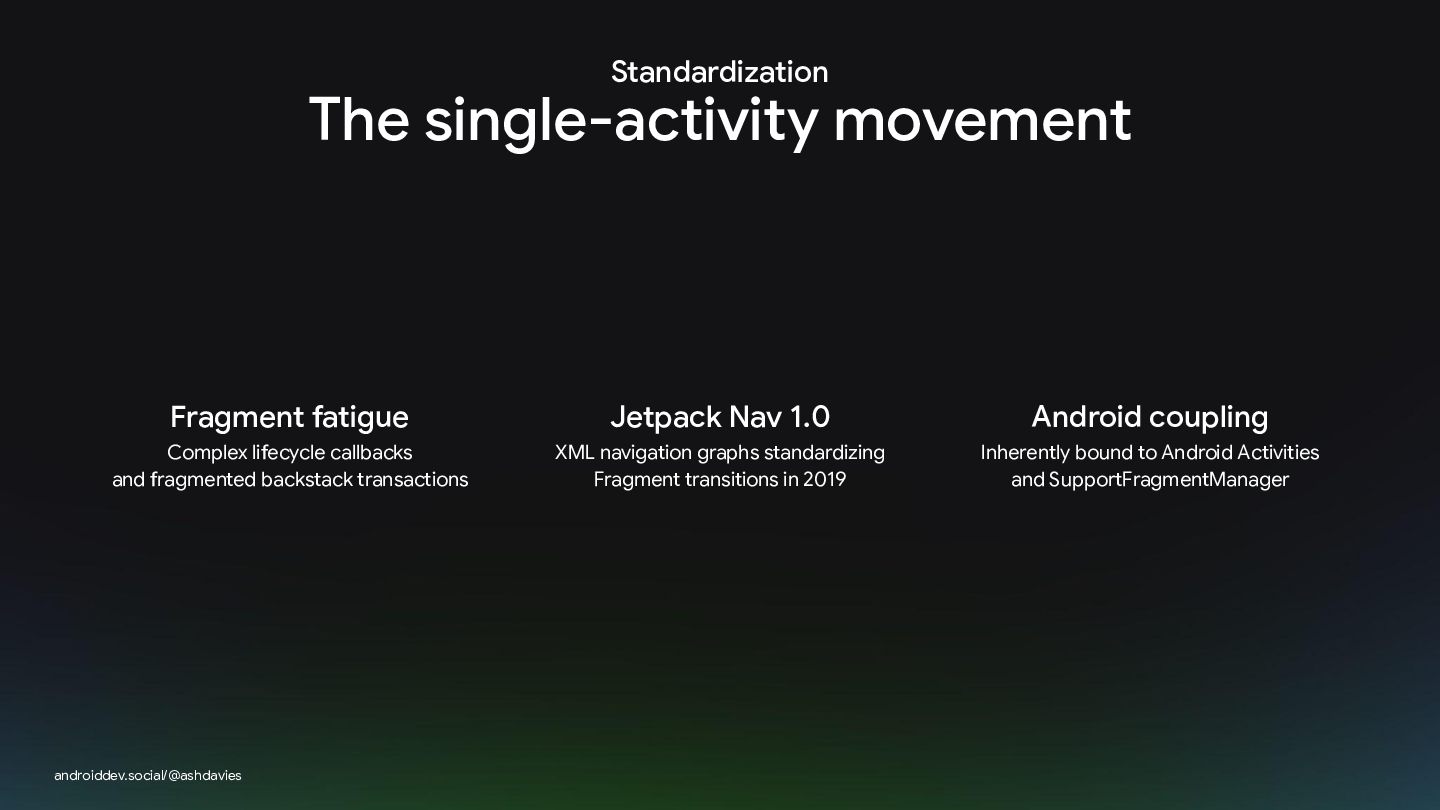
Standardization The single-activity movement Fragment fatigue Jetpack Nav 1.0 Android
coupling Complex lifecycle callbacks and fragmented backstack transactions XML navigation graphs standardizing Fragment transitions in 2019 Inherently bound to Android Activities and SupportFragmentManager androiddev.social/@ashdavies -
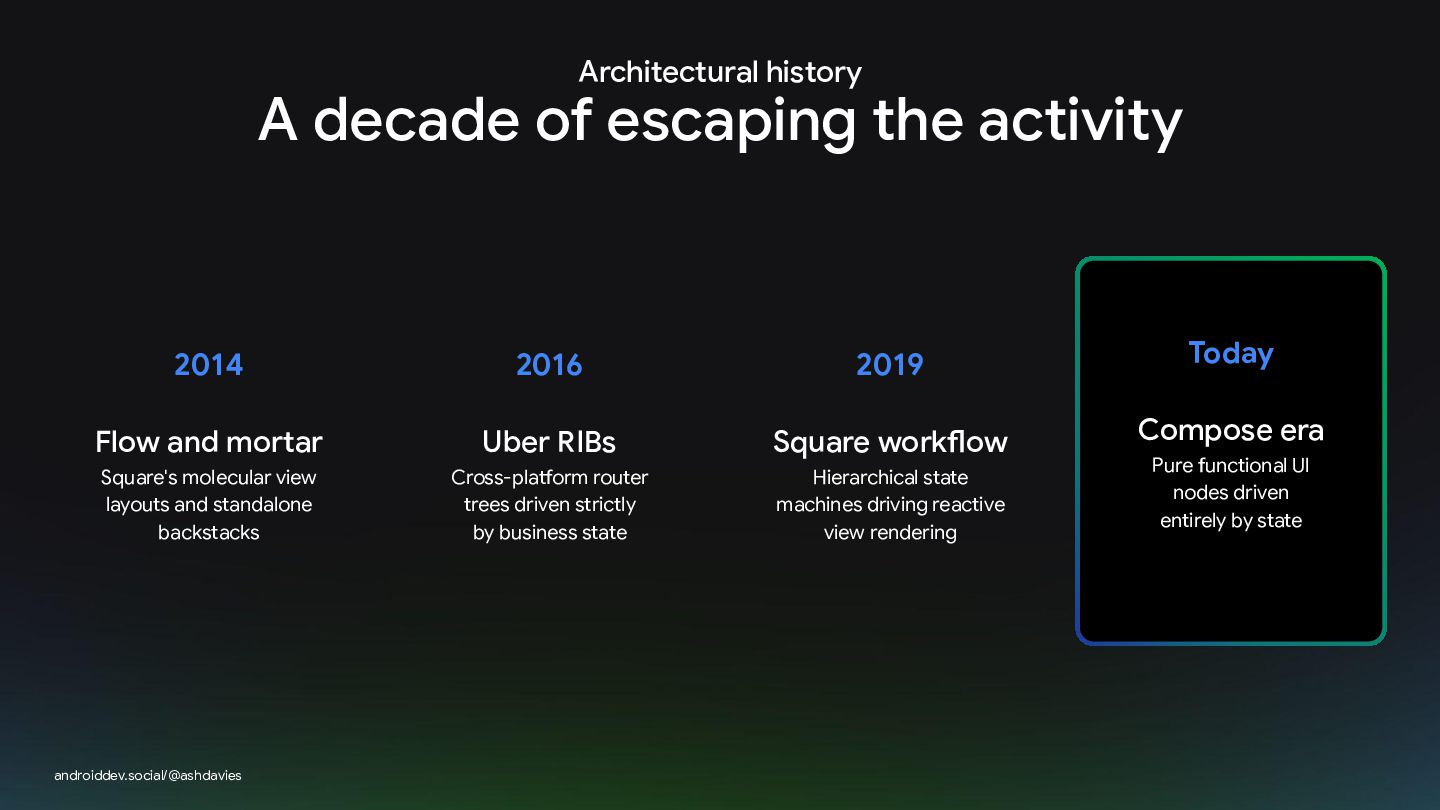
Architectural history A decade of escaping the activity 2014 2016
2019 Today Flow and mortar Uber RIBs Square workflow Compose era Square's molecular view layouts and standalone backstacks Cross-platform router trees driven strictly by business state Hierarchical state machines driving reactive view rendering androiddev.social/@ashdavies Pure functional UI nodes driven entirely by state -
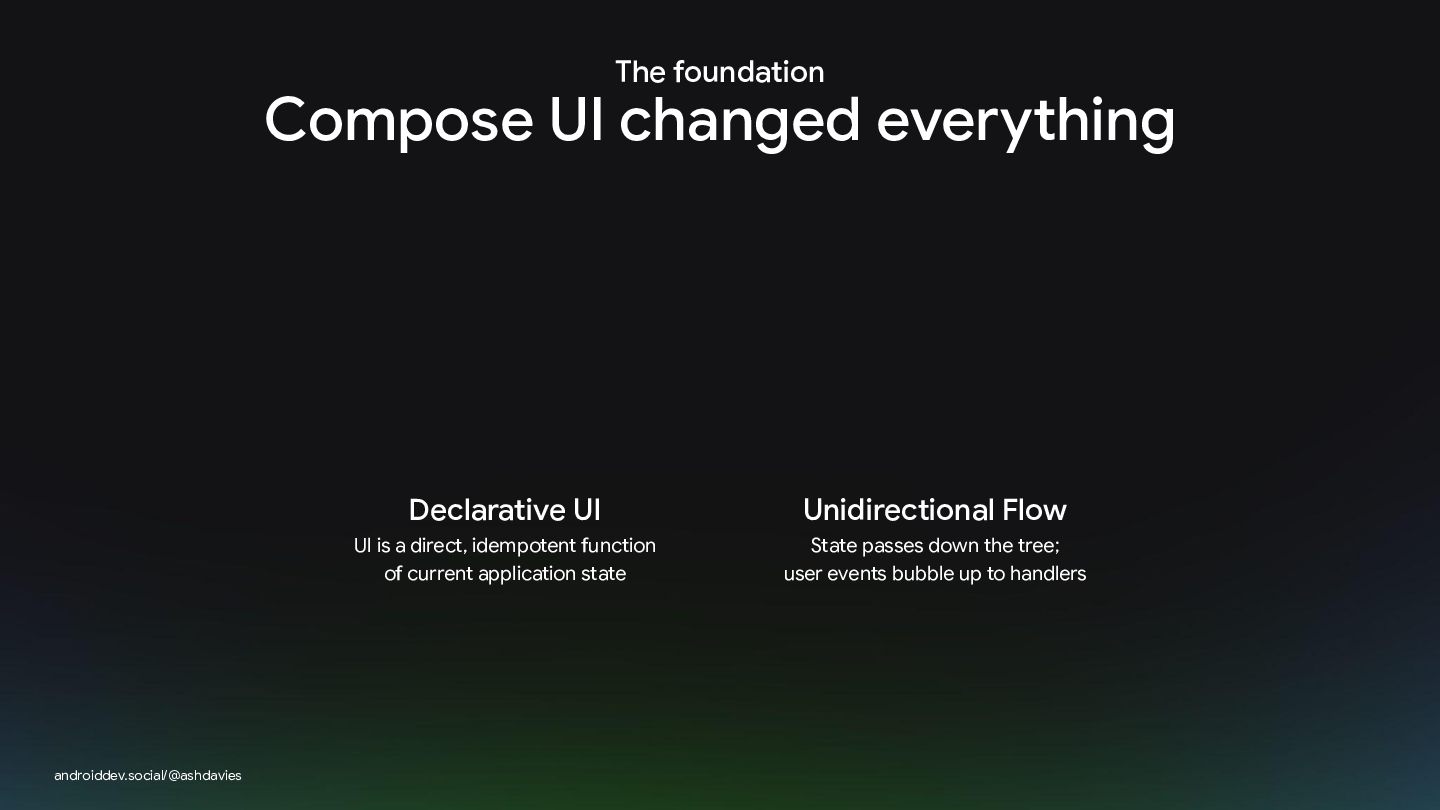
The foundation Compose UI changed everything androiddev.social/@ashdavies Declarative UI Unidirectional
Flow UI is a direct, idempotent function of current application state State passes down the tree; user events bubble up to handlers -
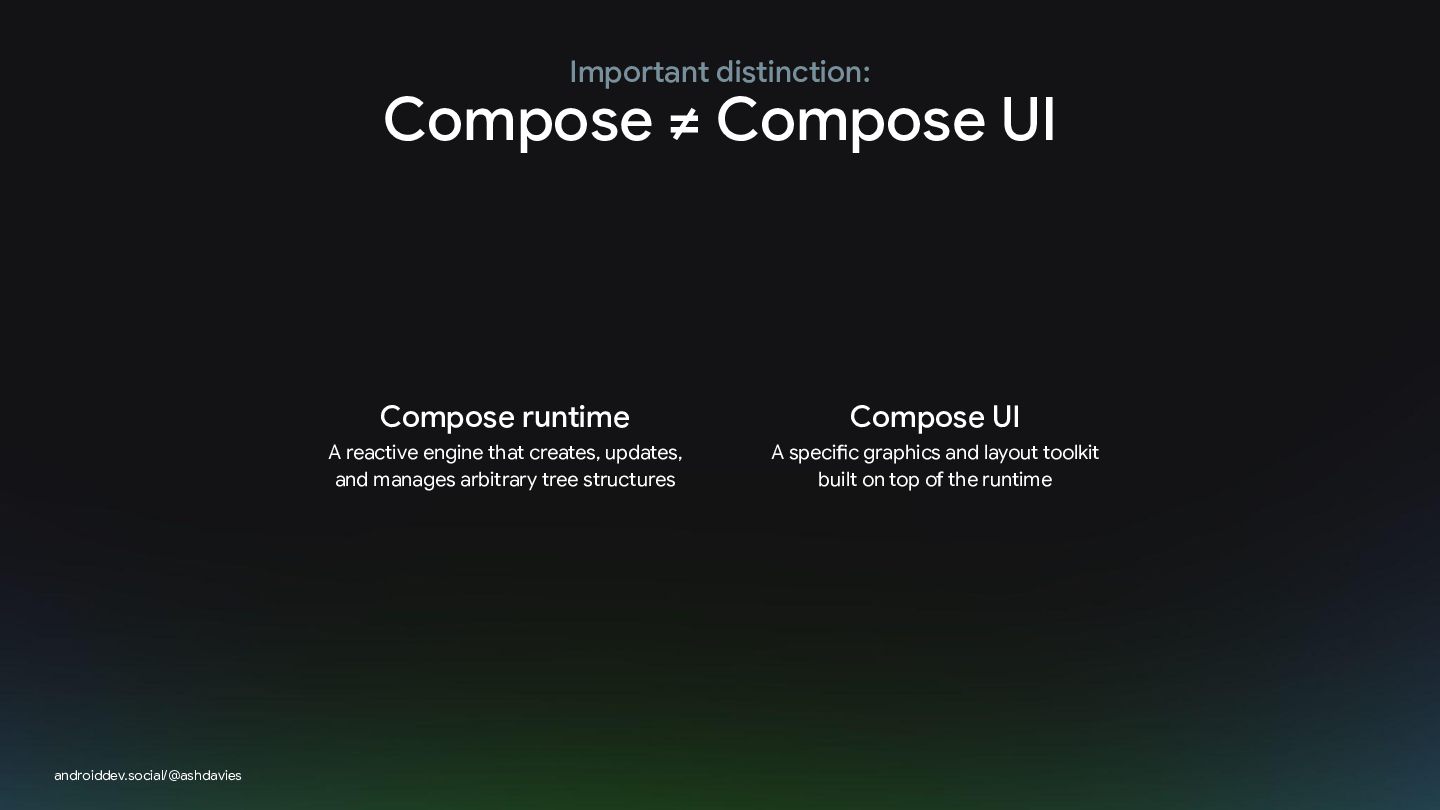
Important distinction: Compose ≠ Compose UI androiddev.social/@ashdavies Compose runtime Compose
UI A reactive engine that creates, updates, and manages arbitrary tree structures A specific graphics and layout toolkit built on top of the runtime -
Theoretical Foundation: Compose is a node-tree manager "Compose is, at
its core, a general-purpose tool for managing a tree of nodes of any type ... and as a result can target just about anything" — Jake Wharton androiddev.social/@ashdavies -
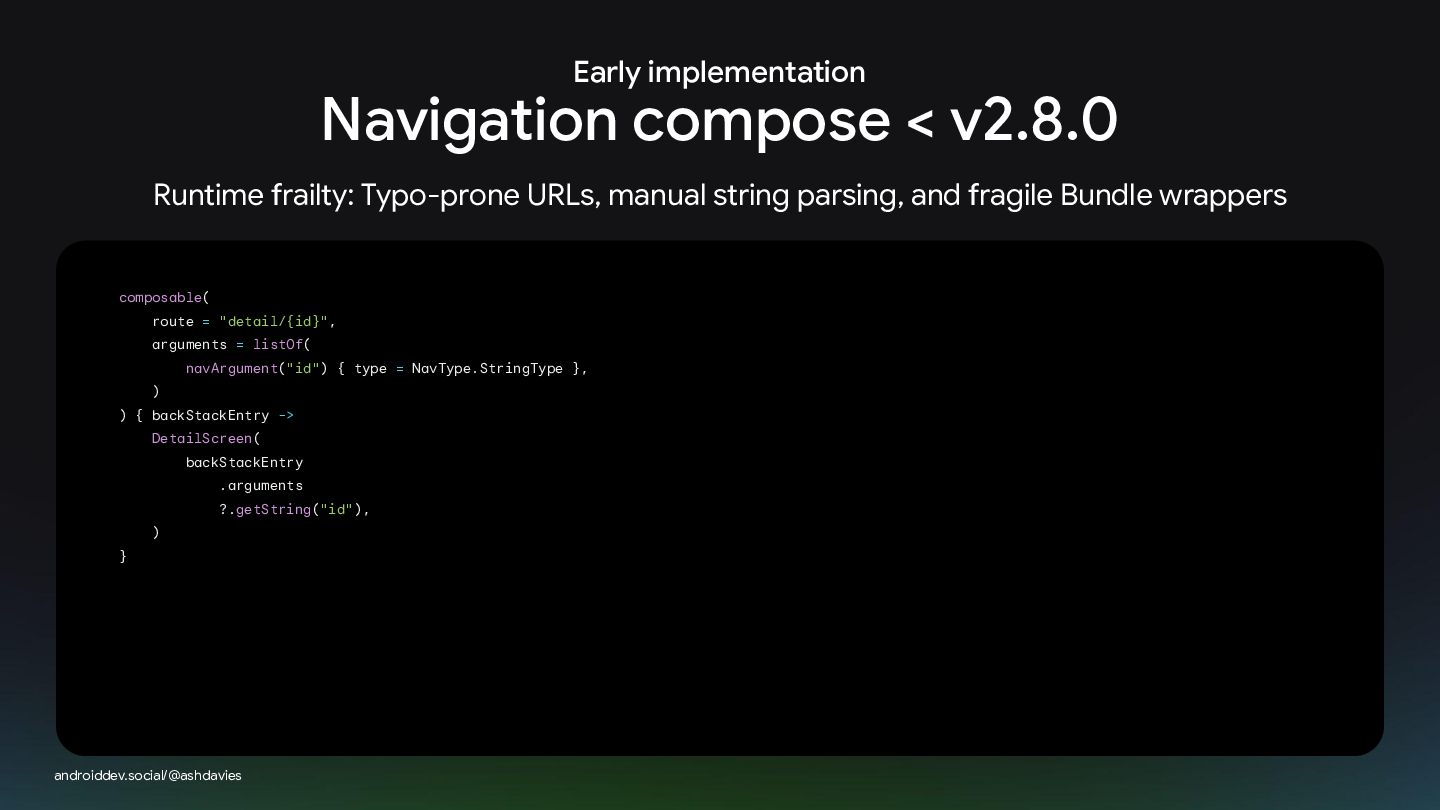
Early implementation Navigation compose < v2.8.0 Runtime frailty: Typo-prone URLs,
manual string parsing, and fragile Bundle wrappers composable( route = "detail/{id}", arguments = listOf( navArgument("id") { type = NavType.StringType }, ) ) { backStackEntry -> DetailScreen( backStackEntry .arguments ?.getString("id"), ) } androiddev.social/@ashdavies -
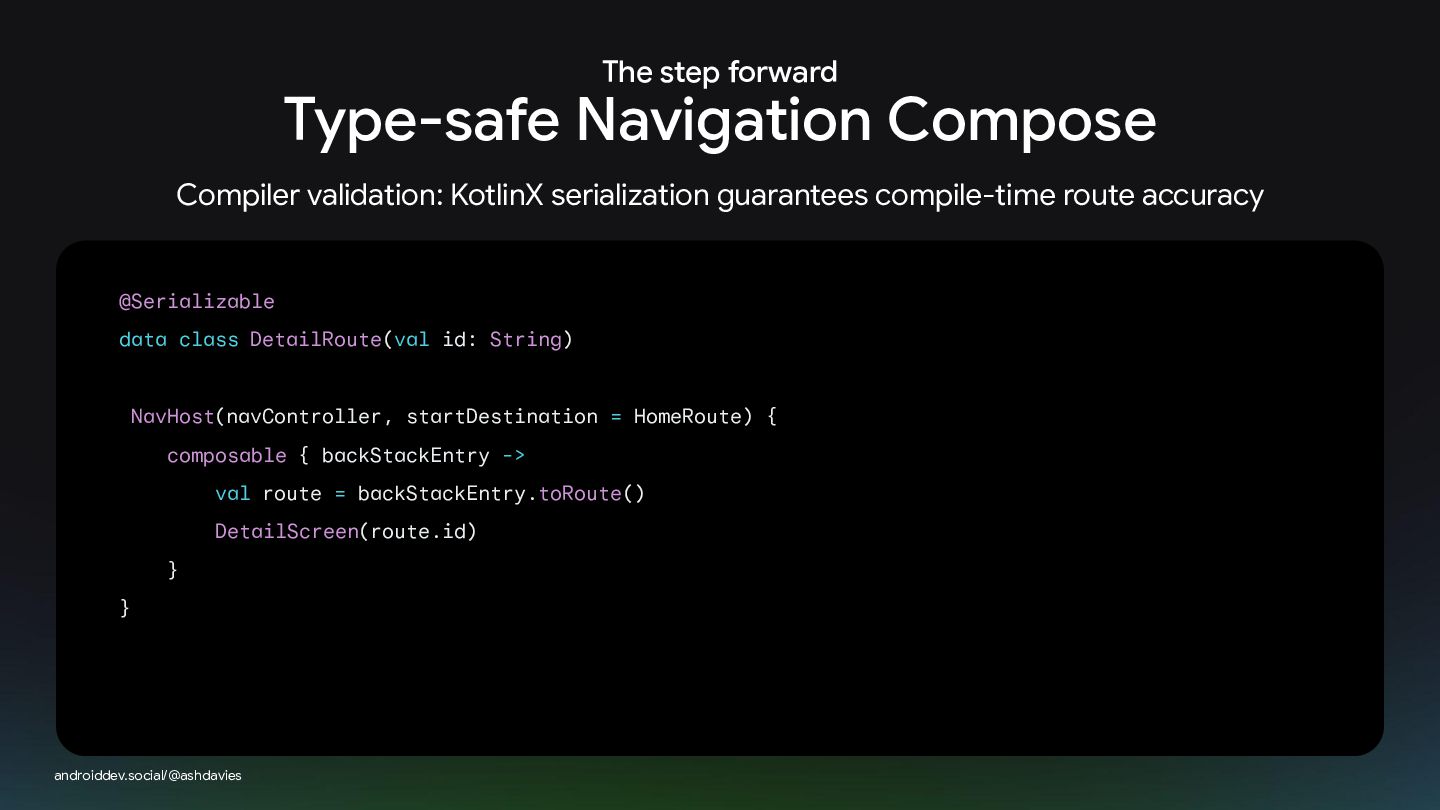
The step forward Type-safe Navigation Compose Compiler validation: KotlinX serialization
guarantees compile-time route accuracy @Serializable data class DetailRoute(val id: String) NavHost(navController, startDestination = HomeRoute) { composable { backStackEntry -> val route = backStackEntry.toRoute() DetailScreen(route.id) } } androiddev.social/@ashdavies -
New horizons Beyond the Android boundary All of this worked
nicely for Android. But today, our codebases target iOS, desktop, and web How does navigation adapt when we need to target other platforms? androiddev.social/@ashdavies -
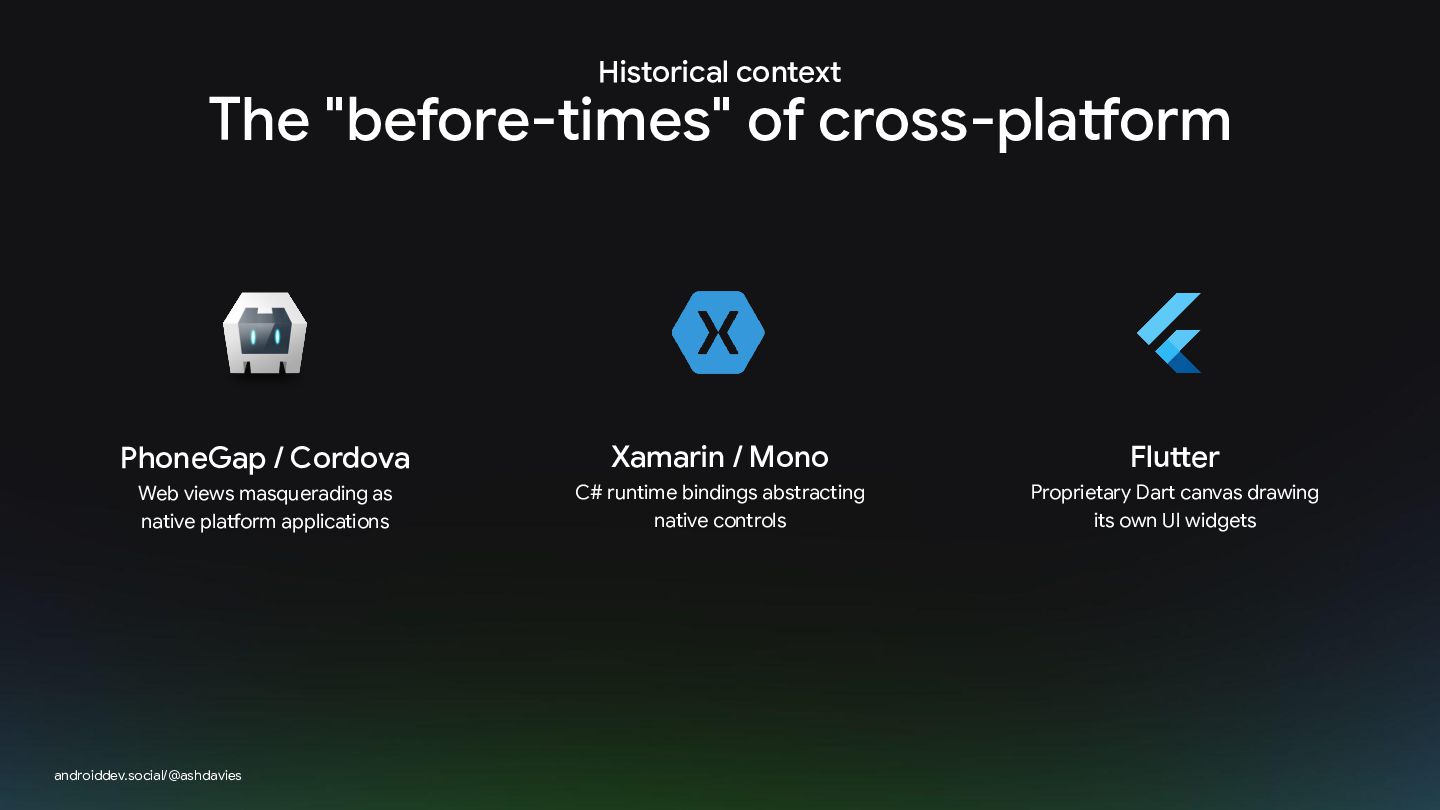
Historical context The "before-times" of cross-platform PhoneGap / Cordova Xamarin
/ Mono Flutter Web views masquerading as native platform applications C# runtime bindings abstracting native controls Proprietary Dart canvas drawing its own UI widgets androiddev.social/@ashdavies -
Modern Philosophy The Kotlin Multiplatform model androiddev.social/@ashdavies Share what makes
sense Native interop Share core business logic and state without forcing a single UI engine Direct compilation to JVM bytecode, iOS framework binaries, and Wasm -
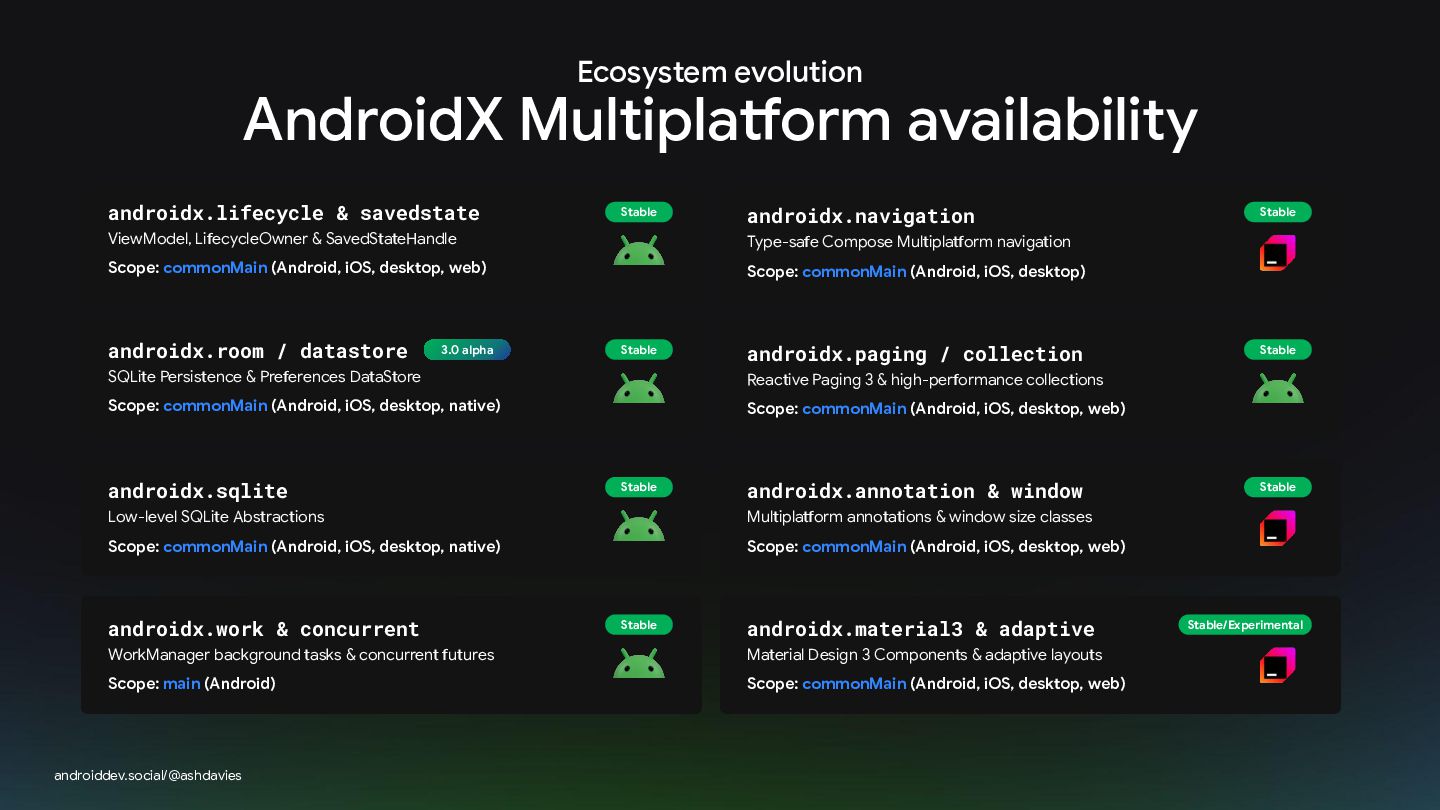
Ecosystem evolution AndroidX Multiplatform availability androidx.lifecycle & savedstate Stable ViewModel,
LifecycleOwner & SavedStateHandle 3.0 alpha Scope: commonMain (Android, iOS, desktop) Stable androidx.paging / collection SQLite Persistence & Preferences DataStore Reactive Paging 3 & high-performance collections Scope: commonMain (Android, iOS, desktop, native) Scope: commonMain (Android, iOS, desktop, web) androidx.sqlite Stable androidx.annotation & window Low-level SQLite Abstractions Multiplatform annotations & window size classes Scope: commonMain (Android, iOS, desktop, native) Scope: commonMain (Android, iOS, desktop, web) androidx.work & concurrent Stable androidx.material3 & adaptive WorkManager background tasks & concurrent futures Material Design 3 Components & adaptive layouts Scope: main (Android) Scope: commonMain (Android, iOS, desktop, web) androiddev.social/@ashdavies #AndroidDevSummit Stable Type-safe Compose Multiplatform navigation Scope: commonMain (Android, iOS, desktop, web) androidx.room / datastore androidx.navigation Stable Stable Stable/Experimental -
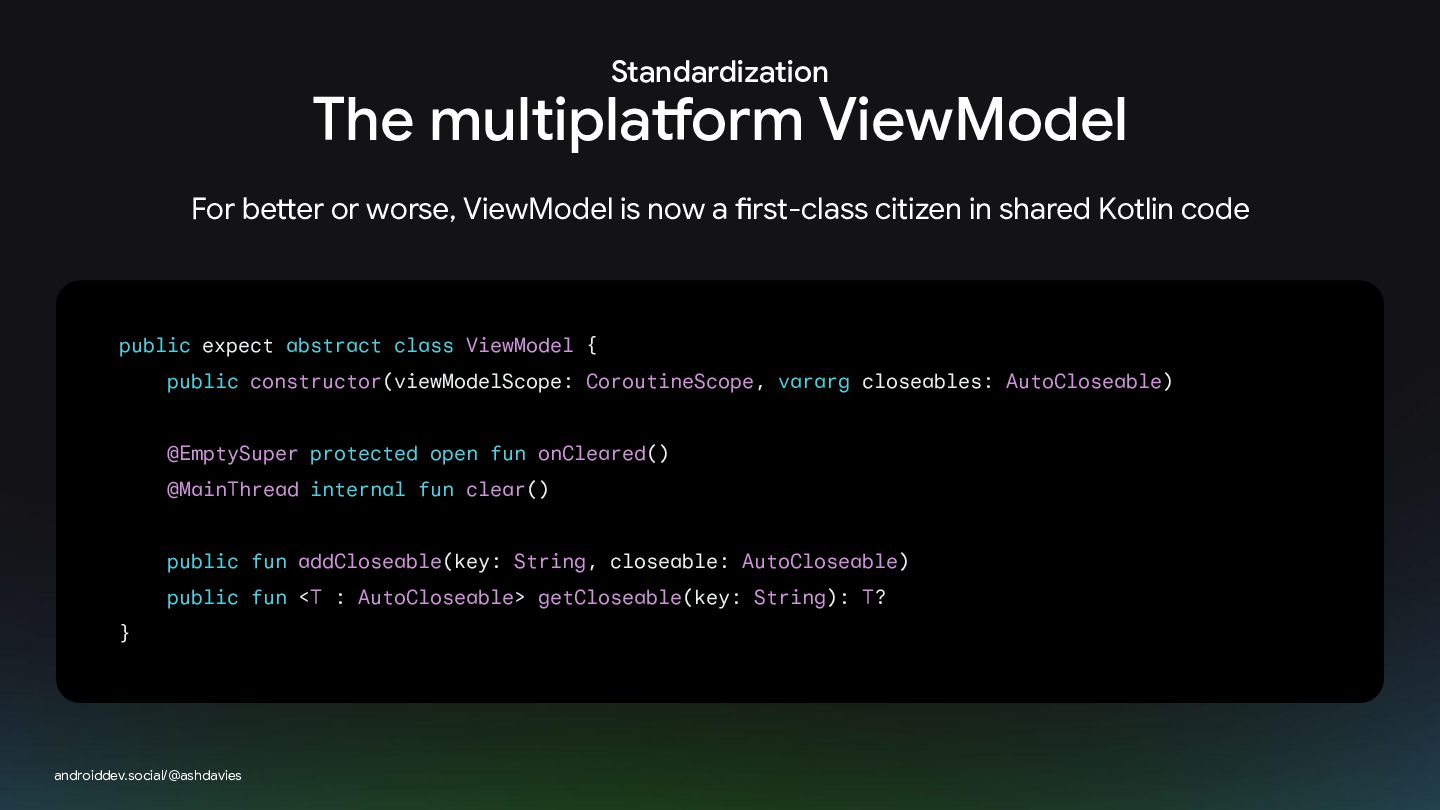
Standardization The multiplatform ViewModel For better or worse, ViewModel is
now a first-class citizen in shared Kotlin code public expect abstract class ViewModel { public constructor(viewModelScope: CoroutineScope, vararg closeables: AutoCloseable) @EmptySuper protected open fun onCleared() @MainThread internal fun clear() public fun addCloseable(key: String, closeable: AutoCloseable) public fun <T : AutoCloseable> getCloseable(key: String): T? } androiddev.social/@ashdavies -
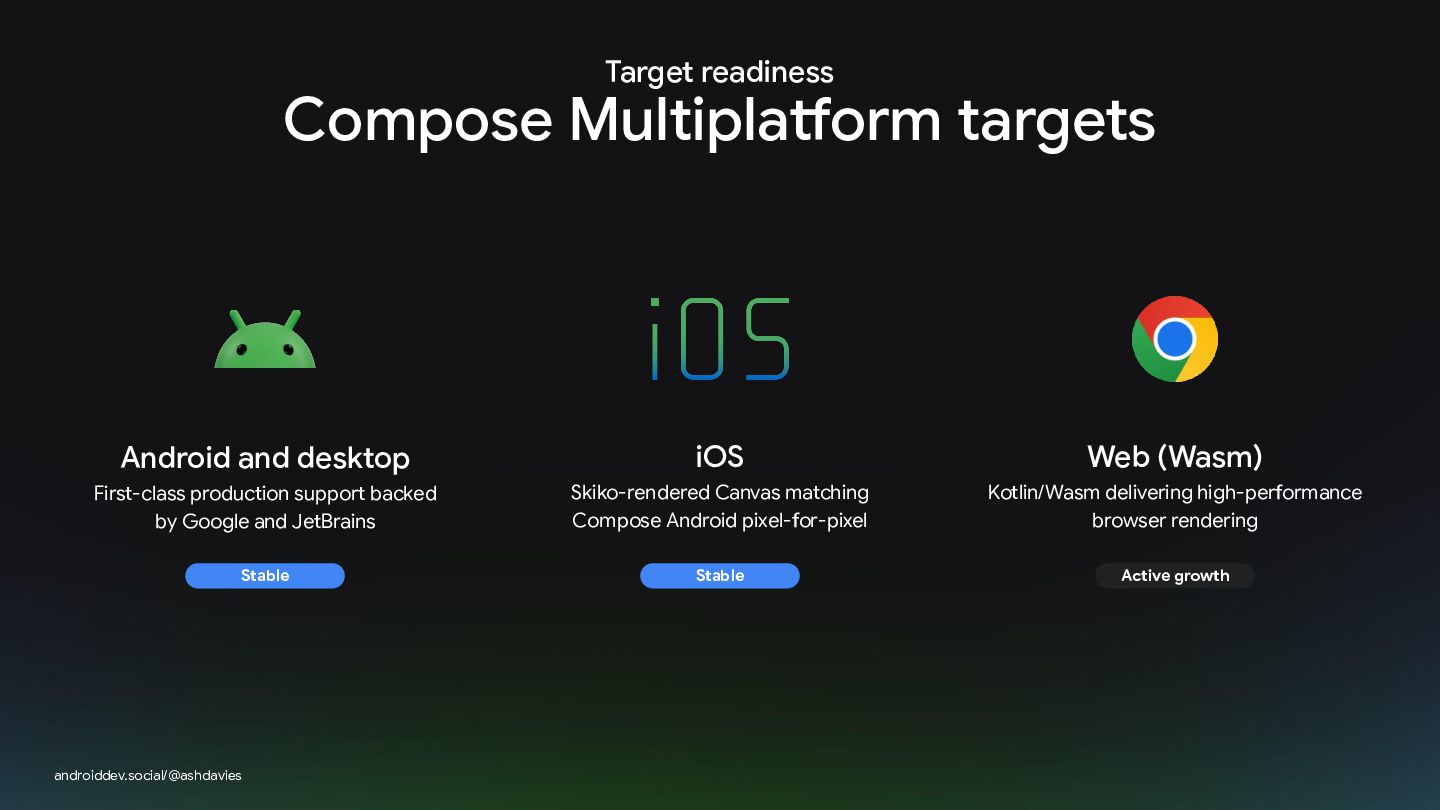
Target readiness Compose Multiplatform targets Android and desktop iOS Web
(Wasm) First-class production support backed by Google and JetBrains Skiko-rendered Canvas matching Compose Android pixel-for-pixel Kotlin/Wasm delivering high-performance browser rendering Stable Stable Active growth androiddev.social/@ashdavies -
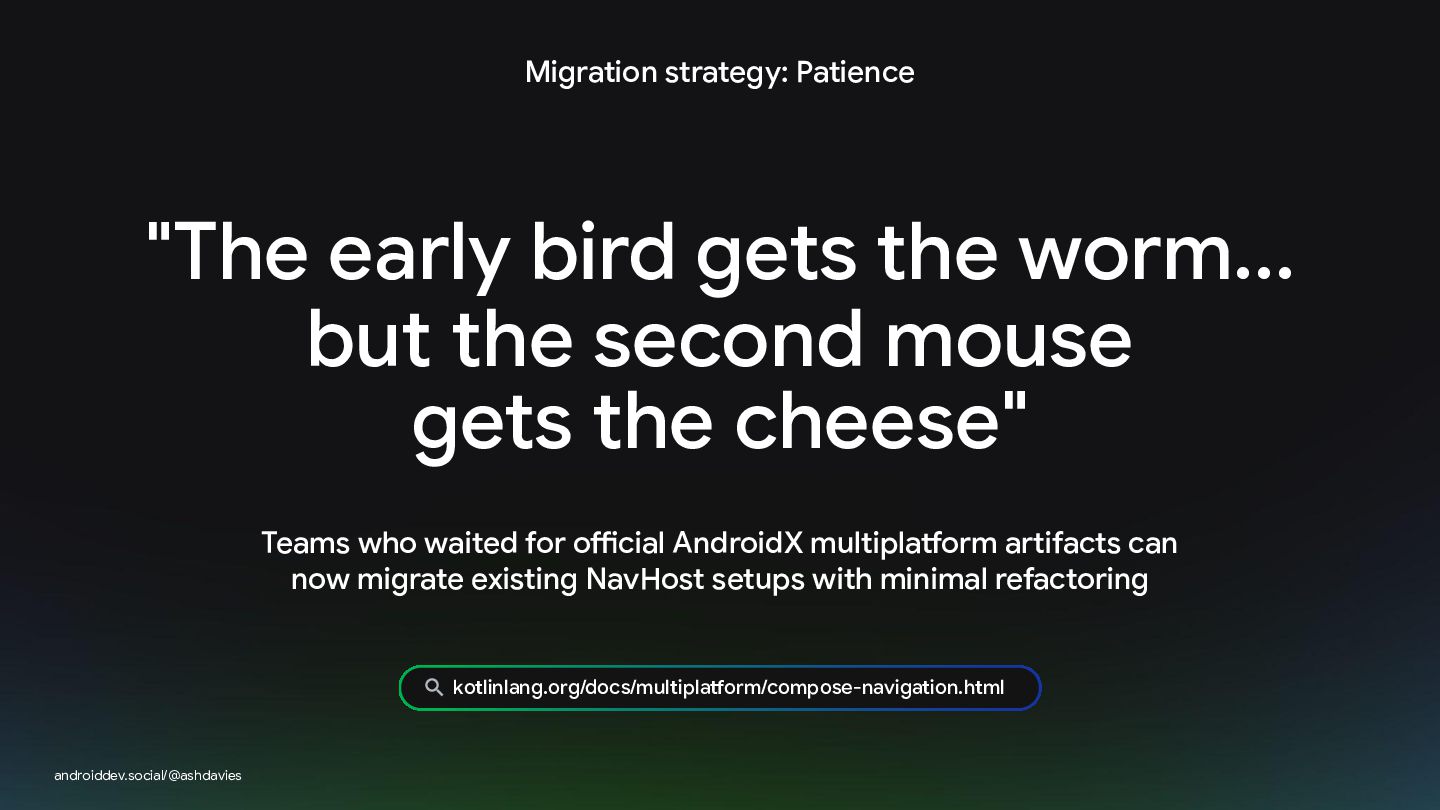
Migration strategy: Patience "The early bird gets the worm... but
the second mouse gets the cheese" Teams who waited for official AndroidX multiplatform artifacts can now migrate existing NavHost setups with minimal refactoring kotlinlang.org/docs/multiplatform/compose-navigation.html androiddev.social/@ashdavies -
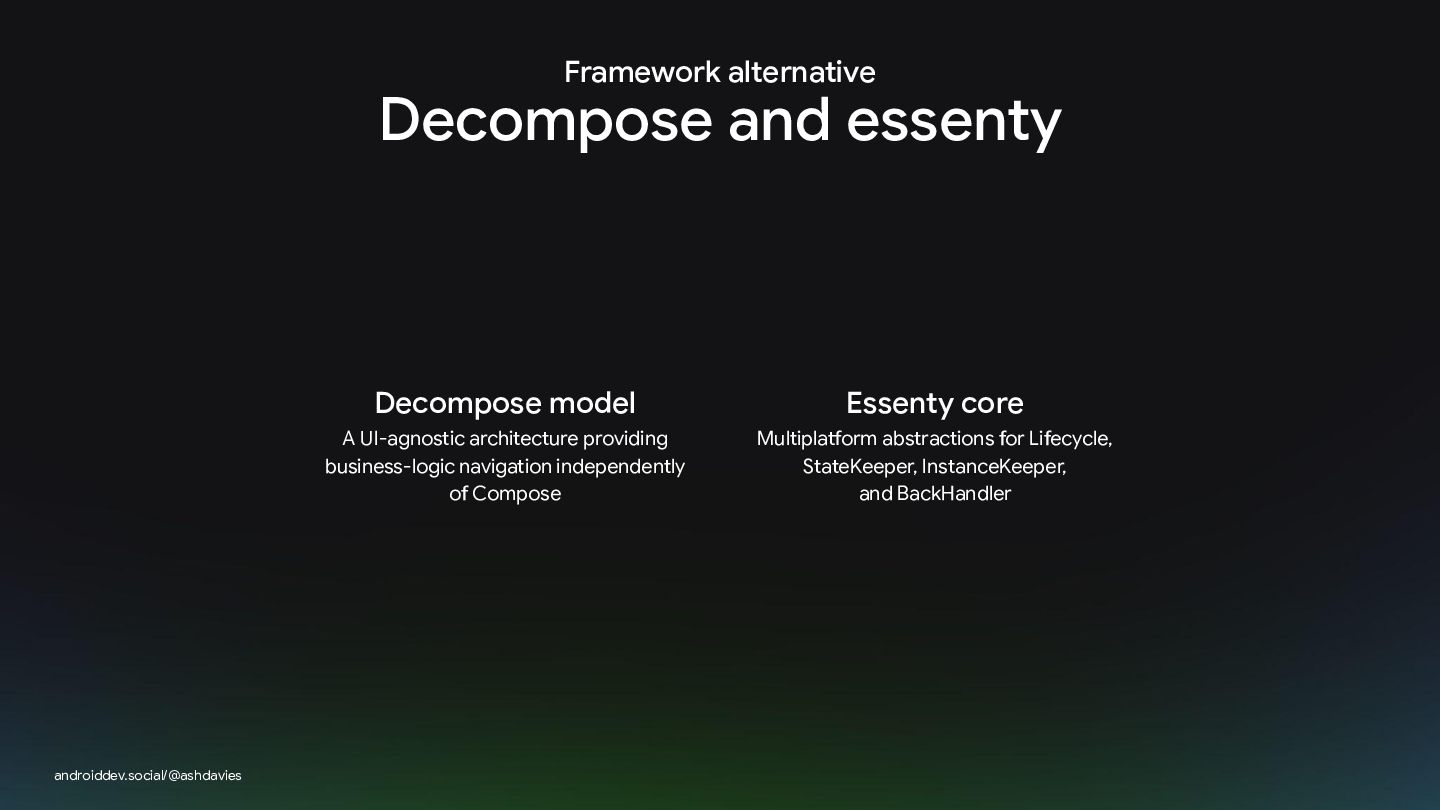
Framework alternative Decompose and essenty androiddev.social/@ashdavies Decompose model Essenty core
A UI-agnostic architecture providing business-logic navigation independently of Compose Multiplatform abstractions for Lifecycle, StateKeeper, InstanceKeeper, and BackHandler -
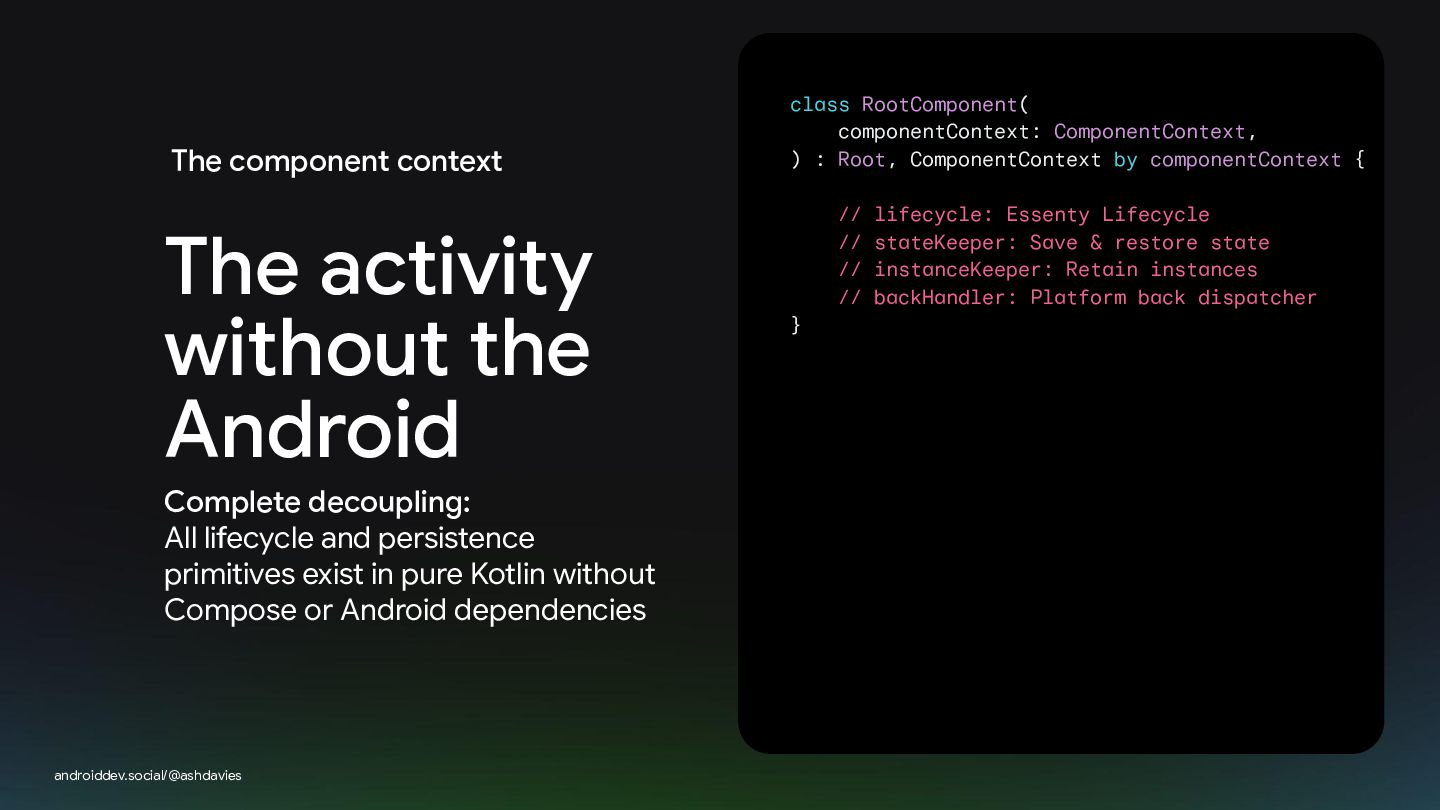
The component context The activity without the Android Complete decoupling:
All lifecycle and persistence primitives exist in pure Kotlin without Compose or Android dependencies androiddev.social/@ashdavies class RootComponent( componentContext: ComponentContext, ) : Root, ComponentContext by componentContext { // lifecycle: Essenty Lifecycle // stateKeeper: Save & restore state // instanceKeeper: Retain instances // backHandler: Platform back dispatcher } -
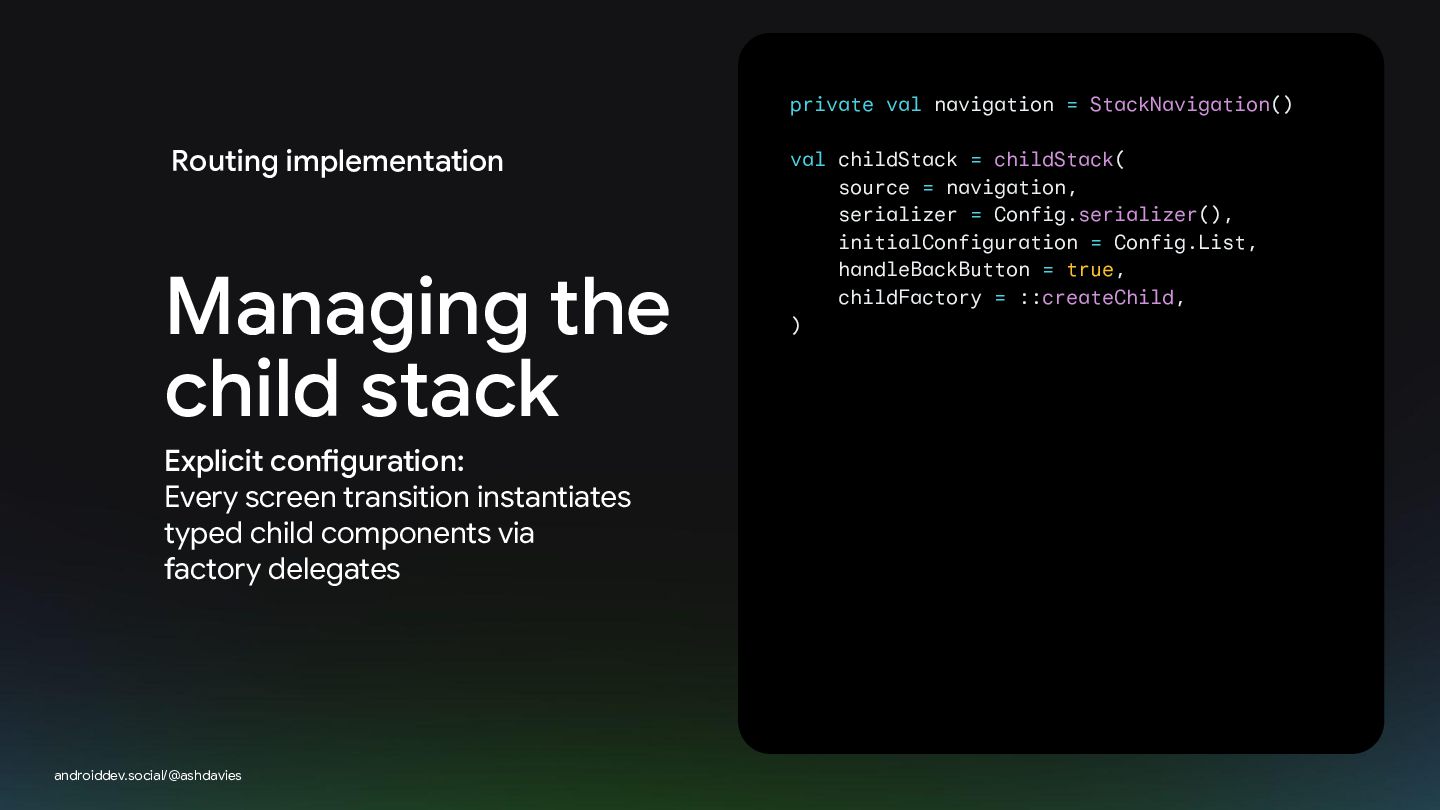
private val navigation = StackNavigation() Routing implementation Managing the child
stack Explicit configuration: Every screen transition instantiates typed child components via factory delegates androiddev.social/@ashdavies val childStack = childStack( source = navigation, serializer = Config.serializer(), initialConfiguration = Config.List, handleBackButton = true, childFactory = ::createChild, ) -
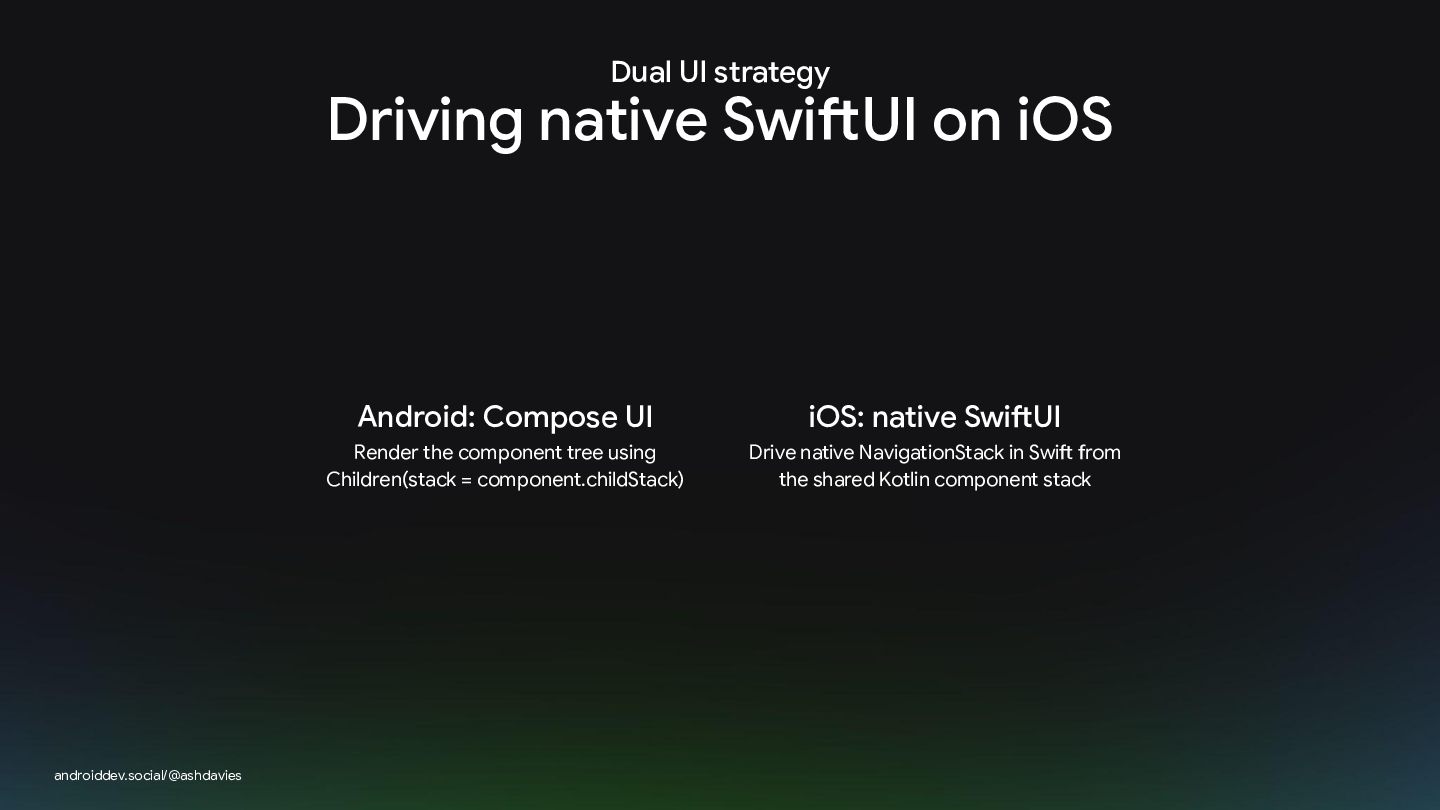
Dual UI strategy Driving native SwiftUI on iOS androiddev.social/@ashdavies Android:
Compose UI iOS: native SwiftUI Render the component tree using Children(stack = component.childStack) Drive native NavigationStack in Swift from the shared Kotlin component stack -
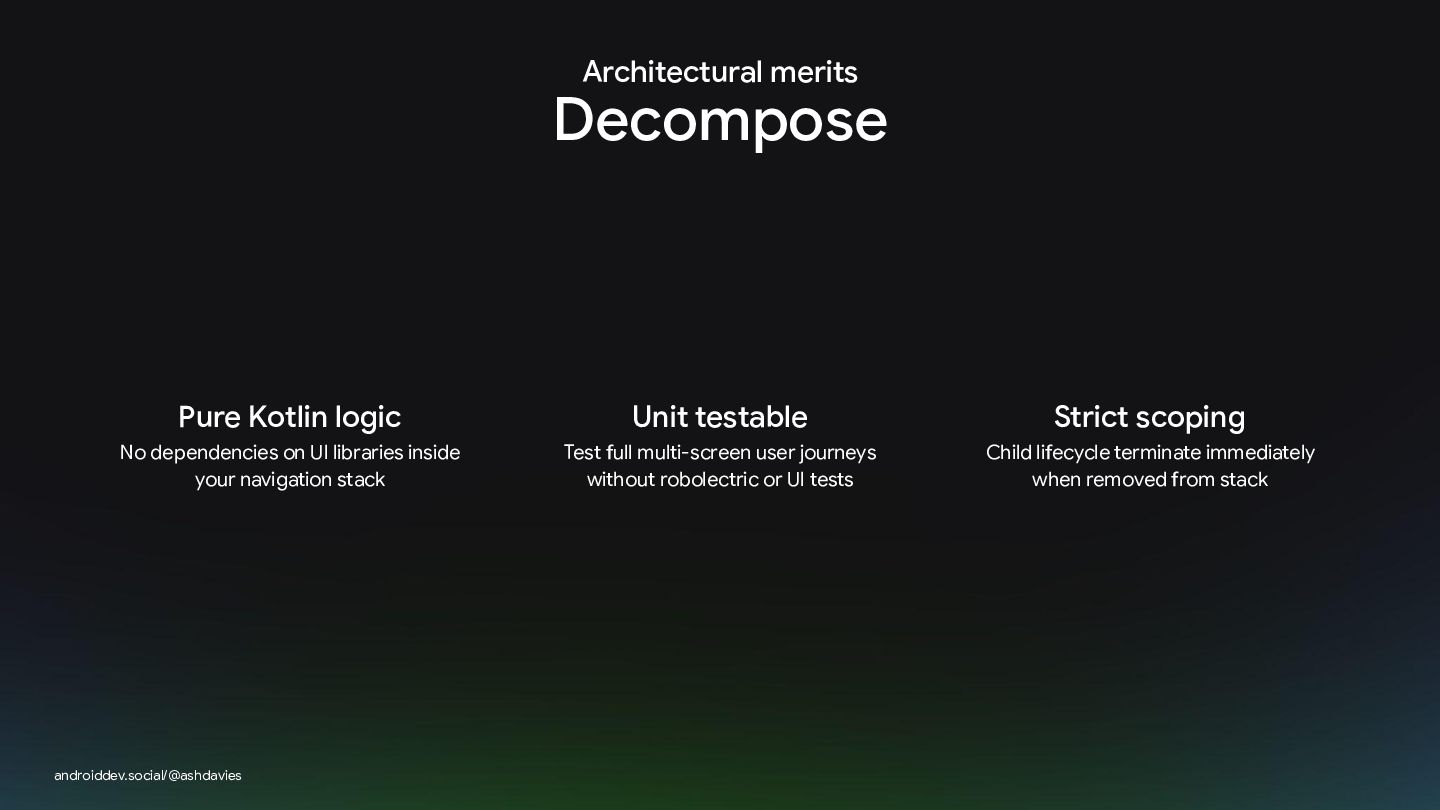
Architectural merits Decompose Pure Kotlin logic Unit testable Strict scoping
No dependencies on UI libraries inside your navigation stack Test full multi-screen user journeys without robolectric or UI tests Child lifecycle terminate immediately when removed from stack androiddev.social/@ashdavies -
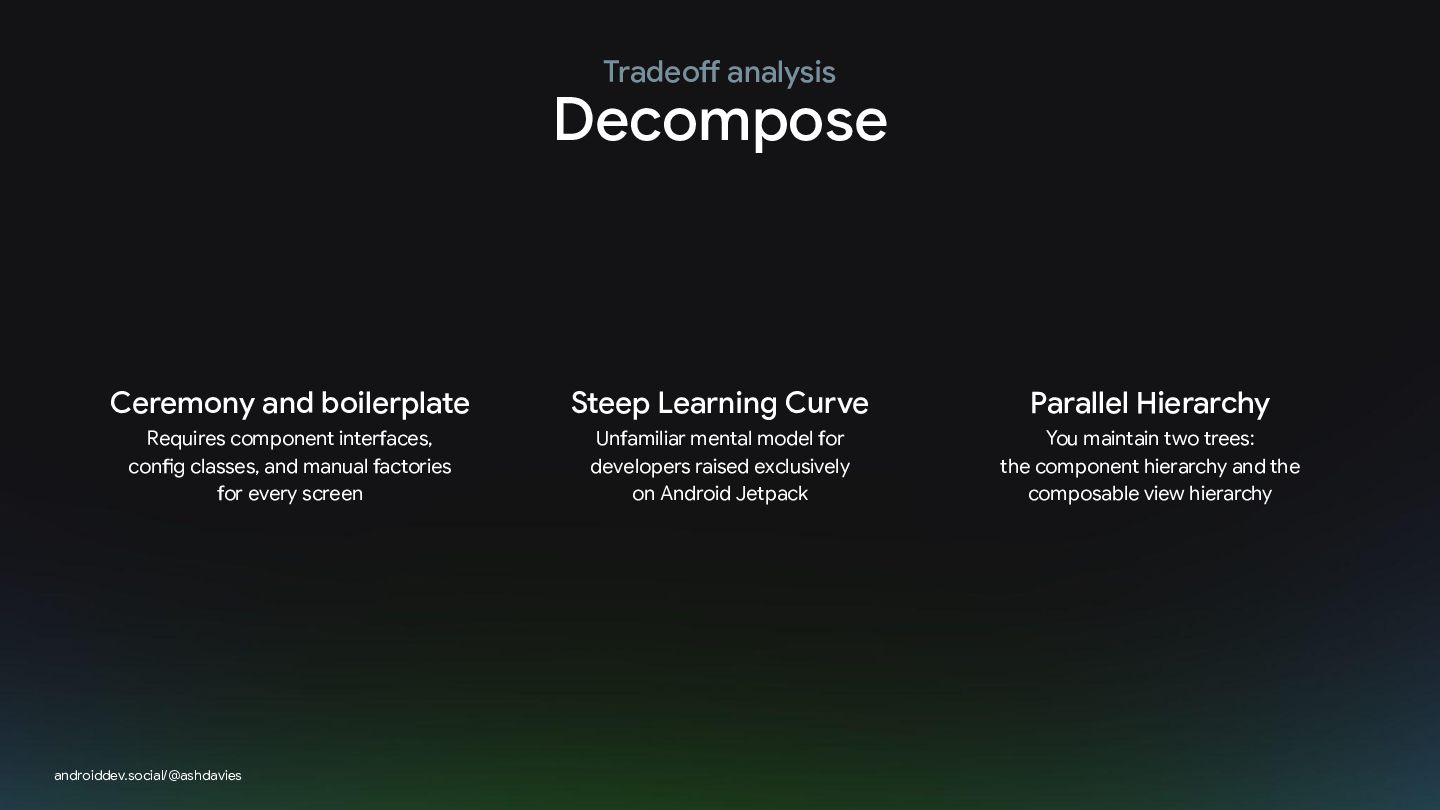
Tradeoff analysis Decompose Ceremony and boilerplate Steep Learning Curve Parallel
Hierarchy Requires component interfaces, config classes, and manual factories for every screen Unfamiliar mental model for developers raised exclusively on Android Jetpack You maintain two trees: the component hierarchy and the composable view hierarchy androiddev.social/@ashdavies -
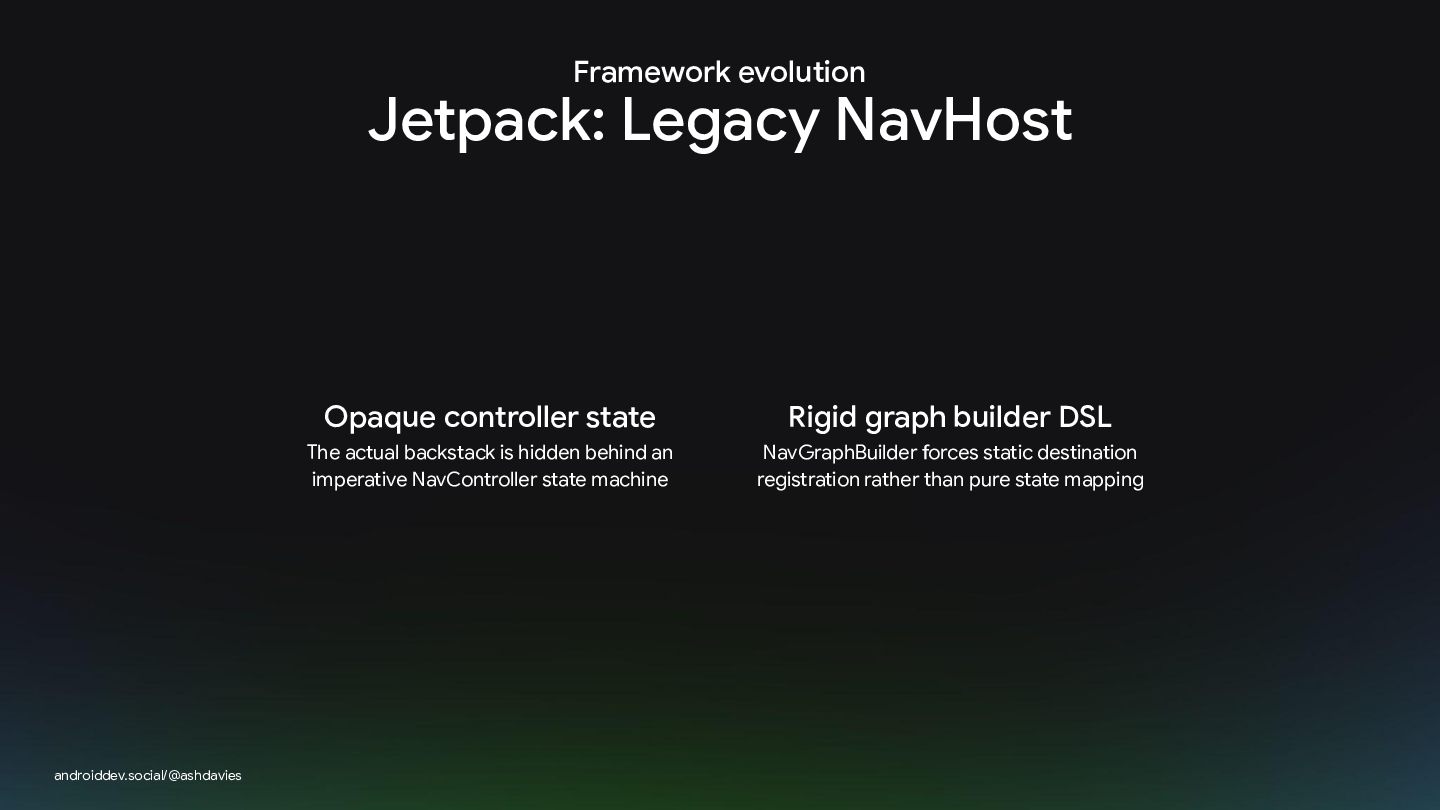
Framework evolution Jetpack: Legacy NavHost androiddev.social/@ashdavies Opaque controller state Rigid
graph builder DSL The actual backstack is hidden behind an imperative NavController state machine NavGraphBuilder forces static destination registration rather than pure state mapping -
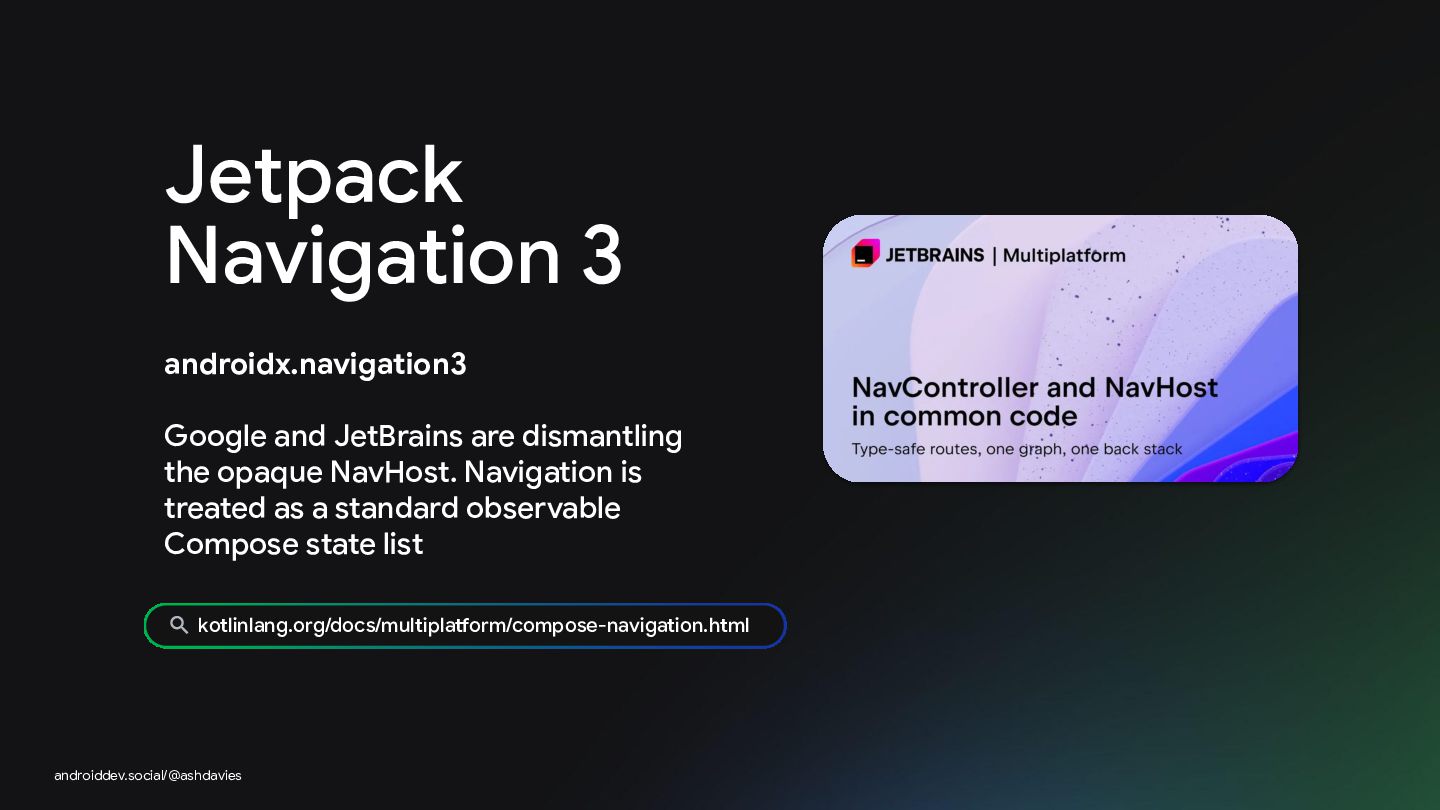
Jetpack Navigation 3 androidx.navigation3 Google and JetBrains are dismantling the
opaque NavHost. Navigation is treated as a standard observable Compose state list kotlinlang.org/docs/multiplatform/compose-navigation.html androiddev.social/@ashdavies -
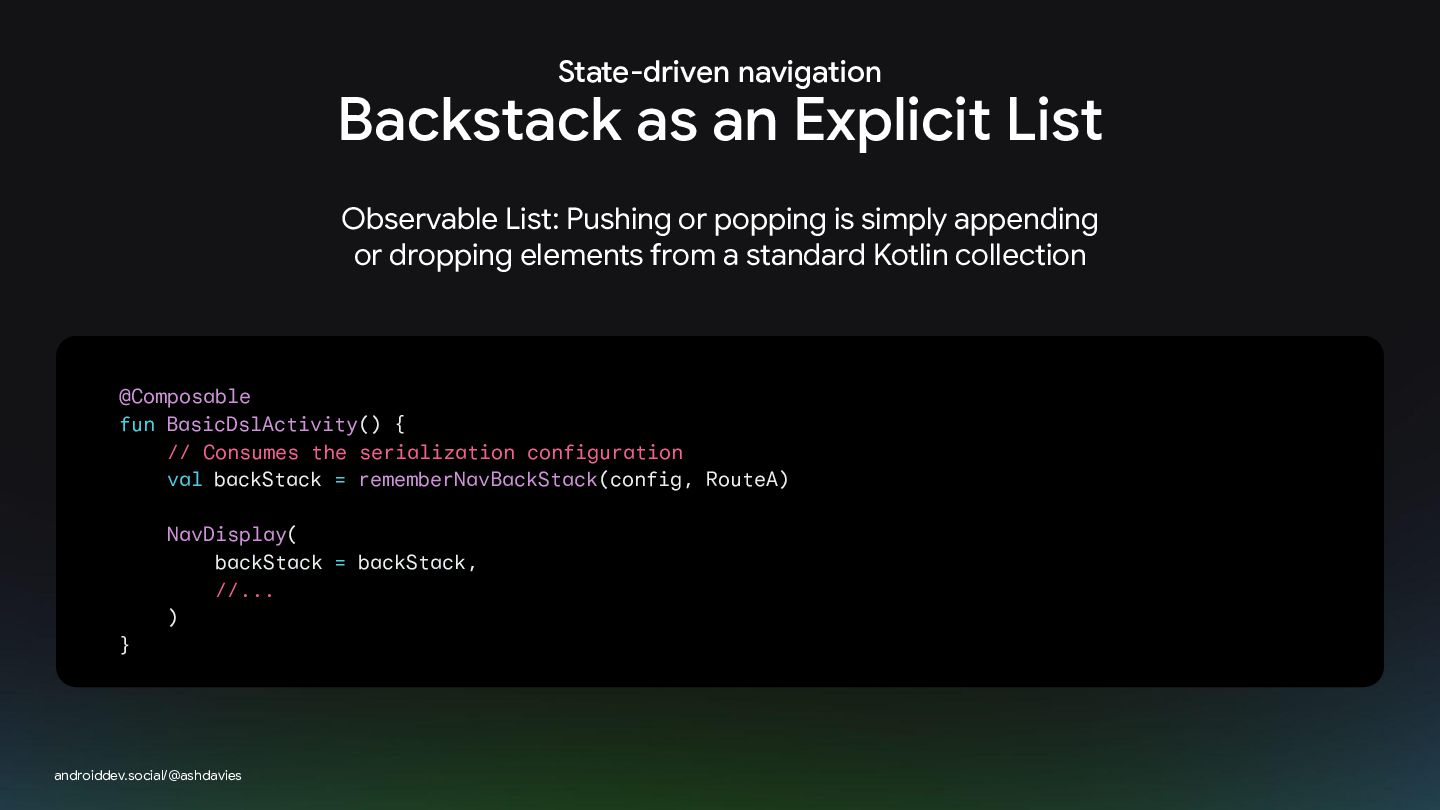
State-driven navigation Backstack as an Explicit List Observable List: Pushing
or popping is simply appending or dropping elements from a standard Kotlin collection @Composable fun BasicDslActivity() { // Consumes the serialization configuration val backStack = rememberNavBackStack(config, RouteA) NavDisplay( backStack = backStack, //... ) } androiddev.social/@ashdavies -
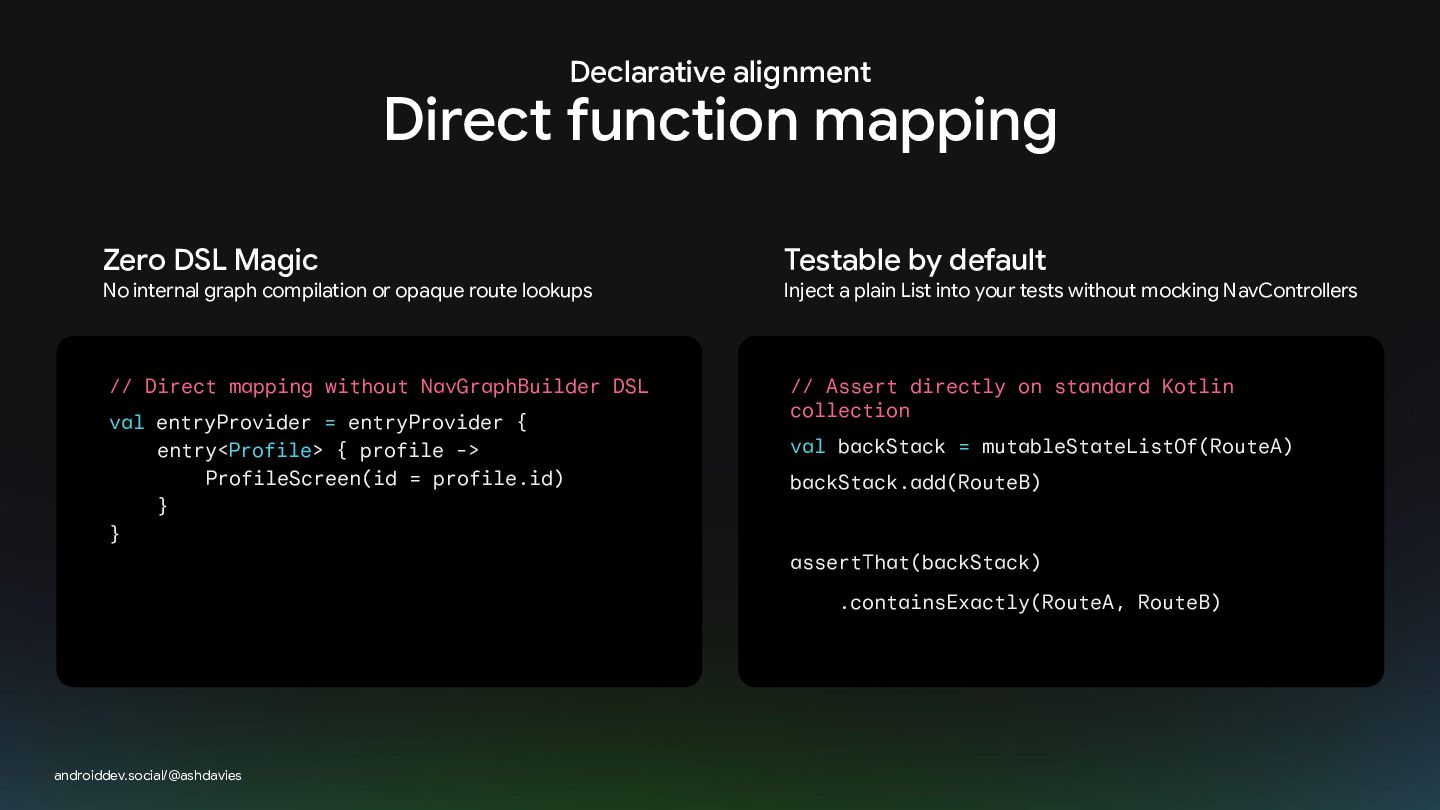
Declarative alignment Direct function mapping Zero DSL Magic Testable by
default // Direct mapping without NavGraphBuilder DSL // Assert directly on standard Kotlin collection No internal graph compilation or opaque route lookups val entryProvider = entryProvider { entry<Profile> { profile -> ProfileScreen(id = profile.id) } } Inject a plain List into your tests without mocking NavControllers val backStack = mutableStateListOf(RouteA) backStack.add(RouteB) assertThat(backStack) .containsExactly(RouteA, RouteB) androiddev.social/@ashdavies -
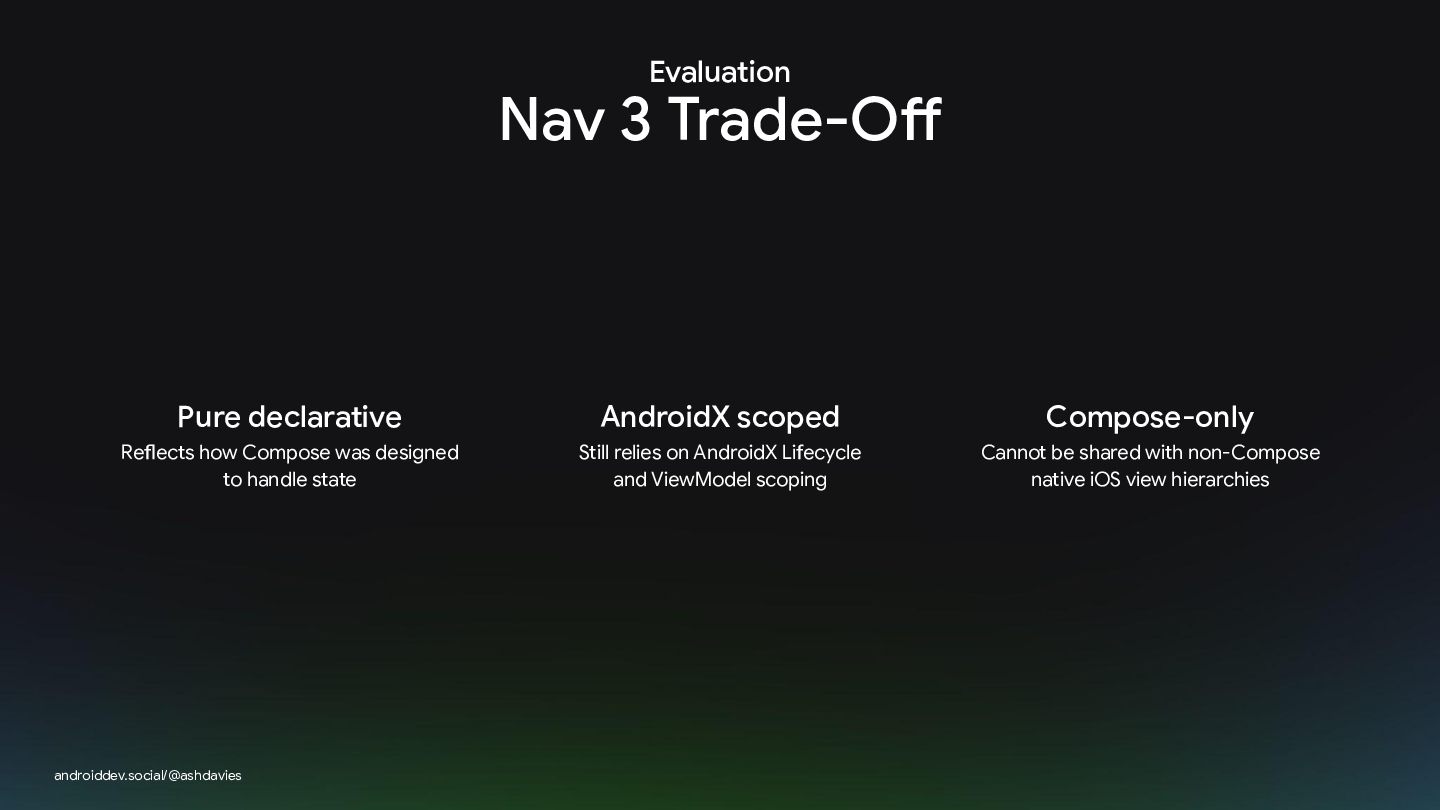
Evaluation Nav 3 Trade-Off Pure declarative AndroidX scoped Compose-only Reflects
how Compose was designed to handle state Still relies on AndroidX Lifecycle and ViewModel scoping Cannot be shared with non-Compose native iOS view hierarchies androiddev.social/@ashdavies -
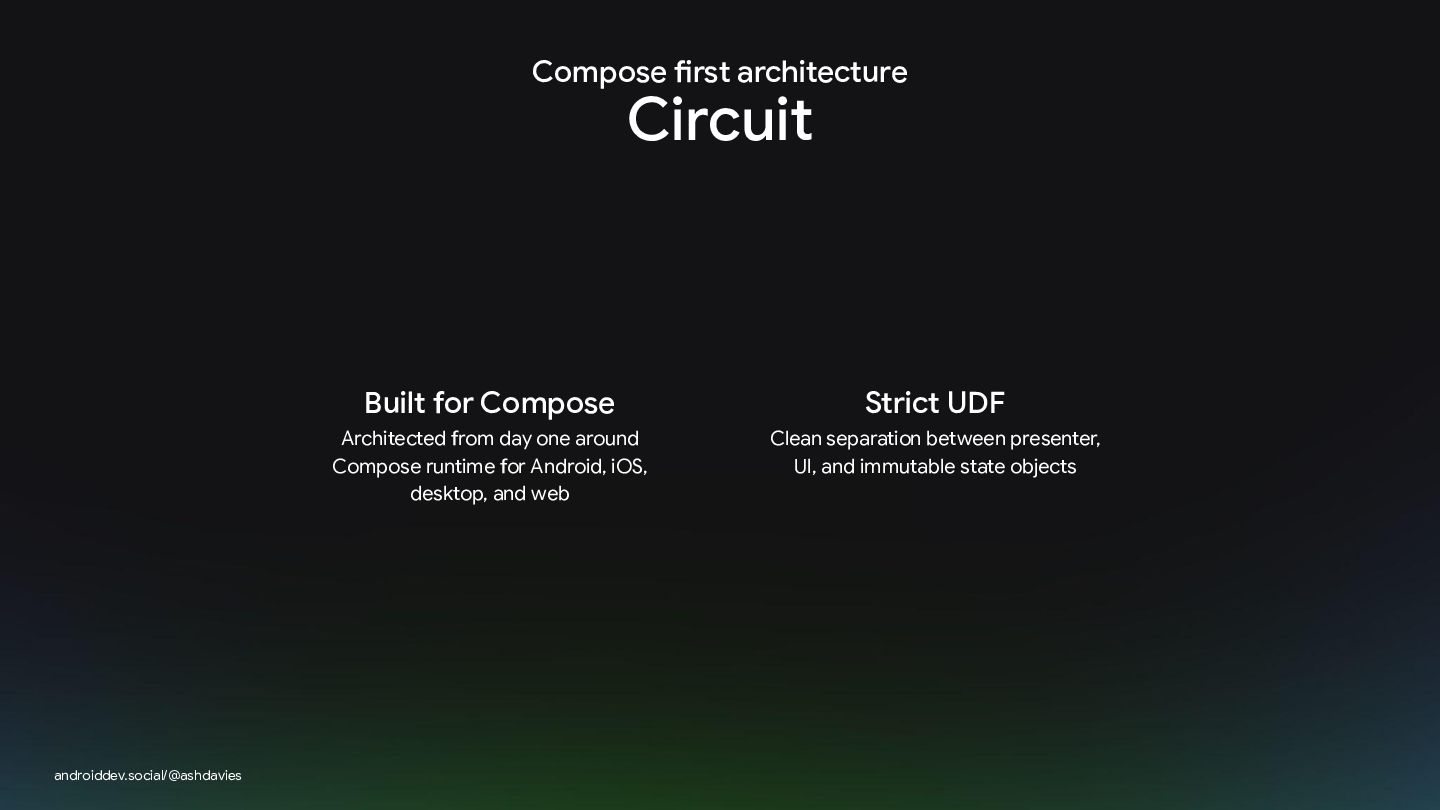
Compose first architecture Circuit androiddev.social/@ashdavies Built for Compose Strict UDF
Architected from day one around Compose runtime for Android, iOS, desktop, and web Clean separation between presenter, UI, and immutable state objects -
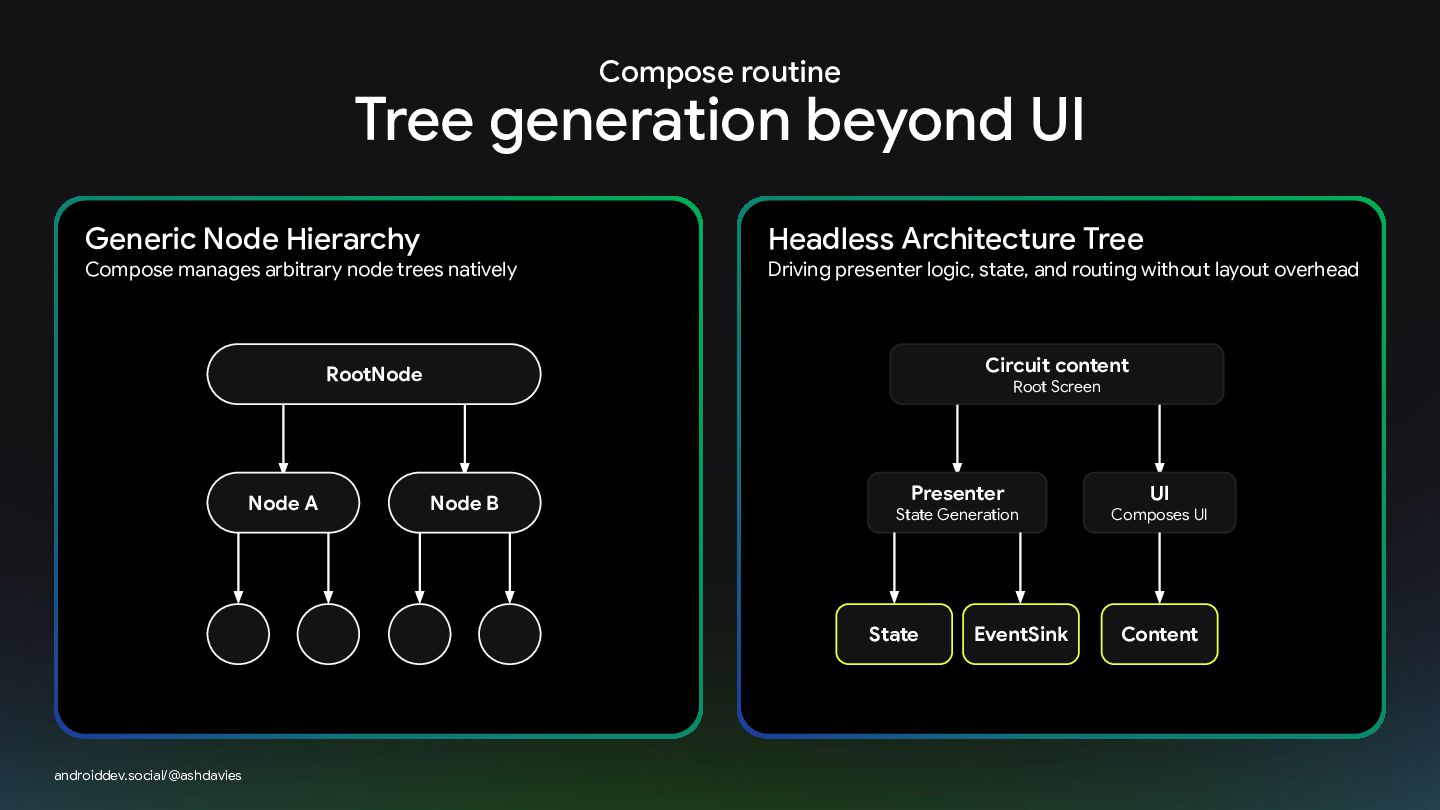
Compose routine Tree generation beyond UI Generic Node Hierarchy Compose
manages arbitrary node trees natively Headless Architecture Tree Driving presenter logic, state, and routing without layout overhead Circuit content RootNode Node A Root Screen Node B Presenter State Generation State androiddev.social/@ashdavies EventSink UI Composes UI Content -
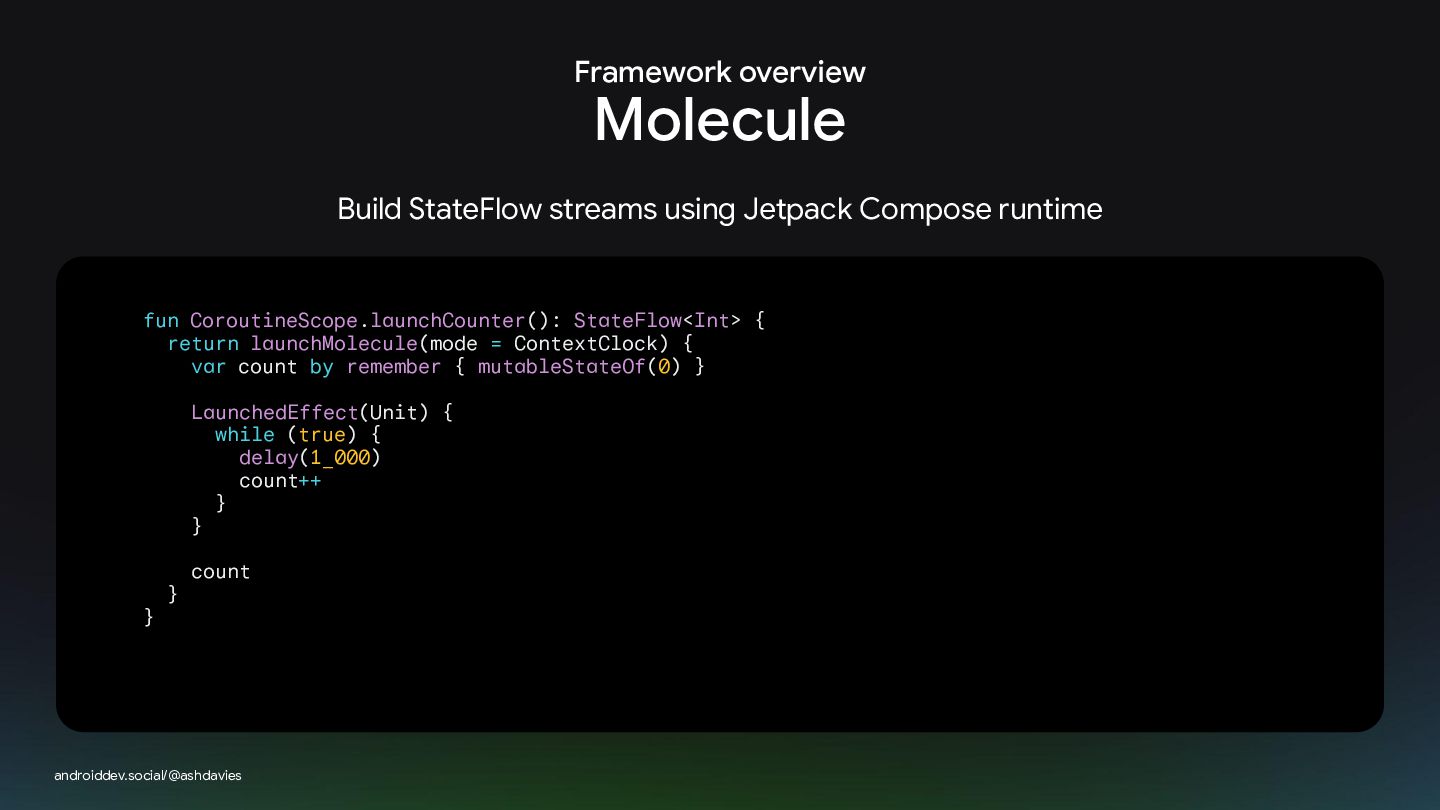
Framework overview Molecule Build StateFlow streams using Jetpack Compose runtime
fun CoroutineScope.launchCounter(): StateFlow<Int> { return launchMolecule(mode = ContextClock) { var count by remember { mutableStateOf(0) } LaunchedEffect(Unit) { while (true) { delay(1_000) count++ } } } } count androiddev.social/@ashdavies -
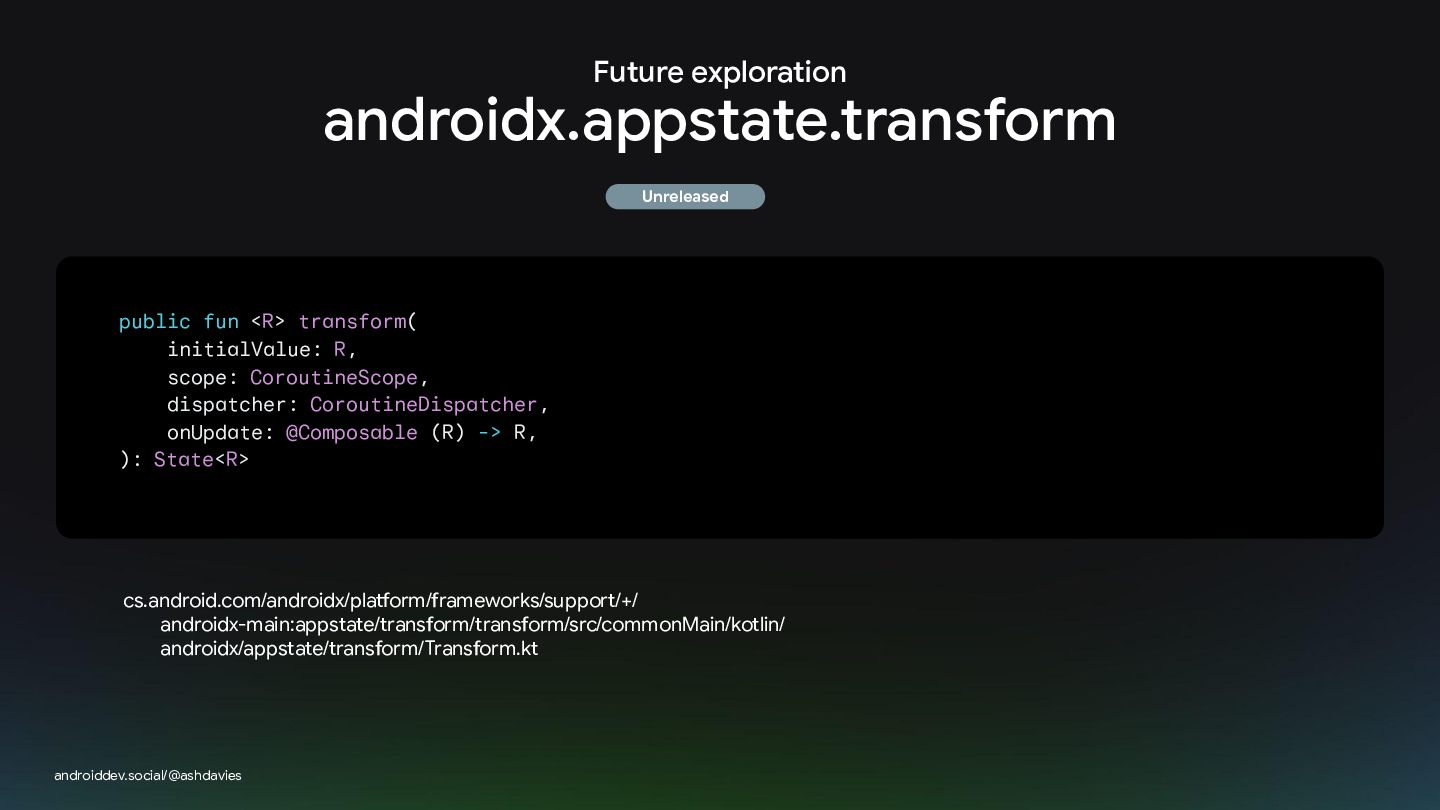
Future exploration androidx.appstate.transform Unreleased public fun <R> transform( initialValue: R,
scope: CoroutineScope, dispatcher: CoroutineDispatcher, onUpdate: @Composable (R) -> R, ): State<R> cs.android.com/androidx/platform/frameworks/support/+/ androidx-main:appstate/transform/transform/src/commonMain/kotlin/ androidx/appstate/transform/Transform.kt androiddev.social/@ashdavies -
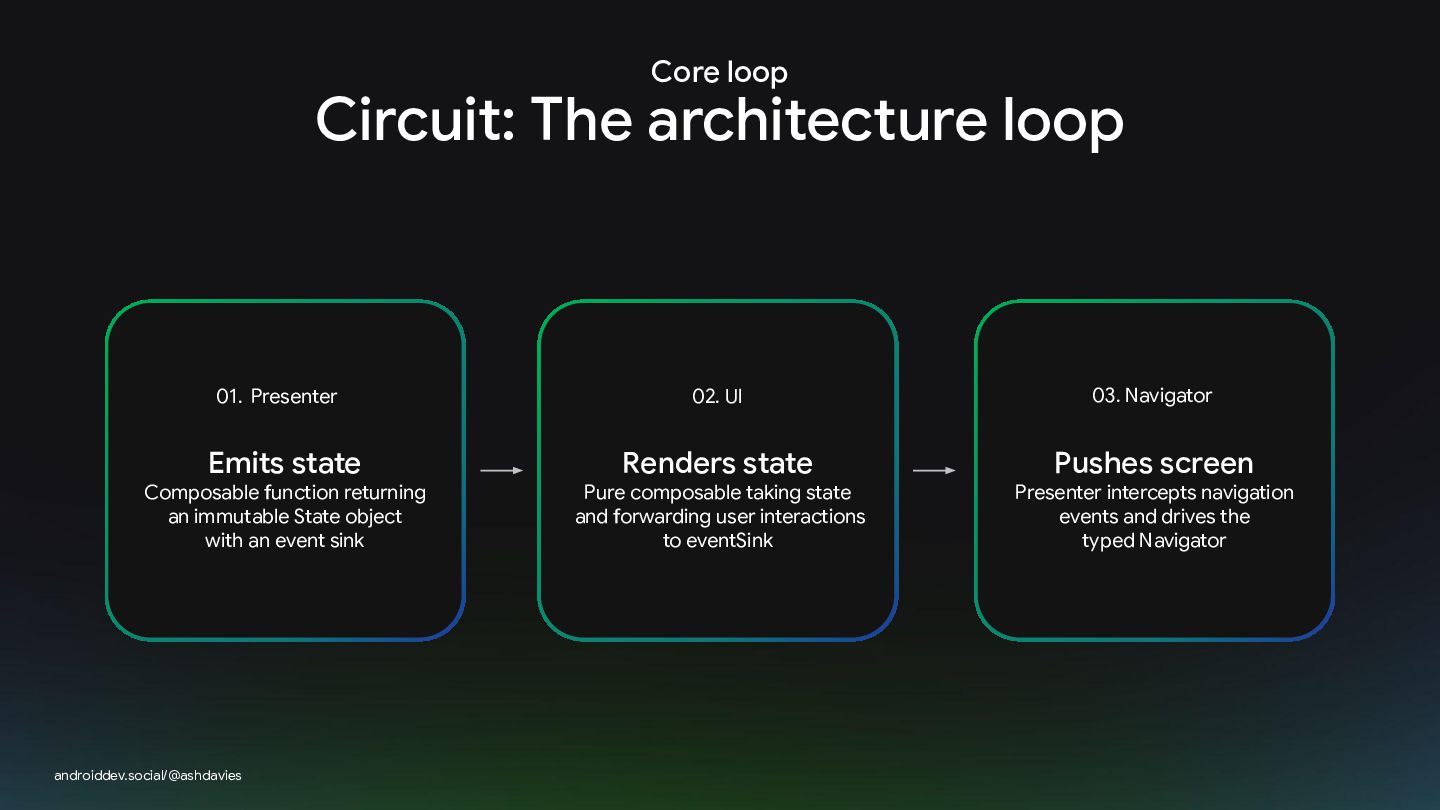
Core loop Circuit: The architecture loop 01. Presenter Emits state
Composable function returning an immutable State object with an event sink androiddev.social/@ashdavies 02. UI Renders state Pure composable taking state and forwarding user interactions to eventSink 03. 03.Navigator Navigator Pushes screen Presenter intercepts navigation events and drives the typed Navigator -
UI decoupling UI / presentation state separation Zero UI coupling:
The composable UI only knows about eventSink. Navigation decisions belong to presenter logic class DetailPresenter( private val navigator: Navigator, ) : Presenter { } @Composable override fun present(): State { return State { event -> when (event) { is Event.BackClicked -> navigator.pop() } } } androiddev.social/@ashdavies -
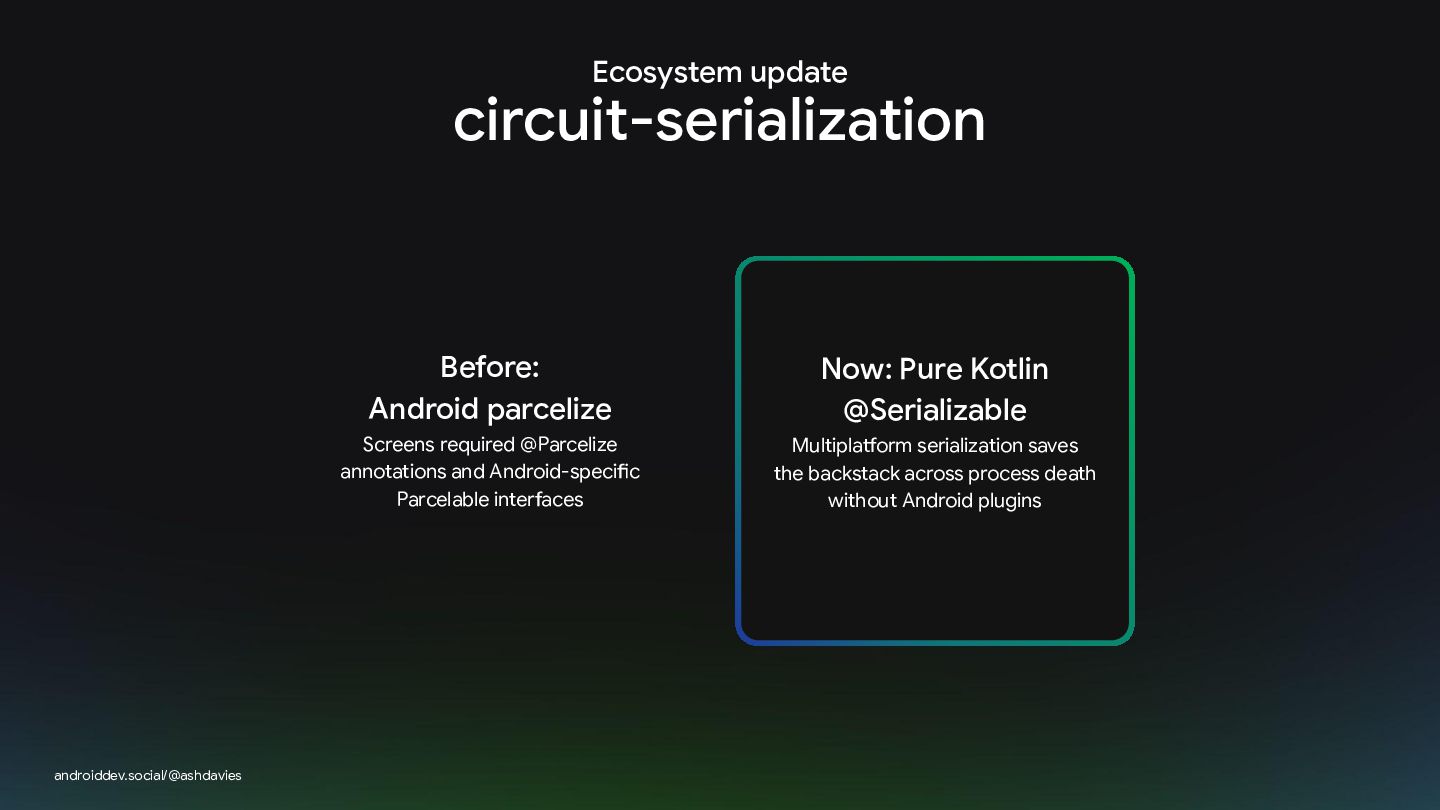
Ecosystem update circuit-serialization androiddev.social/@ashdavies Before: Android parcelize Now: Pure Kotlin
@Serializable Screens required @Parcelize annotations and Android-specific Parcelable interfaces Multiplatform serialization saves the backstack across process death without Android plugins -
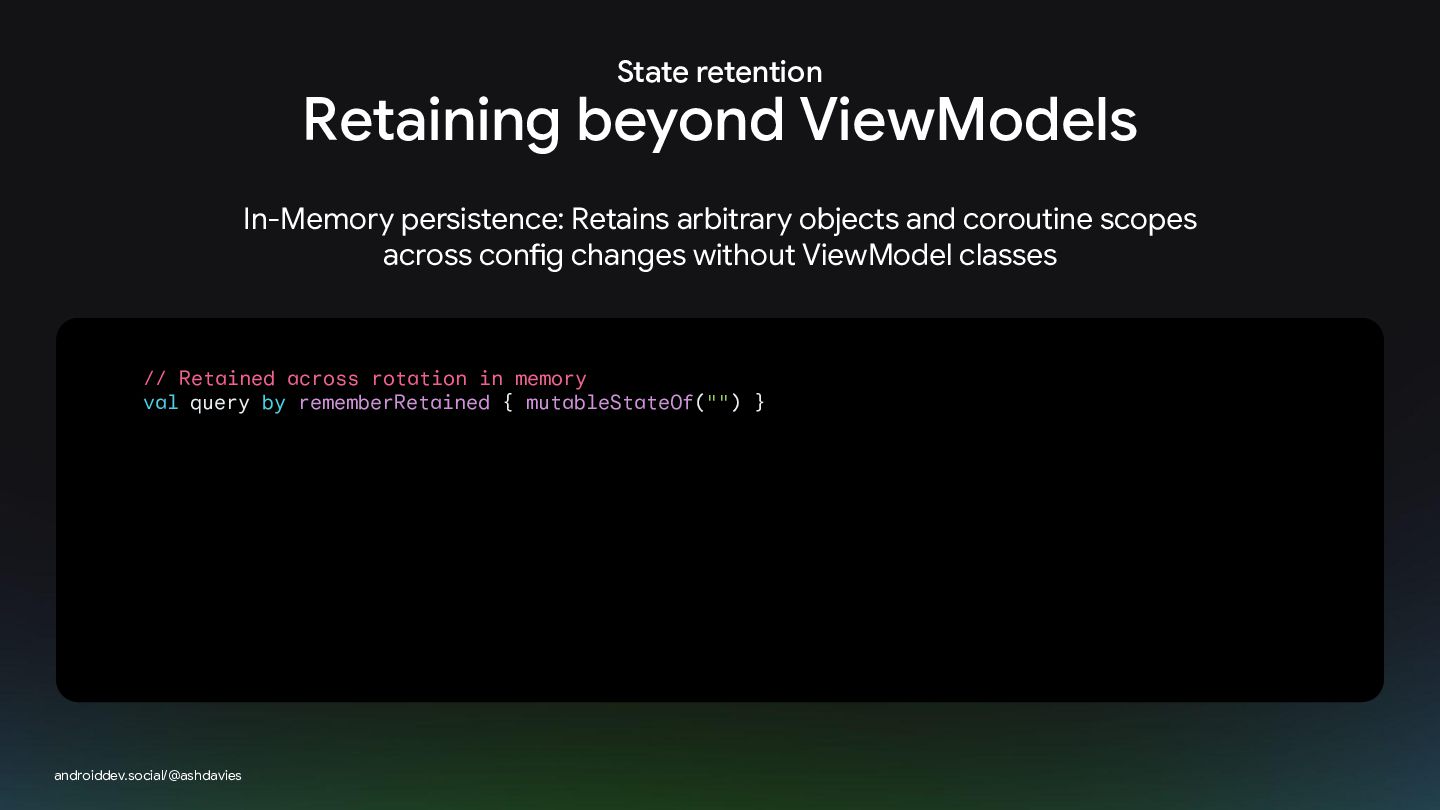
State retention Retaining beyond ViewModels In-Memory persistence: Retains arbitrary objects
and coroutine scopes across config changes without ViewModel classes // Retained across rotation in memory val query by rememberRetained { mutableStateOf("") } androiddev.social/@ashdavies -
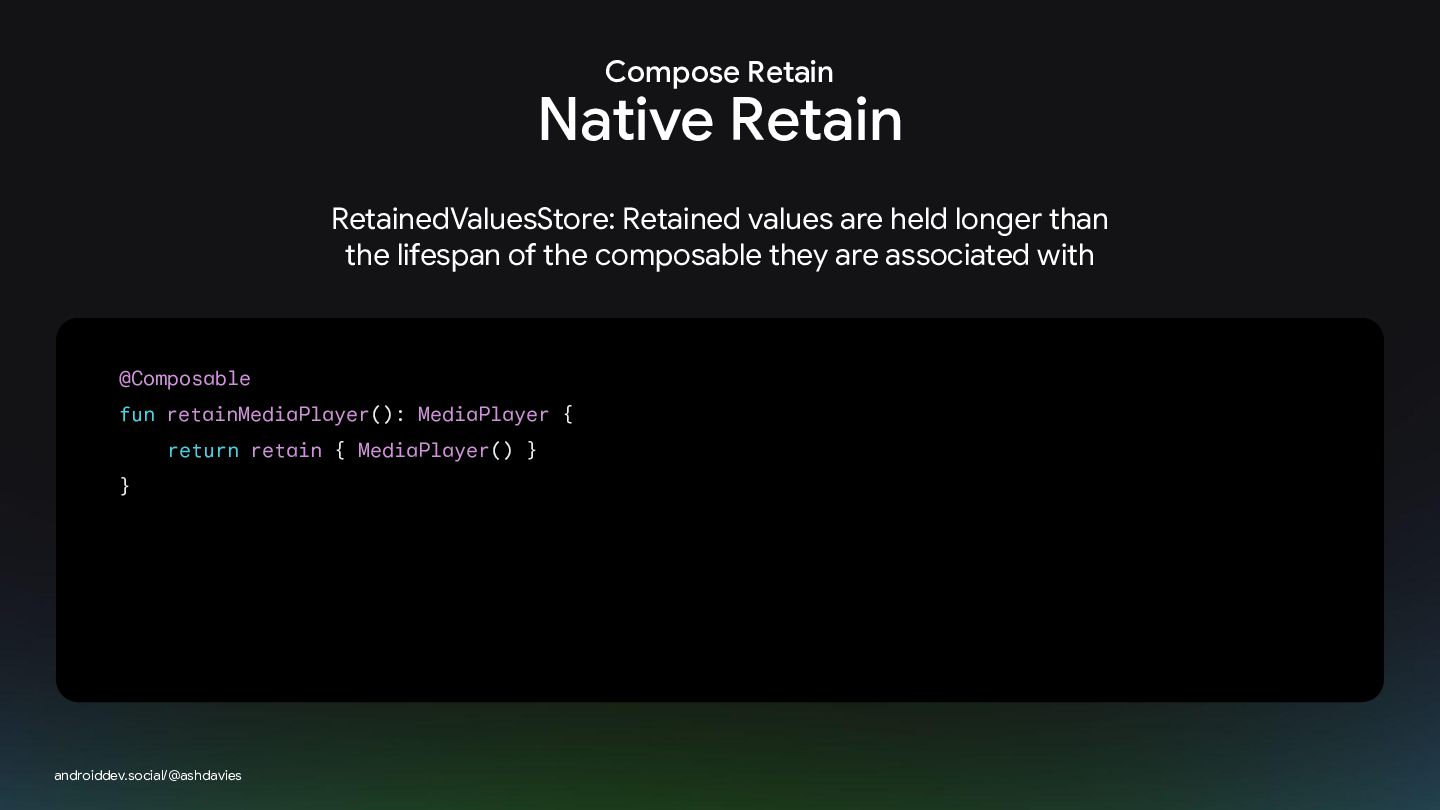
Compose Retain Native Retain RetainedValuesStore: Retained values are held longer
than the lifespan of the composable they are associated with @Composable fun retainMediaPlayer(): MediaPlayer { return retain { MediaPlayer() } } androiddev.social/@ashdavies -
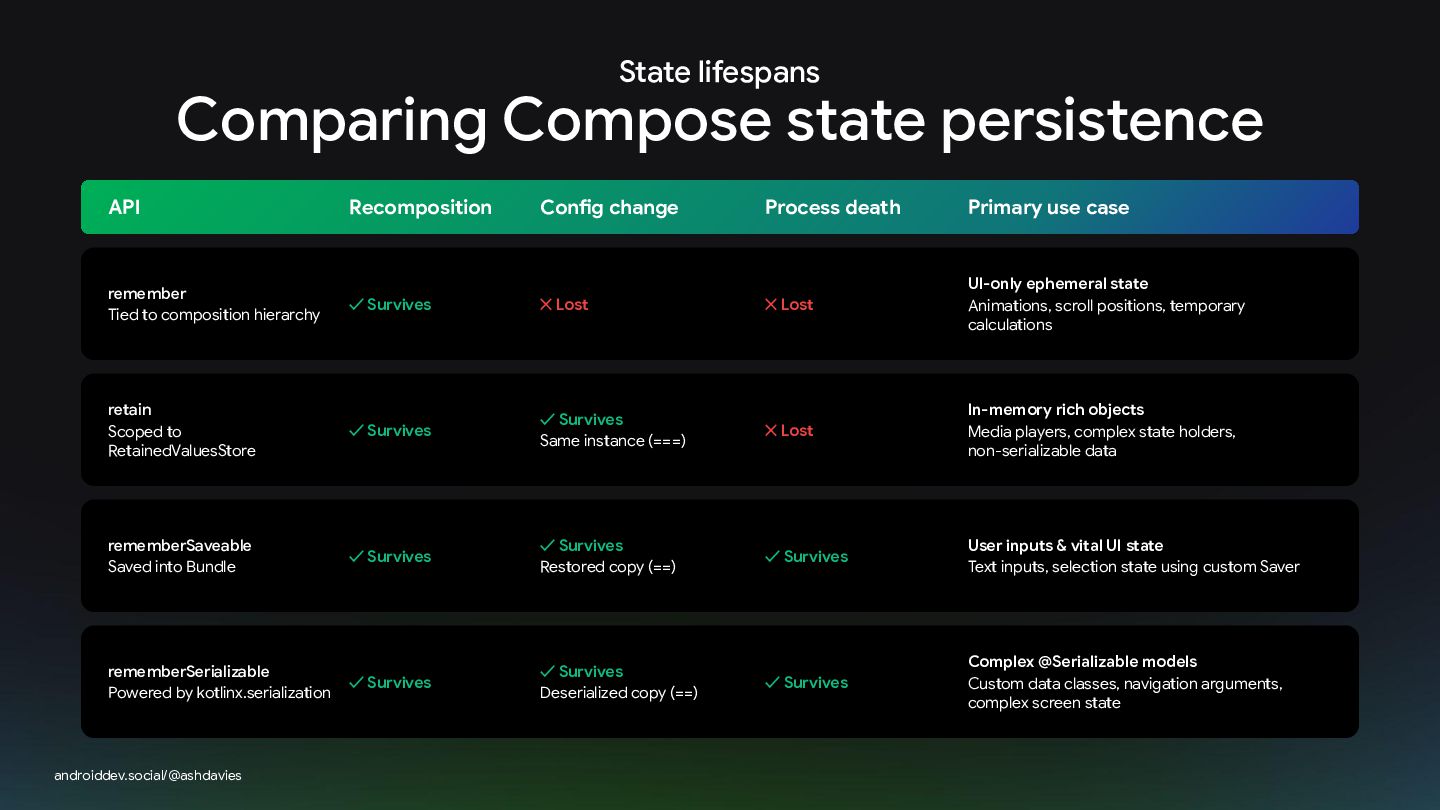
State lifespans Comparing Compose state persistence API Recomposition Config change
Process death Primary use case remember Tied to composition hierarchy ✓ Survives ✕ Lost ✕ Lost UI-only ephemeral state Animations, scroll positions, temporary calculations retain Scoped to RetainedValuesStore ✓ Survives ✓ Survives Same instance (===) ✕ Lost In-memory rich objects Media players, complex state holders, non-serializable data rememberSaveable Saved into Bundle ✓ Survives ✓ Survives Restored copy (==) ✓ Survives User inputs & vital UI state Text inputs, selection state using custom Saver rememberSerializable Powered by kotlinx.serialization ✓ Survives ✓ Survives Deserialized copy (==) ✓ Survives Complex @Serializable models Custom data classes, navigation arguments, complex screen state androiddev.social/@ashdavies -
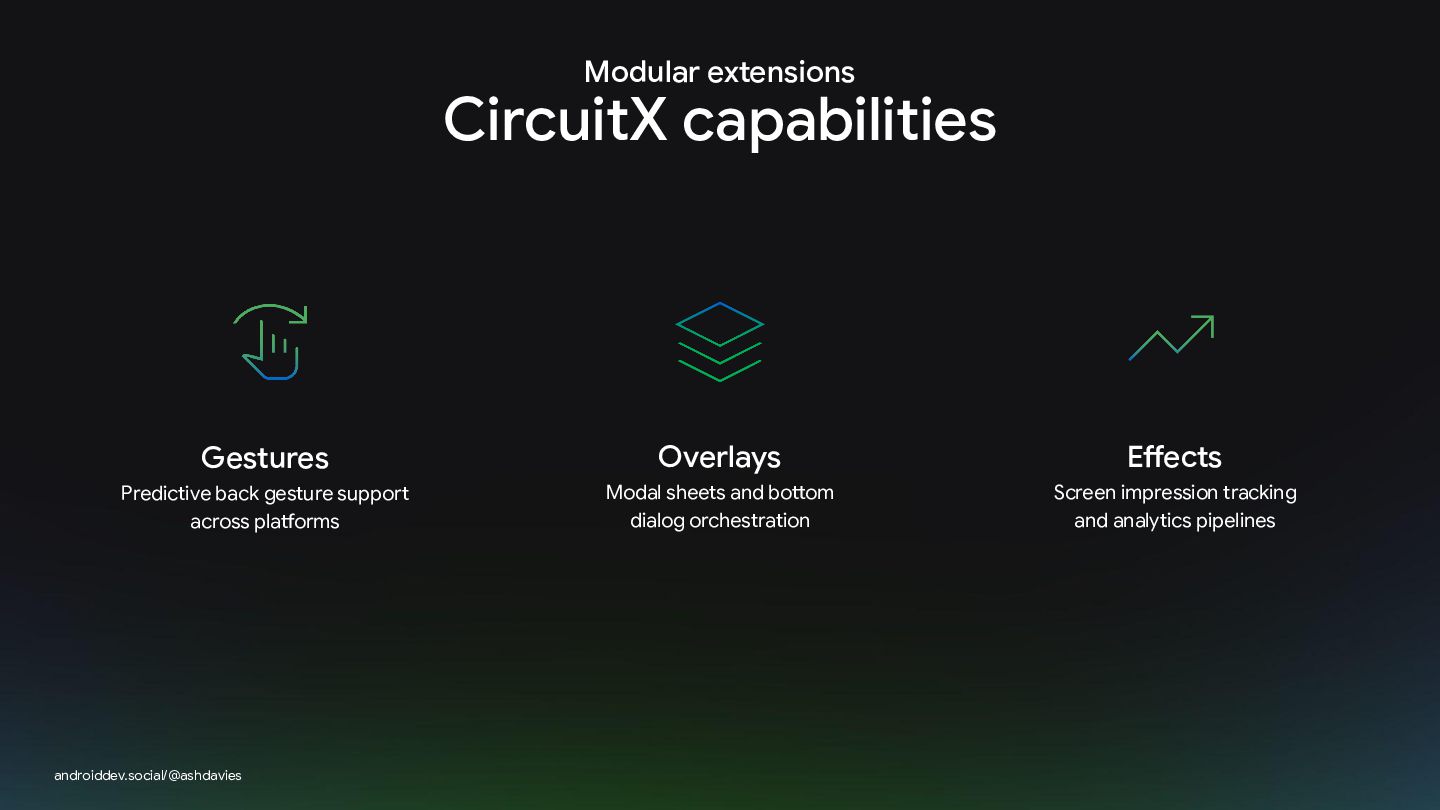
Modular extensions CircuitX capabilities Gestures Overlays Effects Predictive back gesture
support across platforms Modal sheets and bottom dialog orchestration Screen impression tracking and analytics pipelines androiddev.social/@ashdavies -
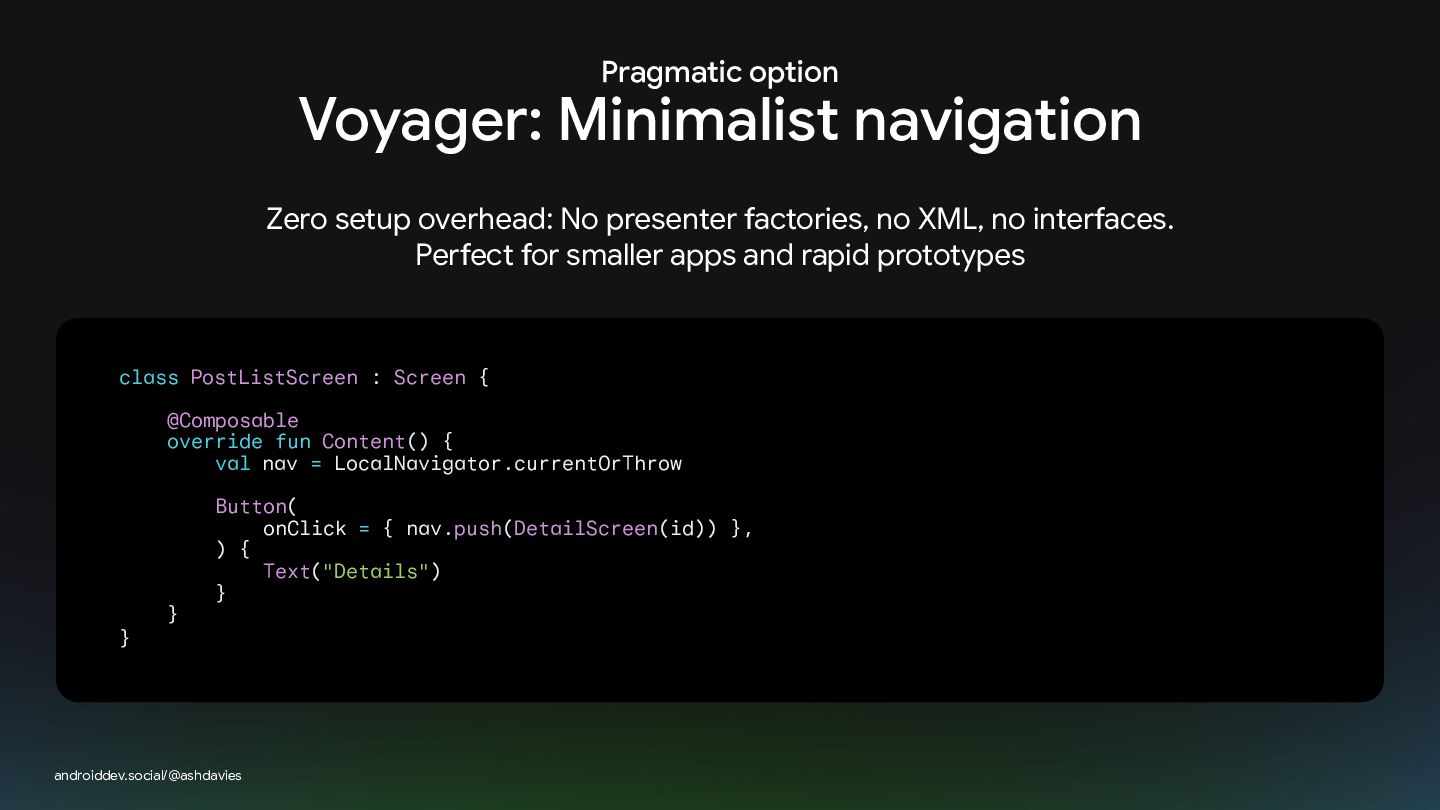
Pragmatic option Voyager: Minimalist navigation Zero setup overhead: No presenter
factories, no XML, no interfaces. Perfect for smaller apps and rapid prototypes class PostListScreen : Screen { @Composable override fun Content() { val nav = LocalNavigator.currentOrThrow } } Button( onClick = { nav.push(DetailScreen(id)) }, ) { Text("Details") } androiddev.social/@ashdavies -
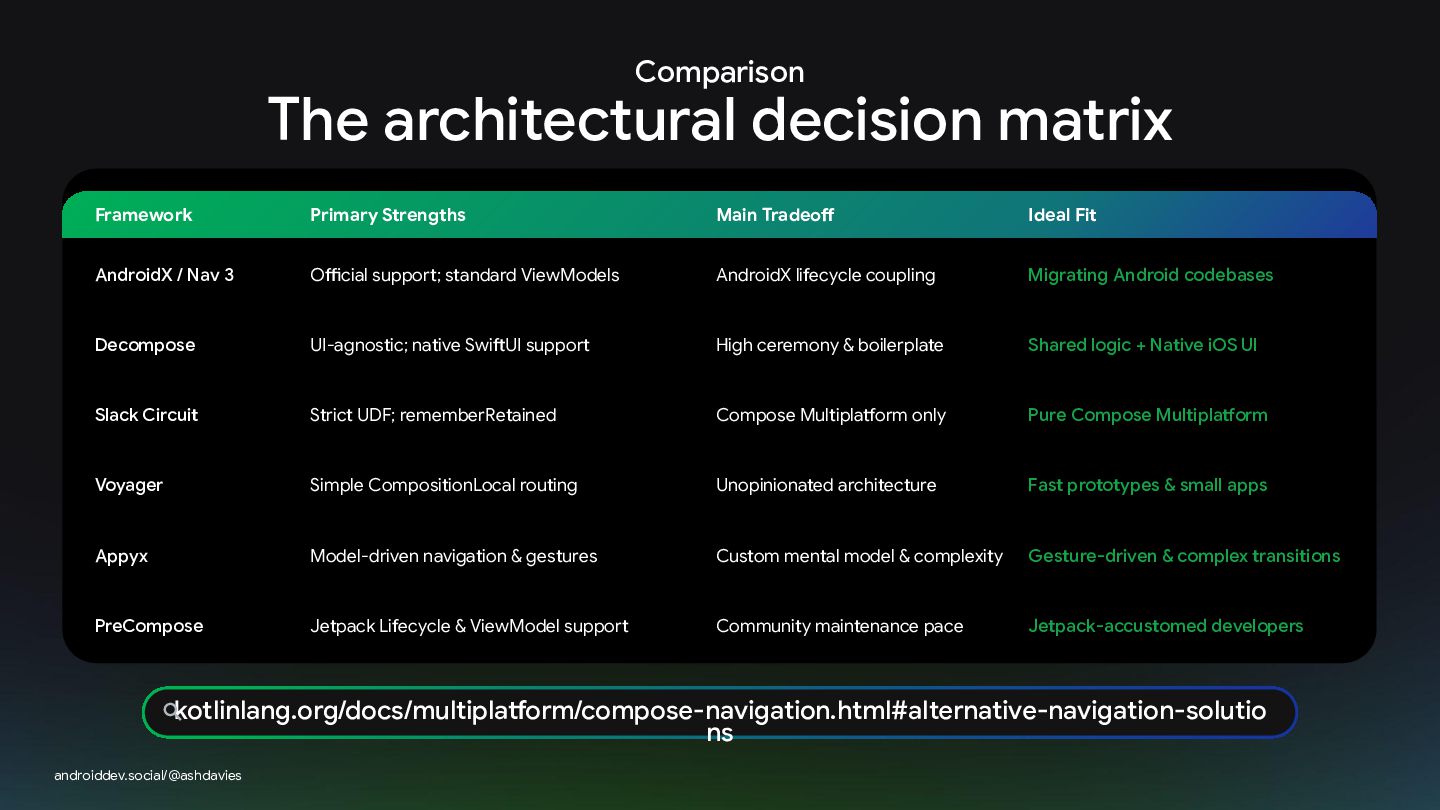
Comparison The architectural decision matrix Framework Primary Strengths Main Tradeoff
Ideal Fit AndroidX / Nav 3 Official support; standard ViewModels AndroidX lifecycle coupling Migrating Android codebases Decompose UI-agnostic; native SwiftUI support High ceremony & boilerplate Shared logic + Native iOS UI Slack Circuit Strict UDF; rememberRetained Compose Multiplatform only Pure Compose Multiplatform Voyager Simple CompositionLocal routing Unopinionated architecture Fast prototypes & small apps Appyx Model-driven navigation & gestures Custom mental model & complexity Gesture-driven & complex transitions PreCompose Jetpack Lifecycle & ViewModel support Community maintenance pace Jetpack-accustomed developers kotlinlang.org/docs/multiplatform/compose-navigation.html#alternative-navigation-solutio ns androiddev.social/@ashdavies -
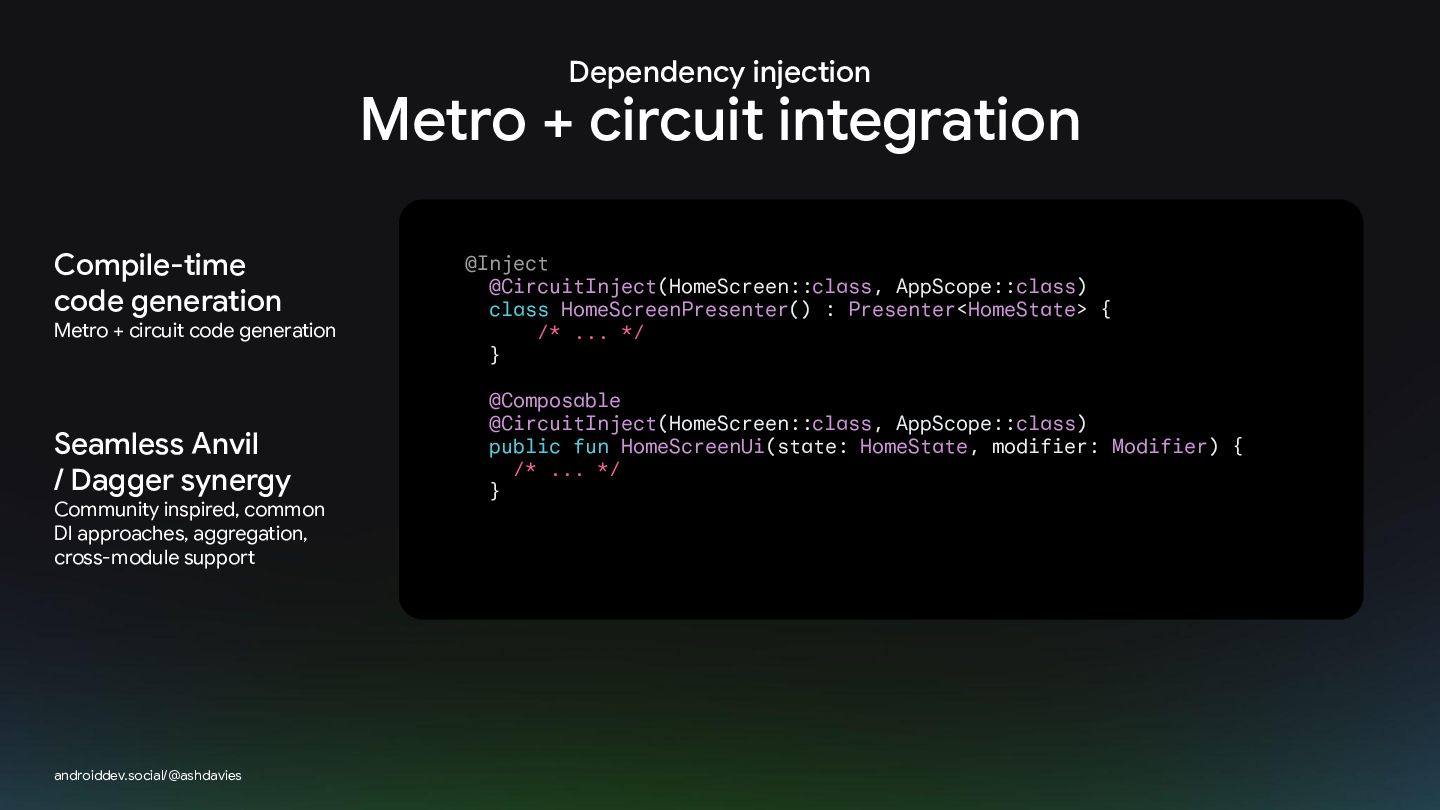
Dependency injection Metro + circuit integration Compile-time code generation Metro
+ circuit code generation Seamless Anvil / Dagger synergy Community inspired, common DI approaches, aggregation, cross-module support androiddev.social/@ashdavies @Inject @CircuitInject(HomeScreen::class, AppScope::class) class HomeScreenPresenter() : Presenter<HomeState> { /* ... */ } @Composable @CircuitInject(HomeScreen::class, AppScope::class) public fun HomeScreenUi(state: HomeState, modifier: Modifier) { /* ... */ } -
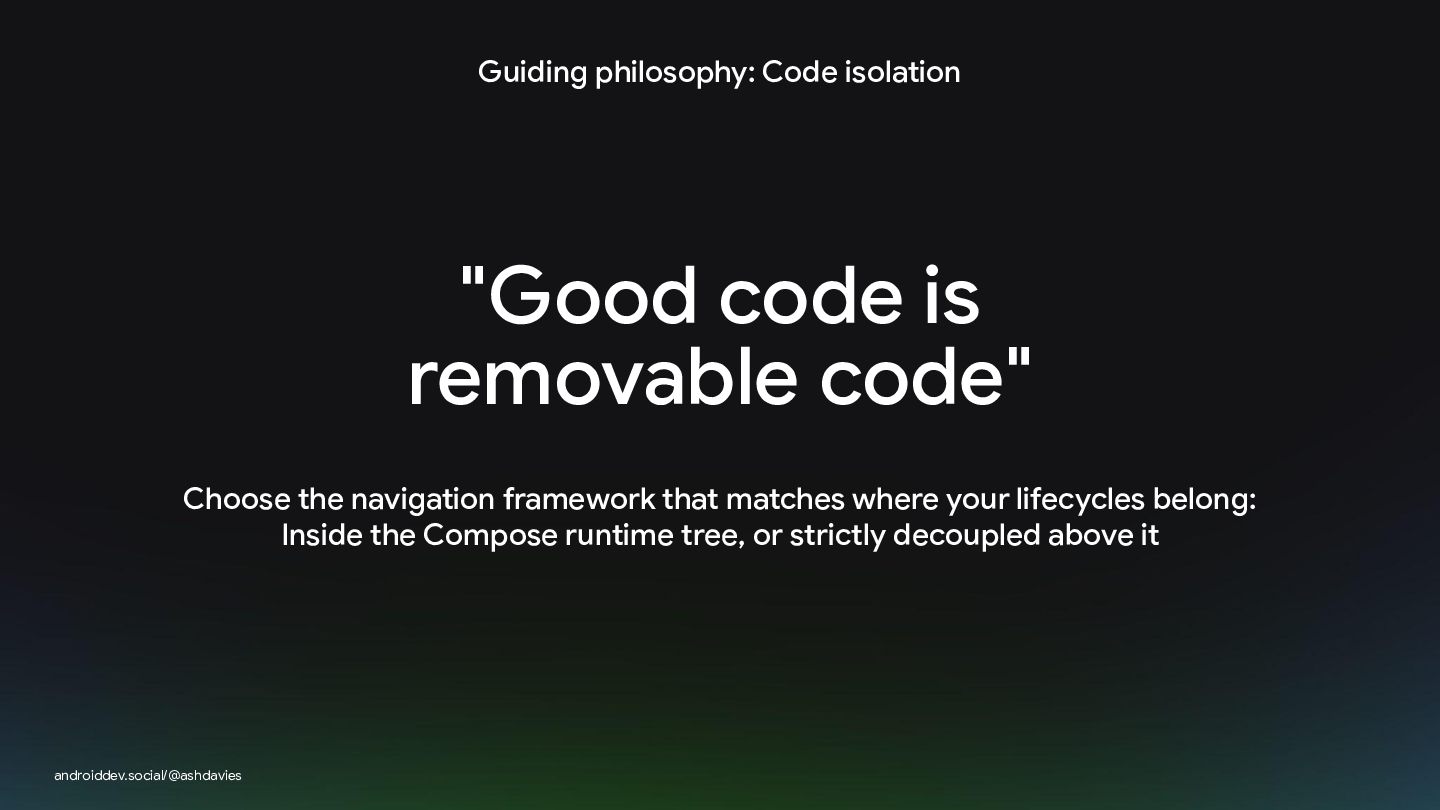
Guiding philosophy: Code isolation "Good code is removable code" Choose
the navigation framework that matches where your lifecycles belong: Inside the Compose runtime tree, or strictly decoupled above it androiddev.social/@ashdavies