Upgrade to Pro — share decks privately, control downloads, hide ads and more …

Adapting a Component Library for Better Adoption

Sponsored · SiteGround - Reliable hosting with speed, security, and support you can count on. →
Avatar for Tim Holt Tim Holt
October 31, 2019

Adapting a Component Library for Better Adoption

Developing a UI component library for a large organisation with many different products is a challenging endeavour. A good system will strike the right balance between consistency and flexibility and will afford developers efficiency and quality. These are characteristics difficult to get right up front.

At the ABC, we are continually iterating our component library to improve a key measure of success: adoption. We want teams to want to use it! This talk will discuss some of the challenges we’ve faced, how we approach trying to find the right level of component granularity and cover some illustrative examples of the changes we’ve made to get more developers of ABC digital products on board.

Avatar for Tim Holt

Tim Holt

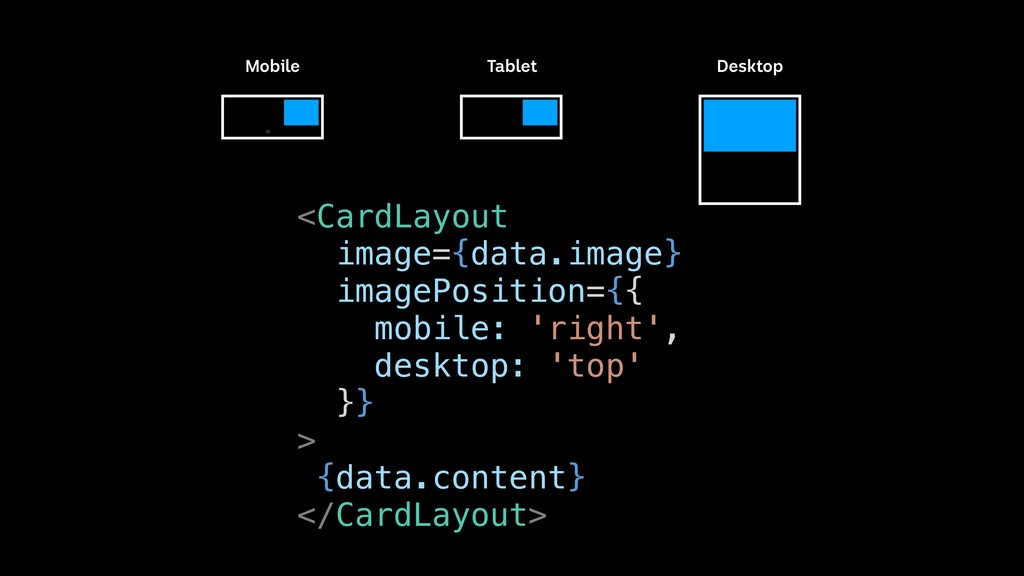
October 31, 2019

Other Decks in Technology

Transcript

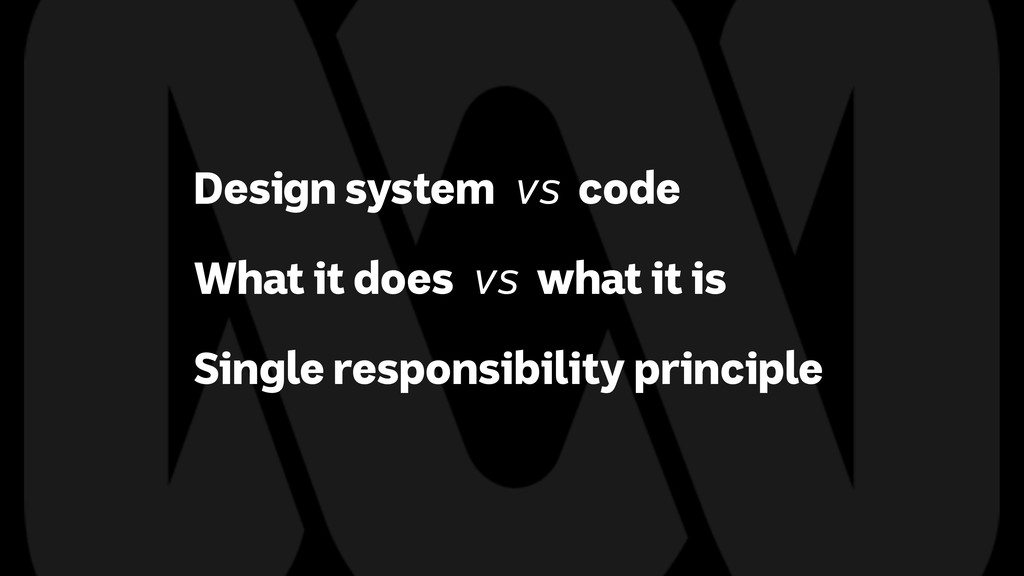
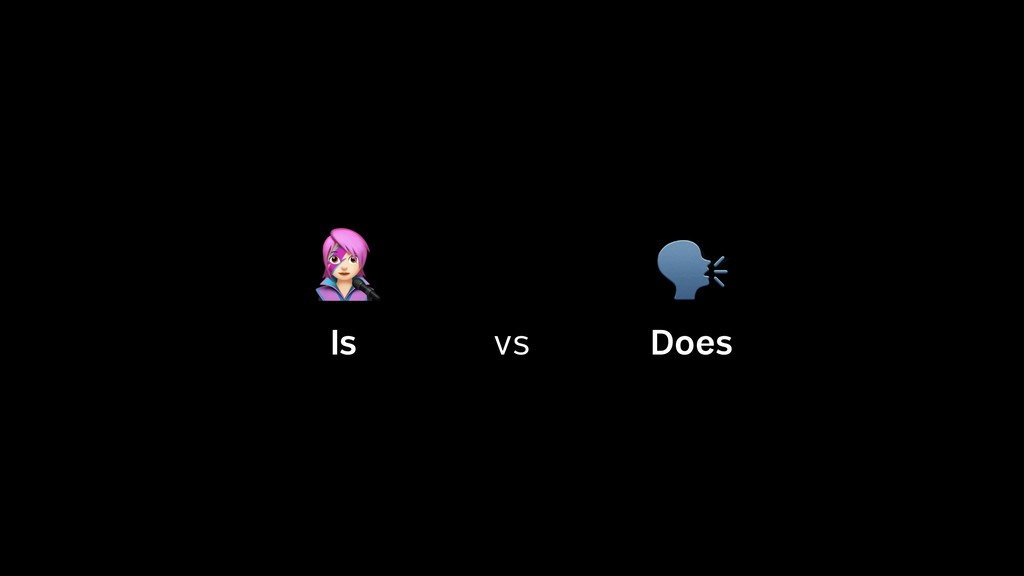
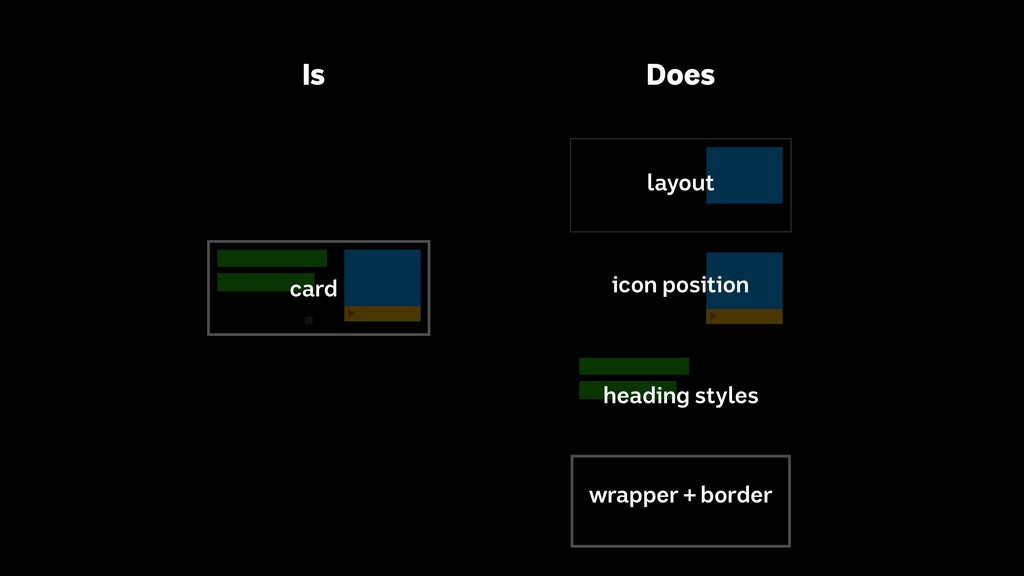
  1. Design system vs code What it does vs what it

    is Single responsibility principle
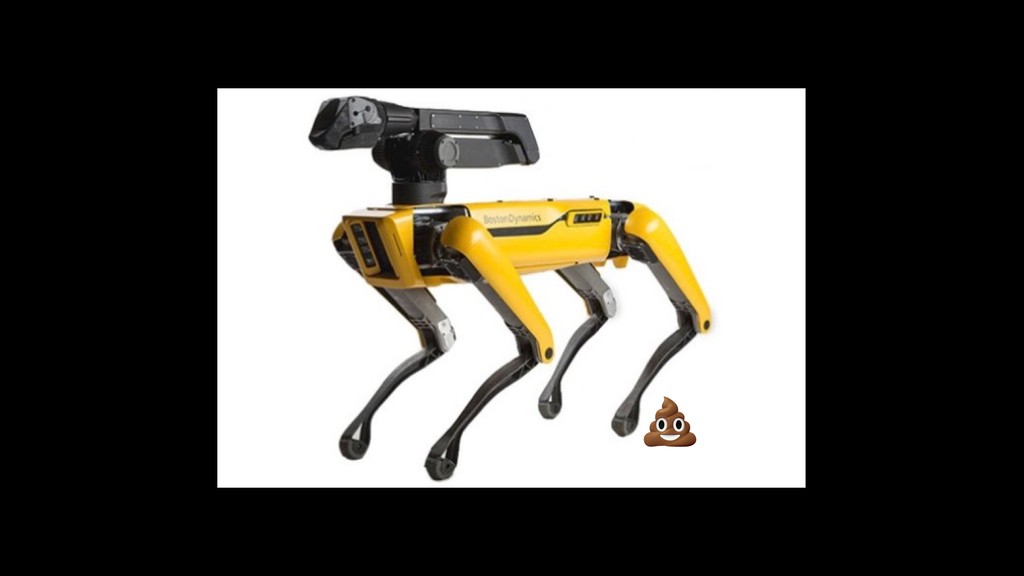
  2. Robot .drive() CleaningRobot .clean() KillerRobot .kill() KillerRobotDog .bark() Animal .poop()

    Dog .bark() Cat .meow() KillerRobot .kill() KillerRobotDog .bark()
  3. Robot .drive() CleaningRobot .clean() KillerRobot .kill() KillerRobotDog .bark() Animal .poop()

    Dog .bark() Cat .meow() KillerRobot .kill() KillerRobotDog .bark()
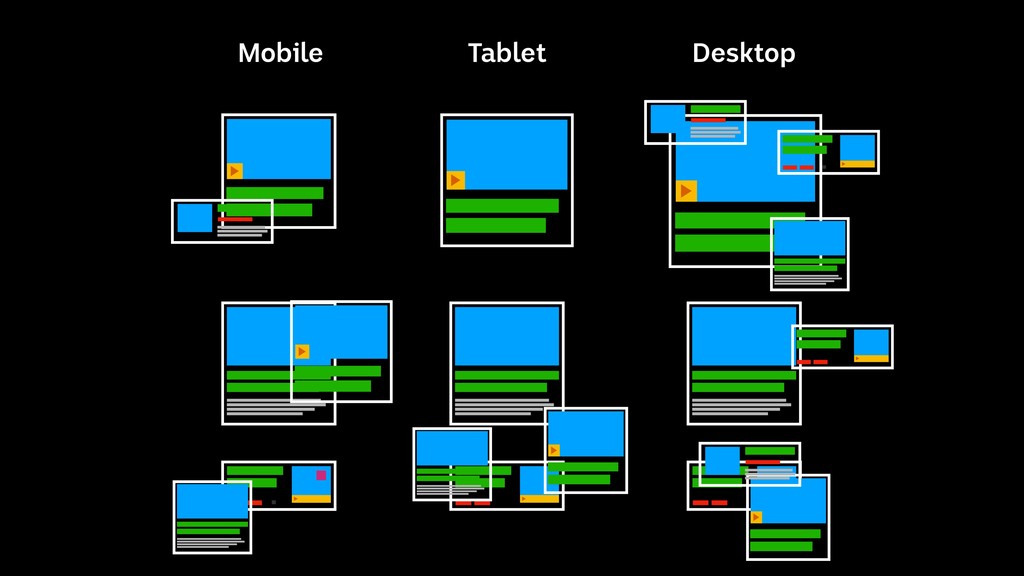
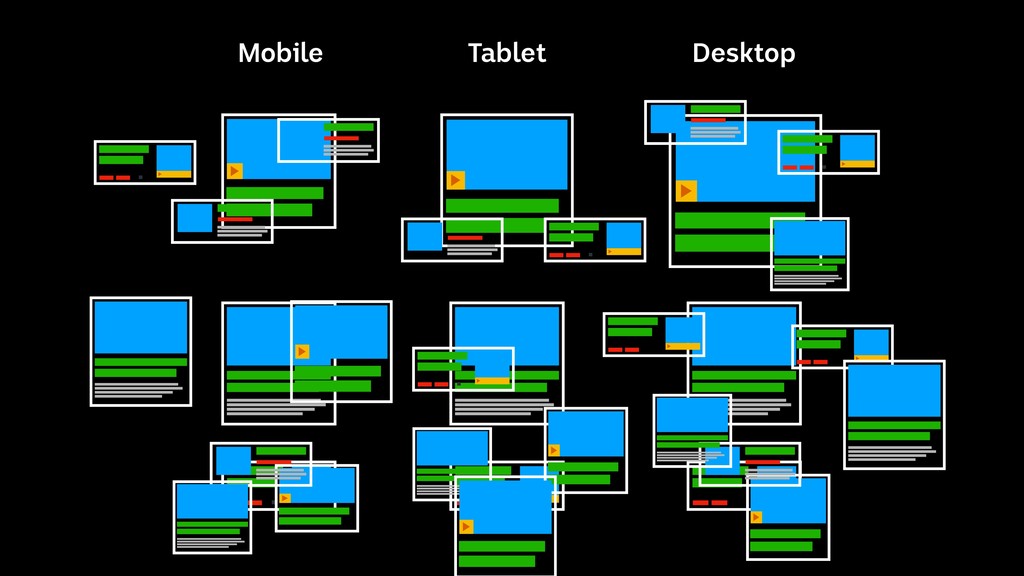
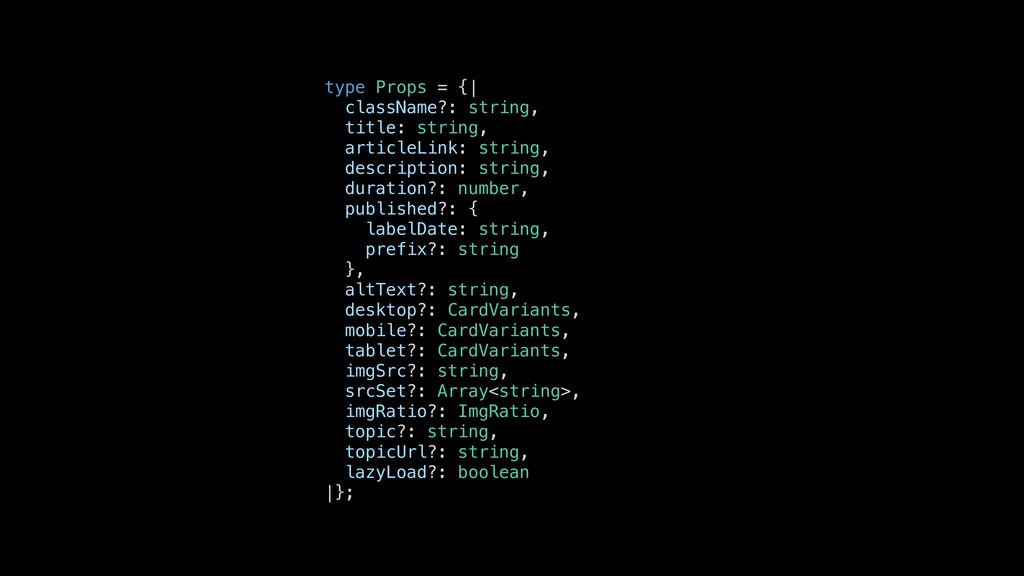
  4. type Props = {| className?: string, title: string, articleLink: string,

    description: string, duration?: number, published?: { labelDate: string, prefix?: string }, altText?: string, desktop?: CardVariants, mobile?: CardVariants, tablet?: CardVariants, imgSrc?: string, srcSet?: Array<string>, imgRatio?: ImgRatio, topic?: string, topicUrl?: string, lazyLoad?: boolean |};
  5. type Props = {| byLine?: string, className?: string, contentSource: string,

    contentType: string, contentCardFooter?: { hideFirst?: boolean, hideSecond?: boolean }, contributors?: Array<Author>, contentUri: string, recipeid?: string, title: string, articleLink: string, description: string, docType?: DocTypes, duration?: number, keywords?: Array<string>, published?: { labelDate: string, prefix?: string }, altText?: string, isDark?: boolean, desktop?: CardVariants, mobile?: CardVariants, tablet?: CardVariants, hideFooter?: boolean, imgSrc?: string, overlay?: boolean, srcSet?: Array<string>, site?: { title?: string }, imgRatio?: ImgRatio, topic?: string, topicUrl?: string, variant?: 'regular' | 'hero' | 'secondHero', lazyLoad?: boolean
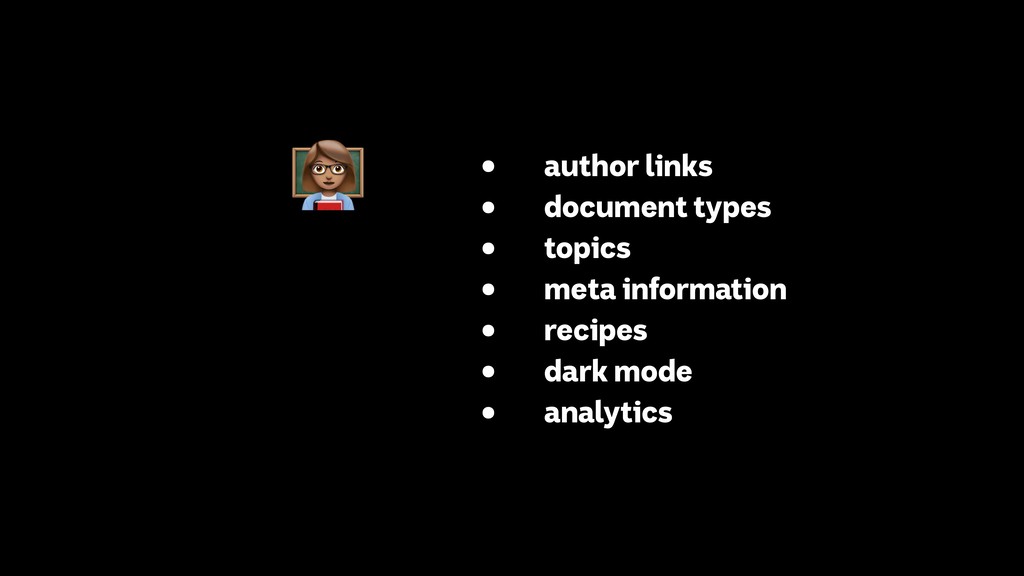
  6. • author links • document types • topics • meta

    information • recipes • dark mode • analytics $
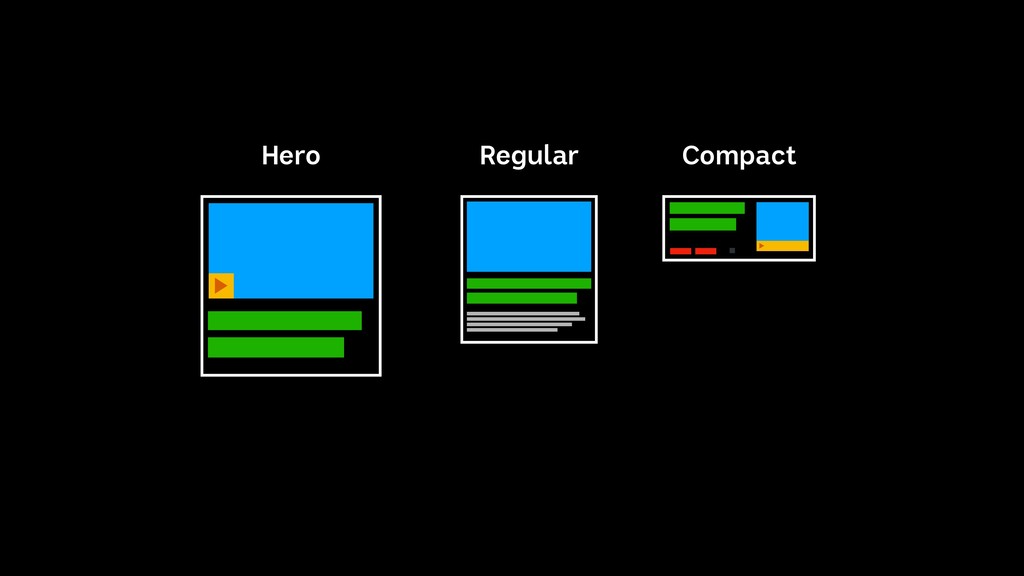
  7. type Props = {| byLine?: string, className?: string, contentSource: string,

    contentType: string, contentCardFooter?: { hideFirst?: boolean, hideSecond?: boolean }, contributors?: Array<Author>, contentUri: string, recipeid?: string, title: string, articleLink: string, description: string, docType?: DocTypes, duration?: number, keywords?: Array<string>, published?: { labelDate: string, prefix?: string }, altText?: string, isDark?: boolean, desktop?: CardVariants, mobile?: CardVariants, tablet?: CardVariants, hideFooter?: boolean, imgSrc?: string, overlay?: boolean, srcSet?: Array<string>, site?: { title?: string }, imgRatio?: ImgRatio, topic?: string, topicUrl?: string, variant?: 'regular' | 'hero' | 'secondHero', lazyLoad?: boolean
  8. %

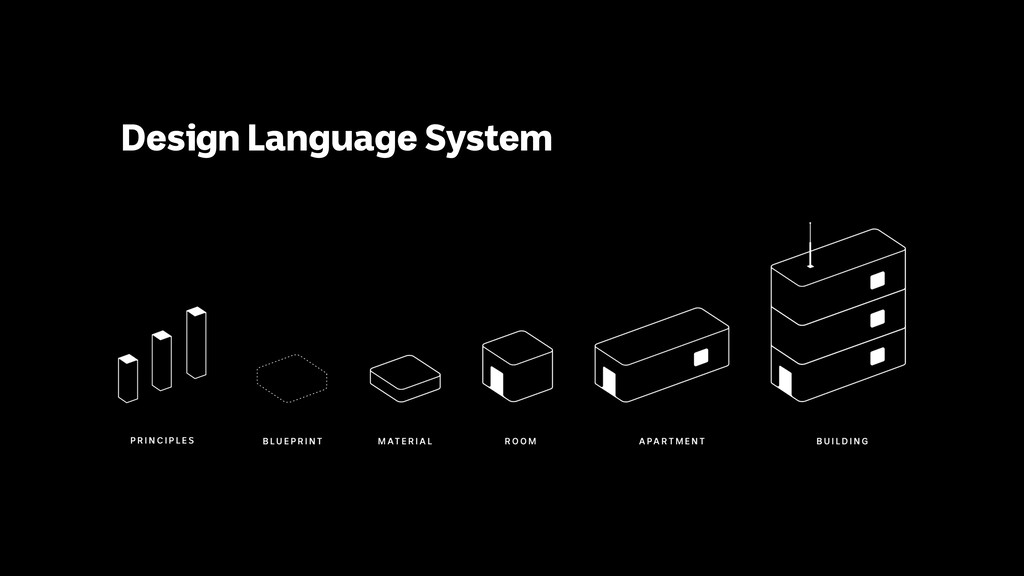
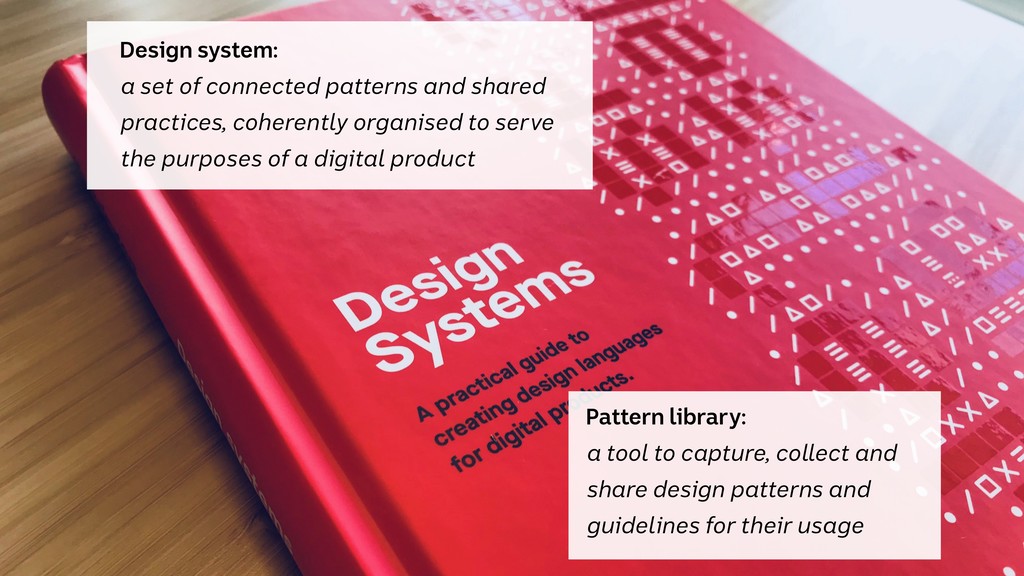
  9. Design system:
 a set of connected patterns and shared practices,

    coherently organised to serve the purposes of a digital product Pattern library: a tool to capture, collect and share design patterns and guidelines for their usage
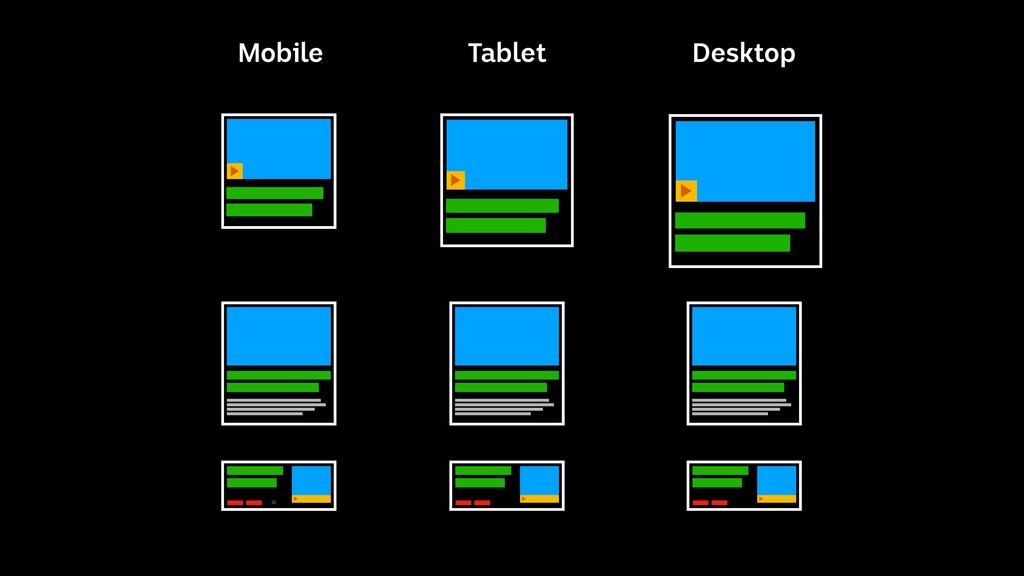
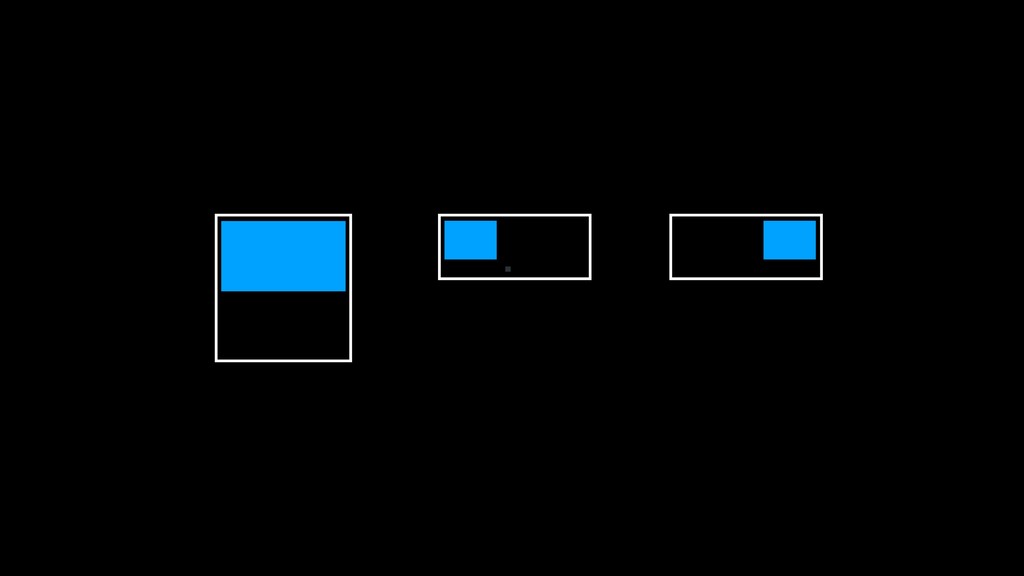
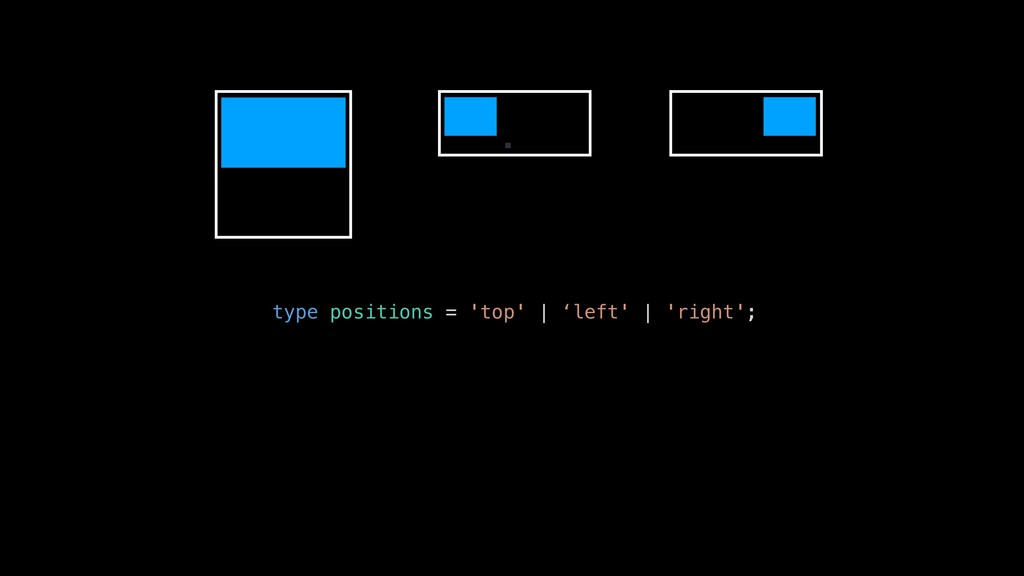
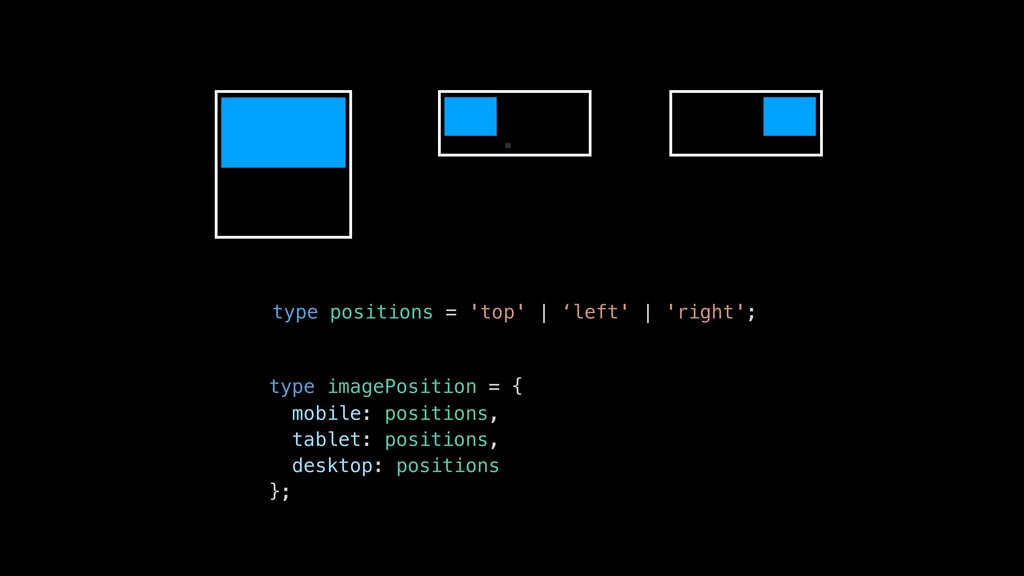
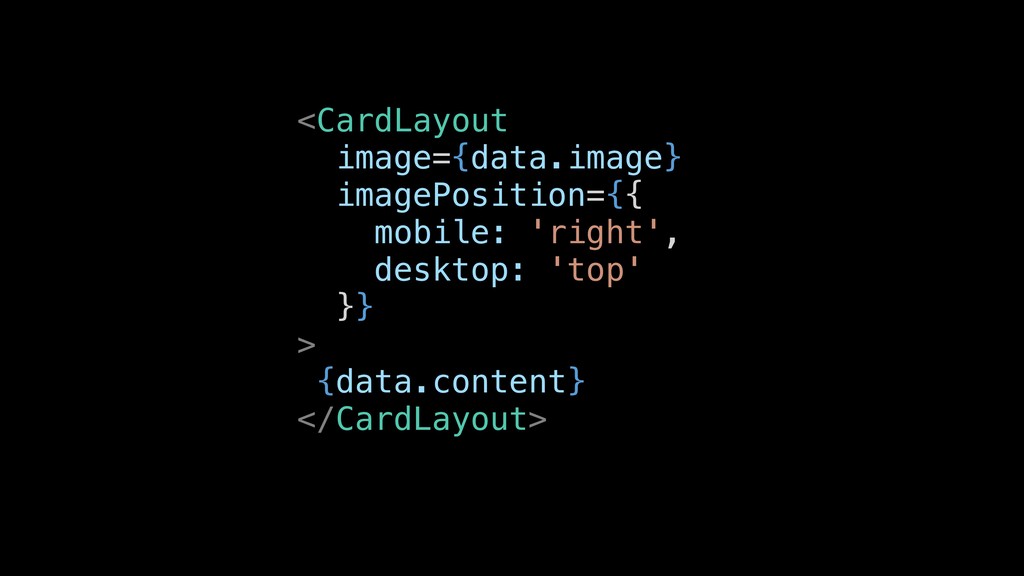
  10. type positions = 'top' | ‘left' | 'right'; type imagePosition

    = { mobile: positions, tablet: positions, desktop: positions };
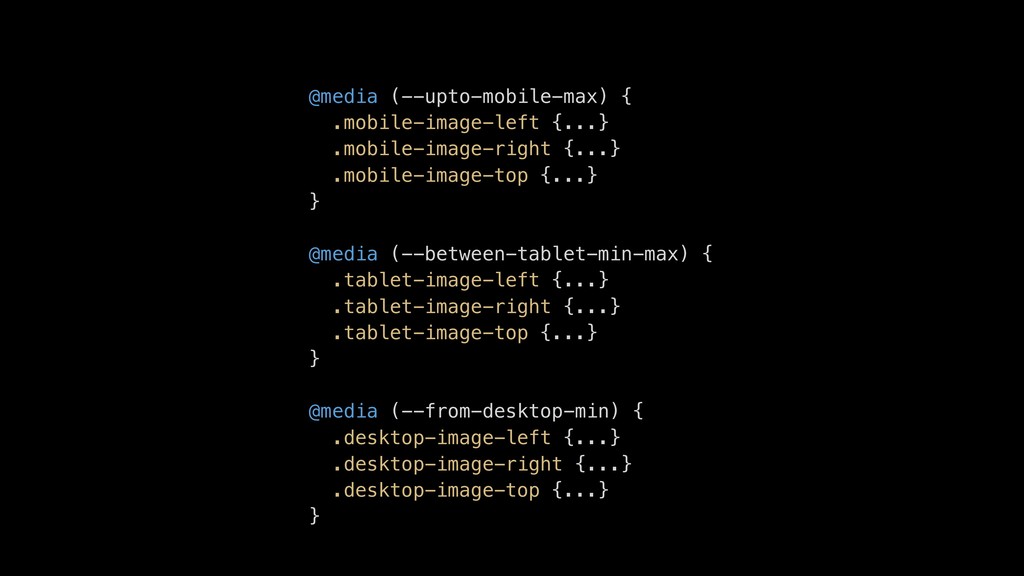
  11. @media (--upto-mobile-max) { .mobile-image-left {...} .mobile-image-right {...} .mobile-image-top {...} }

    @media (--between-tablet-min-max) { .tablet-image-left {...} .tablet-image-right {...} .tablet-image-top {...} } @media (--from-desktop-min) { .desktop-image-left {...} .desktop-image-right {...} .desktop-image-top {...} }
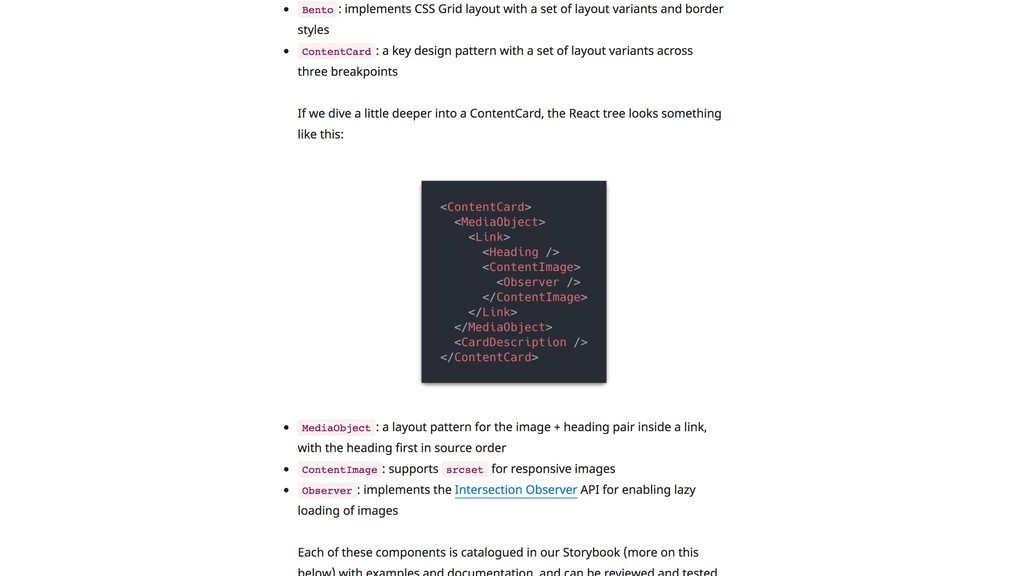
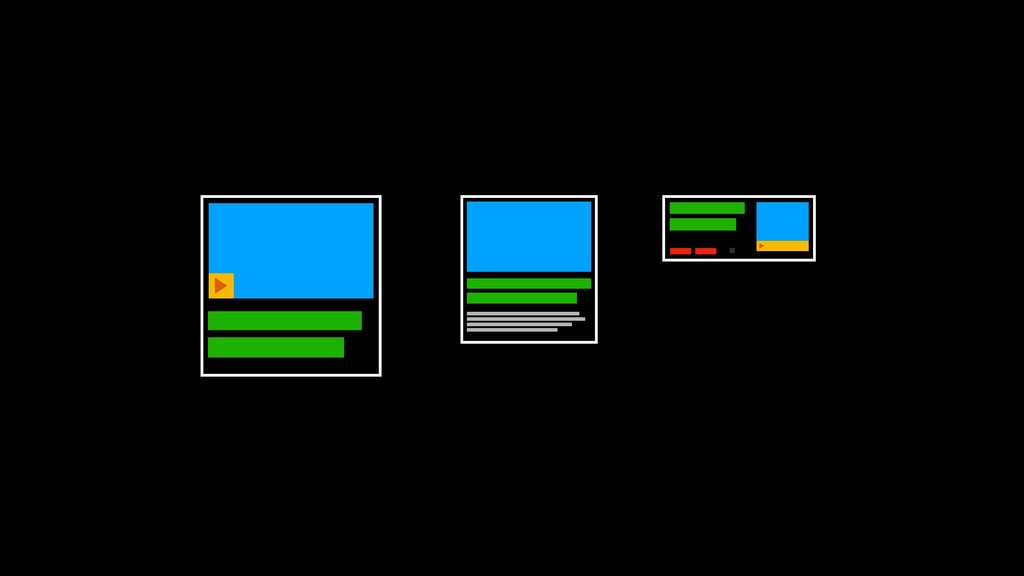
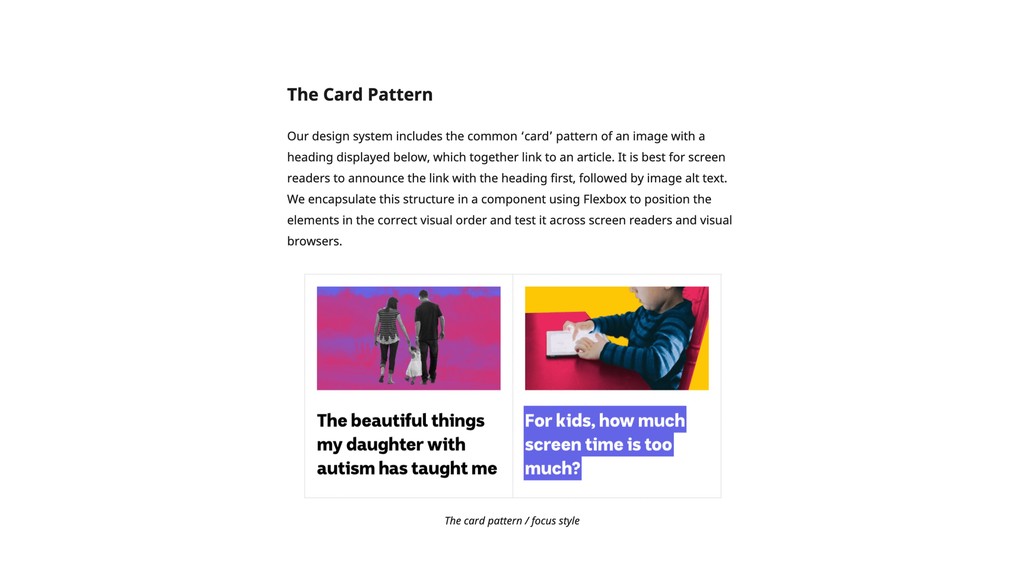
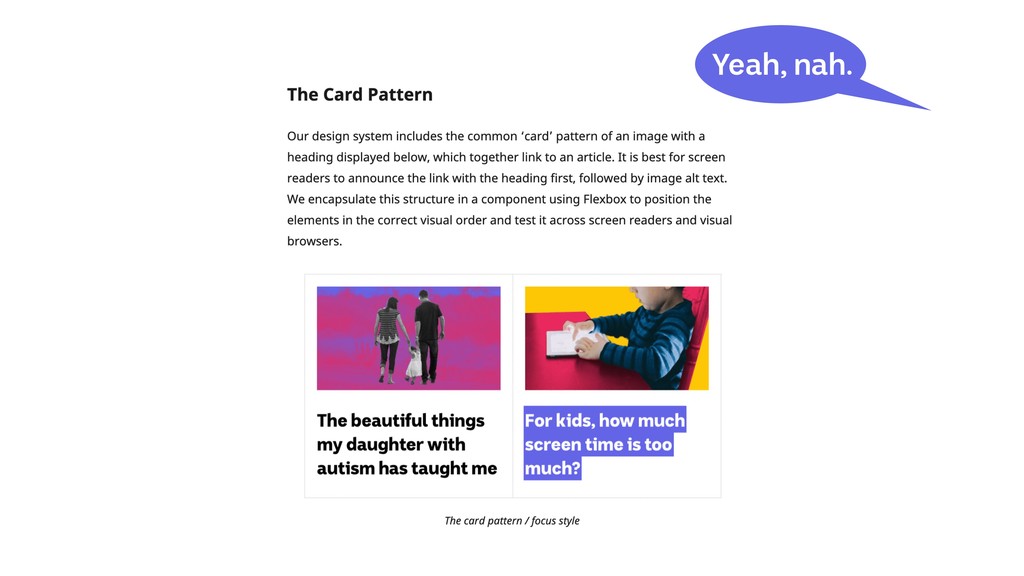
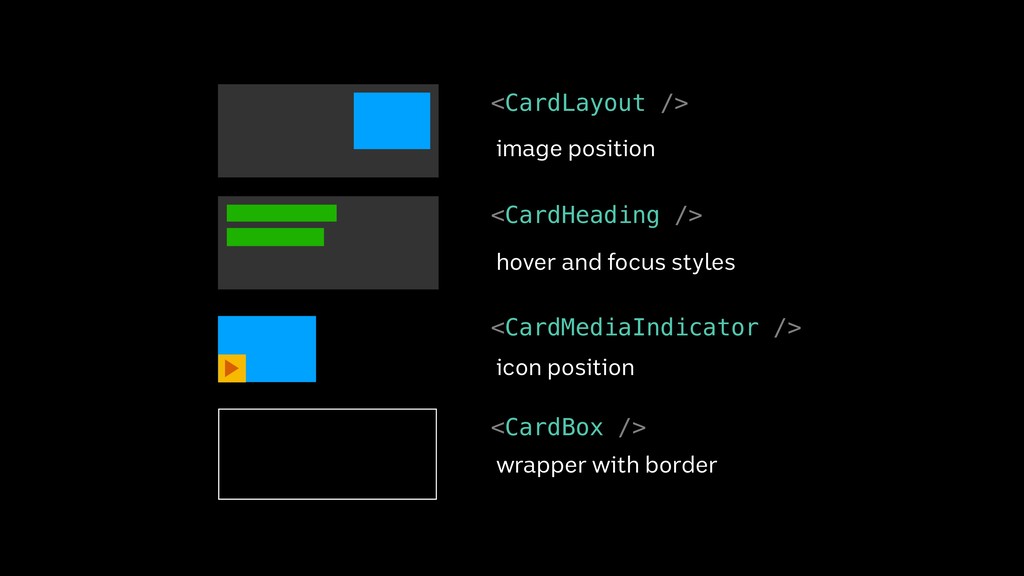
  12. <CardLayout /> <CardHeading /> <CardMediaIndicator /> <CardBox /> image position

    hover and focus styles icon position wrapper with border
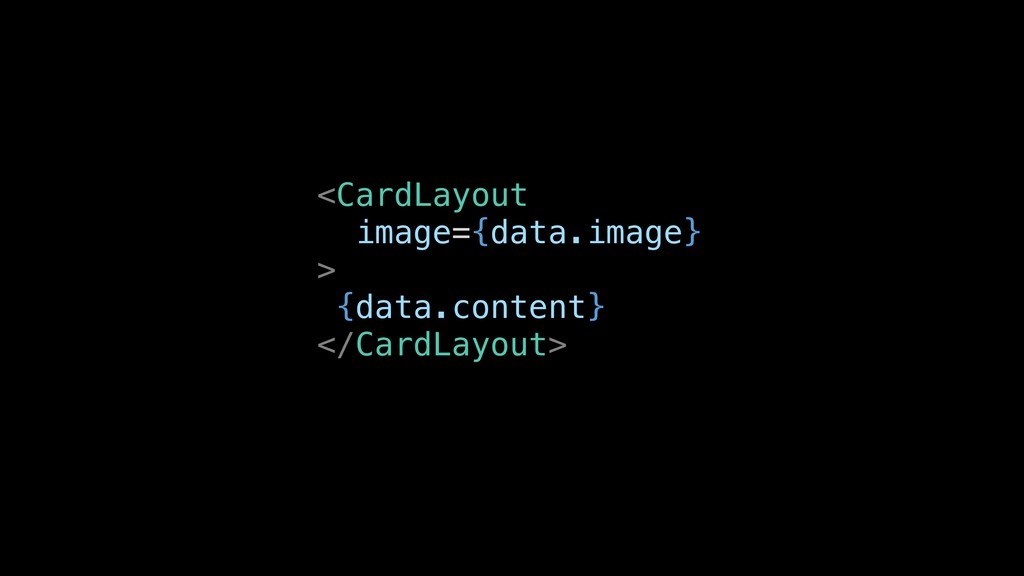
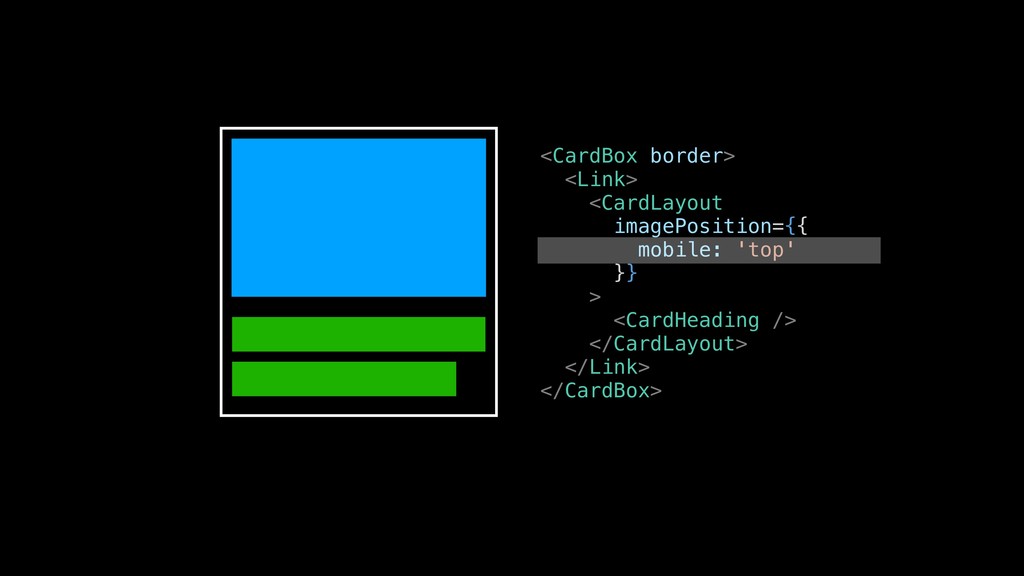
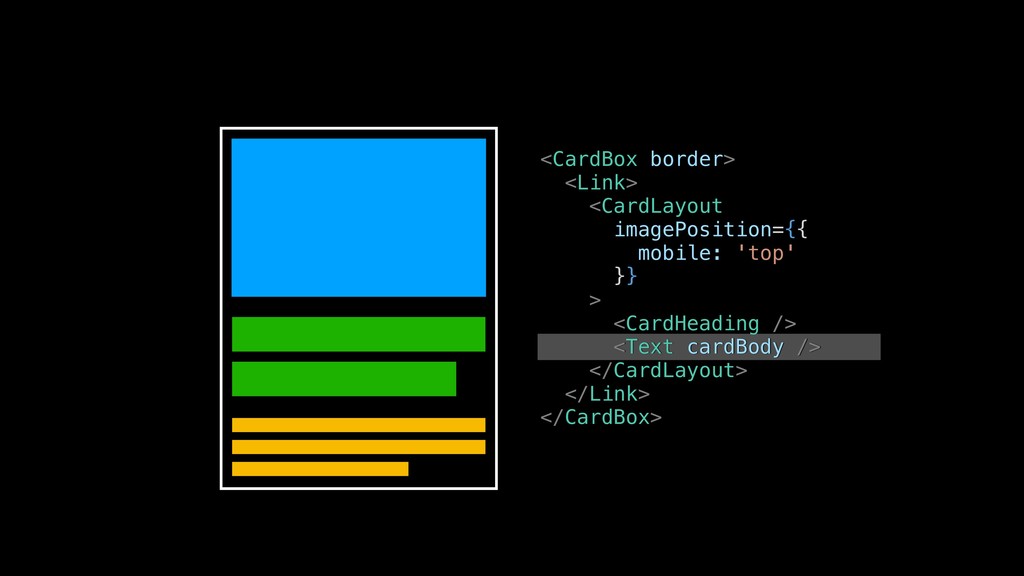
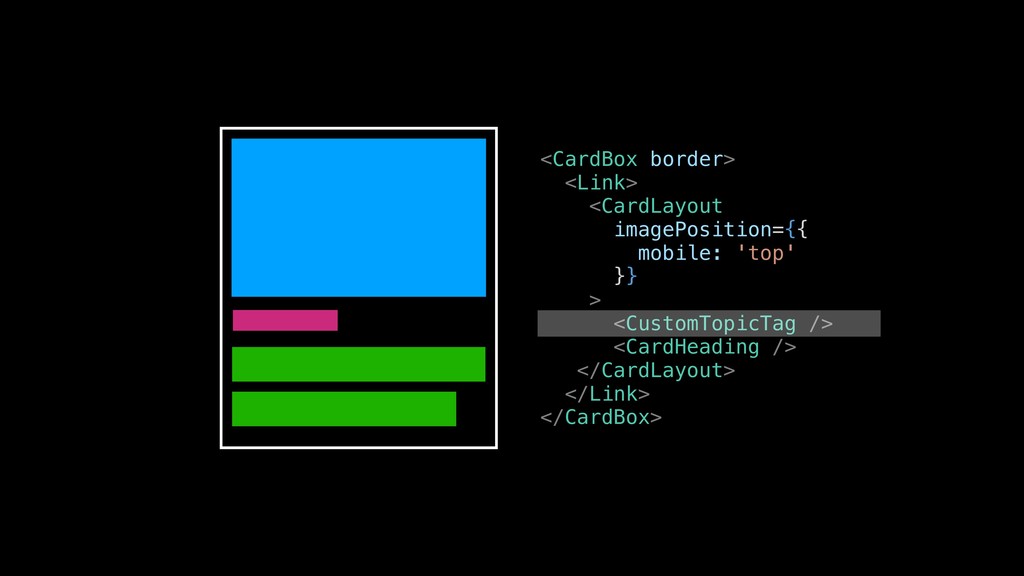
  13. <CardBox border> <Link> <CardLayout imagePosition={{ mobile: 'top' }} > <CardHeading

    /> <Text cardBody /> </CardLayout> </Link> </CardBox>
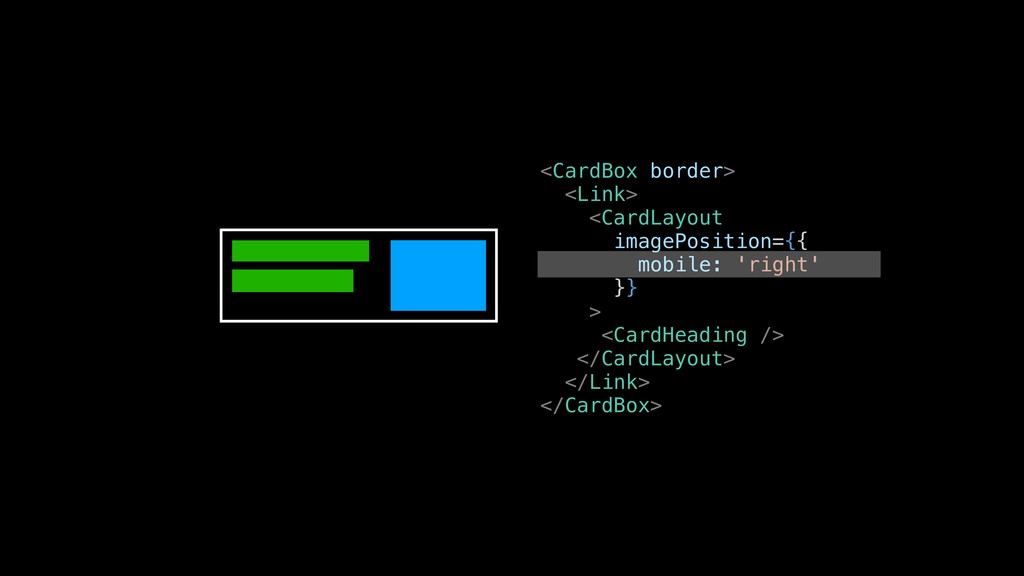
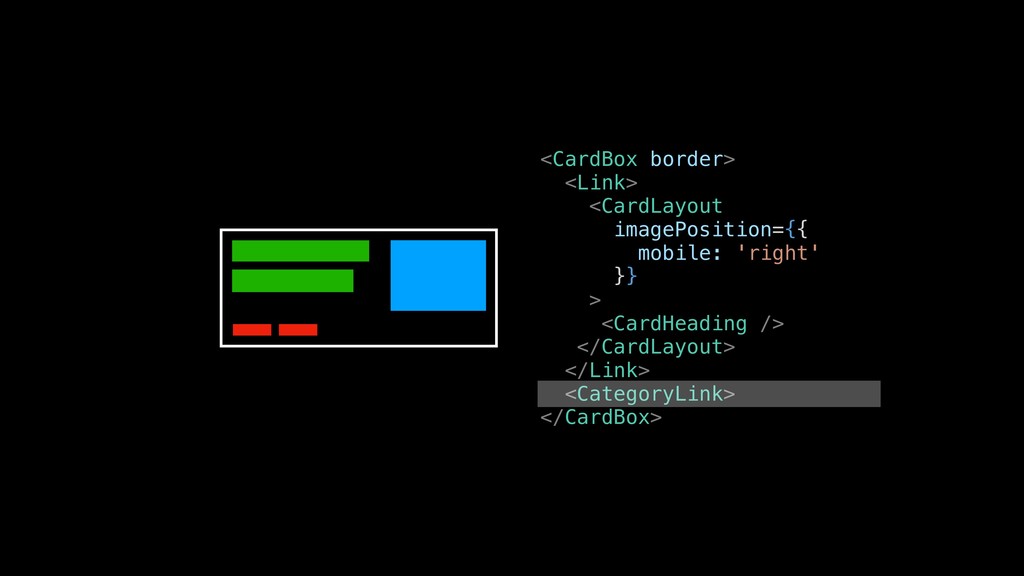
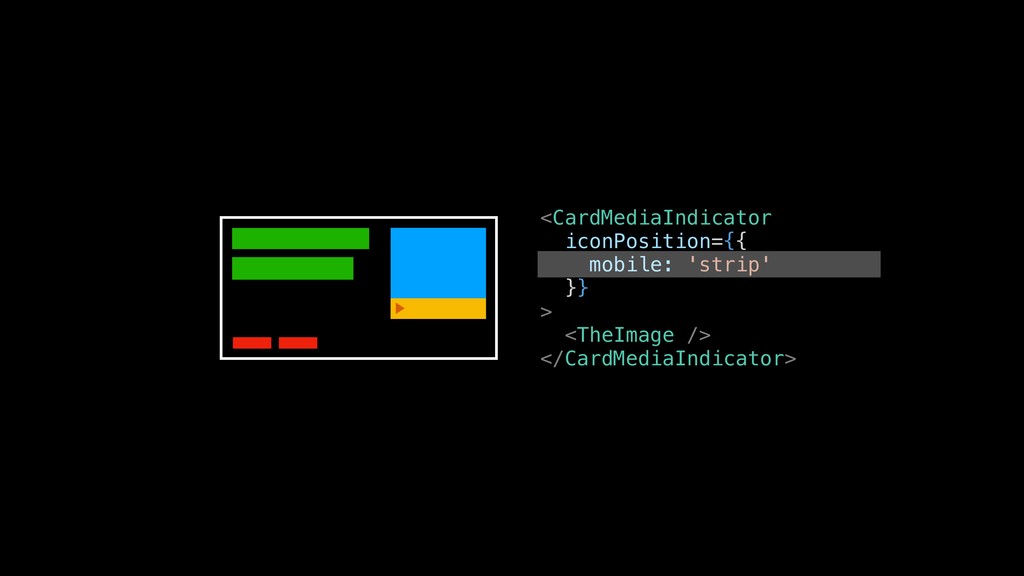
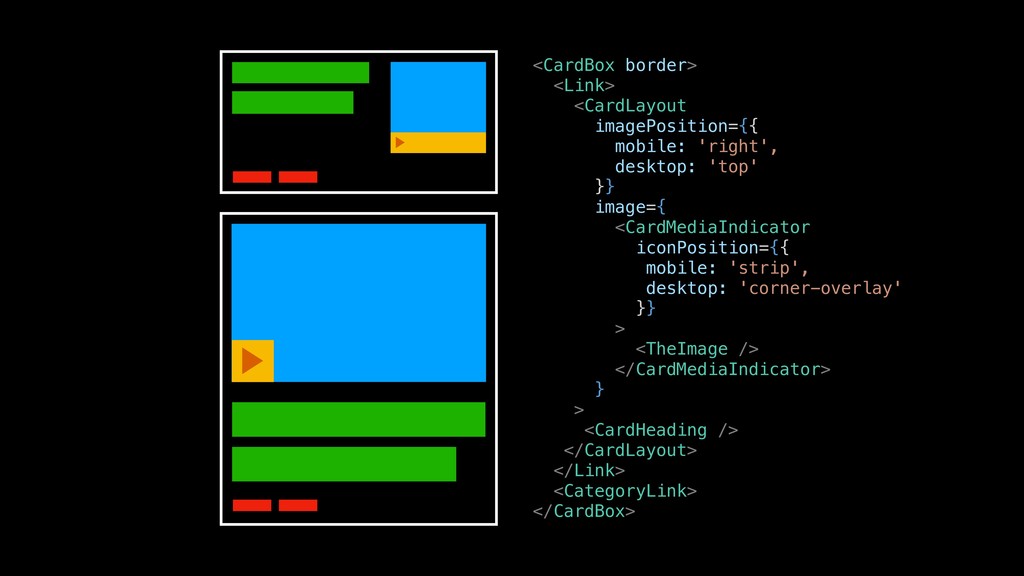
  14. <CardBox border> <Link> <CardLayout imagePosition={{ mobile: 'right',
 desktop: 'top' }}

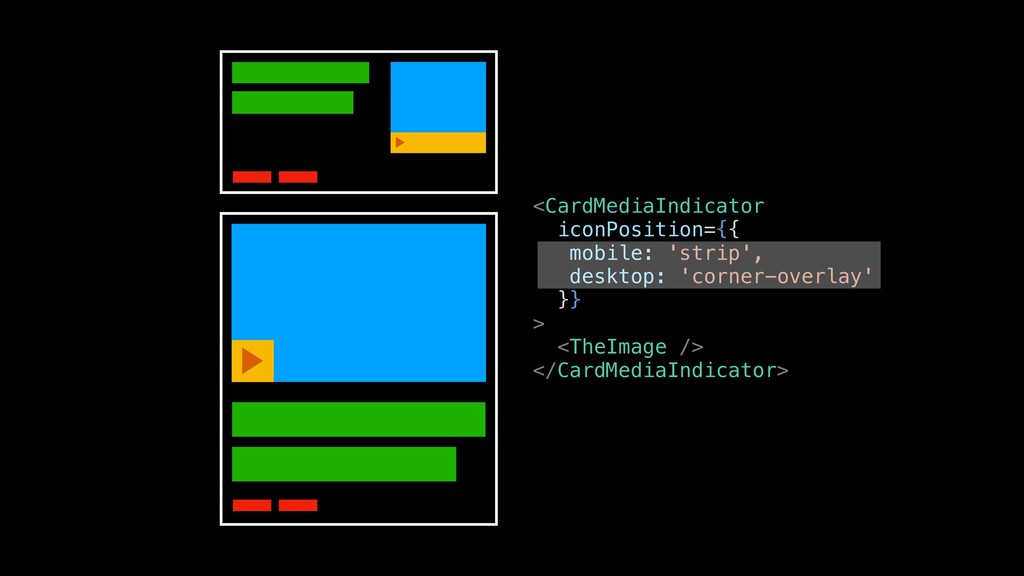
    image={ <CardMediaIndicator iconPosition={{ mobile: 'strip', desktop: 'corner-overlay' }} > <TheImage /> </CardMediaIndicator> } > <CardHeading /> </CardLayout> </Link> <CategoryLink> </CardBox>
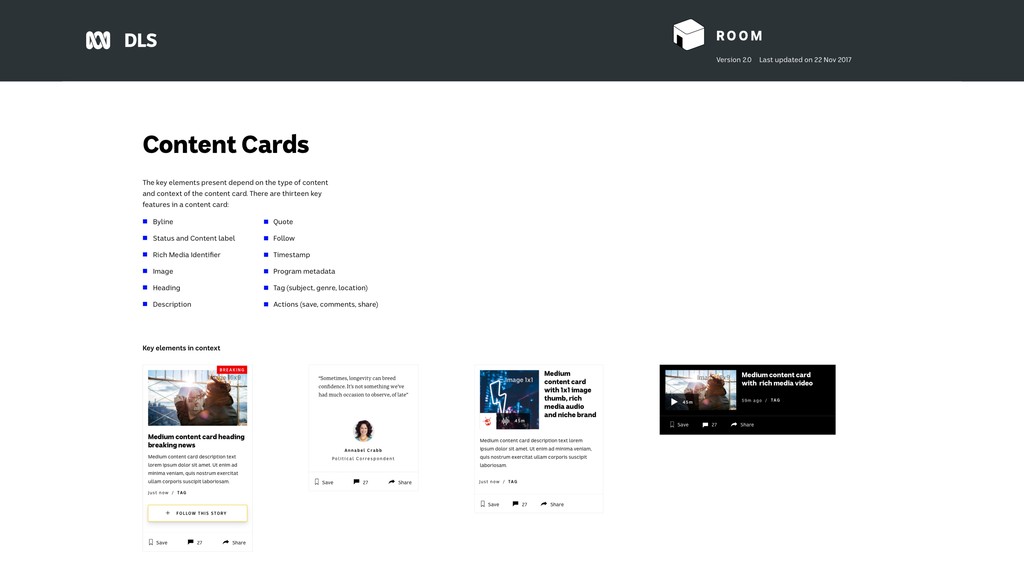
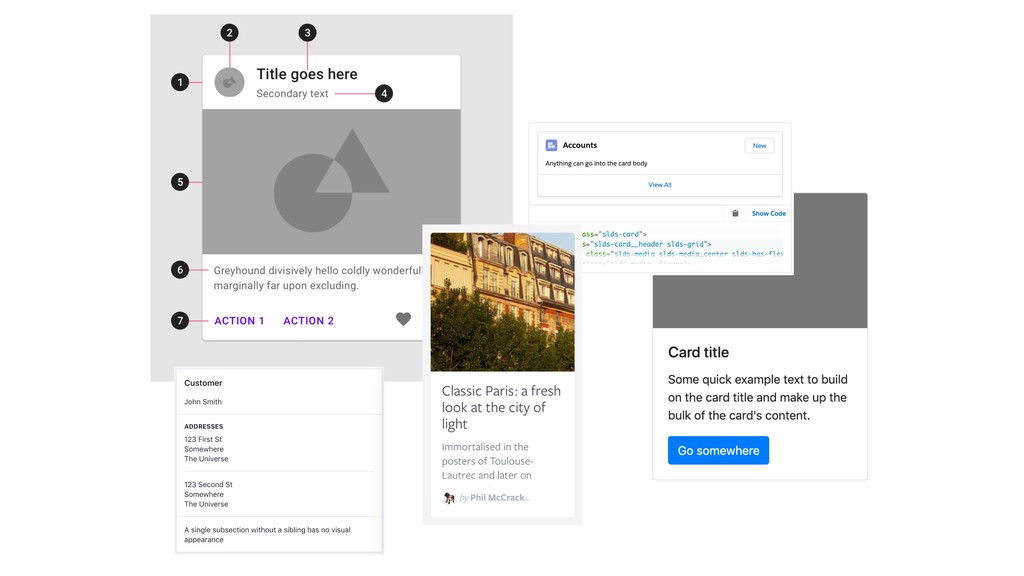
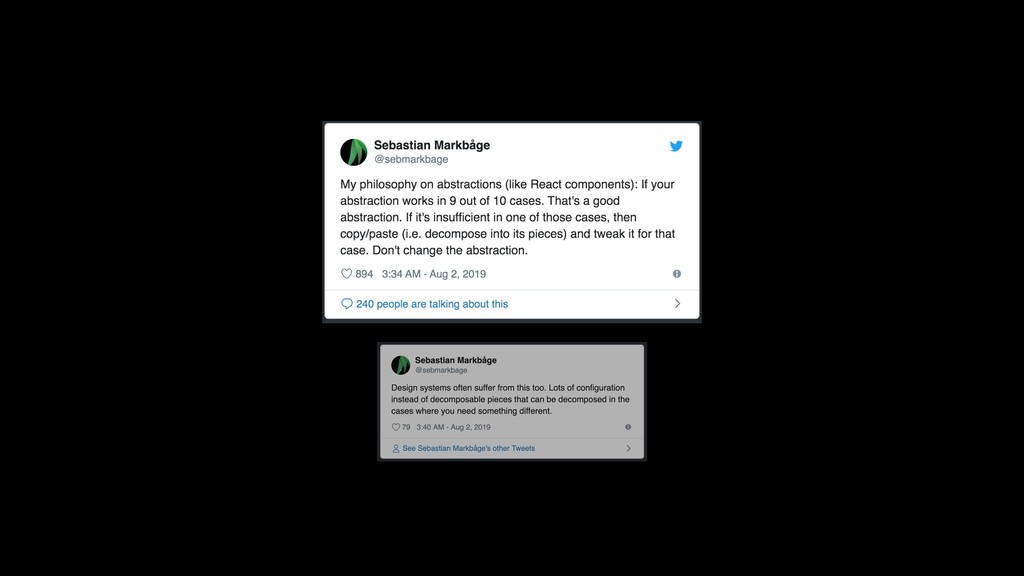
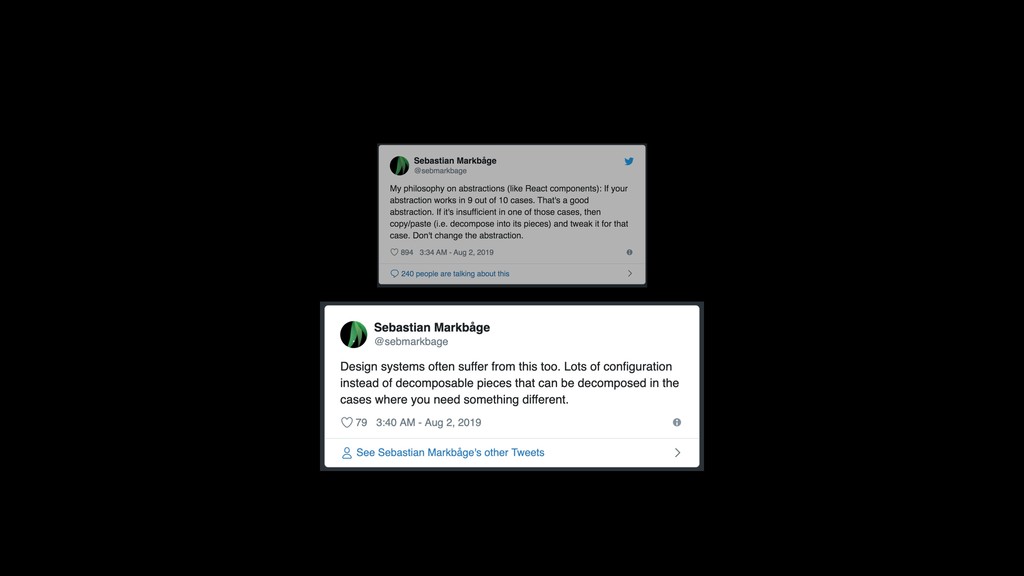
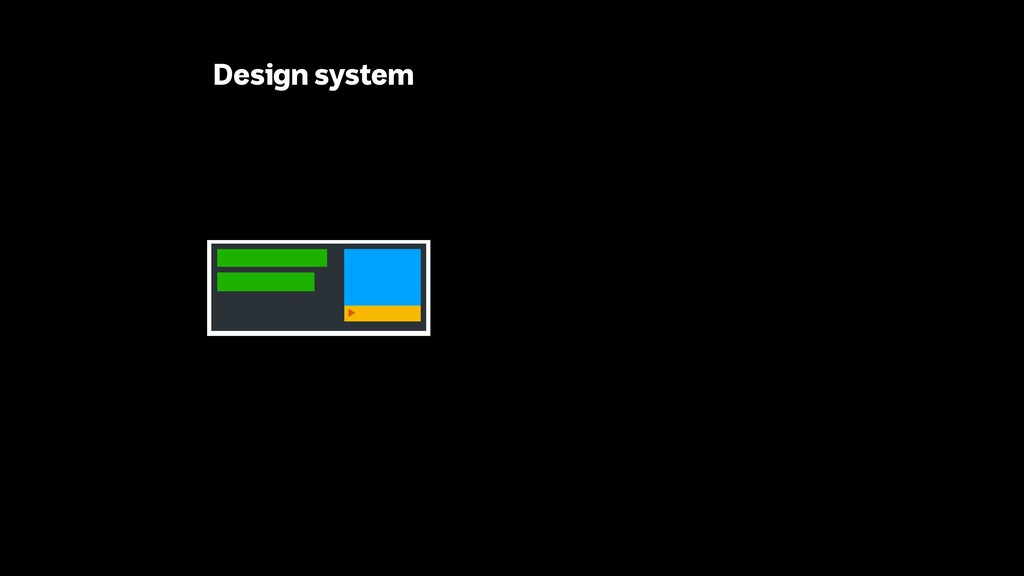
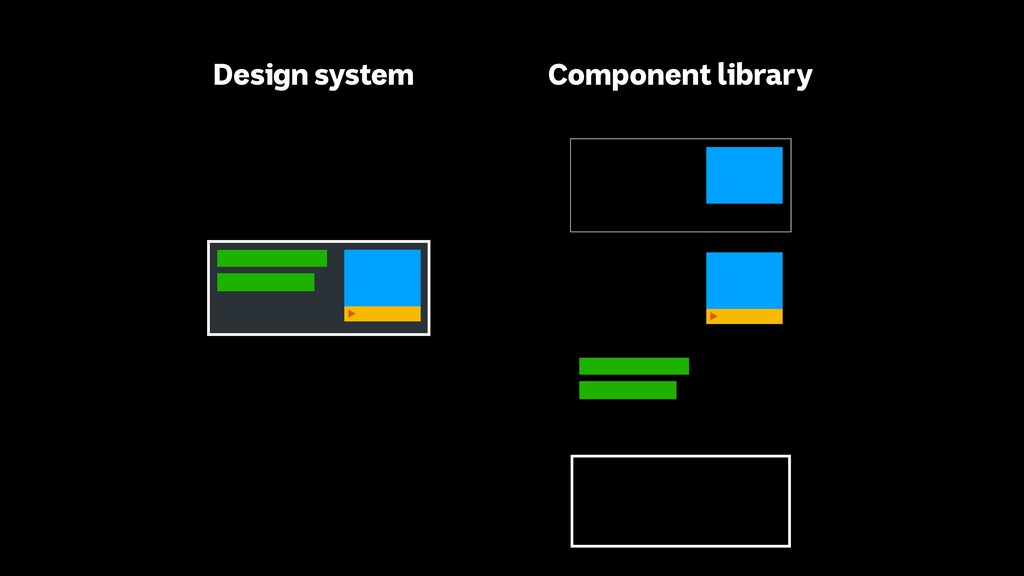
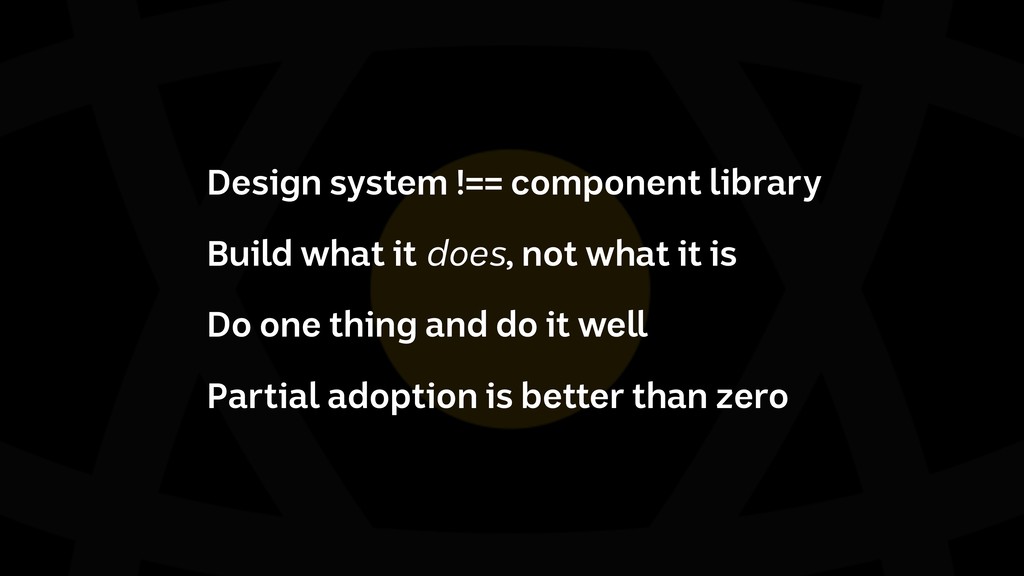
  15. Design system !== component library Build what it does, not

    what it is Do one thing and do it well Partial adoption is better than zero

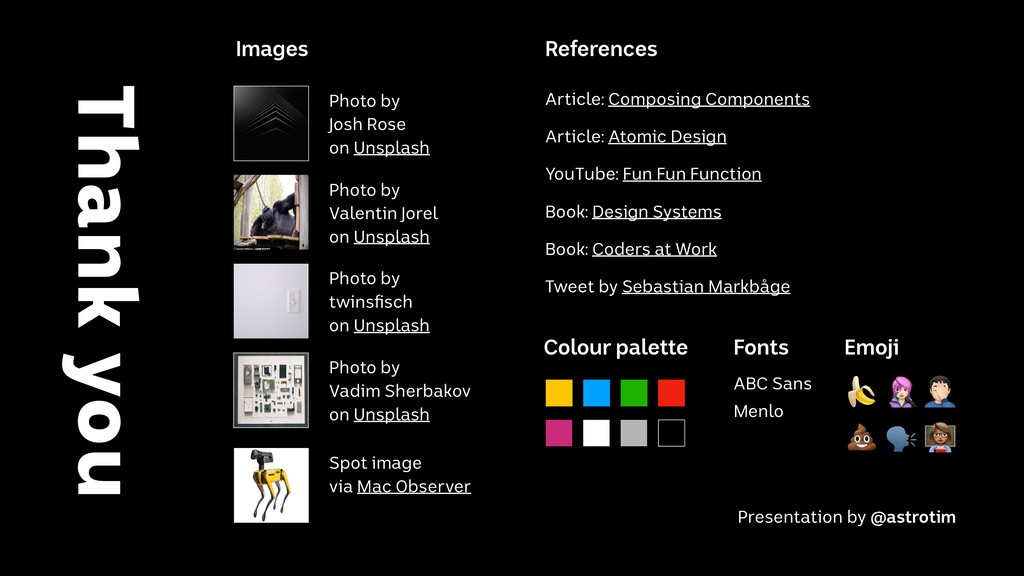
  16. Thank you YouTube: Fun Fun Function Book: Design Systems Book:

    Coders at Work Photo by Josh Rose on Unsplash Photo by 
 twinsfisch on Unsplash Photo by Vadim Sherbakov on Unsplash Photo by Valentin Jorel on Unsplash Spot image via Mac Observer Article: Composing Components Article: Atomic Design Images References Fonts ABC Sans Colour palette Menlo Emoji " % $ Presentation by @astrotim Tweet by Sebastian Markbåge