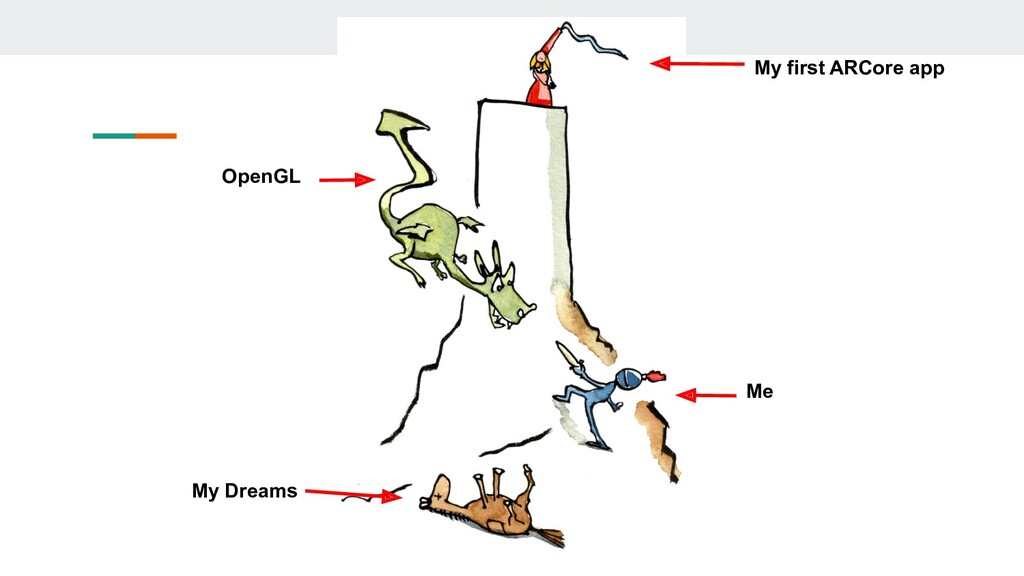
Creating Augmented Reality apps has never been easy. With all the complex matrix math, OpenGL involved, it’s not easy for a regular android developer to create AR Apps easily. But Google’s ARCore and Sceneform SDK have solved this problem elegantly for mobile developers.
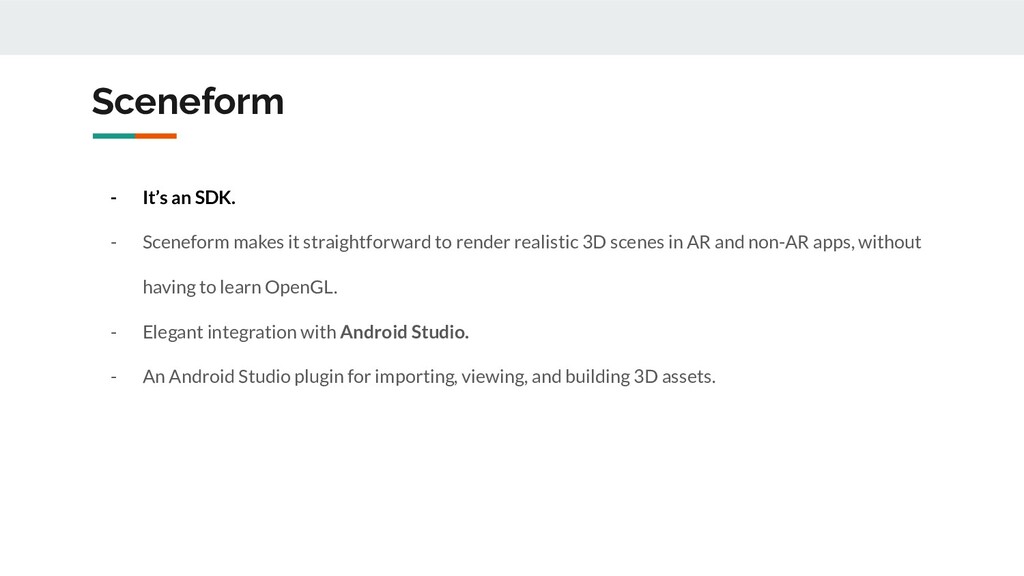
Launched in Google IO 2018, ARCore and Sceneform have been a hit among the mobile developers especially android developers owing to how easy it’s made AR development. Essentially speaking, Sceneform and ARCore are high level apis above all the complex calculations beneath.
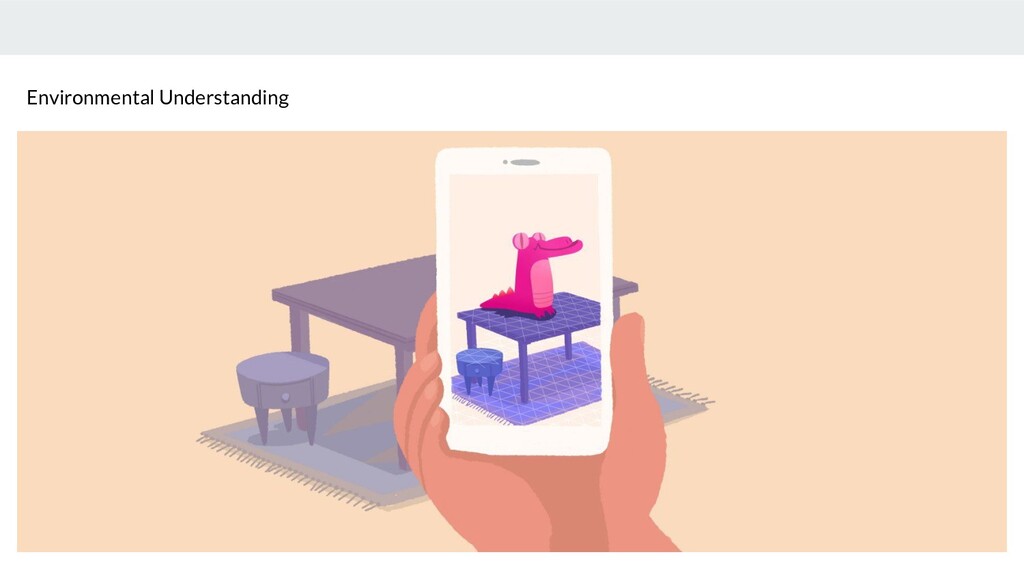
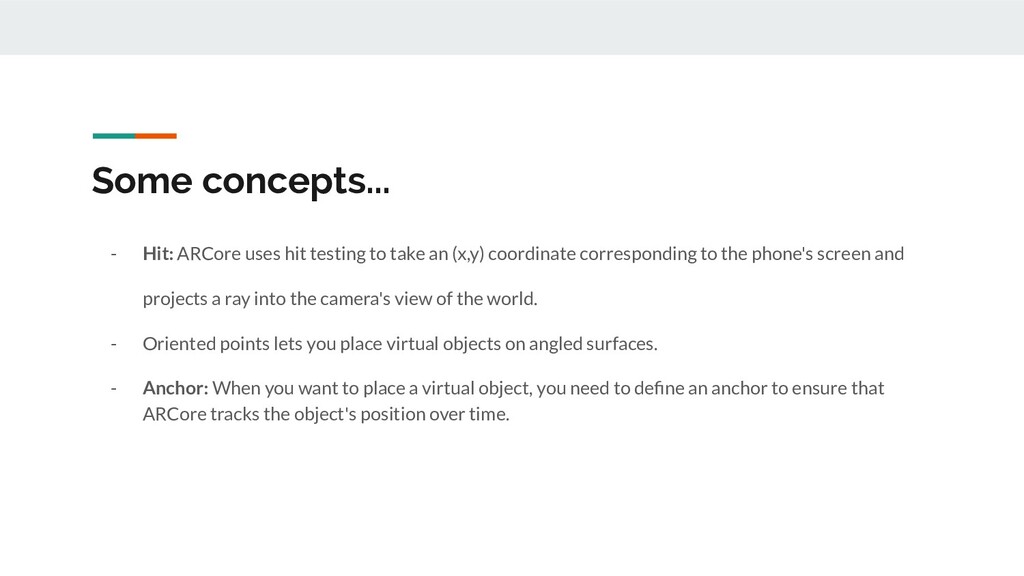
This talk on ARCore and Sceneform would be a complete walkthrough of the 3 principles of ARCore. It would outline how Sceneform works and a live demo of creating a simple AR app using Sceneform SDK. Anyone and everyone looking to get started with AR Development would certainly find this talk inspiring to explore ARCore on their own!


 yazm
yazm
 kentapapa
 y0hgi
y0hgi
 oikon48
 ivry_presentationmaterials
 keeg
keeg
 kentarofujii
 jozono
 riyaamemiya
 jyouryuusui
 techtekt
 takonda
 akihiro_kokubo
 kristinabergwall1
 addyosmani
 maggiecrowley
 brettharned
 sonatard
 mclloyd
 techseoconnect
 wayneb77
 soysaucechin
 reverentgeek