Upgrade to Pro — share decks privately, control downloads, hide ads and more …

Git Intro

Git Intro

A git introduction for the "Sviluppo Applicazioni Software" class (2014) Computer Science Turin University

Avatar for Baldo Alessandro

Baldo Alessandro

May 06, 2014
Tweet

Other Decks in Technology

Transcript

  1. Version Control “ The management of changes to documents, computer

    programs, large web sites, and other collections of information ” — Wikipedia
  2. Version Control “ The management of changes to documents, computer

    programs, large web sites, and other collections of information ” — Wikipedia
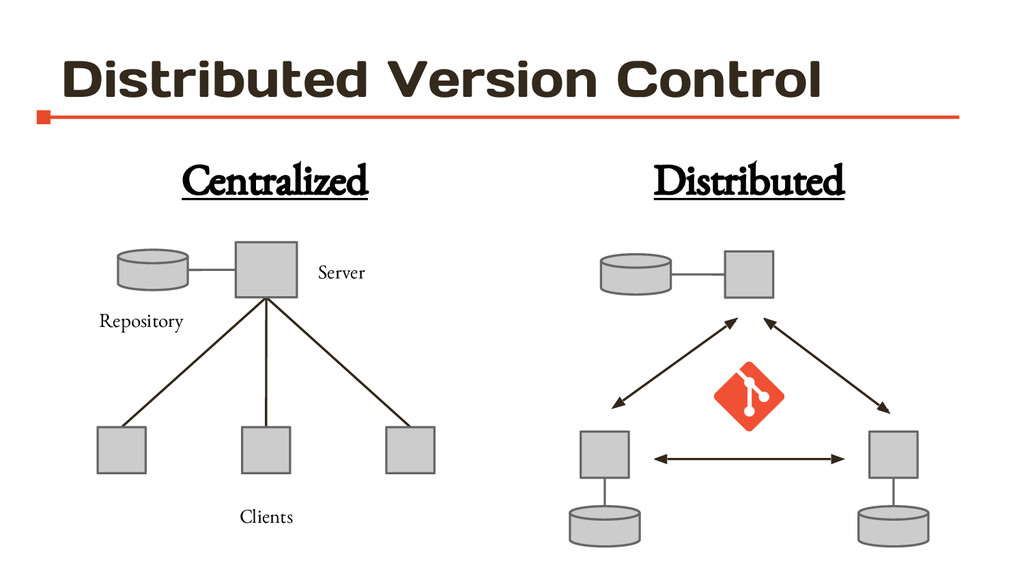
  3. Git “ Git is a free and open source distributed

    version control system designed to handle everything from small to very large projects with speed and efficiency ”
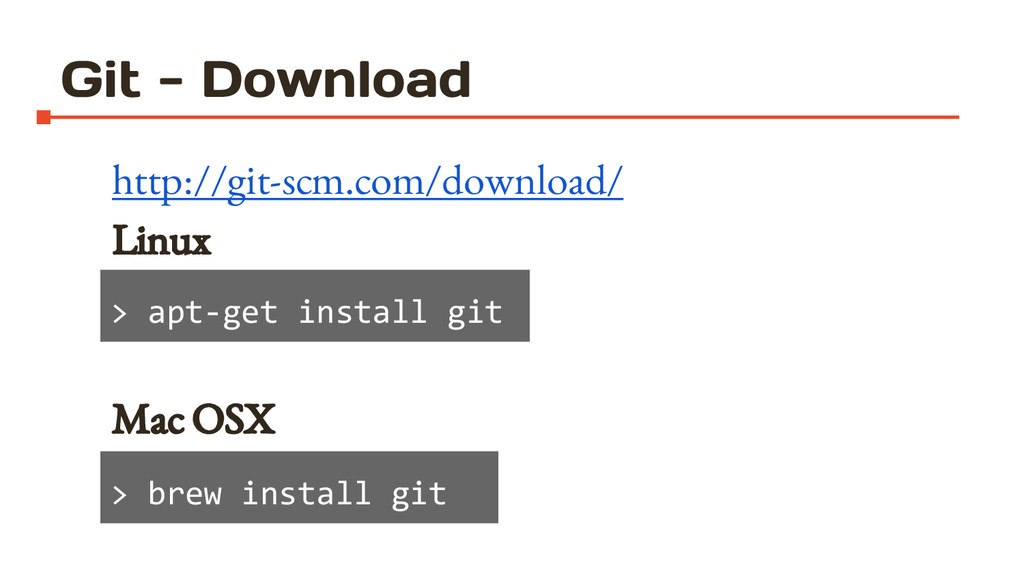
  4. Git - Download http://git-scm.com/download/ Linux > apt-get install git Mac

    OSX > brew install git > > apt-get install git > brew install git
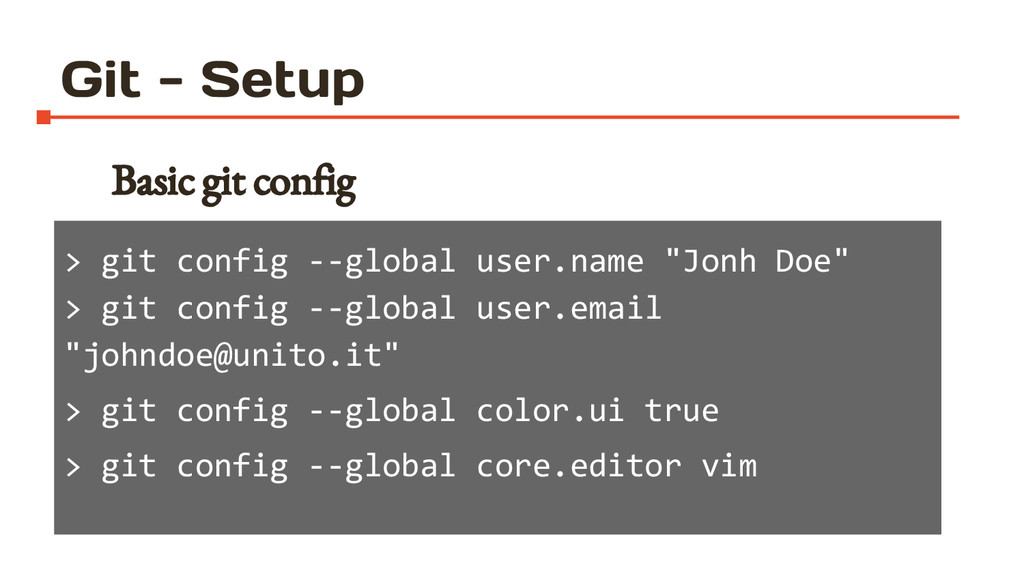
  5. Git - Setup Basic git config > git config --global

    user.name "Jonh Doe" > git config --global user.email "[email protected]" > git config --global color.ui true > git config --global core.editor vim
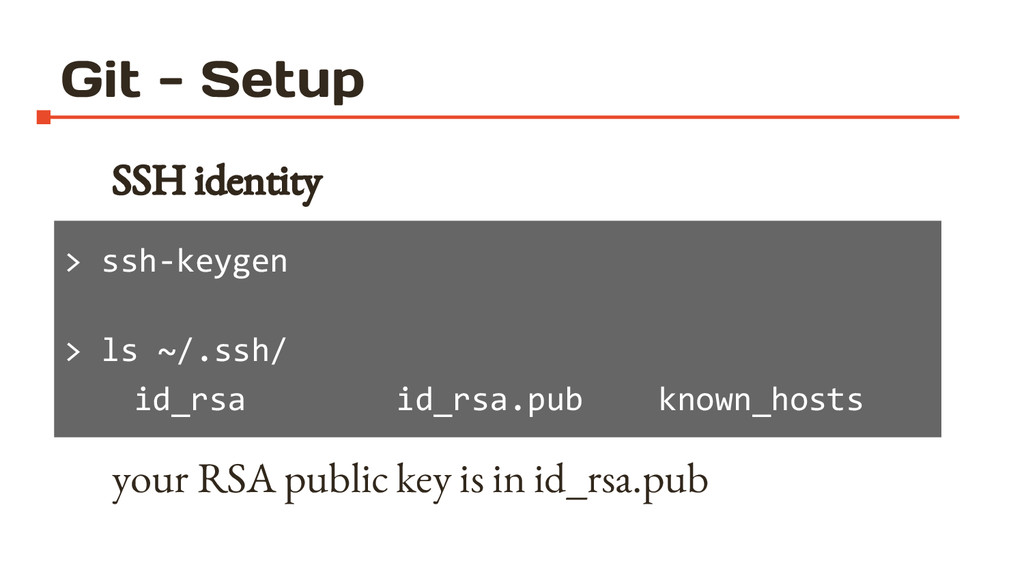
  6. Git - Setup SSH identity your RSA public key is

    in id_rsa.pub > ssh-keygen > ls ~/.ssh/ id_rsa id_rsa.pub known_hosts
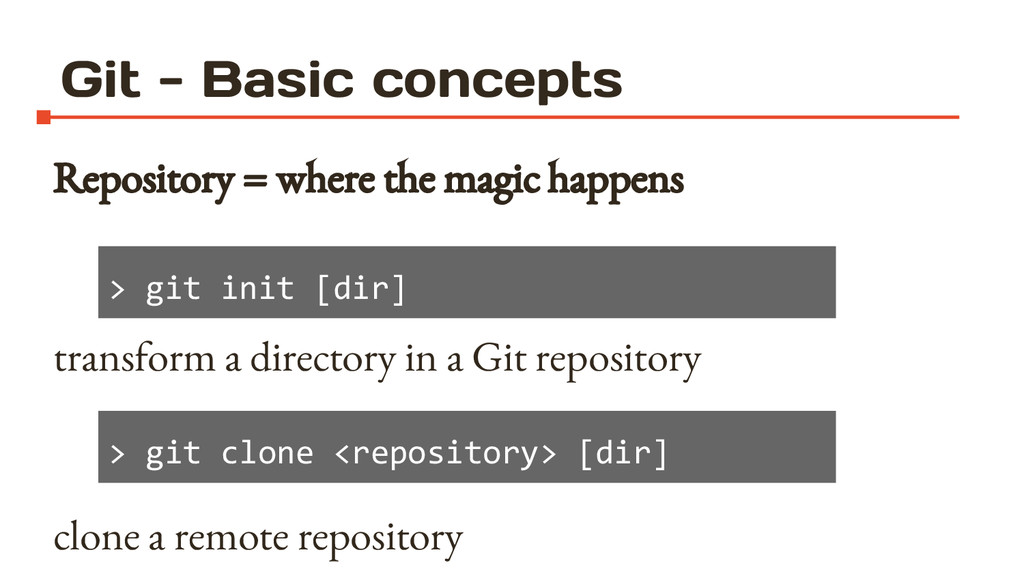
  7. Git - Basic concepts Repository = where the magic happens

    transform a directory in a Git repository clone a remote repository > git init [dir] > git clone <repository> [dir]
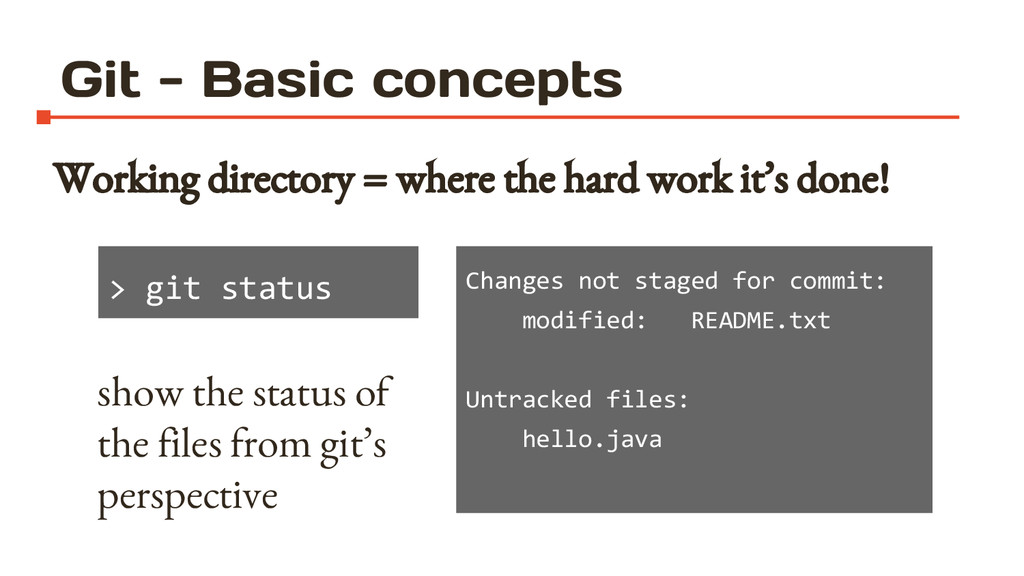
  8. Git - Basic concepts Working directory = where the hard

    work it’s done! > git status show the status of the files from git’s perspective Changes not staged for commit: modified: README.txt Untracked files: hello.java
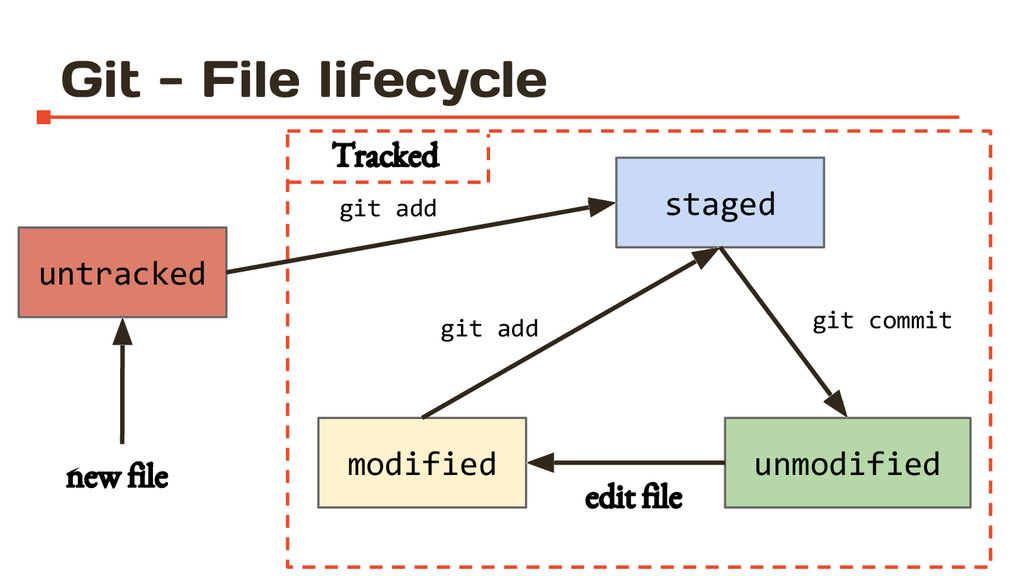
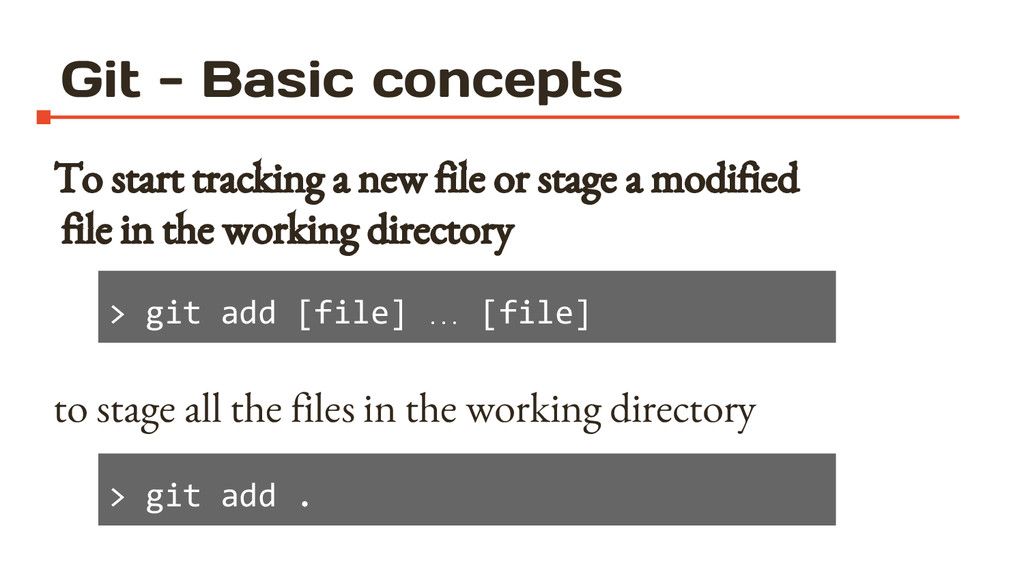
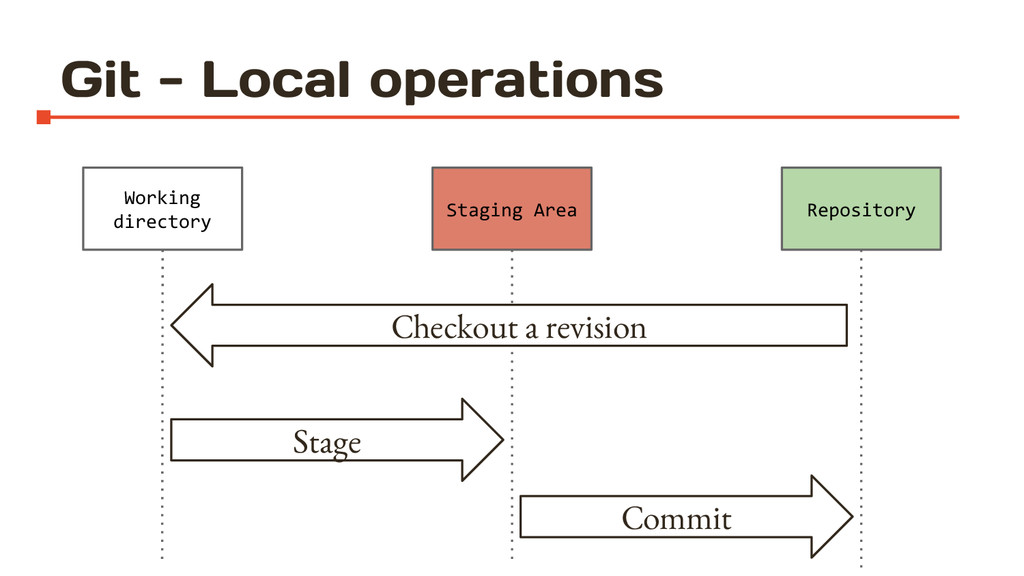
  9. Git - Basic concepts To start tracking a new file

    or stage a modified file in the working directory to stage all the files in the working directory > git add [file] … [file] > git add .
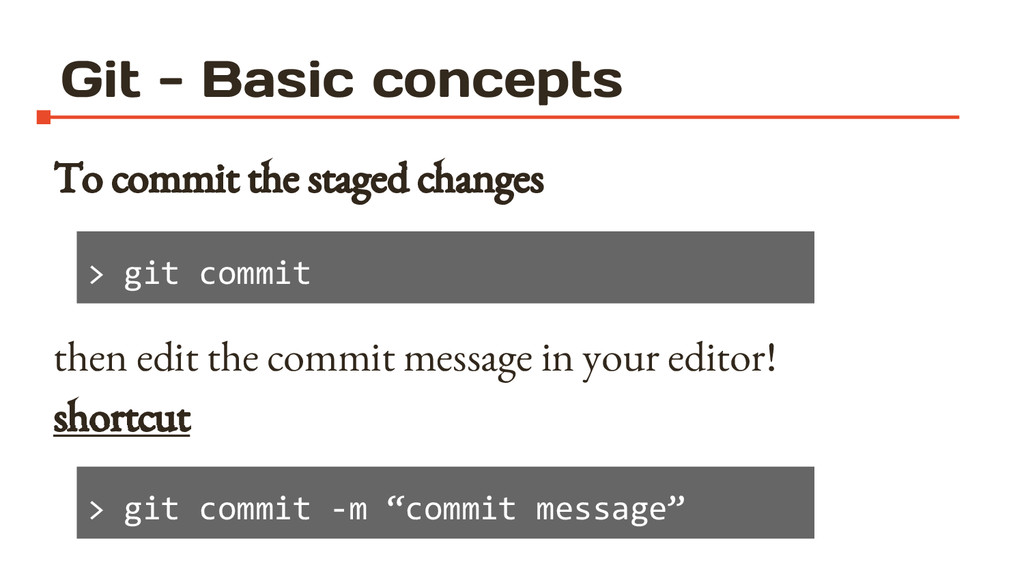
  10. Git - Basic concepts To commit the staged changes then

    edit the commit message in your editor! shortcut > git commit > git commit -m “commit message”
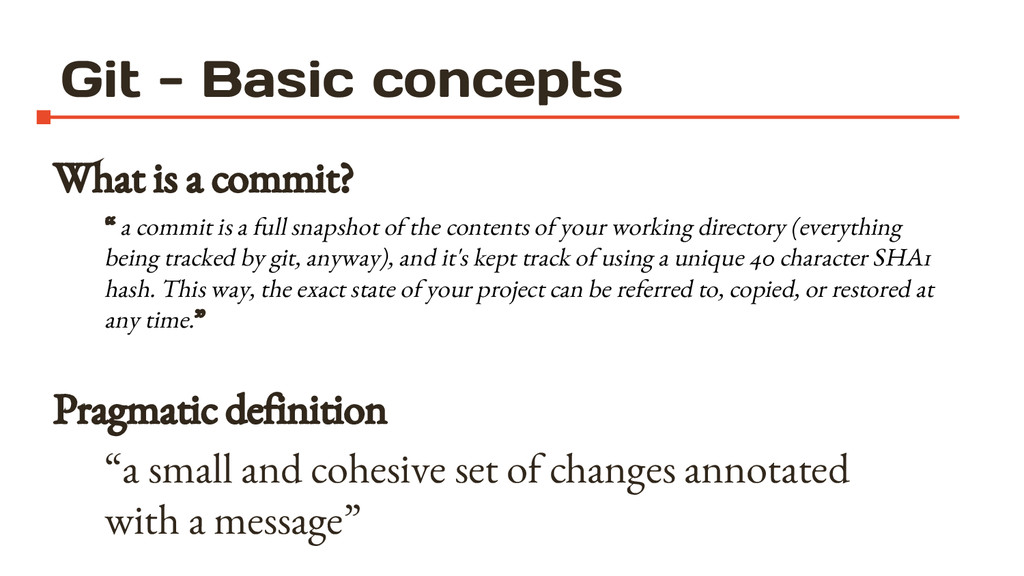
  11. Git - Basic concepts What is a commit? “ a

    commit is a full snapshot of the contents of your working directory (everything being tracked by git, anyway), and it's kept track of using a unique 40 character SHA1 hash. This way, the exact state of your project can be referred to, copied, or restored at any time.” Pragmatic definition “a small and cohesive set of changes annotated with a message”
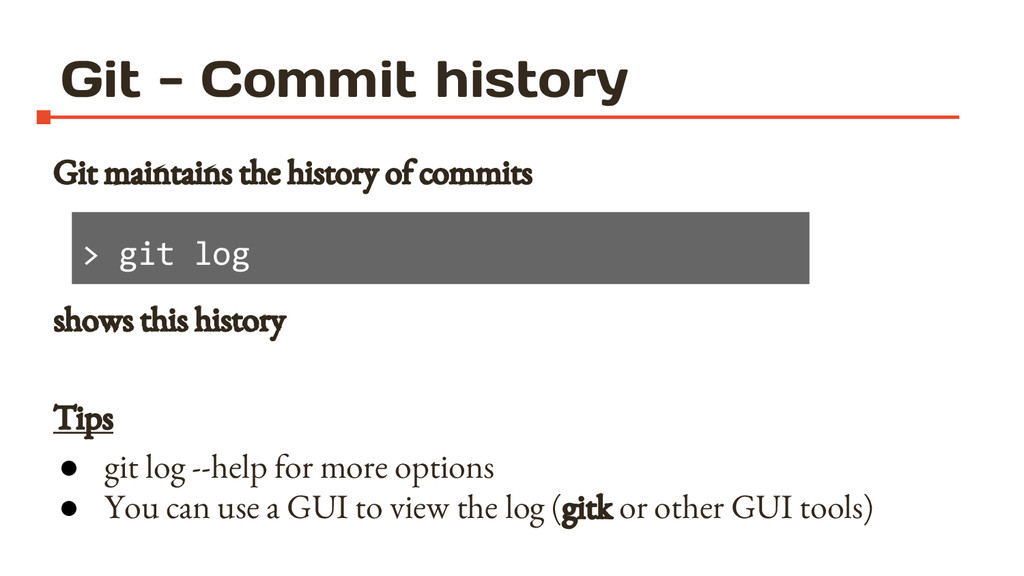
  12. Git - Commit history Git maintains the history of commits

    shows this history Tips • git log --help for more options • You can use a GUI to view the log (gitk or other GUI tools) > git log
  13. Git - Commit history commit 3cbb6aae5c0cbd711c098e113ae436801371c95e Author: Jonh Doe <[email protected]>

    Date: Fri Jun 4 12:58:53 2010 +0200 fixed readme title differently commit 3ac015da8ade34d4c7ebeffa2053fcac33fb495b Author: Jonh Doe <[email protected]> Date: Fri Jun 4 12:58:36 2010 +0200 fixed readme title :
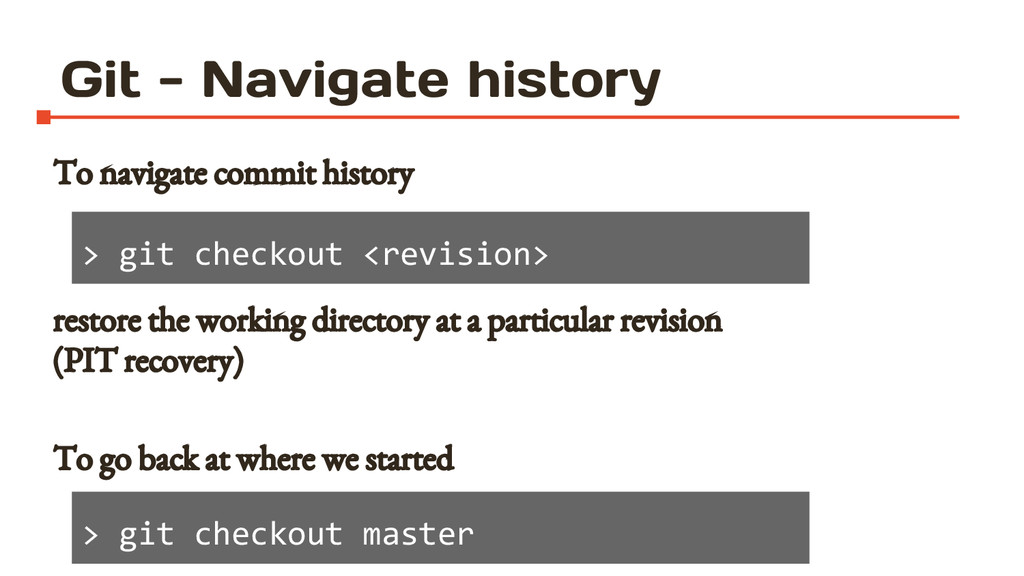
  14. Git - Navigate history To navigate commit history restore the

    working directory at a particular revision (PIT recovery) To go back at where we started > git checkout <revision> > git checkout master
  15. Git - “change” the history What if I want to

    make changes starting from an old commit?
  16. Git - “change” the history What if I want to

    make changes starting from an old commit? The commit history is a tree
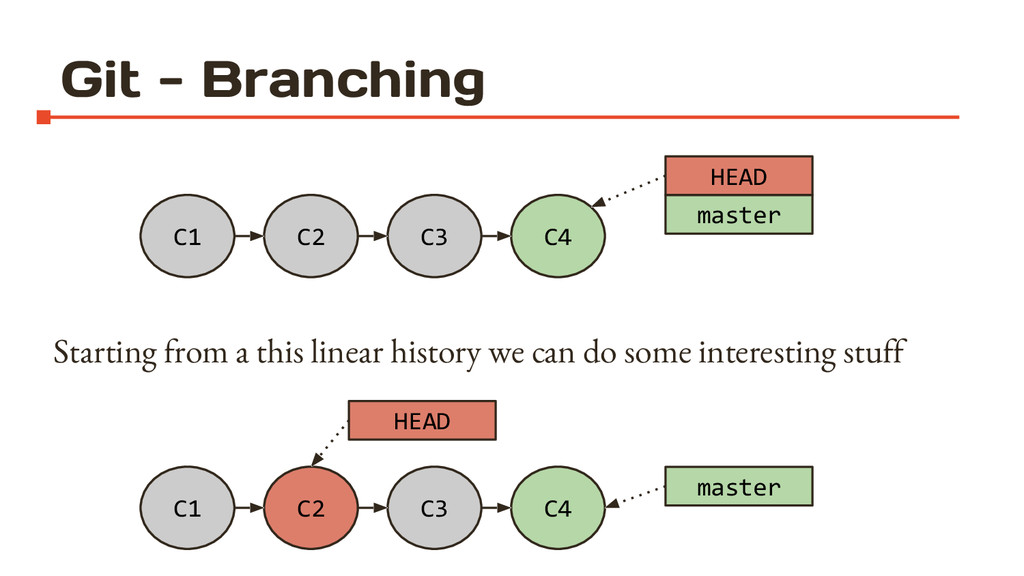
  17. Git - Branching Starting from a this linear history we

    can do some interesting stuff C1 C2 C4 C3 HEAD master C1 C2 C4 C3 HEAD master
  18. > git checkout c2 -b coolStuff > [edit something] >

    git commit -a -m “Hello branch!” Git - Branching C1 C2 C4 C3 HEAD master C5 coolStuff
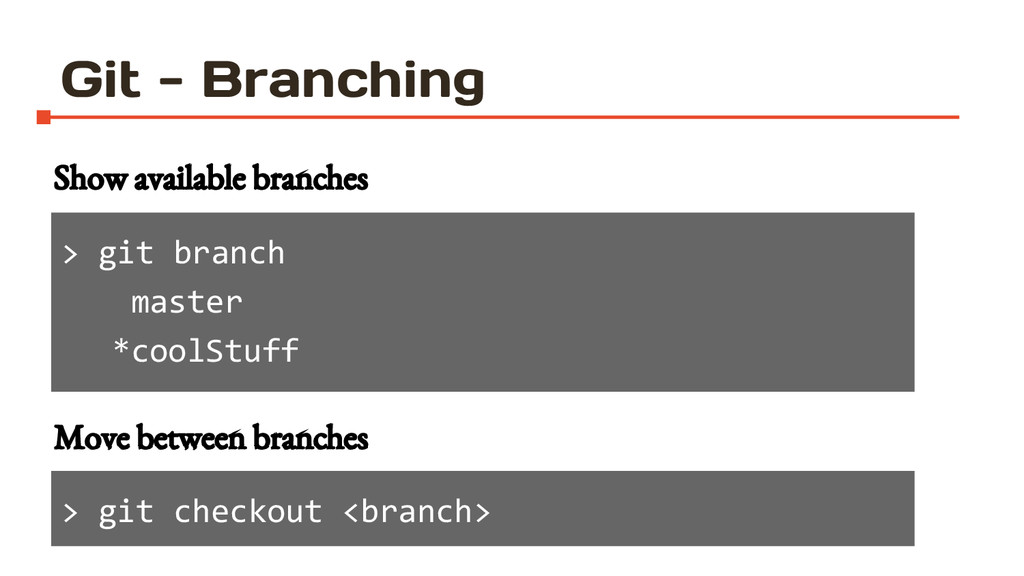
  19. > git branch master *coolStuff Git - Branching Show available

    branches > git checkout <branch> Move between branches
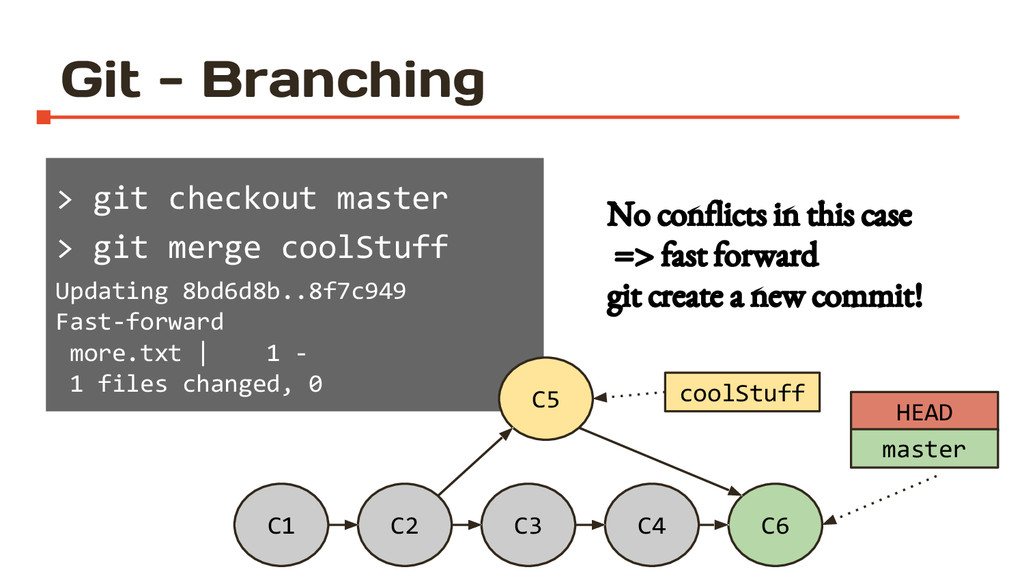
  20. > git checkout master > git merge coolStuff Updating 8bd6d8b..8f7c949

    Fast-forward more.txt | 1 - 1 files changed, 0 Git - Branching C1 C2 C4 C3 HEAD master C5 coolStuff C6 No conflicts in this case => fast forward git create a new commit!
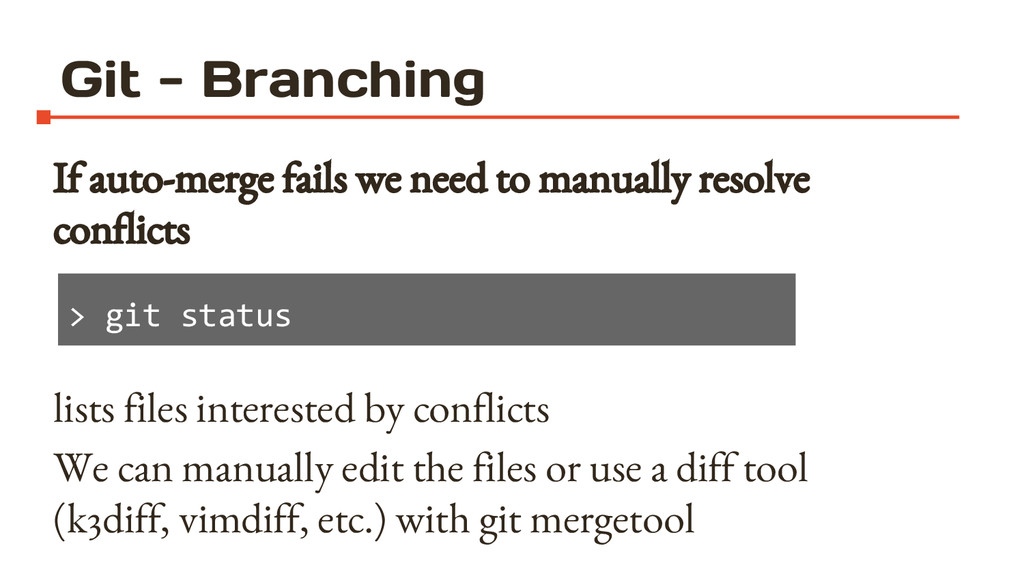
  21. Git - Branching If auto-merge fails we need to manually

    resolve conflicts lists files interested by conflicts We can manually edit the files or use a diff tool (k3diff, vimdiff, etc.) with git mergetool > git status
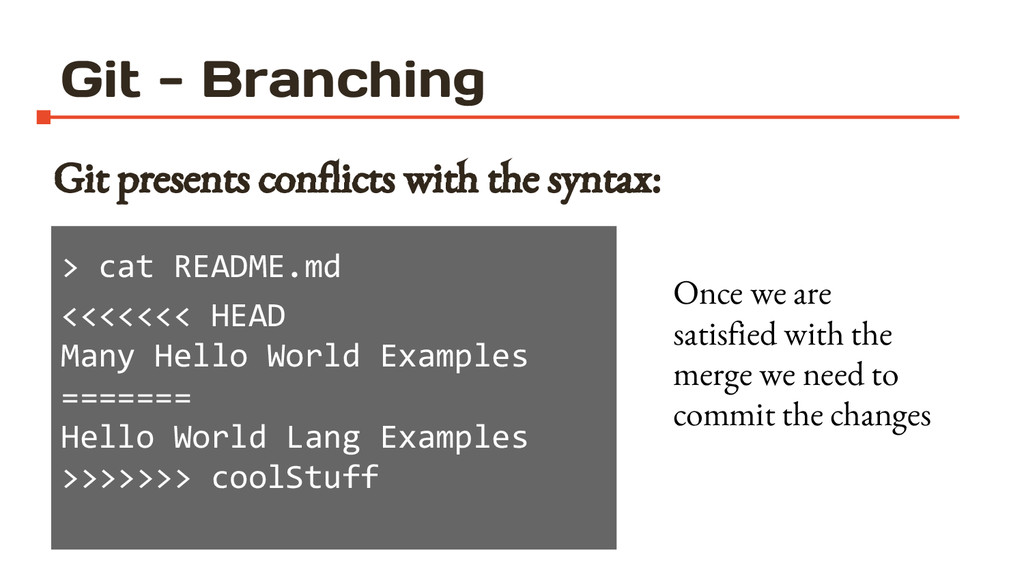
  22. Git - Branching Git presents conflicts with the syntax: >

    cat README.md <<<<<<< HEAD Many Hello World Examples ======= Hello World Lang Examples >>>>>>> coolStuff Once we are satisfied with the merge we need to commit the changes
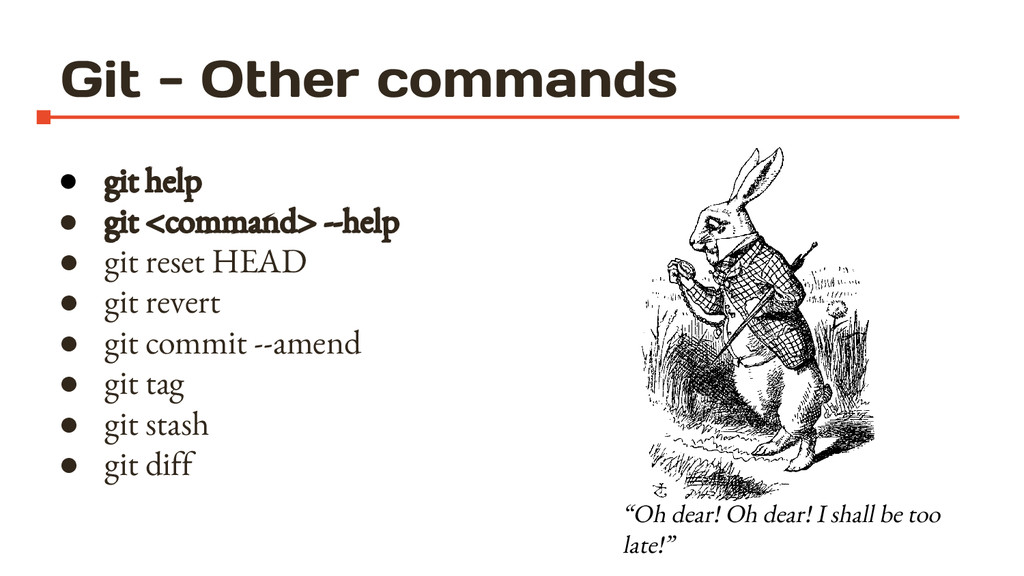
  23. Git - Other commands • git help • git <command>

    --help • git reset HEAD • git revert • git commit --amend • git tag • git stash • git diff “Oh dear! Oh dear! I shall be too late!”
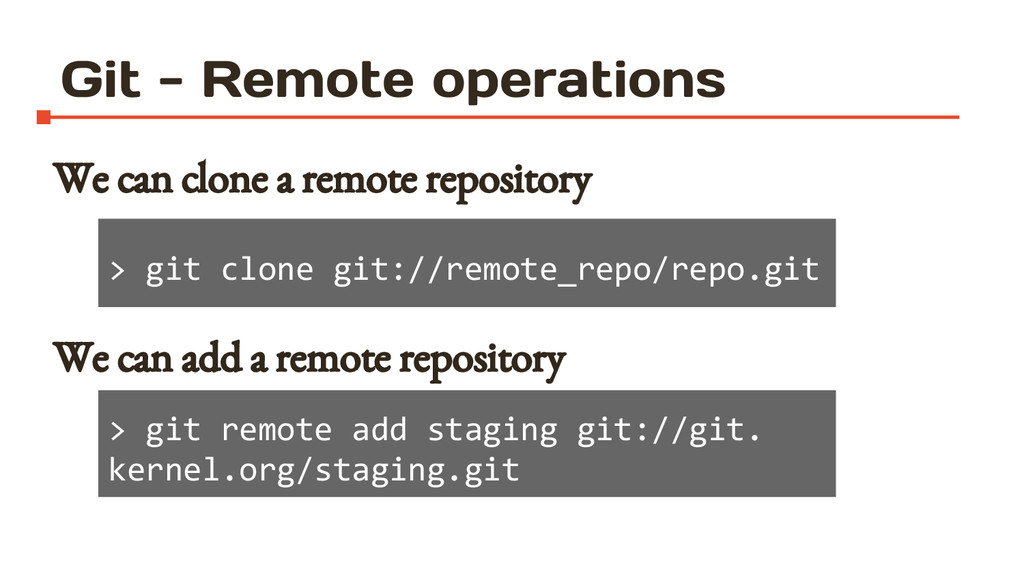
  24. Git - Remote operations We can clone a remote repository

    We can add a remote repository > git clone git://remote_repo/repo.git > git remote add staging git://git. kernel.org/staging.git
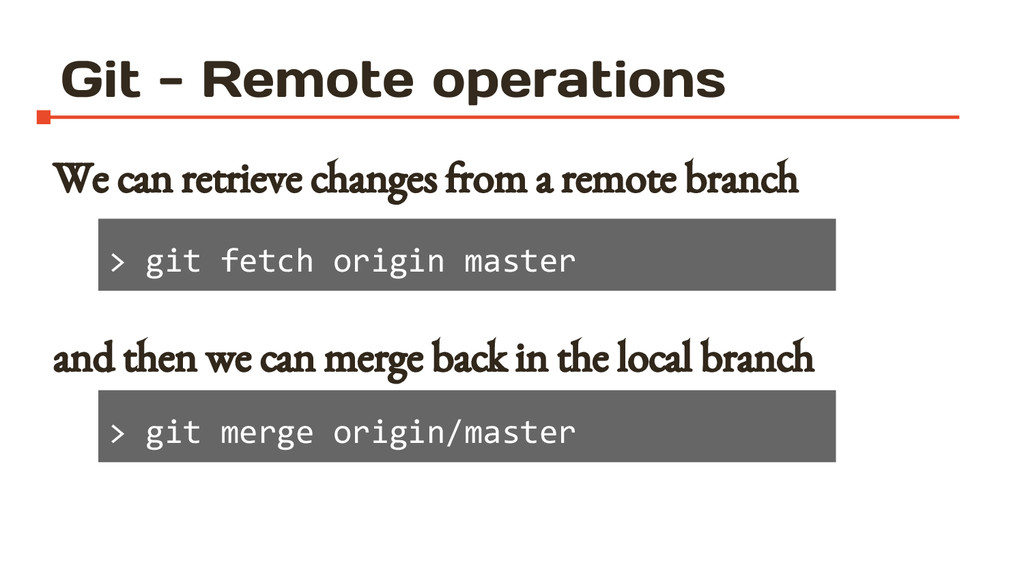
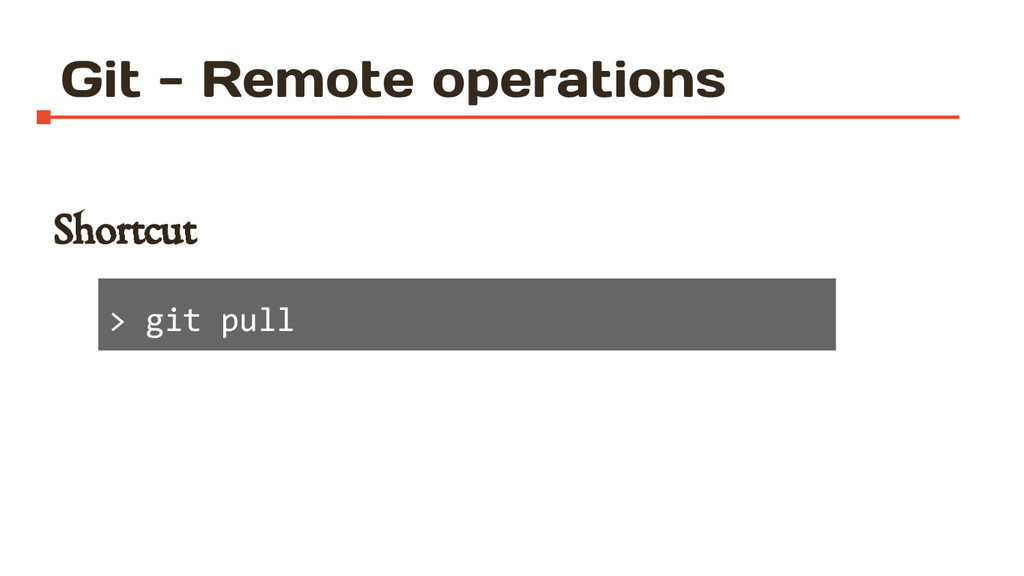
  25. Git - Remote operations We can retrieve changes from a

    remote branch and then we can merge back in the local branch > git fetch origin master > git merge origin/master
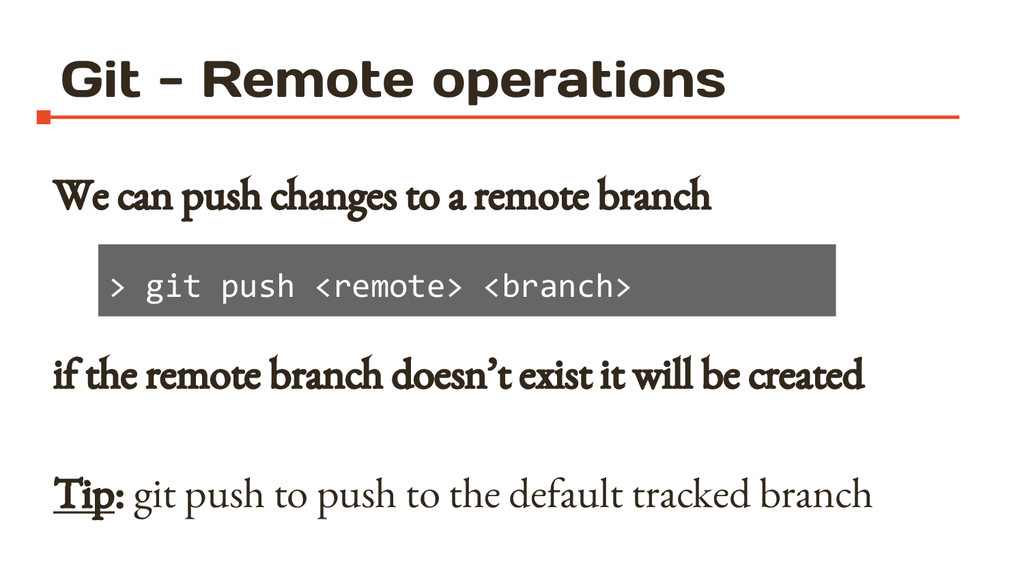
  26. Git - Remote operations We can push changes to a

    remote branch if the remote branch doesn’t exist it will be created Tip: git push to push to the default tracked branch > git push <remote> <branch>
  27. Git - Remote operations Good Practices • always pull before

    start working • double-check your local commit before a push • you can push multiple commit at once
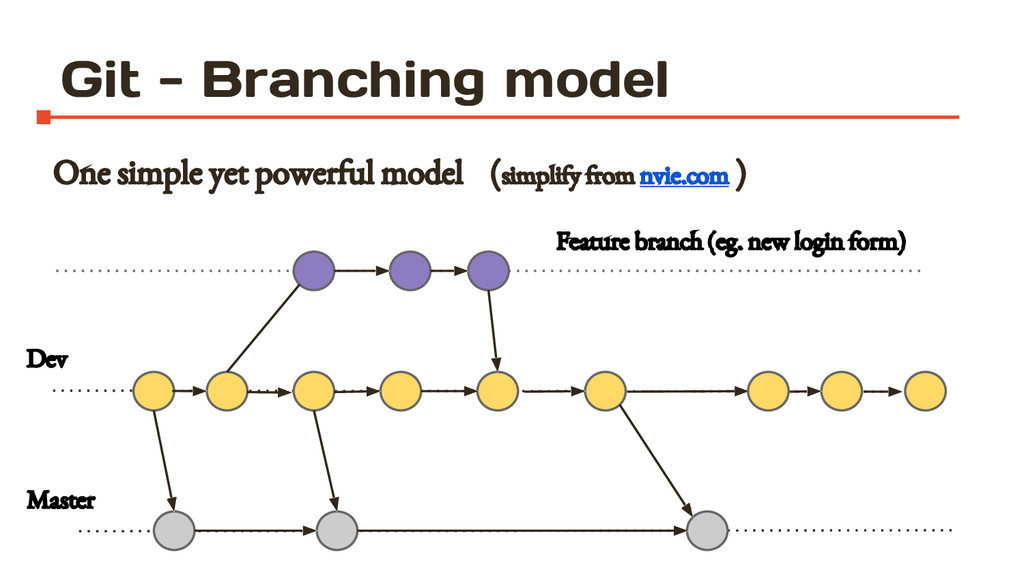
  28. Git - Branching model One simple yet powerful model (simplify

    from nvie.com ) Master Dev Feature branch (eg. new login form)
  29. Git - Collaboration • Collaborative coding using git it’s possible

    but not always easy • Git does not solve coordination issue between humans
  30. Git - Pull request model • Fork a repository •

    Make changes • Push them to your copy • Make a pull request • Discuss the pull request
  31. More infos • Git docs git-scm.com/documentation • Pro Git by

    Scott Chacon (Apress) git-scm.com/book • Interactive Cheatsheet ndpsoftware.com/git-cheatsheet.html • Git interactive tutorial pcottle.github.io/learnGitBranching • Successful branching model nvie.com/posts/a-successful-git- branching-model
  32. This work is licensed under the Creative Commons Attribution-ShareAlike 4.0

    International License. To view a copy of this license, visit http://creativecommons.org/licenses/by-sa/4.0/ Author Alessandro Baldo speakerdeck.com/baldoalessandro/git-intro Thanks to Mattia Bertorello