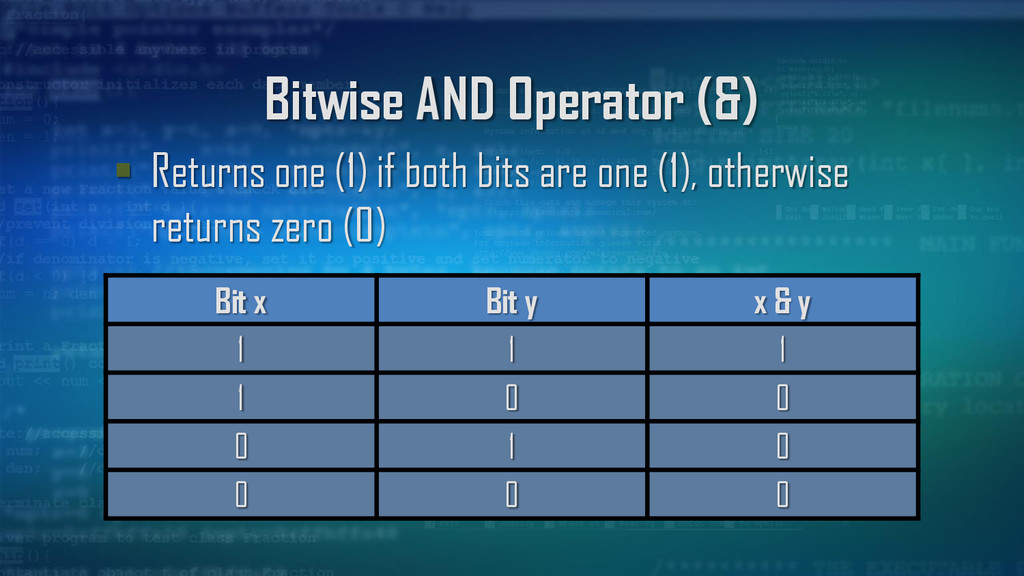
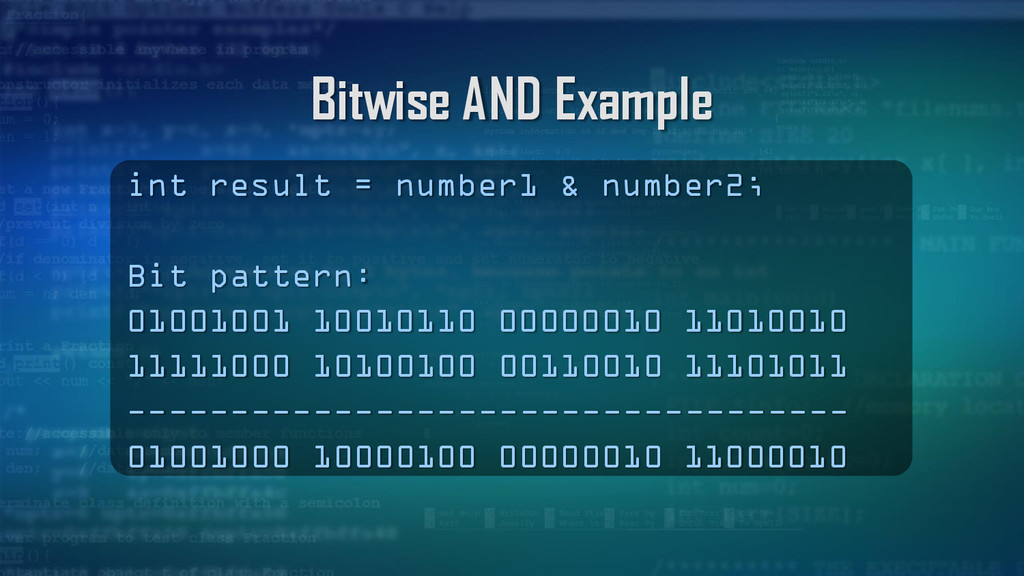
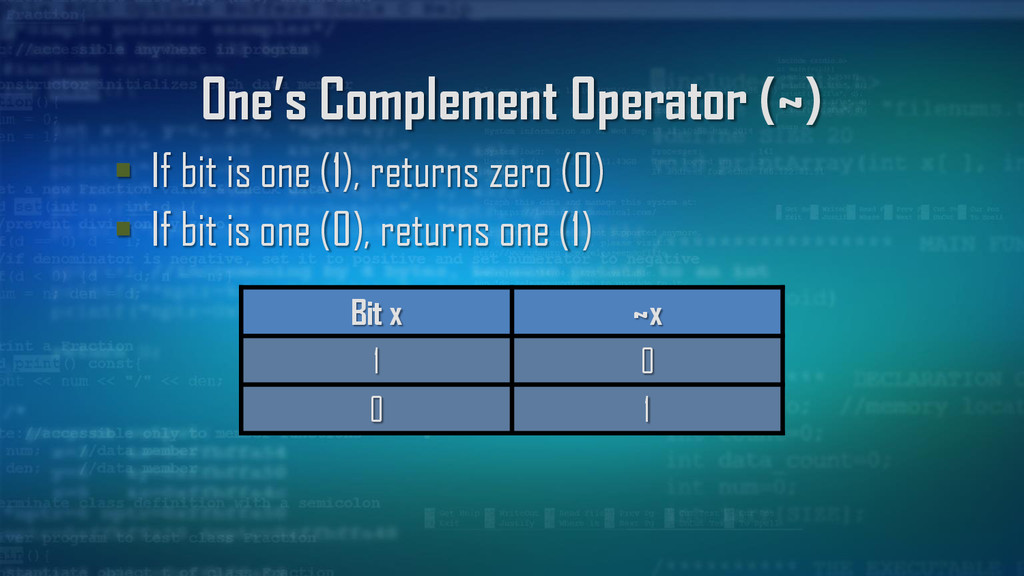
bits (ones and zeros) Bitwise operators are applied to each bit separately on integer data types: char, short, int, and long (signed or unsigned) Usually we use unsigned integers as operands
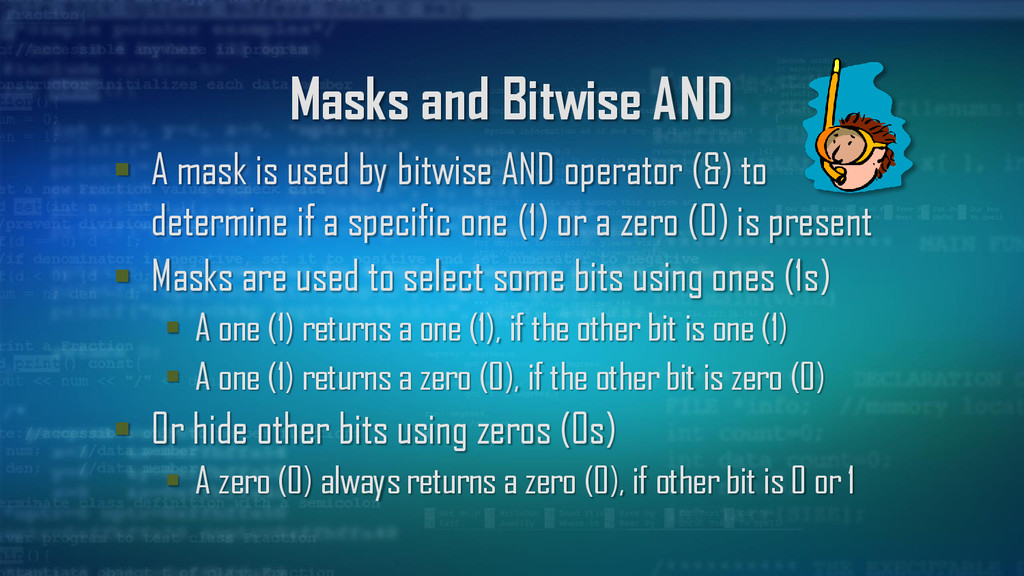
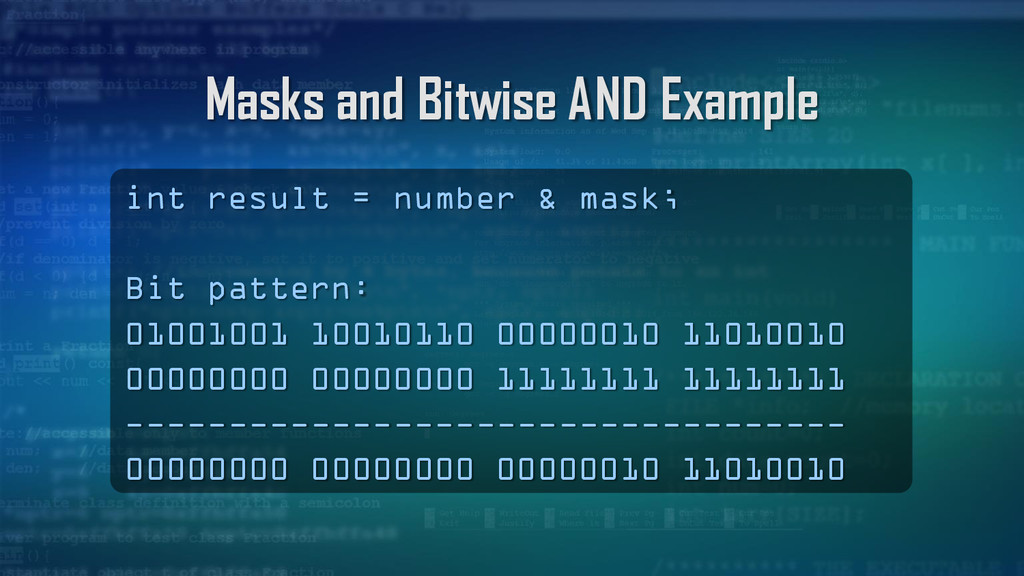
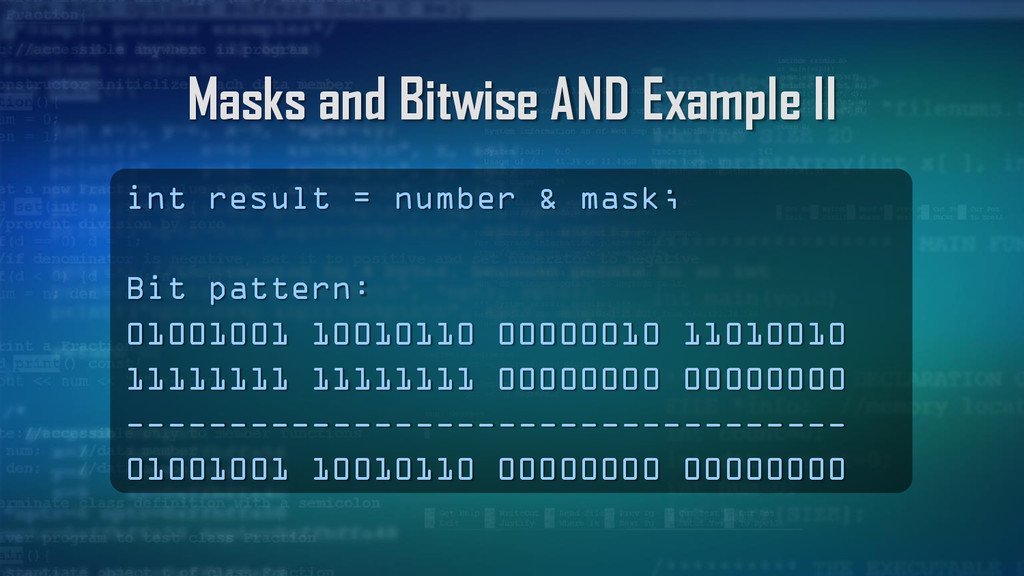
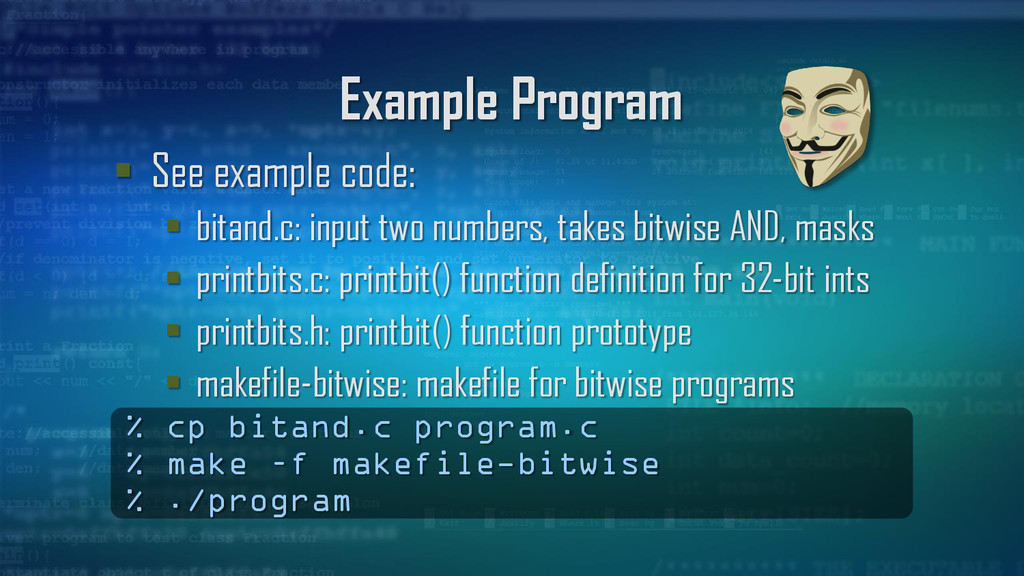
bitwise AND operator (&) to determine if a specific one (1) or a zero (0) is present Masks are used to select some bits using ones (1s) A one (1) returns a one (1), if the other bit is one (1) A one (1) returns a zero (0), if the other bit is zero (0) Or hide other bits using zeros (0s) A zero (0) always returns a zero (0), if other bit is 0 or 1
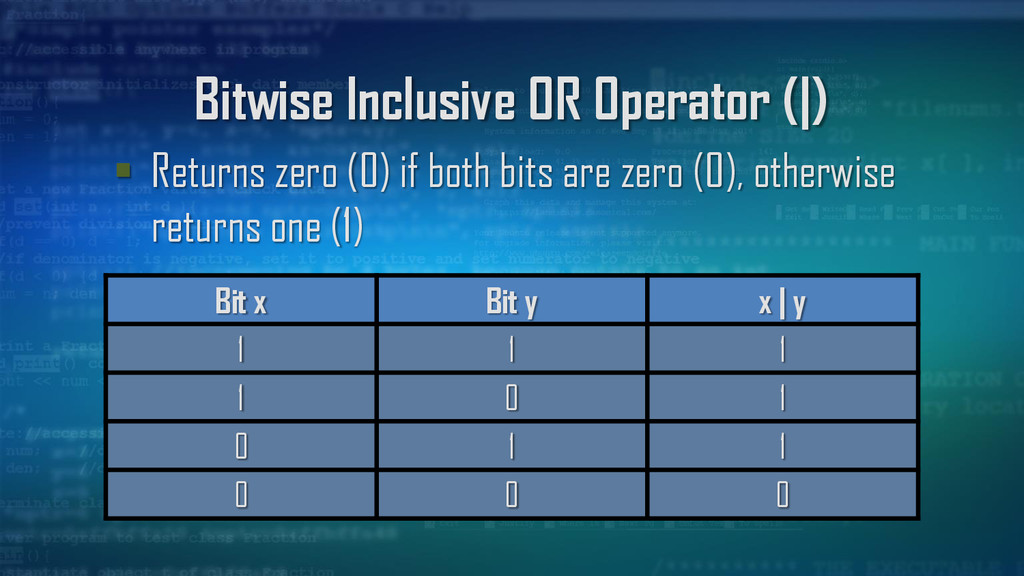
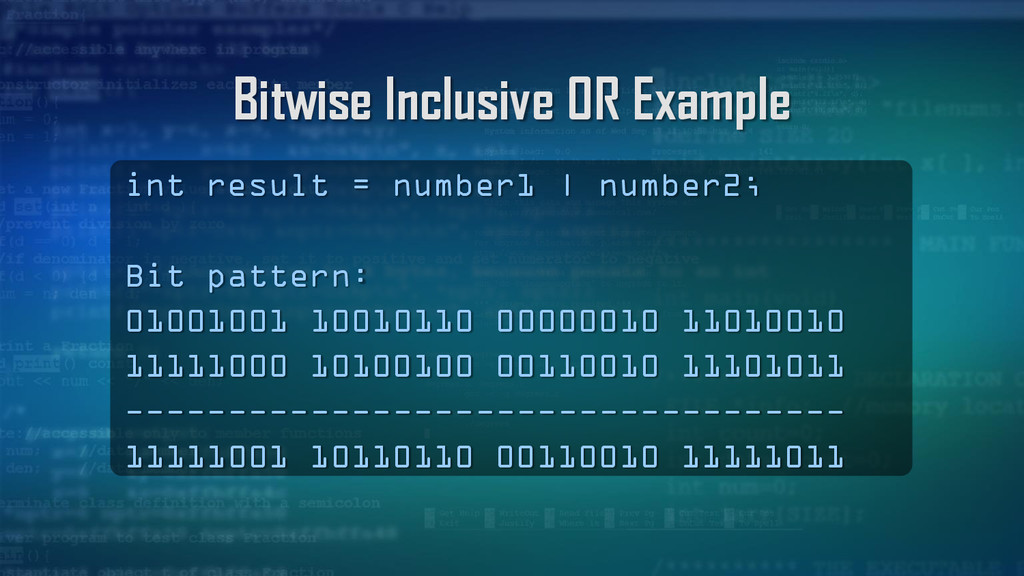
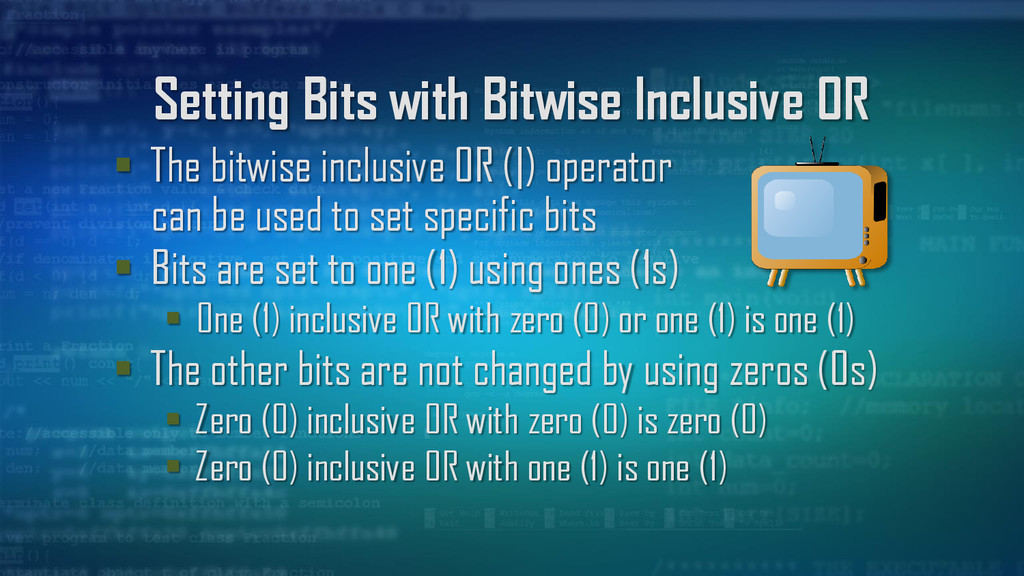
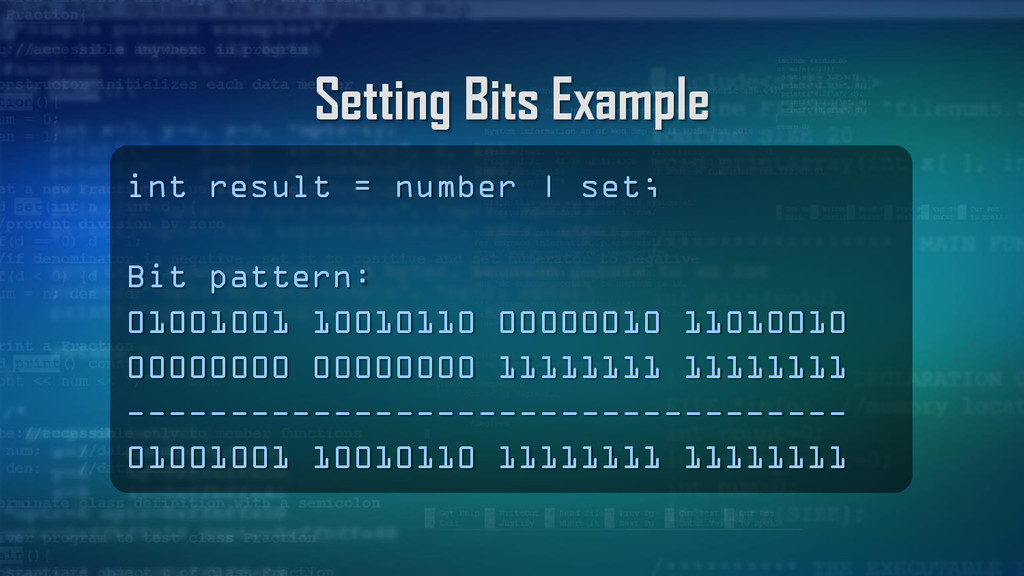
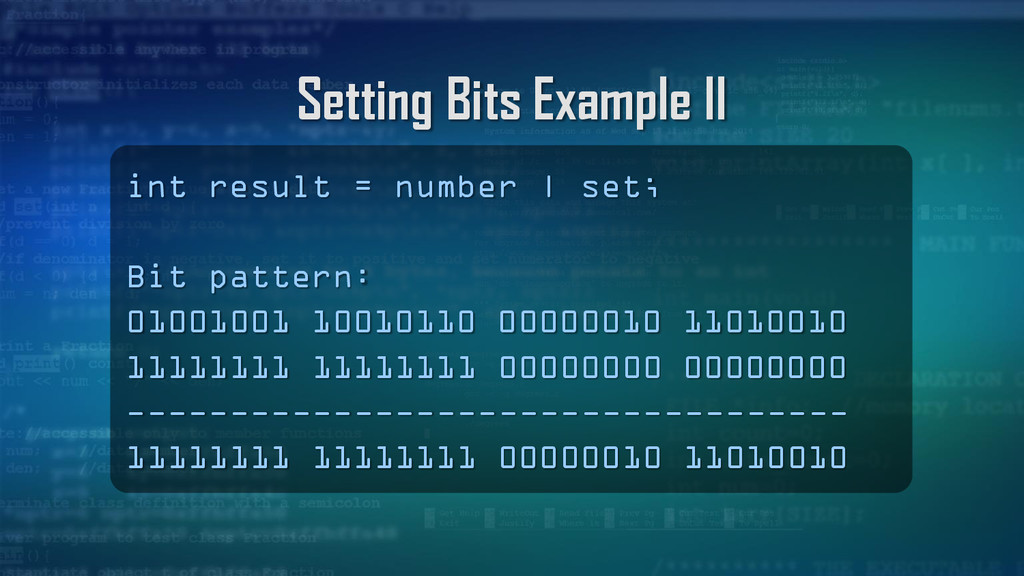
OR (|) operator can be used to set specific bits Bits are set to one (1) using ones (1s) One (1) inclusive OR with zero (0) or one (1) is one (1) The other bits are not changed by using zeros (0s) Zero (0) inclusive OR with zero (0) is zero (0) Zero (0) inclusive OR with one (1) is one (1)
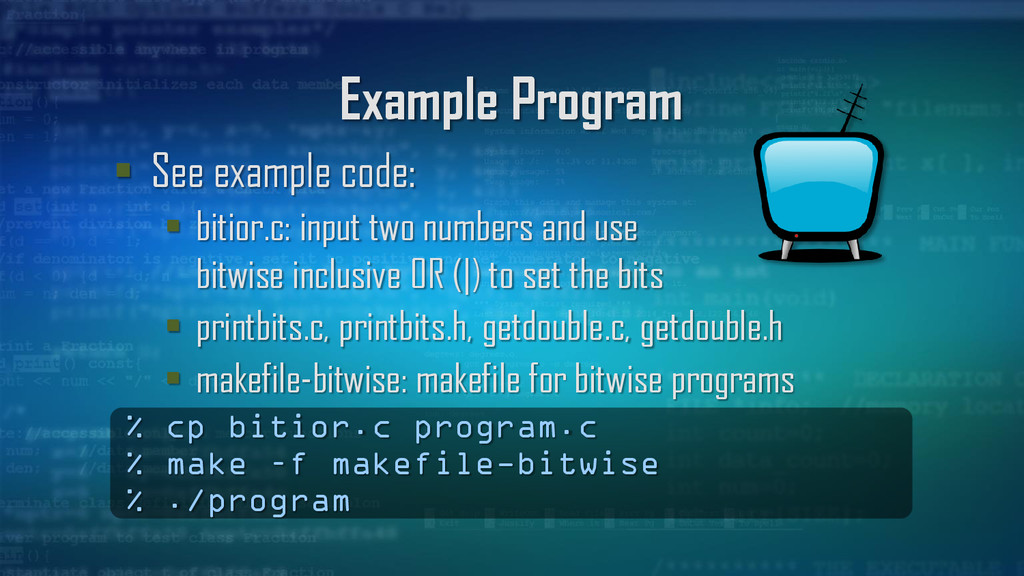
numbers and use bitwise inclusive OR (|) to set the bits printbits.c, printbits.h, getdouble.c, getdouble.h makefile-bitwise: makefile for bitwise programs % cp bitior.c program.c % make –f makefile-bitwise % ./program
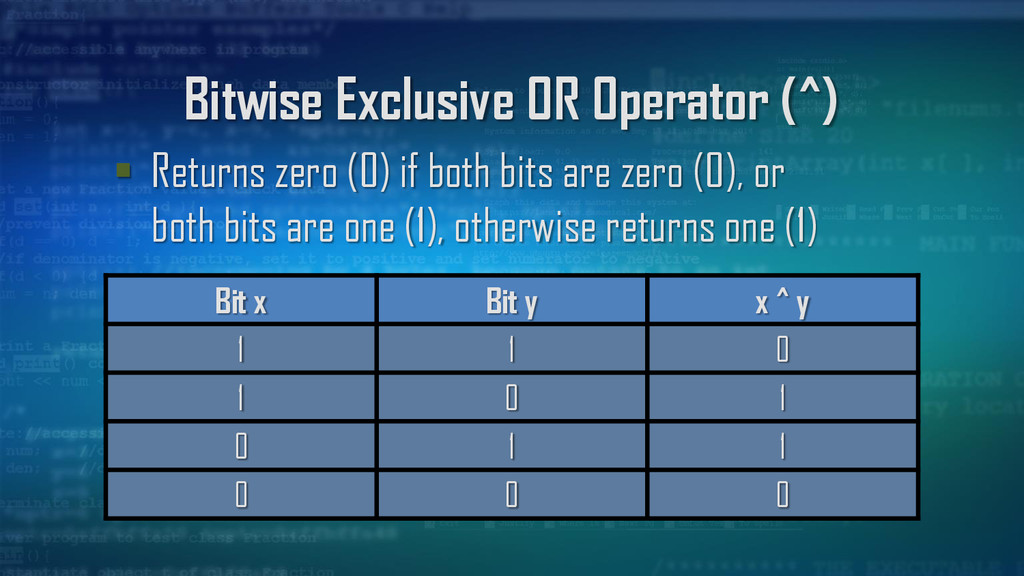
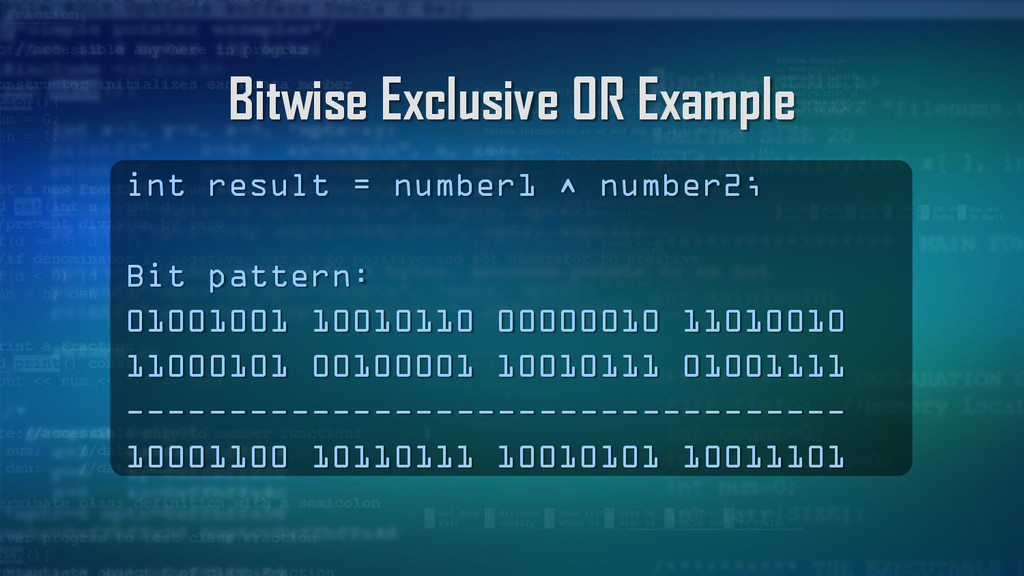
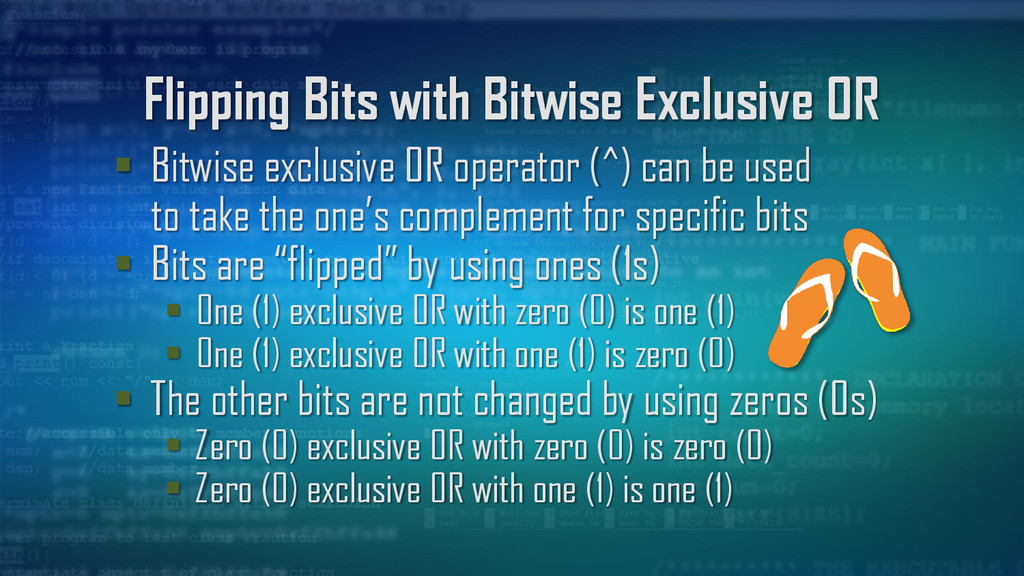
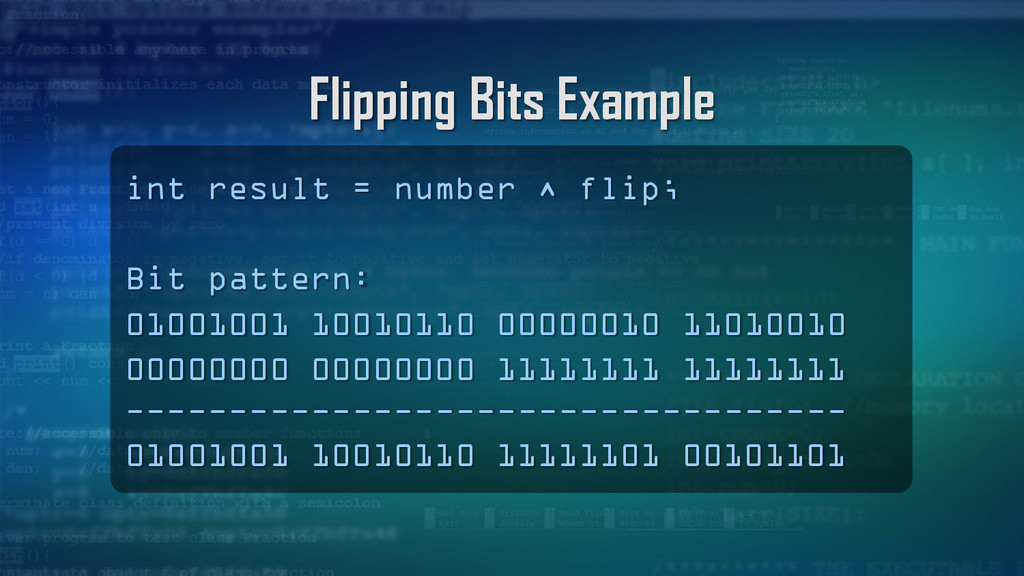
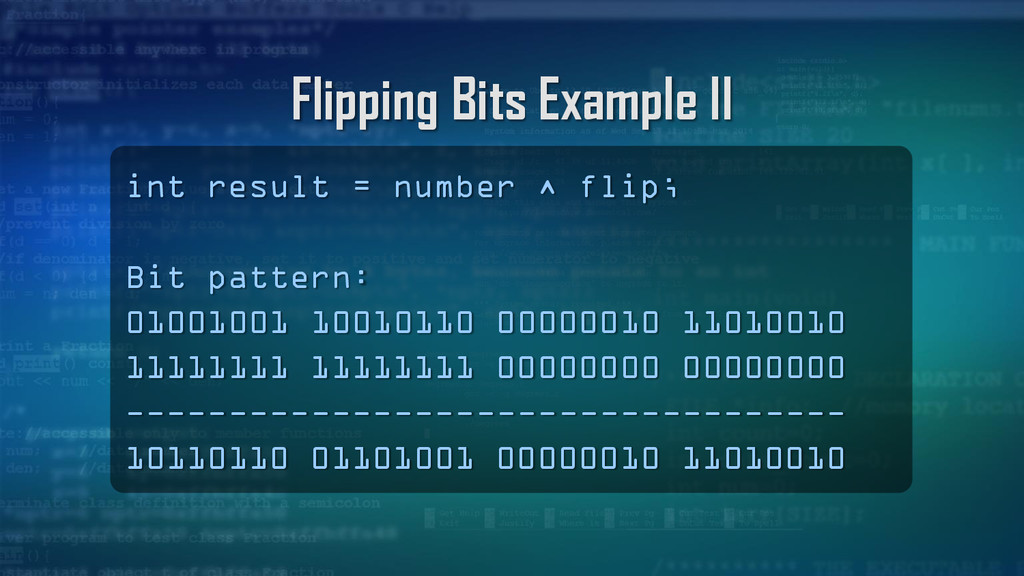
operator (^) can be used to take the one’s complement for specific bits Bits are “flipped” by using ones (1s) One (1) exclusive OR with zero (0) is one (1) One (1) exclusive OR with one (1) is zero (0) The other bits are not changed by using zeros (0s) Zero (0) exclusive OR with zero (0) is zero (0) Zero (0) exclusive OR with one (1) is one (1)
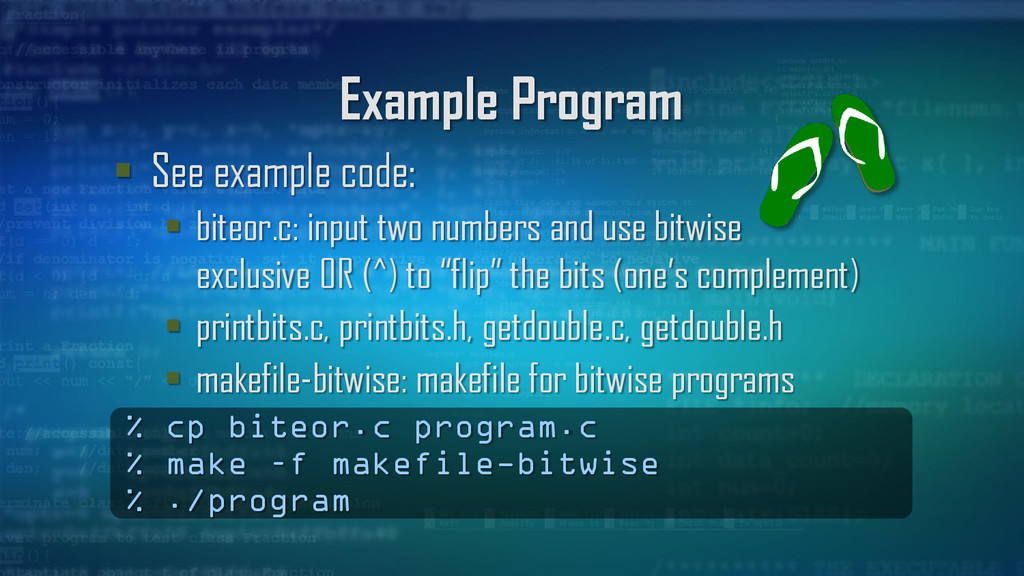
numbers and use bitwise exclusive OR (^) to “flip” the bits (one’s complement) printbits.c, printbits.h, getdouble.c, getdouble.h makefile-bitwise: makefile for bitwise programs % cp biteor.c program.c % make –f makefile-bitwise % ./program
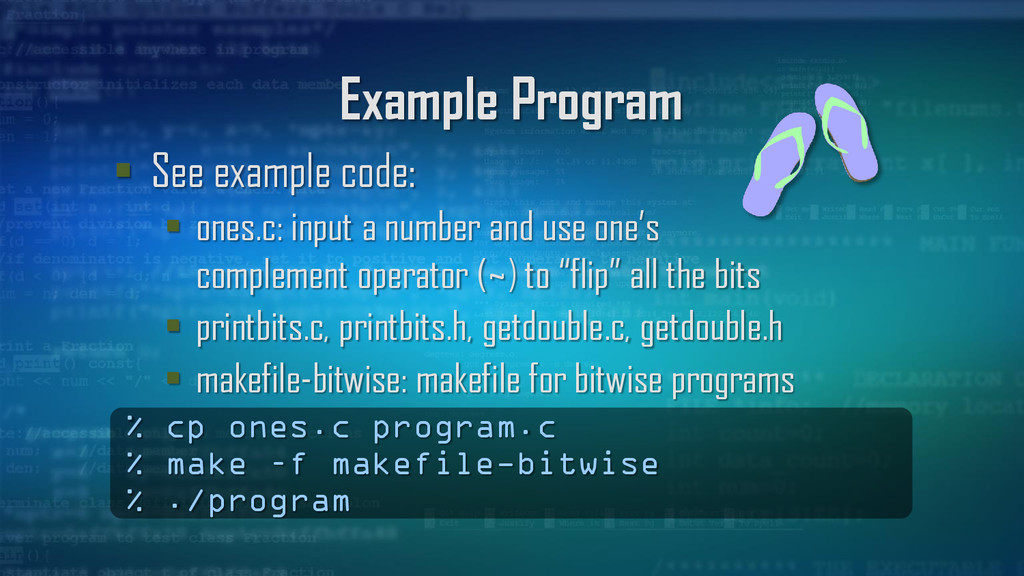
number and use one’s complement operator (~) to “flip” all the bits printbits.c, printbits.h, getdouble.c, getdouble.h makefile-bitwise: makefile for bitwise programs % cp ones.c program.c % make –f makefile-bitwise % ./program
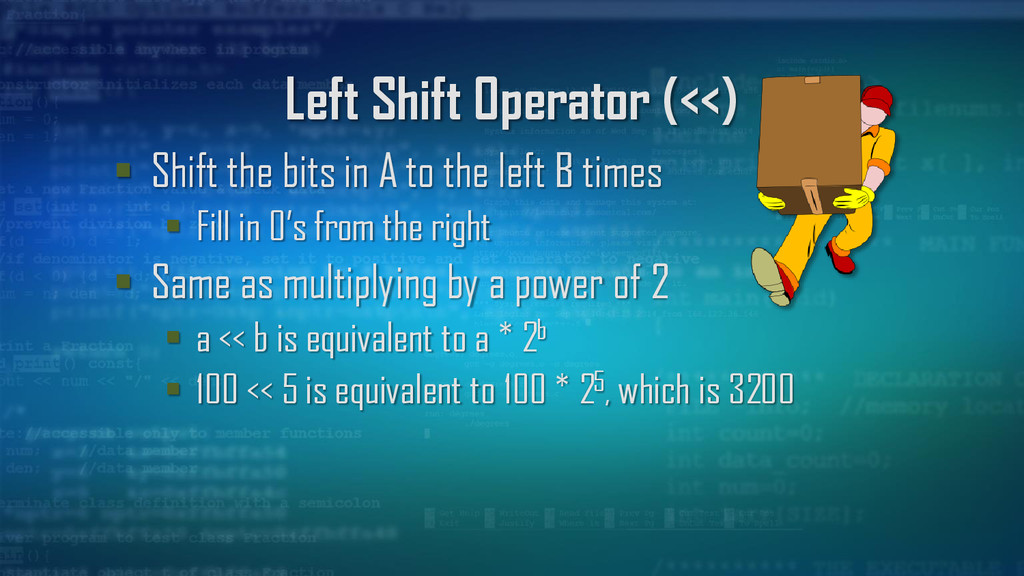
to the left B times Fill in 0’s from the right Same as multiplying by a power of 2 a << b is equivalent to a * 2b 100 << 5 is equivalent to 100 * 25, which is 3200
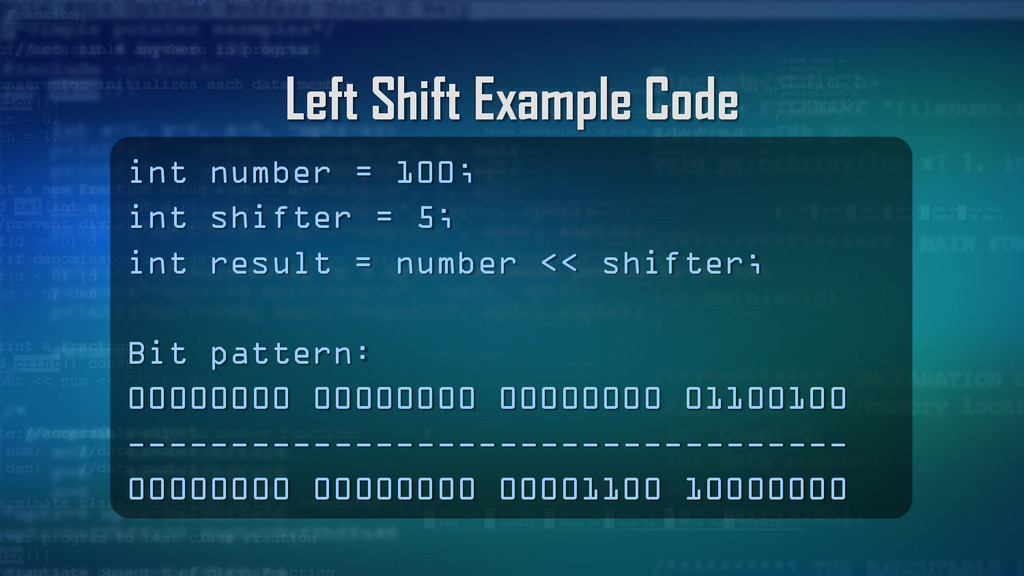
= 5; int result = number << shifter; Bit pattern: 00000000 00000000 00000000 01100100 ----------------------------------- 00000000 00000000 00001100 10000000
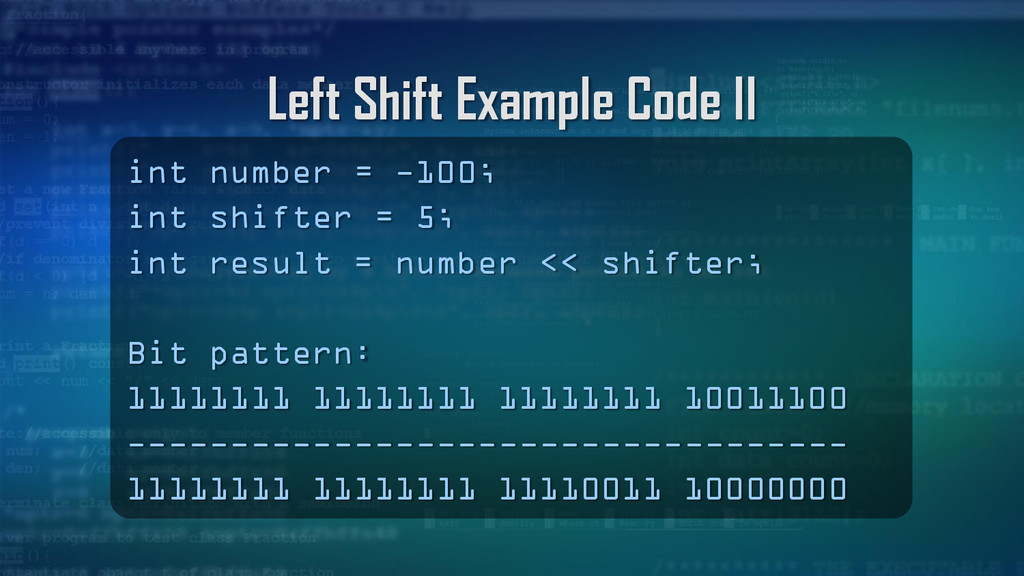
shifter = 5; int result = number << shifter; Bit pattern: 11111111 11111111 11111111 10011100 ----------------------------------- 11111111 11111111 11110011 10000000
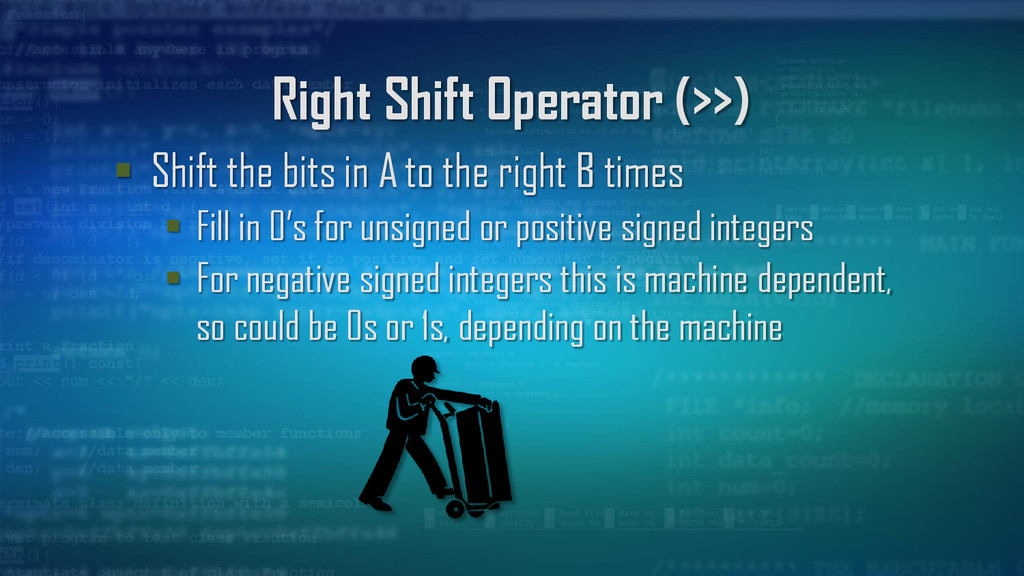
to the right B times Fill in 0’s for unsigned or positive signed integers For negative signed integers this is machine dependent, so could be 0s or 1s, depending on the machine
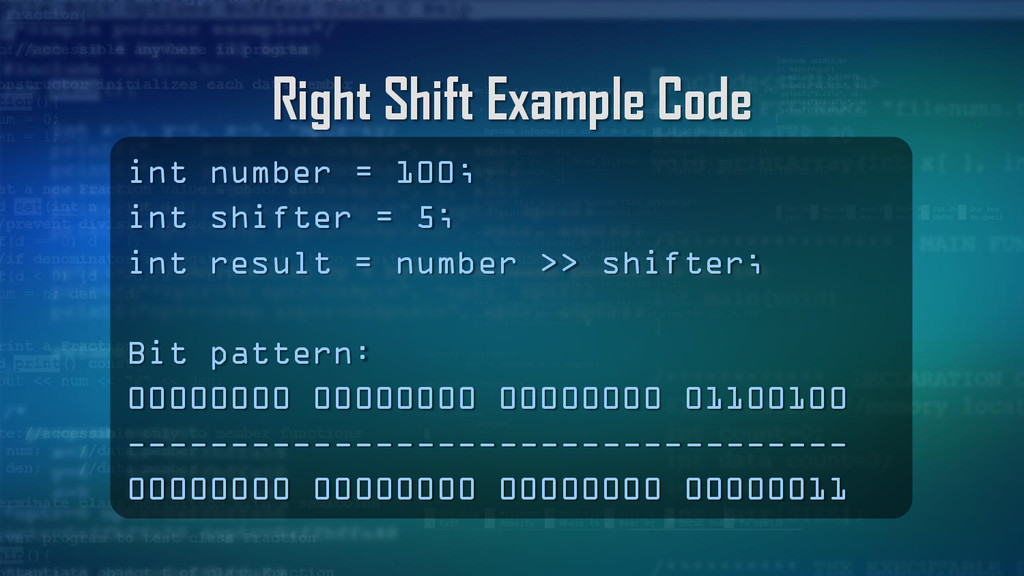
= 5; int result = number >> shifter; Bit pattern: 00000000 00000000 00000000 01100100 ----------------------------------- 00000000 00000000 00000000 00000011
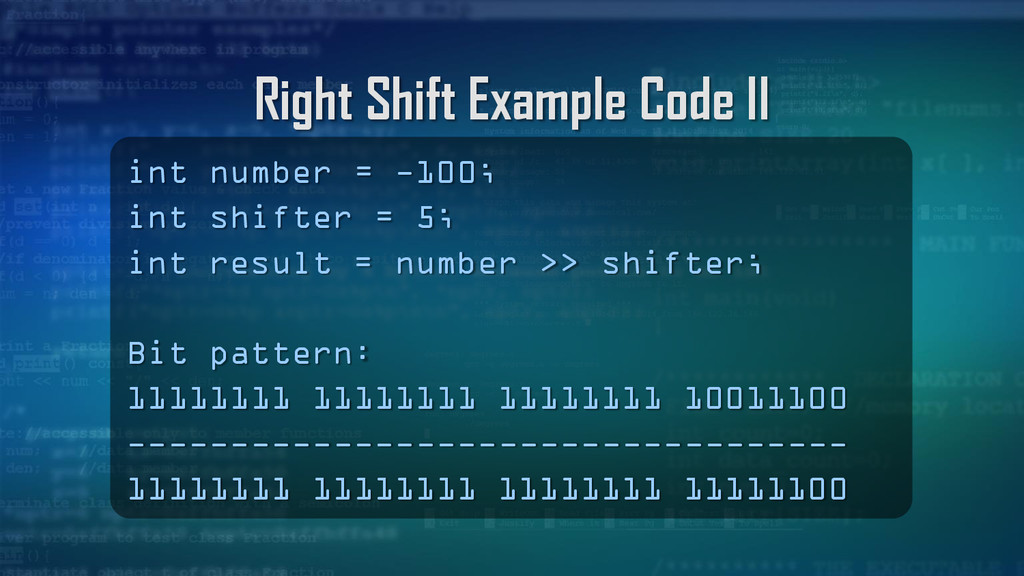
shifter = 5; int result = number >> shifter; Bit pattern: 11111111 11111111 11111111 10011100 ----------------------------------- 11111111 11111111 11111111 11111100
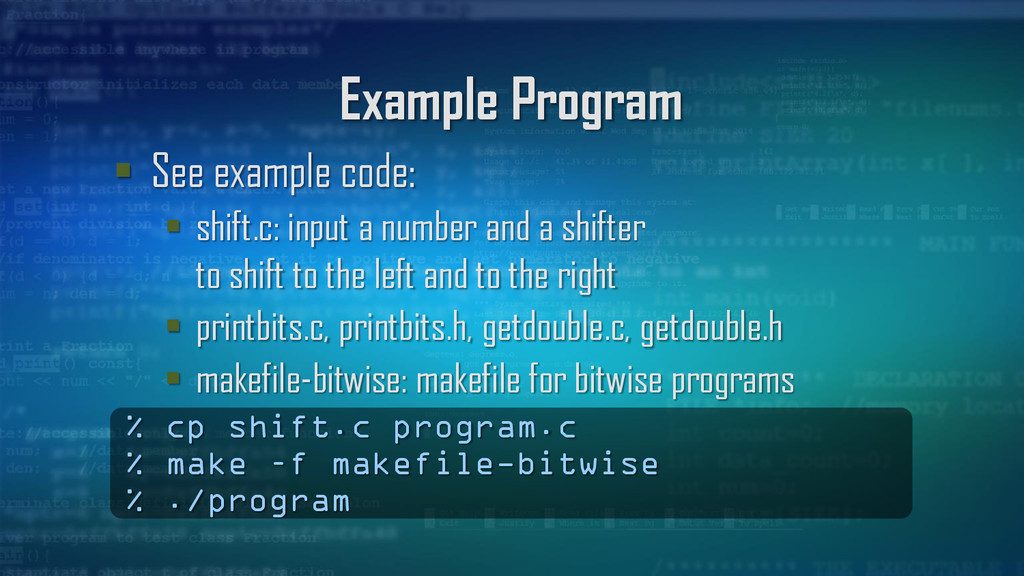
number and a shifter to shift to the left and to the right printbits.c, printbits.h, getdouble.c, getdouble.h makefile-bitwise: makefile for bitwise programs % cp shift.c program.c % make –f makefile-bitwise % ./program
right shift operator (>>) to shift a one (1) 32 times from the leftmost bit to the rightmost bit Uses the bitwise AND (&) and shifting one (1) as a mask to determine if a zero (0) or a one (1) exists at that position in a number, so the function can output the character zero ('0') or character one ('1')
Logical operators operate on the variable as a whole, while bitwise operators operate on each bit Logical AND (&&) Returns 1 if both variables are not 0, otherwise 0 Logical OR (||) Returns 1 if at least 1 variable is not 0, otherwise 0
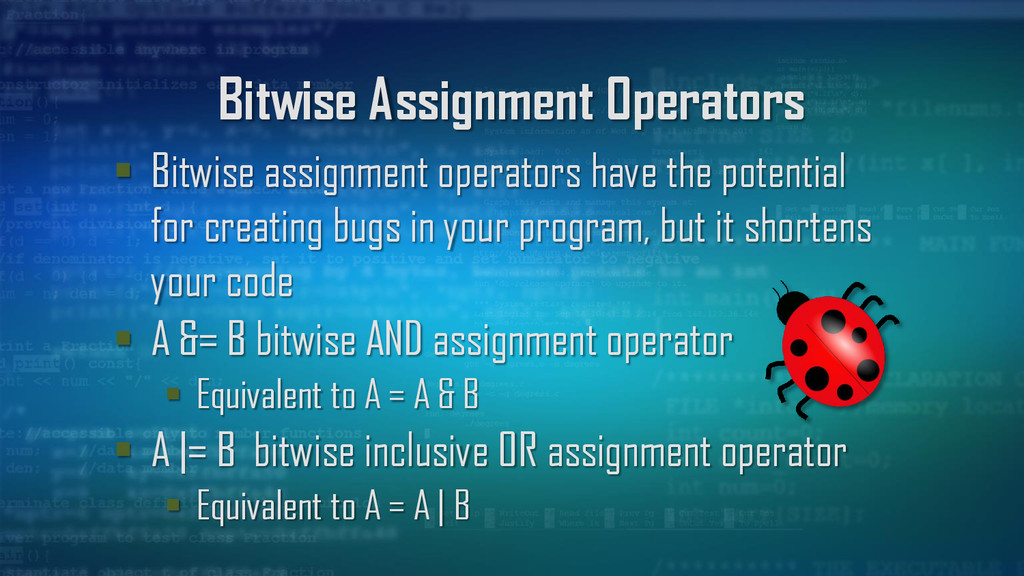
for creating bugs in your program, but it shortens your code A &= B bitwise AND assignment operator Equivalent to A = A & B A |= B bitwise inclusive OR assignment operator Equivalent to A = A | B
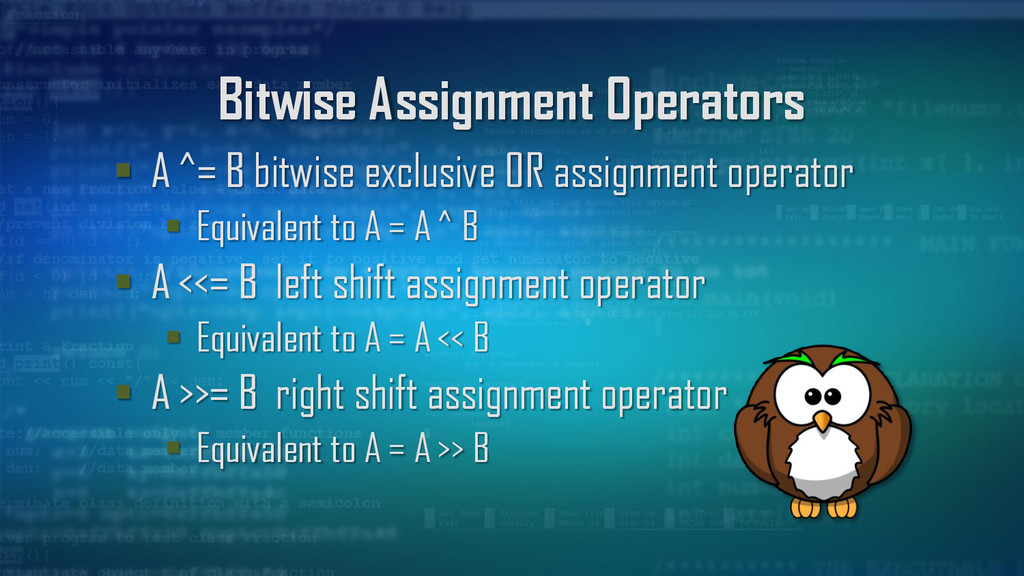
assignment operator Equivalent to A = A ^ B A <<= B left shift assignment operator Equivalent to A = A << B A >>= B right shift assignment operator Equivalent to A = A >> B


 billlymacc
 kneath
 moore
moore
 lauravandoore
 notwaldorf
 ivargrimstad
 rkaga
rkaga
 irinanazarova
 addyosmani
 konakalab
 reverentgeek
 cassininazir
 sabderemane