Upgrade to Pro
— share decks privately, control downloads, hide ads and more …
Speaker Deck
Sign up for free
Menu
Search
Features
All features
Private URLs
Password Protection
Custom URLS
Scheduled publishing
Remove Branding
Restrict embedding
Deck Collections
Notes
Features
All features
Private URLs
Password Protection
Custom URLS
Scheduled publishing
Remove Branding
Restrict embedding
Deck Collections
Notes
Explore
Featured decks
Featured speakers
Programming
Technology
Storyboards
Explore
Featured decks
Featured speakers
Programming
Technology
Storyboards
Pricing
Search
Sign in
Sign up for free
Intro to Emacs
Search
Sponsored
·
Ship Features Fearlessly
Turn features on and off without deploys. Used by thousands of Ruby developers.
→
Brian Auton
April 06, 2016
Programming
180
0
Share
Embed
Copy iframe code
Copy JS code
Copy link
Start on current slide
Intro to Emacs
Brian Auton
April 06, 2016
Other Decks in Programming
See All in Programming
dotNET_vulnclicker_intro.pdf
deka_morita
0
140
設計次第でAIコードの読む量は減らせる / designing-for-code-reading
minodriven
35
17k
3回つくってわかった、 定期実行ジョブ基盤の本質情報
takai
0
460
[Dev Group Paris Octobre 26] Agentforce, SIforce, Claudeforce, Slackbot… on s'y retrouve ?
nabondance
0
110
[2026-09-26]空論ジェネリックプロセス~テスト資産とAIで紡ぐ、再現可能なパフォーマンスチューニングの話~
tosite
0
270
作って学ぶSpring BootのAuto Configuration / JJUG Night Seminar 2026-10-19
rshindo
0
150
Web Framework Benchmark Battle 2026, Any%
a_matsuda
2
2.1k
半永久的に提供し続けられるプライベートクラウドを目指して ― 利用者の認知負荷を抑えるAPI抽象化とハードウェア世代交代の基盤設計
tomokon
0
500
RAG の “R” を Swift で覗いてみる 〜「意味から探す」検索の仕組み〜
nao_randd
0
160
[ハンズオン]AIへの指示だけで「五目並べ」を作ってみよう
satoshi256kbyte
1
380
S3 TablesのIcebergデータに、AIエージェントからアクセスしてみた / 20261016developersio2026joetsu-accessing-iceberg-in-s3tables-via-agent
kasacchiful
PRO
0
150
SalesForceを内製化!? ~ HR事業を支える顧客管理基盤のインフラを大公開 ~
oku053
0
180
Featured
See All Featured
Digital Projects Gone Horribly Wrong (And the UX Pros Who Still Save the Day) - Dean Schuster
uxyall
1
3.4k
CSS Pre-Processors: Stylus, Less & Sass
bermonpainter
360
31k
The Art of Delivering Value - GDevCon NA Keynote
reverentgeek
16
2.2k
Building a Scalable Design System with Sketch
lauravandoore
464
34k
How to train your dragon (web standard)
notwaldorf
96
6.9k
The SEO Collaboration Effect
kristinabergwall1
1
590
AI in Enterprises - Java and Open Source to the Rescue
ivargrimstad
0
1.5k
Stewardship and Sustainability of Urban and Community Forests
pwiseman
0
550
Dealing with People You Can't Stand - Big Design 2015
cassininazir
367
27k
GitHub's CSS Performance
jonrohan
1033
470k
Save Time (by Creating Custom Rails Generators)
garrettdimon
PRO
33
5.2k
Six Lessons from altMBA
skipperchong
29
4.5k
Transcript
Intro to Emacs by Brian Auton
Should you use it? • Maybe. • Some acclimation required
• Does it feel faster? • Does it feel more transparent?
Should you try it? • Definitely! • Unique solution, solid
and extensible • Learn a new language, if you want (Emacs Lisp) • Part of computing history Lisp Machine era, 1976 Stallman / first GNU application
Graphical vs Text Mode • Graphical: native app • Text:
runs in terminal I prefer it (easy access to shell with Ctrl-Z)
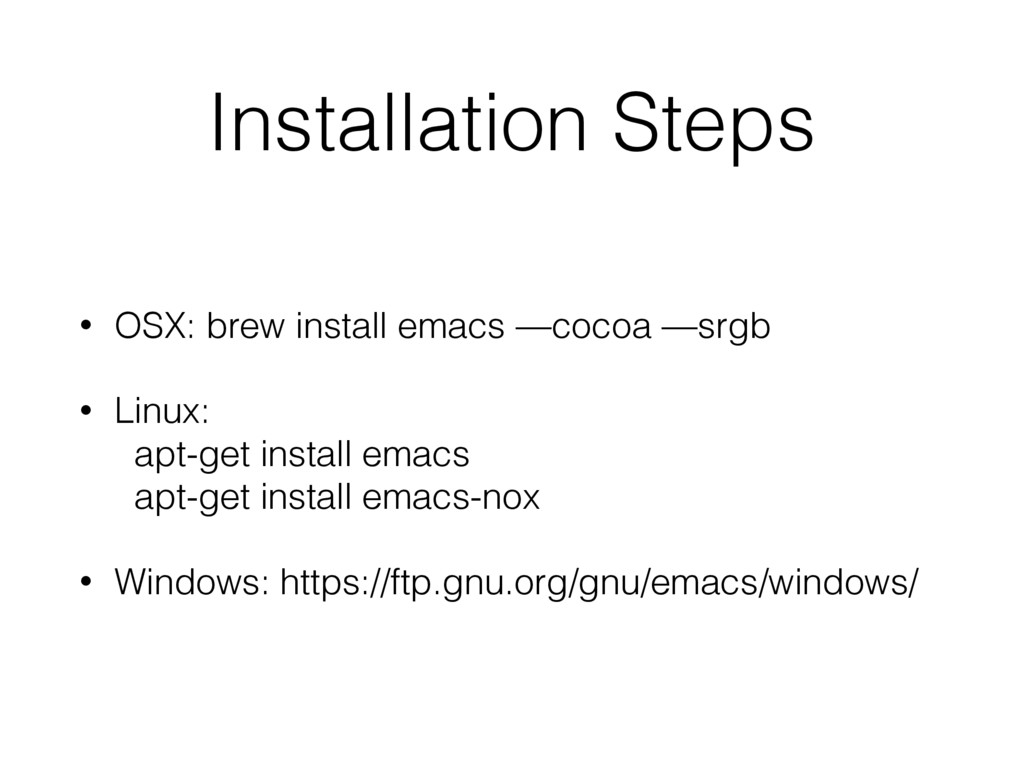
Installation Steps • OSX: brew install emacs —cocoa —srgb •
Linux: apt-get install emacs apt-get install emacs-nox • Windows: https://ftp.gnu.org/gnu/emacs/windows/
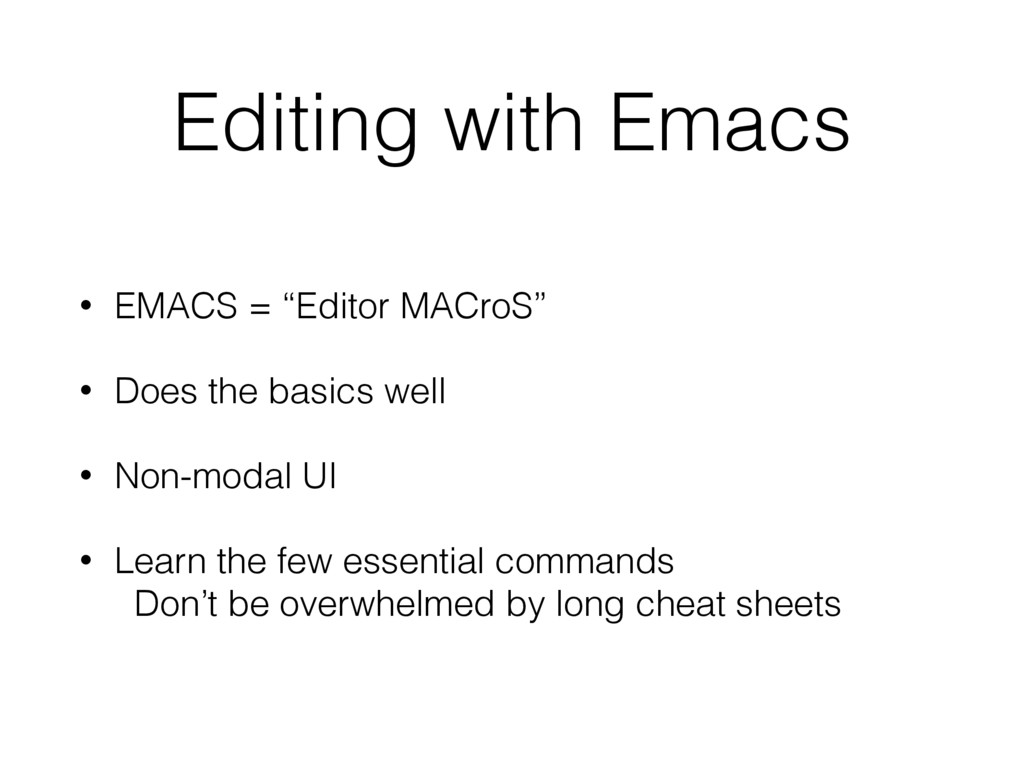
Editing with Emacs • EMACS = “Editor MACroS” • Does
the basics well • Non-modal UI • Learn the few essential commands Don’t be overwhelmed by long cheat sheets
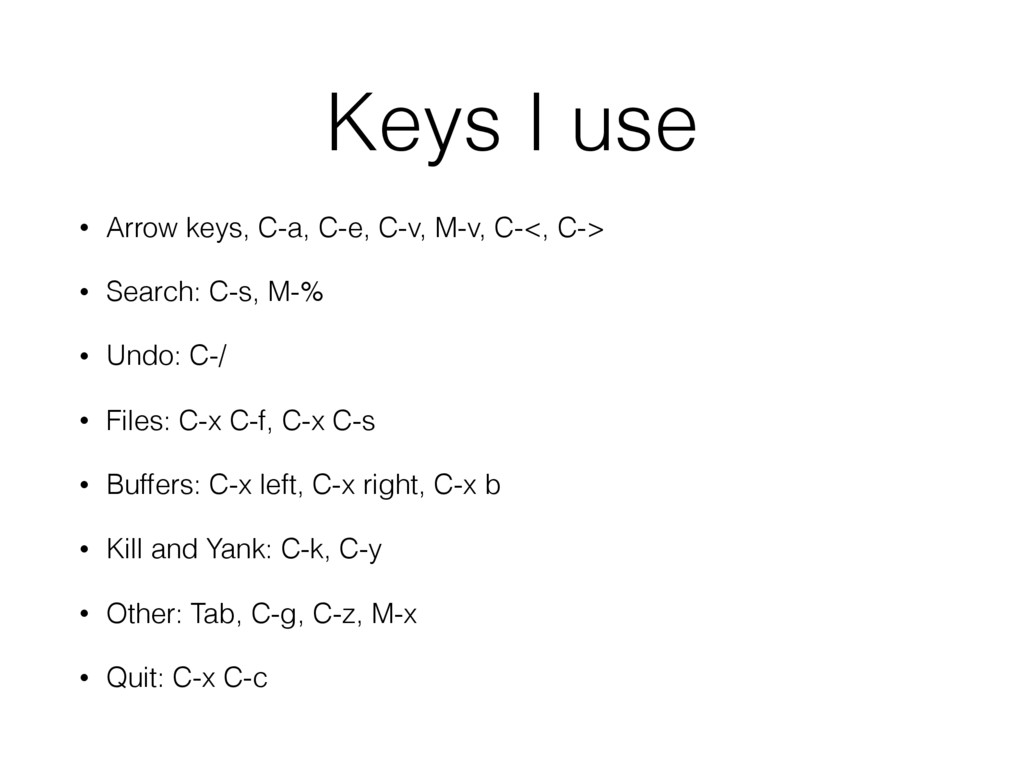
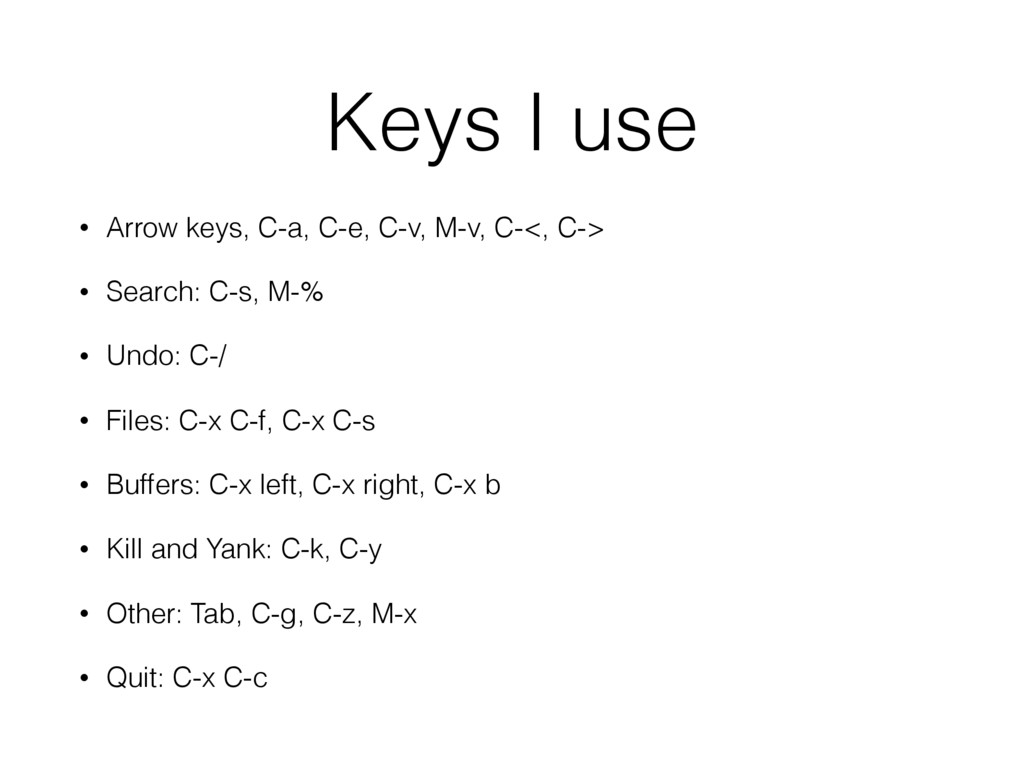
Keys I use • Arrow keys, C-a, C-e, C-v, M-v,
C-<, C-> • Search: C-s, M-% • Undo: C-/ • Files: C-x C-f, C-x C-s • Buffers: C-x left, C-x right, C-x b • Kill and Yank: C-k, C-y • Other: Tab, C-g, C-z, M-x • Quit: C-x C-c
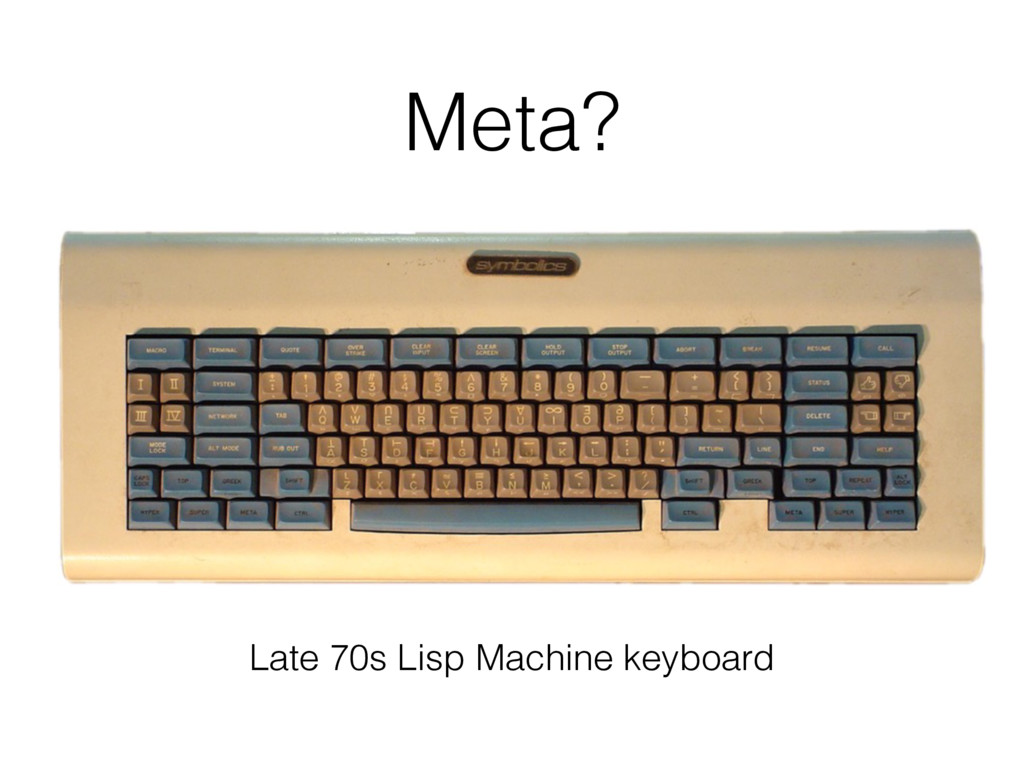
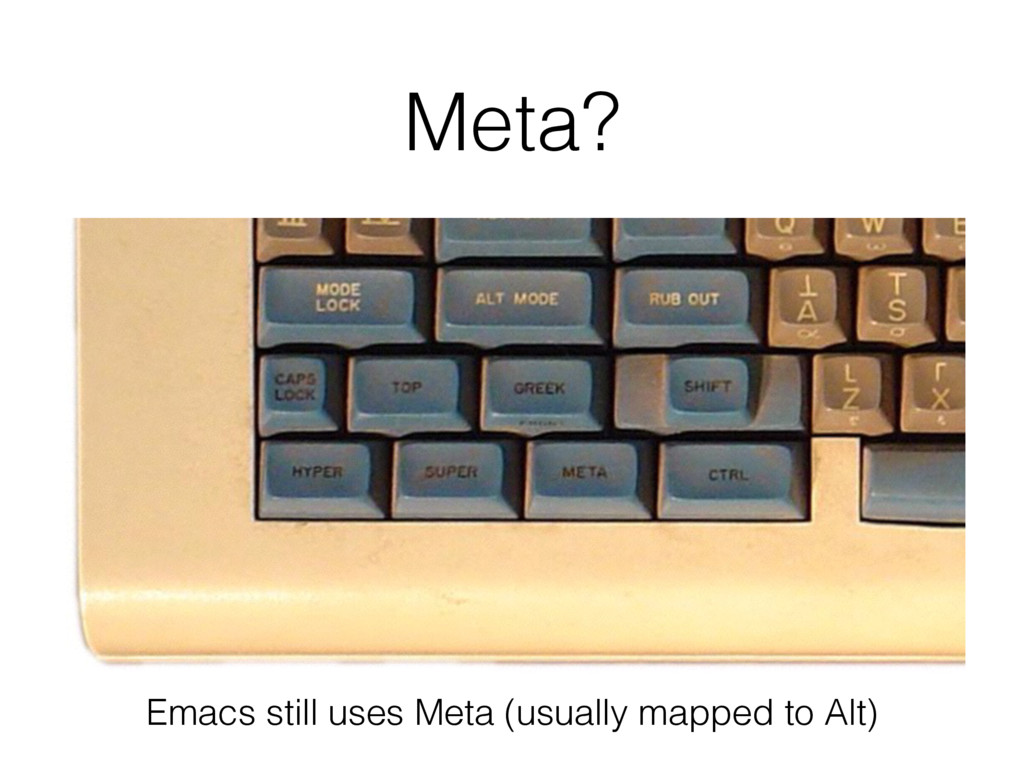
Meta? Late 70s Lisp Machine keyboard
Meta? Emacs still uses Meta (usually mapped to Alt)
Keys I use • Arrow keys, C-a, C-e, C-v, M-v,
C-<, C-> • Search: C-s, M-% • Undo: C-/ • Files: C-x C-f, C-x C-s • Buffers: C-x left, C-x right, C-x b • Kill and Yank: C-k, C-y • Other: Tab, C-g, C-z, M-x • Quit: C-x C-c
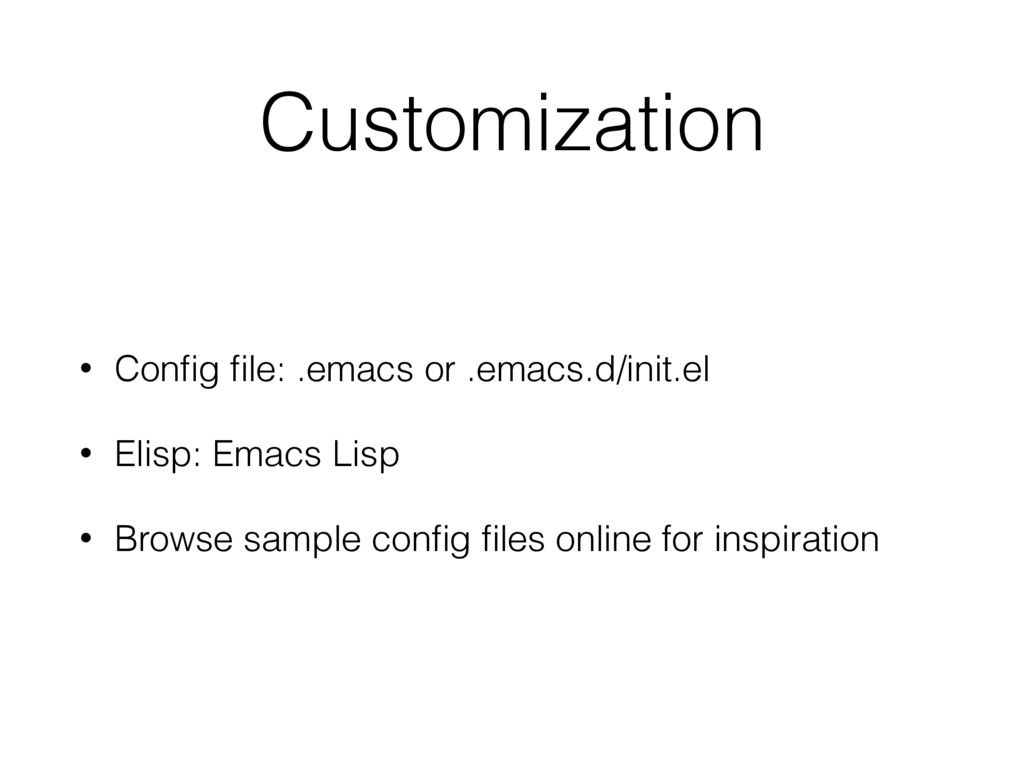
Customization • Config file: .emacs or .emacs.d/init.el • Elisp: Emacs
Lisp • Browse sample config files online for inspiration
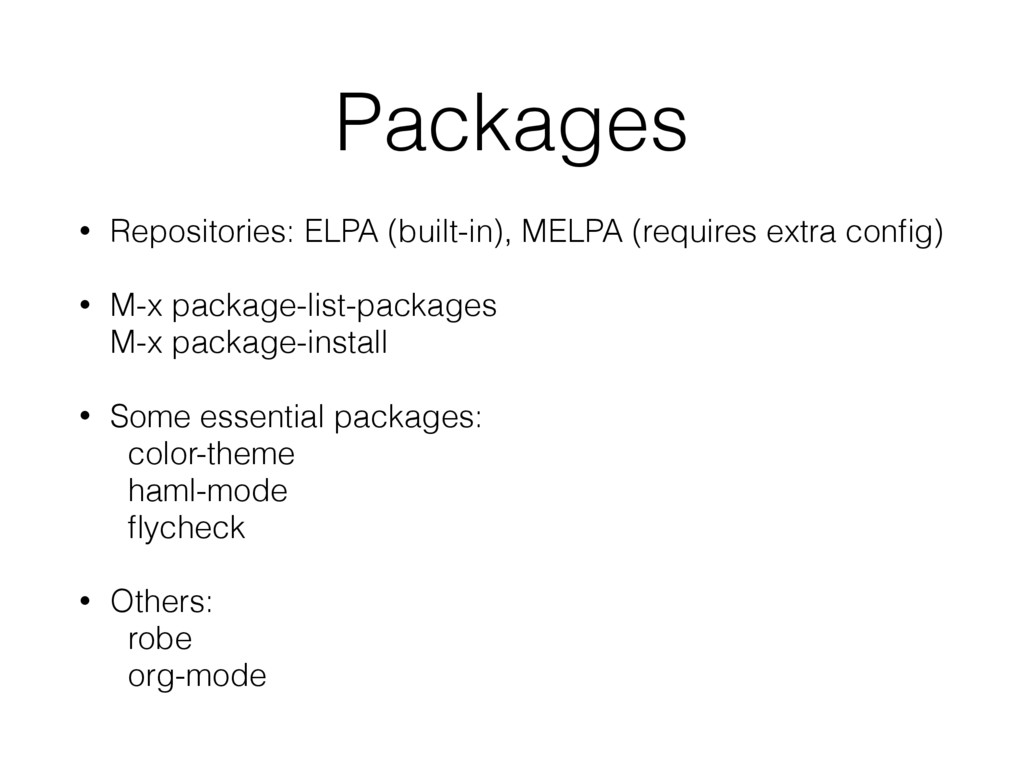
Packages • Repositories: ELPA (built-in), MELPA (requires extra config) •
M-x package-list-packages M-x package-install • Some essential packages: color-theme haml-mode flycheck • Others: robe org-mode
Final Thoughts Solution -> Community -> Lasting Impact
My Emacs configuration: https://github.com/brianauton/dotemacs Brian Auton


 deka_morita
 minodriven
 takai
takai
 nabondance
 tosite
 rshindo
 a_matsuda
 tomokon
 nao_randd
 satoshi256kbyte
 kasacchiful
 oku053
 uxyall
 bermonpainter
 reverentgeek
 lauravandoore
 notwaldorf
 kristinabergwall1
 ivargrimstad
 pwiseman
 cassininazir
 jonrohan
 garrettdimon
 skipperchong