Upgrade to Pro — share decks privately, control downloads, hide ads and more …

Heroku: how to deploy a Django app in less 10 ...

Heroku: how to deploy a Django app in less 10 minutes!

If you're tired of dealing with load balancing, routing and cloud monitoring and would like to focus on just lambda function, list comprehension or class-based view, then this is the talk for you.

Heroku is the Platform as a Service (PaaS) platform that allows developers to create, run and manage applications entirely in the cloud. To be provided as a service not only the hardware, but also the platform that abstracts the hardware itself and allows you to take advantage of features that allow you to achieve automatic balancing, deployment management and more.

The advantage for the user is to focus exclusively on the development of the application without getting lost in the analysis of problems related to the environment in which it must be distributed, thus obtaining the necessary scalability and reliability.

Avatar for Sabatino Severino

Sabatino Severino

April 21, 2018

Other Decks in Technology
Transcript

  1. Heroku: how to deploy a Django app in less 10

    minutes! Sabatino Severino [email protected] Firenze 21/04/2018
  2. About Me • Python Developer & Data Scientist • Deep

    Learning Analytics for Satellite Imagery • Official Pycon9 App Developer [email protected] @bsab linkedin.com/in/severinosab
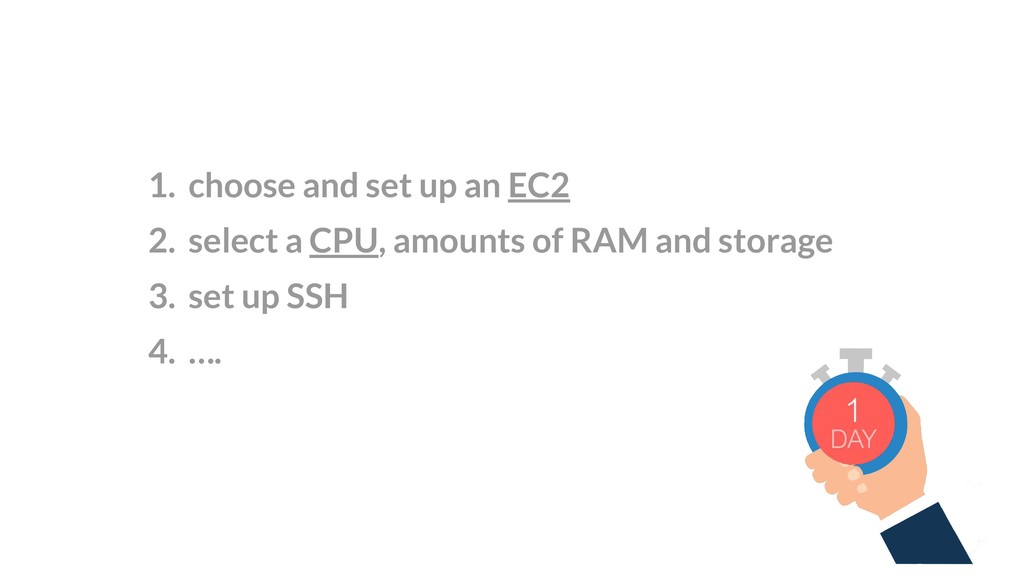
  3. 1. choose and set up an EC2 2. select a

    CPU, amounts of RAM and storage 3. set up SSH 4. ….
  4. What is PAAS? Platform-as-a-service enables developers to create innovative applications

    without operational overhead around configuration, deployment and management.
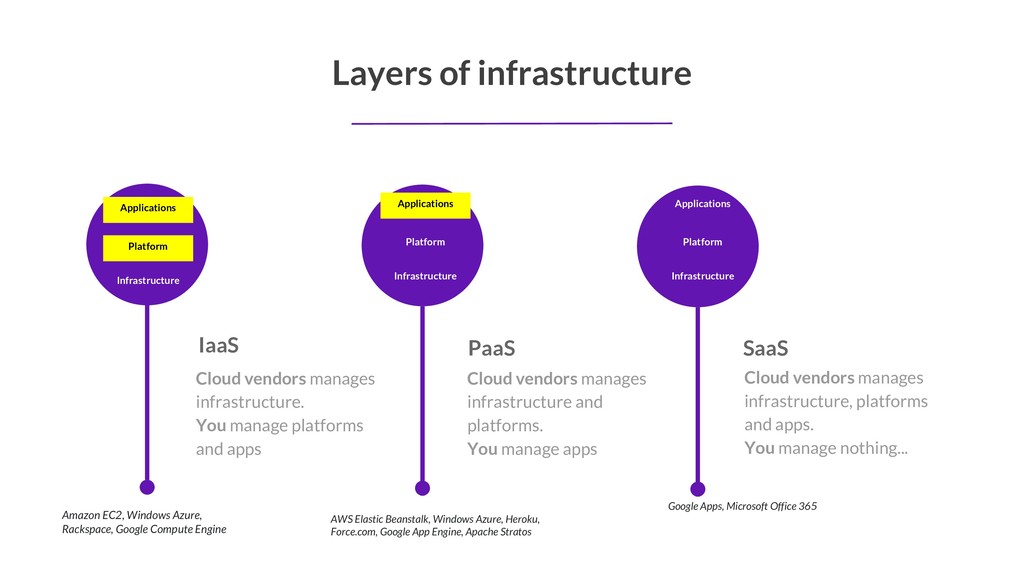
  5. Cloud vendors manages infrastructure. You manage platforms and apps IaaS

    Layers of infrastructure Cloud vendors manages infrastructure and platforms. You manage apps PaaS Cloud vendors manages infrastructure, platforms and apps. You manage nothing... SaaS Infrastructure Applications Platform Infrastructure Applications Platform Infrastructure Applications Platform Amazon EC2, Windows Azure, Rackspace, Google Compute Engine AWS Elastic Beanstalk, Windows Azure, Heroku, Force.com, Google App Engine, Apache Stratos Google Apps, Microsoft Office 365
  6. Efficient, Secure, Elastic • Applications co-located on a few-servers •

    Drastically reduces resources • Add/Remove servers depending on load • All secure using SELinux or LXC
  7. What is Heroku? Heroku is a platform as a service

    (PaaS) that enables developers to build, run, and operate applications entirely in the cloud.
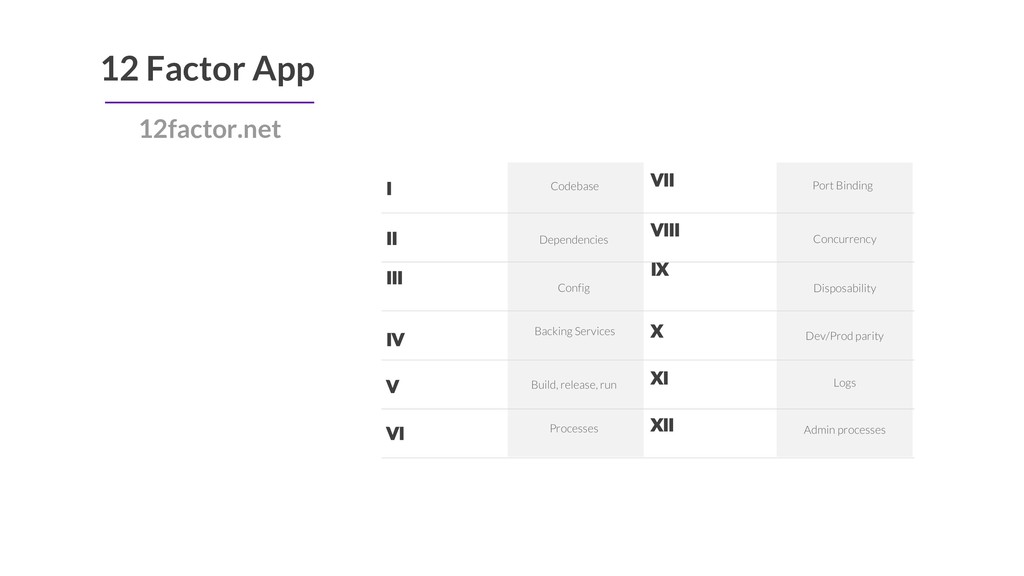
  8. I II III IV Codebase 12 Factor App Dependencies Config

    Concurrency Disposability Dev/Prod parity Port Binding V VI VII VIII IX X XI XII Backing Services Build, release, run Processes Logs Admin processes 12factor.net
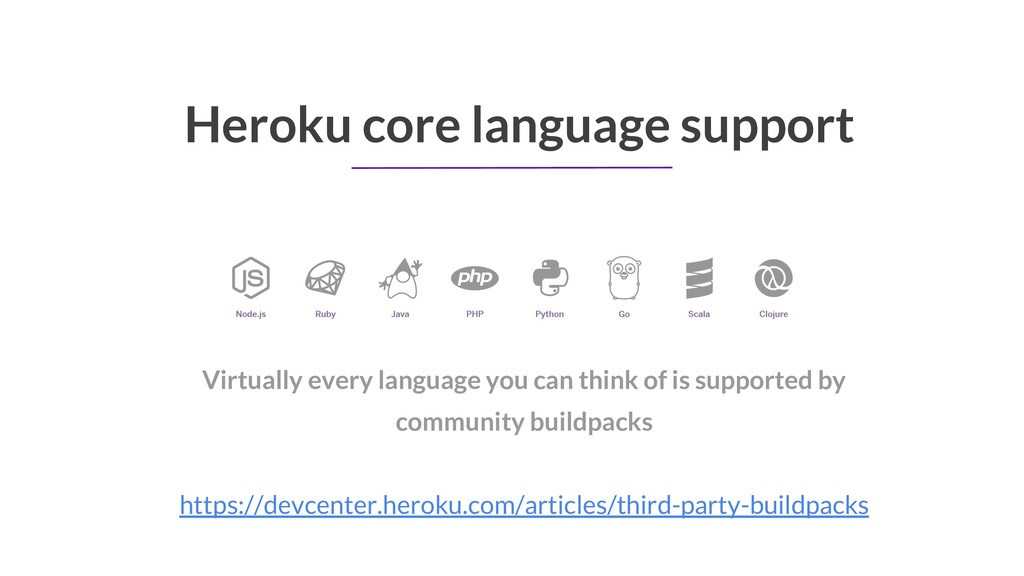
  9. Heroku core language support Virtually every language you can think

    of is supported by community buildpacks https://devcenter.heroku.com/articles/third-party-buildpacks
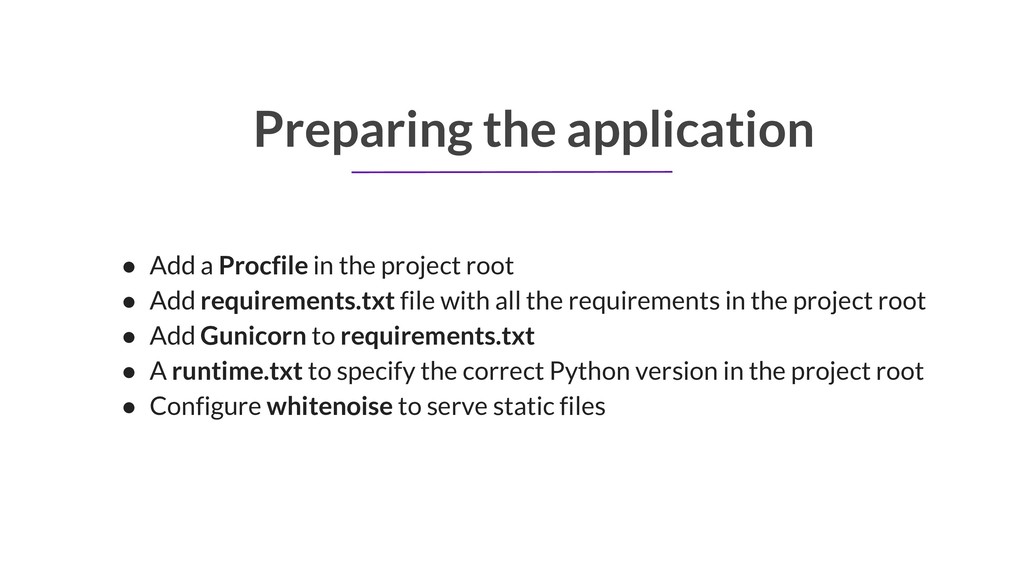
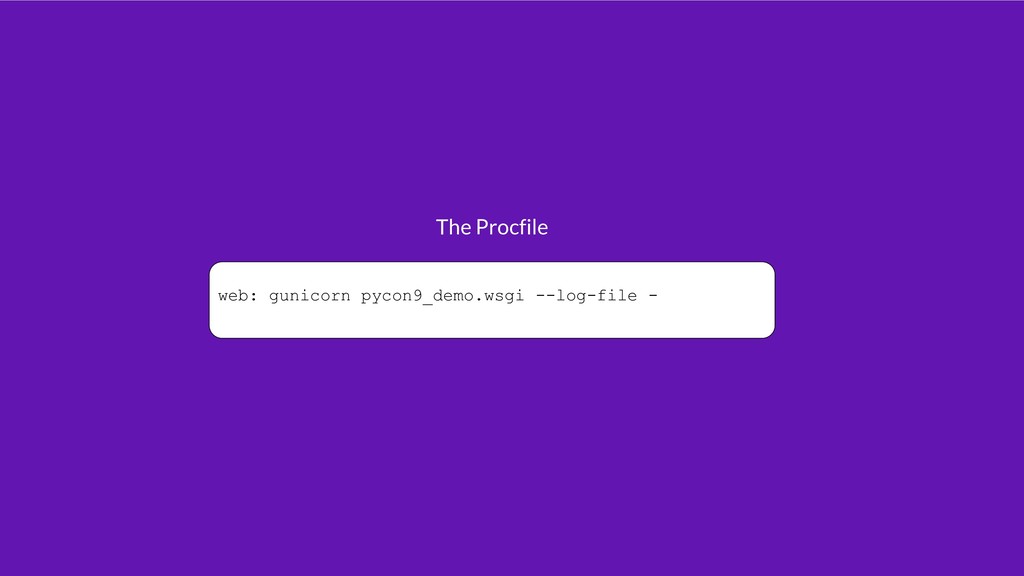
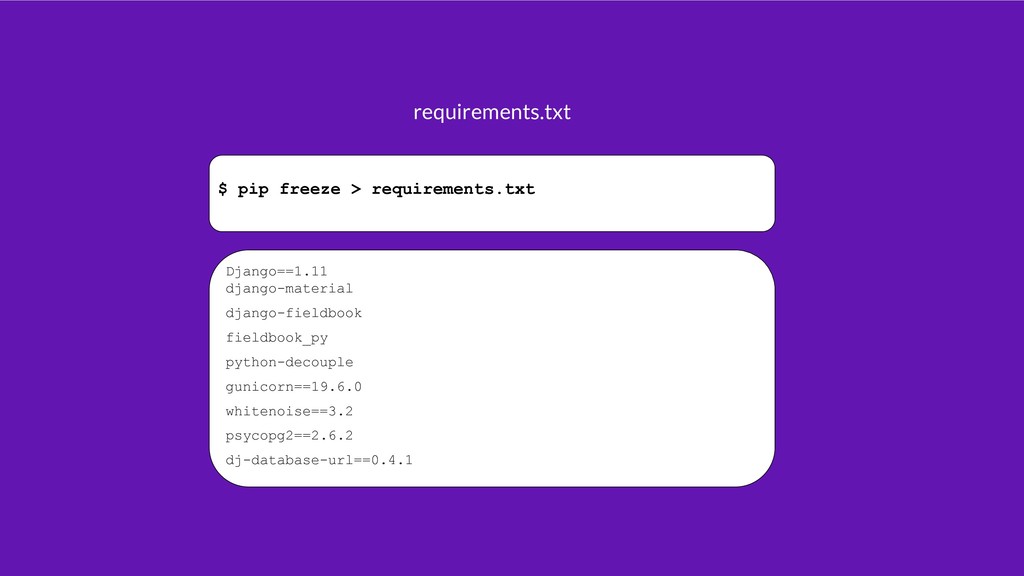
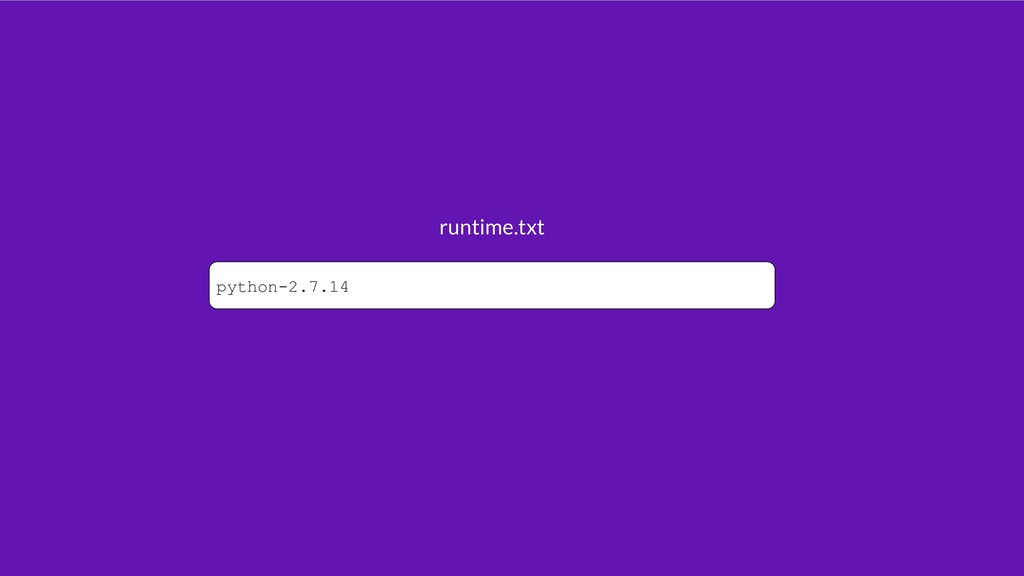
  10. Preparing the application • Add a Procfile in the project

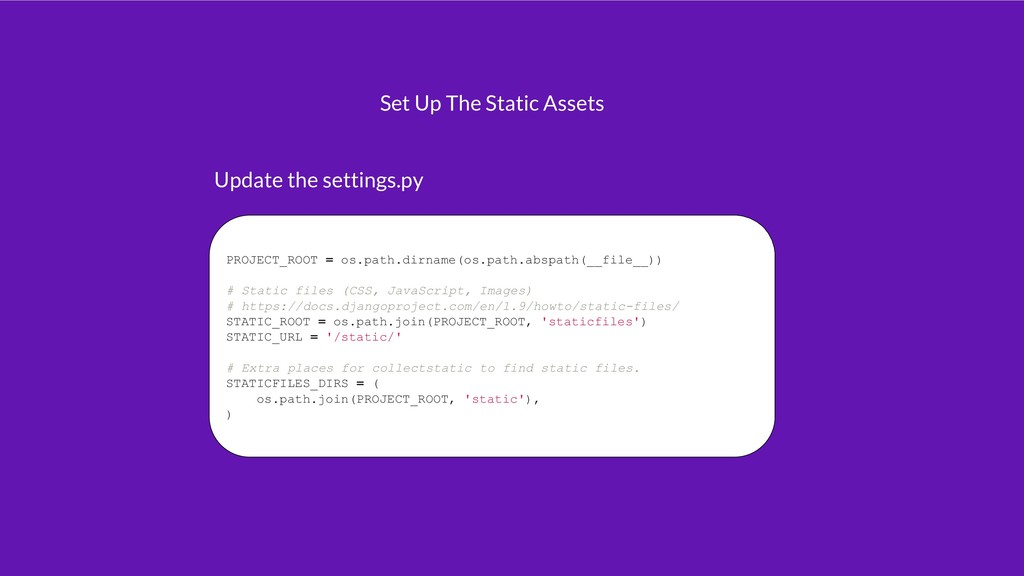
    root • Add requirements.txt file with all the requirements in the project root • Add Gunicorn to requirements.txt • A runtime.txt to specify the correct Python version in the project root • Configure whitenoise to serve static files
  11. PROJECT_ROOT = os.path.dirname(os.path.abspath(__file__)) # Static files (CSS, JavaScript, Images) #

    https://docs.djangoproject.com/en/1.9/howto/static-files/ STATIC_ROOT = os.path.join(PROJECT_ROOT, 'staticfiles') STATIC_URL = '/static/' # Extra places for collectstatic to find static files. STATICFILES_DIRS = ( os.path.join(PROJECT_ROOT, 'static'), ) Set Up The Static Assets Update the settings.py
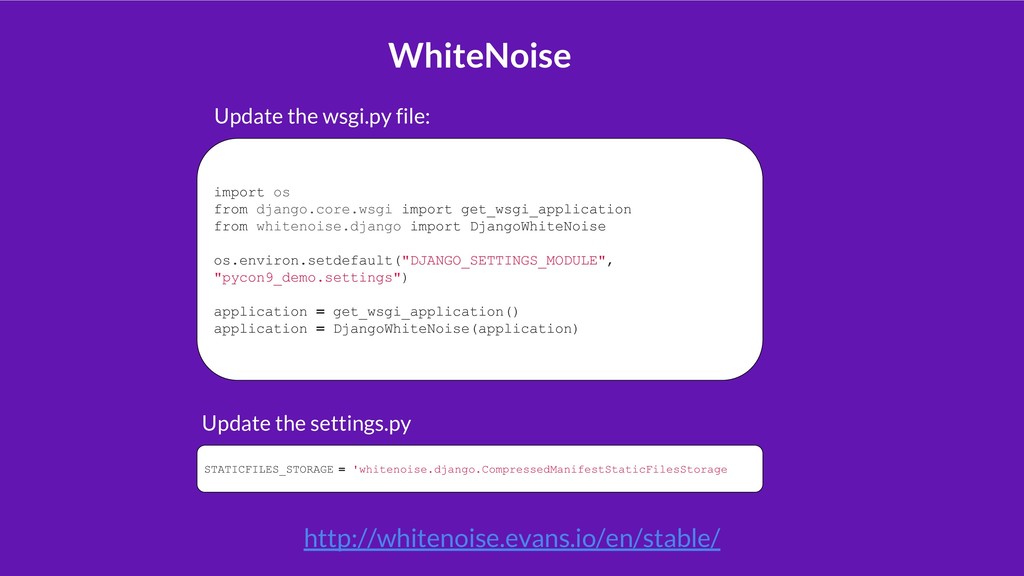
  12. import os from django.core.wsgi import get_wsgi_application from whitenoise.django import DjangoWhiteNoise

    os.environ.setdefault("DJANGO_SETTINGS_MODULE", "pycon9_demo.settings") application = get_wsgi_application() application = DjangoWhiteNoise(application) Update the wsgi.py file: STATICFILES_STORAGE = 'whitenoise.django.CompressedManifestStaticFilesStorage Update the settings.py WhiteNoise http://whitenoise.evans.io/en/stable/
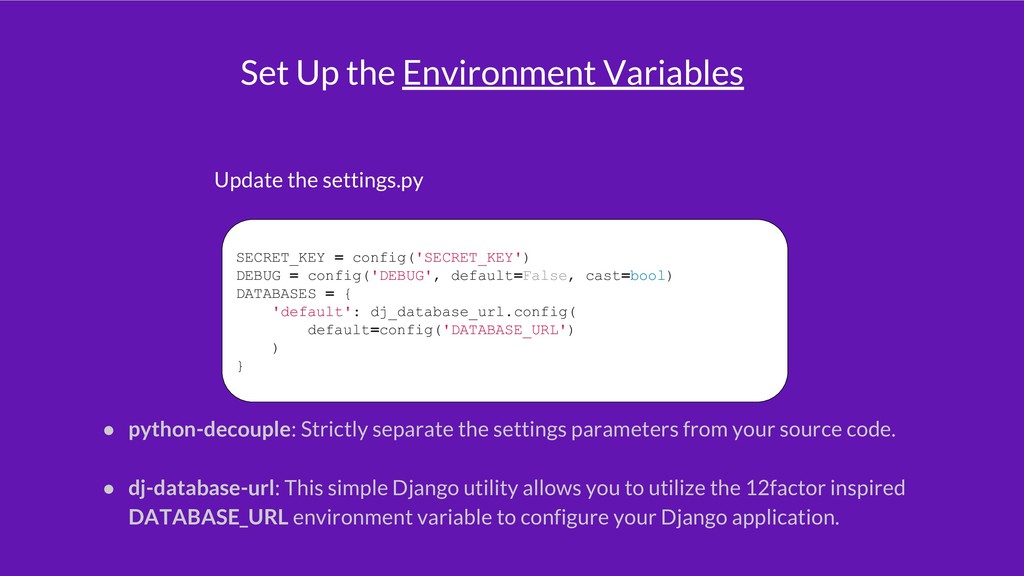
  13. Set Up the Environment Variables Update the settings.py SECRET_KEY =

    config('SECRET_KEY') DEBUG = config('DEBUG', default=False, cast=bool) DATABASES = { 'default': dj_database_url.config( default=config('DATABASE_URL') ) } • python-decouple: Strictly separate the settings parameters from your source code. • dj-database-url: This simple Django utility allows you to utilize the 12factor inspired DATABASE_URL environment variable to configure your Django application.
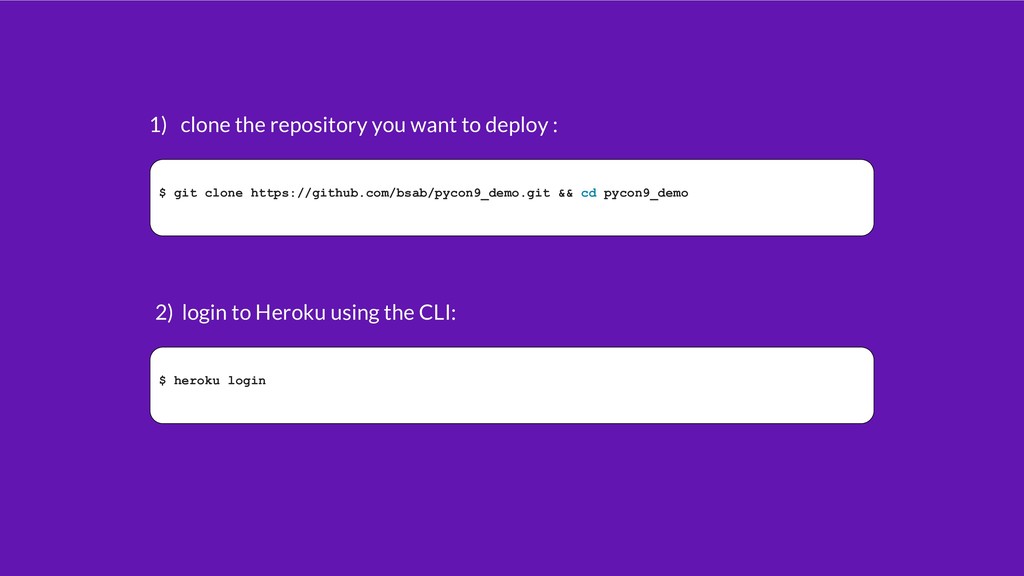
  14. $ git clone https://github.com/bsab/pycon9_demo.git && cd pycon9_demo 1) clone the

    repository you want to deploy : $ heroku login 2) login to Heroku using the CLI:
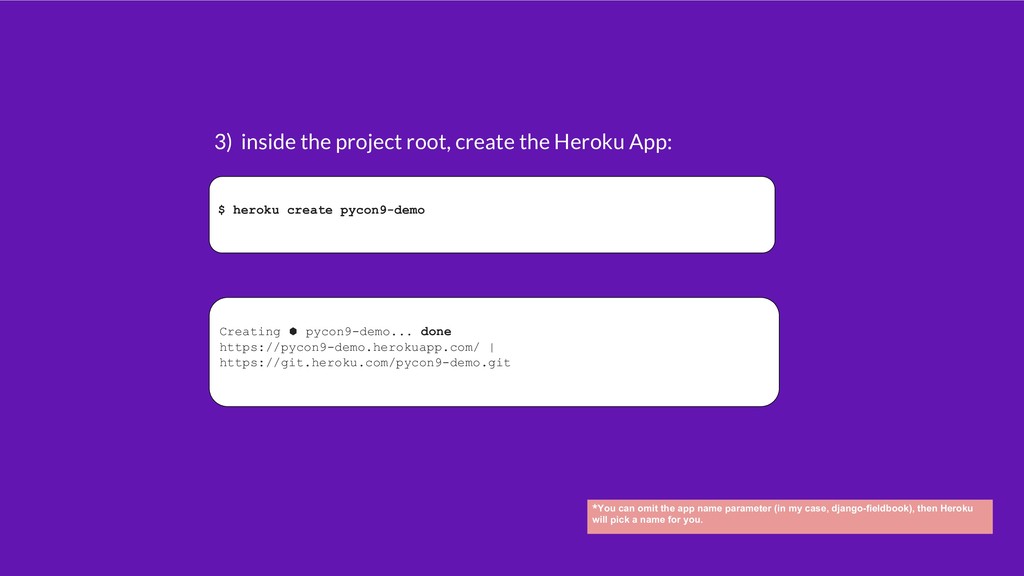
  15. $ heroku create pycon9-demo 3) inside the project root, create

    the Heroku App: Creating ⬢ pycon9-demo... done https://pycon9-demo.herokuapp.com/ | https://git.heroku.com/pycon9-demo.git *You can omit the app name parameter (in my case, django-fieldbook), then Heroku will pick a name for you.
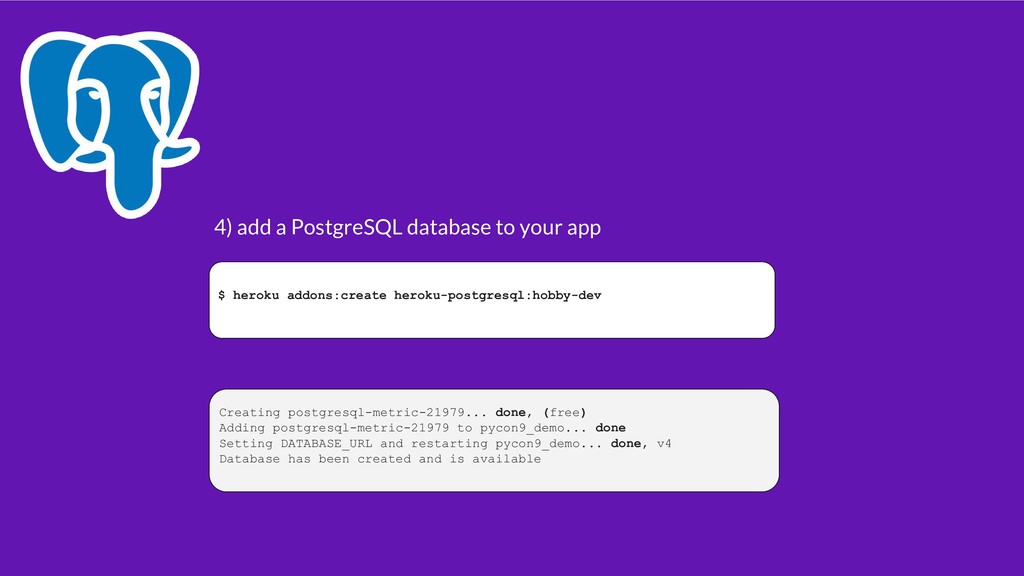
  16. $ heroku addons:create heroku-postgresql:hobby-dev 4) add a PostgreSQL database to

    your app Creating postgresql-metric-21979... done, (free) Adding postgresql-metric-21979 to pycon9_demo... done Setting DATABASE_URL and restarting pycon9_demo... done, v4 Database has been created and is available
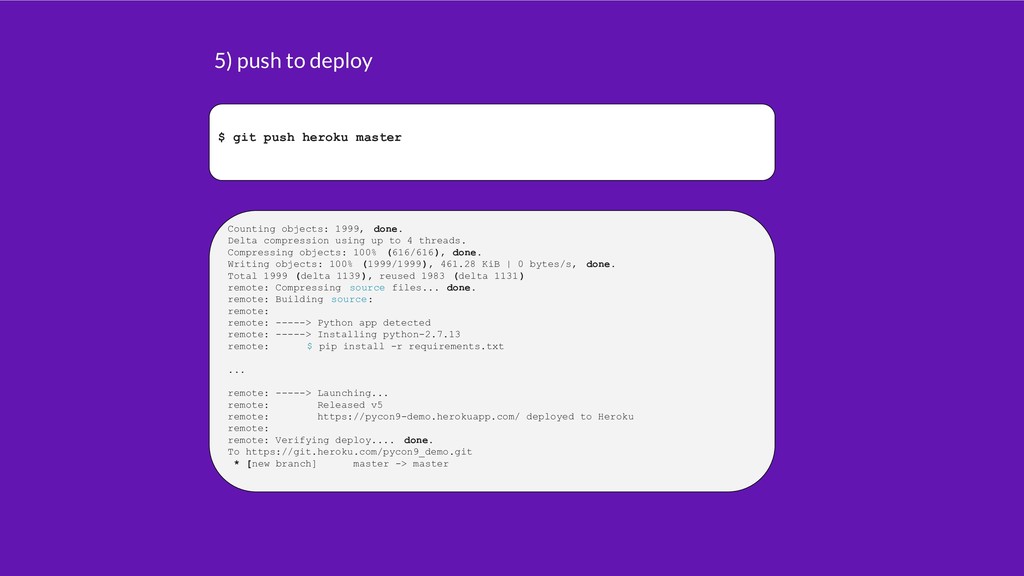
  17. $ git push heroku master 5) push to deploy Counting

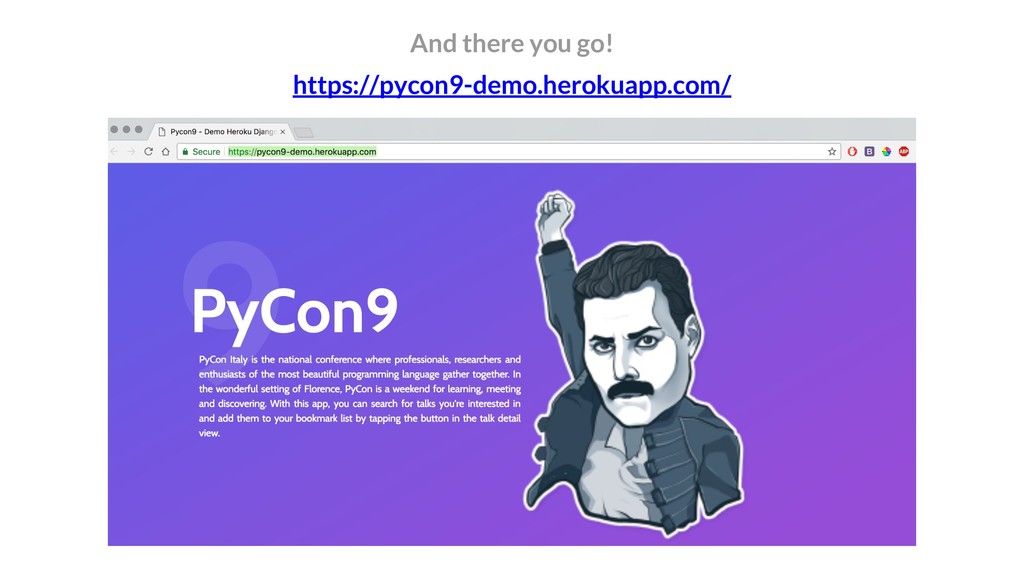
    objects: 1999, done. Delta compression using up to 4 threads. Compressing objects: 100% (616/616), done. Writing objects: 100% (1999/1999), 461.28 KiB | 0 bytes/s, done. Total 1999 (delta 1139), reused 1983 (delta 1131) remote: Compressing source files... done. remote: Building source: remote: remote: -----> Python app detected remote: -----> Installing python-2.7.13 remote: $ pip install -r requirements.txt ... remote: -----> Launching... remote: Released v5 remote: https://pycon9-demo.herokuapp.com/ deployed to Heroku remote: remote: Verifying deploy.... done. To https://git.heroku.com/pycon9_demo.git * [new branch] master -> master
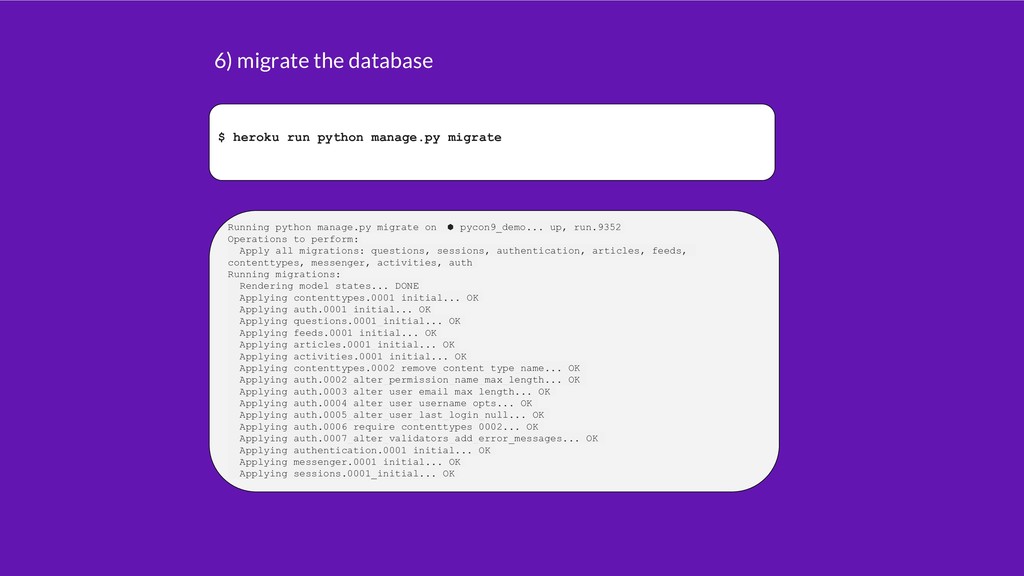
  18. $ heroku run python manage.py migrate 6) migrate the database

    Running python manage.py migrate on ⬢ pycon9_demo... up, run.9352 Operations to perform: Apply all migrations: questions, sessions, authentication, articles, feeds, contenttypes, messenger, activities, auth Running migrations: Rendering model states... DONE Applying contenttypes.0001_initial... OK Applying auth.0001_initial... OK Applying questions.0001_initial... OK Applying feeds.0001_initial... OK Applying articles.0001_initial... OK Applying activities.0001_initial... OK Applying contenttypes.0002_remove_content_type_name... OK Applying auth.0002_alter_permission_name_max_length... OK Applying auth.0003_alter_user_email_max_length... OK Applying auth.0004_alter_user_username_opts... OK Applying auth.0005_alter_user_last_login_null... OK Applying auth.0006_require_contenttypes_0002... OK Applying auth.0007_alter_validators_add_error_messages... OK Applying authentication.0001_initial... OK Applying messenger.0001_initial... OK Applying sessions.0001_initial... OK
  19. Wrap Up • The application “sleeps” after 30 minutes of

    inactivity. The first access after it might be slow. • The free PostgreSQL database has a limitation of 10K rows. • If you need to store user uploaded files (media), you will need a service to store the files (Amazon S3)
  20. So what? Use Heroku: • for small personal projects •

    if you are an agency • get started very quickly • just want to play around • a Free SSL Certificate!
  21. Don’t use Heroku: • if you can afford to have

    an expert in devops • for production load with SLA’s • additional control over your infrastructure