Share
Embed
Ktorで認証付きMCPサーバーを作ってみる
2026/01/23 に行われた、 Server-Side Kotlin Meetup vol.17 での発表資料です。
Hideyuki Takeuchi
January 23, 2026
Transcript
11 slides
-
2026 YESOD Inc. All rights reserved. 1 Server-Side Kotlin
LT大会 vol.17 株式会社イエソド たけうち ひでゆき Ktorで認証付き MCPサーバーを作ってみる -
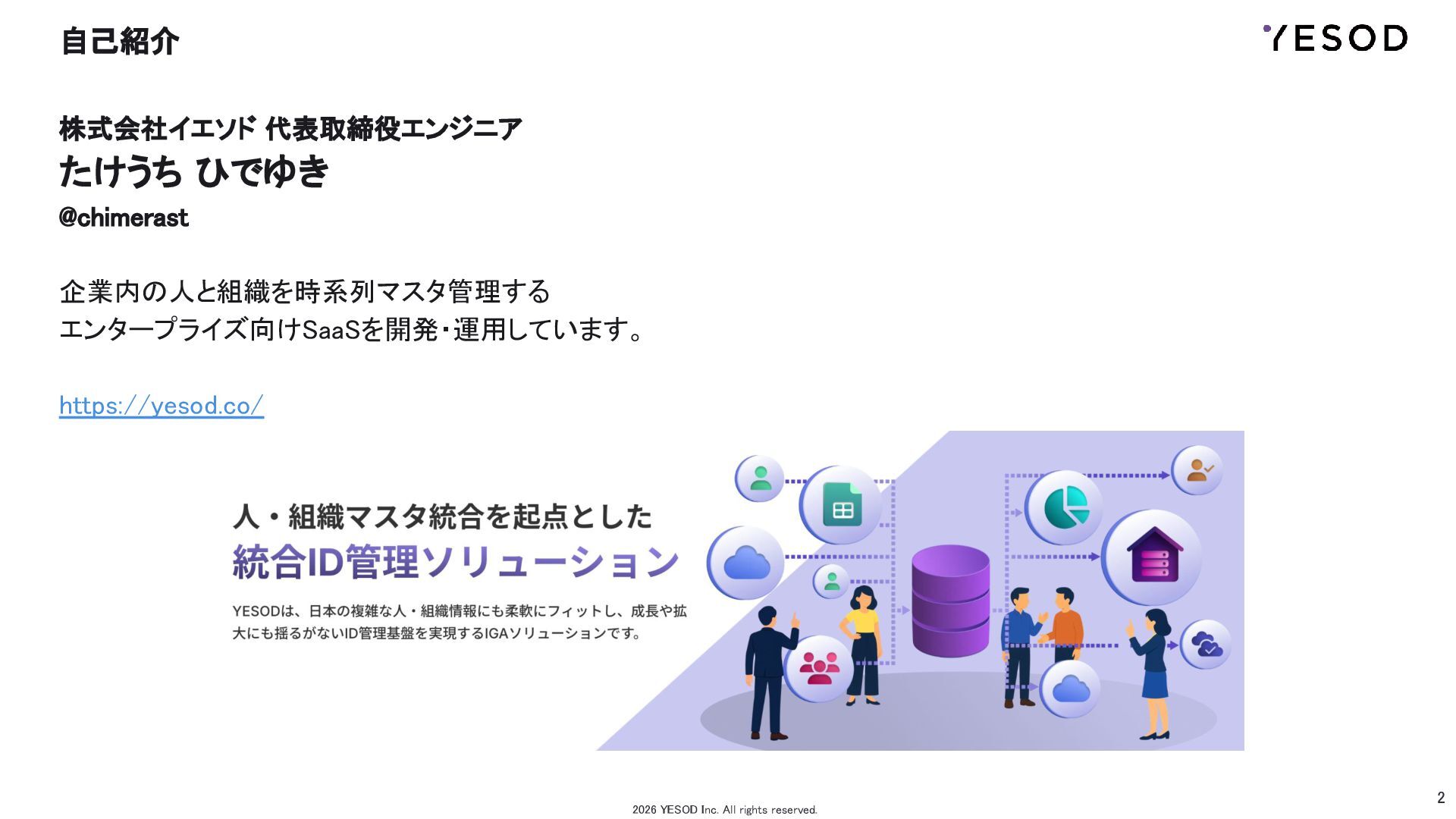
2 自己紹介 株式会社イエソド 代表取締役エンジニア たけうち ひでゆき @chimerast
企業内の人と組織を時系列マスタ管理する エンタープライズ向けSaaSを開発・運用しています。 https://yesod.co/ 2026 YESOD Inc. All rights reserved. -
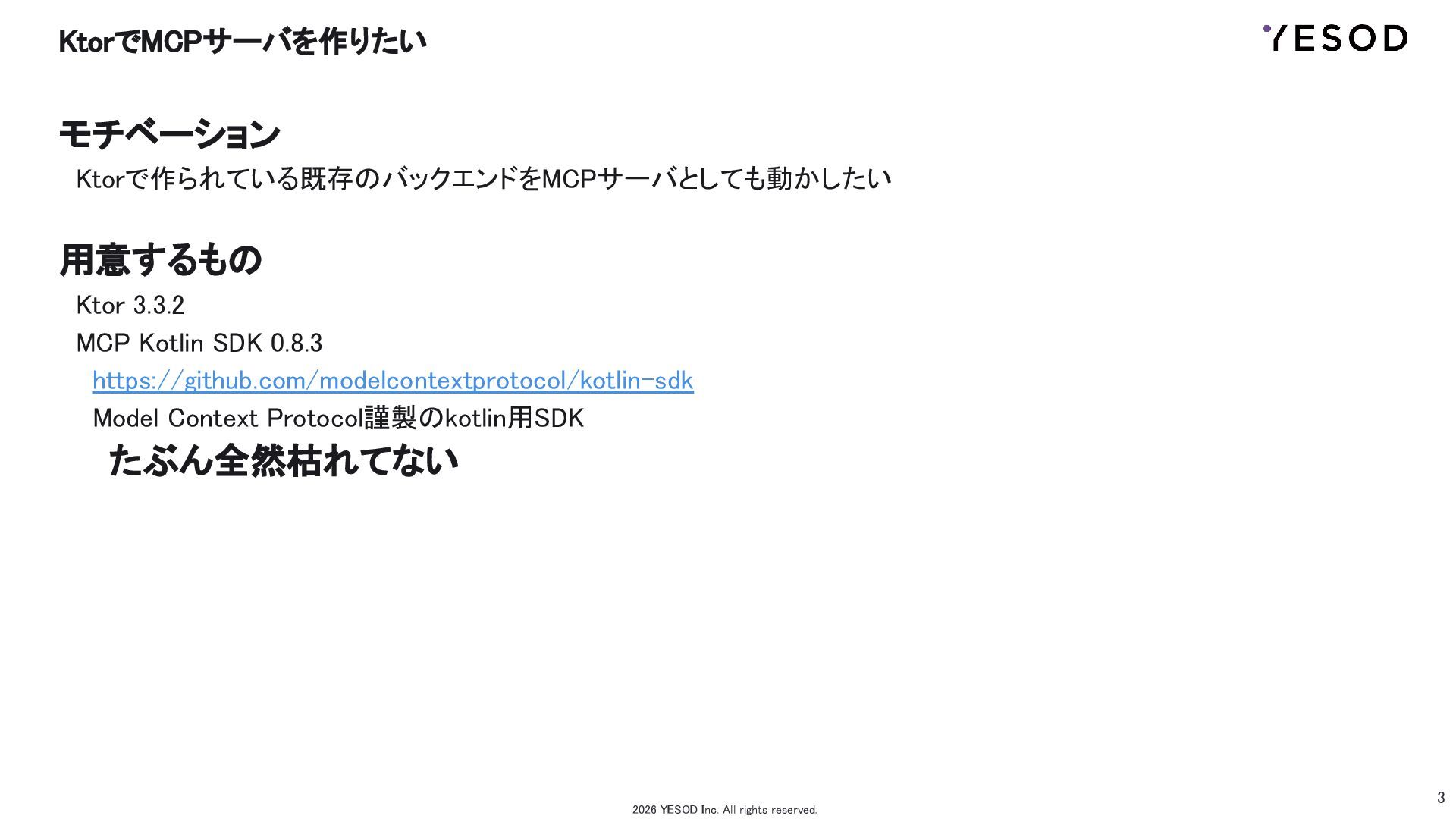
3 KtorでMCPサーバを作りたい モチベーション Ktorで作られている既存のバックエンドをMCPサーバとしても動かしたい 用意するもの Ktor
3.3.2 MCP Kotlin SDK 0.8.3 https://github.com/modelcontextprotocol/kotlin-sdk Model Context Protocol謹製のkotlin用SDK たぶん全然枯れてない 2026 YESOD Inc. All rights reserved. -
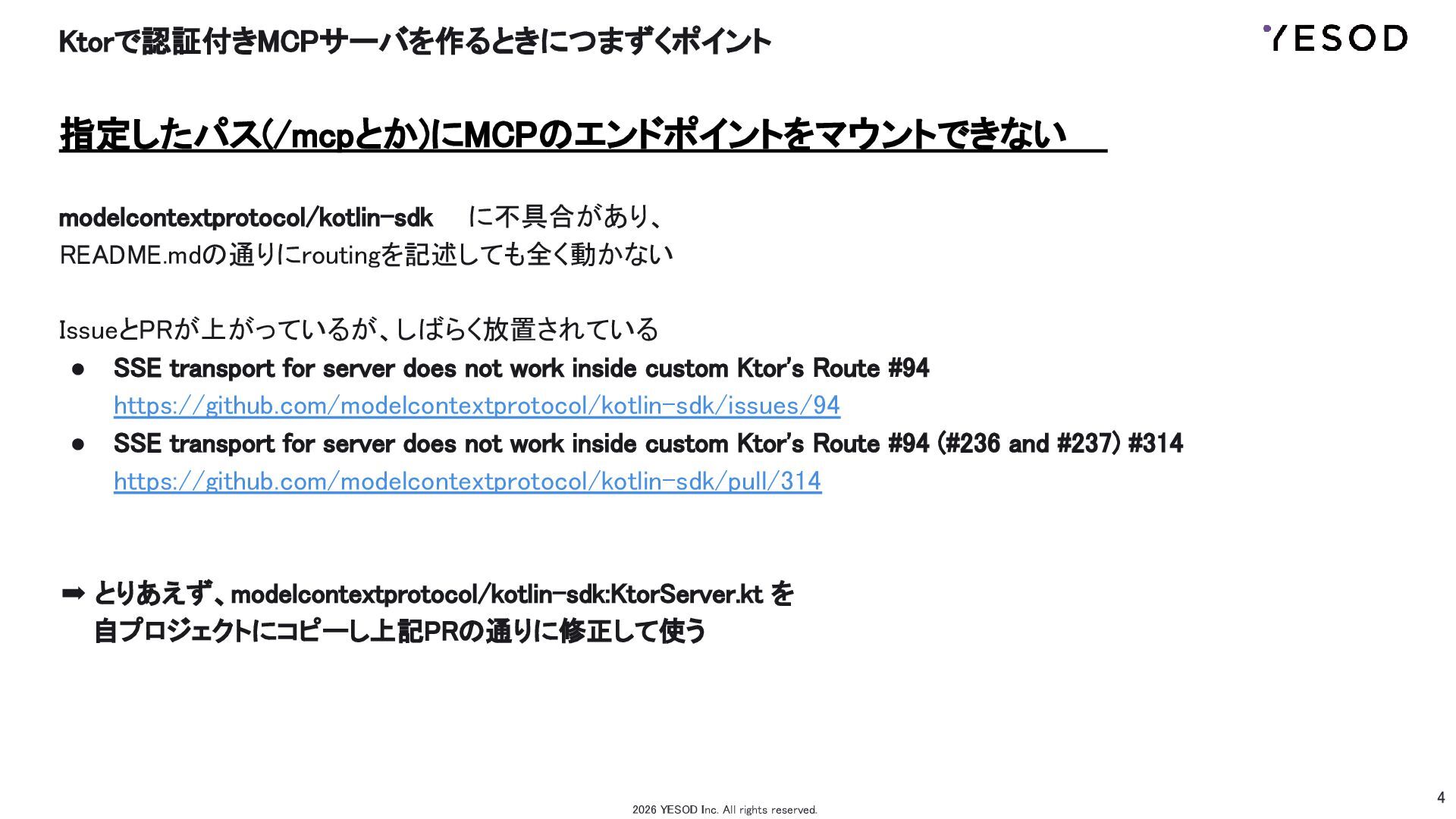
4 Ktorで認証付きMCPサーバを作るときにつまずくポイント 指定したパス(/mcpとか)にMCPのエンドポイントをマウントできない modelcontextprotocol/kotlin-sdk に不具合があり、 README.mdの通りにroutingを記述しても全く動かない
IssueとPRが上がっているが、しばらく放置されている • SSE transport for server does not work inside custom Ktor's Route #94 https://github.com/modelcontextprotocol/kotlin-sdk/issues/94 • SSE transport for server does not work inside custom Ktor's Route #94 (#236 and #237) #314 https://github.com/modelcontextprotocol/kotlin-sdk/pull/314 ➡ とりあえず、modelcontextprotocol/kotlin-sdk:KtorServer.kt を 自プロジェクトにコピーし上記PRの通りに修正して使う 2026 YESOD Inc. All rights reserved. -
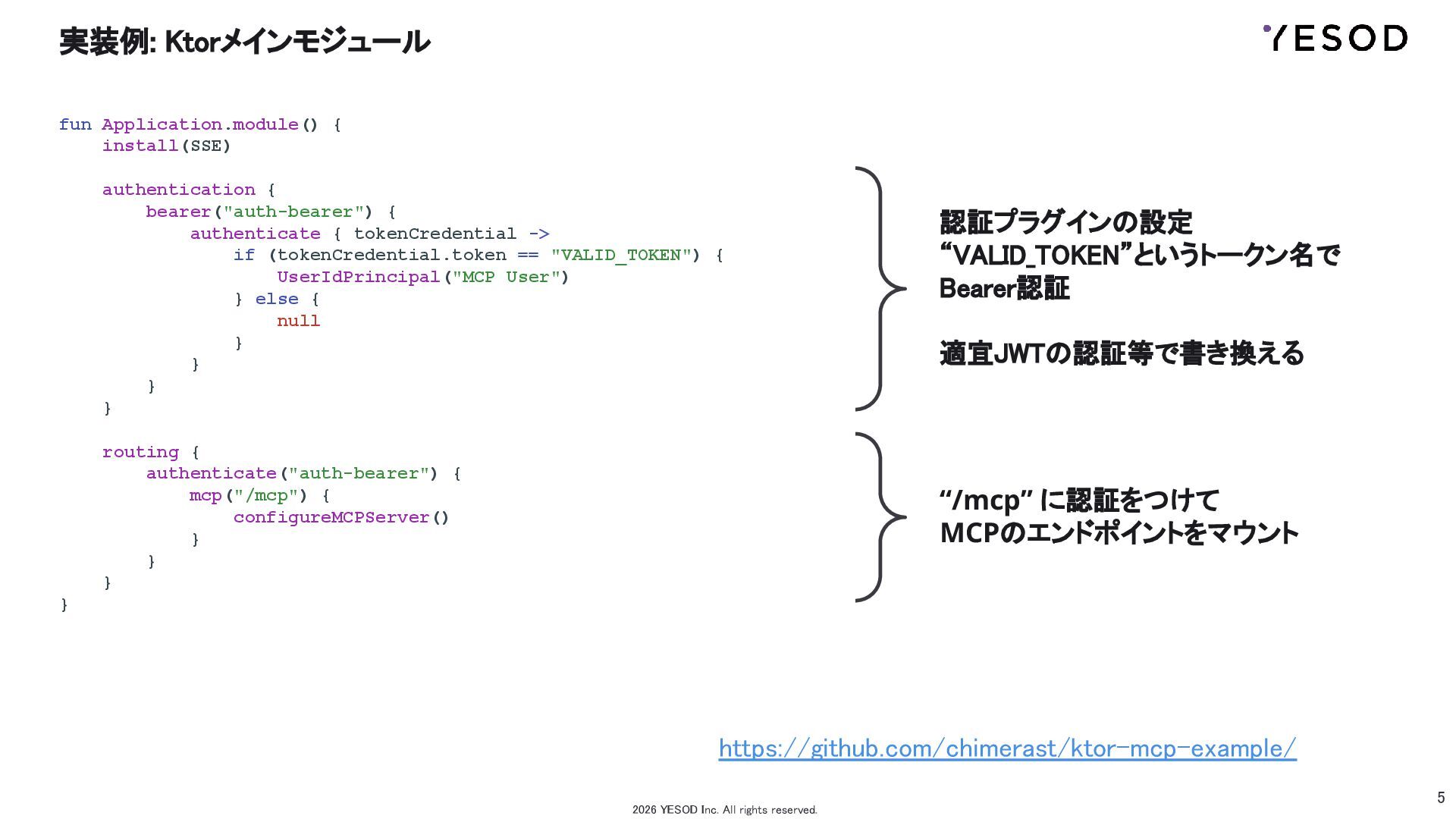
5 実装例: Ktorメインモジュール fun Application.module() { install(SSE) authentication {
bearer("auth-bearer") { authenticate { tokenCredential -> if (tokenCredential.token == "VALID_TOKEN") { UserIdPrincipal("MCP User") } else { null } } } } routing { authenticate("auth-bearer") { mcp("/mcp") { configureMCPServer() } } } } 2026 YESOD Inc. All rights reserved. 認証プラグインの設定 “VALID_TOKEN”というトークン名で Bearer認証 適宜JWTの認証等で書き換える “/mcp” に認証をつけて MCPのエンドポイントをマウント https://github.com/chimerast/ktor-mcp-example/ -
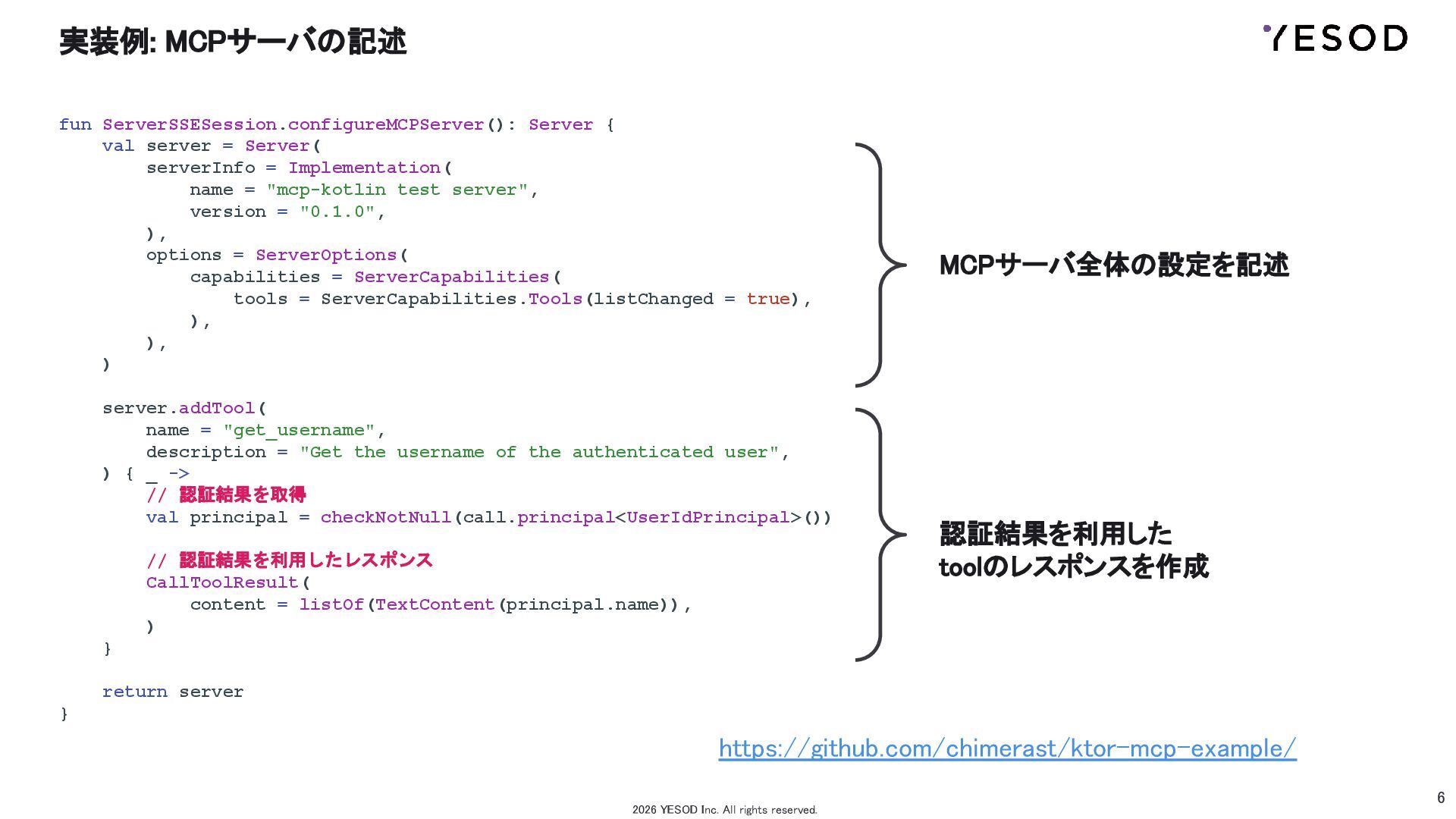
6 実装例: MCPサーバの記述 fun ServerSSESession.configureMCPServer(): Server { val server
= Server( serverInfo = Implementation( name = "mcp-kotlin test server", version = "0.1.0", ), options = ServerOptions( capabilities = ServerCapabilities( tools = ServerCapabilities.Tools(listChanged = true), ), ), ) server.addTool( name = "get_username", description = "Get the username of the authenticated user", ) { _ -> // 認証結果を取得 val principal = checkNotNull(call.principal<UserIdPrincipal>()) // 認証結果を利用したレスポンス CallToolResult( content = listOf(TextContent(principal.name)), ) } return server } 2026 YESOD Inc. All rights reserved. MCPサーバ全体の設定を記述 認証結果を利用した toolのレスポンスを作成 https://github.com/chimerast/ktor-mcp-example/ -
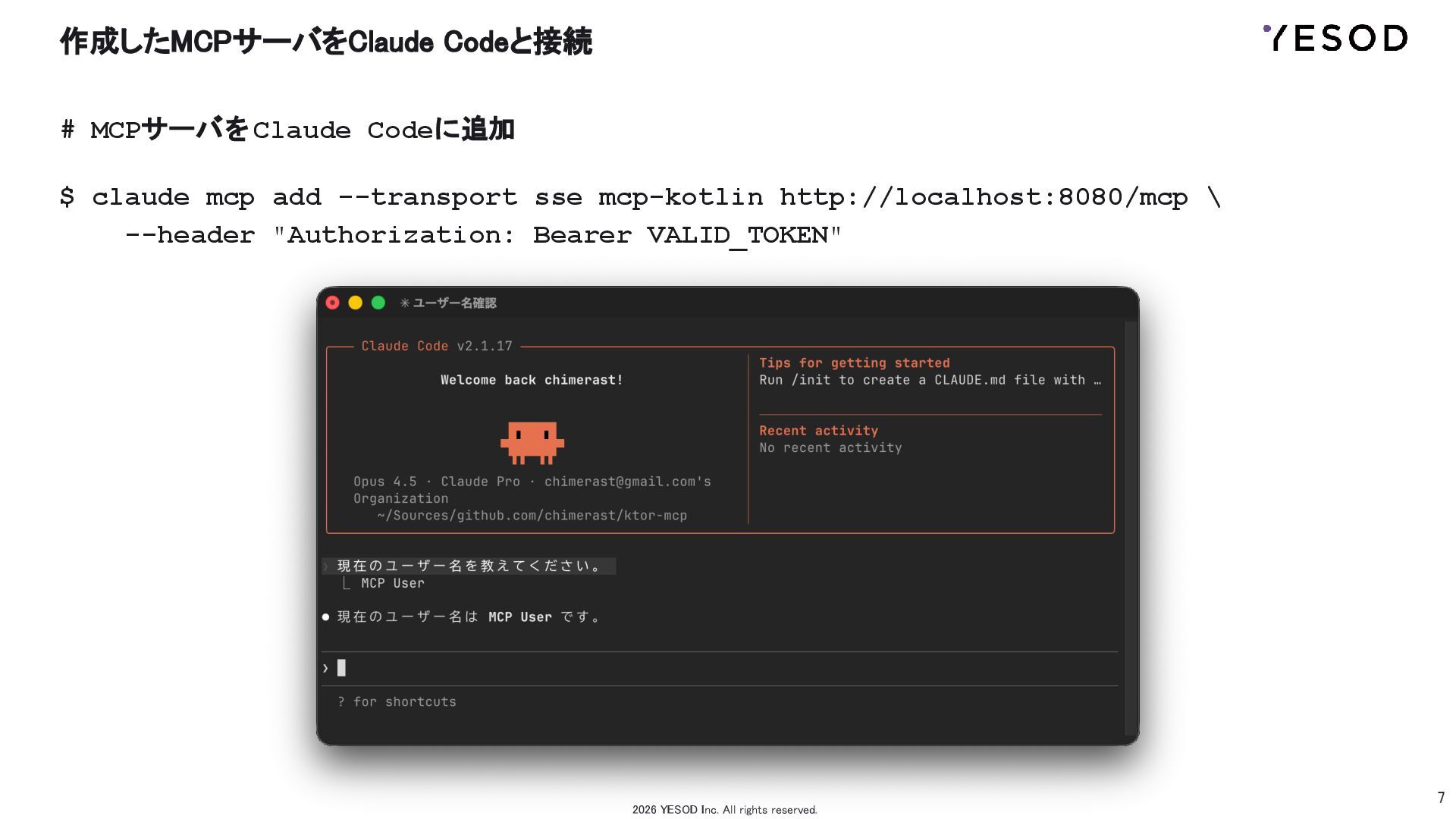
7 作成したMCPサーバをClaude Codeと接続 # MCPサーバをClaude Codeに追加 $ claude mcp
add --transport sse mcp-kotlin http://localhost:8080/mcp \ --header "Authorization: Bearer VALID_TOKEN" 2026 YESOD Inc. All rights reserved. -
10 2026 YESOD Inc. All rights reserved. オレ達の ハルシネーションとの戦いは
これからだ!!! 一緒に働いてくれる人を募集してます!