Manager Institute for Community Inclusion School for Global Inclusion and Social Development University of Massachusetts Boston https://github.com/coburnicus/browser-testing
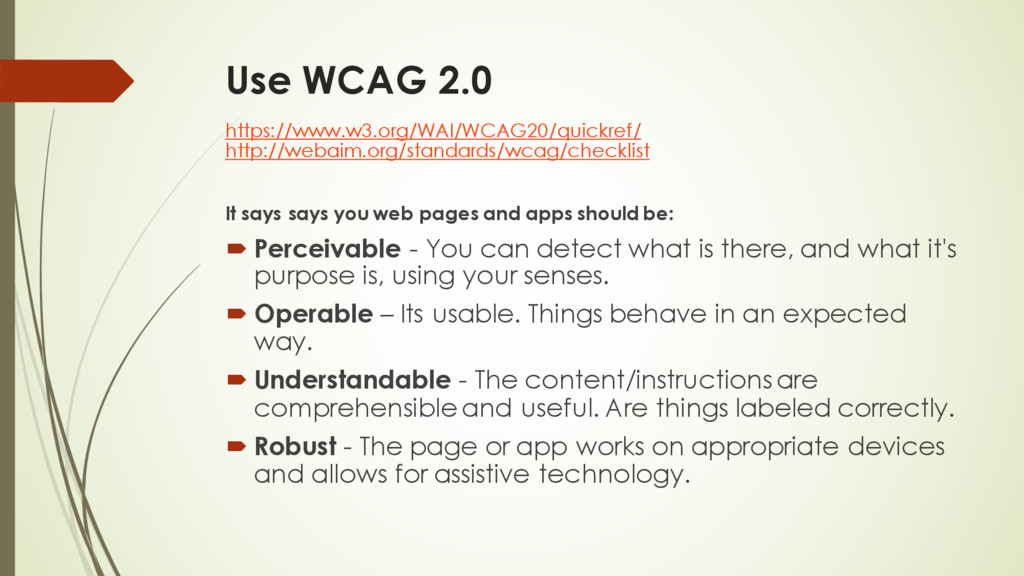
pages and apps should be: ´ Perceivable - You can detect what is there, and what it's purpose is, using your senses. ´ Operable – Its usable. Things behave in an expected way. ´ Understandable - The content/instructions are comprehensible and useful. Are things labeled correctly. ´ Robust - The page or app works on appropriate devices and allows for assistive technology.
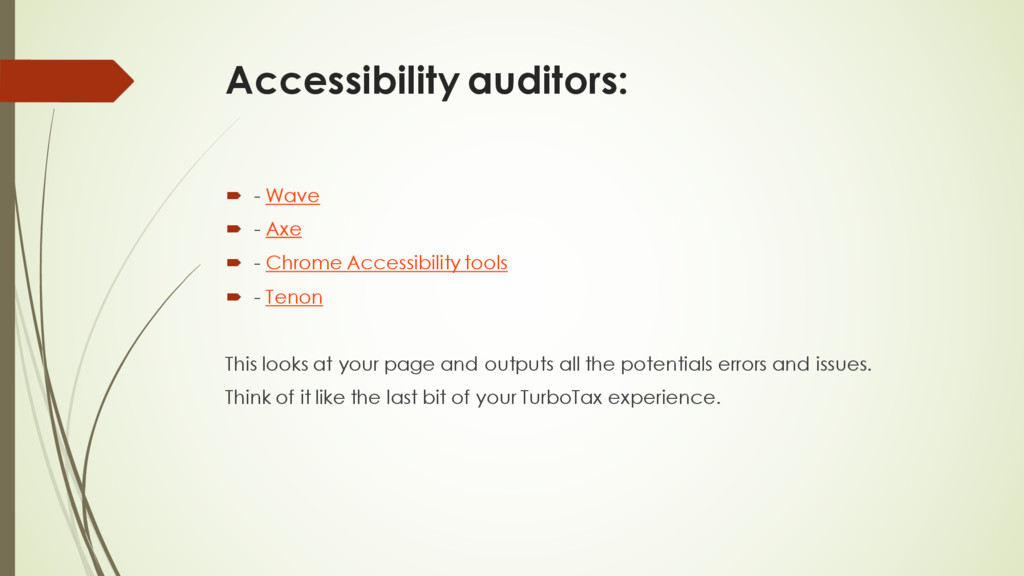
Chrome Accessibility tools ´ - Tenon This looks at your page and outputs all the potentials errors and issues. Think of it like the last bit of your TurboTax experience.
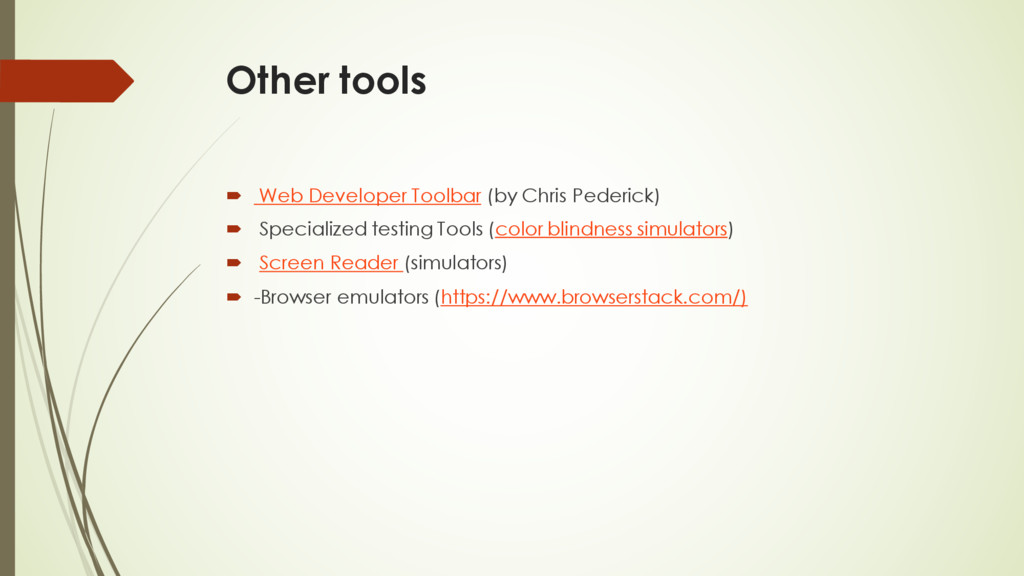
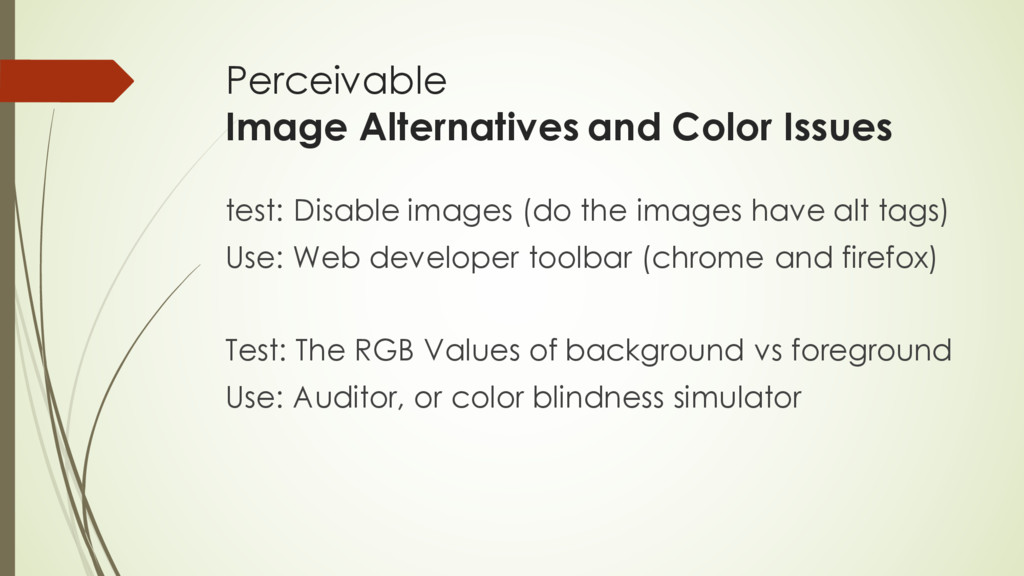
the images have alt tags) Use: Web developer toolbar (chrome and firefox) Test: The RGB Values of background vs foreground Use: Auditor, or color blindness simulator


 coburnicus
 hiracky16
 ymotongpoo
 koukihosaka
 kakehashi
 shogo4131
 kaminashi
 jtakeda
 occhi
occhi
 genda
genda
 gogutan
 satomasahiro2005
 makocchi
 stephenakadiri
 cassininazir
 coloredviolet
 aleyda
 tammyeverts
 mfonobong
 inesmontani
 marktimemedia
 codingconduct
 andyhume
 rkendrick25
 livdayseo
![Practical, Browser-based A11Y testing Jeff Coburn @Coburnicus [email protected] Web Services](https://files.speakerdeck.com/presentations/4841473f26eb49128b4731ee957fcab5/slide_0.jpg)
![Thank You https://github.com/coburnicus/browser-testing Jeff Coburn [email protected] @coburnicus (twitter, github)](https://files.speakerdeck.com/presentations/4841473f26eb49128b4731ee957fcab5/slide_17.jpg)