Upgrade to Pro — share decks privately, control downloads, hide ads and more …

Delete Your Dependencies: What the Browser Can ...

Sponsored · Your Podcast. Everywhere. Effortlessly. Share. Educate. Inspire. Entertain. You do you. We'll handle the rest. →

Delete Your Dependencies: What the Browser Can Do Now

The browser has changed. Most of us just haven’t caught up.

Modern web APIs now cover ground that used to require heavy libraries, complex workarounds, or even native apps. In this talk, we’ll explore a selection of these capabilities in action: richer UI primitives built into HTML and CSS, direct access to the local file system, real-time screen capture and processing, and even interaction with physical devices from a web page.

Each example is grounded in practical use cases, showing how these APIs can simplify your architecture, reduce reliance on third-party dependencies, and unlock new ways of building on the web. Along the way, we’ll highlight what’s production-ready today, where the rough edges still are, and how to think about adopting these features safely.

Every dependency is a tax on bundle size, on security, and on the next developer who inherits your code. This talk is about paying less of it.

The browser isn’t a thin client anymore, and treating it like one is costing you more than you think!

Avatar for Paul Conroy

Paul Conroy

October 19, 2026

More Decks by Paul Conroy

Other Decks in Technology

Transcript

  1. Delete Your Dependencies: What the Browser Can Do Now Paul

    Conroy / @conroyp 22nd October, 2026
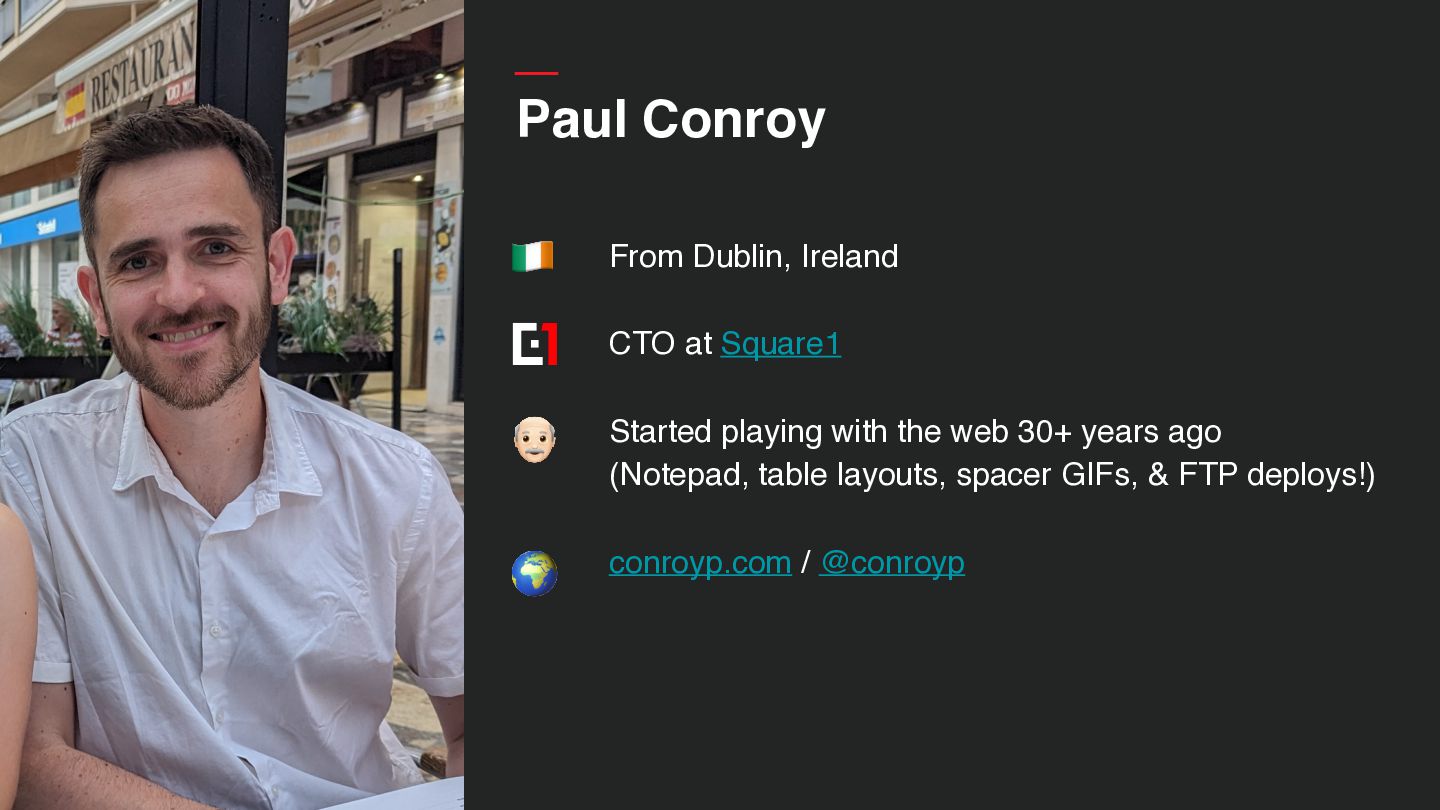
  2. Paul Conroy 🇮🇪 From Dublin, Ireland CTO at Square1 👴

    Started playing with the web 30+ years ago (Notepad, table layouts, spacer GIFs, & FTP deploys!) 🌍 conroyp.com / @conroyp
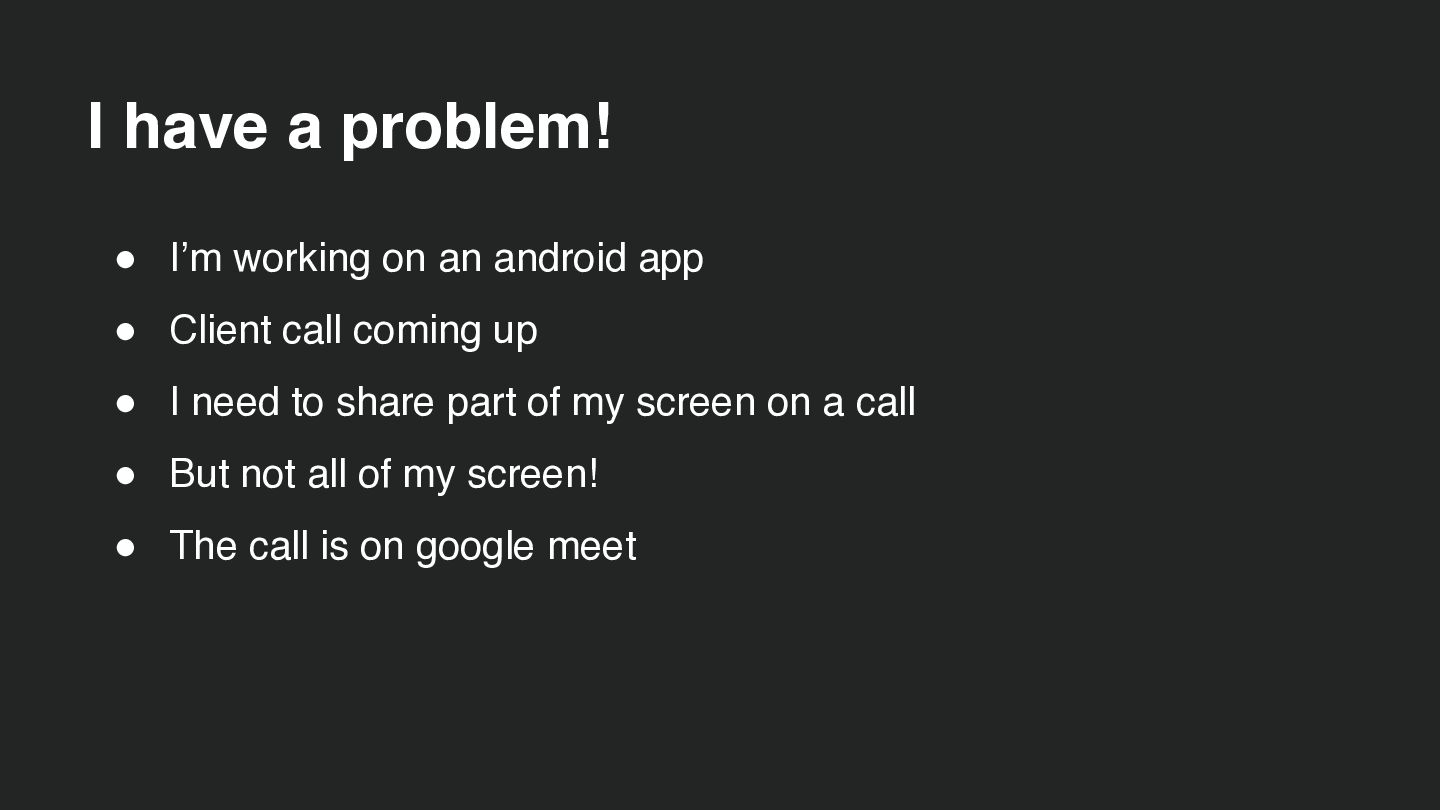
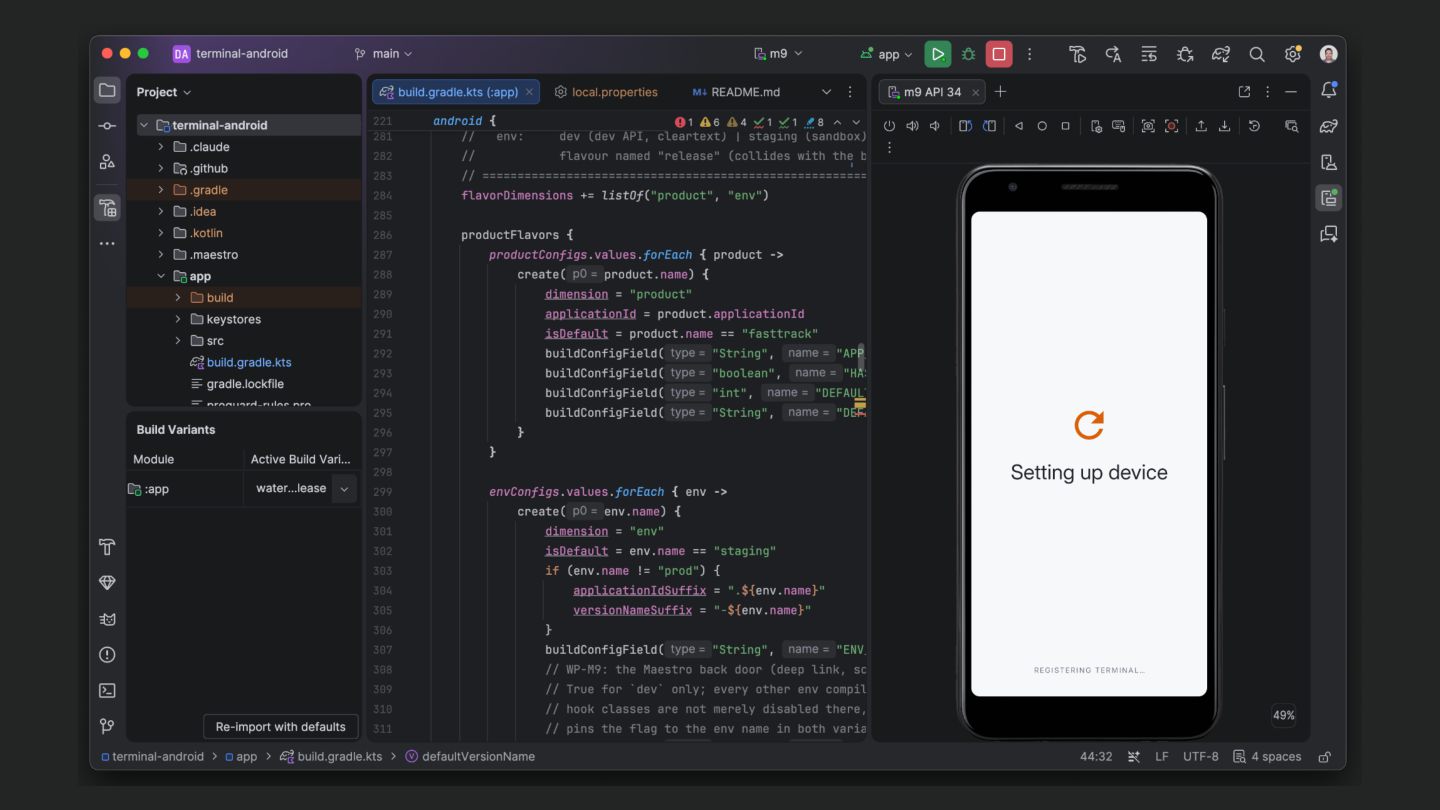
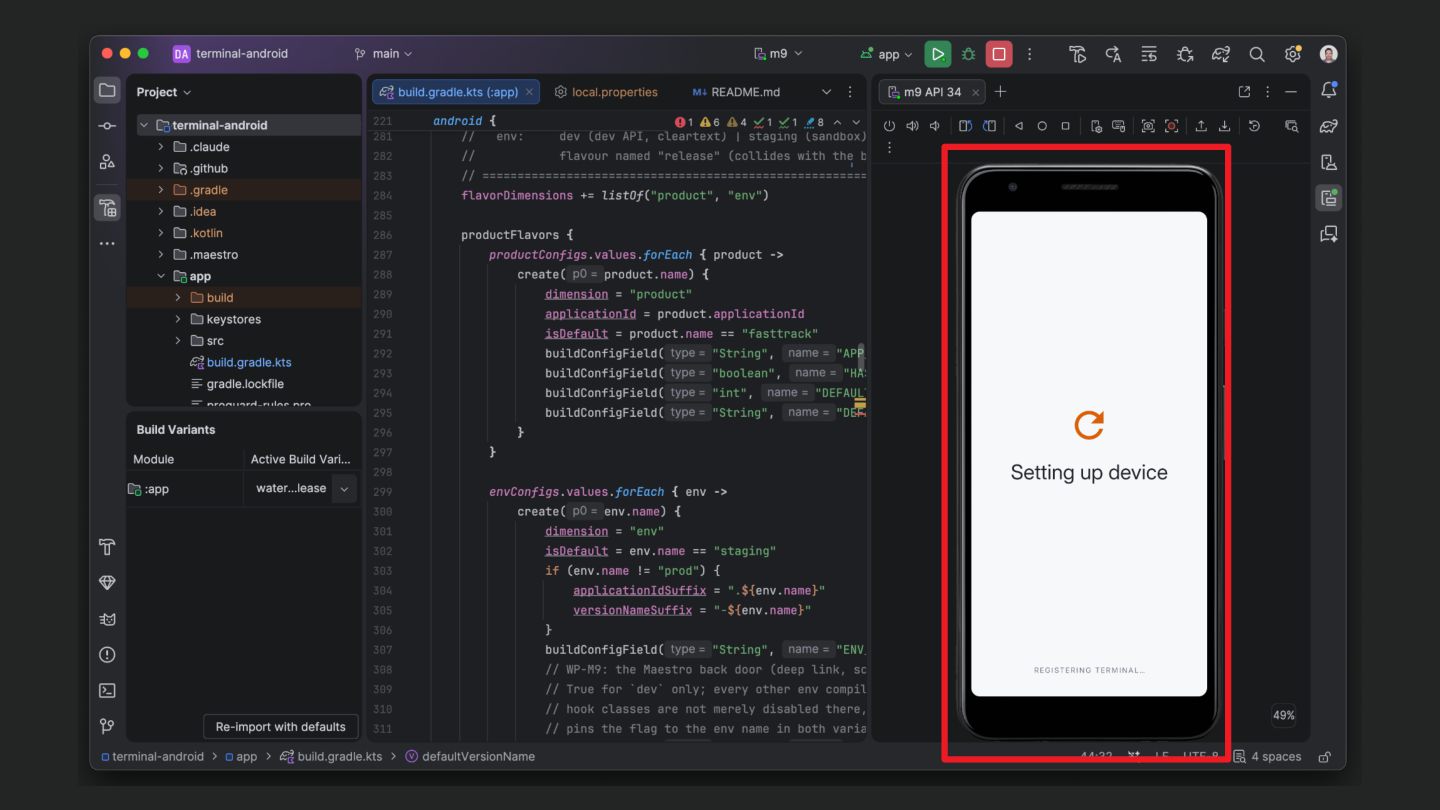
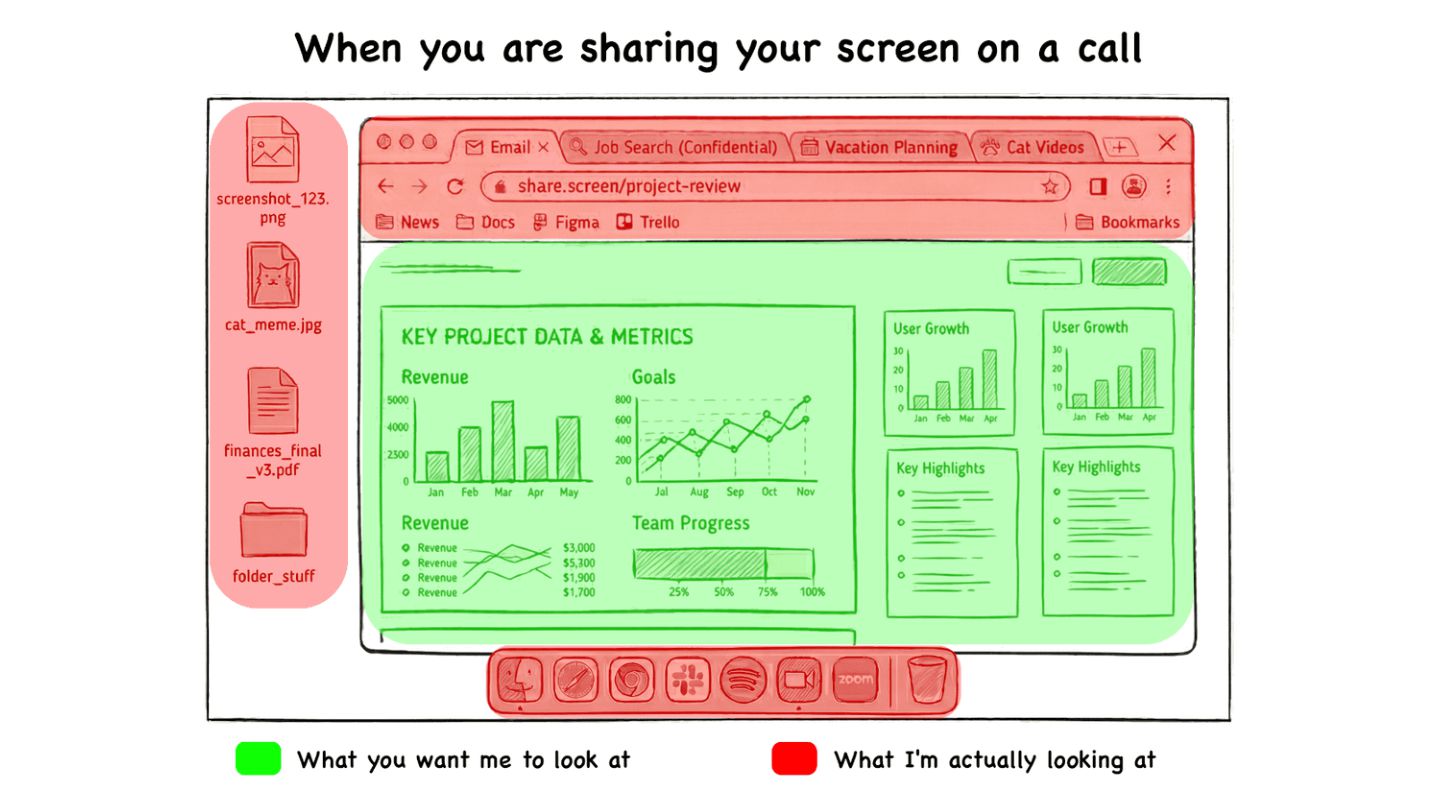
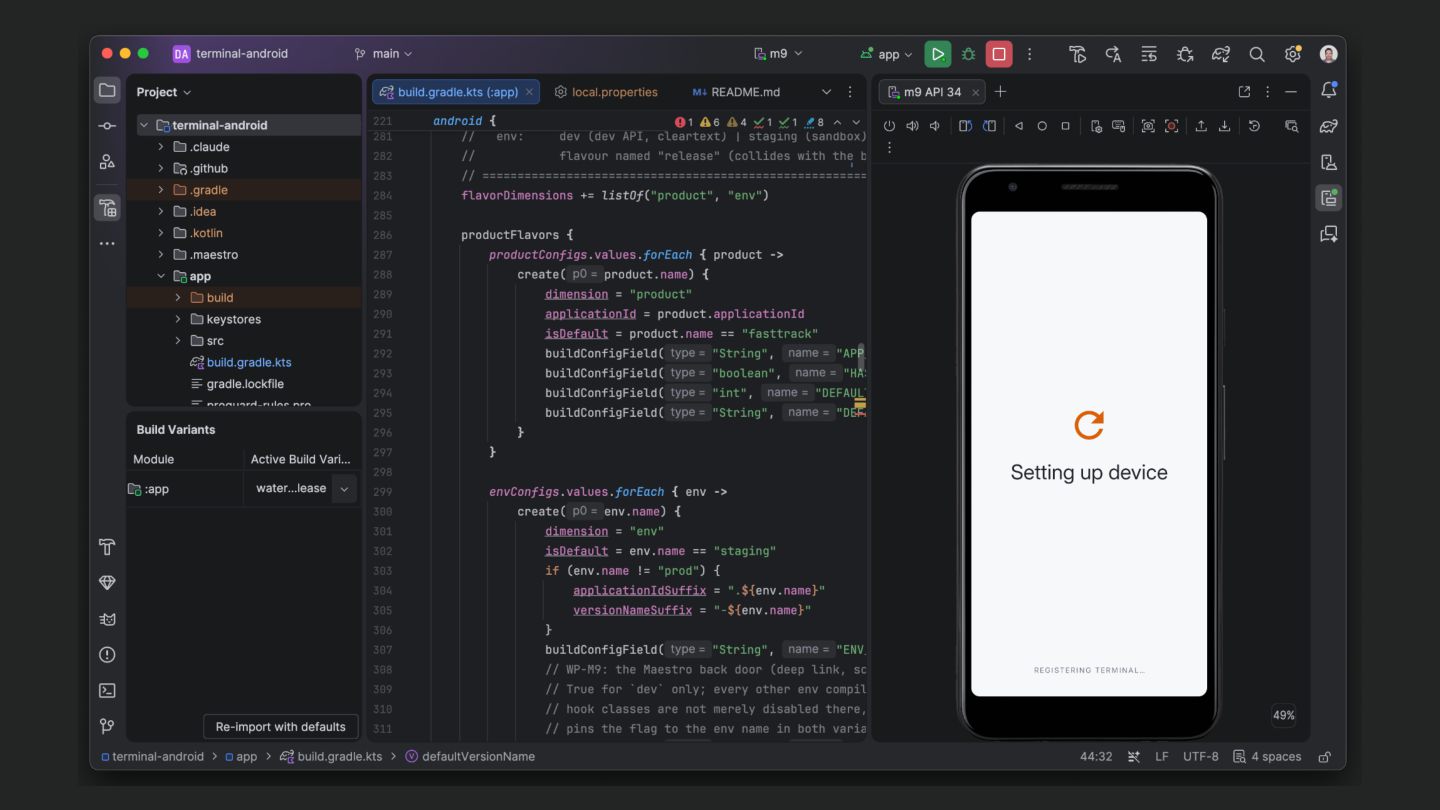
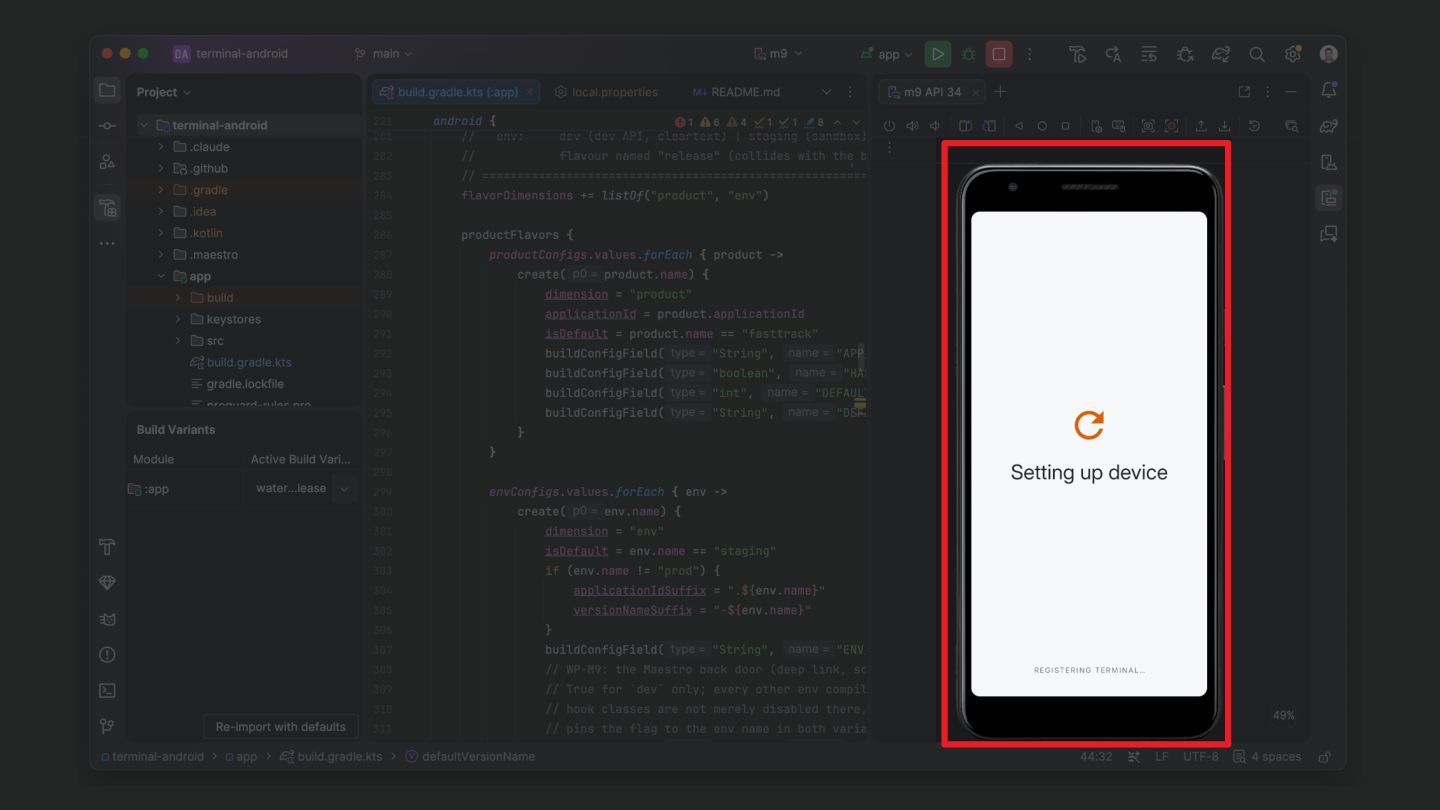
  3. I have a problem! • I’m working on an android

    app • Client call coming up • I need to share part of my screen on a call • But not all of my screen! • The call is on google meet
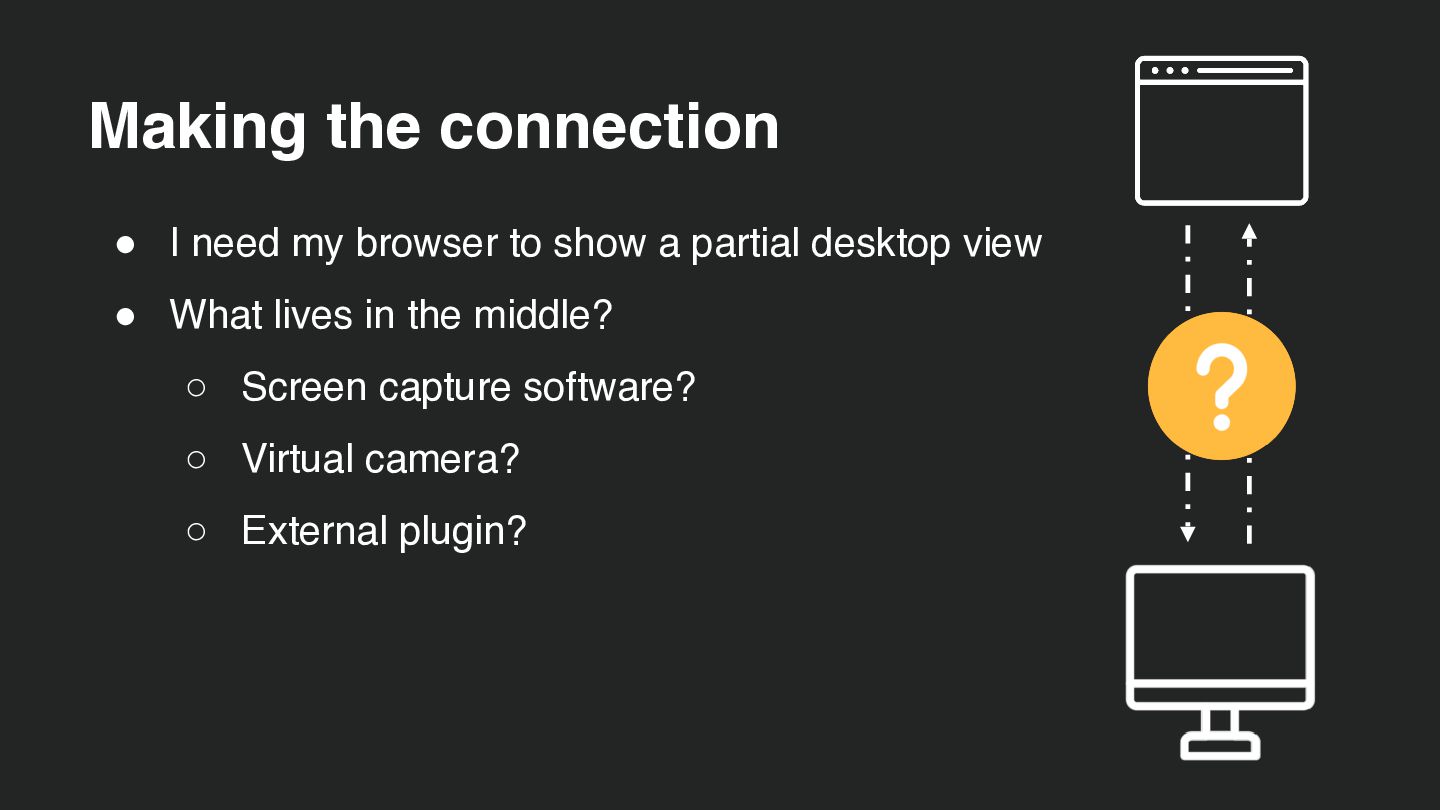
  4. Making the connection • I need my browser to show

    a partial desktop view • What lives in the middle? ◦ Screen capture software? ◦ Virtual camera? ◦ External plugin?
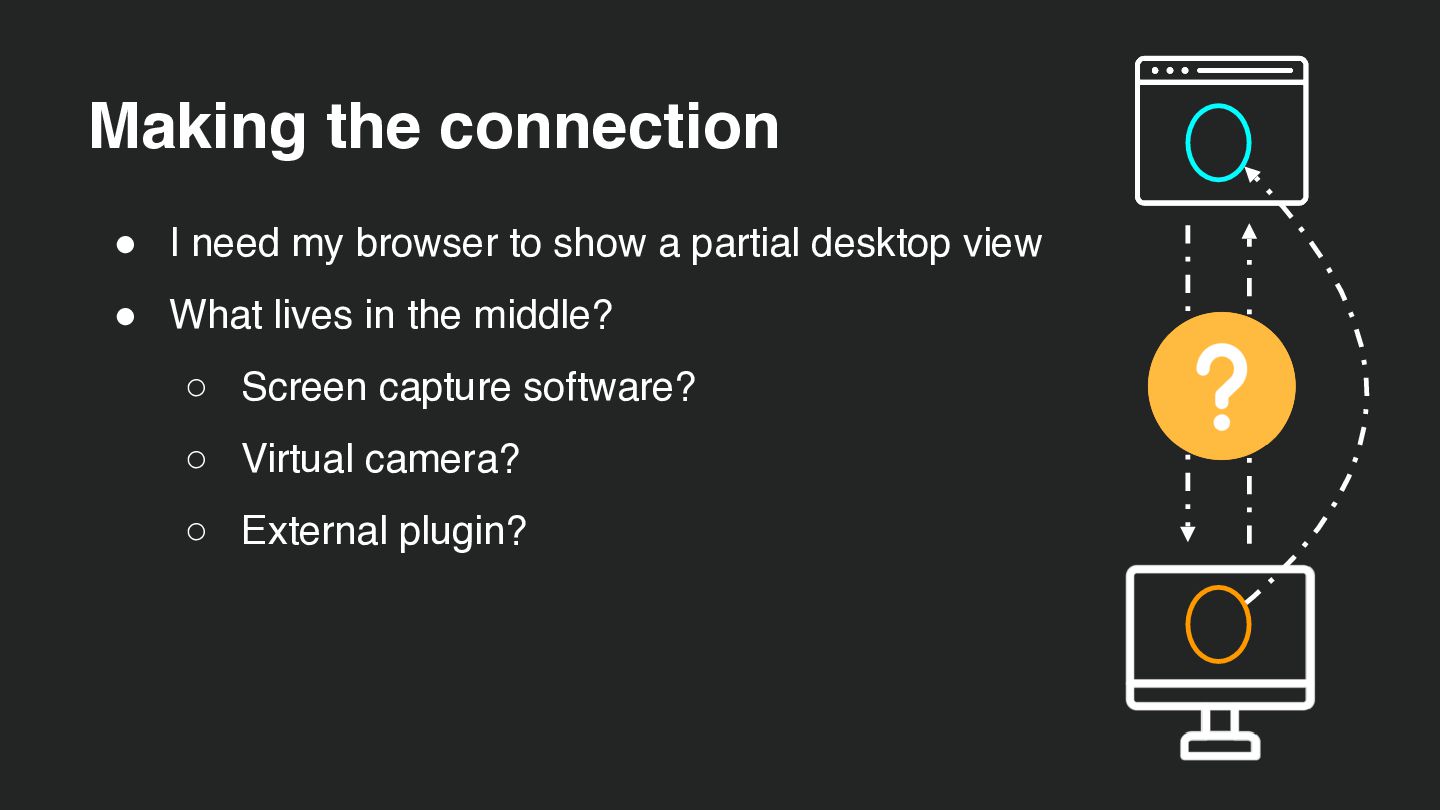
  5. Making the connection • I need my browser to show

    a partial desktop view • What lives in the middle? ◦ Screen capture software? ◦ Virtual camera? ◦ External plugin?
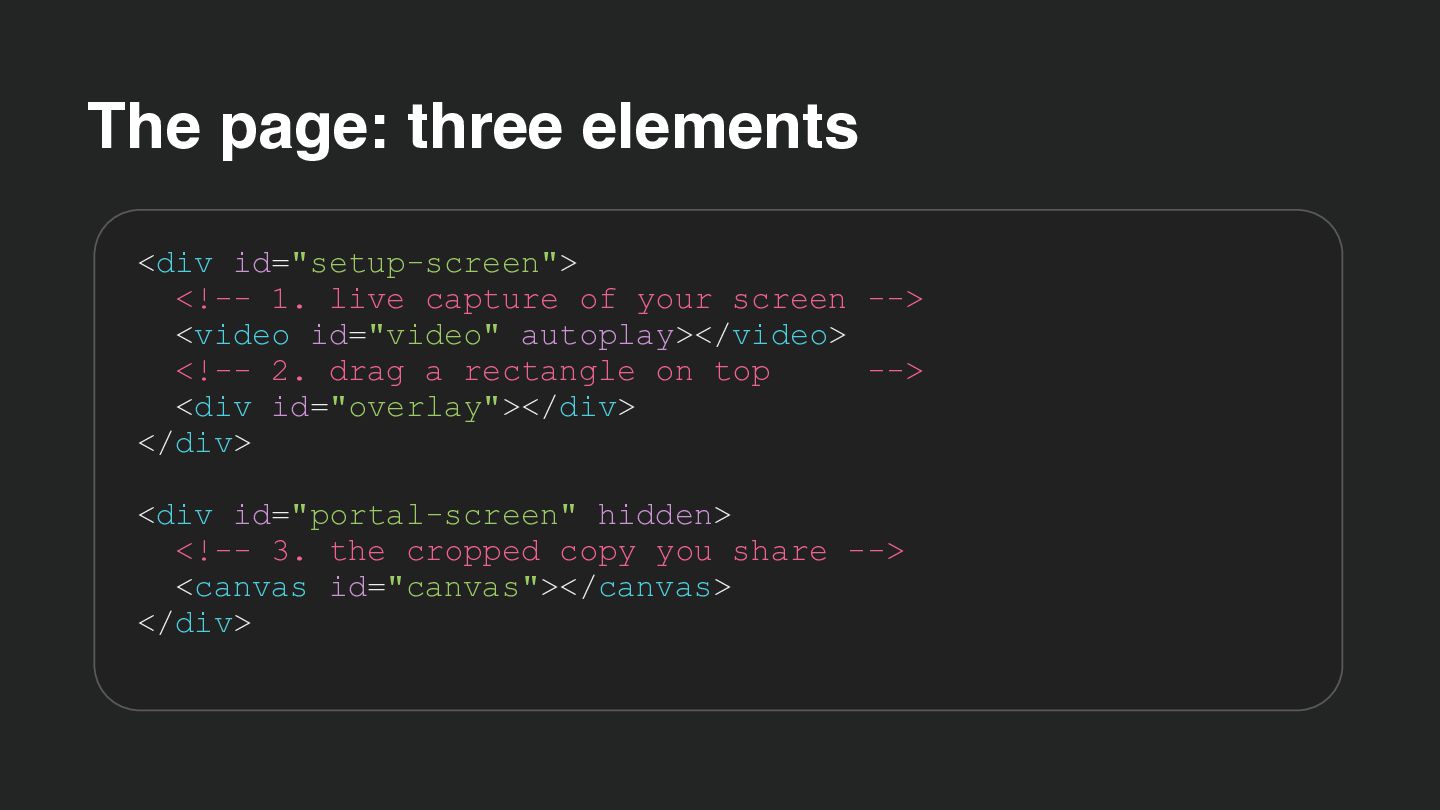
  6. The page: three elements <div id="setup-screen"> <!-- 1. live capture

    of your screen --> <video id="video" autoplay></video> <!-- 2. drag a rectangle on top --> <div id="overlay"></div> </div> <div id="portal-screen" hidden> <!-- 3. the cropped copy you share --> <canvas id="canvas"></canvas> </div>
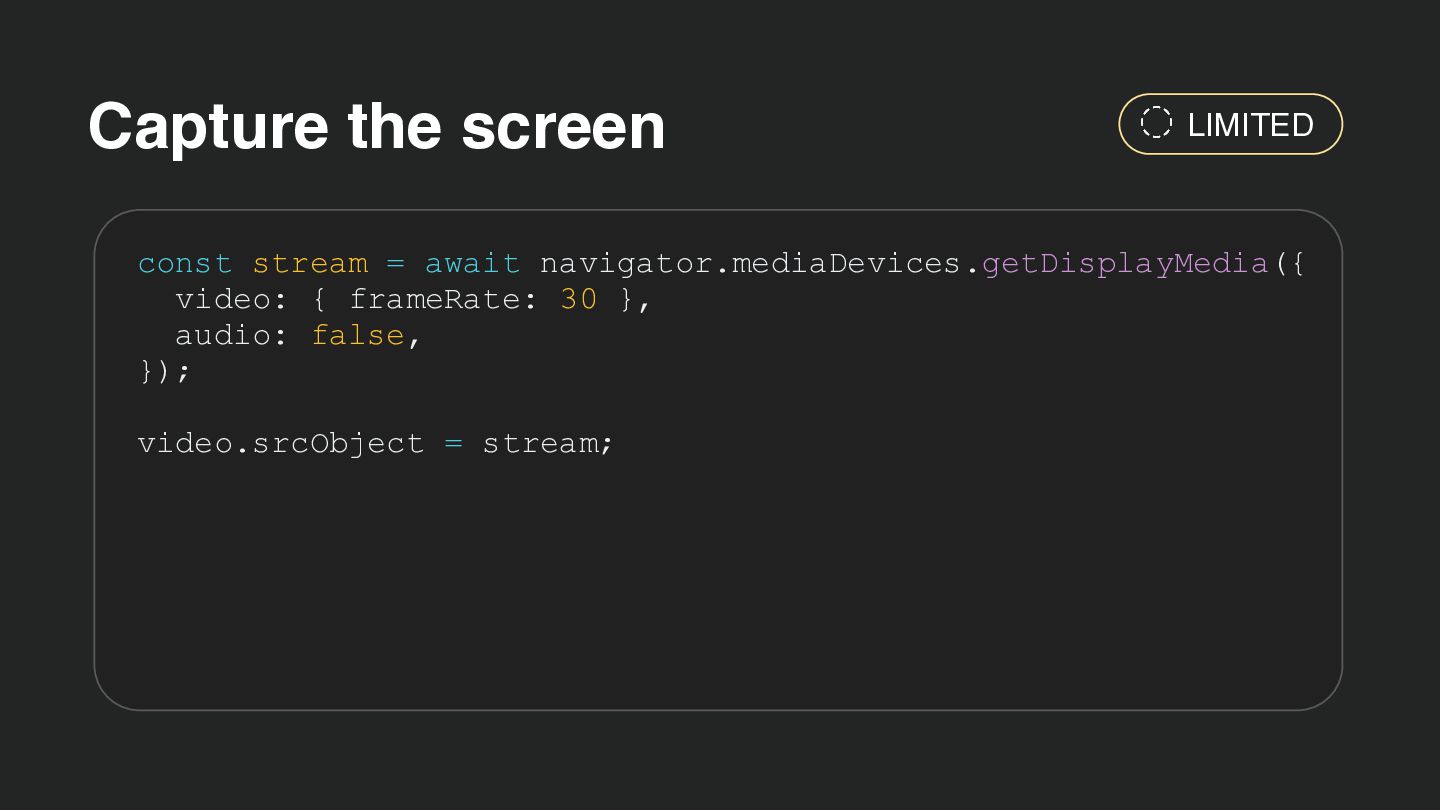
  7. Capture the screen LIMITED const stream = await navigator.mediaDevices.getDisplayMedia({ video:

    { frameRate: 30 }, audio: false, }); video.srcObject = stream;
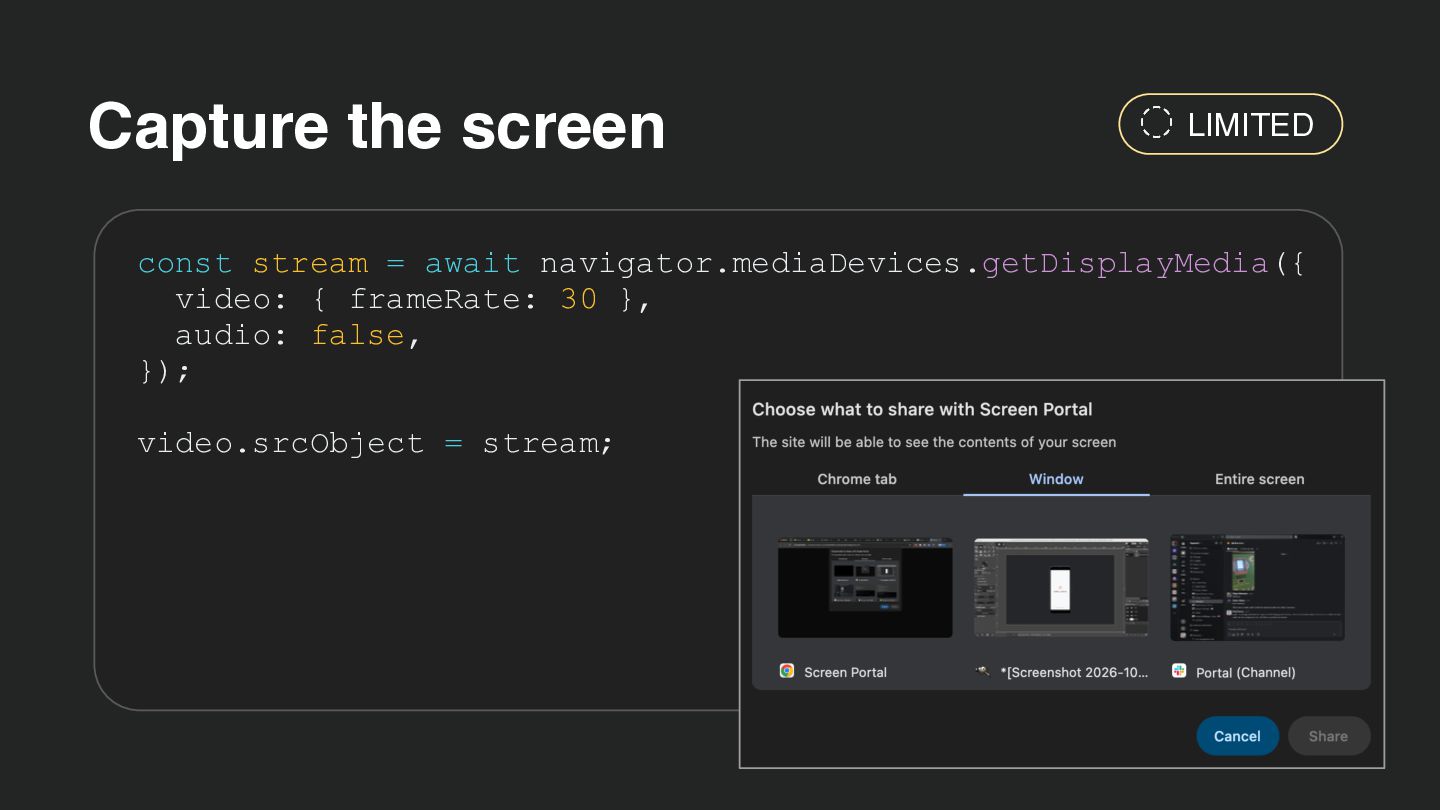
  8. Capture the screen LIMITED const stream = await navigator.mediaDevices.getDisplayMedia({ video:

    { frameRate: 30 }, audio: false, }); video.srcObject = stream;
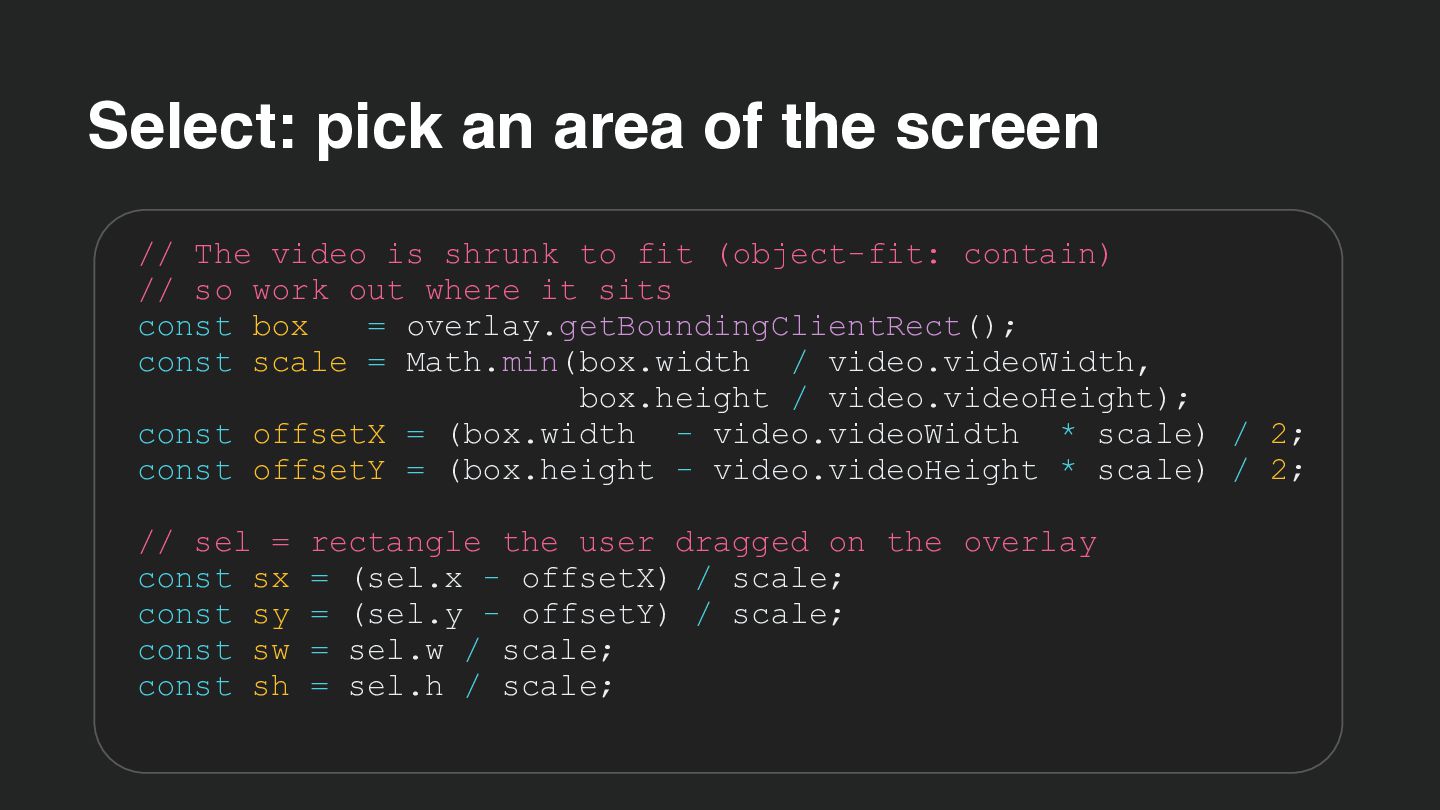
  9. Select: pick an area of the screen // The video

    is shrunk to fit (object-fit: contain) // so work out where it sits const box = overlay.getBoundingClientRect(); const scale = Math.min(box.width / video.videoWidth, box.height / video.videoHeight); const offsetX = (box.width - video.videoWidth * scale) / 2; const offsetY = (box.height - video.videoHeight * scale) / 2; // sel = rectangle the user dragged on the overlay const sx = (sel.x - offsetX) / scale; const sy = (sel.y - offsetY) / scale; const sw = sel.w / scale; const sh = sel.h / scale;
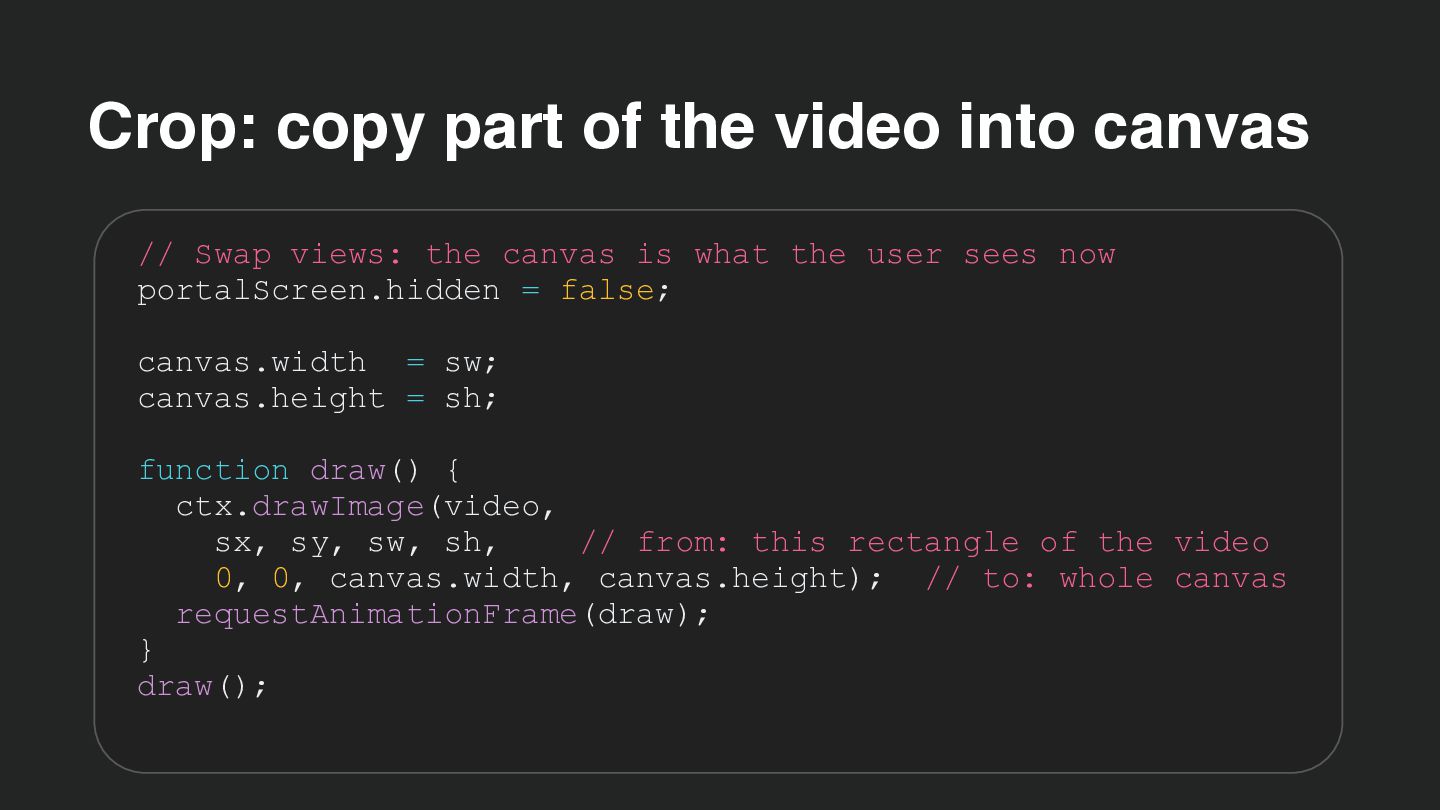
  10. Crop: copy part of the video into canvas // Swap

    views: the canvas is what the user sees now portalScreen.hidden = false; canvas.width = sw; canvas.height = sh; function draw() { ctx.drawImage(video, sx, sy, sw, sh, // from: this rectangle of the video 0, 0, canvas.width, canvas.height); // to: whole canvas requestAnimationFrame(draw); } draw();
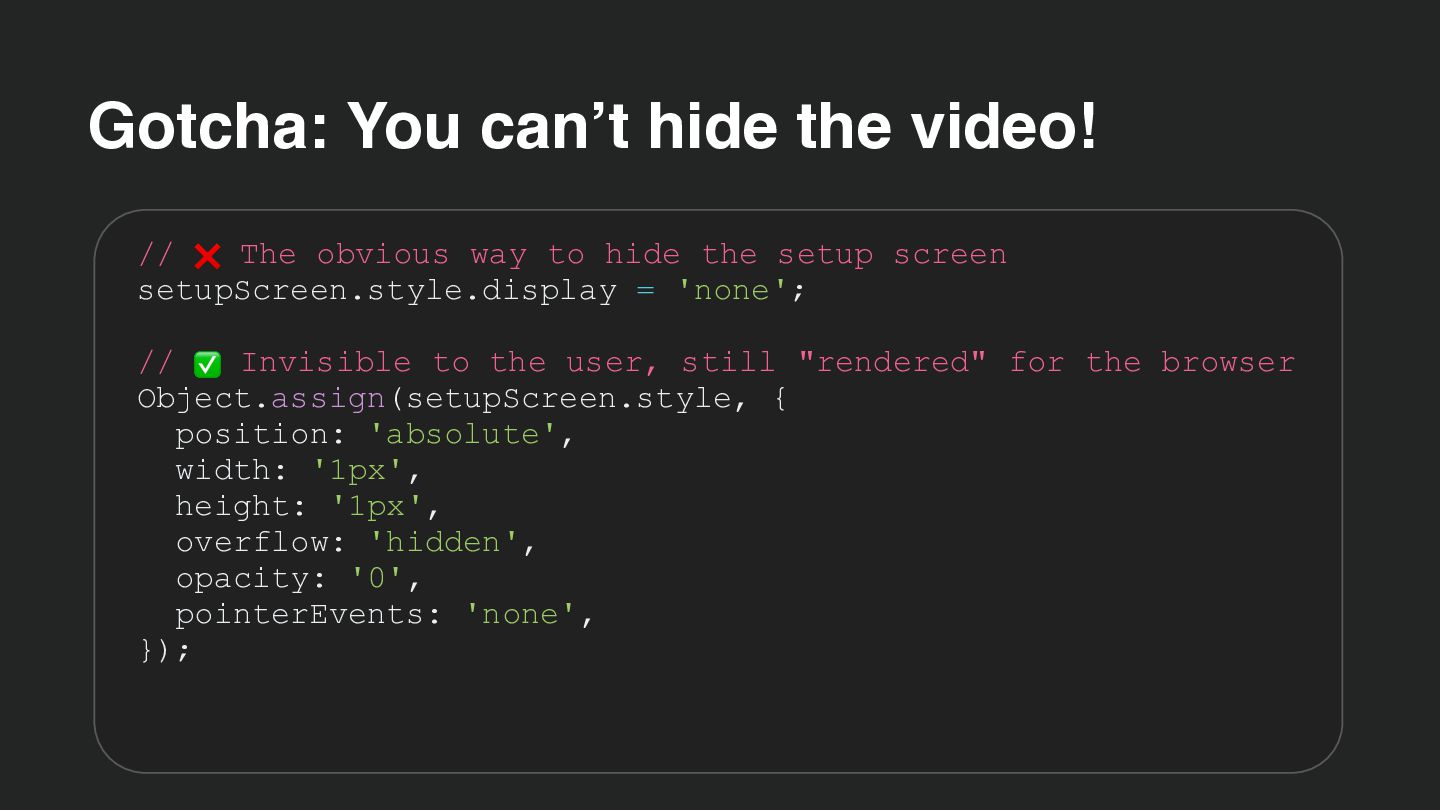
  11. Gotcha: You can’t hide the video! // ❌ The obvious

    way to hide the setup screen setupScreen.style.display = 'none'; // ✅ Invisible to the user, still "rendered" for the browser Object.assign(setupScreen.style, { position: 'absolute', width: '1px', height: '1px', overflow: 'hidden', opacity: '0', pointerEvents: 'none', });
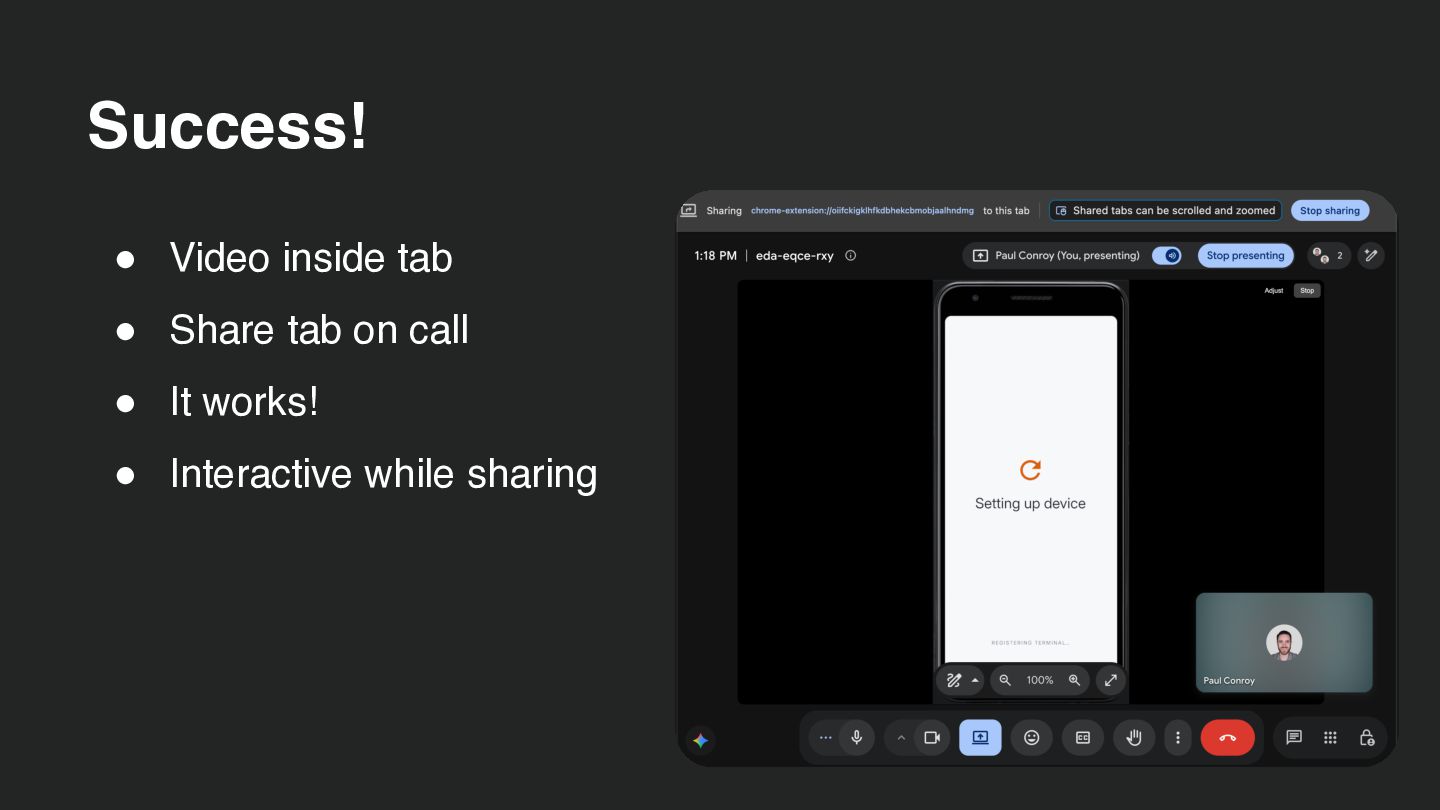
  12. Success! • Video inside tab • Share tab on call

    • It works! • Interactive while sharing
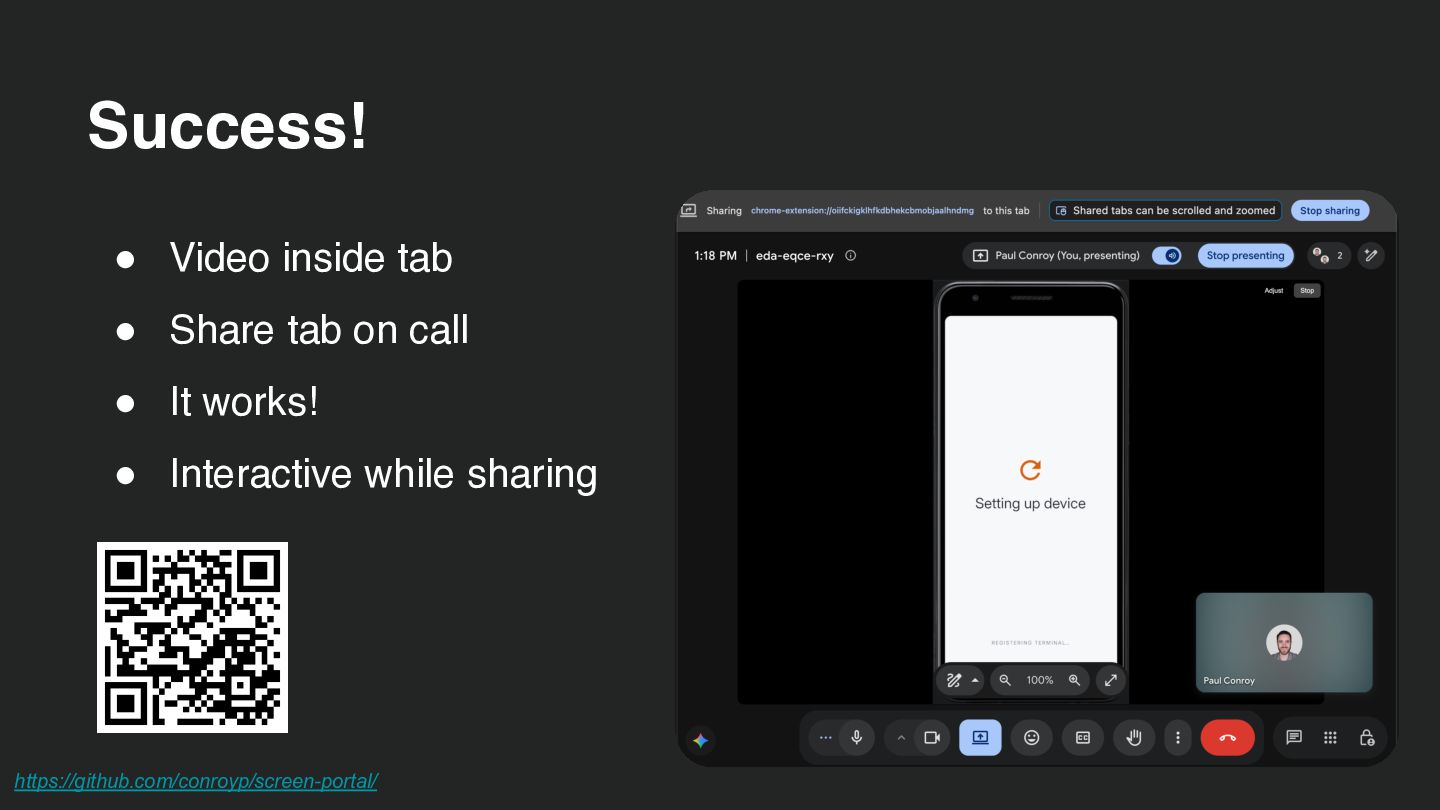
  13. Success! • Video inside tab • Share tab on call

    • It works! • Interactive while sharing https://github.com/conroyp/screen-portal/
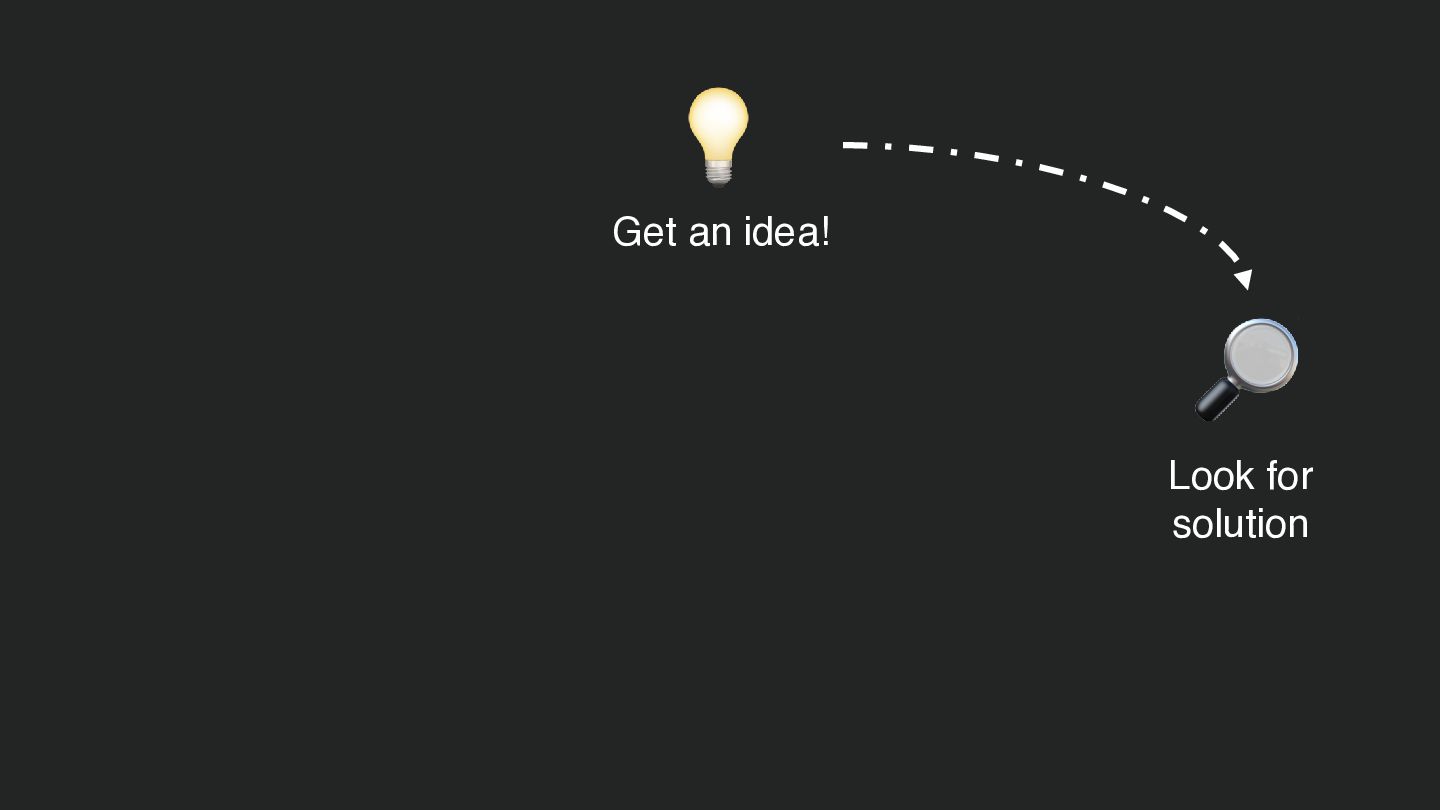
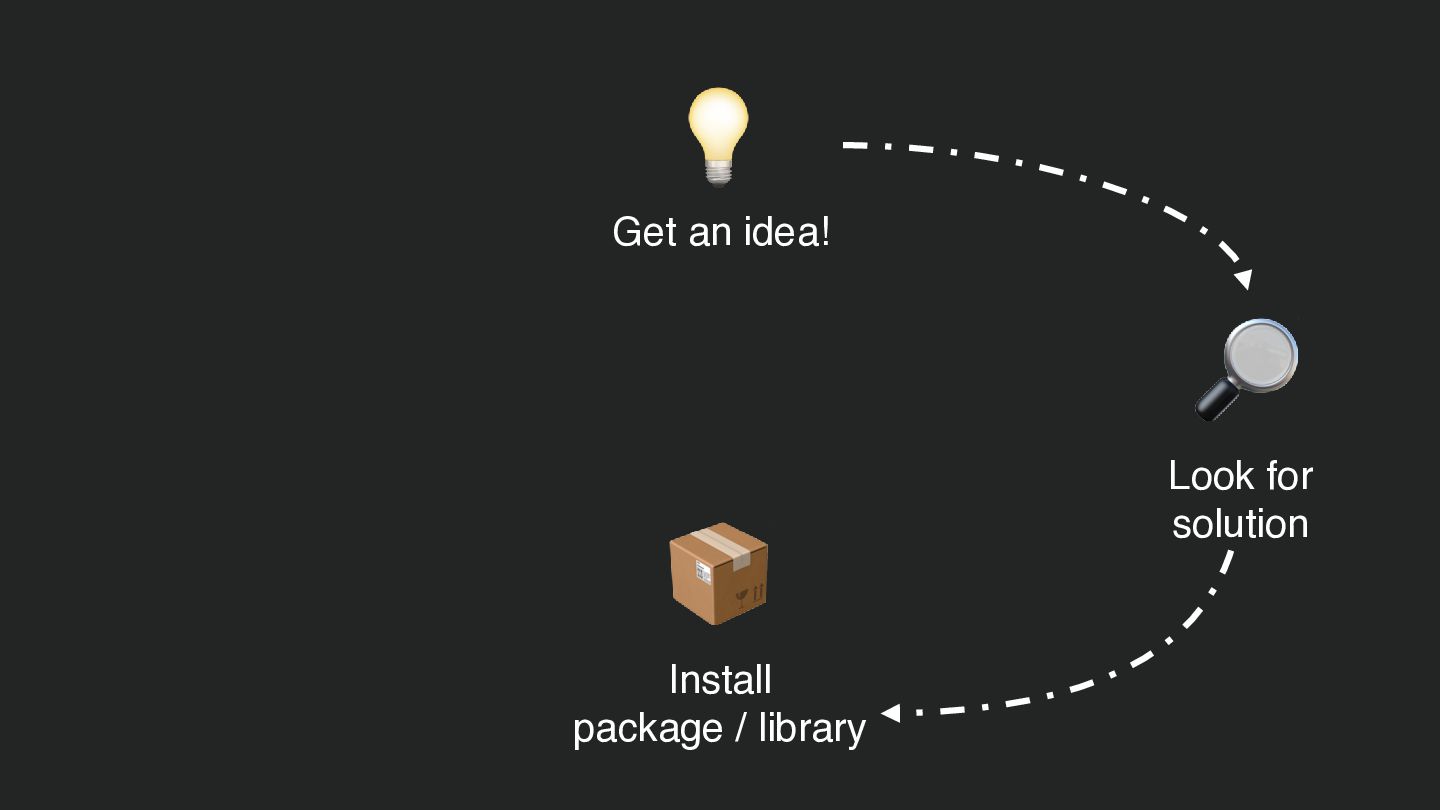
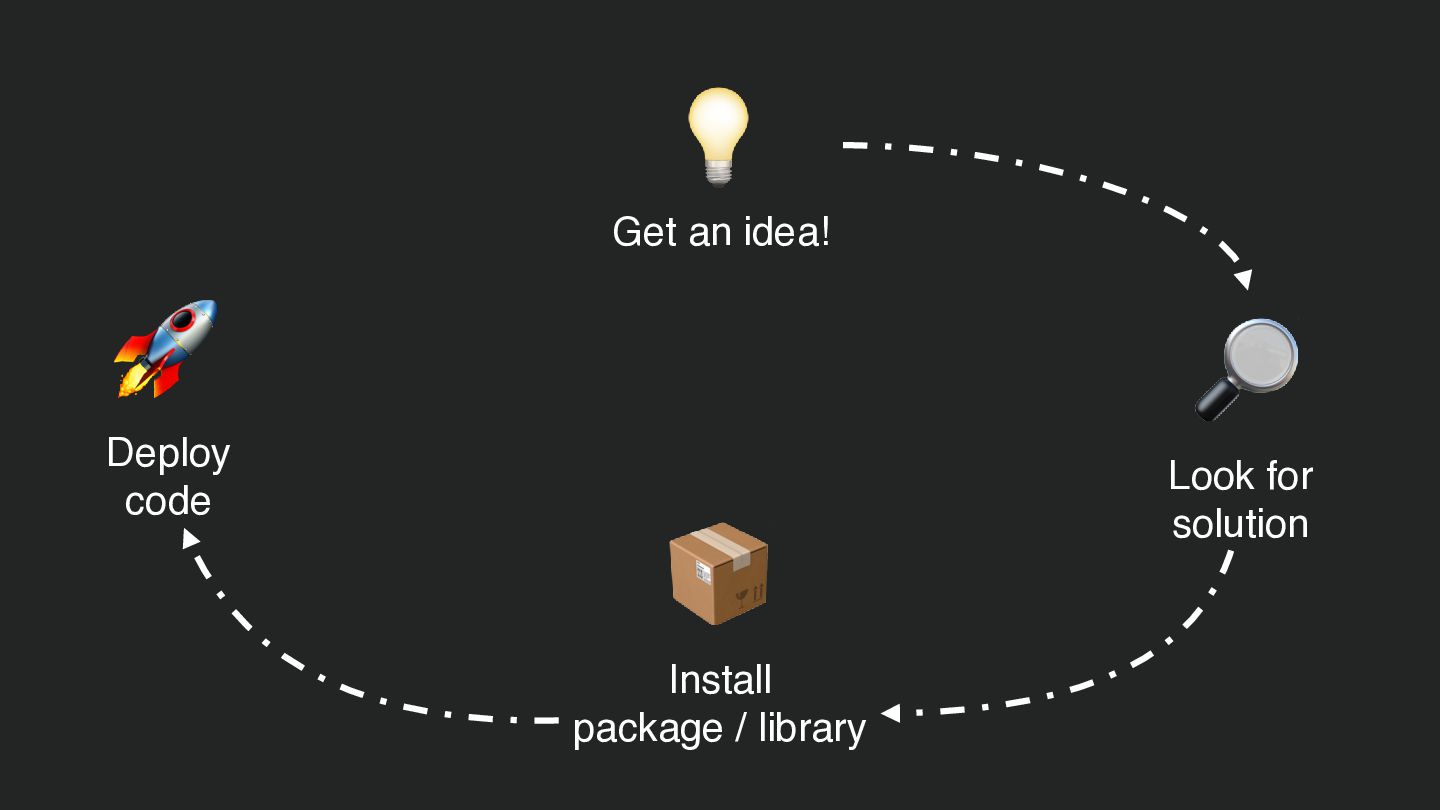
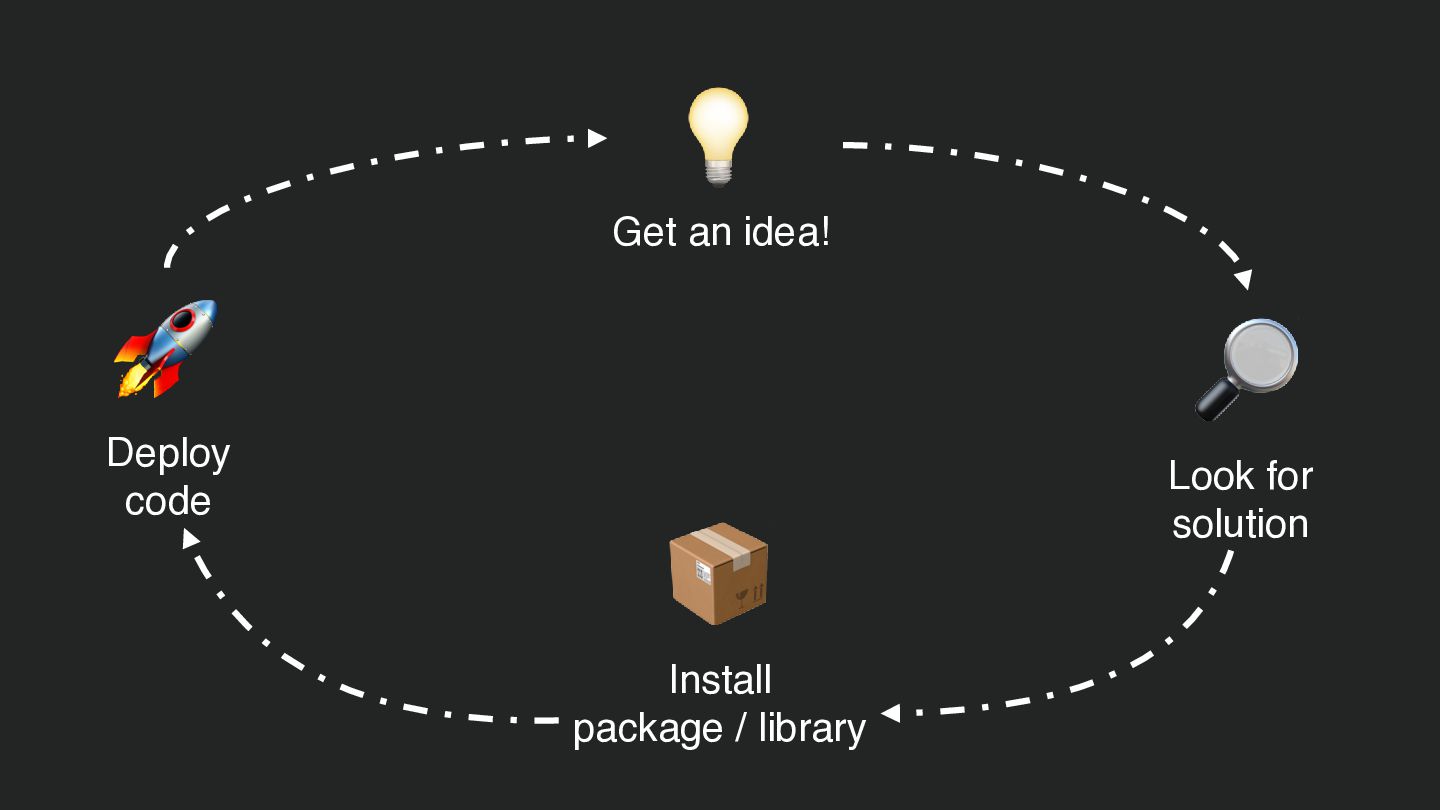
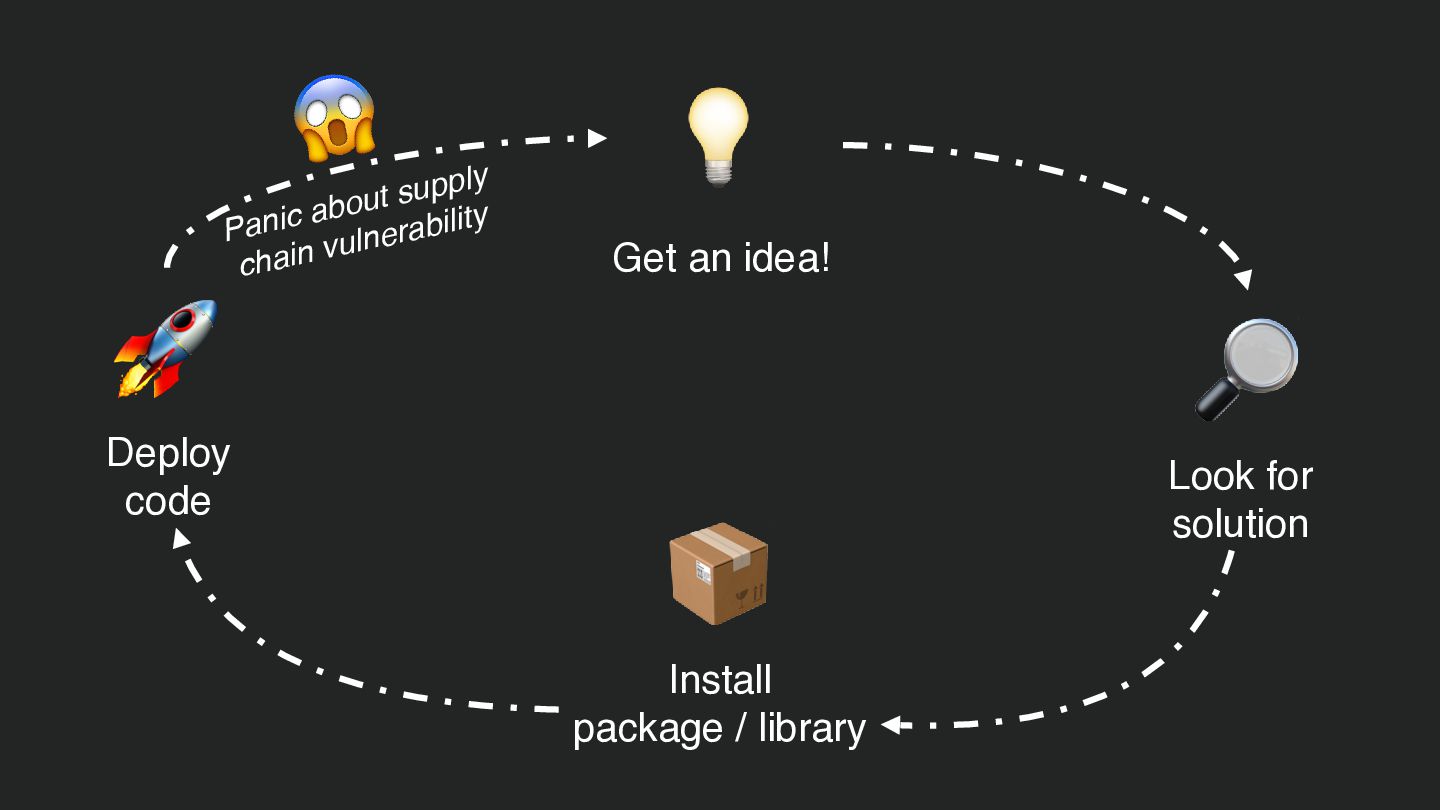
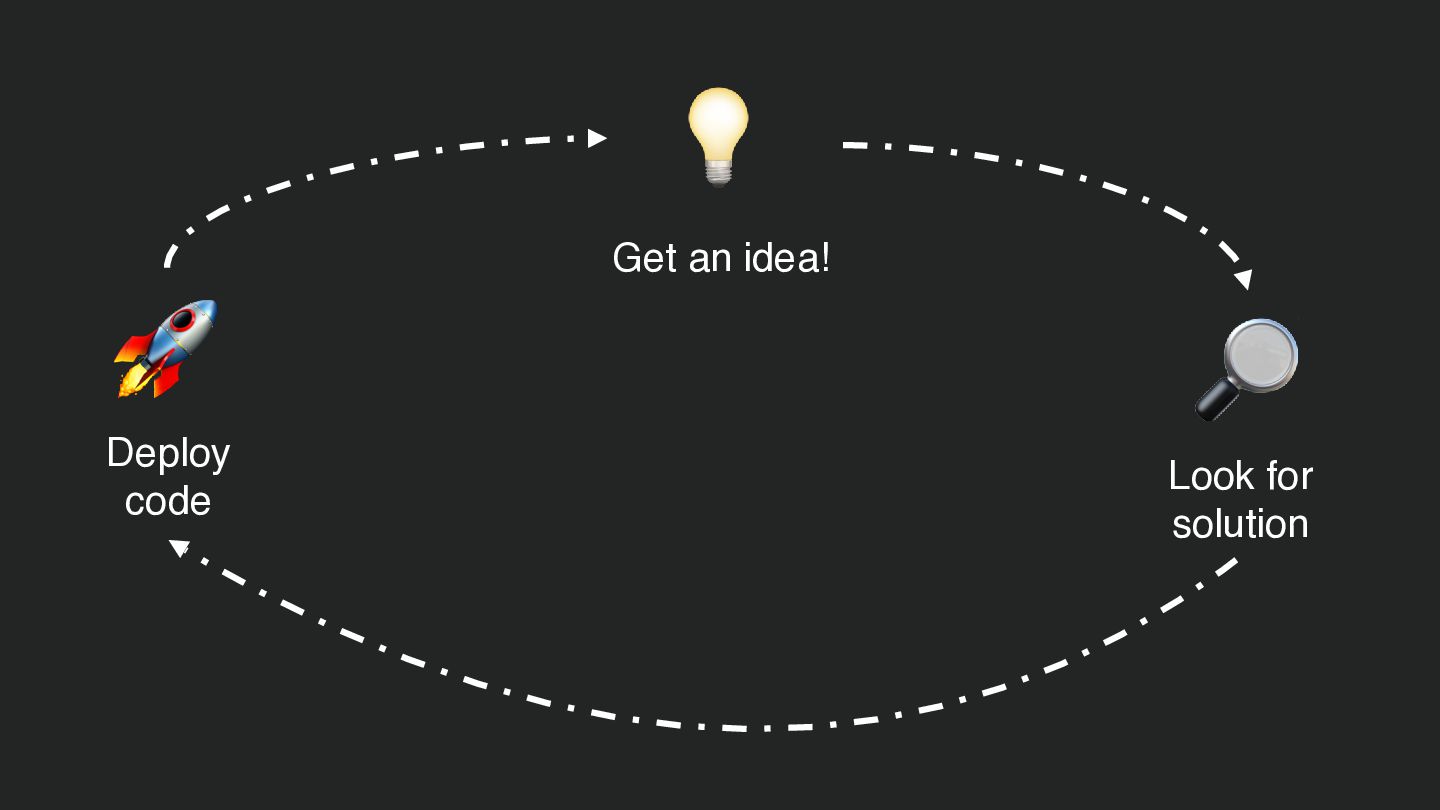
  14. 💡 Get an idea! 🚀 Deploy code 🔎 📦 Install

    package / library Look for solution
  15. 💡 Get an idea! 🚀 Deploy code 🔎 📦 Install

    package / library Look for solution
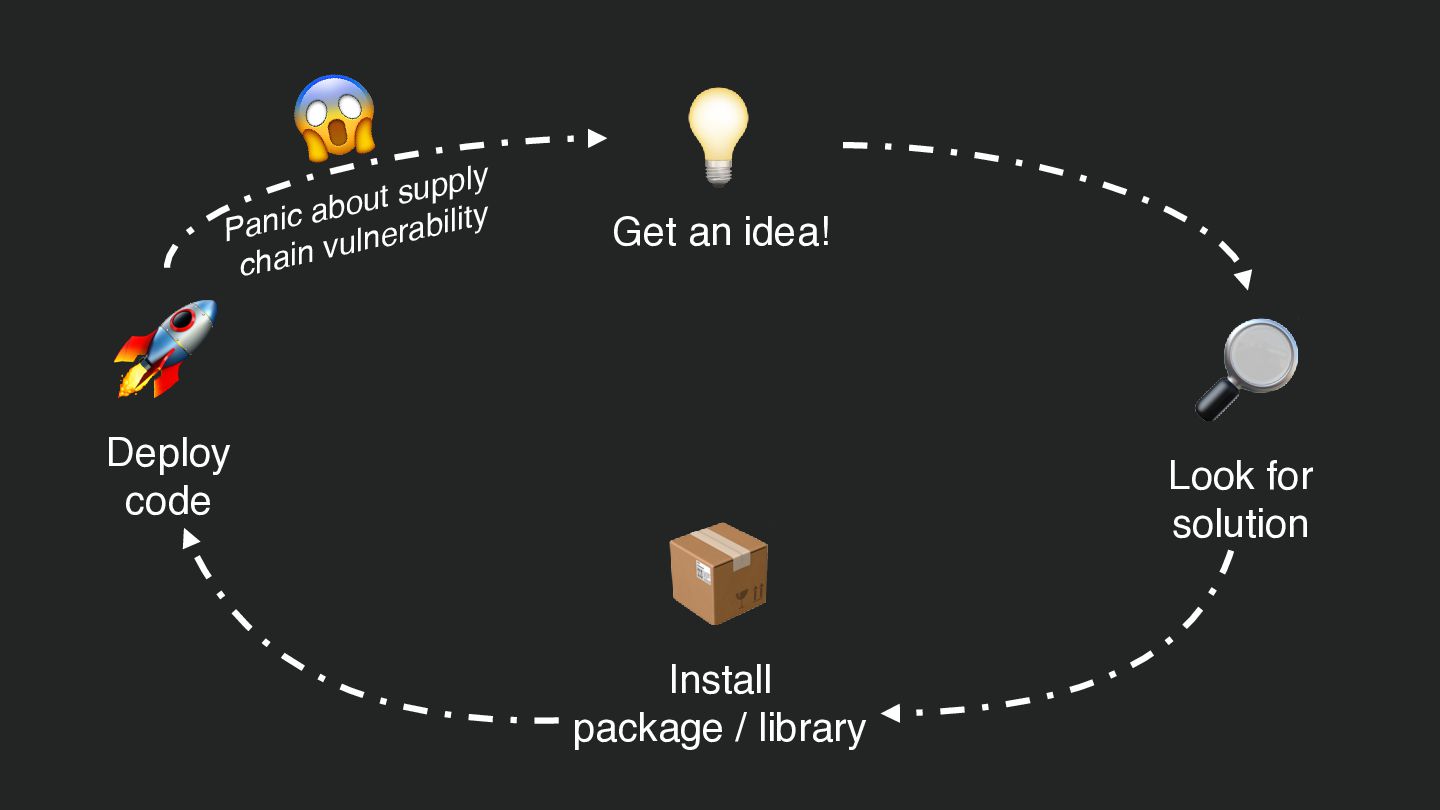
  16. 😱 🚀 upply s t u o ab Panic ulnerability

    v chain Deploy code 💡 Get an idea! 🔎 📦 Install package / library Look for solution
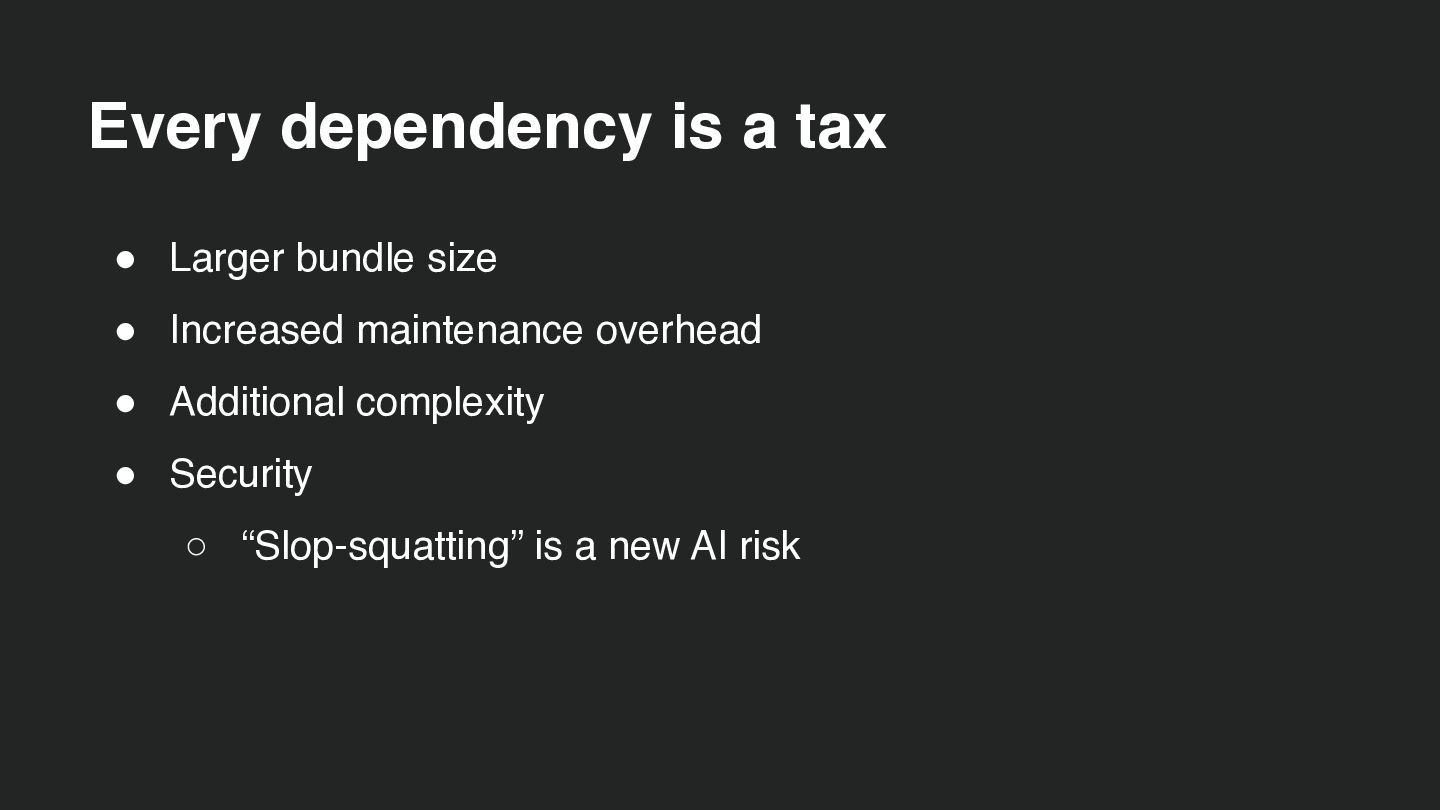
  17. Every dependency is a tax • Larger bundle size •

    Increased maintenance overhead • Additional complexity • Security ◦ “Slop-squatting” is a new AI risk
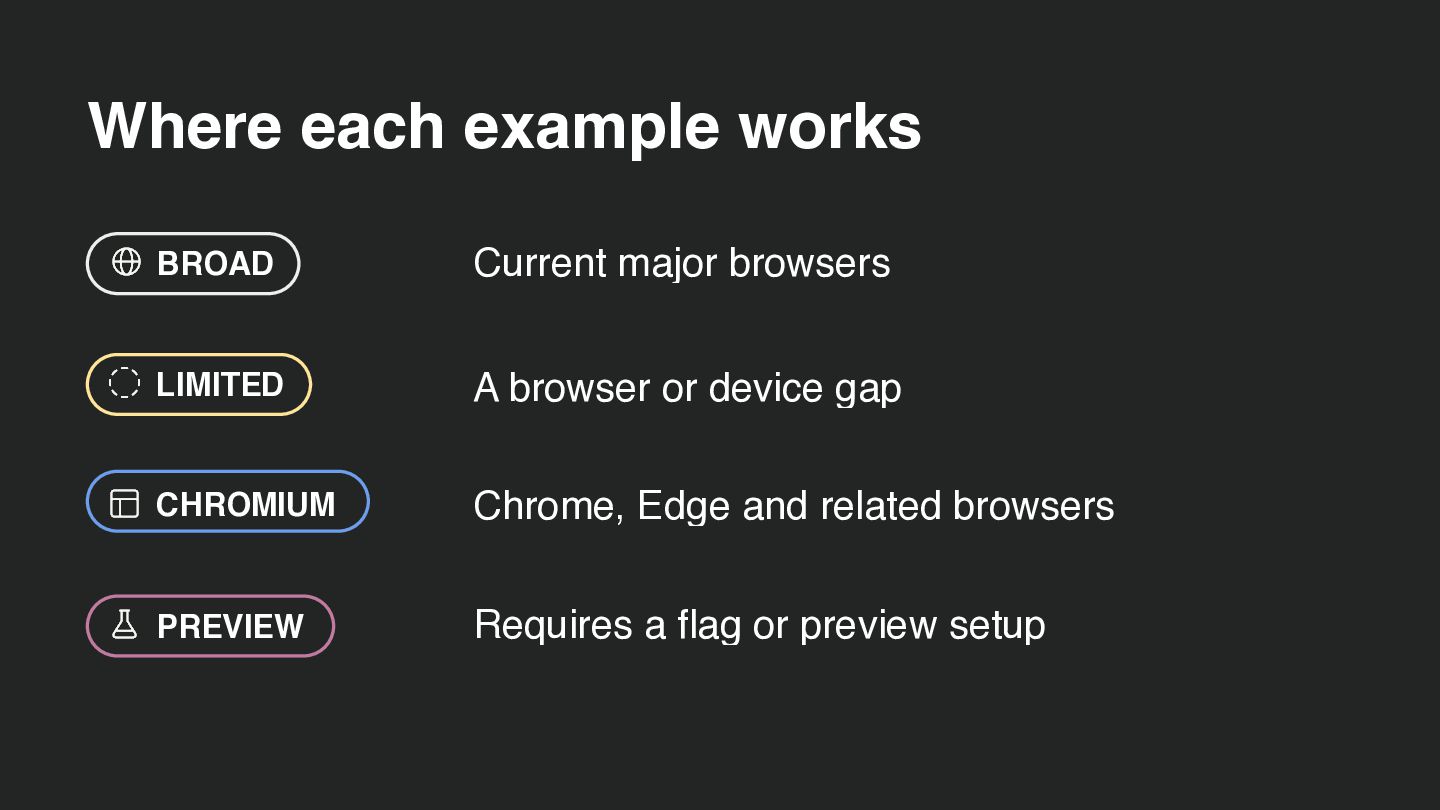
  18. Where each example works BROAD Current major browsers LIMITED A

    browser or device gap CHROMIUM Chrome, Edge and related browsers PREVIEW Requires a flag or preview setup
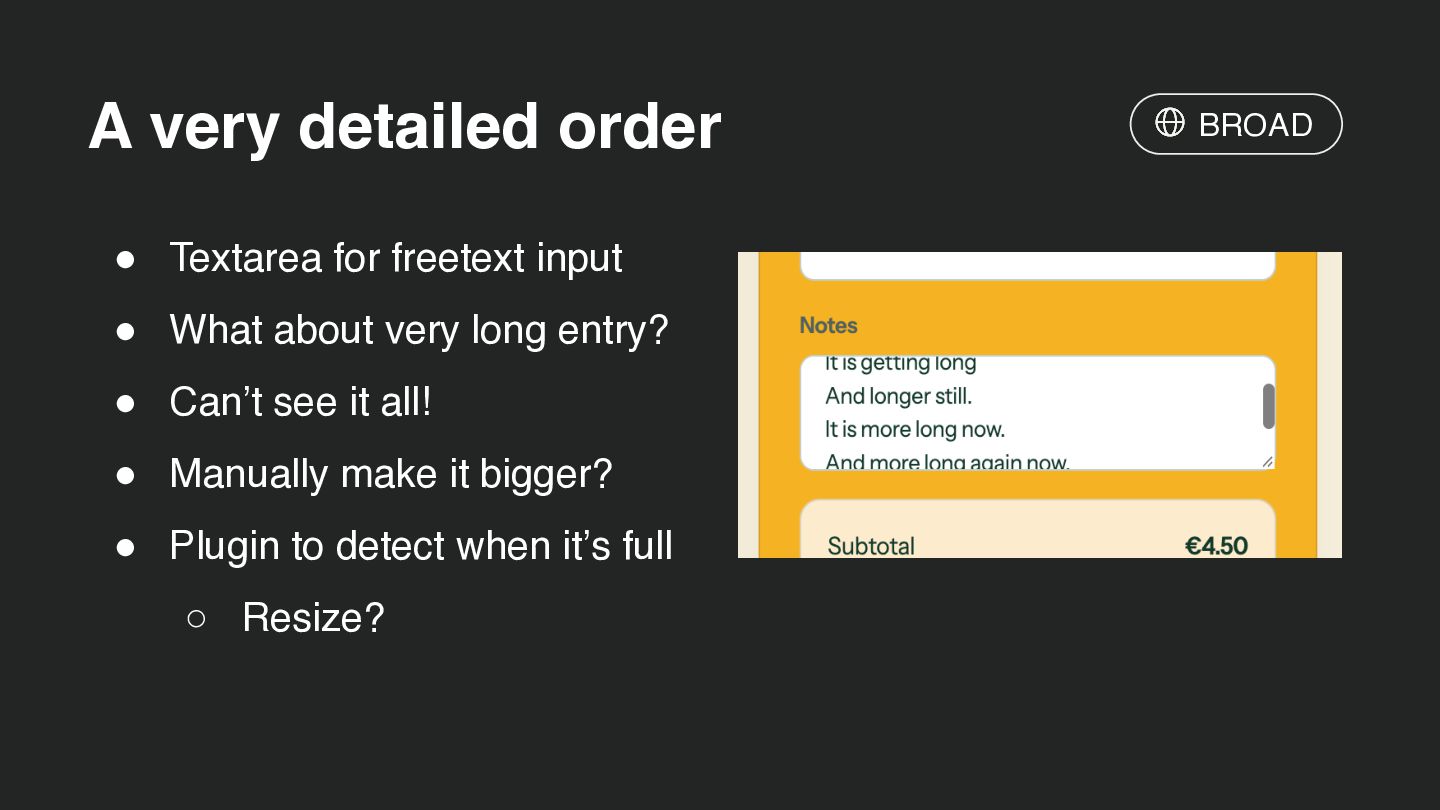
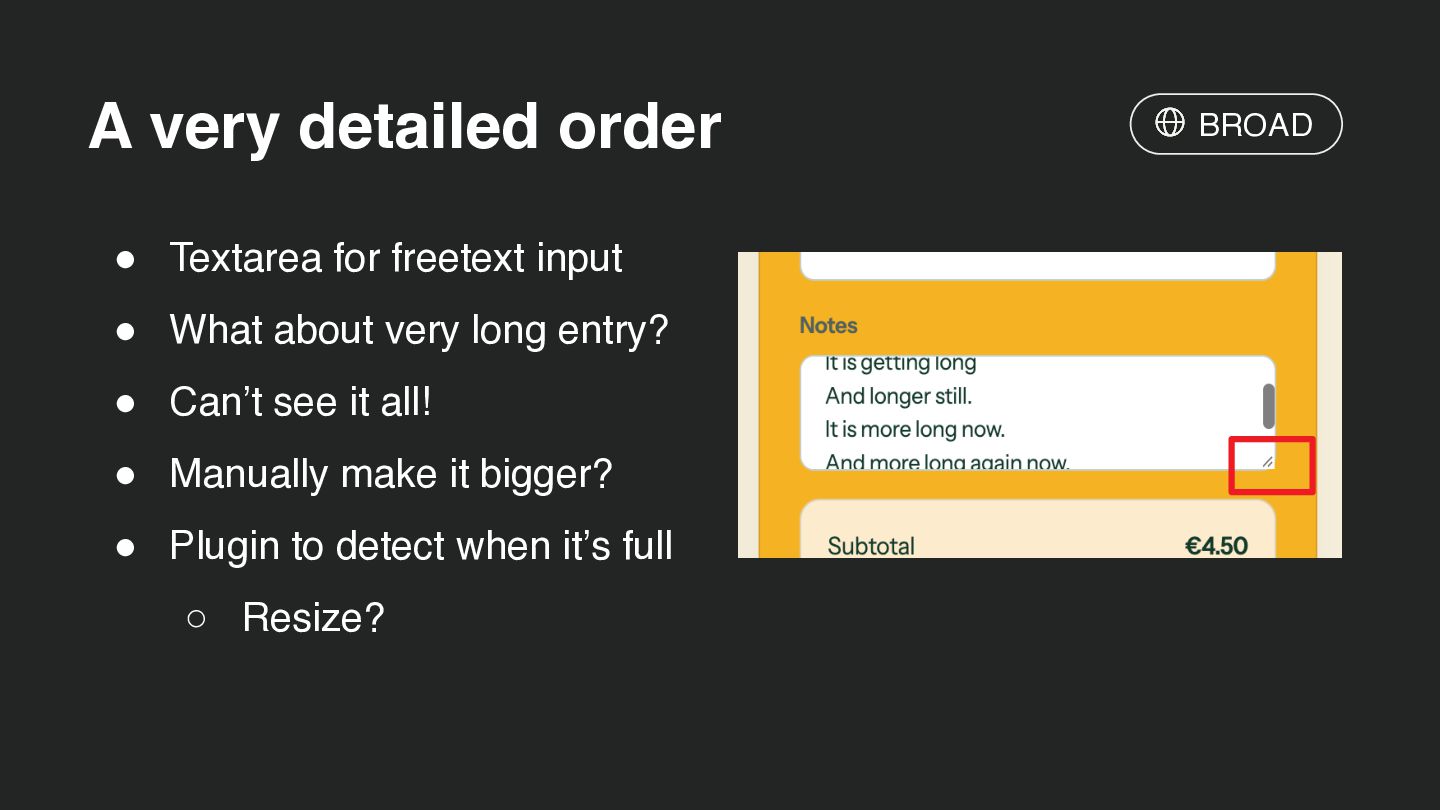
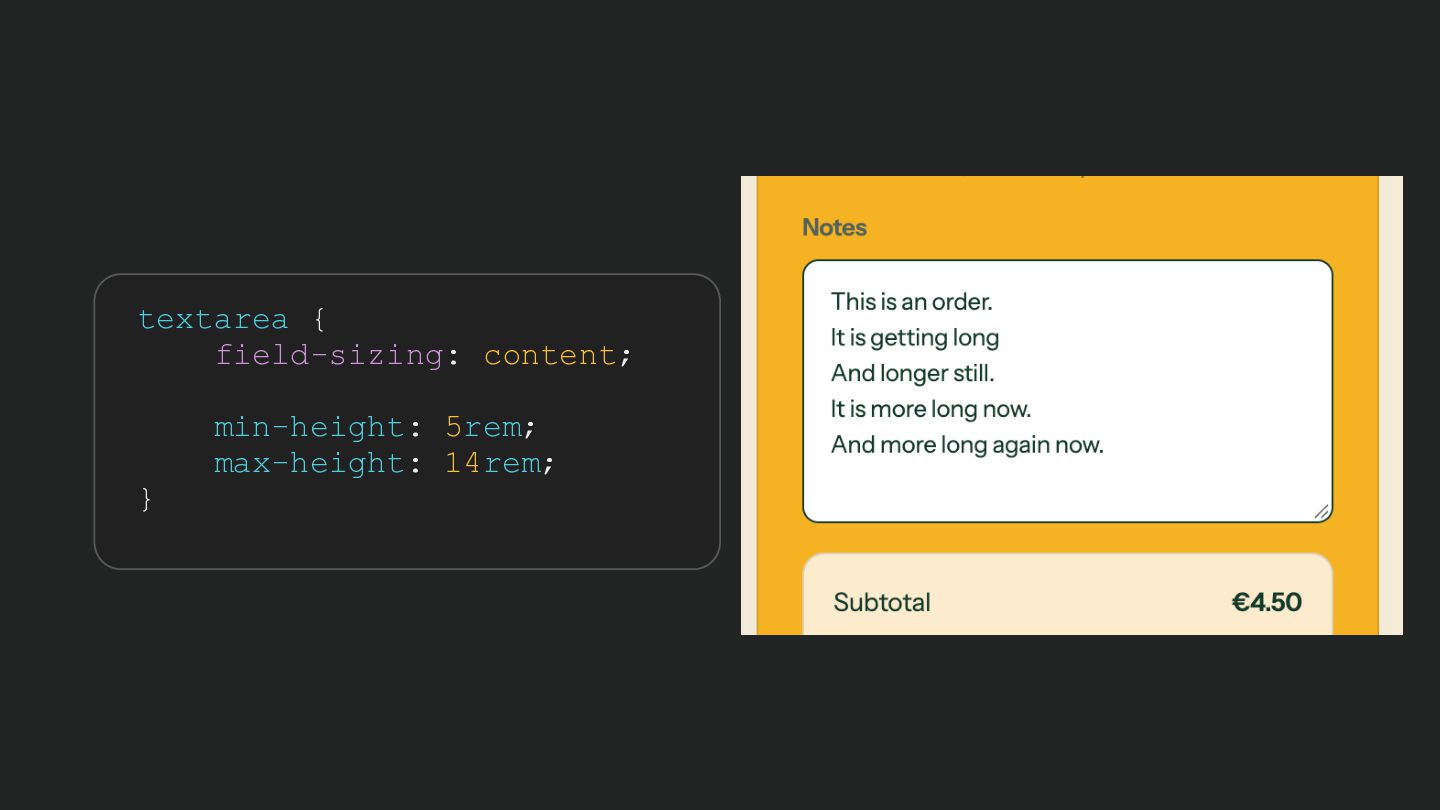
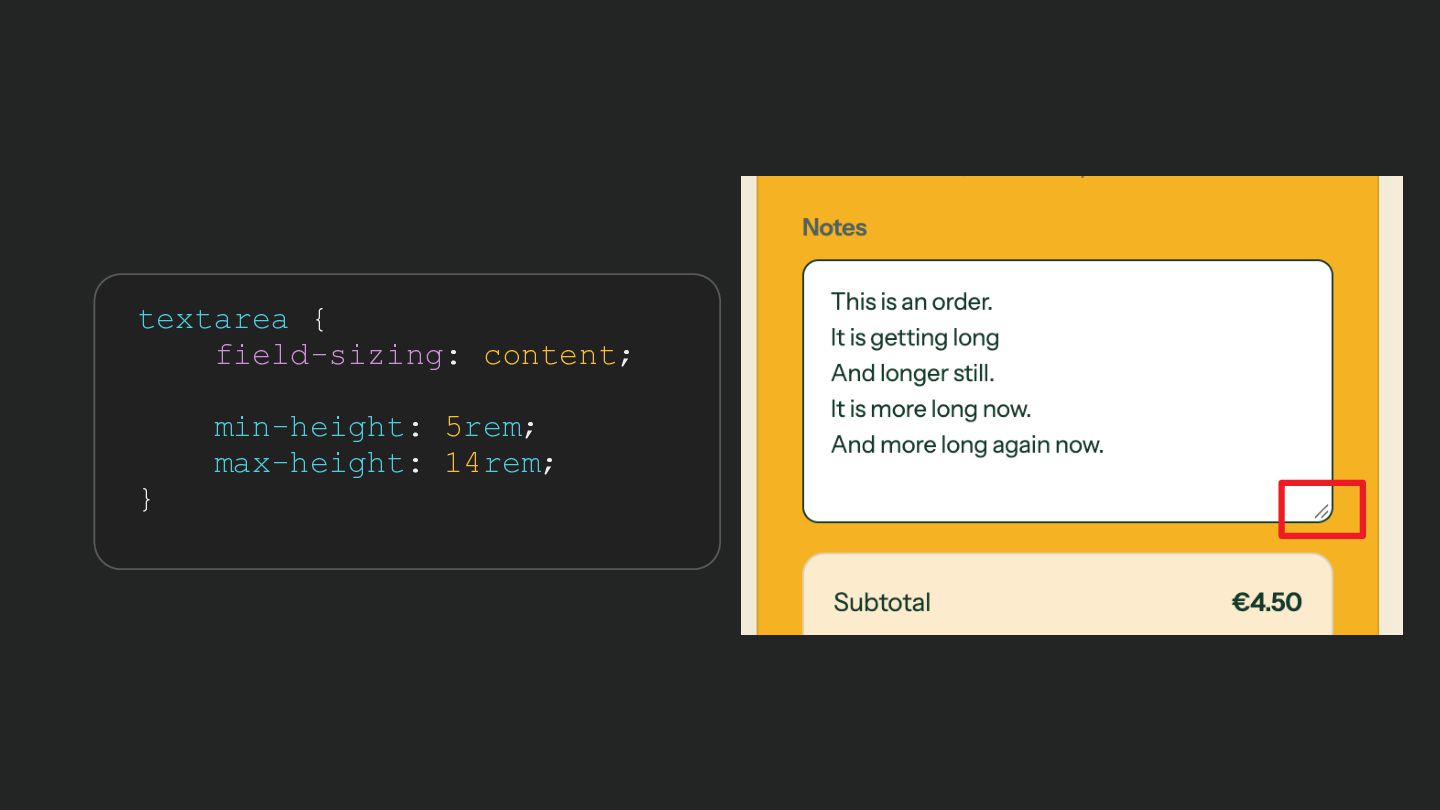
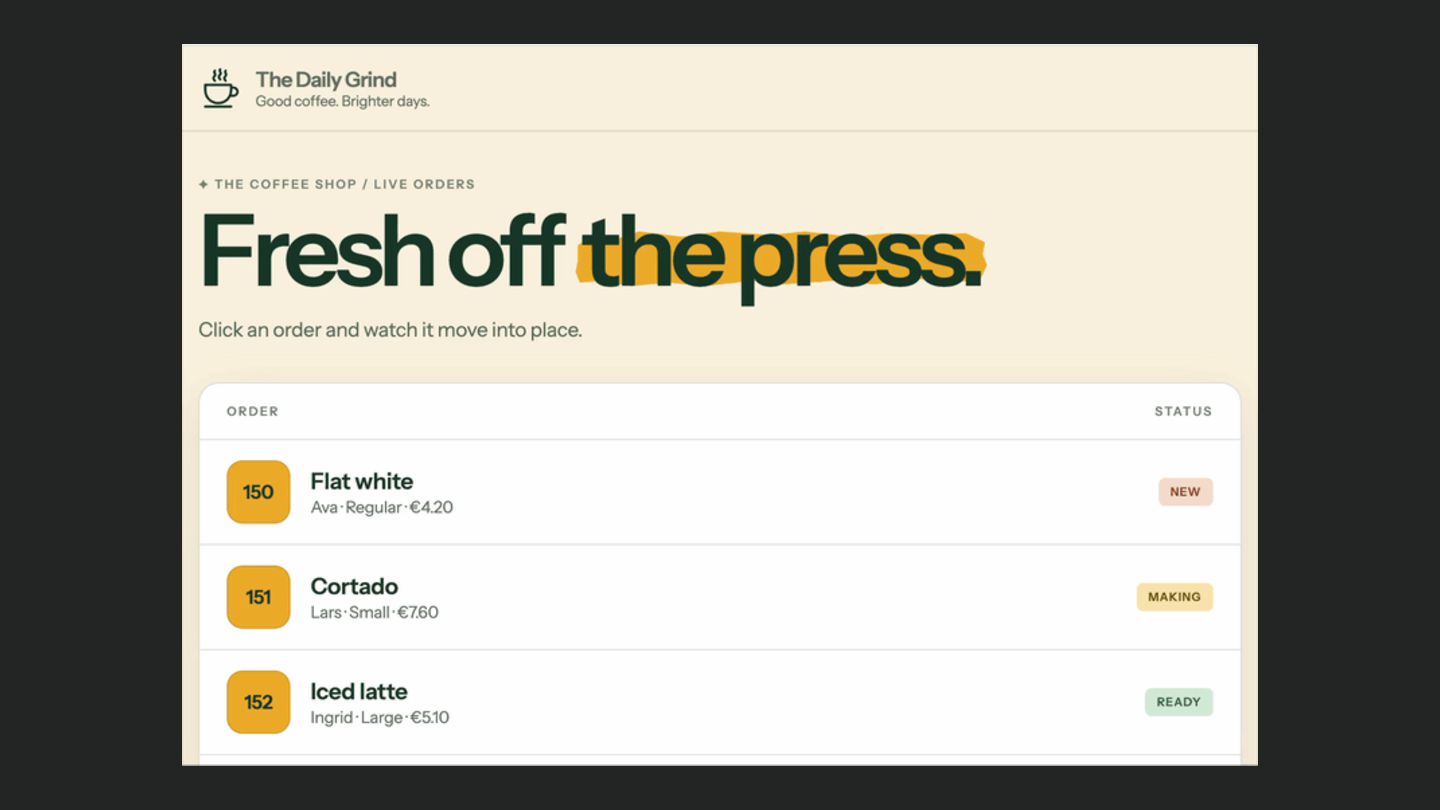
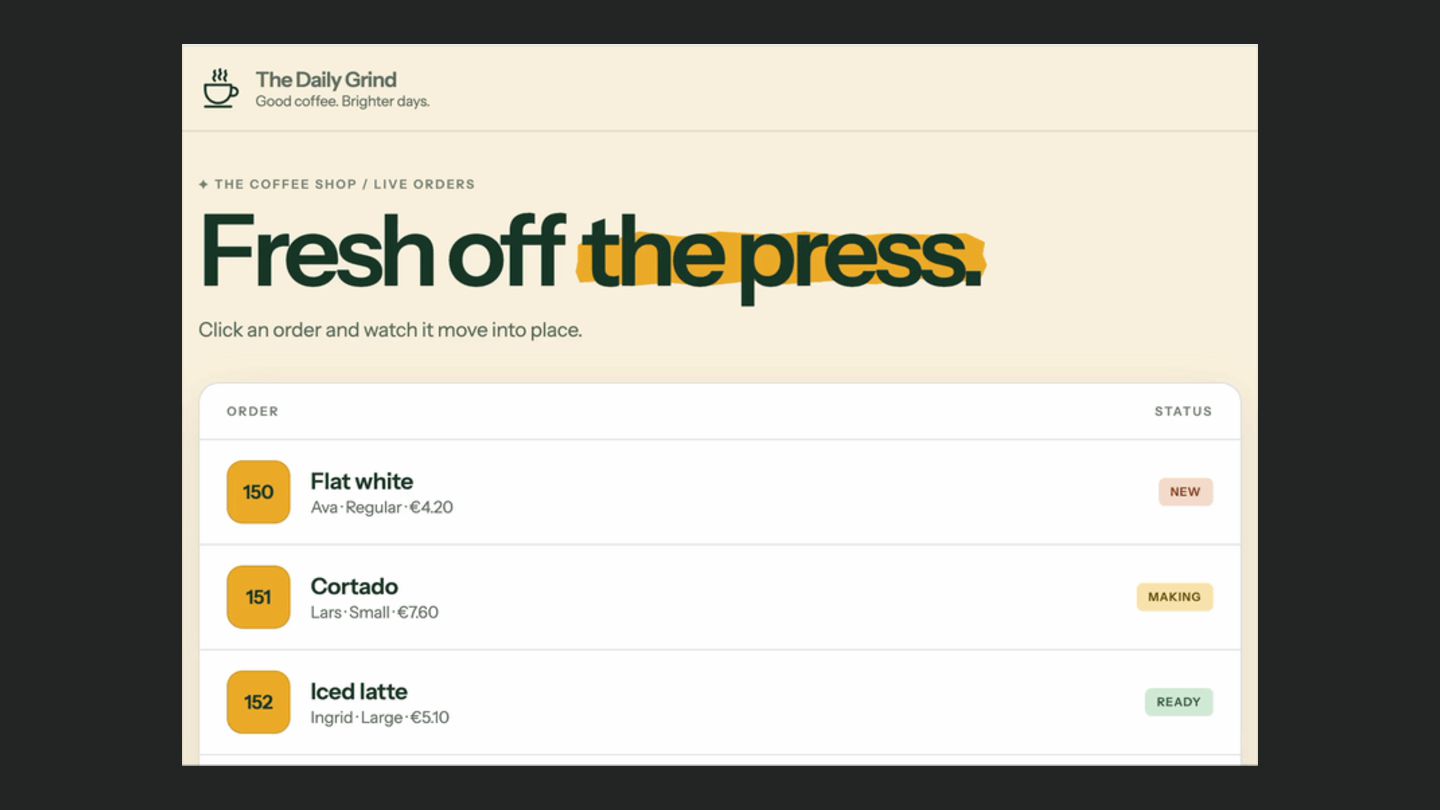
  19. A very detailed order • Textarea for freetext input •

    What about very long entry? • Can’t see it all! • Manually make it bigger? • Plugin to detect when it’s full ◦ Resize? BROAD
  20. A very detailed order • Textarea for freetext input •

    What about very long entry? • Can’t see it all! • Manually make it bigger? • Plugin to detect when it’s full ◦ Resize? BROAD
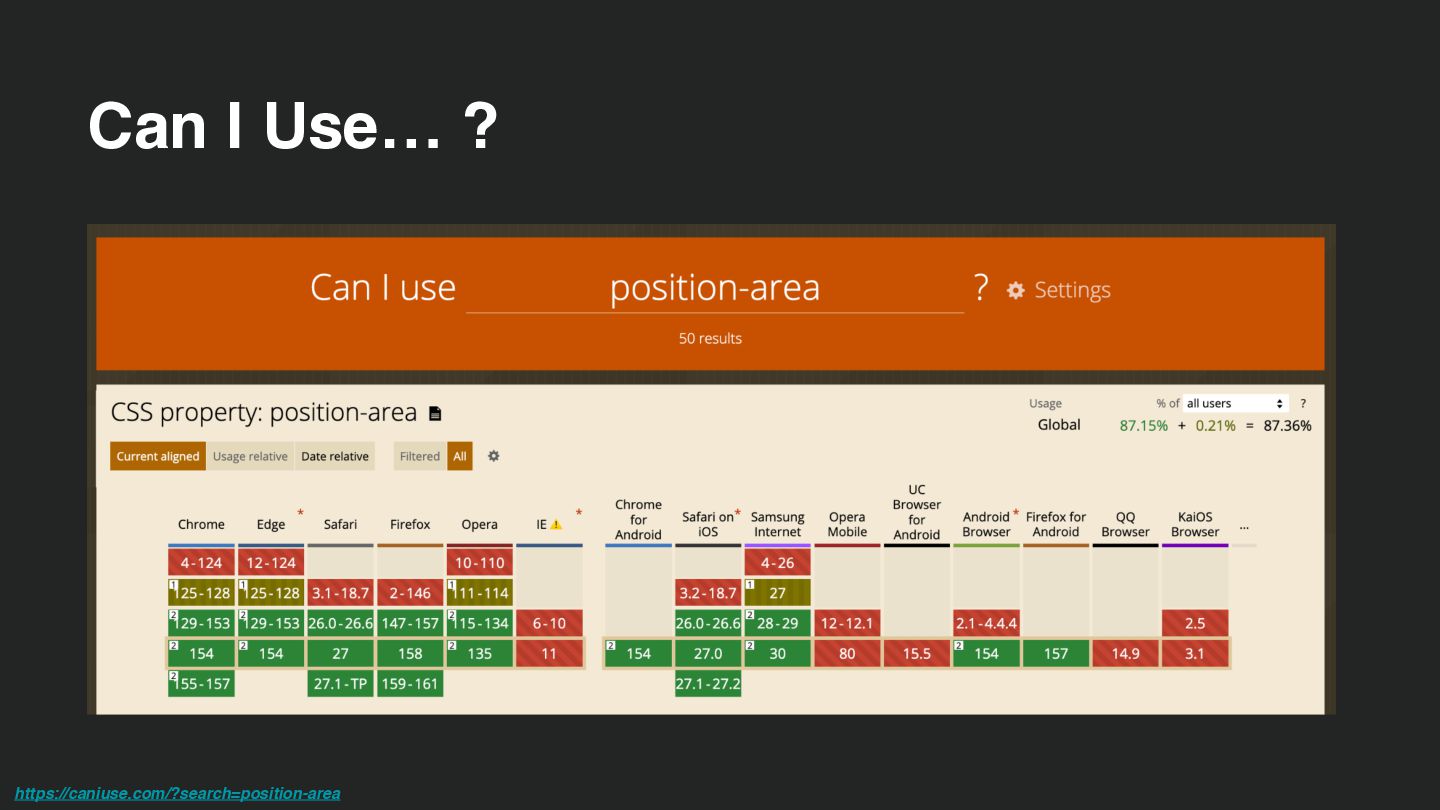
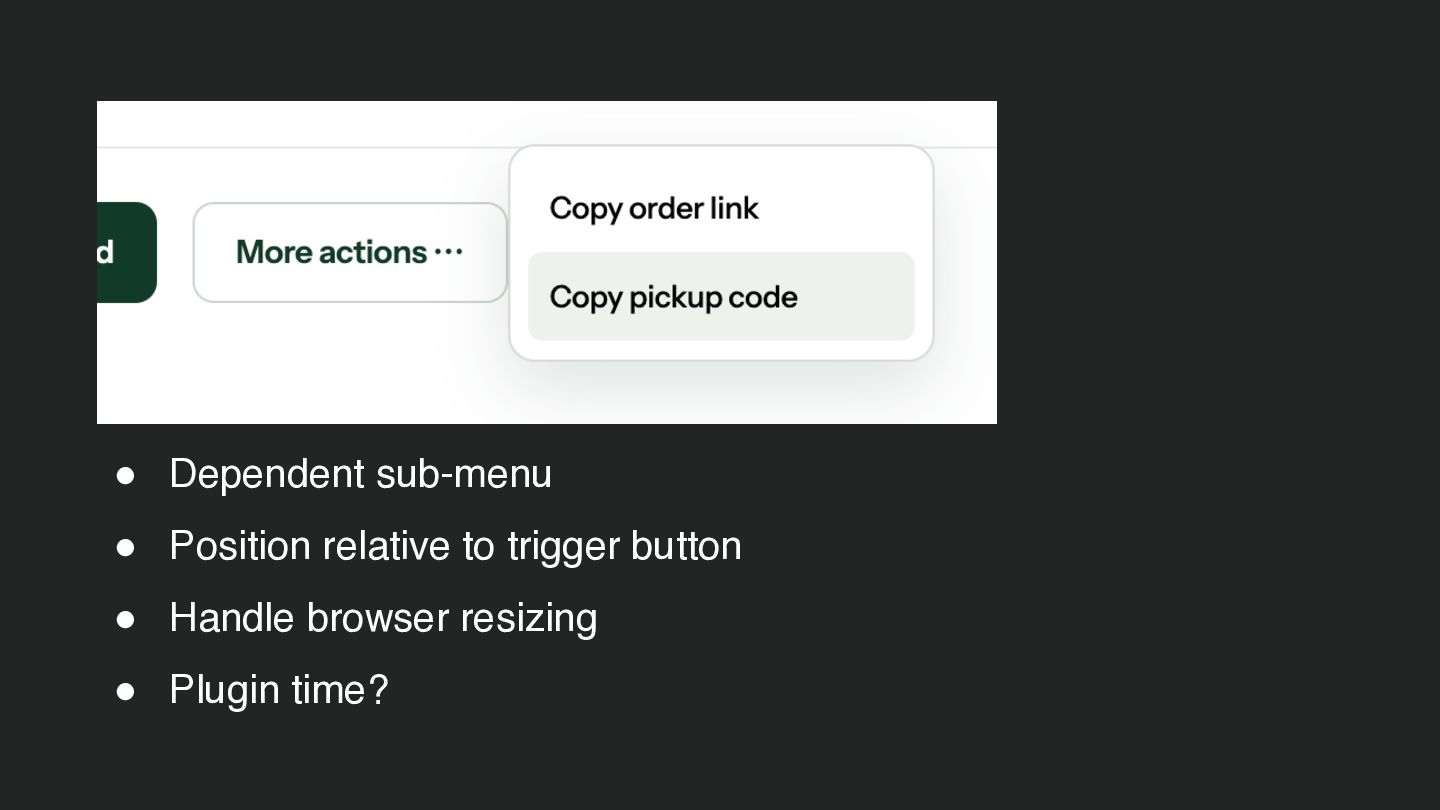
  21. Relative positioning, no js! button { anchor-name: --order-actions; } [popover]

    { position-anchor: --order-actions; position-area: right; position-try-fallbacks: flip-inline; } BROAD
  22. Relative positioning, no js! button { anchor-name: --order-actions; } [popover]

    { position-anchor: --order-actions; position-area: right; position-try-fallbacks: flip-inline; } BROAD
  23. Relative positioning, no js! button { anchor-name: --order-actions; } [popover]

    { position-anchor: --order-actions; position-area: right; position-try-fallbacks: flip-inline; } BROAD
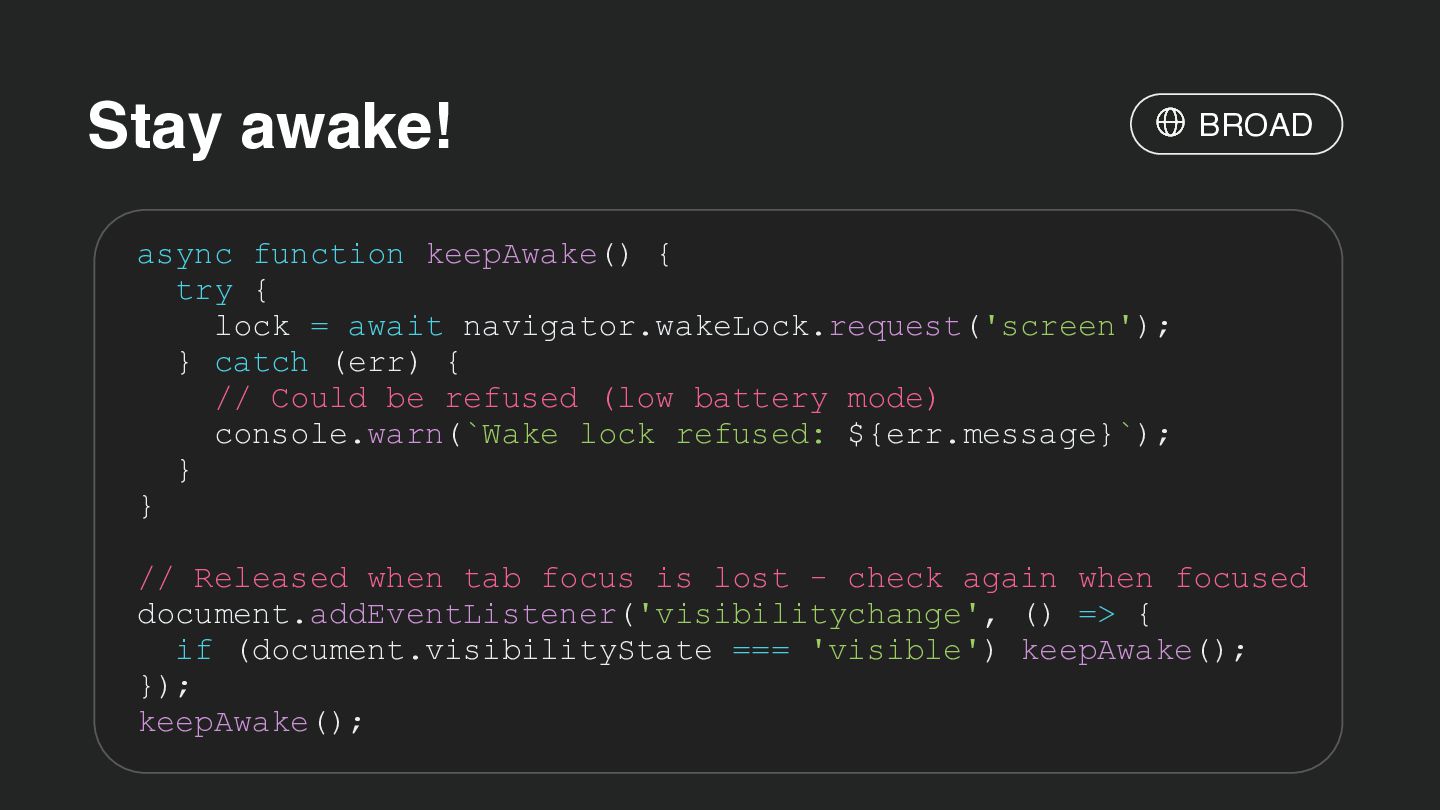
  24. Stay awake! BROAD async function keepAwake() { try { lock

    = await navigator.wakeLock.request('screen'); } catch (err) { // Could be refused (low battery mode) console.warn(`Wake lock refused: ${err.message}`); } } // Released when tab focus is lost - check again when focused document.addEventListener('visibilitychange', () => { if (document.visibilityState === 'visible') keepAwake(); }); keepAwake();
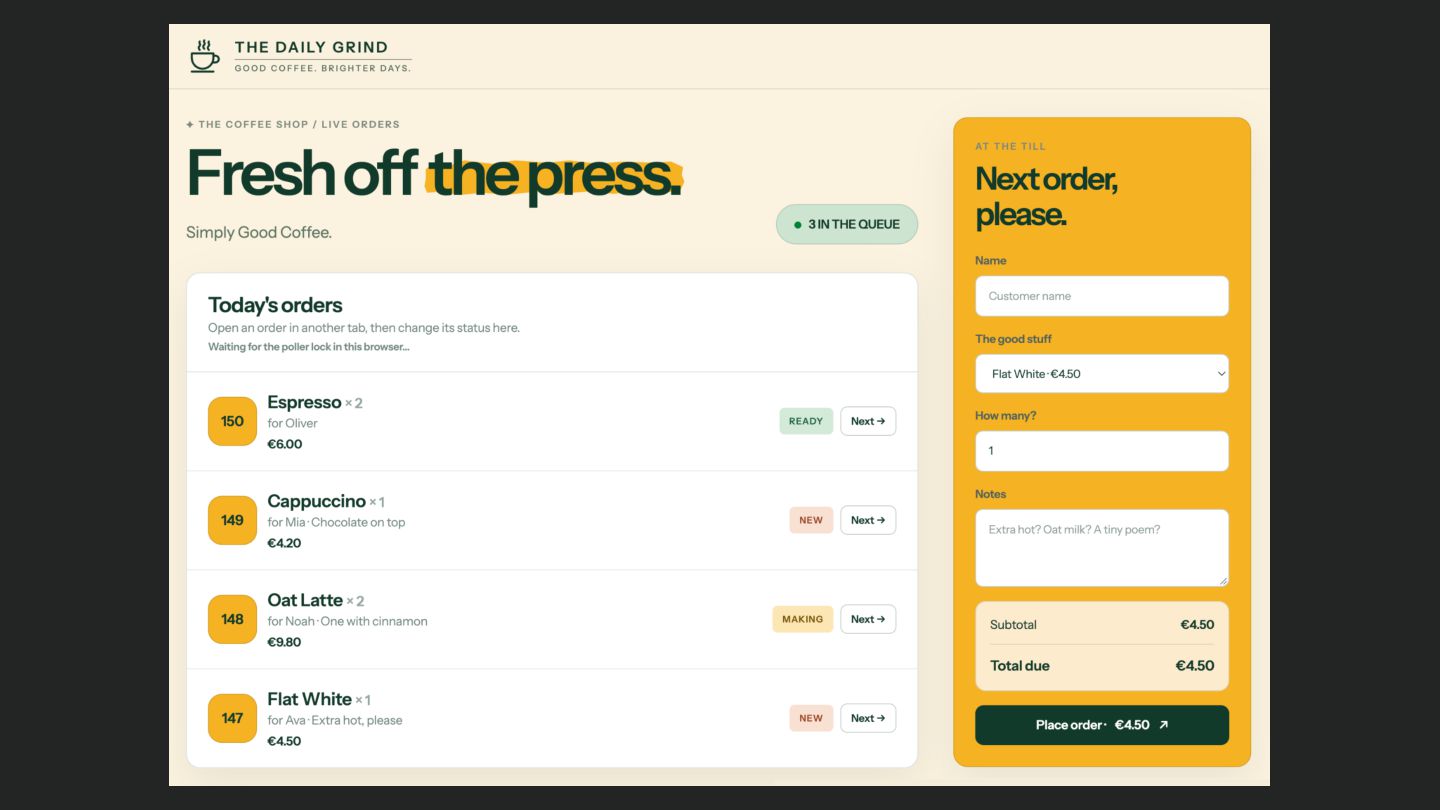
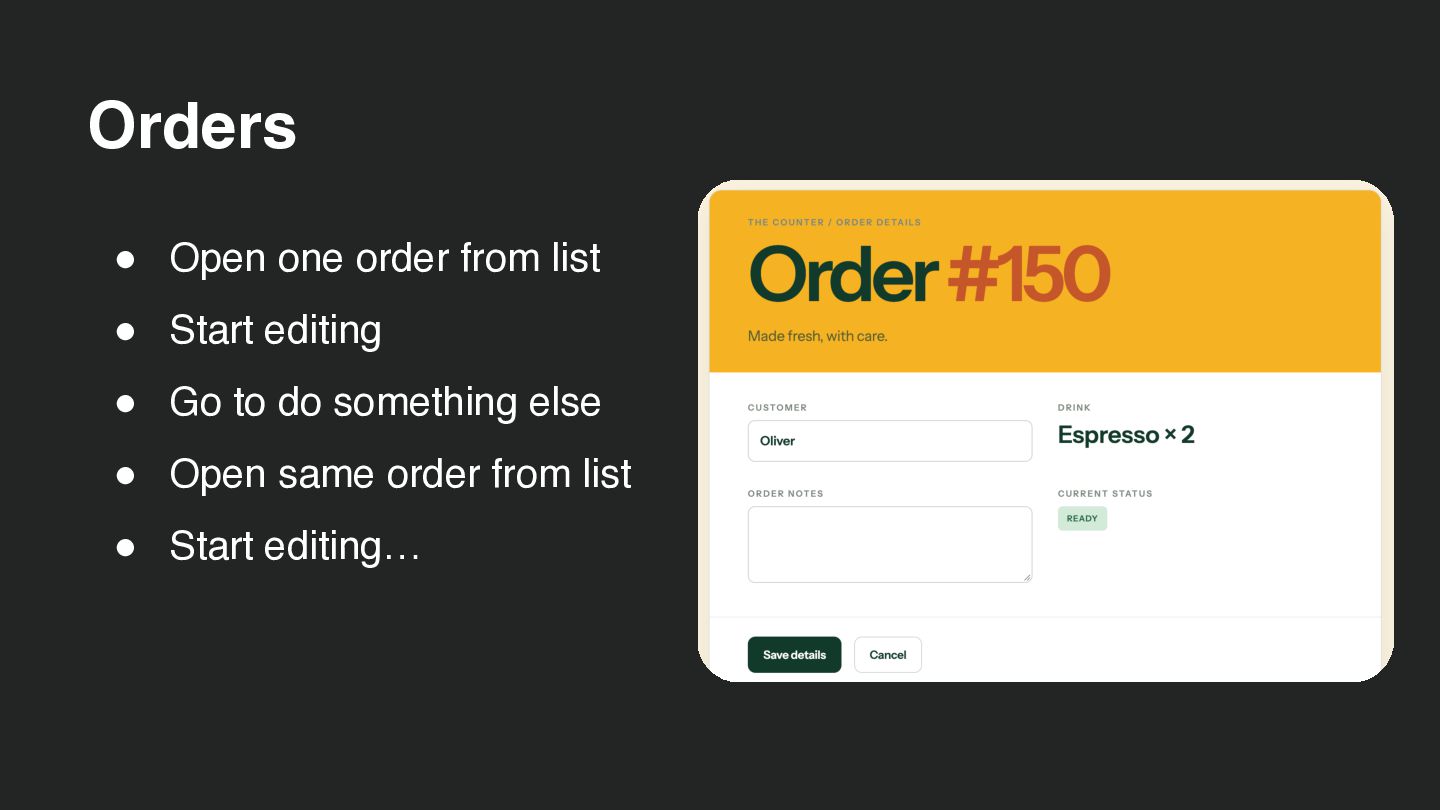
  25. Orders • Open one order from list • Start editing

    • Go to do something else • Open same order from list • Start editing…
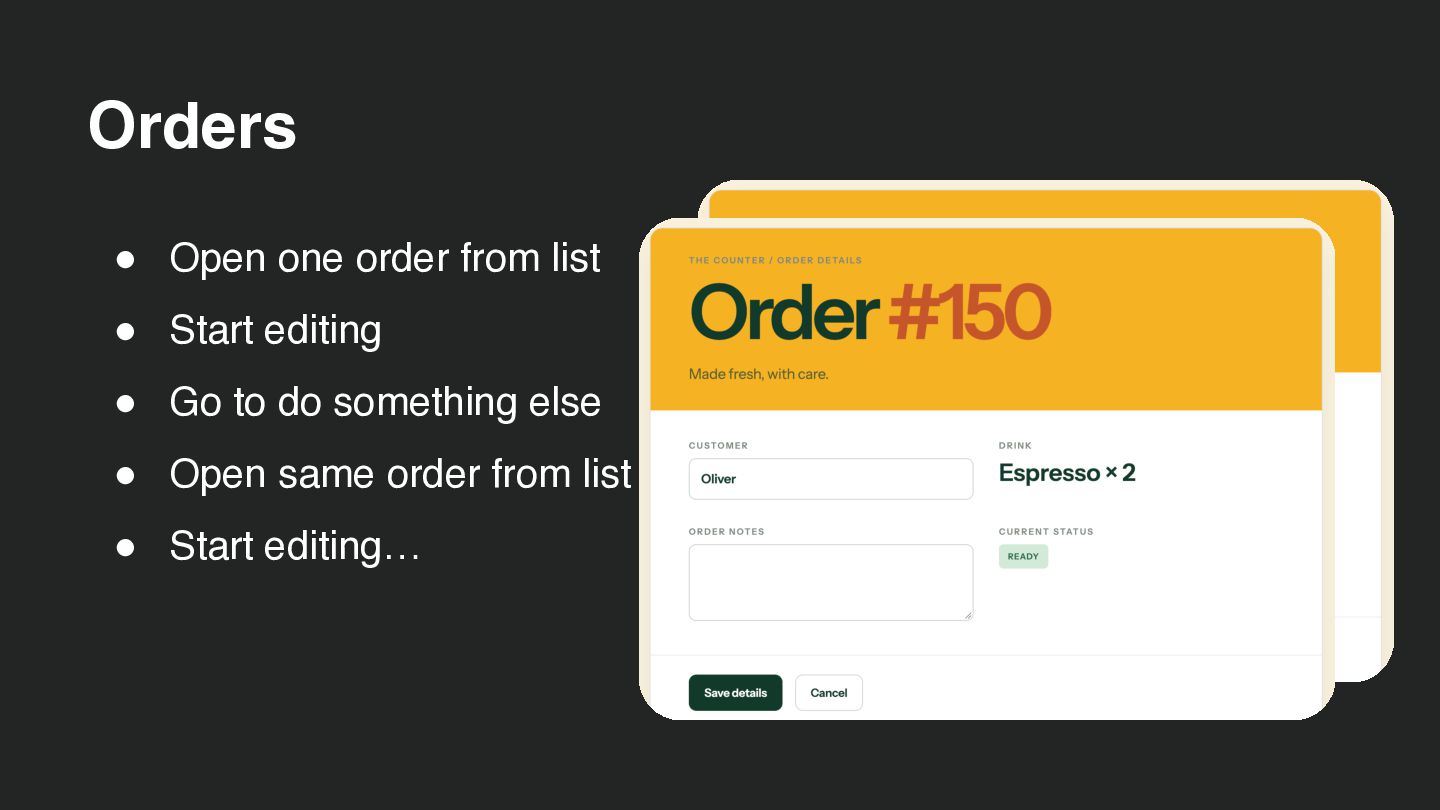
  26. Orders • Open one order from list • Start editing

    • Go to do something else • Open same order from list • Start editing…
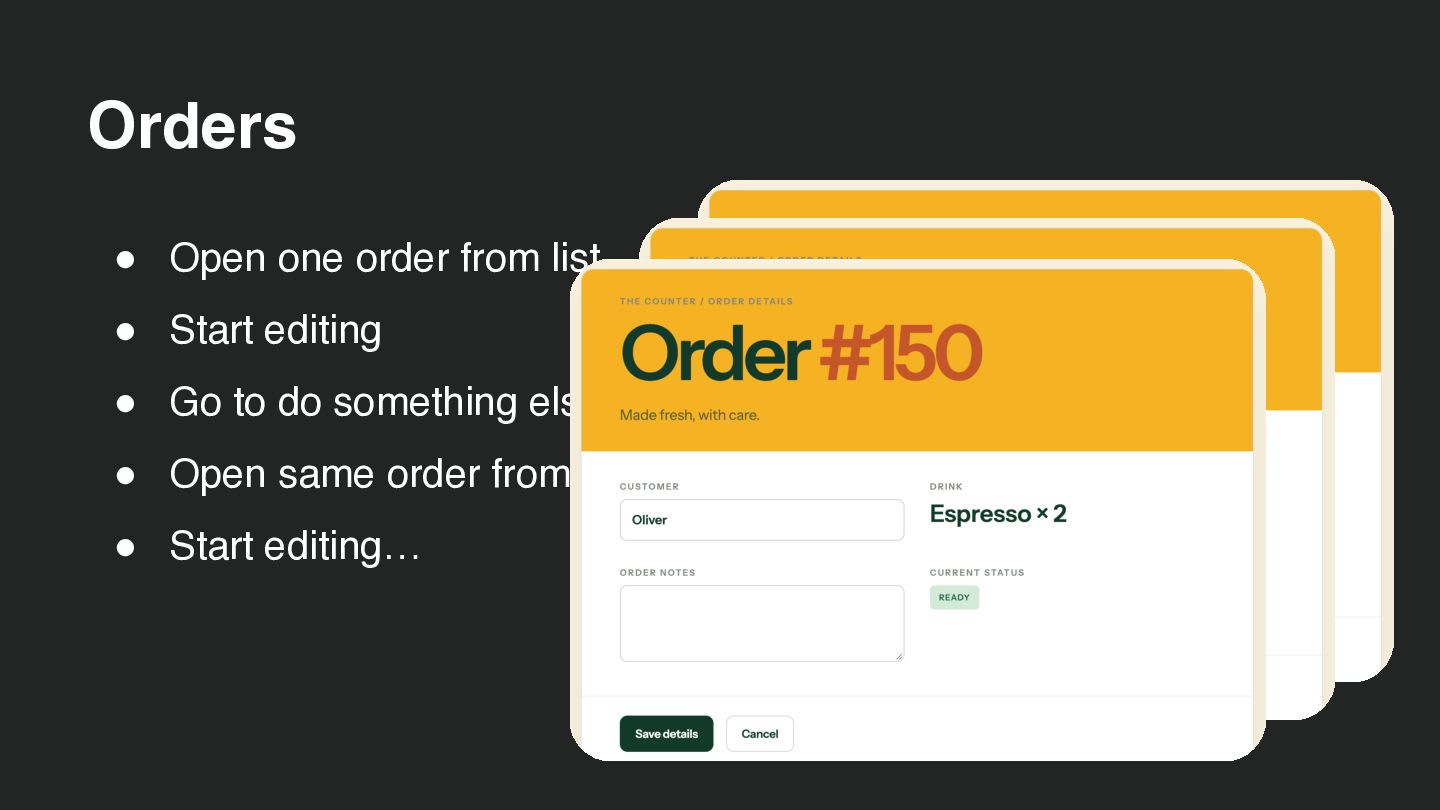
  27. Orders • Open one order from list • Start editing

    • Go to do something else • Open same order from list • Start editing…
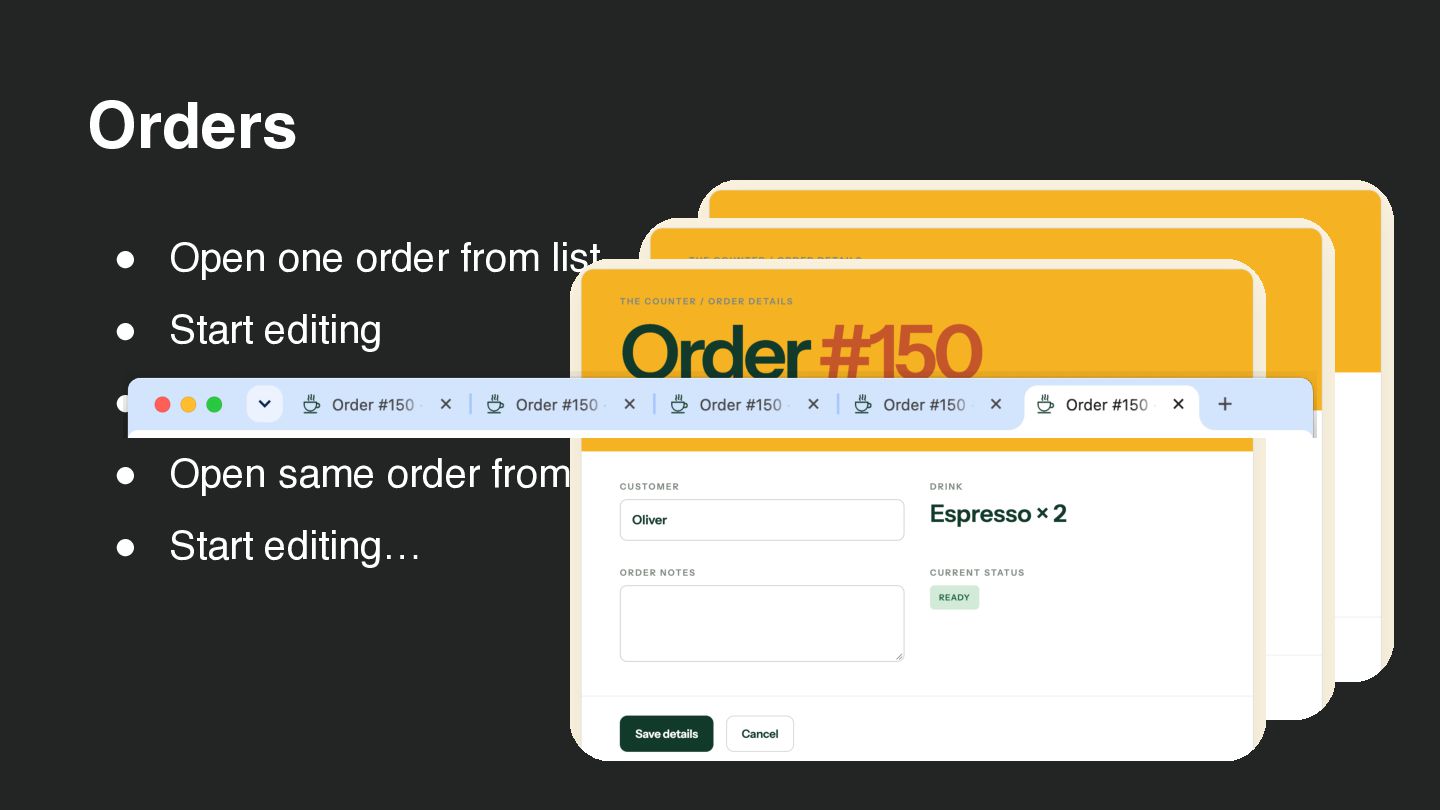
  28. Orders • Open one order from list • Start editing

    • Go to do something else • Open same order from list • Start editing…
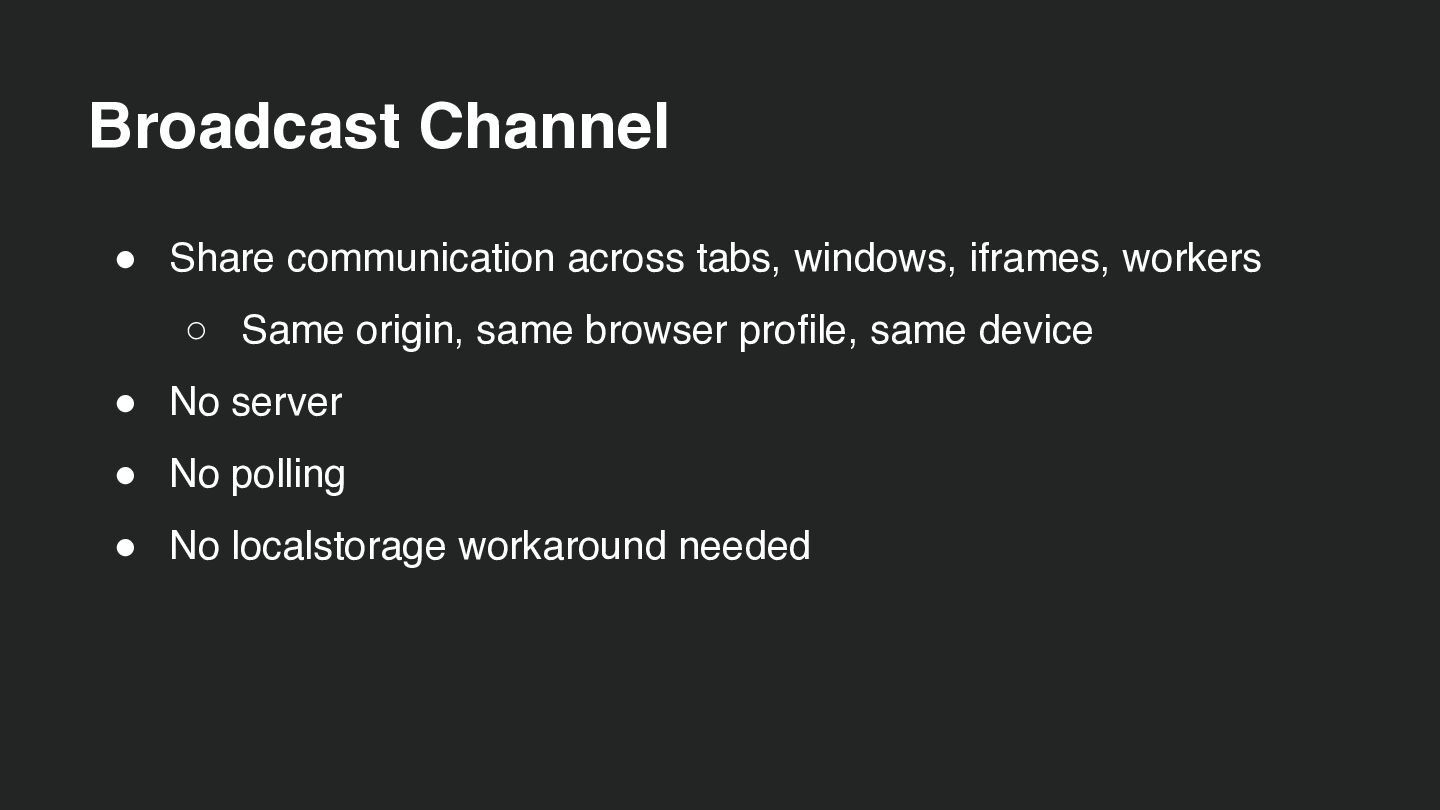
  29. Broadcast Channel • Share communication across tabs, windows, iframes, workers

    ◦ Same origin, same browser profile, same device • No server • No polling • No localstorage workaround needed
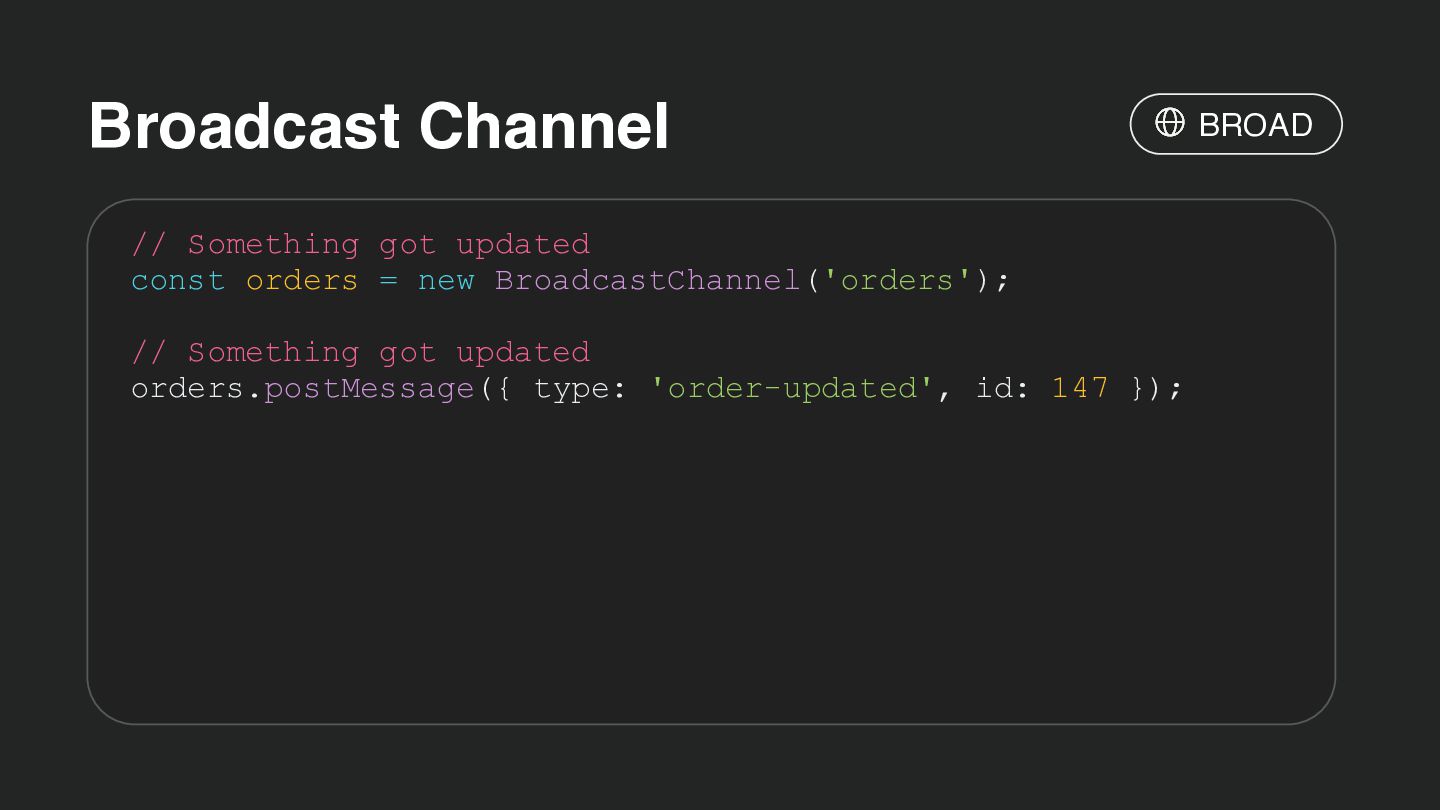
  30. Broadcast Channel // Something got updated const orders = new

    BroadcastChannel('orders'); // Something got updated orders.postMessage({ type: 'order-updated', id: 147 }); BROAD
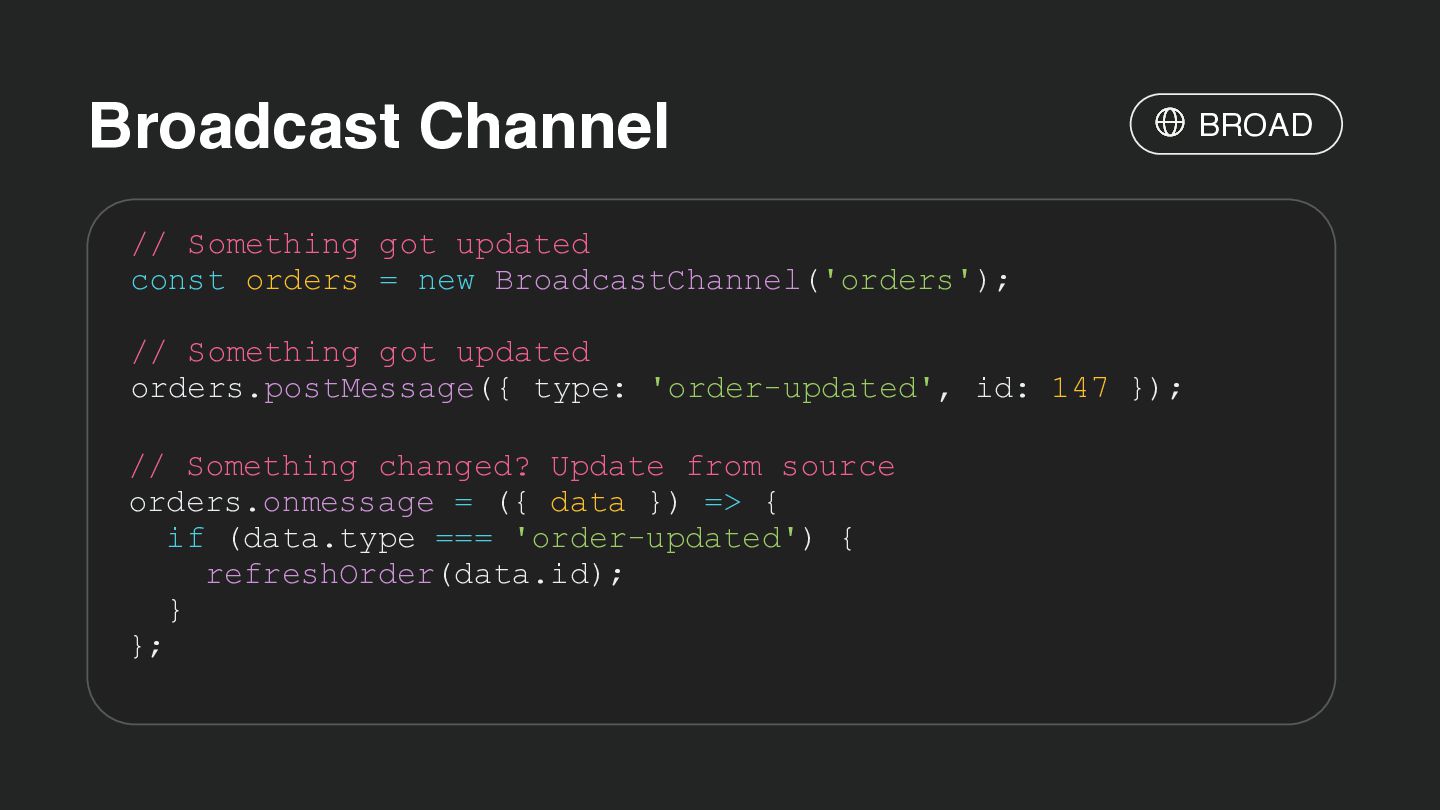
  31. Broadcast Channel // Something got updated const orders = new

    BroadcastChannel('orders'); // Something got updated orders.postMessage({ type: 'order-updated', id: 147 }); // Something changed? Update from source orders.onmessage = ({ data }) => { if (data.type === 'order-updated') { refreshOrder(data.id); } }; BROAD
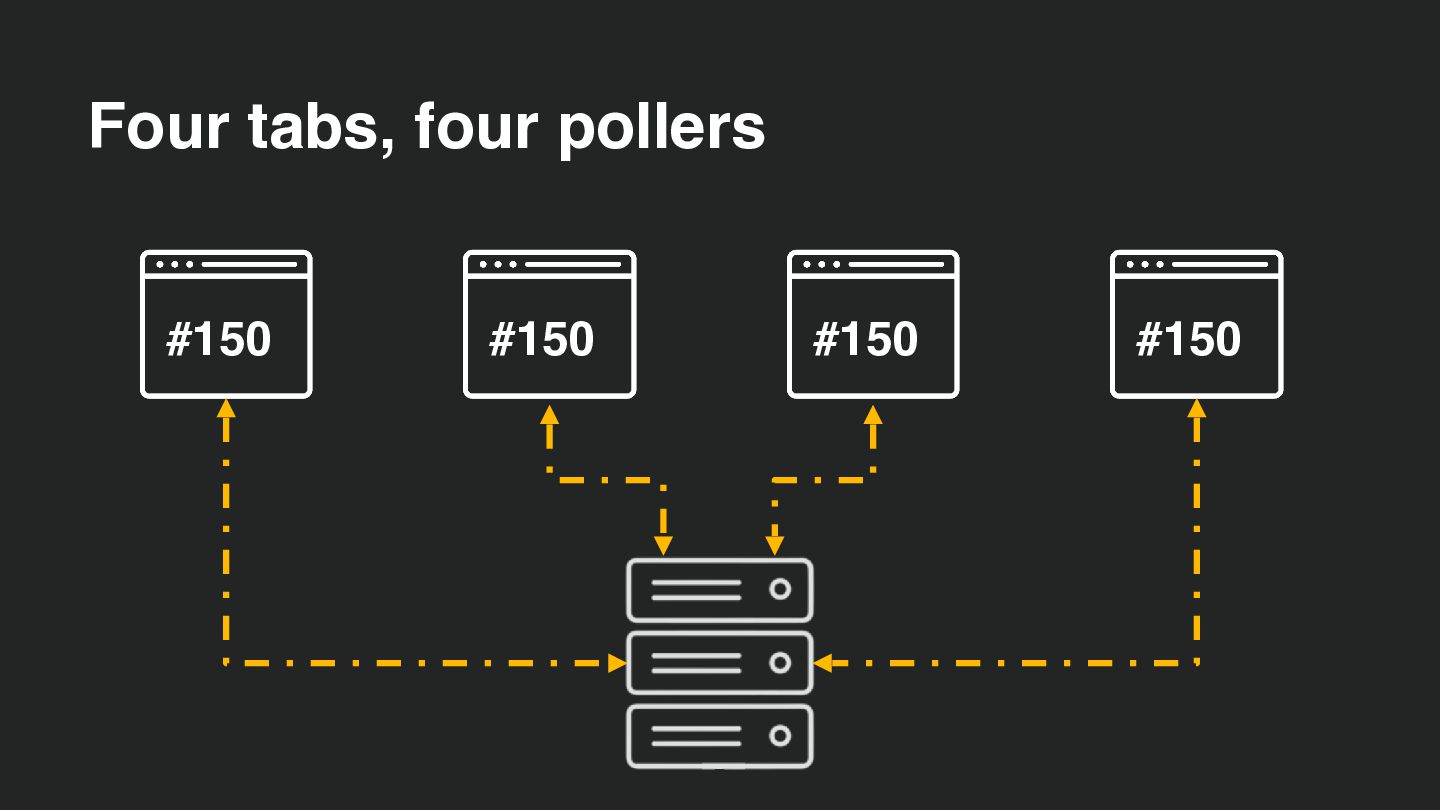
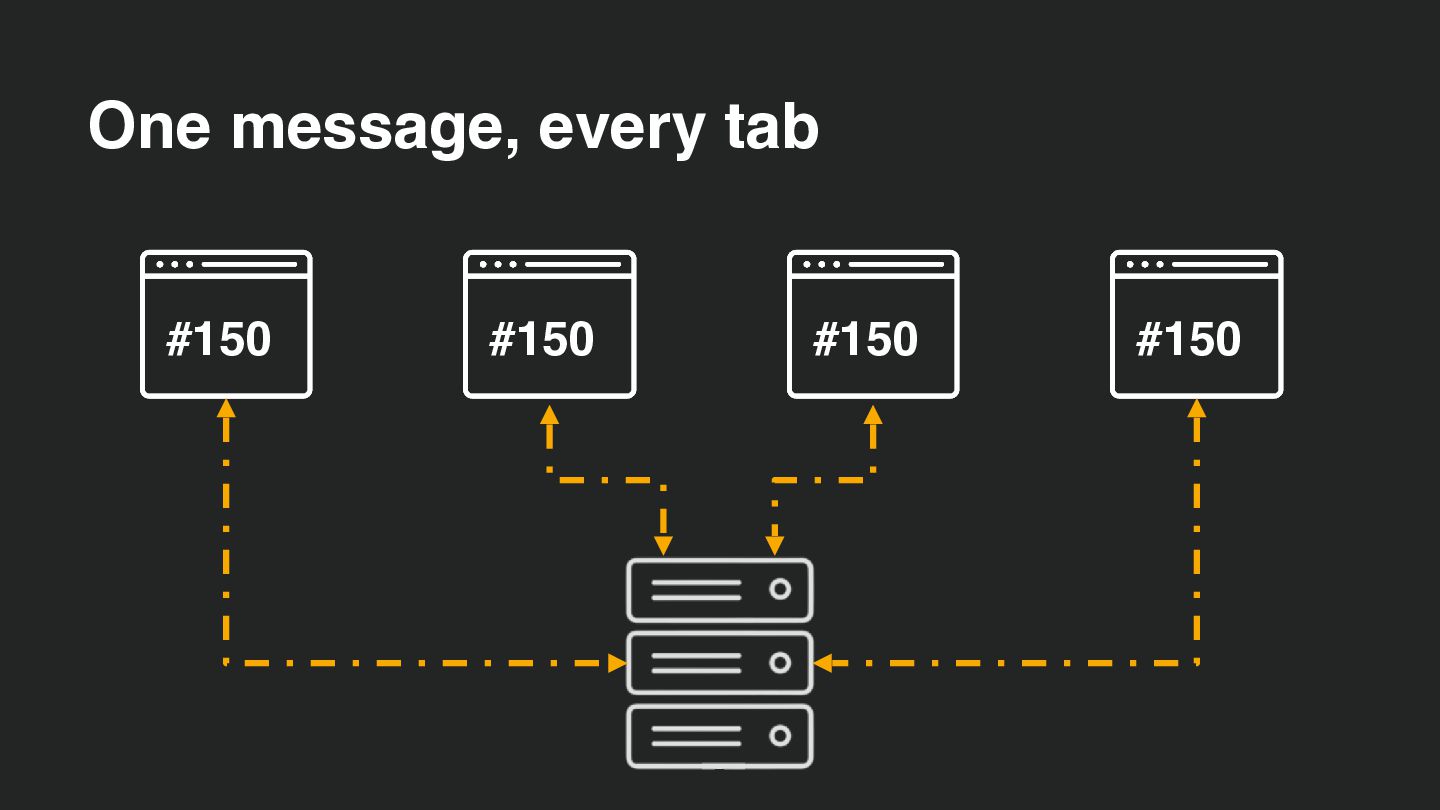
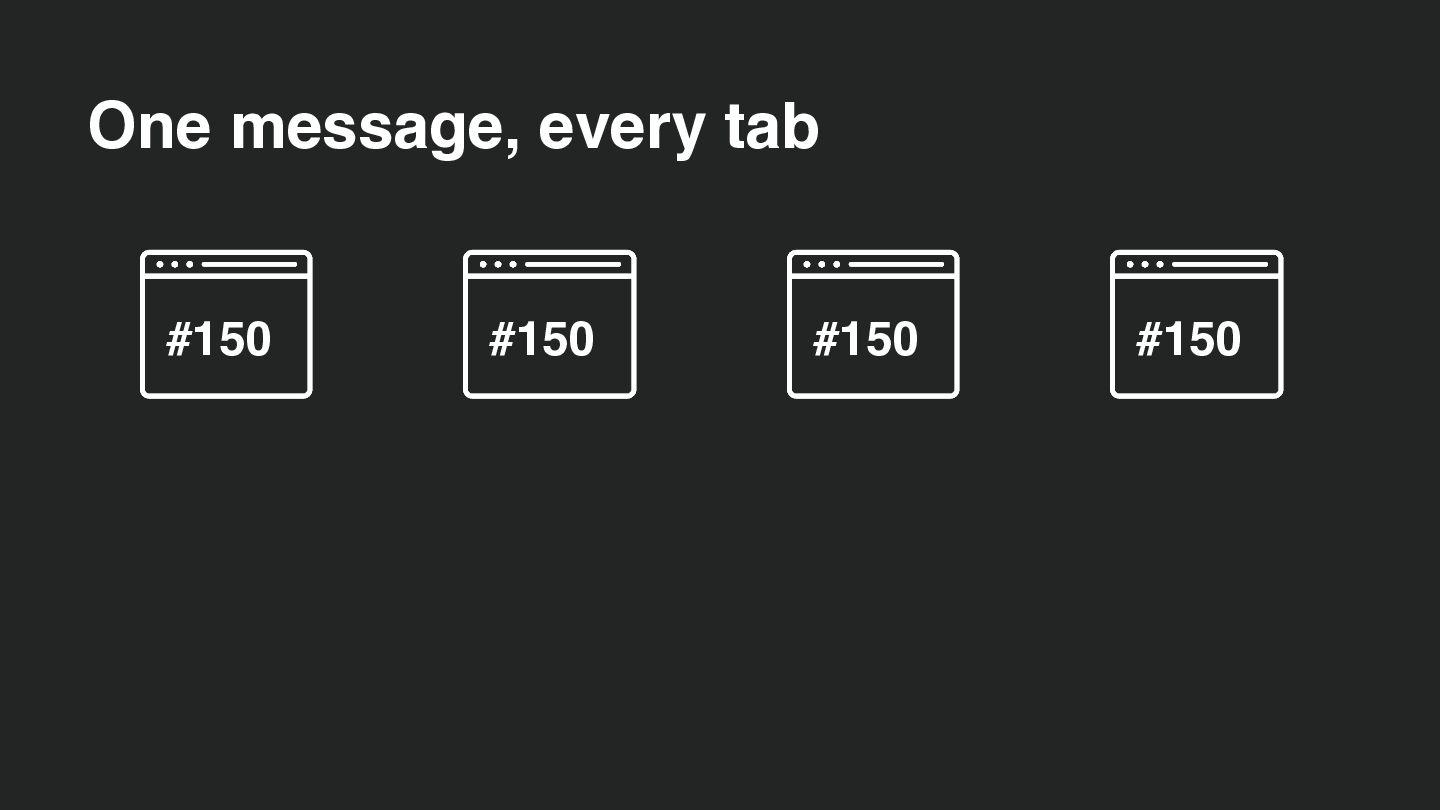
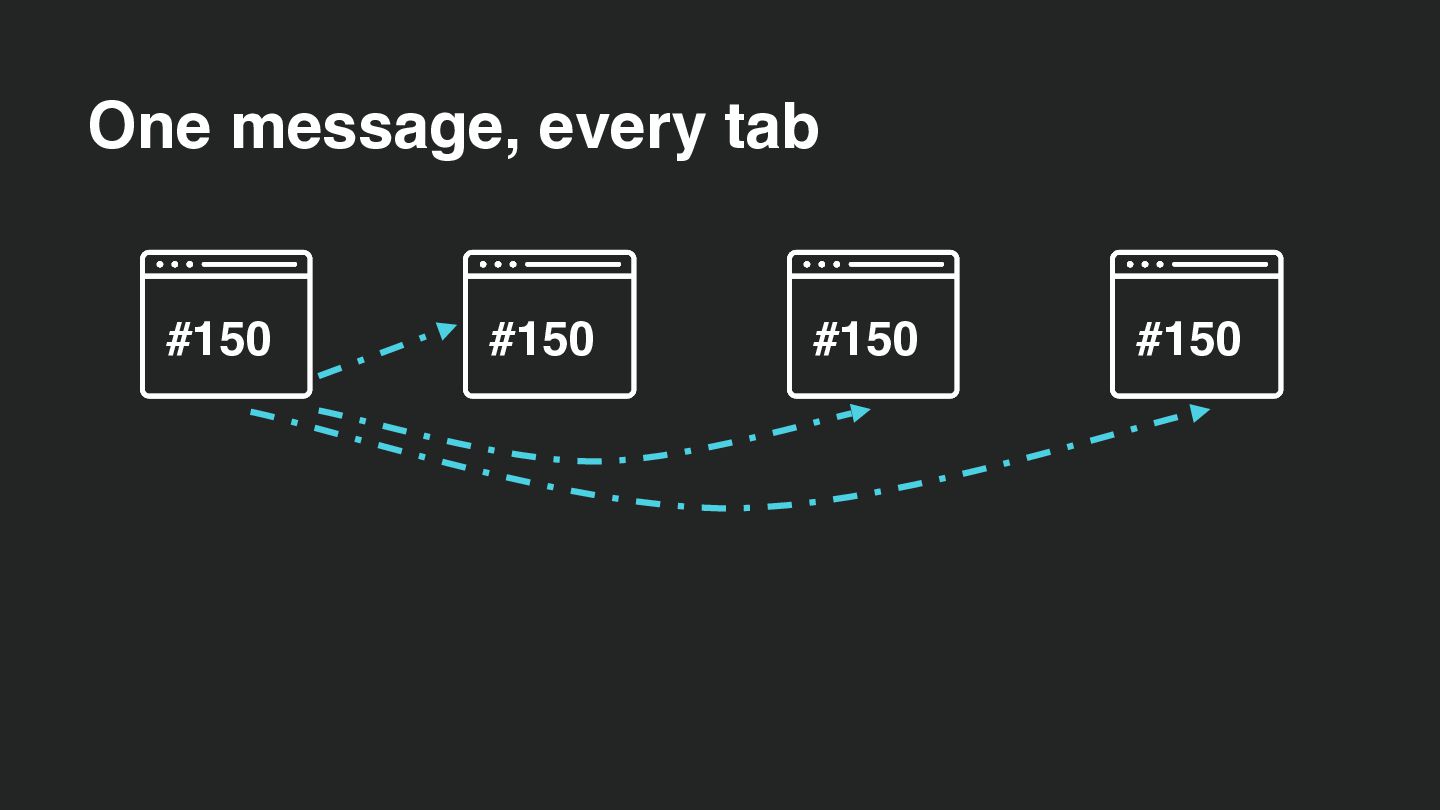
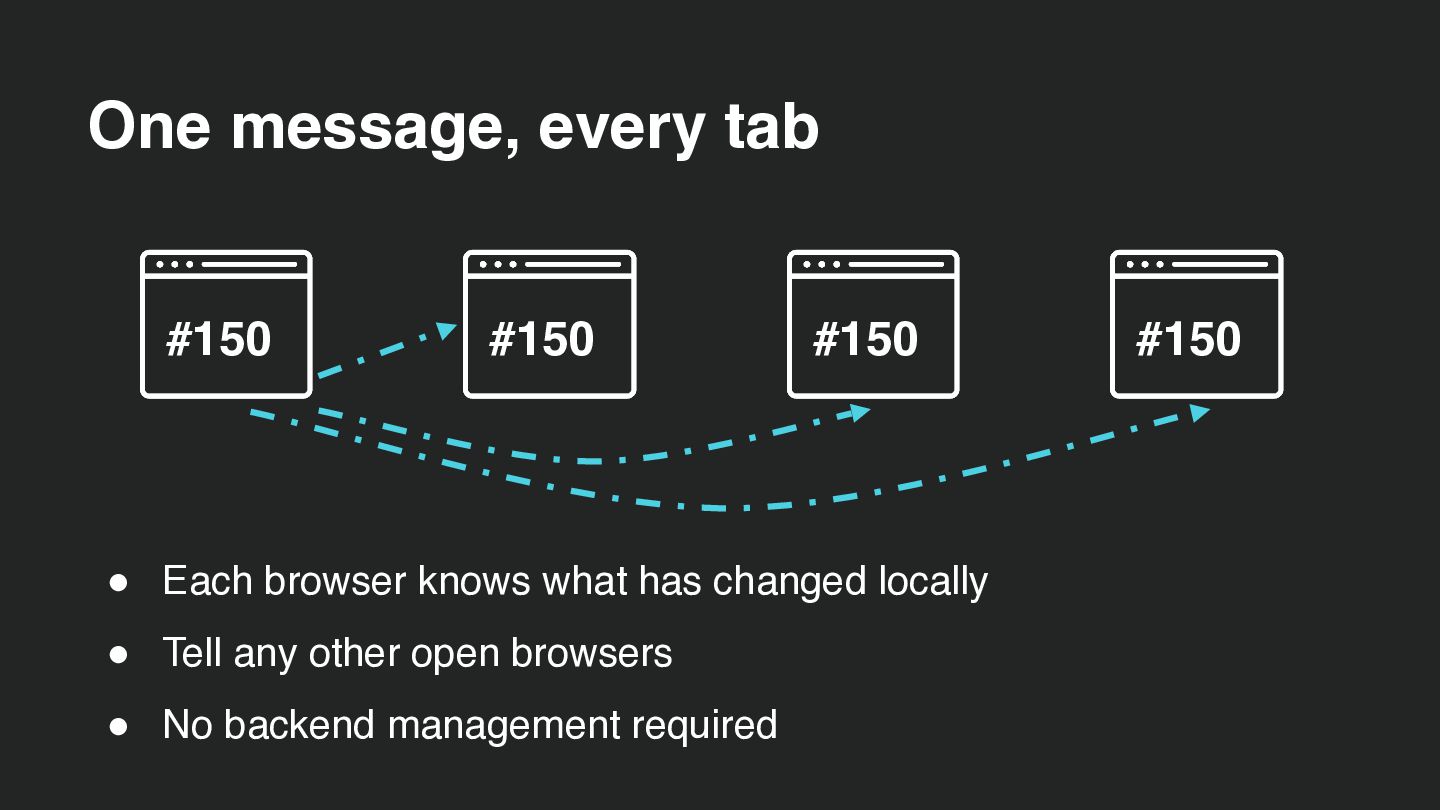
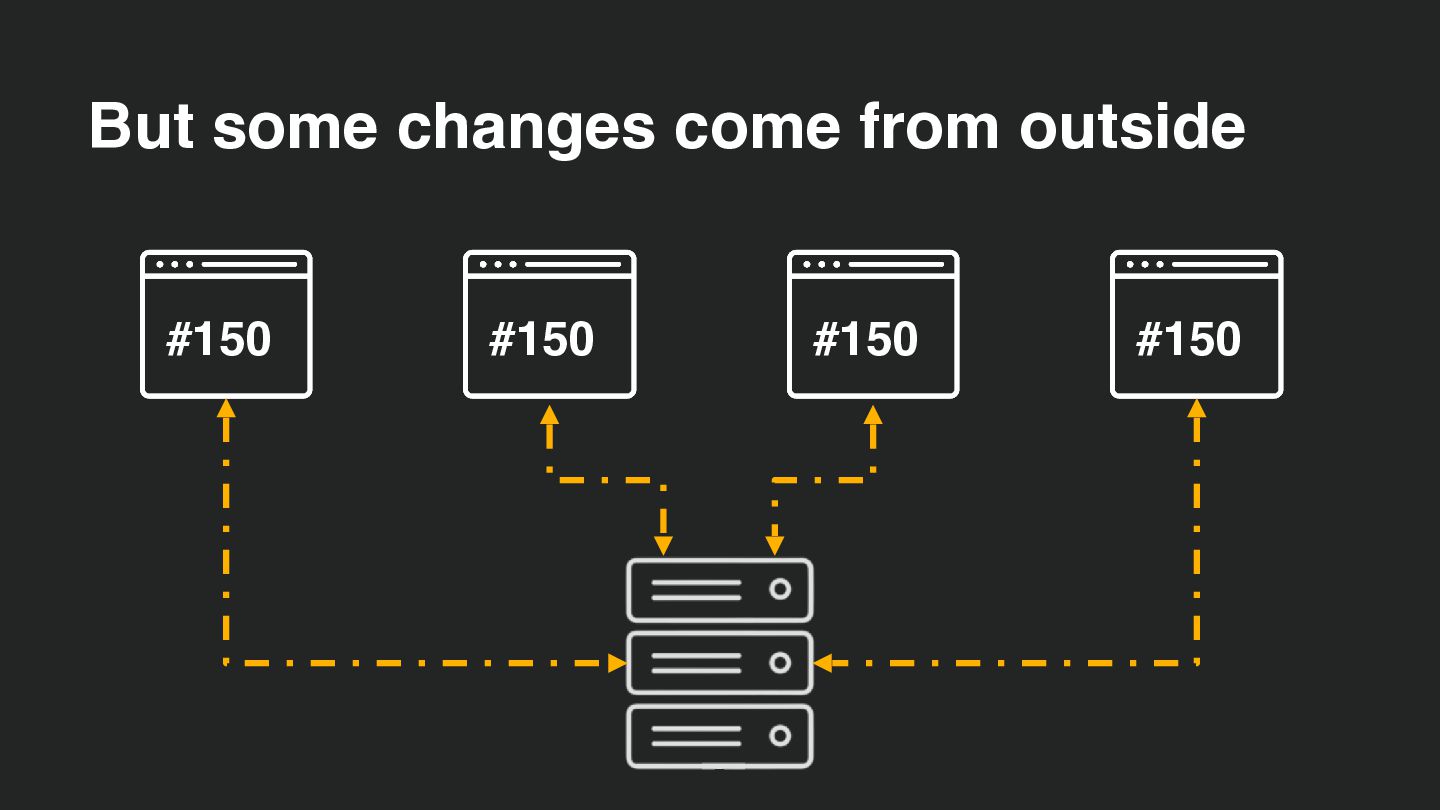
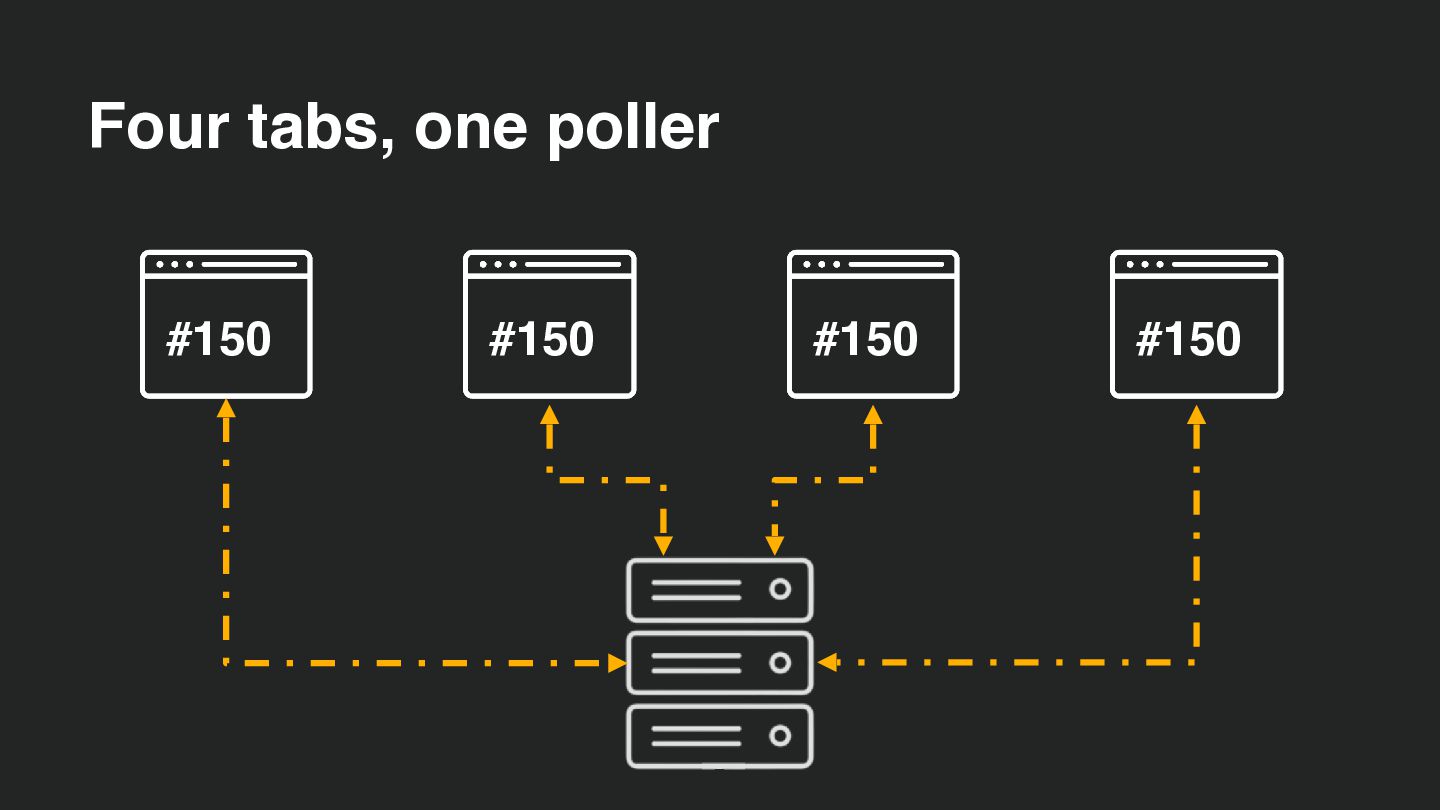
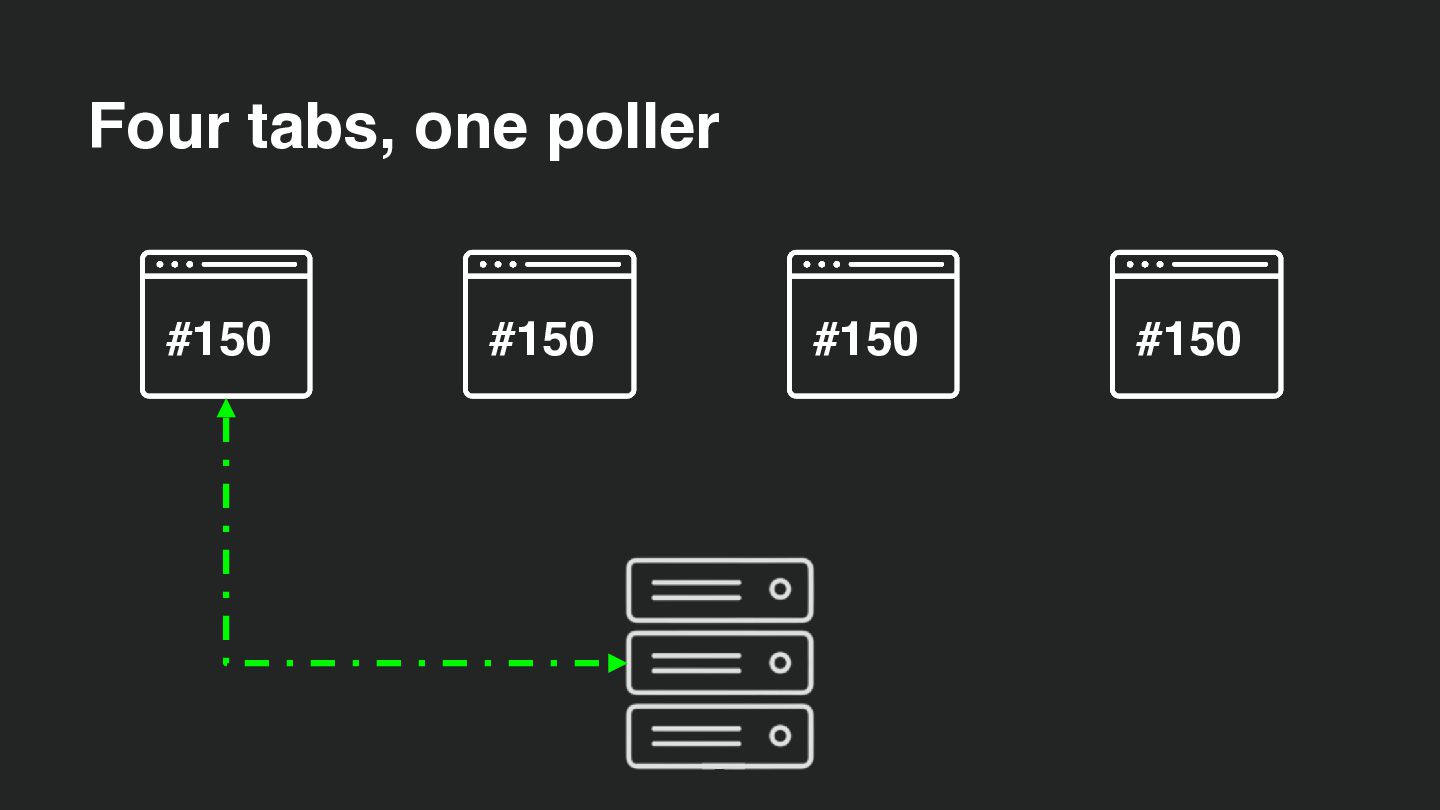
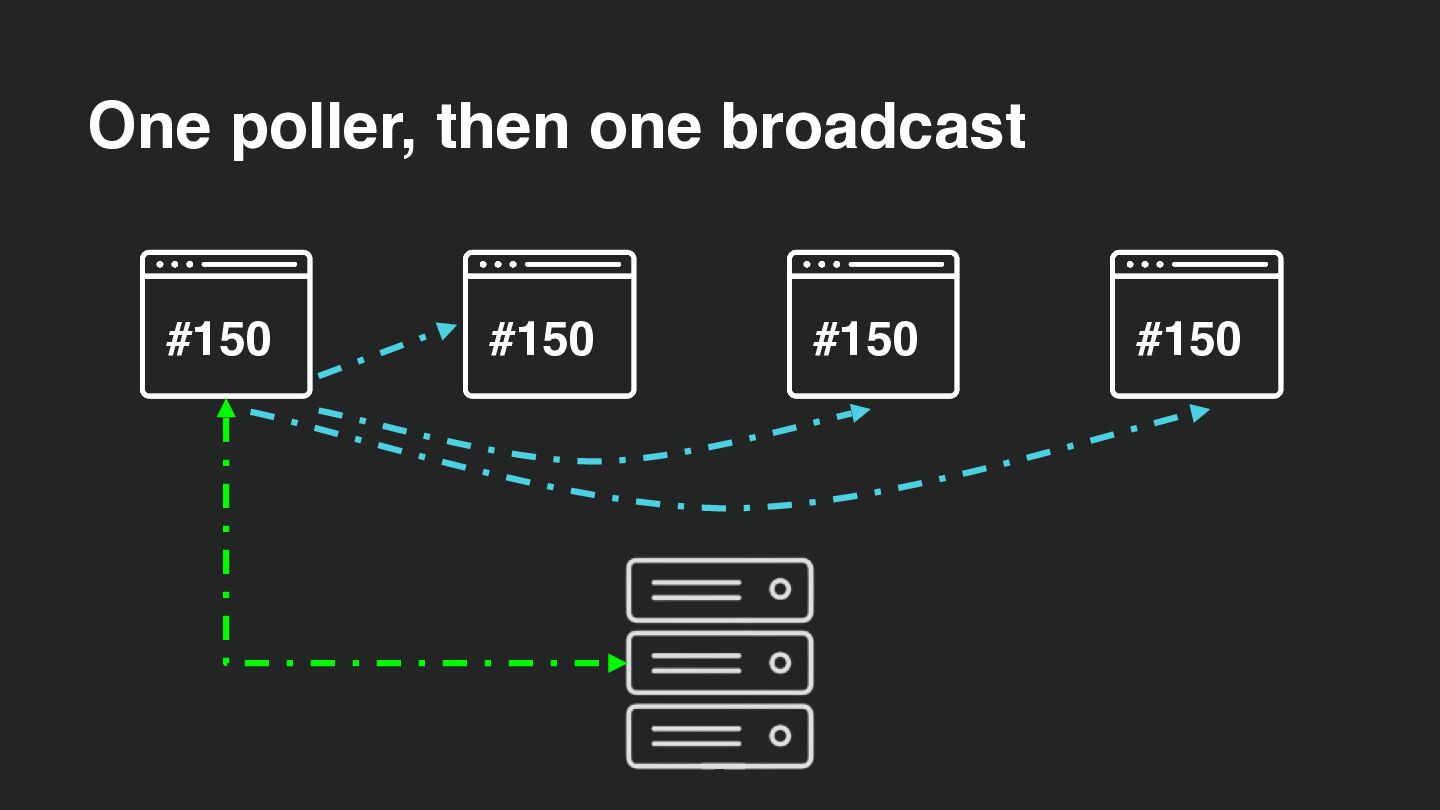
  32. One message, every tab #150 #150 #150 • Each browser

    knows what has changed locally • Tell any other open browsers • No backend management required #150
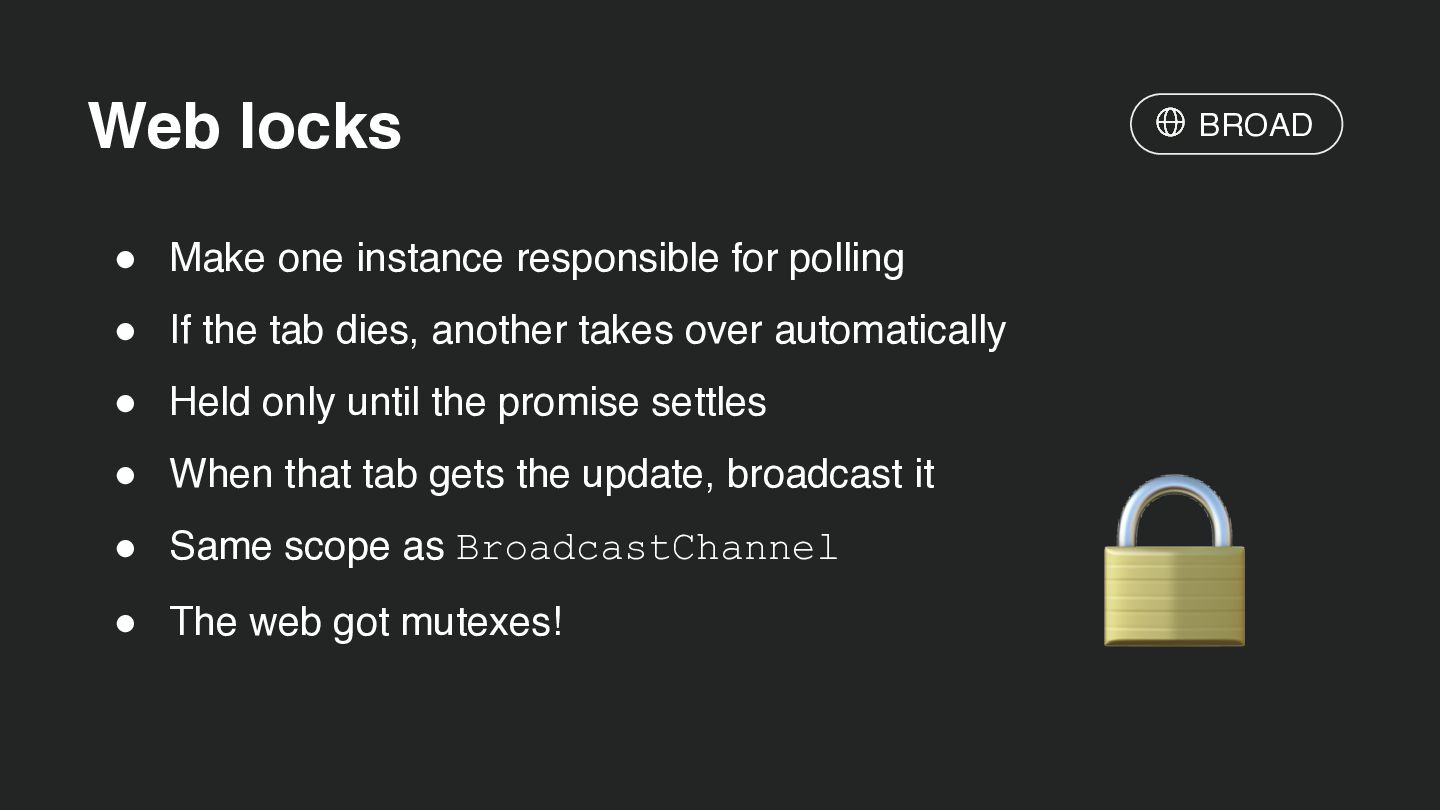
  33. Web locks BROAD • Make one instance responsible for polling

    • If the tab dies, another takes over automatically • Held only until the promise settles • When that tab gets the update, broadcast it • Same scope as BroadcastChannel • The web got mutexes! 🔒
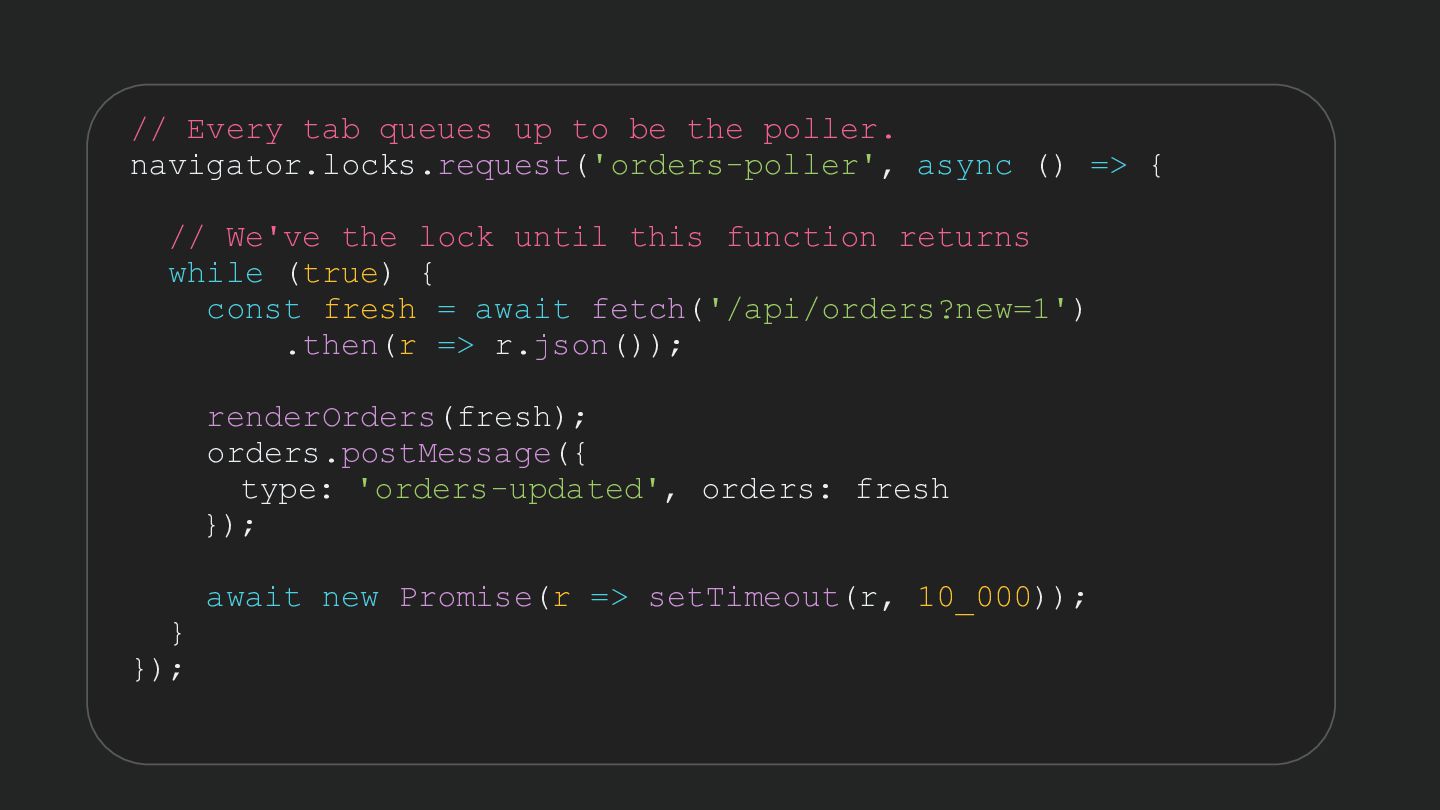
  34. // Every tab queues up to be the poller. navigator.locks.request('orders-poller',

    async () => { // We've the lock until this function returns while (true) { const fresh = await fetch('/api/orders?new=1') .then(r => r.json()); renderOrders(fresh); orders.postMessage({ type: 'orders-updated', orders: fresh }); } }); await new Promise(r => setTimeout(r, 10_000));
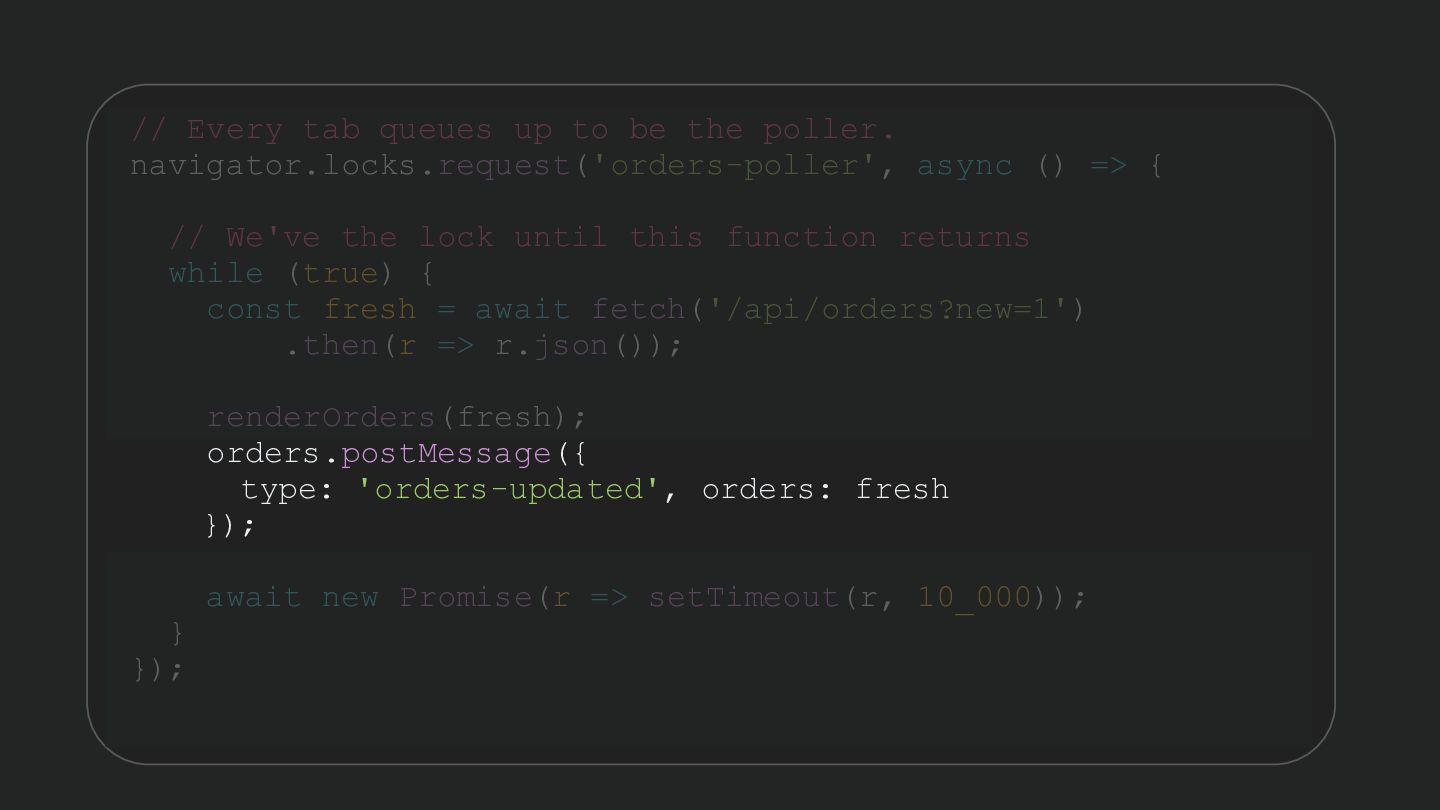
  35. // Every tab queues up to be the poller. navigator.locks.request('orders-poller',

    async () => { // We've the lock until this function returns while (true) { const fresh = await fetch('/api/orders?new=1') .then(r => r.json()); renderOrders(fresh); orders.postMessage({ type: 'orders-updated', orders: fresh }); } }); await new Promise(r => setTimeout(r, 10_000));
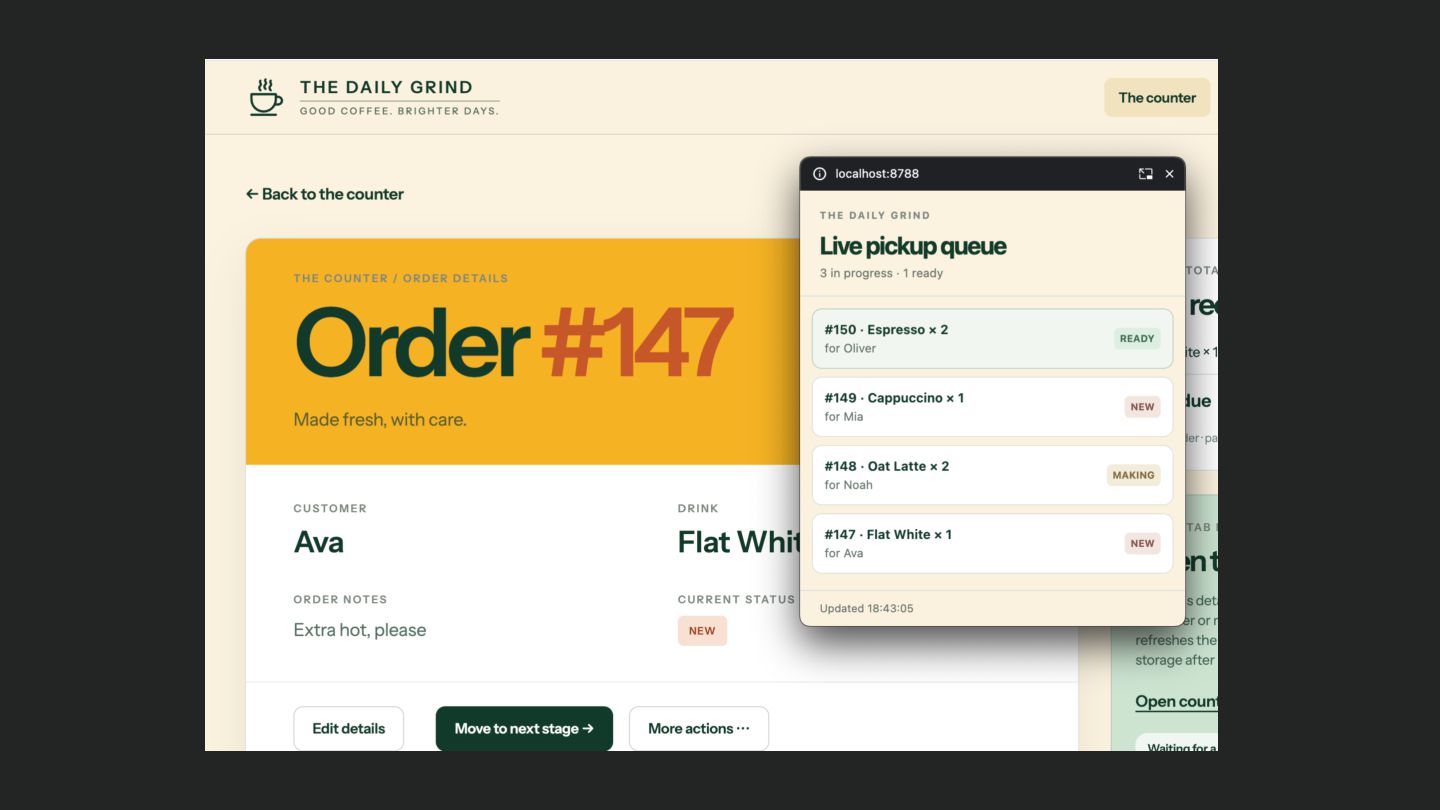
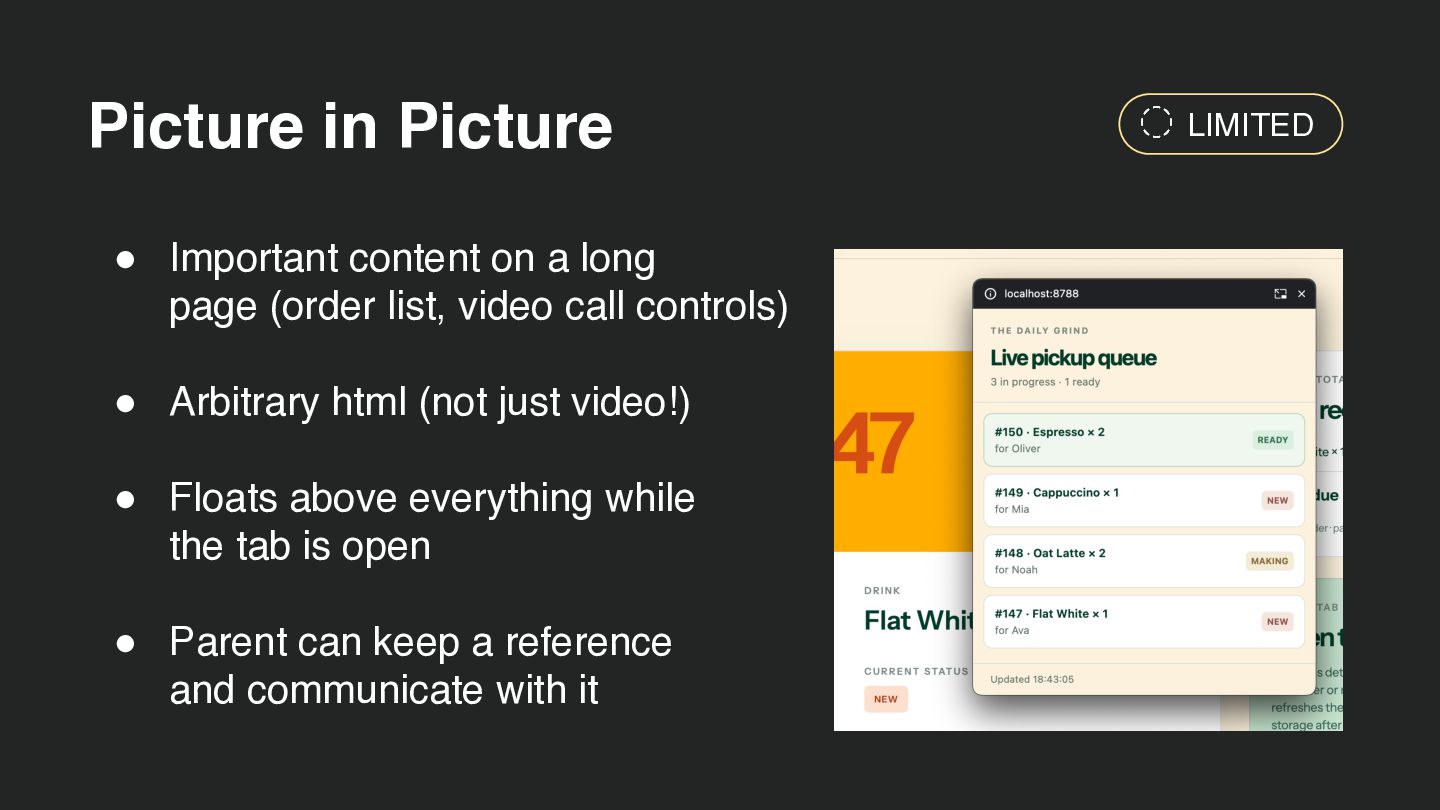
  36. Picture in Picture • Important content on a long page

    (order list, video call controls) • Arbitrary html (not just video!) • Floats above everything while the tab is open • Parent can keep a reference and communicate with it LIMITED
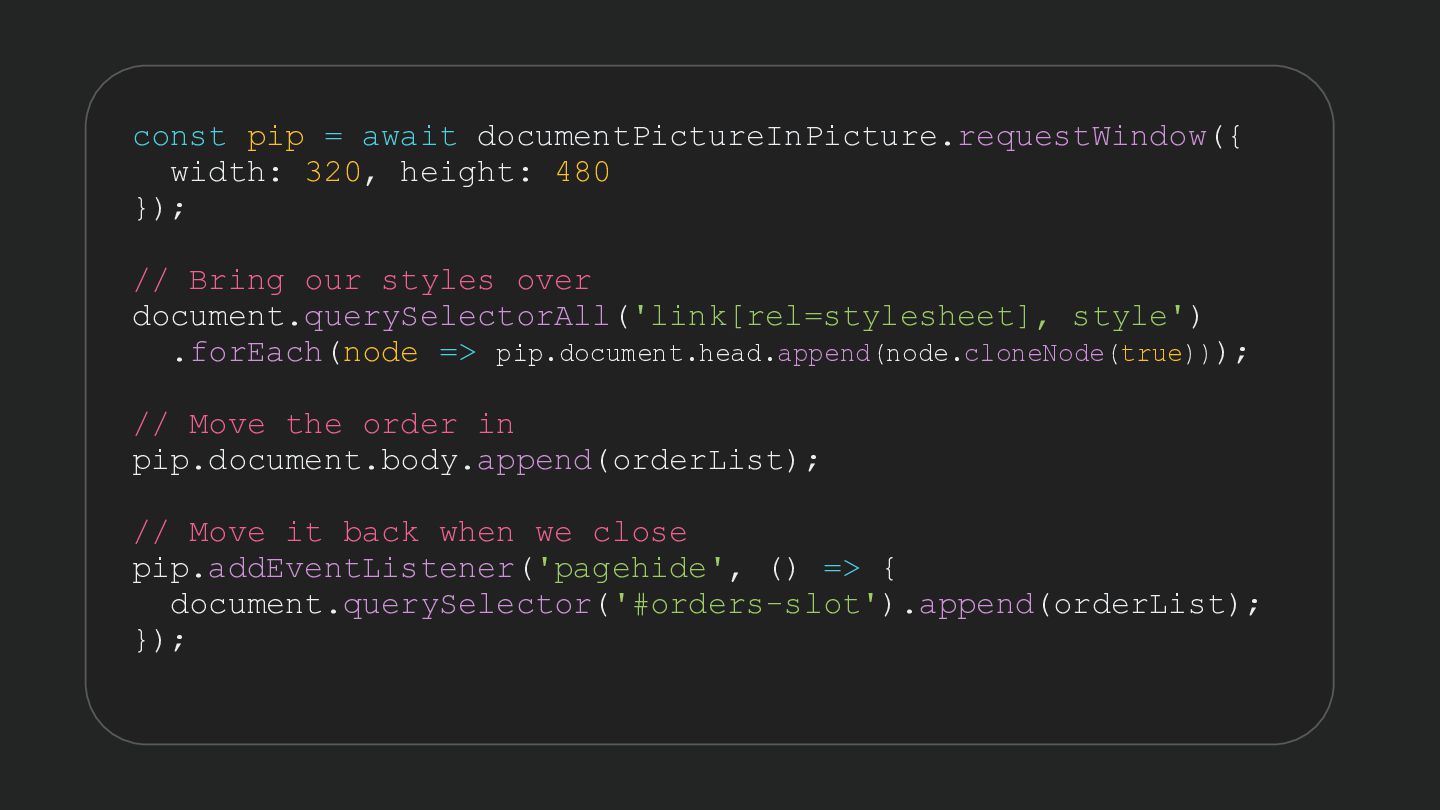
  37. const pip = await documentPictureInPicture.requestWindow({ width: 320, height: 480 });

    // Bring our styles over document.querySelectorAll('link[rel=stylesheet], style') .forEach(node => pip.document.head.append(node.cloneNode(true))); // Move the order in pip.document.body.append(orderList); // Move it back when we close pip.addEventListener('pagehide', () => { document.querySelector('#orders-slot').append(orderList); });
  38. Smooth transitions • CEO has been playing with their phone

    • Some very nice animations between screens! • Can we do it in our SSR web app? ◦ Move to React? ◦ Vue? ◦ Client-side routing? LIMITED
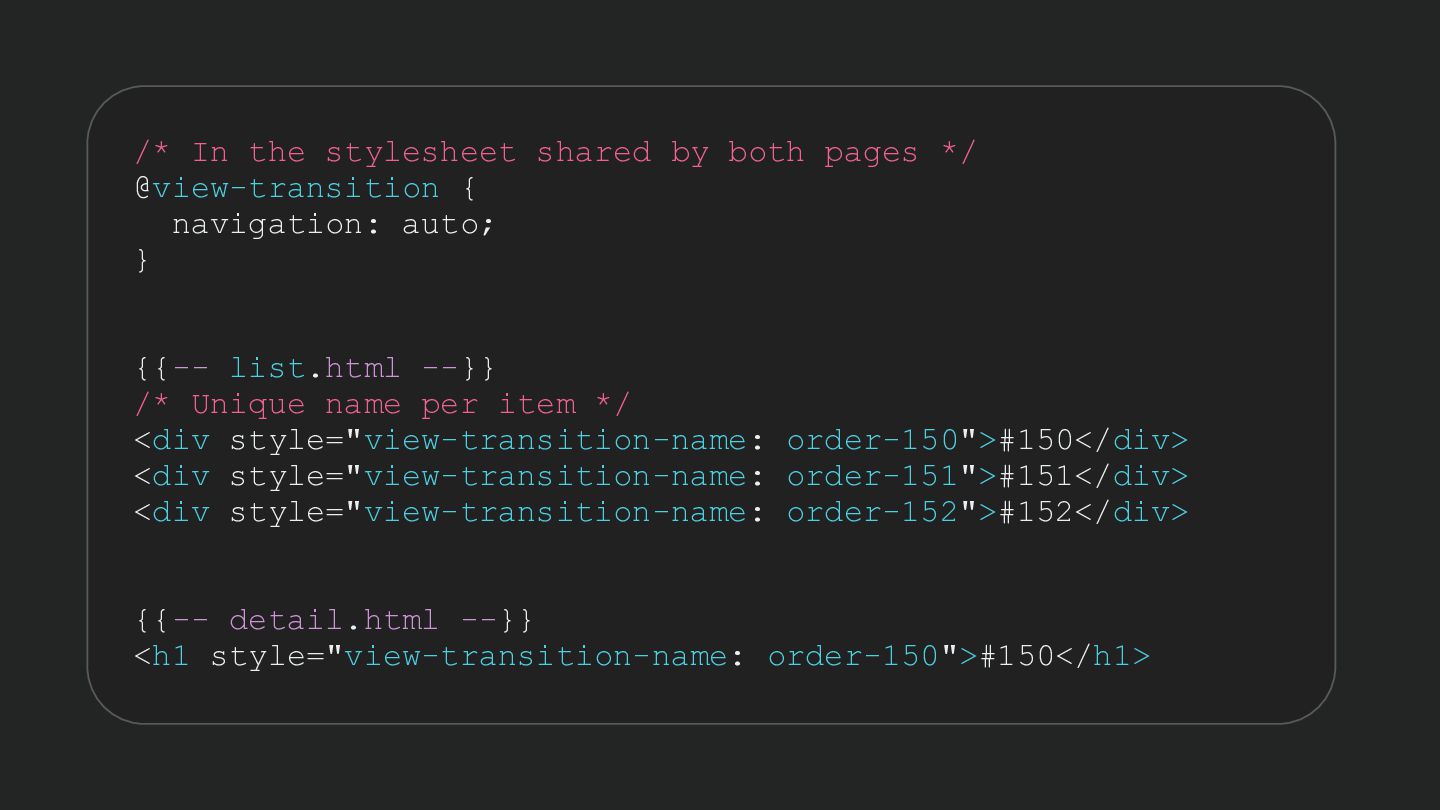
  39. /* In the stylesheet shared by both pages */ @view-transition

    { navigation: auto; } {{-- list.html --}} /* Unique name per item */ <div style="view-transition-name: order-150">#150</div> <div style="view-transition-name: order-151">#151</div> <div style="view-transition-name: order-152">#152</div> {{-- detail.html --}} <h1 style="view-transition-name: order-150">#150</h1>
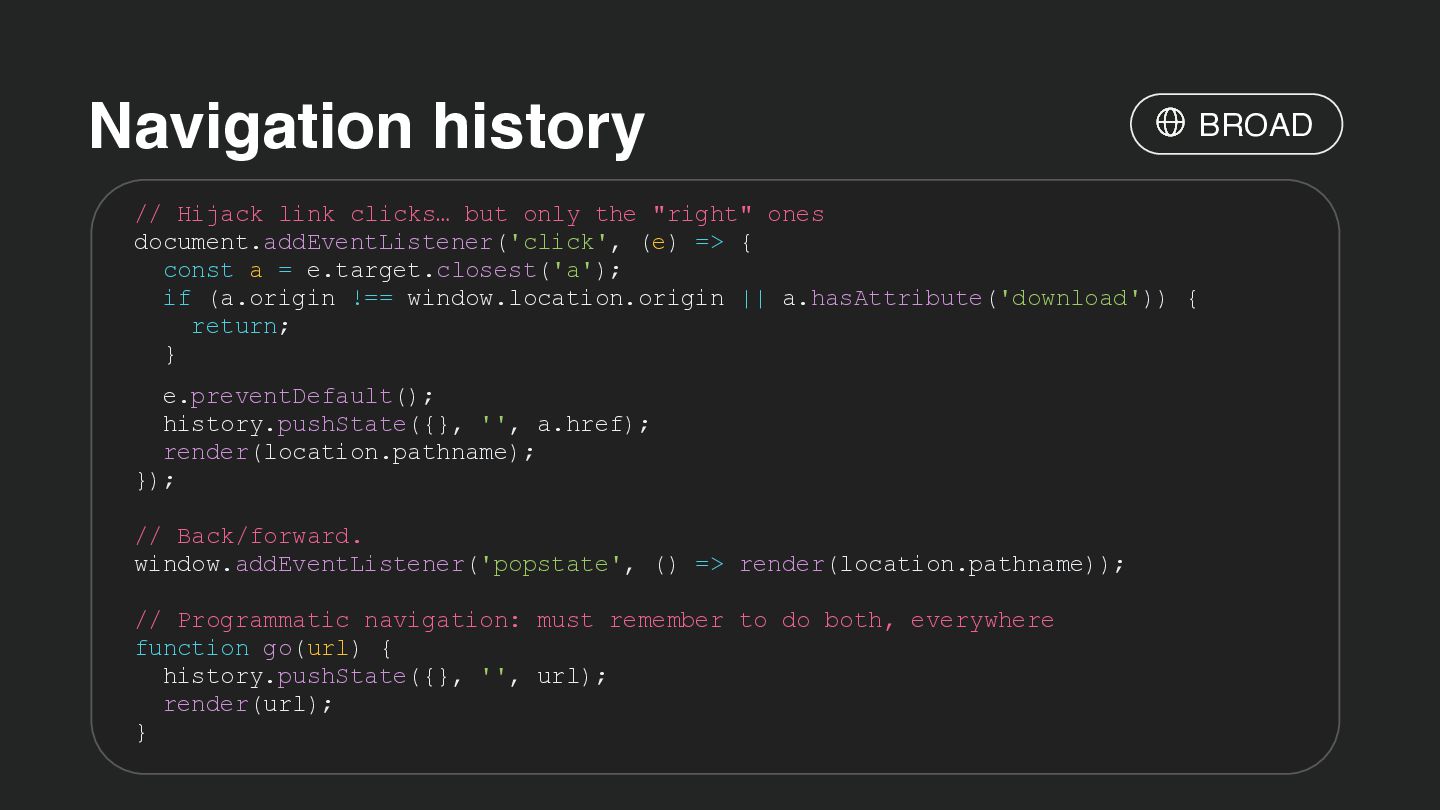
  40. Navigation history BROAD // Hijack link clicks… but only the

    "right" ones document.addEventListener('click', (e) => { const a = e.target.closest('a'); if (a.origin !== window.location.origin || a.hasAttribute('download')) { return; } e.preventDefault(); history.pushState({}, '', a.href); render(location.pathname); }); // Back/forward. window.addEventListener('popstate', () => render(location.pathname)); // Programmatic navigation: must remember to do both, everywhere function go(url) { history.pushState({}, '', url); render(url); }
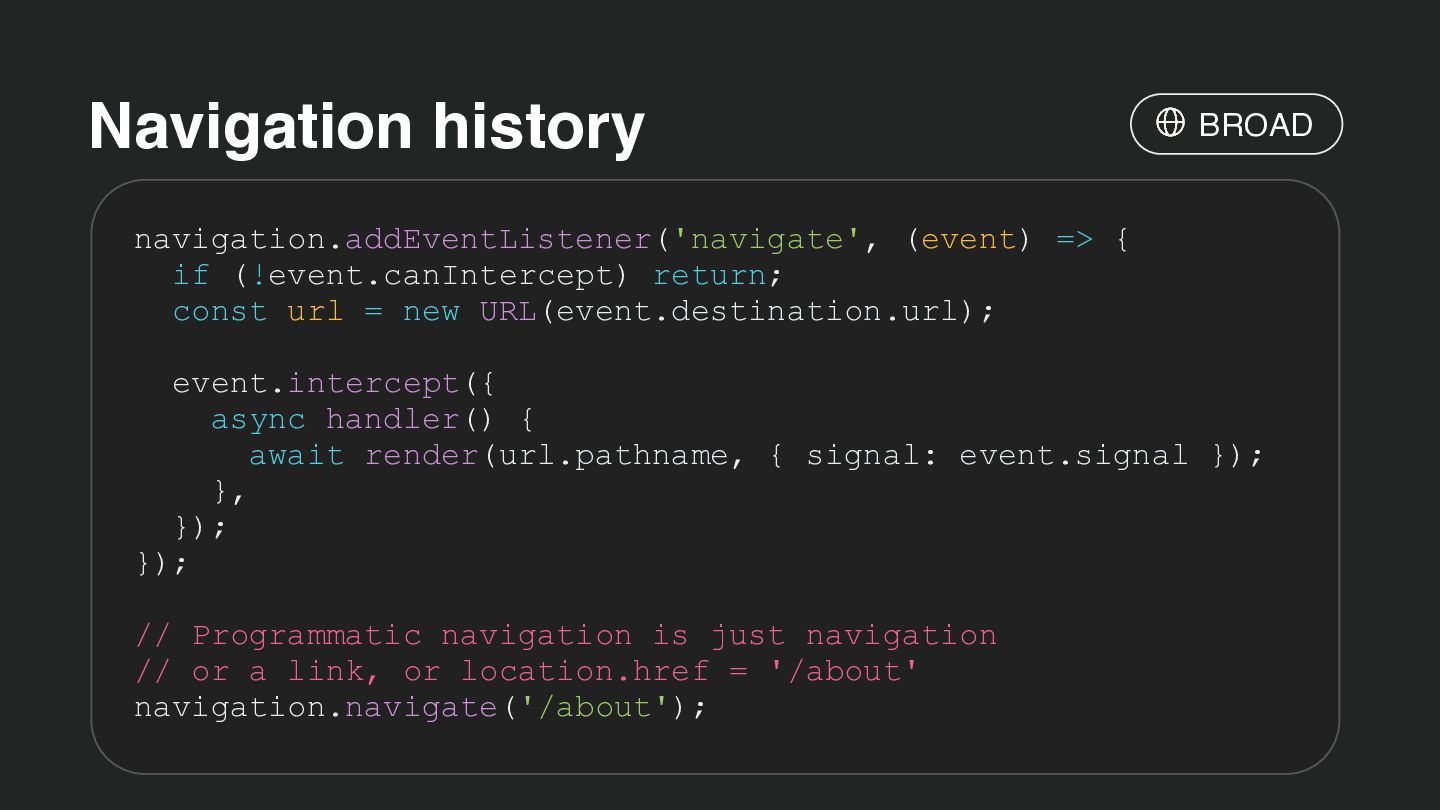
  41. Navigation history BROAD navigation.addEventListener('navigate', (event) => { if (!event.canIntercept) return;

    const url = new URL(event.destination.url); event.intercept({ async handler() { await render(url.pathname, { signal: event.signal }); }, }); }); // Programmatic navigation is just navigation // or a link, or location.href = '/about' navigation.navigate('/about');
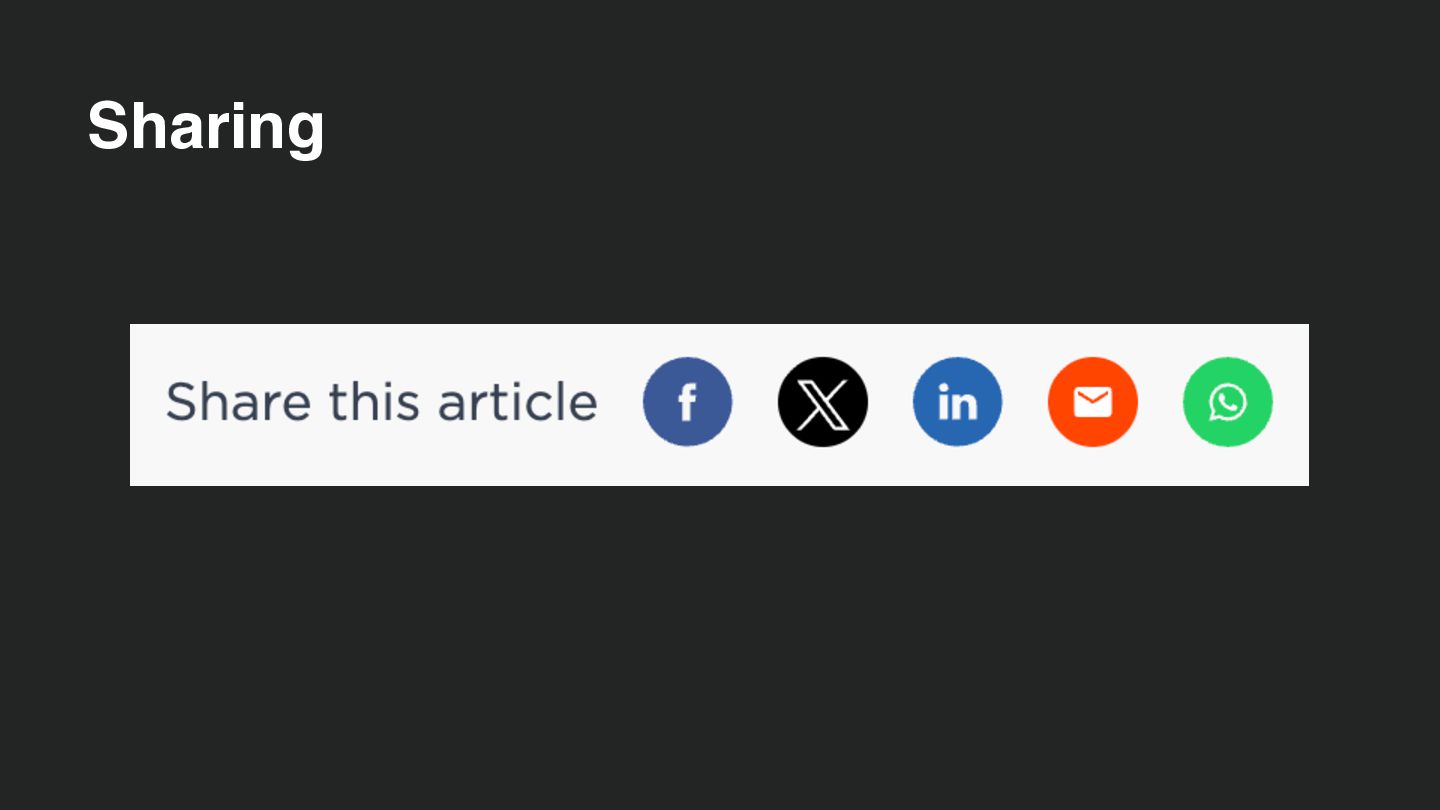
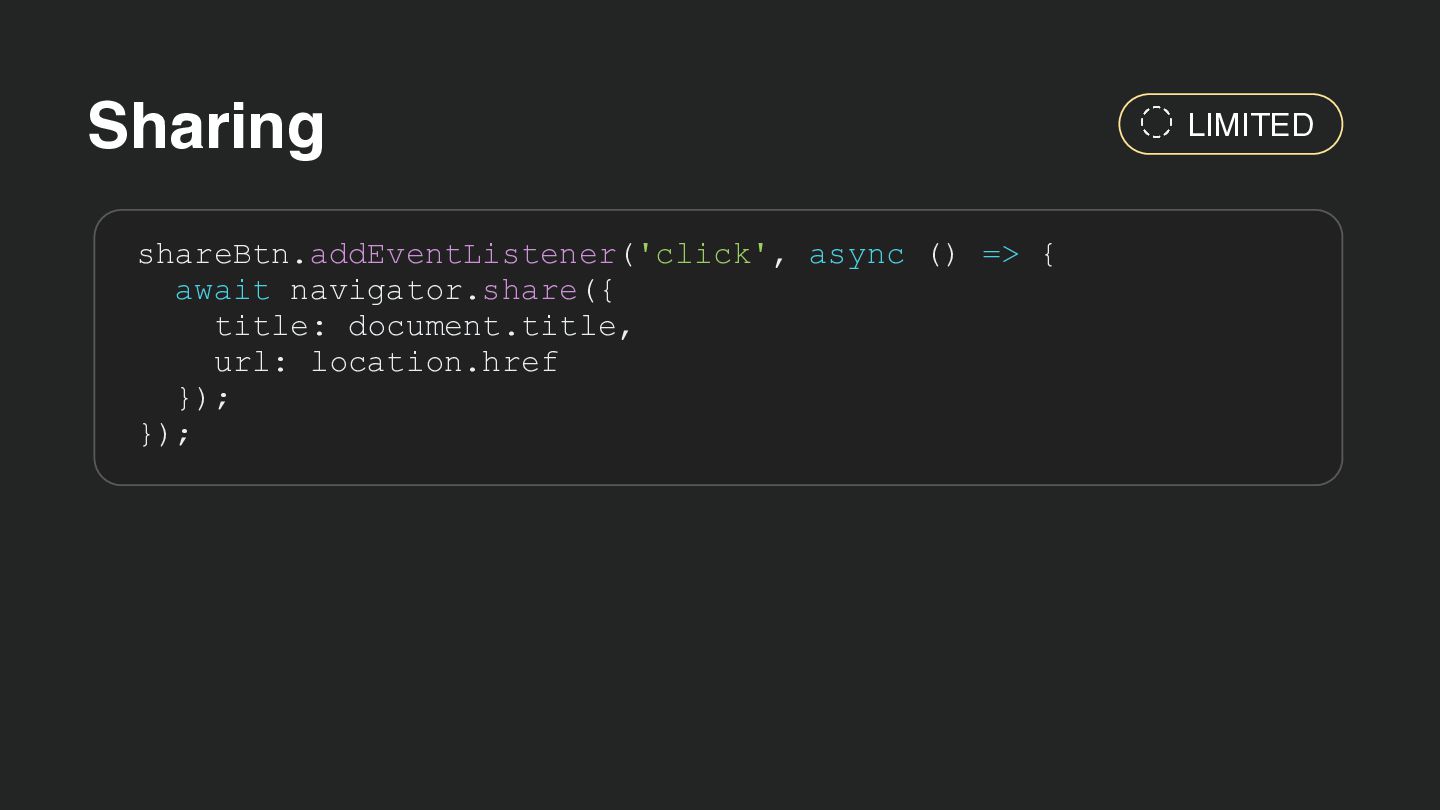
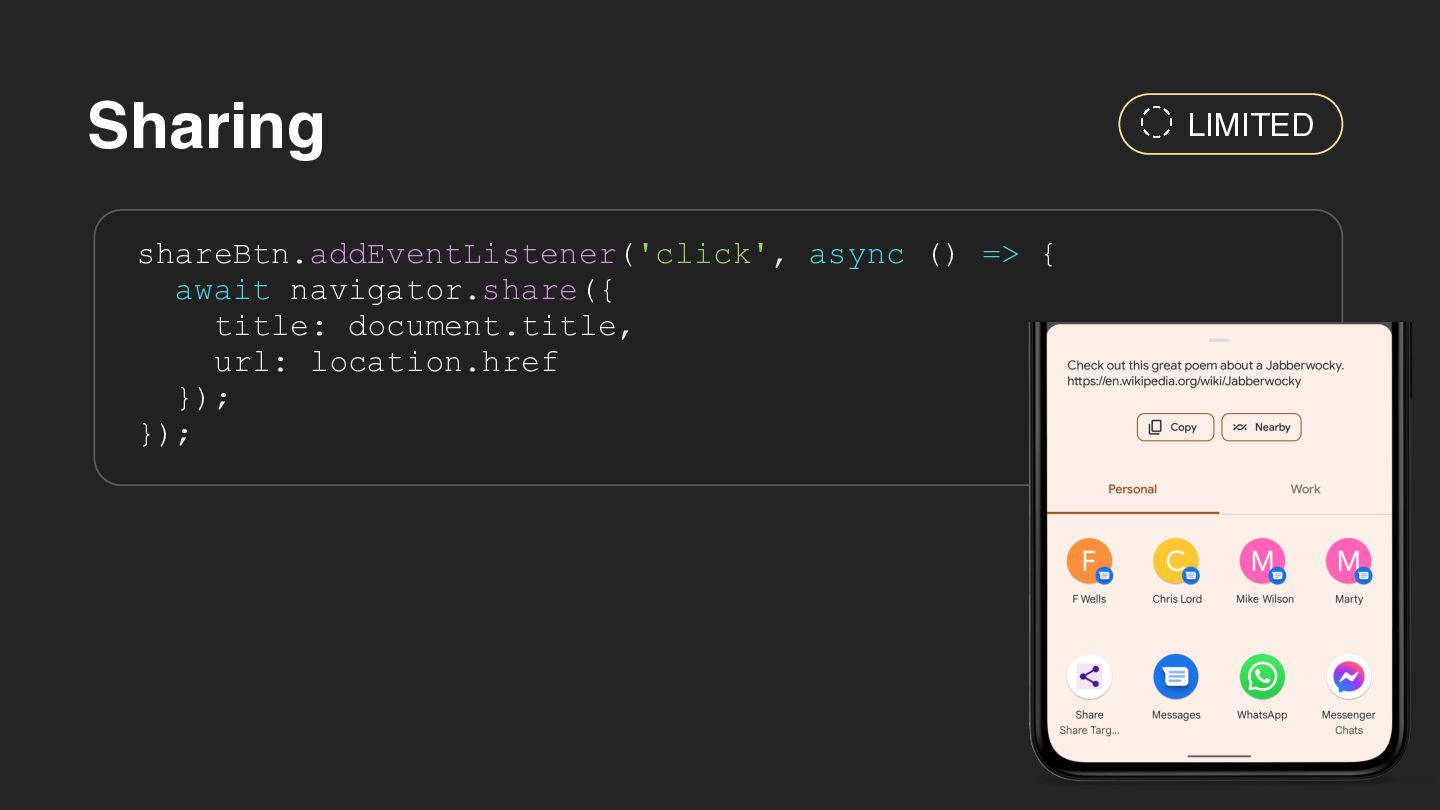
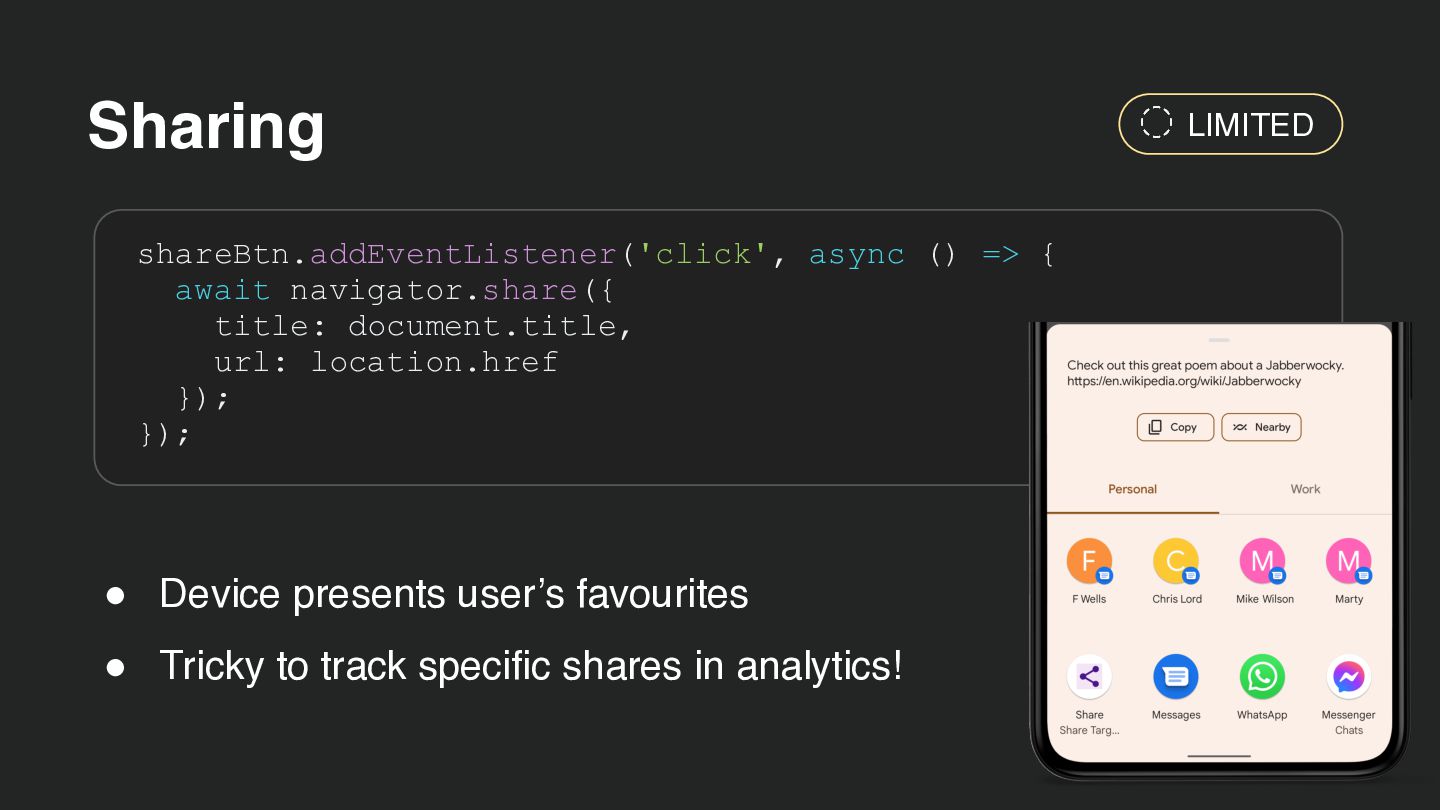
  42. Sharing shareBtn.addEventListener('click', async () => { await navigator.share({ title: document.title,

    url: location.href }); }); • Device presents user’s favourites • Tricky to track specific shares in analytics! LIMITED
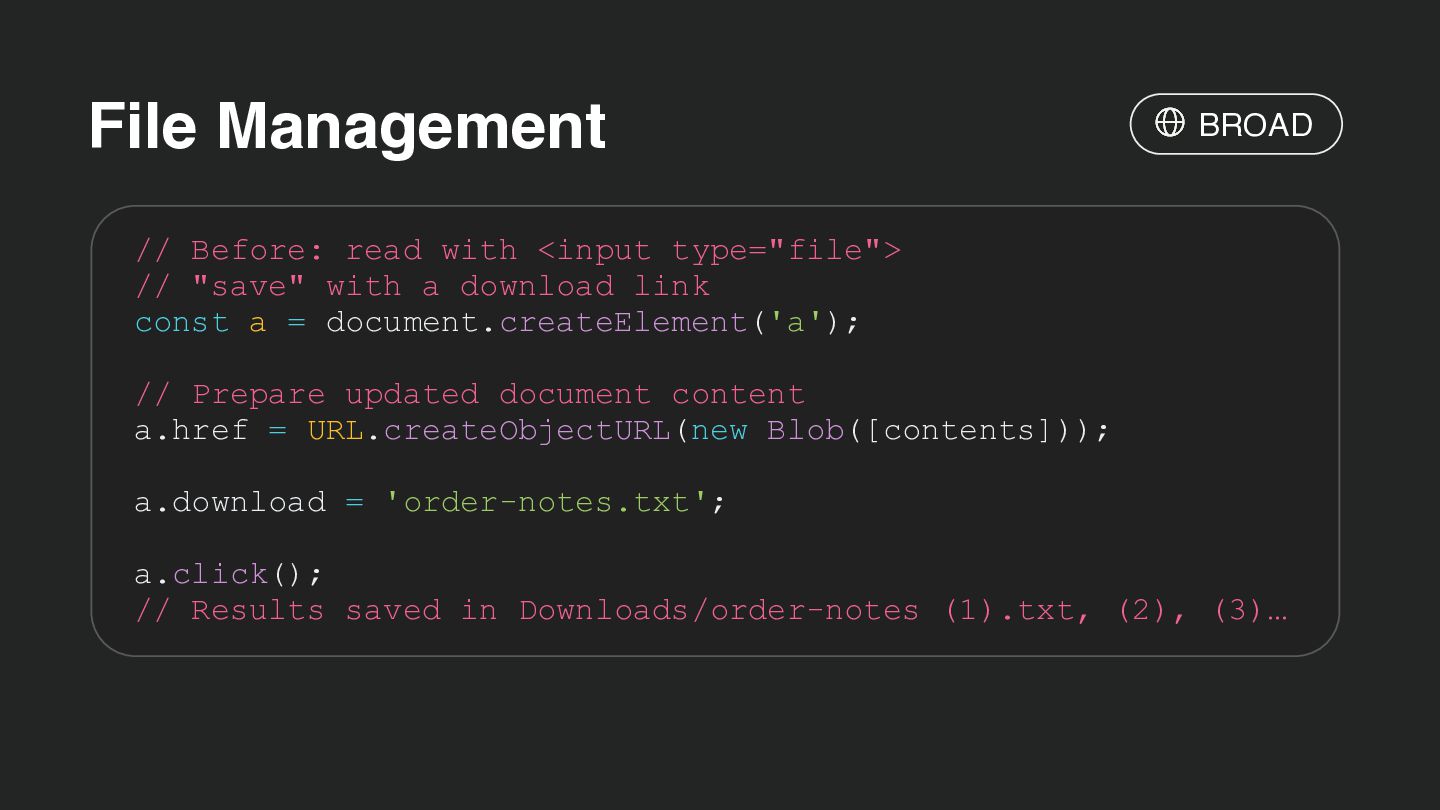
  43. File Management BROAD // Before: read with <input type="file"> //

    "save" with a download link const a = document.createElement('a'); // Prepare updated document content a.href = URL.createObjectURL(new Blob([contents])); a.download = 'order-notes.txt'; a.click(); // Results saved in Downloads/order-notes (1).txt, (2), (3)…
  44. File Management • File handles directly to your local machine

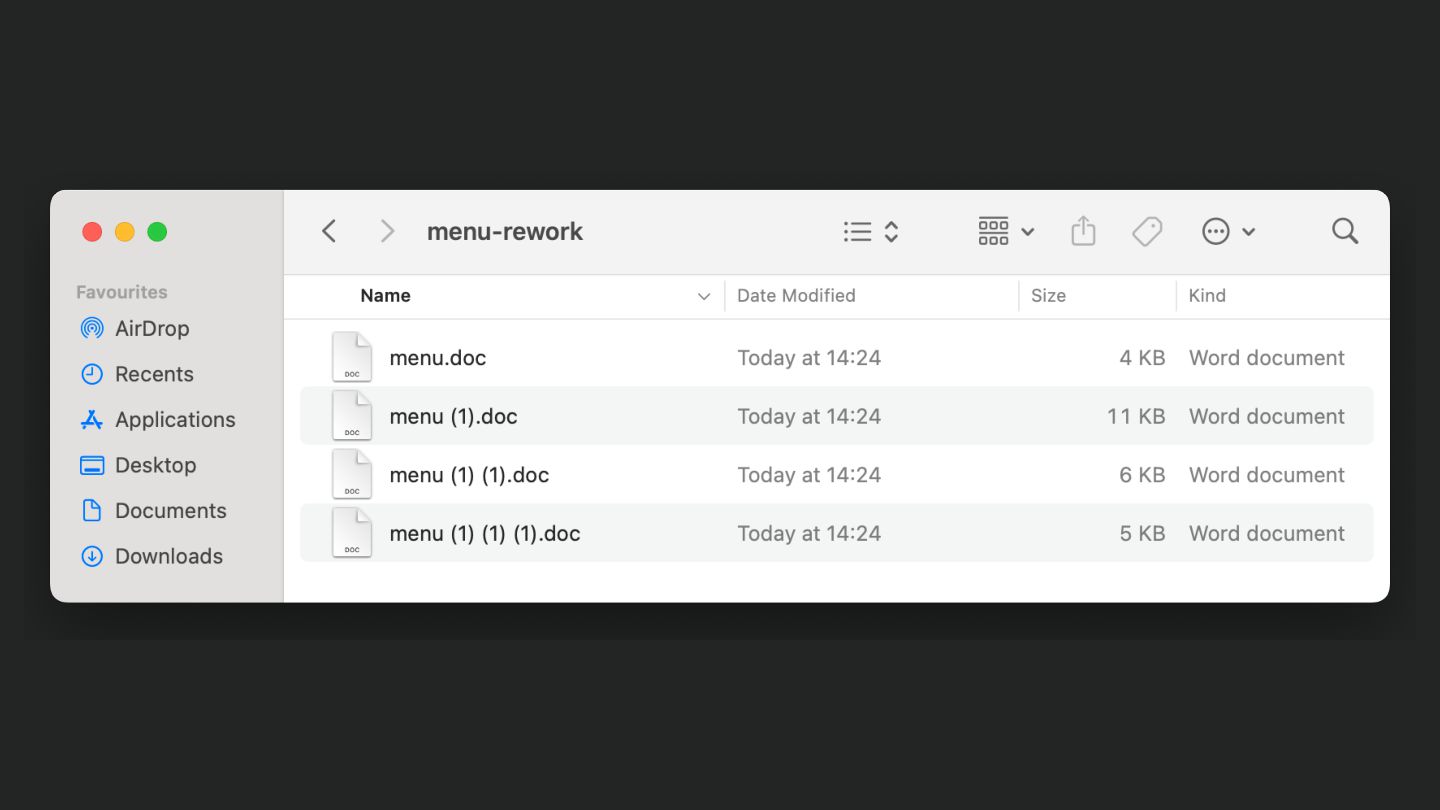
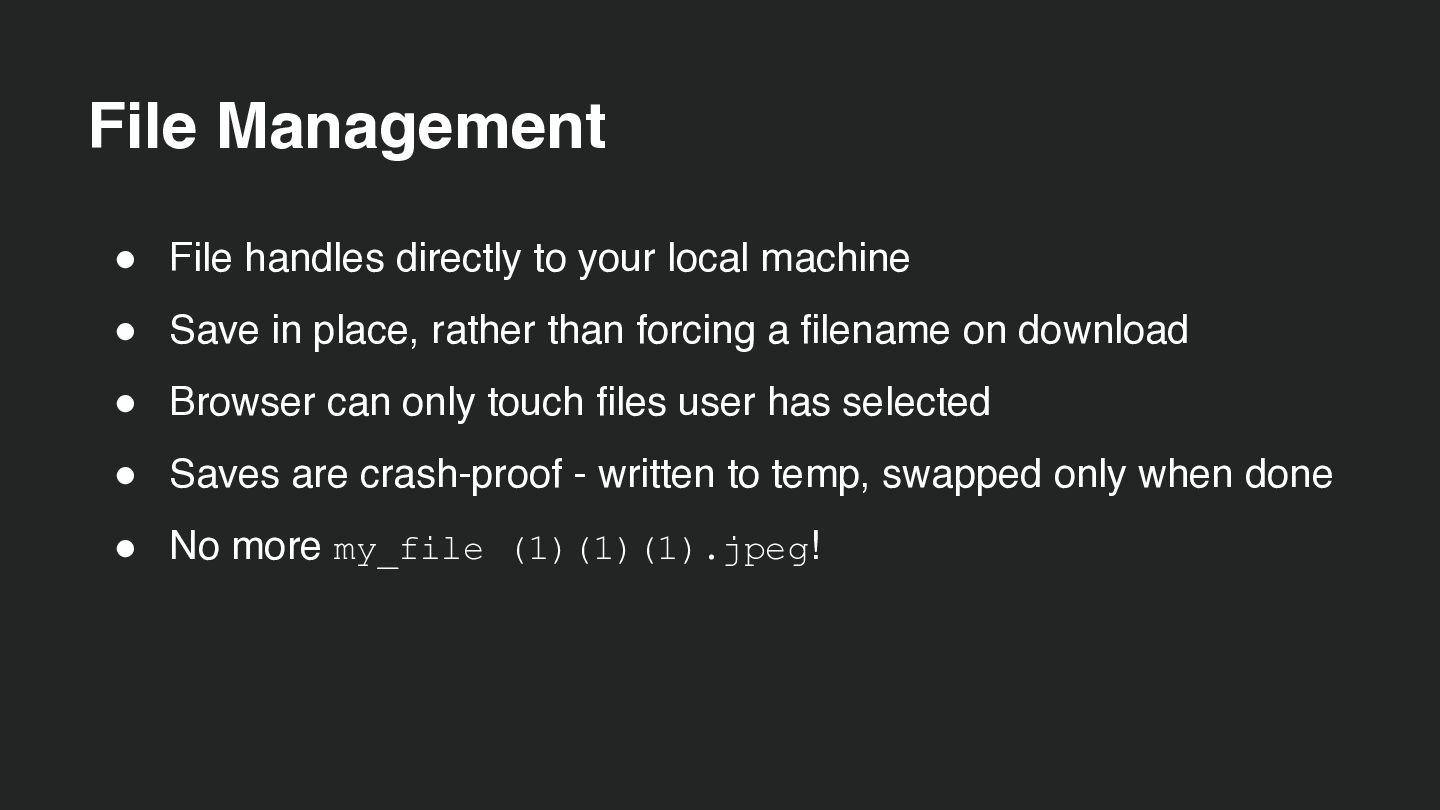
    • Save in place, rather than forcing a filename on download • Browser can only touch files user has selected • Saves are crash-proof - written to temp, swapped only when done • No more my_file (1)(1)(1).jpeg!
  45. File Management const [handle] = await window.showOpenFilePicker(); const file =

    await handle.getFile(); // …user edits… // save back to the SAME file const writable = await handle.createWritable(); await writable.write(editor.value); await writable.close(); CHROMIUM
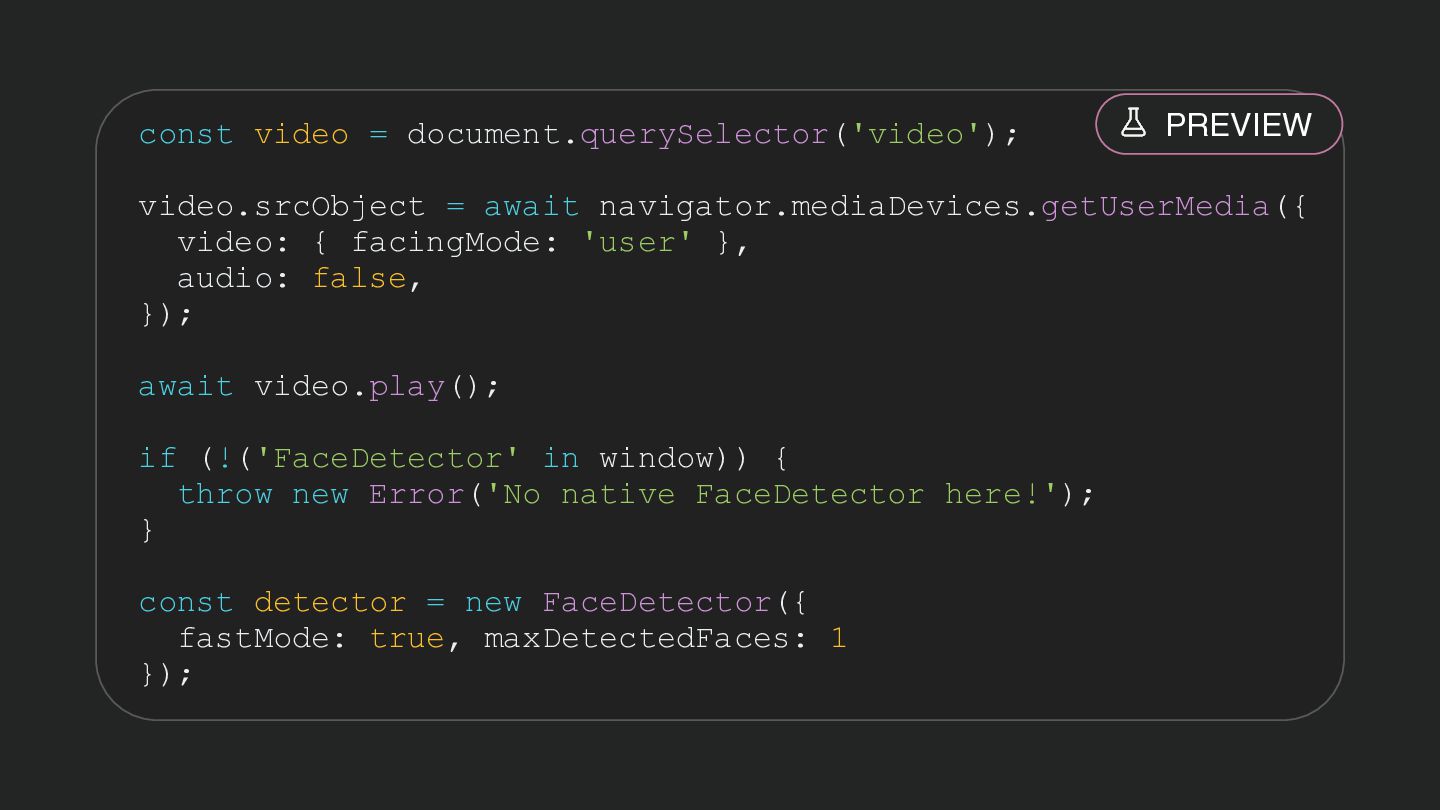
  46. const video = document.querySelector('video'); PREVIEW video.srcObject = await navigator.mediaDevices.getUserMedia({ video:

    { facingMode: 'user' }, audio: false, }); await video.play(); if (!('FaceDetector' in window)) { throw new Error('No native FaceDetector here!'); } const detector = new FaceDetector({ fastMode: true, maxDetectedFaces: 1 });
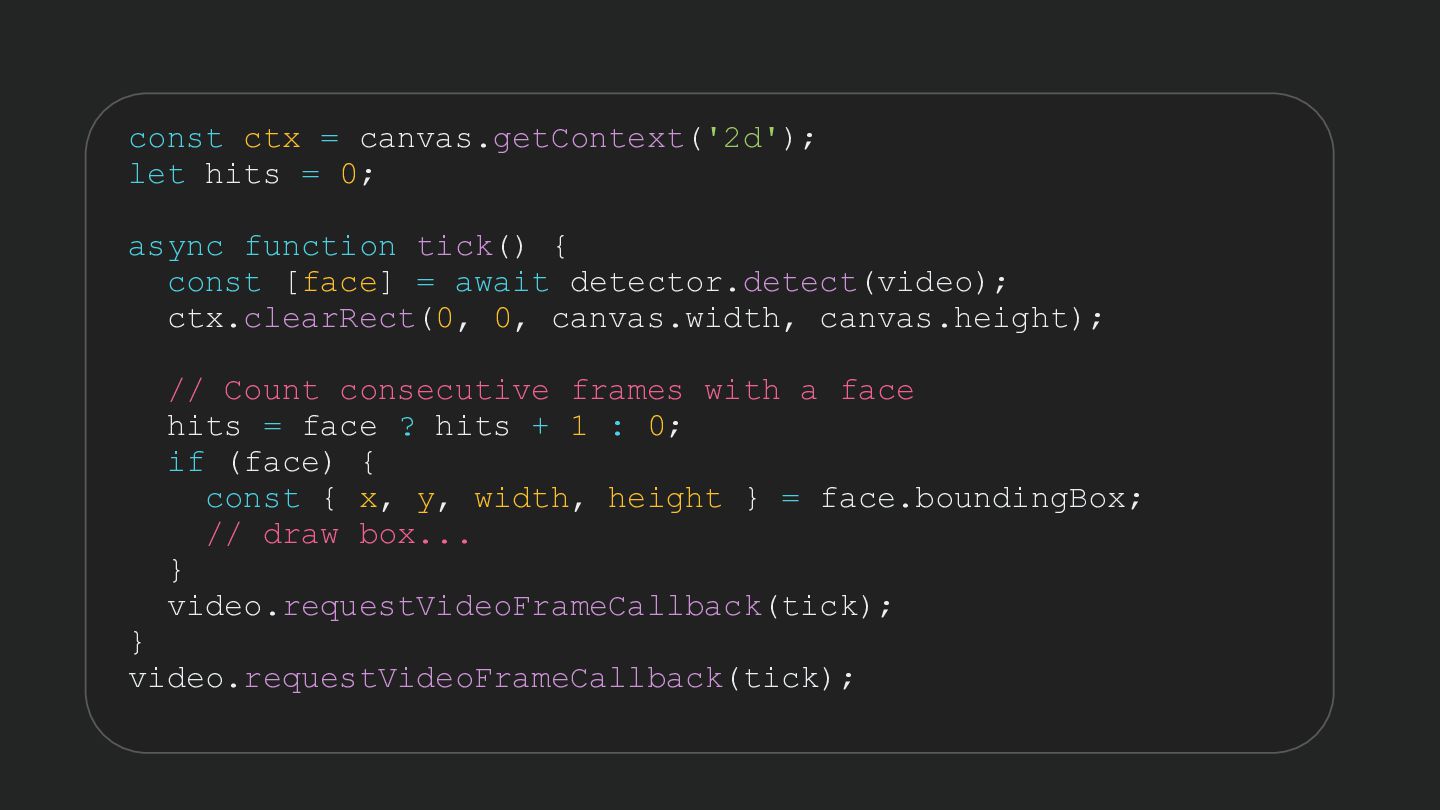
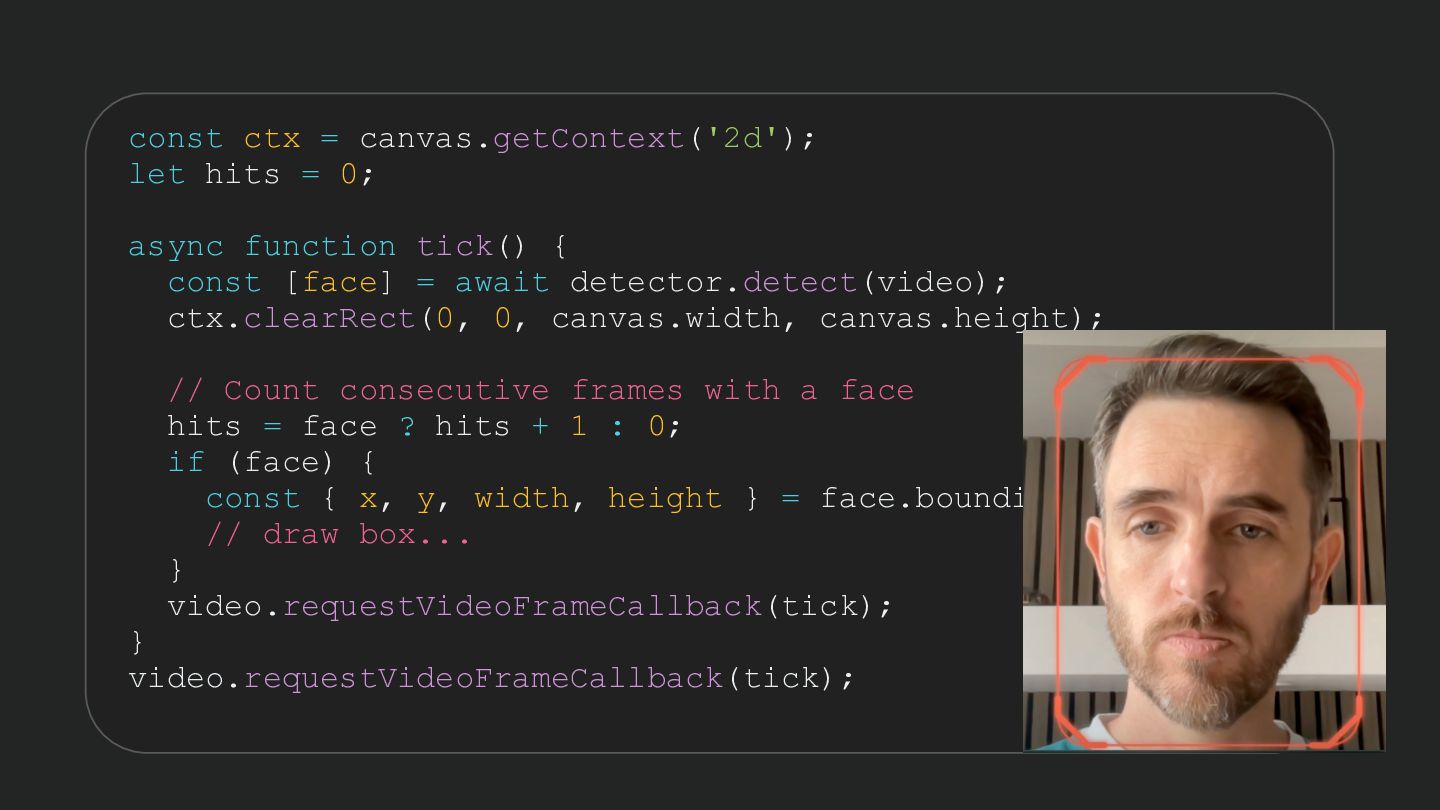
  47. const ctx = canvas.getContext('2d'); let hits = 0; async function

    tick() { const [face] = await detector.detect(video); ctx.clearRect(0, 0, canvas.width, canvas.height); // Count consecutive frames with a face hits = face ? hits + 1 : 0; if (face) { const { x, y, width, height } = face.boundingBox; // draw box... } video.requestVideoFrameCallback(tick); } video.requestVideoFrameCallback(tick);
  48. const ctx = canvas.getContext('2d'); let hits = 0; async function

    tick() { const [face] = await detector.detect(video); ctx.clearRect(0, 0, canvas.width, canvas.height); // Count consecutive frames with a face hits = face ? hits + 1 : 0; if (face) { const { x, y, width, height } = face.boundingBox; // draw box... } video.requestVideoFrameCallback(tick); } video.requestVideoFrameCallback(tick);
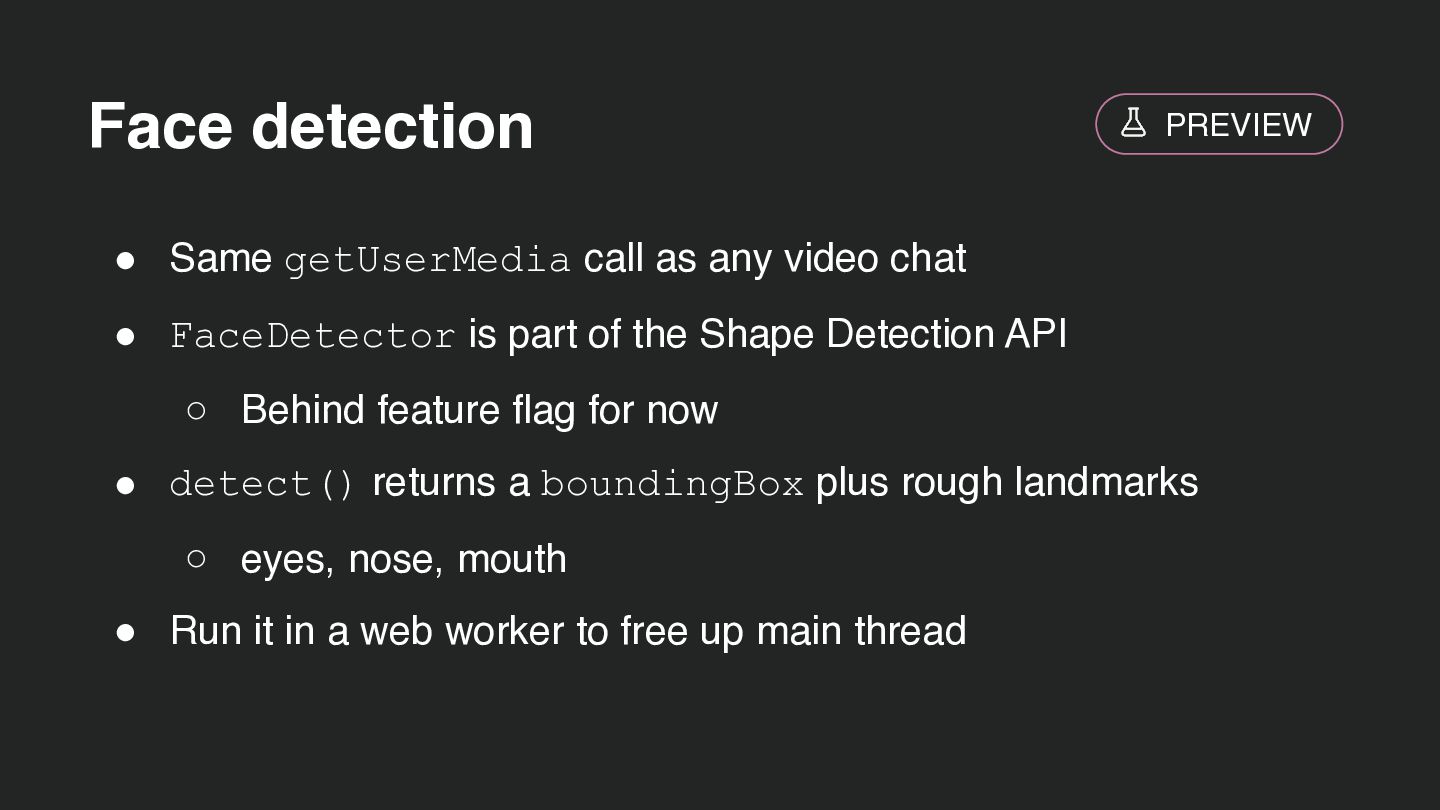
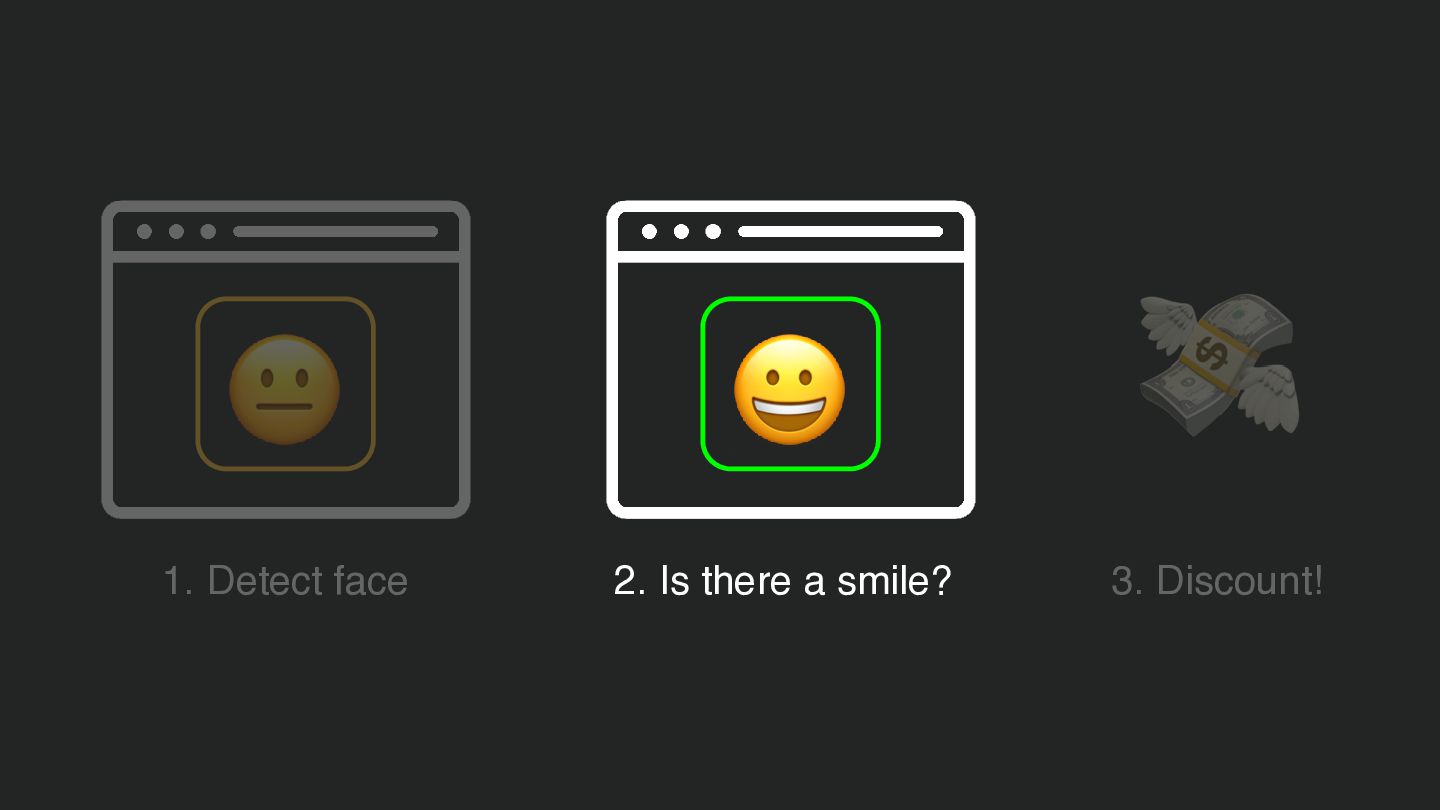
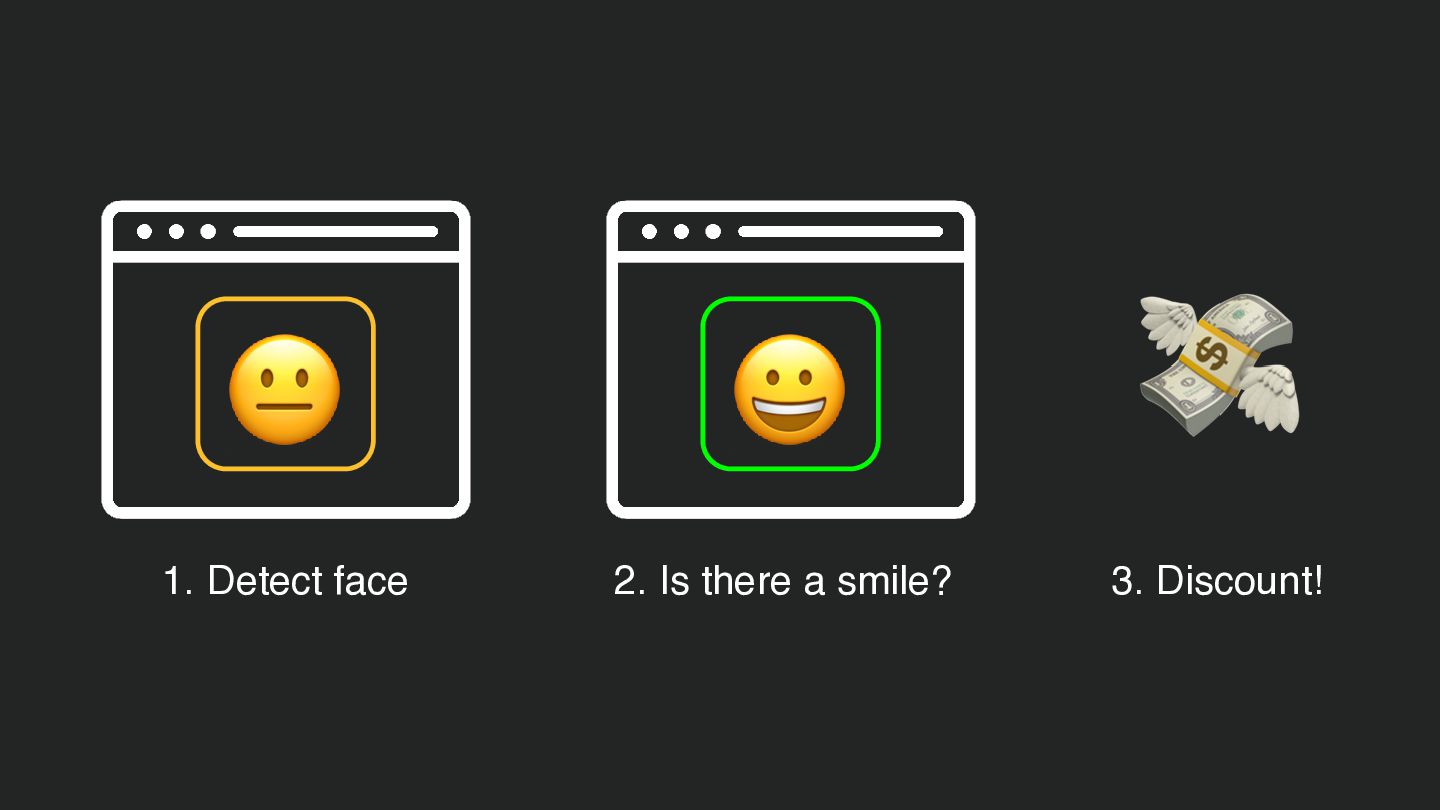
  49. Face detection PREVIEW • Same getUserMedia call as any video

    chat • FaceDetector is part of the Shape Detection API ◦ Behind feature flag for now • detect() returns a boundingBox plus rough landmarks ◦ eyes, nose, mouth • Run it in a web worker to free up main thread
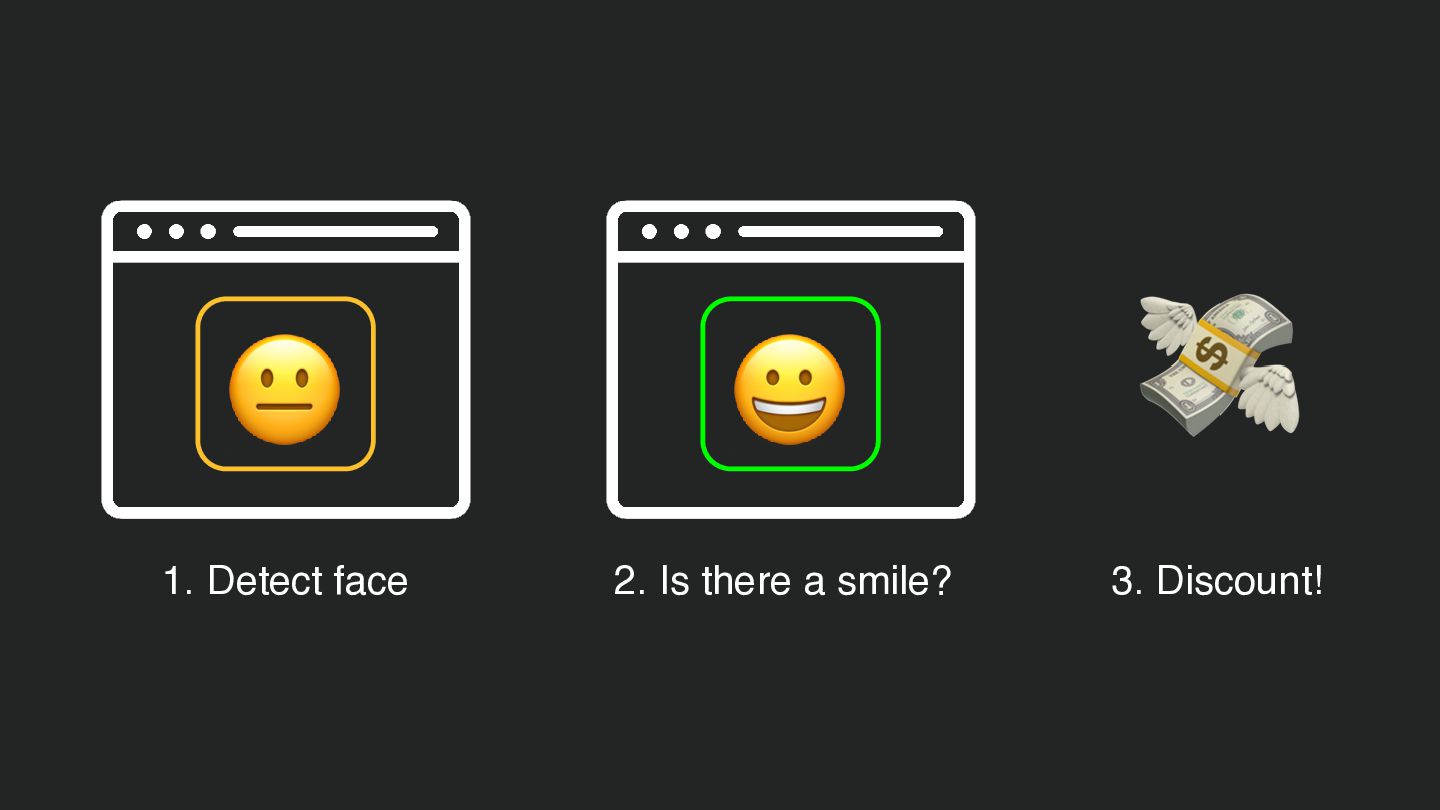
  50. const [face] = await detector.detect(video); Smile detection? const mouth =

    face.landmarks.find(l => l.type === 'mouth'); // We have a mouth, but don't know the shape it makes! • We can get coords for eyes and mouth • Missing mouth geometry • MediaPipe - Google AI & ML tooling ◦ All run locally on client side ◦ A new dependency!
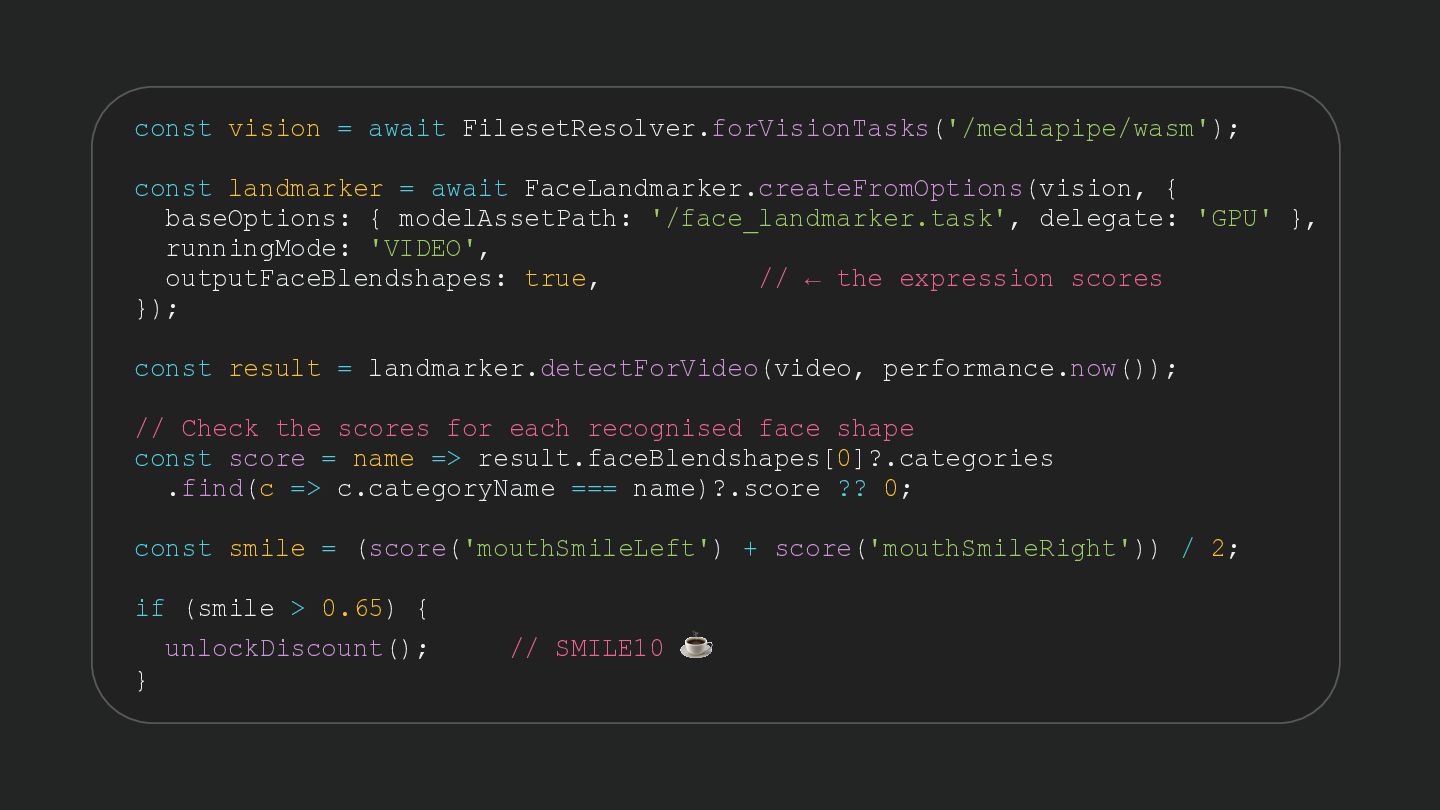
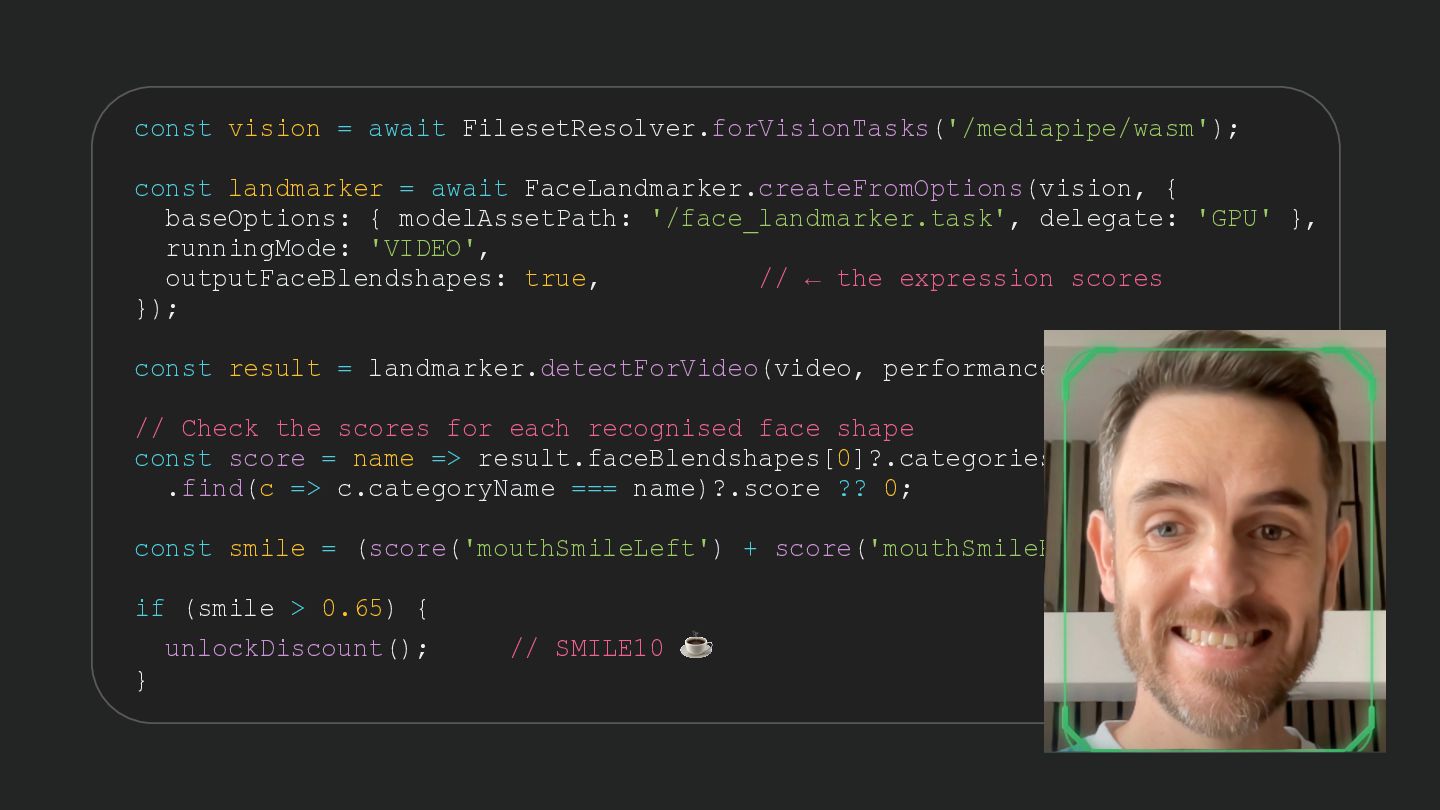
  51. const vision = await FilesetResolver.forVisionTasks('/mediapipe/wasm'); const landmarker = await FaceLandmarker.createFromOptions(vision,

    { baseOptions: { modelAssetPath: '/face_landmarker.task', delegate: 'GPU' }, runningMode: 'VIDEO', outputFaceBlendshapes: true, // ← the expression scores }); const result = landmarker.detectForVideo(video, performance.now()); // Check the scores for each recognised face shape const score = name => result.faceBlendshapes[0]?.categories .find(c => c.categoryName === name)?.score ?? 0; const smile = (score('mouthSmileLeft') + score('mouthSmileRight')) / 2; if (smile > 0.65) { unlockDiscount(); } // SMILE10 ☕
  52. const vision = await FilesetResolver.forVisionTasks('/mediapipe/wasm'); const landmarker = await FaceLandmarker.createFromOptions(vision,

    { baseOptions: { modelAssetPath: '/face_landmarker.task', delegate: 'GPU' }, runningMode: 'VIDEO', outputFaceBlendshapes: true, // ← the expression scores }); const result = landmarker.detectForVideo(video, performance.now()); // Check the scores for each recognised face shape const score = name => result.faceBlendshapes[0]?.categories .find(c => c.categoryName === name)?.score ?? 0; const smile = (score('mouthSmileLeft') + score('mouthSmileRight')) / 2; if (smile > 0.65) { unlockDiscount(); } // SMILE10 ☕
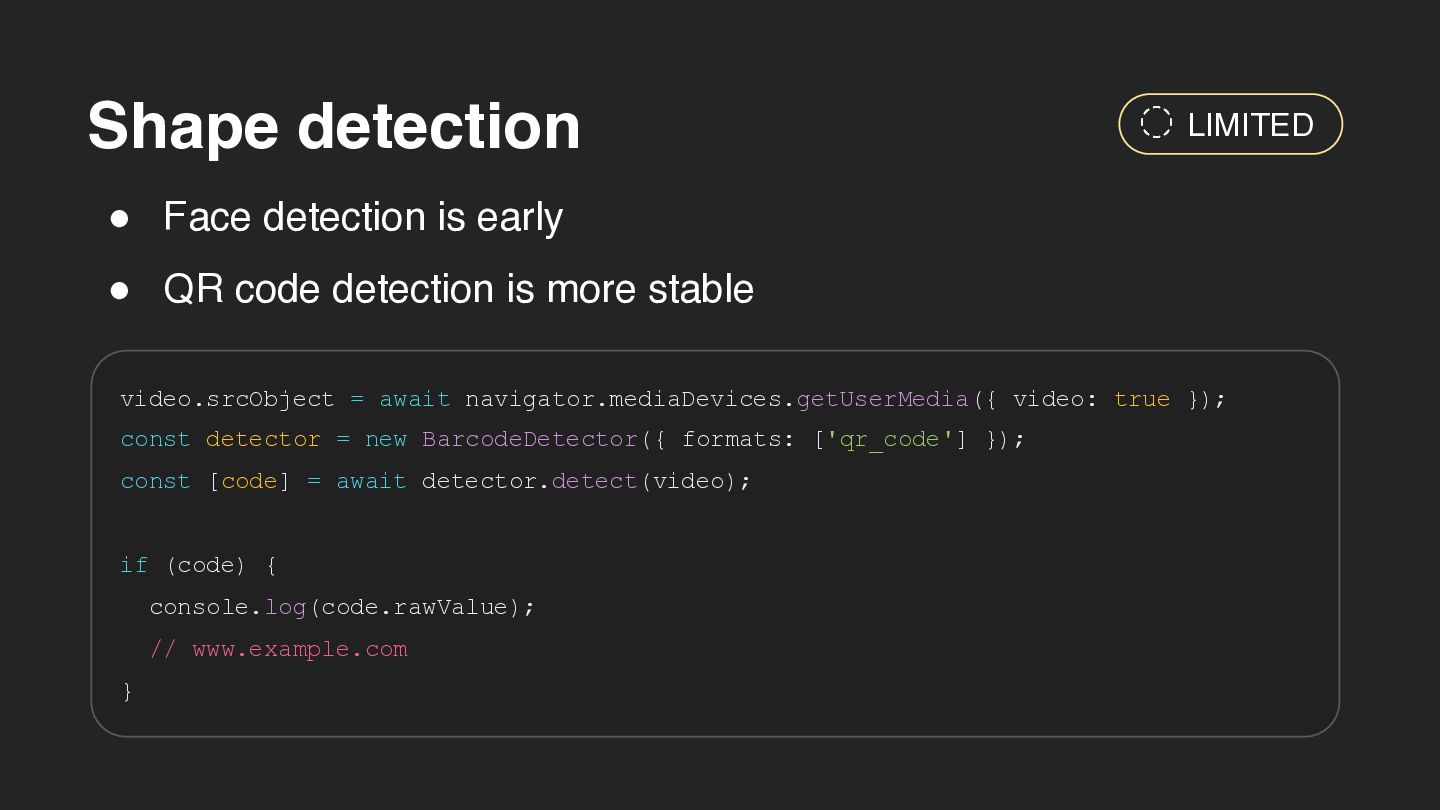
  53. Shape detection LIMITED • Face detection is early • QR

    code detection is more stable video.srcObject = await navigator.mediaDevices.getUserMedia({ video: true }); const detector = new BarcodeDetector({ formats: ['qr_code'] }); const [code] = await detector.detect(video); if (code) { console.log(code.rawValue); // www.example.com }
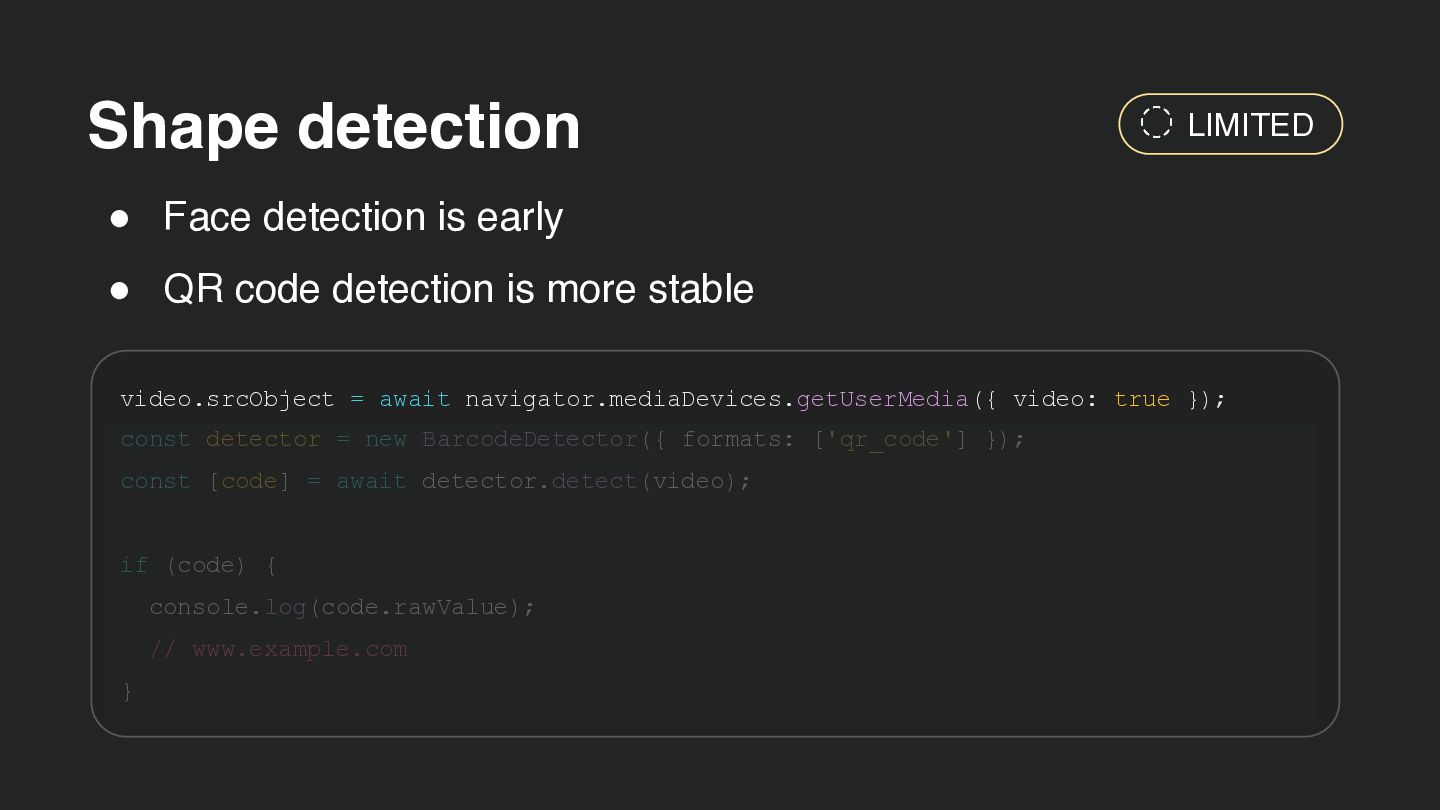
  54. Shape detection LIMITED • Face detection is early • QR

    code detection is more stable video.srcObject = await navigator.mediaDevices.getUserMedia({ video: true }); const detector = new BarcodeDetector({ formats: ['qr_code'] }); const [code] = await detector.detect(video); if (code) { console.log(code.rawValue); // www.example.com }
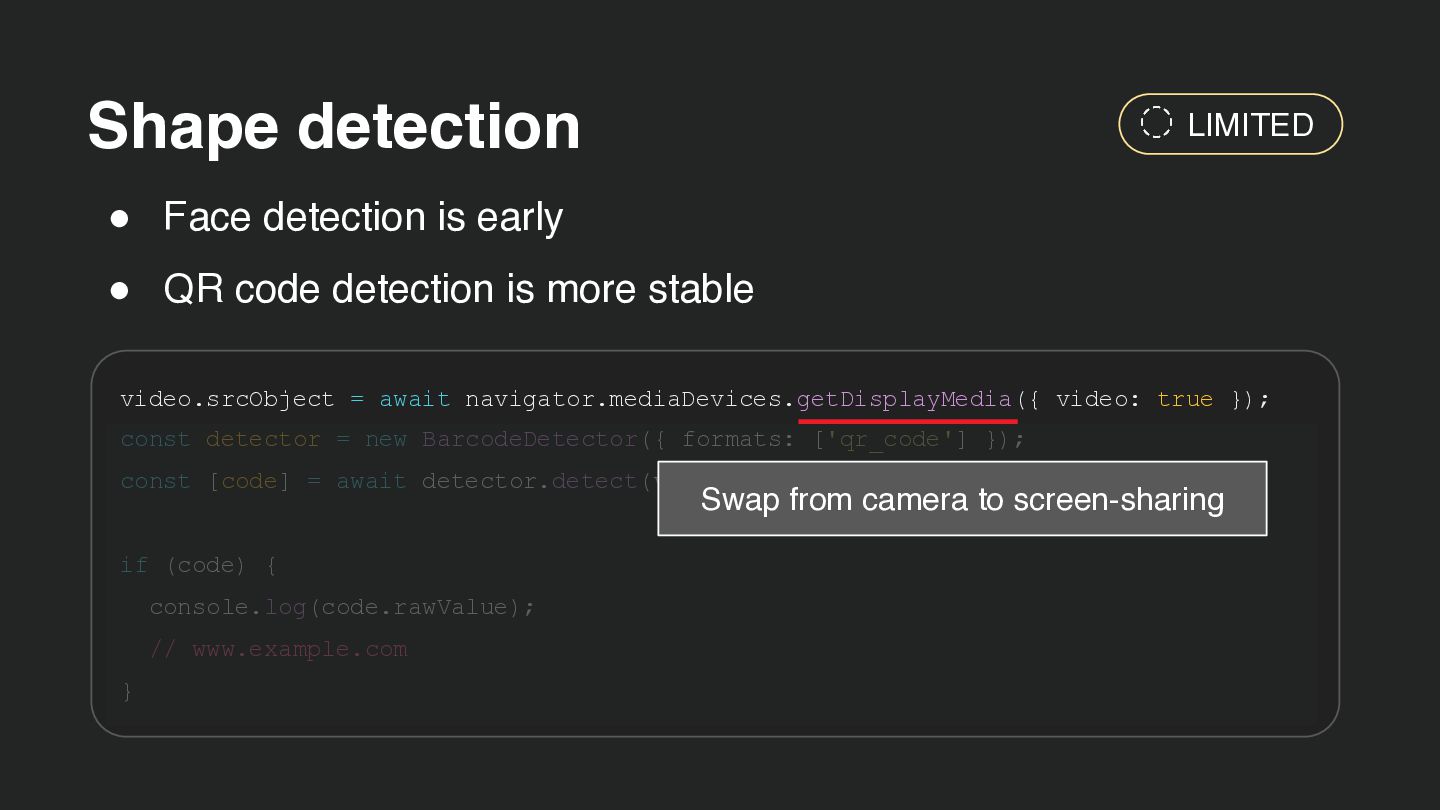
  55. Shape detection LIMITED • Face detection is early • QR

    code detection is more stable video.srcObject = await navigator.mediaDevices.getDisplayMedia({ video: true }); const detector = new BarcodeDetector({ formats: ['qr_code'] }); const [code] = await detector.detect(video); Swap from camera to screen-sharing if (code) { console.log(code.rawValue); // www.example.com }
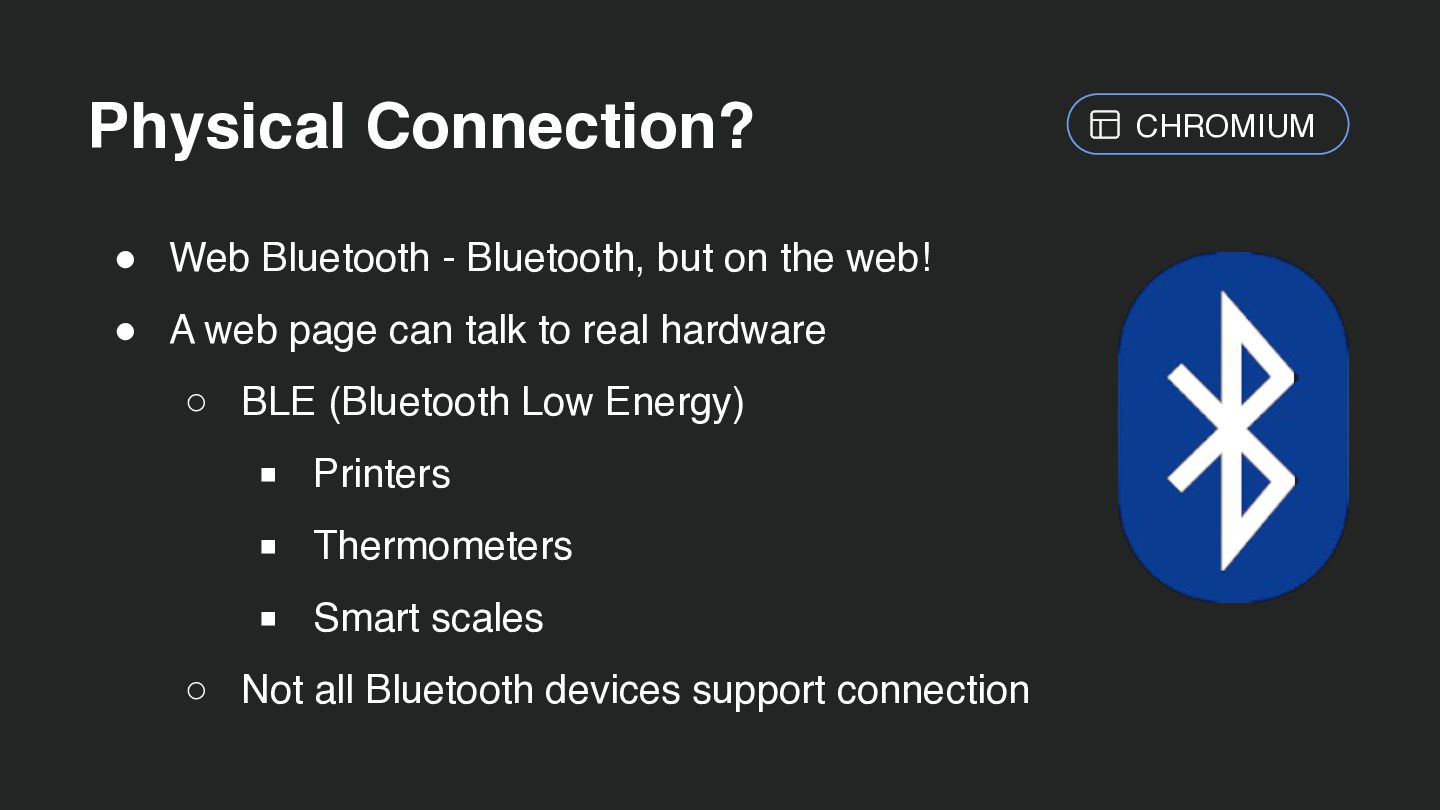
  56. Physical Connection? • Web Bluetooth - Bluetooth, but on the

    web! • A web page can talk to real hardware ◦ BLE (Bluetooth Low Energy) ▪ Printers ▪ Thermometers ▪ Smart scales ◦ Not all Bluetooth devices support connection CHROMIUM
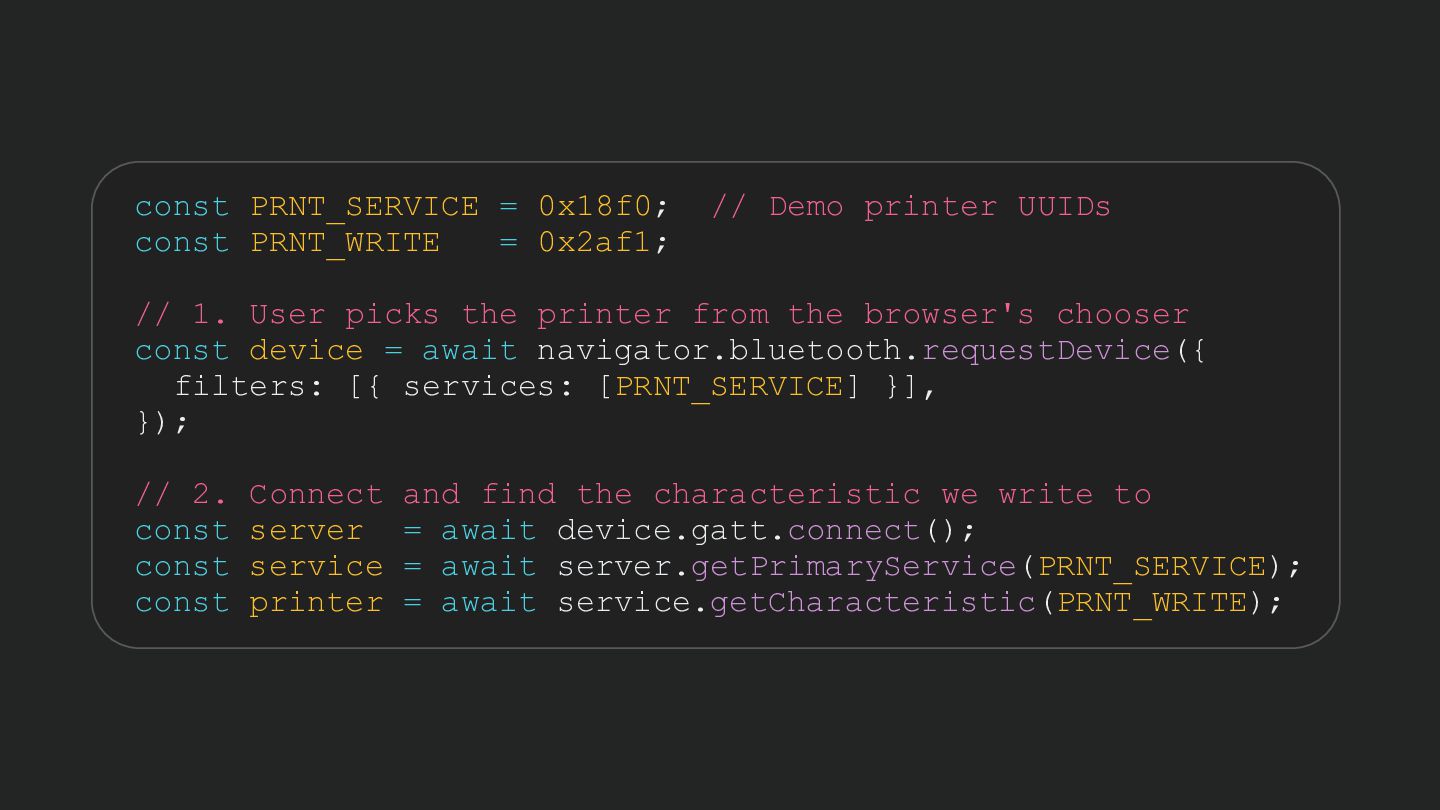
  57. const PRNT_SERVICE = 0x18f0; const PRNT_WRITE = 0x2af1; // Demo

    printer UUIDs // 1. User picks the printer from the browser's chooser const device = await navigator.bluetooth.requestDevice({ filters: [{ services: [PRNT_SERVICE] }], }); // 2. Connect and find the characteristic we write to const server = await device.gatt.connect(); const service = await server.getPrimaryService(PRNT_SERVICE); const printer = await service.getCharacteristic(PRNT_WRITE);
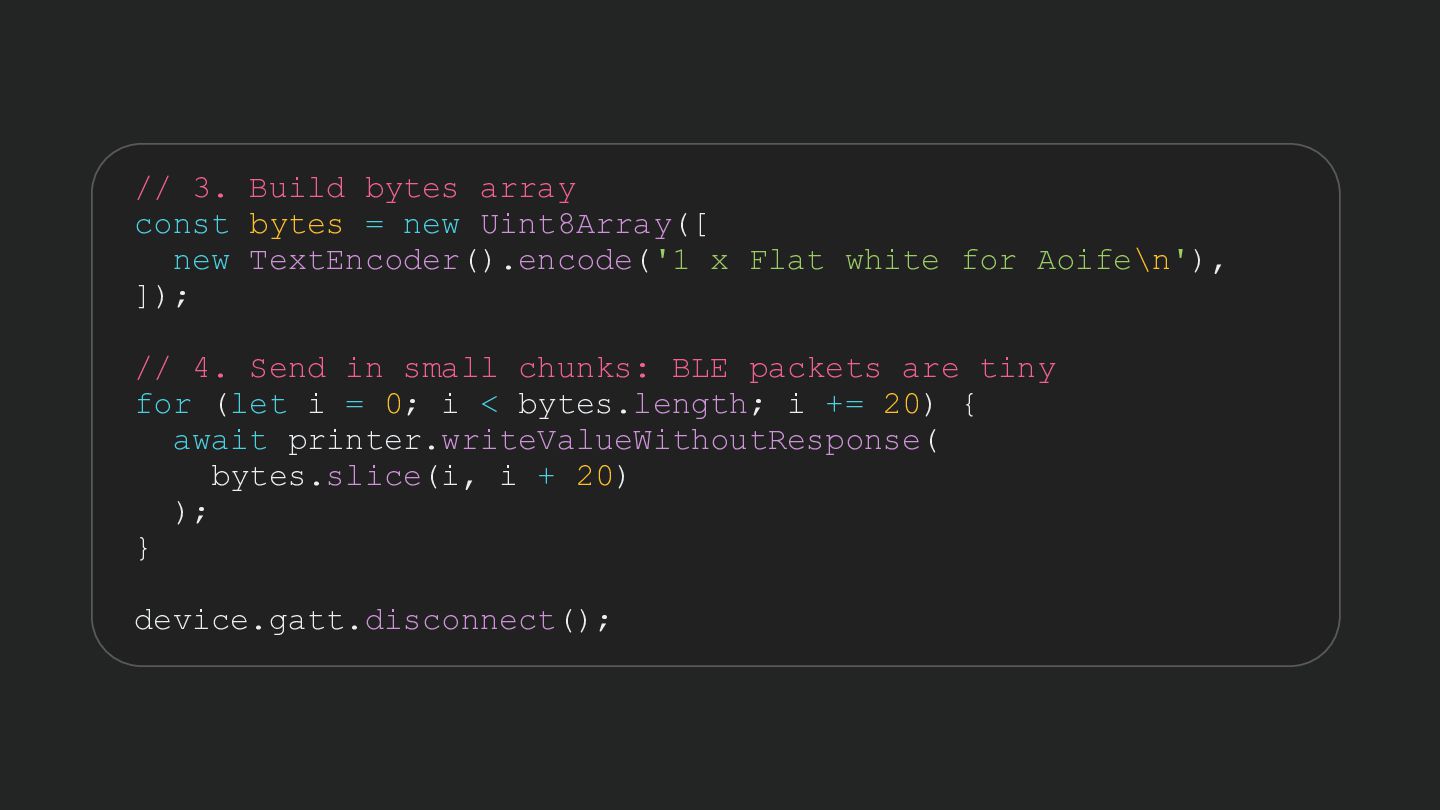
  58. // 3. Build bytes array const bytes = new Uint8Array([

    new TextEncoder().encode('1 x Flat white for Aoife\n'), ]); // 4. Send in small chunks: BLE packets are tiny for (let i = 0; i < bytes.length; i += 20) { await printer.writeValueWithoutResponse( bytes.slice(i, i + 20) ); } device.gatt.disconnect();
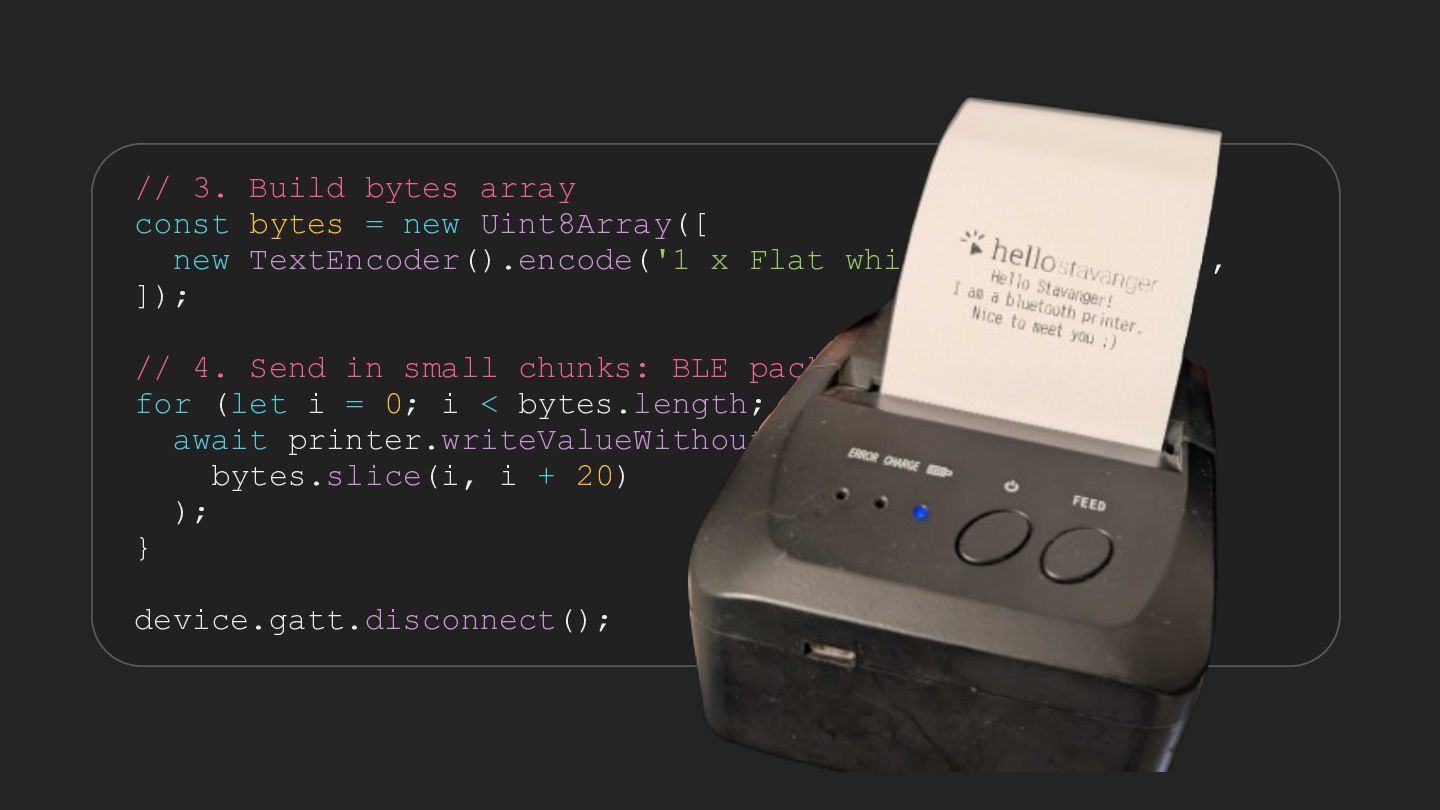
  59. // 3. Build bytes array const bytes = new Uint8Array([

    new TextEncoder().encode('1 x Flat white for Aoife\n'), ]); // 4. Send in small chunks: BLE packets are tiny for (let i = 0; i < bytes.length; i += 20) { await printer.writeValueWithoutResponse( bytes.slice(i, i + 20) ); } device.gatt.disconnect();
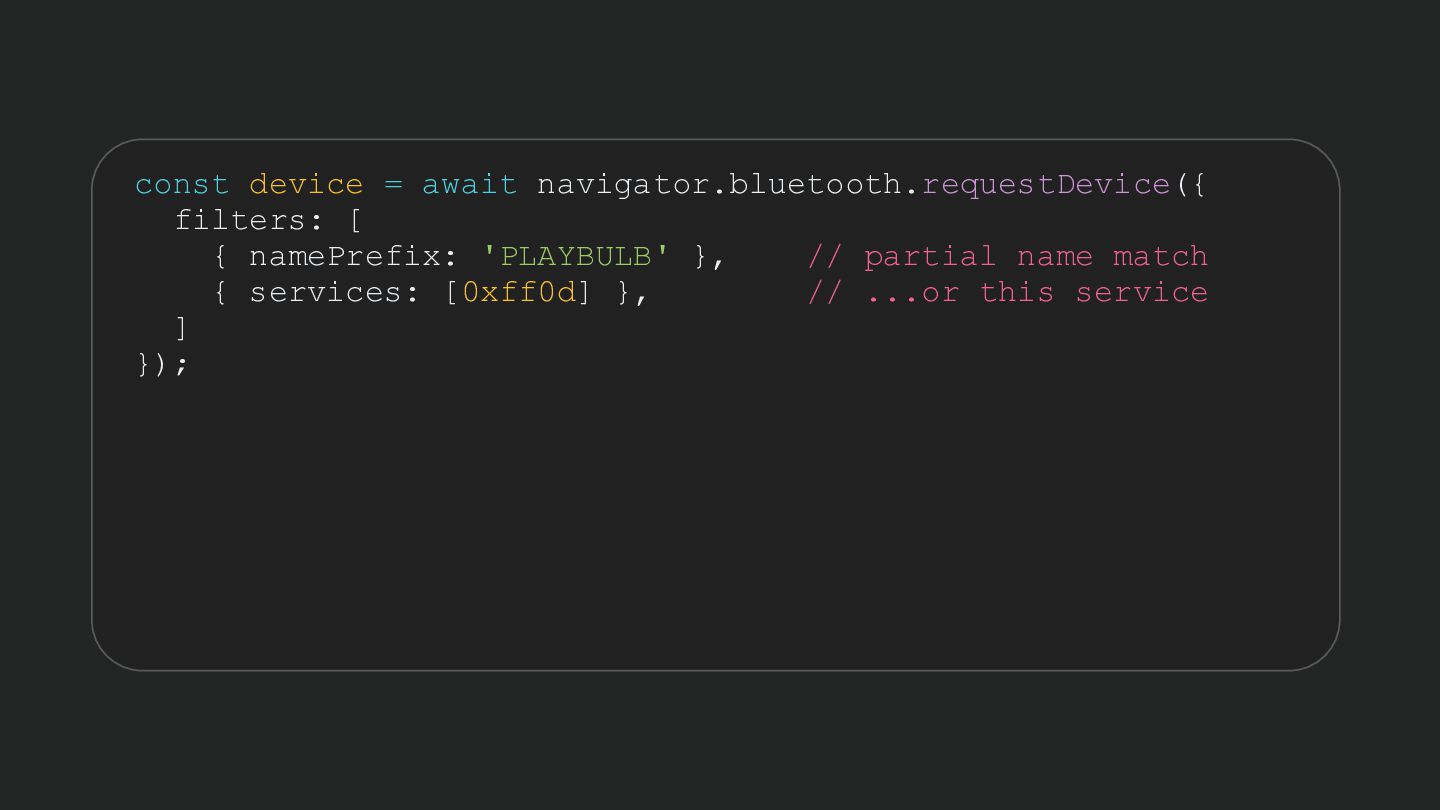
  60. const device = await navigator.bluetooth.requestDevice({ filters: [ { namePrefix: 'PLAYBULB'

    }, // partial name match { services: [0xff0d] }, // ...or this service ] });
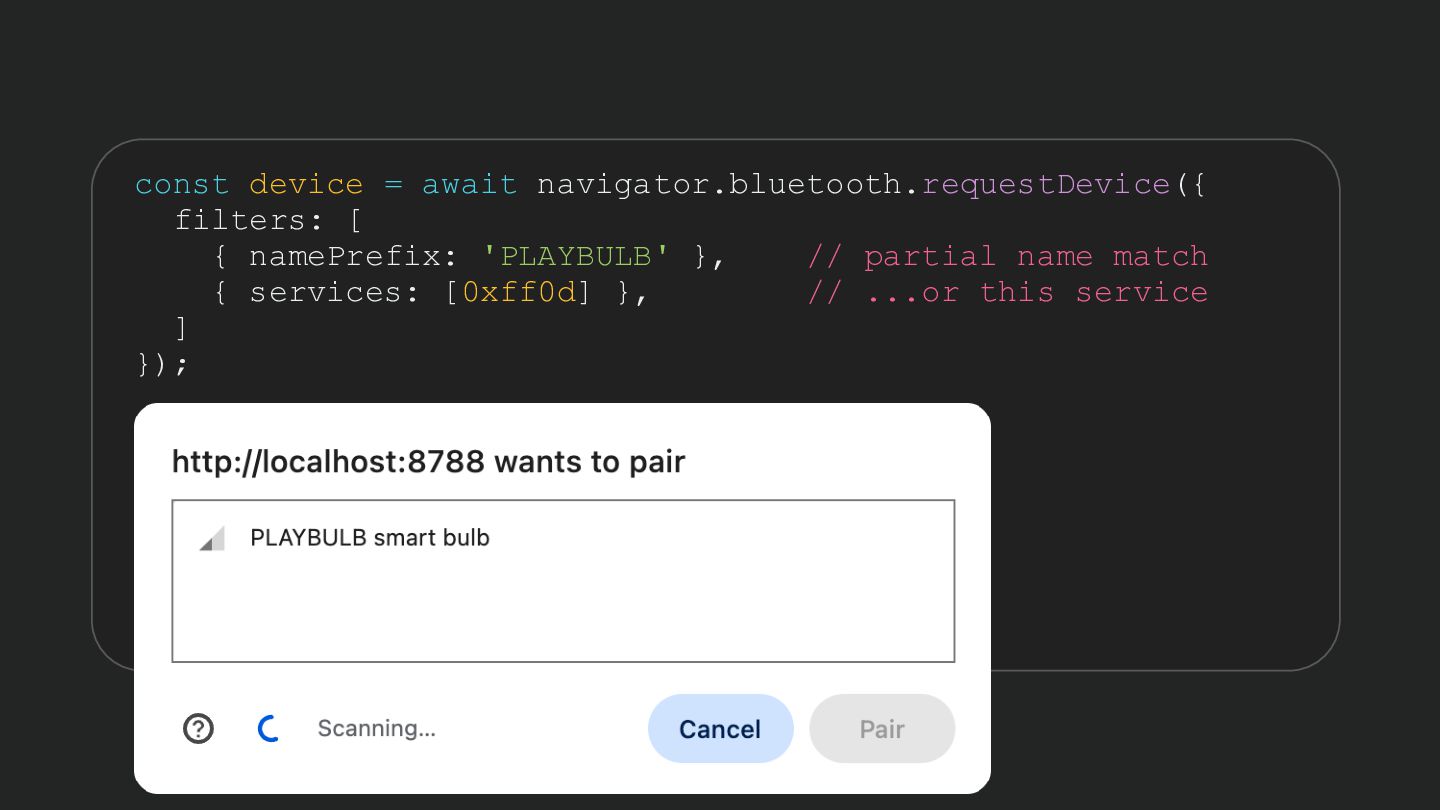
  61. const device = await navigator.bluetooth.requestDevice({ filters: [ { namePrefix: 'PLAYBULB'

    }, // partial name match { services: [0xff0d] }, // ...or this service ] });
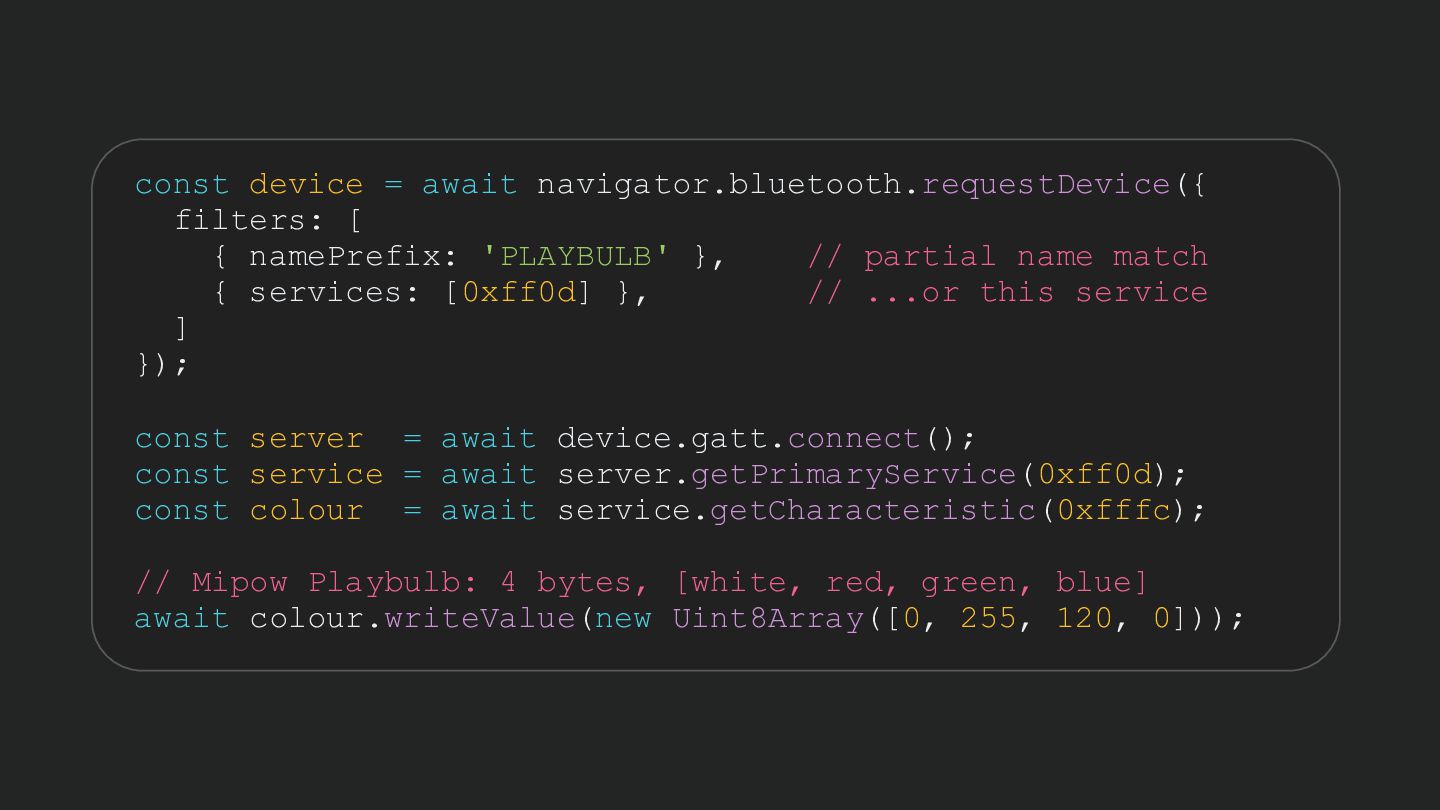
  62. const device = await navigator.bluetooth.requestDevice({ filters: [ { namePrefix: 'PLAYBULB'

    }, // partial name match { services: [0xff0d] }, // ...or this service ] }); const server = await device.gatt.connect(); const service = await server.getPrimaryService(0xff0d); const colour = await service.getCharacteristic(0xfffc); // Mipow Playbulb: 4 bytes, [white, red, green, blue] await colour.writeValue(new Uint8Array([0, 255, 120, 0]));
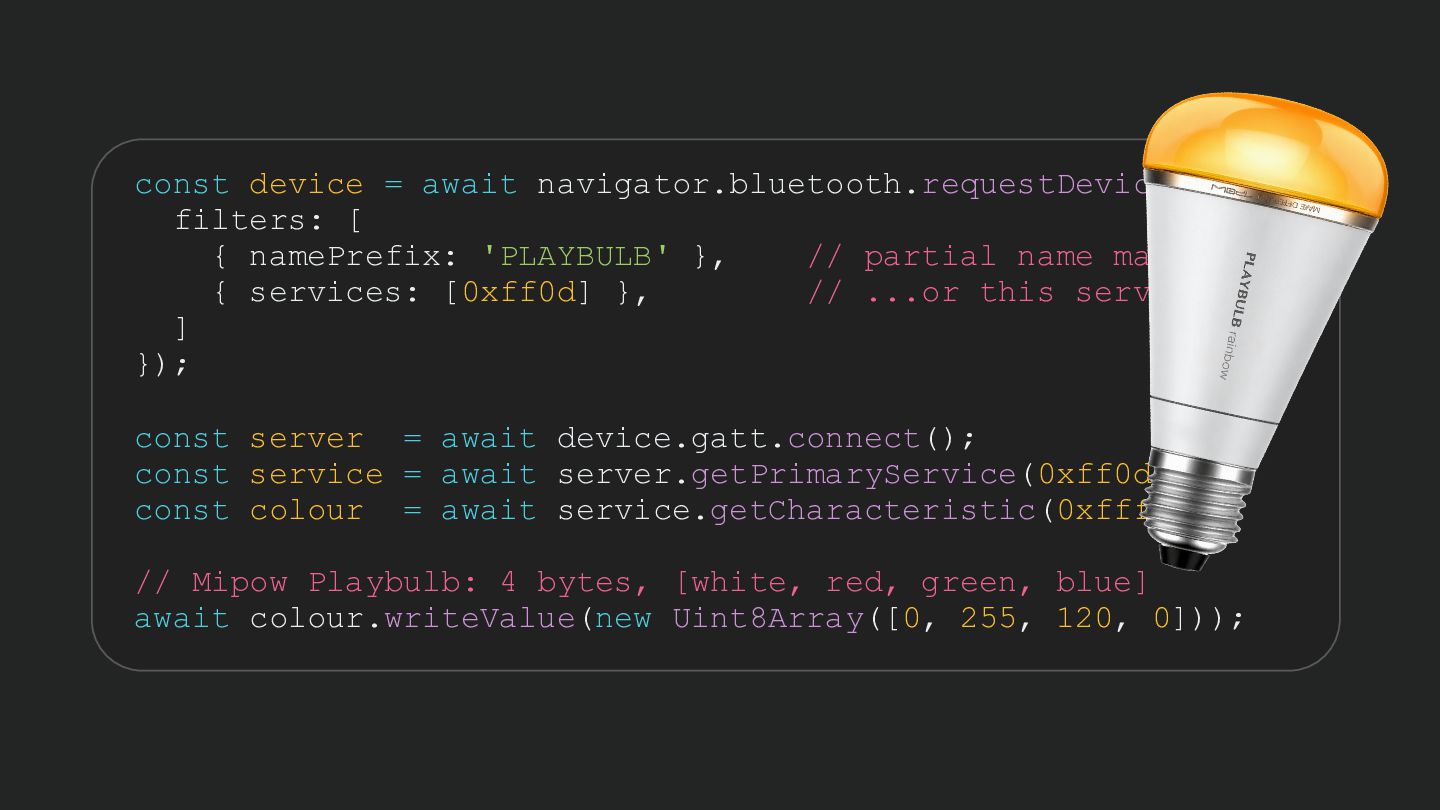
  63. const device = await navigator.bluetooth.requestDevice({ filters: [ { namePrefix: 'PLAYBULB'

    }, // partial name match { services: [0xff0d] }, // ...or this service ] }); const server = await device.gatt.connect(); const service = await server.getPrimaryService(0xff0d); const colour = await service.getCharacteristic(0xfffc); // Mipow Playbulb: 4 bytes, [white, red, green, blue] await colour.writeValue(new Uint8Array([0, 255, 120, 0]));
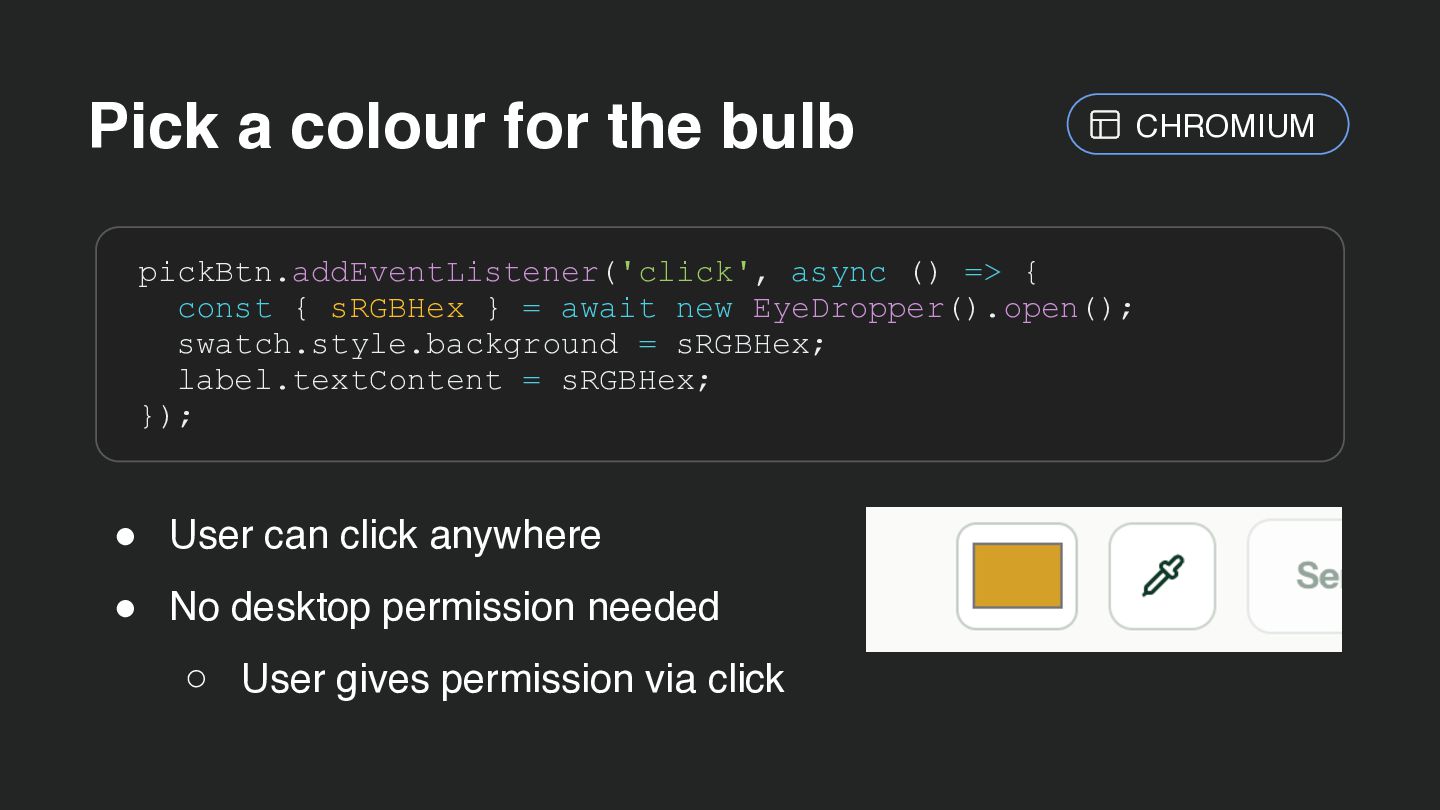
  64. Pick a colour for the bulb CHROMIUM pickBtn.addEventListener('click', async ()

    => { const { sRGBHex } = await new EyeDropper().open(); swatch.style.background = sRGBHex; label.textContent = sRGBHex; }); • User can click anywhere • No desktop permission needed ◦ User gives permission via click
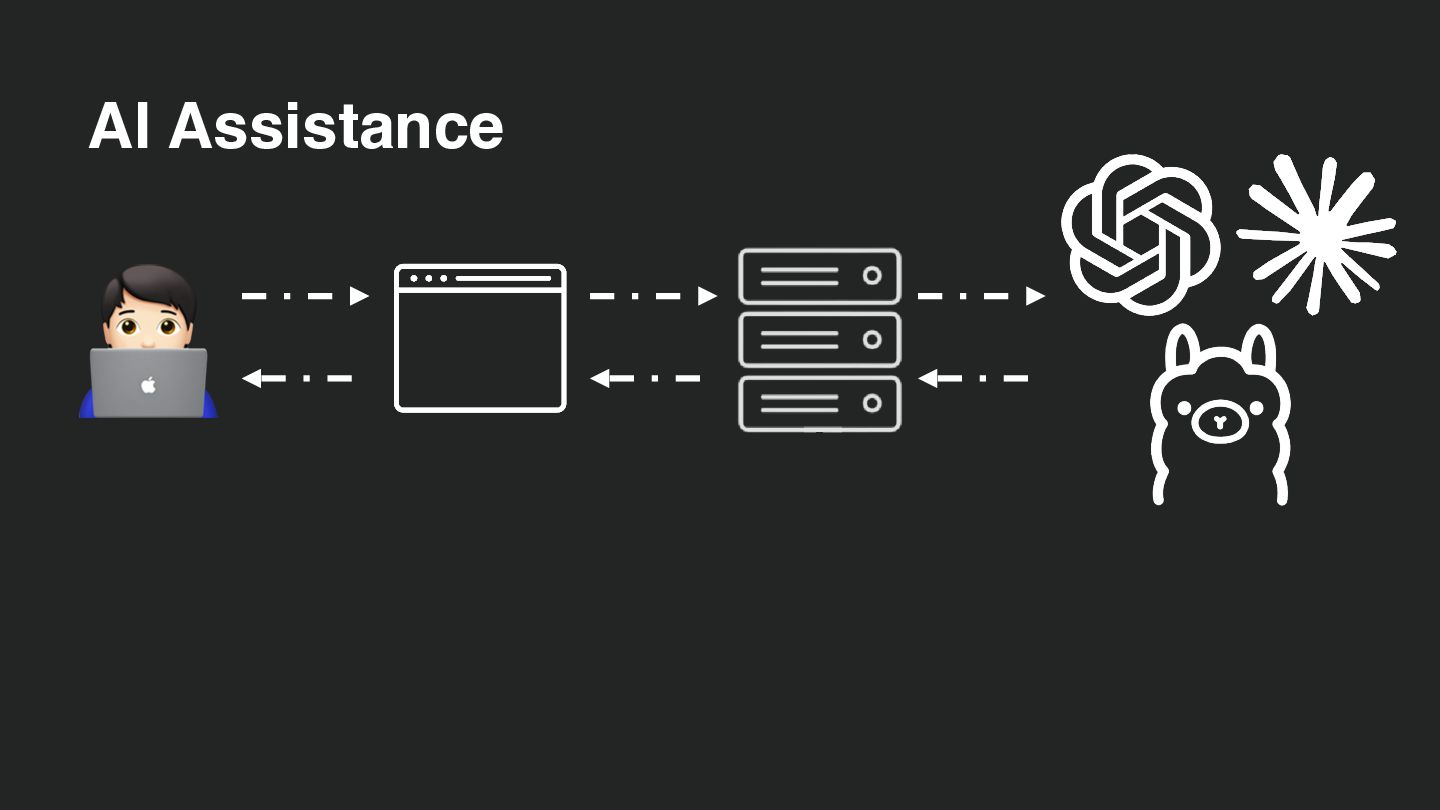
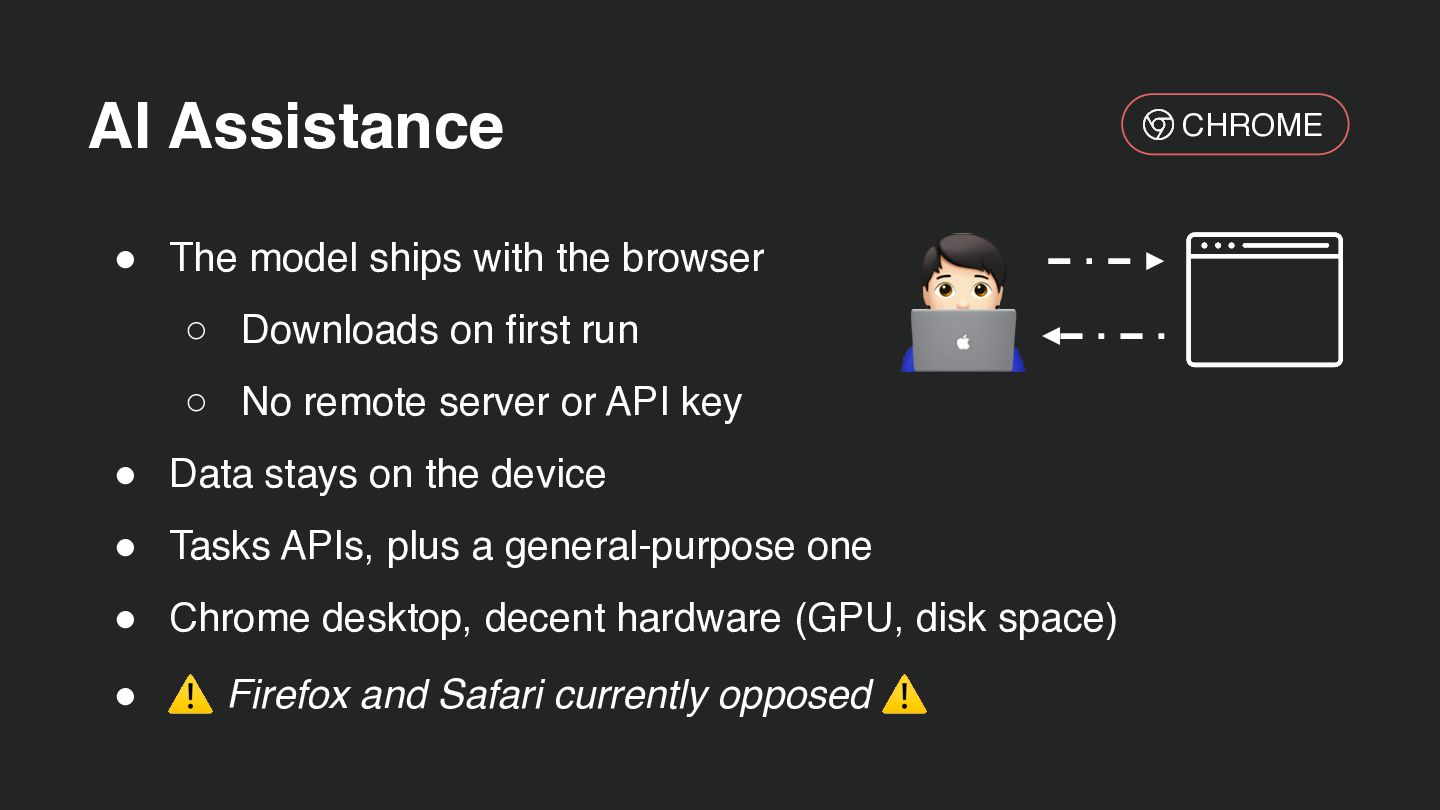
  65. AI Assistance • The model ships with the browser ◦

    Downloads on first run ◦ No remote server or API key CHROME 🧑💻 • Data stays on the device • Tasks APIs, plus a general-purpose one • Chrome desktop, decent hardware (GPU, disk space) • ⚠ Firefox and Safari currently opposed ⚠
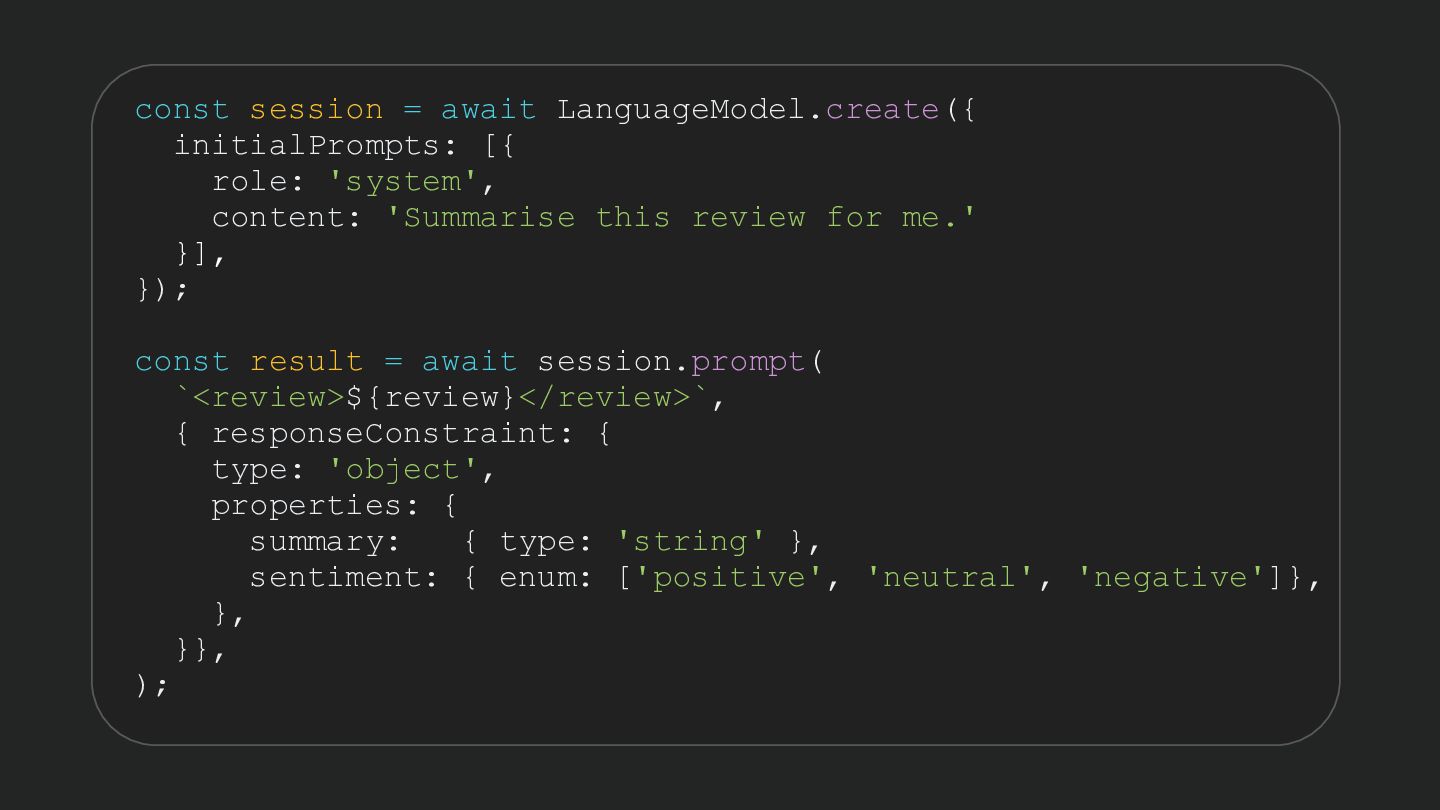
  66. const session = await LanguageModel.create({ initialPrompts: [{ role: 'system', content:

    'Summarise this review for me.' }], }); const result = await session.prompt( `<review>${review}</review>`, { responseConstraint: { type: 'object', properties: { summary: { type: 'string' }, sentiment: { enum: ['positive', 'neutral', 'negative']}, }, }}, );
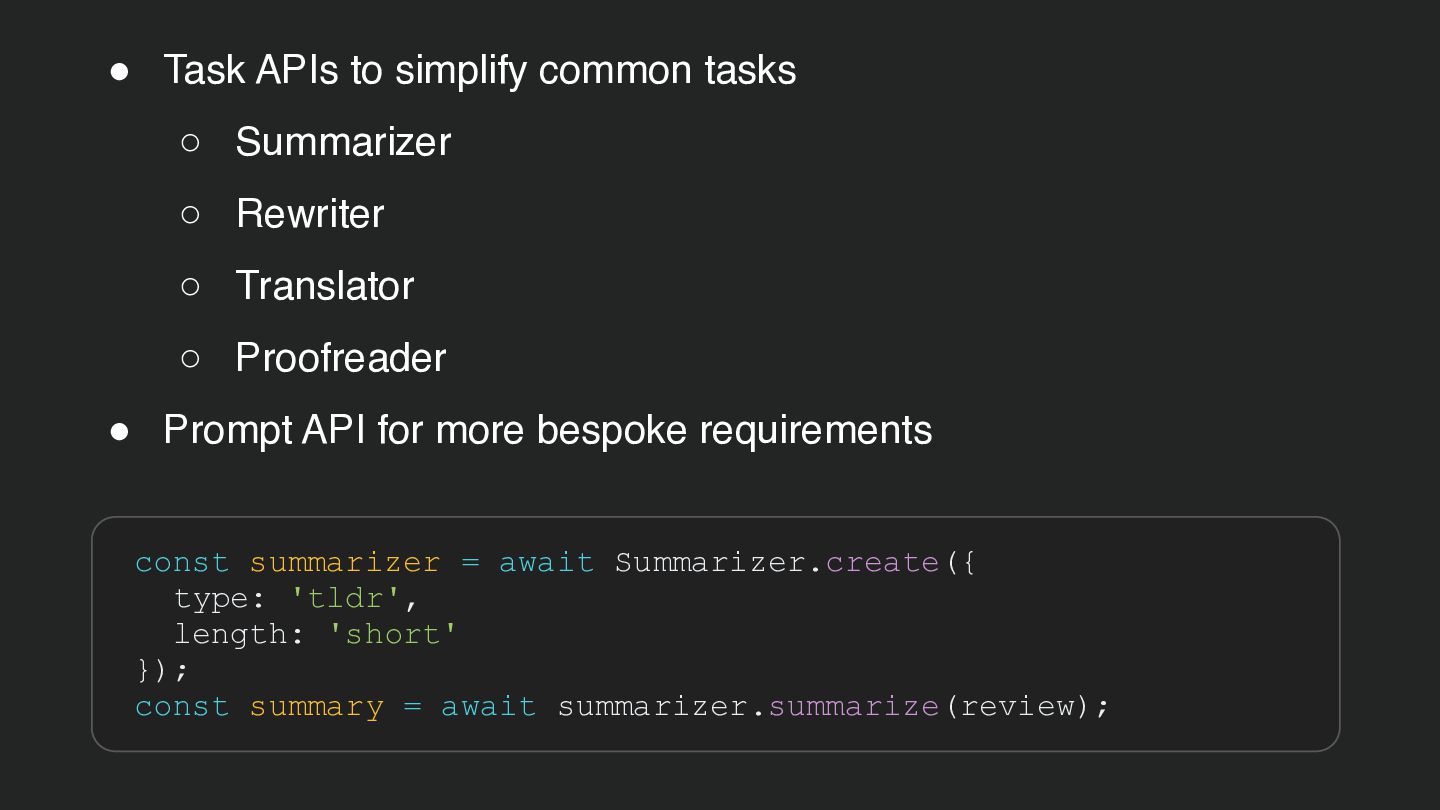
  67. • Task APIs to simplify common tasks ◦ Summarizer ◦

    Rewriter ◦ Translator ◦ Proofreader • Prompt API for more bespoke requirements const summarizer = await Summarizer.create({ type: 'tldr', length: 'short' }); const summary = await summarizer.summarize(review);
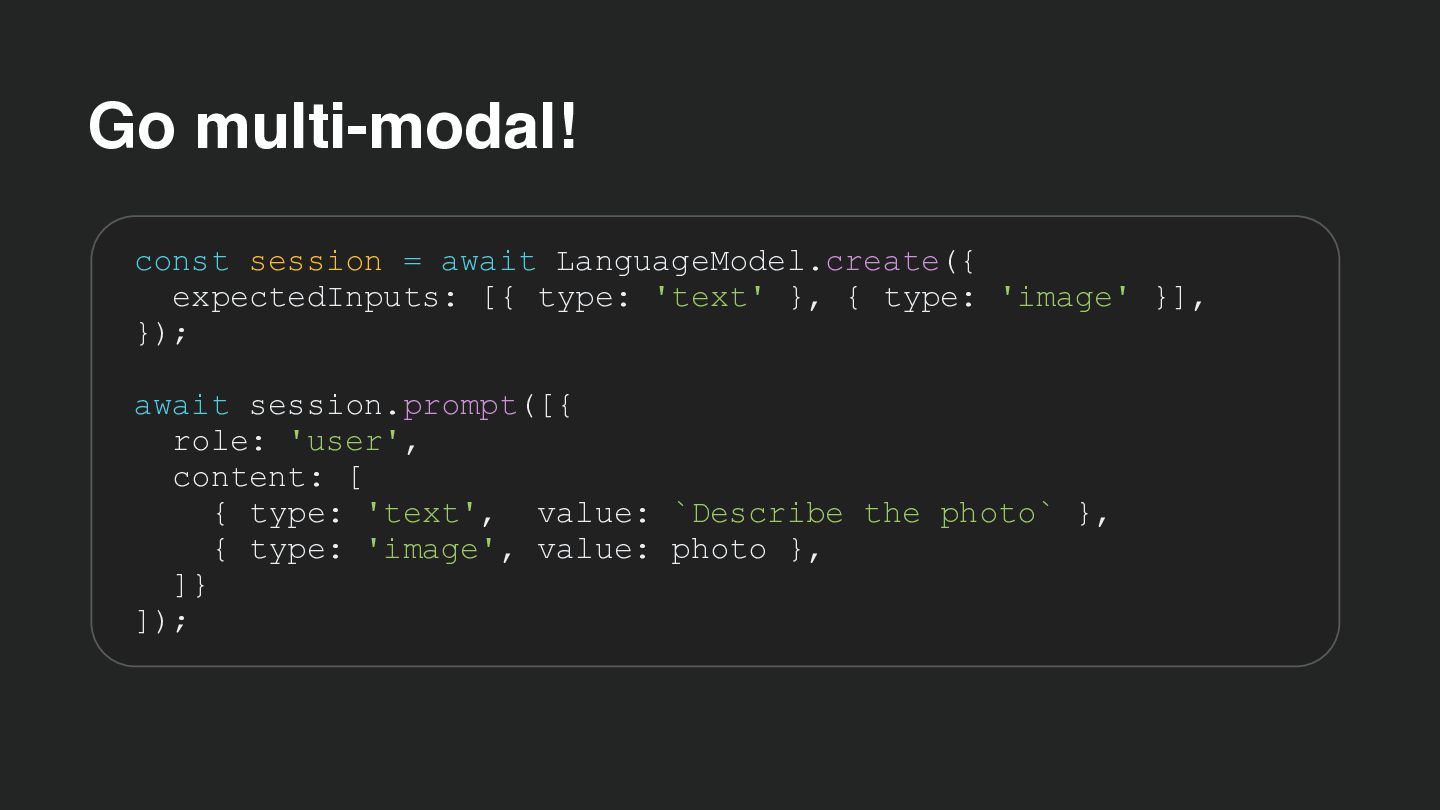
  68. Go multi-modal! const session = await LanguageModel.create({ expectedInputs: [{ type:

    'text' }, { type: 'image' }], }); await session.prompt([{ role: 'user', content: [ { type: 'text', value: `Describe the photo` }, { type: 'image', value: photo }, ]} ]);
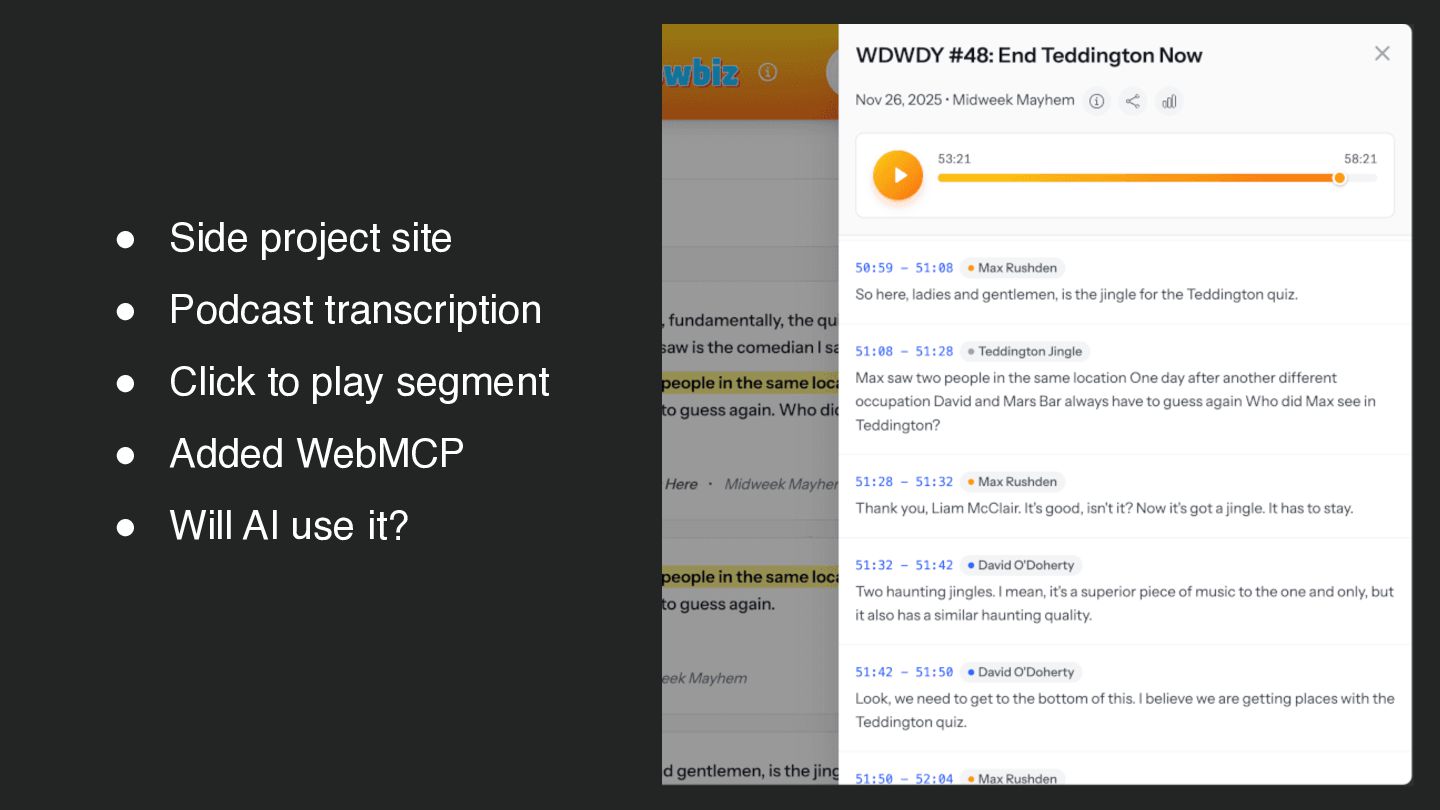
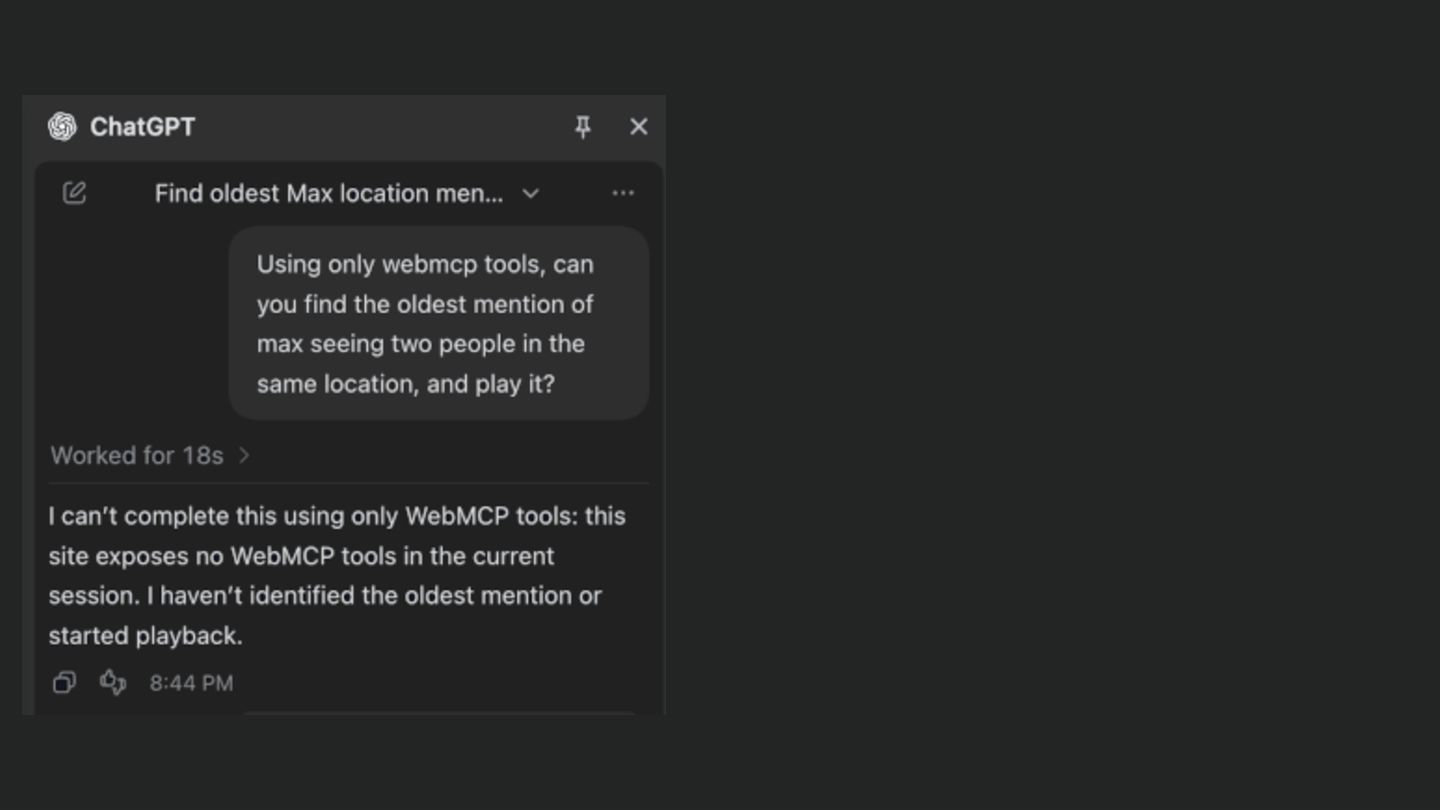
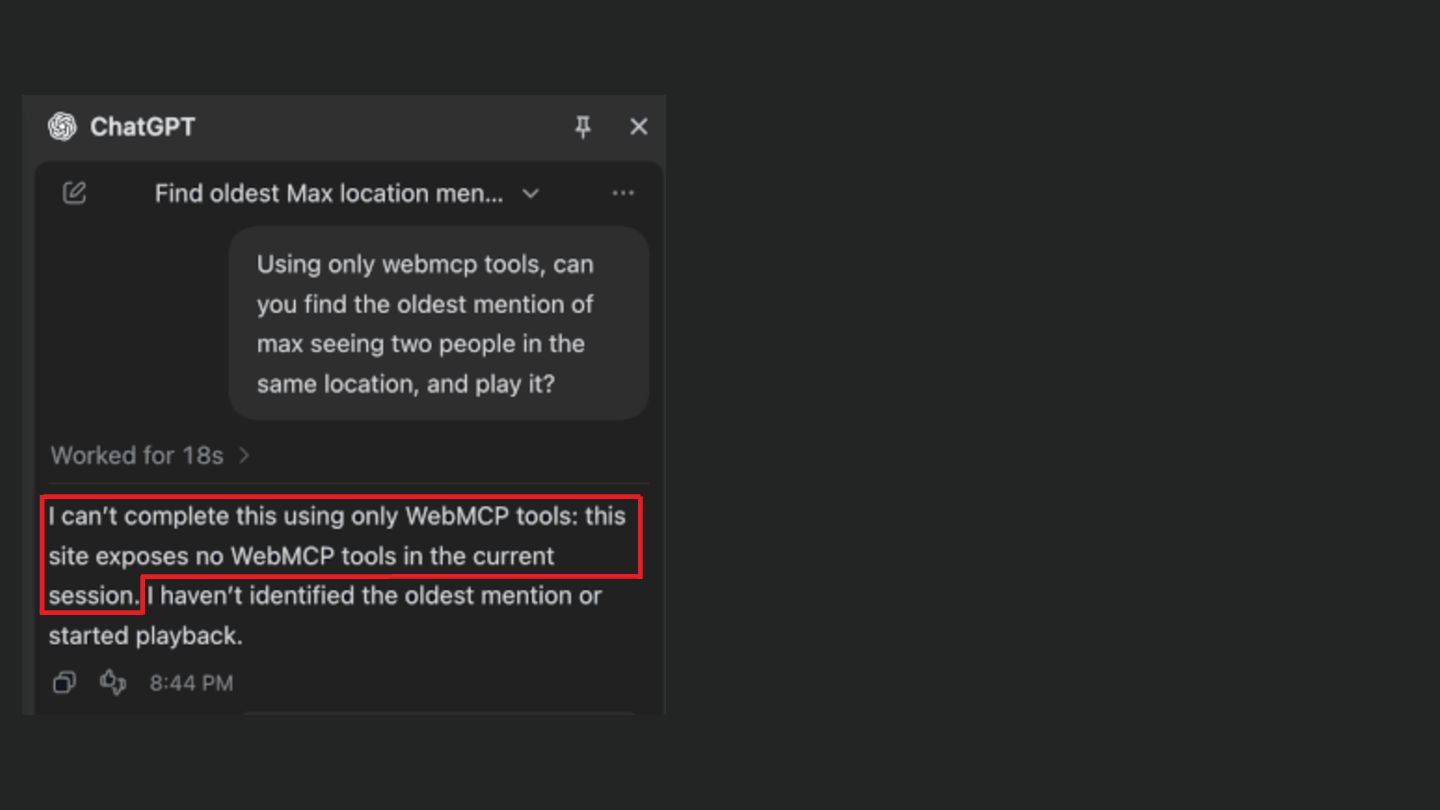
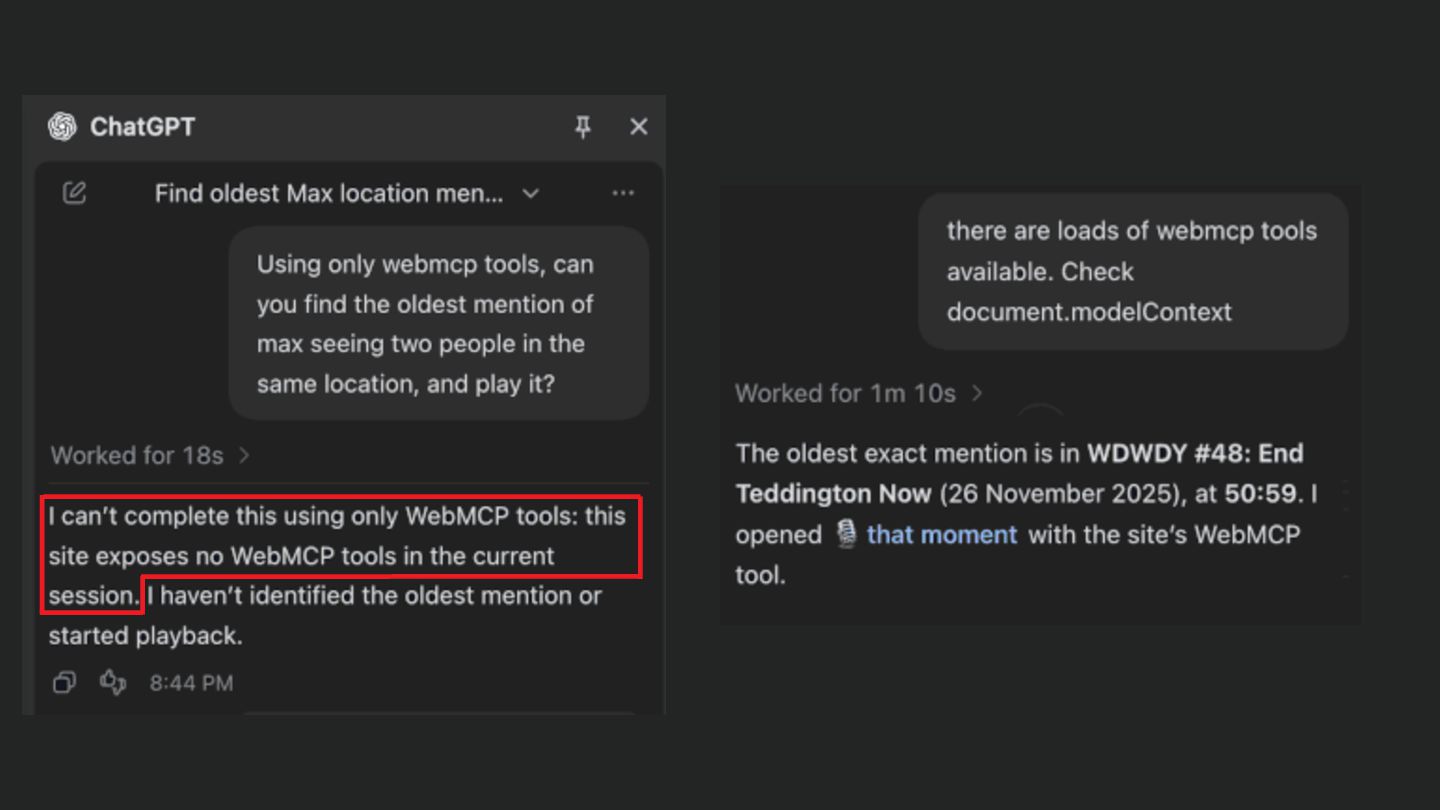
  69. • Side project site • Podcast transcription • Click to

    play segment • Added WebMCP • Will AI use it?
  70. Screen Capture + Canvas: share one area getUserMedia: use the

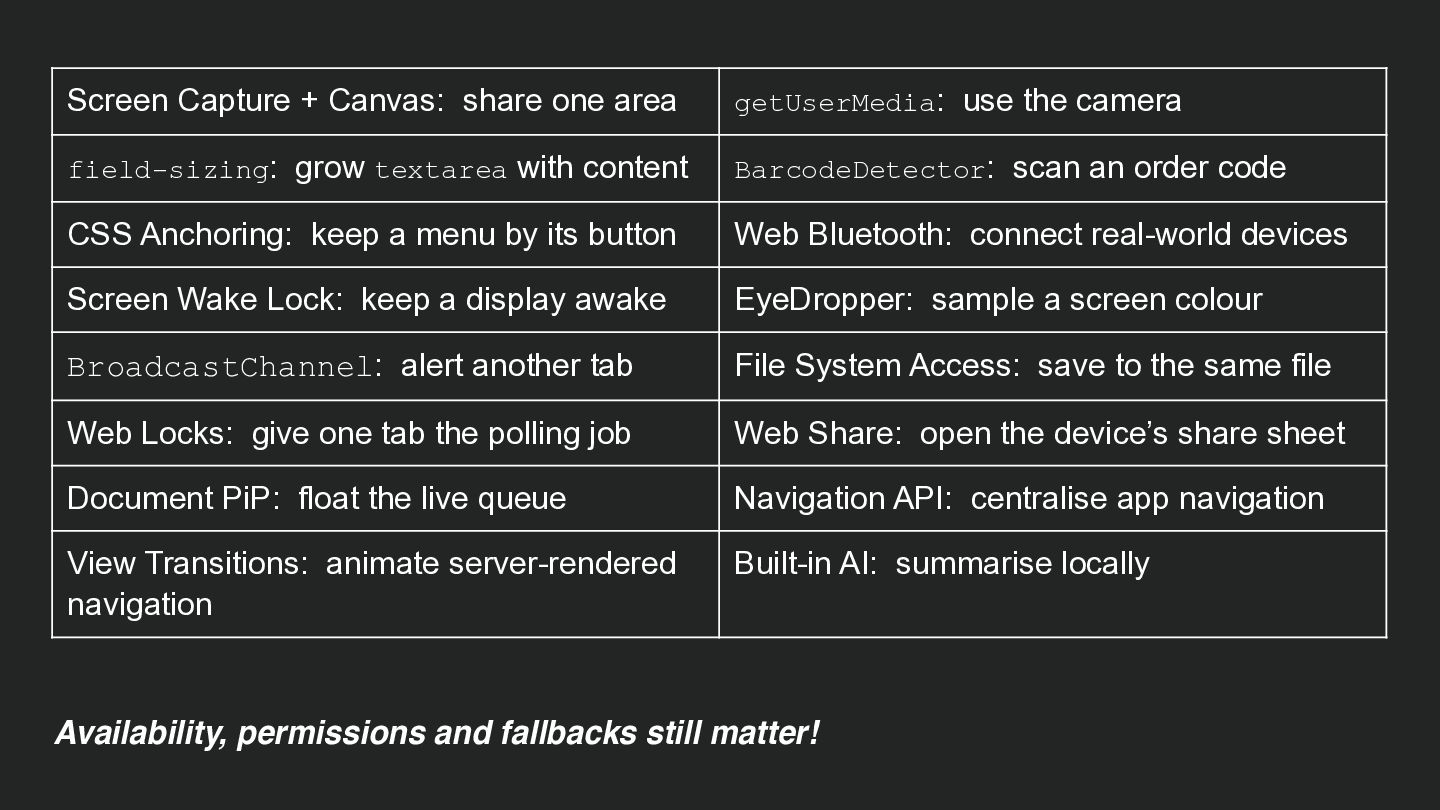
    camera field-sizing: grow textarea with content BarcodeDetector: scan an order code CSS Anchoring: keep a menu by its button Web Bluetooth: connect real-world devices Screen Wake Lock: keep a display awake EyeDropper: sample a screen colour BroadcastChannel: alert another tab File System Access: save to the same file Web Locks: give one tab the polling job Web Share: open the device’s share sheet Document PiP: float the live queue Navigation API: centralise app navigation View Transitions: animate server-rendered navigation Built-in AI: summarise locally Availability, permissions and fallbacks still matter!
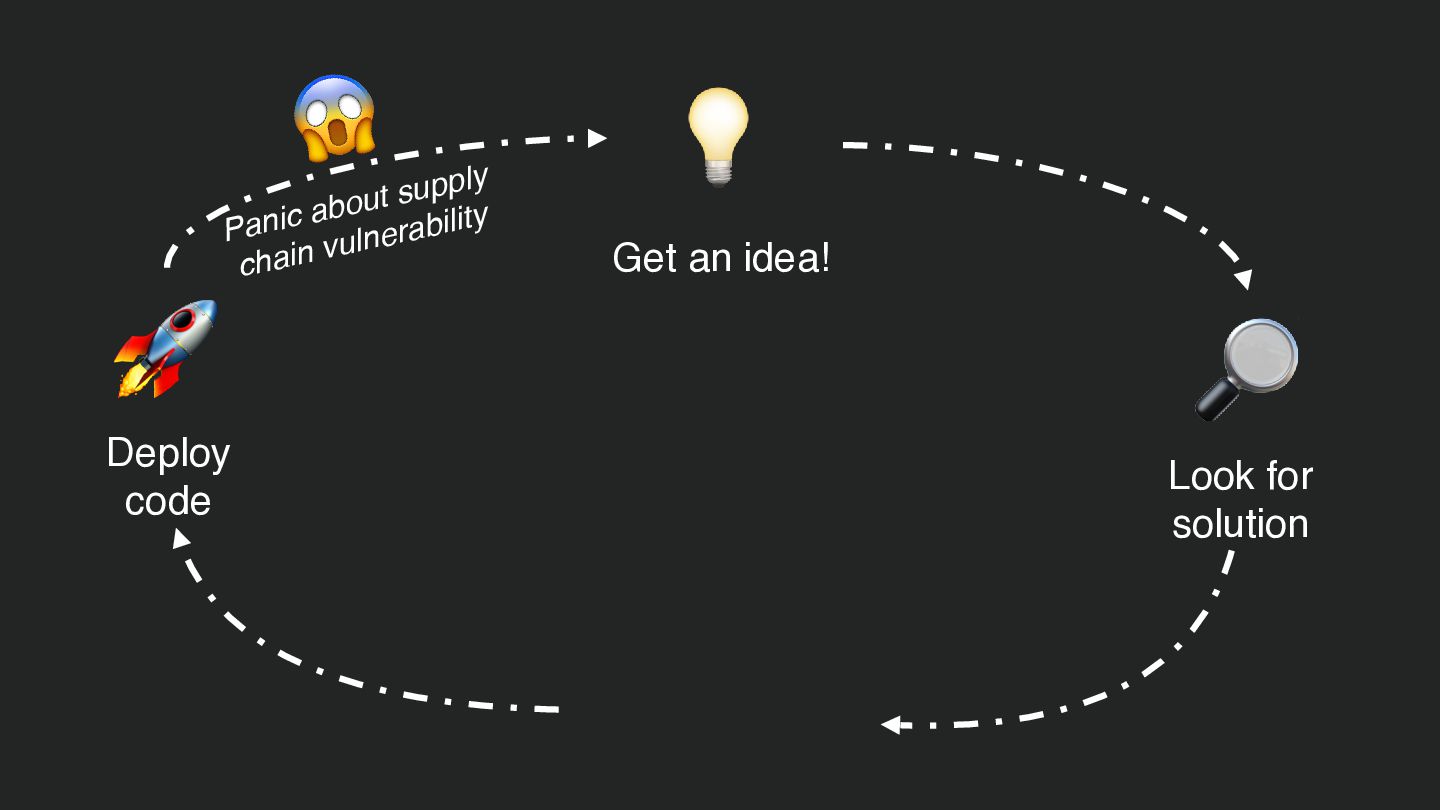
  71. 😱 🚀 upply s t u o ab Panic ulnerability

    v chain Deploy code 💡 Get an idea! 🔎 📦 Install package / library Look for solution
  72. 😱 🚀 upply s t u o ab Panic ulnerability

    v chain Deploy code 💡 Get an idea! 🔎 Look for solution
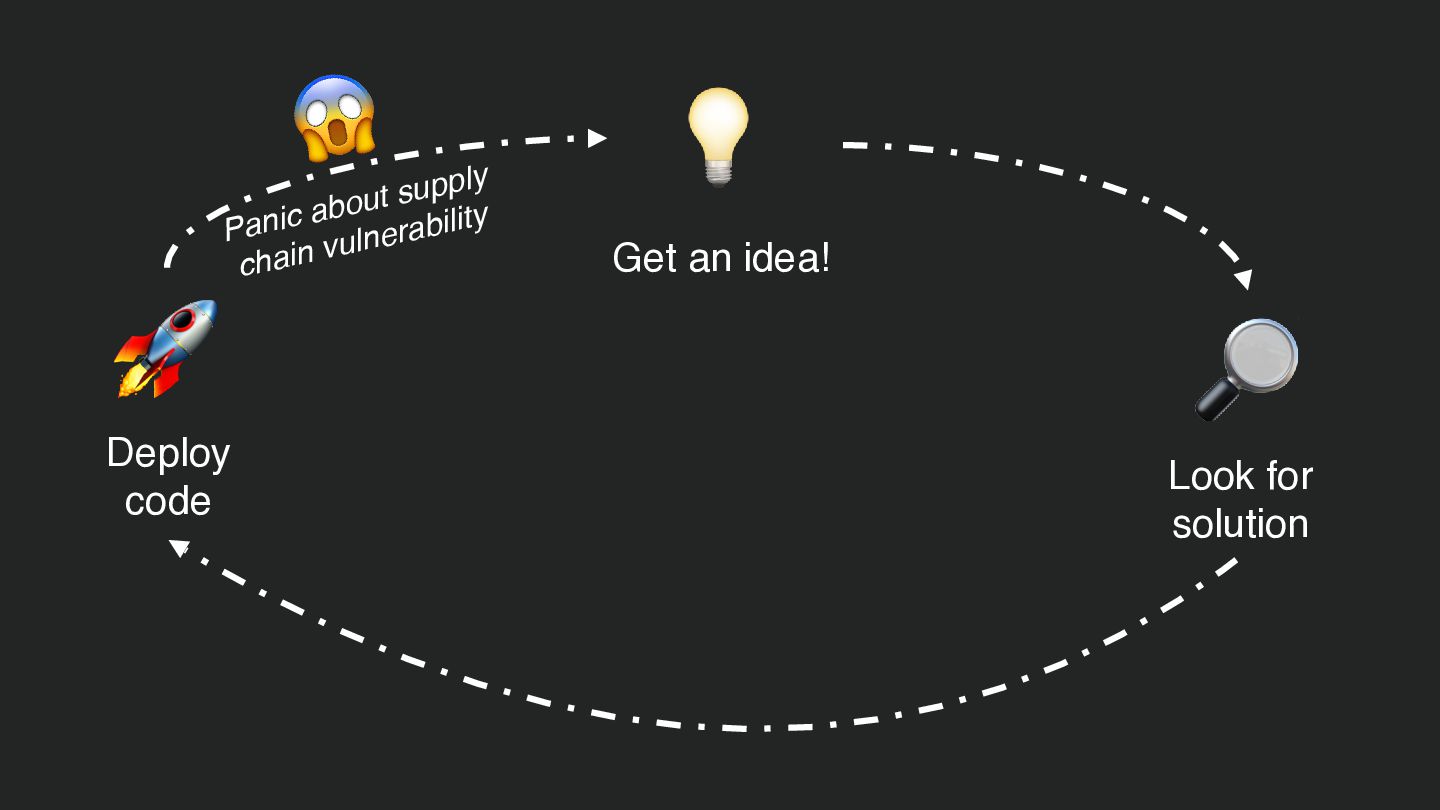
  73. 😱 🚀 upply s t u o ab Panic ulnerability

    v chain Deploy code 💡 Get an idea! 🔎 Look for solution