Upgrade to Pro — share decks privately, control downloads, hide ads and more …

Less Clicking, More Calling: Building with WebMCP

Avatar for Paul Conroy Paul Conroy
November 11, 2026

Less Clicking, More Calling: Building with WebMCP

An agent shouldn't need to decipher your page layout to use functionality you've already built.

WebMCP lets you expose that functionality as structured tools.

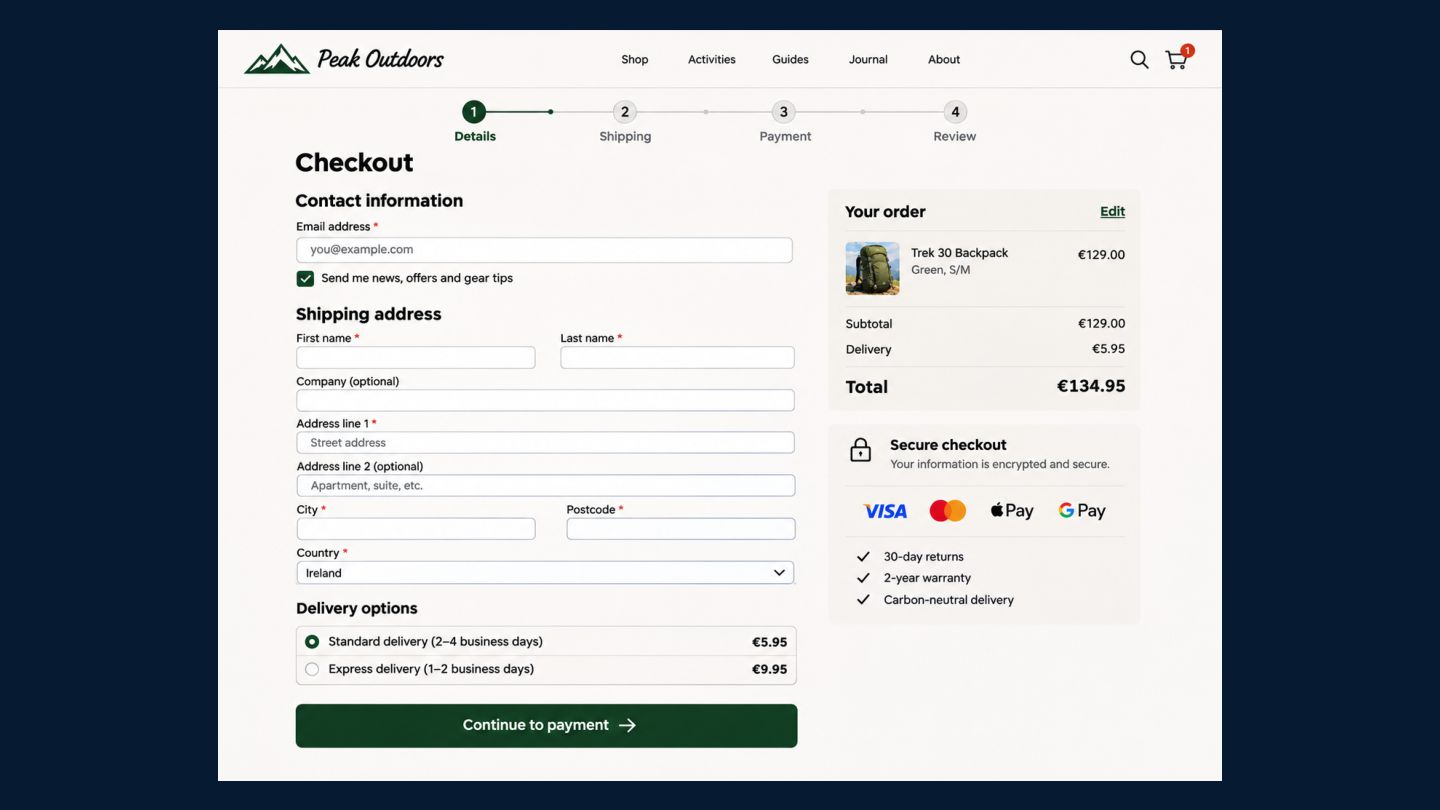
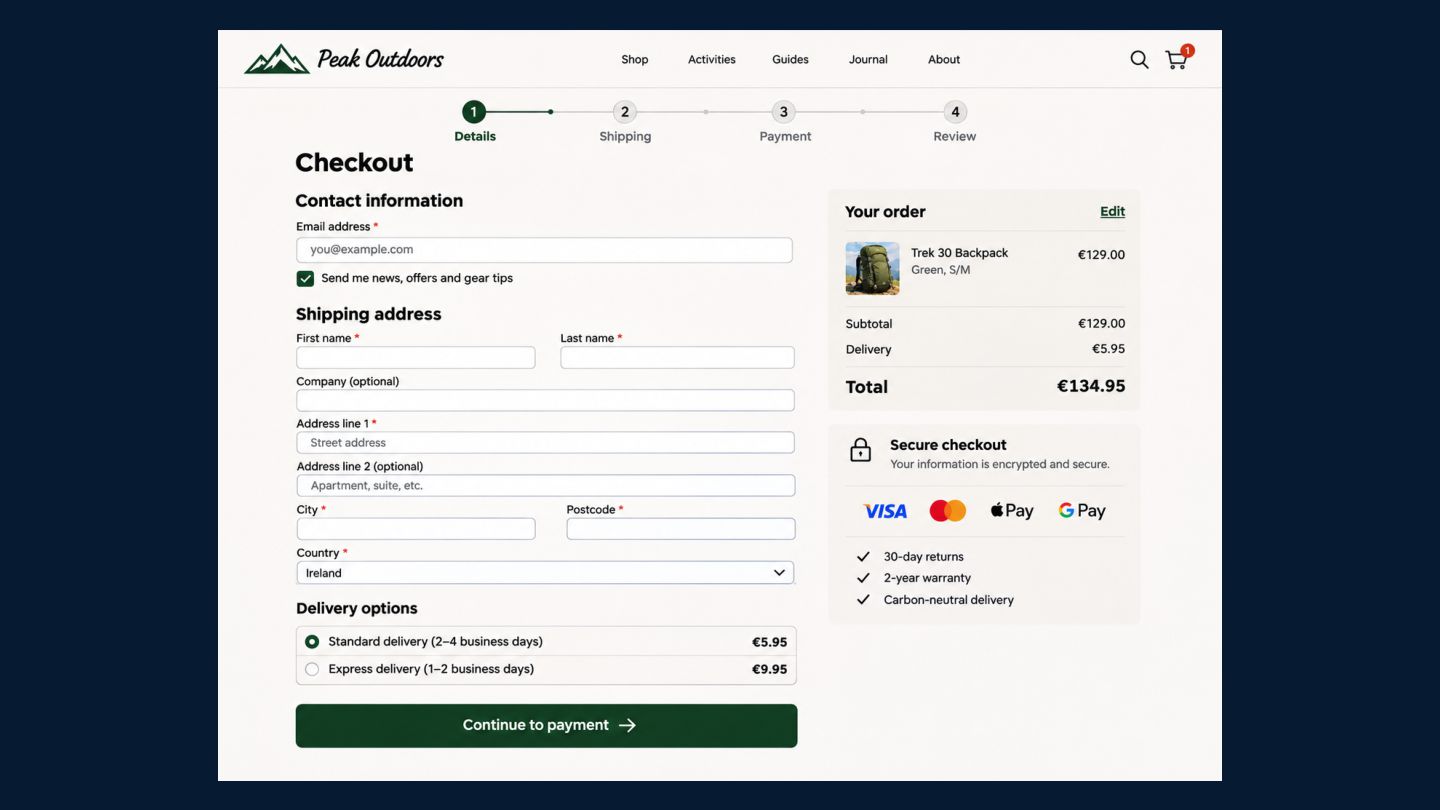
In this session, we'll walk through tool registration, progressive disclosure, and the journey to checkout, then compare the results with browser automation.

You'll see how little code it can take, where the token savings come from, and where today's agents still need a helping hand.

Avatar for Paul Conroy

Paul Conroy

November 11, 2026

More Decks by Paul Conroy
Other Decks in Technology

Transcript

  1. STRIPE AGENTIC DEV DAY · DUBLIN 2026 Less clicking, more

    calling Building with WebMCP Paul Conroy, CTO, Square1
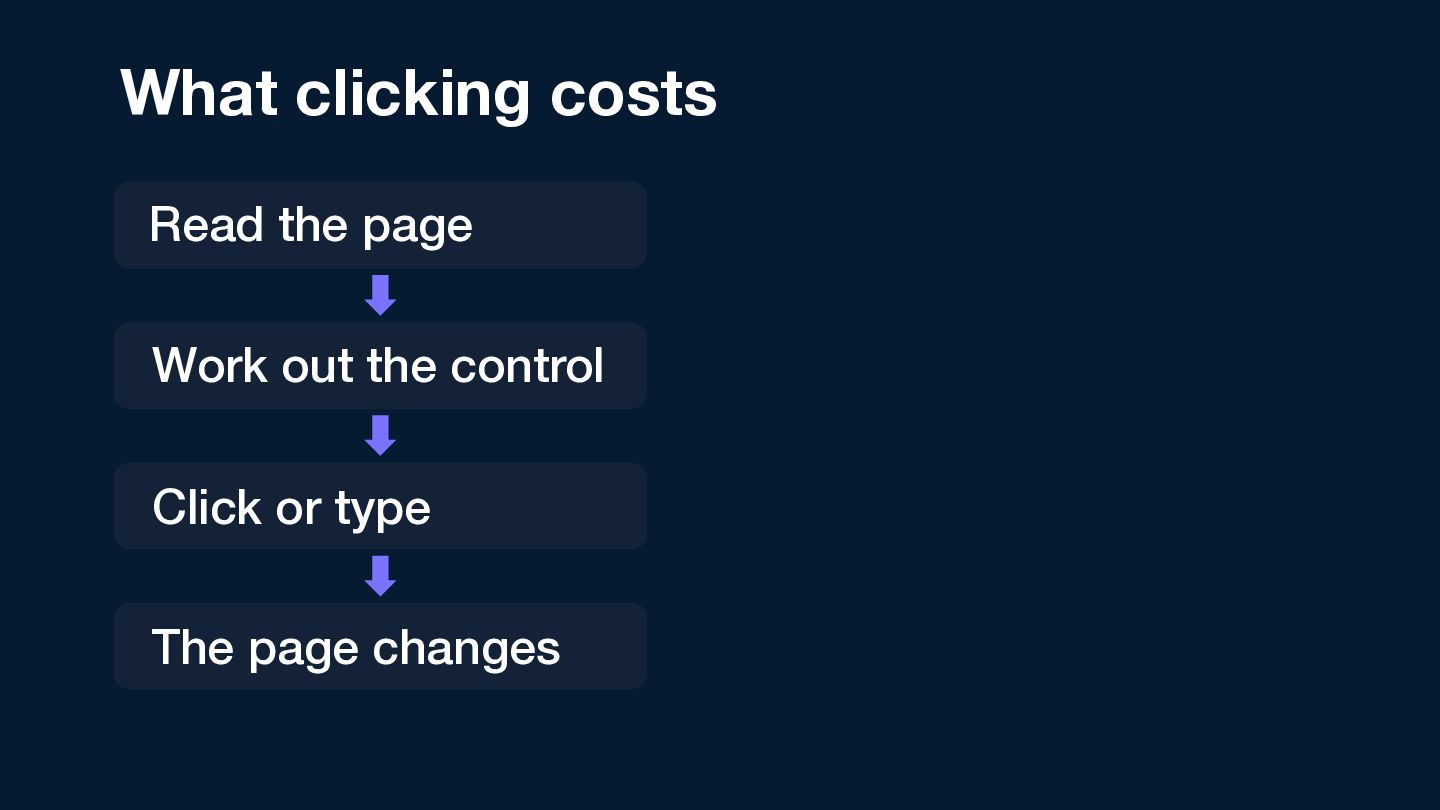
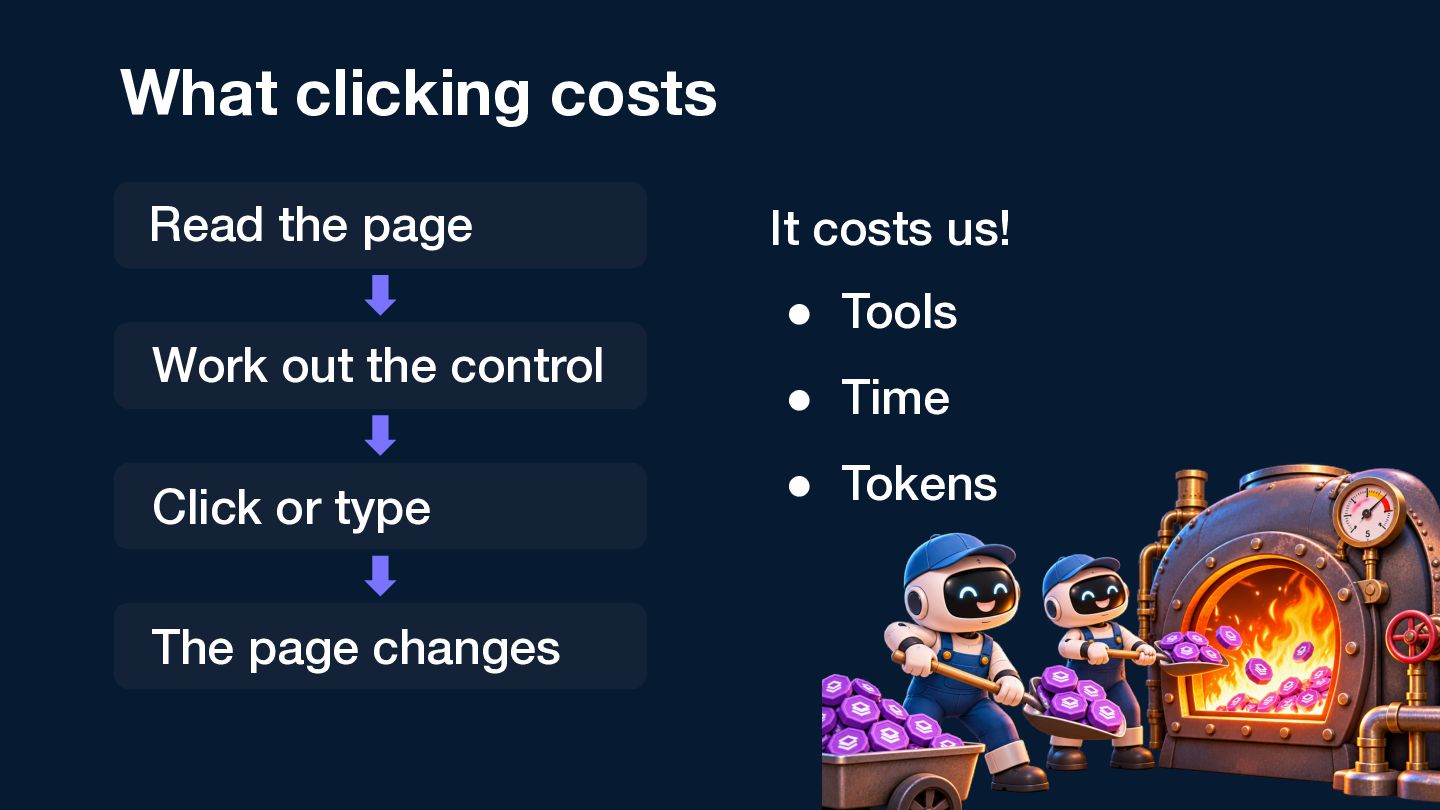
  2. What clicking costs Read the page Work out the control

    Click or type The page changes It costs us! • Tools • Time • Tokens
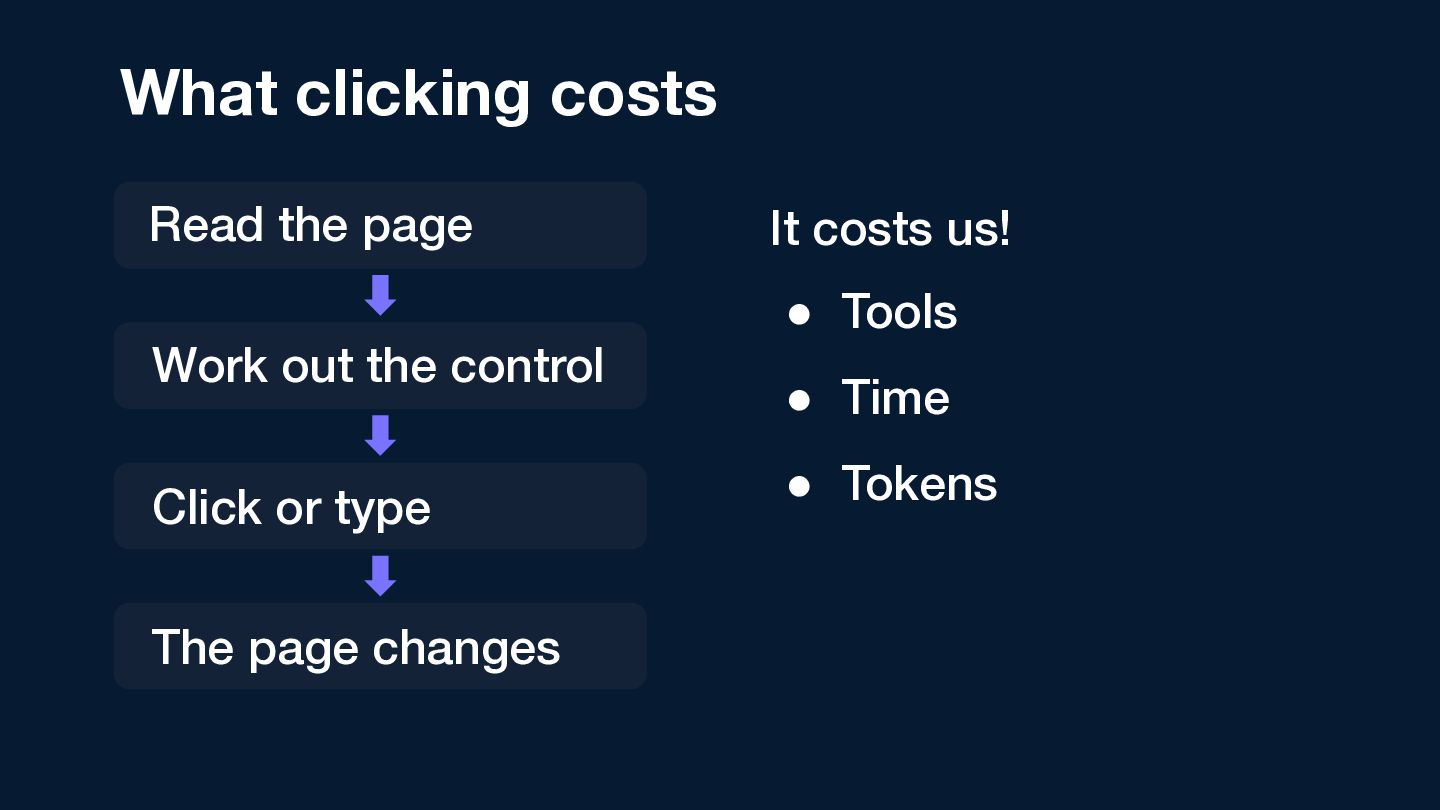
  3. What clicking costs Read the page Work out the control

    Click or type The page changes It costs us! • Tools • Time • Tokens
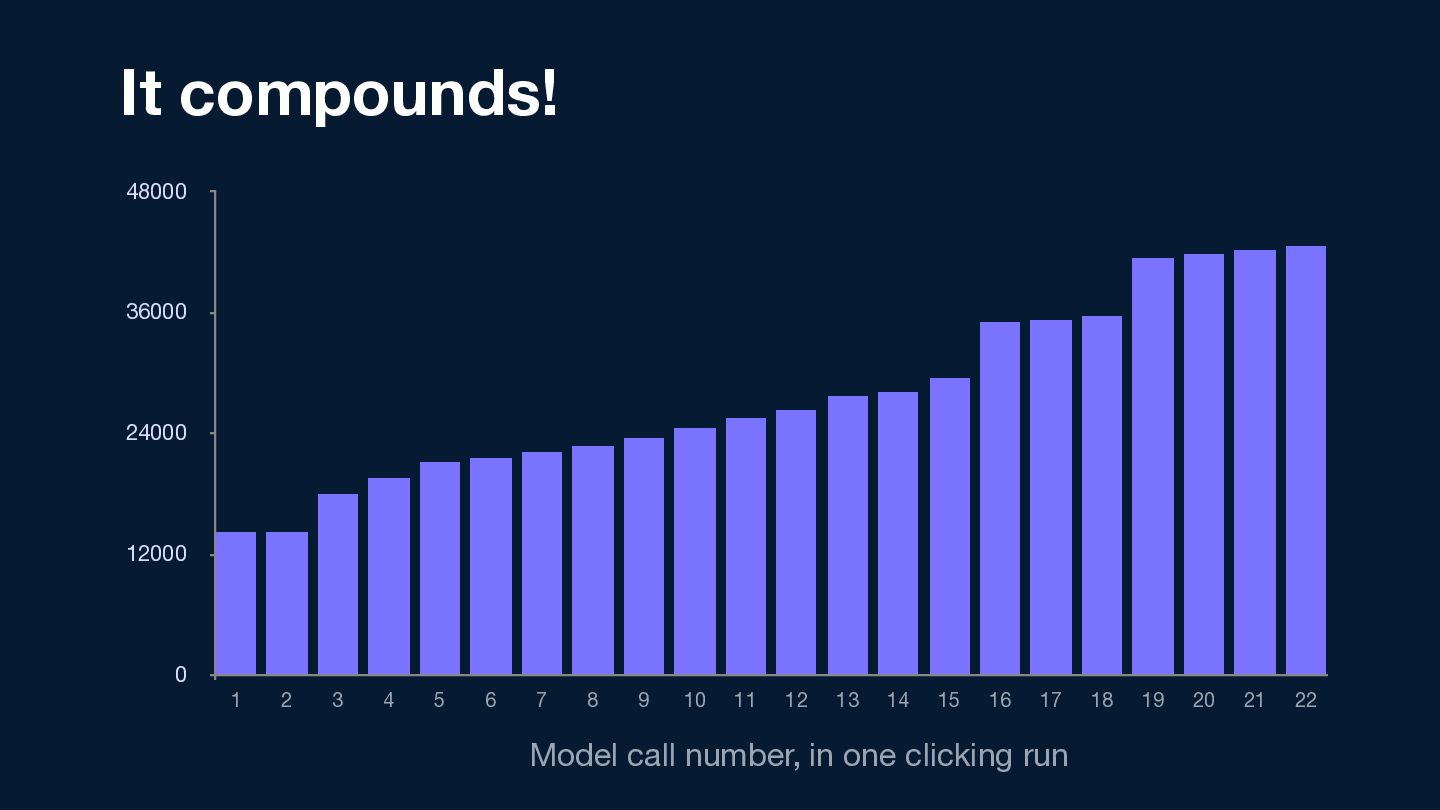
  4. It compounds! 48000 42541 36000 24000 14237 12000 0 1

    2 3 4 5 6 7 8 9 10 11 12 13 14 15 16 17 Model call number, in one clicking run 18 19 20 21 22
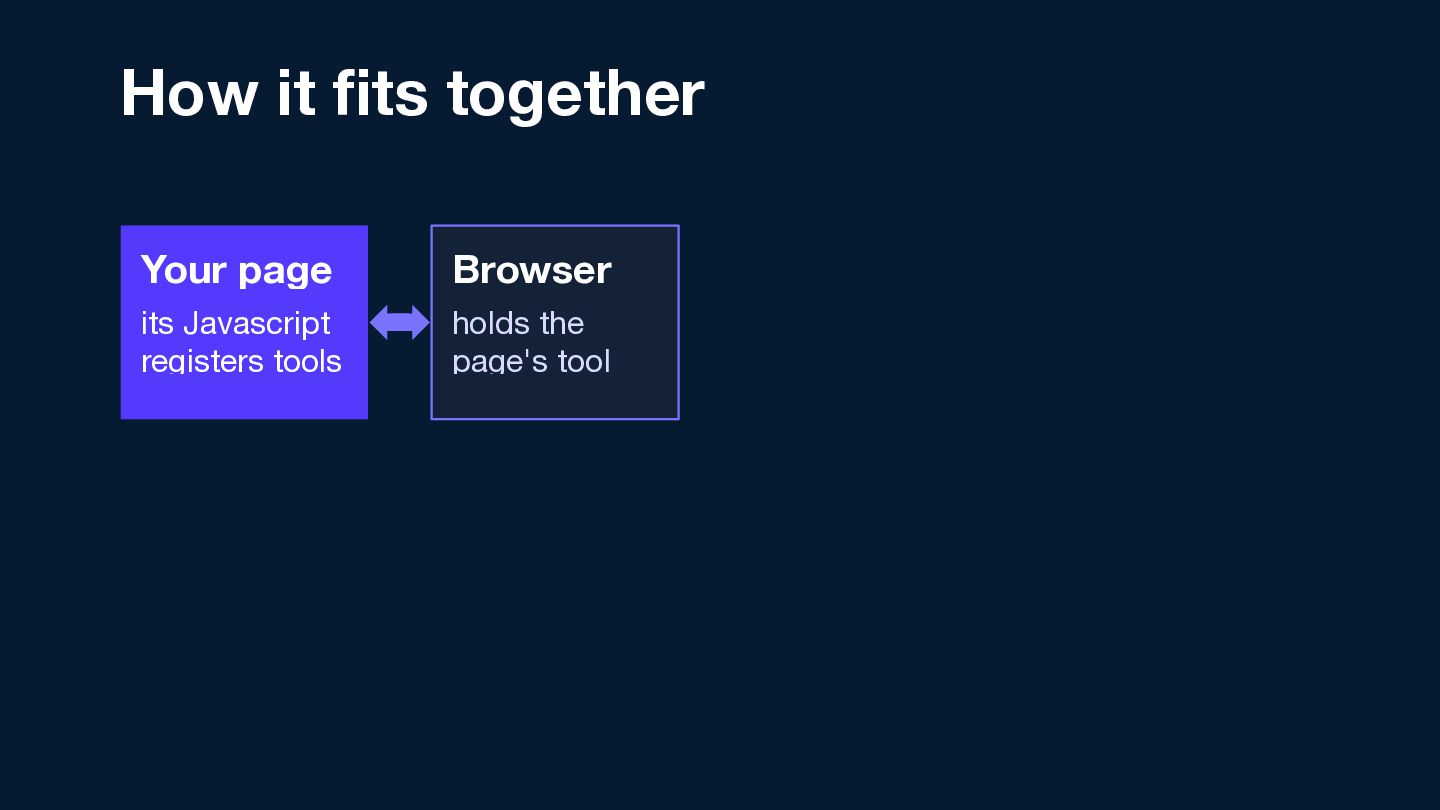
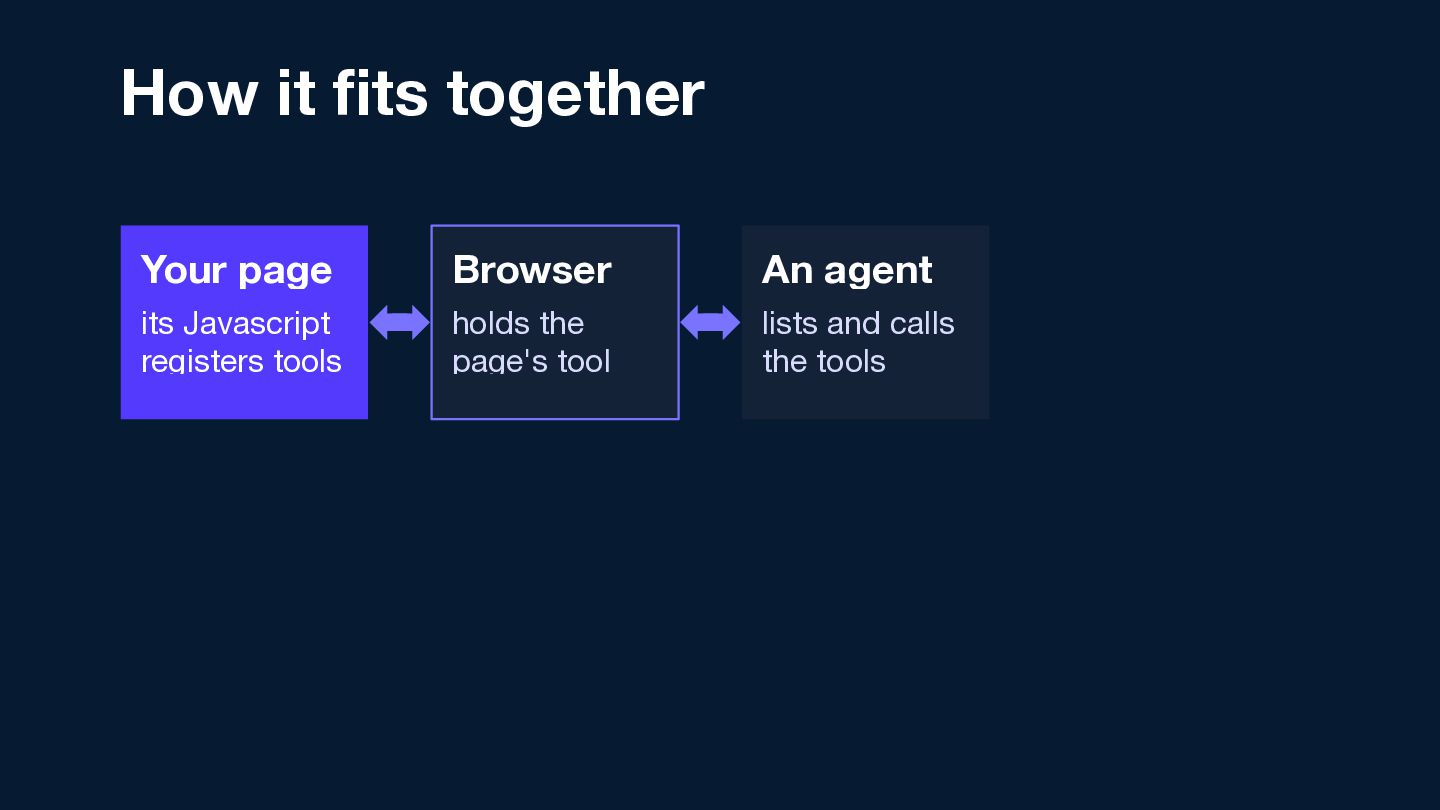
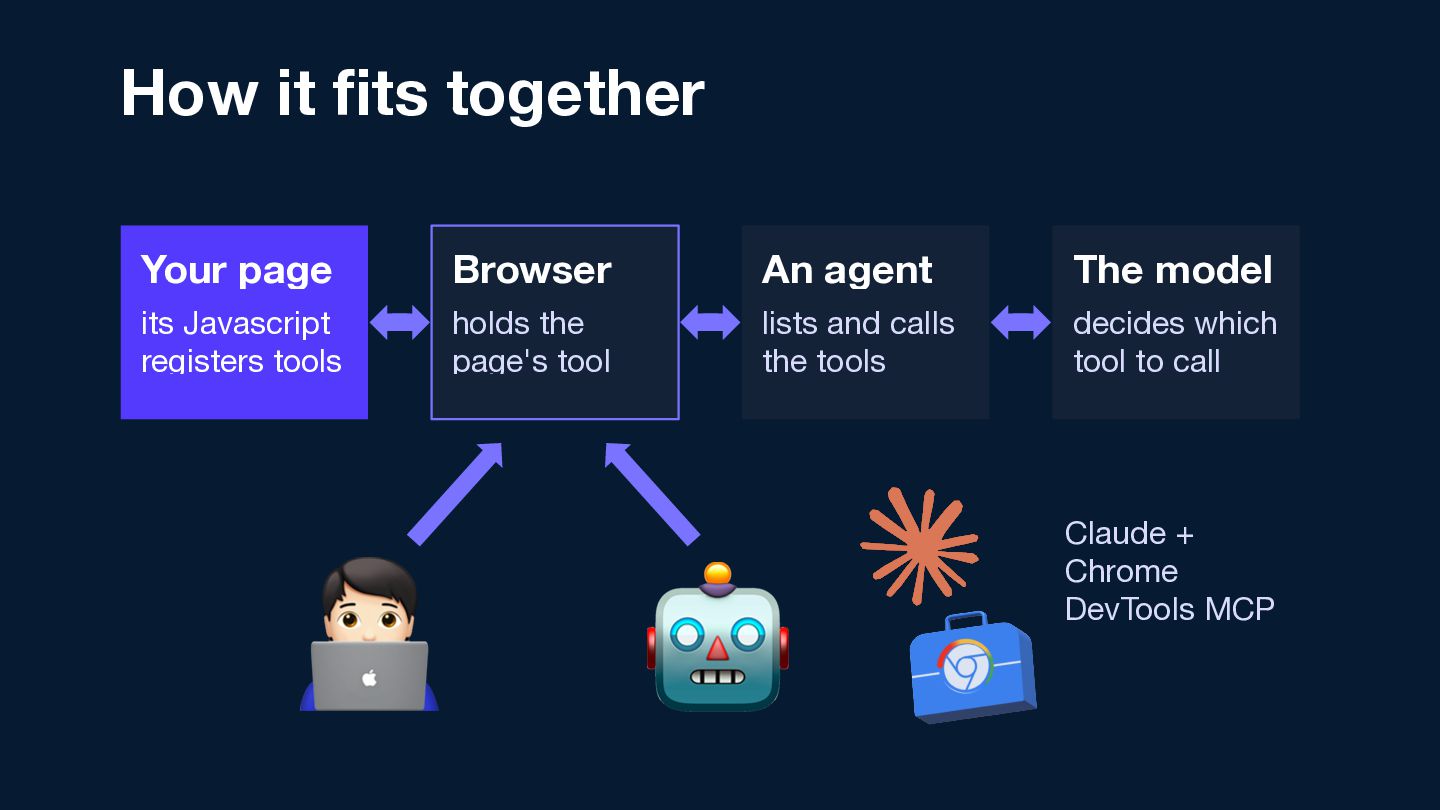
  5. How it fits together Your page Browser An agent its

    Javascript registers tools holds the page's tool lists and calls the tools
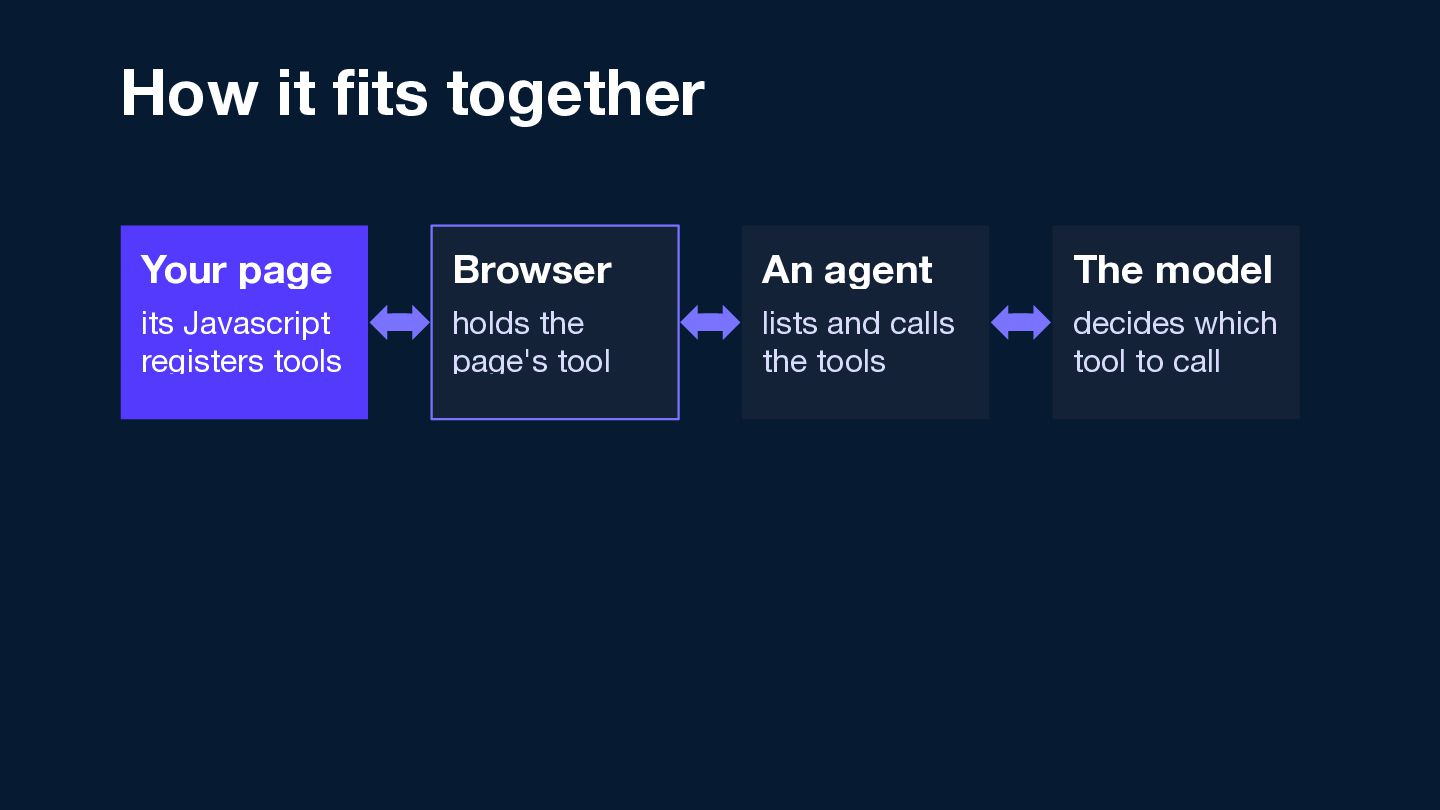
  6. How it fits together Your page Browser An agent The

    model its Javascript registers tools holds the page's tool lists and calls the tools decides which tool to call
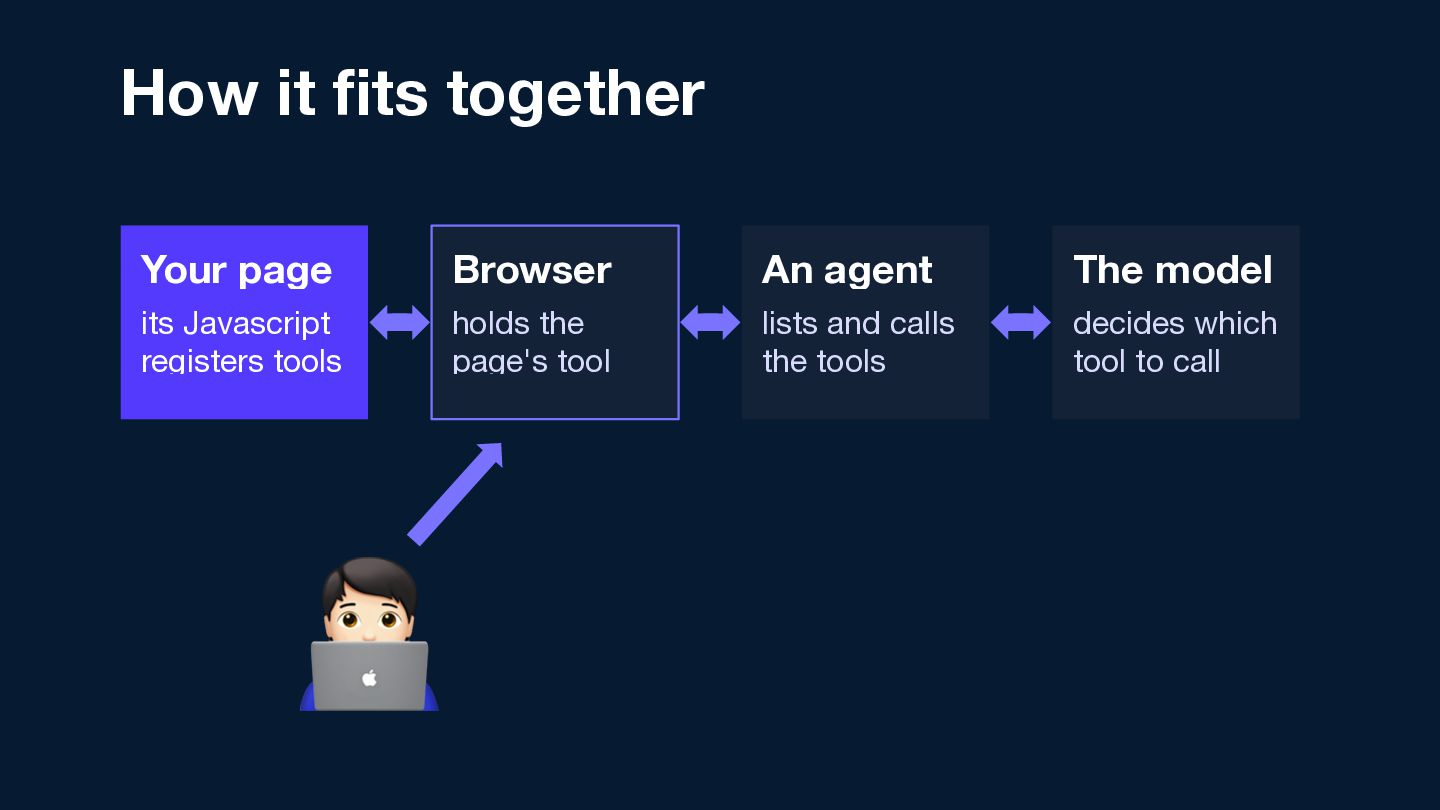
  7. How it fits together Your page Browser An agent The

    model its Javascript registers tools holds the page's tool lists and calls the tools decides which tool to call 🧑💻
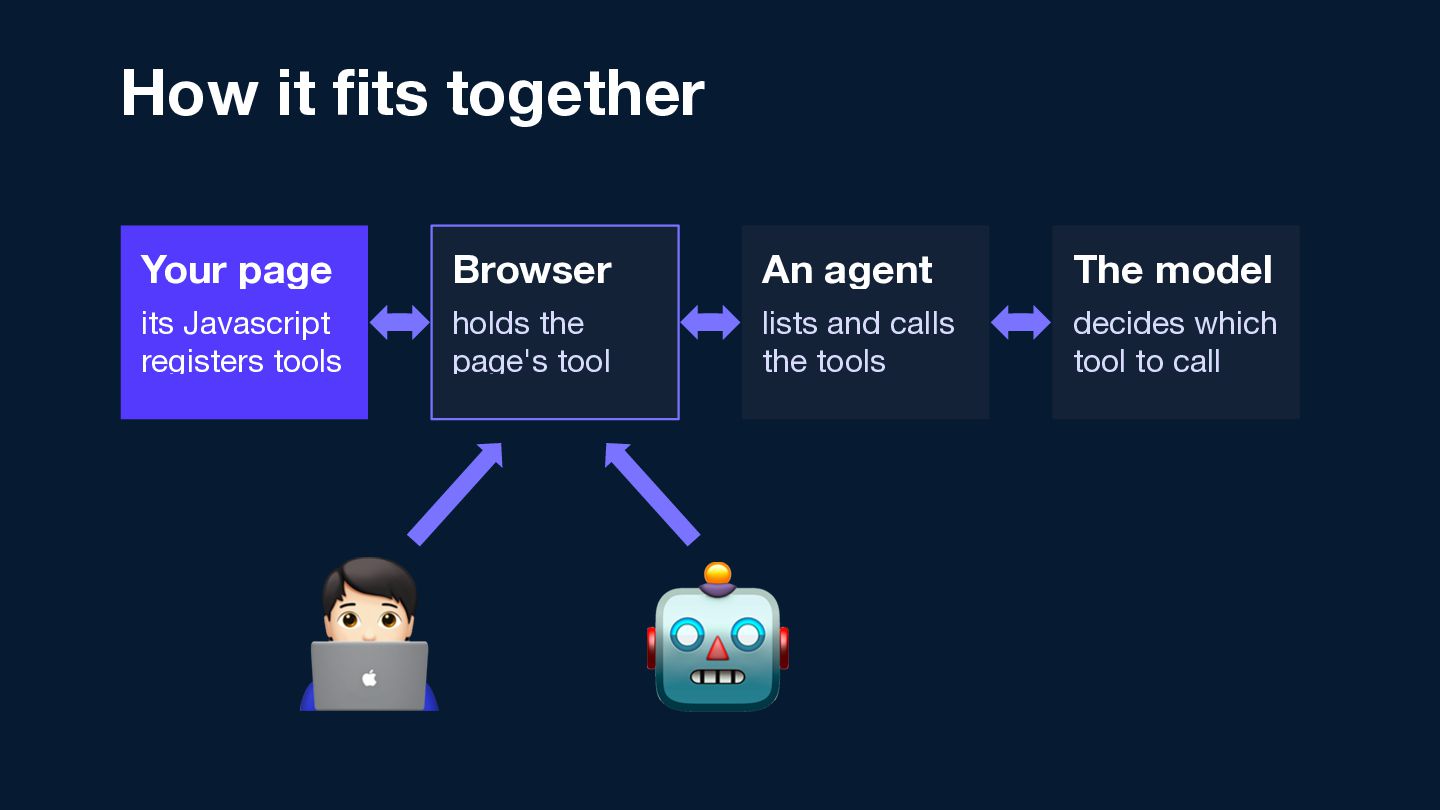
  8. How it fits together Your page Browser An agent The

    model its Javascript registers tools holds the page's tool lists and calls the tools decides which tool to call 🧑💻 🤖
  9. How it fits together Your page Browser An agent The

    model its Javascript registers tools holds the page's tool lists and calls the tools decides which tool to call 🧑💻 🤖 Claude + Chrome DevTools MCP
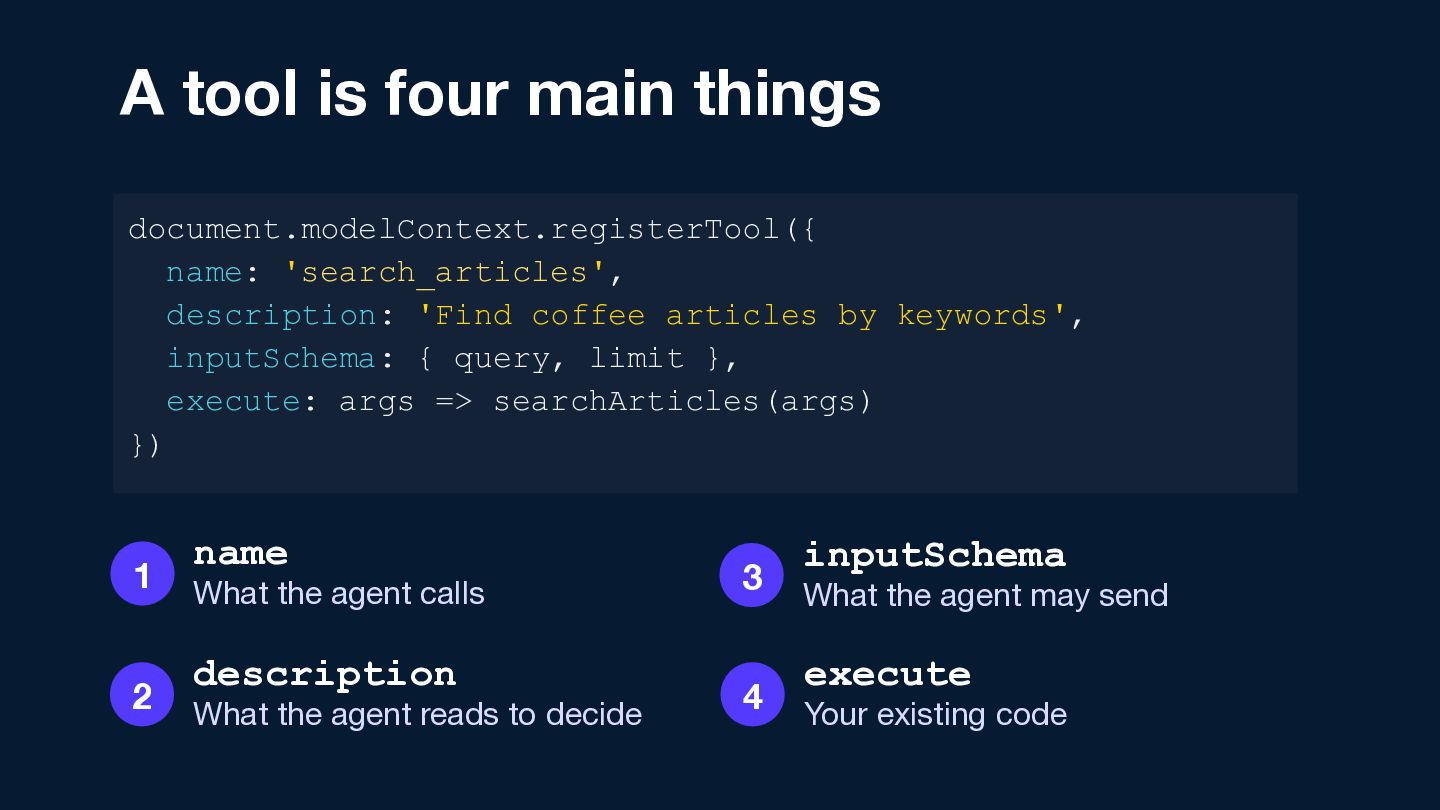
  10. A tool is four main things document.modelContext.registerTool({ name: 'search_articles', description:

    'Find coffee articles by keywords', inputSchema: { query, limit }, execute: args => searchArticles(args) }) 1 2 name What the agent calls description What the agent reads to decide 3 4 inputSchema What the agent may send execute Your existing code
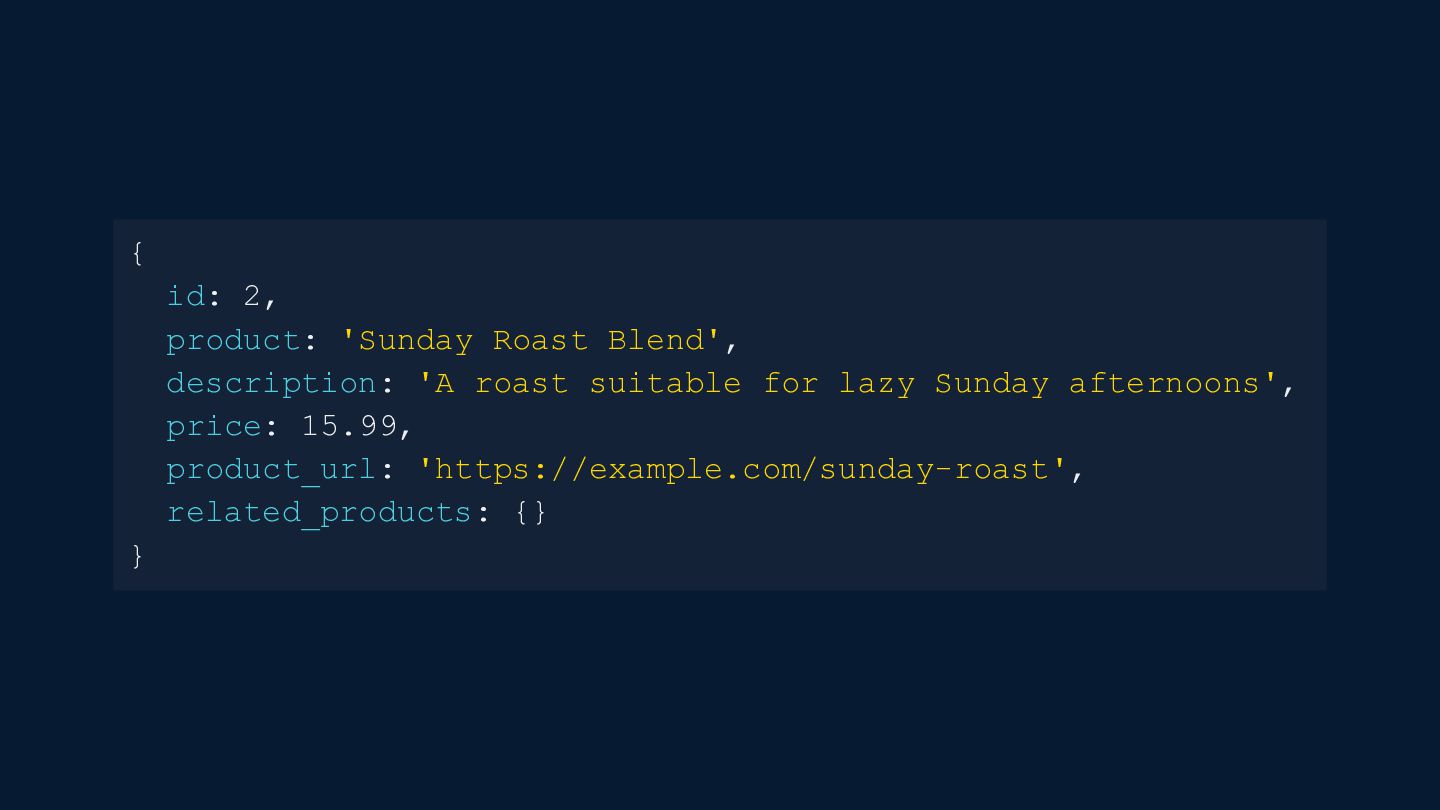
  11. { id: 2, product: 'Sunday Roast Blend', description: 'A roast

    suitable for lazy Sunday afternoons', price: 15.99, product_url: 'https://example.com/sunday-roast', related_products: {} }
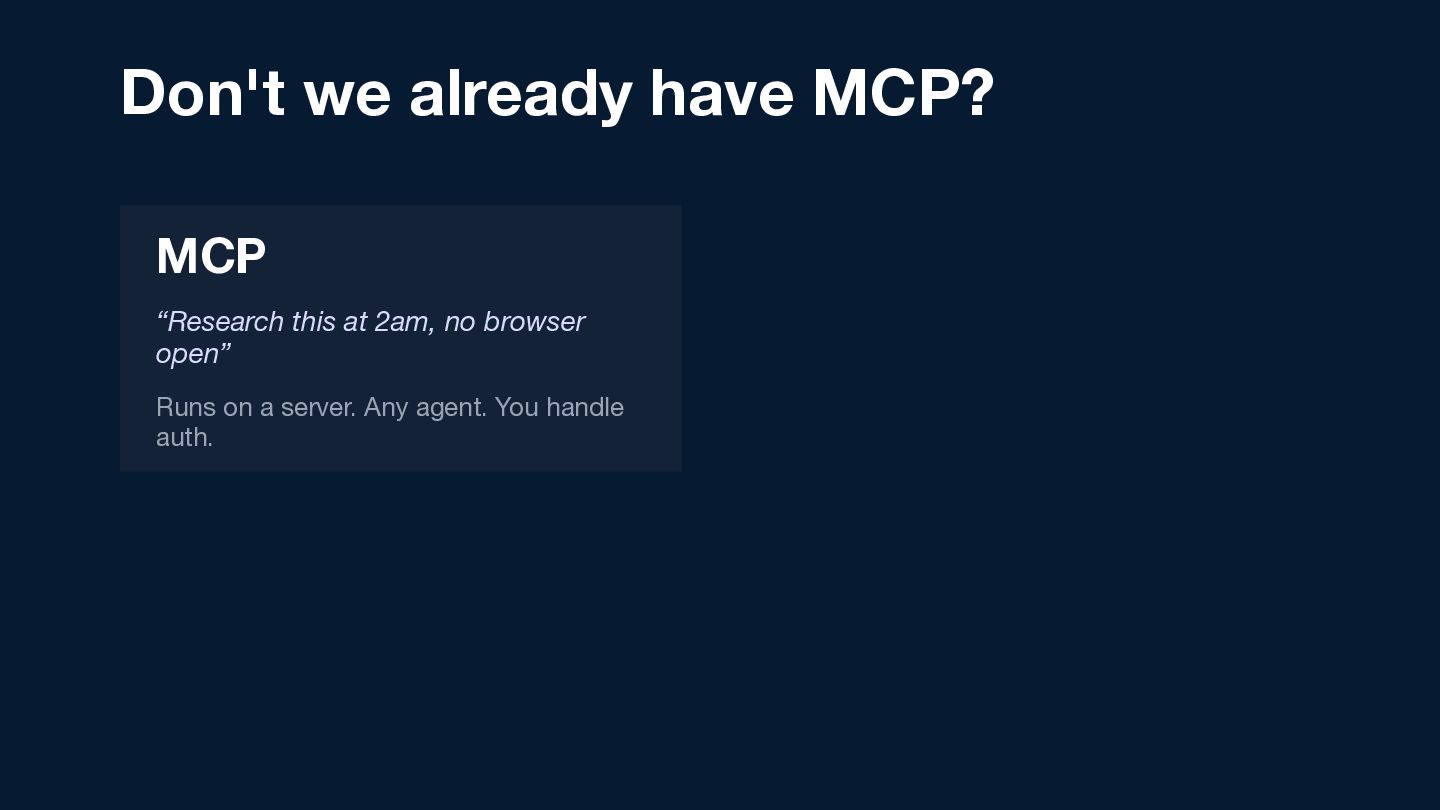
  12. Don't we already have MCP? MCP “Research this at 2am,

    no browser open” Runs on a server. Any agent. You handle auth.
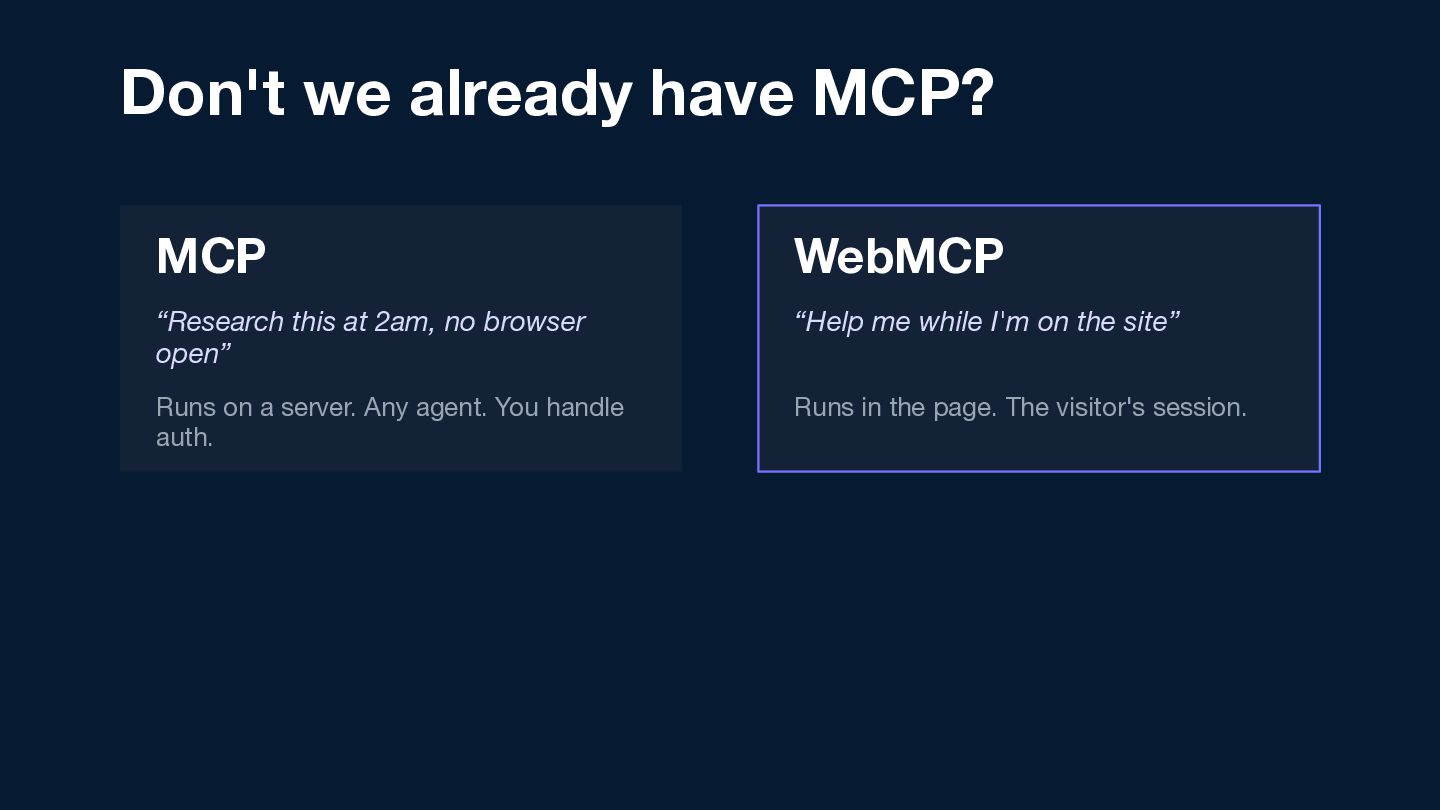
  13. Don't we already have MCP? MCP WebMCP “Research this at

    2am, no browser open” “Help me while I'm on the site” Runs on a server. Any agent. You handle auth. Runs in the page. The visitor's session.
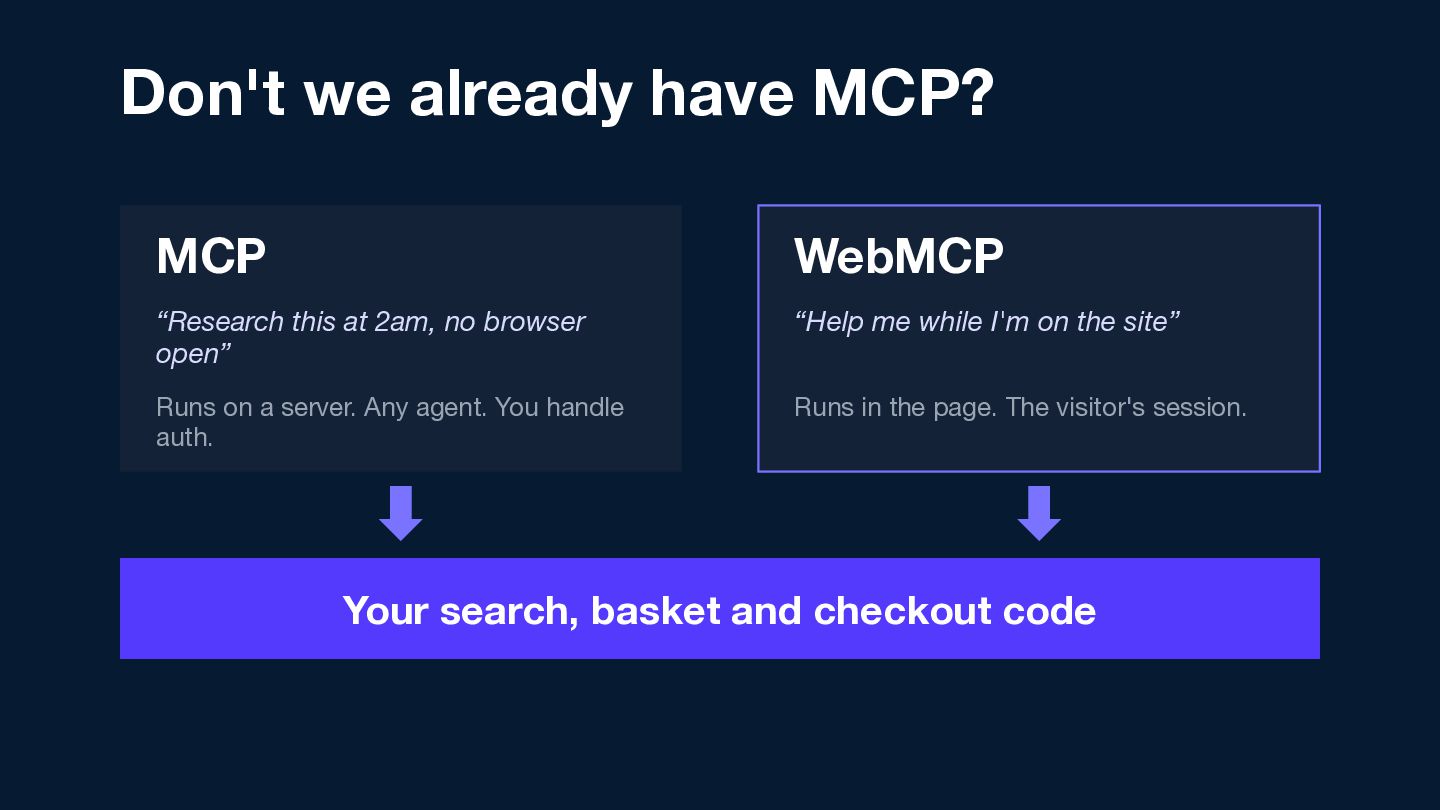
  14. Don't we already have MCP? MCP WebMCP “Research this at

    2am, no browser open” “Help me while I'm on the site” Runs on a server. Any agent. You handle auth. Runs in the page. The visitor's session. Your search, basket and checkout code
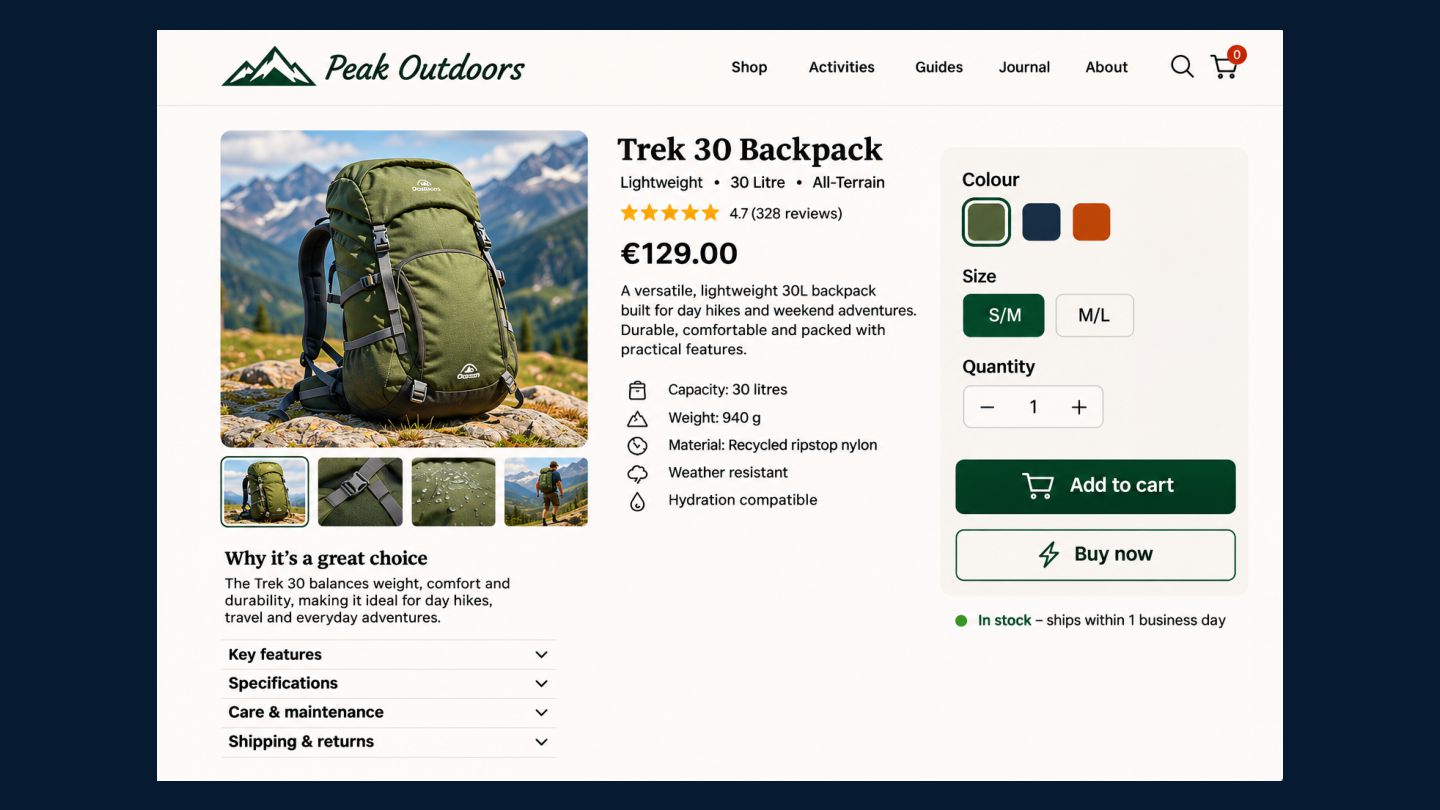
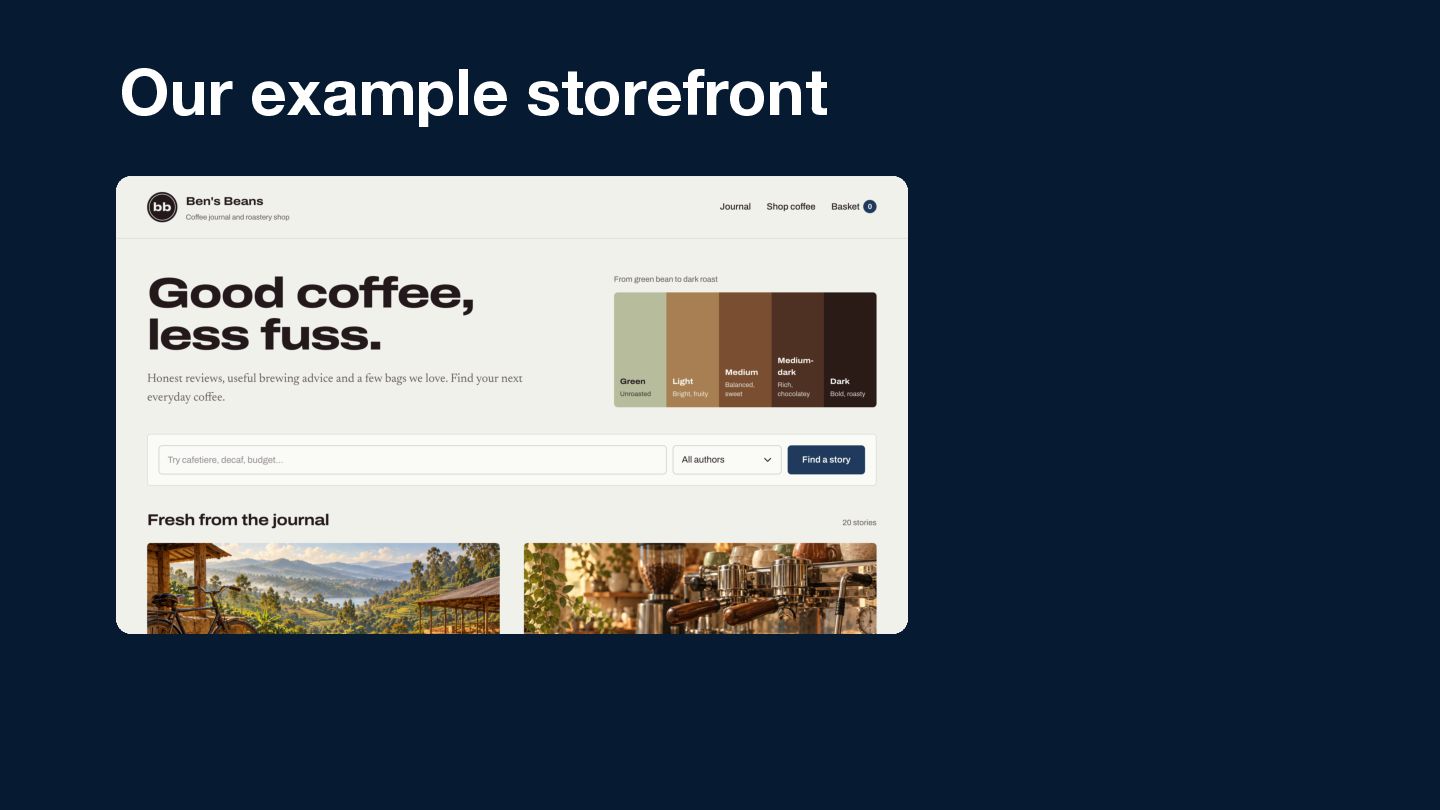
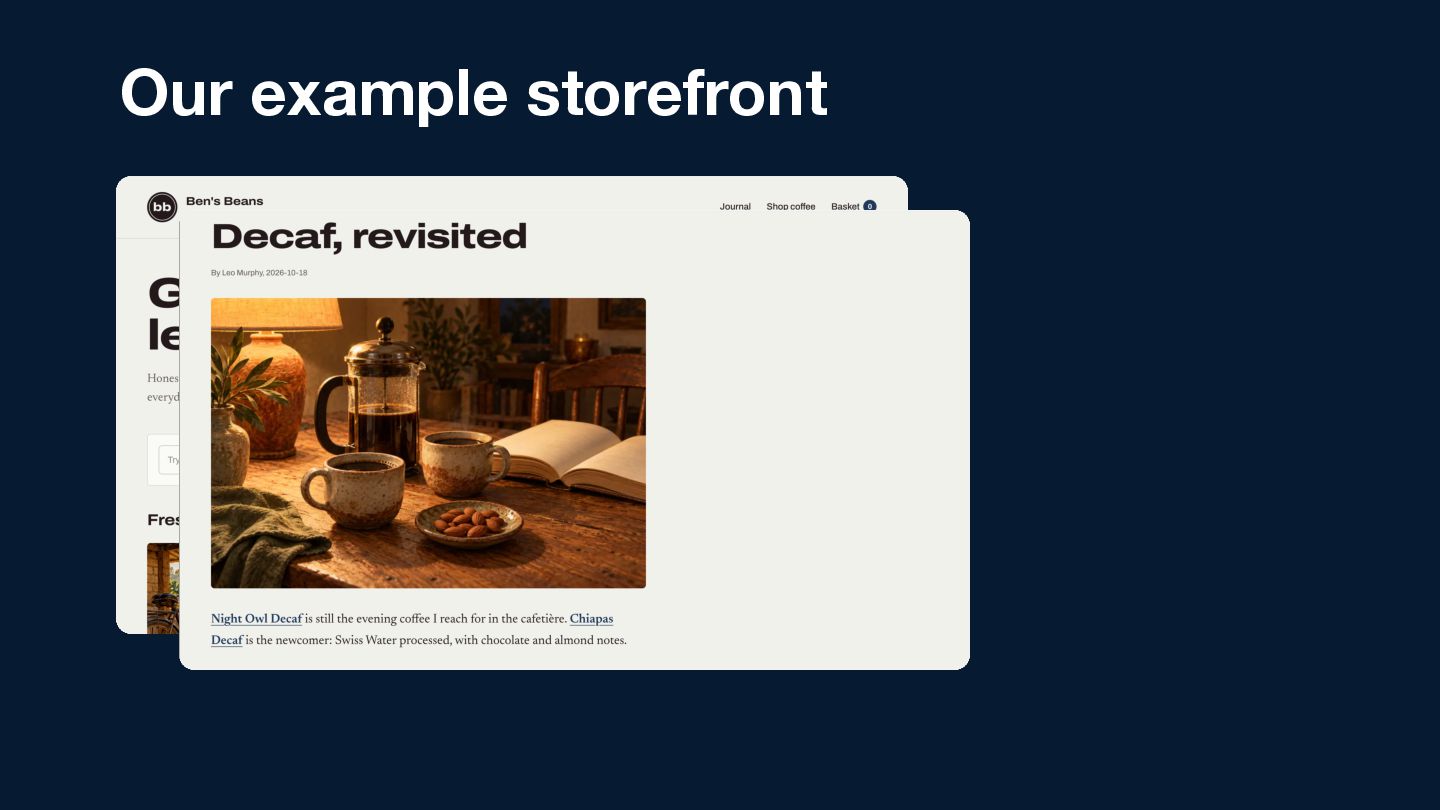
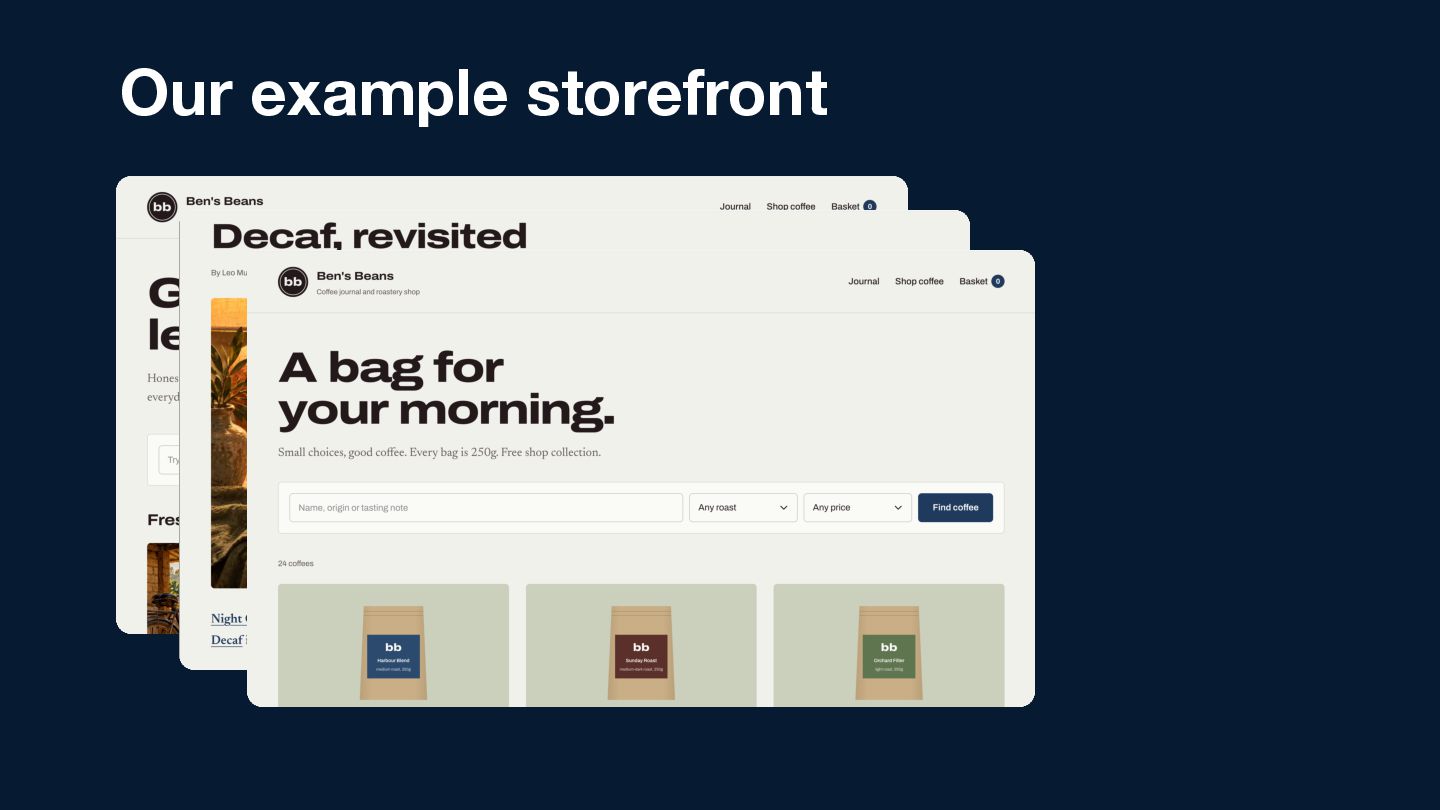
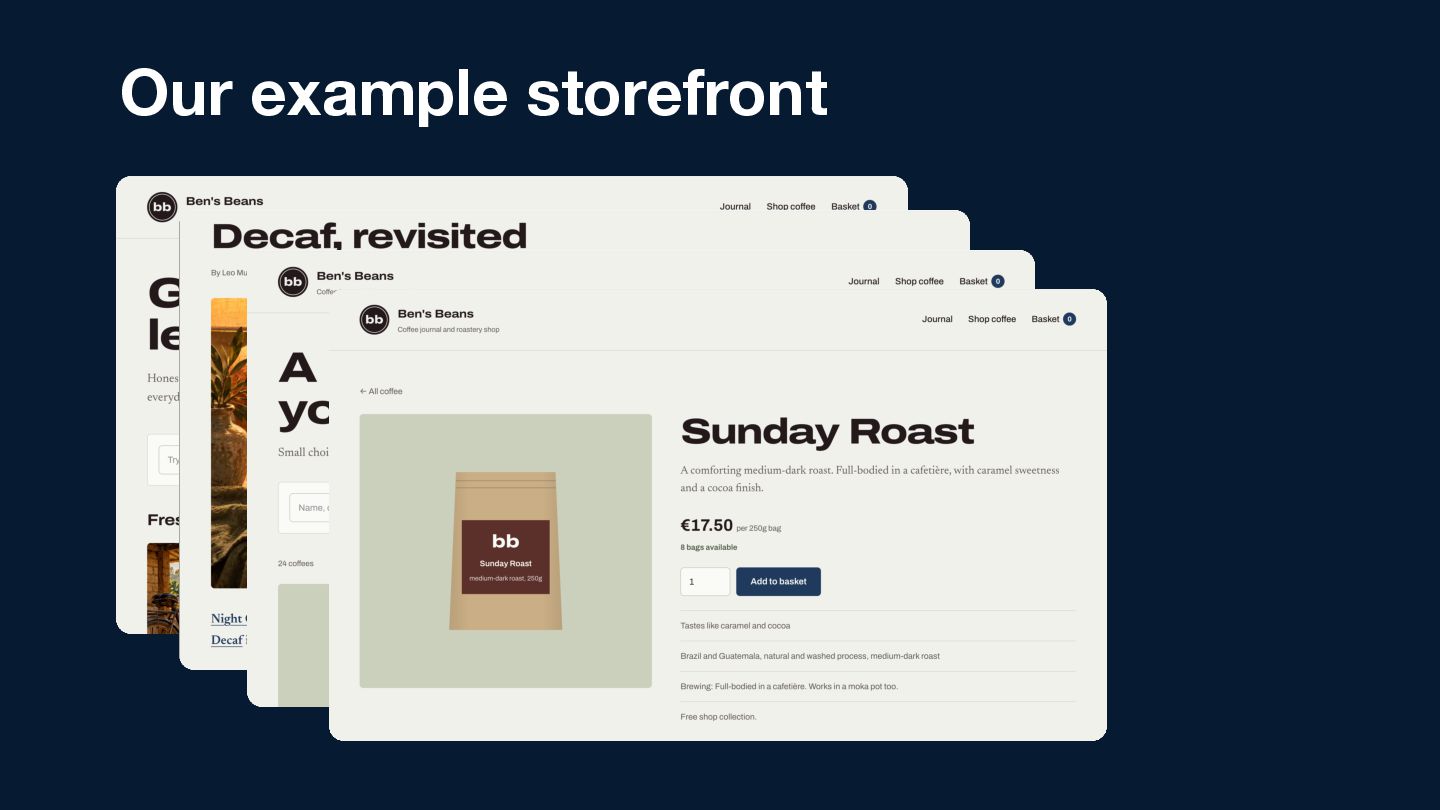
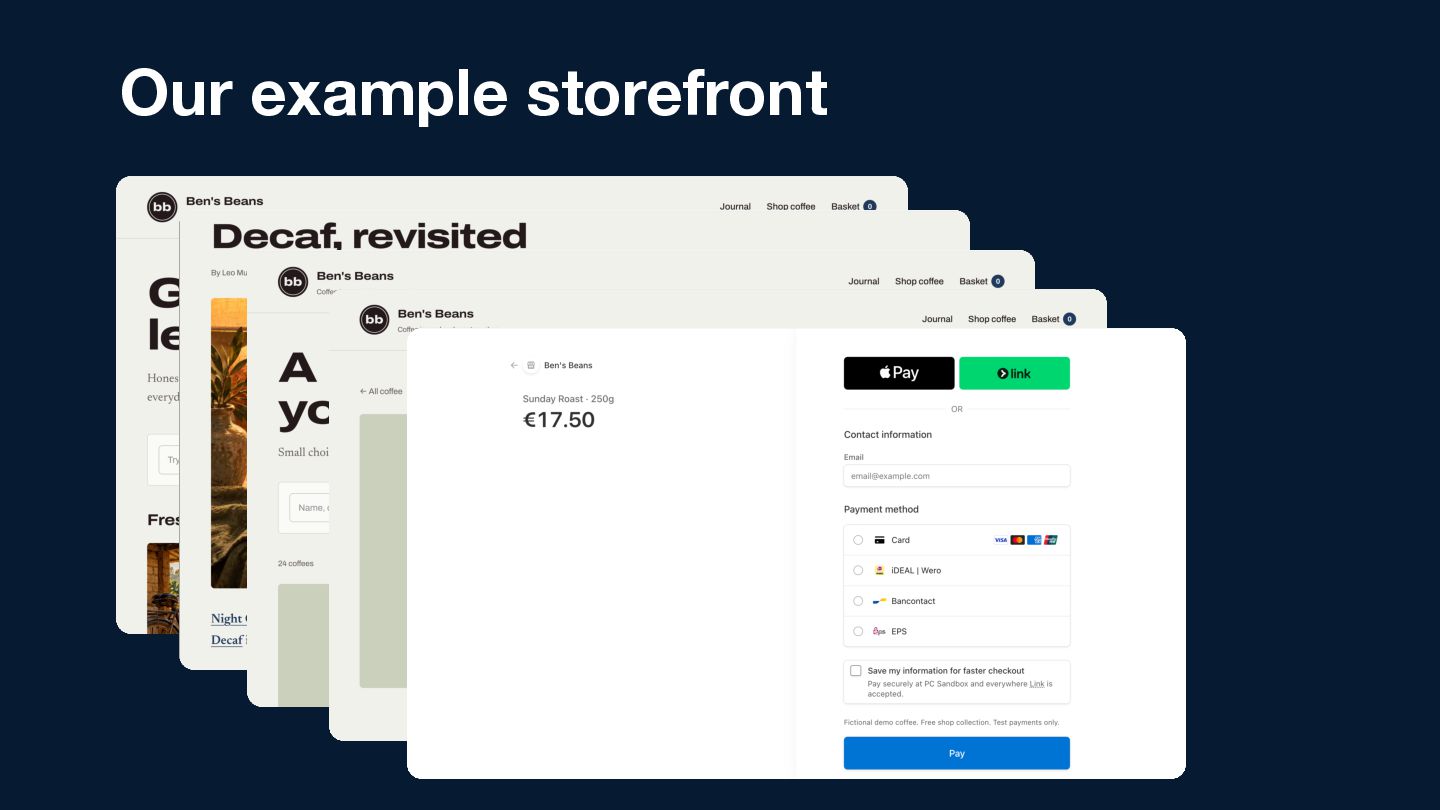
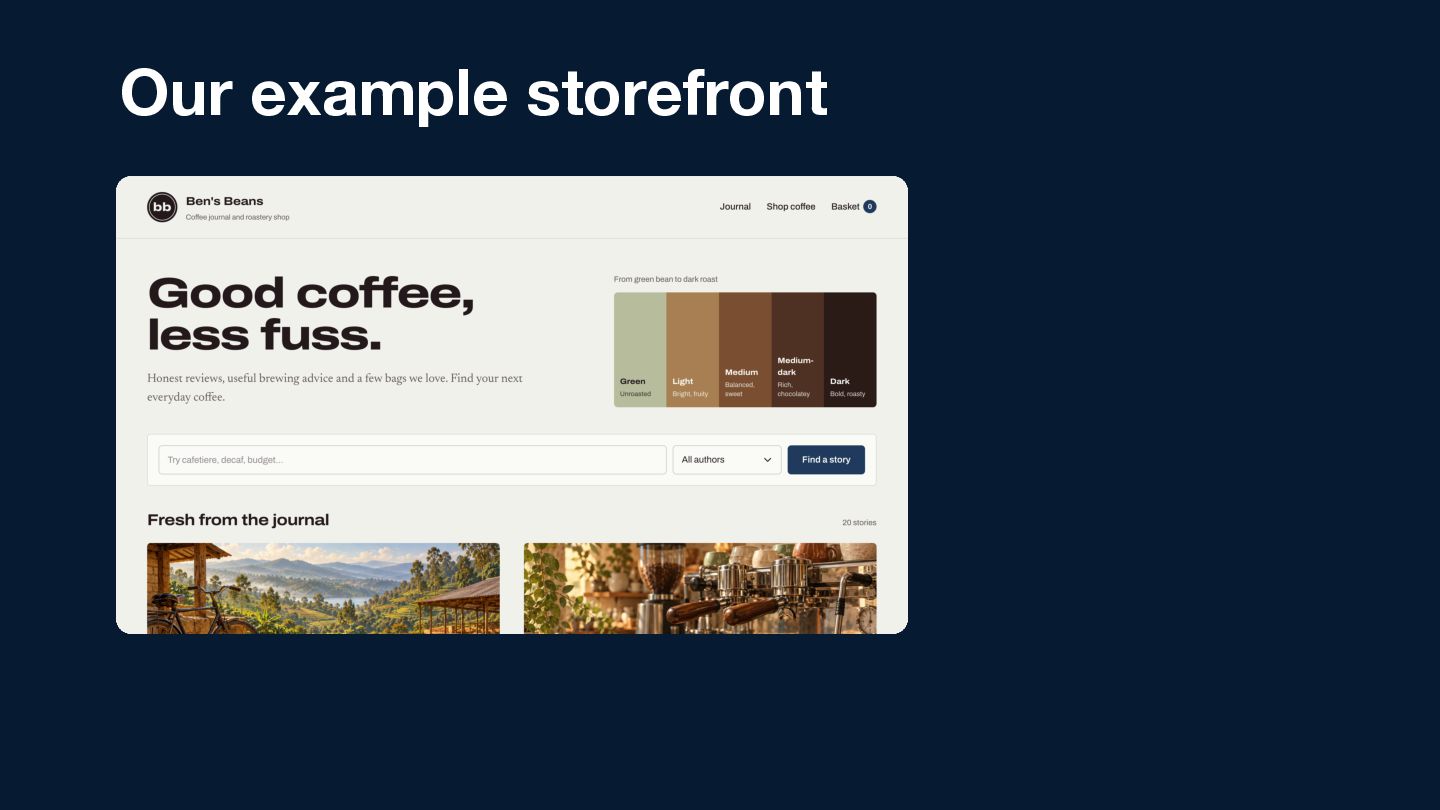
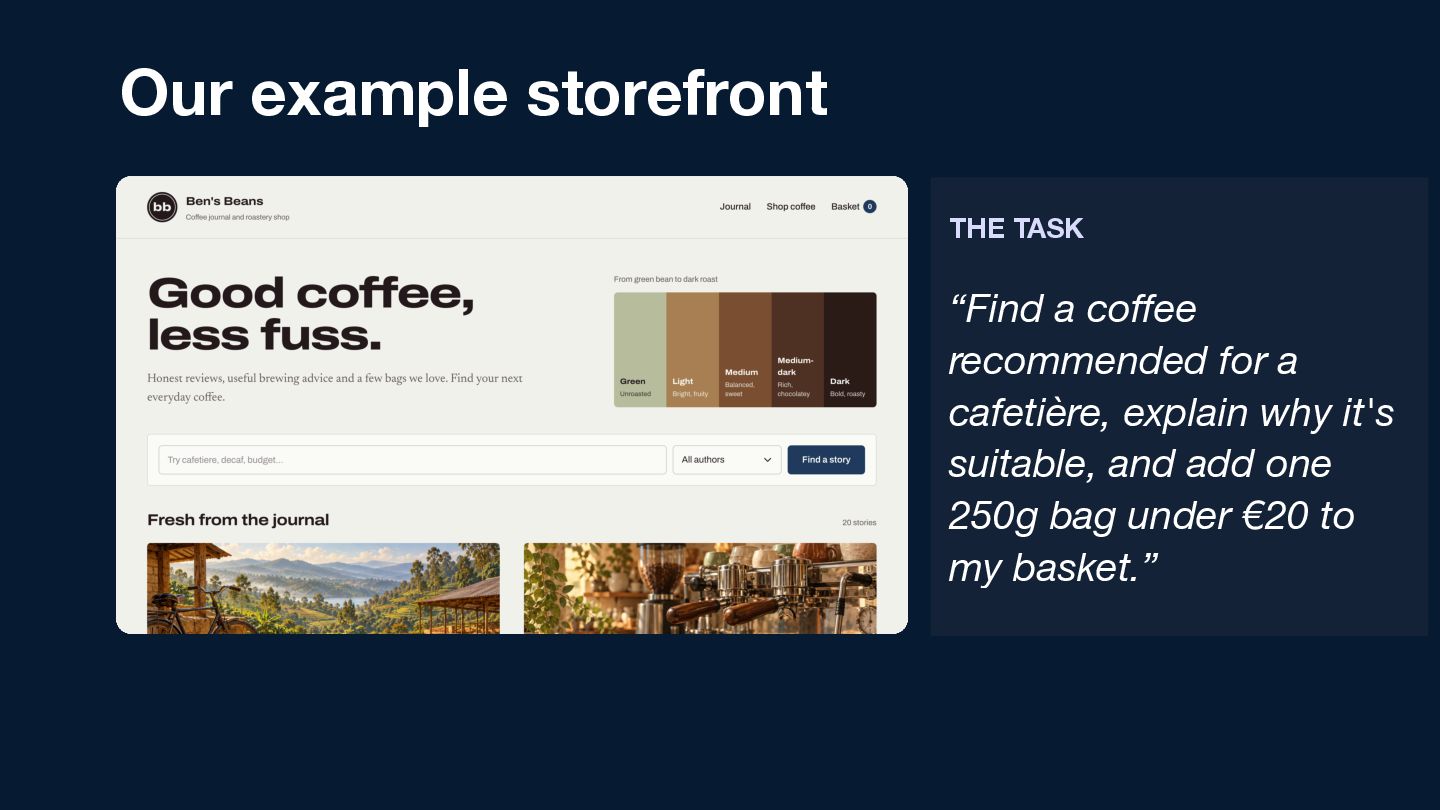
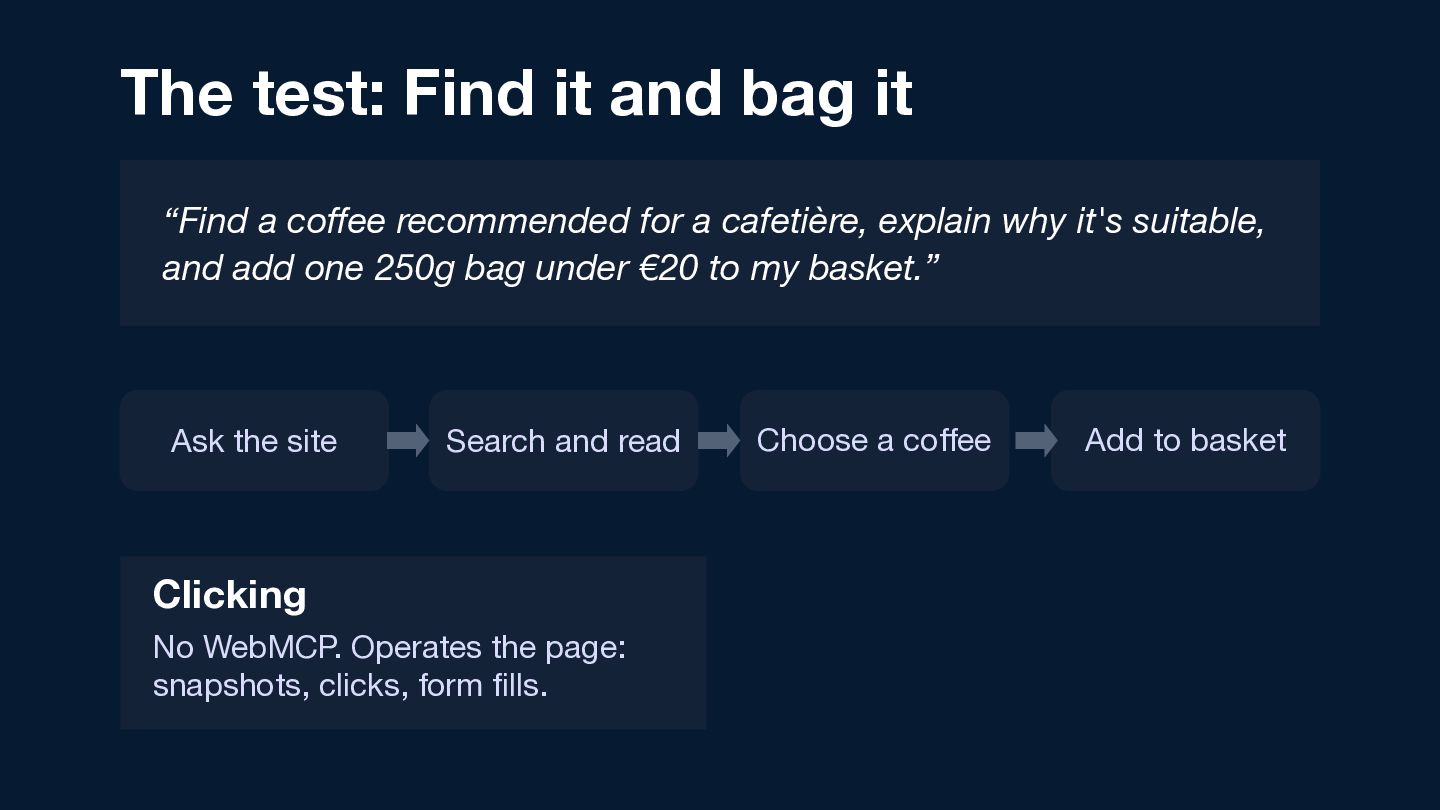
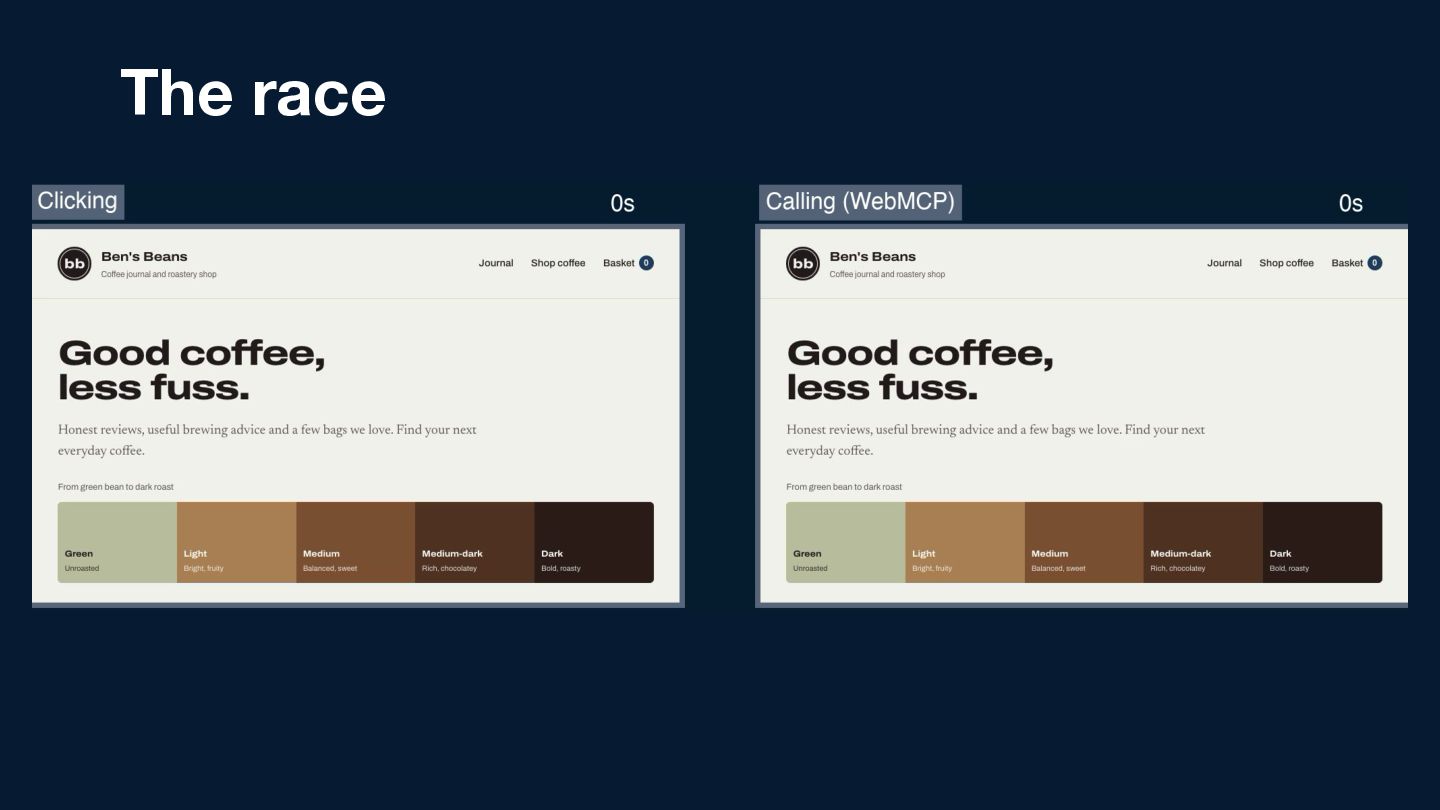
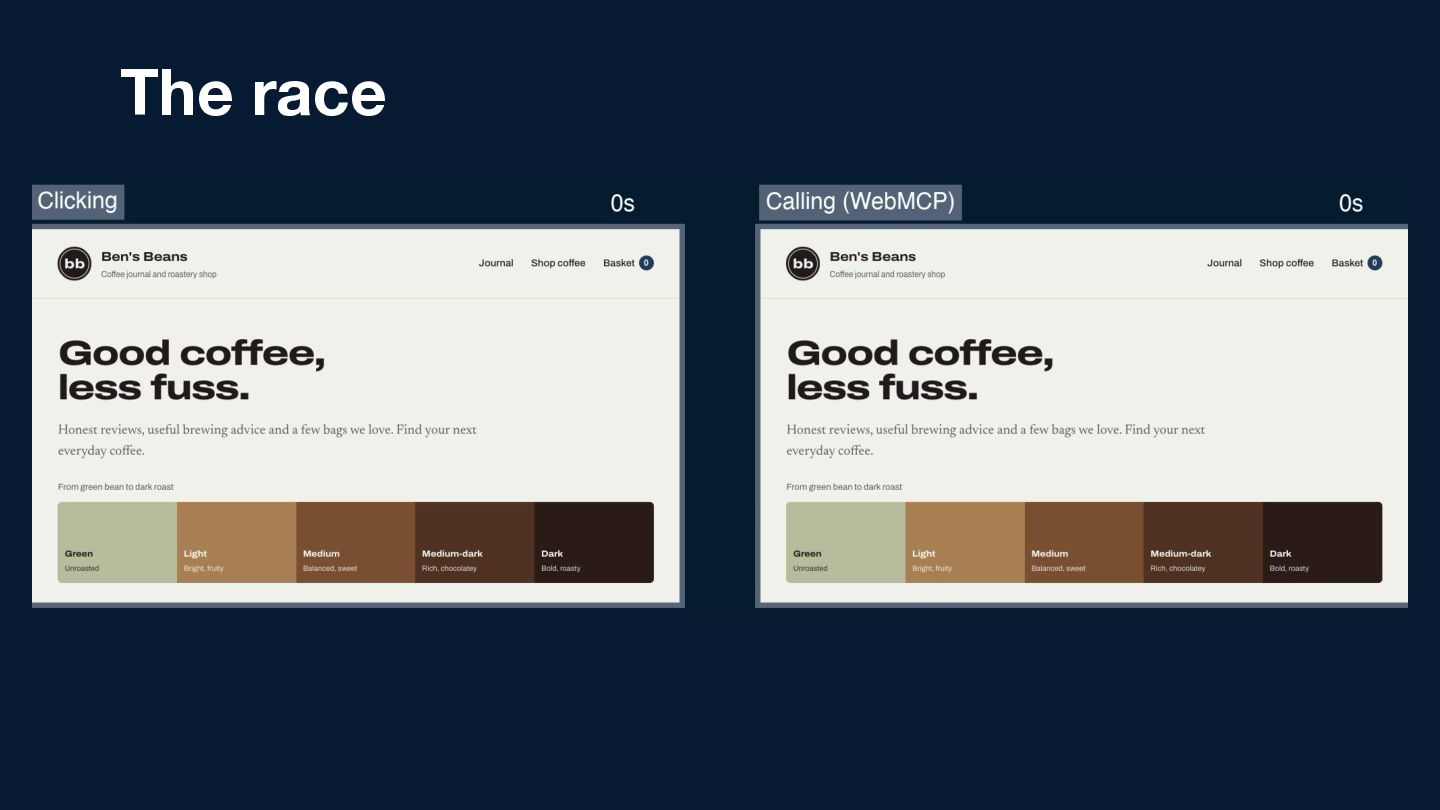
  15. Our example storefront THE TASK “Find a coffee recommended for

    a cafetière, explain why it's suitable, and add one 250g bag under €20 to my basket.”
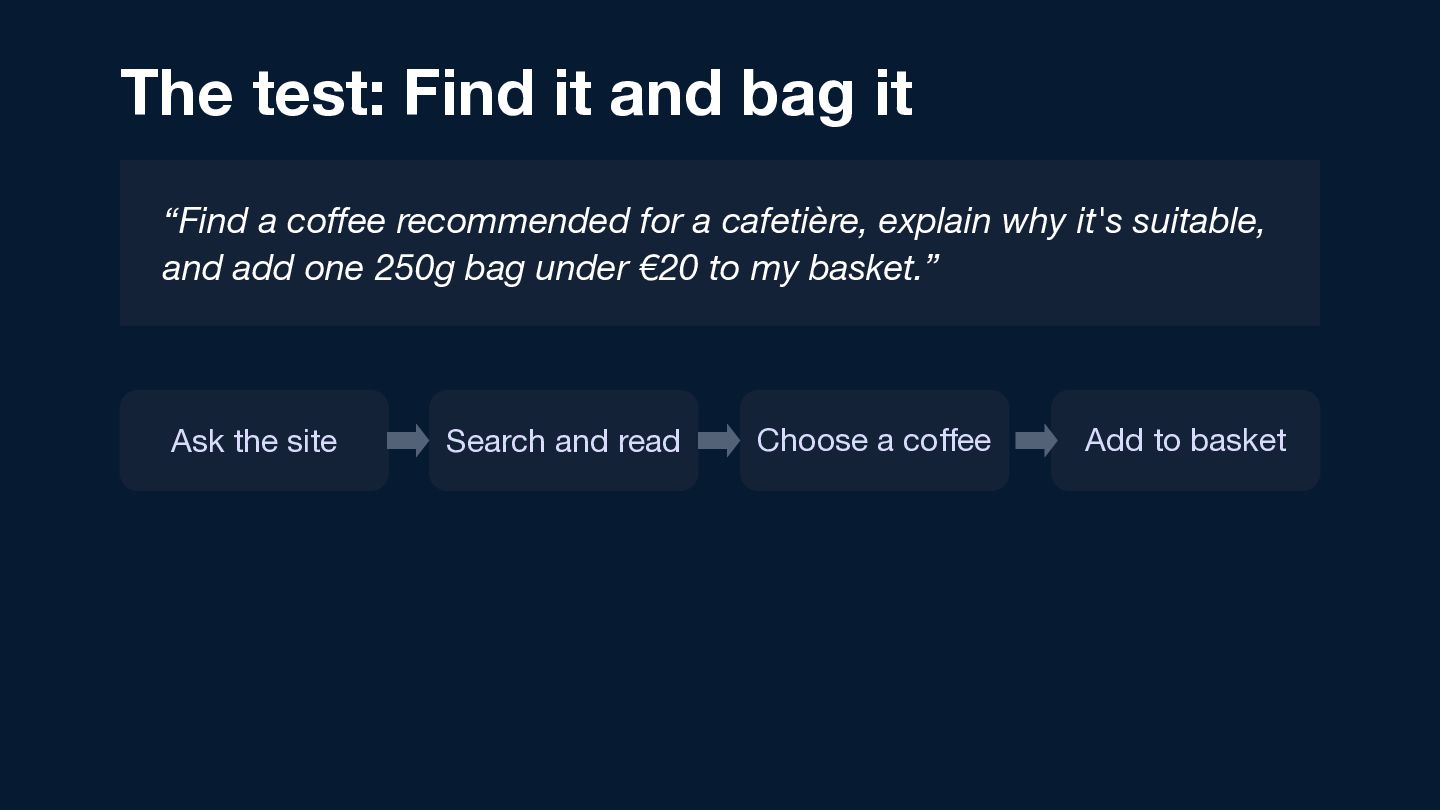
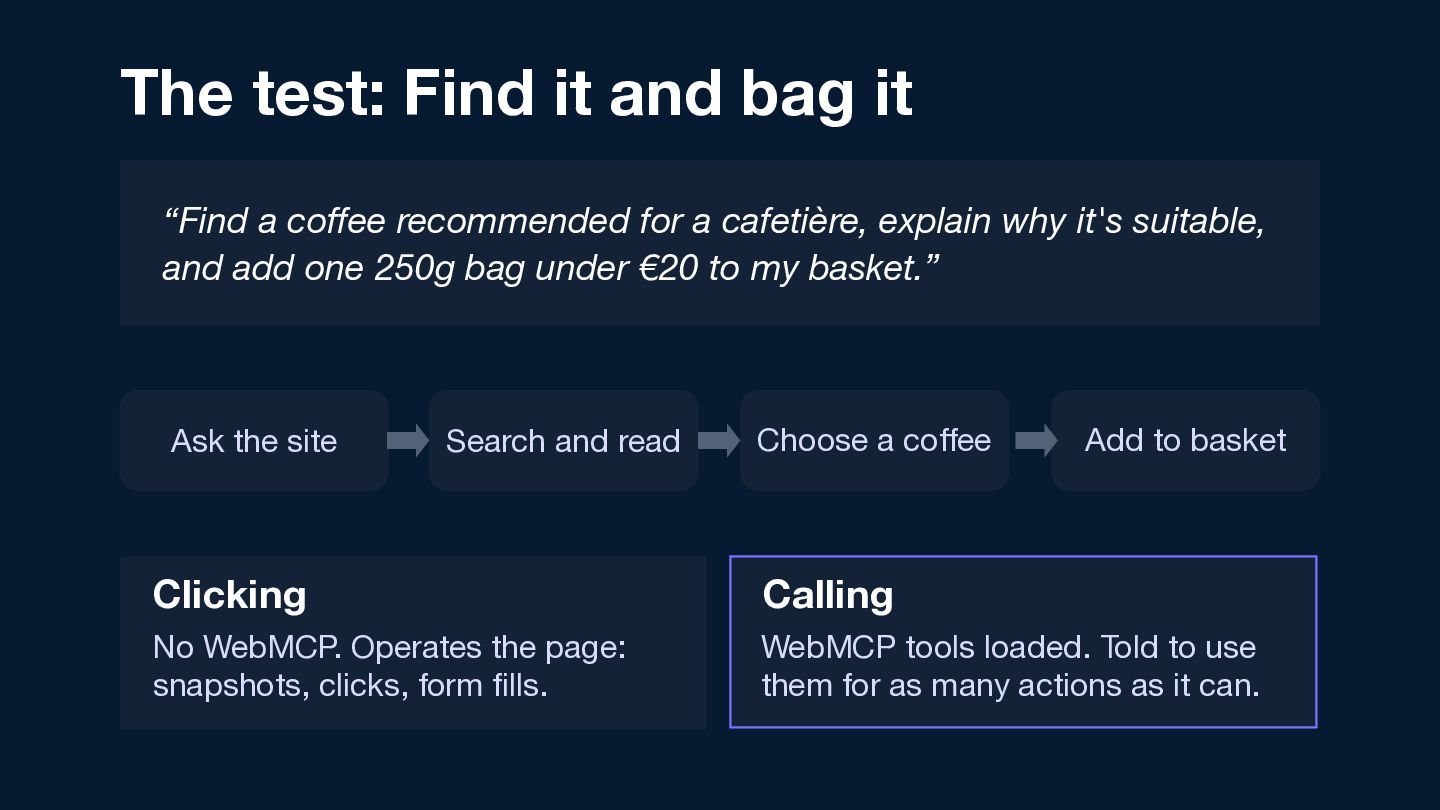
  16. The test: Find it and bag it “Find a coffee

    recommended for a cafetière, explain why it's suitable, and add one 250g bag under €20 to my basket.” Ask the site Search and read Choose a coffee Add to basket
  17. The test: Find it and bag it “Find a coffee

    recommended for a cafetière, explain why it's suitable, and add one 250g bag under €20 to my basket.” Ask the site Search and read Clicking No WebMCP. Operates the page: snapshots, clicks, form fills. Choose a coffee Add to basket
  18. The test: Find it and bag it “Find a coffee

    recommended for a cafetière, explain why it's suitable, and add one 250g bag under €20 to my basket.” Ask the site Search and read Choose a coffee Add to basket Clicking Calling No WebMCP. Operates the page: snapshots, clicks, form fills. WebMCP tools loaded. Told to use them for as many actions as it can.
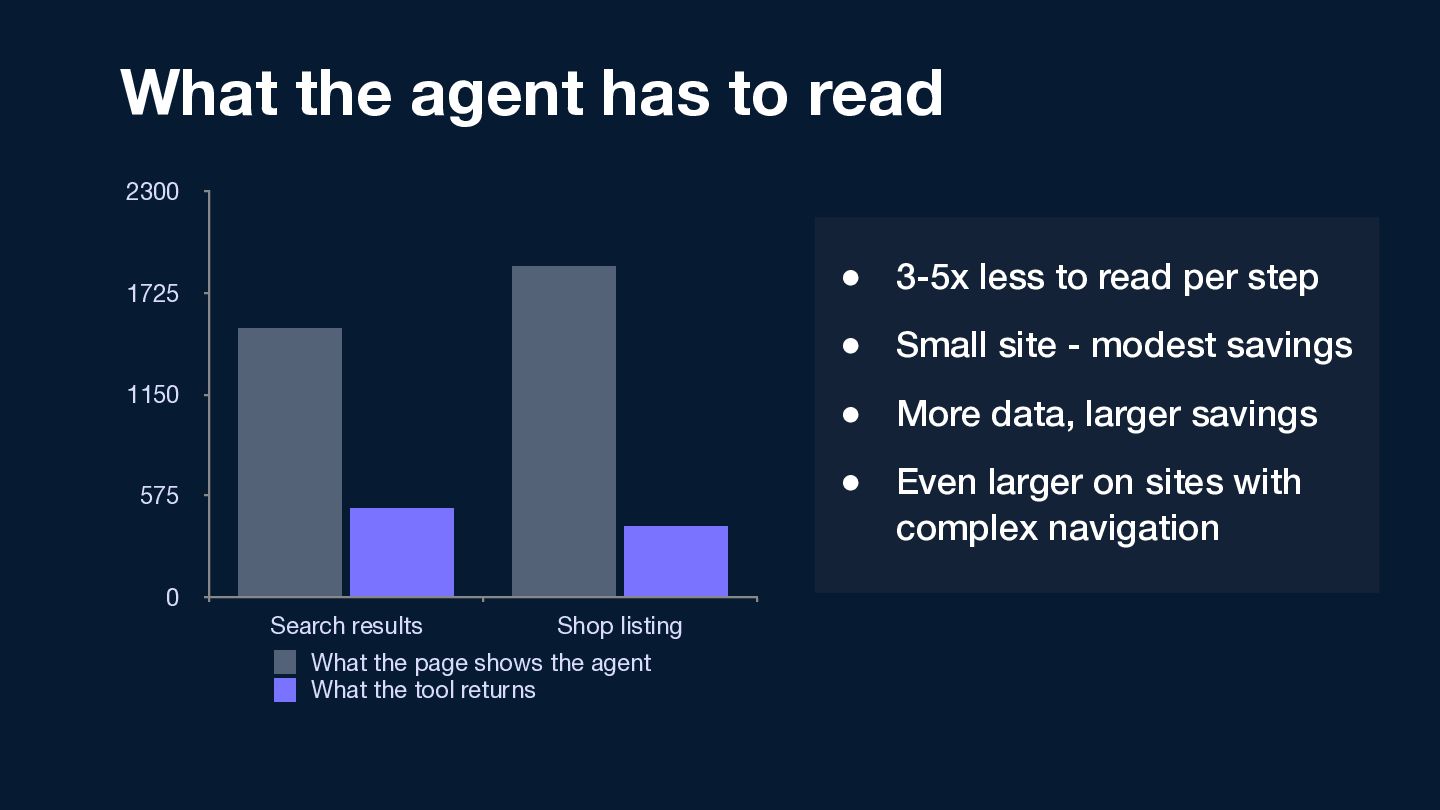
  19. What the agent has to read 2300 1,878 1725 •

    3-5x less to read per step 1,531 • Small site - modest savings 1150 575 • More data, larger savings 501 398 0 Search results Shop listing What the page shows the agent What the tool returns • Even larger on sites with complex navigation
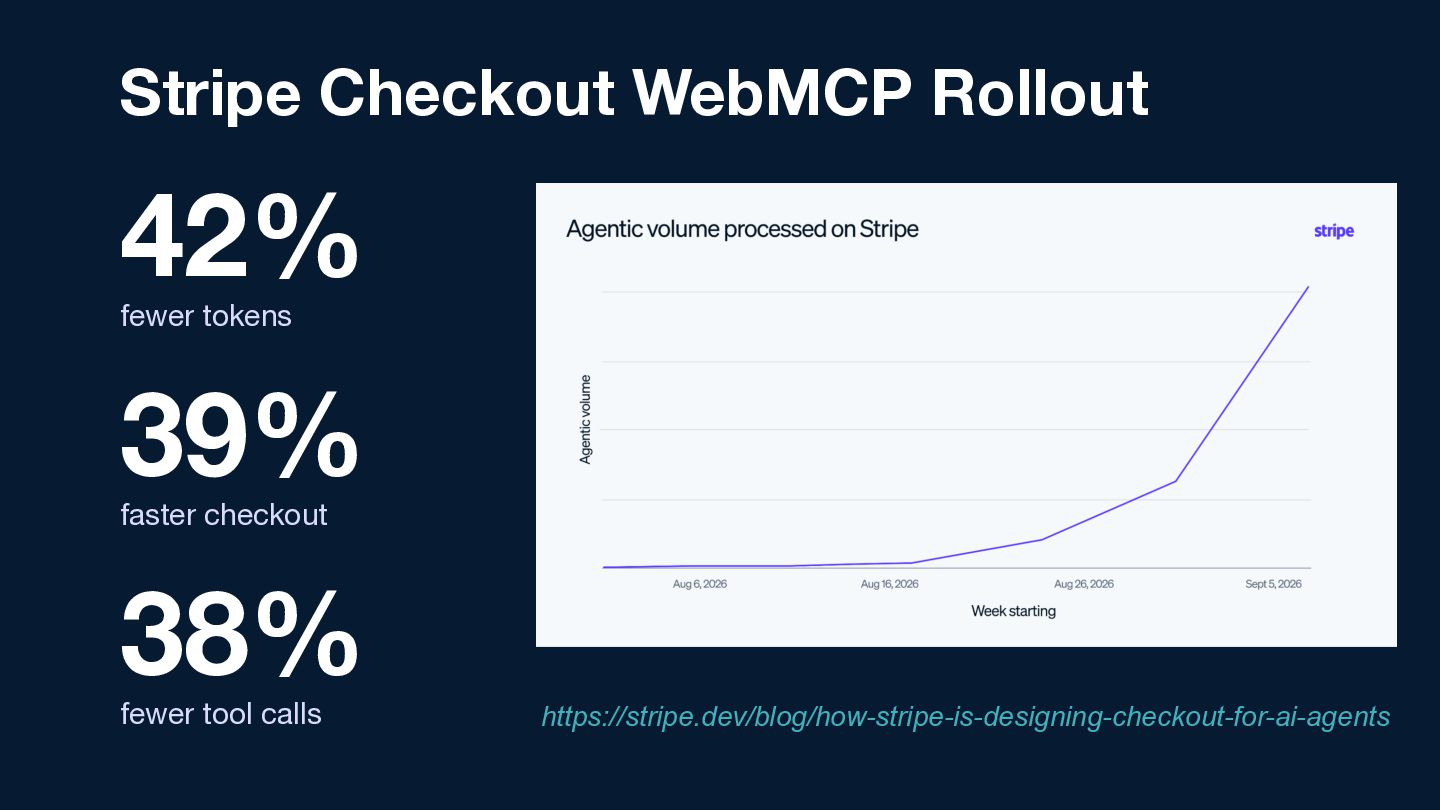
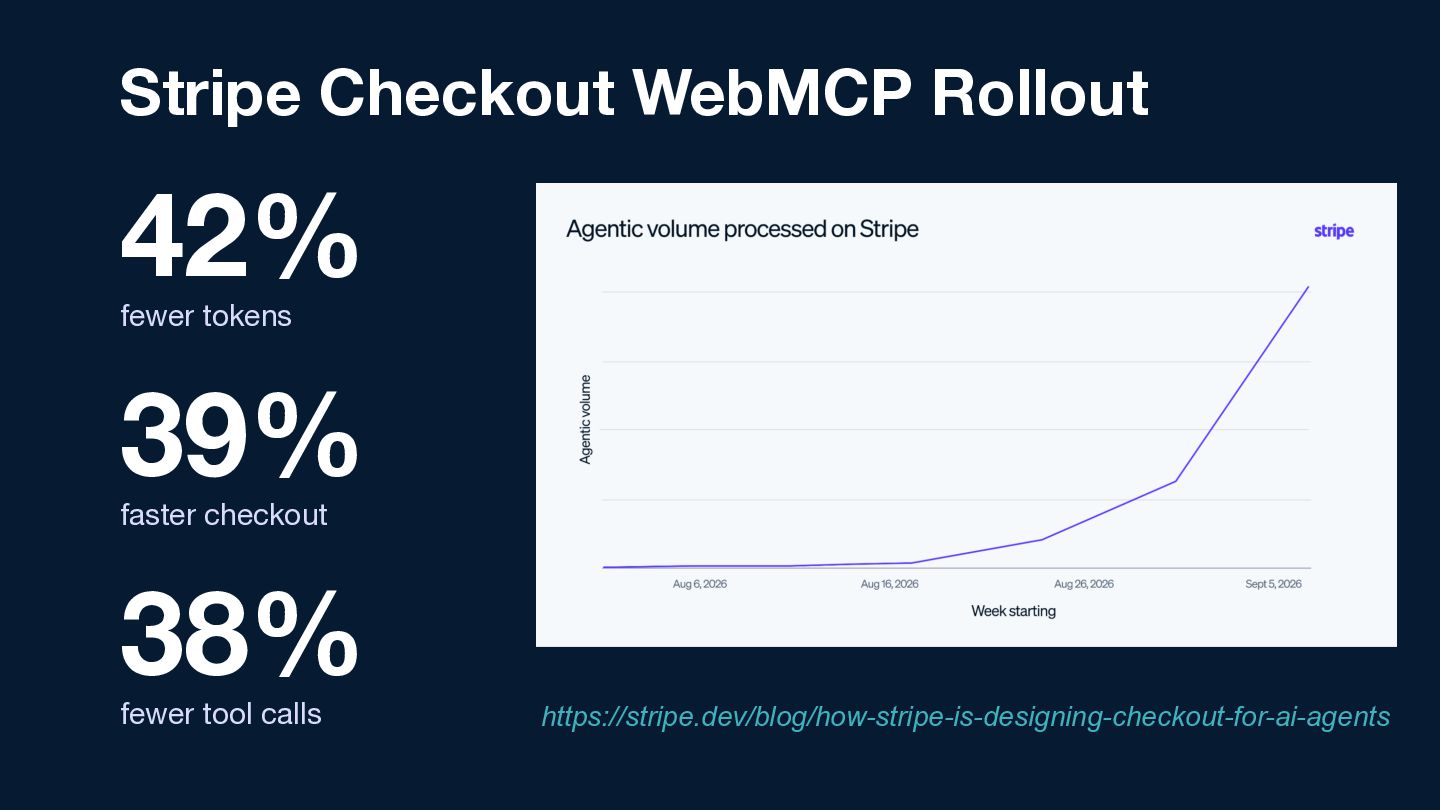
  20. Stripe Checkout WebMCP Rollout 42% fewer tokens 39% faster checkout

    38% fewer tool calls https://stripe.dev/blog/how-stripe-is-designing-checkout-for-ai-agents
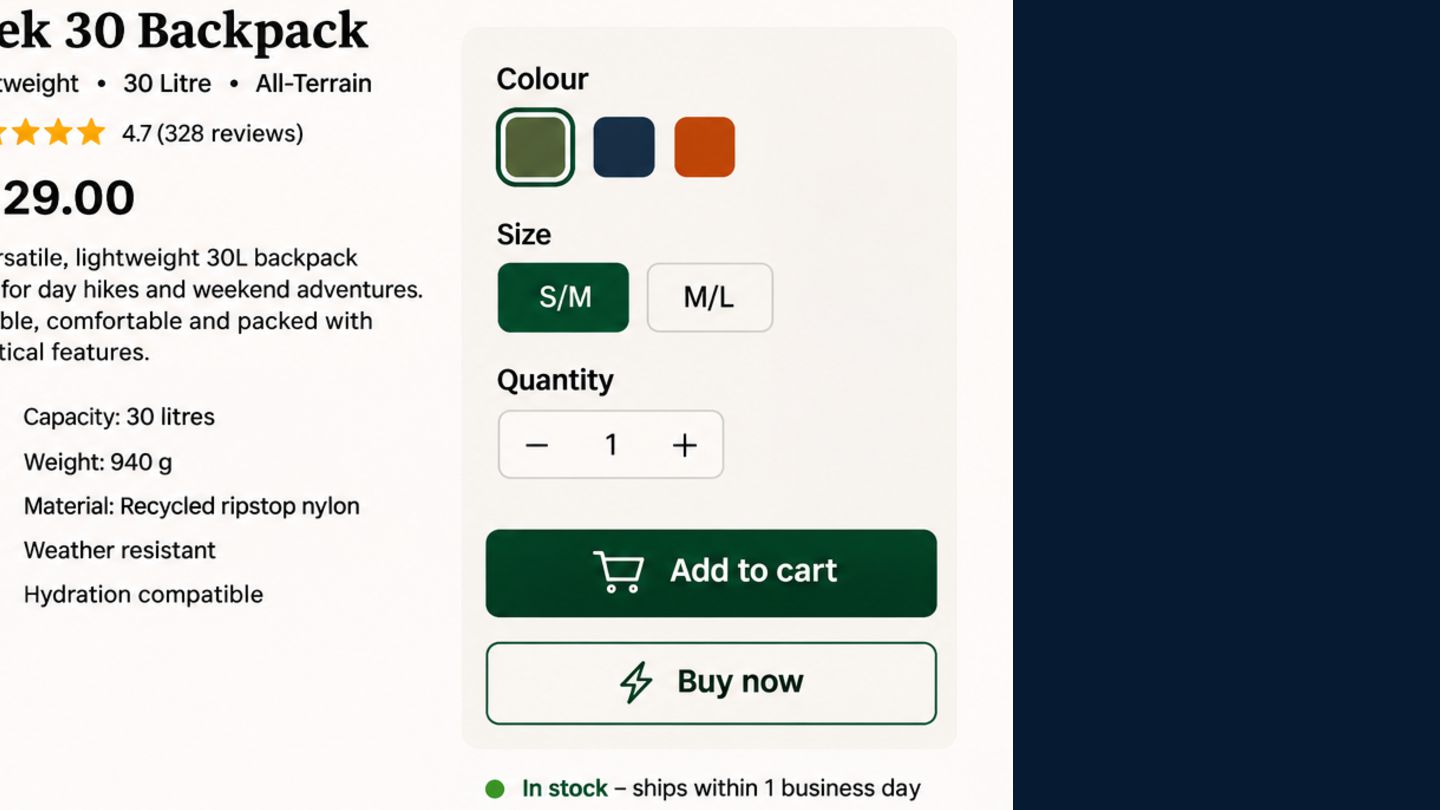
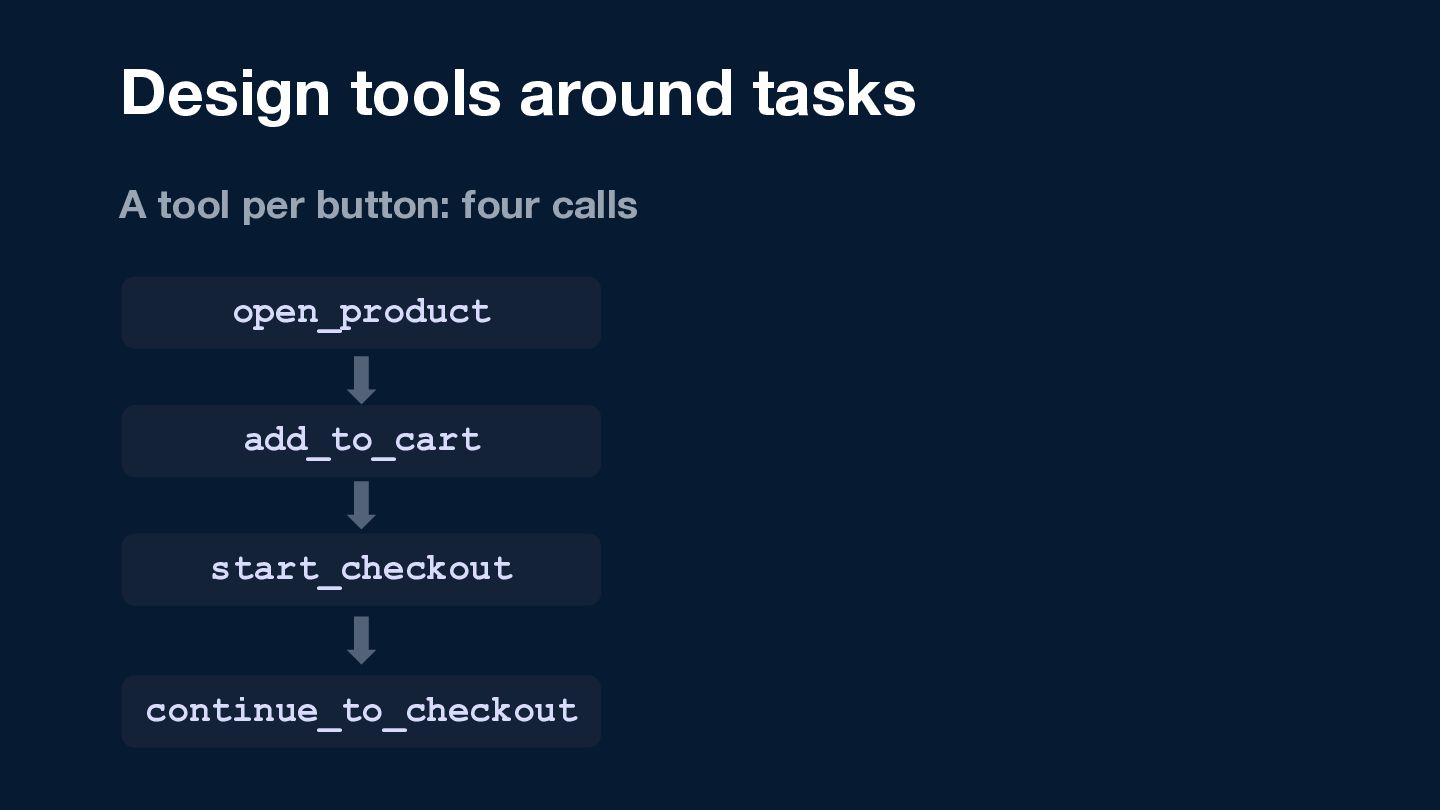
  21. Design tools around tasks A tool per button: four calls

    open_product add_to_cart start_checkout continue_to_checkout
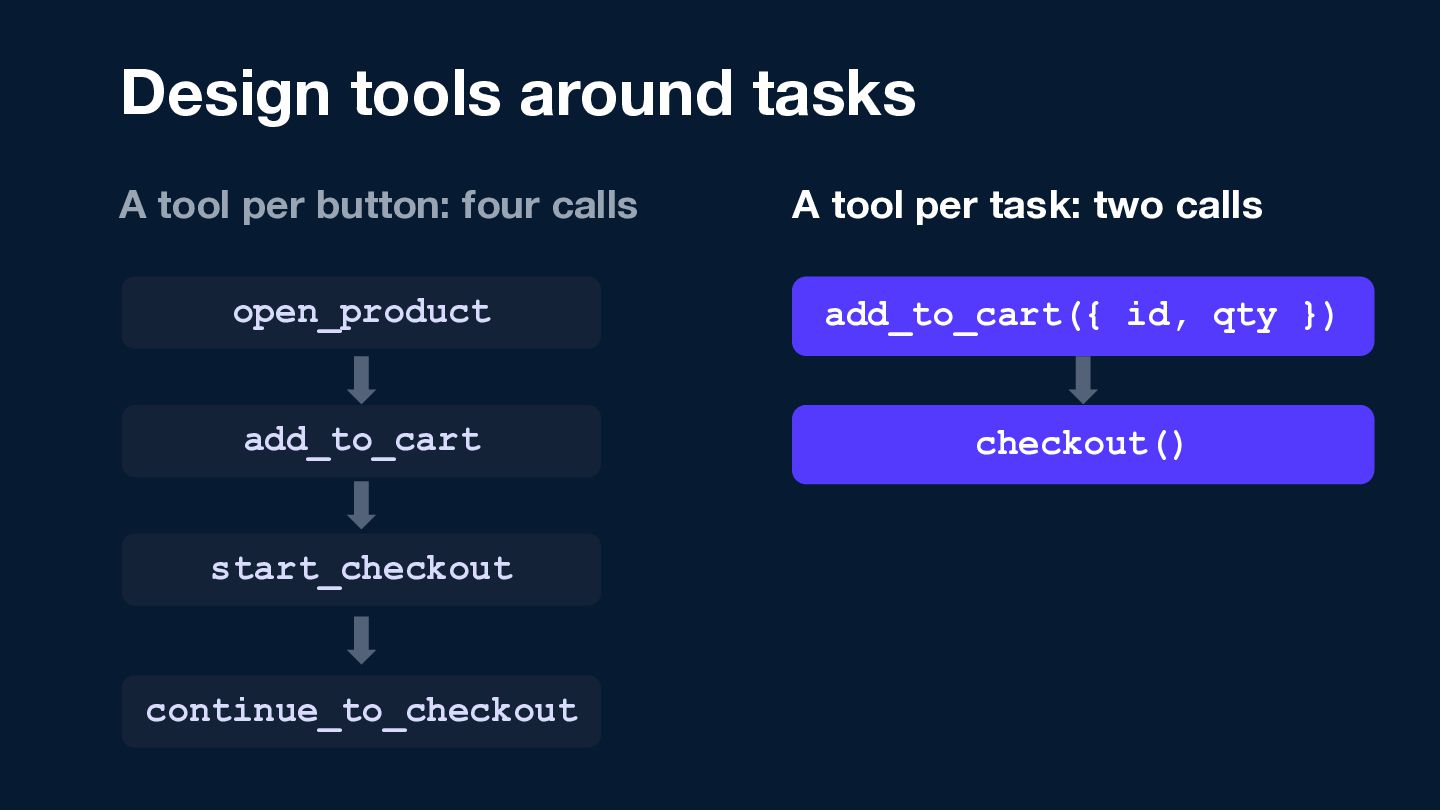
  22. Design tools around tasks A tool per button: four calls

    A tool per task: two calls open_product add_to_cart({ id, qty }) add_to_cart checkout() start_checkout continue_to_checkout
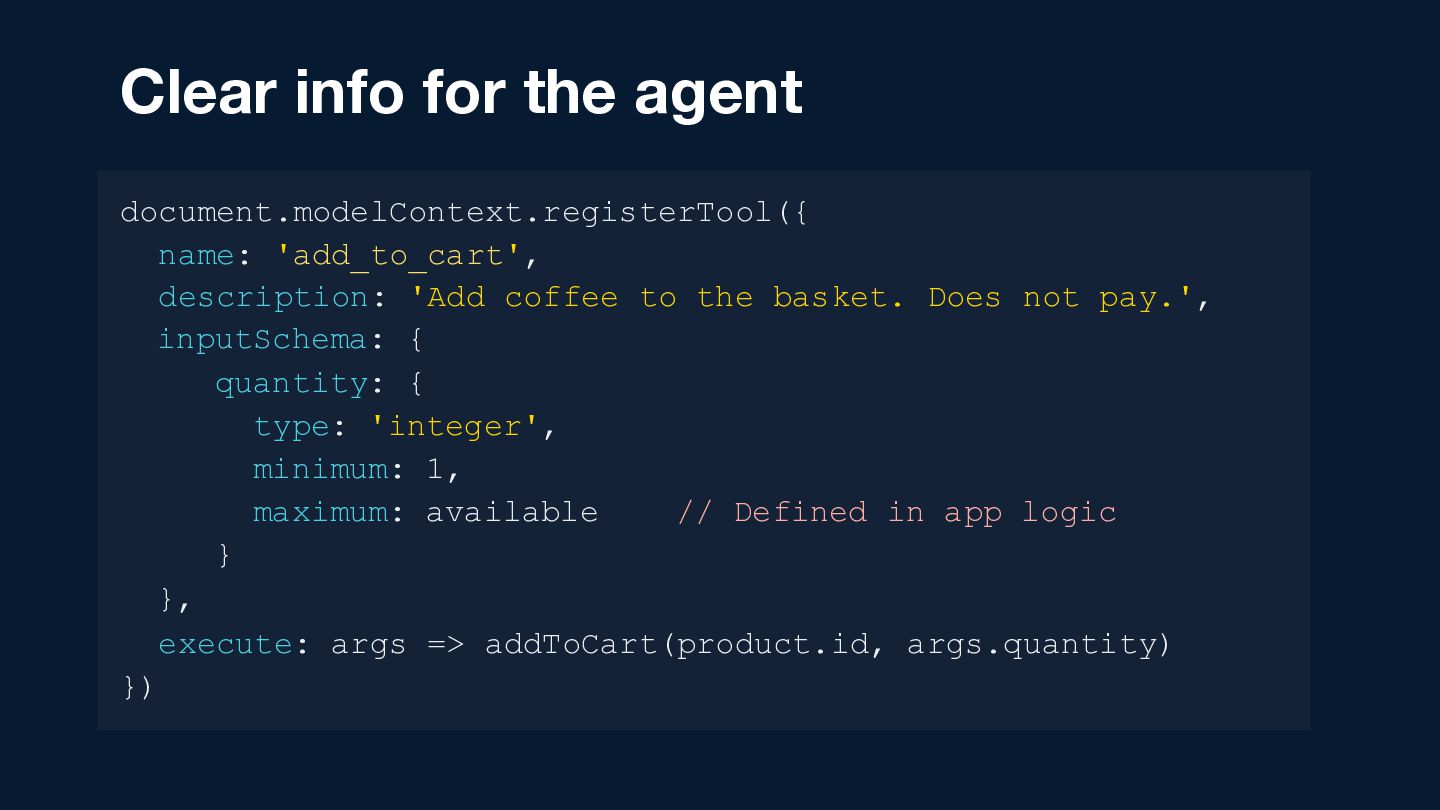
  23. Clear info for the agent document.modelContext.registerTool({ name: 'add_to_cart', description: 'Add

    coffee to the basket. Does not pay.', inputSchema: { quantity: { type: 'integer', minimum: 1, maximum: available // Defined in app logic } }, execute: args => addToCart(product.id, args.quantity) })
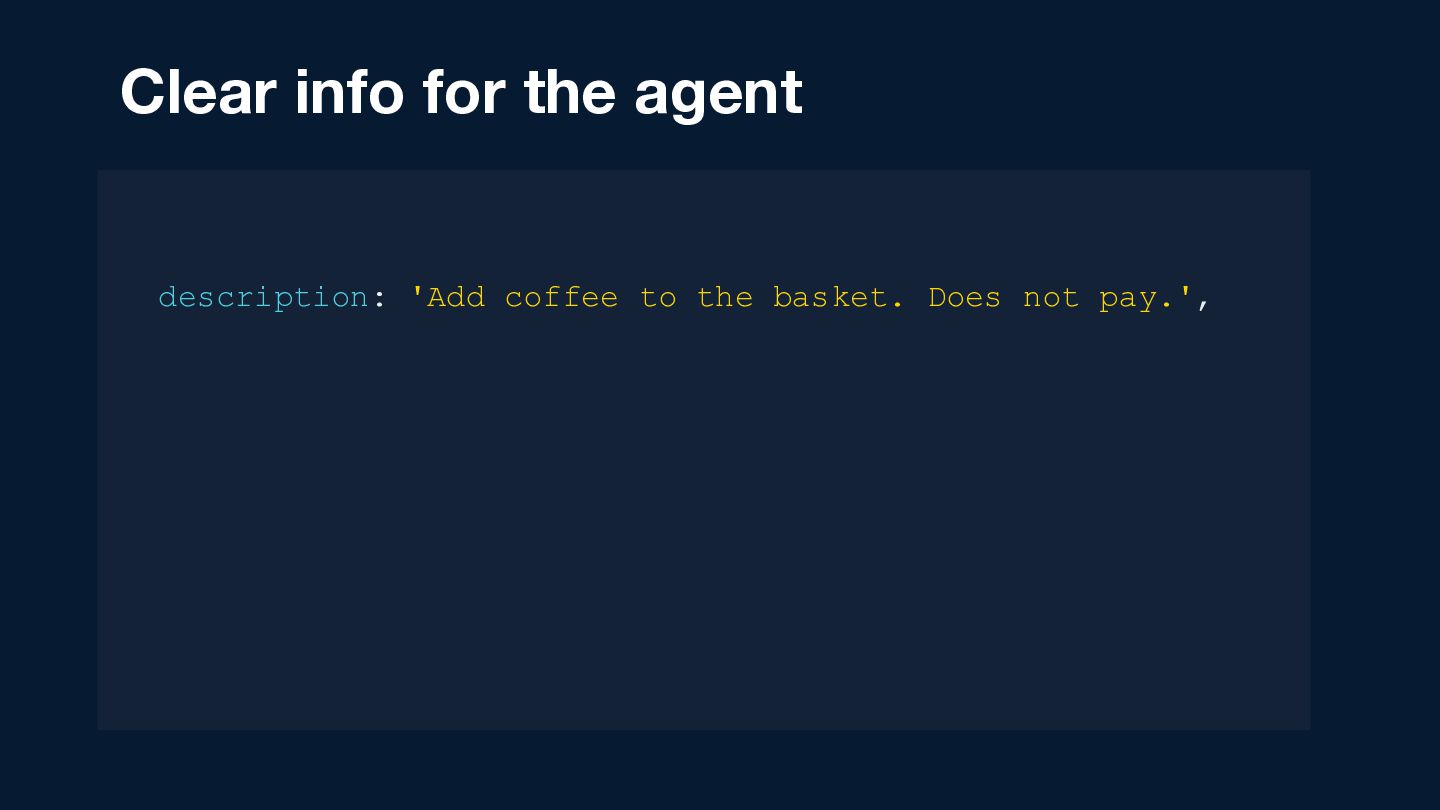
  24. Clear info for the agent document.modelContext.registerTool({ name: 'add_to_cart', description: 'Add

    coffee to the basket. Does not pay.', inputSchema: { quantity: { type: 'integer', minimum: 1, maximum: available // Defined in app logic } }, execute: args => addToCart(product.id, args.quantity) })
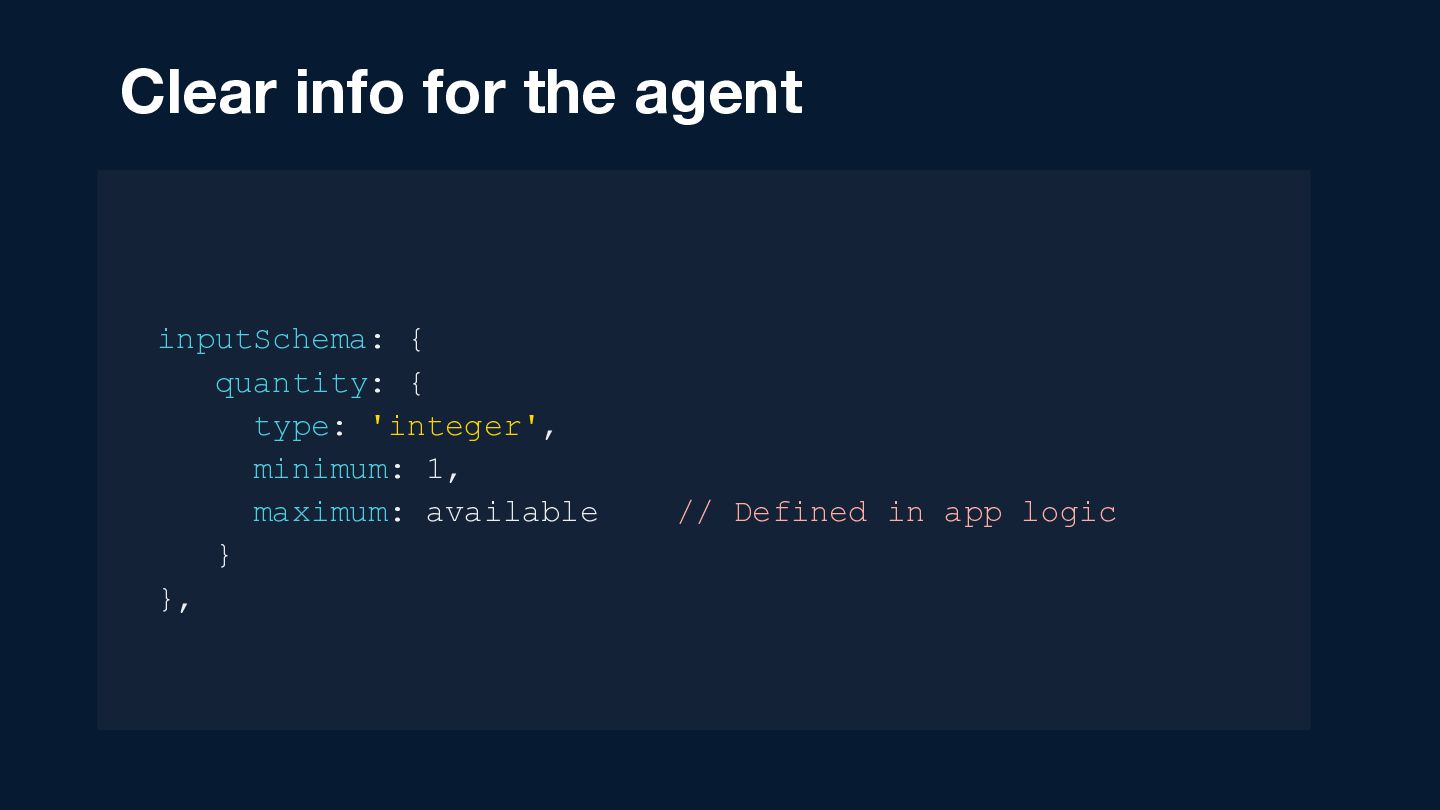
  25. Clear info for the agent document.modelContext.registerTool({ name: 'add_to_cart', description: 'Add

    coffee to the basket. Does not pay.', inputSchema: { quantity: { type: 'integer', minimum: 1, maximum: available // Defined in app logic } }, execute: args => addToCart(product.id, args.quantity) })
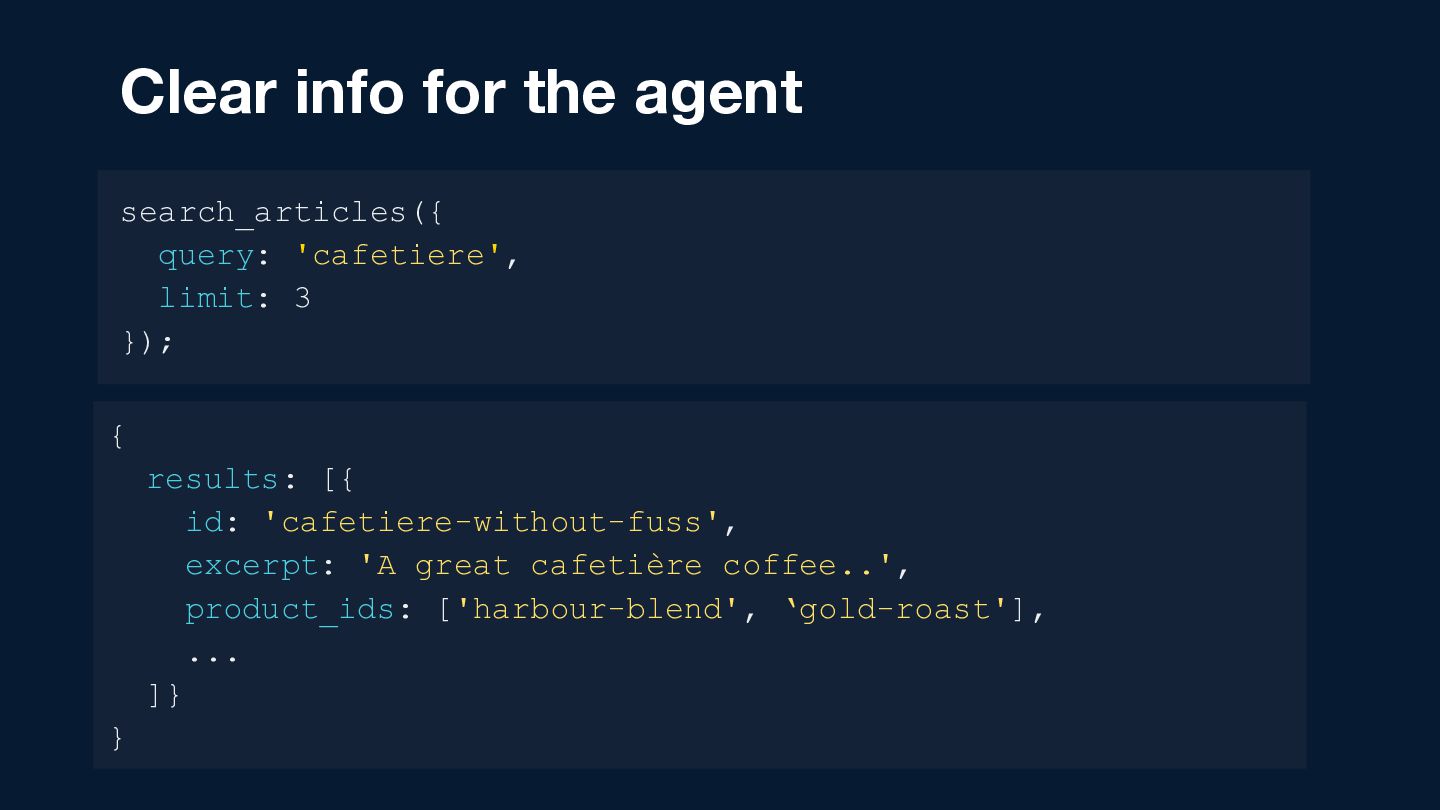
  26. Clear info for the agent search_articles({ query: 'cafetiere', limit: 3

    }); { results: [{ id: 'cafetiere-without-fuss', excerpt: 'A great cafetière coffee..', product_ids: ['harbour-blend', ‘gold-roast'], ... ]} }
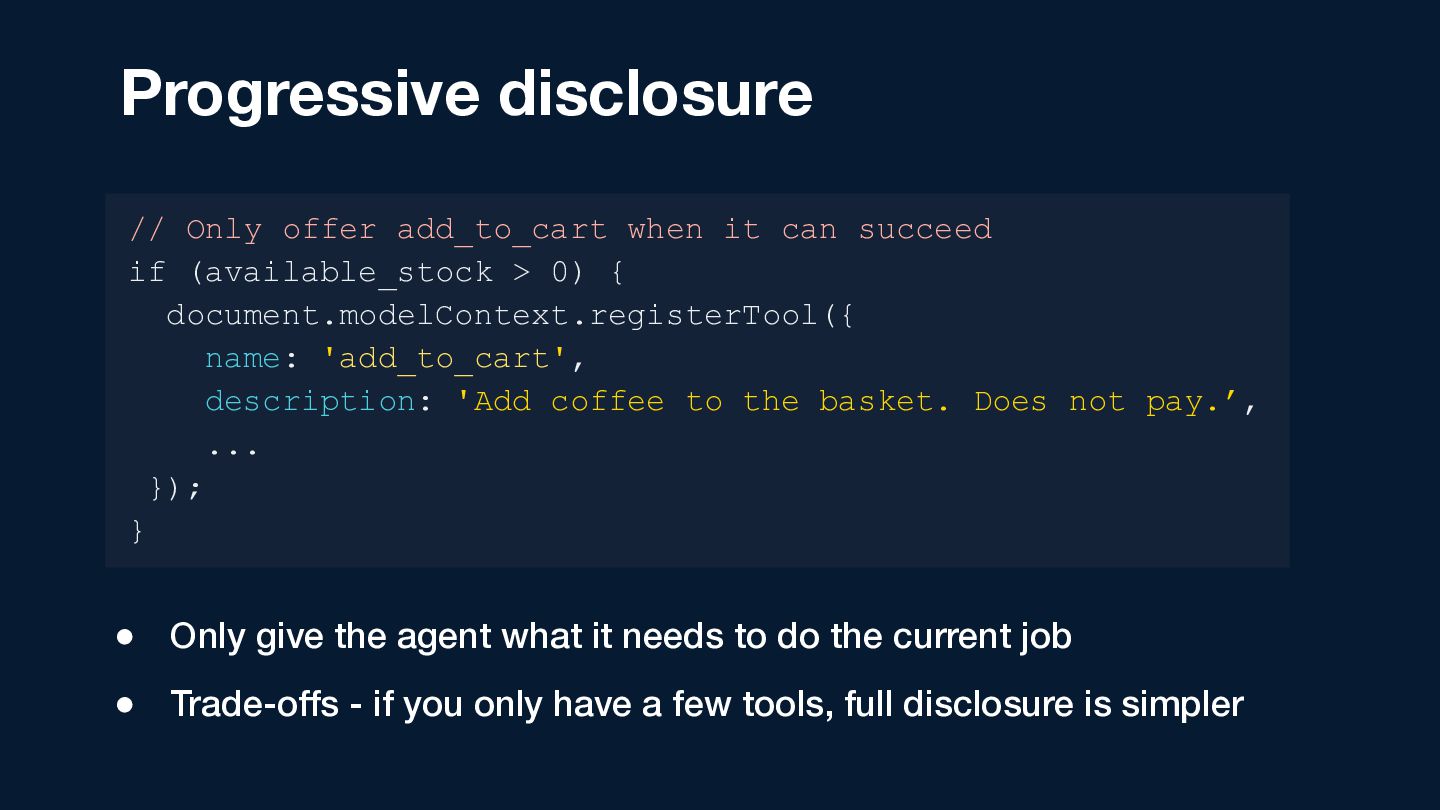
  27. Progressive disclosure // Only offer add_to_cart when it can succeed

    if (available_stock > 0) { document.modelContext.registerTool({ name: 'add_to_cart', description: 'Add coffee to the basket. Does not pay.’, ... }); } • Only give the agent what it needs to do the current job • Trade-offs - if you only have a few tools, full disclosure is simpler
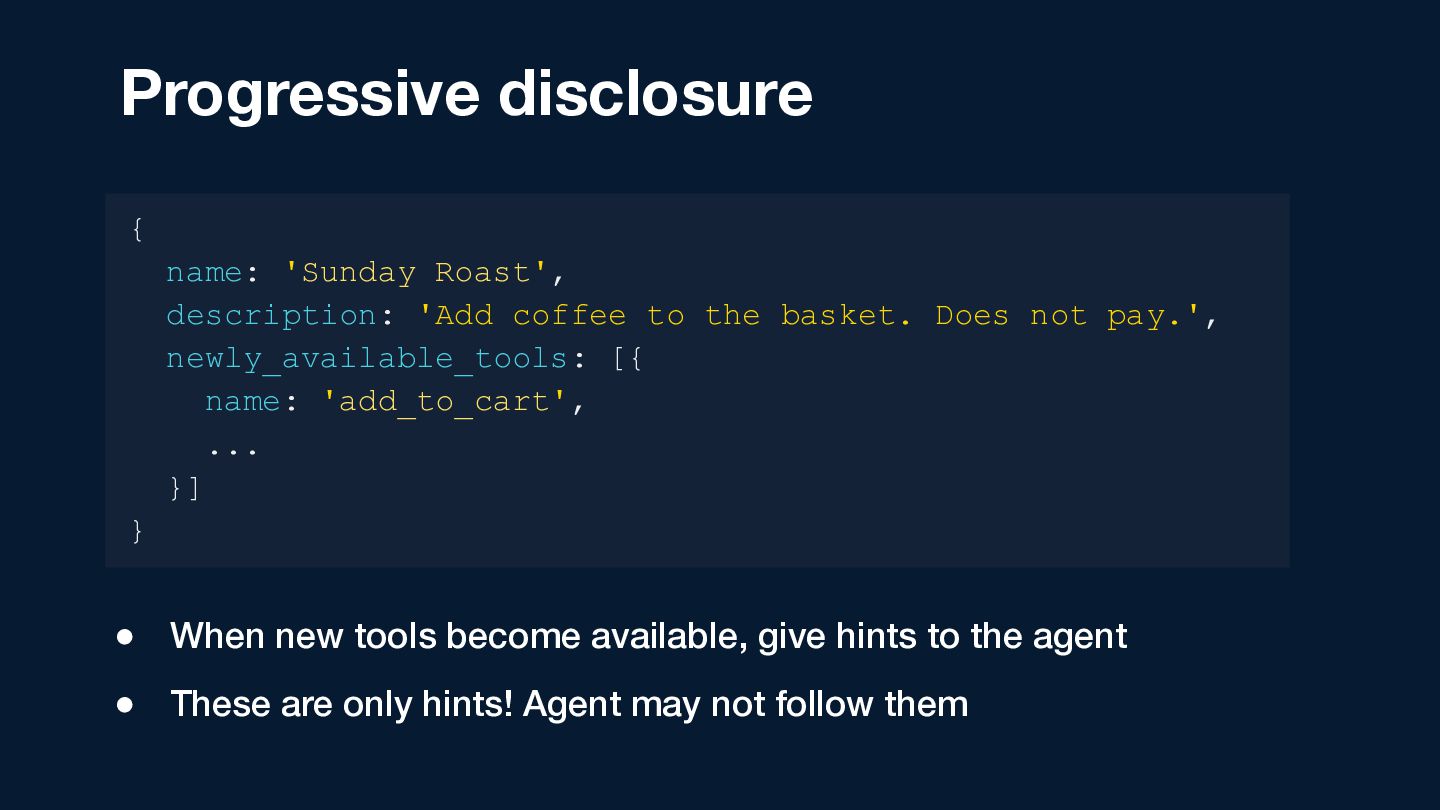
  28. Progressive disclosure { name: 'Sunday Roast', description: 'Add coffee to

    the basket. Does not pay.', newly_available_tools: [{ name: 'add_to_cart', ... }] } • When new tools become available, give hints to the agent • These are only hints! Agent may not follow them
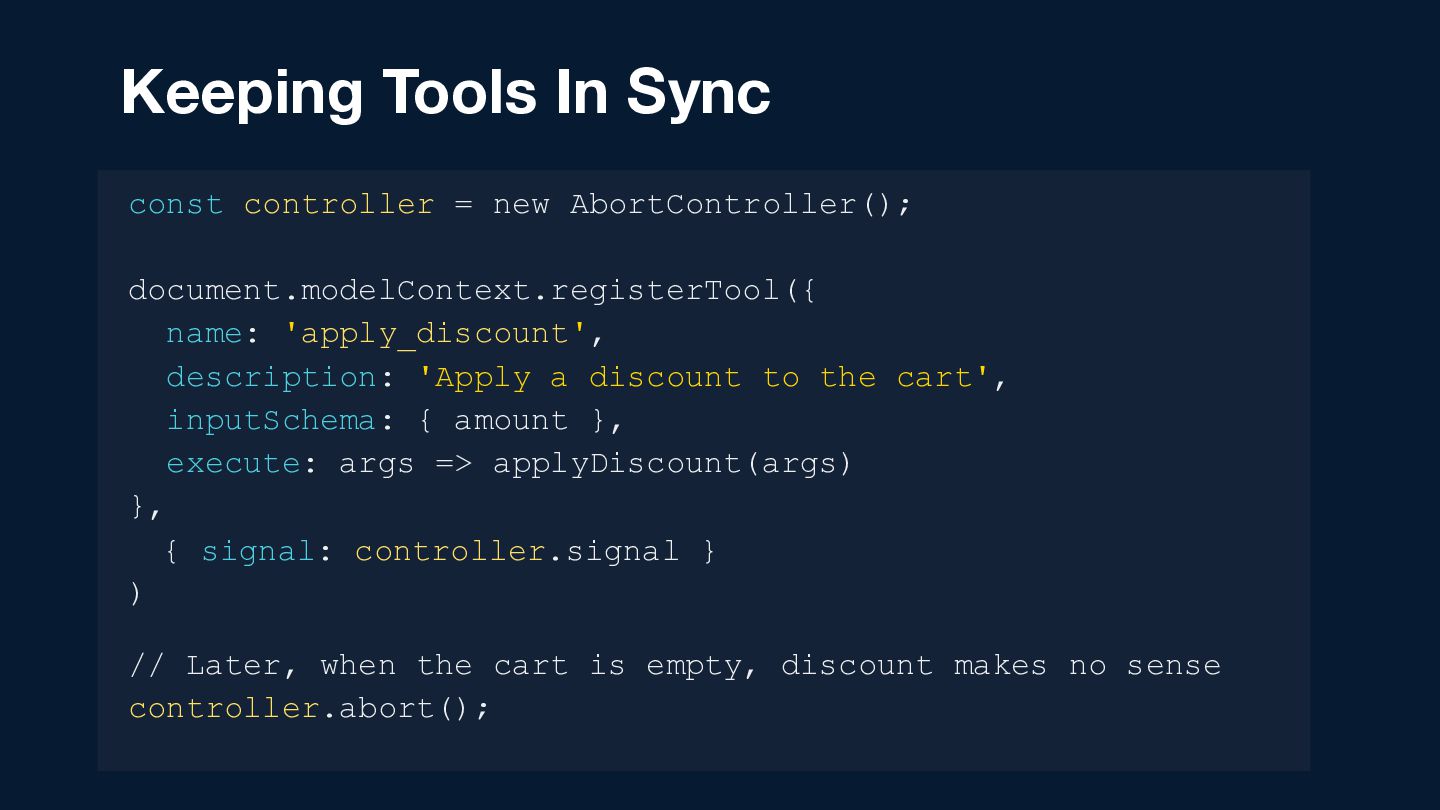
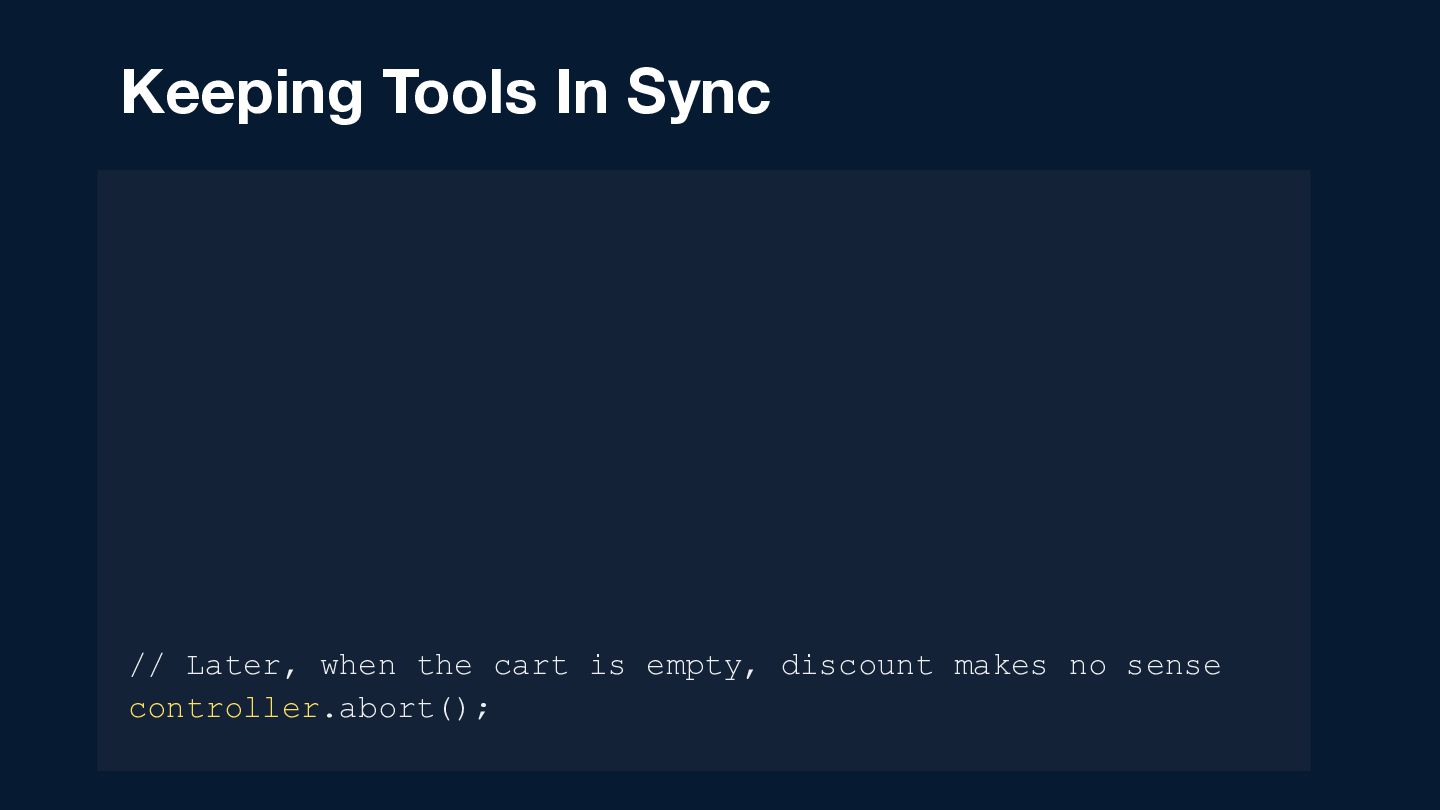
  29. Keeping Tools In Sync const controller = new AbortController(); document.modelContext.registerTool({

    name: 'apply_discount', description: 'Apply a discount to the cart', inputSchema: { amount }, execute: args => applyDiscount(args) }, { signal: controller.signal } ) // Later, when the cart is empty, discount makes no sense controller.abort();
  30. Keeping Tools In Sync const controller = new AbortController(); document.modelContext.registerTool({

    name: 'apply_discount', description: 'Apply a discount to the cart', inputSchema: { amount }, execute: args => applyDiscount(args) }, { signal: controller.signal } ) // Later, when the cart is empty, discount makes no sense controller.abort();
  31. Keeping Tools In Sync const controller = new AbortController(); document.modelContext.registerTool({

    name: 'apply_discount', description: 'Apply a discount to the cart', inputSchema: { amount }, execute: args => applyDiscount(args) }, { signal: controller.signal } ) // Later, when the cart is empty, discount makes no sense controller.abort();
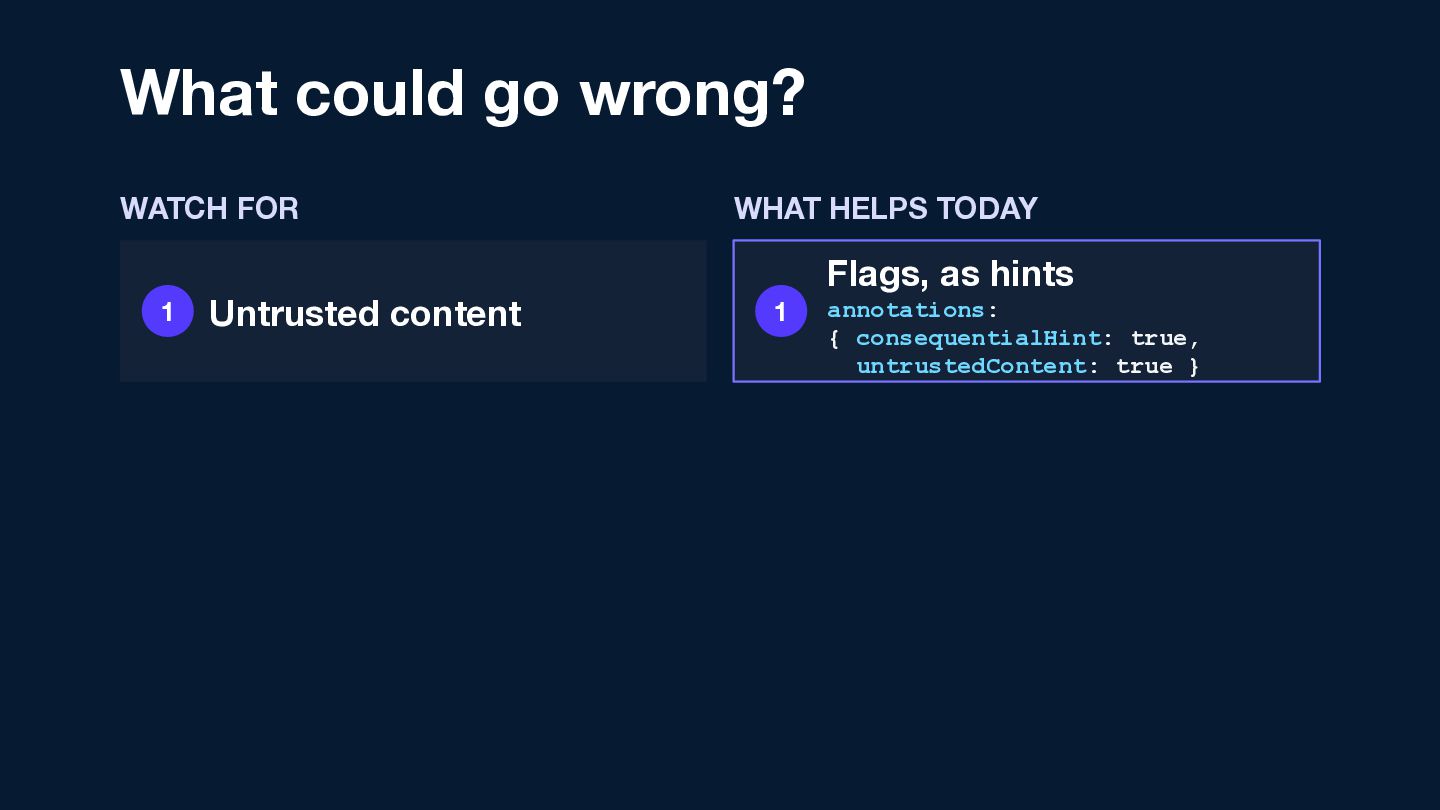
  32. What could go wrong? WATCH FOR 1 Untrusted content WHAT

    HELPS TODAY Flags, as hints 1 annotations: { consequentialHint: true, untrustedContent: true }
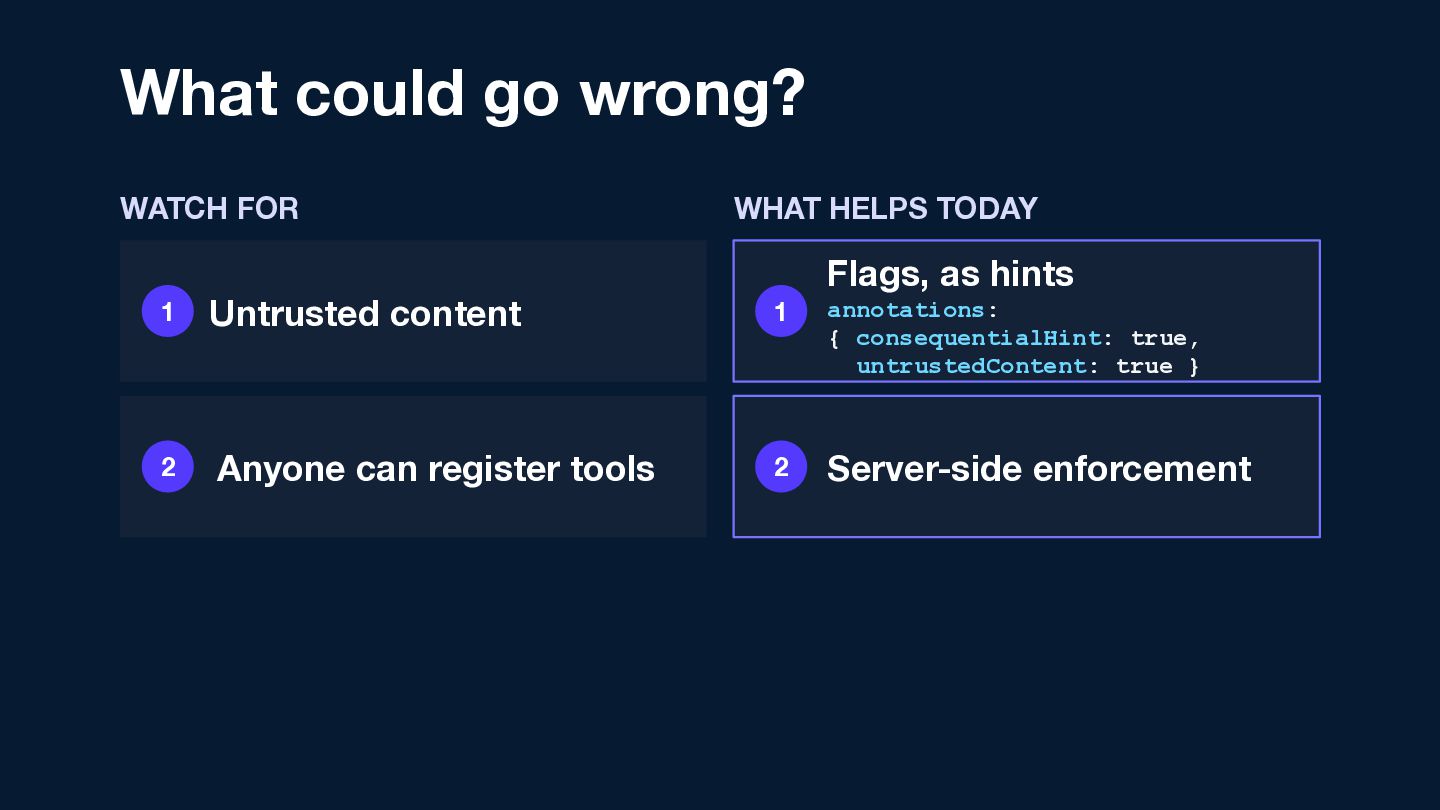
  33. What could go wrong? WATCH FOR WHAT HELPS TODAY Flags,

    as hints 1 Untrusted content 1 annotations: { consequentialHint: true, untrustedContent: true } 2 Anyone can register tools 2 Server-side enforcement
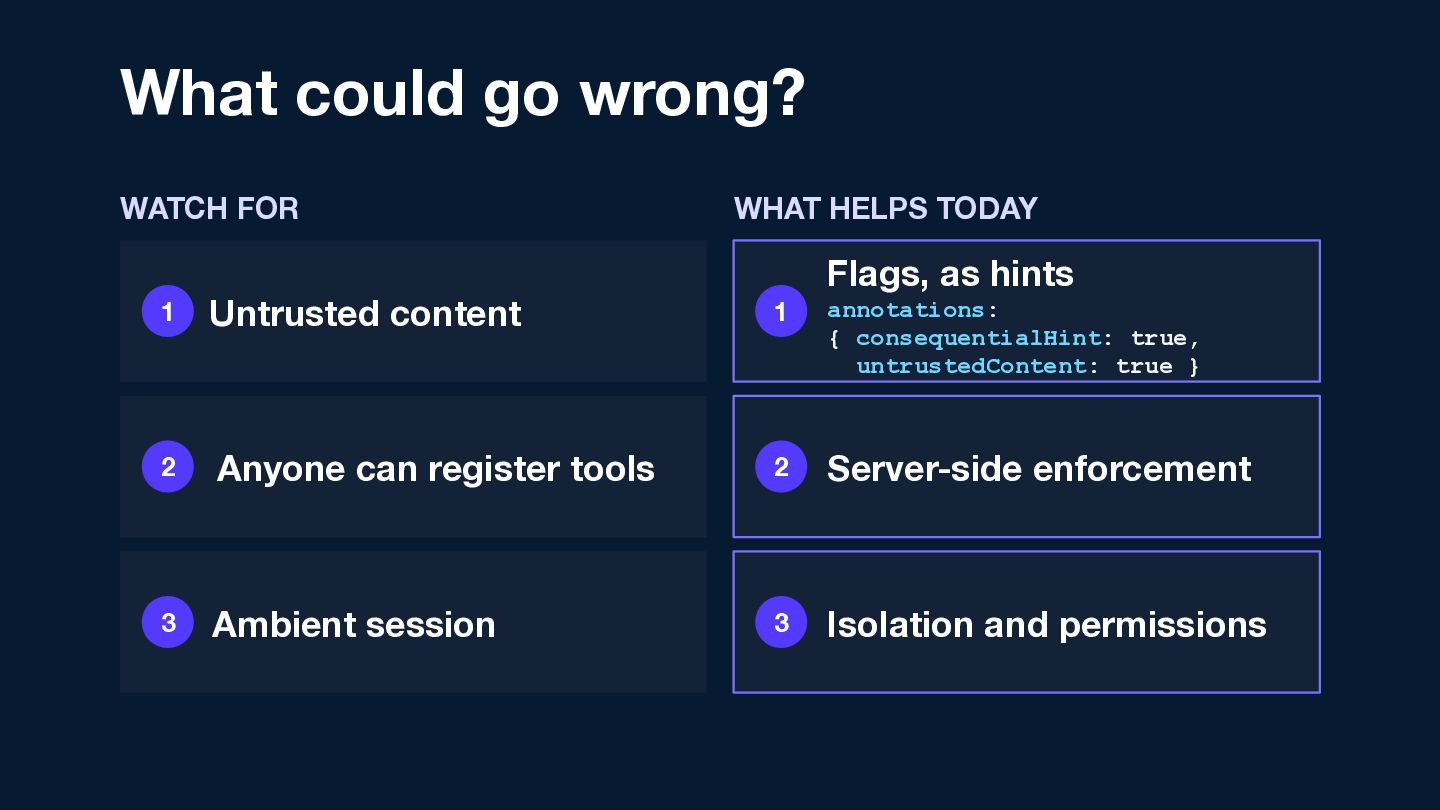
  34. What could go wrong? WATCH FOR WHAT HELPS TODAY Flags,

    as hints 1 Untrusted content 1 annotations: { consequentialHint: true, untrustedContent: true } 2 Anyone can register tools 2 Server-side enforcement 3 Ambient session 3 Isolation and permissions
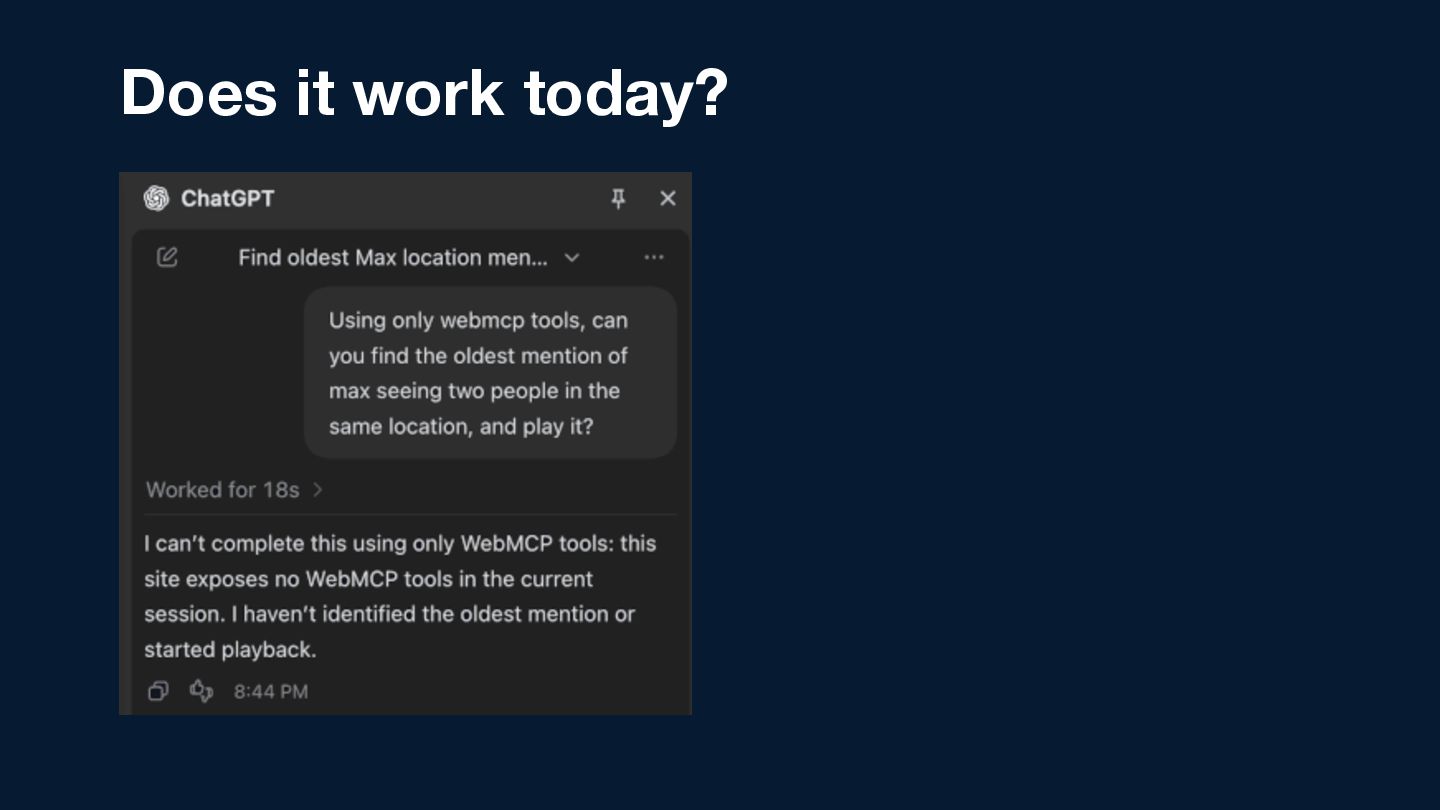
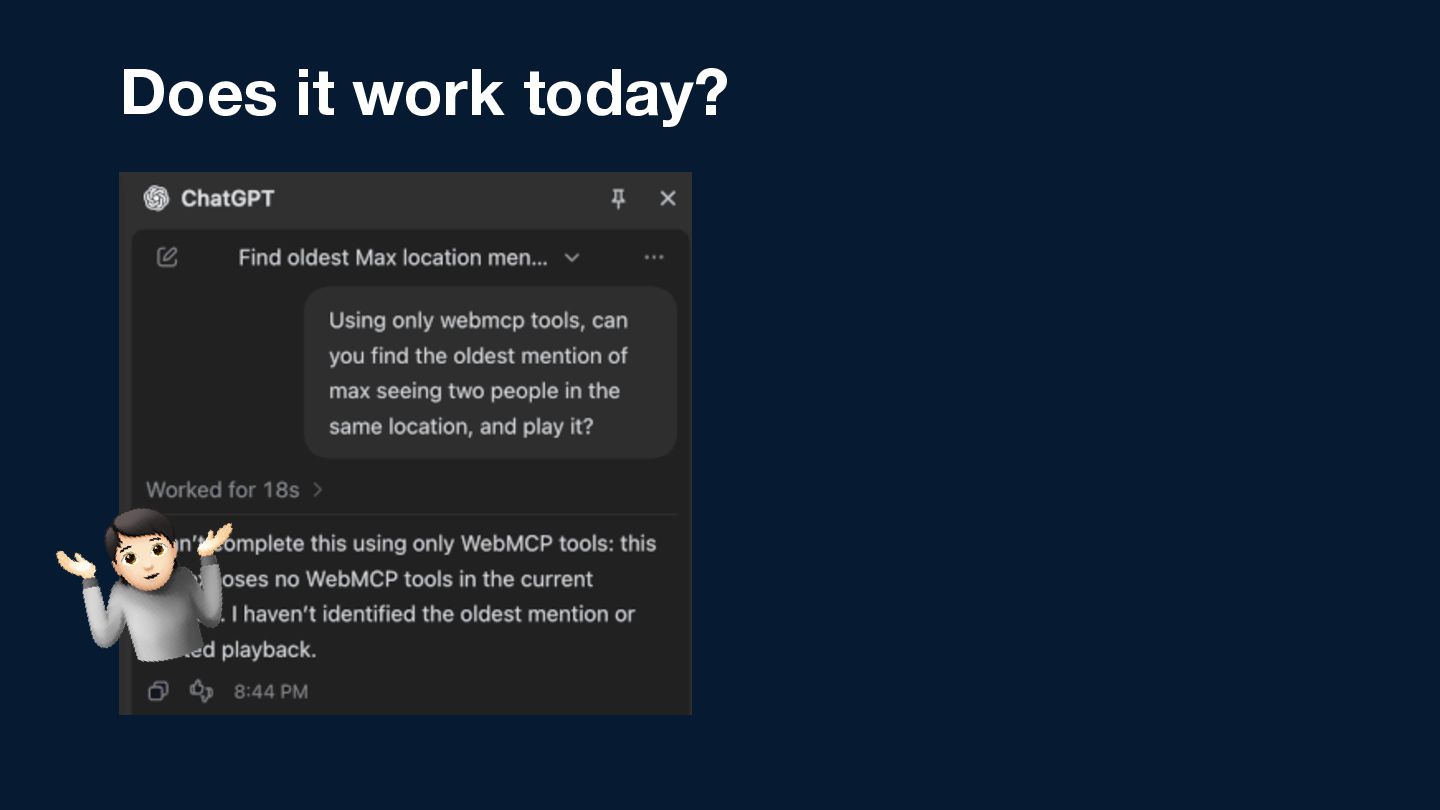
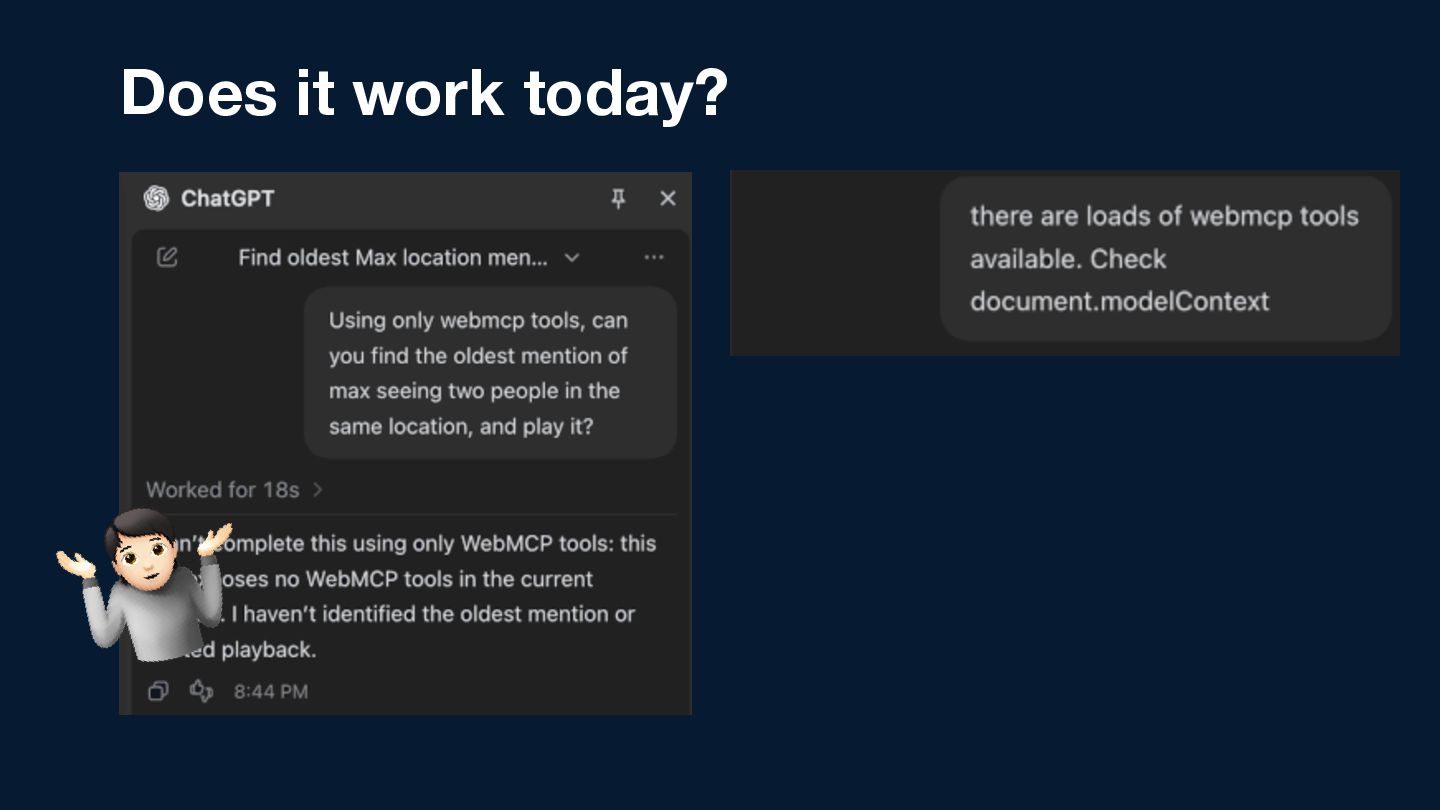
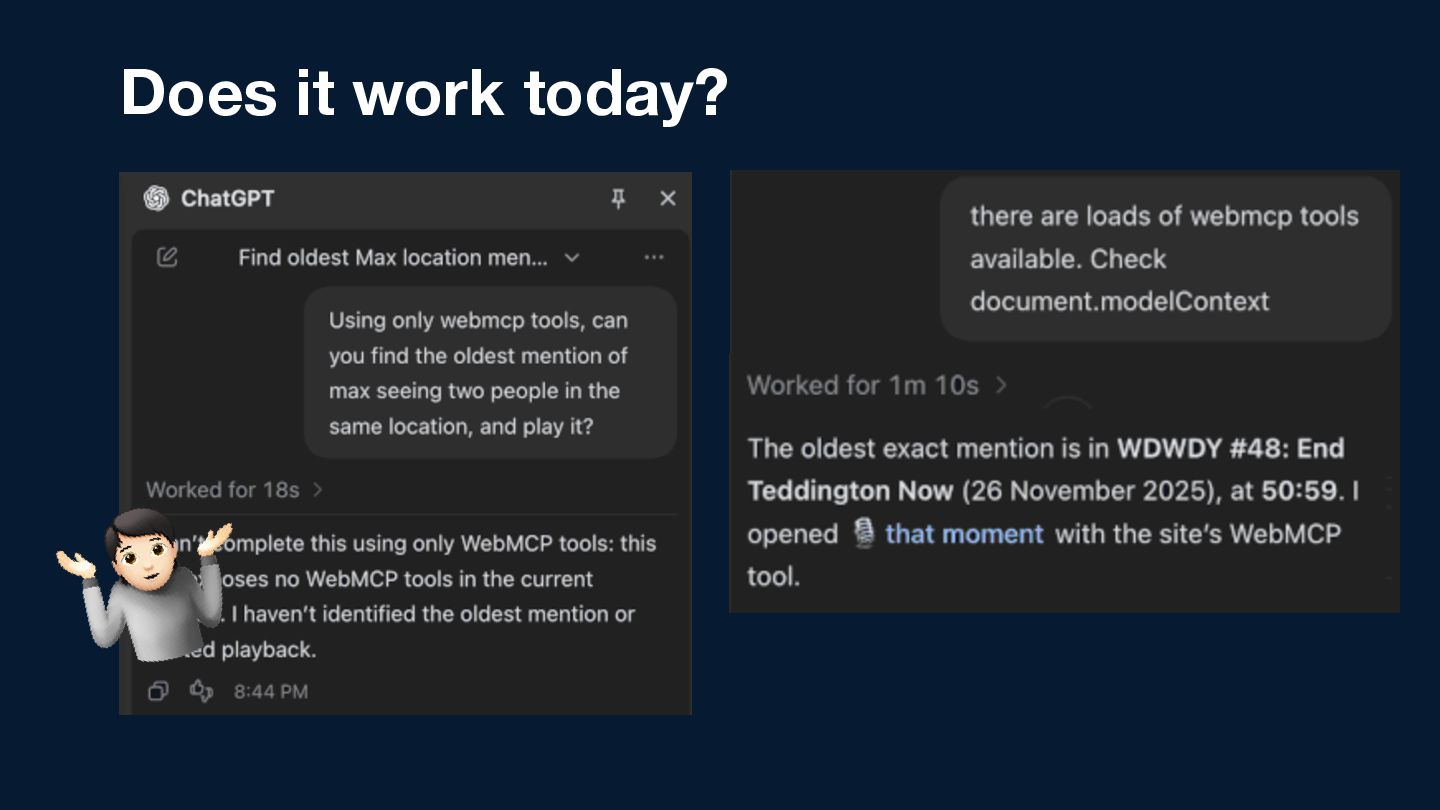
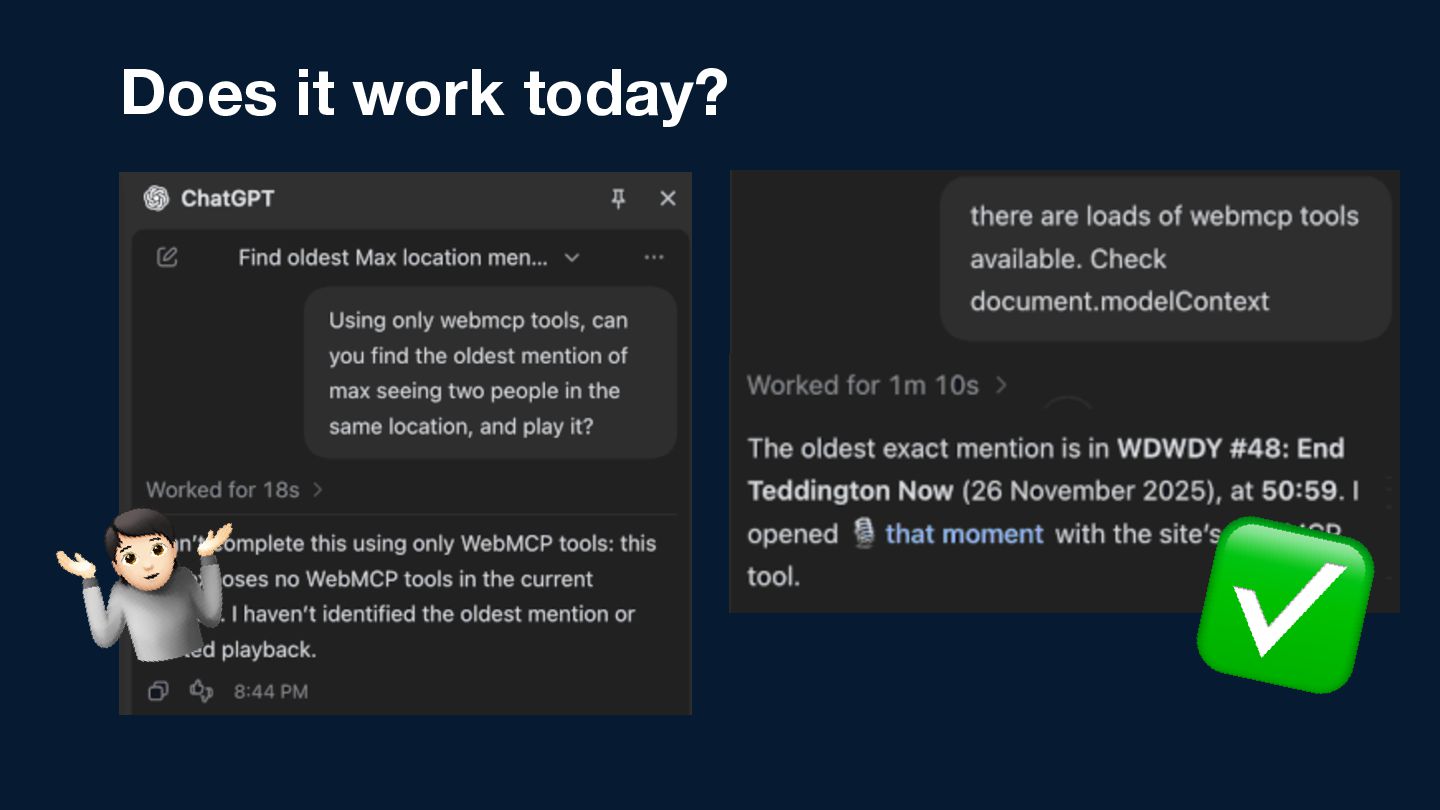
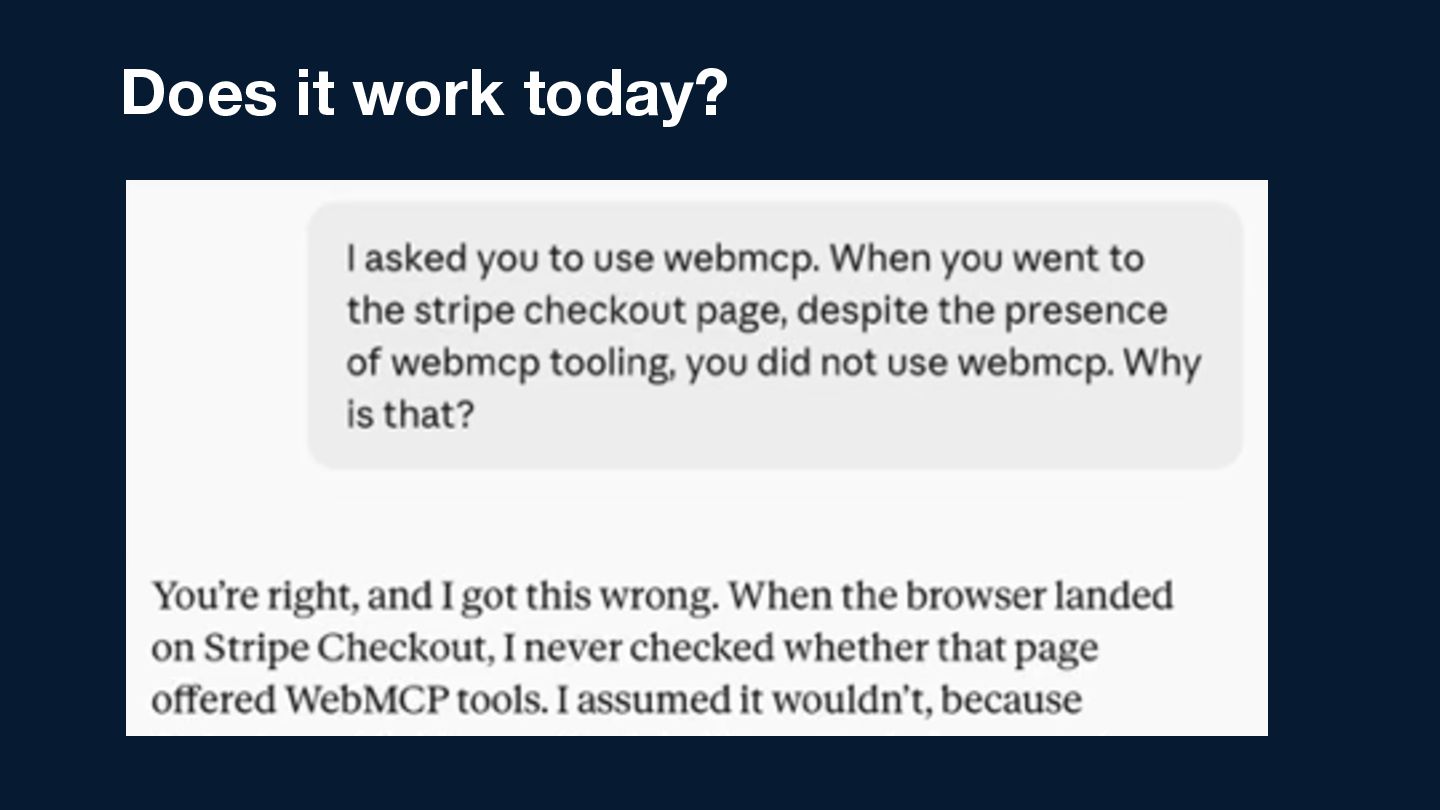
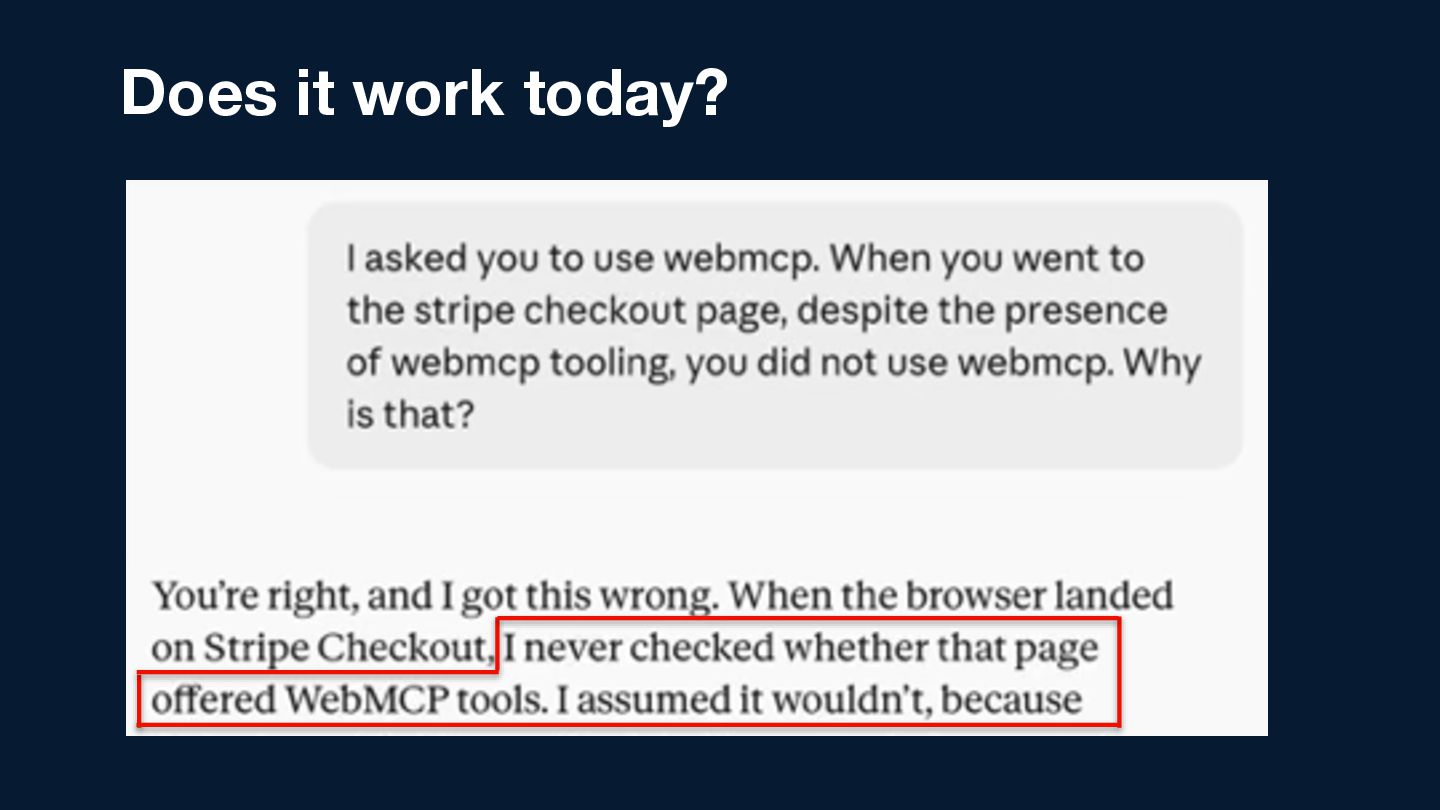
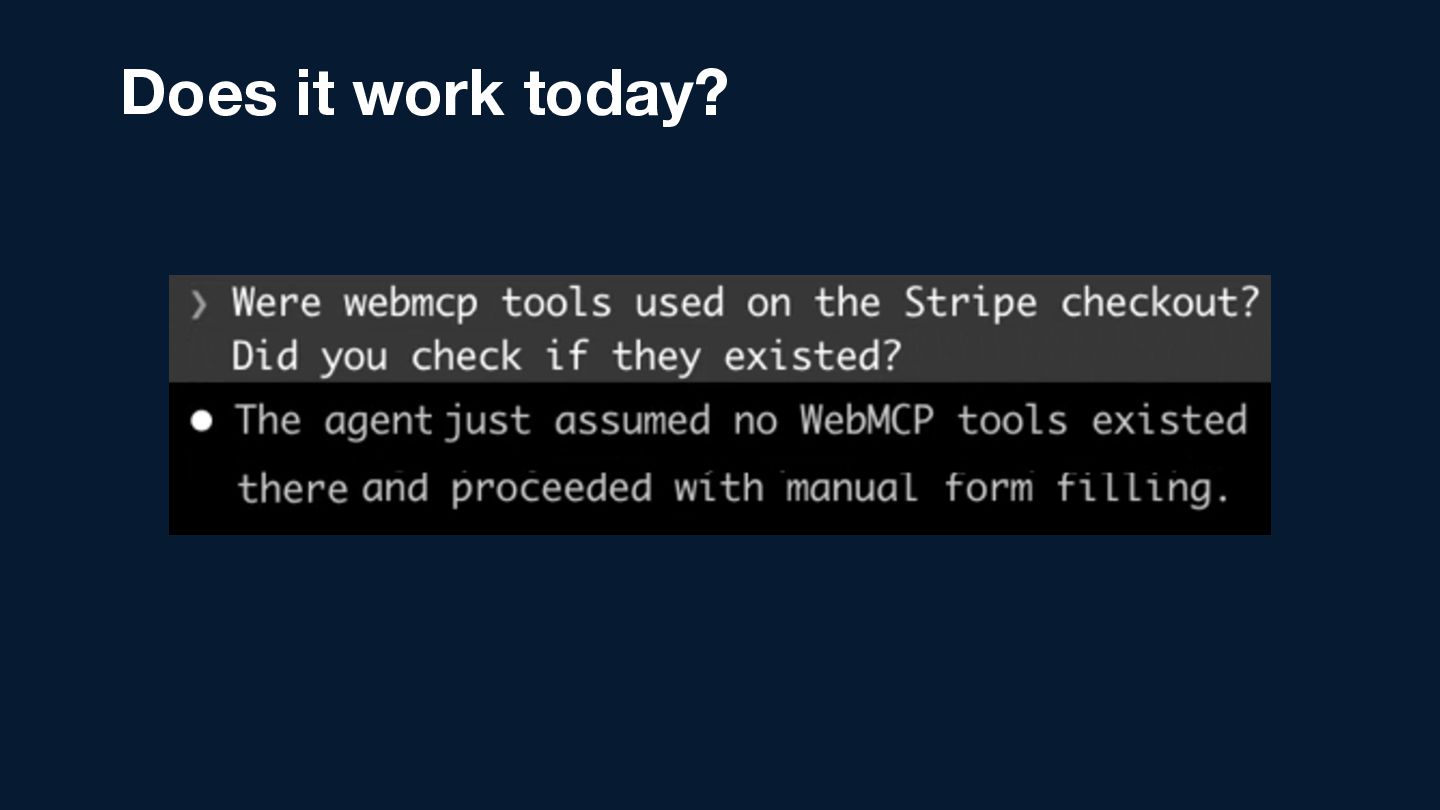
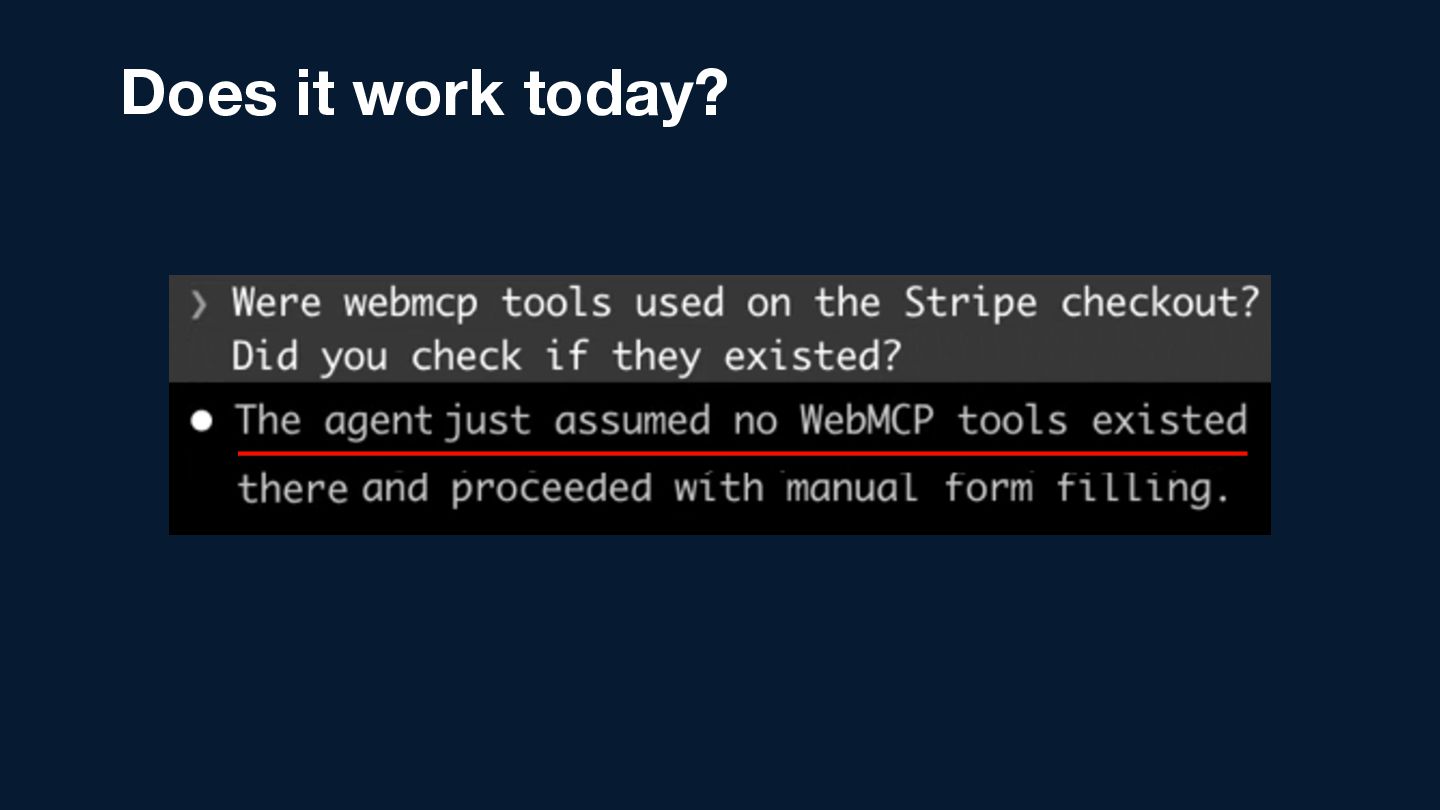
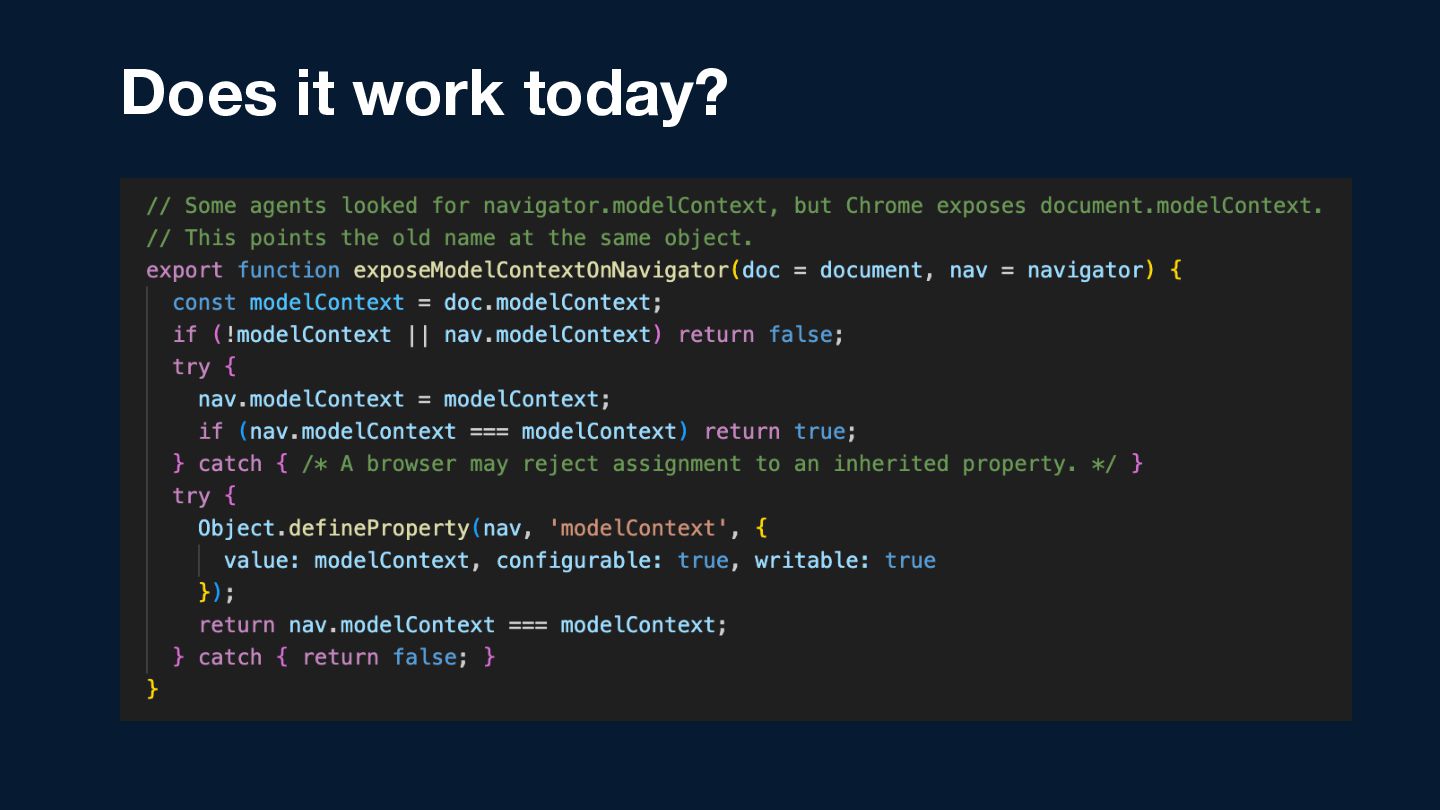
  35. Does it work today? • Chrome-only • Origin trial required

    • Spec is still moving! • Agents often need a helping hand
  36. Stripe Checkout WebMCP Rollout 42% fewer tokens 39% faster checkout

    38% fewer tool calls https://stripe.dev/blog/how-stripe-is-designing-checkout-for-ai-agents
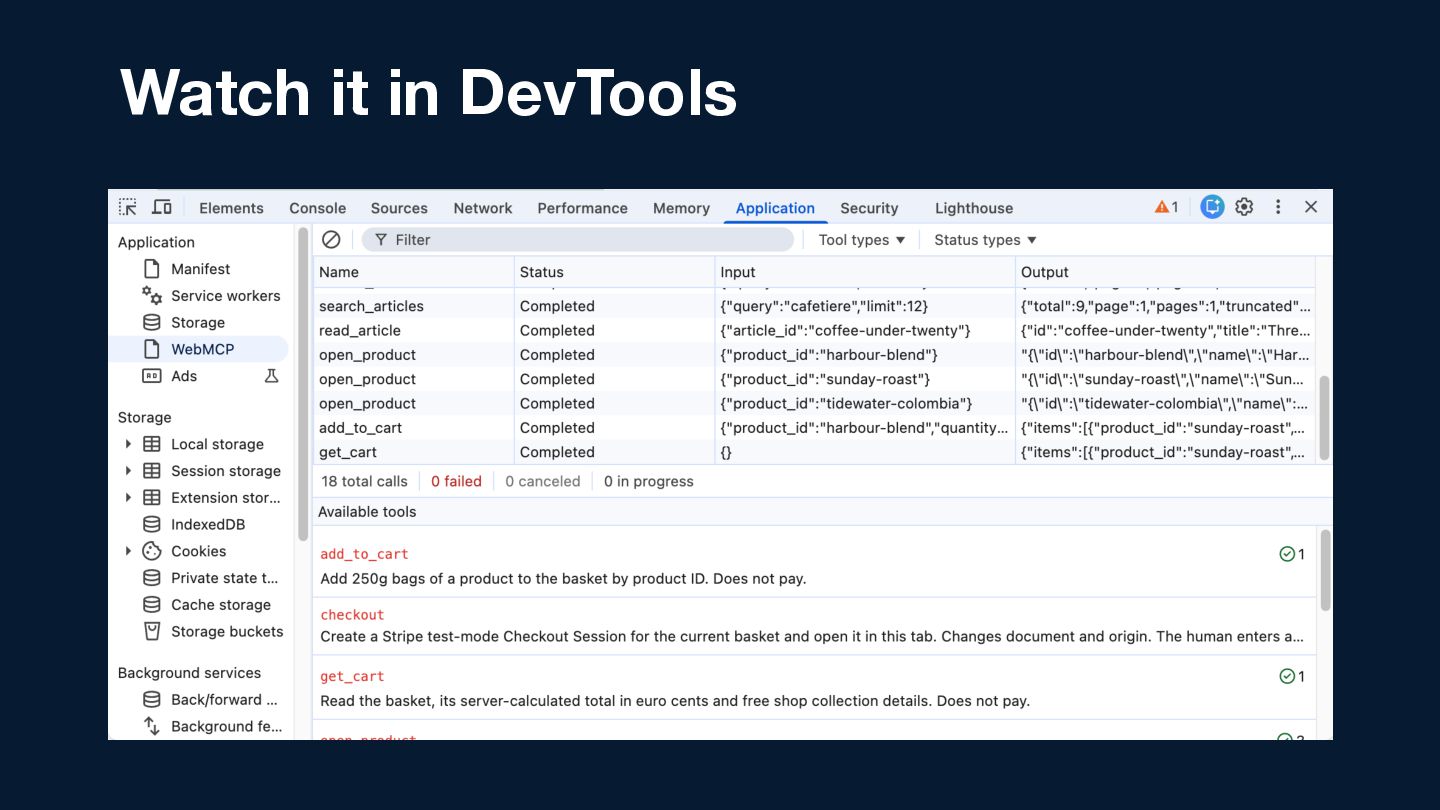
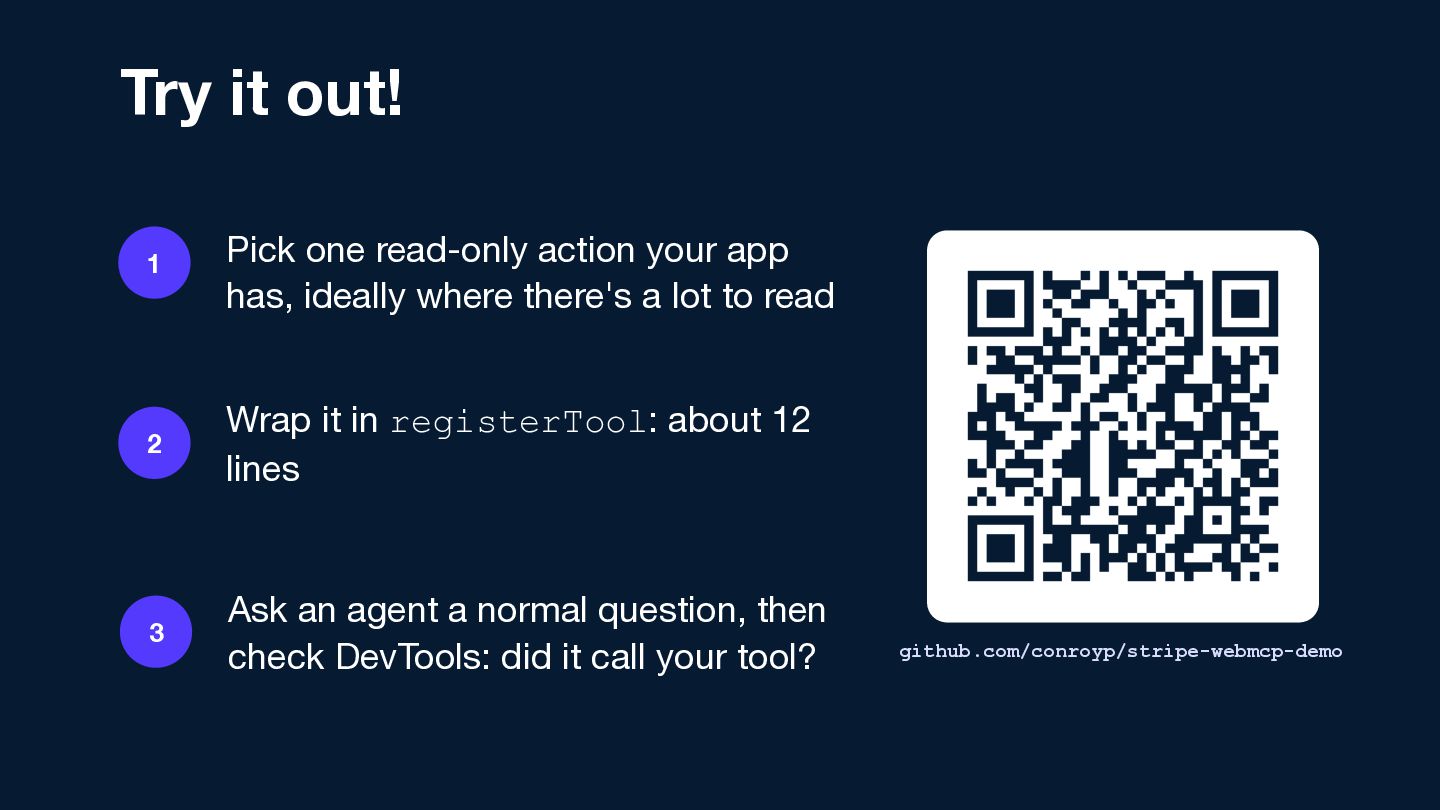
  37. Try it out! 1 Pick one read-only action your app

    has, ideally where there's a lot to read 2 Wrap it in registerTool: about 12 lines 3 Ask an agent a normal question, then check DevTools: did it call your tool? github.com/conroyp/stripe-webmcp-demo
  38. You’ve already built it. Let the agent call it. (...

    but double-check that it actually did!)