Upgrade to Pro — share decks privately, control downloads, hide ads and more …

[Confoo 26] Boosting Frontend Speed: Quick Wins...

Avatar for Paul Conroy Paul Conroy
February 25, 2026

[Confoo 26] Boosting Frontend Speed: Quick Wins for Backend Developers

Page speed makes or breaks user experience, yet many of us backend devs would rather wrangle APIs than wrestle with CSS quirks or jumpy images. The good news: you don’t need to be a frontend wizard to make big gains!

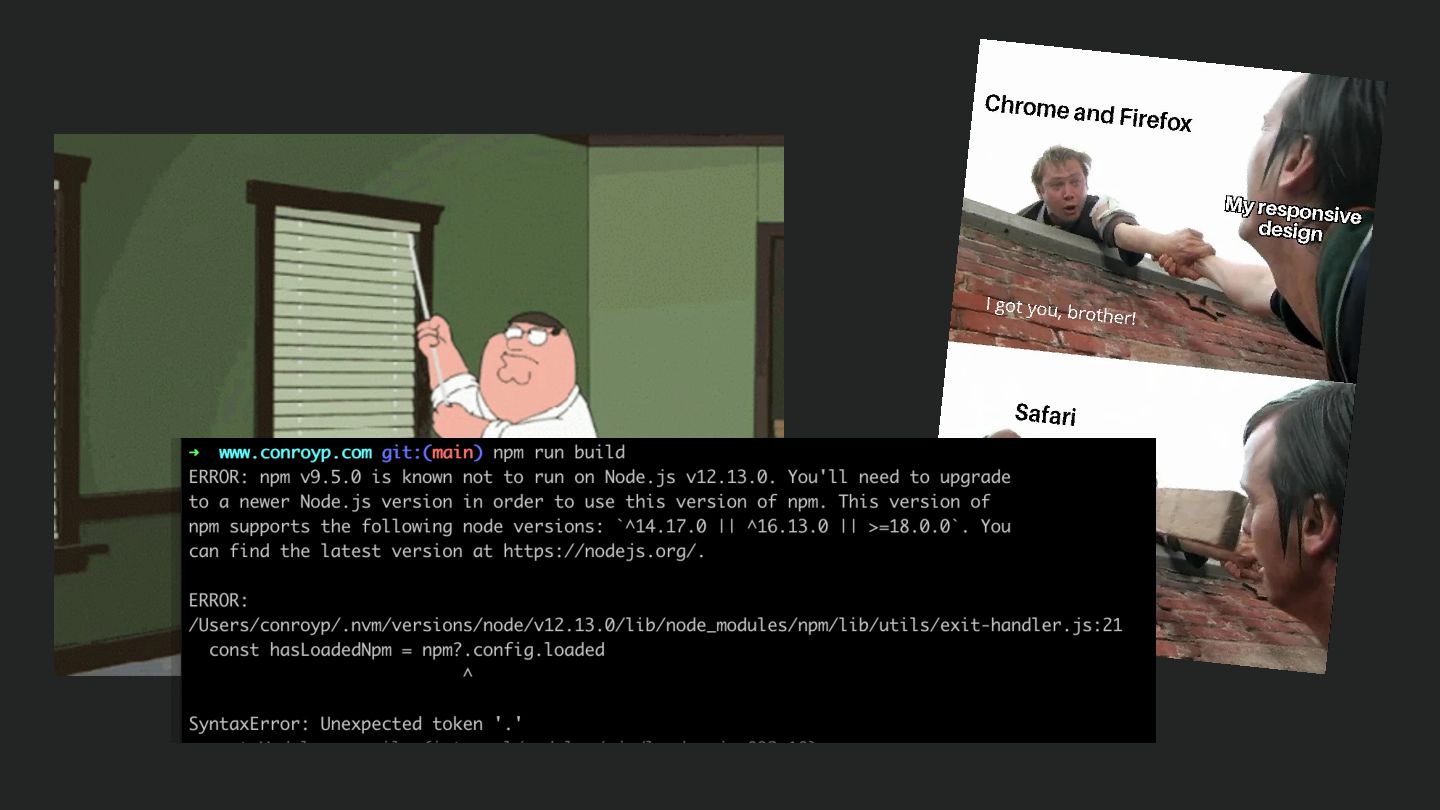
This talk shares quick wins for common page speed issues, plus the metrics to prove your changes made things faster (and less painful). All without getting into the trenches with npm build processes and node version issues!

Avatar for Paul Conroy

Paul Conroy

February 25, 2026
Tweet

More Decks by Paul Conroy

Other Decks in Technology

Transcript

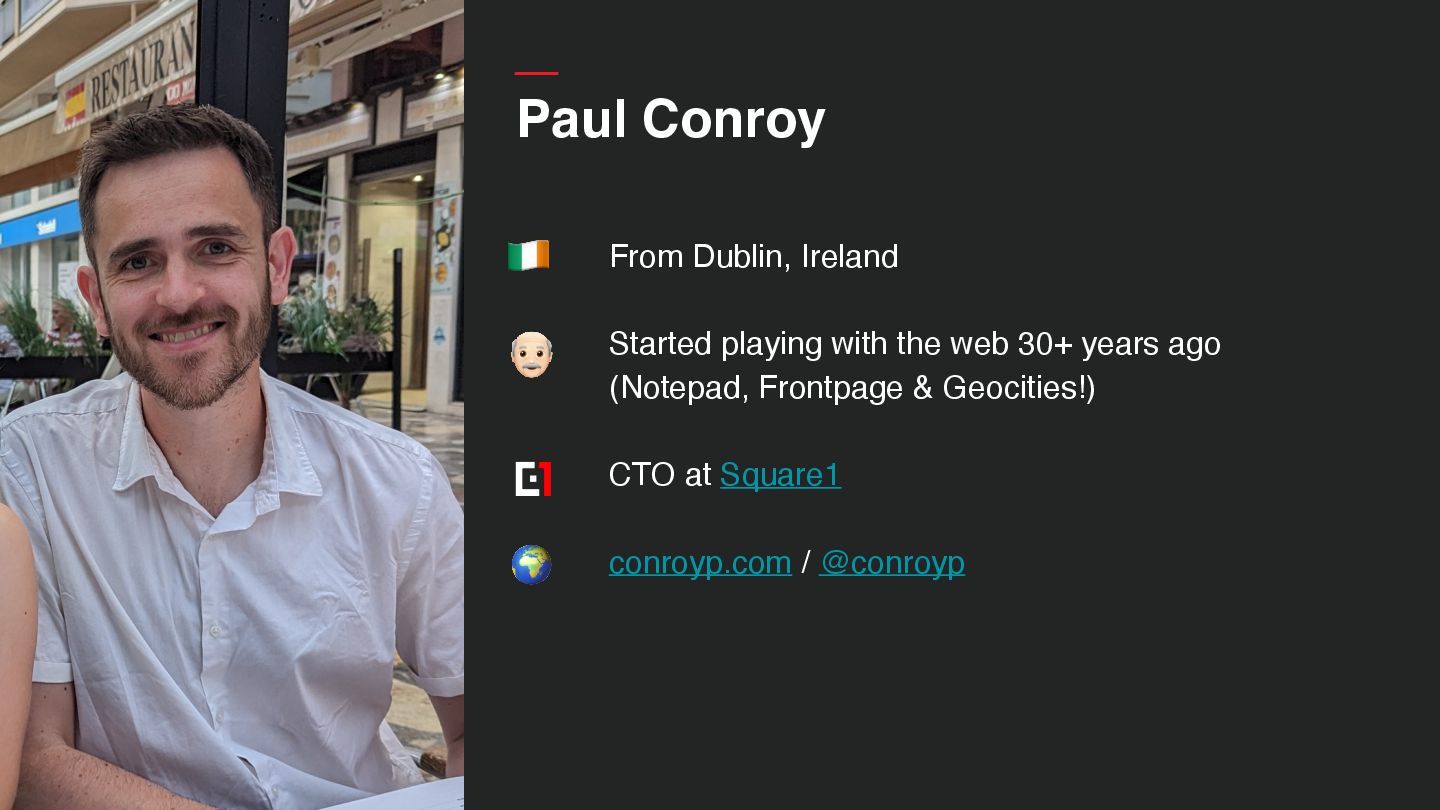
  1. Paul Conroy From Dublin, Ireland Started playing with the web

    30+ years ago (Notepad, Frontpage & Geocities!) CTO at Square1 conroyp.com / @conroyp 👴 🌍 🇮🇪
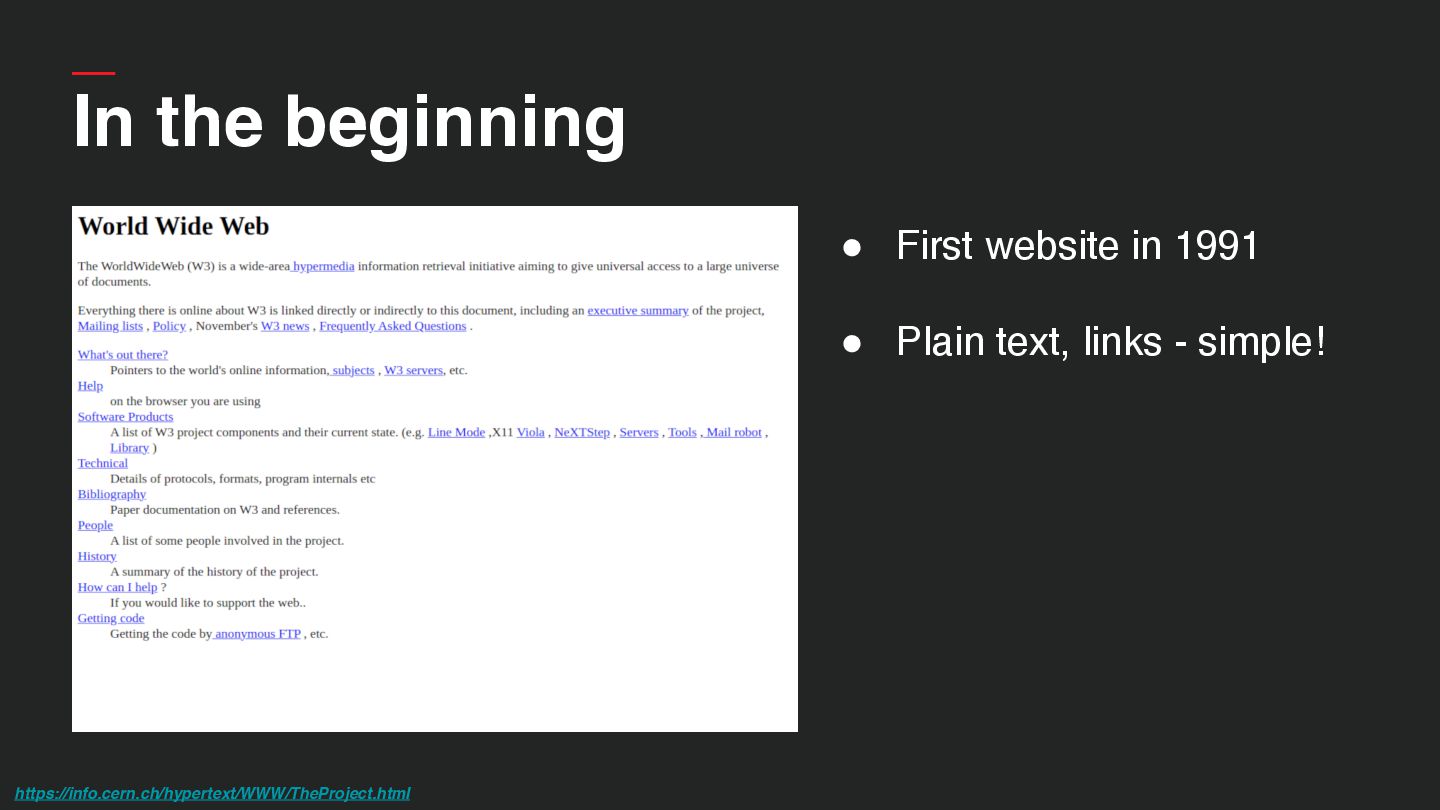
  2. In the beginning • First website in 1991 • Plain

    text, links - simple! https://info.cern.ch/hypertext/WWW/TheProject.html
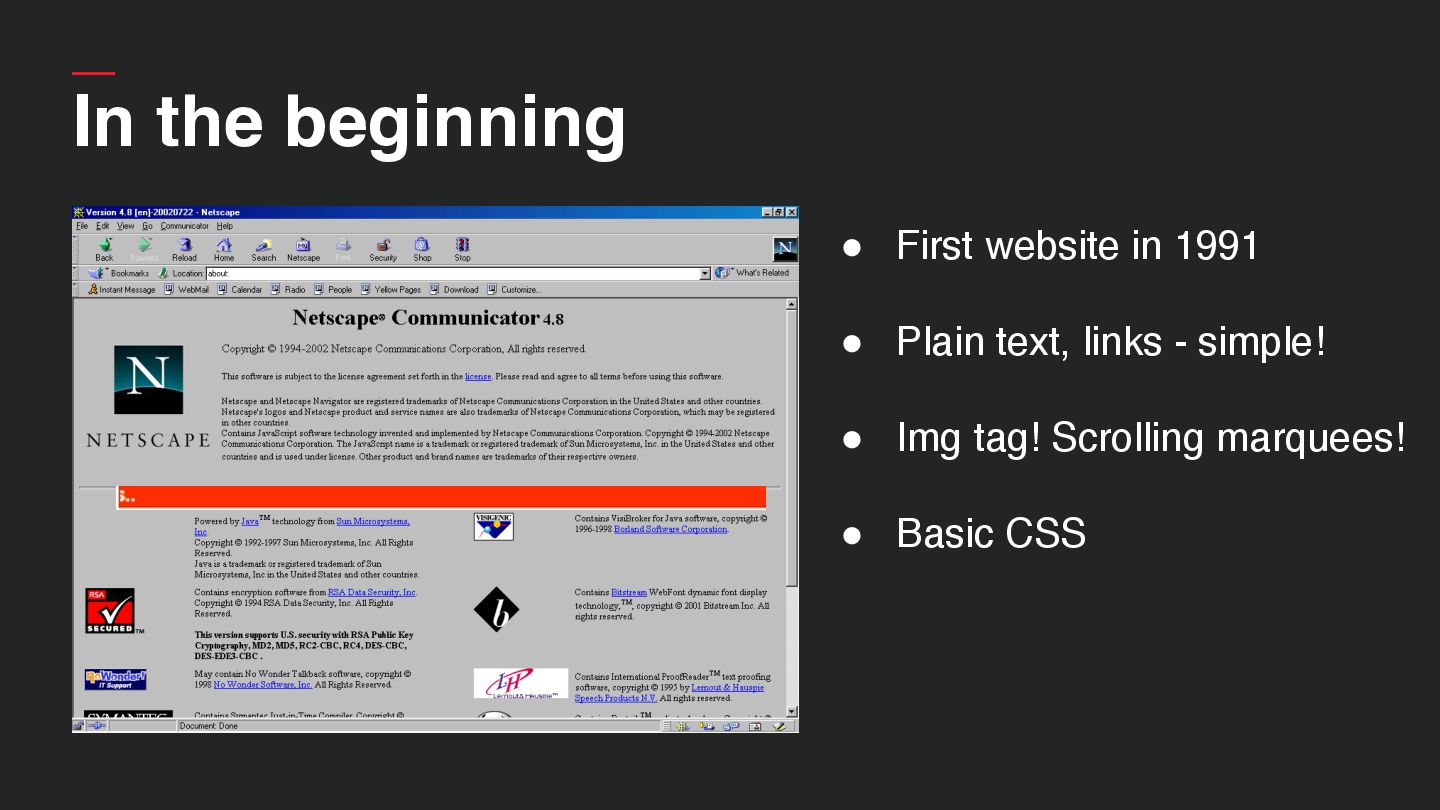
  3. In the beginning • First website in 1991 • Plain

    text, links - simple! • Img tag! Scrolling marquees! • Basic CSS
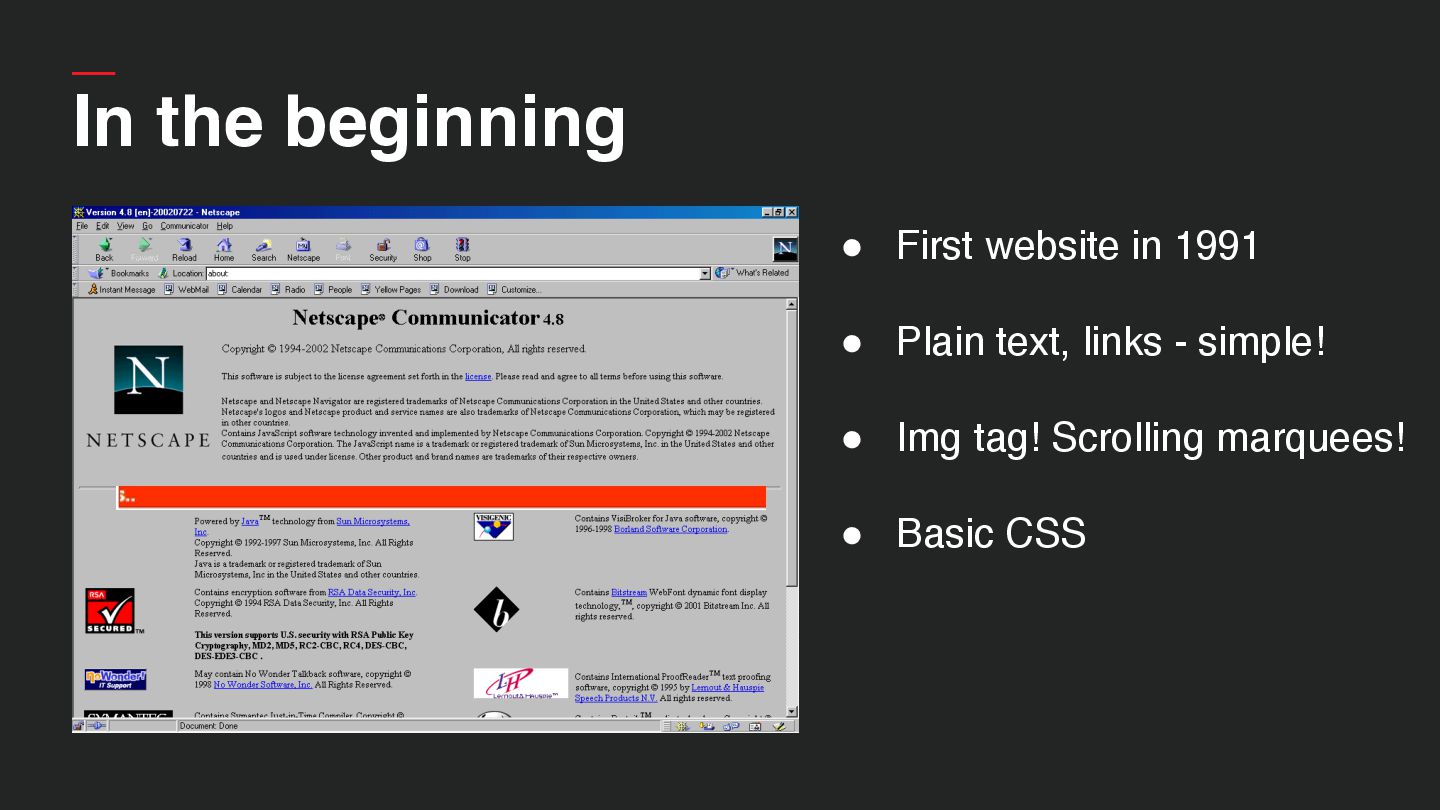
  4. In the beginning • First website in 1991 • Plain

    text, links - simple! • Img tag! Scrolling marquees! • Basic CSS
  5. • First website in 1991 • Plain text, links -

    simple! • Img tag! Scrolling marquees! • Basic → More advanced CSS • Interactivity (Java applets, Flash, Javascript) In the beginning
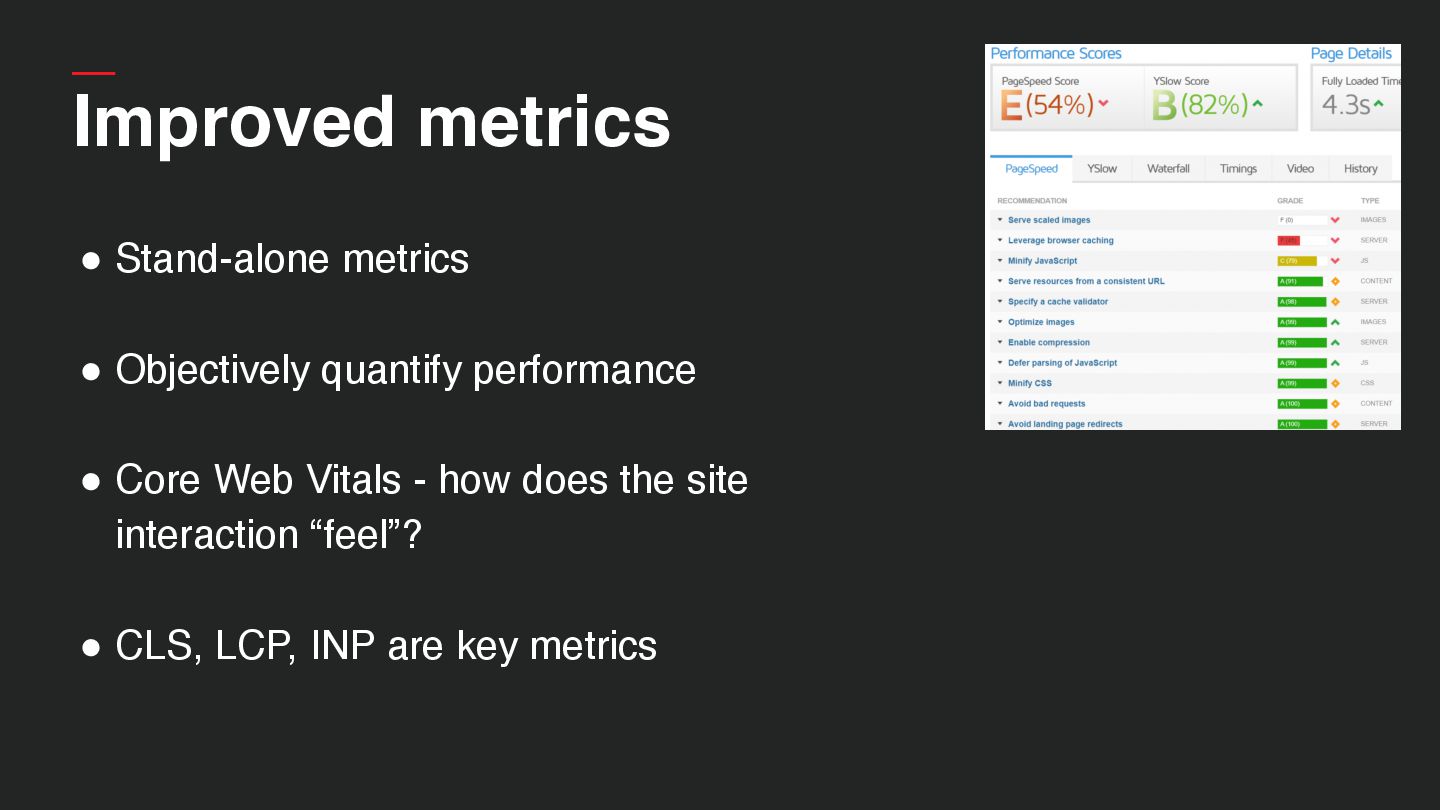
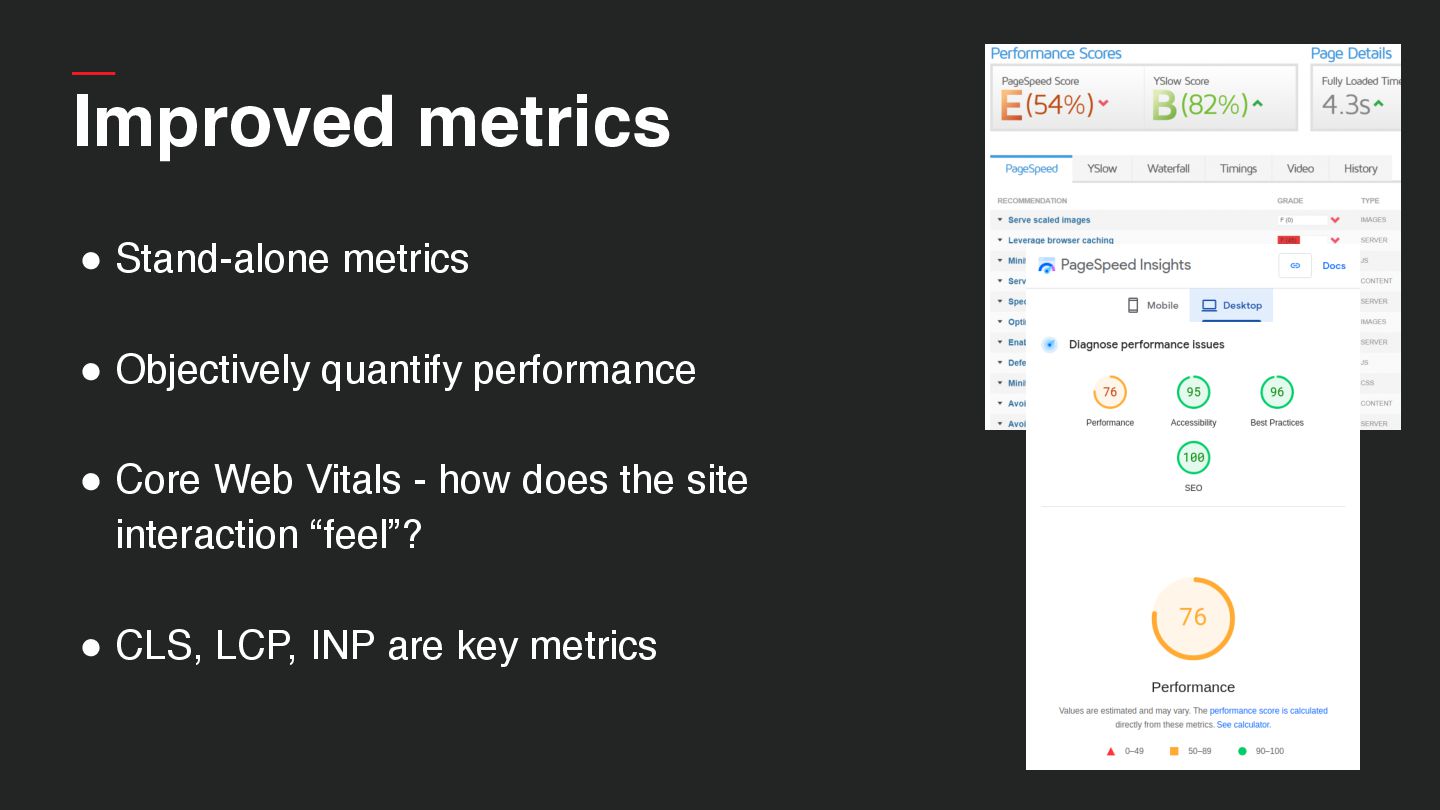
  6. Improved metrics • Stand-alone metrics • Objectively quantify performance •

    Core Web Vitals - how does the site interaction “feel”? • CLS, LCP, INP are key metrics
  7. Improved metrics • Stand-alone metrics • Objectively quantify performance •

    Core Web Vitals - how does the site interaction “feel”? • CLS, LCP, INP are key metrics
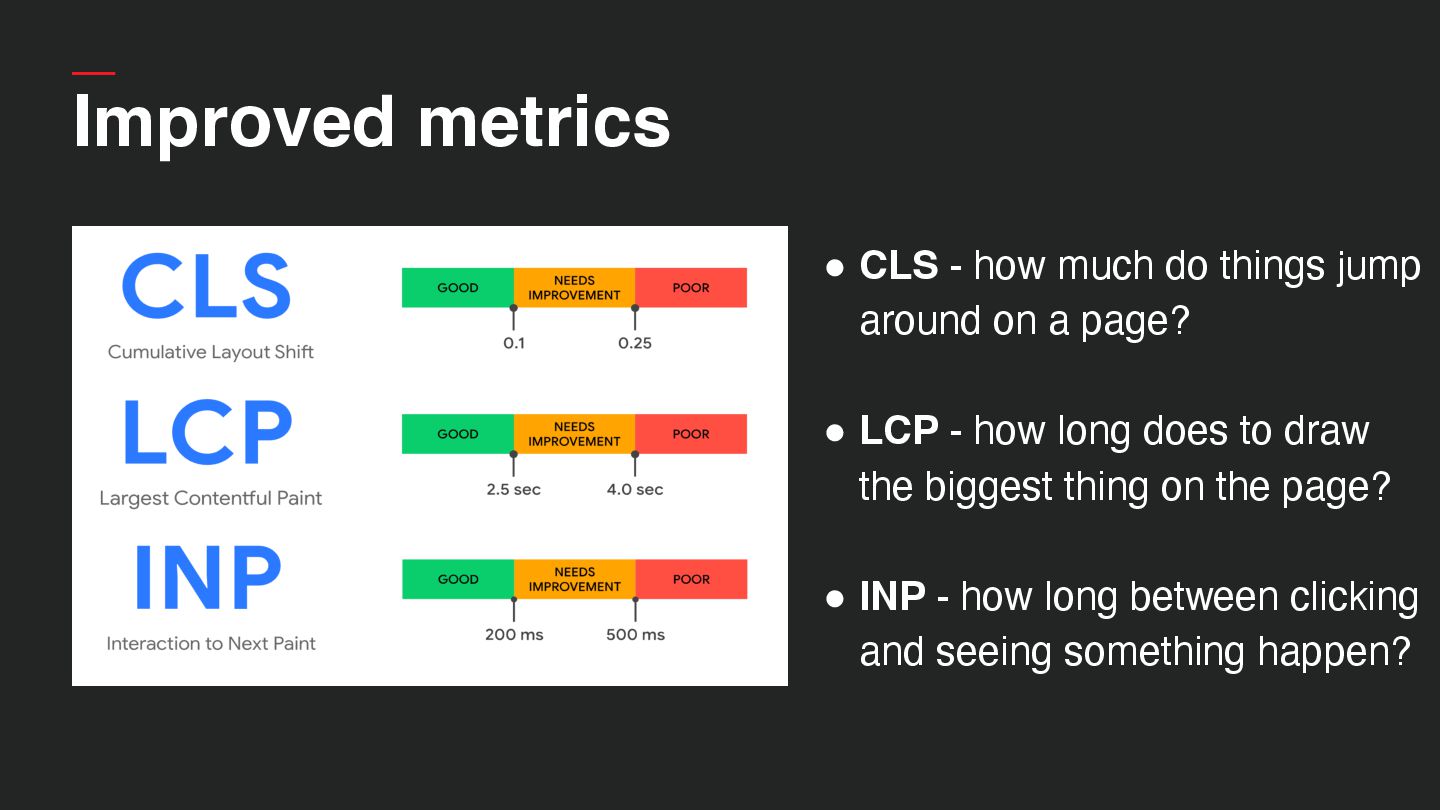
  8. Improved metrics • CLS - how much do things jump

    around on a page? • LCP - how long does to draw the biggest thing on the page? • INP - how long between clicking and seeing something happen?
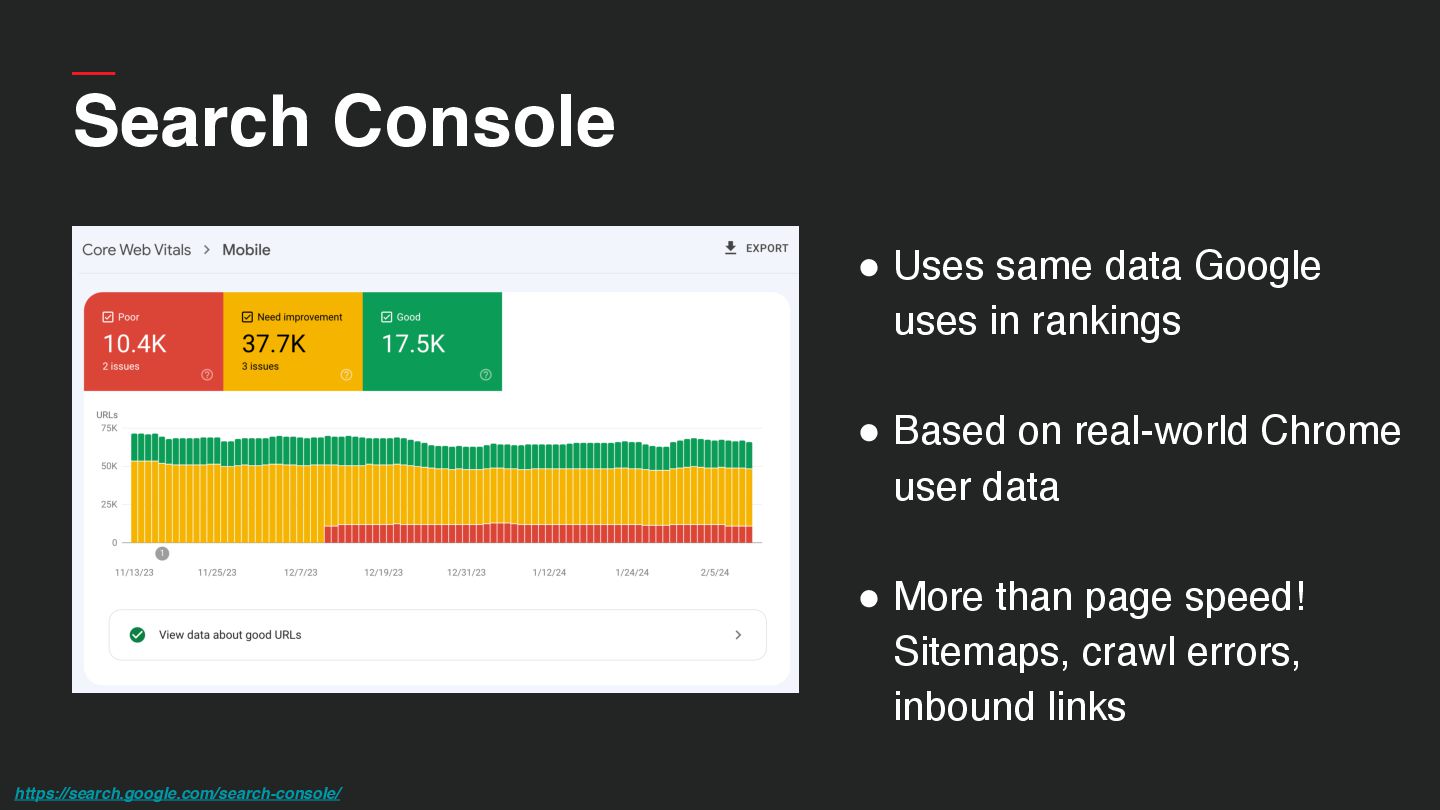
  9. • Uses same data Google uses in rankings • Based

    on real-world Chrome user data • More than page speed! Sitemaps, crawl errors, inbound links https://search.google.com/search-console/ Search Console
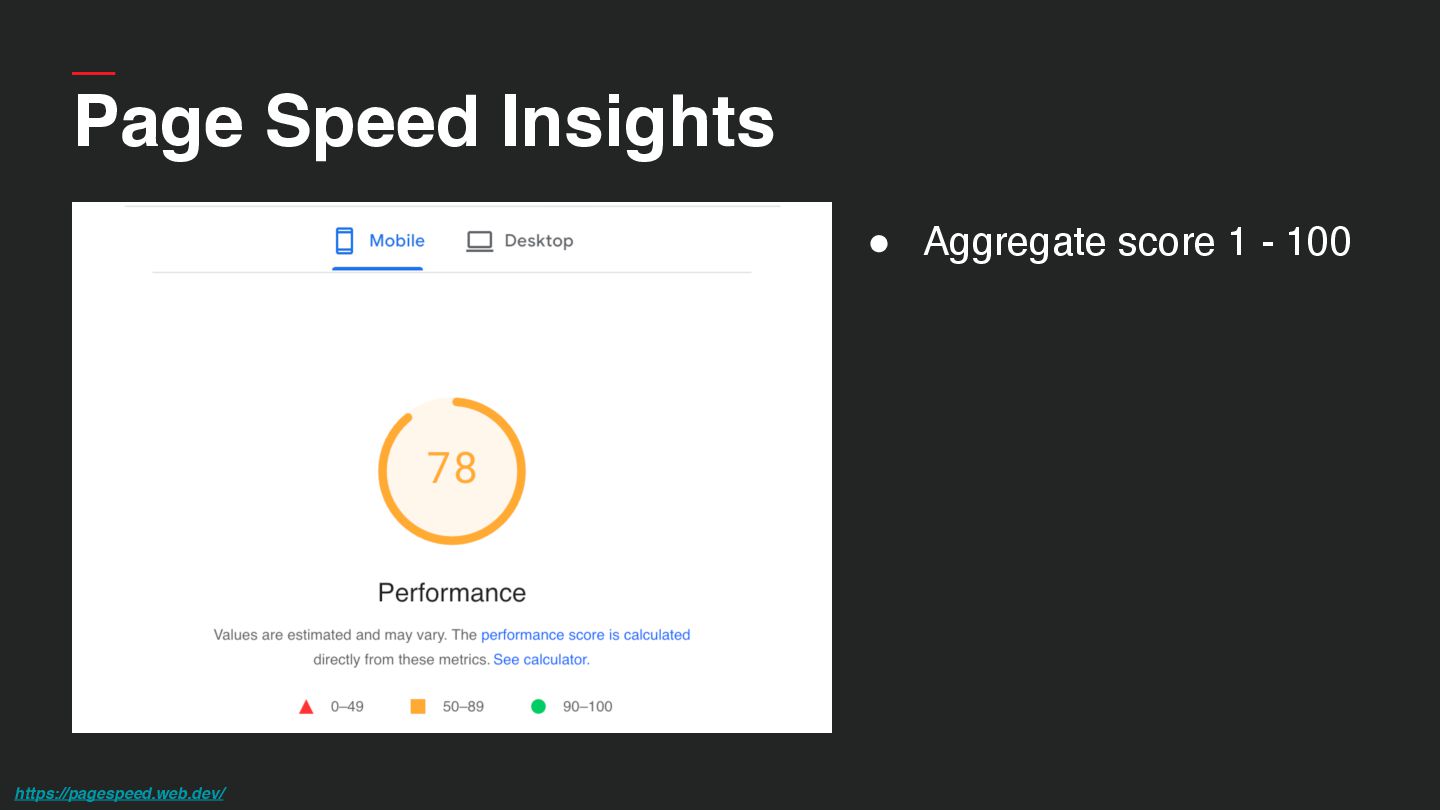
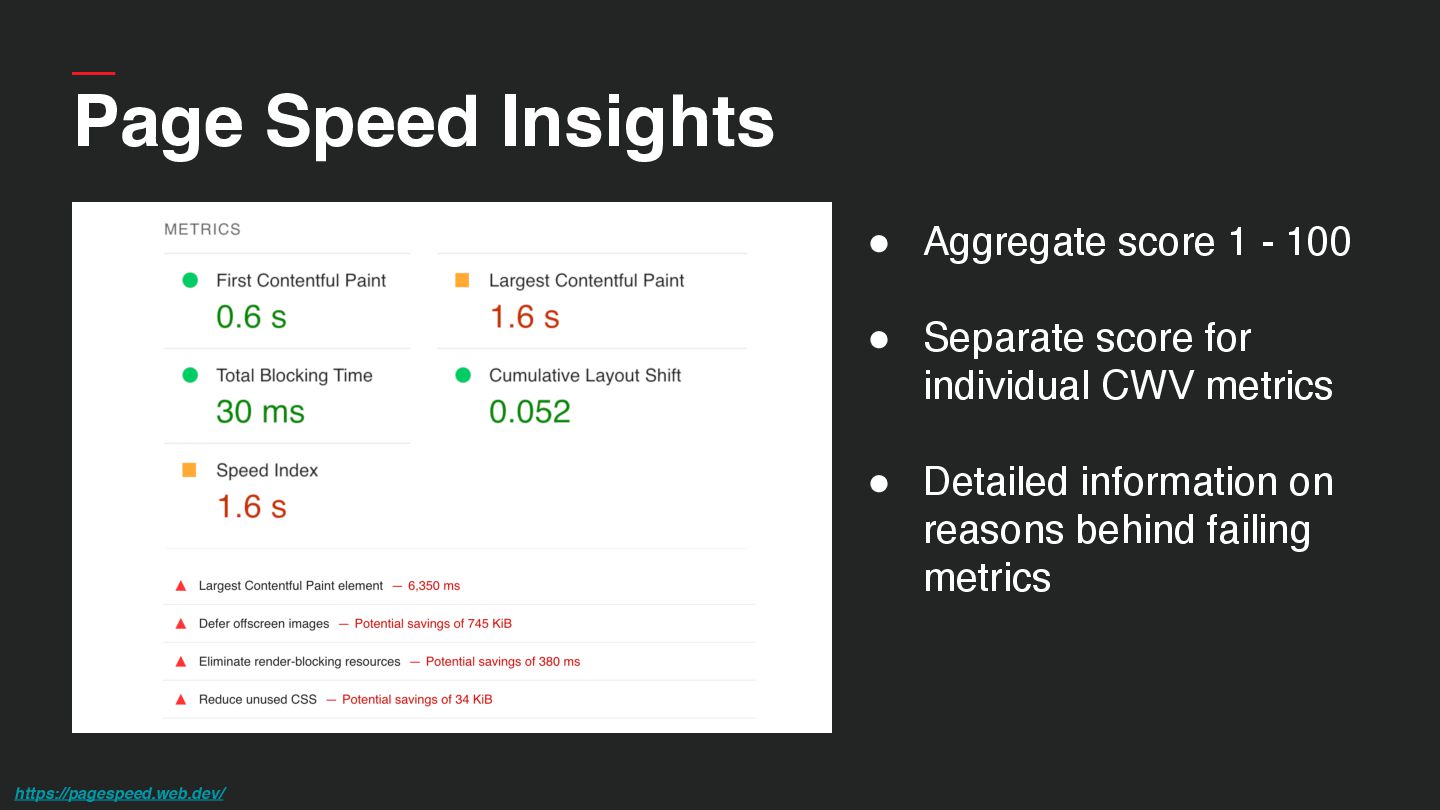
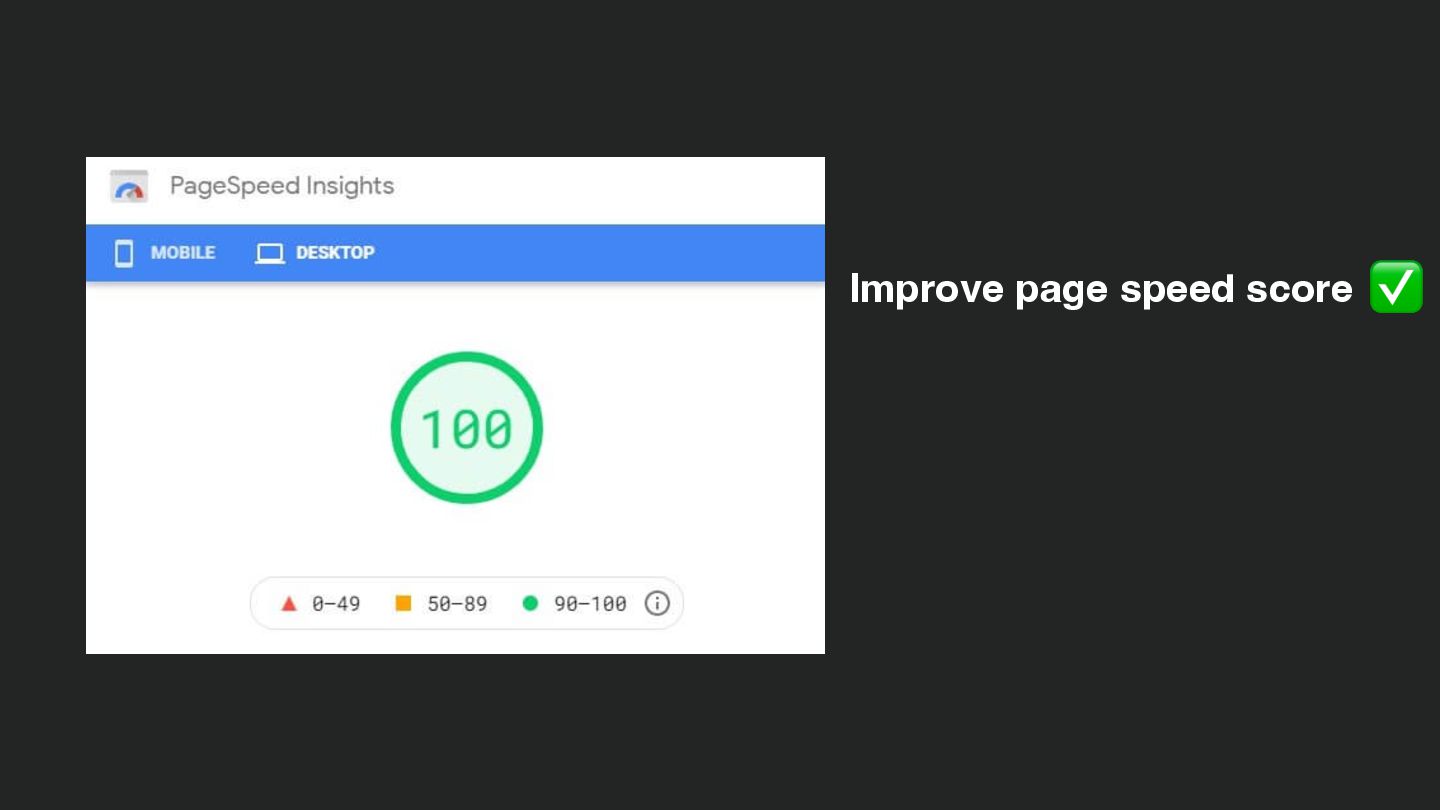
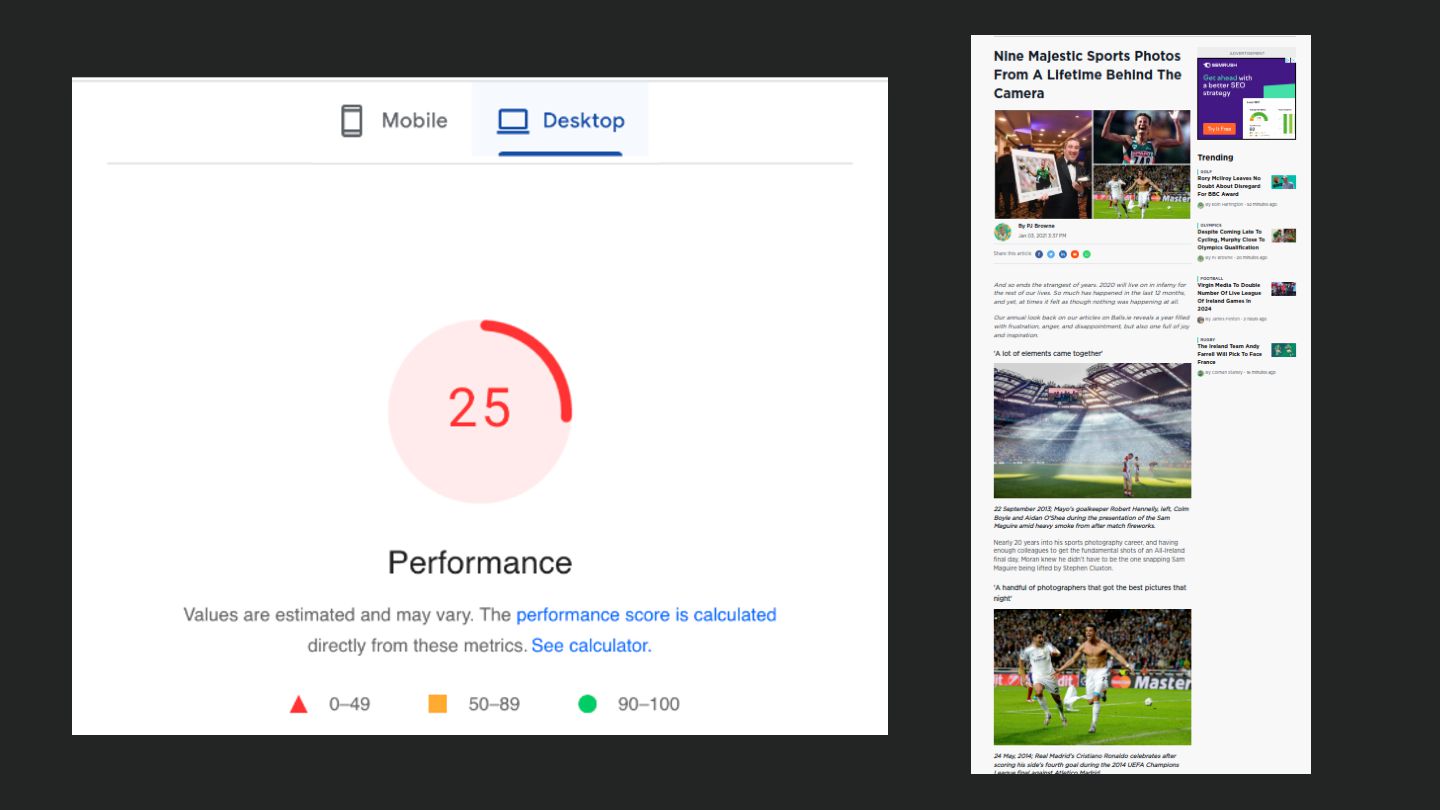
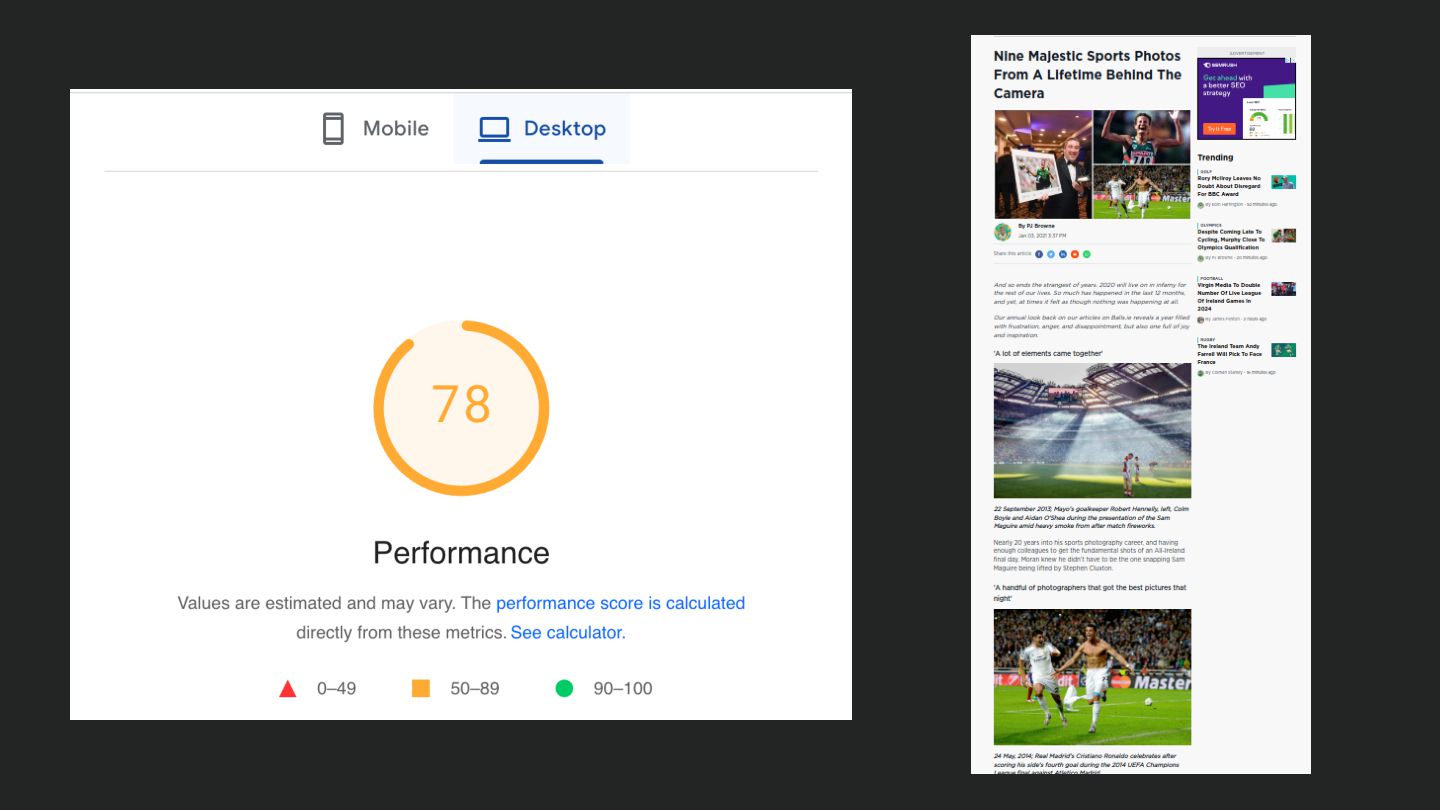
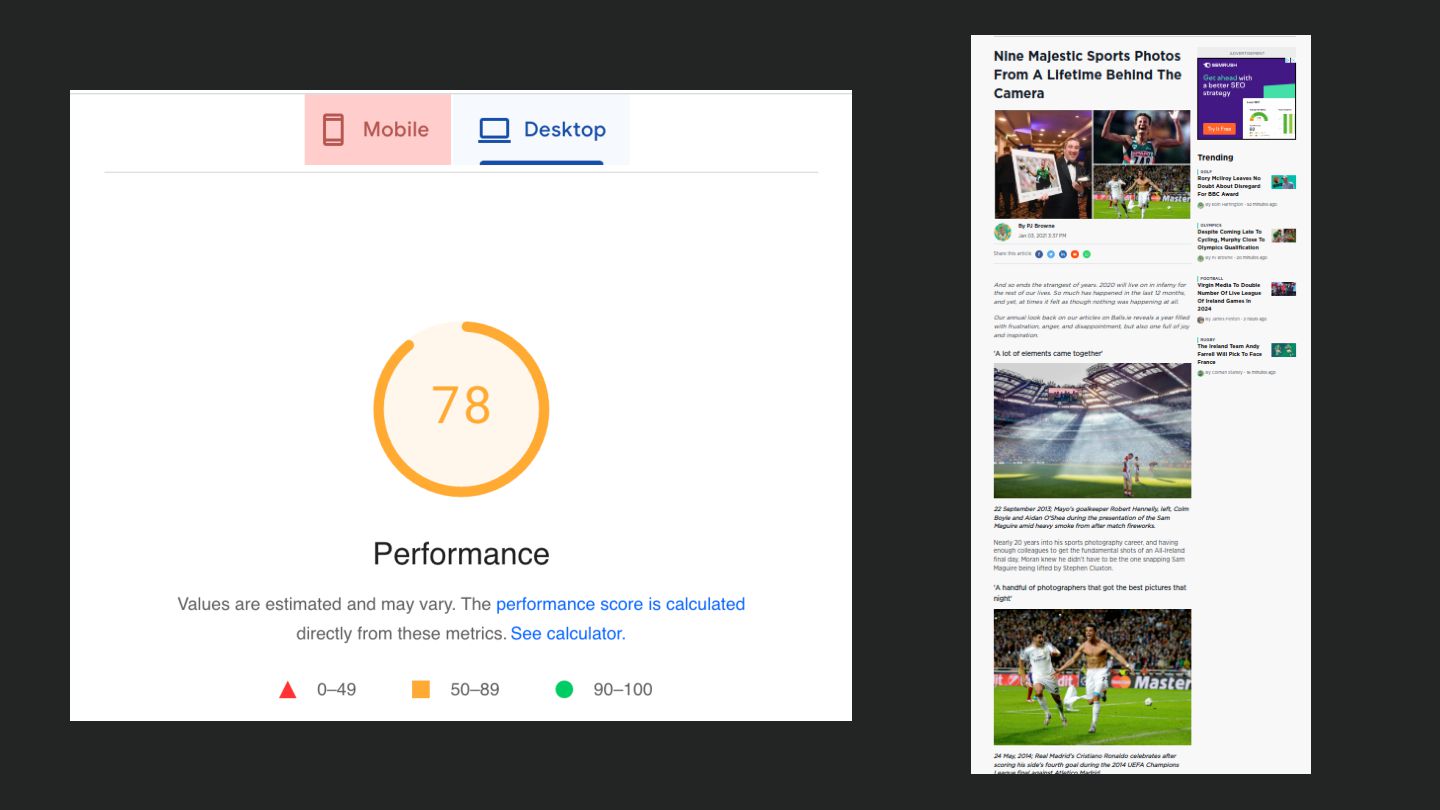
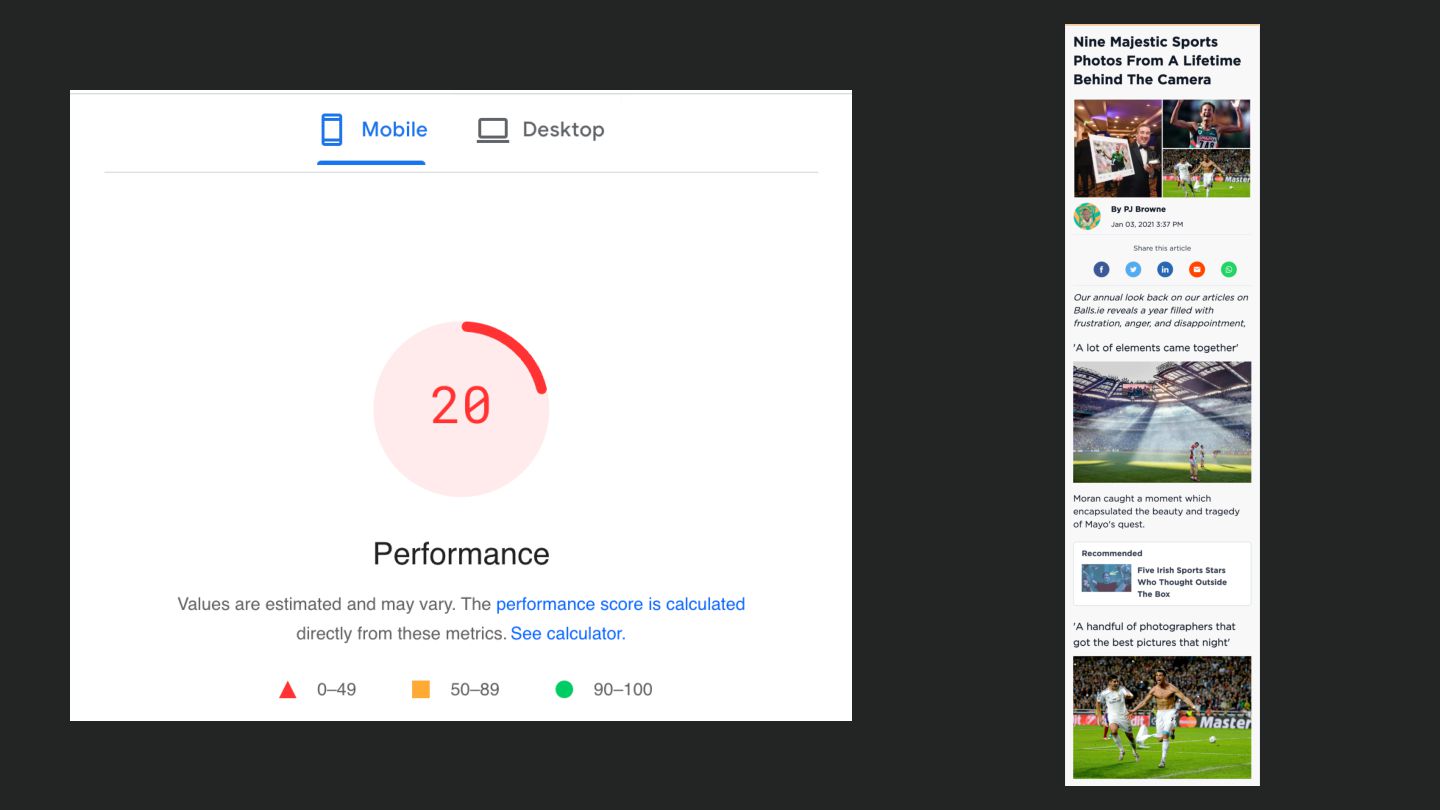
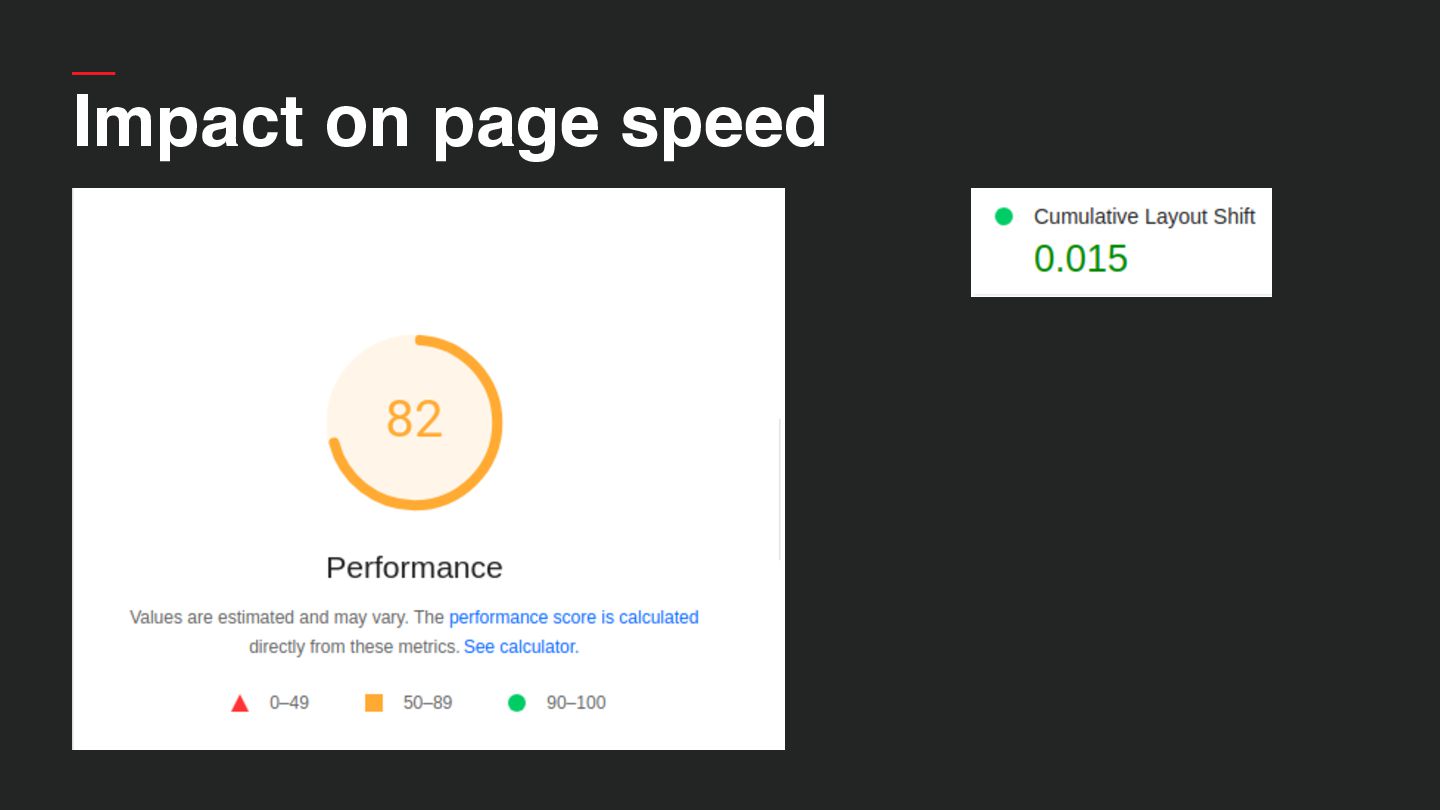
  10. https://pagespeed.web.dev/ • Aggregate score 1 - 100 • Separate score

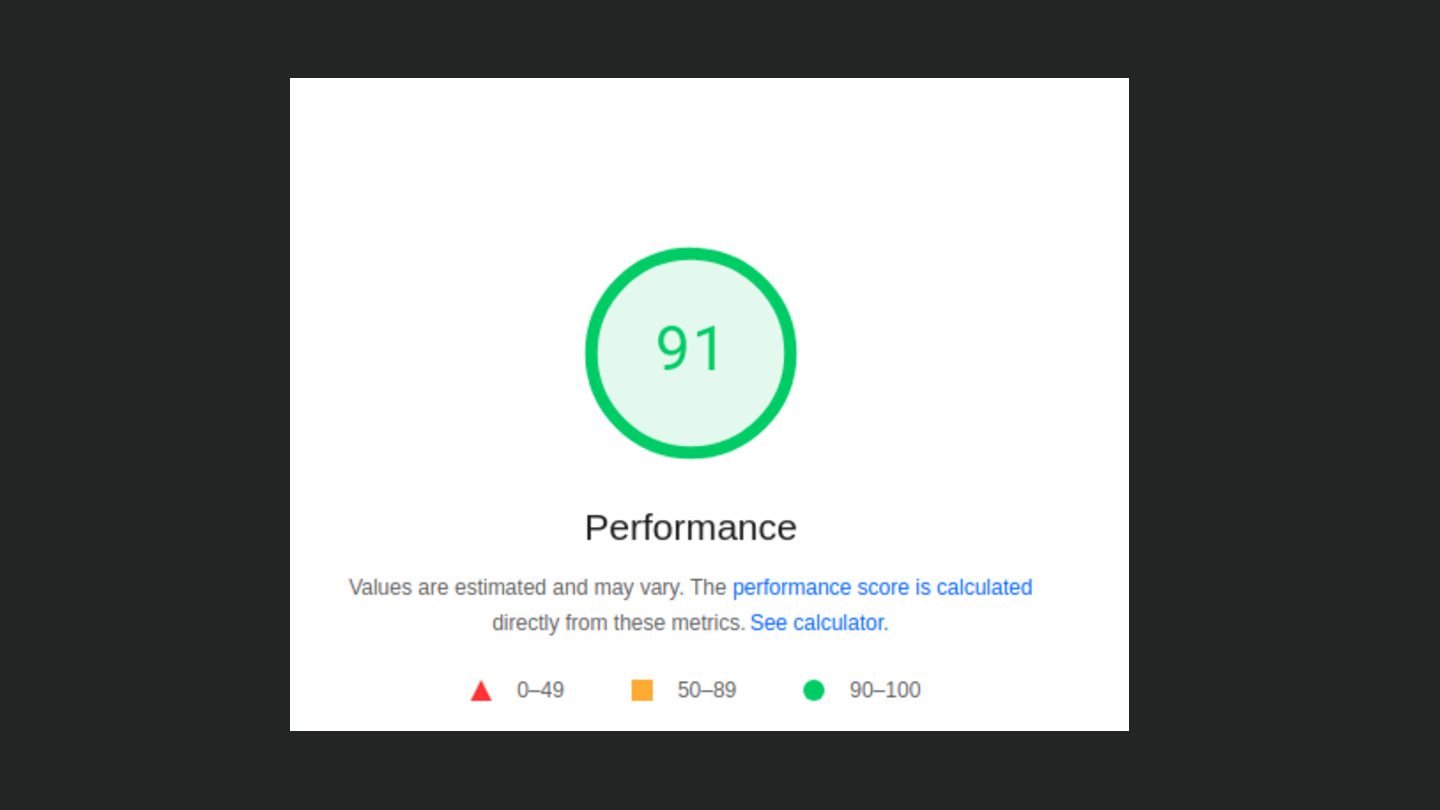
    for individual CWV metrics • Detailed information on reasons behind failing metrics Page Speed Insights
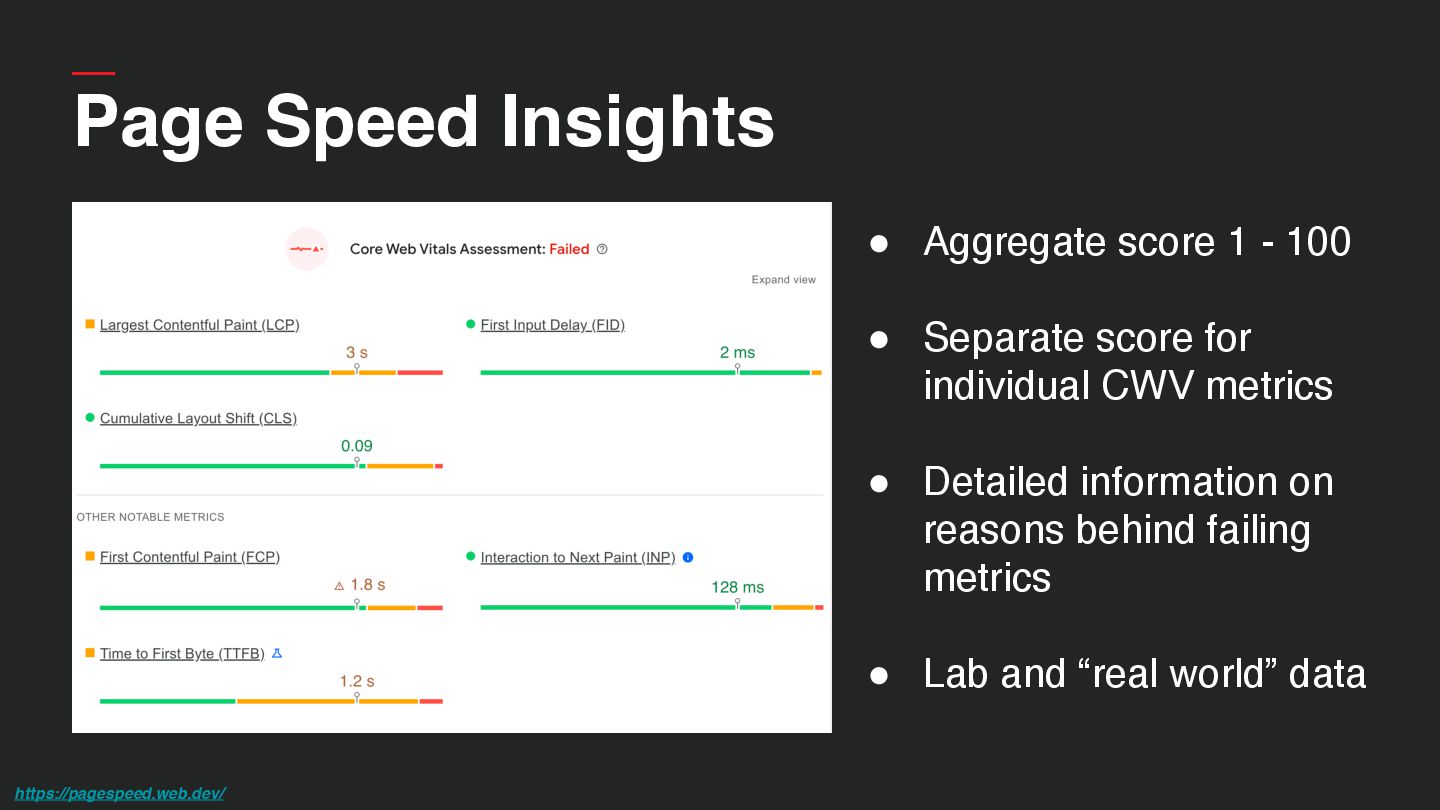
  11. • Aggregate score 1 - 100 • Separate score for

    individual CWV metrics • Detailed information on reasons behind failing metrics • Lab and “real world” data https://pagespeed.web.dev/ Page Speed Insights
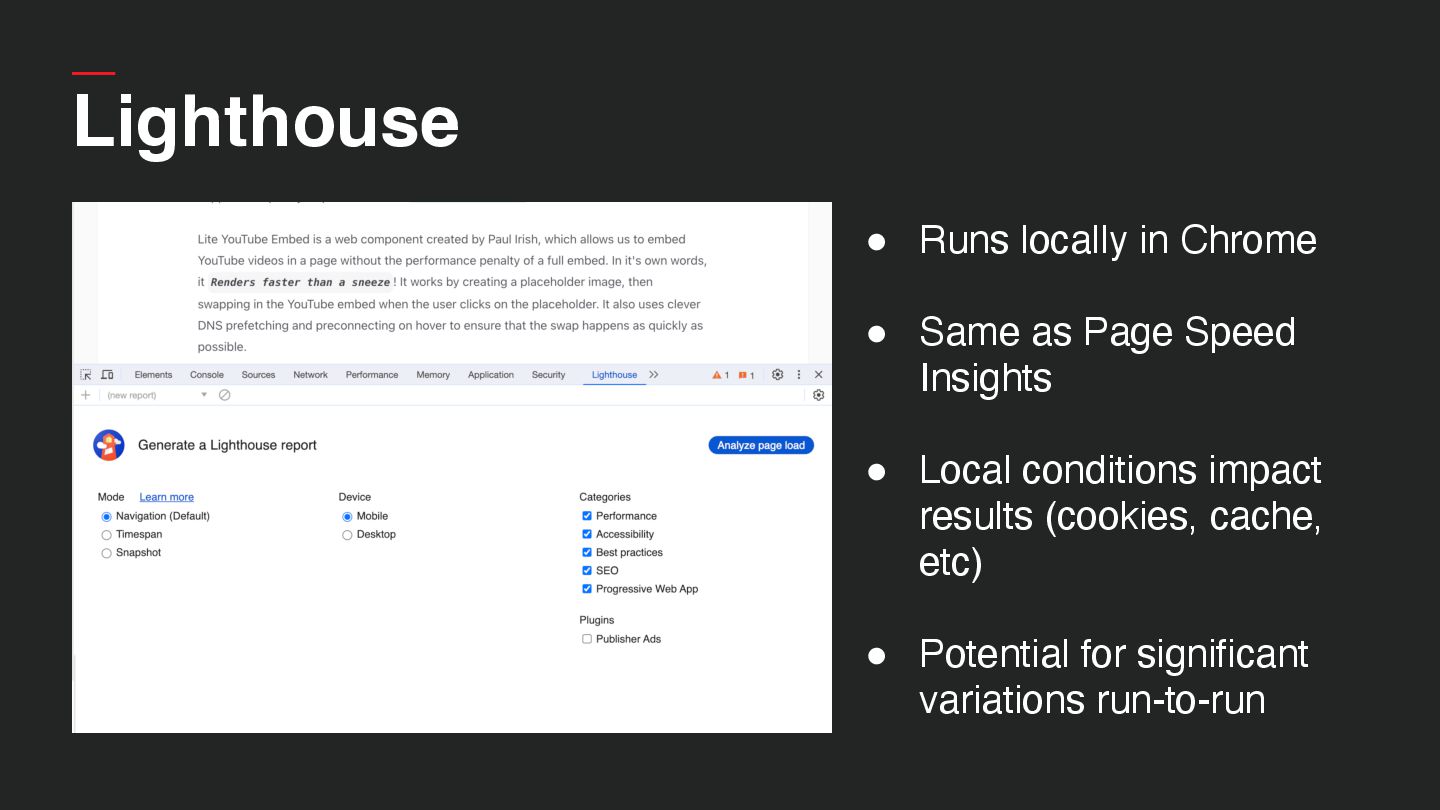
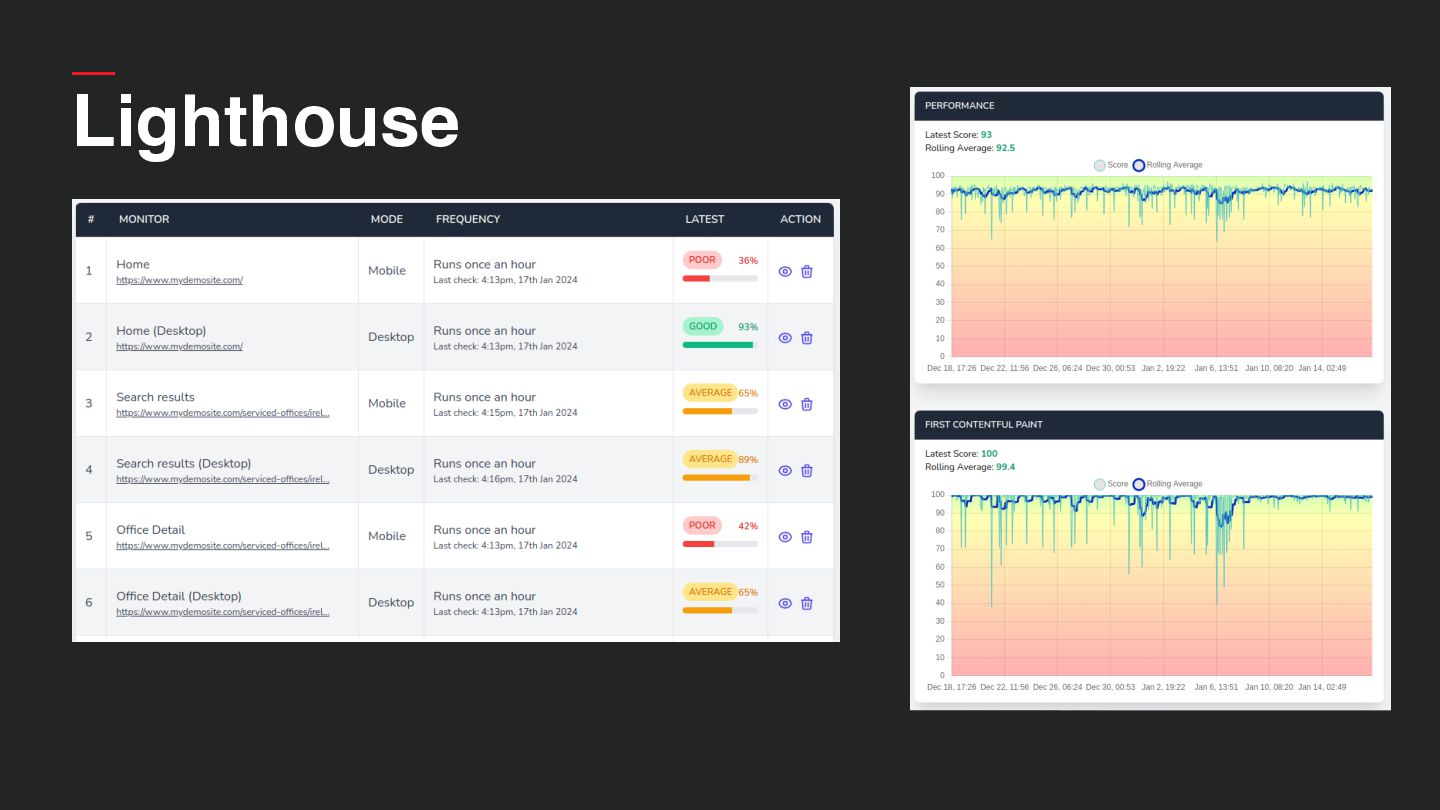
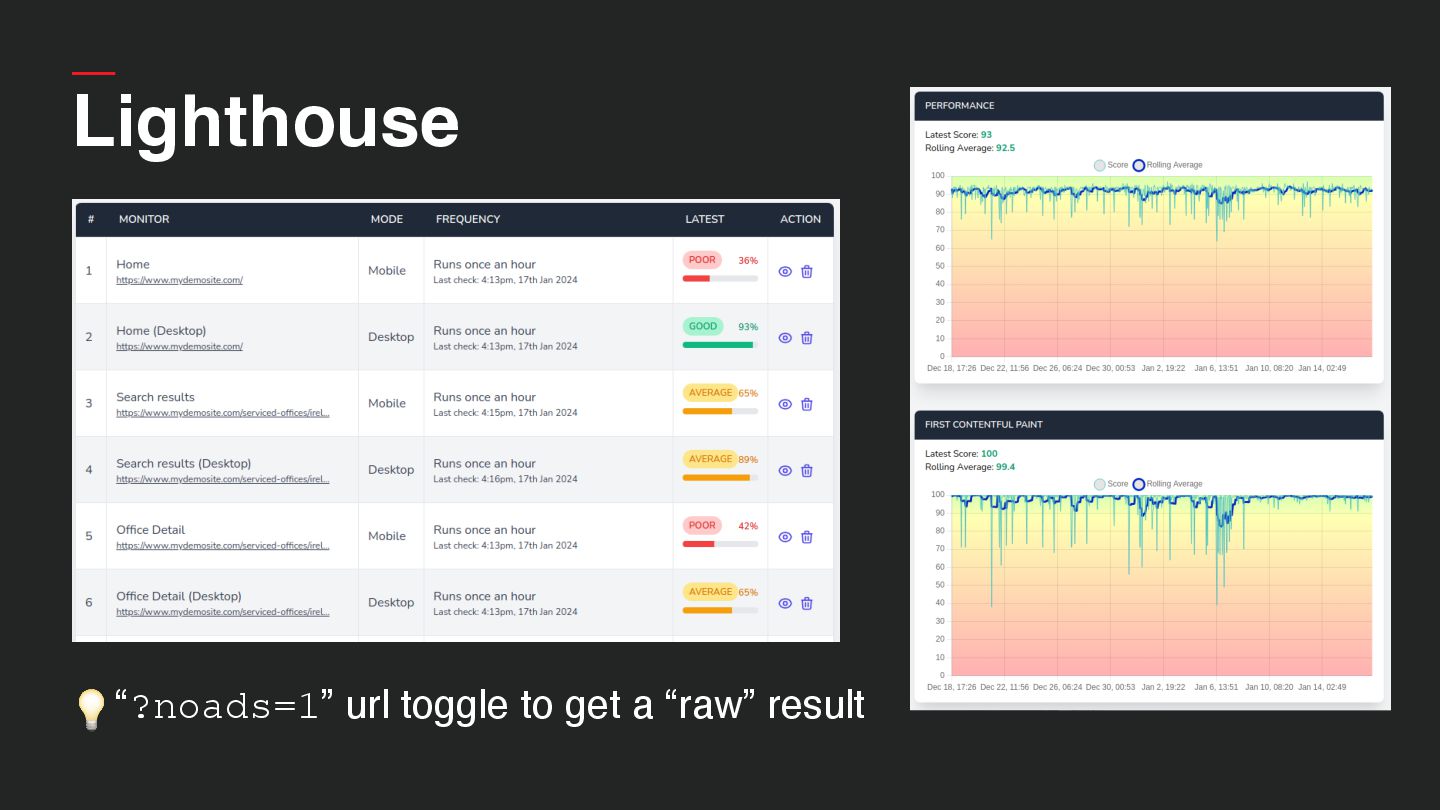
  12. • Runs locally in Chrome • Same as Page Speed

    Insights • Local conditions impact results (cookies, cache, etc) • Potential for significant variations run-to-run Lighthouse
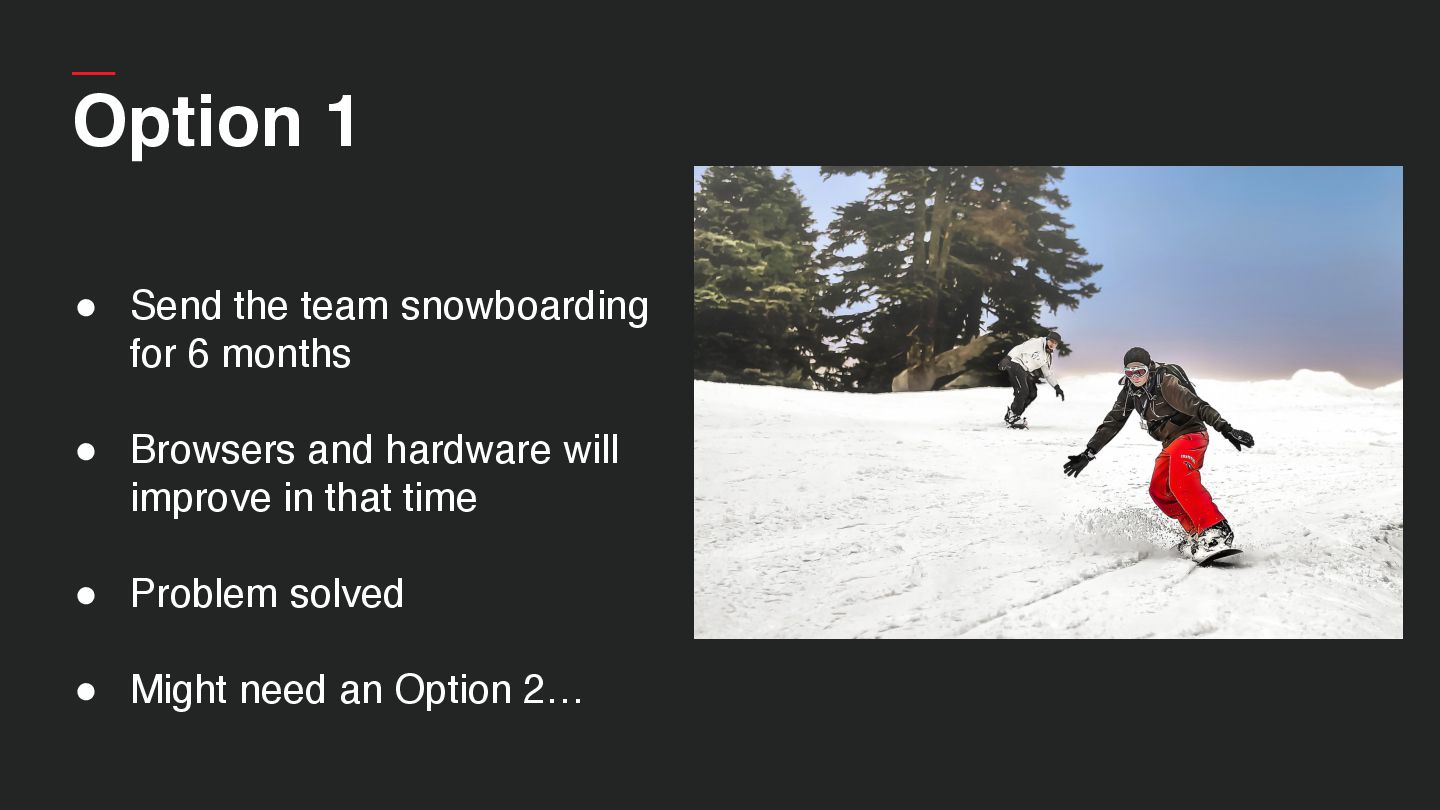
  13. Option 1 • Send the team snowboarding for 6 months

    • Browsers and hardware will improve in that time • Problem solved
  14. Option 1 • Send the team snowboarding for 6 months

    • Browsers and hardware will improve in that time • Problem solved • Might need an Option 2…
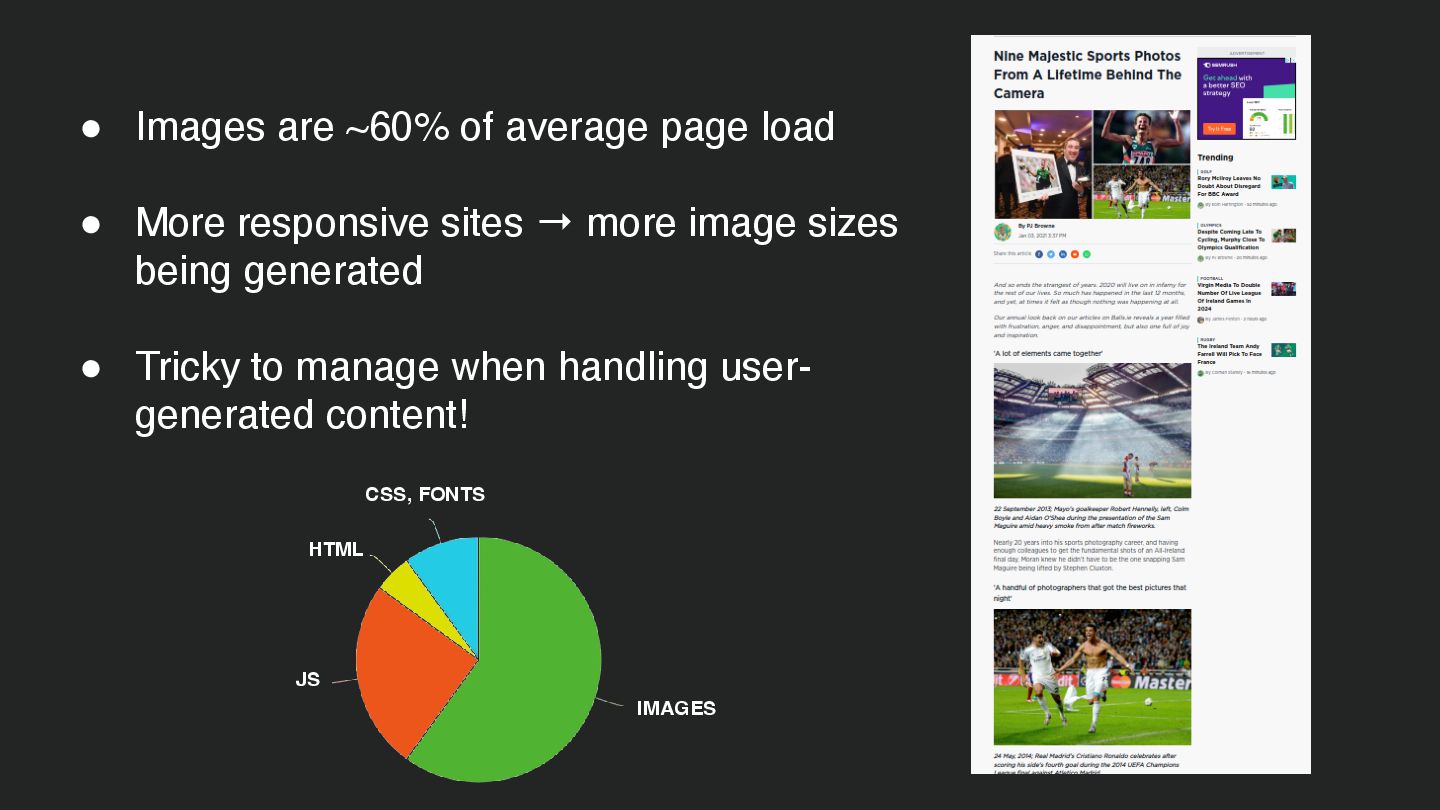
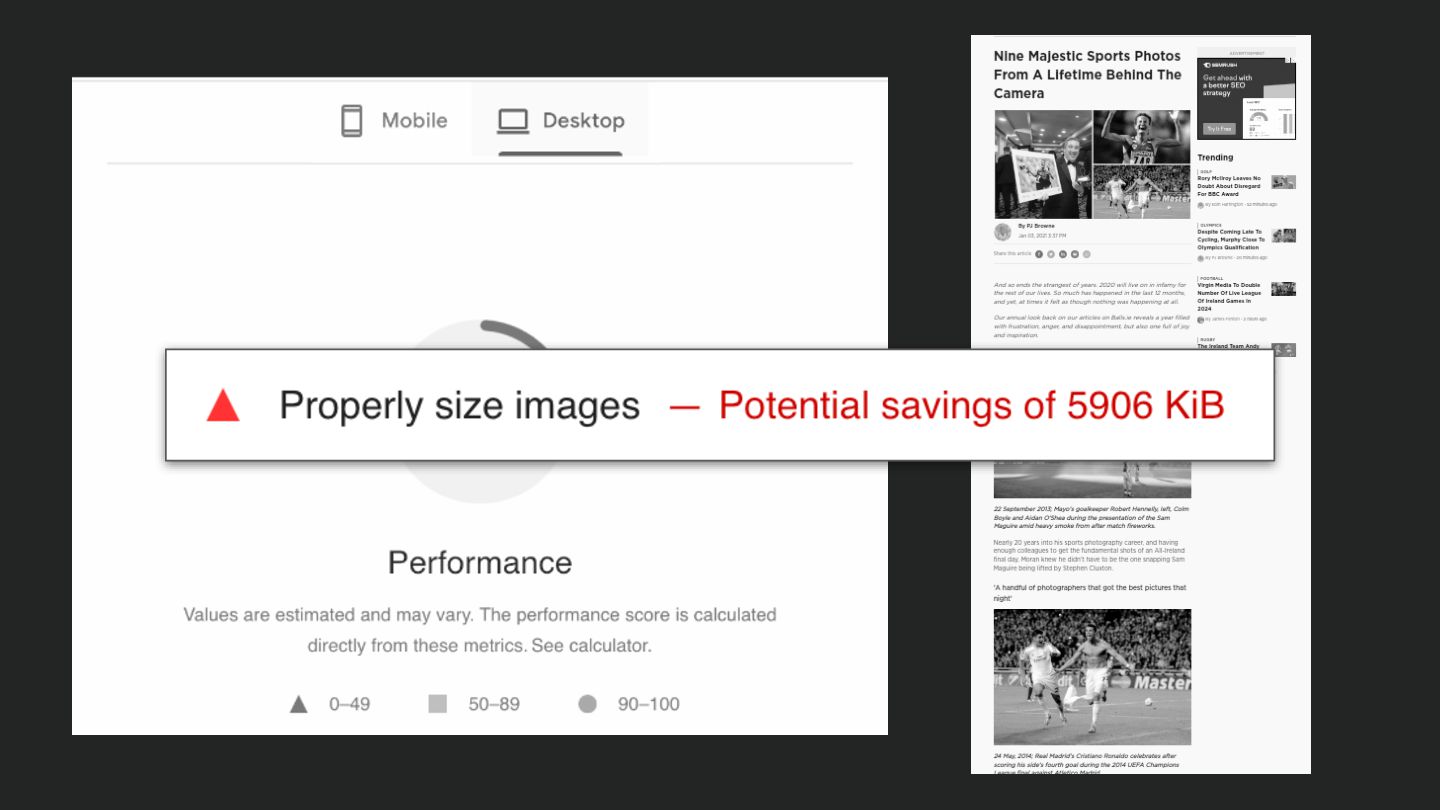
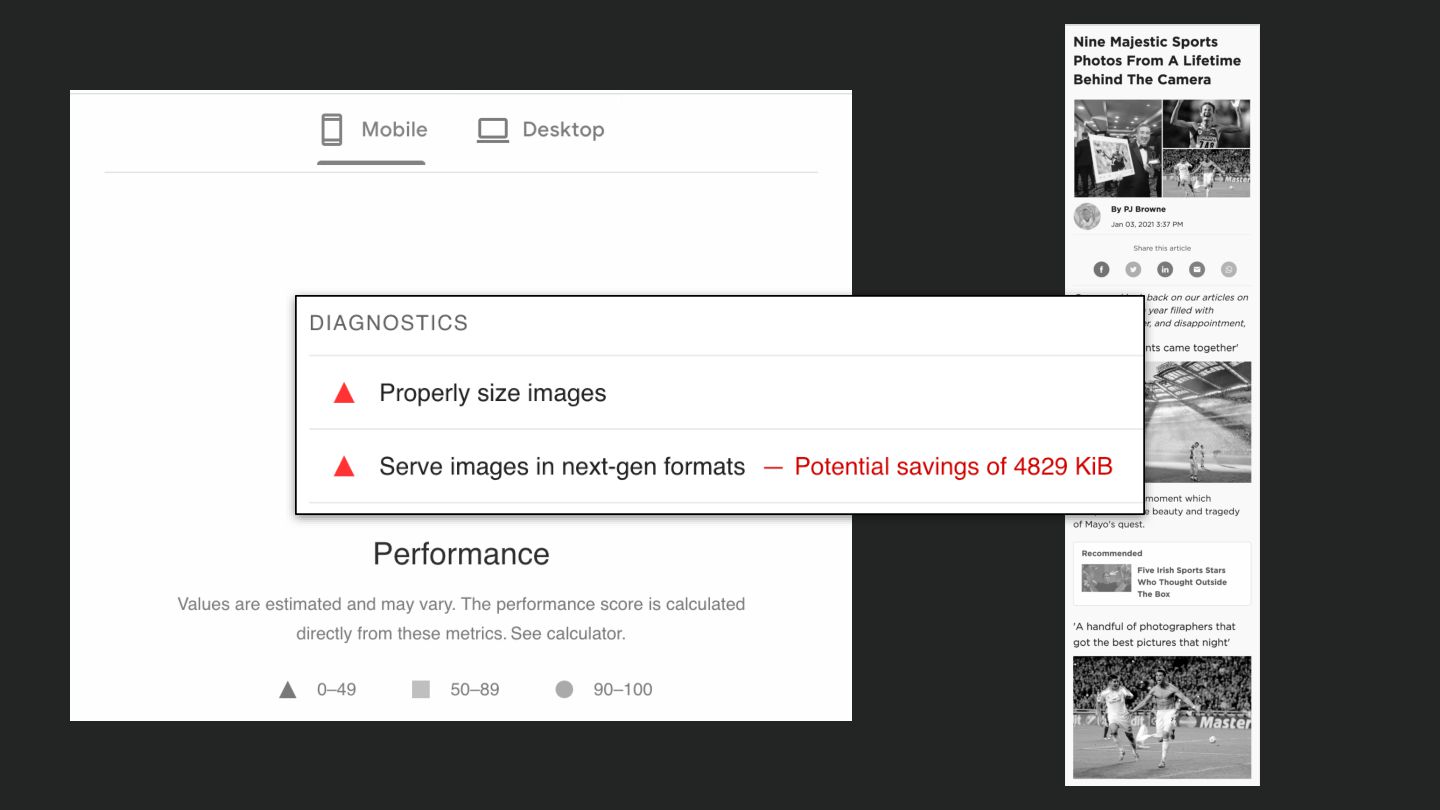
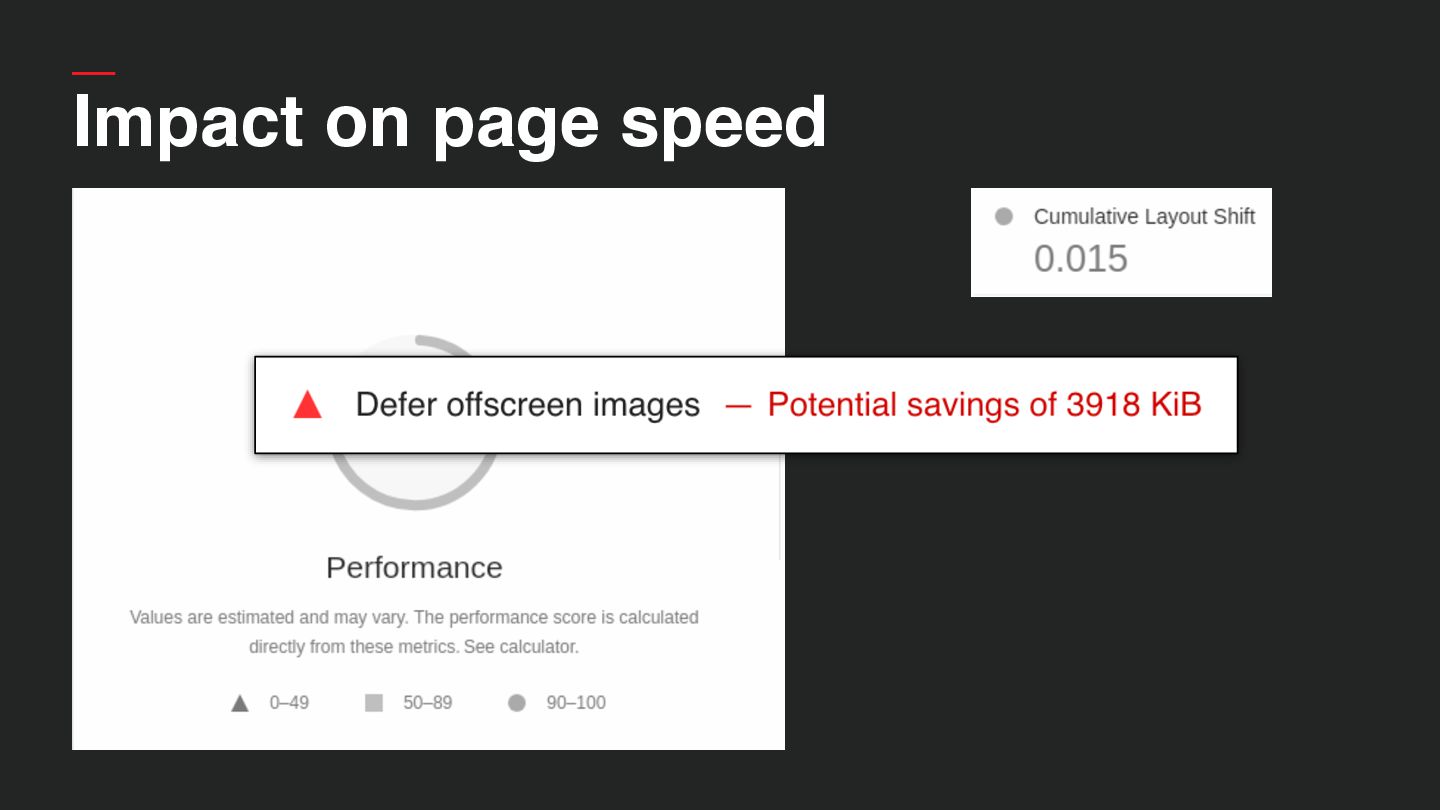
  15. • Images are ~60% of average page load • More

    responsive sites → more image sizes being generated • Tricky to manage when handling user- generated content! IMAGES JS HTML CSS, FONTS
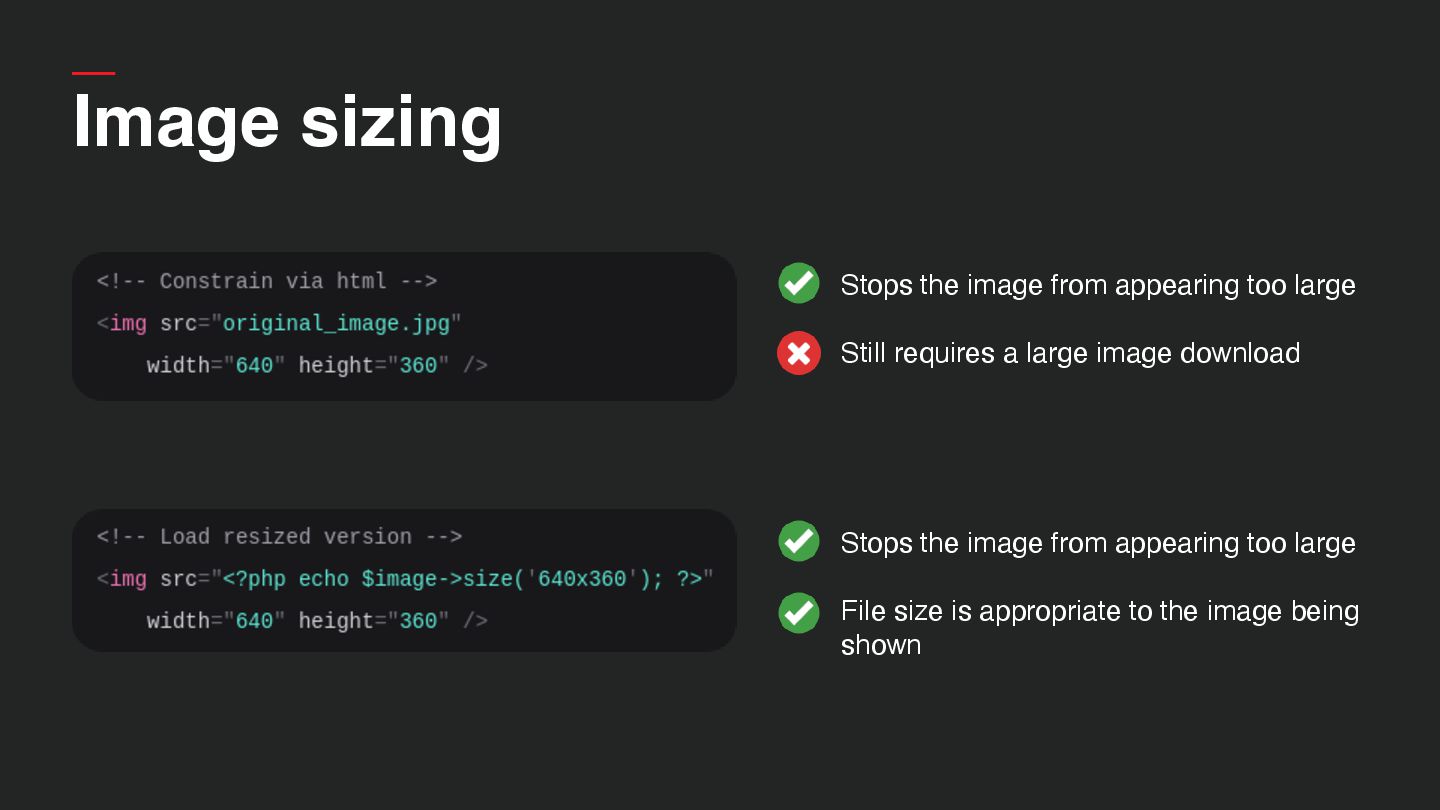
  16. Image sizing • Stops the image from appearing too large

    • Still requires a large image download
  17. • Stops the image from appearing too large • File

    size is appropriate to the image being shown Image sizing • Stops the image from appearing too large • Still requires a large image download
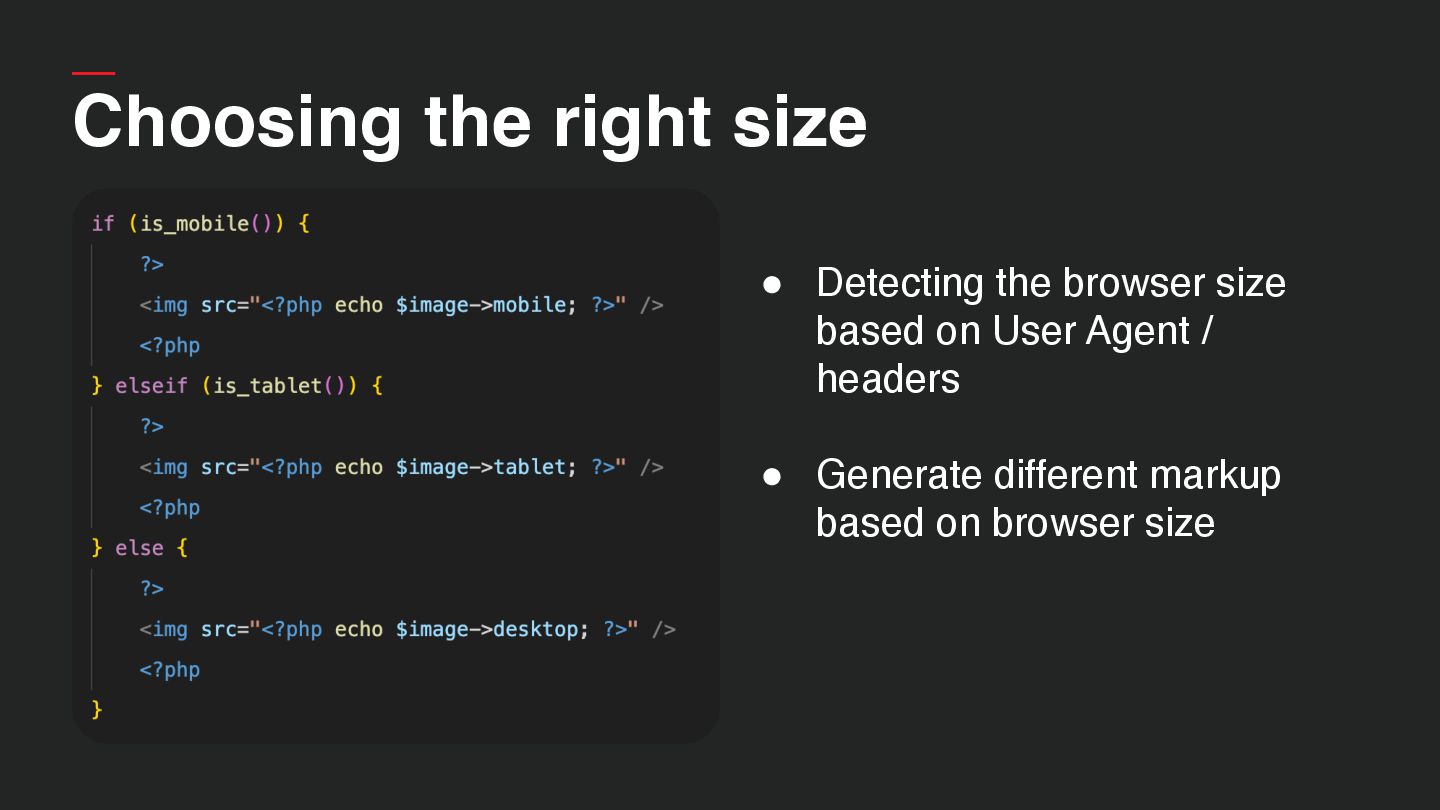
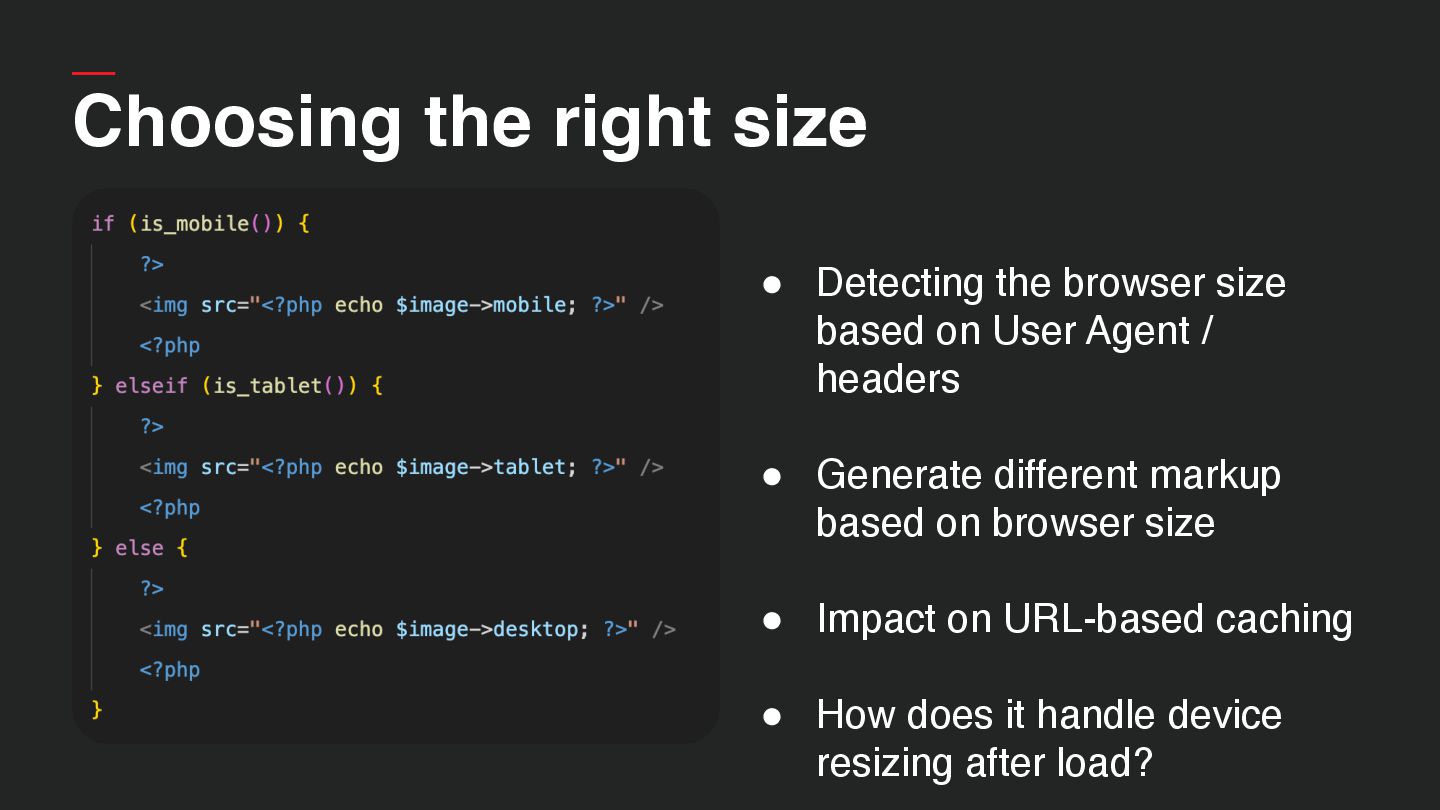
  18. Choosing the right size • Detecting the browser size based

    on User Agent / headers • Generate different markup based on browser size
  19. Choosing the right size • Detecting the browser size based

    on User Agent / headers • Generate different markup based on browser size • Impact on URL-based caching • How does it handle device resizing after load?
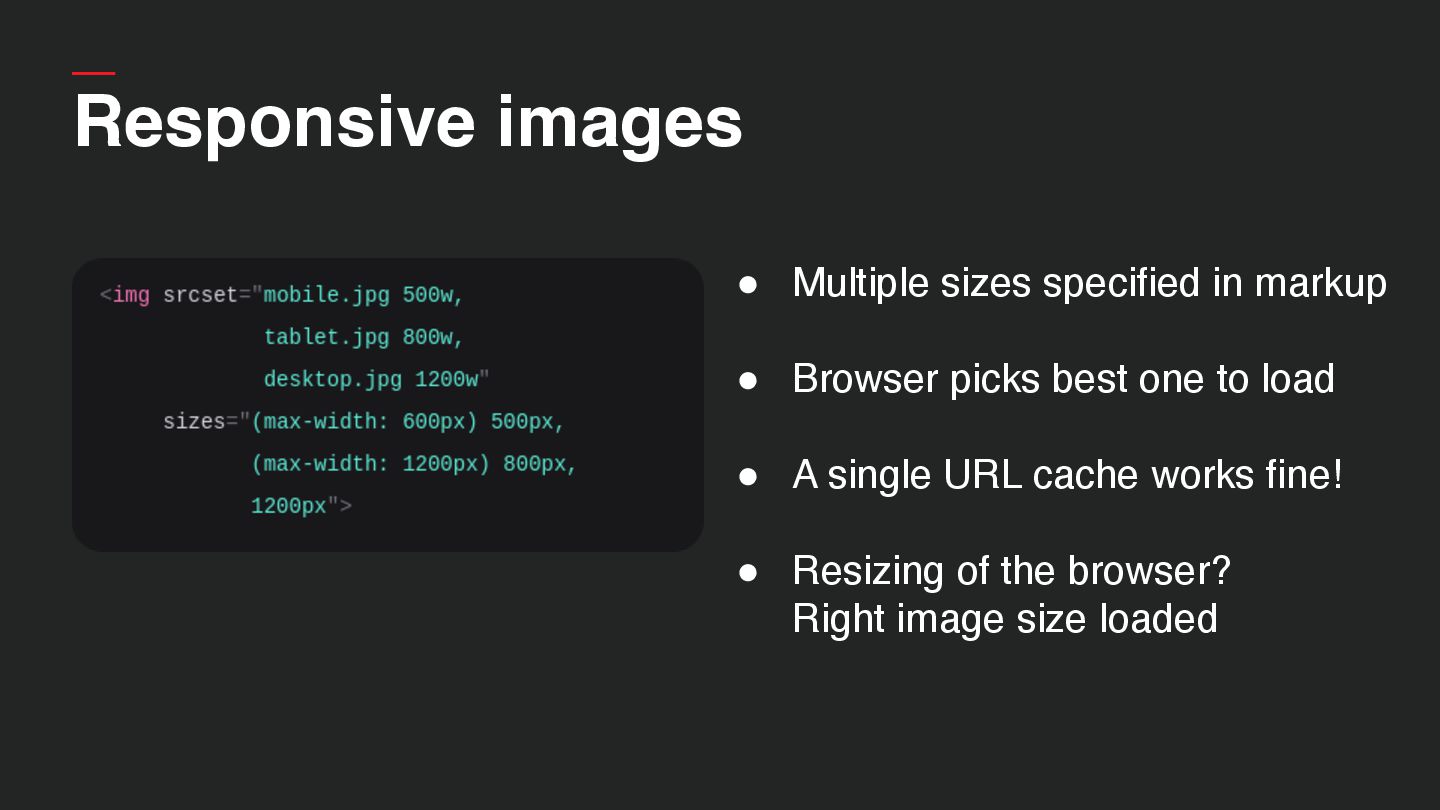
  20. Responsive images • Multiple sizes specified in markup • Browser

    picks best one to load • A single URL cache works fine! • Resizing of the browser?
 Right image size loaded
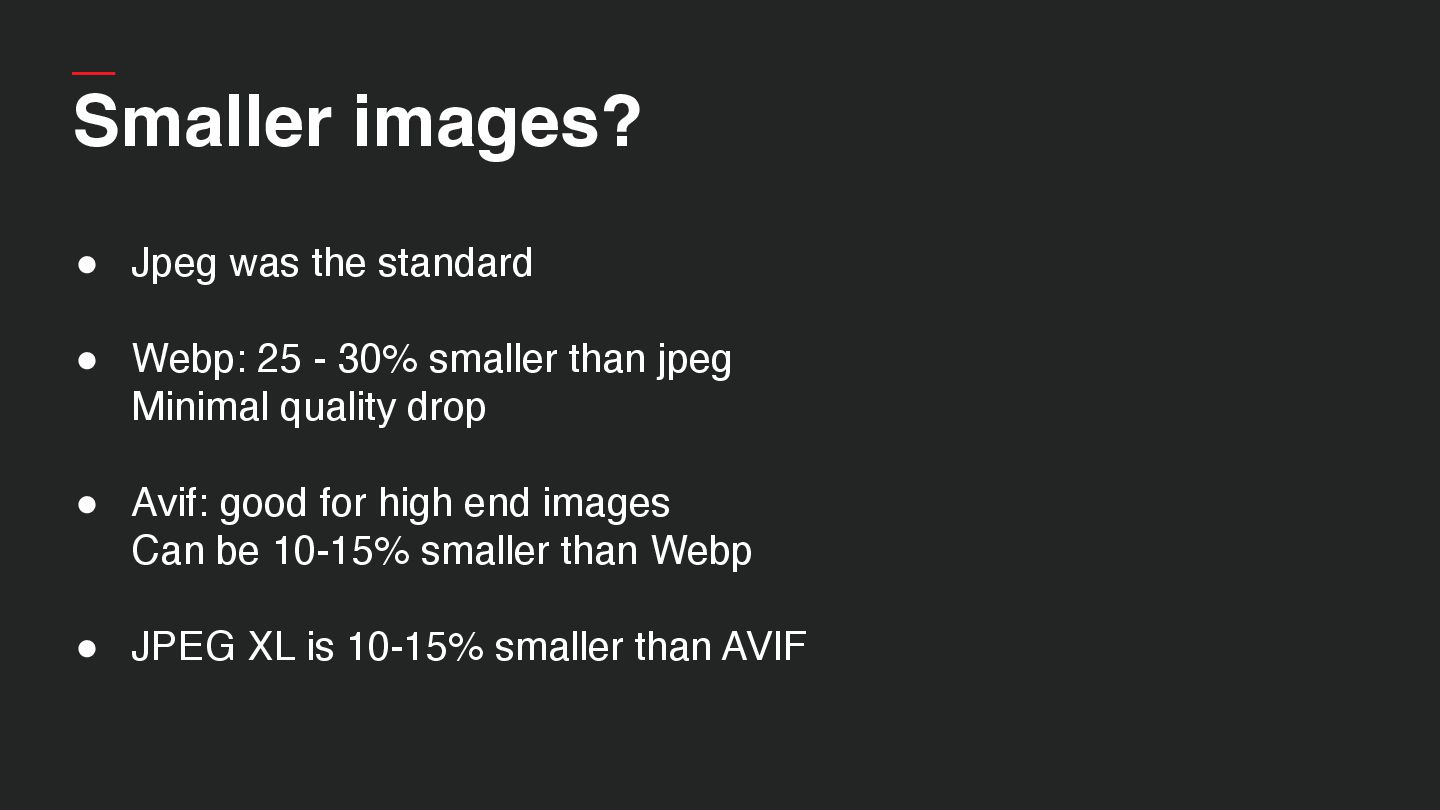
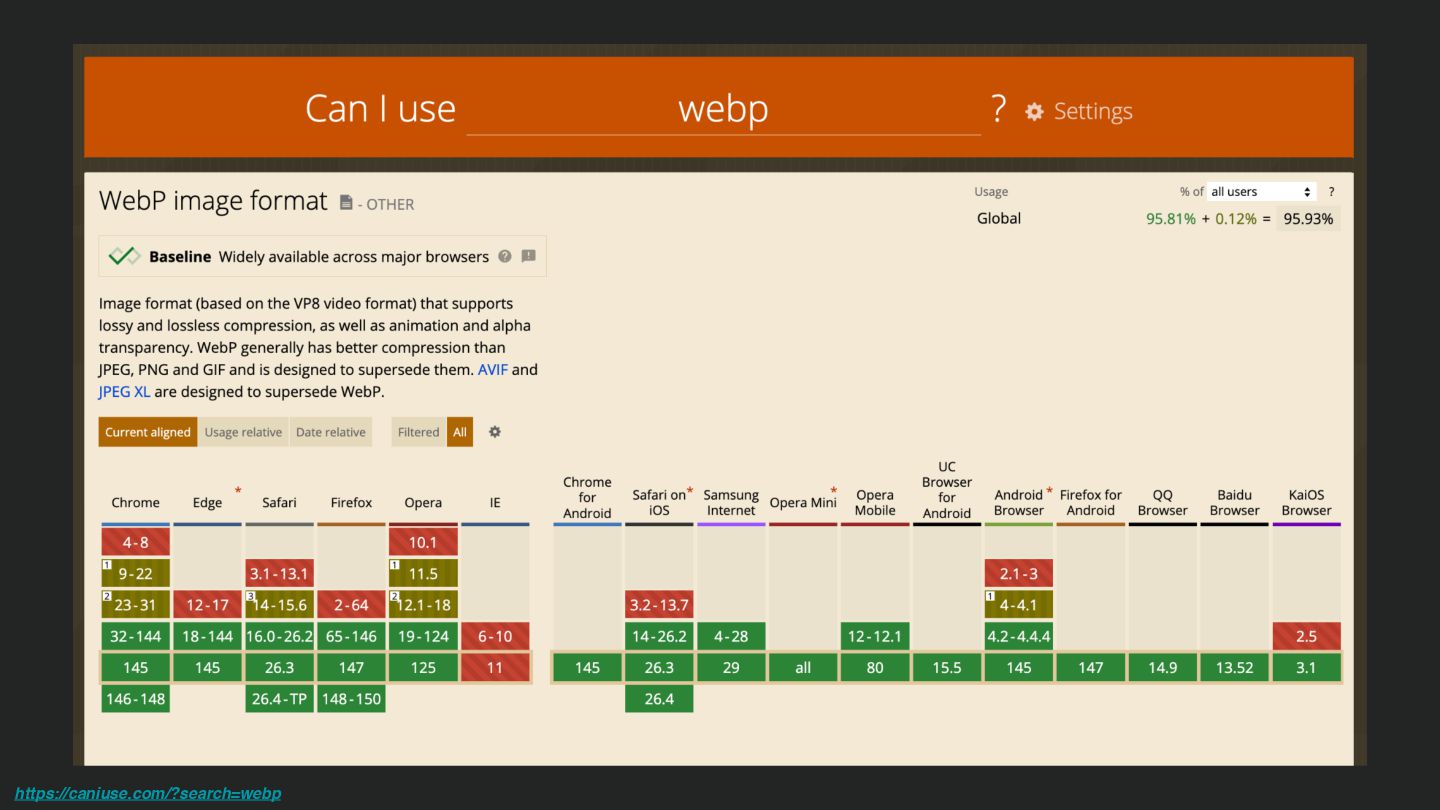
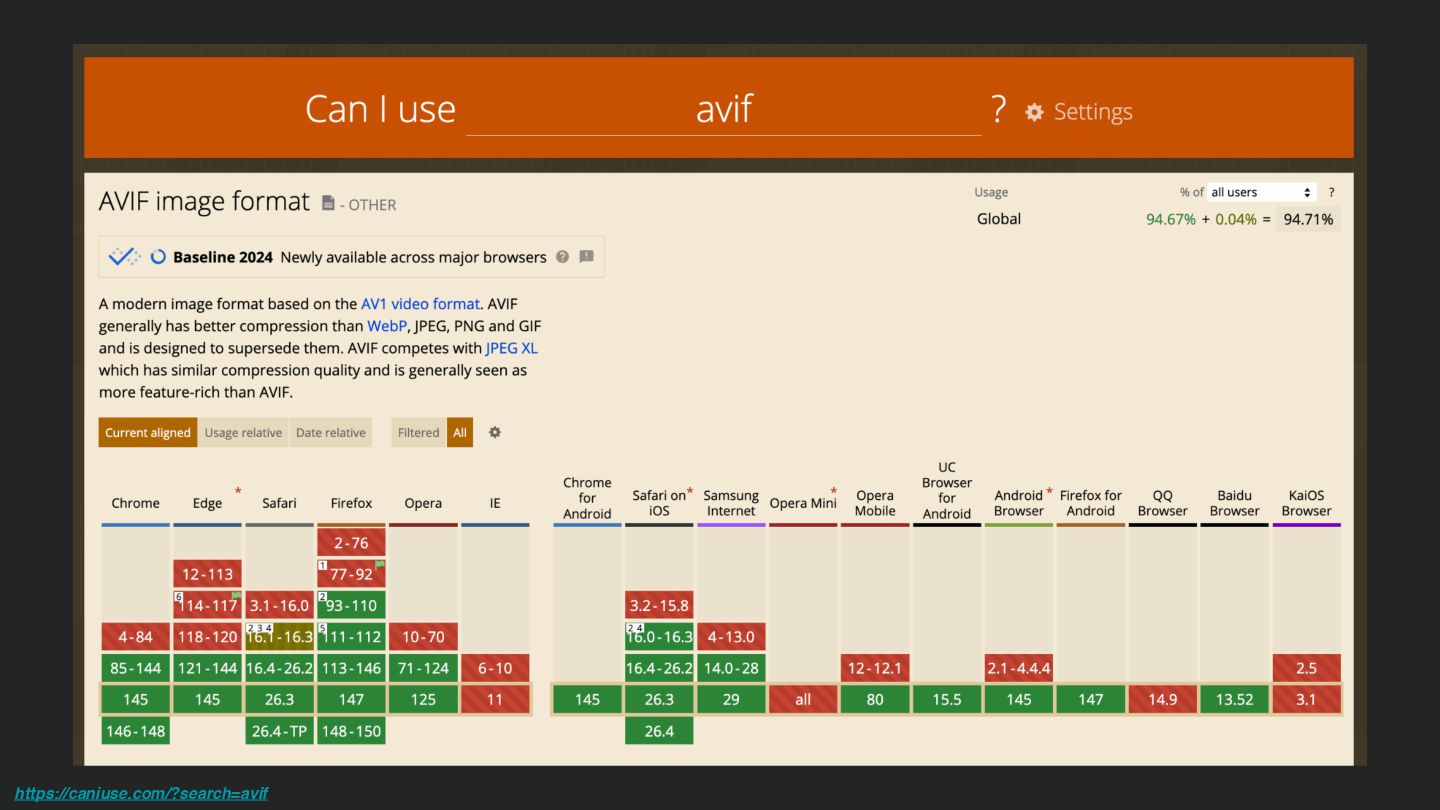
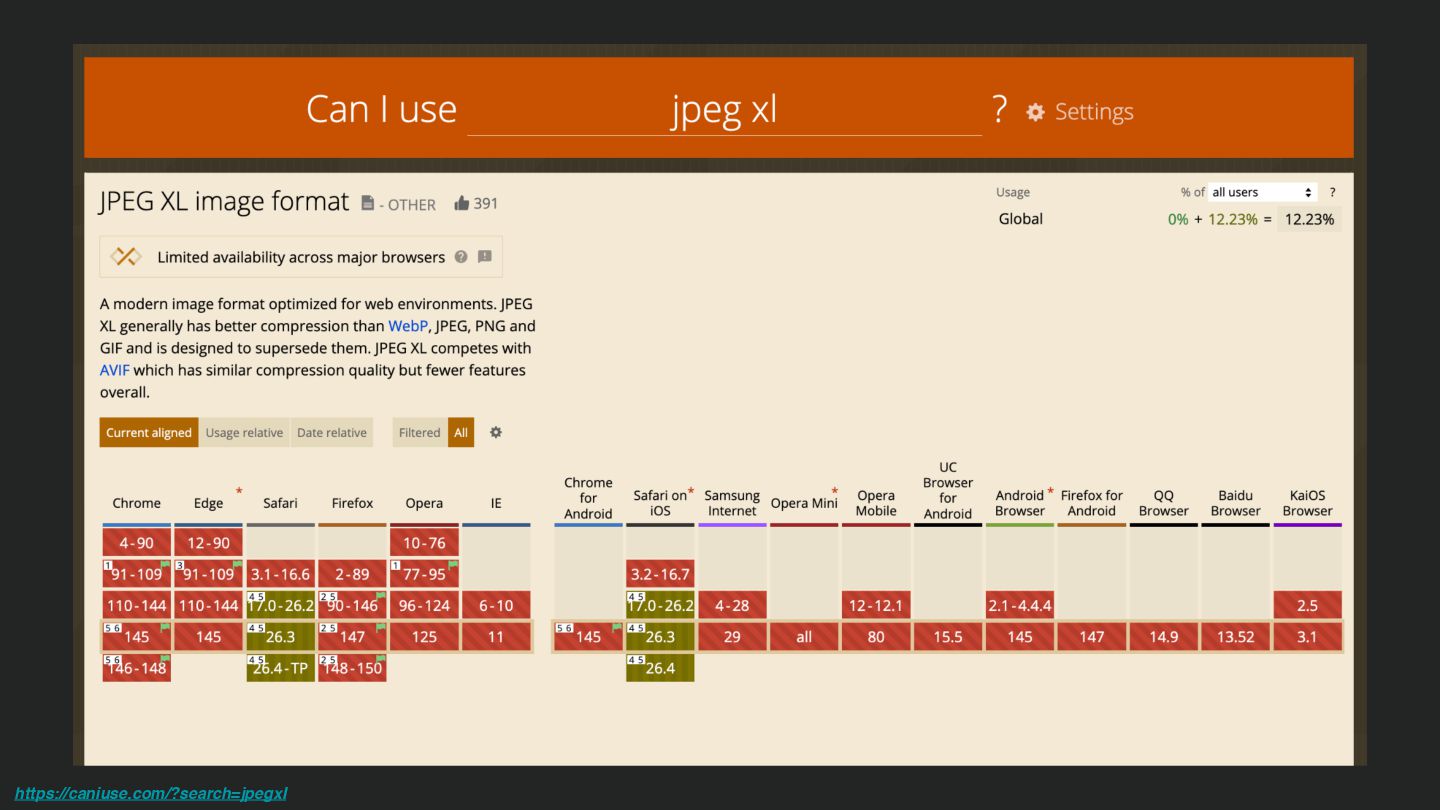
  21. Smaller images? • Jpeg was the standard • Webp: 25

    - 30% smaller than jpeg
 Minimal quality drop • Avif: good for high end images
 Can be 10-15% smaller than Webp • JPEG XL is 10-15% smaller than AVIF
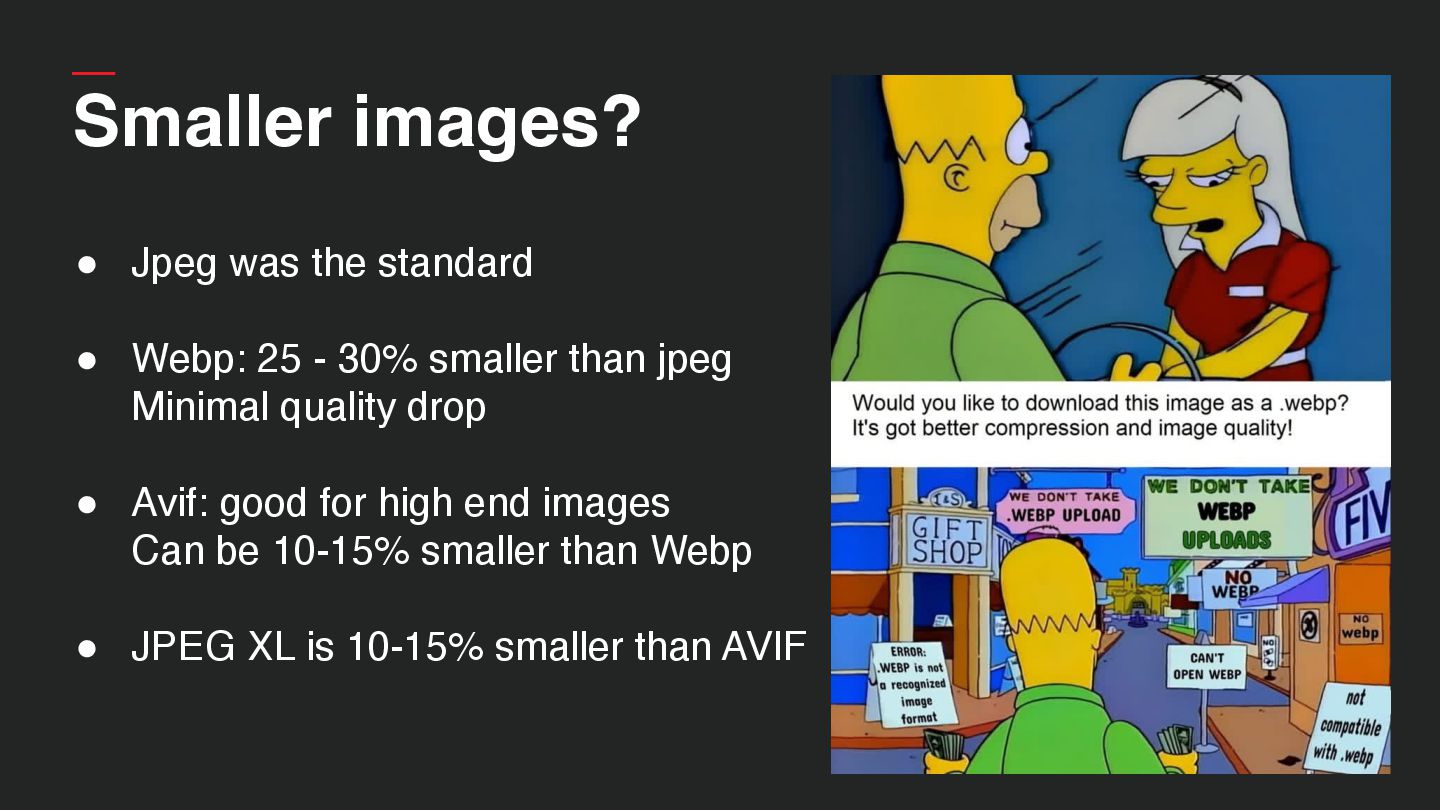
  22. Smaller images? • Jpeg was the standard • Webp: 25

    - 30% smaller than jpeg
 Minimal quality drop • Avif: good for high end images
 Can be 10-15% smaller than Webp • JPEG XL is 10-15% smaller than AVIF
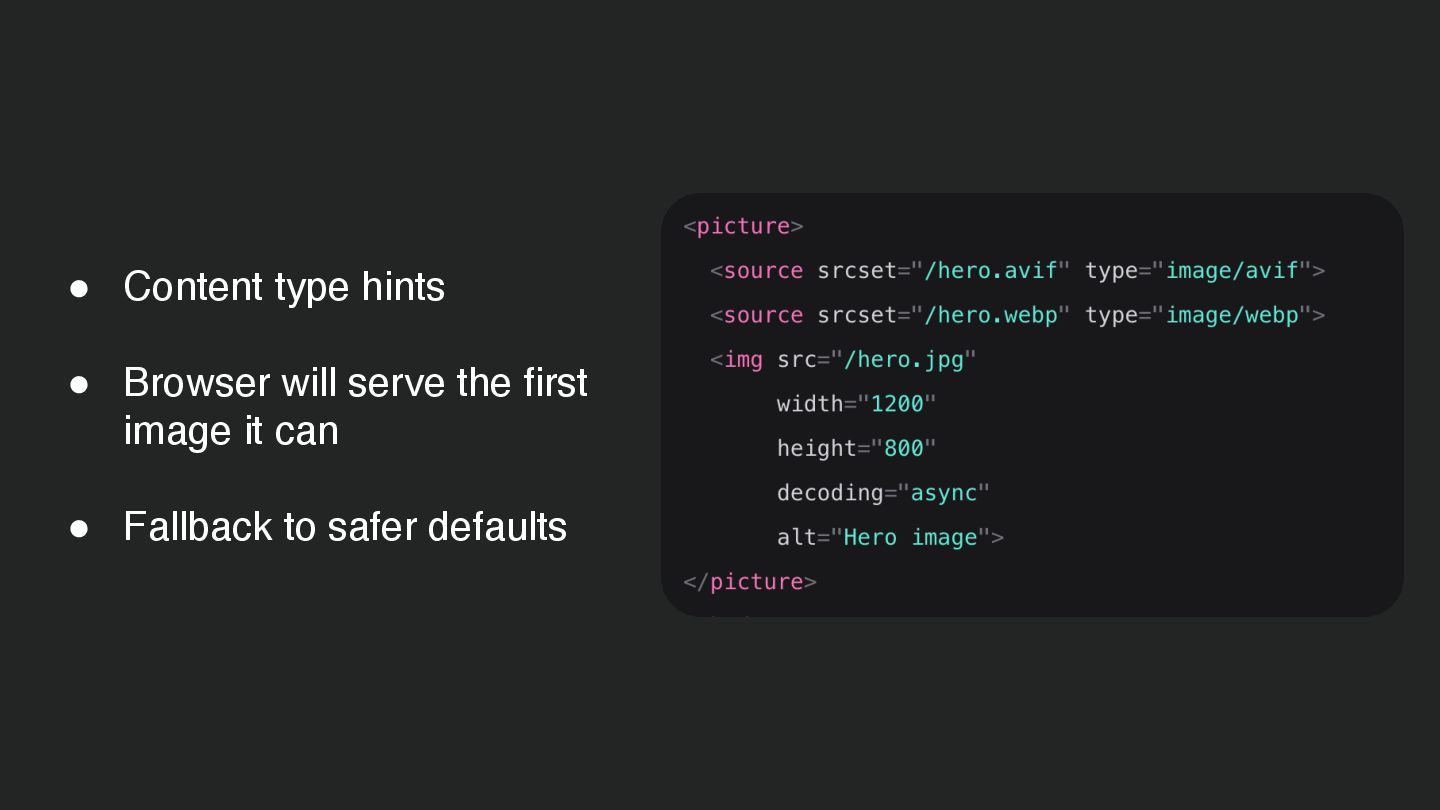
  23. • Content type hints • Browser will serve the first

    image it can • Fallback to safer defaults
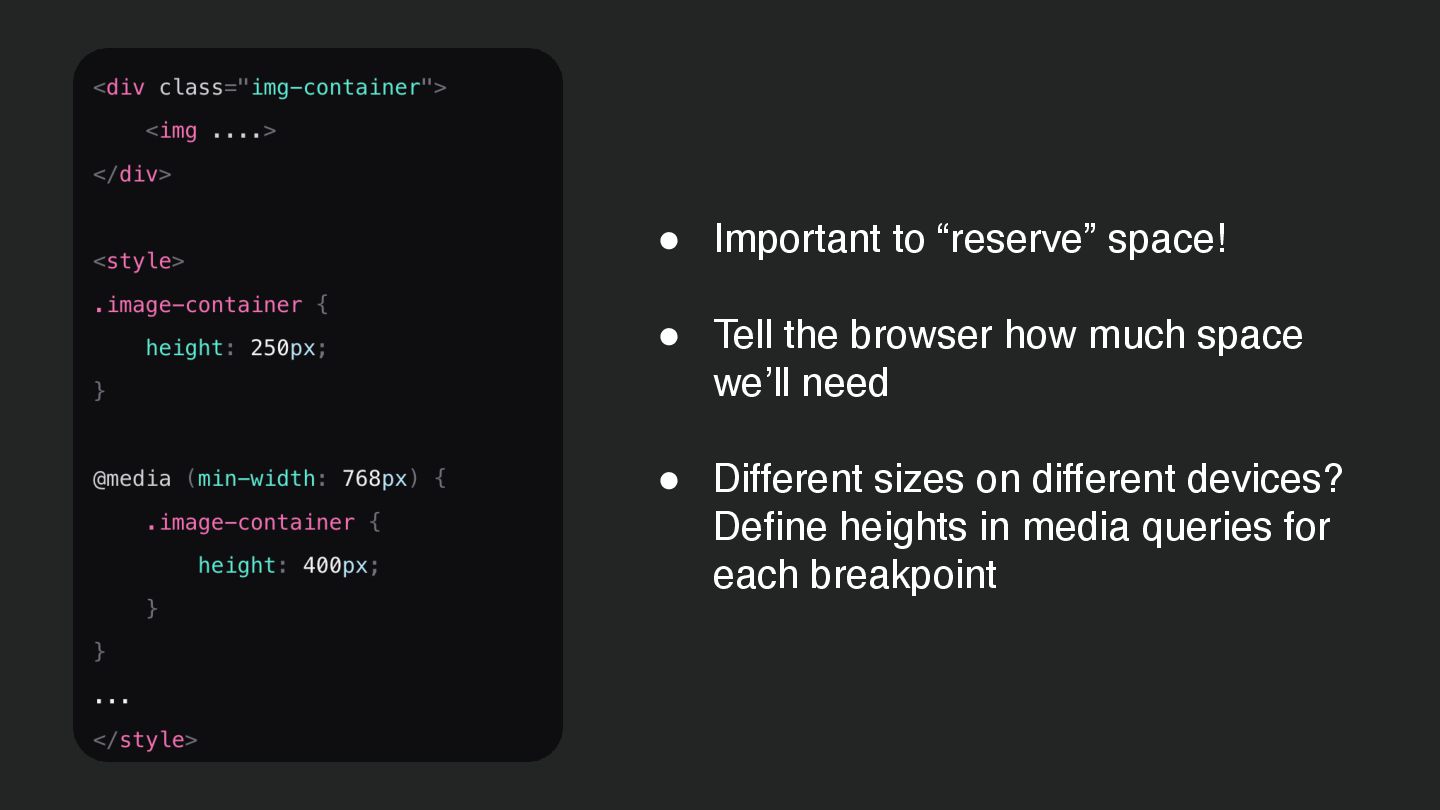
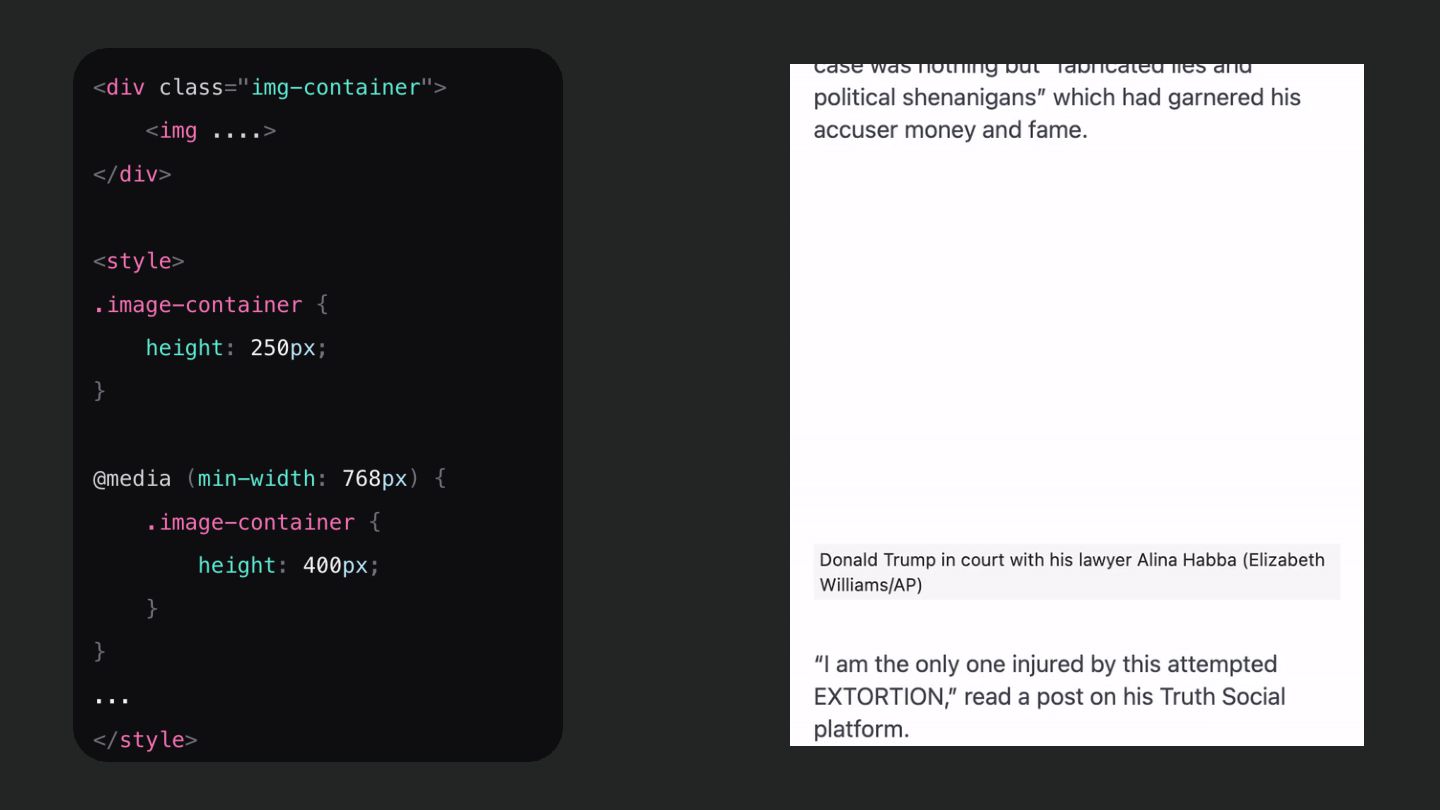
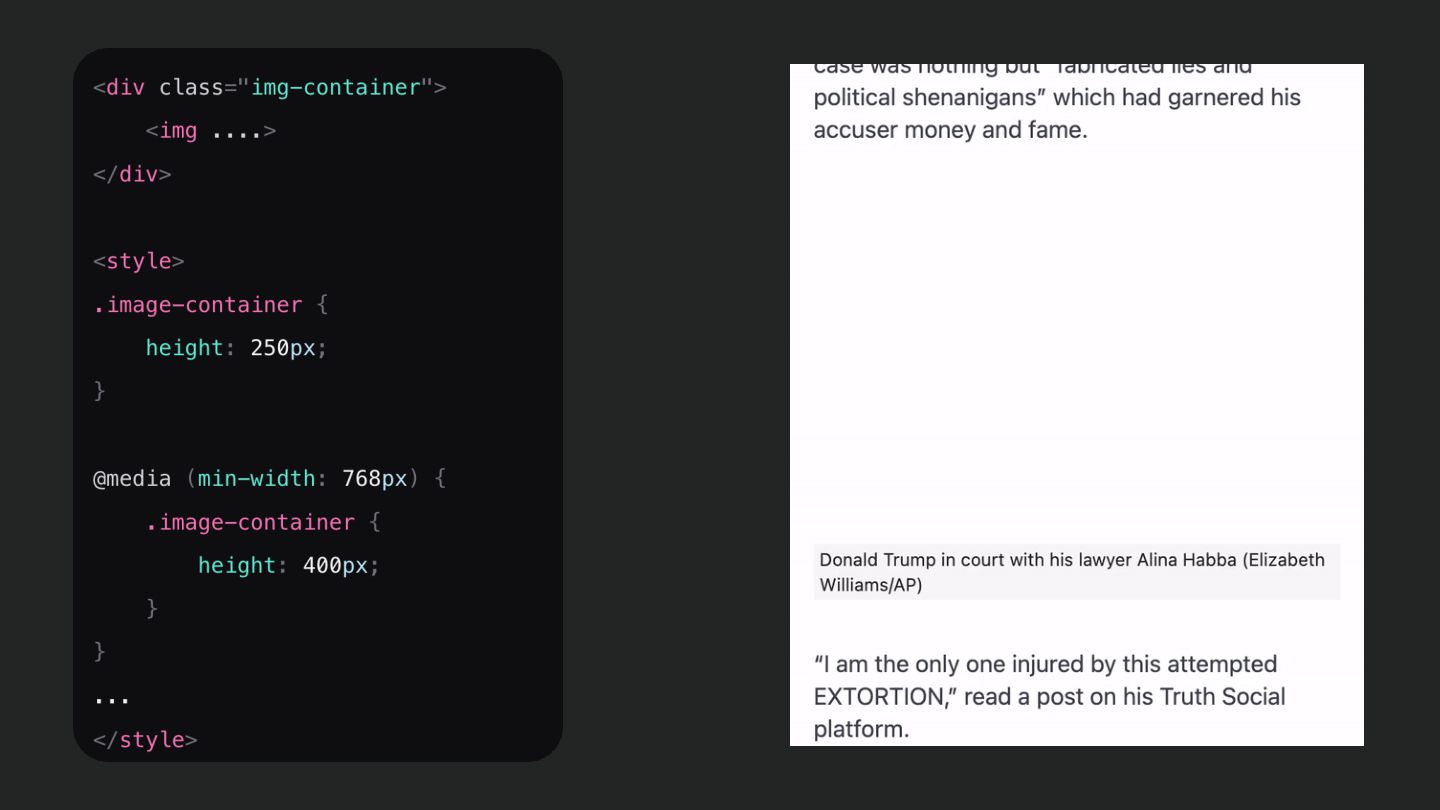
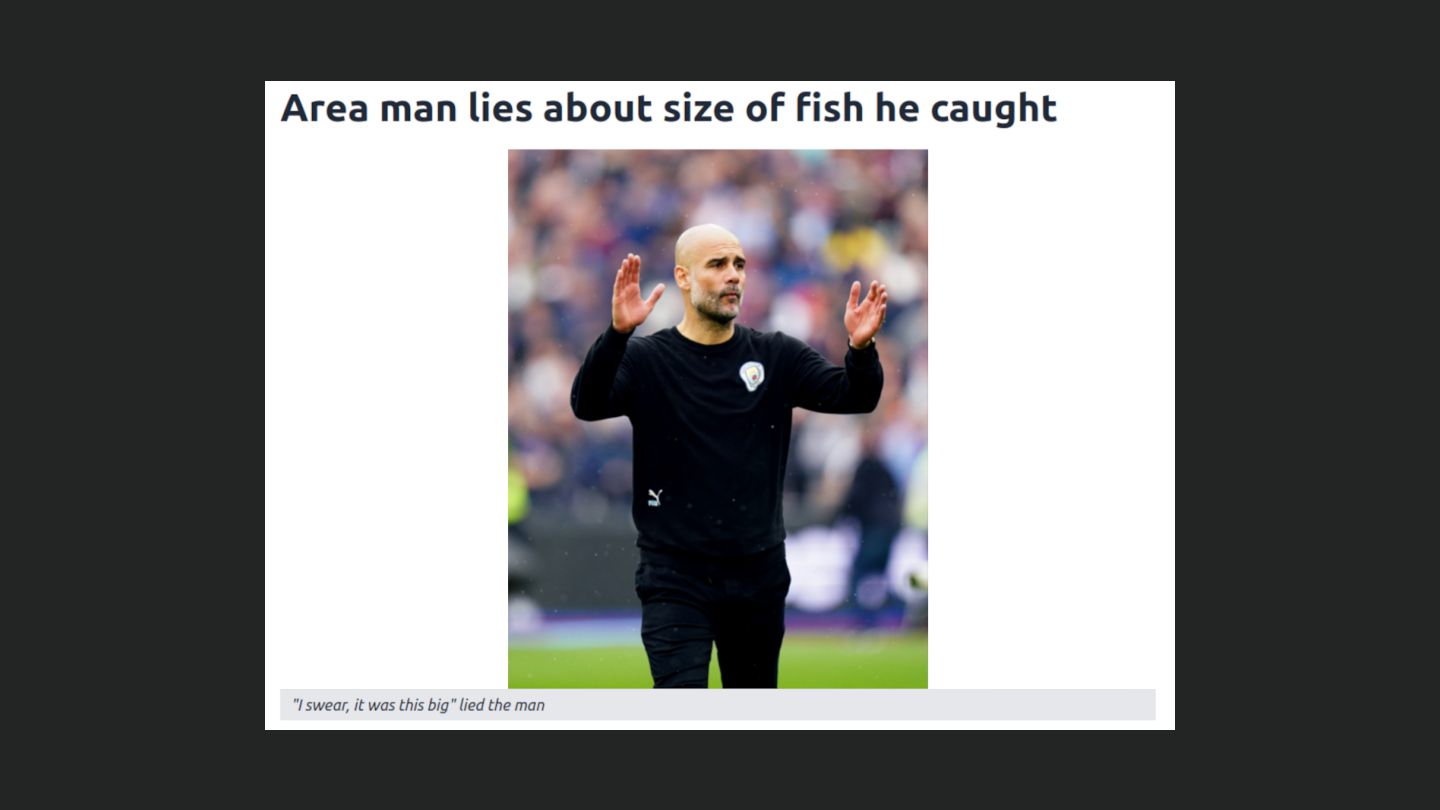
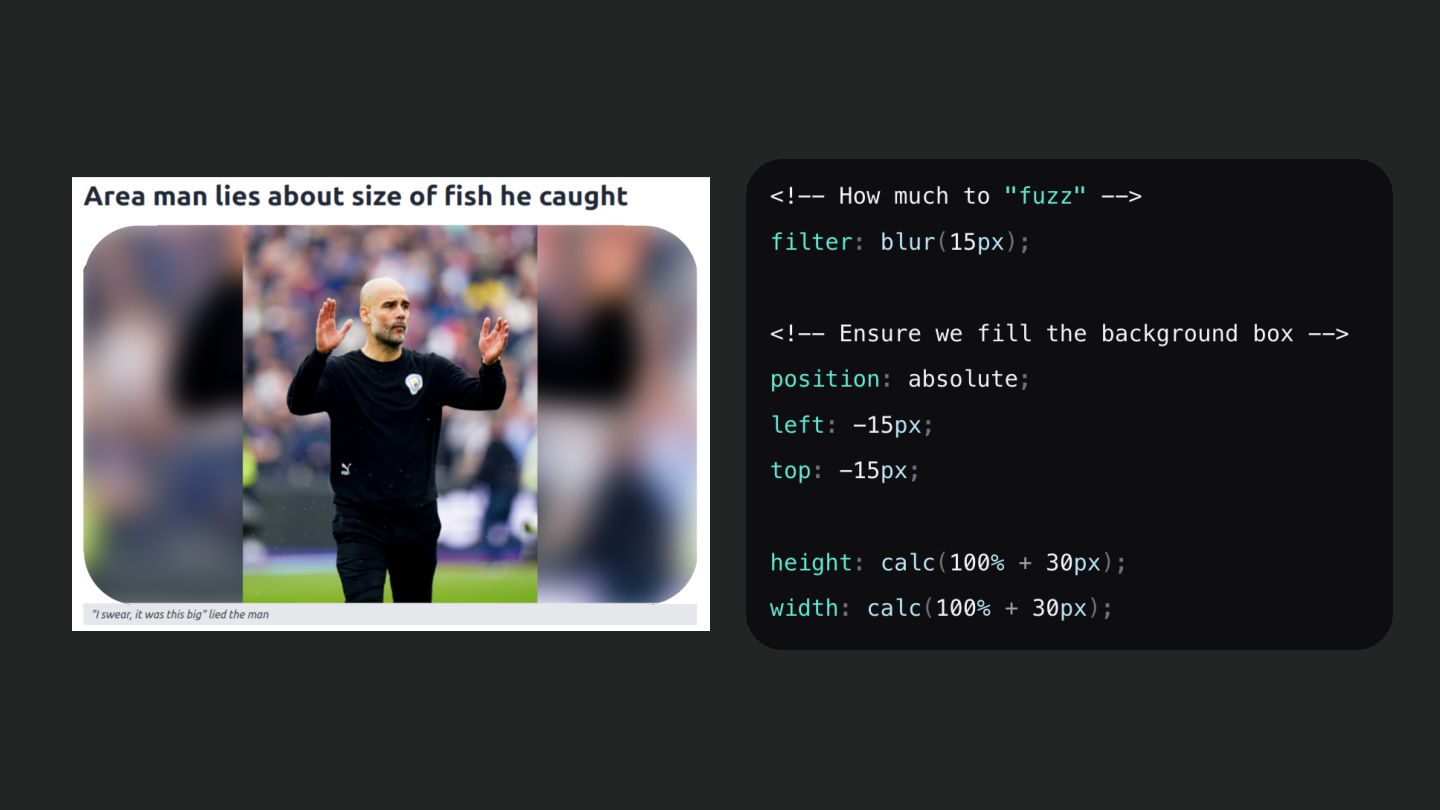
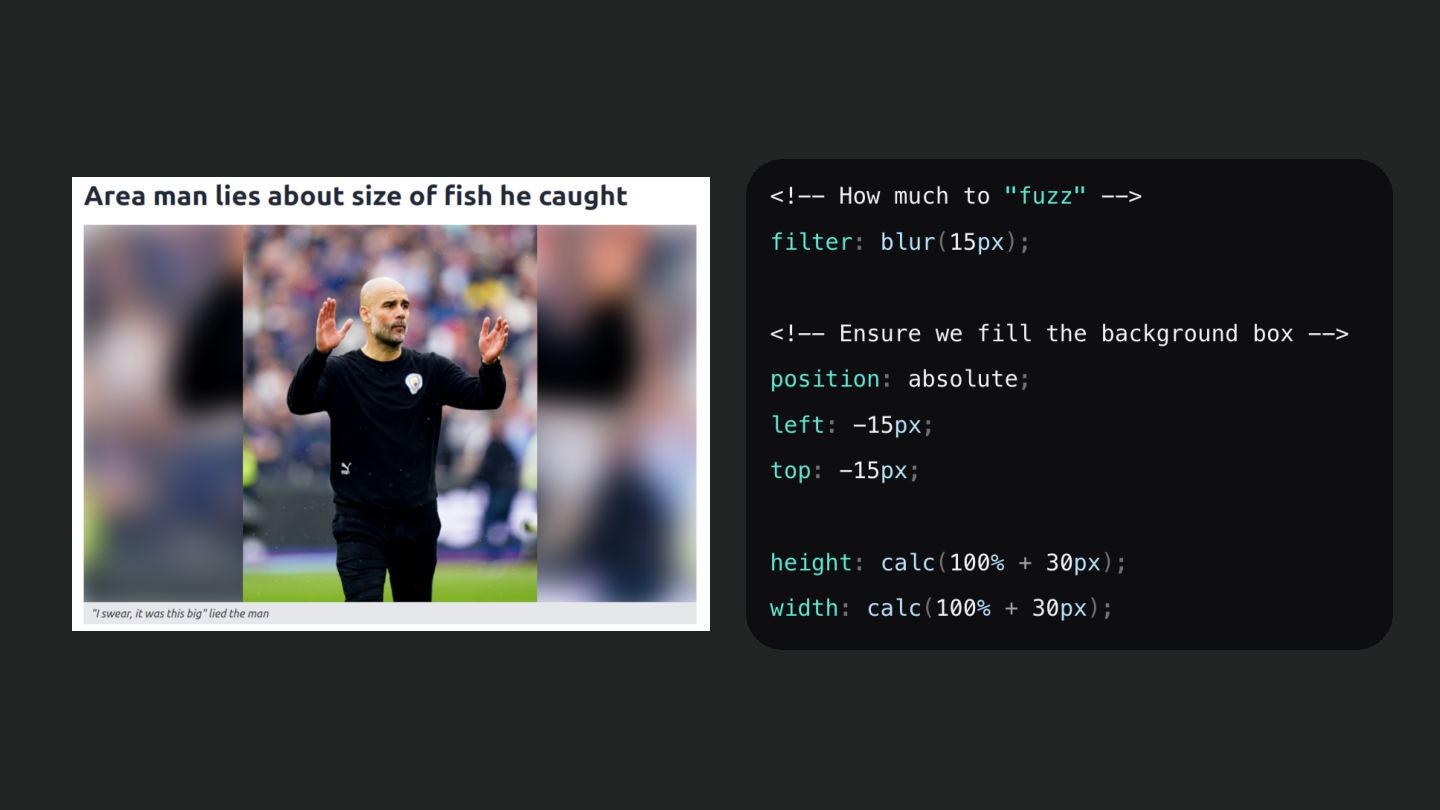
  24. • Important to “reserve” space! • Tell the browser how

    much space we’ll need • Different sizes on different devices? Define heights in media queries for each breakpoint

  25. Lazy loading • Only load assets when they are needed

    • Potentially save a lot of bandwidth • Load images just before they scroll into view
  26. Lazy loading • Only load assets when they are needed

    • Potentially save a lot of bandwidth • Load images just before they scroll into view
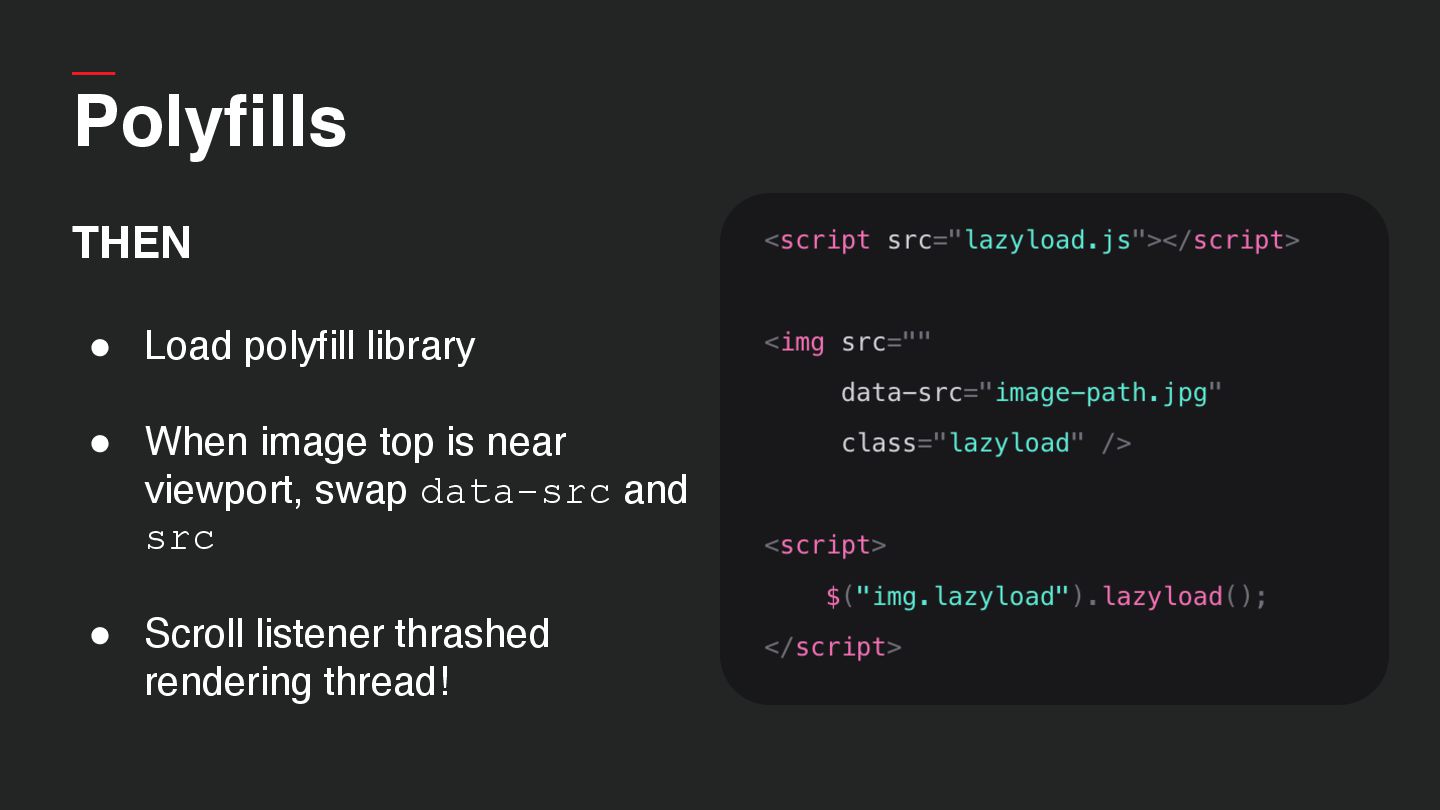
  27. THEN • Load polyfill library • When image top is

    near viewport, swap data-src and src • Scroll listener thrashed rendering thread! Polyfills
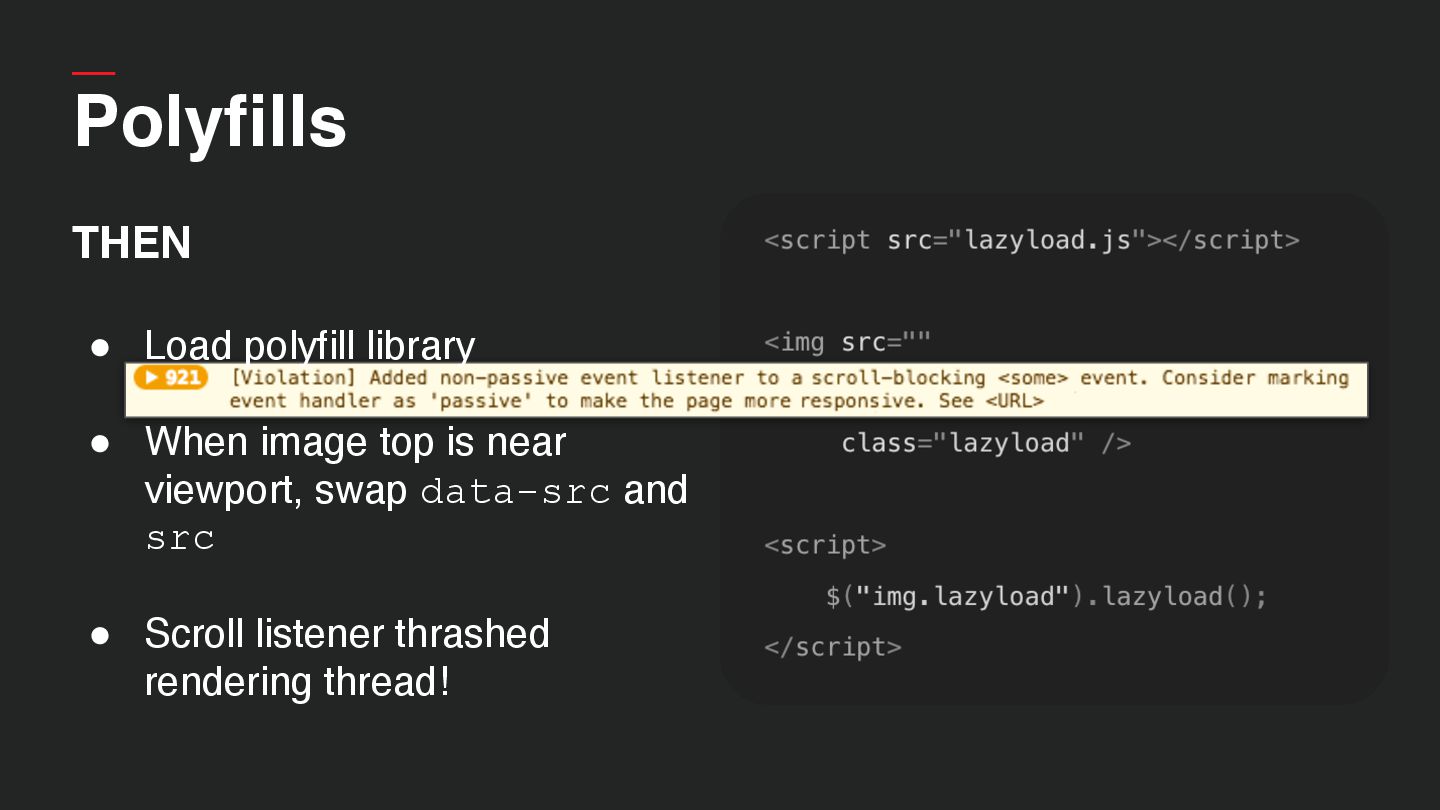
  28. Polyfills THEN • Load polyfill library • When image top

    is near viewport, swap data-src and src • Scroll listener thrashed rendering thread!
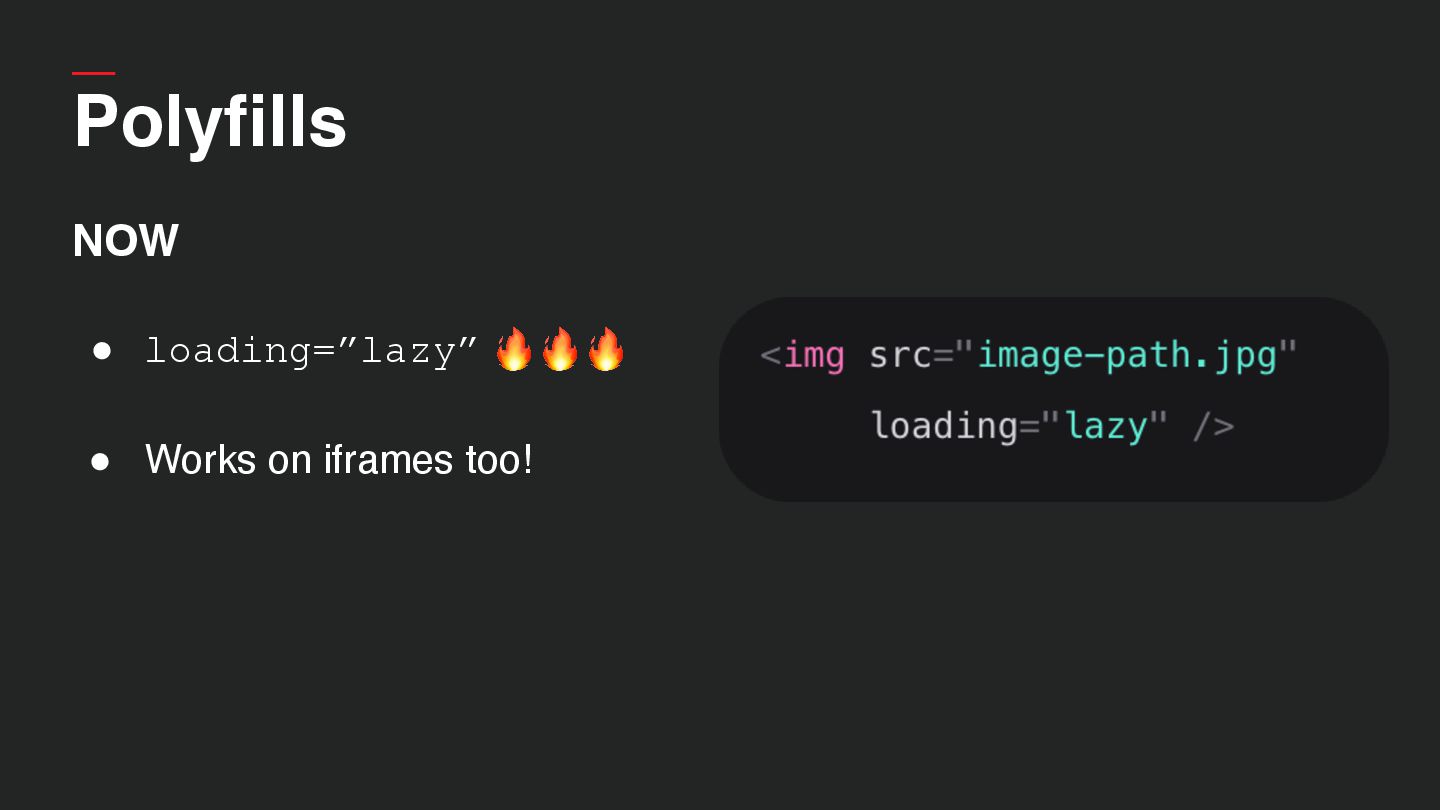
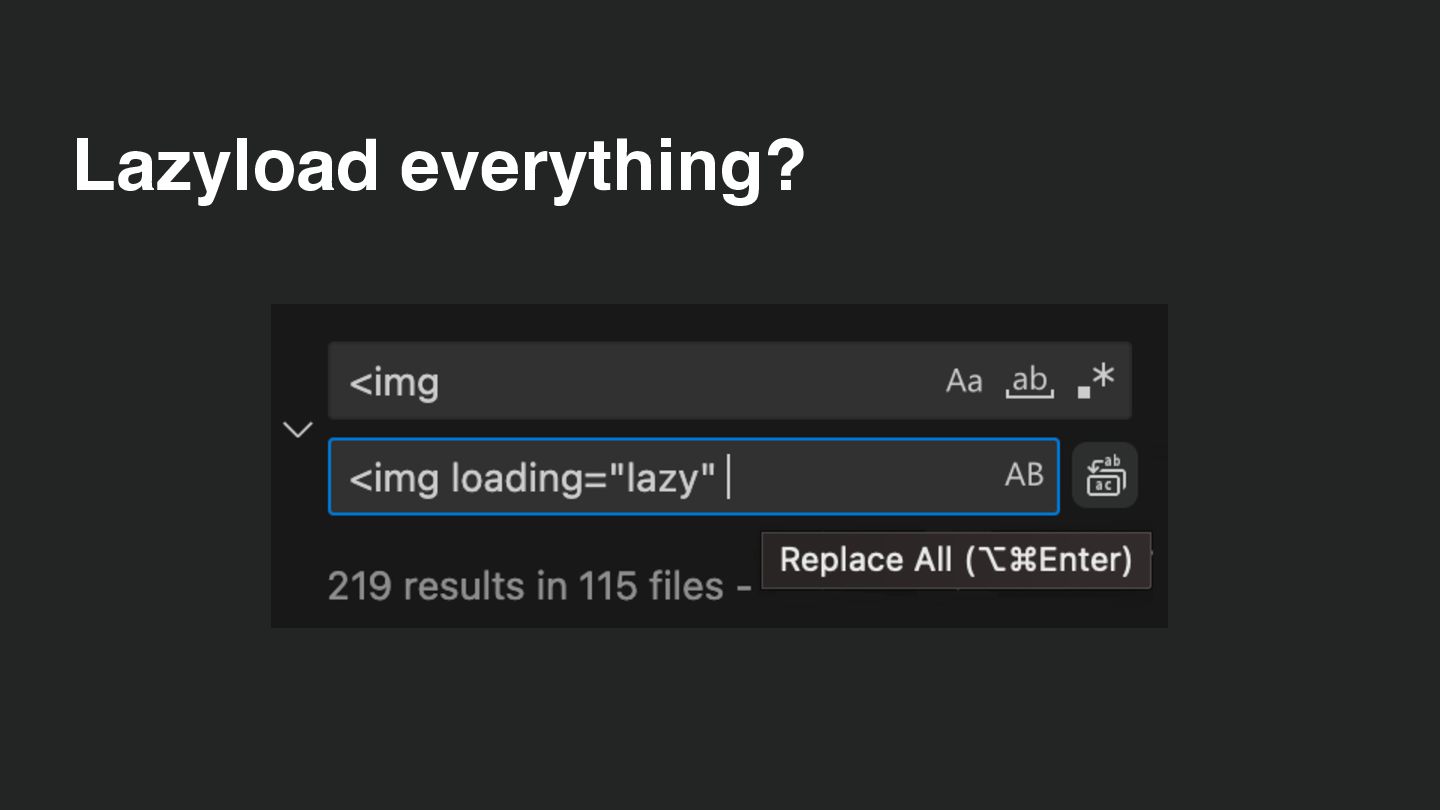
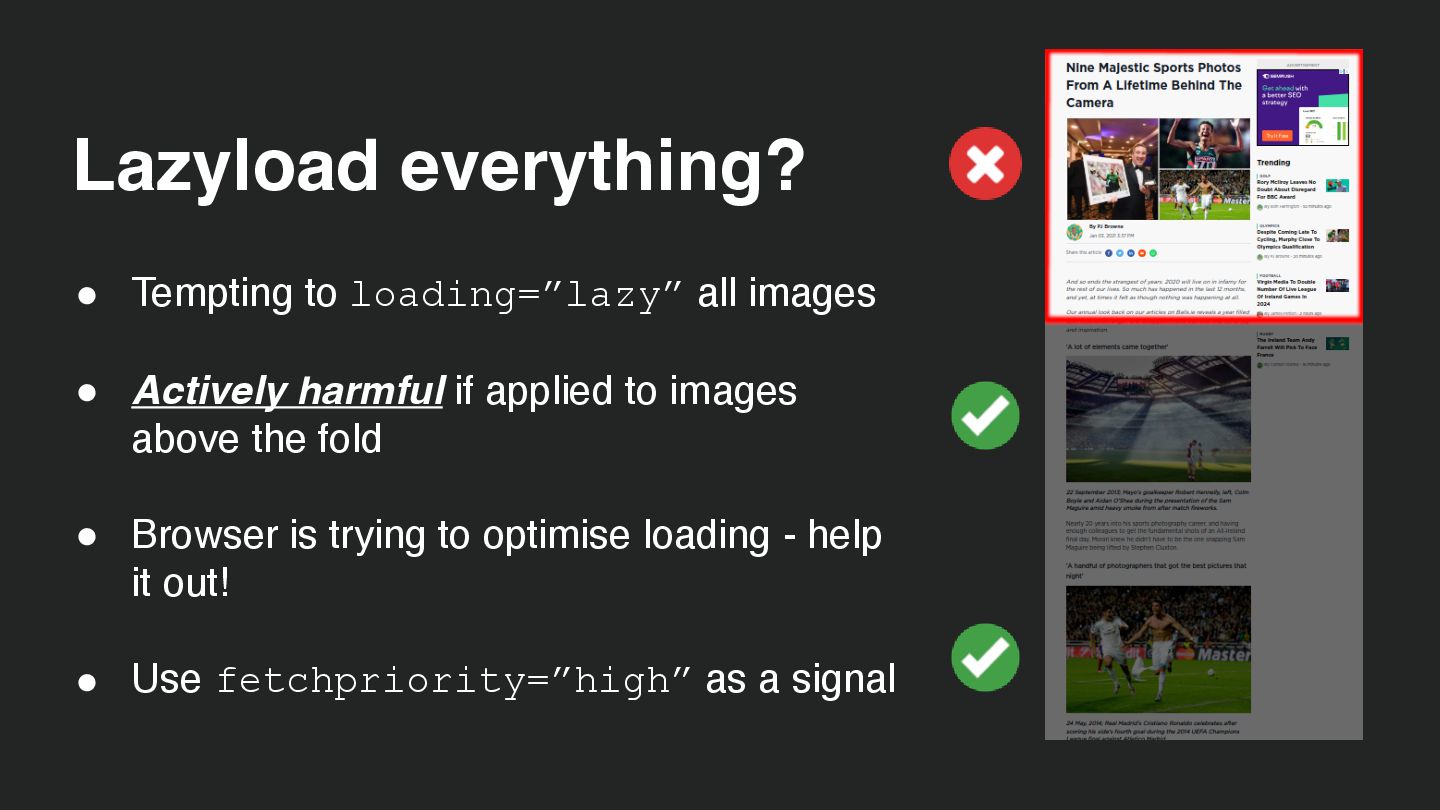
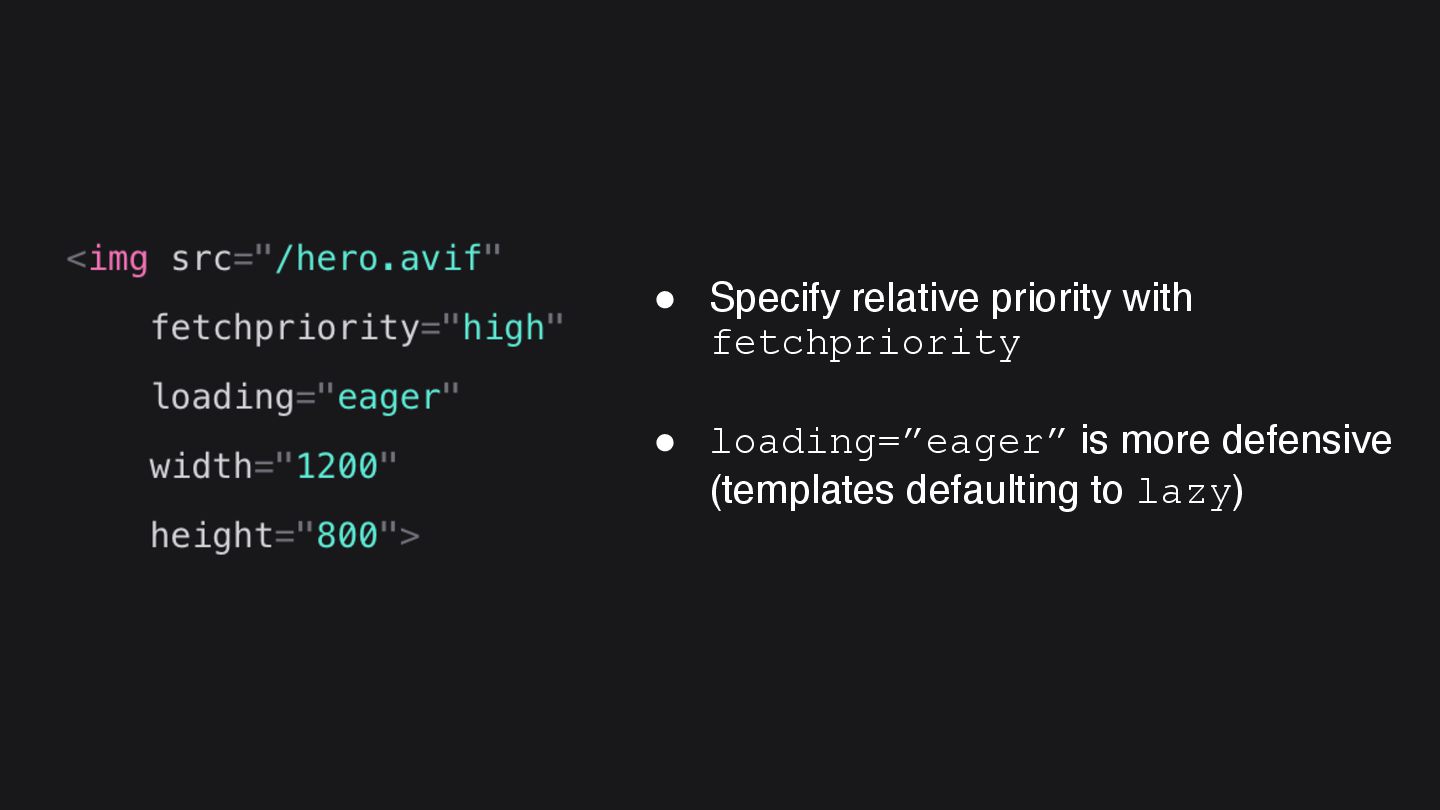
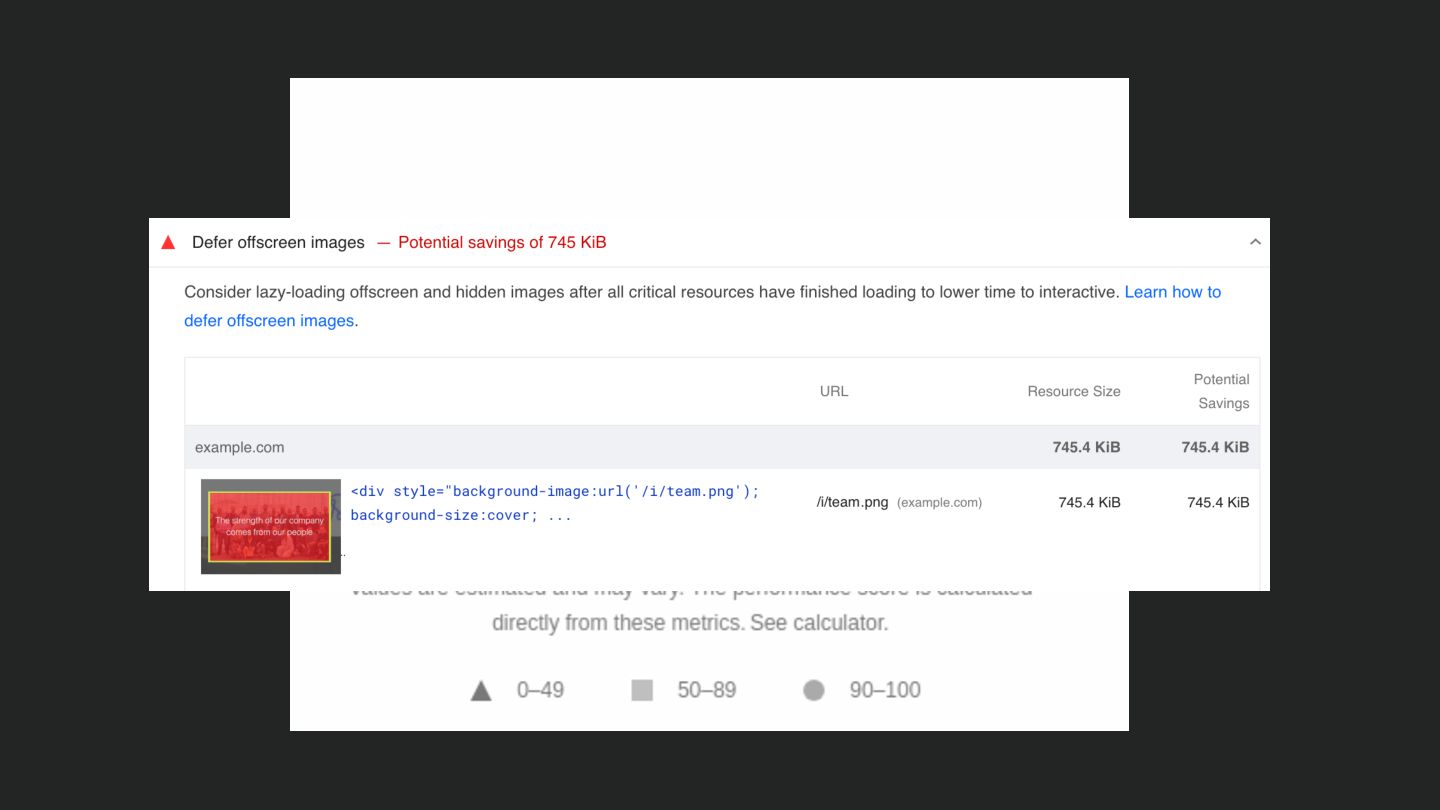
  29. • Tempting to loading=”lazy” all images • Actively harmful if

    applied to images above the fold • Browser is trying to optimise loading - help it out! • Use fetchpriority=”high” as a signal Lazyload everything?
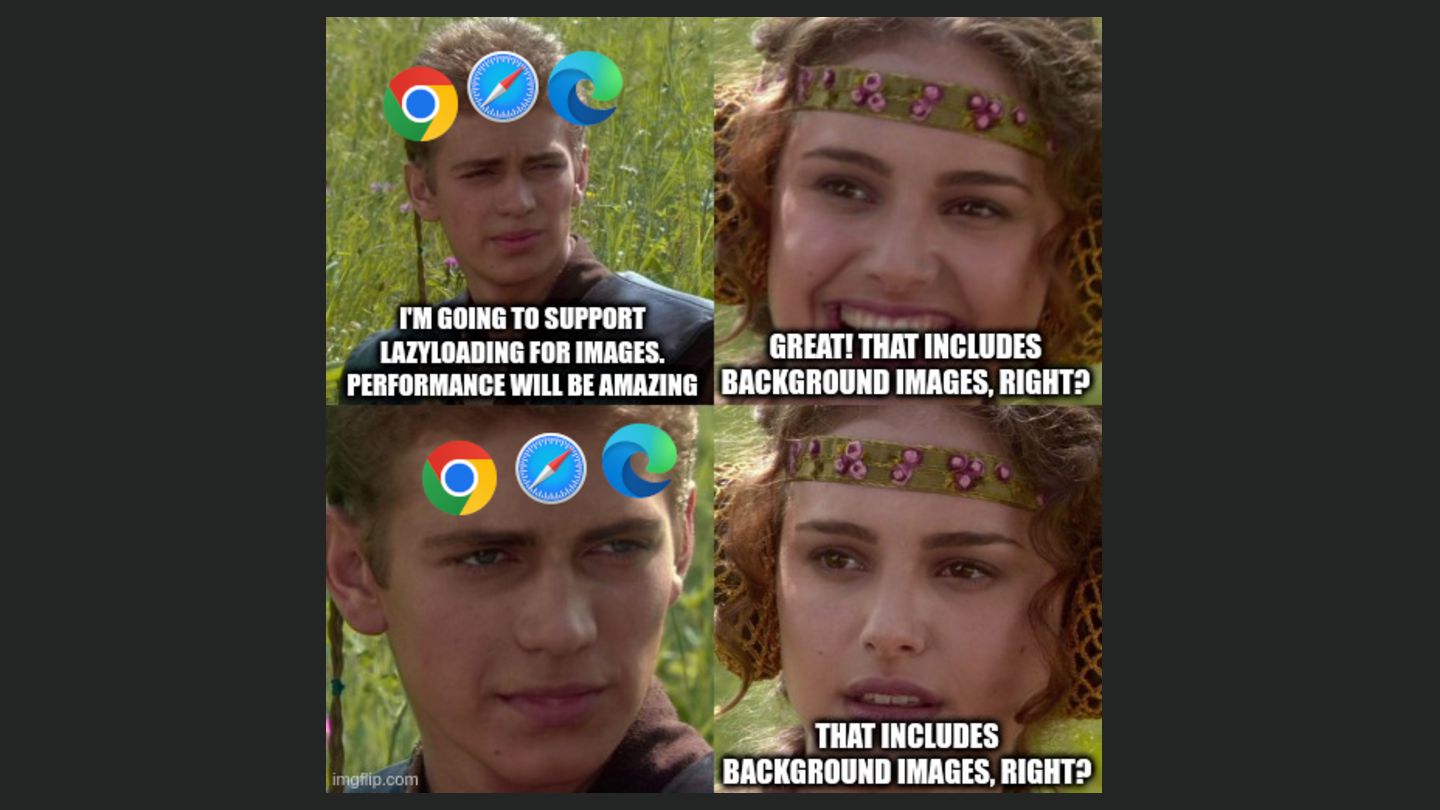
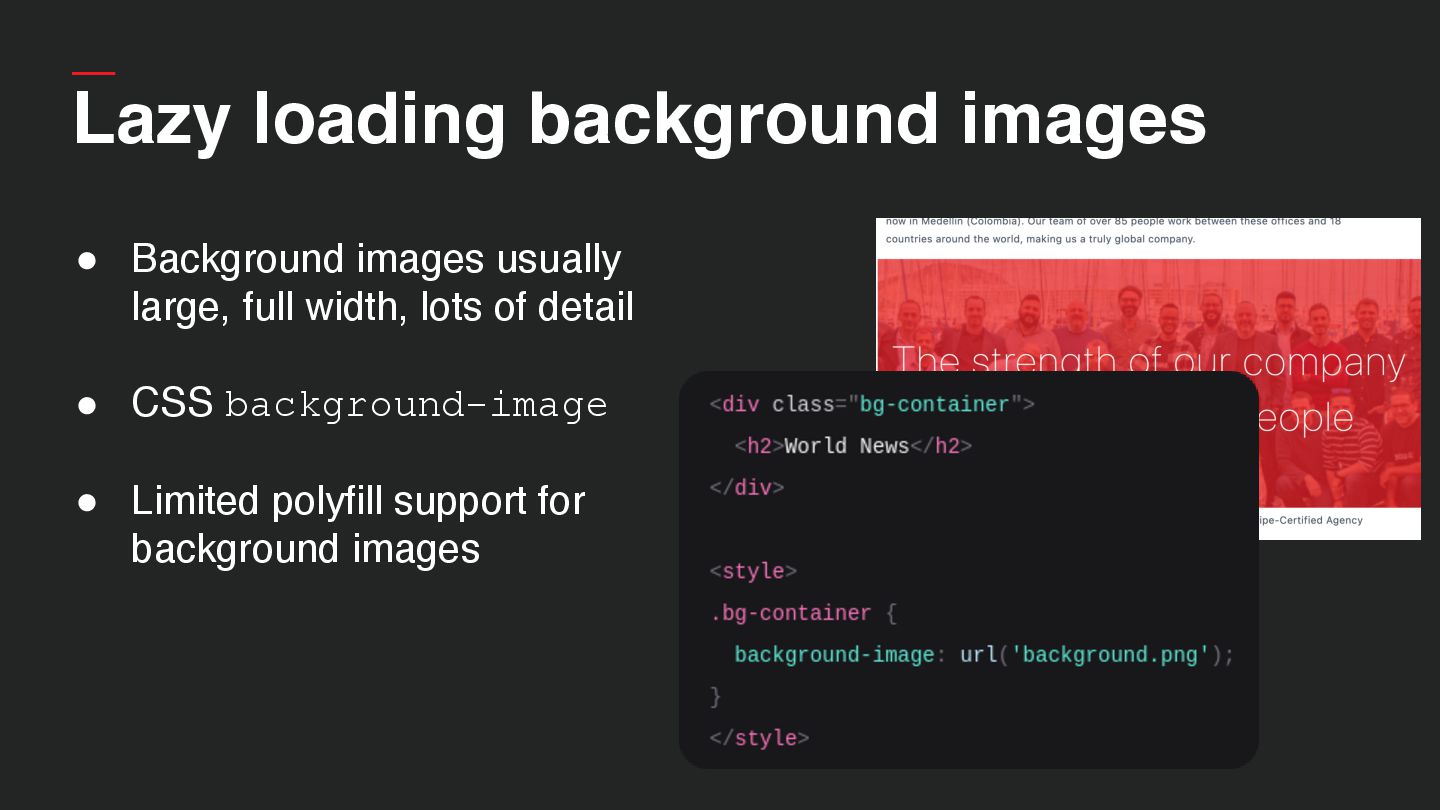
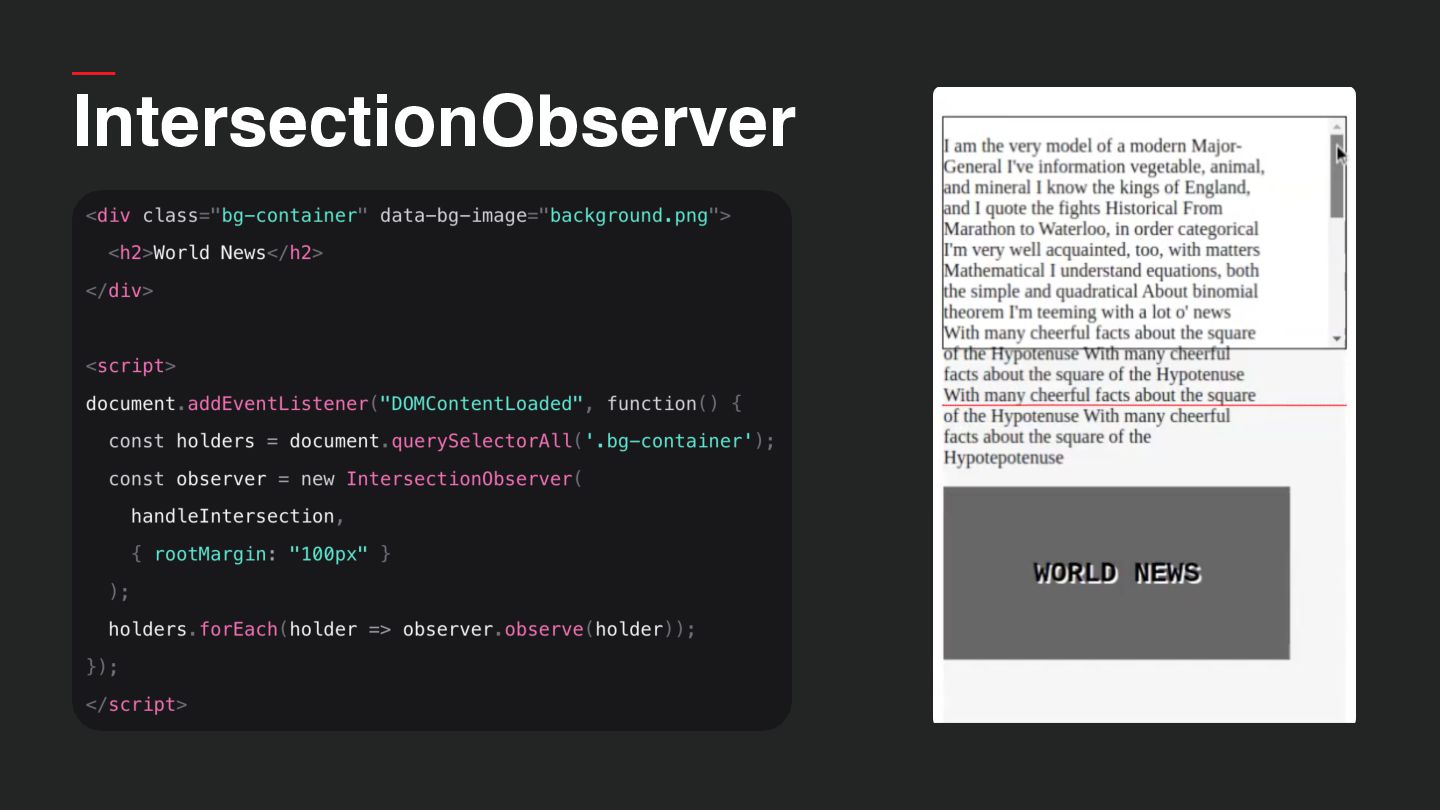
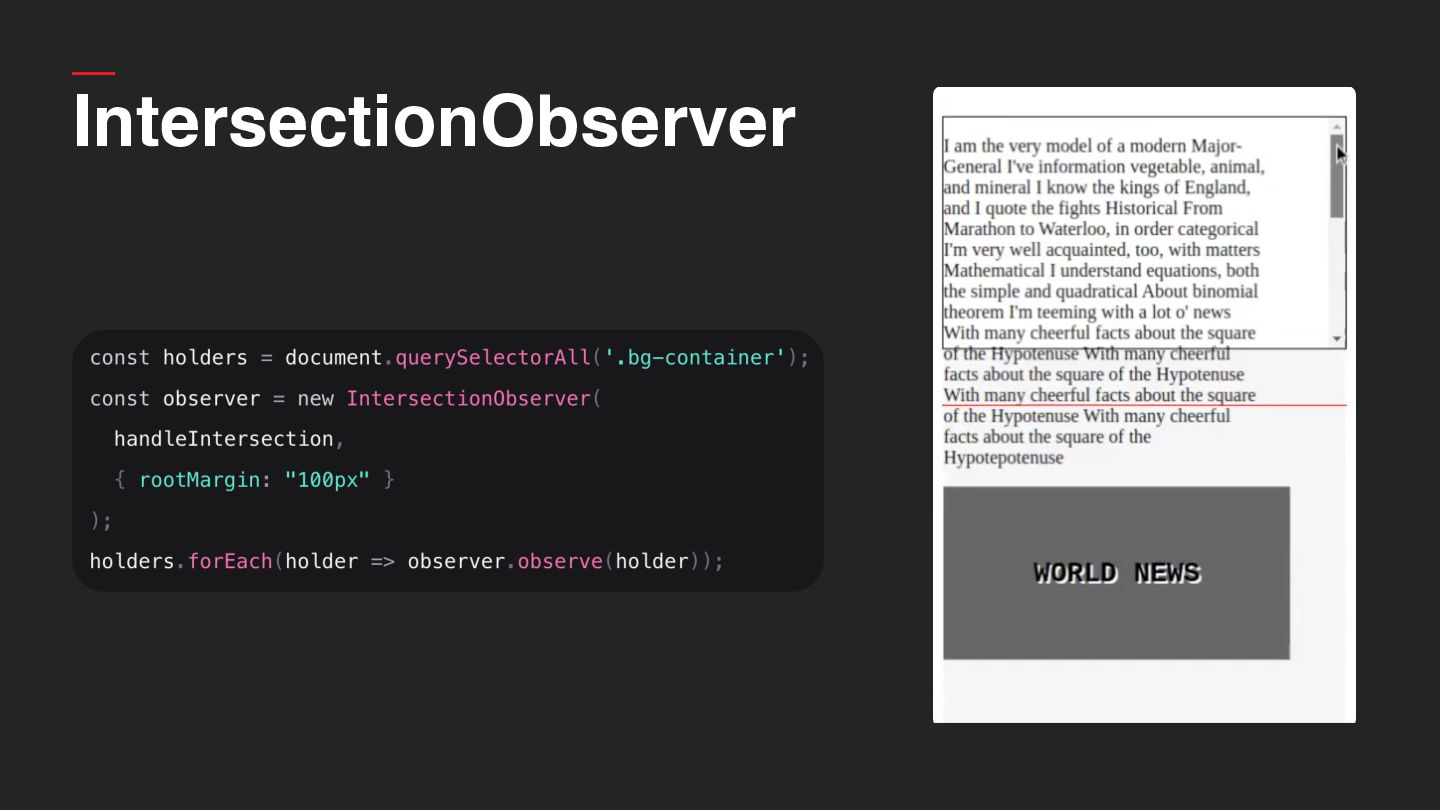
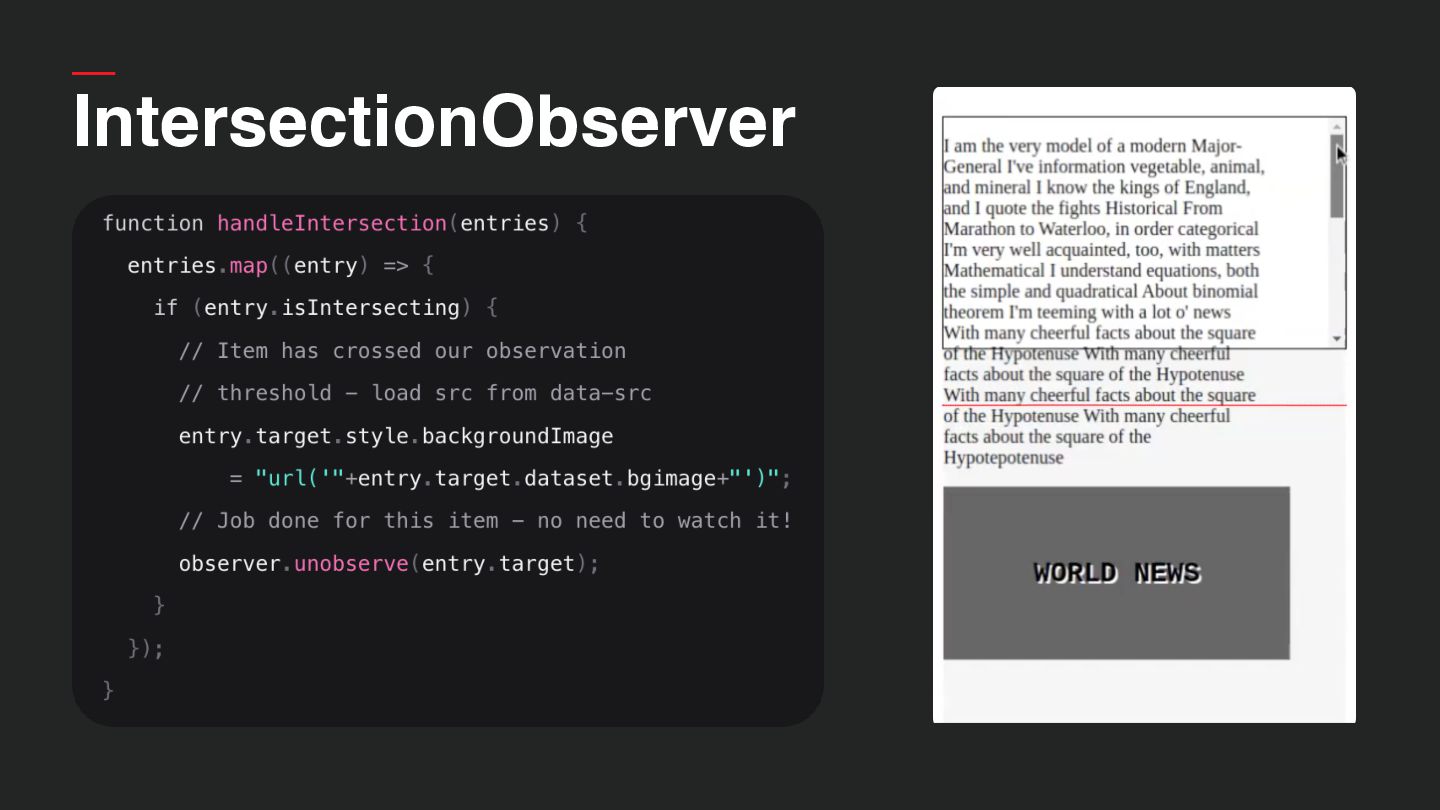
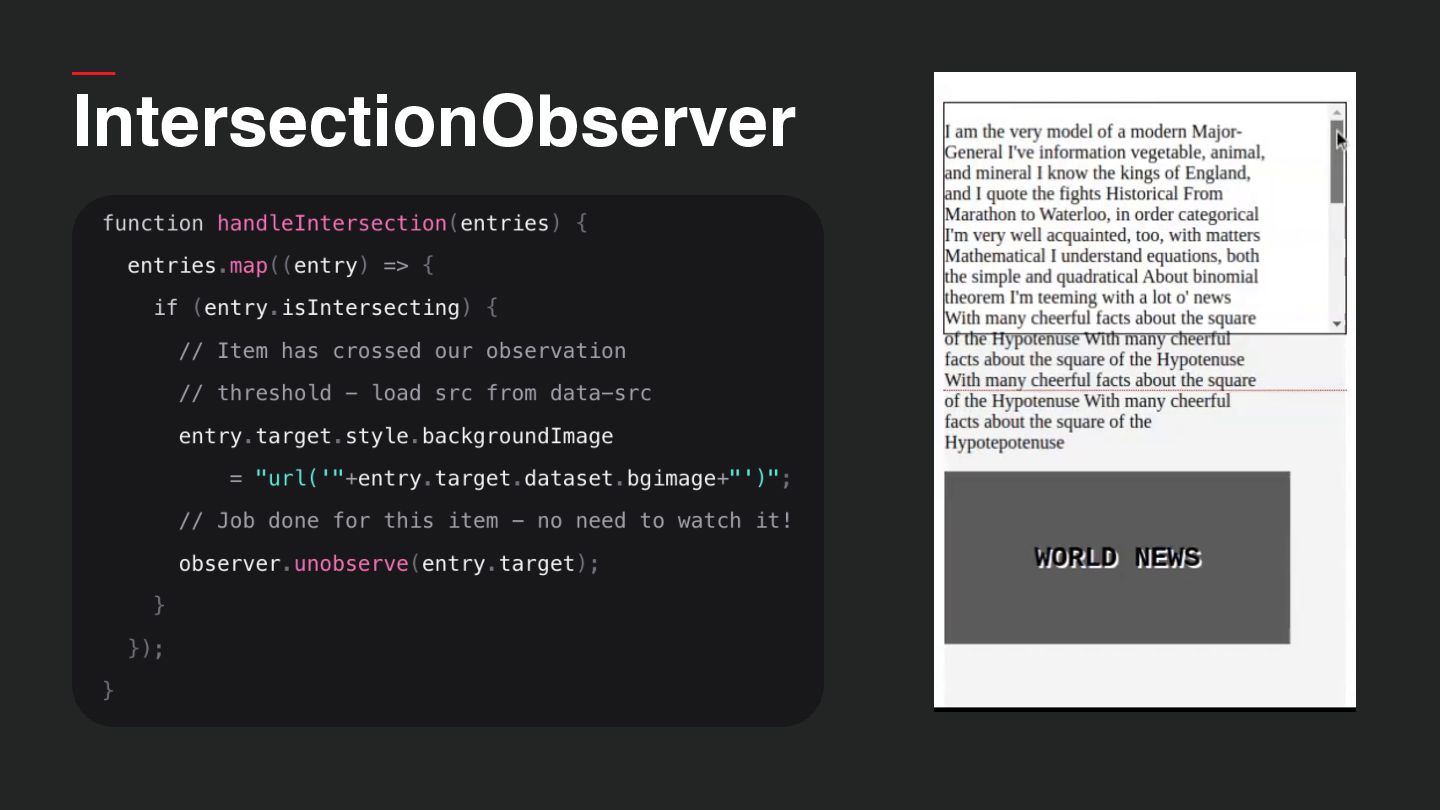
  30. Lazy loading background images • Background images usually large, full

    width, lots of detail • CSS background-image • Limited polyfill support for background images
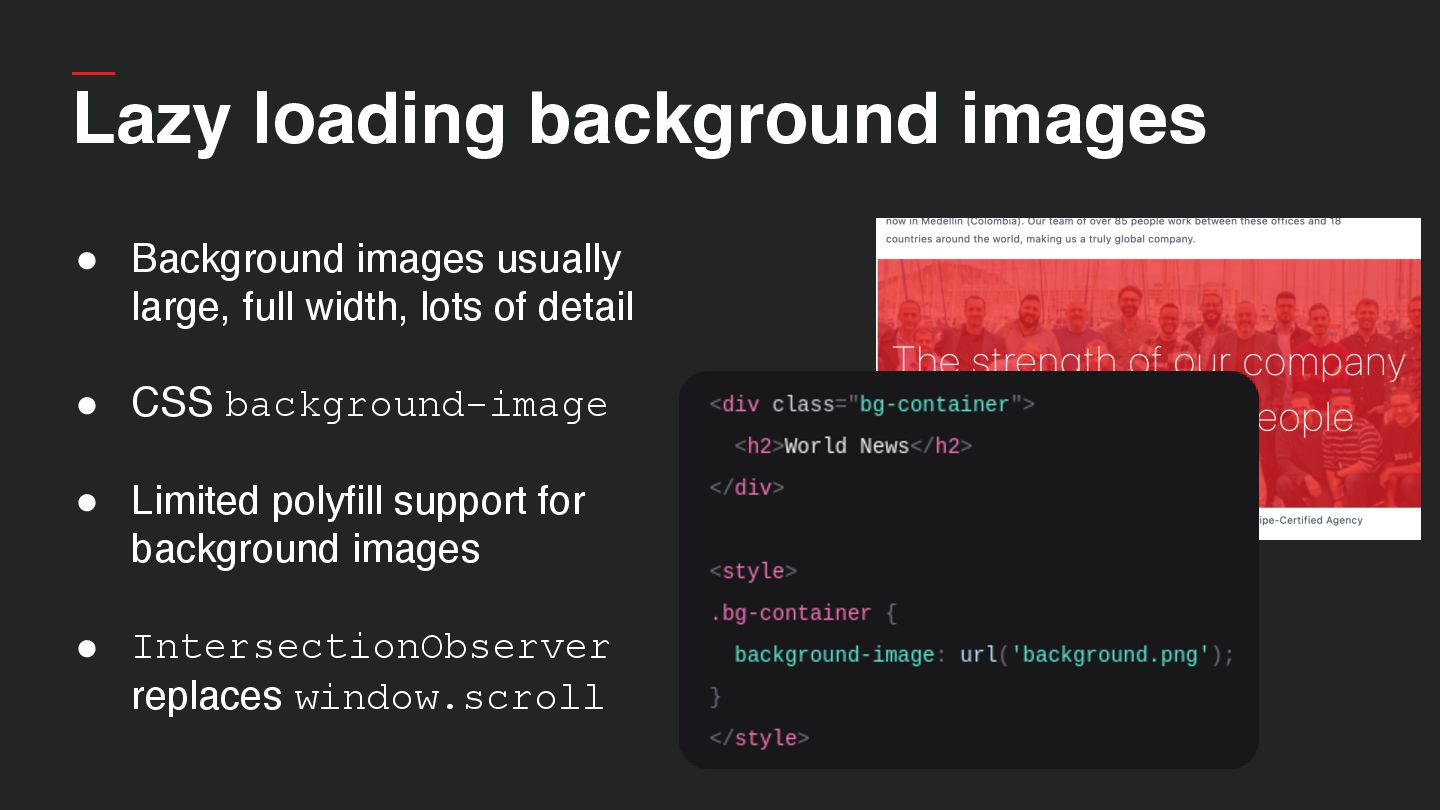
  31. Lazy loading background images • Background images usually large, full

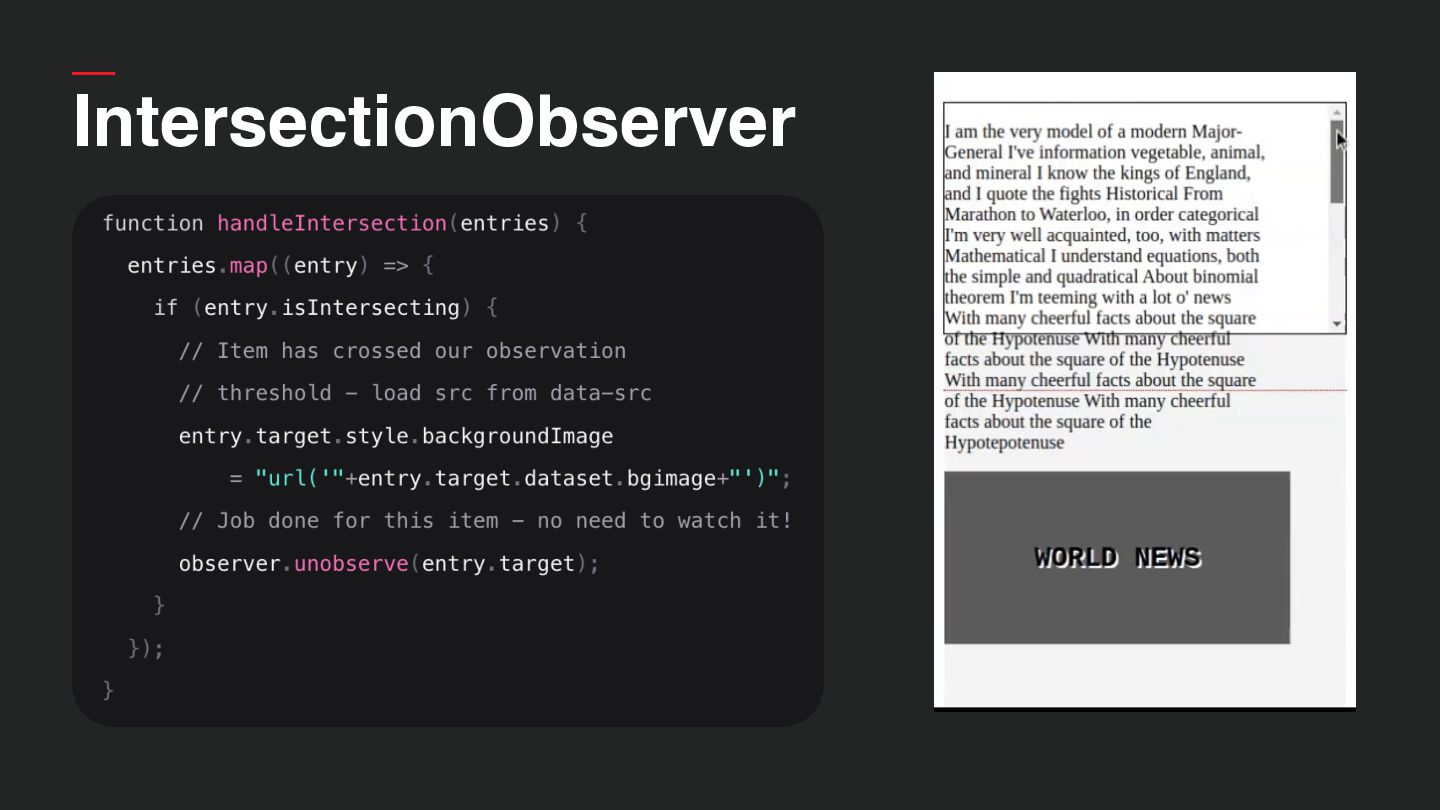
    width, lots of detail • CSS background-image • Limited polyfill support for background images • IntersectionObserver replaces window.scroll
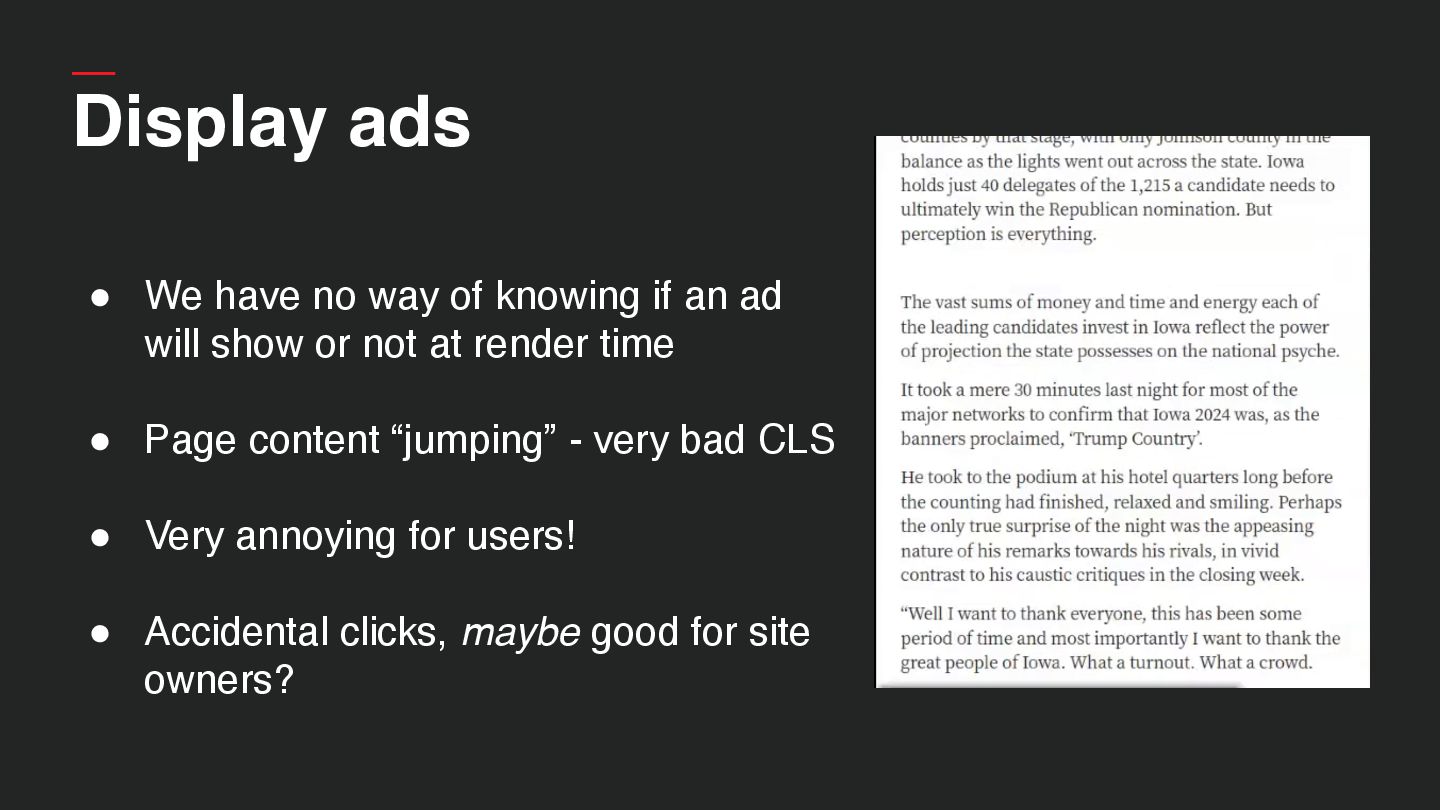
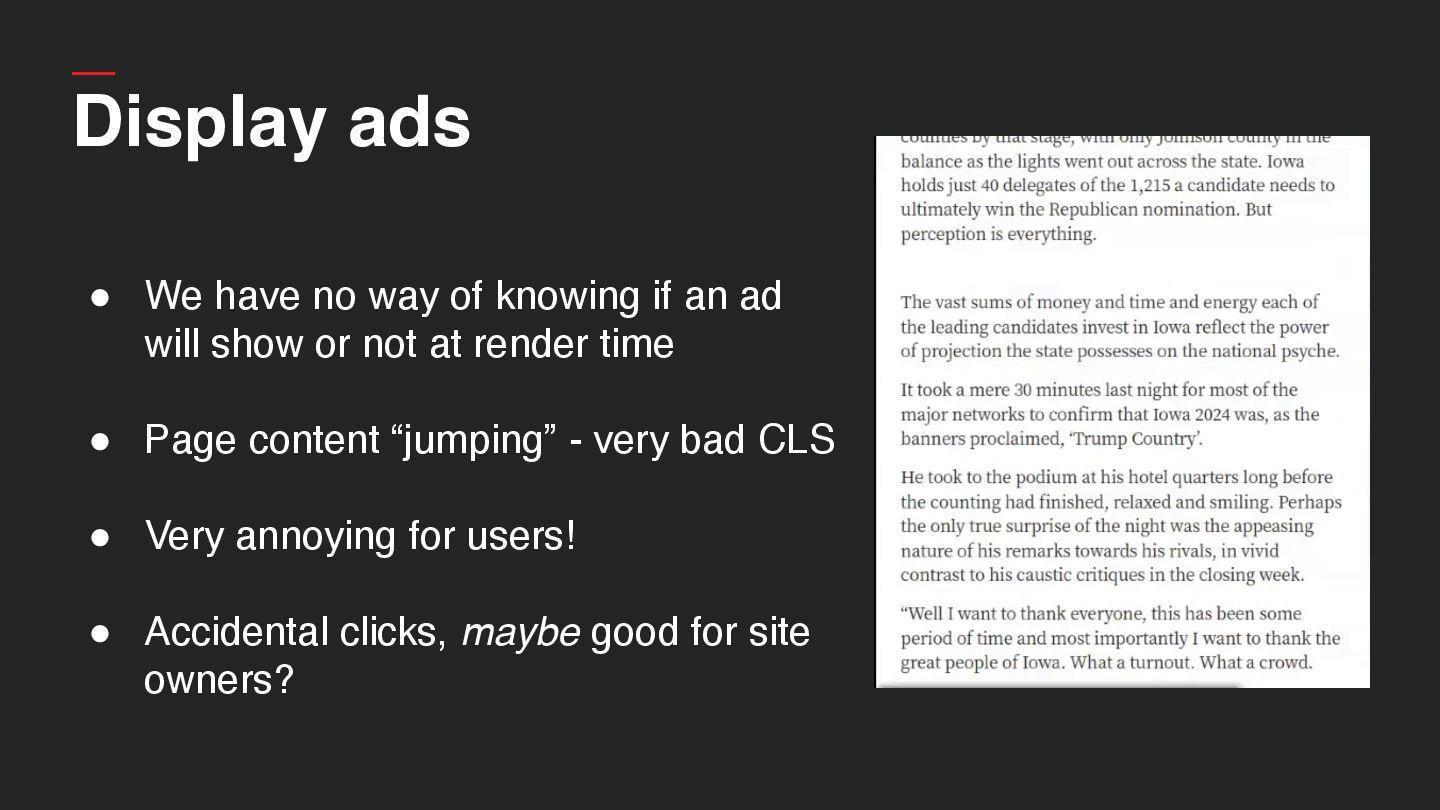
  32. Display ads • We have no way of knowing if

    an ad will show or not at render time • Page content “jumping” - very bad CLS • Very annoying for users! • Accidental clicks, maybe good for site owners?
  33. Display ads • We have no way of knowing if

    an ad will show or not at render time • Page content “jumping” - very bad CLS • Very annoying for users! • Accidental clicks, maybe good for site owners?
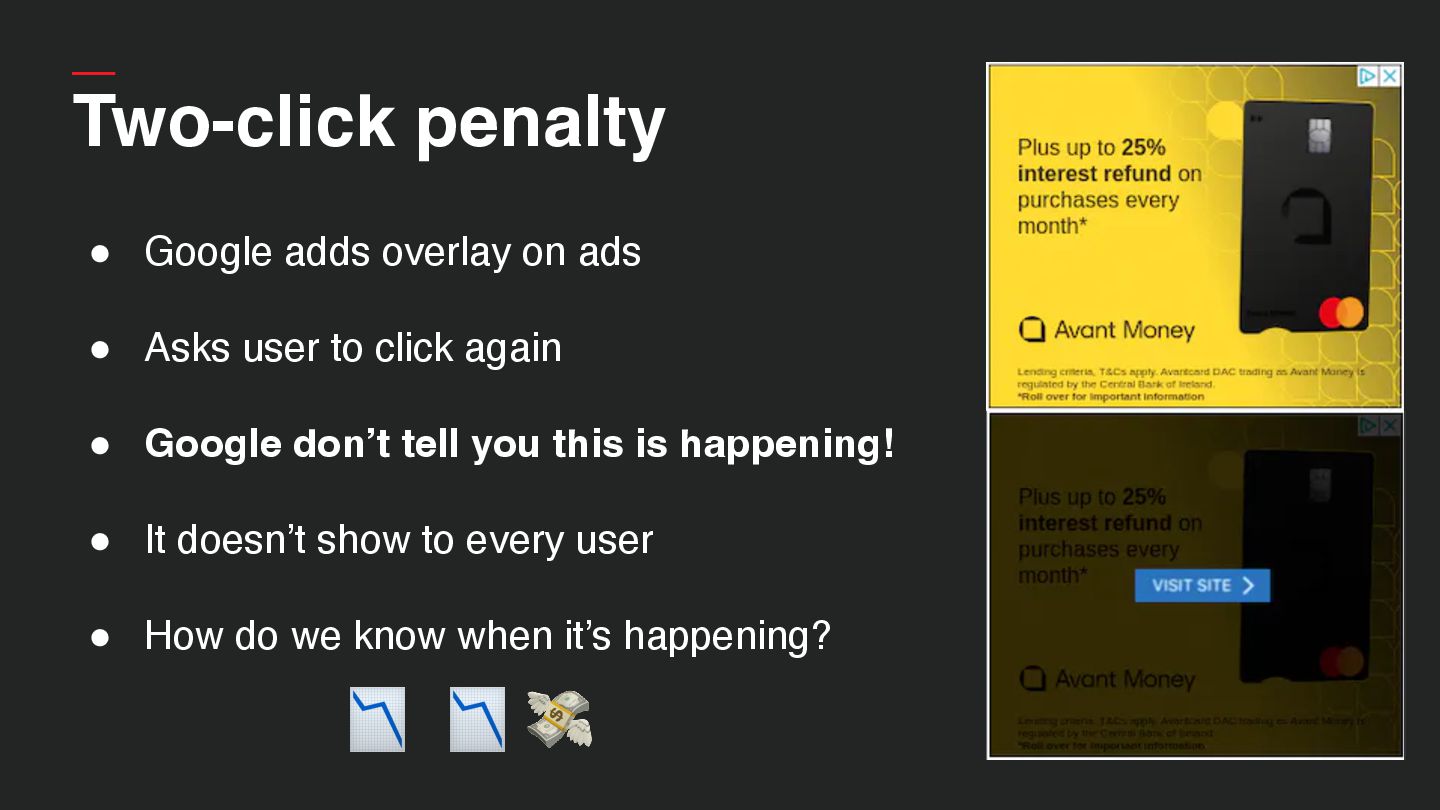
  34. Two-click penalty • Google adds overlay on ads • Asks

    user to click again • Google don’t tell you this is happening! • It doesn’t show to every user • How do we know when it’s happening?
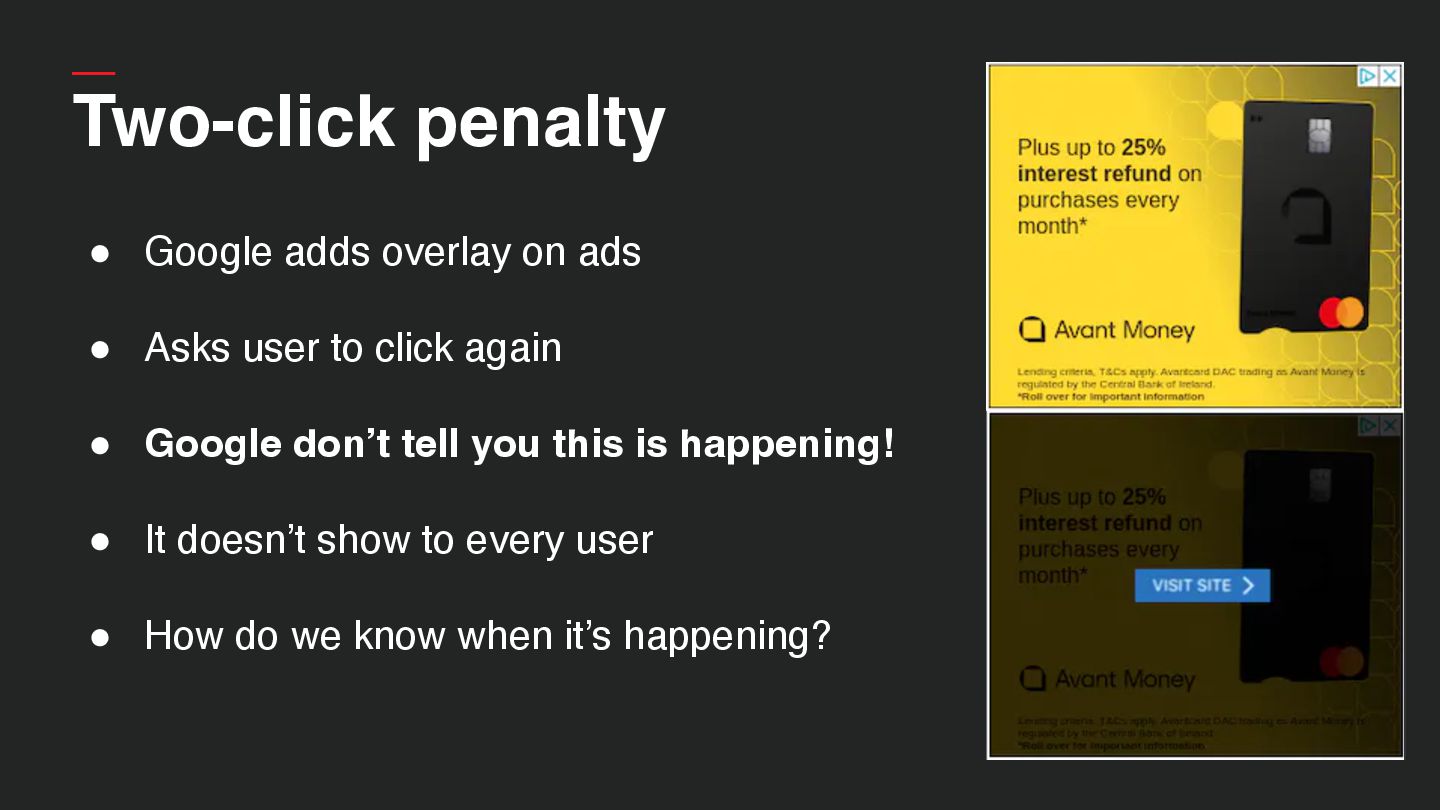
  35. Two-click penalty 📉 📉 💸 • Google adds overlay on

    ads • Asks user to click again • Google don’t tell you this is happening! • It doesn’t show to every user • How do we know when it’s happening?
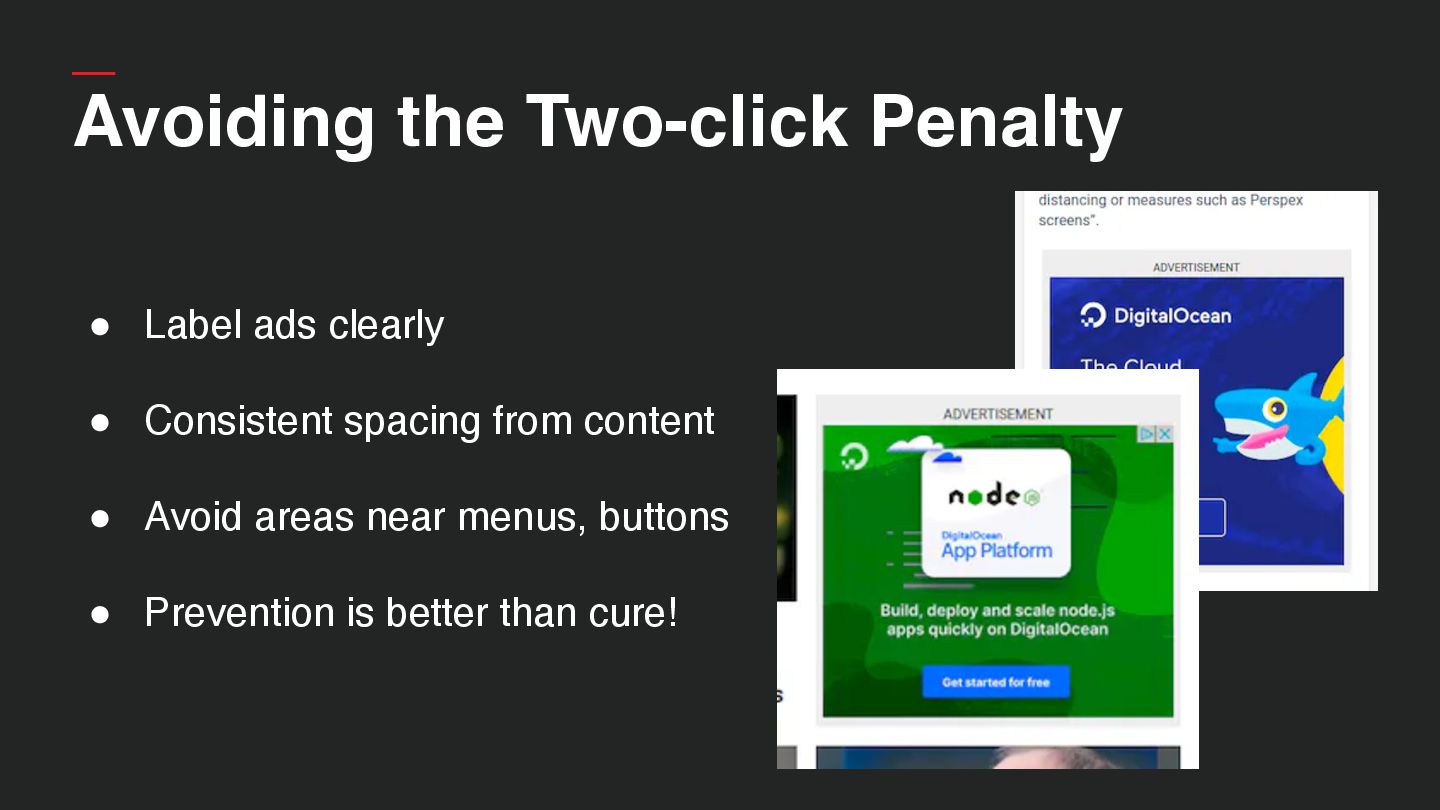
  36. Avoiding the Two-click Penalty • Label ads clearly • Consistent

    spacing from content • Avoid areas near menus, buttons • Prevention is better than cure!
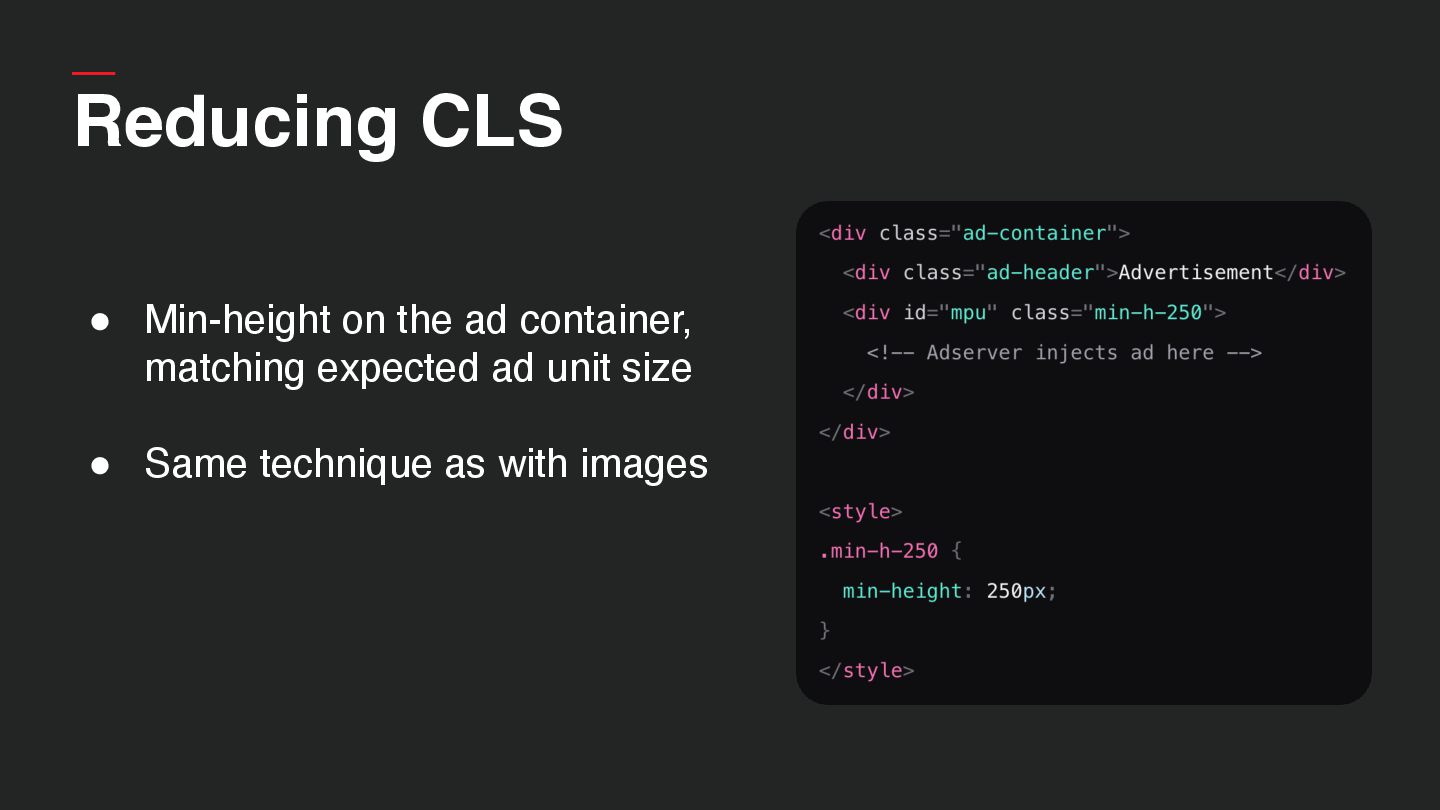
  37. Reducing CLS • Min-height on the ad container, matching expected

    ad unit size • Same technique as with images
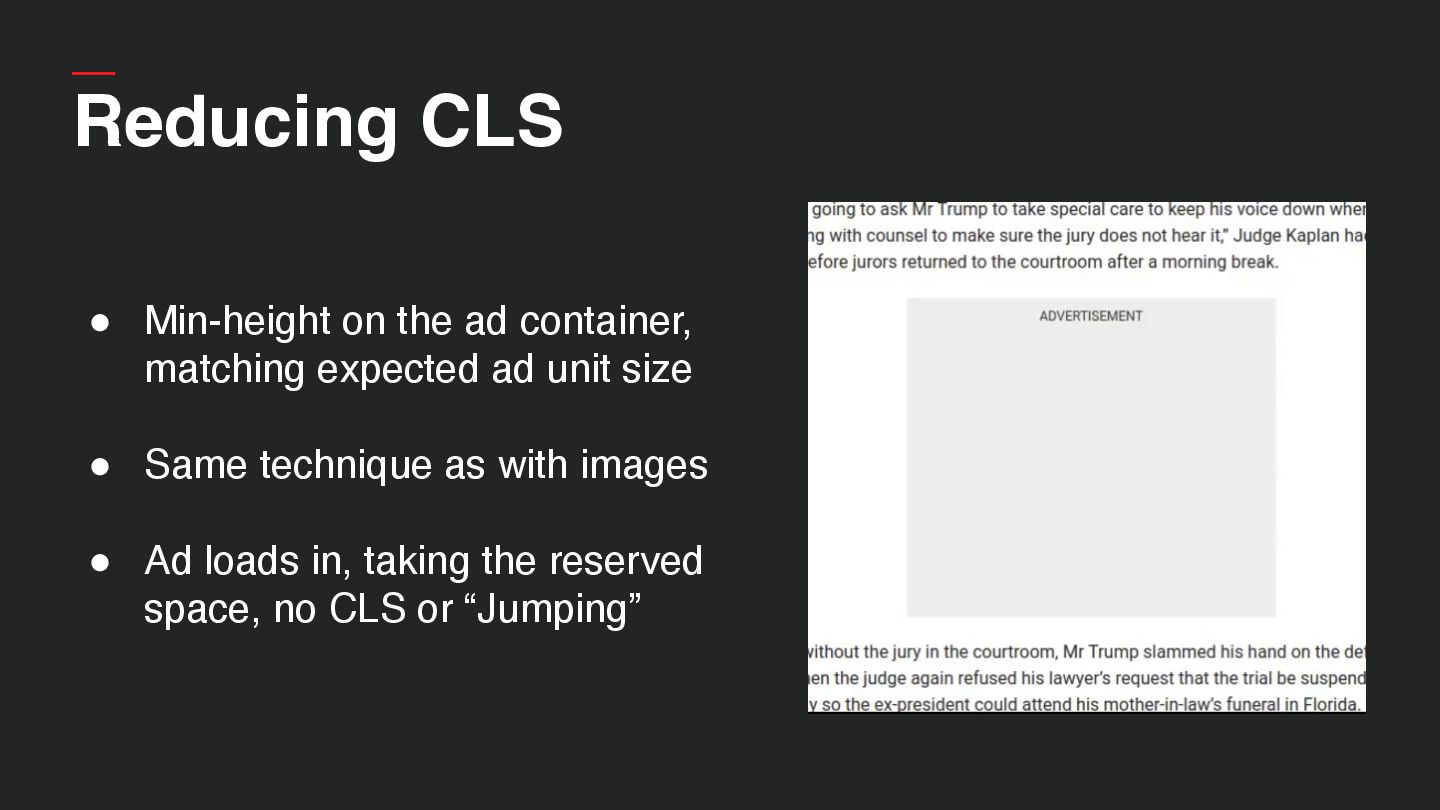
  38. • Min-height on the ad container, matching expected ad unit

    size • Same technique as with images • Ad loads in, taking the reserved space, no CLS or “Jumping” Reducing CLS
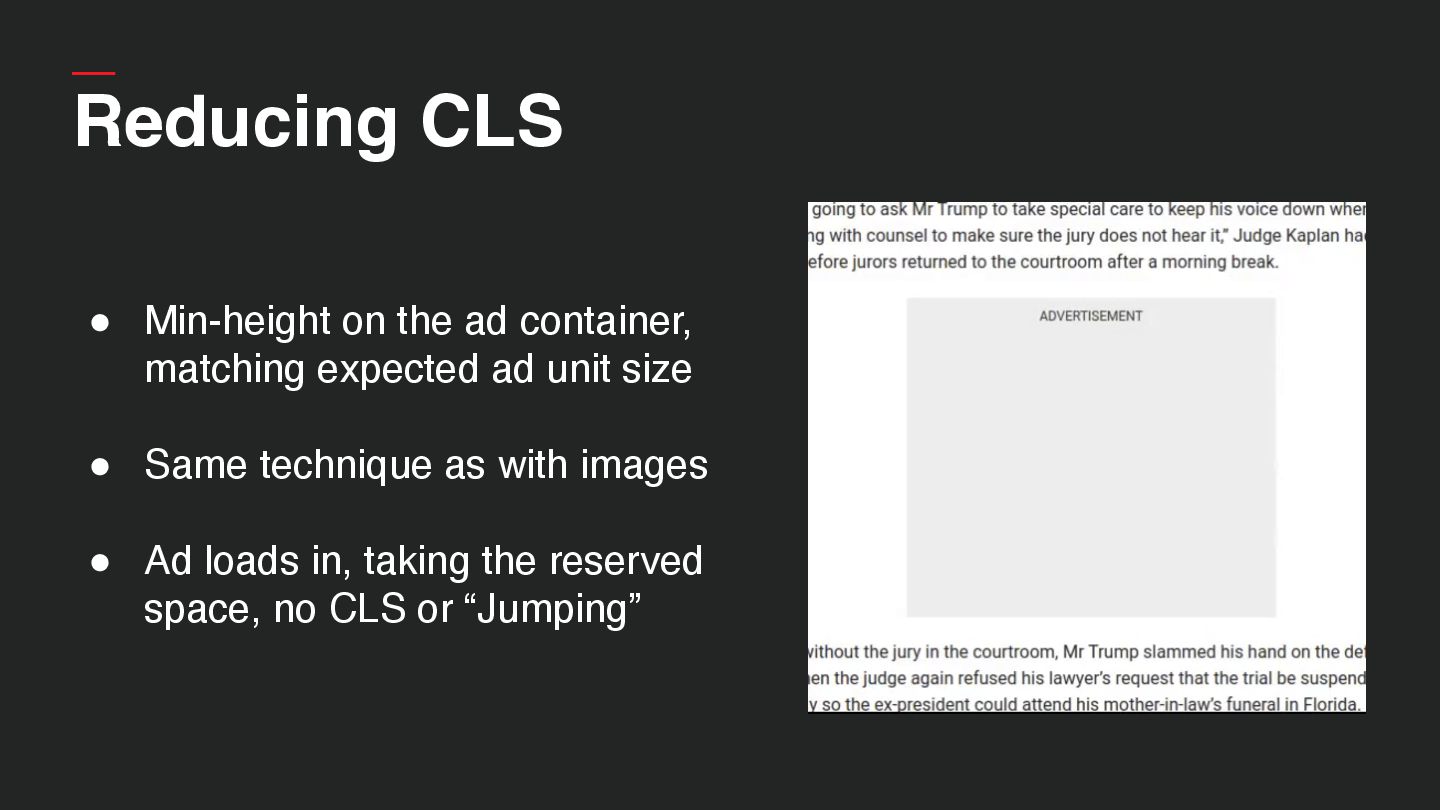
  39. • Min-height on the ad container, matching expected ad unit

    size • Same technique as with images • Ad loads in, taking the reserved space, no CLS or “Jumping” Reducing CLS
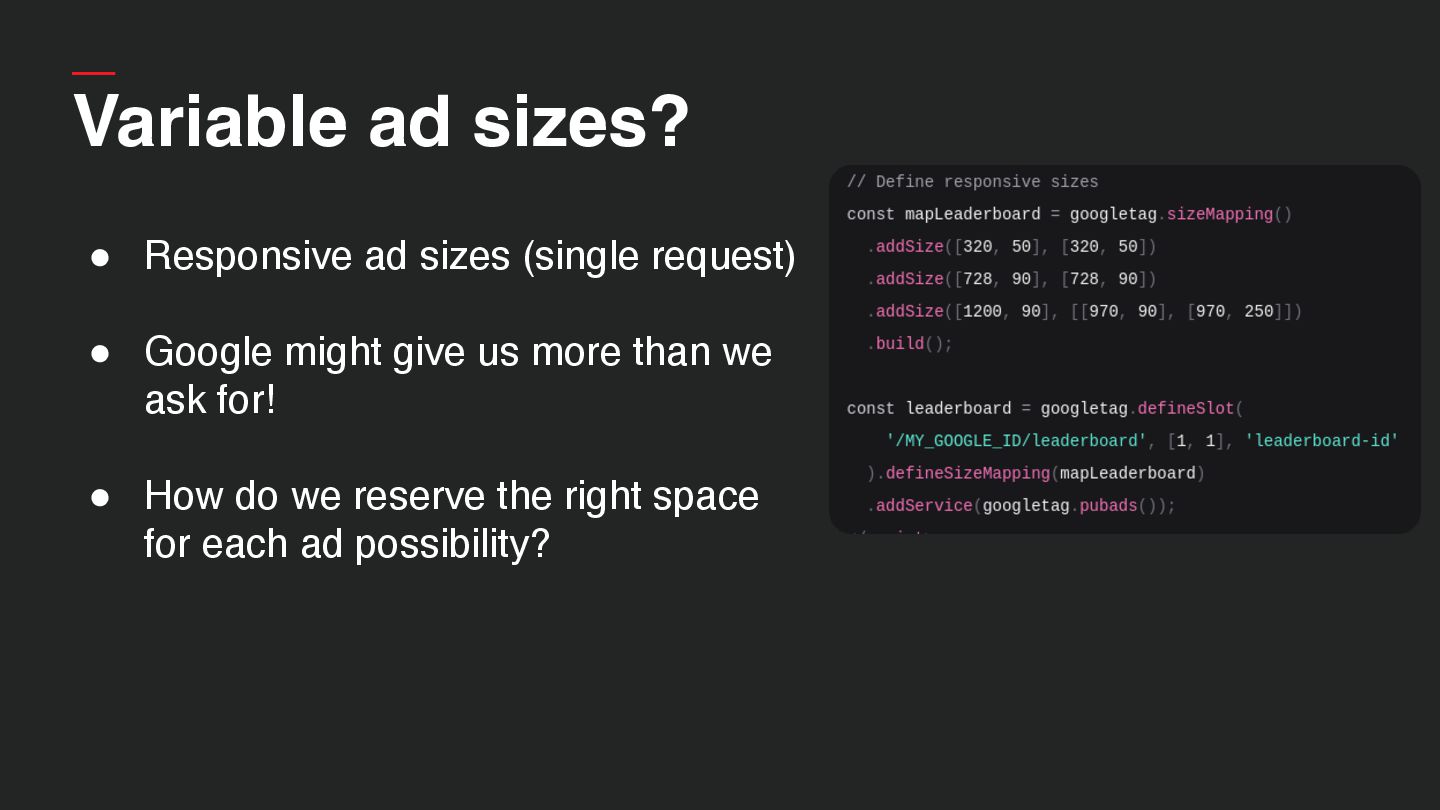
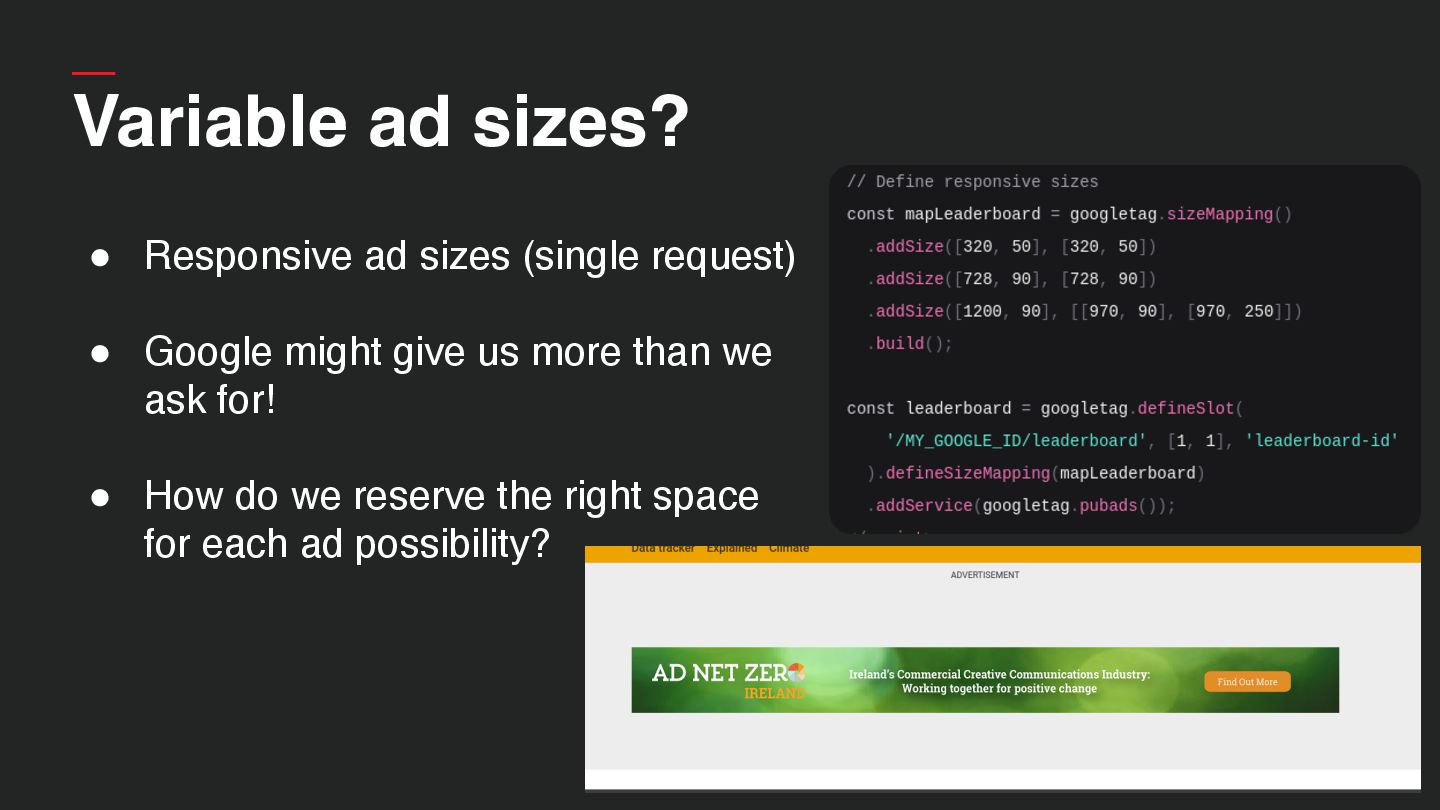
  40. Variable ad sizes? • Responsive ad sizes (single request) •

    Google might give us more than we ask for! • How do we reserve the right space for each ad possibility?
  41. Variable ad sizes? • Responsive ad sizes (single request) •

    Google might give us more than we ask for! • How do we reserve the right space for each ad possibility?
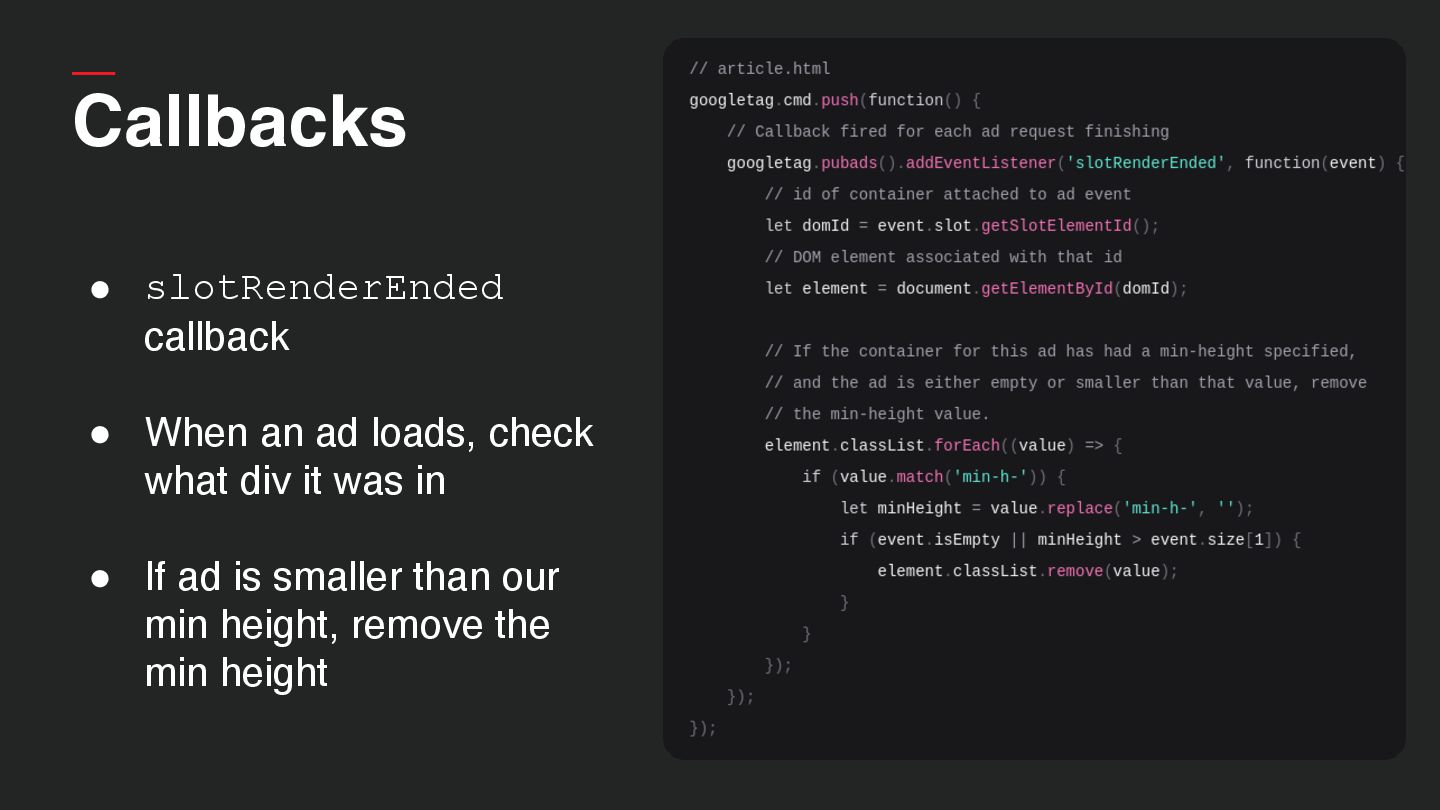
  42. Callbacks • slotRenderEnded callback • When an ad loads, check

    what div it was in • If ad is smaller than our min height, remove the min height
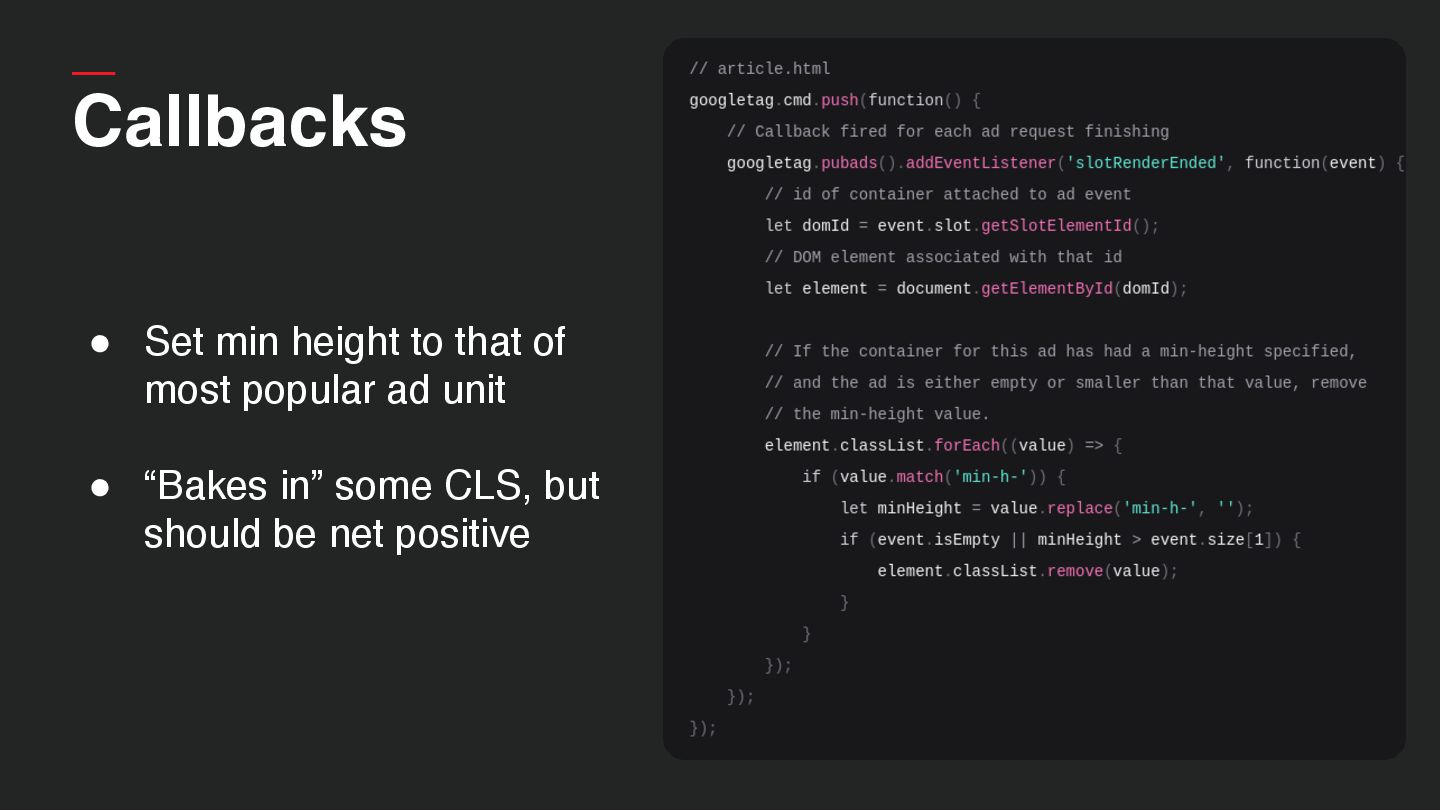
  43. Callbacks • Set min height to that of most popular

    ad unit • “Bakes in” some CLS, but should be net positive
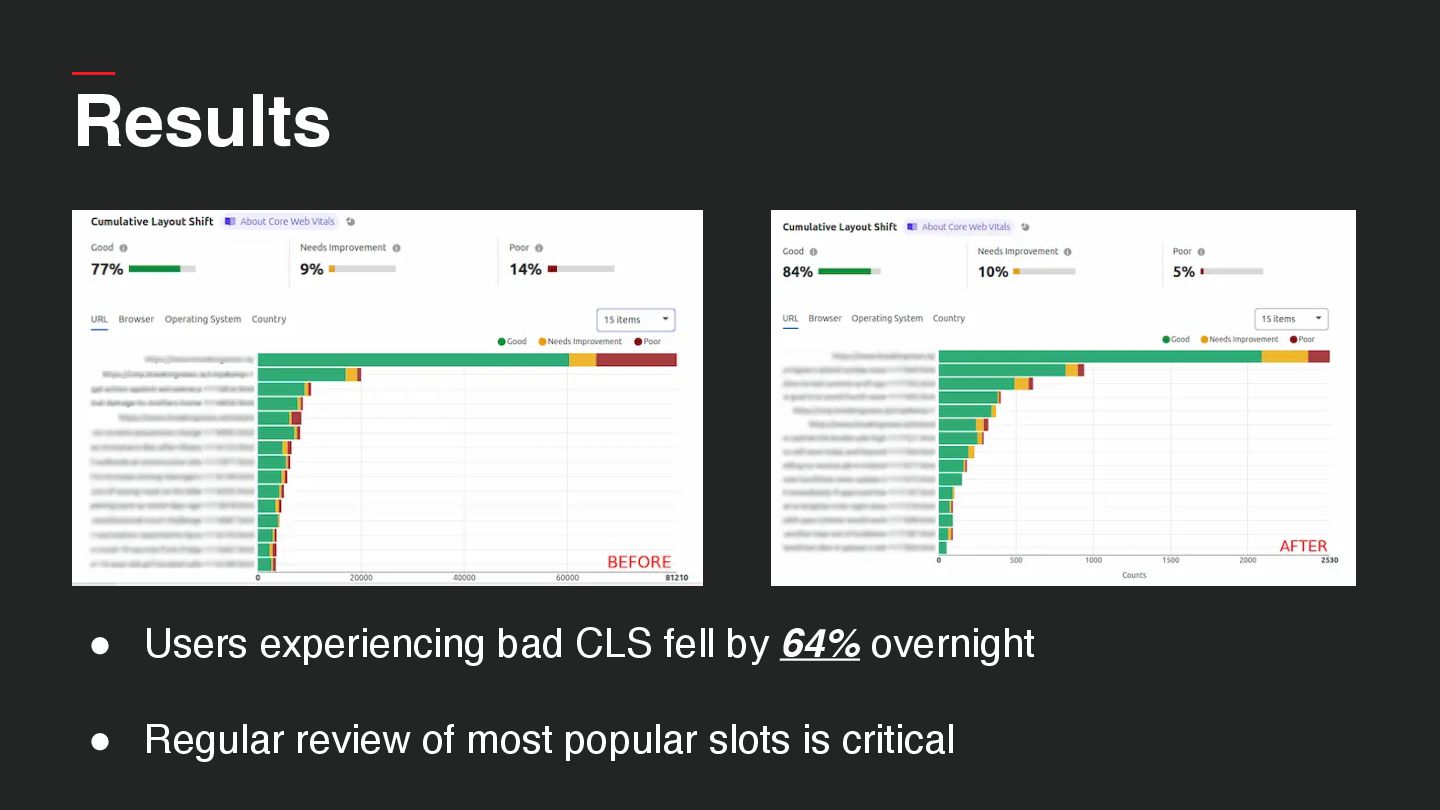
  44. Results • Users experiencing bad CLS fell by 64% overnight

    • Regular review of most popular slots is critical
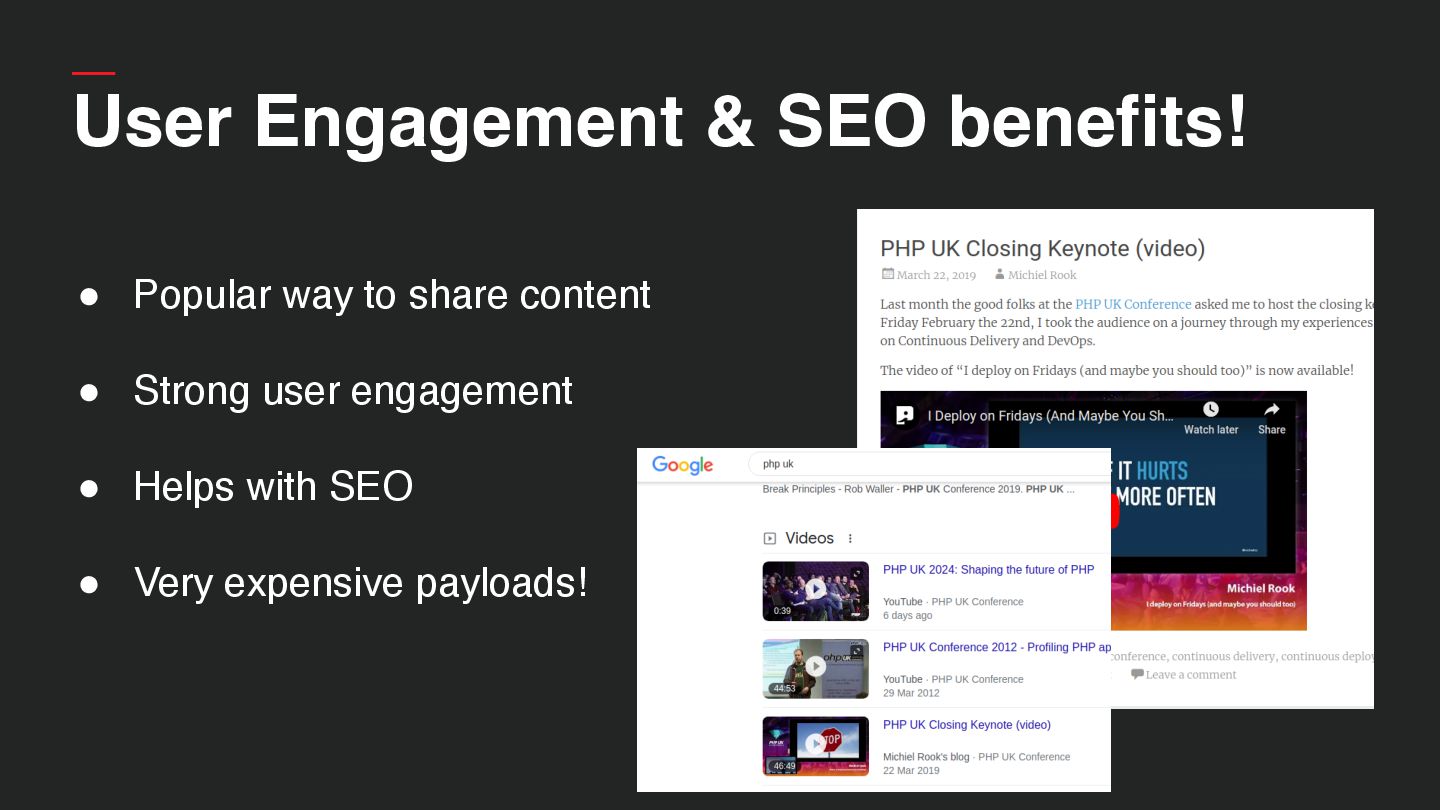
  45. User Engagement & SEO benefits! • Popular way to share

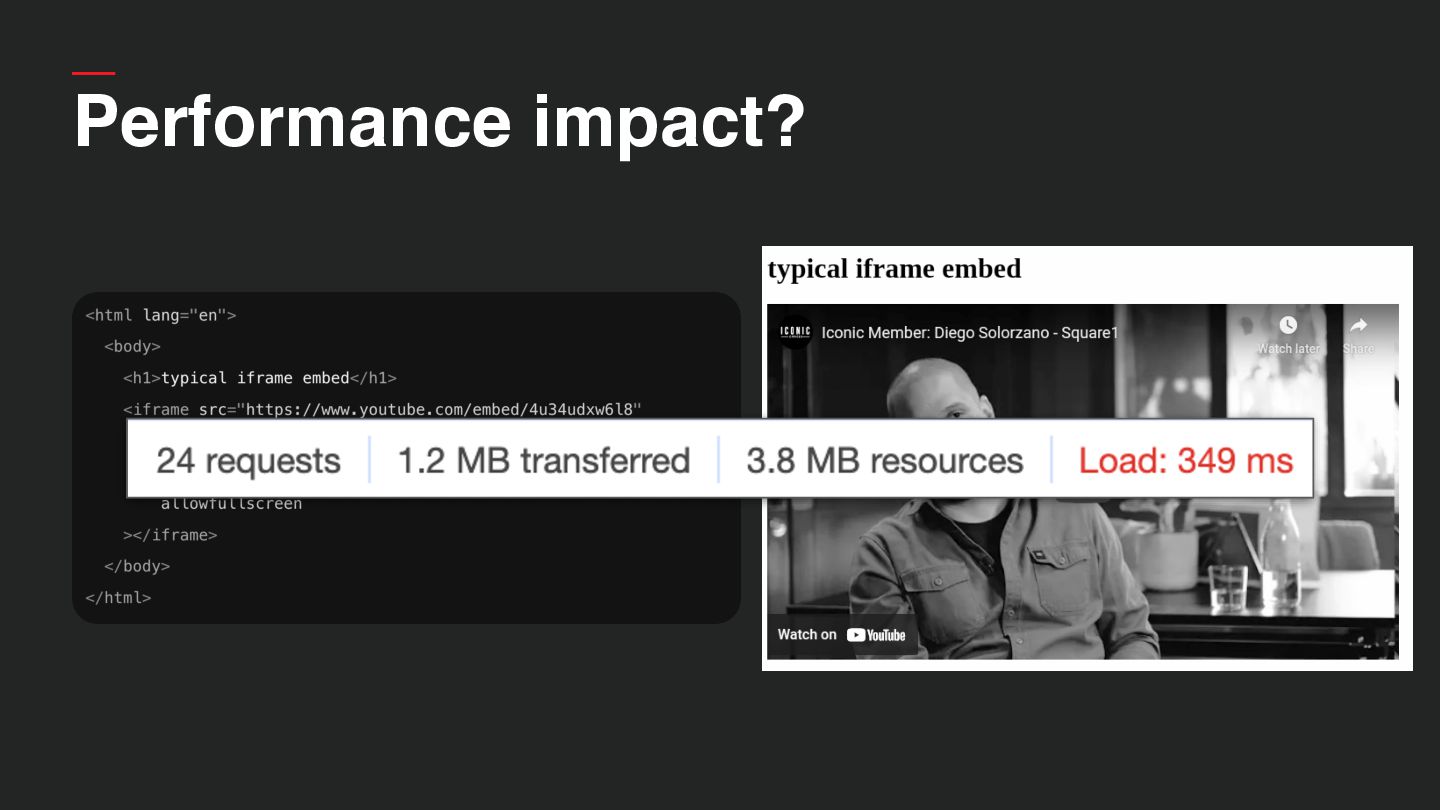
    content • Strong user engagement • Helps with SEO • Very expensive payloads!
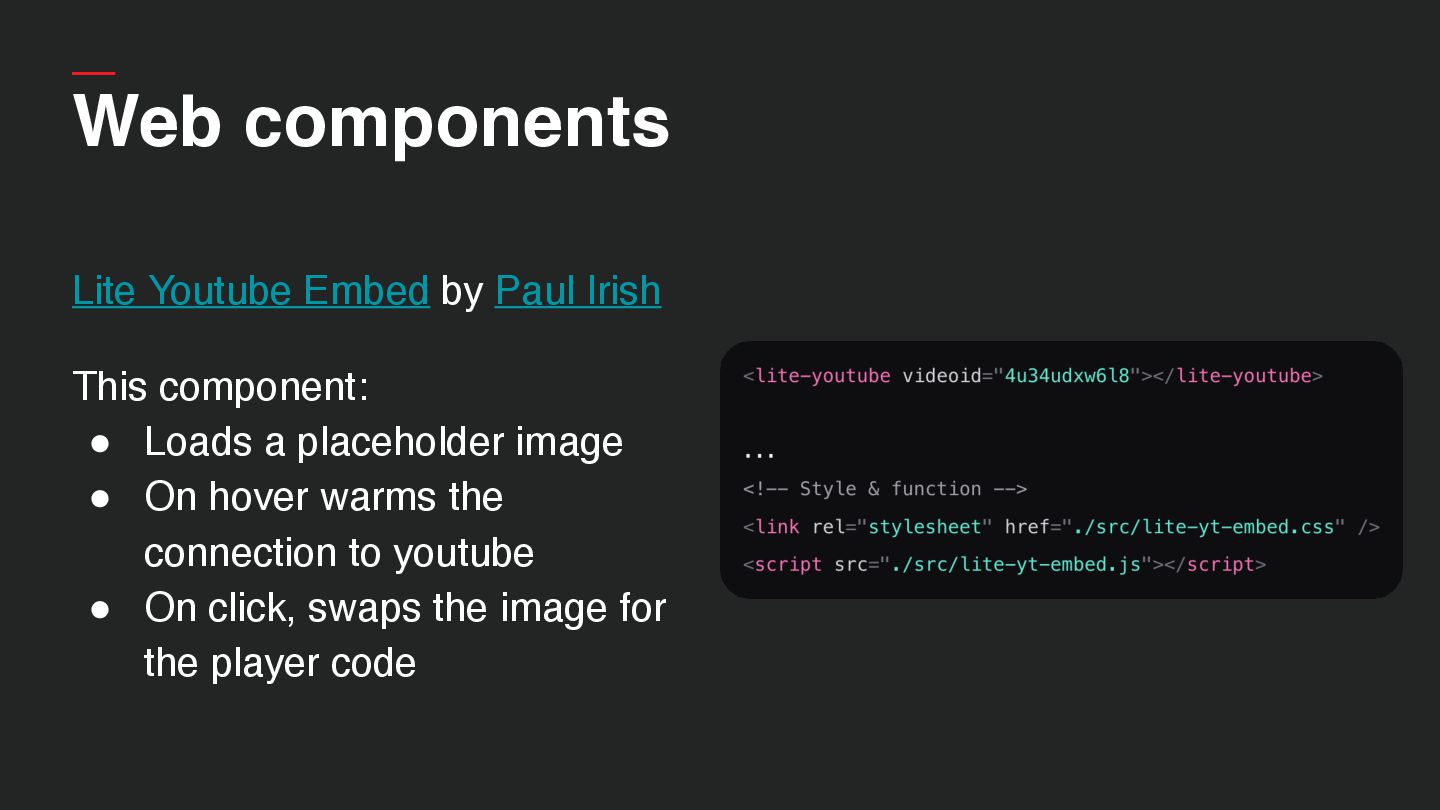
  46. Web components Lite Youtube Embed by Paul Irish This component:

    • Loads a placeholder image • On hover warms the connection to youtube • On click, swaps the image for the player code
  47. Web components Lite Youtube Embed by Paul Irish This component:

    • Loads a placeholder image • On hover warms the connection to youtube • On click, swaps the image for the player code
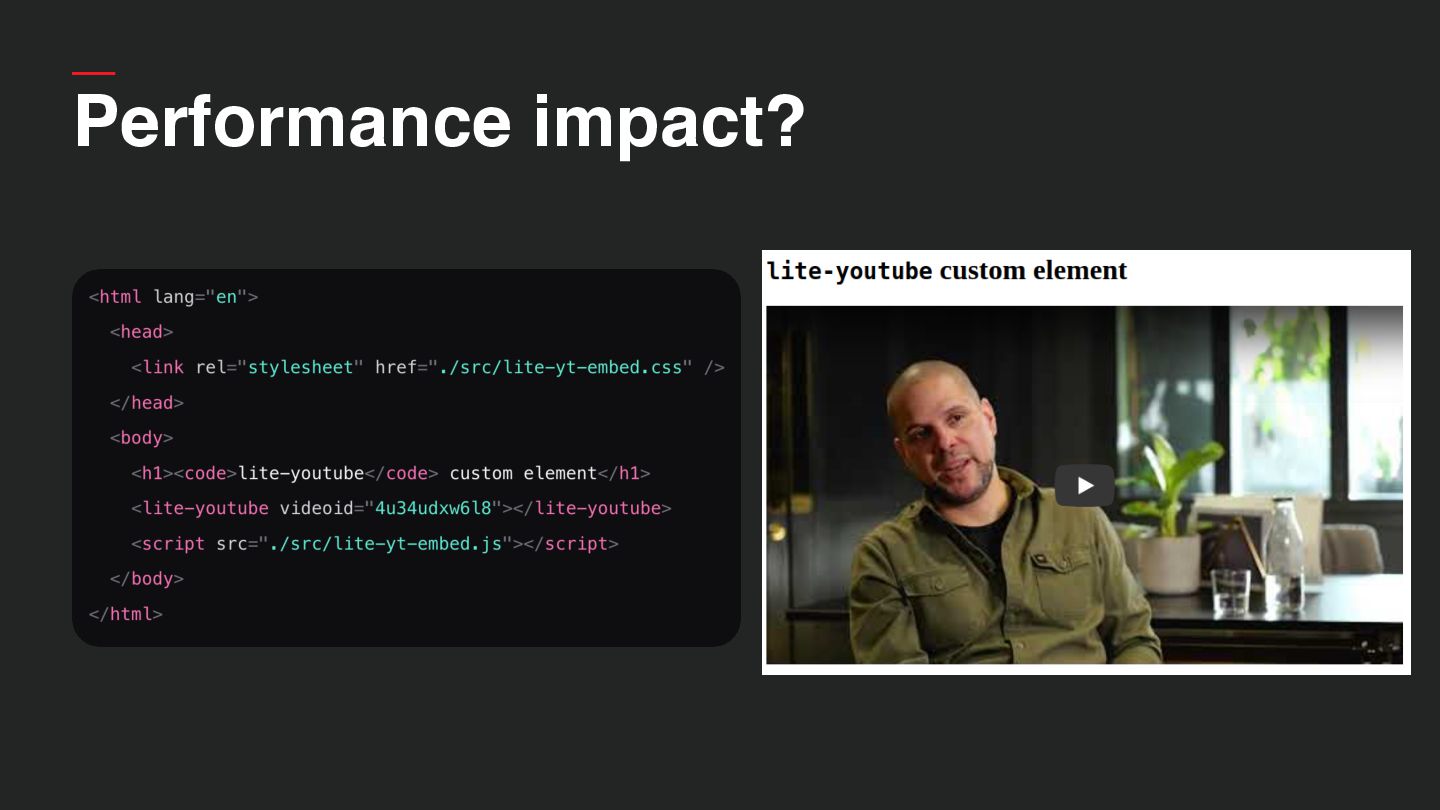
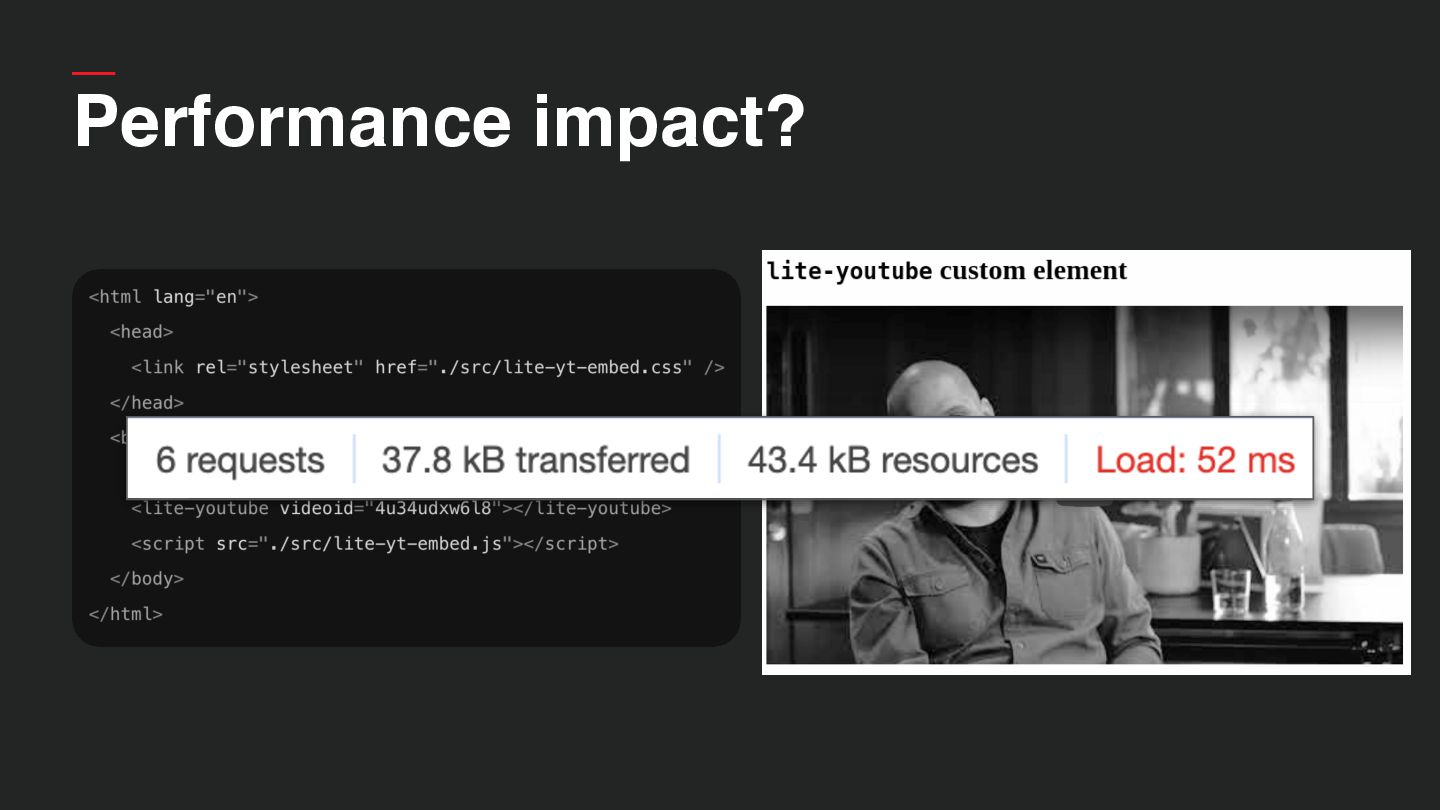
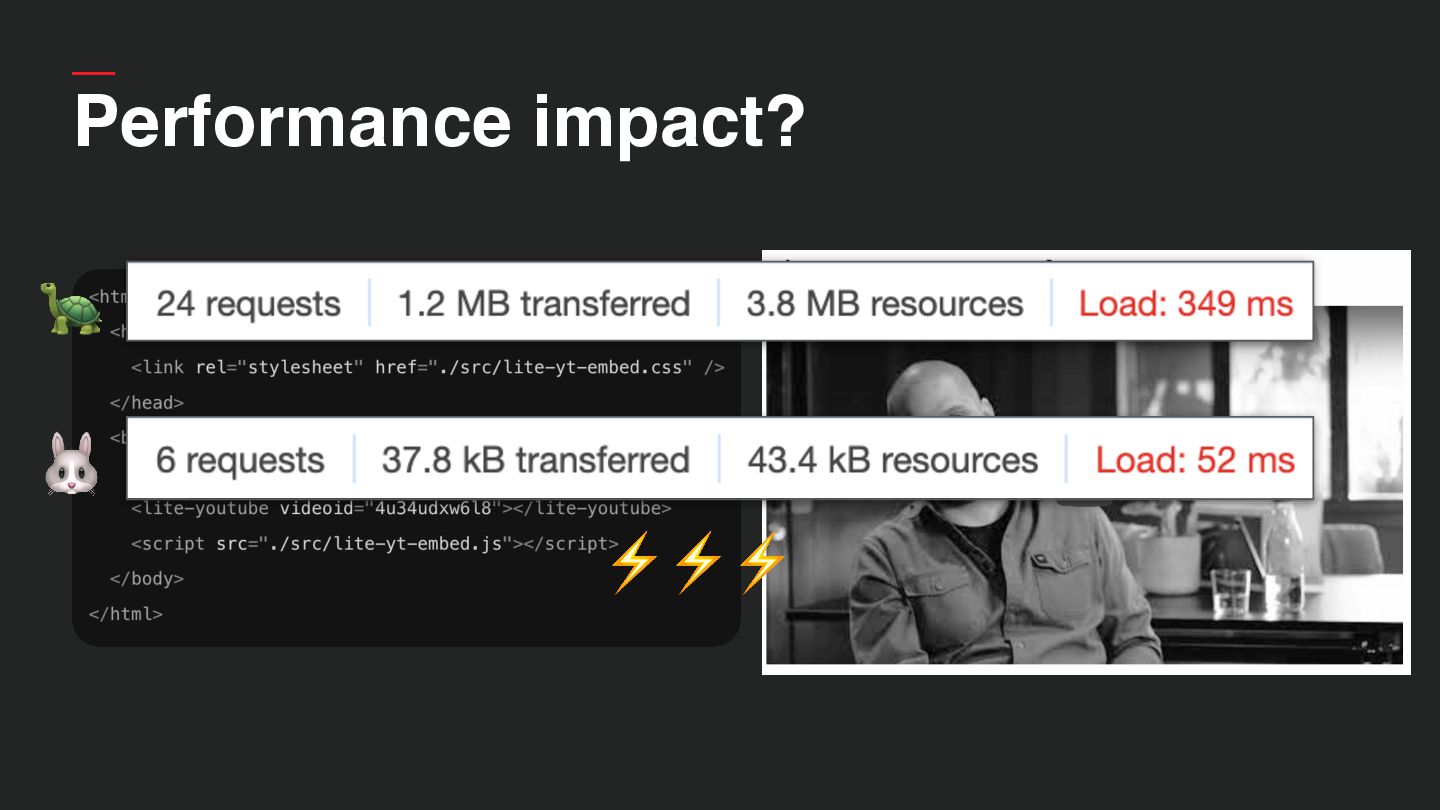
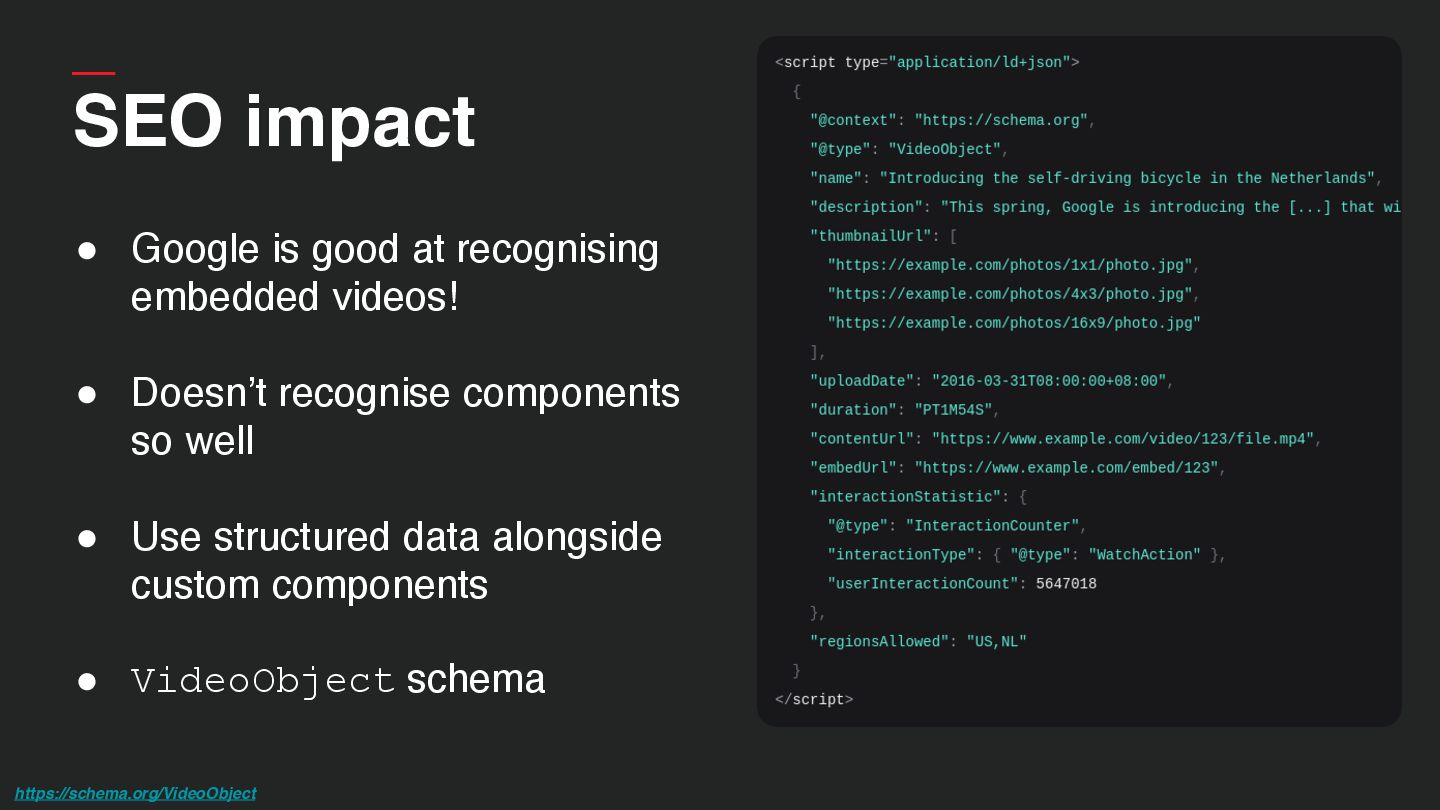
  48. SEO impact • Google is good at recognising embedded videos!

    • Doesn’t recognise components so well • Use structured data alongside custom components • VideoObject schema https://schema.org/VideoObject
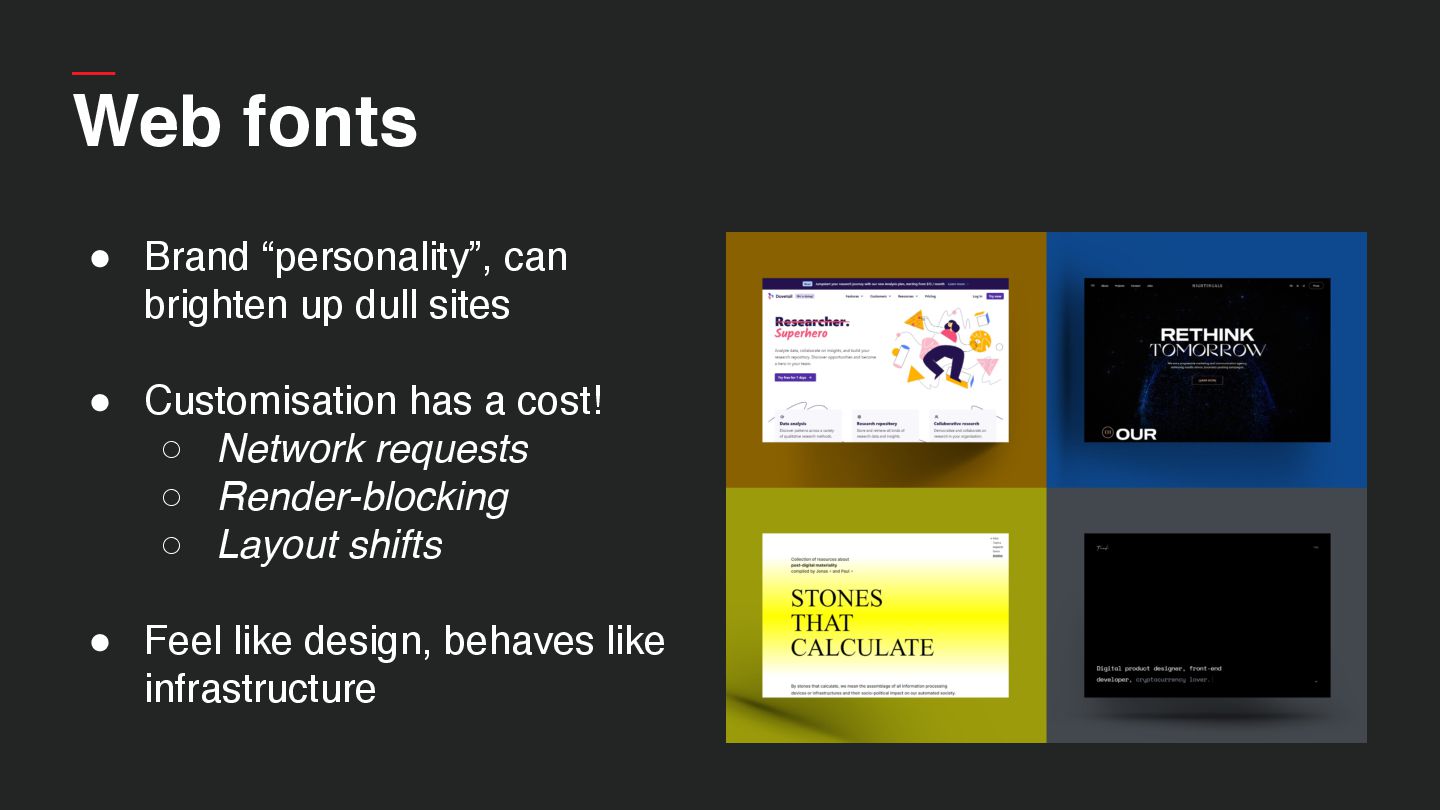
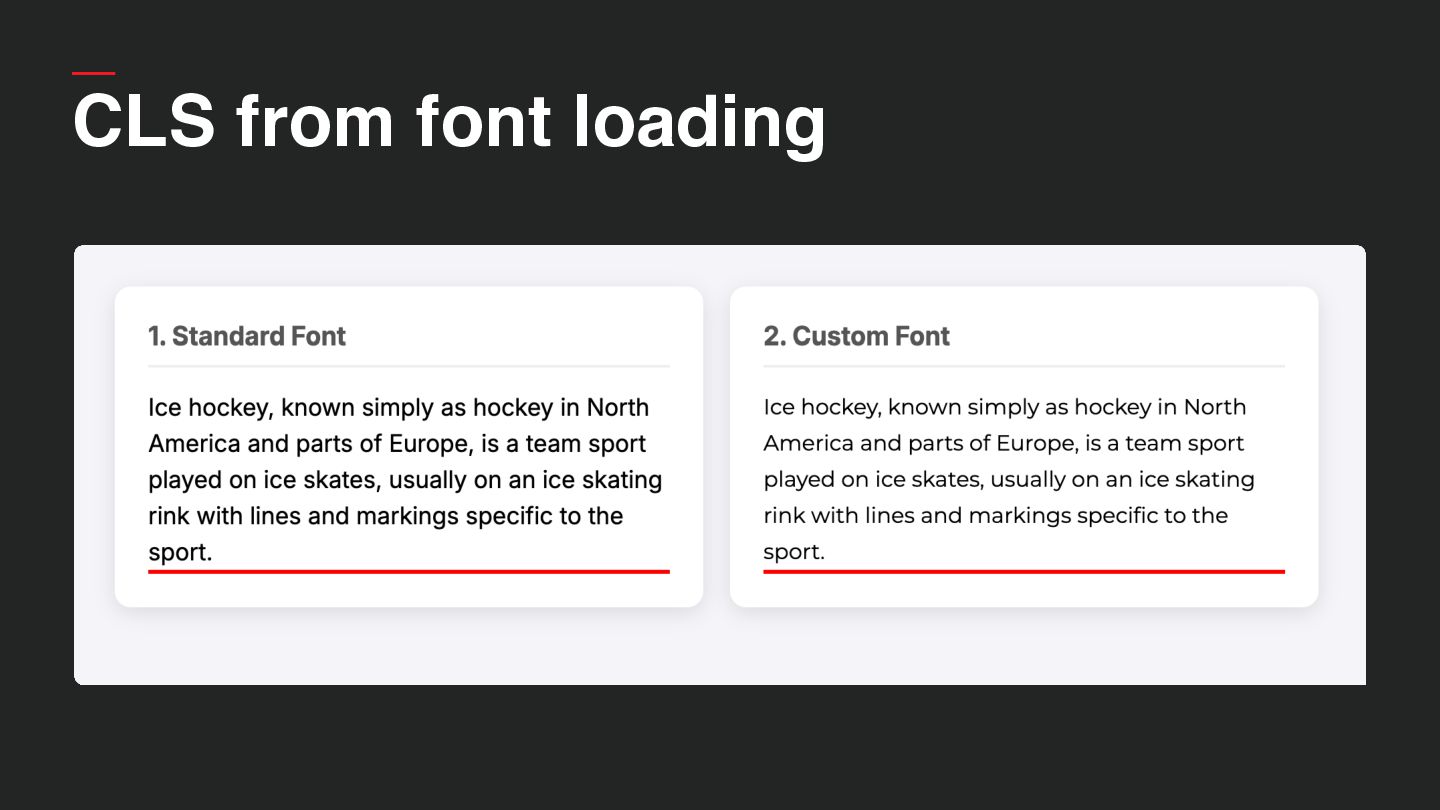
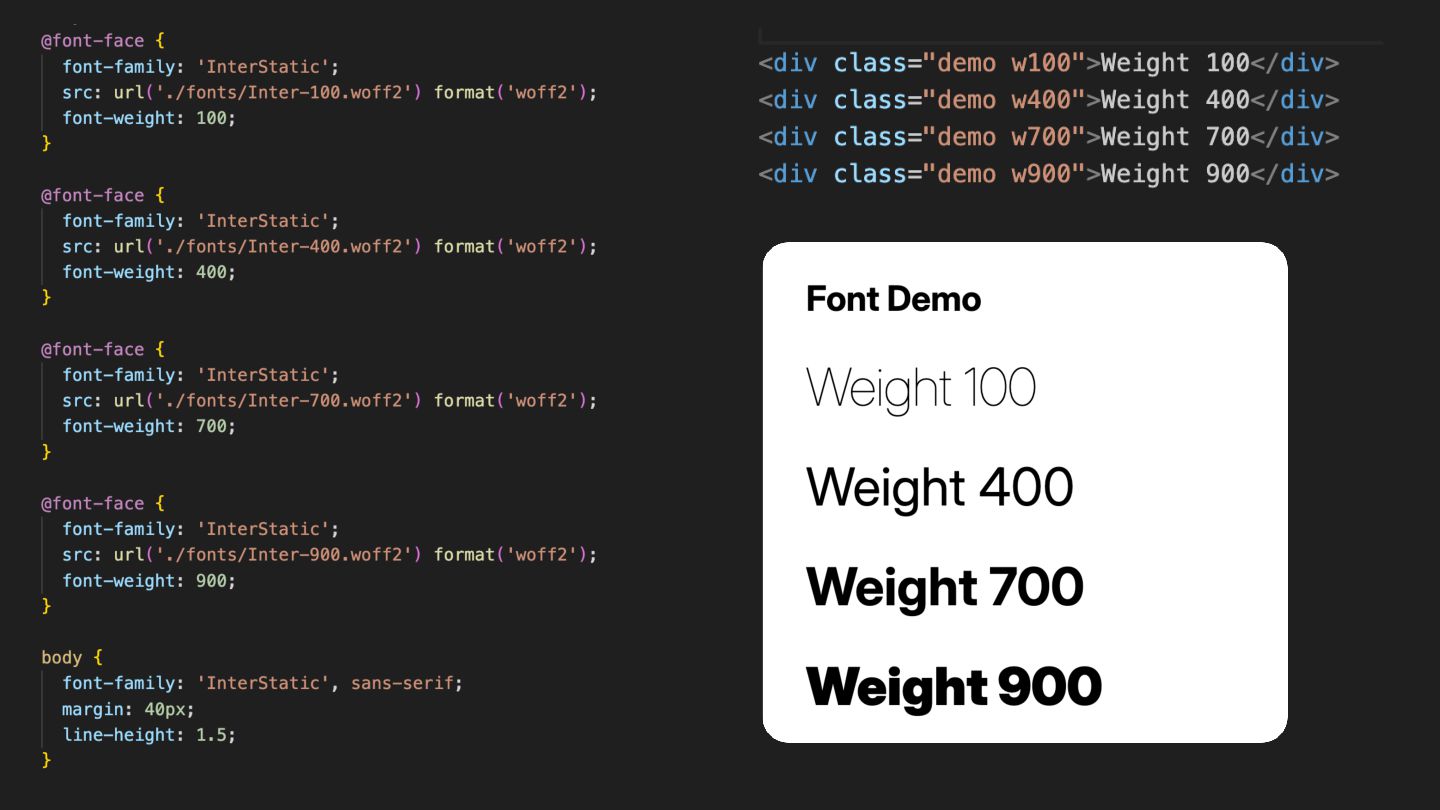
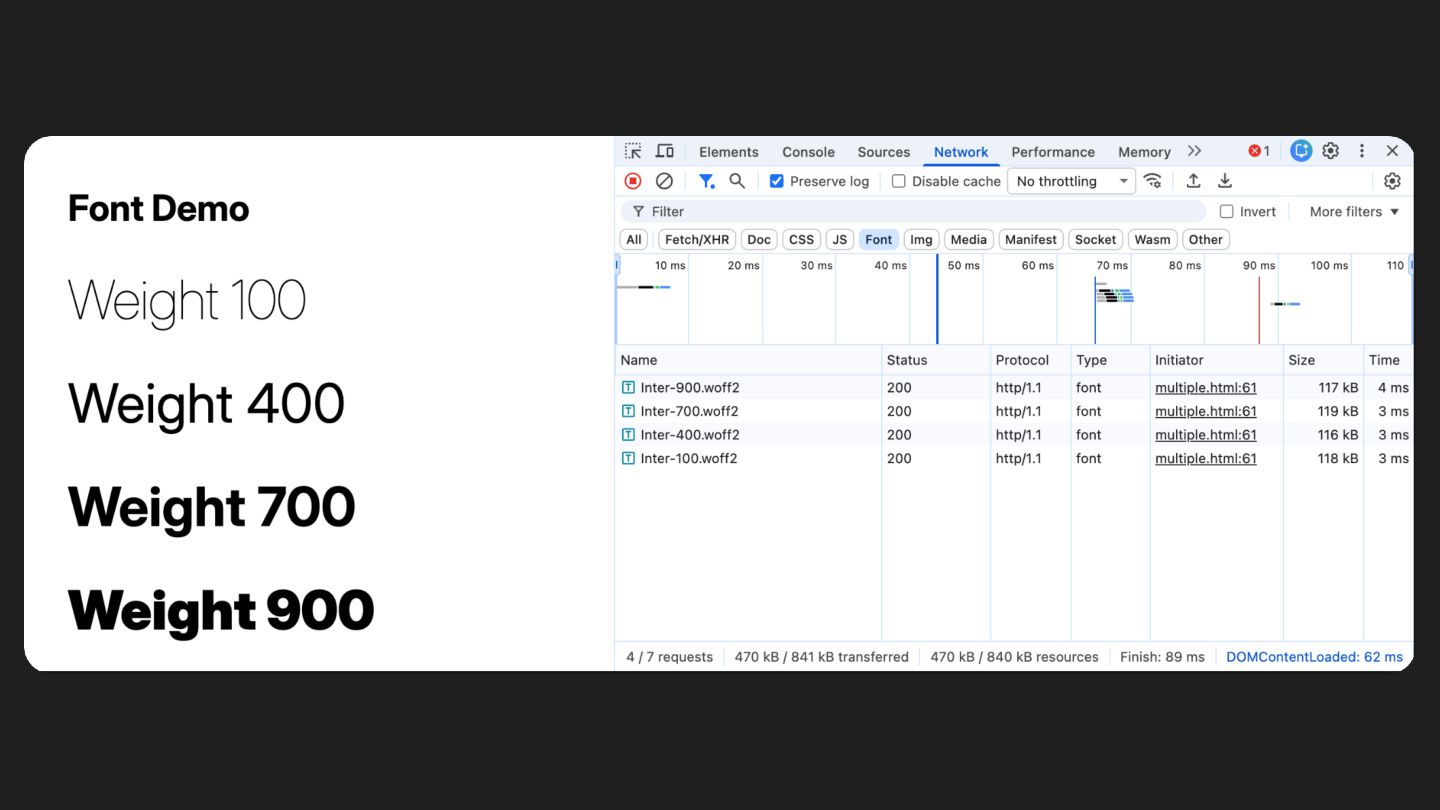
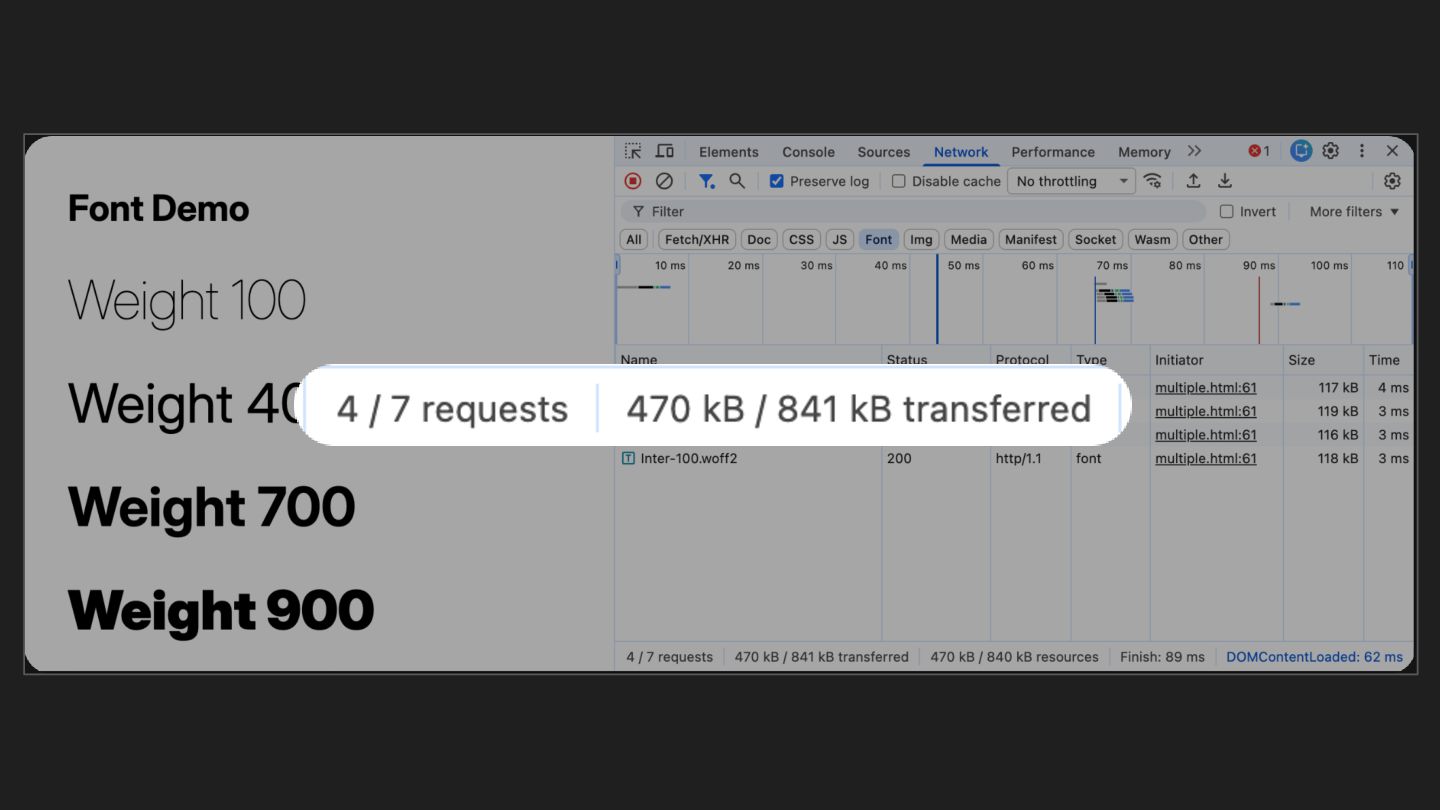
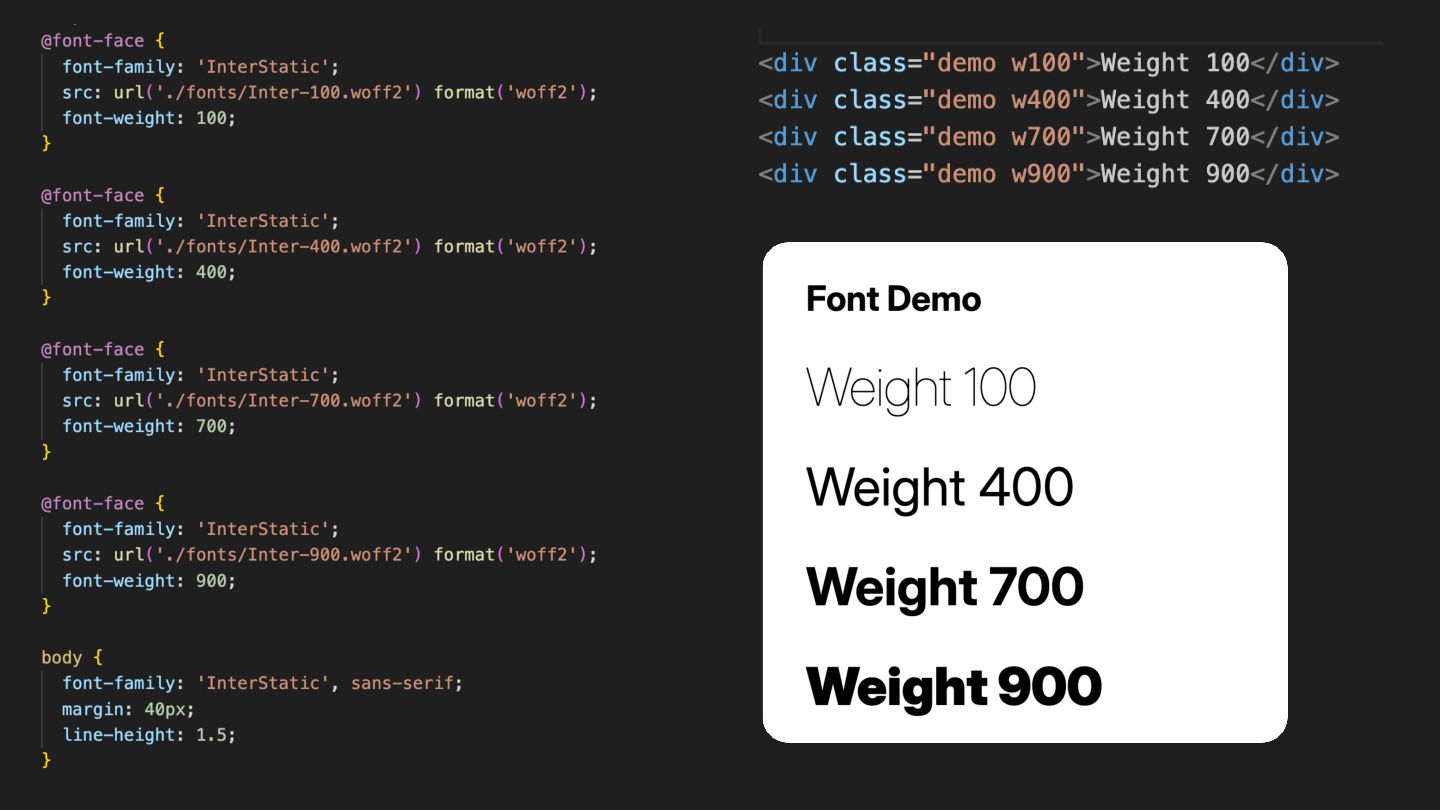
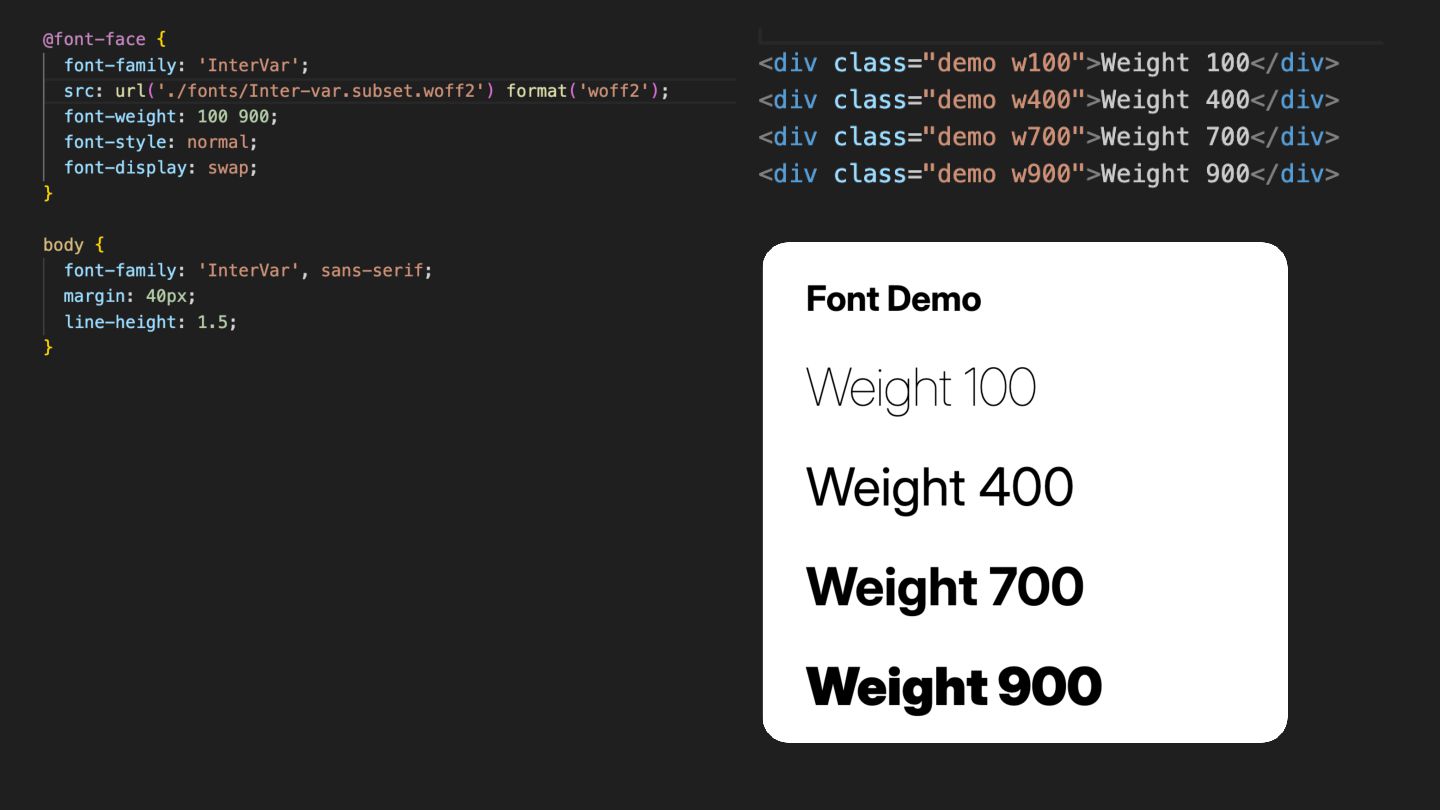
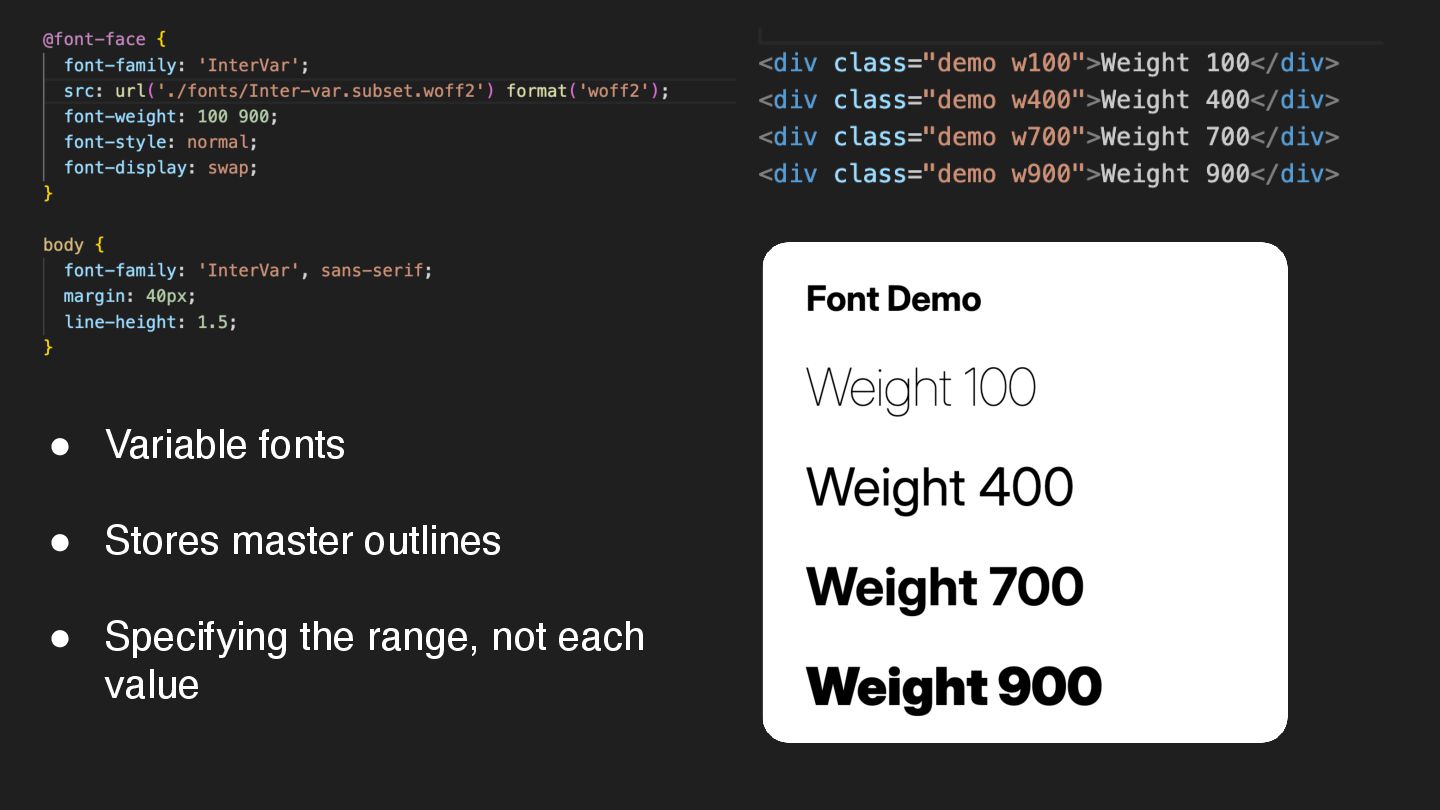
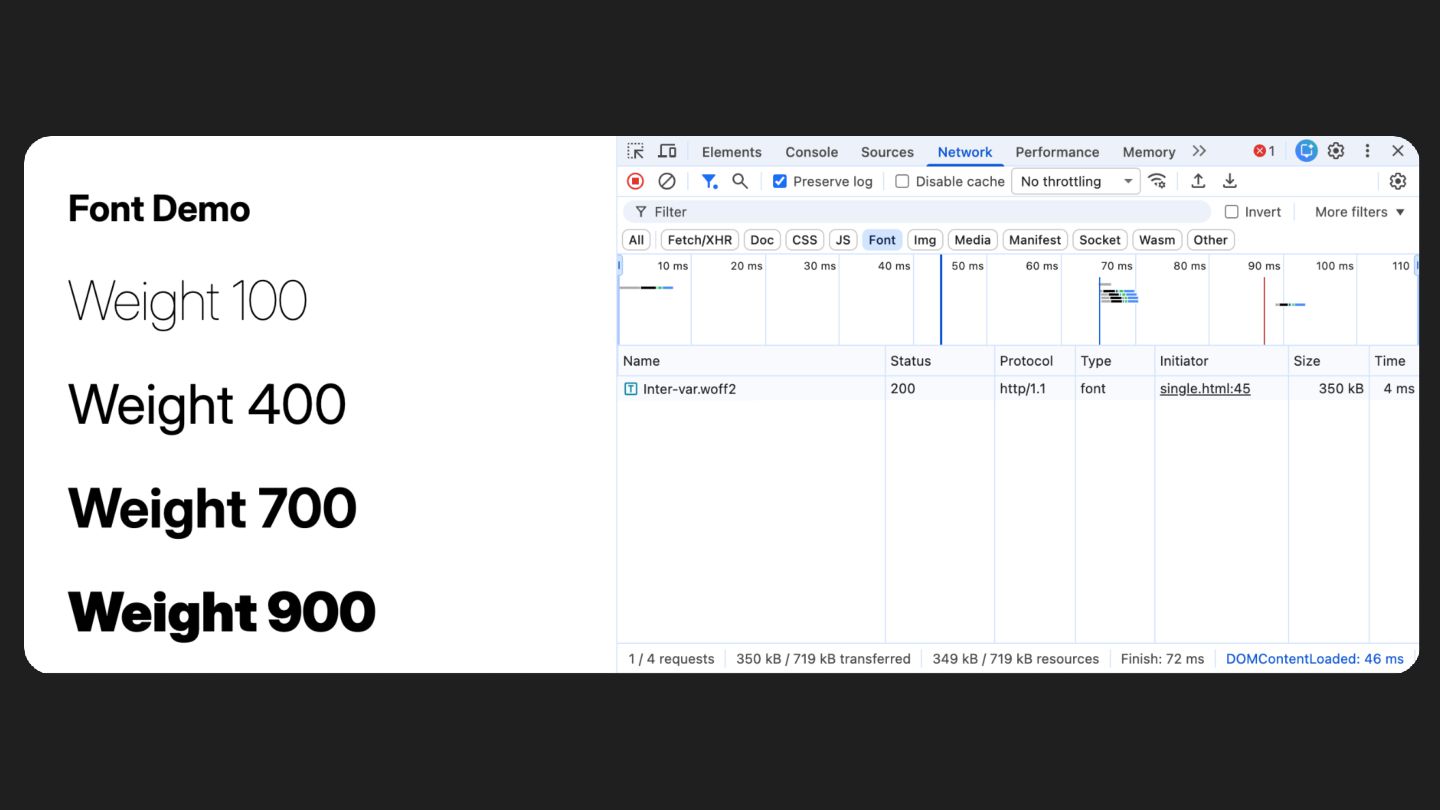
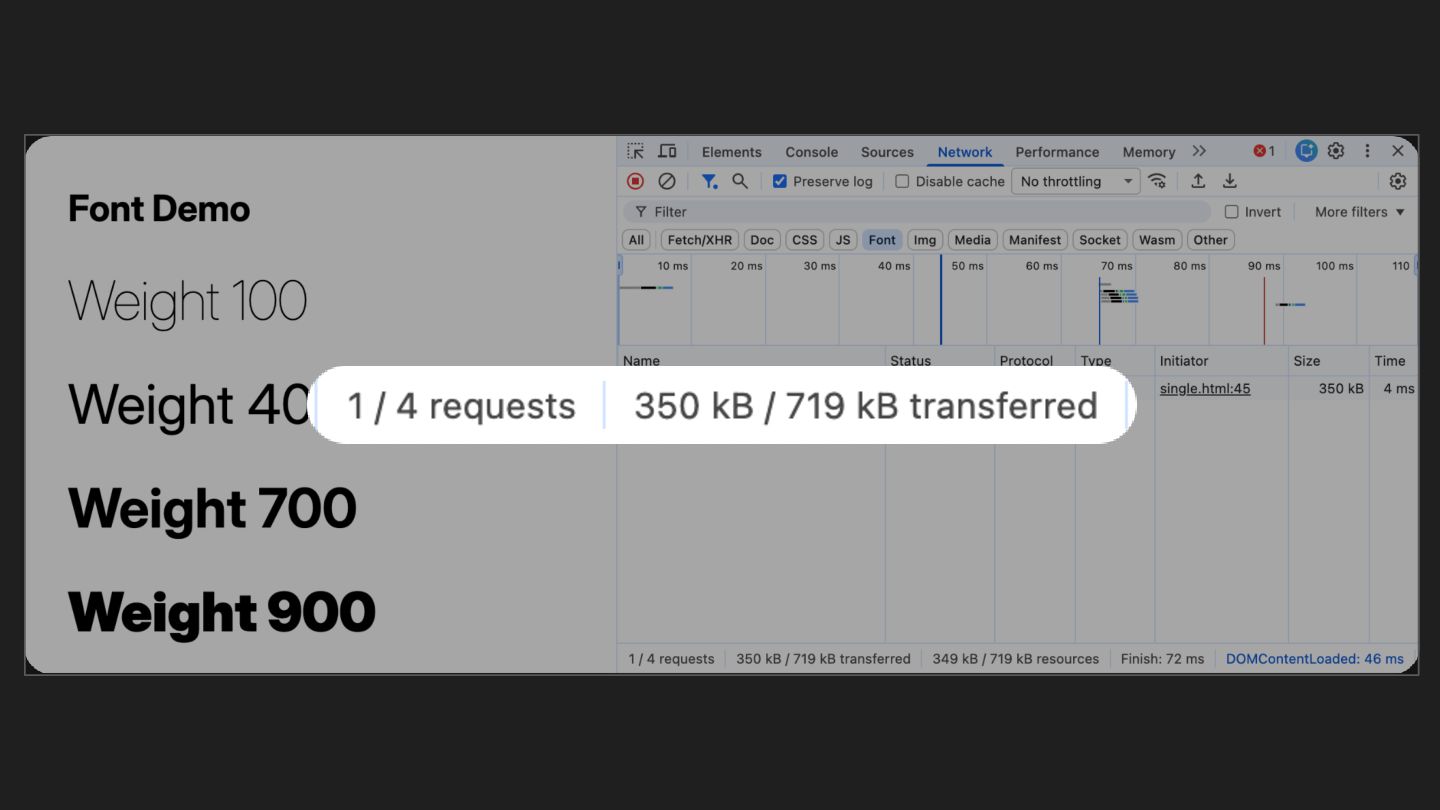
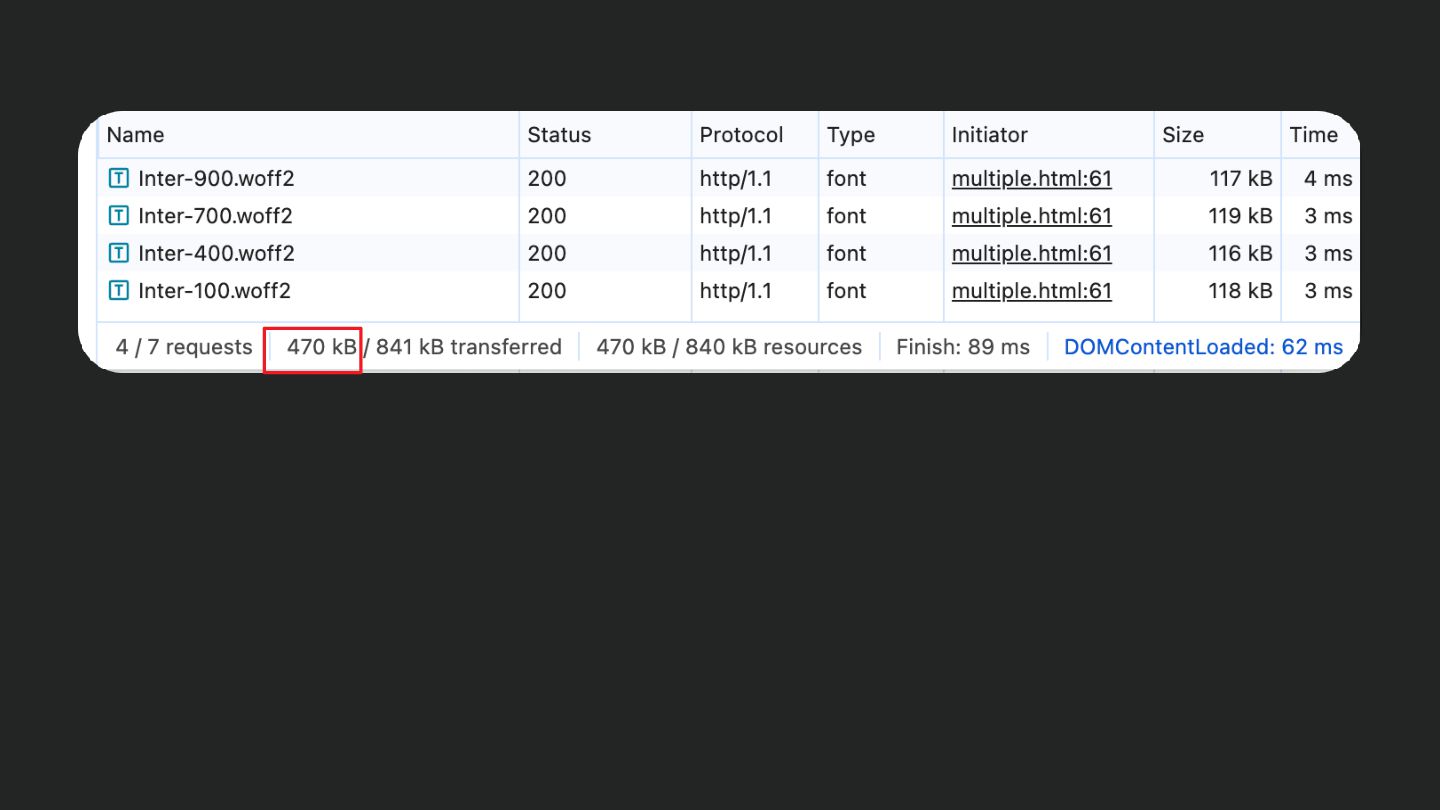
  49. Web fonts • Brand “personality”, can brighten up dull sites

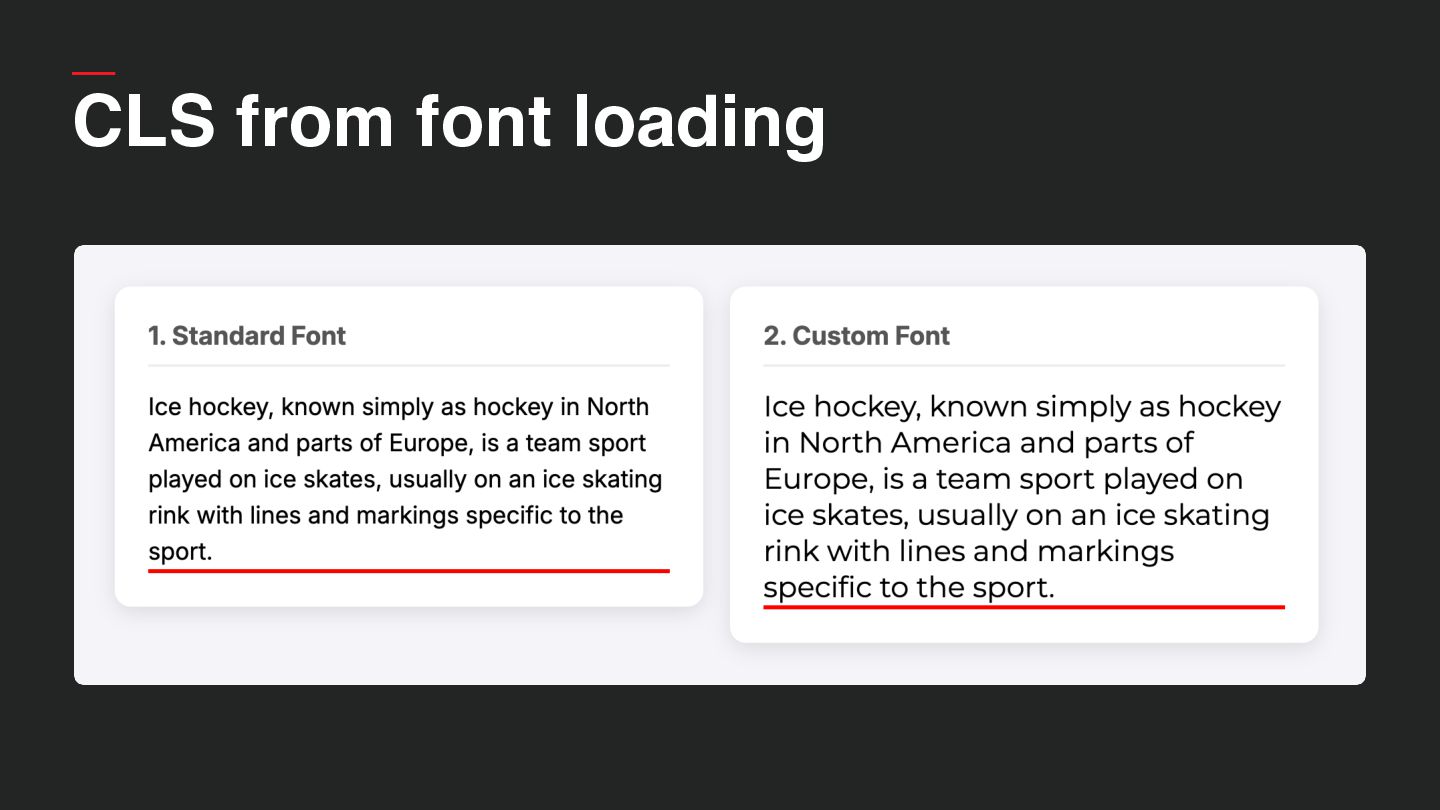
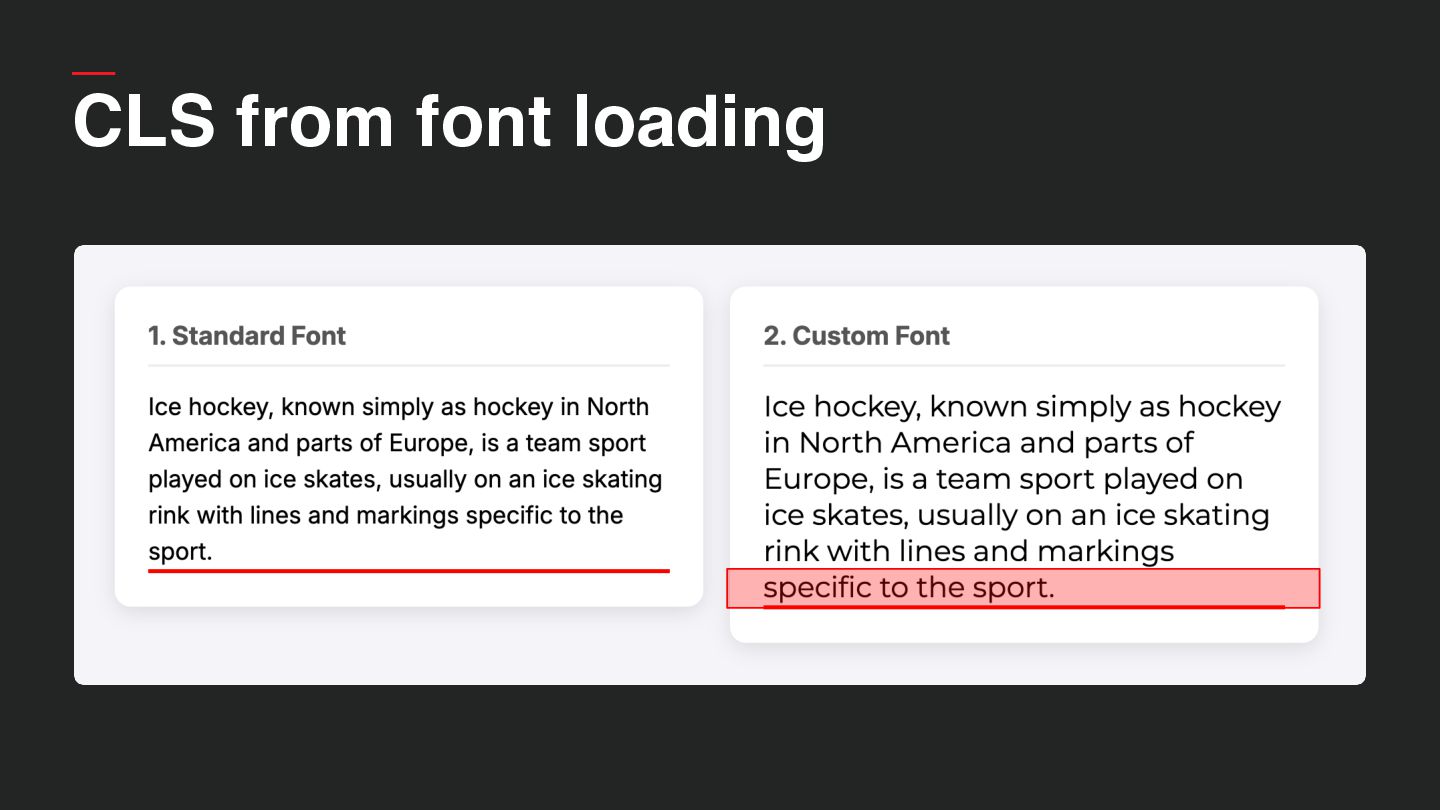
    • Customisation has a cost! ◦ Network requests ◦ Render-blocking ◦ Layout shifts • Feel like design, behaves like infrastructure
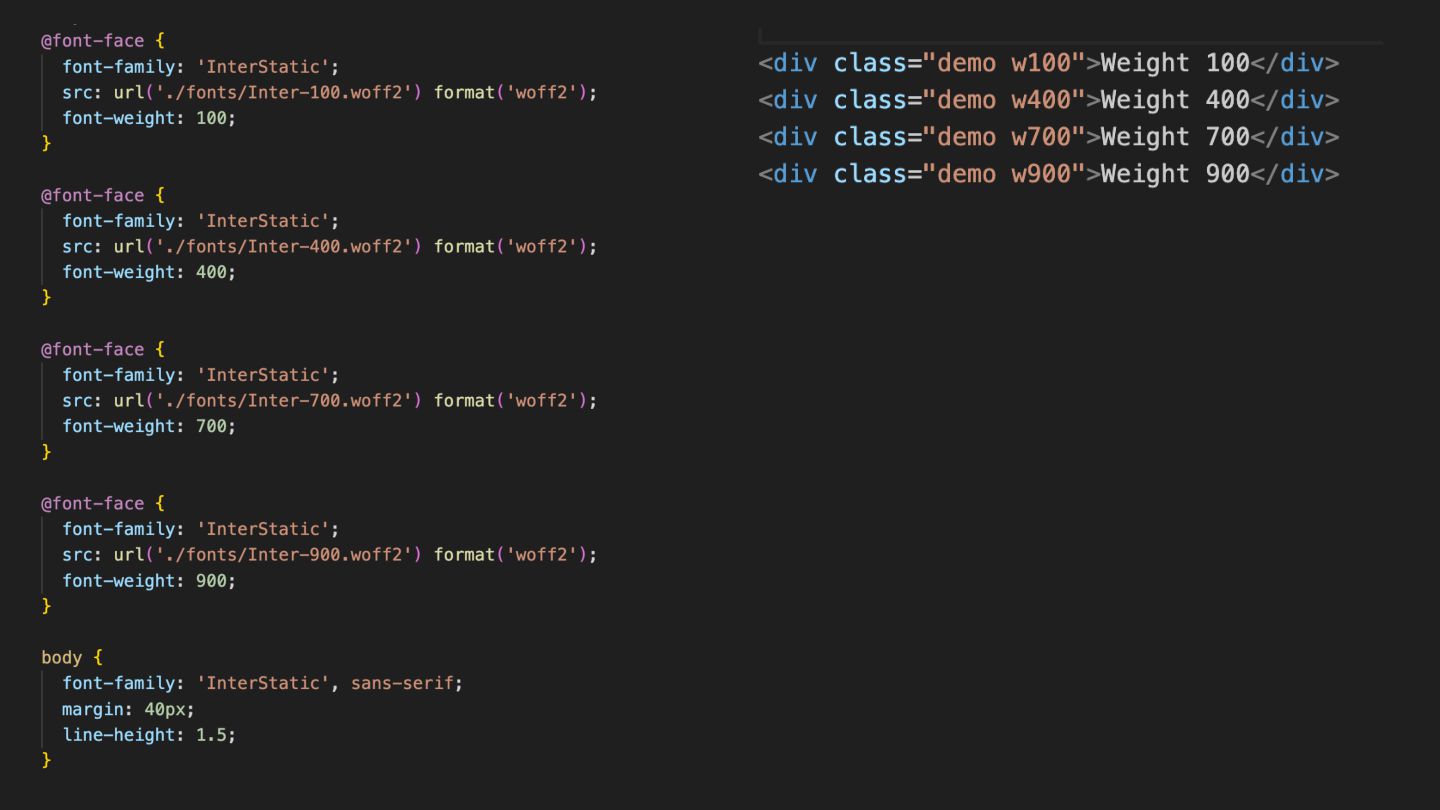
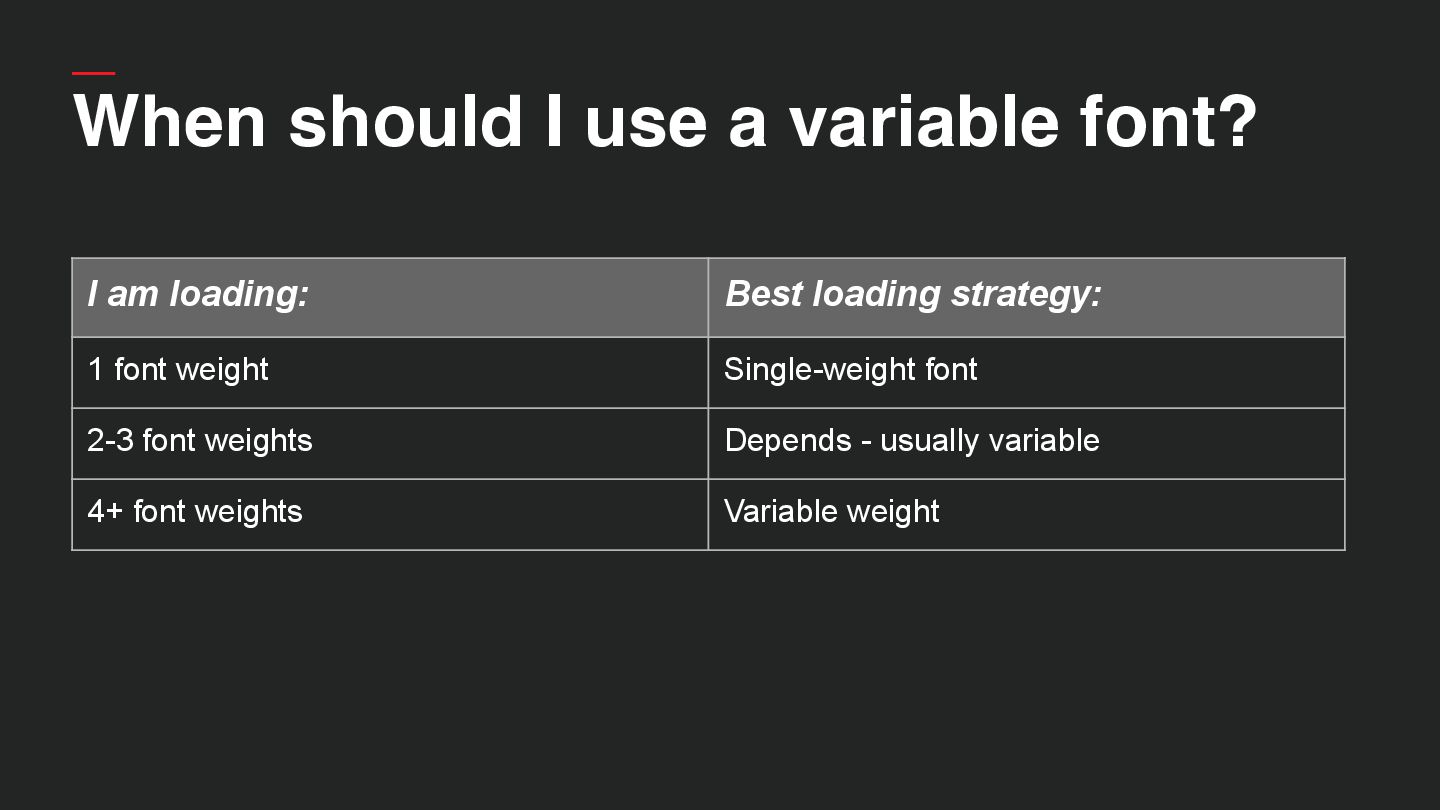
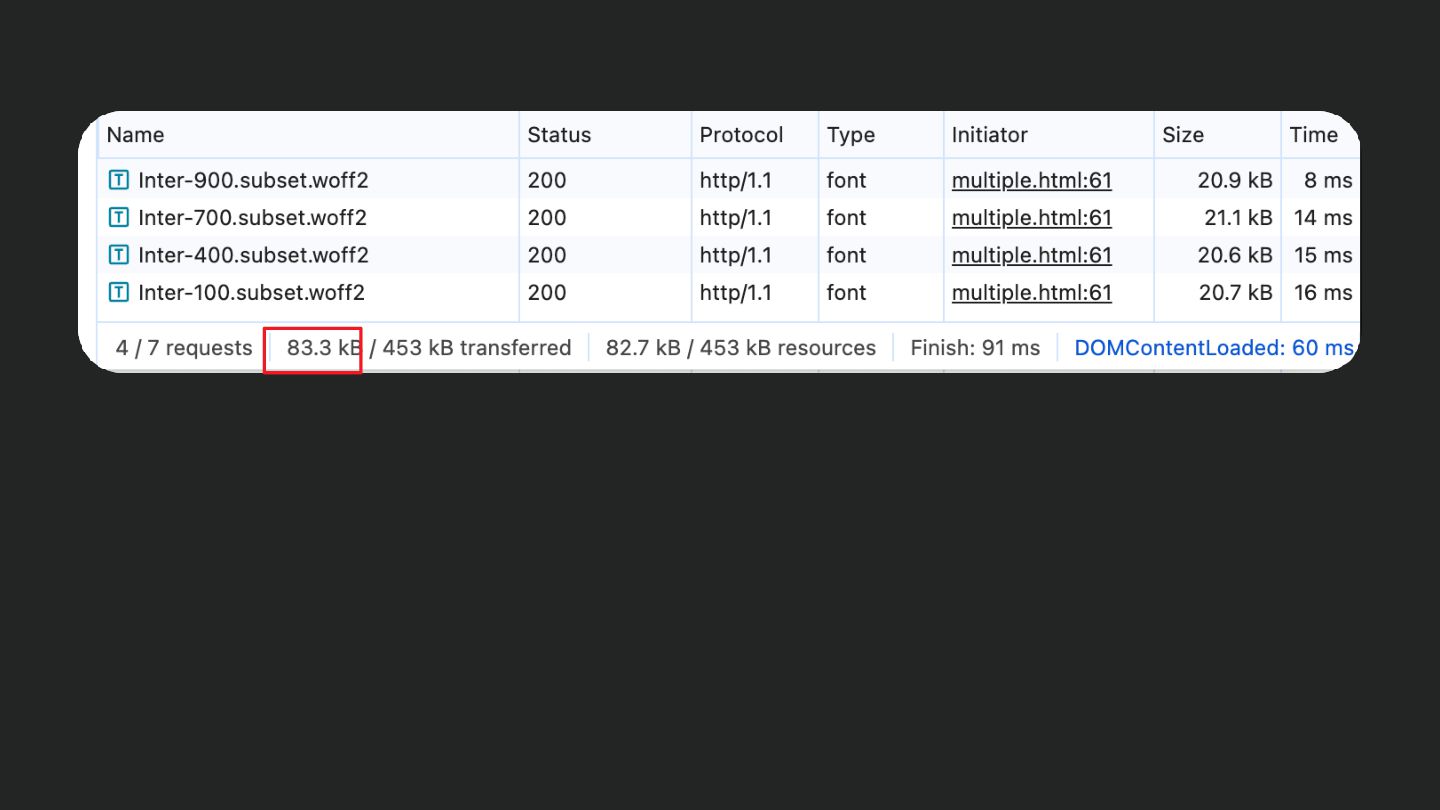
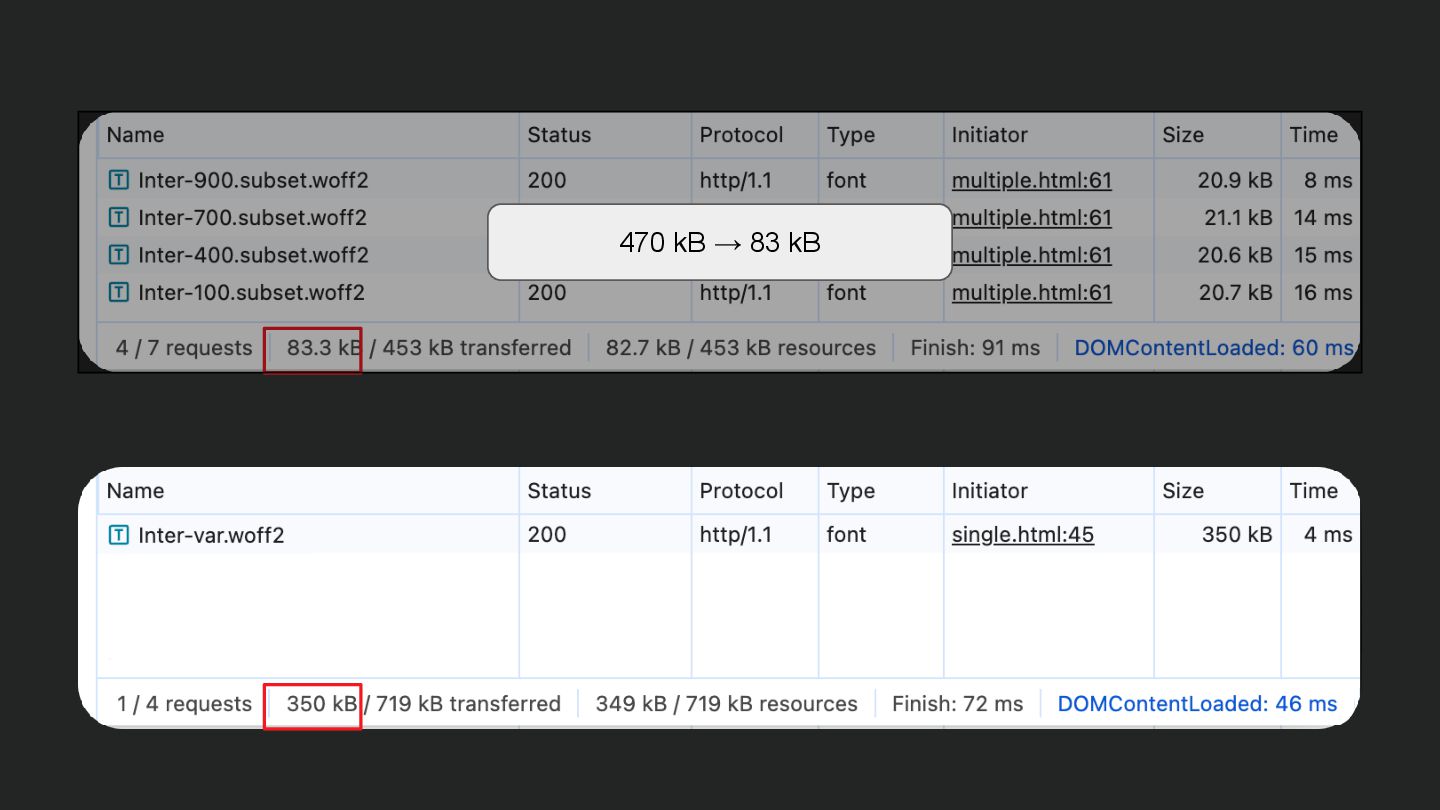
  50. I am loading: Best loading strategy: 1 font weight Single-weight

    font 2-3 font weights Depends - usually variable 4+ font weights Variable weight When should I use a variable font?
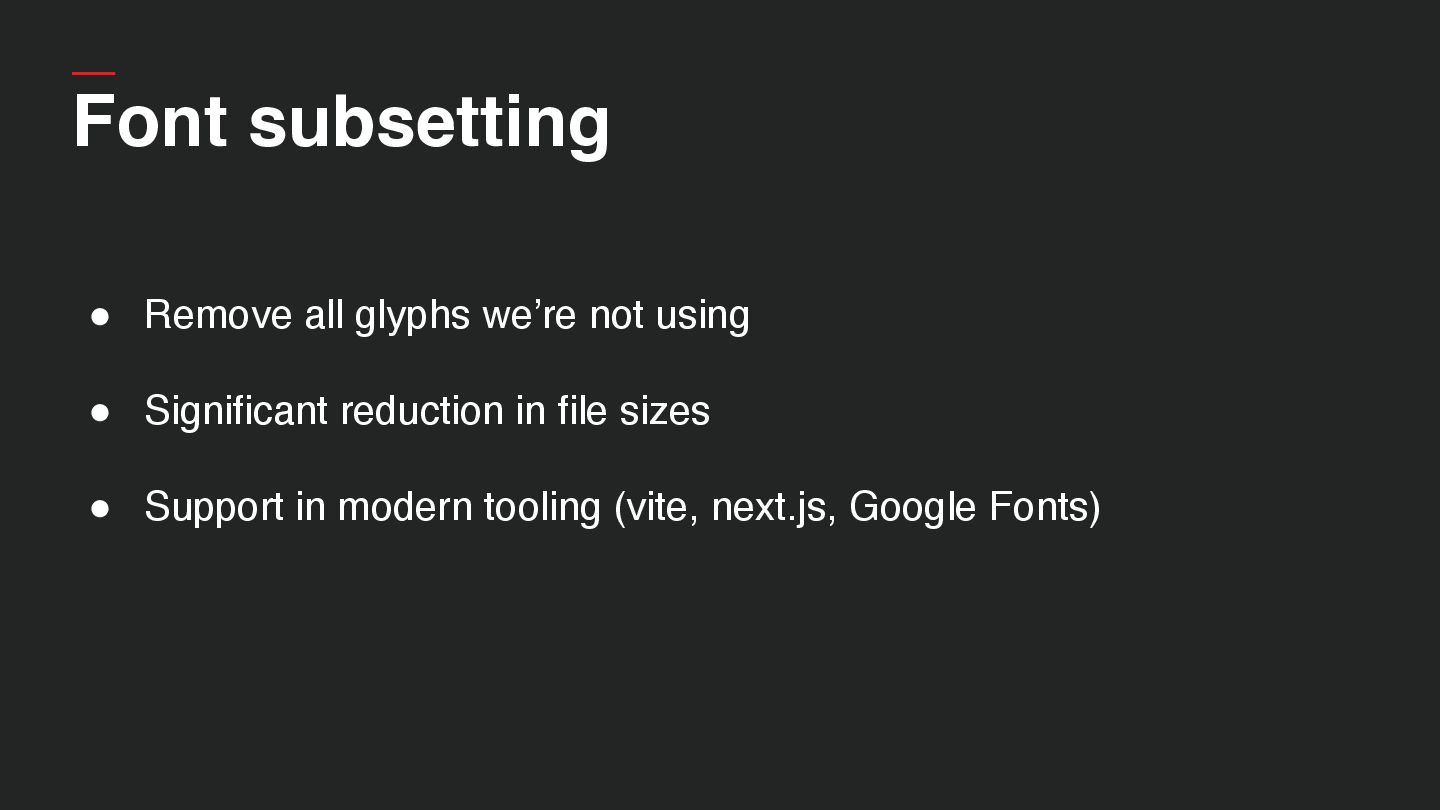
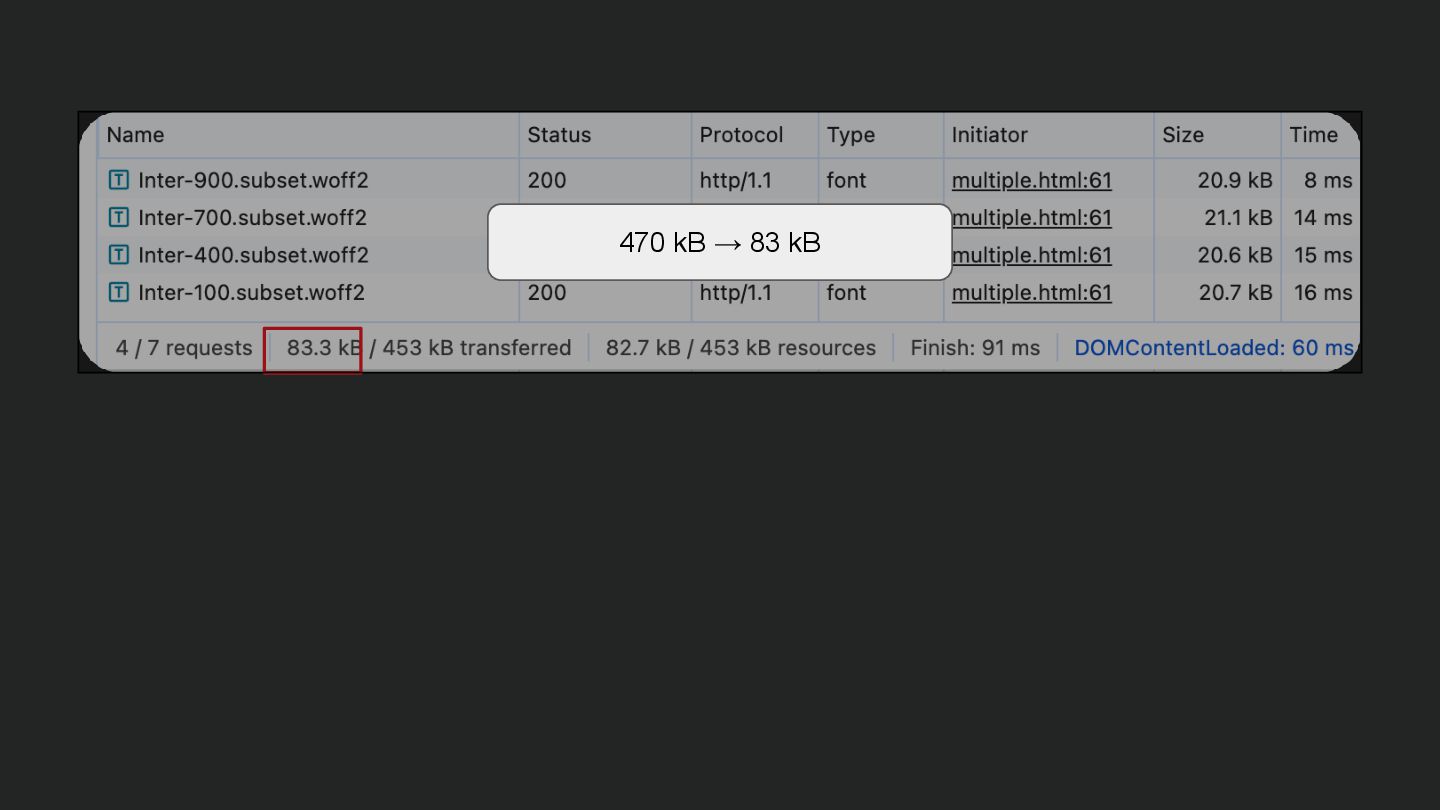
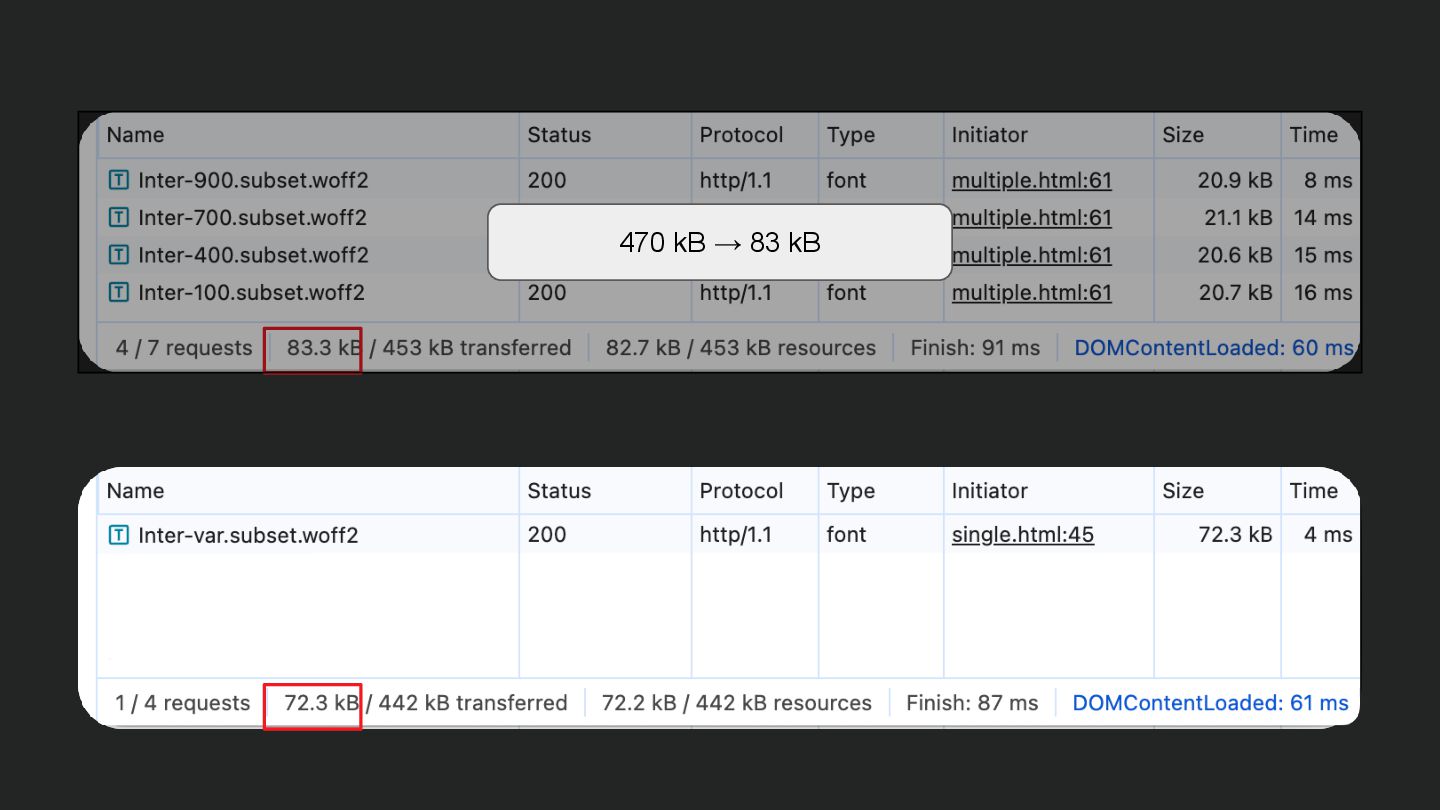
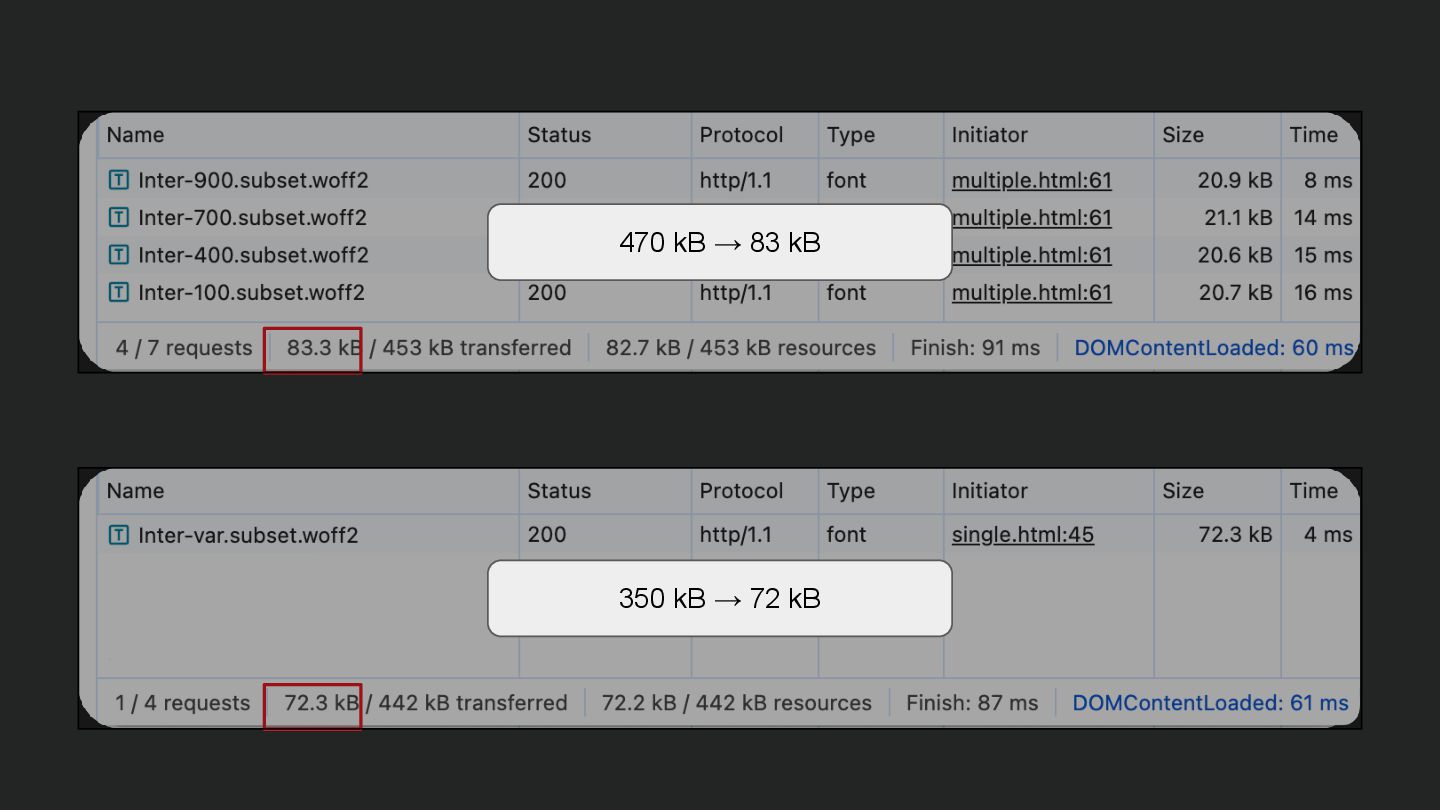
  51. Font subsetting • Remove all glyphs we’re not using •

    Significant reduction in file sizes • Support in modern tooling (vite, next.js, Google Fonts)
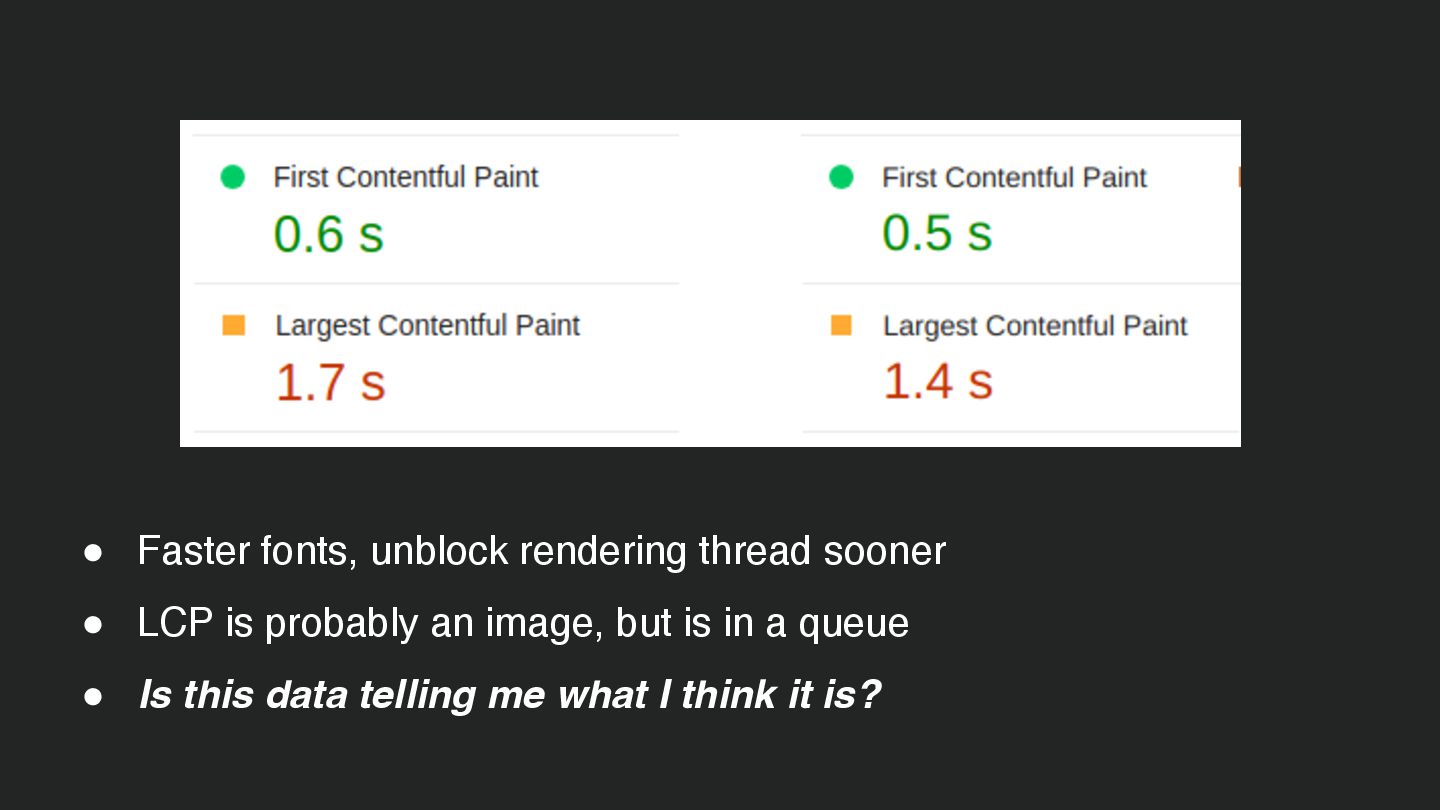
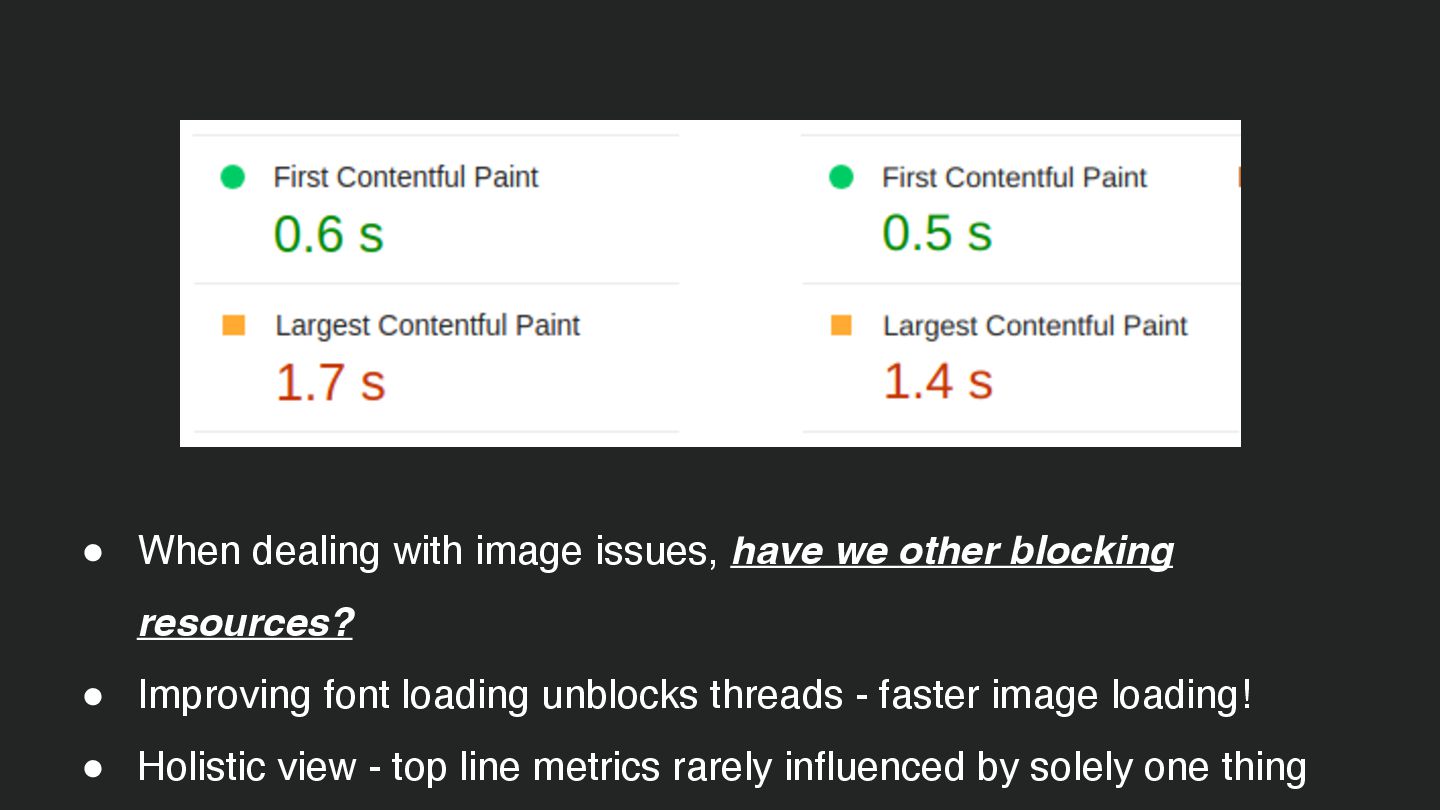
  52. • Faster fonts, unblock rendering thread sooner • LCP is

    probably an image, but is in a queue • Is this data telling me what I think it is?
  53. • When dealing with image issues, have we other blocking

    resources? • Improving font loading unblocks threads - faster image loading! • Holistic view - top line metrics rarely influenced by solely one thing
  54. RICK VISCOMI • Web Perf DevRel at Chrome • Optimisations

    for CWV • CrUX report data https://bsky.app/profile/rviscomi.dev WEB.DEV • Core Web Vitals • Modern browser technique guidance • Case studies, real world metrics https://web.dev/
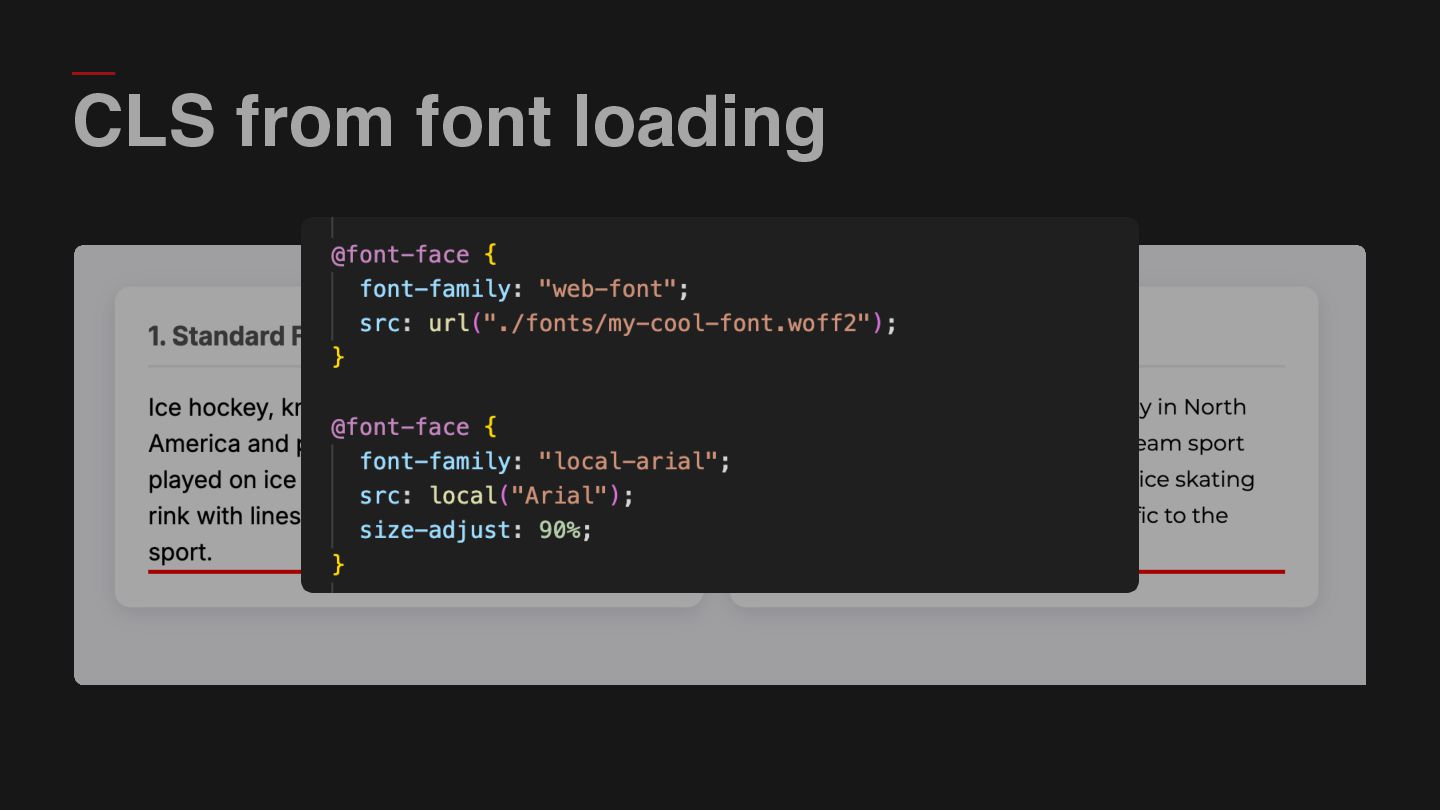
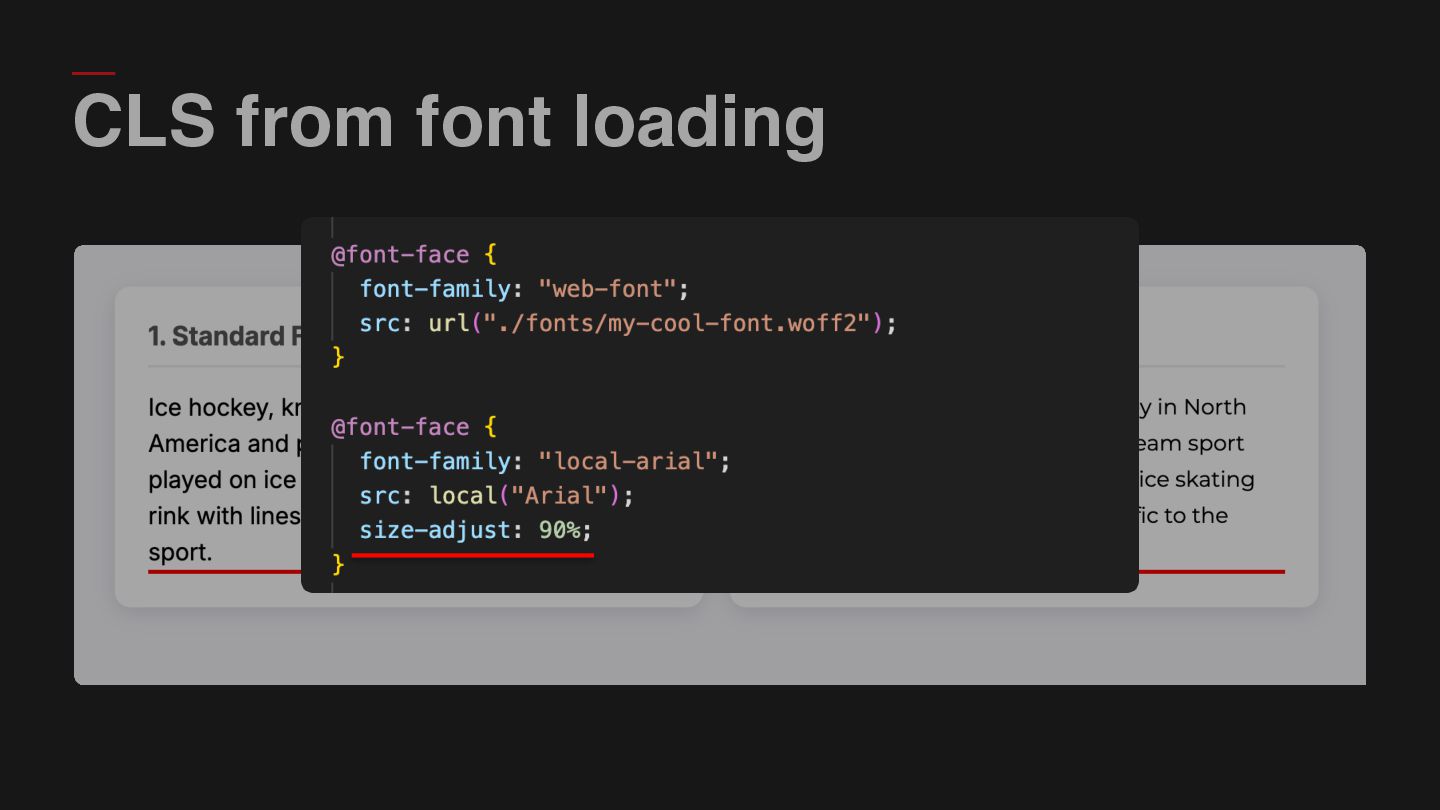
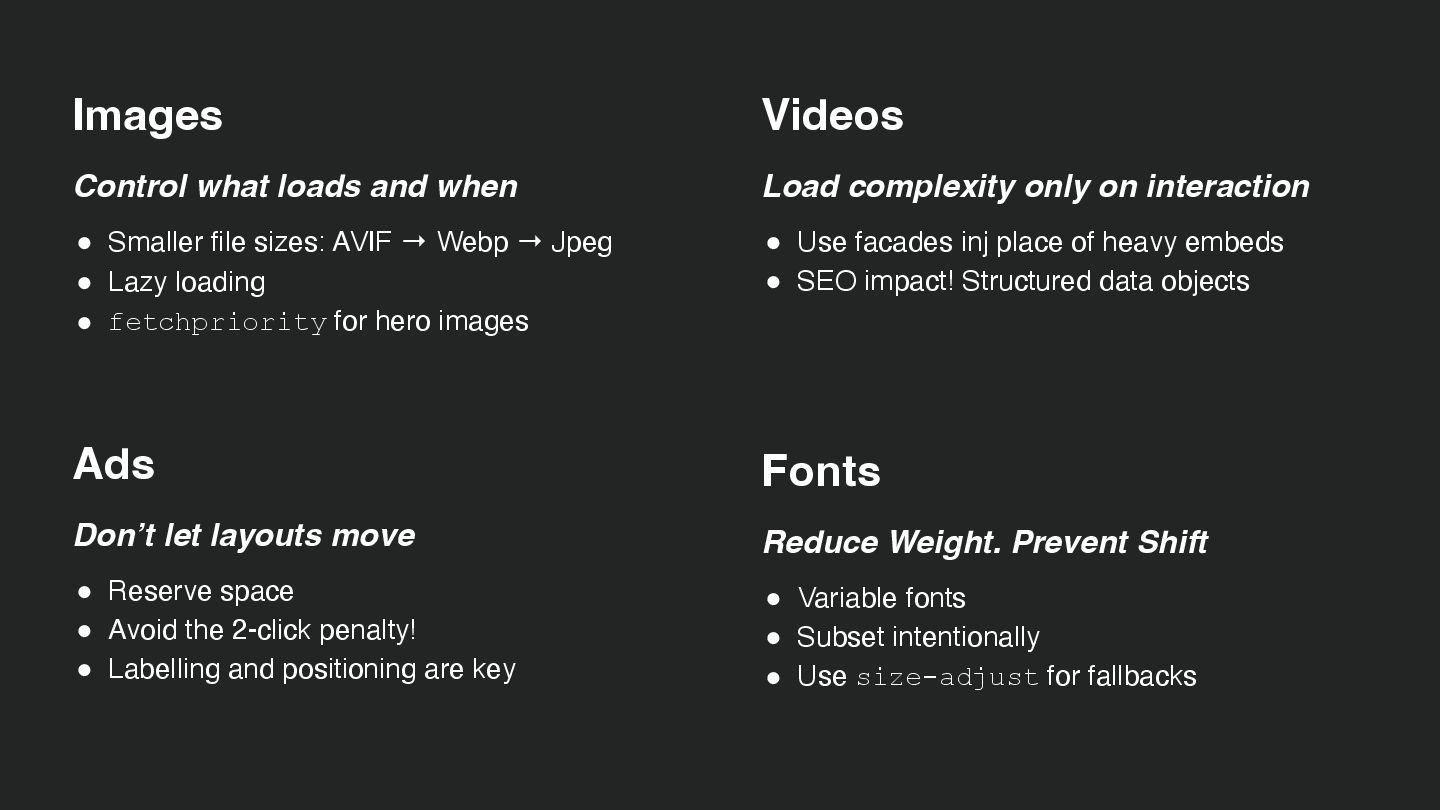
  55. Images Control what loads and when • Smaller file sizes:

    AVIF → Webp → Jpeg • Lazy loading • fetchpriority for hero images Ads Don’t let layouts move • Reserve space • Avoid the 2-click penalty! • Labelling and positioning are key Videos Load complexity only on interaction • Use facades inj place of heavy embeds • SEO impact! Structured data objects Fonts Reduce Weight. Prevent Shift • Variable fonts • Subset intentionally • Use size-adjust for fallbacks