Upgrade to Pro — share decks privately, control downloads, hide ads and more …

Codeless Visual Testing using Selenium IDE

Sponsored · Ship Features Fearlessly Turn features on and off without deploys. Used by thousands of Ruby developers.

Codeless Visual Testing using Selenium IDE

Record-playback tools have been used by countless applications, in order to test their UI functionality. In this talk we’ll take a look at how you can gain confidence in your application by using Selenium IDE in order to visually test your application without writing a single line of code.

Avatar for Tomer Steinfeld

Tomer Steinfeld

March 02, 2018
Tweet

Other Decks in Programming

Transcript

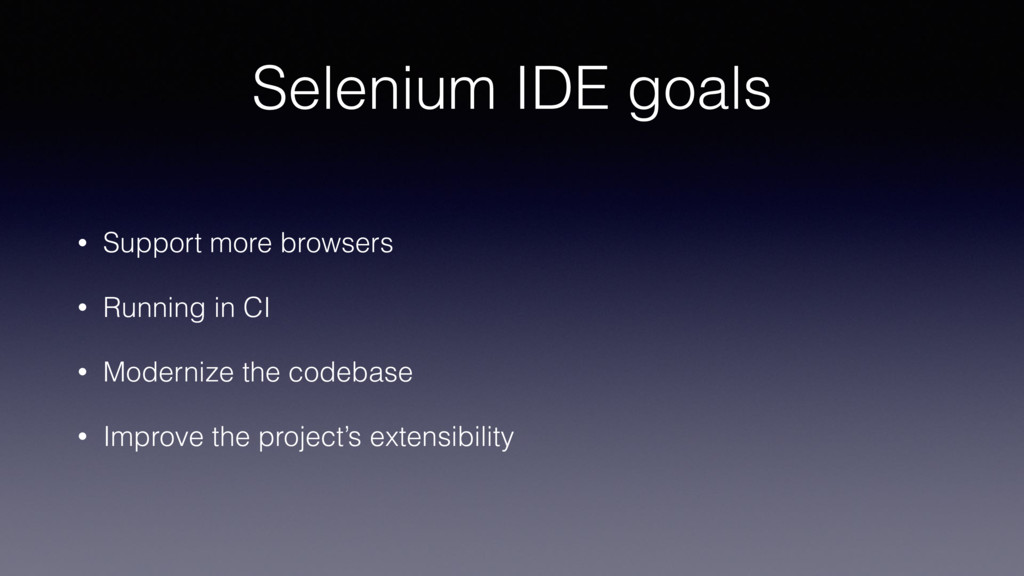
  1. Selenium IDE goals • Support more browsers • Running in

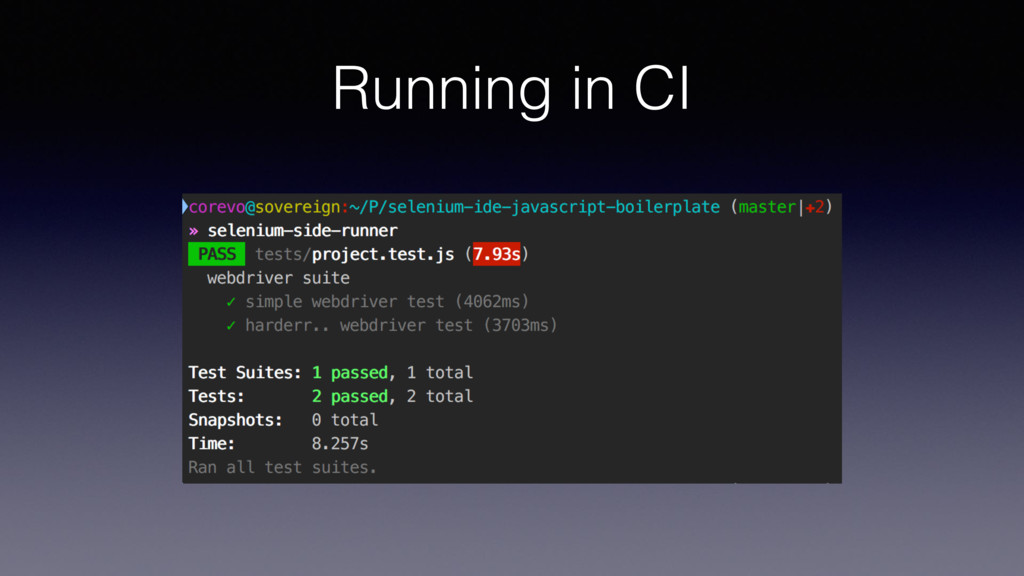
    CI • Modernize the codebase • Improve the project’s extensibility
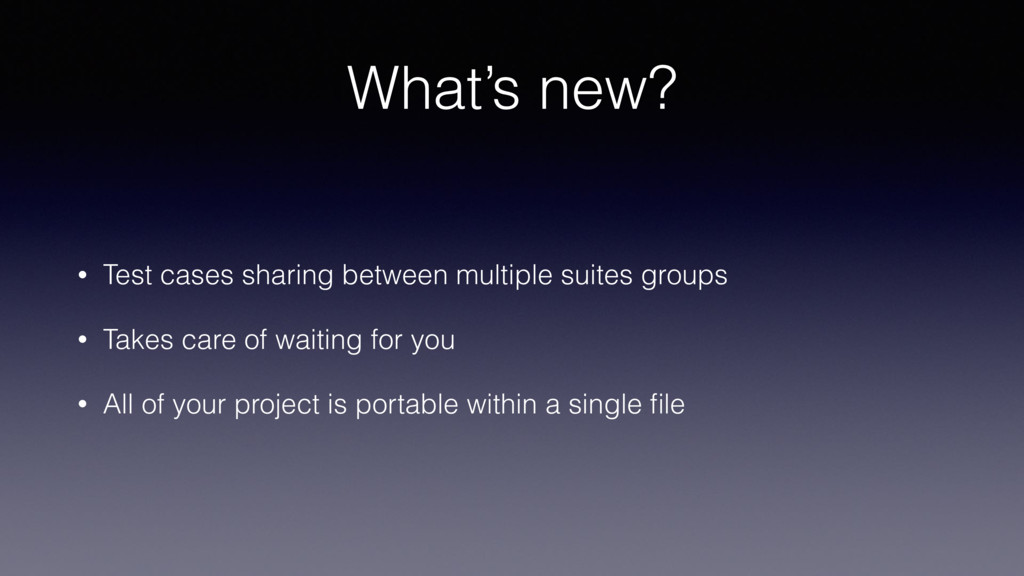
  2. What’s new? • Test cases sharing between multiple suites groups

    • Takes care of waiting for you • All of your project is portable within a single file
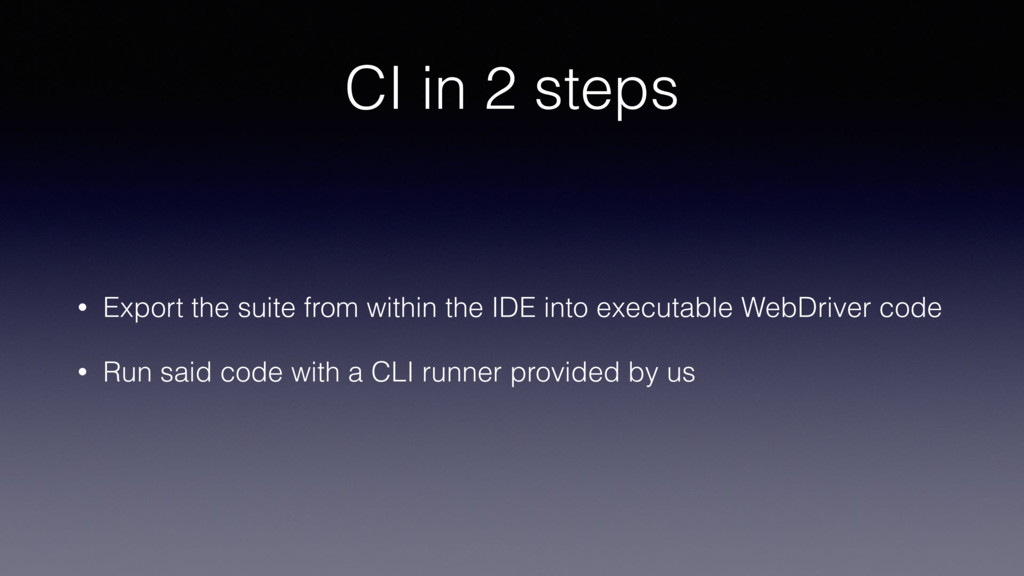
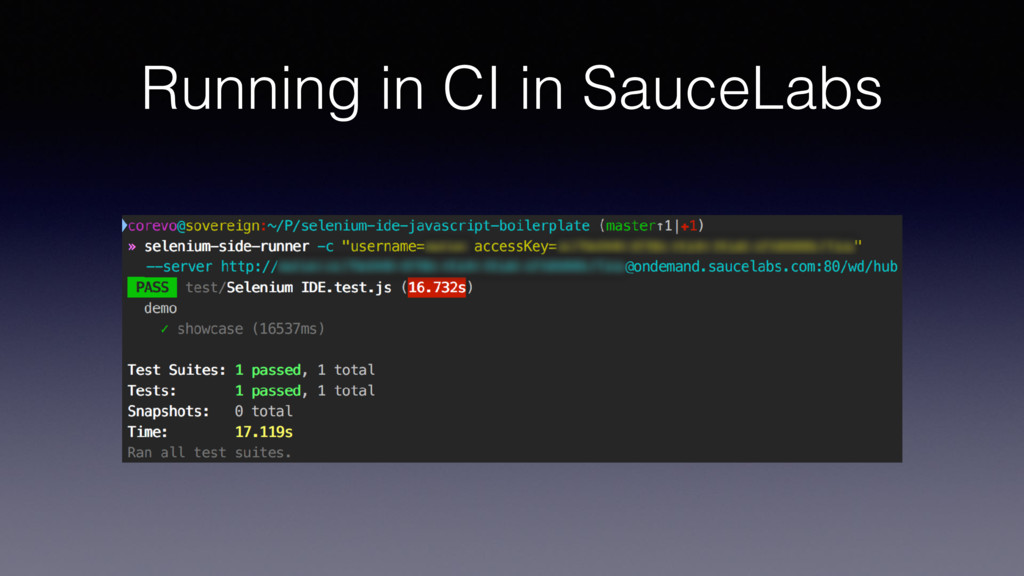
  3. CI in 2 steps • Export the suite from within

    the IDE into executable WebDriver code • Run said code with a CLI runner provided by us
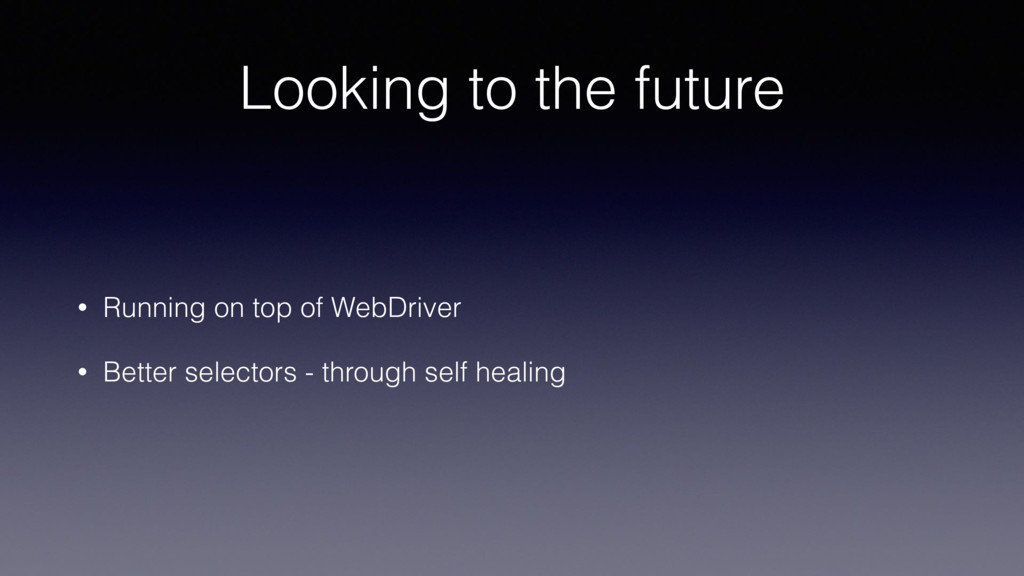
  4. Looking to the future • Running on top of WebDriver

    • Better selectors - through self healing
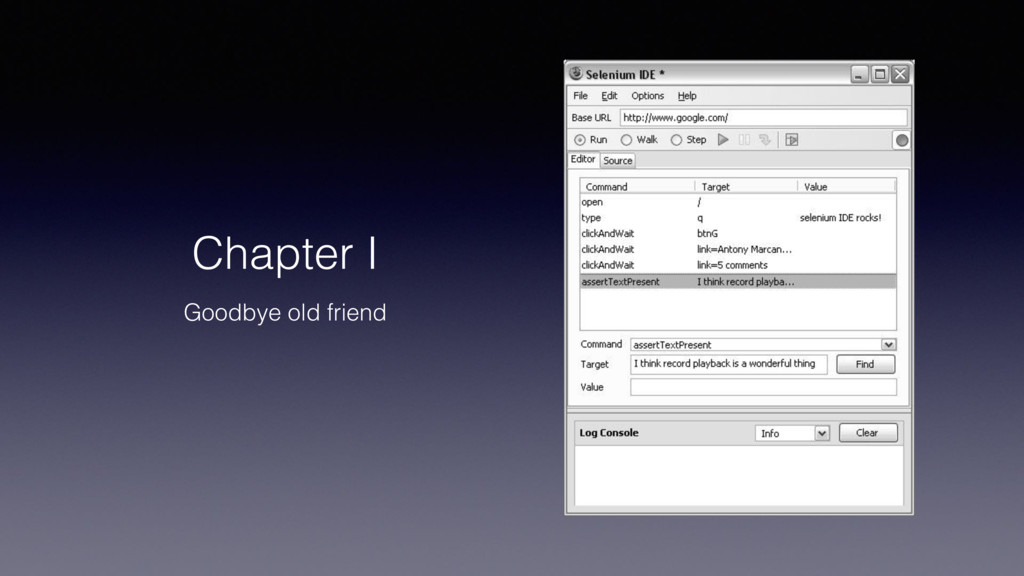
  5. Selenium IDE status • Still isn’t up to par with

    it’s predecessor • We’re committed on changing that • Any help appreciated • github.com/SeleniumHQ/selenium-ide
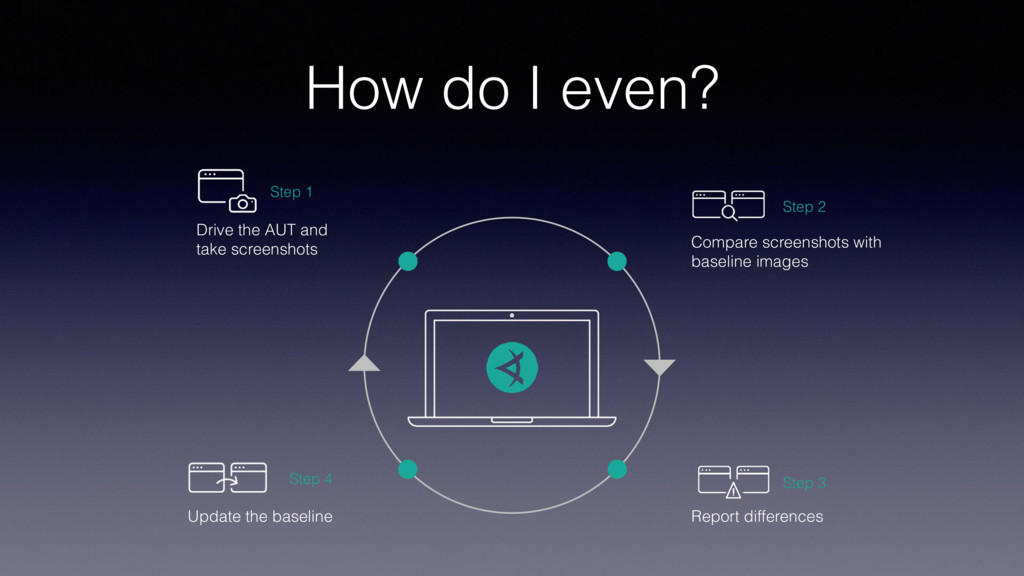
  6. How do I even? Step 1 Drive the AUT and

    take screenshots Step 2 Compare screenshots with baseline images Step 3 Report differences Step 4 Update the baseline
  7. Codeless Visual Testing It’s the second time I have a

    slide with this title Maybe I have an issue reaching my point?