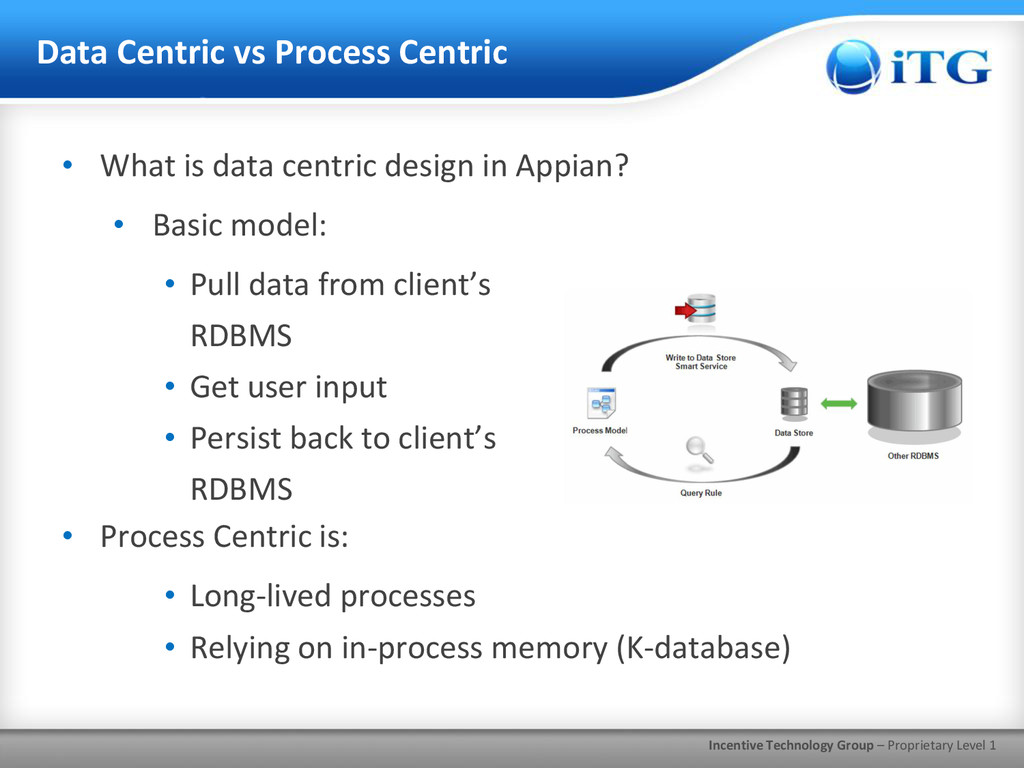
Process Centric • What is data centric design in Appian? • Basic model: • Pull data from client’s RDBMS • Get user input • Persist back to client’s RDBMS • Process Centric is: • Long-lived processes • Relying on in-process memory (K-database)
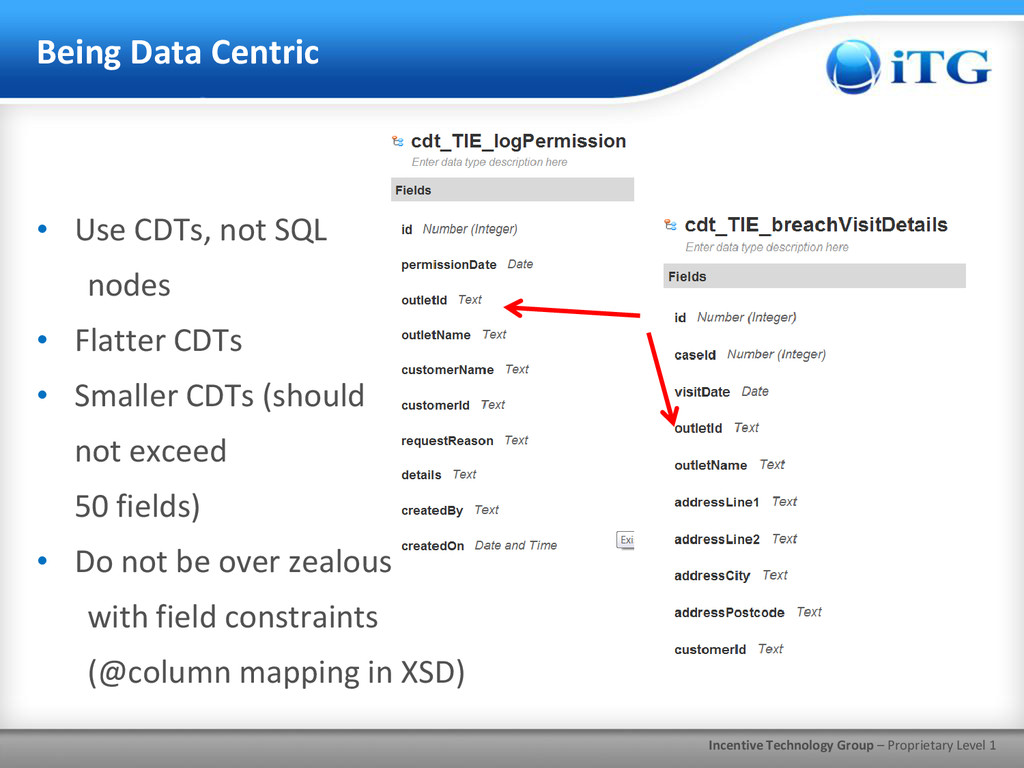
• Use CDTs, not SQL nodes • Flatter CDTs • Smaller CDTs (should not exceed 50 fields) • Do not be over zealous with field constraints (@column mapping in XSD)
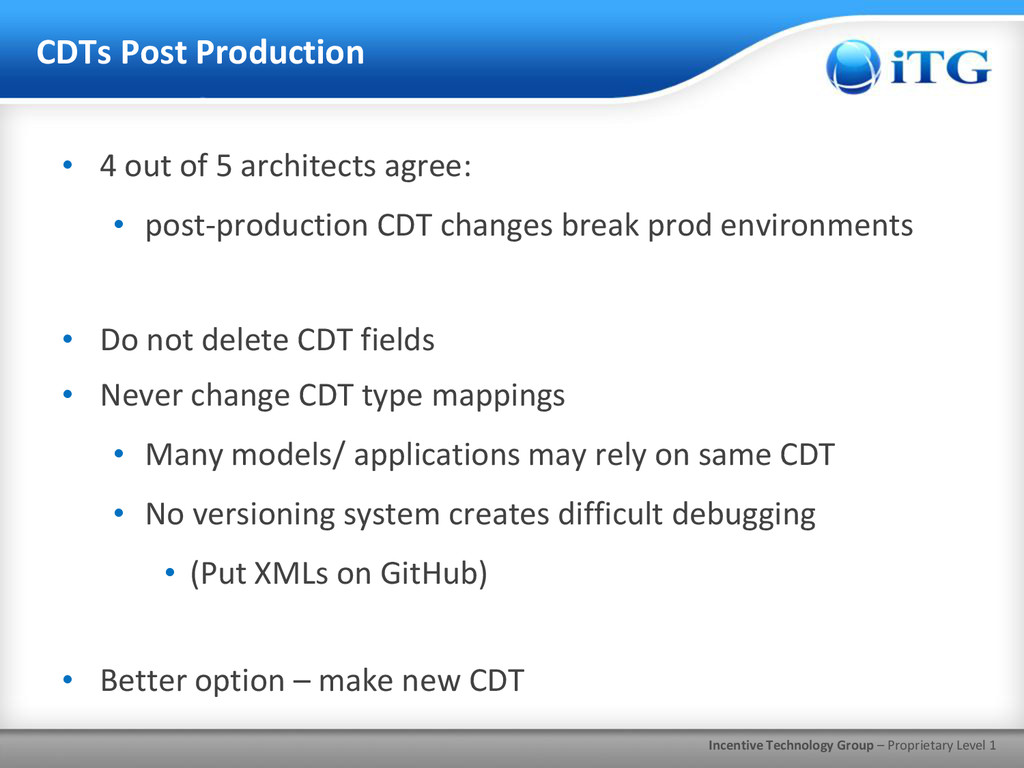
• 4 out of 5 architects agree: • post-production CDT changes break prod environments • Do not delete CDT fields • Never change CDT type mappings • Many models/ applications may rely on same CDT • No versioning system creates difficult debugging • (Put XMLs on GitHub) • Better option – make new CDT
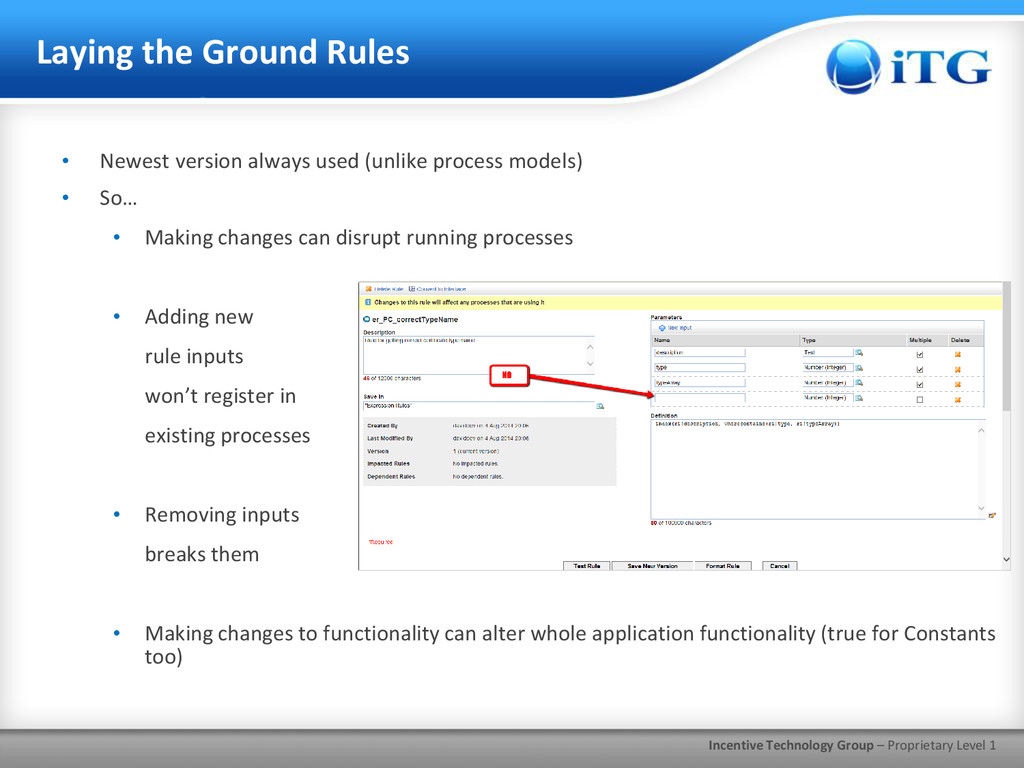
Rules • Newest version always used (unlike process models) • So… • Making changes can disrupt running processes • Adding new rule inputs won’t register in existing processes • Removing inputs breaks them • Making changes to functionality can alter whole application functionality (true for Constants too)
• Use keyword syntax w/parameter names • e.g., er_DM_expRule(problemInput: ac!problem, solutionInput: ac!solution) • More important for rules with many inputs (i.e., SAIL forms) • Rule/data type passed to expression then deleted? • Impact Analysis won’t catch that; be careful • Give Constants unique names - • On name clash, Constants win
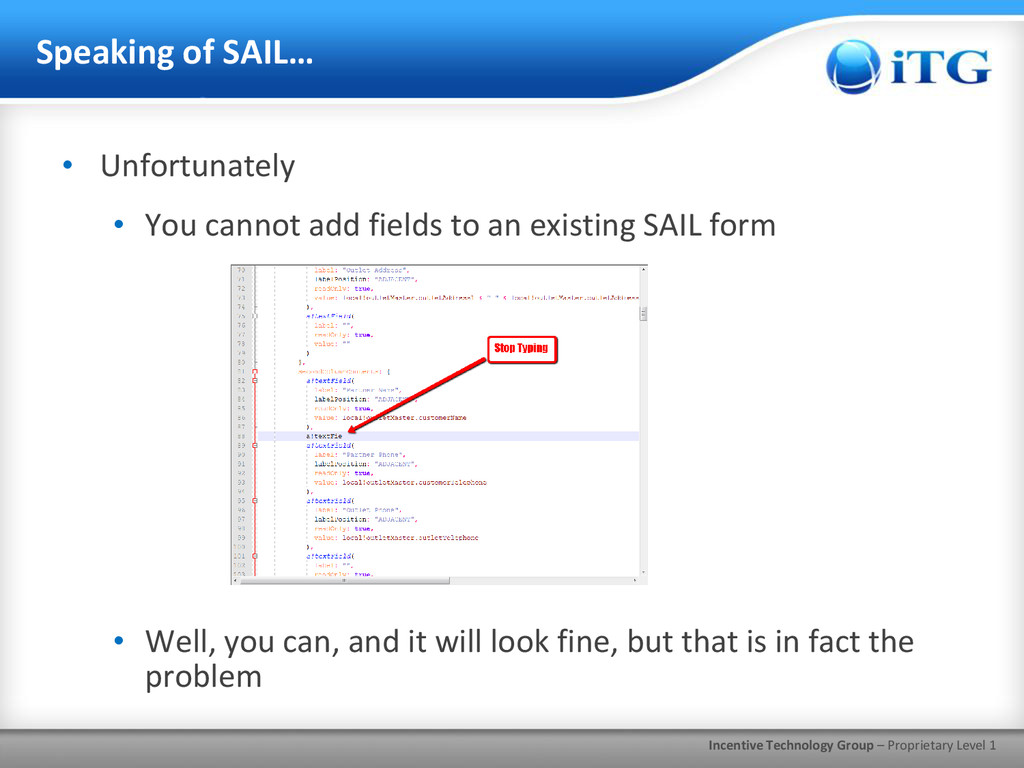
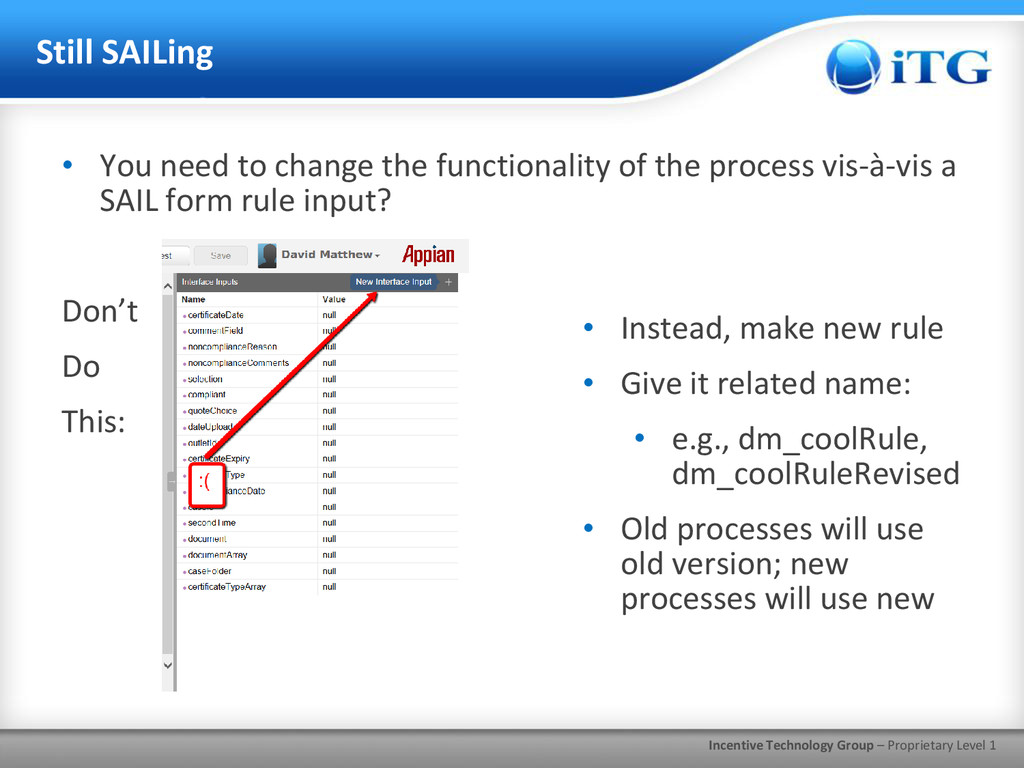
You need to change the functionality of the process vis-à-vis a SAIL form rule input? Don’t Do This: • Instead, make new rule • Give it related name: • e.g., dm_coolRule, dm_coolRuleRevised • Old processes will use old version; new processes will use new
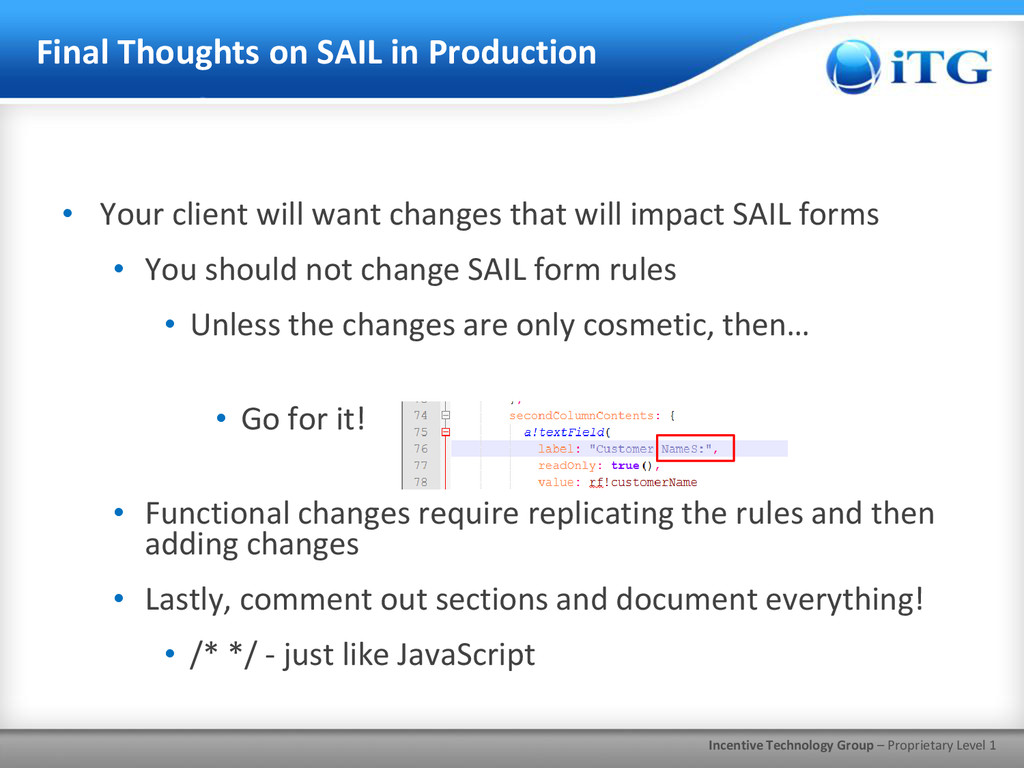
SAIL in Production • Your client will want changes that will impact SAIL forms • You should not change SAIL form rules • Unless the changes are only cosmetic, then… • Go for it! • Functional changes require replicating the rules and then adding changes • Lastly, comment out sections and document everything! • /* */ - just like JavaScript
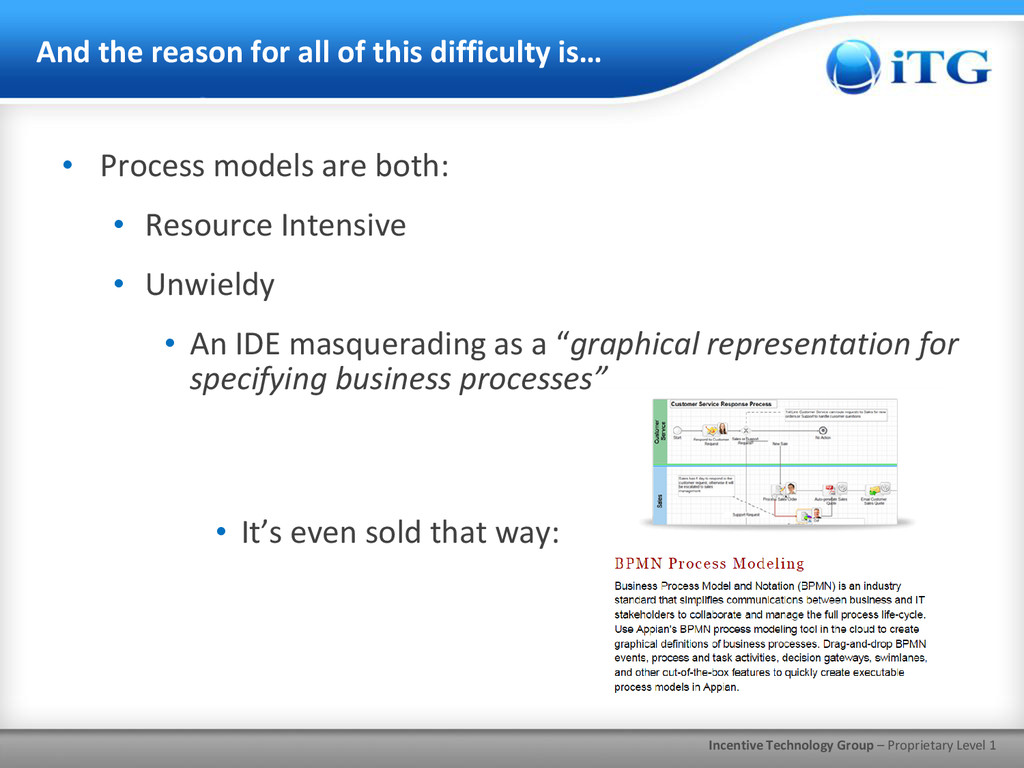
for all of this difficulty is… • Process models are both: • Resource Intensive • Unwieldy • An IDE masquerading as a “graphical representation for specifying business processes” • It’s even sold that way:
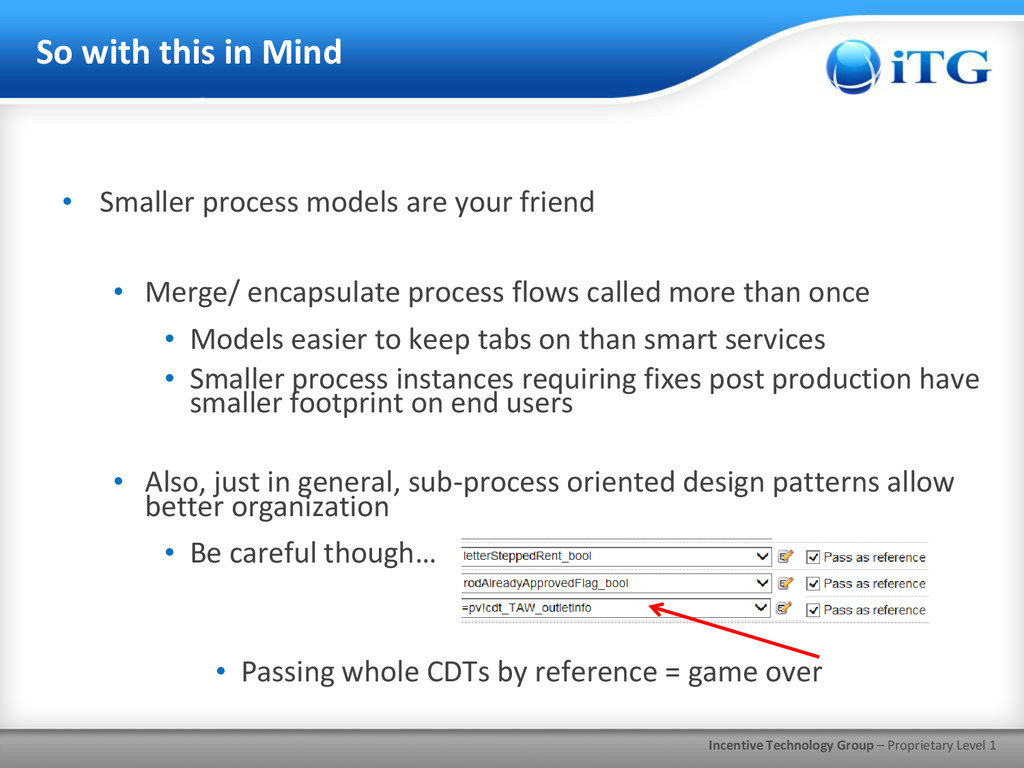
in Mind • Smaller process models are your friend • Merge/ encapsulate process flows called more than once • Models easier to keep tabs on than smart services • Smaller process instances requiring fixes post production have smaller footprint on end users • Also, just in general, sub-process oriented design patterns allow better organization • Be careful though… • Passing whole CDTs by reference = game over
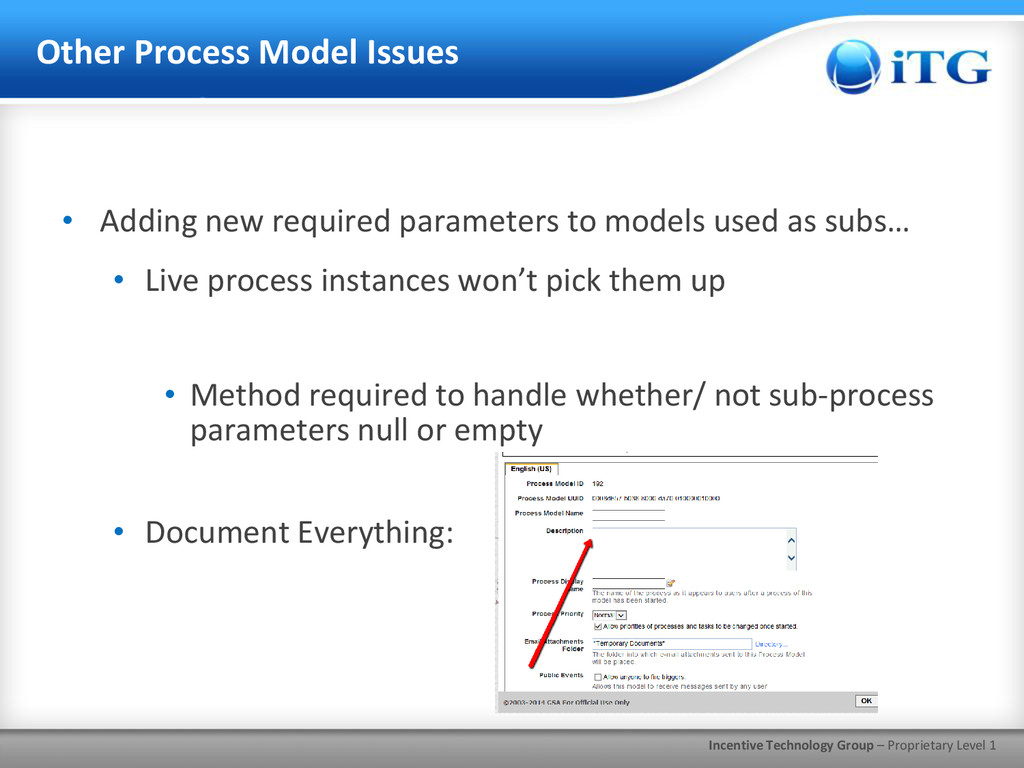
Issues • Adding new required parameters to models used as subs… • Live process instances won’t pick them up • Method required to handle whether/ not sub-process parameters null or empty • Document Everything:
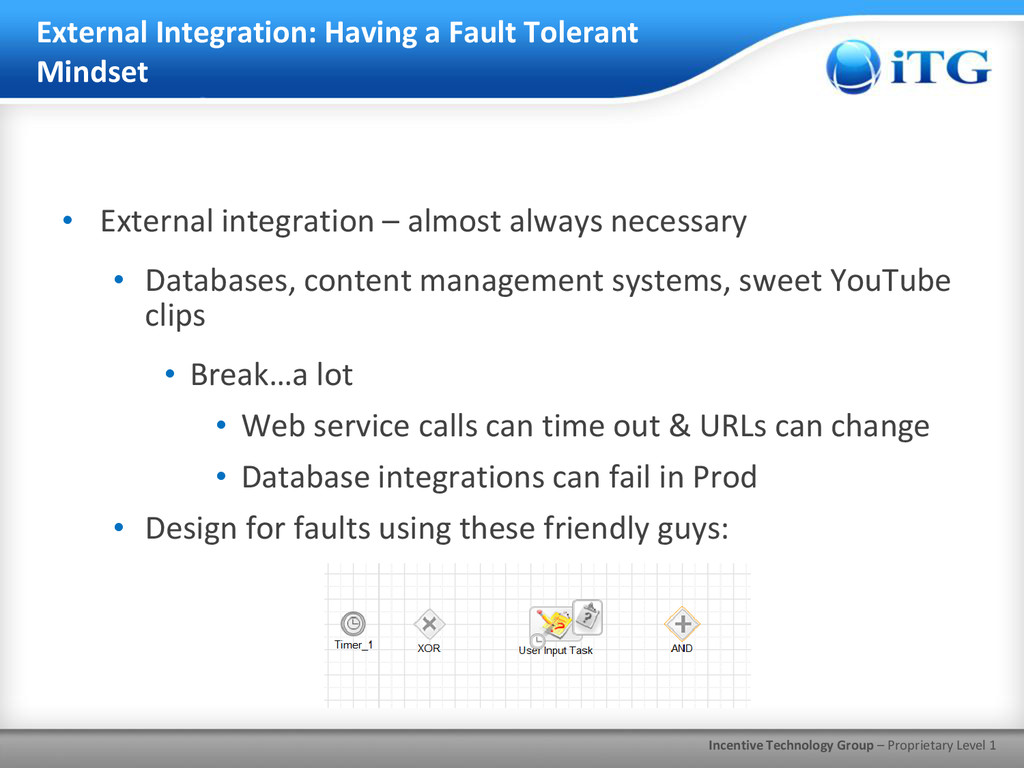
a Fault Tolerant Mindset • External integration – almost always necessary • Databases, content management systems, sweet YouTube clips • Break…a lot • Web service calls can time out & URLs can change • Database integrations can fail in Prod • Design for faults using these friendly guys:


 usanchuu
 onk
onk
 koukihosaka
 ezaki
ezaki
 kzkhykw1991
 yut0naga1_fa
 nttcom
 teamlab
 glaforge
 satomasahiro2005
 codmoninc
 taketakekaho
 sergeychernyshev
 kimpetersen
 chriscoyier
 palkan
 lindahogenes
 reverentgeek
 tammyeverts
 sarafernandez
 axbom
axbom
 eileencodes
 aleyda
 katiecoart