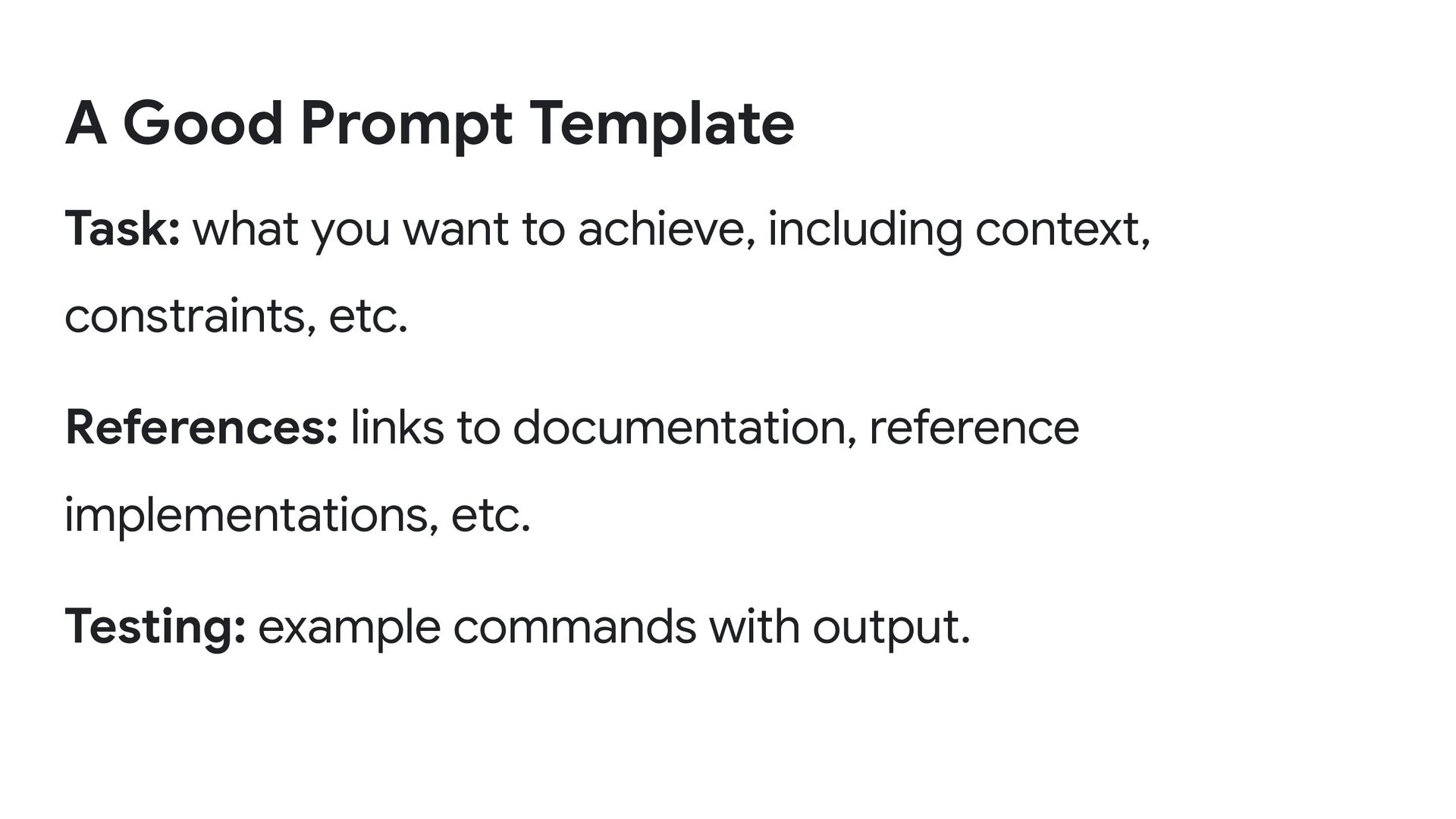
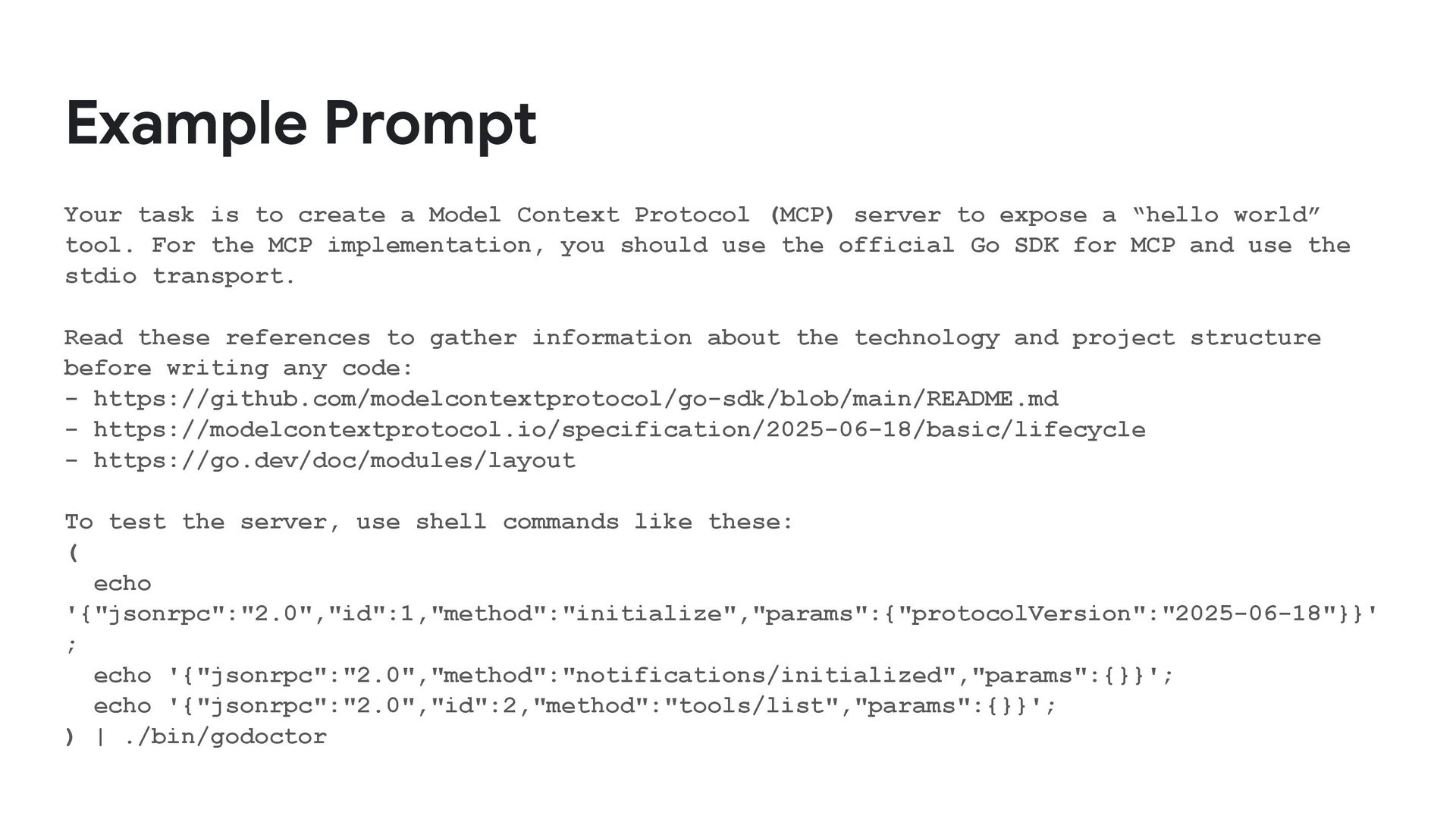
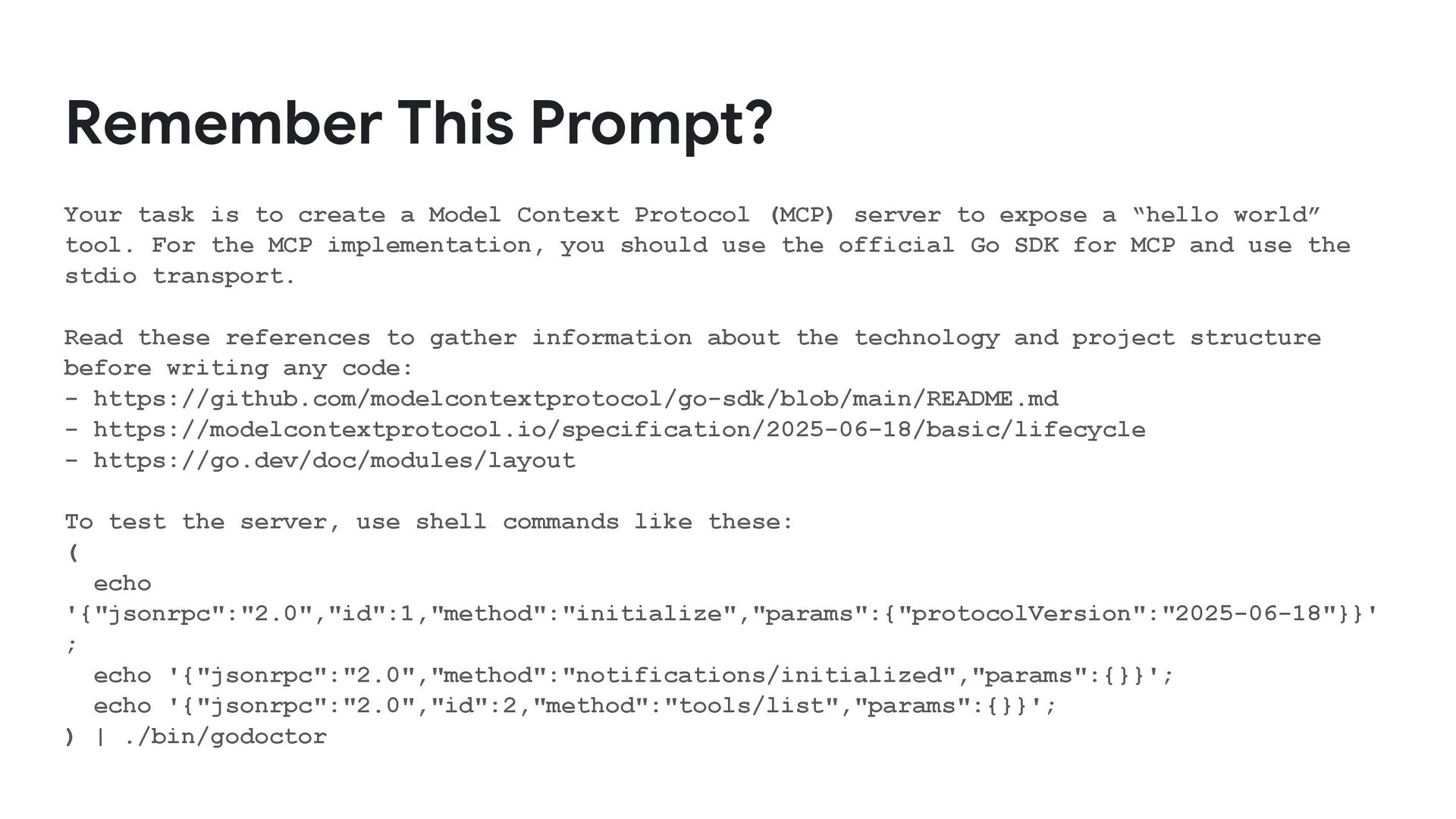
Protocol (MCP) server to expose a “hello world” tool. For the MCP implementation, you should use the official Go SDK for MCP and use the stdio transport. Read these references to gather information about the technology and project structure before writing any code: - https://github.com/modelcontextprotocol/go-sdk/blob/main/README.md - https://modelcontextprotocol.io/specification/2025-06-18/basic/lifecycle - https://go.dev/doc/modules/layout To test the server, use shell commands like these: ( echo '{"jsonrpc":"2.0","id":1,"method":"initialize","params":{"protocolVersion":"2025-06-18"}}' ; echo '{"jsonrpc":"2.0","method":"notifications/initialized","params":{}}'; echo '{"jsonrpc":"2.0","id":2,"method":"tools/list","params":{}}'; ) | ./bin/godoctor
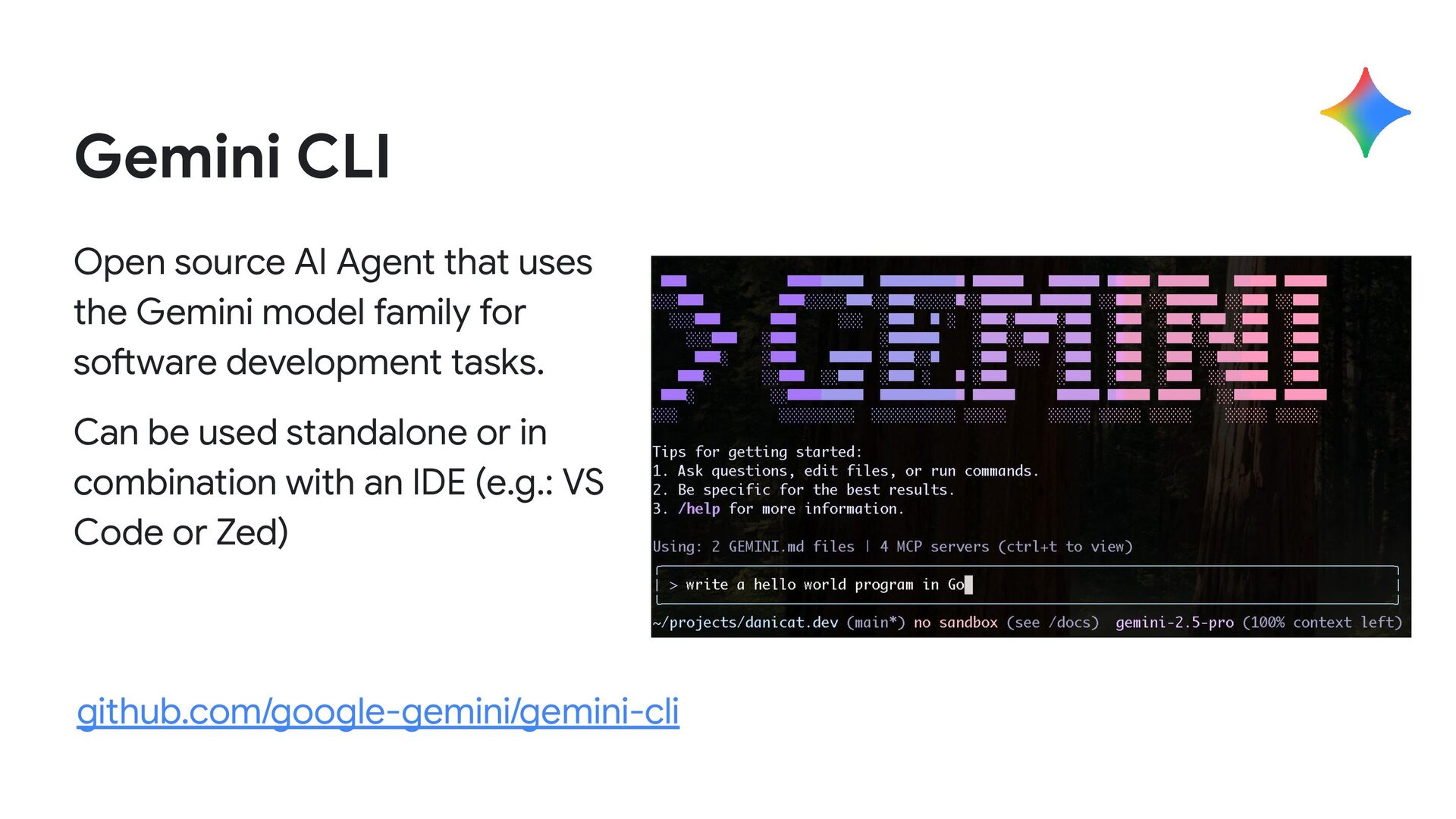
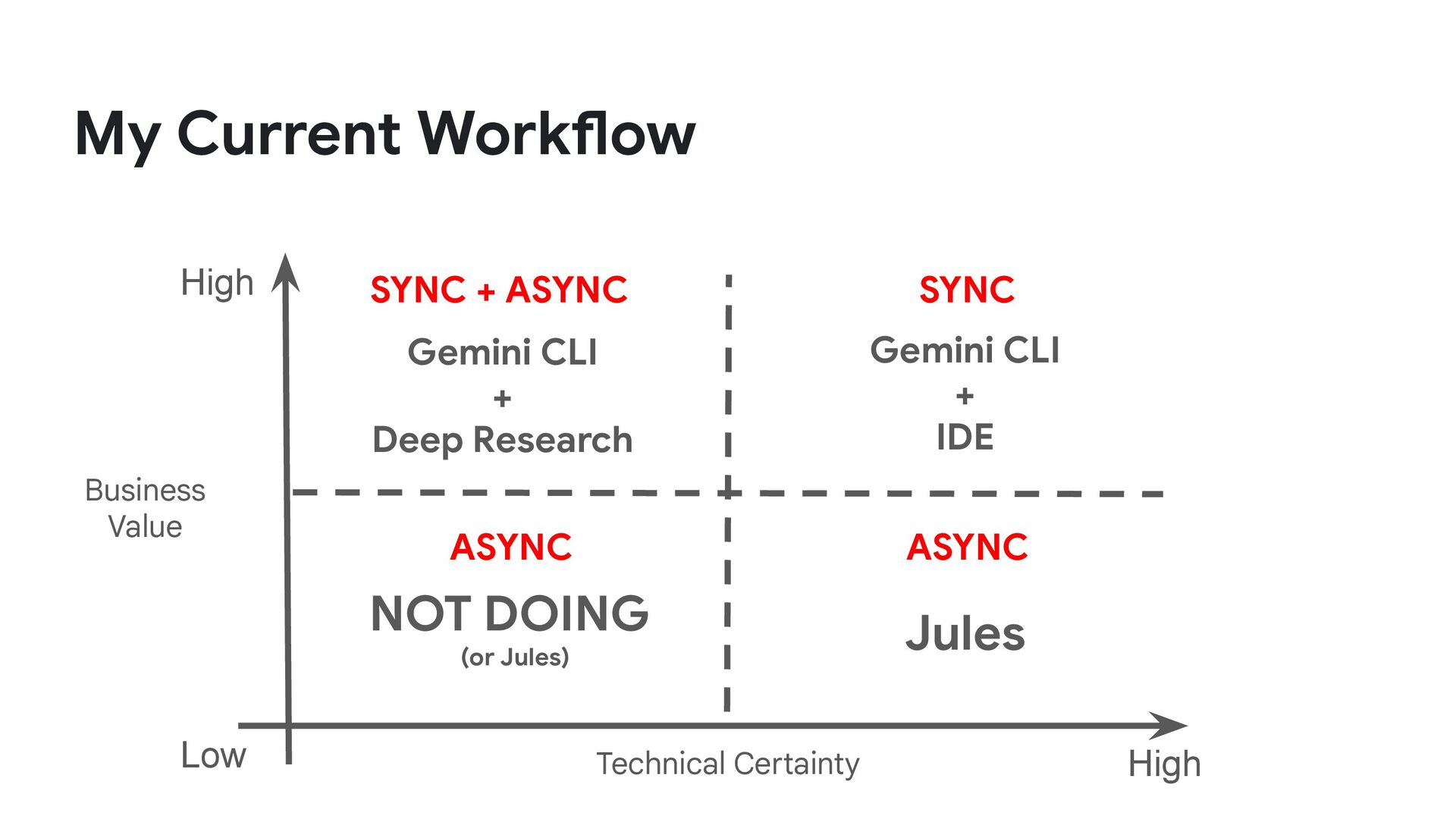
model family for software development tasks. Can be used standalone or in combination with an IDE (e.g.: VS Code or Zed) github.com/google-gemini/gemini-cli
Context Protocol (MCP) server to expose a “hello world” tool. For the MCP implementation, you should use the official Go SDK for MCP and use the stdio transport. Read these references to gather information about the technology and project structure before writing any code: - https://github.com/modelcontextprotocol/go-sdk/blob/main/README.md - https://modelcontextprotocol.io/specification/2025-06-18/basic/lifecycle - https://go.dev/doc/modules/layout To test the server, use shell commands like these: ( echo '{"jsonrpc":"2.0","id":1,"method":"initialize","params":{"protocolVersion":"2025-06-18"}}' ; echo '{"jsonrpc":"2.0","method":"notifications/initialized","params":{}}'; echo '{"jsonrpc":"2.0","id":2,"method":"tools/list","params":{}}'; ) | ./bin/godoctor
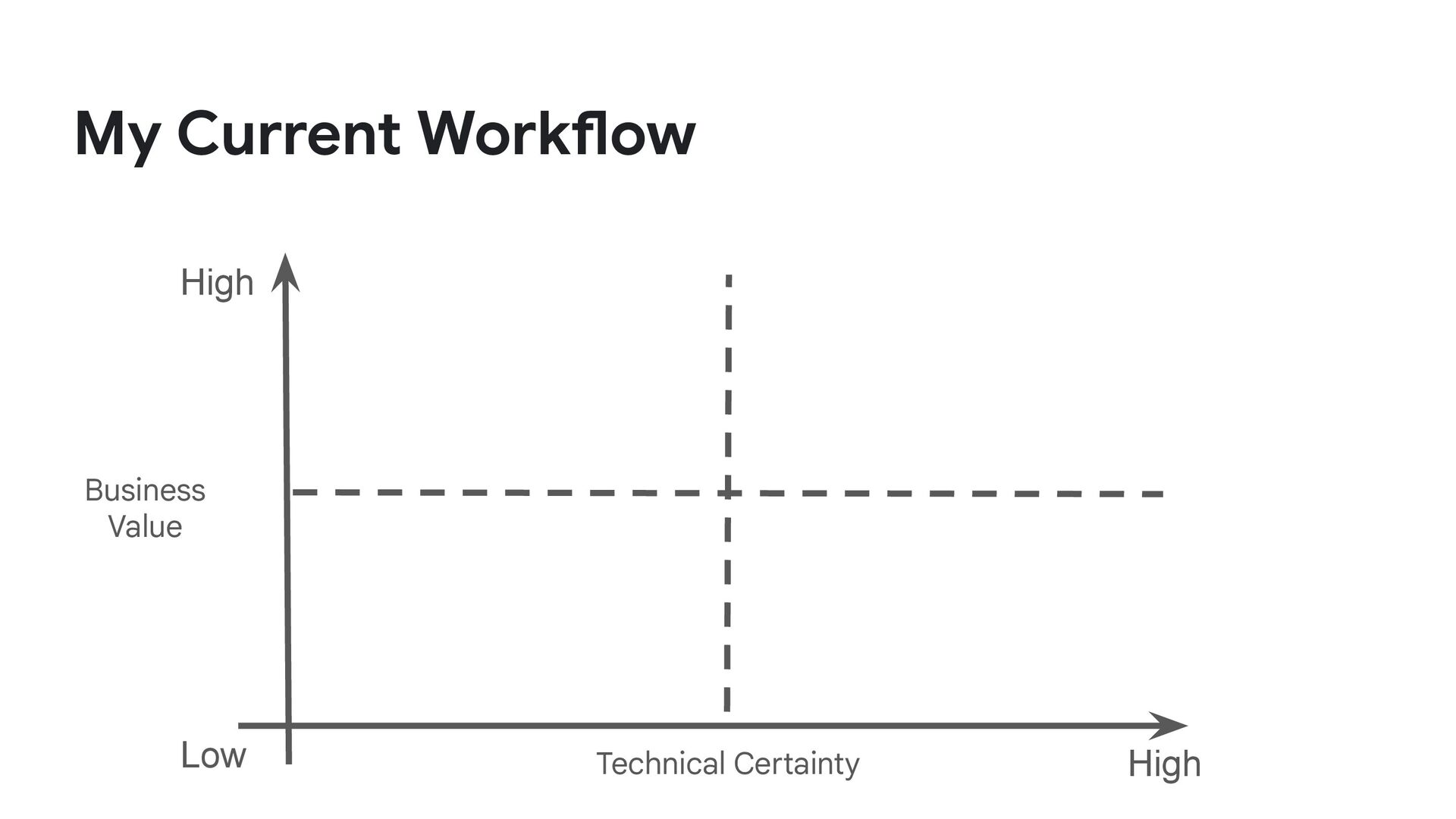
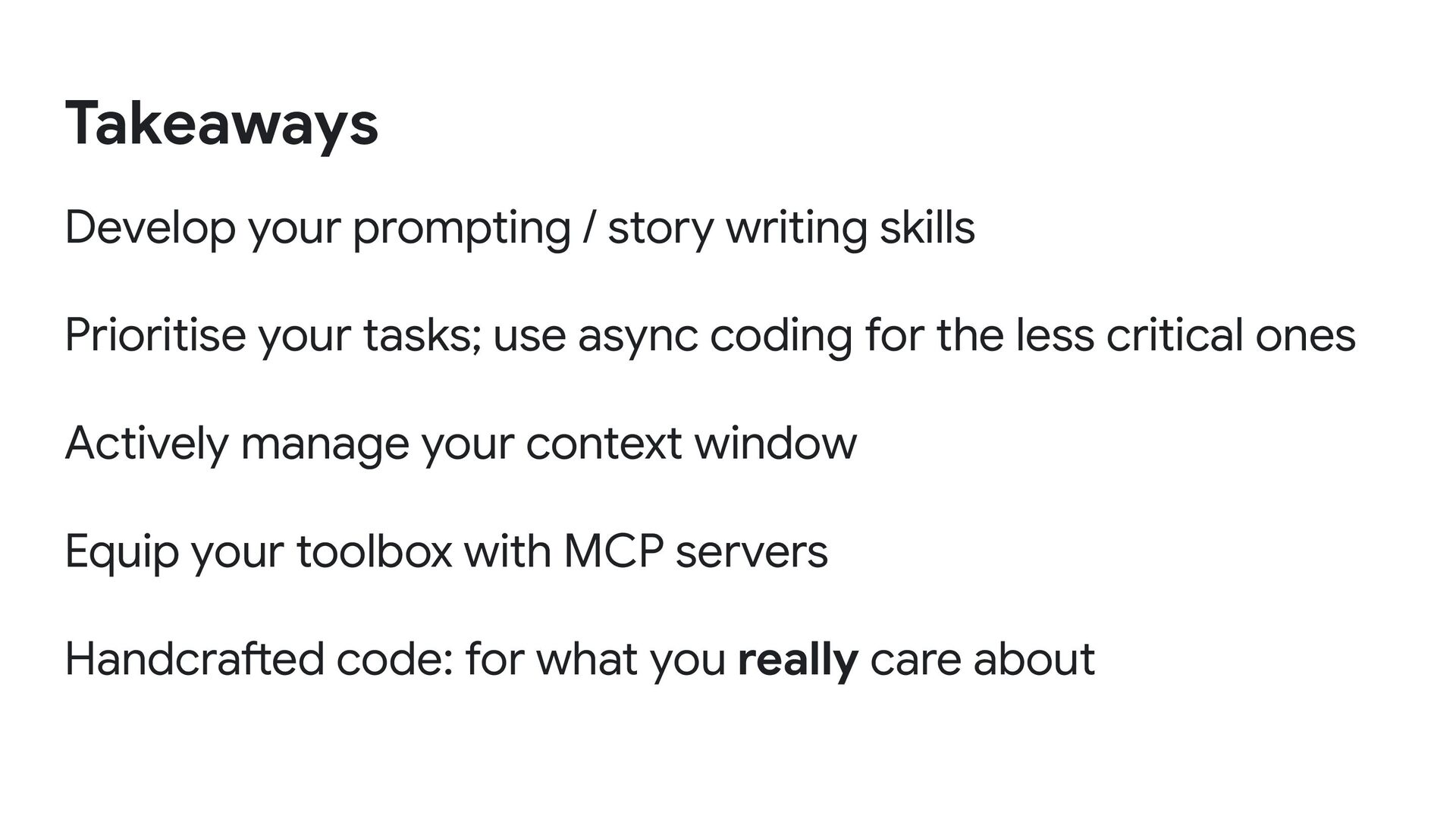
use async coding for the less critical ones Actively manage your context window Equip your toolbox with MCP servers Handcrafted code: for what you really care about Takeaways


 danicat
 chigichan24
 minodriven
 akihisaikeda
 rkaga
rkaga
 nabondance
 optim
optim
 o0h
o0h
 ryu1013
 iwatsukayura
 marcoroth
 guaca
guaca
 palkan
 lara
lara
 reverentgeek
 mraible
 twada
twada
 kimpetersen
 bermonpainter
 carmenintech
 tapps
tapps
 notwaldorf
 retrage
 tammielis