Upgrade to Pro — share decks privately, control downloads, hide ads and more …

Organizing Hybrid Conferences - DevOpsDays Taip...

Avatar for Ryo Tagami Ryo Tagami
June 20, 2024
19

Organizing Hybrid Conferences - DevOpsDays Taipei 2023

Avatar for Ryo Tagami

Ryo Tagami

June 20, 2024

Transcript

  1. Organizing Hybrid Conferences Empowering Community Events from a Technical Perspective

    During the Pandemic Ryo Tagami DevOpsDays Taipei 2023 1
  2. Who? • Name ◦ Ryo Tagami • Day job ◦

    Software engineer (Python / TypeScript) ◦ Ex infrastructure engineer • Community experience ◦ Conference Volunteer: 2022~ 2
  3. Hybrid Conferences • Is hybrid conference working for you? •

    Is there any communication issues between online and onsite attendees? • Is hybrid conference better than onsite only conferences? 3
  4. 5

  5. 6

  6. 7

  7. 8

  8. 9

  9. 10

  10. 11

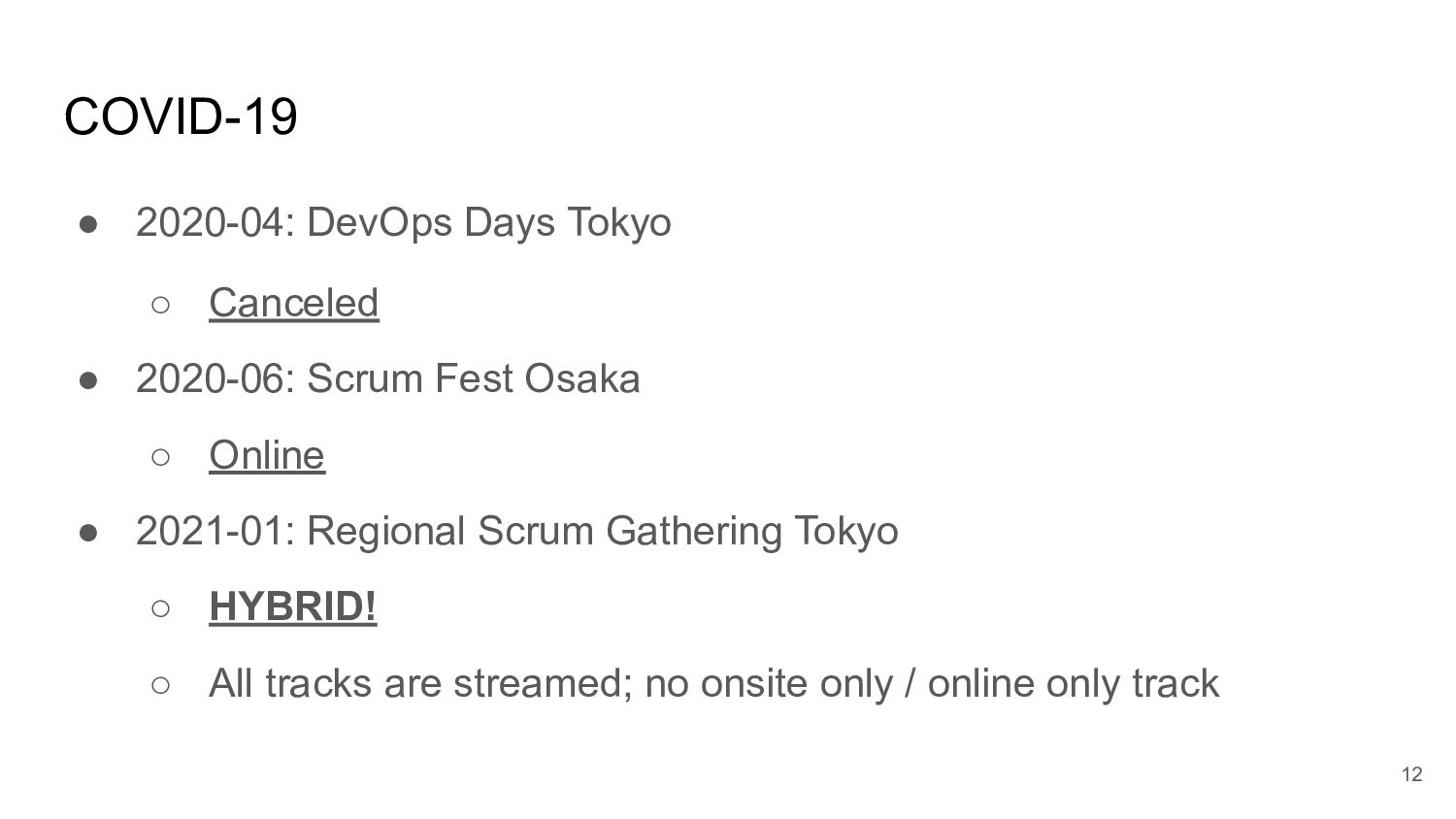
  11. COVID-19 • 2020-04: DevOps Days Tokyo ◦ Canceled • 2020-06:

    Scrum Fest Osaka ◦ Online • 2021-01: Regional Scrum Gathering Tokyo ◦ HYBRID! ◦ All tracks are streamed; no onsite only / online only track 12
  12. 14

  13. 16

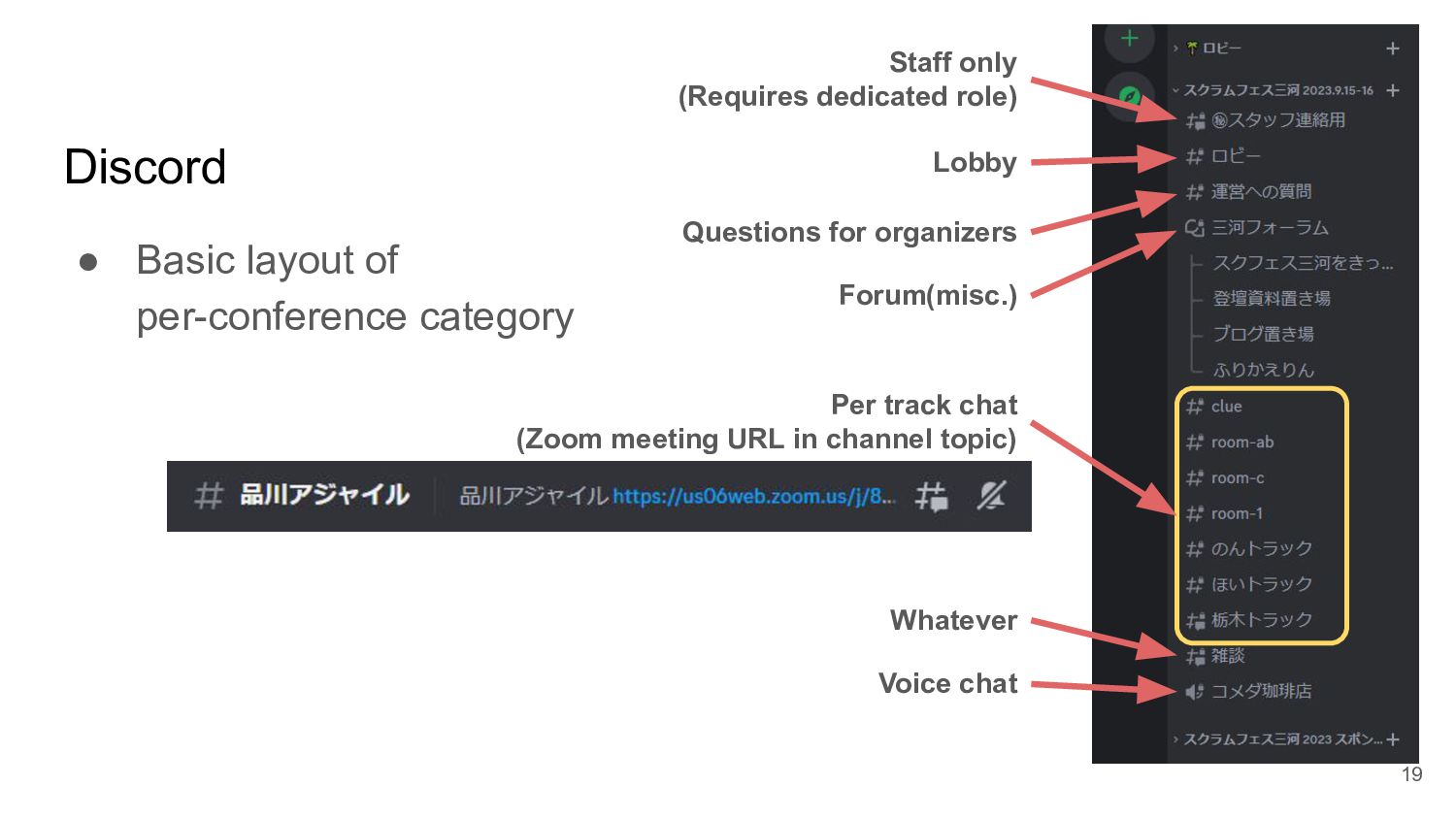
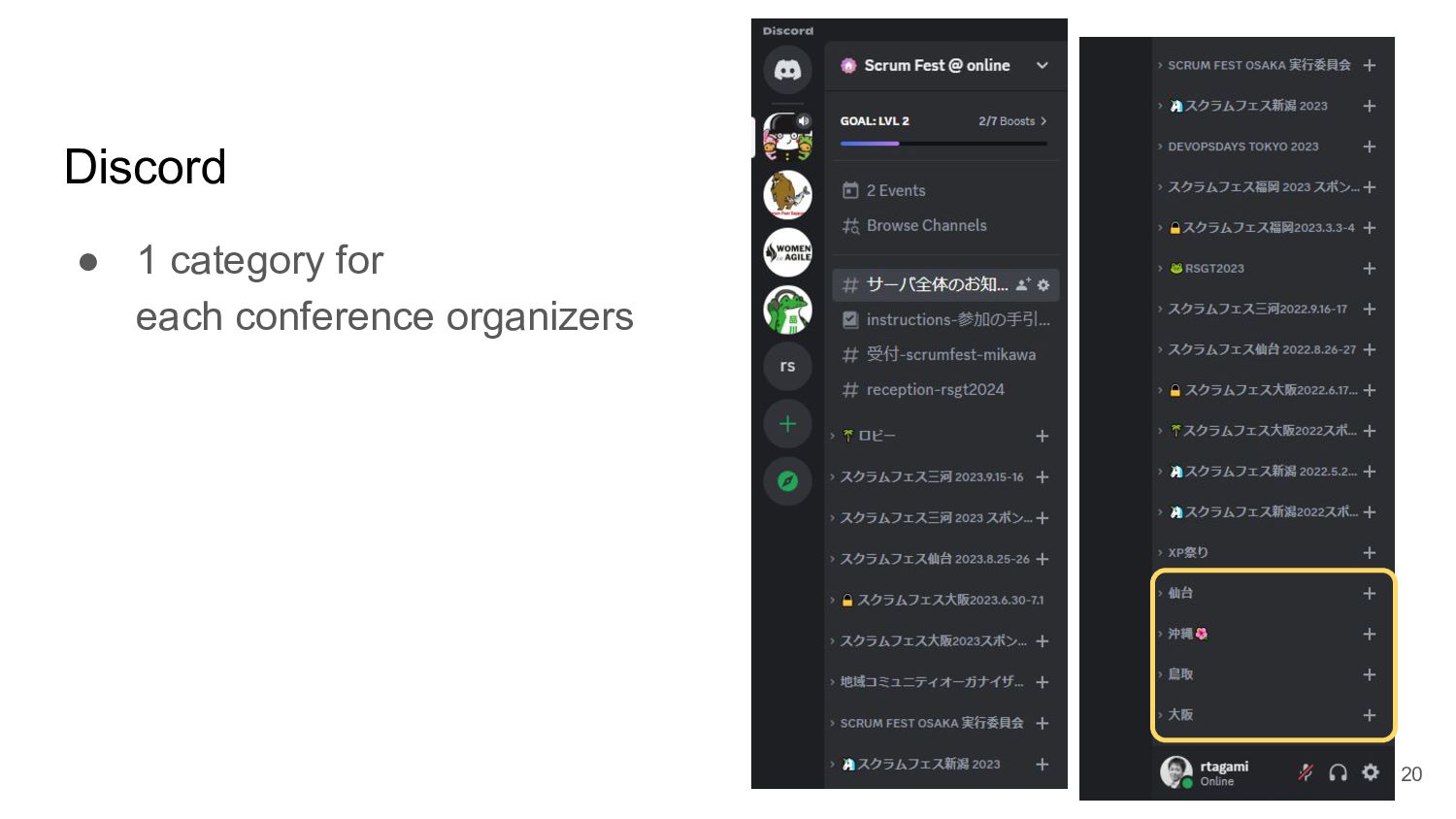
  14. Discord • Basic layout of per-conference category Staff only (Requires

    dedicated role) Lobby Questions for organizers Forum(misc.) Per track chat (Zoom meeting URL in channel topic) Whatever Voice chat 19
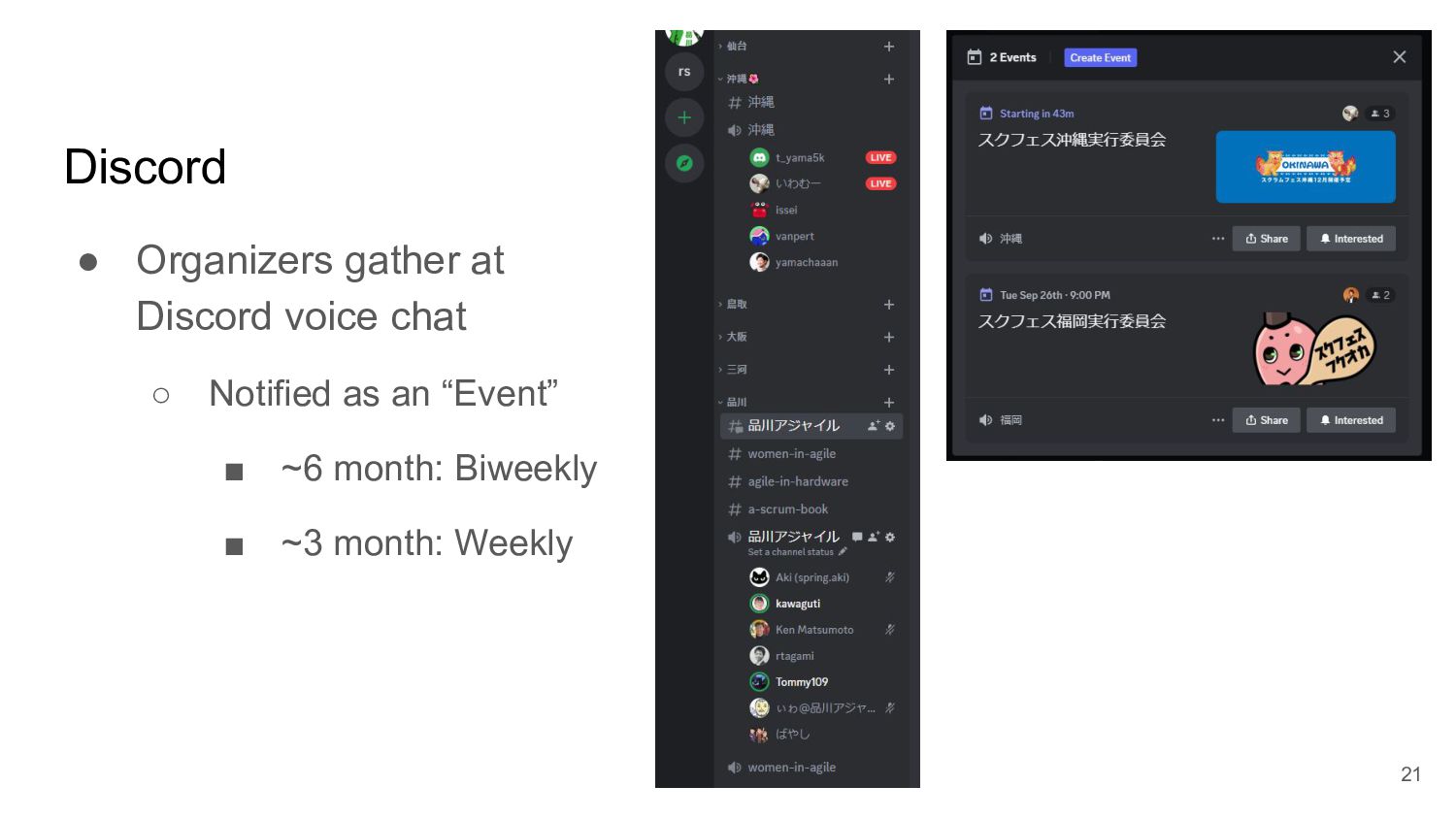
  15. Discord • Organizers gather at Discord voice chat ◦ Notified

    as an “Event” ▪ ~6 month: Biweekly ▪ ~3 month: Weekly 21
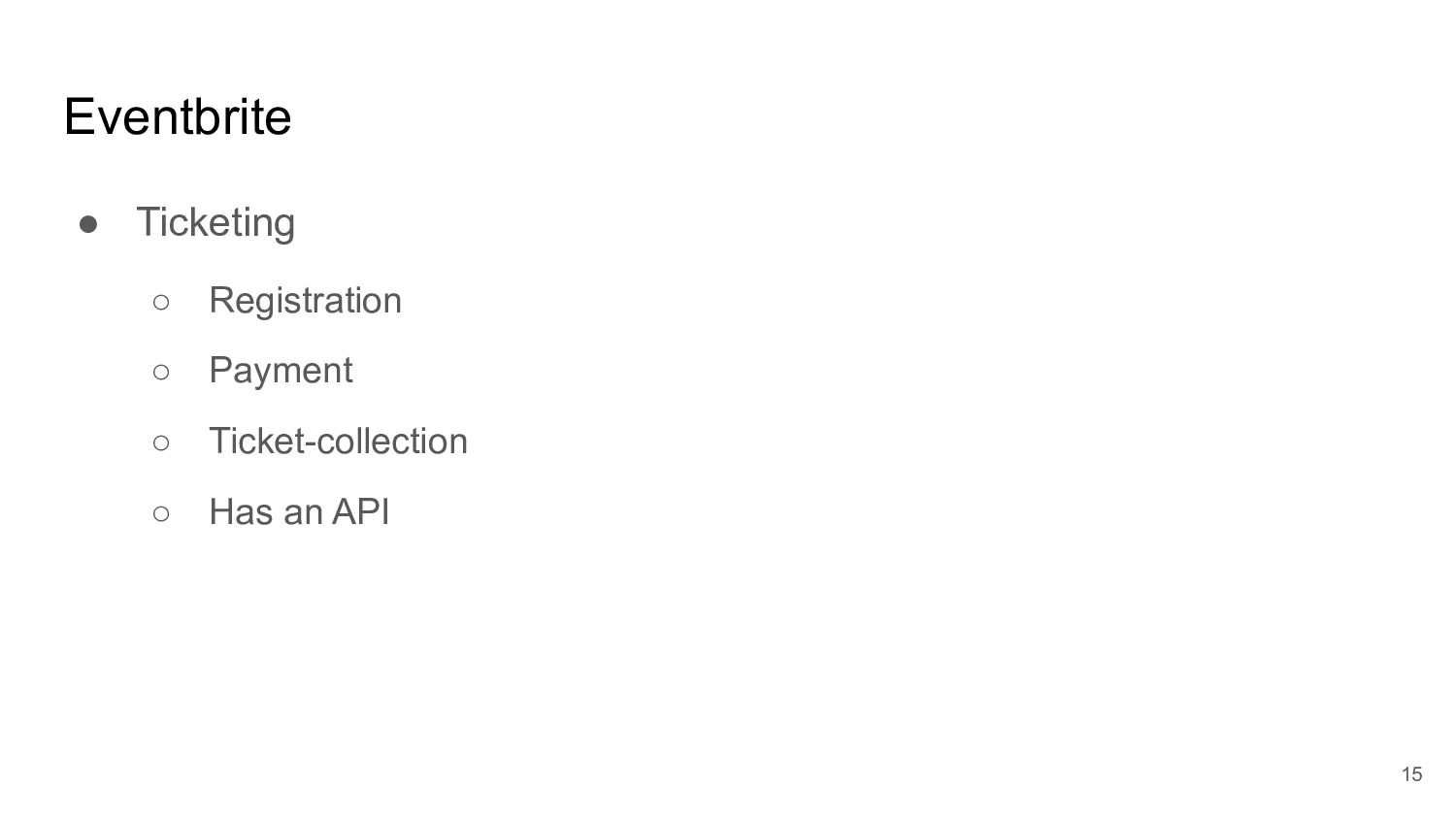
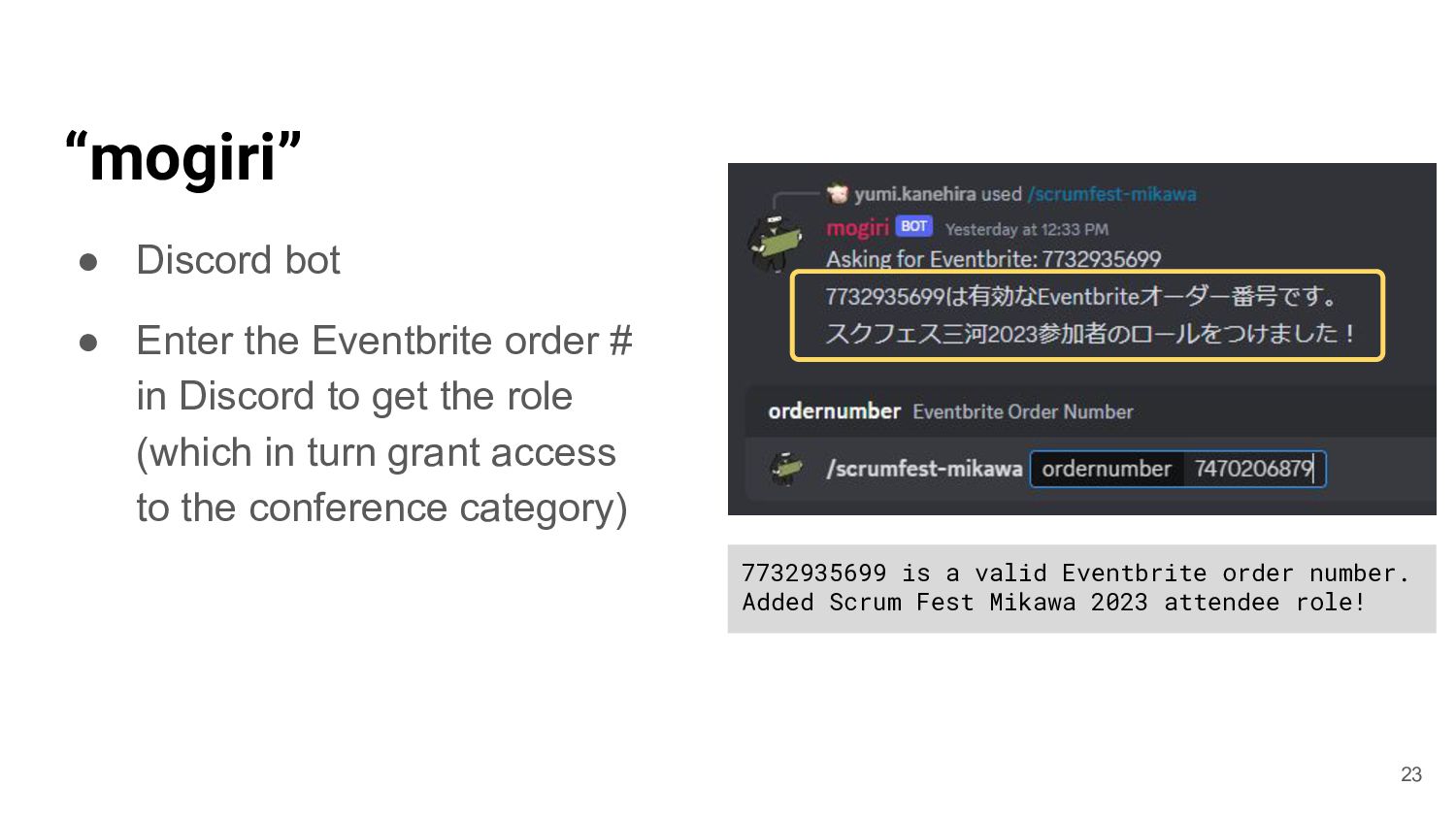
  16. “mogiri” • Discord bot • Enter the Eventbrite order #

    in Discord to get the role (which in turn grant access to the conference category) 7732935699 is a valid Eventbrite order number. Added Scrum Fest Mikawa 2023 attendee role! 23
  17. 24

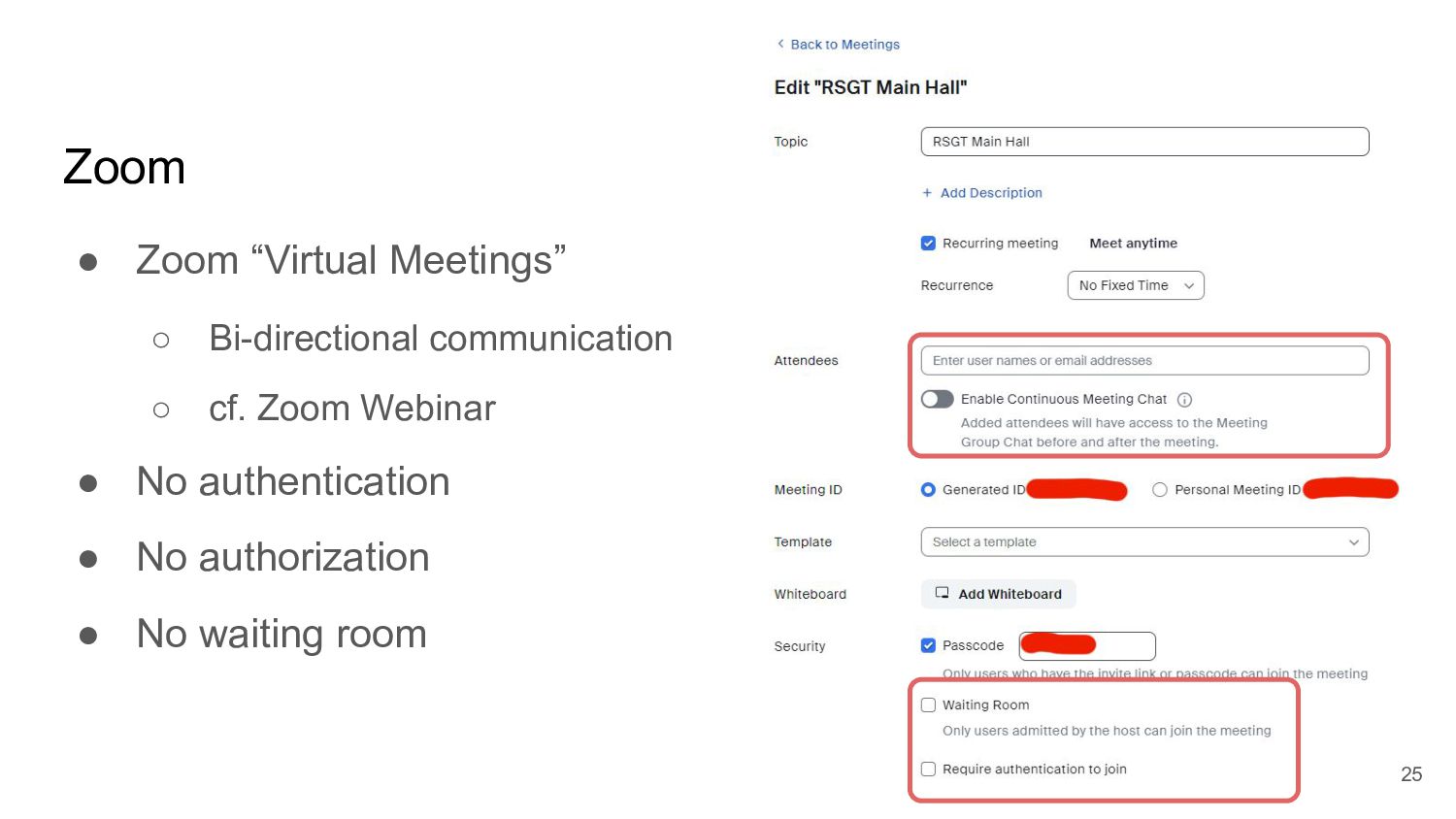
  18. Zoom • Zoom “Virtual Meetings” ◦ Bi-directional communication ◦ cf.

    Zoom Webinar • No authentication • No authorization • No waiting room 25
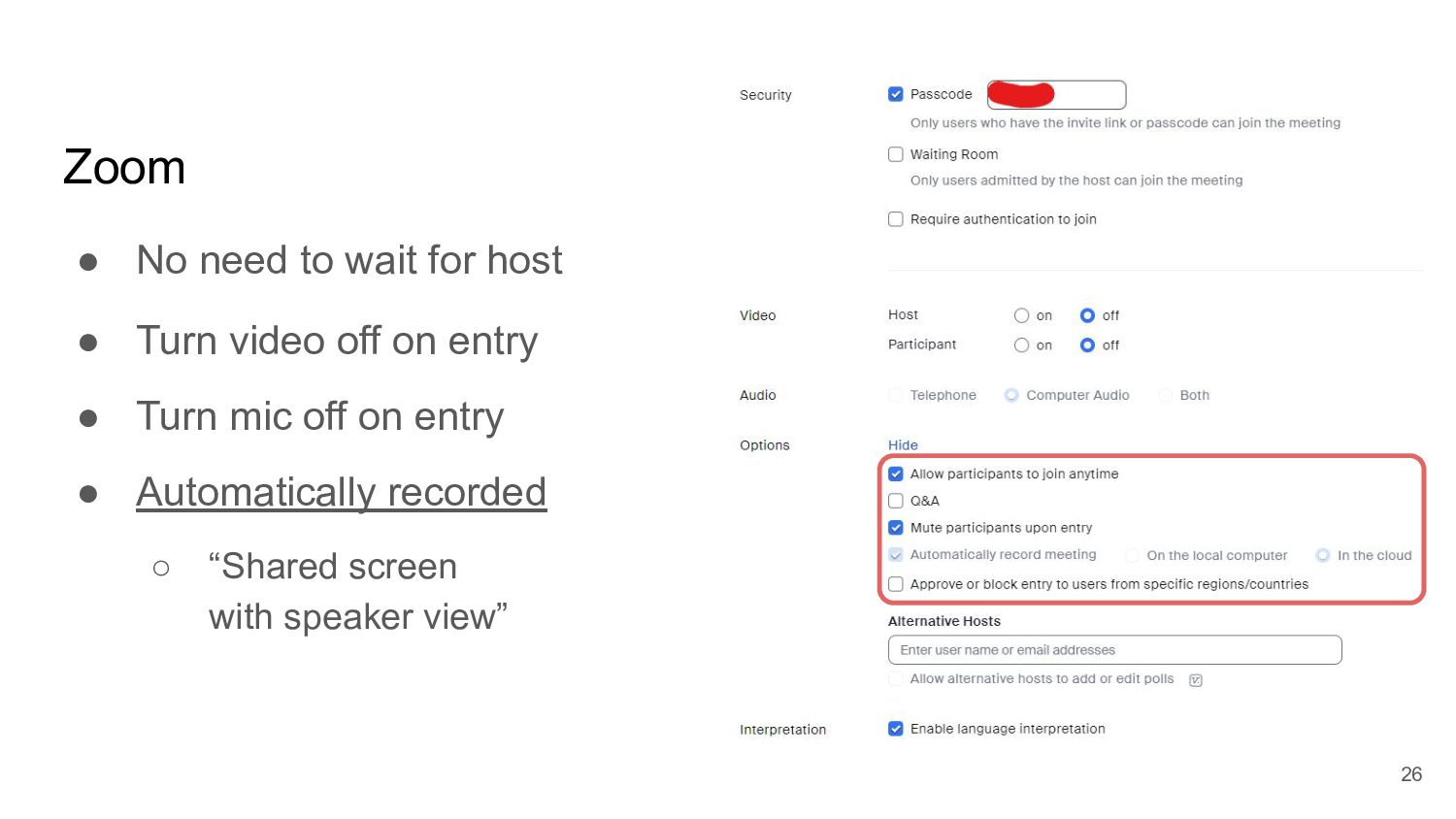
  19. Zoom • No need to wait for host • Turn

    video off on entry • Turn mic off on entry • Automatically recorded ◦ “Shared screen with speaker view” 26
  20. Benefit of Zoom • Zoom automatically switches the camera feed

    based on audio input (even while screen sharing) ◦ Mixed onsite / online presentation ◦ Multiple onsite location for an event ◦ (No need to mess with spotlighting) ◦ Recording works as expected 27
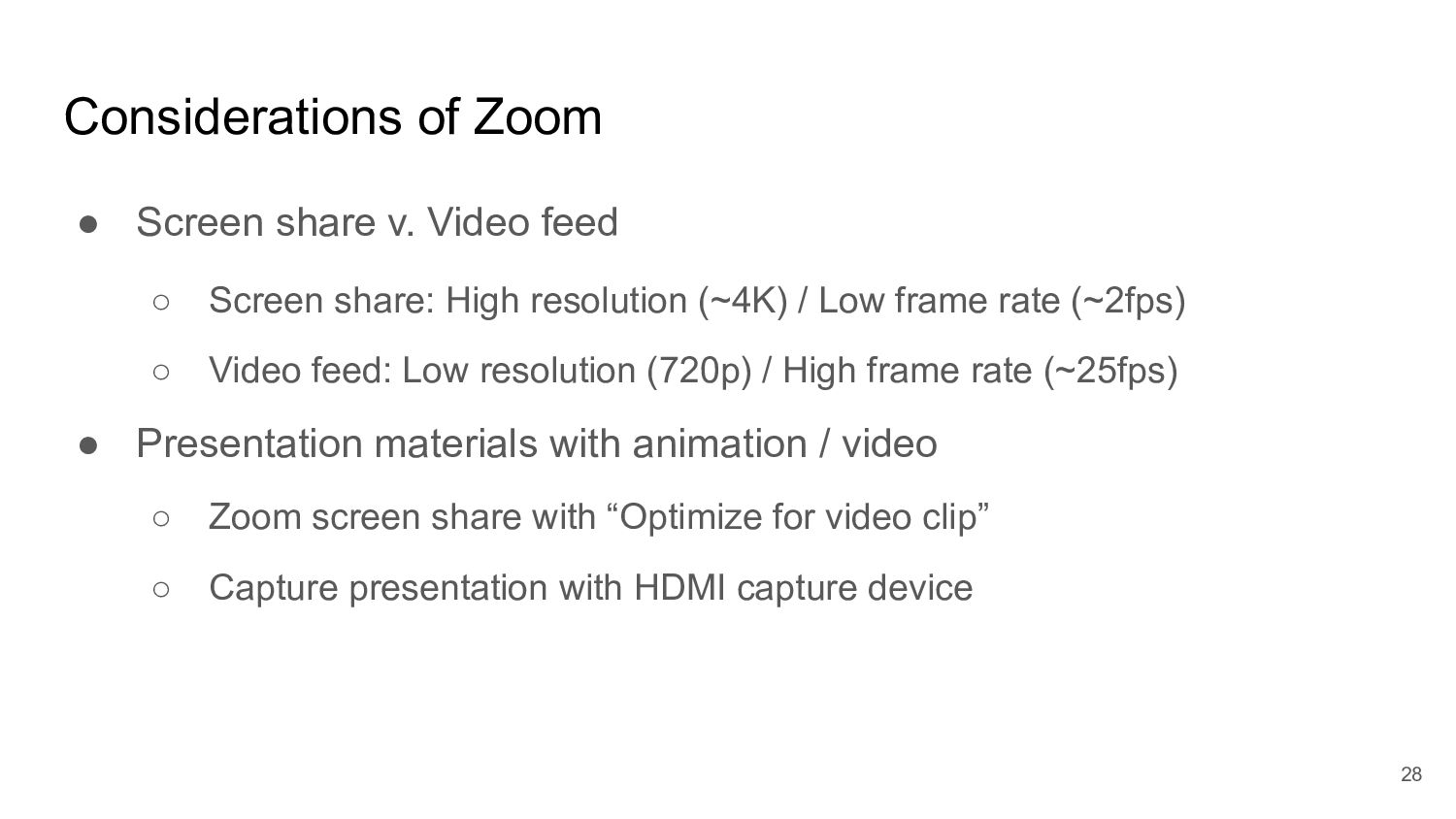
  21. Considerations of Zoom • Screen share v. Video feed ◦

    Screen share: High resolution (~4K) / Low frame rate (~2fps) ◦ Video feed: Low resolution (720p) / High frame rate (~25fps) • Presentation materials with animation / video ◦ Zoom screen share with “Optimize for video clip” ◦ Capture presentation with HDMI capture device 28
  22. 29

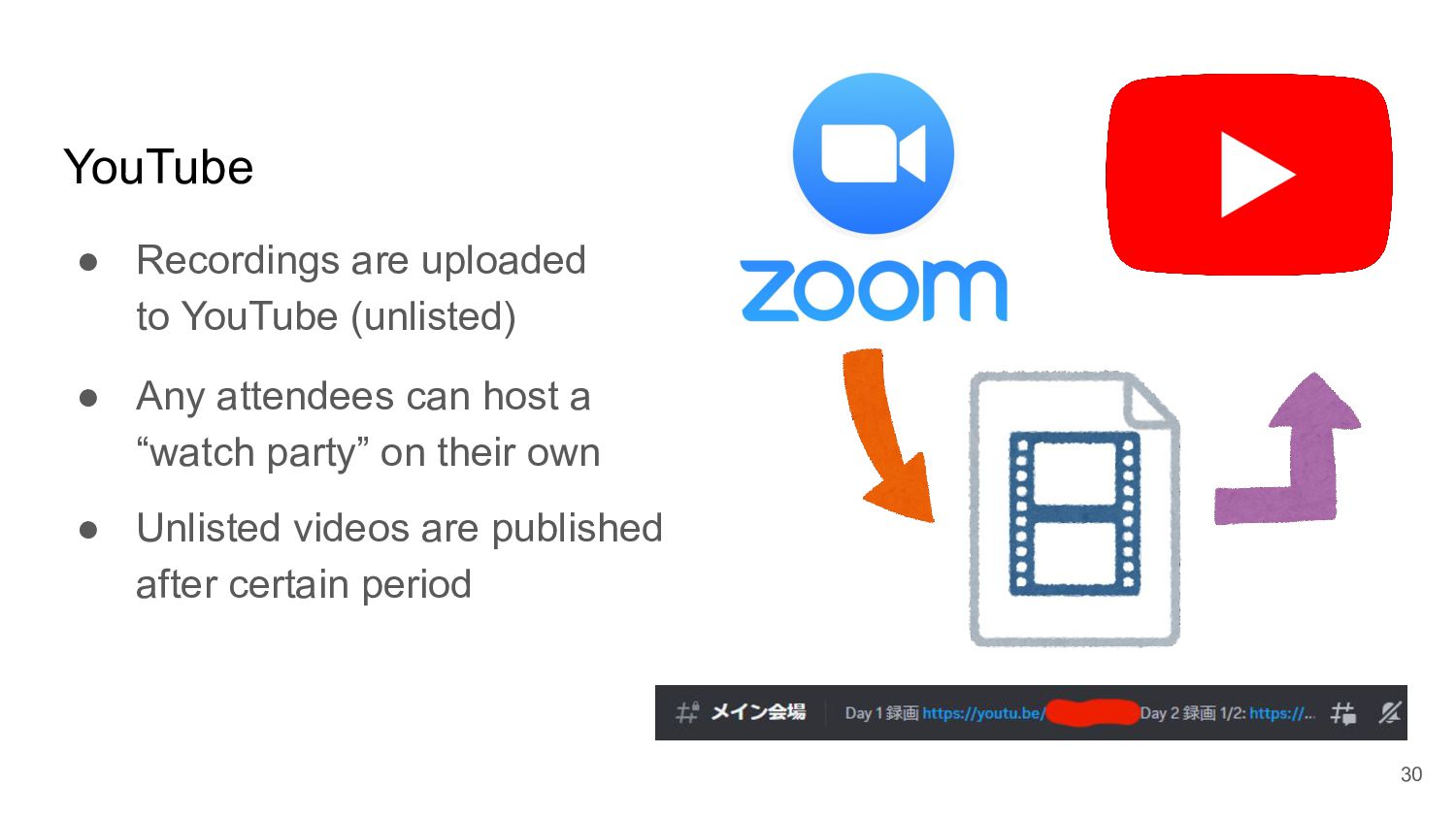
  23. YouTube • Recordings are uploaded to YouTube (unlisted) • Any

    attendees can host a “watch party” on their own • Unlisted videos are published after certain period 30
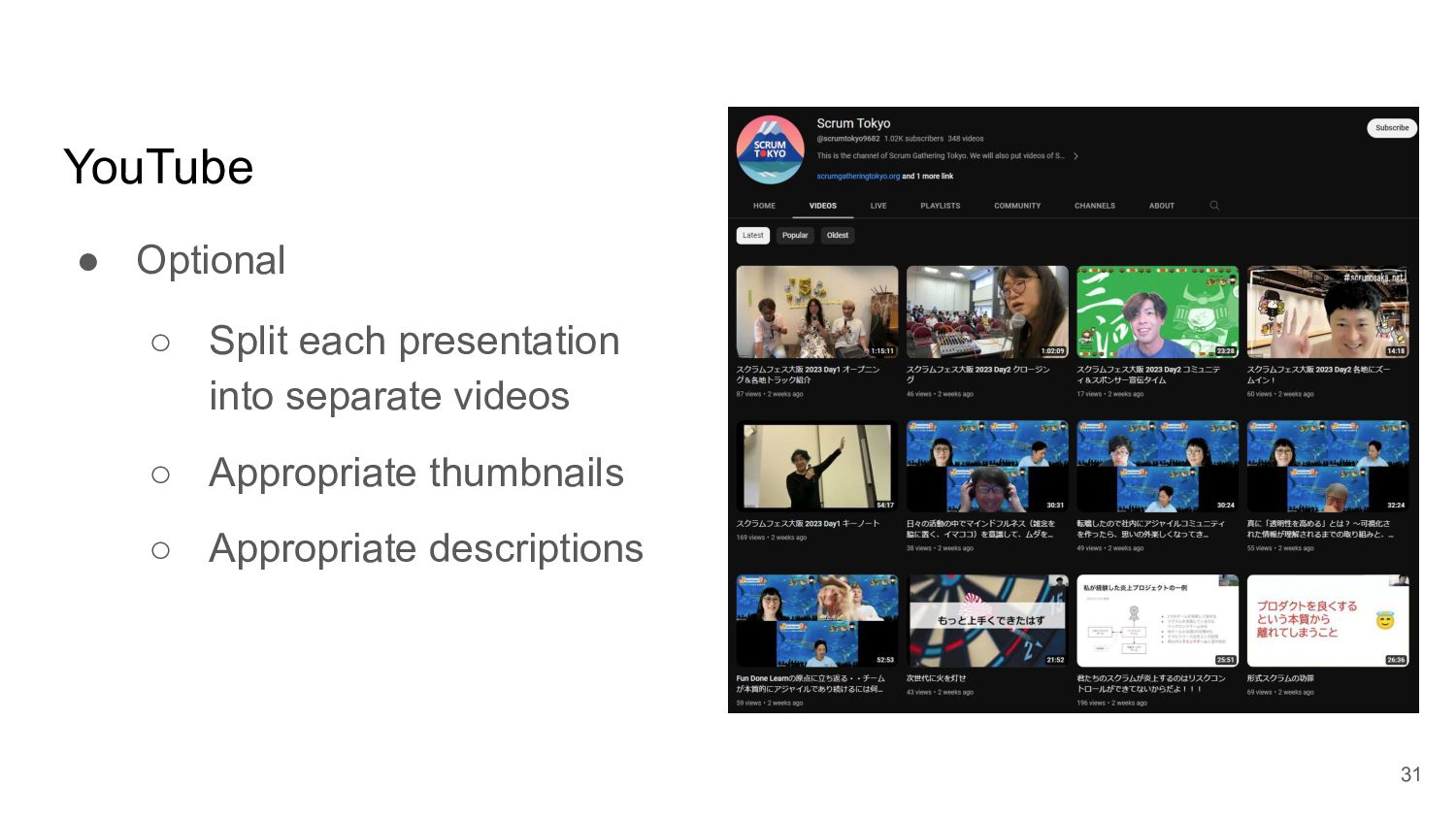
  24. YouTube • Optional ◦ Split each presentation into separate videos

    ◦ Appropriate thumbnails ◦ Appropriate descriptions 31
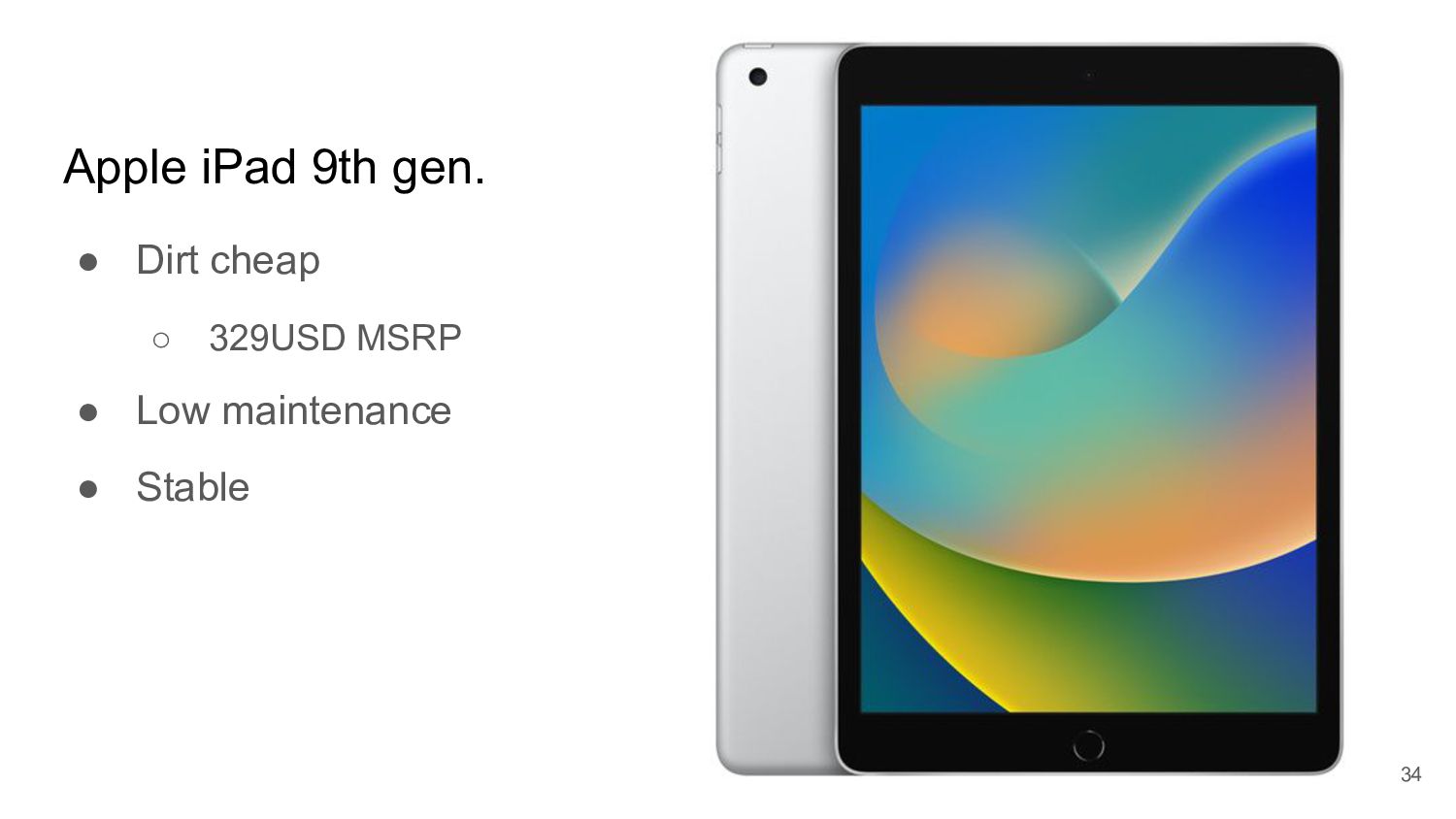
  25. Apple iPad 9th gen. • Dirt cheap ◦ 329USD MSRP

    • Low maintenance • Stable 34
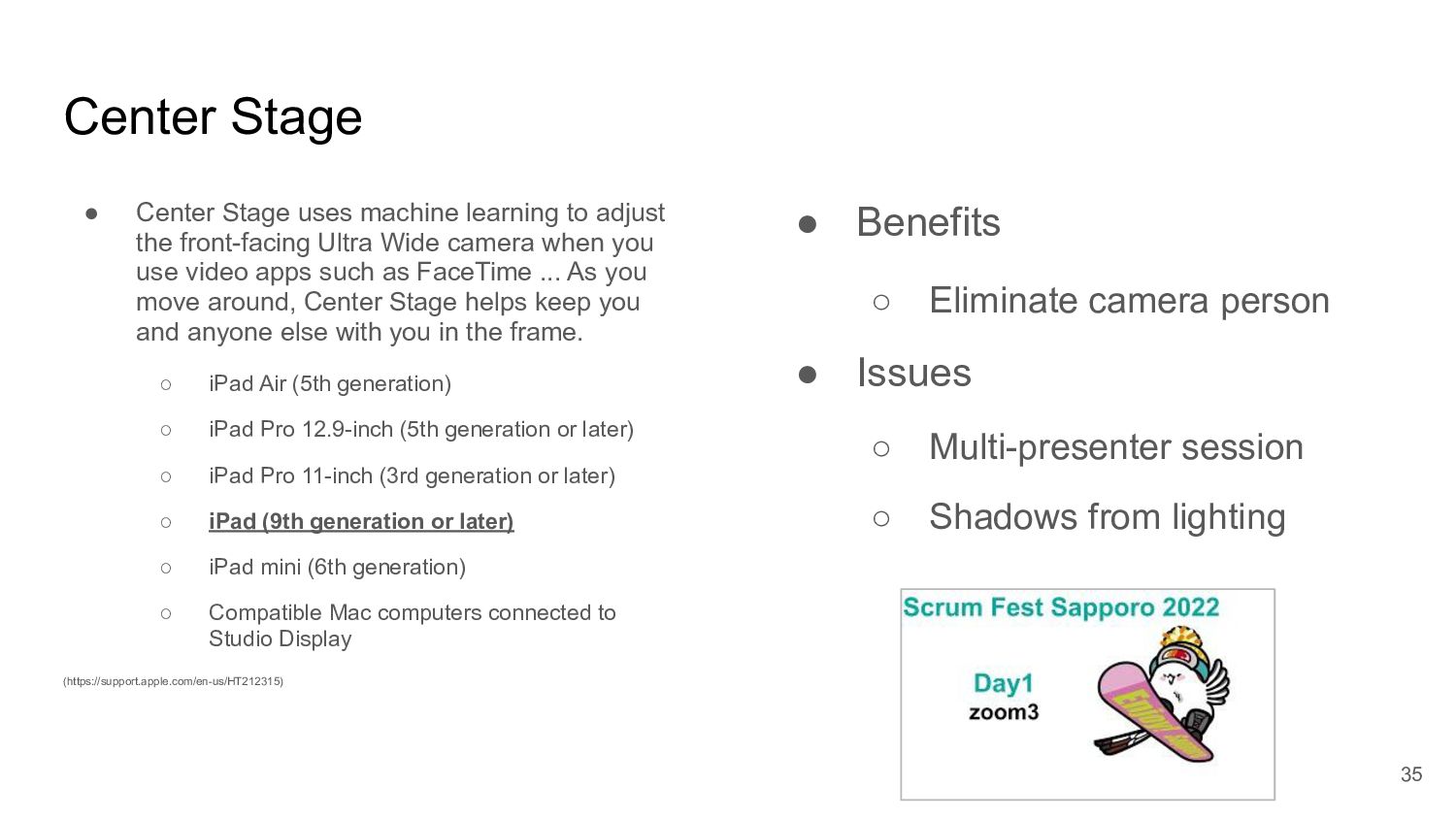
  26. Center Stage • Center Stage uses machine learning to adjust

    the front-facing Ultra Wide camera when you use video apps such as FaceTime ... As you move around, Center Stage helps keep you and anyone else with you in the frame. ◦ iPad Air (5th generation) ◦ iPad Pro 12.9-inch (5th generation or later) ◦ iPad Pro 11-inch (3rd generation or later) ◦ iPad (9th generation or later) ◦ iPad mini (6th generation) ◦ Compatible Mac computers connected to Studio Display (https://support.apple.com/en-us/HT212315) • Benefits ◦ Eliminate camera person • Issues ◦ Multi-presenter session ◦ Shadows from lighting 35
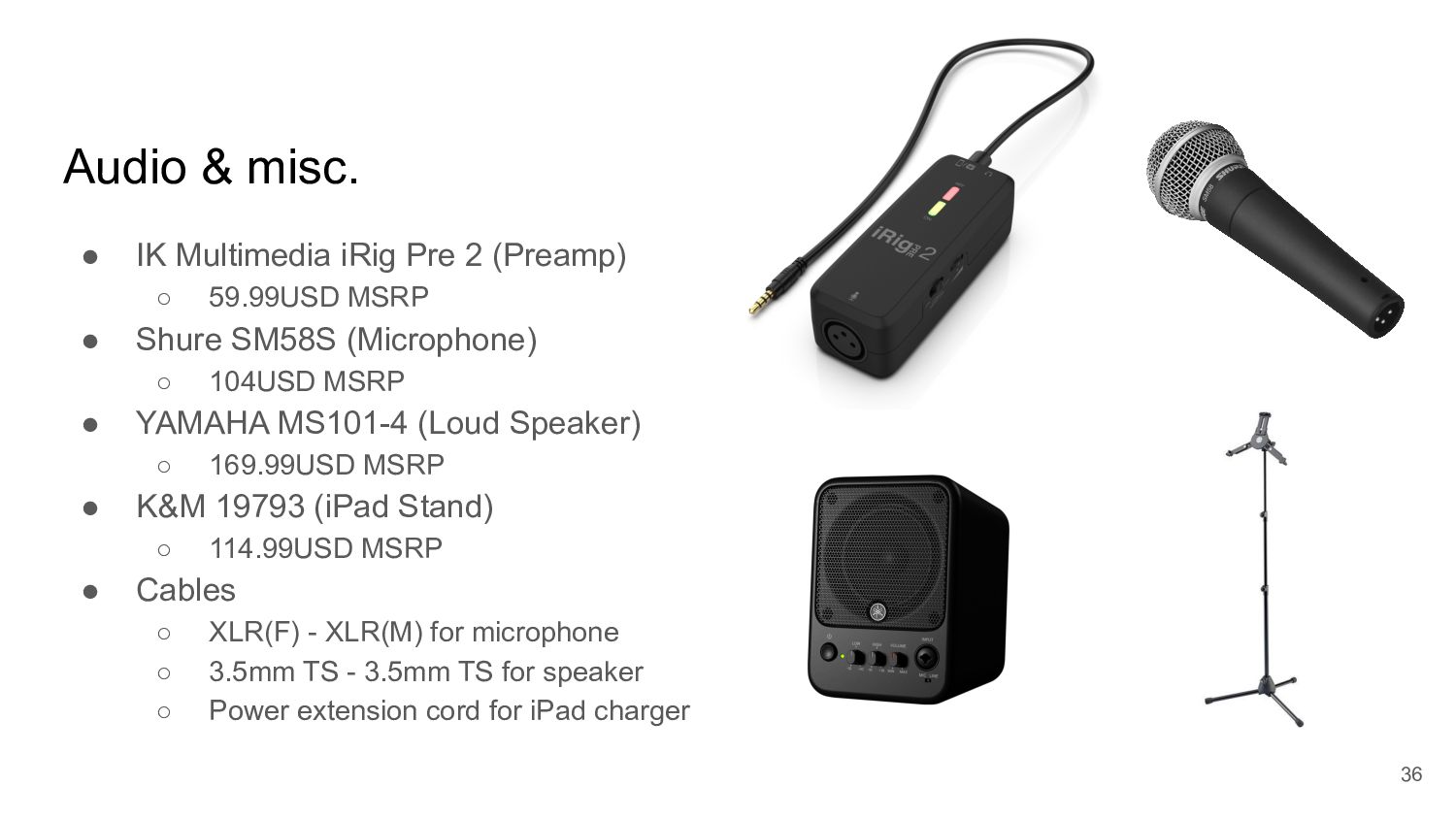
  27. Audio & misc. • IK Multimedia iRig Pre 2 (Preamp)

    ◦ 59.99USD MSRP • Shure SM58S (Microphone) ◦ 104USD MSRP • YAMAHA MS101-4 (Loud Speaker) ◦ 169.99USD MSRP • K&M 19793 (iPad Stand) ◦ 114.99USD MSRP • Cables ◦ XLR(F) - XLR(M) for microphone ◦ 3.5mm TS - 3.5mm TS for speaker ◦ Power extension cord for iPad charger 36
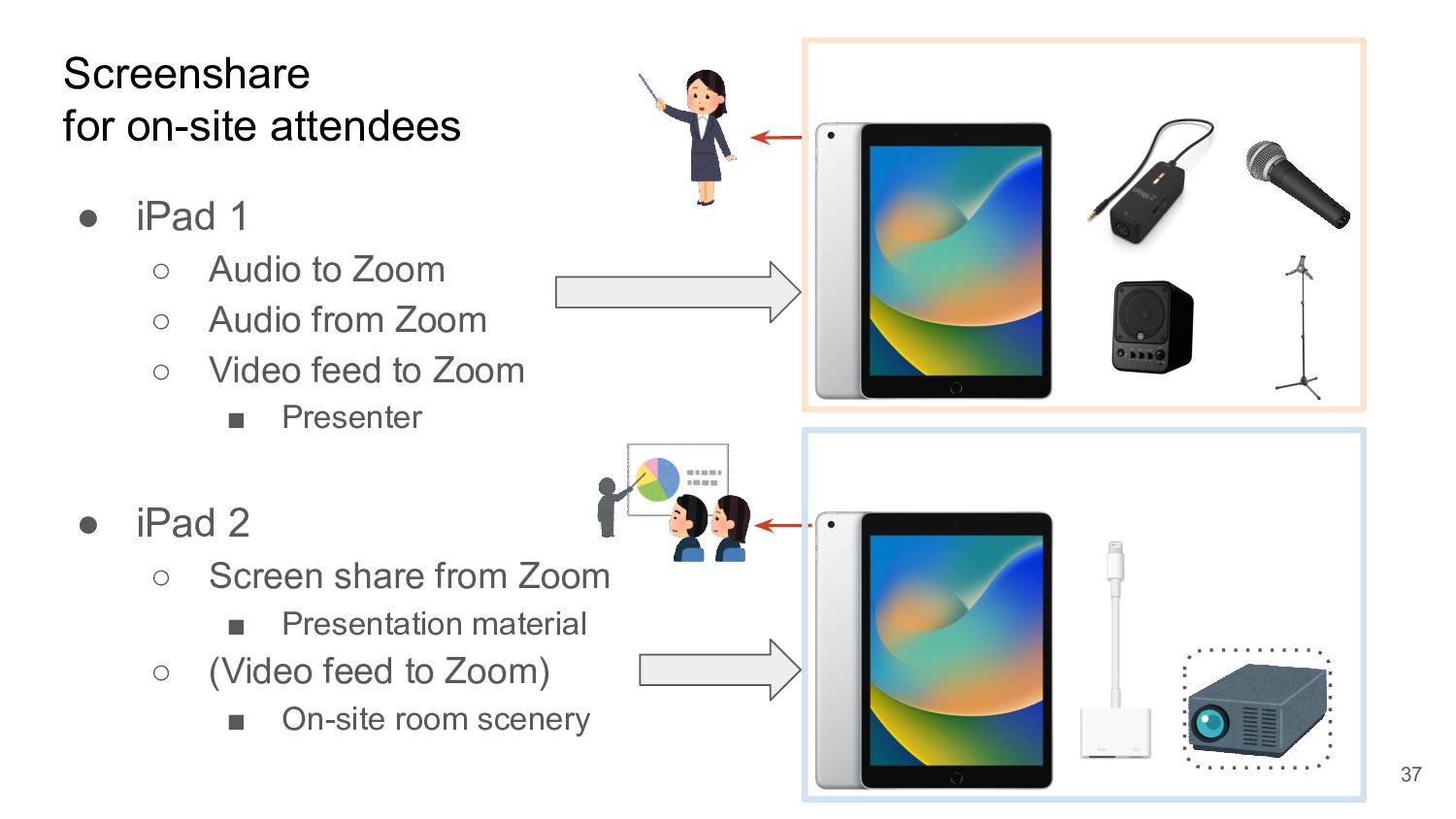
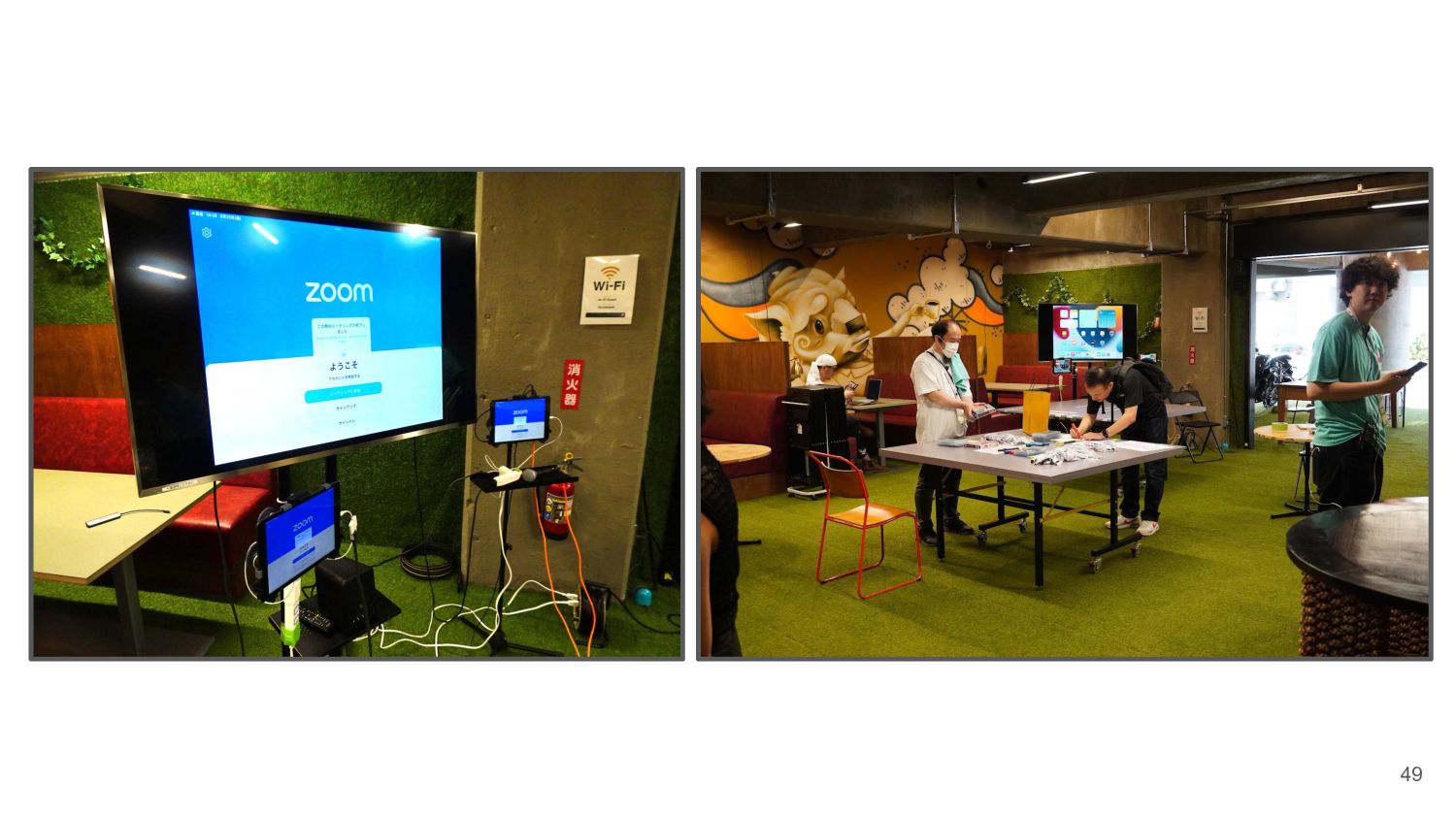
  28. Screenshare for on-site attendees • iPad 1 ◦ Audio to

    Zoom ◦ Audio from Zoom ◦ Video feed to Zoom ▪ Presenter • iPad 2 ◦ Screen share from Zoom ▪ Presentation material ◦ (Video feed to Zoom) ▪ On-site room scenery 37
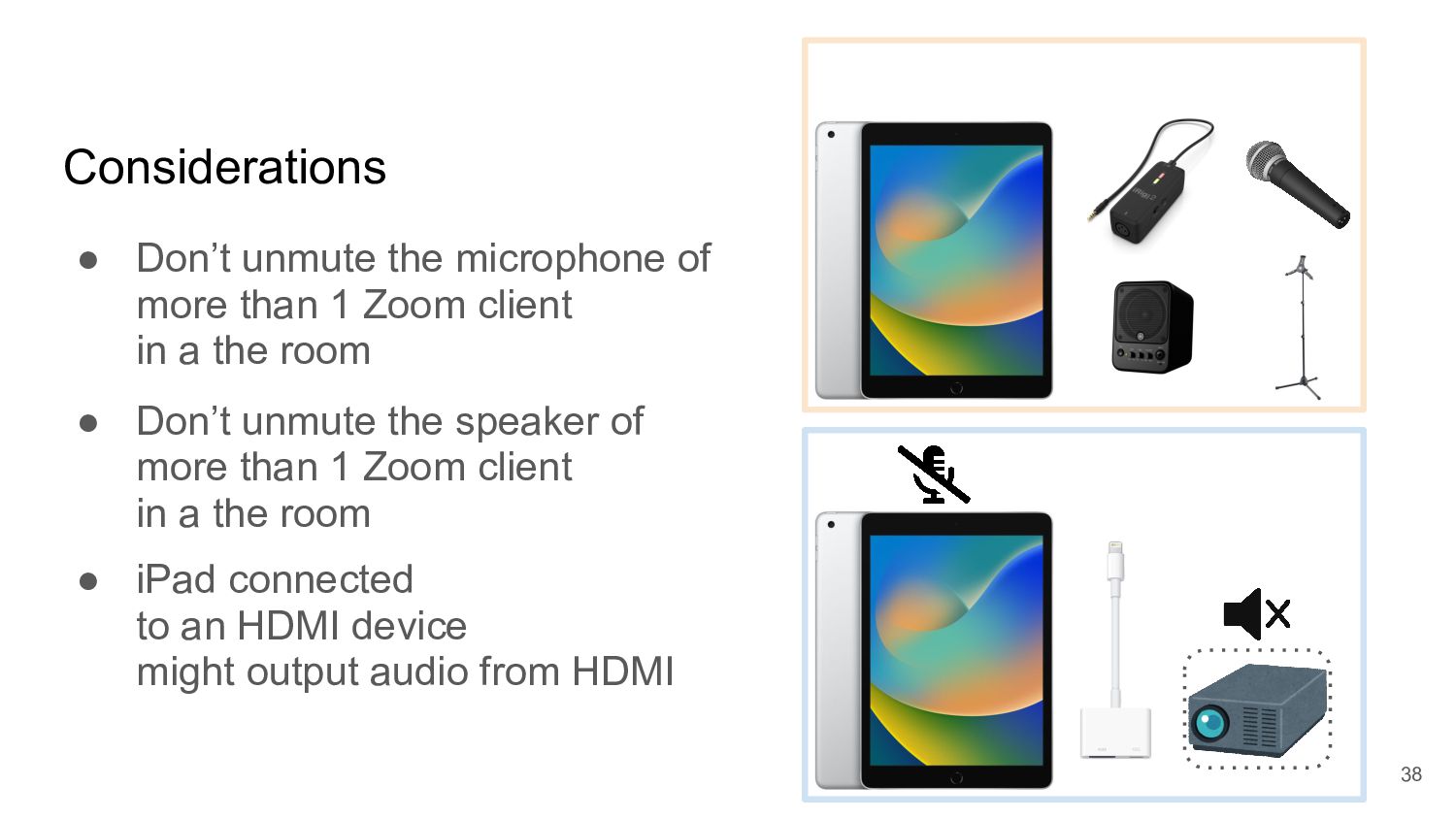
  29. Considerations • Don’t unmute the microphone of more than 1

    Zoom client in a the room • Don’t unmute the speaker of more than 1 Zoom client in a the room • iPad connected to an HDMI device might output audio from HDMI 38
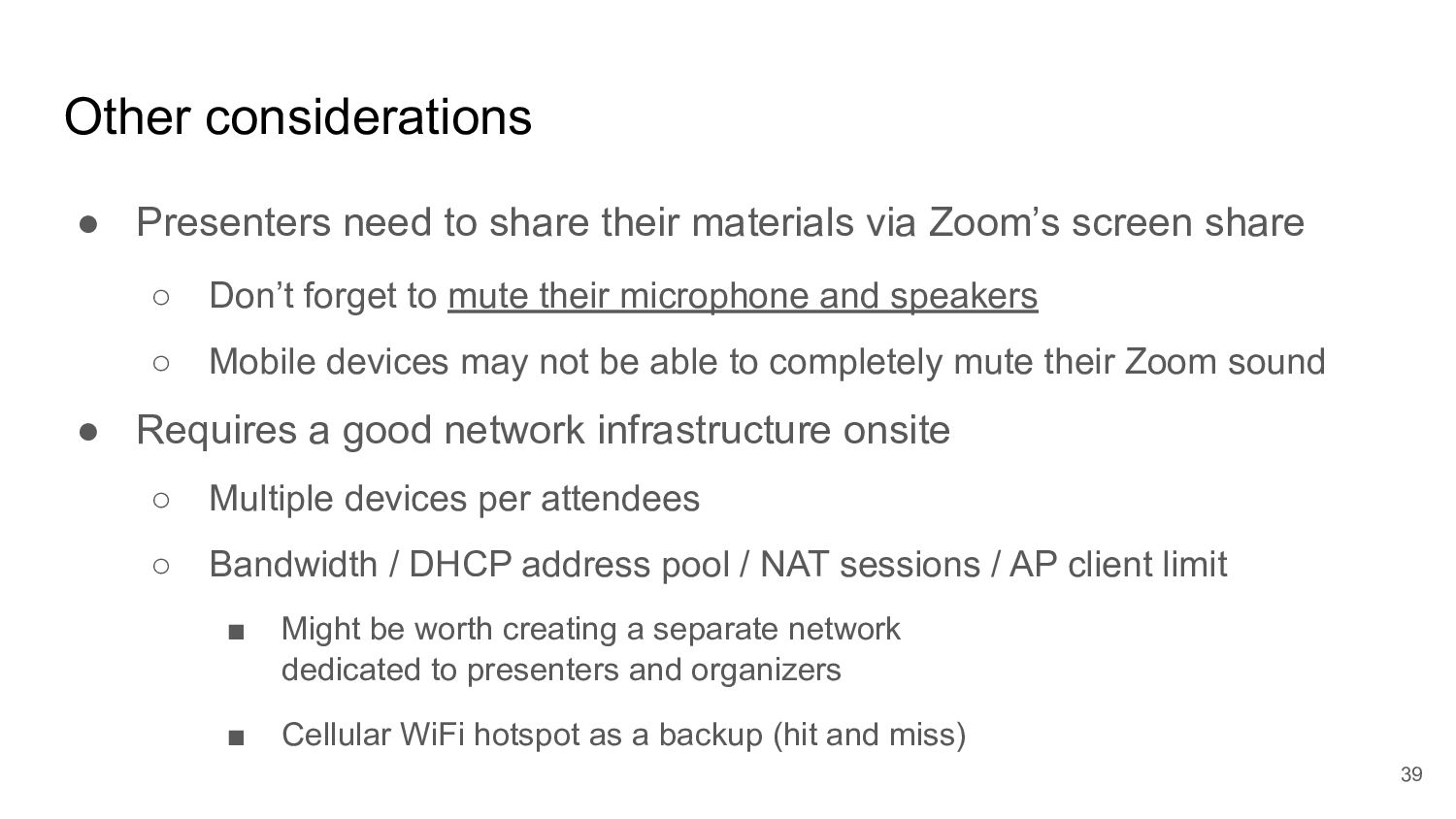
  30. Other considerations • Presenters need to share their materials via

    Zoom’s screen share ◦ Don’t forget to mute their microphone and speakers ◦ Mobile devices may not be able to completely mute their Zoom sound • Requires a good network infrastructure onsite ◦ Multiple devices per attendees ◦ Bandwidth / DHCP address pool / NAT sessions / AP client limit ▪ Might be worth creating a separate network dedicated to presenters and organizers ▪ Cellular WiFi hotspot as a backup (hit and miss) 39
  31. Bigger venues • Benefit of better equipment ◦ Wireless microphones

    ◦ Powerful speakers • Negotiation might be required ◦ Mixed use of “their equipment” and “our equipment” ◦ Difficulty of negotiations widely varies from venue to venue 40
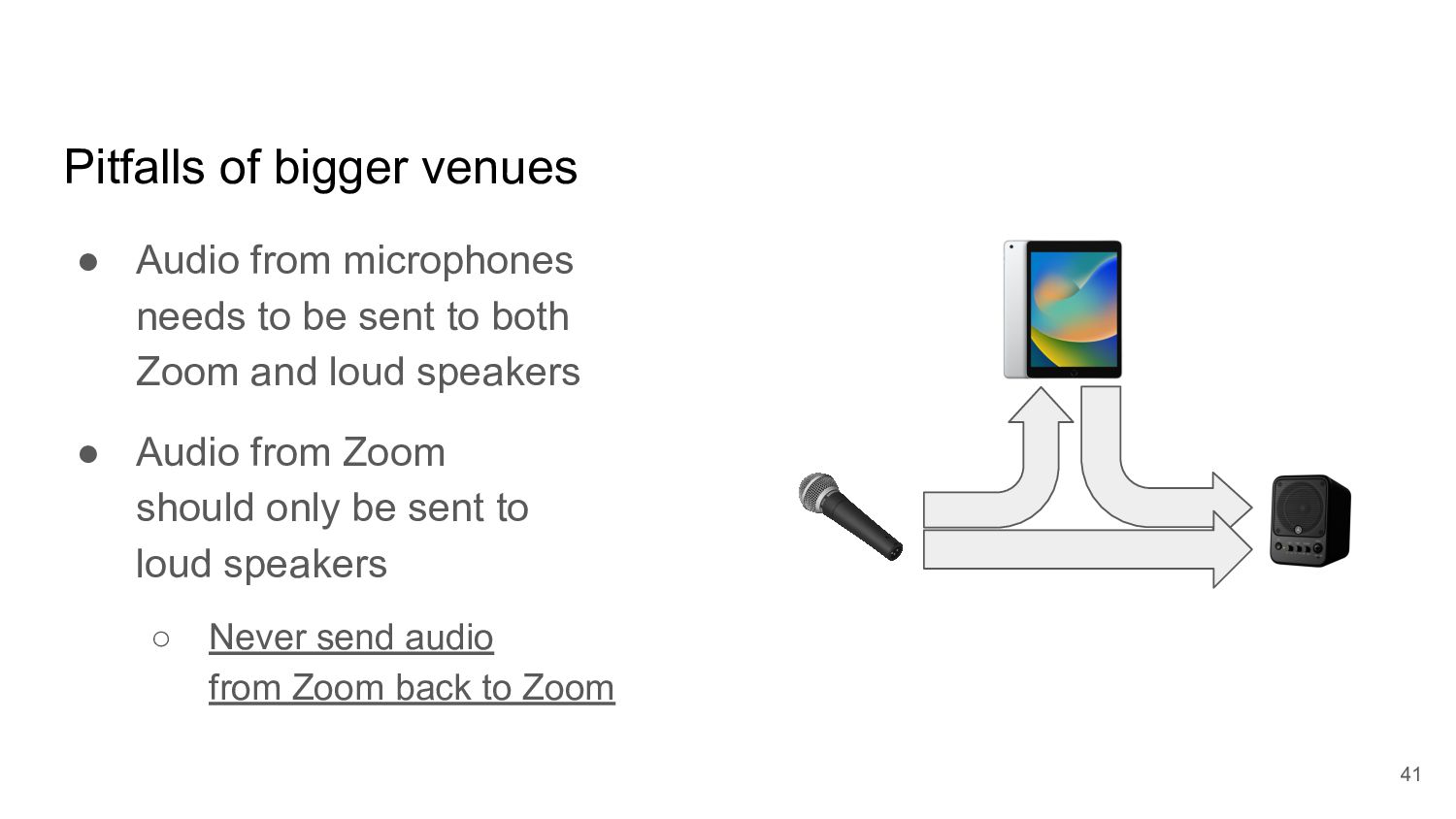
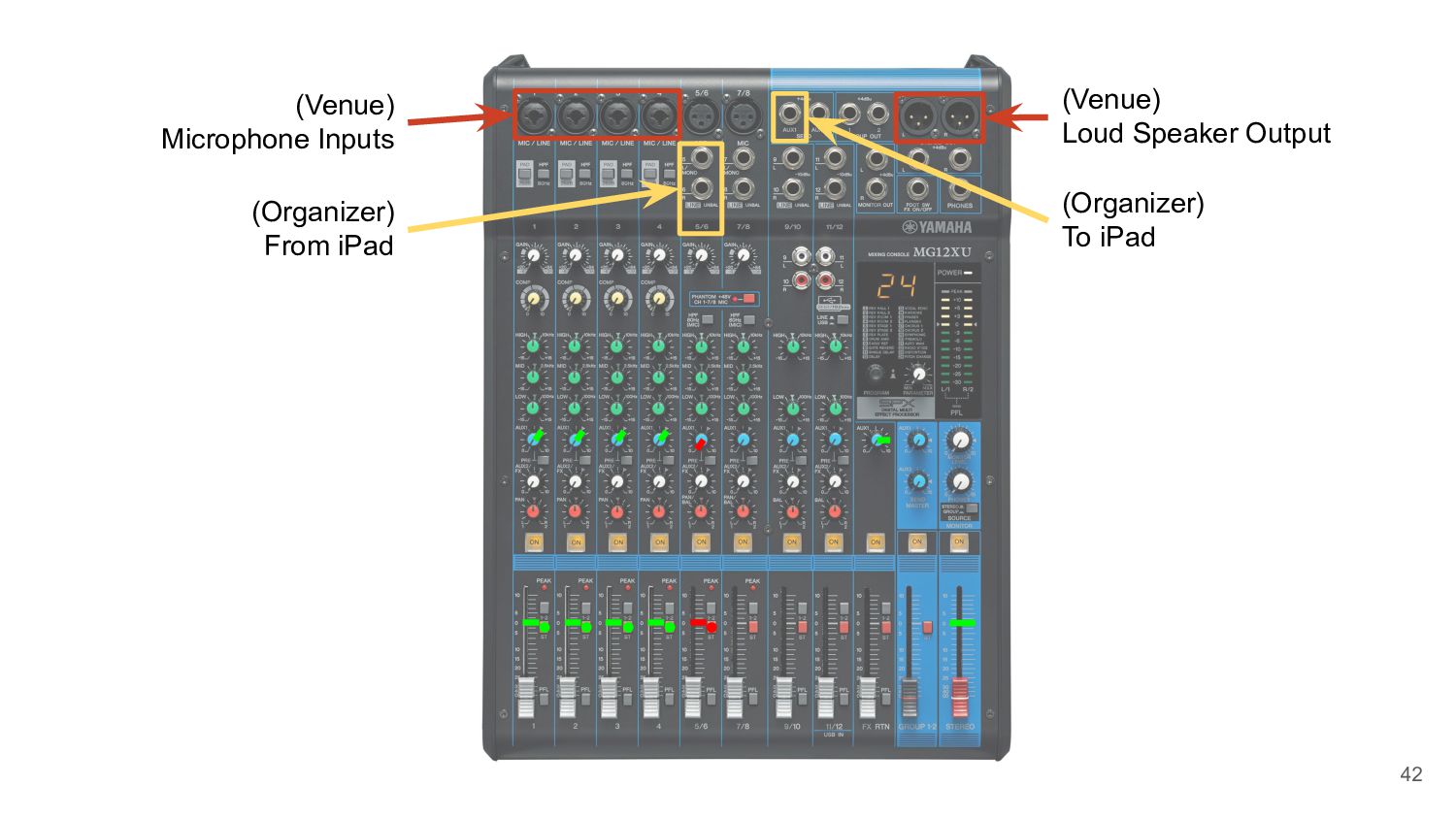
  32. Pitfalls of bigger venues • Audio from microphones needs to

    be sent to both Zoom and loud speakers • Audio from Zoom should only be sent to loud speakers ◦ Never send audio from Zoom back to Zoom 41
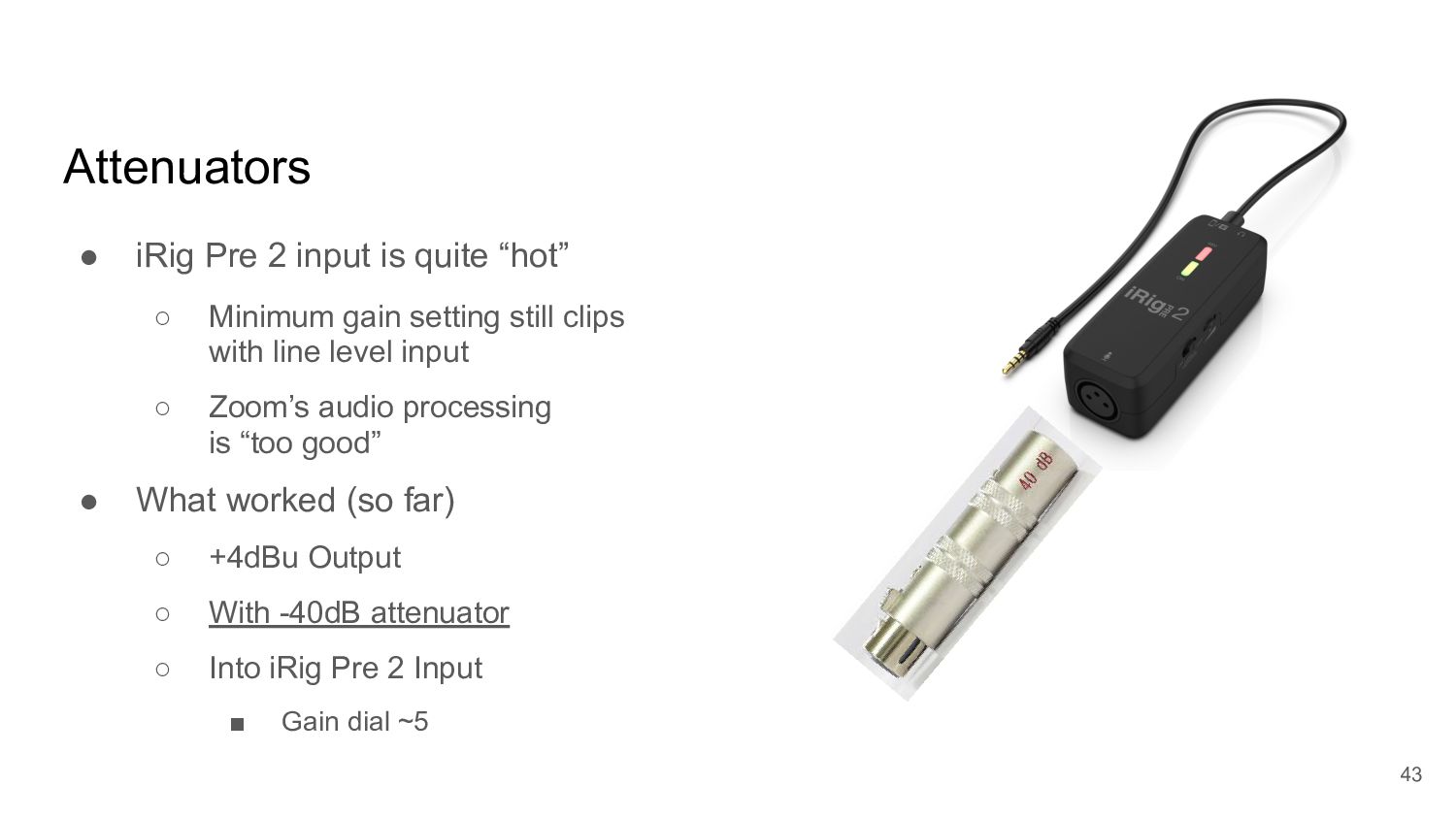
  33. Attenuators • iRig Pre 2 input is quite “hot” ◦

    Minimum gain setting still clips with line level input ◦ Zoom’s audio processing is “too good” • What worked (so far) ◦ +4dBu Output ◦ With -40dB attenuator ◦ Into iRig Pre 2 Input ▪ Gain dial ~5 43
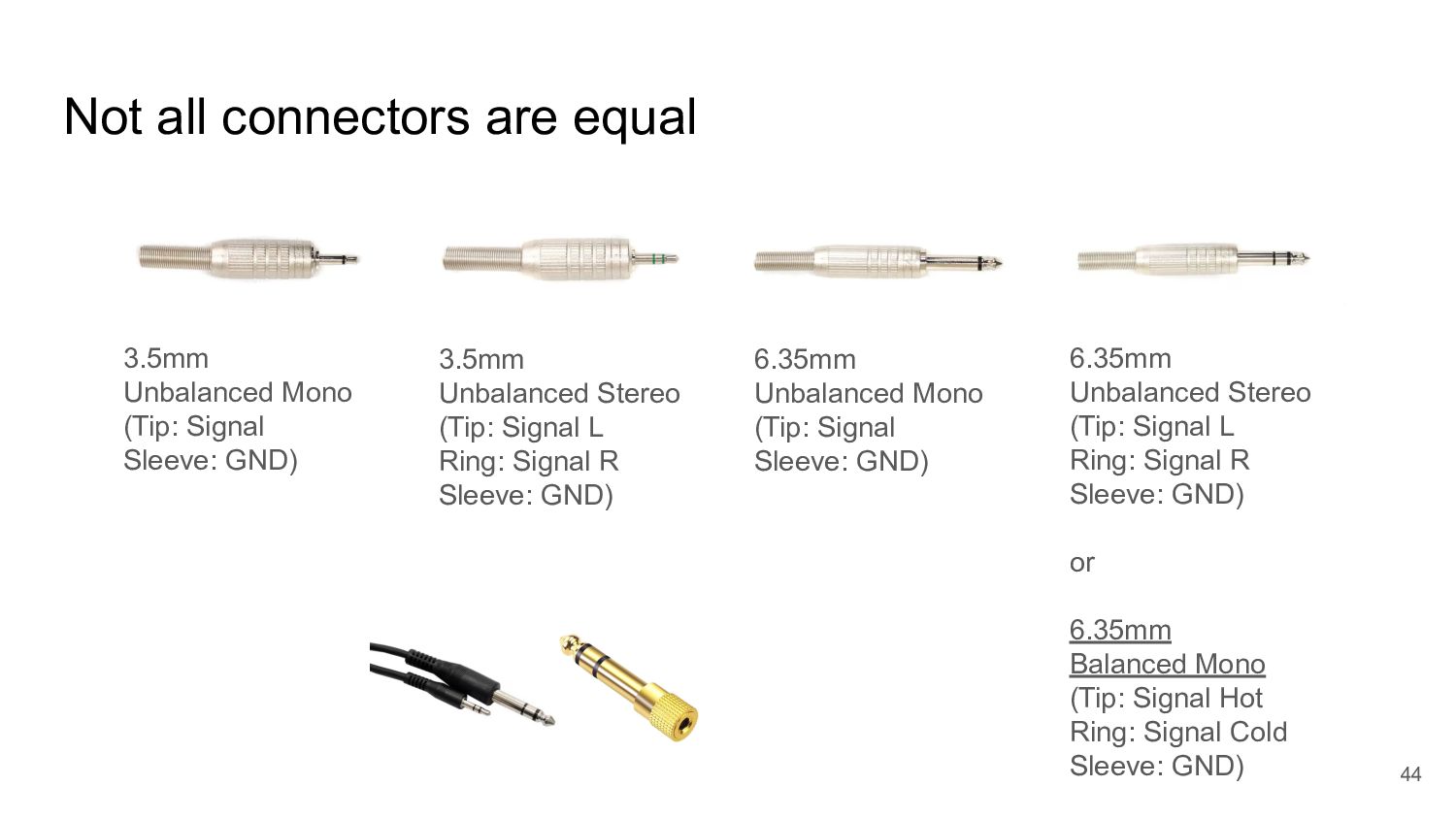
  34. Not all connectors are equal 44 3.5mm Unbalanced Mono (Tip:

    Signal Sleeve: GND) 3.5mm Unbalanced Stereo (Tip: Signal L Ring: Signal R Sleeve: GND) 6.35mm Unbalanced Mono (Tip: Signal Sleeve: GND) 6.35mm Unbalanced Stereo (Tip: Signal L Ring: Signal R Sleeve: GND) or 6.35mm Balanced Mono (Tip: Signal Hot Ring: Signal Cold Sleeve: GND)
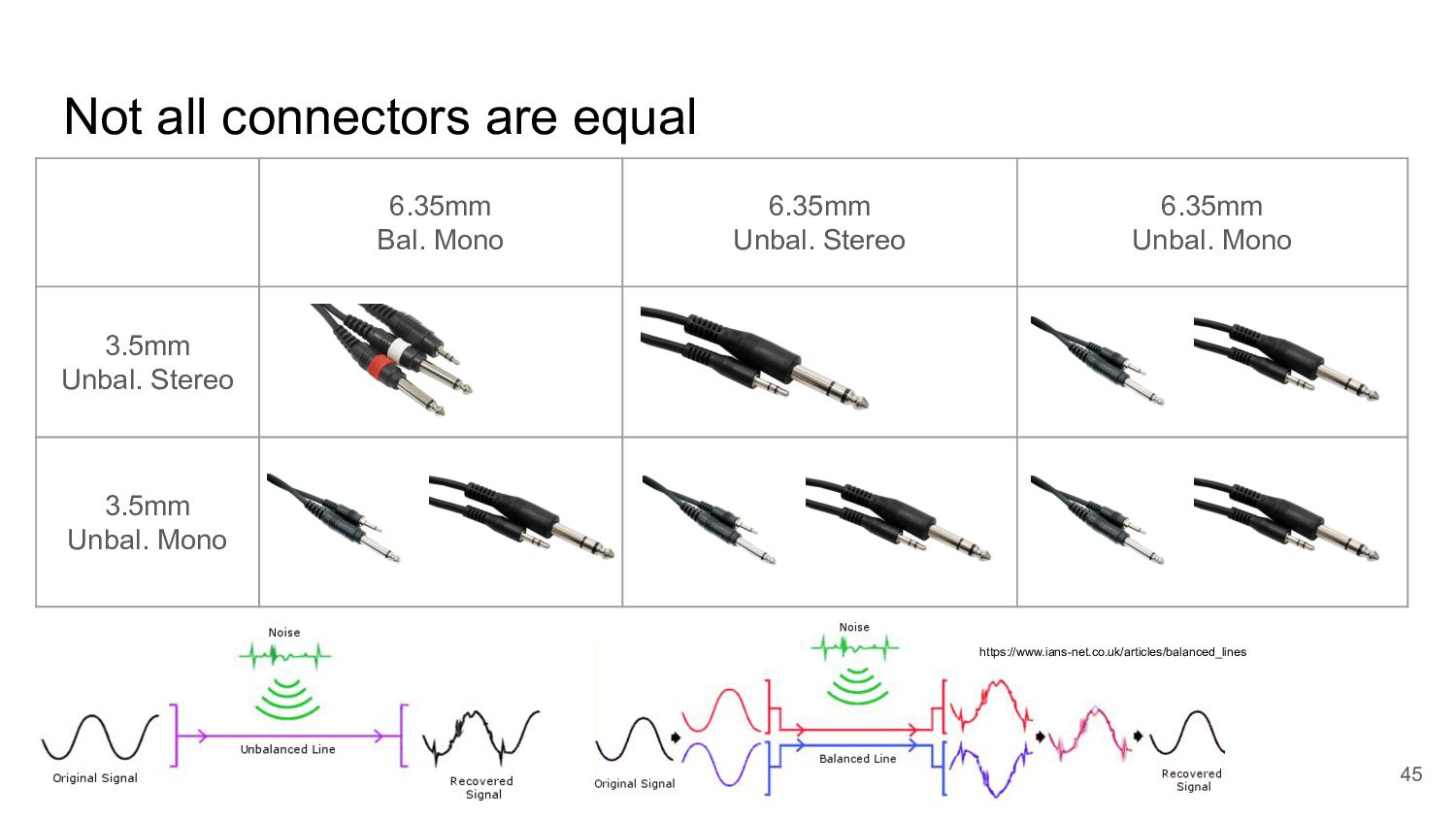
  35. Not all connectors are equal 45 6.35mm Bal. Mono 6.35mm

    Unbal. Stereo 6.35mm Unbal. Mono 3.5mm Unbal. Stereo 3.5mm Unbal. Mono https://www.ians-net.co.uk/articles/balanced_lines
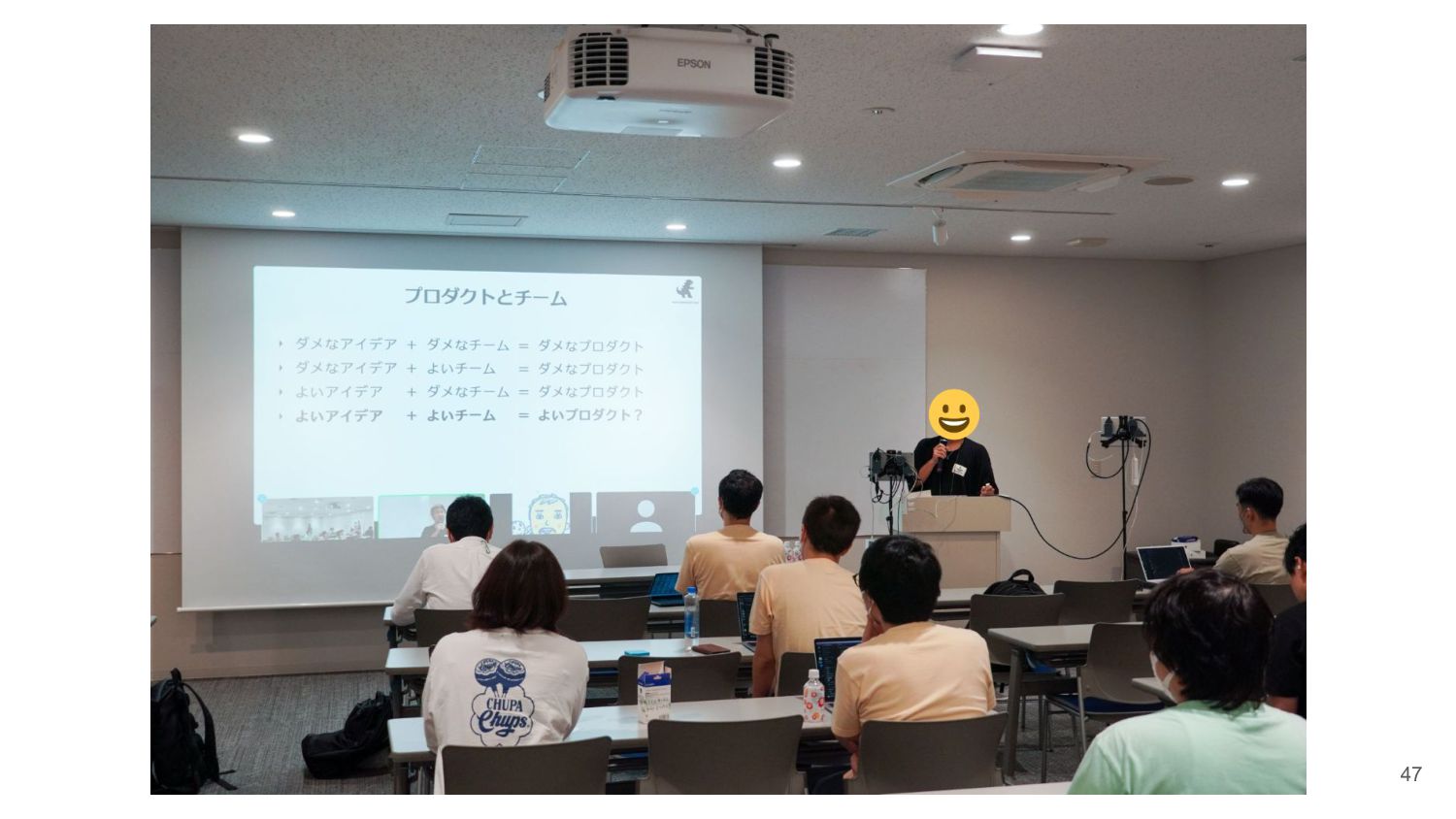
  36. 47

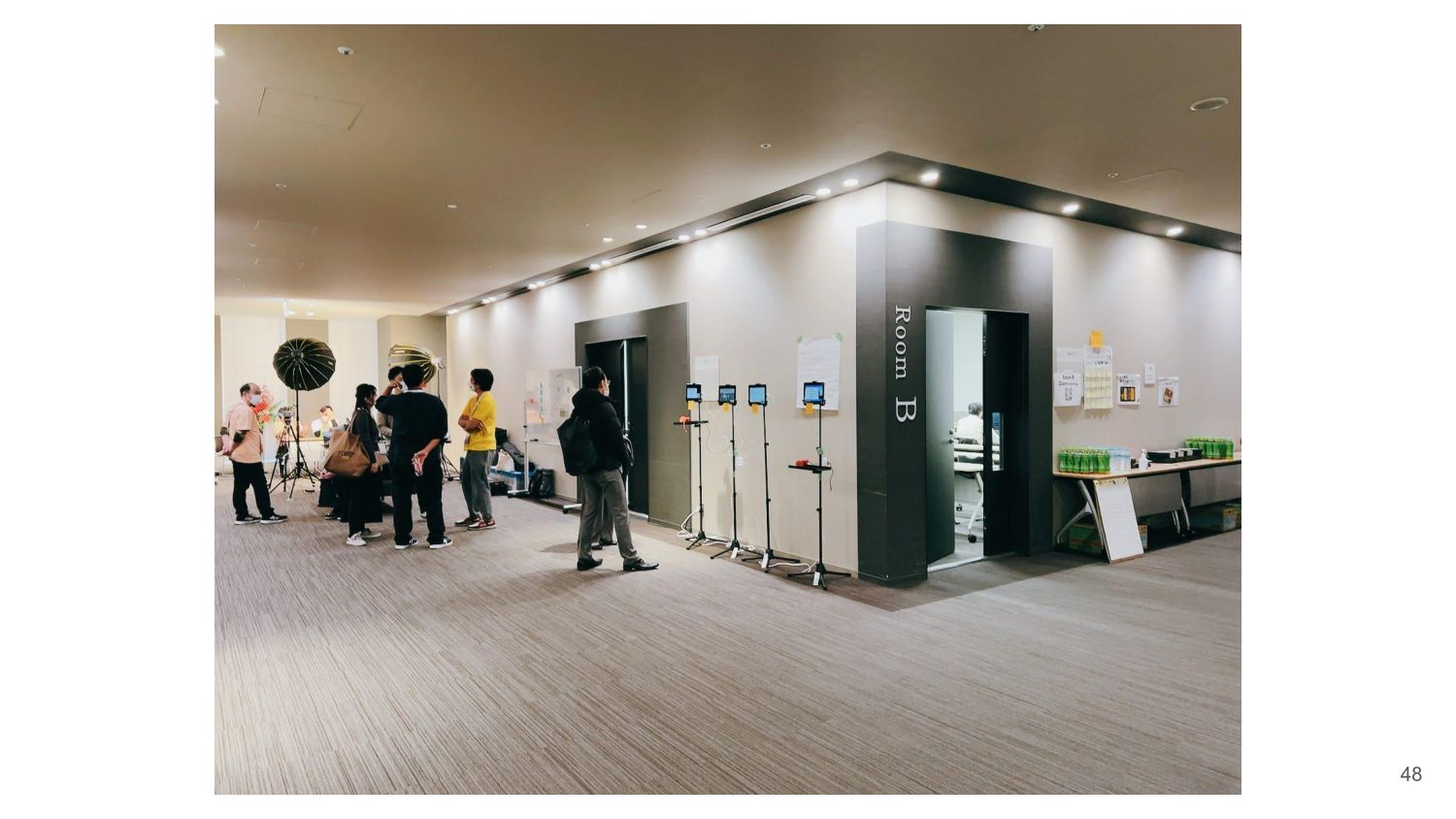
  37. 48

  38. 49

  39. Closing Thoughts 51 • Aim for “good enough” • Do
    it yourself • Trial and error, improve little by little, involve other community