that a software product or application does what it is supposed to do • The benefits of testing include preventing bugs, reduce development costs and improving performance
of an application • Tests a function, method or class • Goal is to verify the correctness of units of logic with a variety of conditions • External dependencies of the unit under test are generally mocked • Unit tests generally don’t read from or write to disk, render to screen, or receive user actions from outside the process running the test
UI frameworks referred to as component test • The goal of a widget test is to verify that the widget’s UI looks and interacts as expected • Tests to see if widget receives and responds to user actions and events, perform layout, and instantiate child widgets
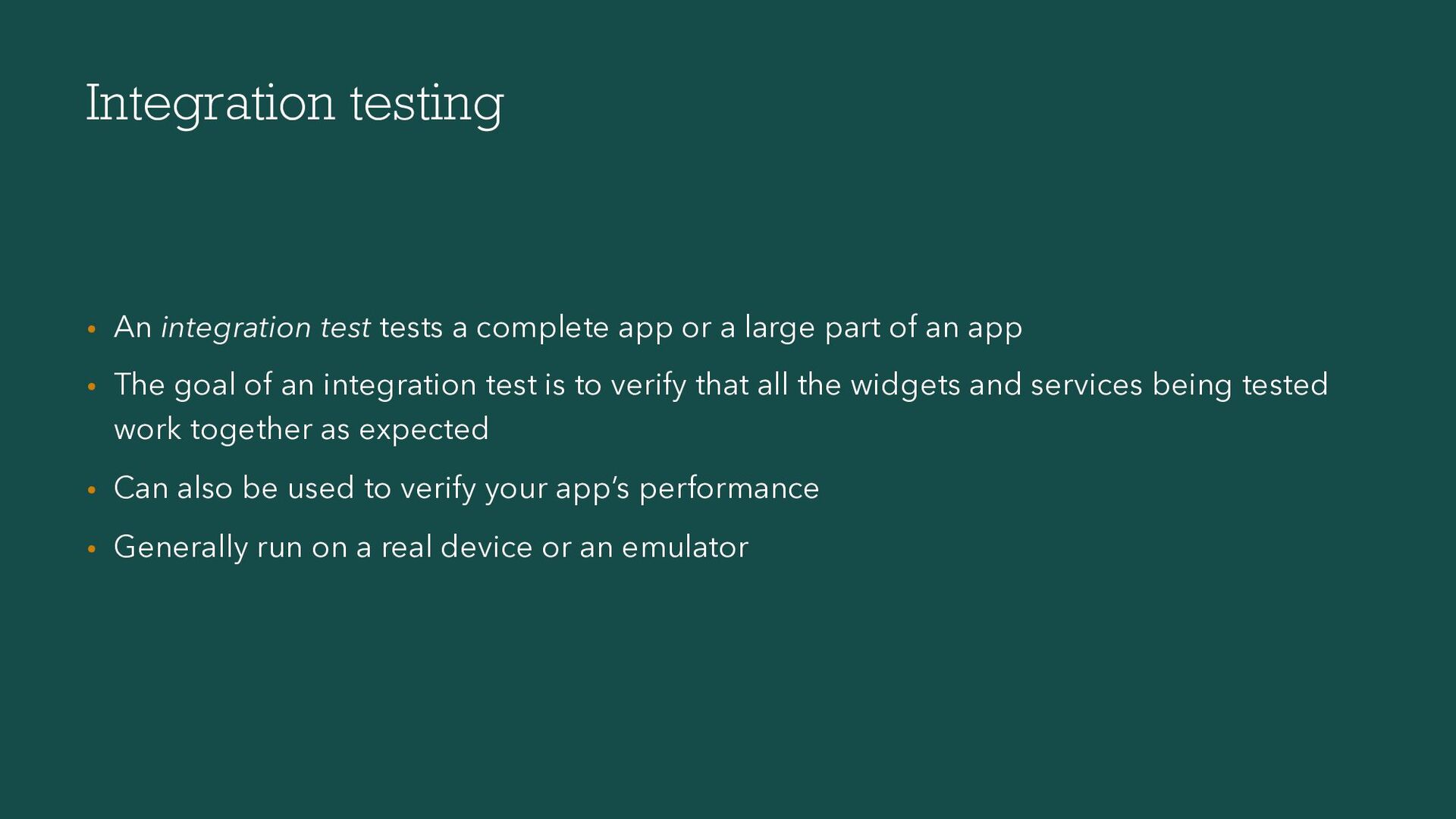
or a large part of an app • The goal of an integration test is to verify that all the widgets and services being tested work together as expected • Can also be used to verify your app’s performance • Generally run on a real device or an emulator
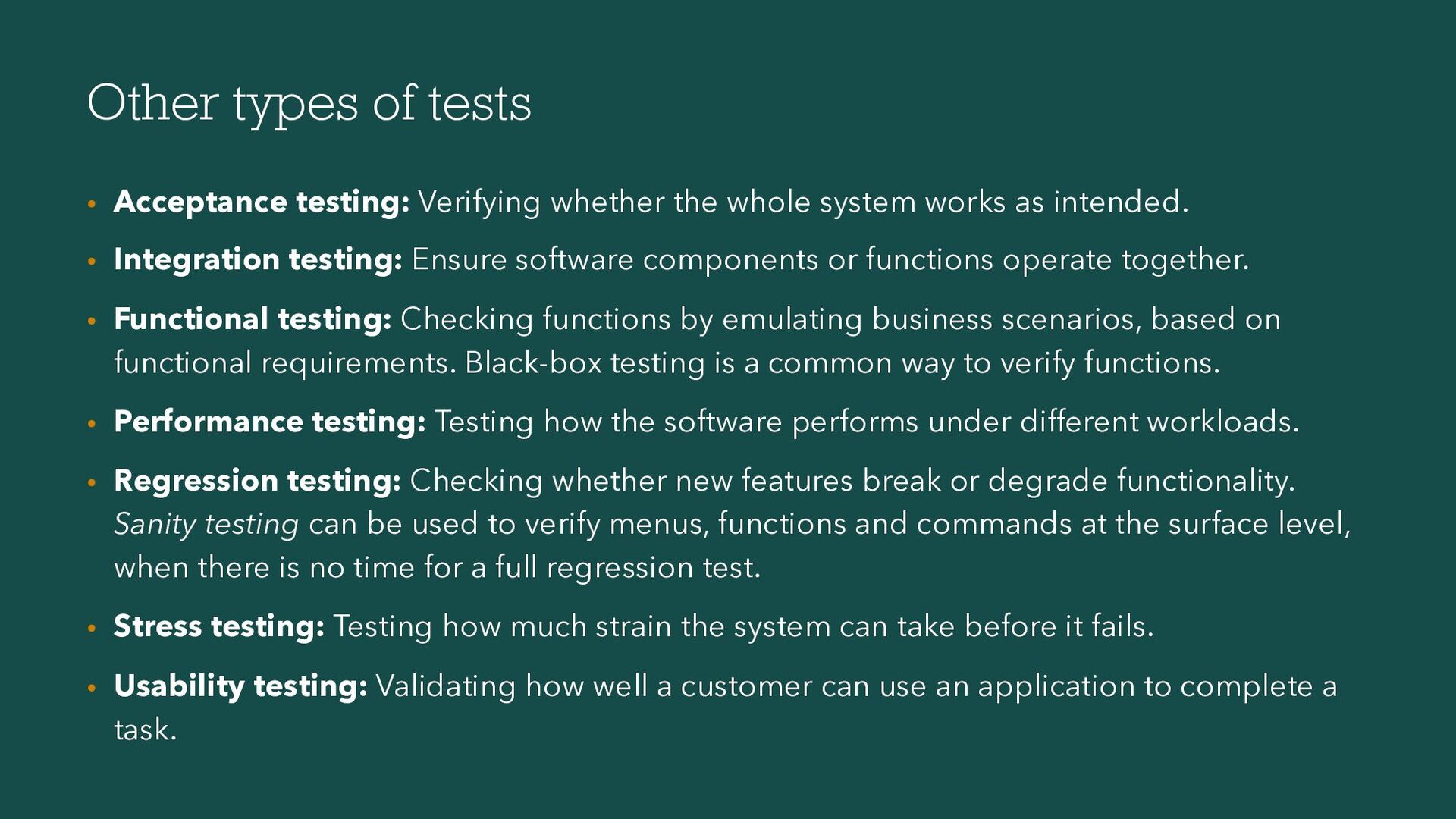
whole system works as intended. • Integration testing: Ensure software components or functions operate together. • Functional testing: Checking functions by emulating business scenarios, based on functional requirements. Black-box testing is a common way to verify functions. • Performance testing: Testing how the software performs under different workloads. • Regression testing: Checking whether new features break or degrade functionality. Sanity testing can be used to verify menus, functions and commands at the surface level, when there is no time for a full regression test. • Stress testing: Testing how much strain the system can take before it fails. • Usability testing: Validating how well a customer can use an application to complete a task.


 danvick
 neuecc
 findyinc
 nokomoro3
 lynnswap
 lef237
 chobishiba
 ryu1013
 kinopeee
 florets1
 artoy
artoy
 irinanazarova
 yasaichi
 konakalab
 tmiket
 trallard
 csswizardry
 rocio
rocio
 jmmastey
 soysaucechin
 tammyeverts
 madoxten
 mza
mza
 akihiro_kokubo
 davetheseo