Upgrade to Pro — share decks privately, control downloads, hide ads and more …

Flux on Rails

Flux on Rails

Talk for RubyDay 2015 in Turin, about React, Flux and Ruby on Rails.

Avatar for Gregorio Setti

Gregorio Setti

November 13, 2015

Other Decks in Programming

Transcript

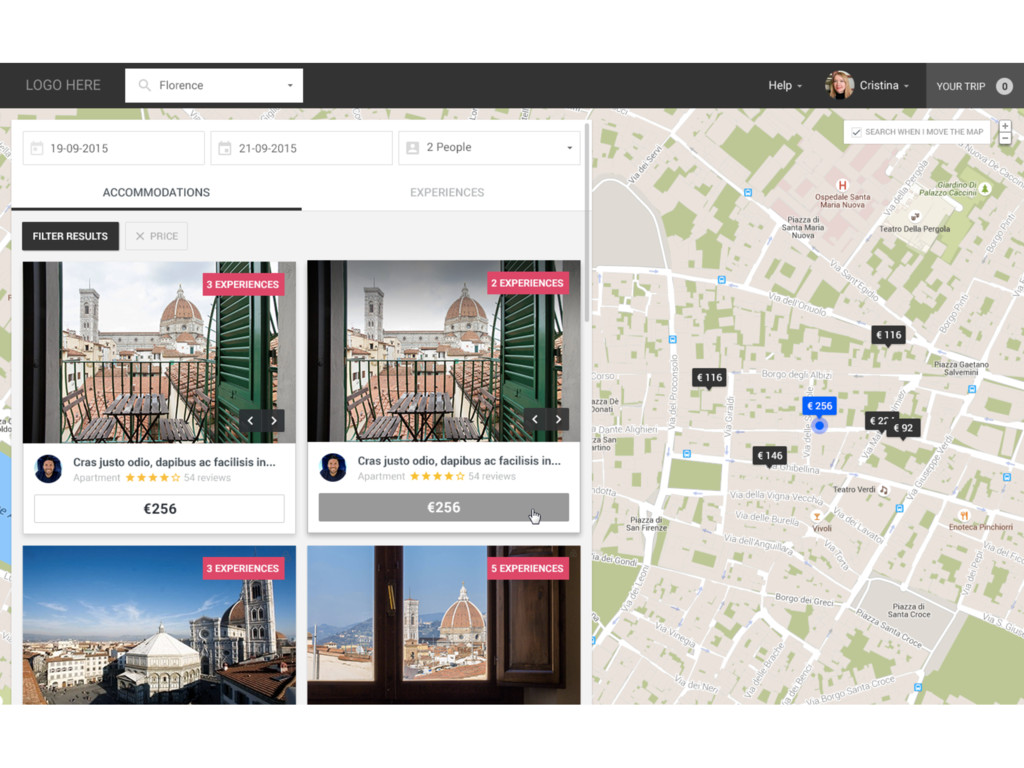
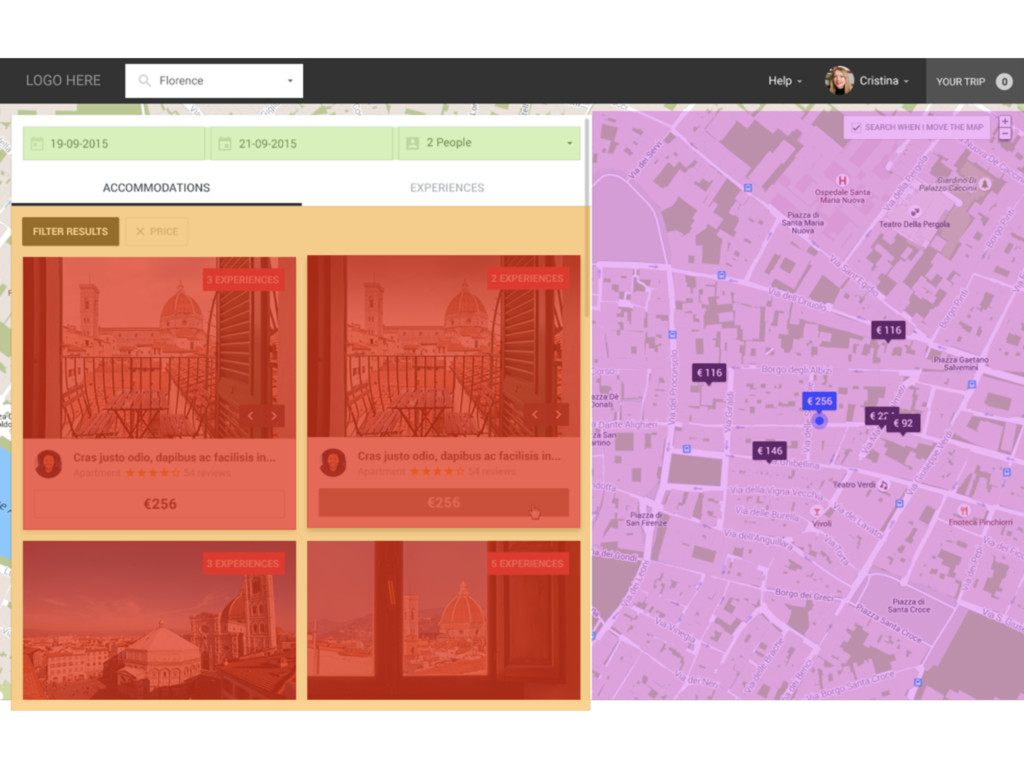
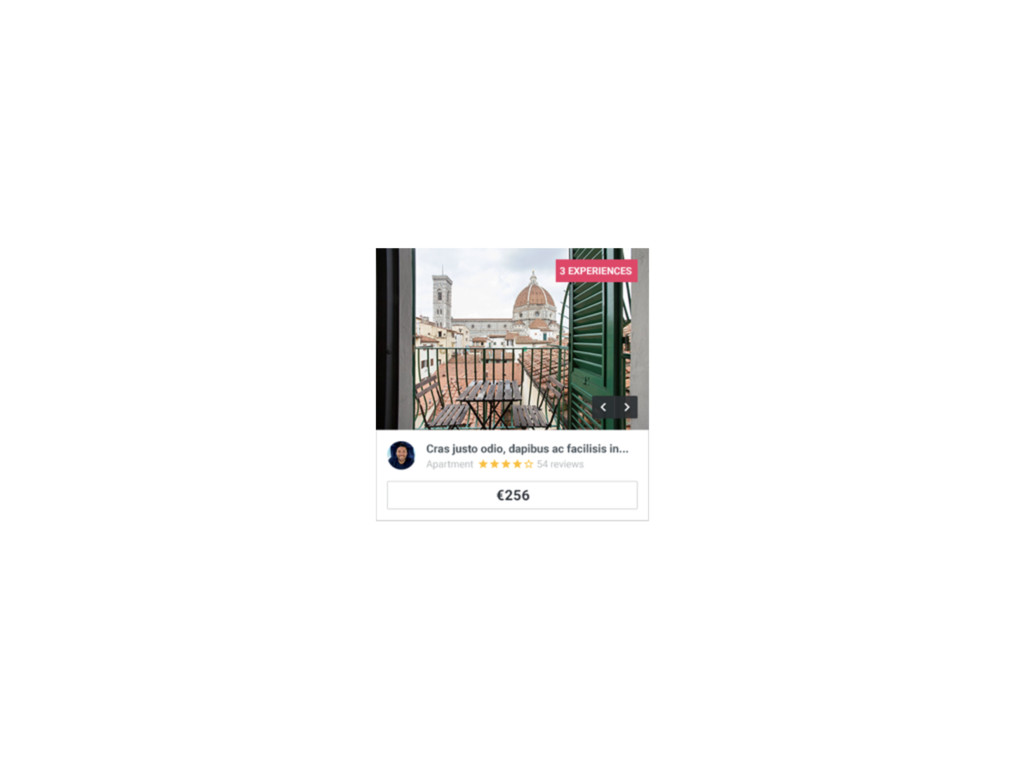
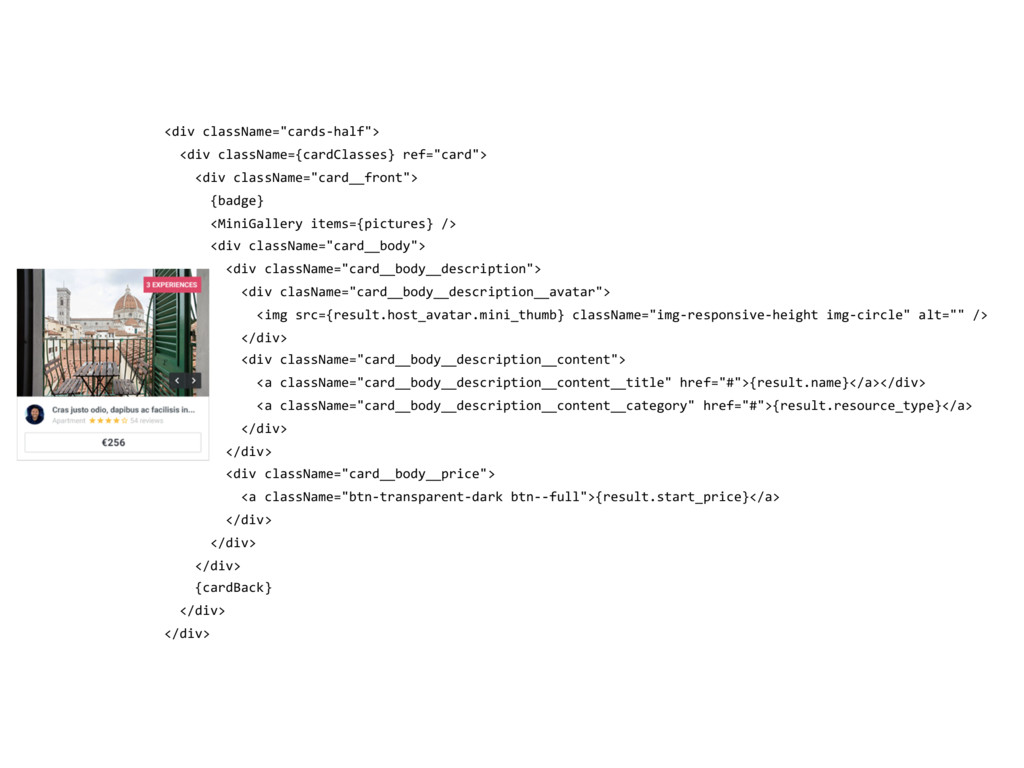
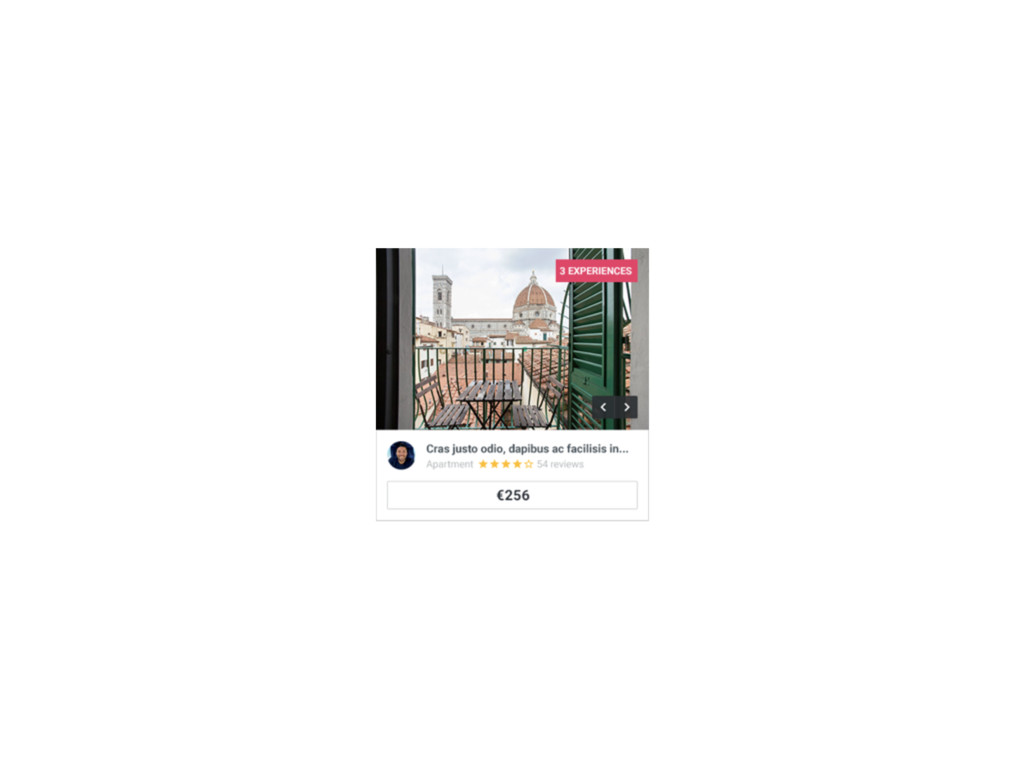
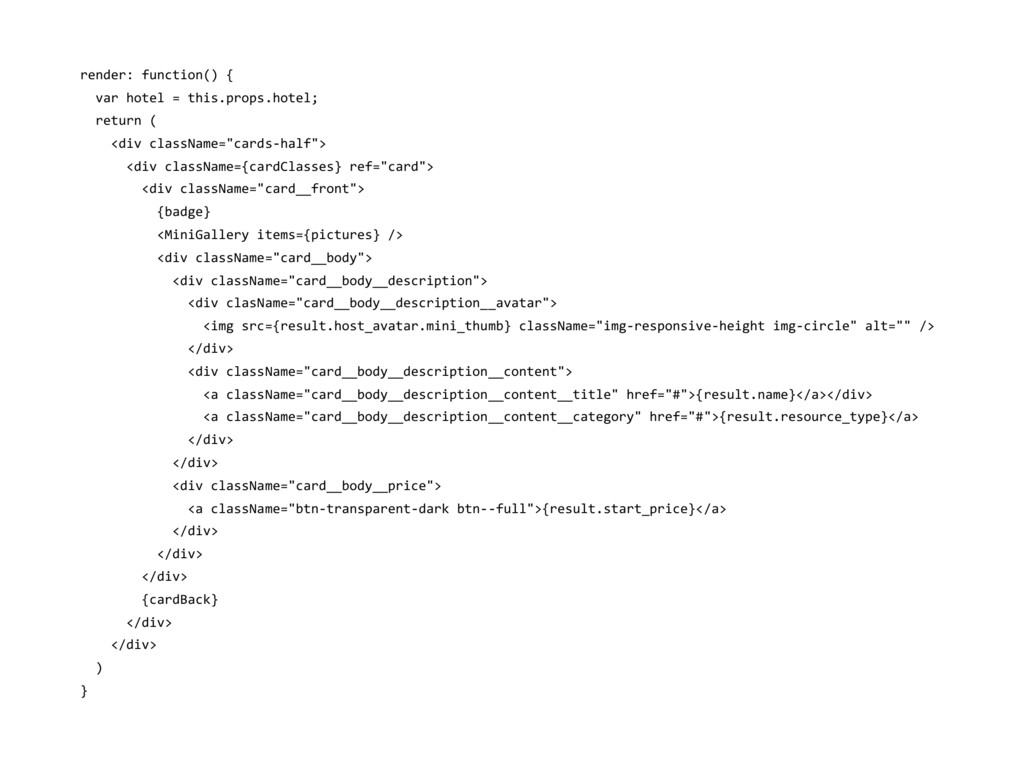
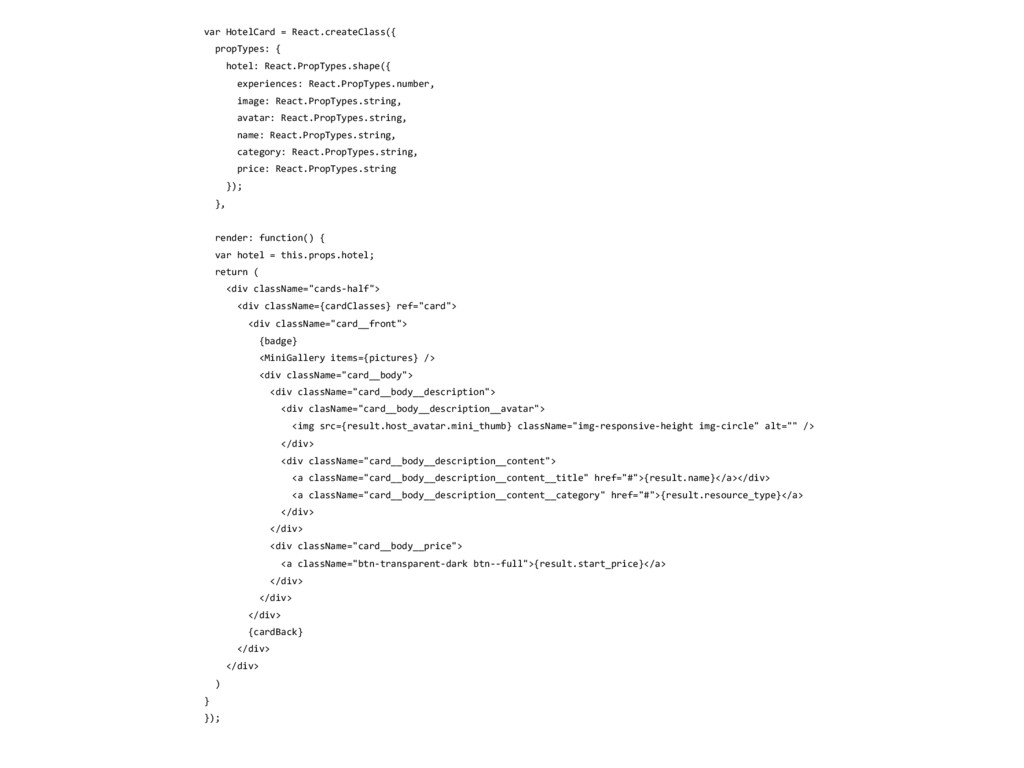
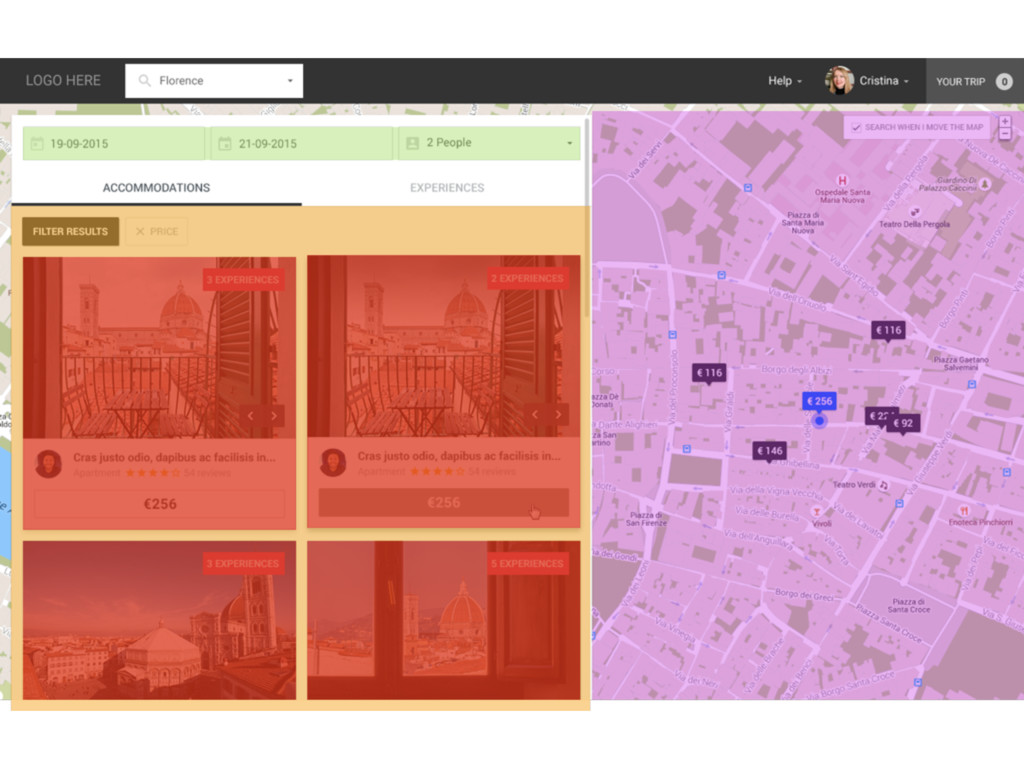
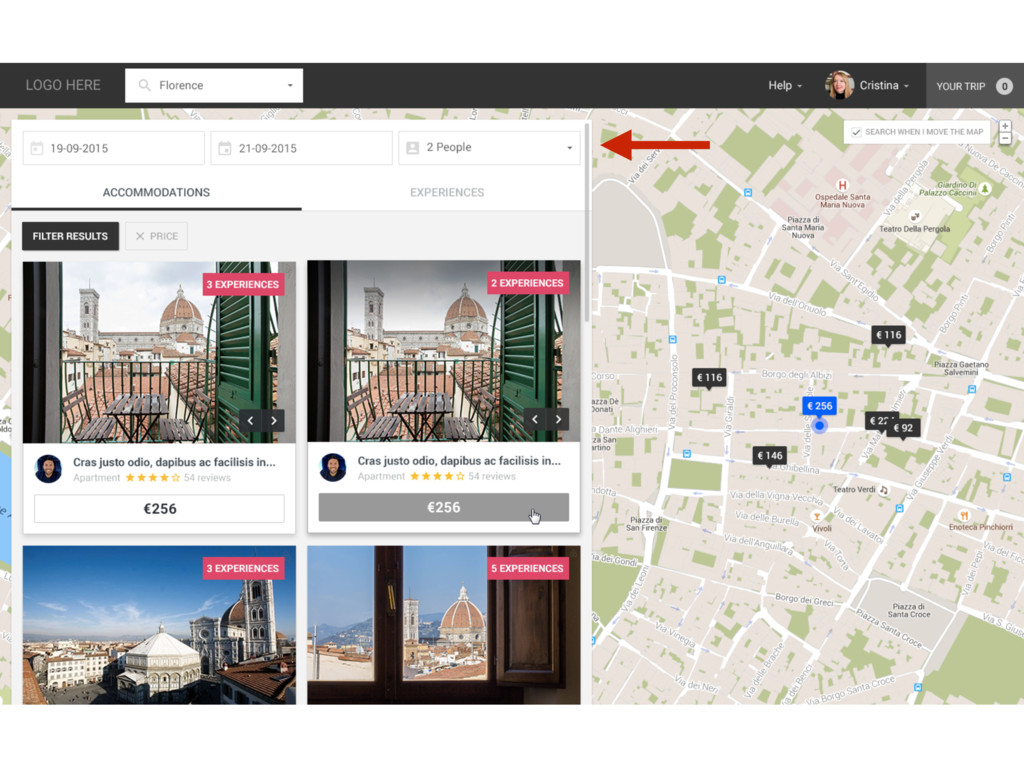
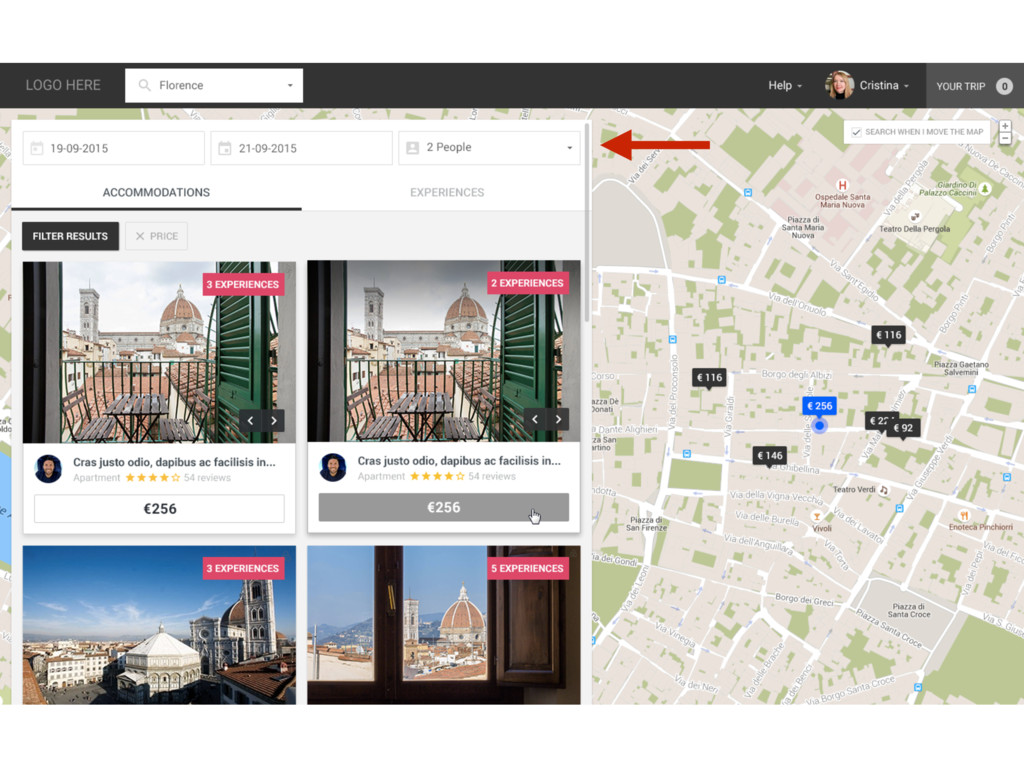
  1. <div className="cards-half"> <div className={cardClasses} ref="card"> <div className="card__front"> {badge} <MiniGallery items={pictures}

    /> <div className="card__body"> <div className="card__body__description"> <div clasName="card__body__description__avatar"> <img src={result.host_avatar.mini_thumb} className="img-responsive-height img-circle" alt="" /> </div> <div className="card__body__description__content"> <a className="card__body__description__content__title" href="#">{result.name}</a></div> <a className="card__body__description__content__category" href="#">{result.resource_type}</a> </div> </div> <div className="card__body__price"> <a className="btn-transparent-dark btn--full">{result.start_price}</a> </div> </div> </div> {cardBack} </div> </div>
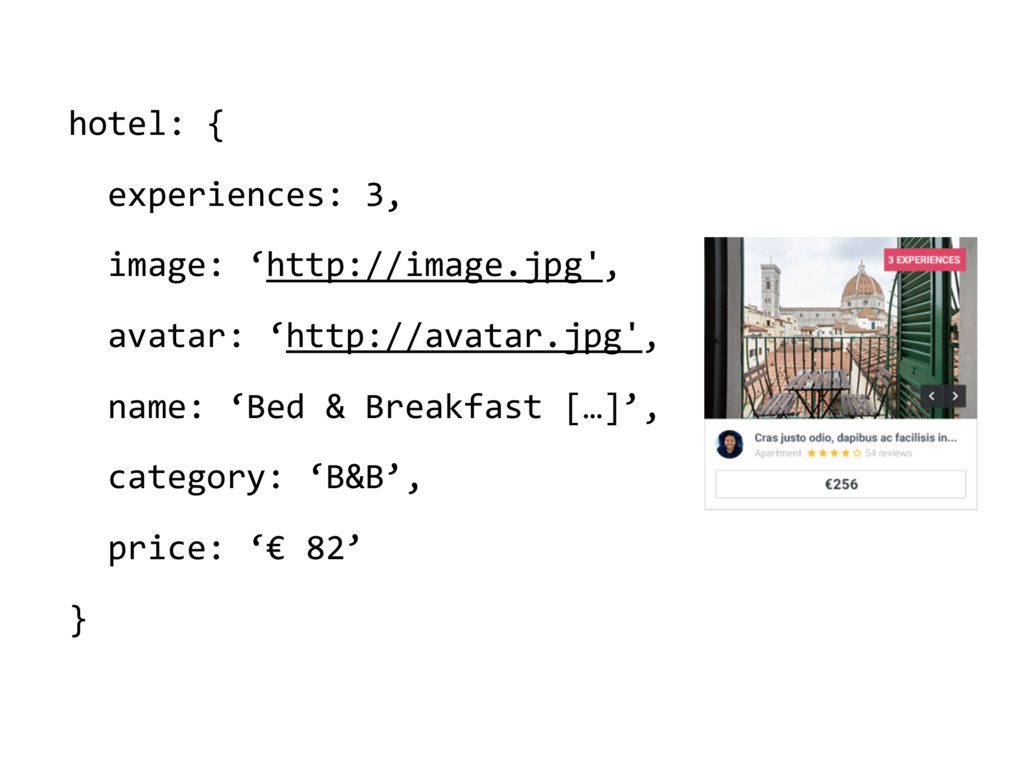
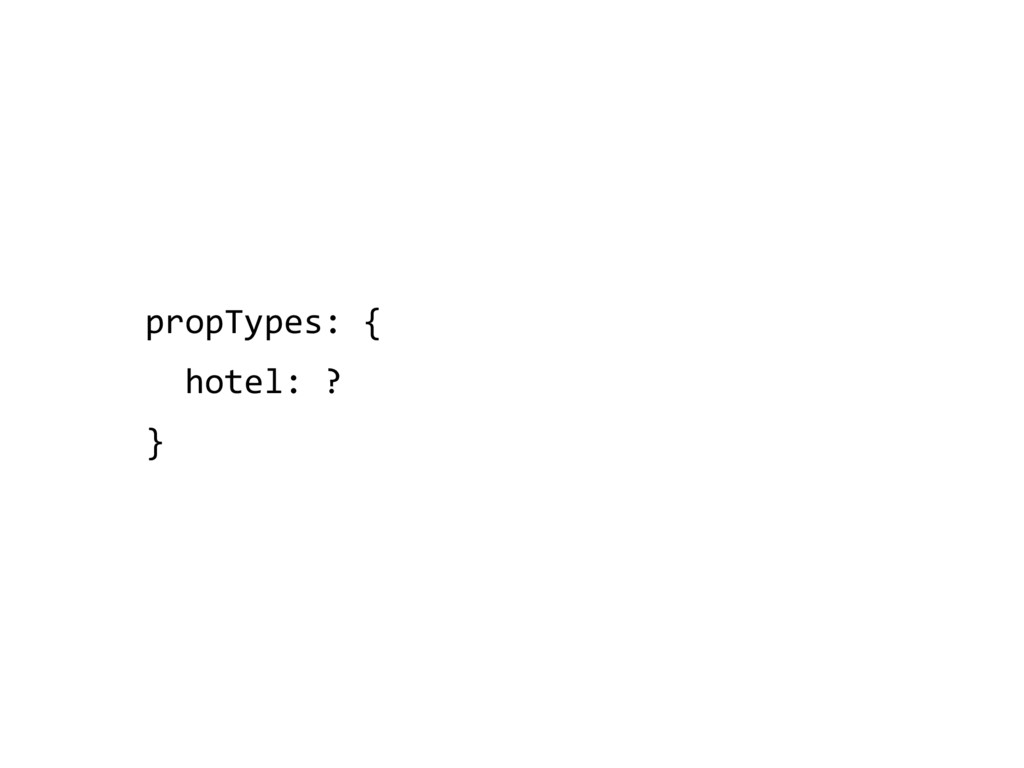
  2. hotel: {
 experiences: 3, image: ‘http://image.jpg',
 avatar: ‘http://avatar.jpg',
 name: ‘Bed

    & Breakfast […]’,
 category: ‘B&B’,
 price: ‘€ 82’
 }
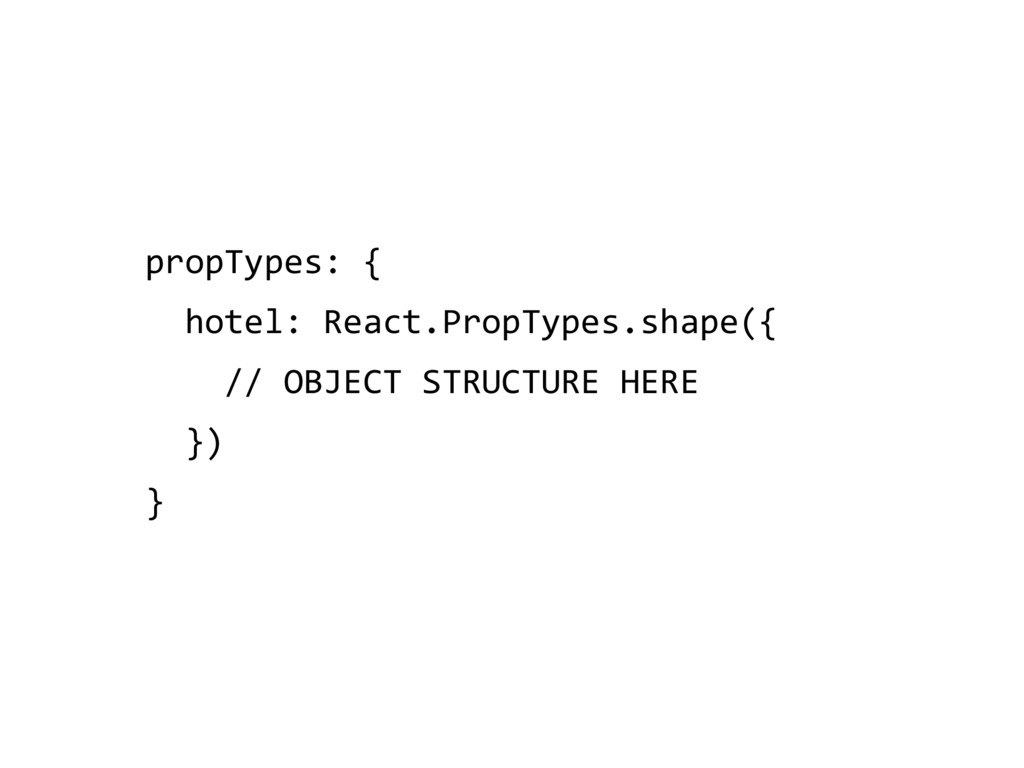
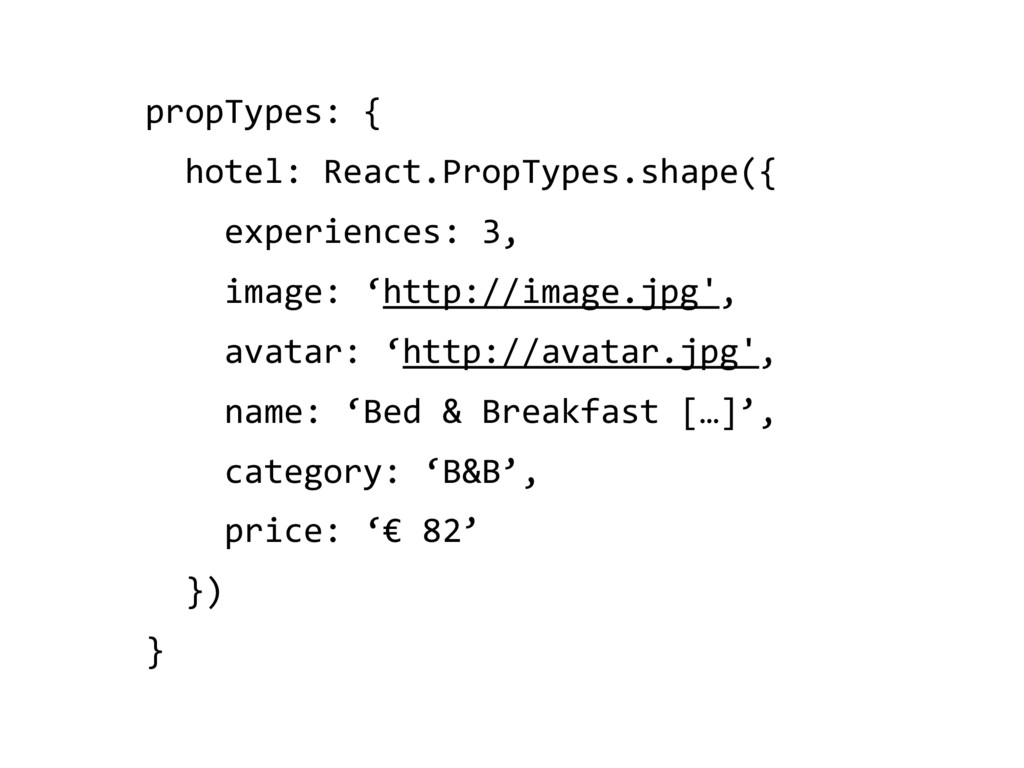
  3. propTypes: { hotel: React.PropTypes.shape({
 experiences: 3, image: ‘http://image.jpg', avatar: ‘http://avatar.jpg',


    name: ‘Bed & Breakfast […]’,
 category: ‘B&B’,
 price: ‘€ 82’ }) }
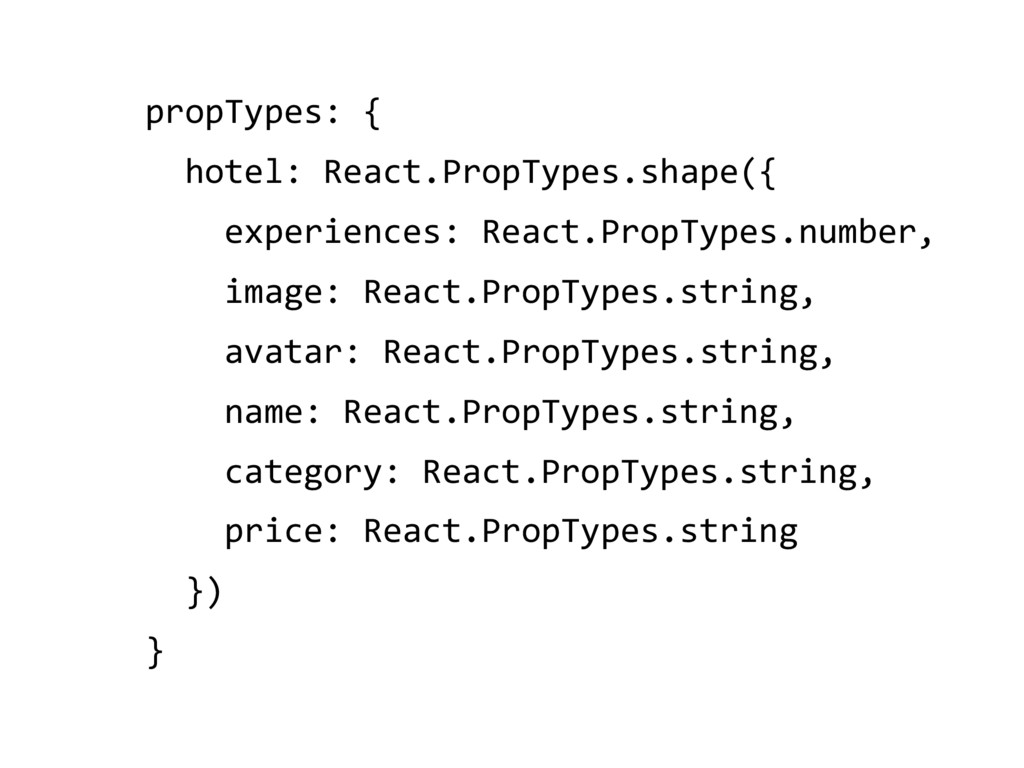
  4. propTypes: { hotel: React.PropTypes.shape({
 experiences: React.PropTypes.number, image: React.PropTypes.string, avatar: React.PropTypes.string,


    name: React.PropTypes.string,
 category: React.PropTypes.string,
 price: React.PropTypes.string }) }
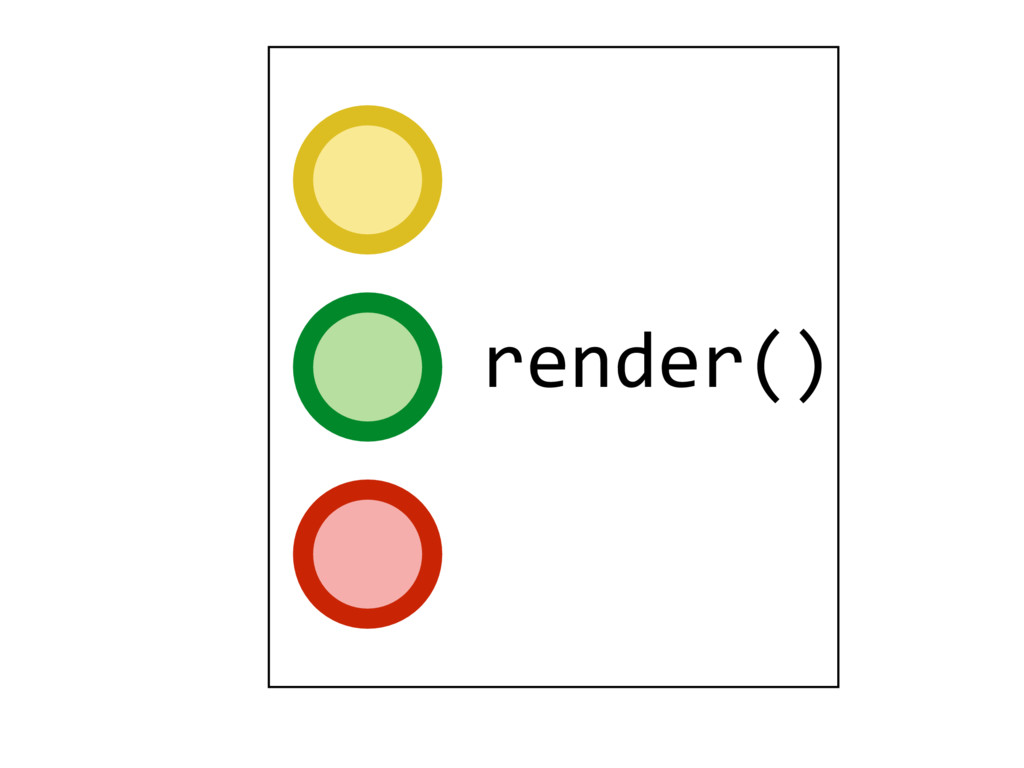
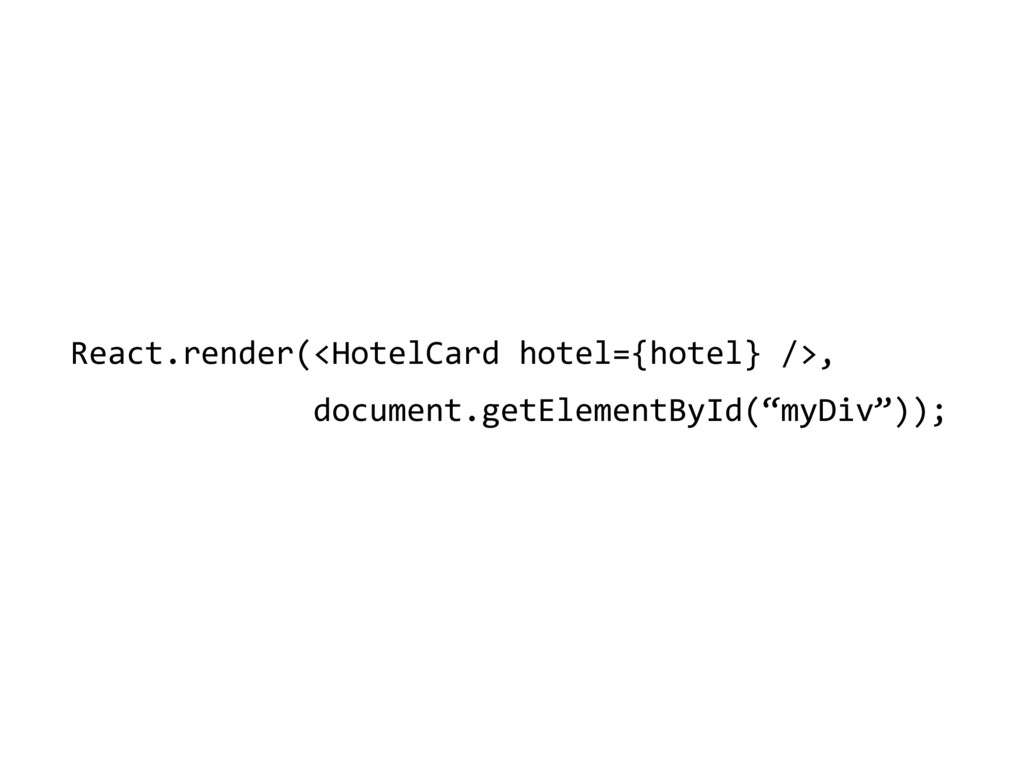
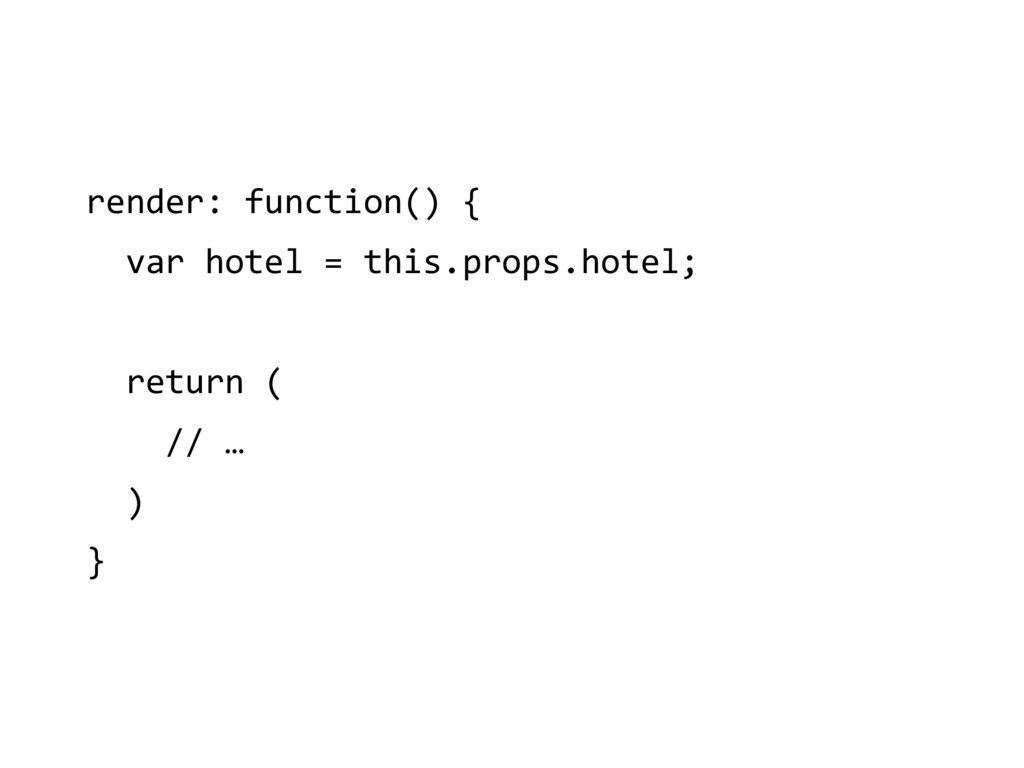
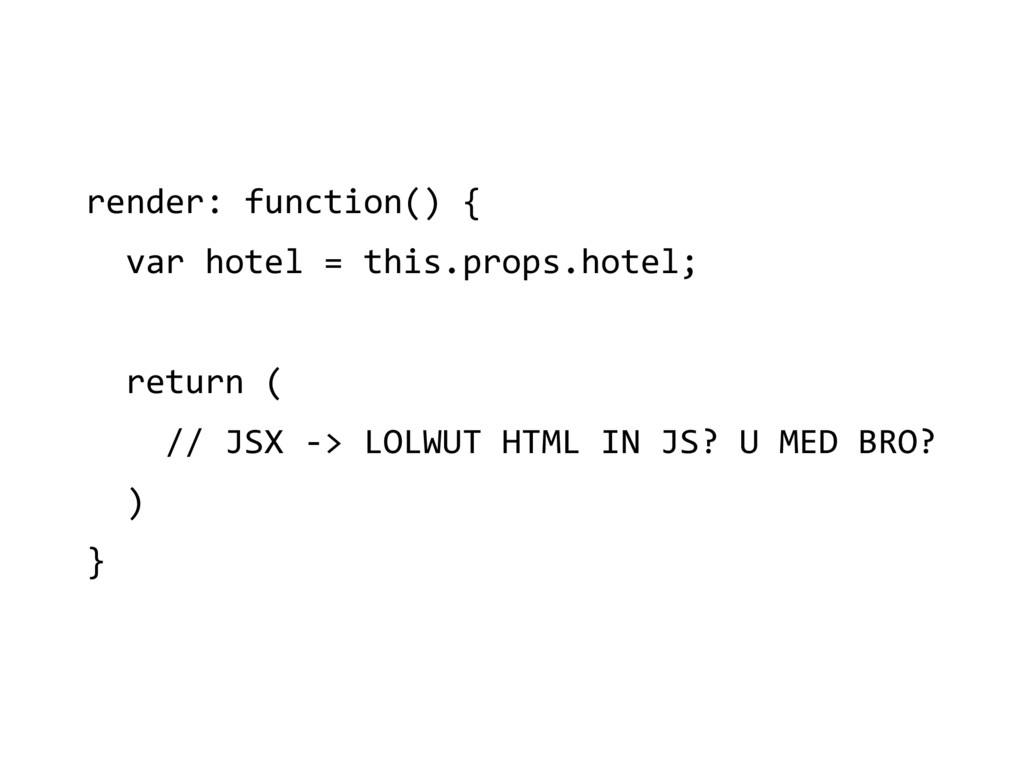
  5. render: function() { var hotel = this.props.hotel; return (
 //

    JSX -> LOLWUT HTML IN JS? U MED BRO?
 ) }
  6. JSX

  7. render: function() { var hotel = this.props.hotel; return (
 <div

    className="cards-half"> <div className={cardClasses} ref="card"> <div className="card__front"> {badge} <MiniGallery items={pictures} /> <div className="card__body"> <div className="card__body__description"> <div clasName="card__body__description__avatar"> <img src={result.host_avatar.mini_thumb} className="img-responsive-height img-circle" alt="" /> </div> <div className="card__body__description__content"> <a className="card__body__description__content__title" href="#">{result.name}</a></div> <a className="card__body__description__content__category" href="#">{result.resource_type}</a> </div> </div> <div className="card__body__price"> <a className="btn-transparent-dark btn--full">{result.start_price}</a> </div> </div> </div> {cardBack} </div> </div> ) }
  8. var HotelCard = React.createClass({ propTypes: { hotel: React.PropTypes.shape({ experiences: React.PropTypes.number,

    image: React.PropTypes.string, avatar: React.PropTypes.string, name: React.PropTypes.string, category: React.PropTypes.string, price: React.PropTypes.string }); }, render: function() { var hotel = this.props.hotel; return (
 <div className="cards-half"> <div className={cardClasses} ref="card"> <div className="card__front"> {badge} <MiniGallery items={pictures} /> <div className="card__body"> <div className="card__body__description"> <div clasName="card__body__description__avatar"> <img src={result.host_avatar.mini_thumb} className="img-responsive-height img-circle" alt="" /> </div> <div className="card__body__description__content"> <a className="card__body__description__content__title" href="#">{result.name}</a></div> <a className="card__body__description__content__category" href="#">{result.resource_type}</a> </div> </div> <div className="card__body__price"> <a className="btn-transparent-dark btn--full">{result.start_price}</a> </div> </div> </div> {cardBack} </div> </div> ) } });
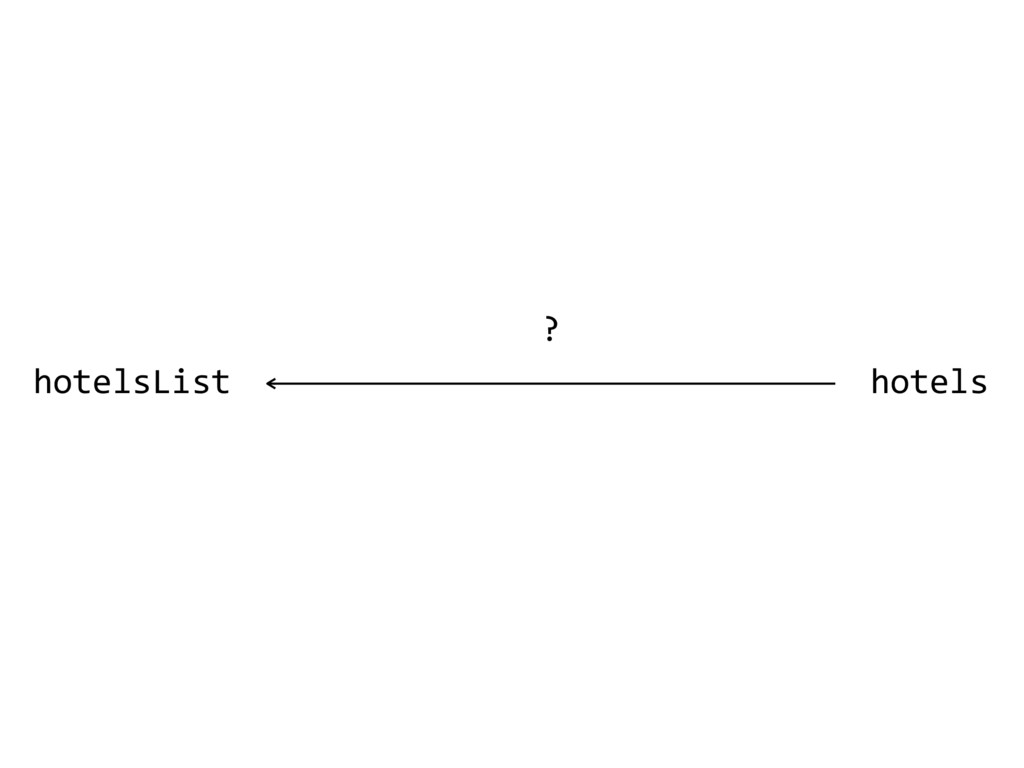
  9. var HotelsList = React.createClass({ getInitialState: function() { hotels: [] },

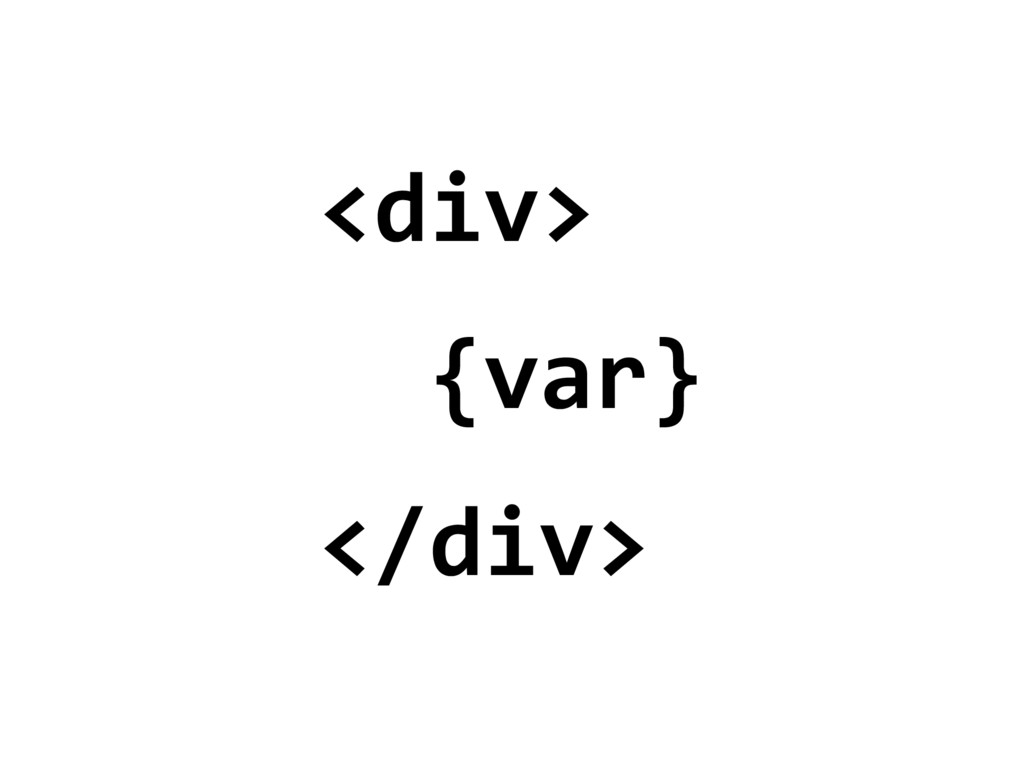
    render: function() { var hotels = []; _.each(this.state.hotels, function(h) { hotels.push(<Card hotel={hotel} key={[“hotel”, hotel.name].join(“_”)}>) }); return ( <div className=“list”> {hotels} // JSX CAN RENDER ARRAYS </div> ) } }
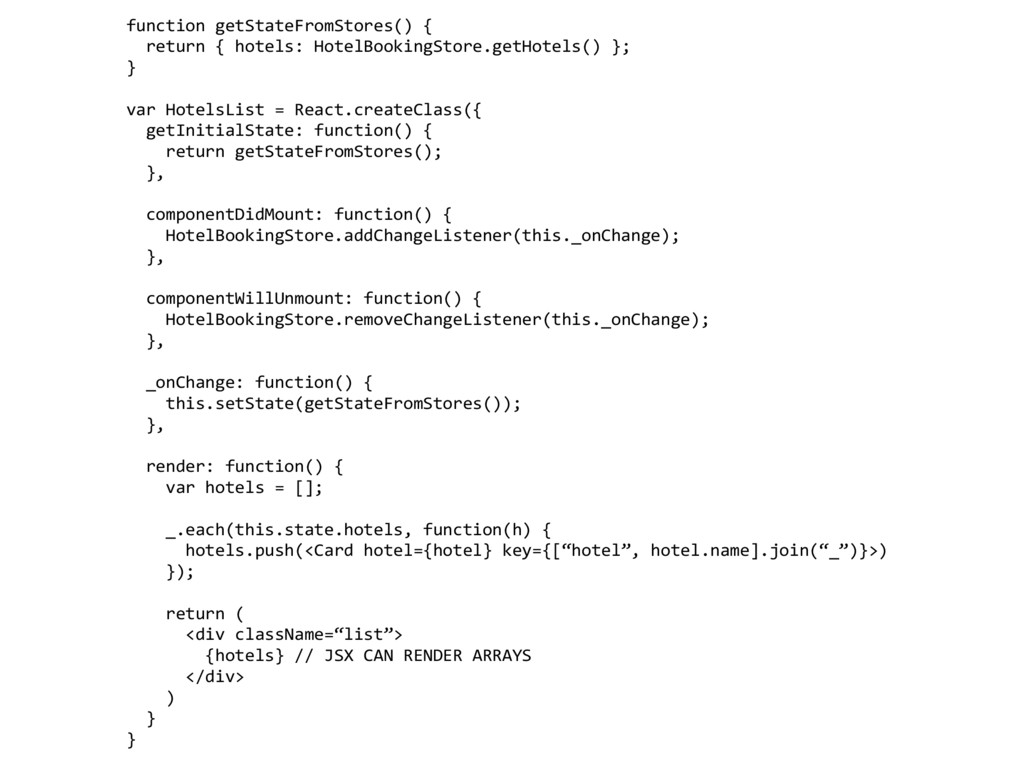
  10. function getStateFromStores() { return { hotels: HotelBookingStore.getHotels() }; } var

    HotelsList = React.createClass({ getInitialState: function() { return getStateFromStores(); }, componentDidMount: function() { HotelBookingStore.addChangeListener(this._onChange); }, componentWillUnmount: function() { HotelBookingStore.removeChangeListener(this._onChange); }, _onChange: function() { this.setState(getStateFromStores()); }, render: function() { var hotels = []; _.each(this.state.hotels, function(h) { hotels.push(<Card hotel={hotel} key={[“hotel”, hotel.name].join(“_”)}>) }); return ( <div className=“list”> {hotels} // JSX CAN RENDER ARRAYS </div> ) } }
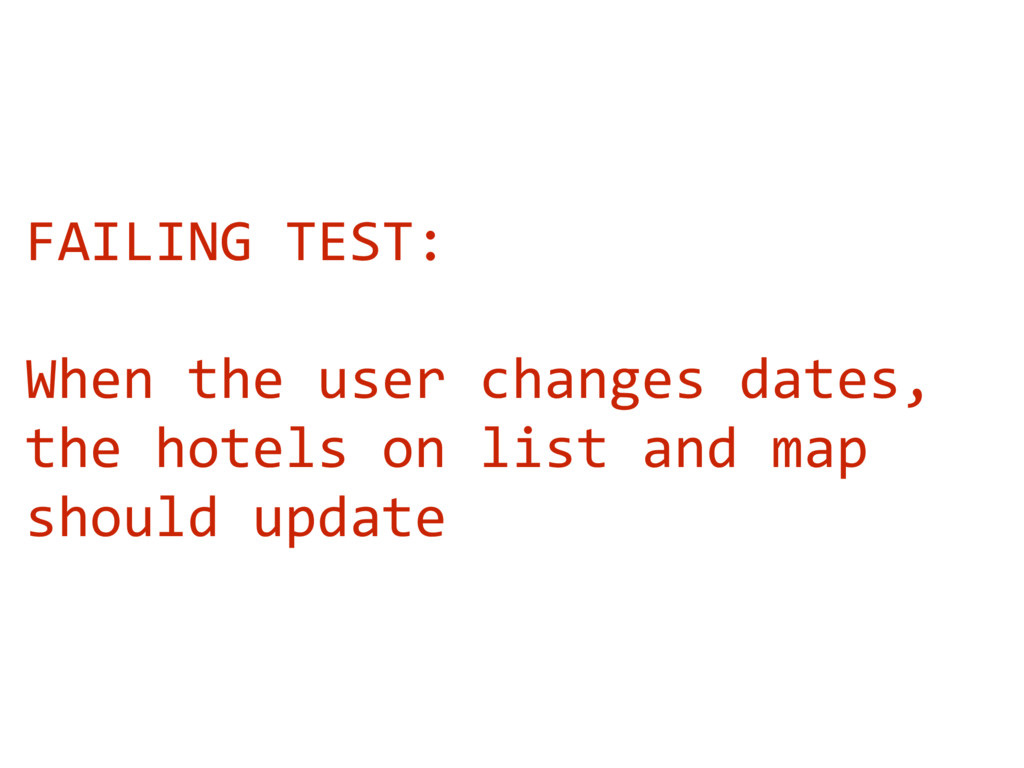
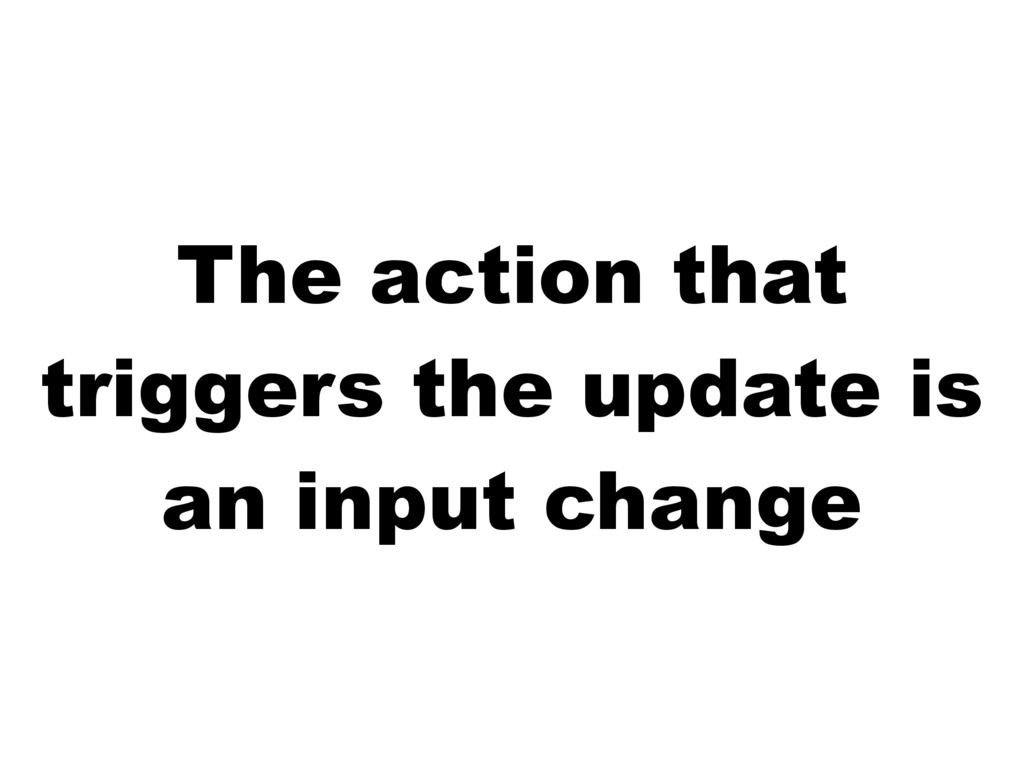
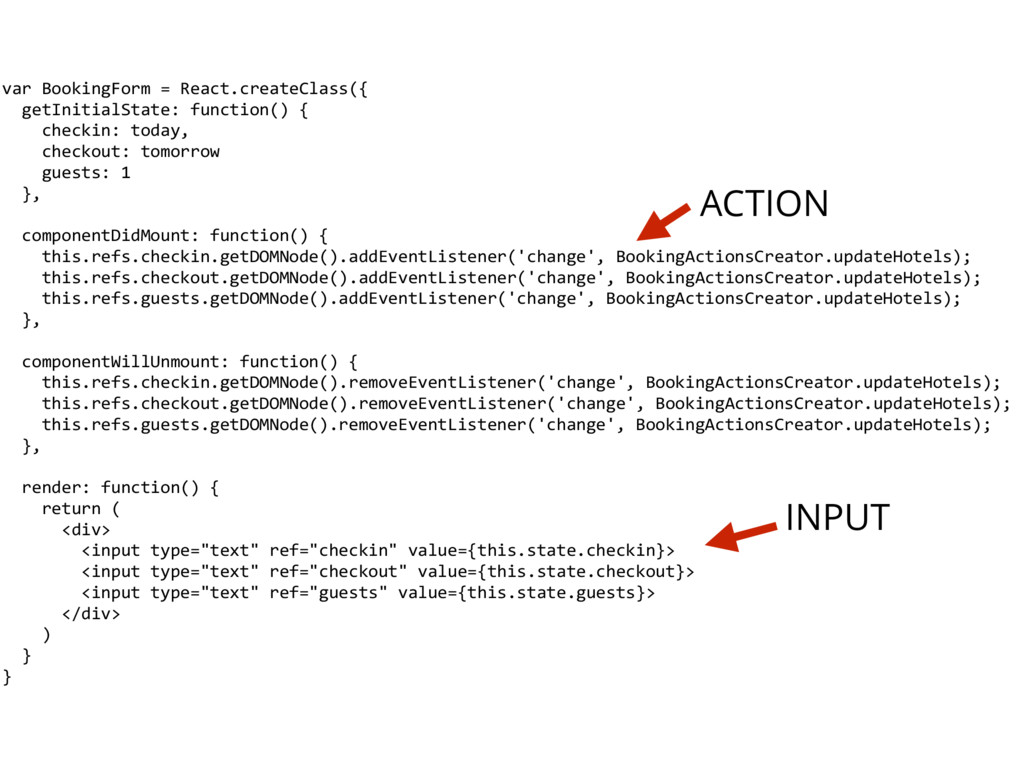
  11. var BookingForm = React.createClass({ getInitialState: function() { checkin: today, checkout:

    tomorrow guests: 1 }, componentDidMount: function() { this.refs.checkin.getDOMNode().addEventListener('change', BookingActionsCreator.updateHotels); this.refs.checkout.getDOMNode().addEventListener('change', BookingActionsCreator.updateHotels); this.refs.guests.getDOMNode().addEventListener('change', BookingActionsCreator.updateHotels); }, componentWillUnmount: function() { this.refs.checkin.getDOMNode().removeEventListener('change', BookingActionsCreator.updateHotels); this.refs.checkout.getDOMNode().removeEventListener('change', BookingActionsCreator.updateHotels); this.refs.guests.getDOMNode().removeEventListener('change', BookingActionsCreator.updateHotels); }, render: function() { return ( <div> <input type="text" ref="checkin" value={this.state.checkin}> <input type="text" ref="checkout" value={this.state.checkout}> <input type="text" ref="guests" value={this.state.guests}> </div> ) } } INPUT ACTION
  12. var hotels = [{…},{…},{…}] 
 var HotelBookingStore = assign({}, EventEmitter.prototype,

    {
 getHotels: function() {
 return hotels;
 } fetchHotels: function(payload) { return $.getJSON(“/hotels”), payload, function(response) { hotels = response.hotels; }); }
 }
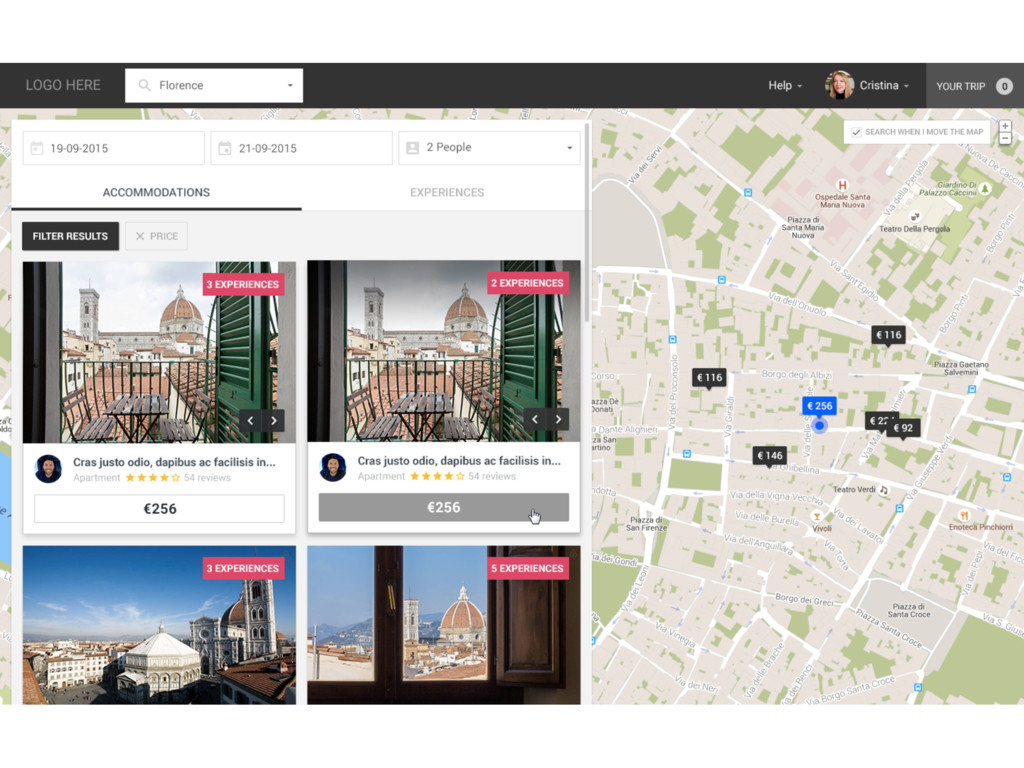
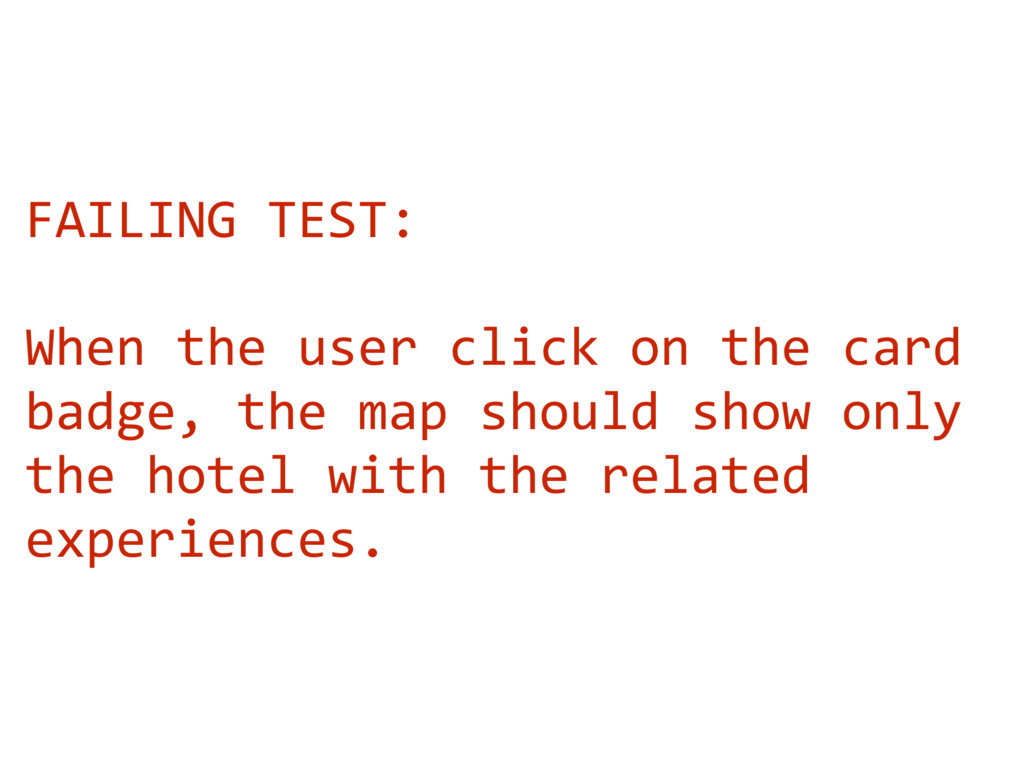
  13. FAILING TEST: When the user click on the card badge,

    the map should show only the hotel with the related experiences.
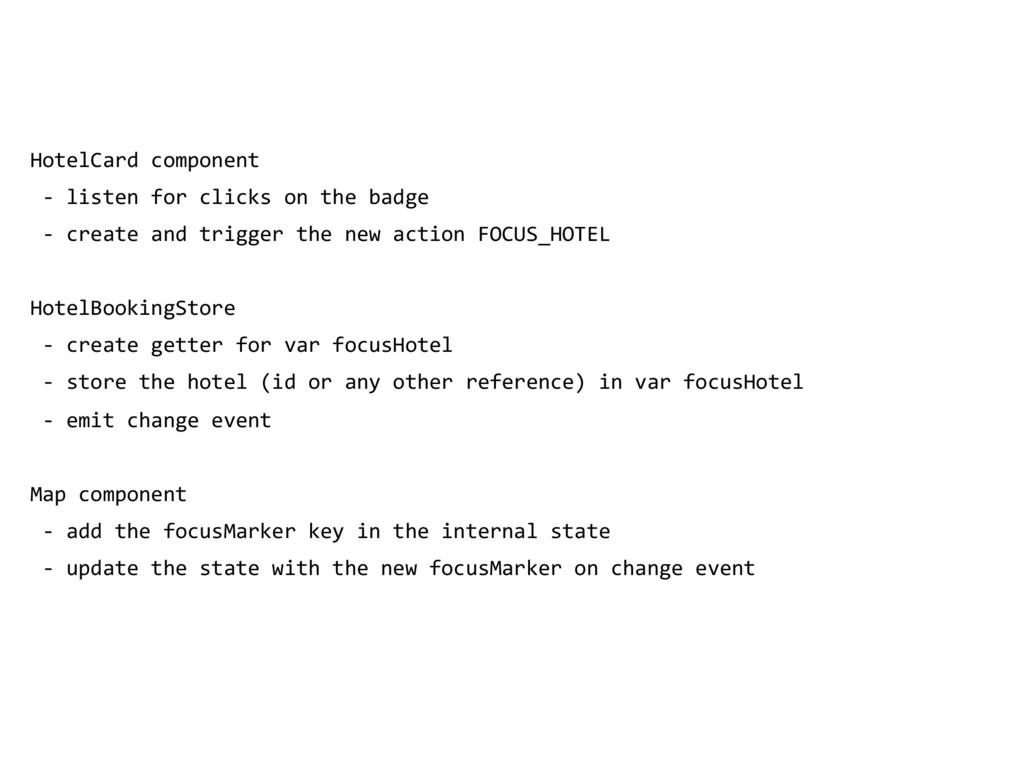
  14. HotelCard component - listen for clicks on the badge -

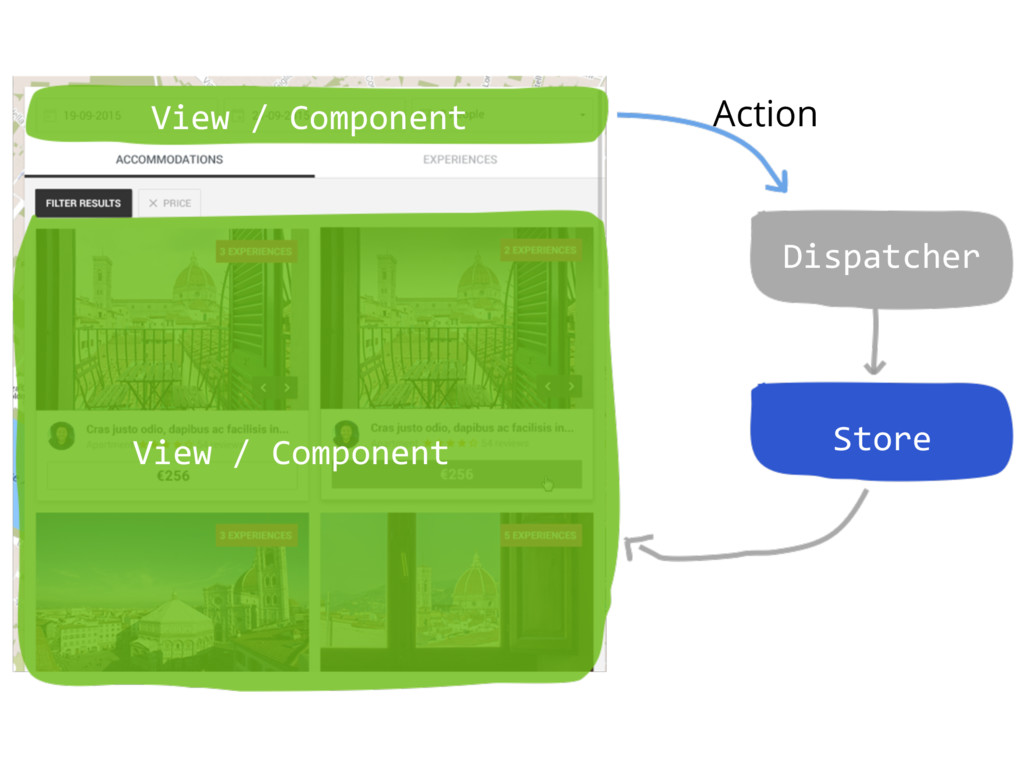
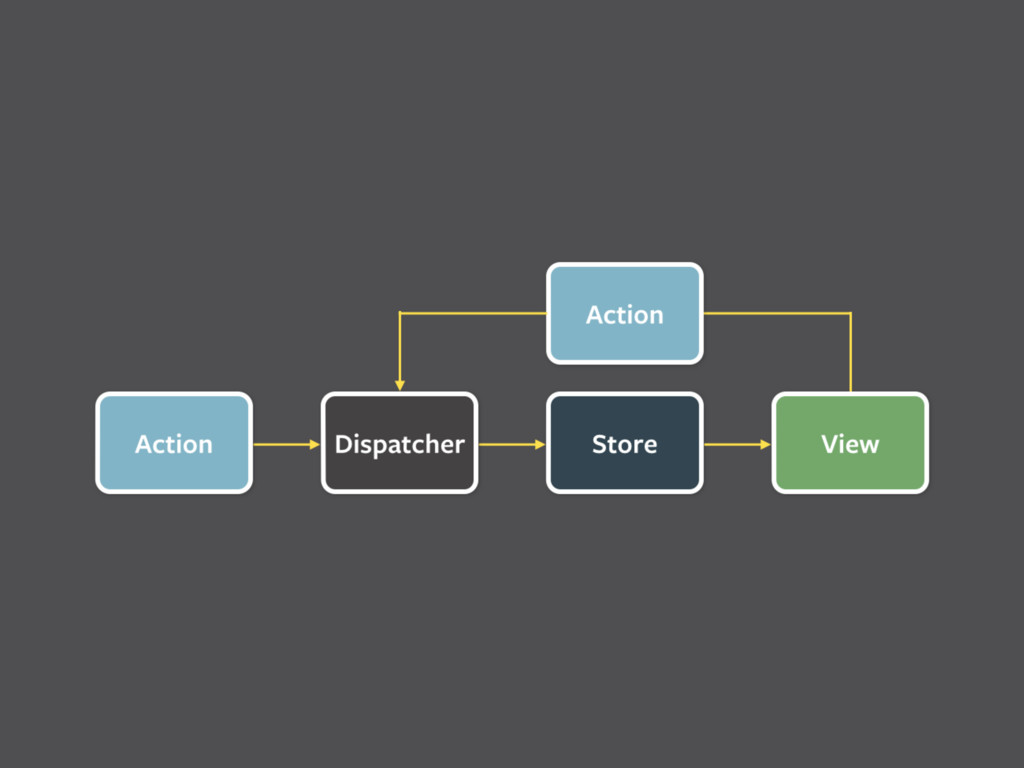
    create and trigger the new action FOCUS_HOTEL HotelBookingStore - create getter for var focusHotel - store the hotel (id or any other reference) in var focusHotel - emit change event Map component - add the focusMarker key in the internal state - update the state with the new focusMarker on change event
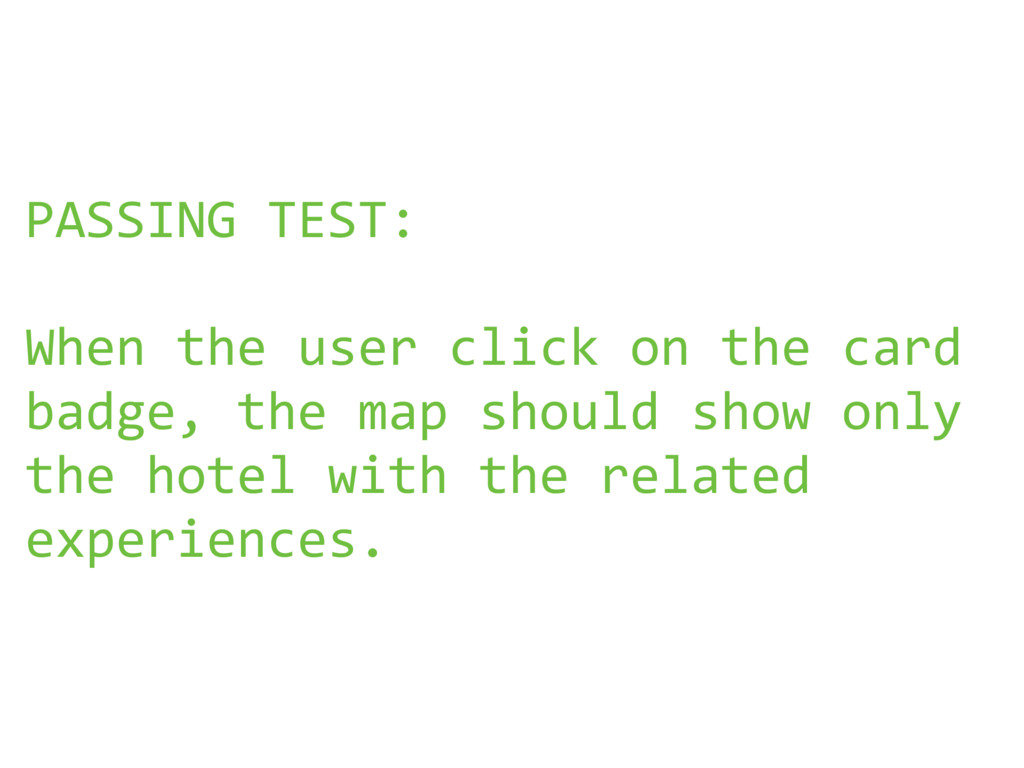
  15. PASSING TEST: When the user click on the card badge,

    the map should show only the hotel with the related experiences.
  16. ?

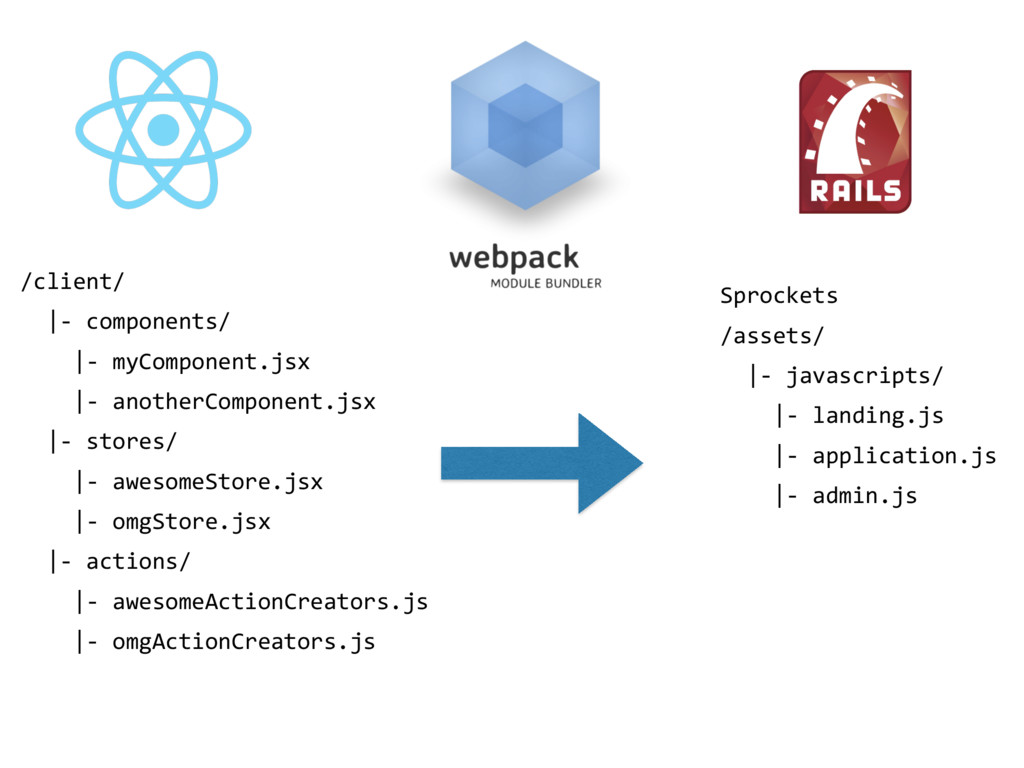
  17. Sprockets /assets/ |- javascripts/ |- landing.js |- application.js |- admin.js
    /client/ |- components/ |- myComponent.jsx |- anotherComponent.jsx |- stores/ |- awesomeStore.jsx |- omgStore.jsx |- actions/ |- awesomeActionCreators.js |- omgActionCreators.js
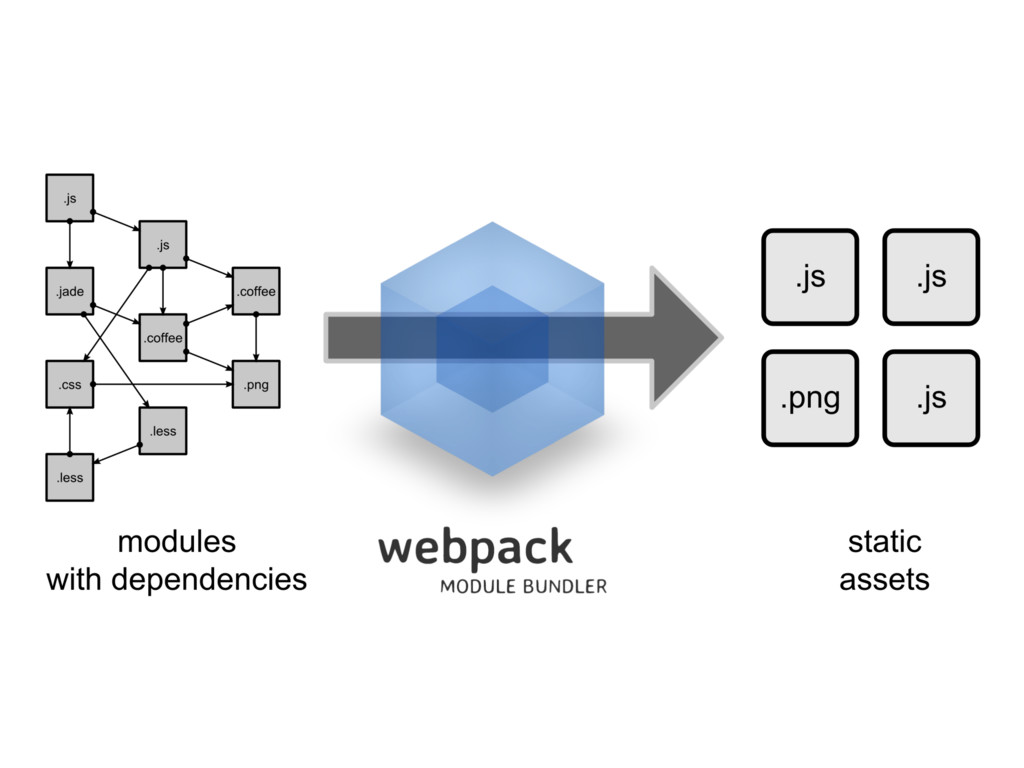
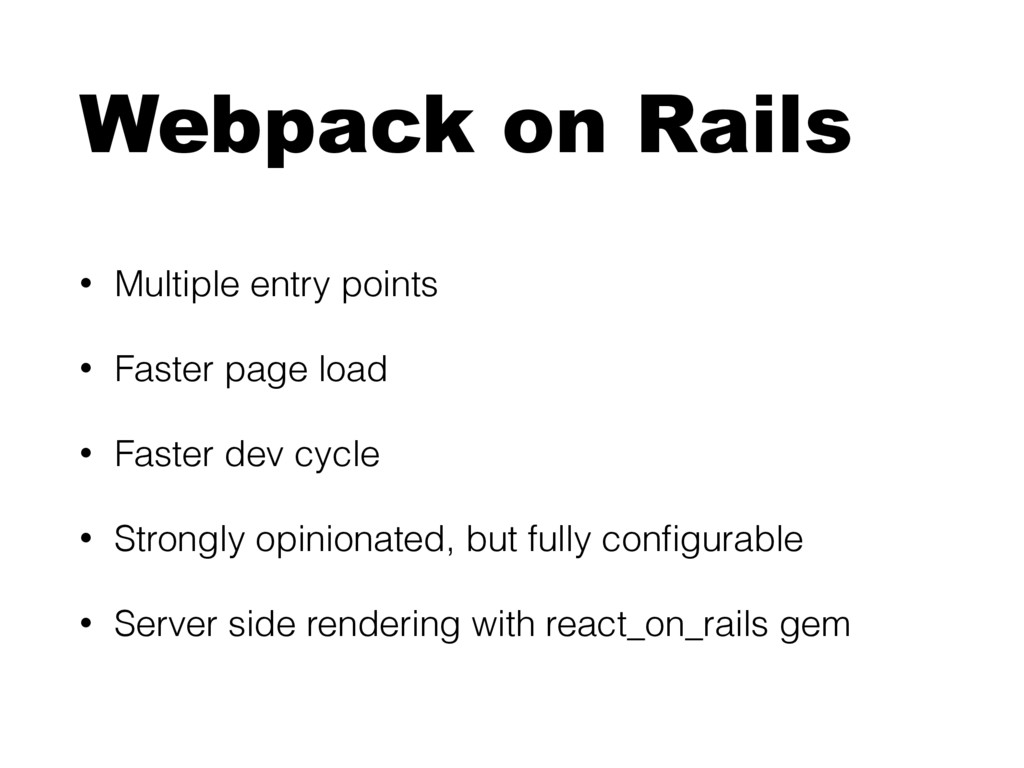
  18. Webpack on Rails • Multiple entry points • Faster page

    load • Faster dev cycle • Strongly opinionated, but fully configurable • Server side rendering with react_on_rails gem
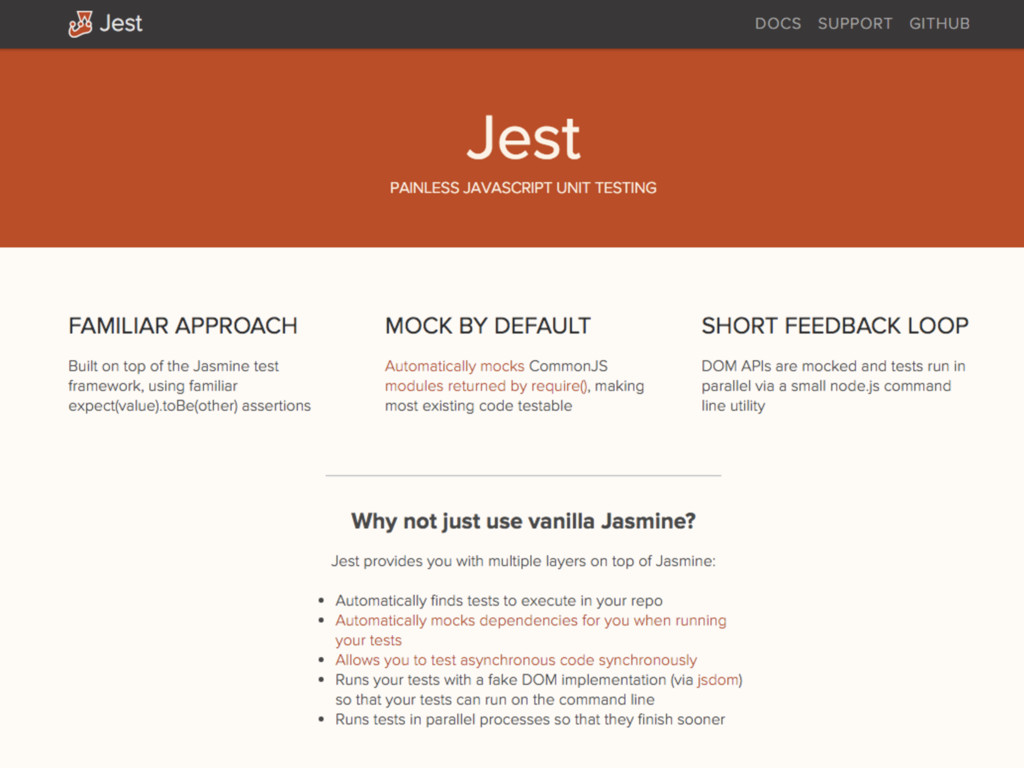
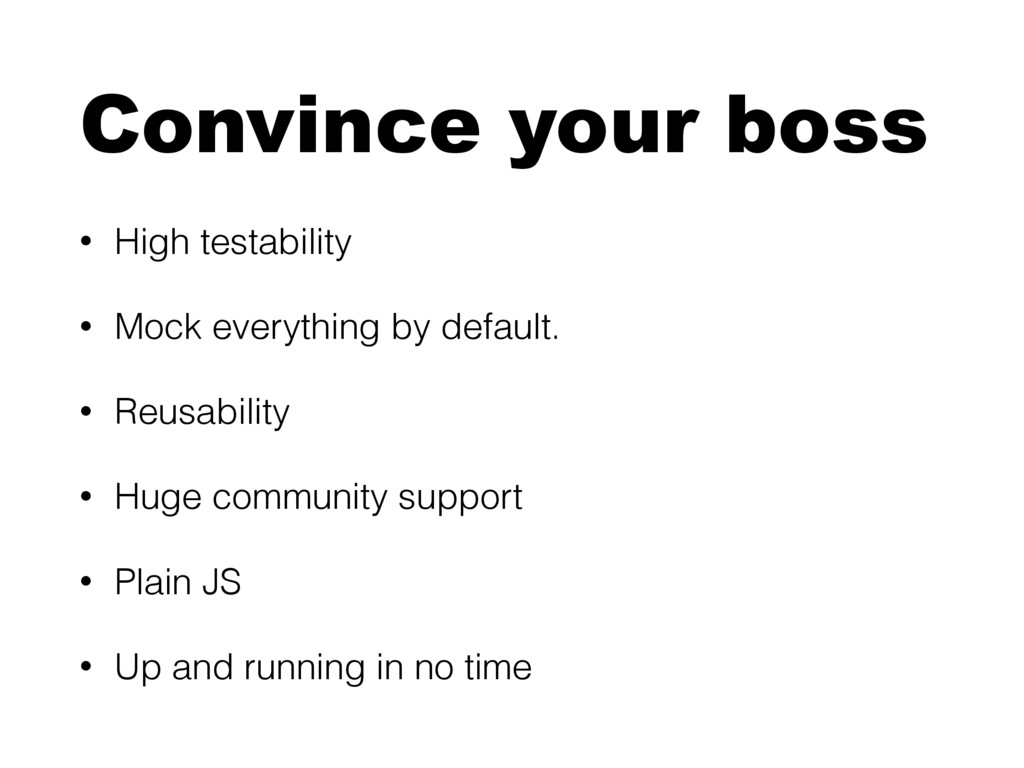
  19. Convince your boss • High testability • Mock everything by

    default. • Reusability • Huge community support • Plain JS • Up and running in no time