Share
Embed
DevOpsDays Cuba 2016: Containers Essentials. DIY containers
Author: Bernard Grymonpon
Summary:
DevOpsDays Cuba
October 18, 2016
Transcript
25 slides
-
Why this talk? fun - be curious - know your
tools - improve yourself -
Containers • What is a container? • History • since
2002, first patch in 2.4.19 tree • main work in the 2.6 series in the kernel -
The container is a lie • The linux kernel has
no idea what a container is • Namespaces - limiting the view for a process • Cgroups - limiting the resources for a process -
So, what is a container • A process • In
a separate environment -
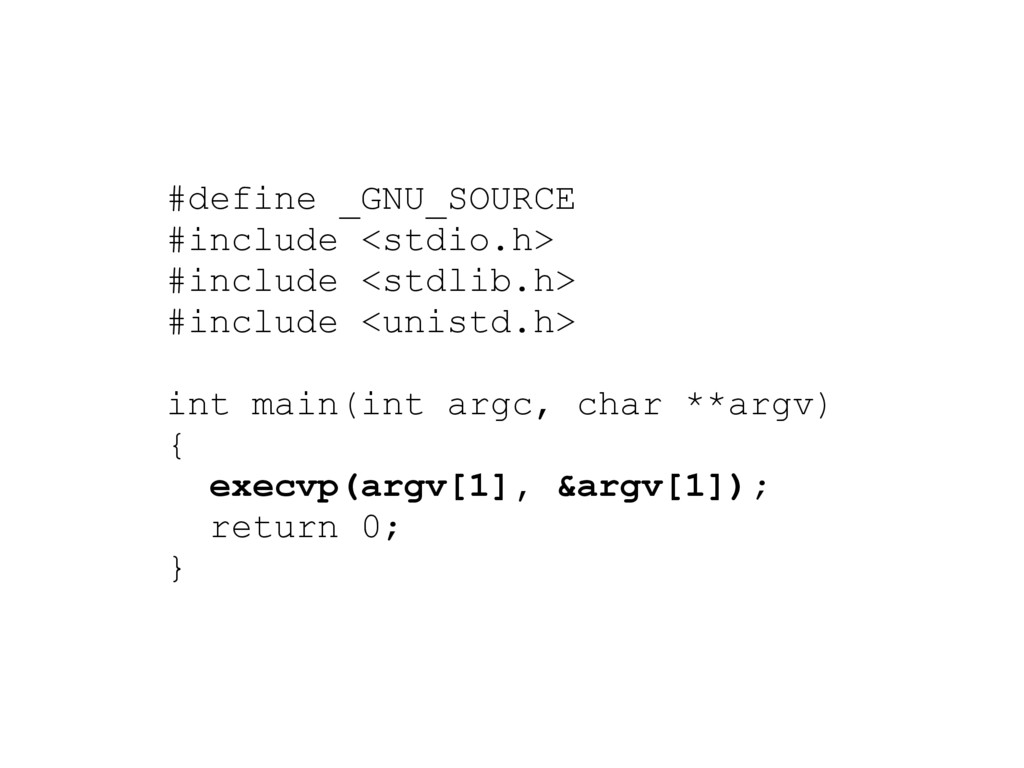
#define _GNU_SOURCE #include <stdio.h> #include <stdlib.h> #include <unistd.h> int main(int
argc, char **argv) { execvp(argv[1], &argv[1]); return 0; } -
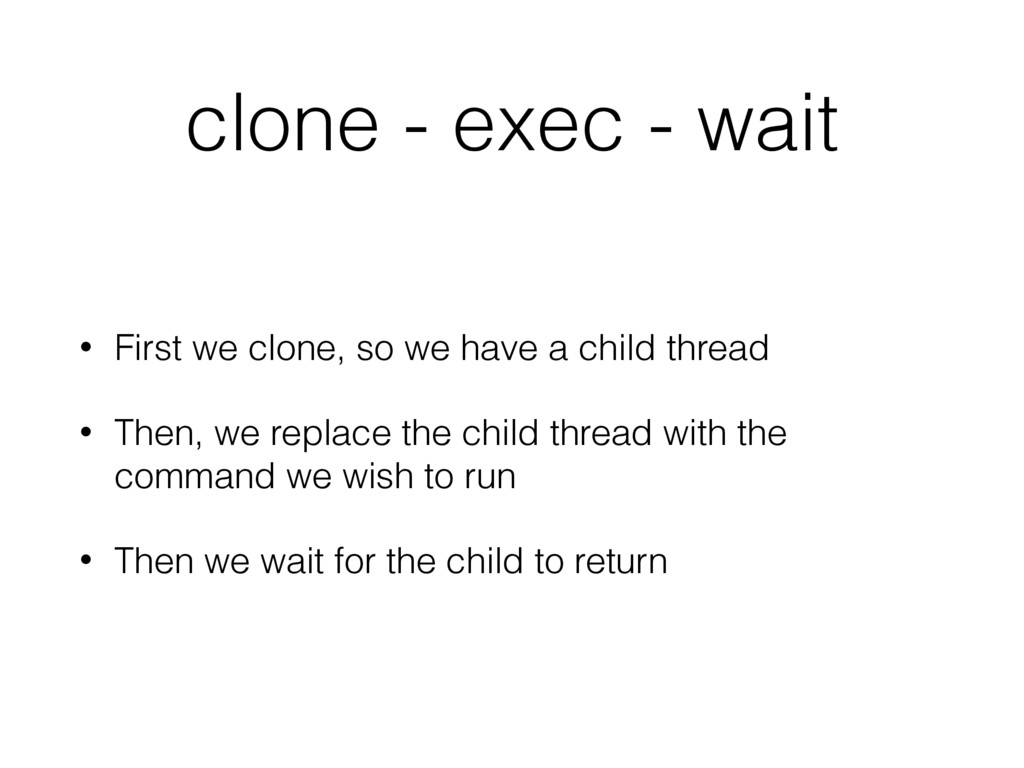
clone - exec - wait • First we clone, so
we have a child thread • Then, we replace the child thread with the command we wish to run • Then we wait for the child to return -
static int child_exec(void *argv) { execvp(argv[0], argv); } int main(int
argc, char **argv) { int flags = SIGCHLD; pid = clone(child_exec, ..., flags, &argv); waitpid(pid, NULL, 0) } -
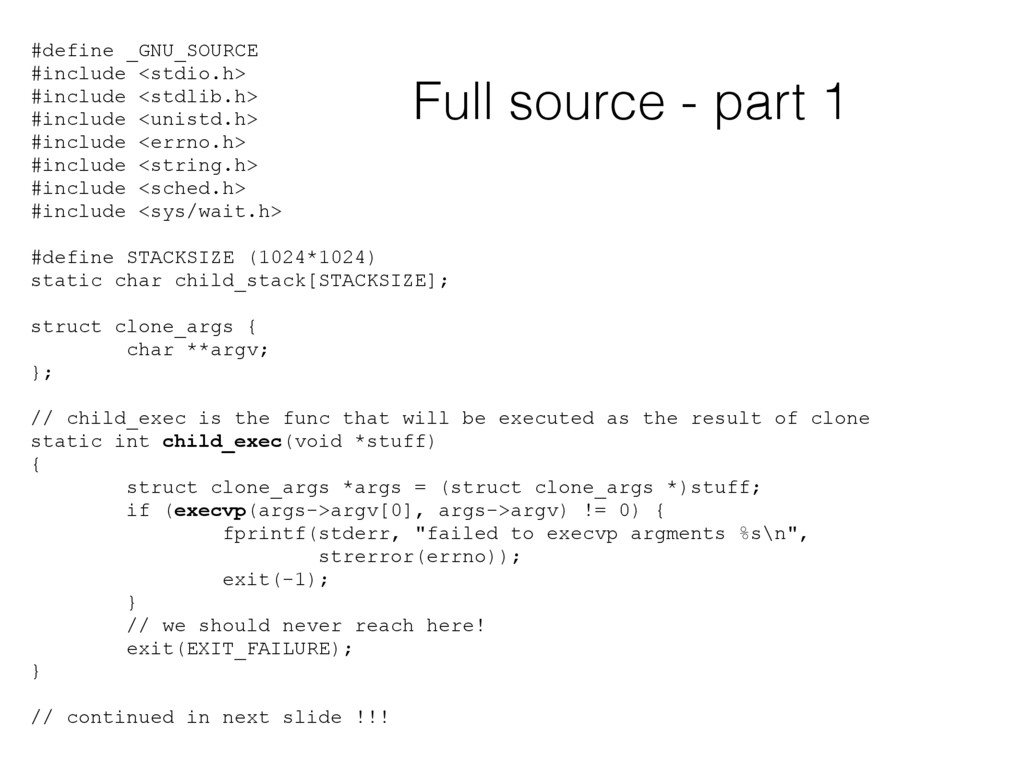
#define _GNU_SOURCE #include <stdio.h> #include <stdlib.h> #include <unistd.h> #include <errno.h>
#include <string.h> #include <sched.h> #include <sys/wait.h> #define STACKSIZE (1024*1024) static char child_stack[STACKSIZE]; struct clone_args { char **argv; }; // child_exec is the func that will be executed as the result of clone static int child_exec(void *stuff) { struct clone_args *args = (struct clone_args *)stuff; if (execvp(args->argv[0], args->argv) != 0) { fprintf(stderr, "failed to execvp argments %s\n", strerror(errno)); exit(-1); } // we should never reach here! exit(EXIT_FAILURE); } // continued in next slide !!! Full source - part 1 -
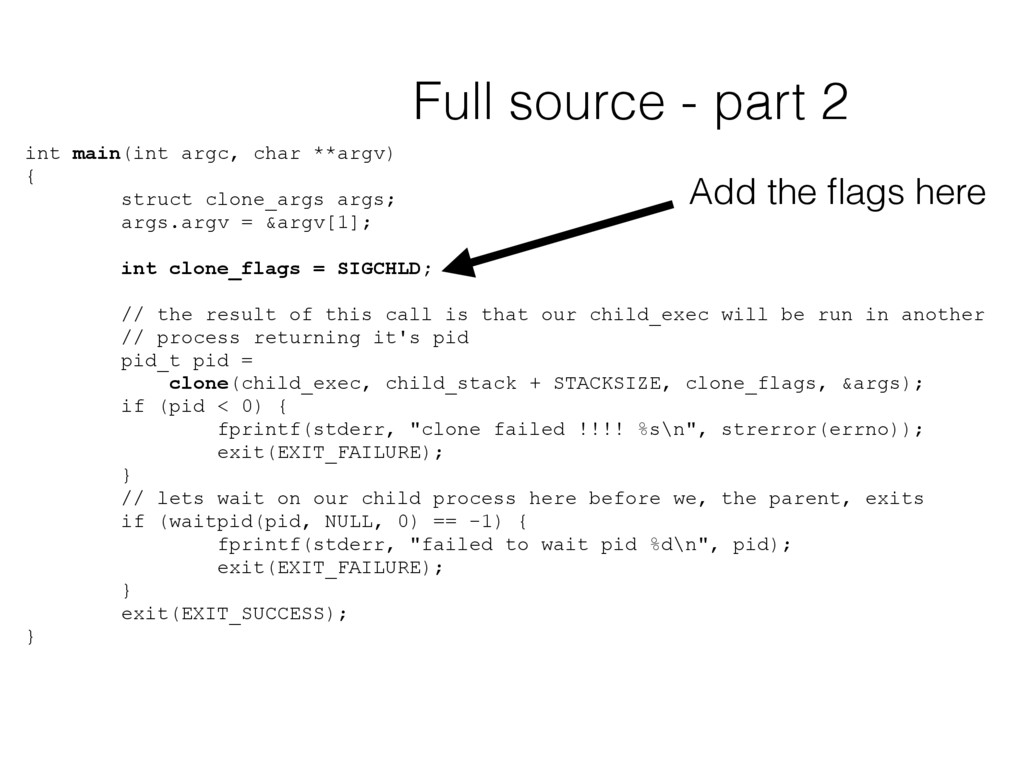
int main(int argc, char **argv) { struct clone_args args; args.argv
= &argv[1]; int clone_flags = SIGCHLD; // the result of this call is that our child_exec will be run in another // process returning it's pid pid_t pid = clone(child_exec, child_stack + STACKSIZE, clone_flags, &args); if (pid < 0) { fprintf(stderr, "clone failed !!!! %s\n", strerror(errno)); exit(EXIT_FAILURE); } // lets wait on our child process here before we, the parent, exits if (waitpid(pid, NULL, 0) == -1) { fprintf(stderr, "failed to wait pid %d\n", pid); exit(EXIT_FAILURE); } exit(EXIT_SUCCESS); } Full source - part 2 Add the flags here -
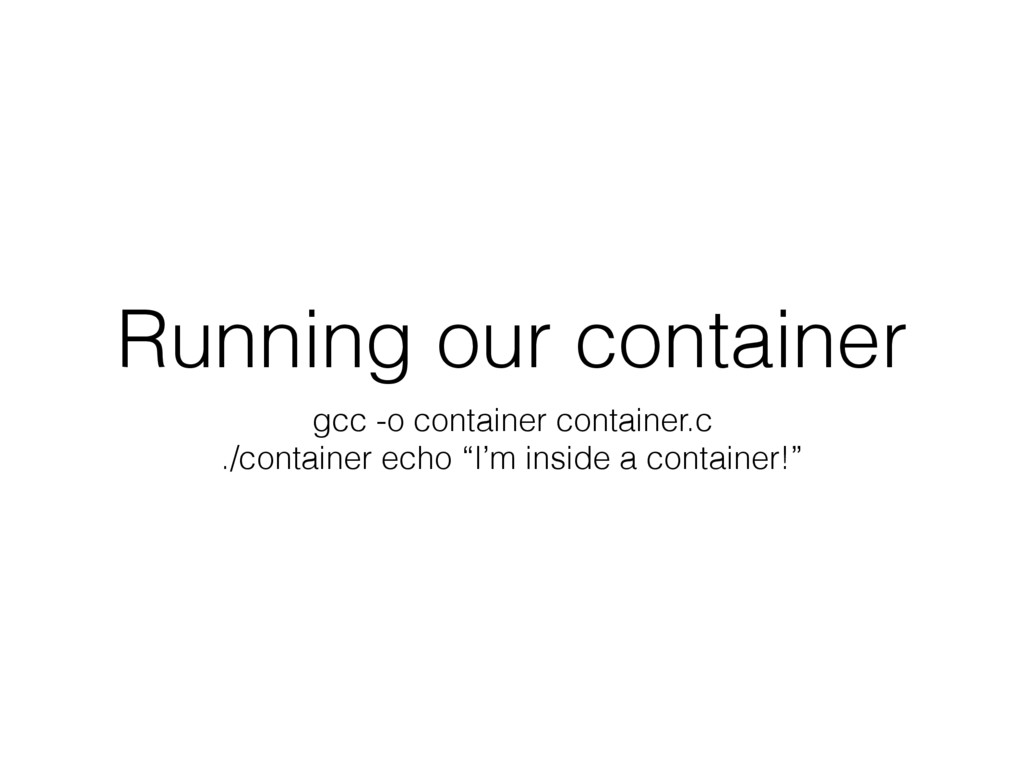
Running our container gcc -o container container.c ./container echo “I’m
inside a container!” -
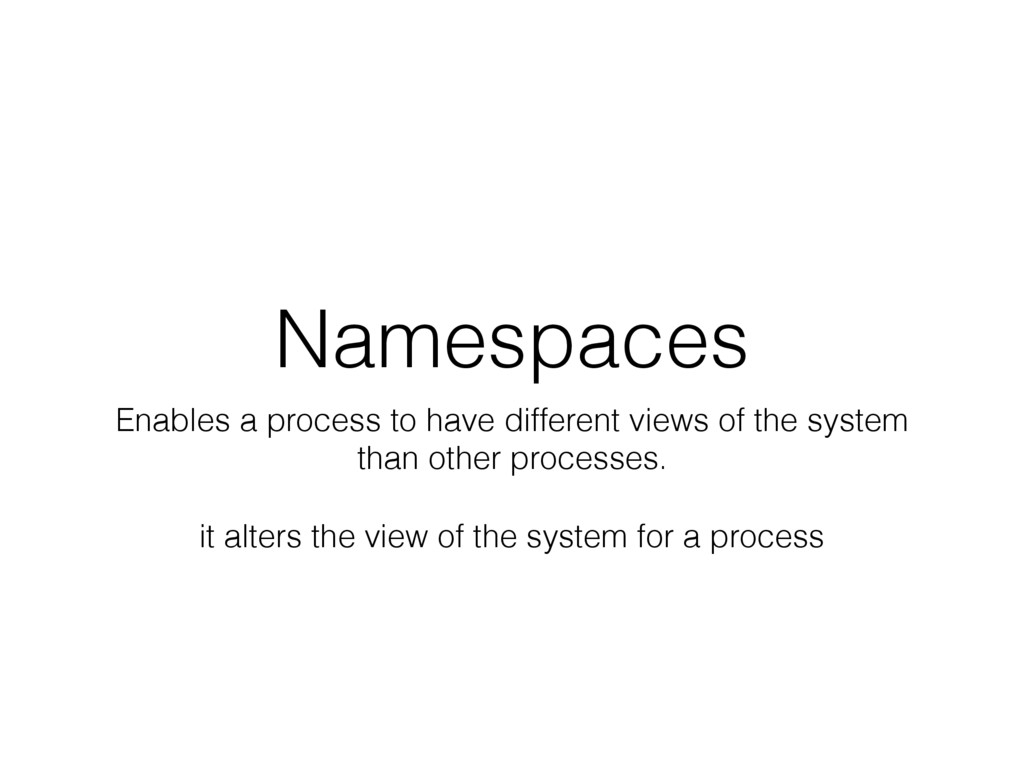
Namespaces Enables a process to have different views of the
system than other processes. it alters the view of the system for a process -
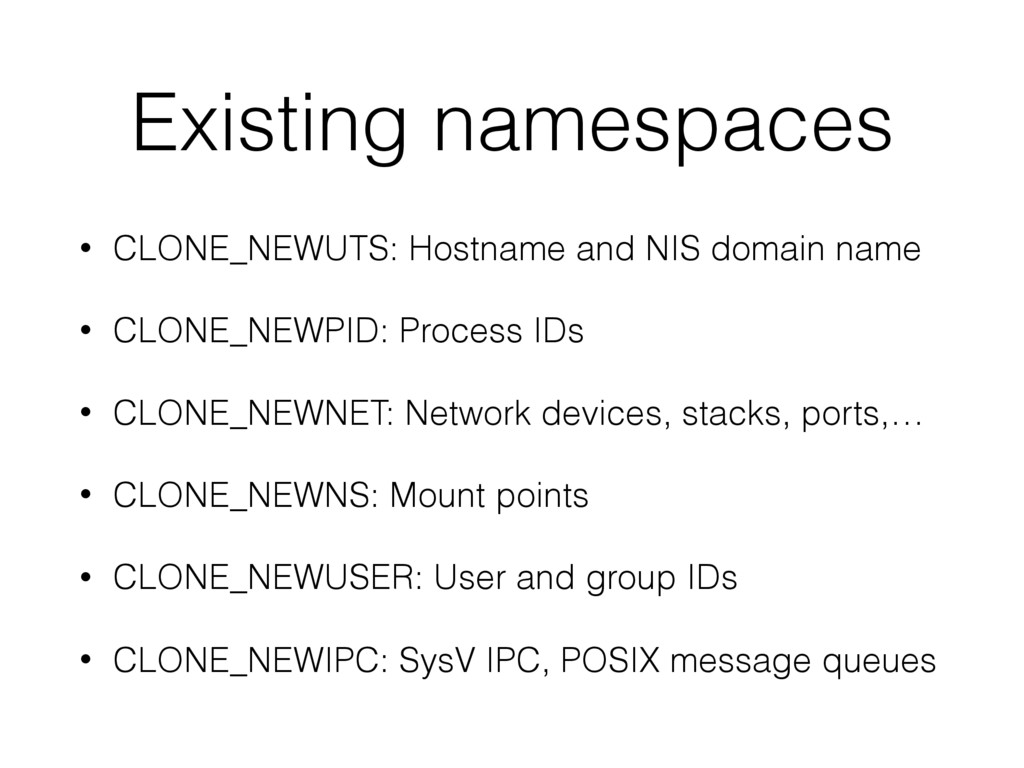
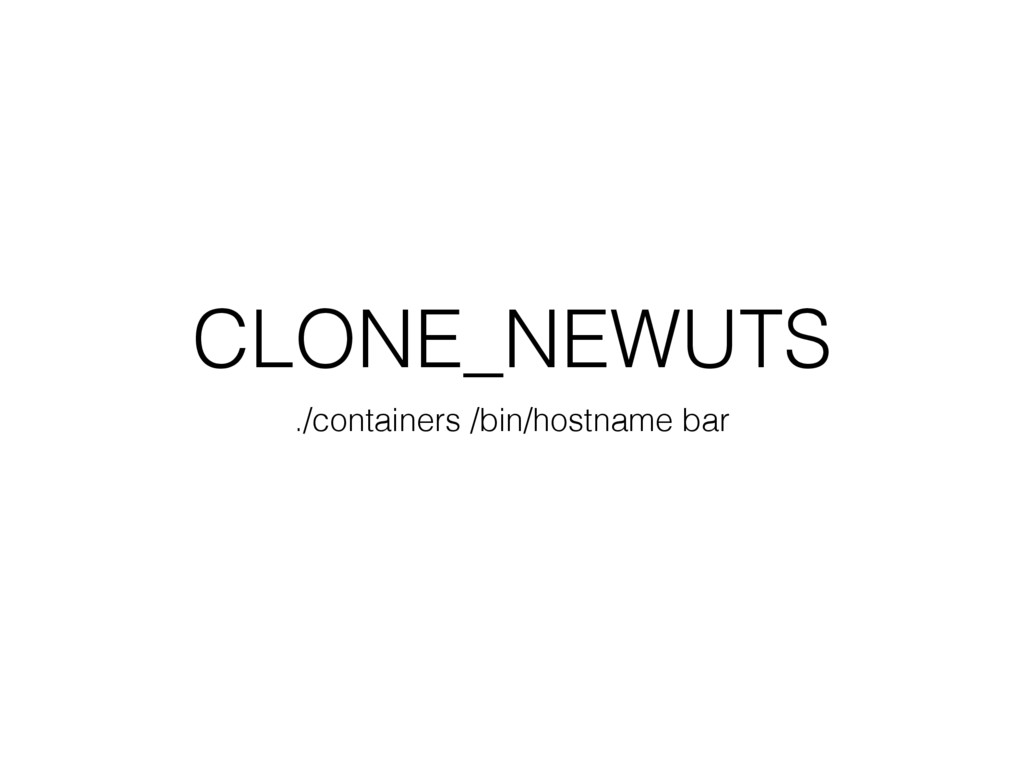
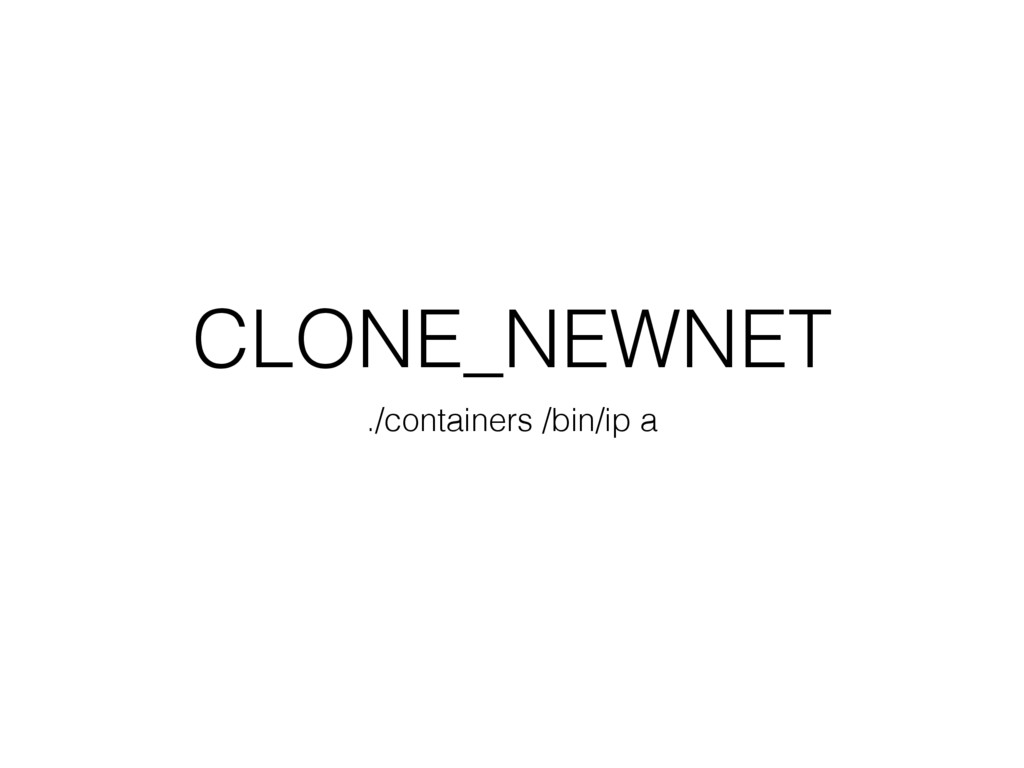
Existing namespaces • CLONE_NEWUTS: Hostname and NIS domain name •
CLONE_NEWPID: Process IDs • CLONE_NEWNET: Network devices, stacks, ports,… • CLONE_NEWNS: Mount points • CLONE_NEWUSER: User and group IDs • CLONE_NEWIPC: SysV IPC, POSIX message queues -
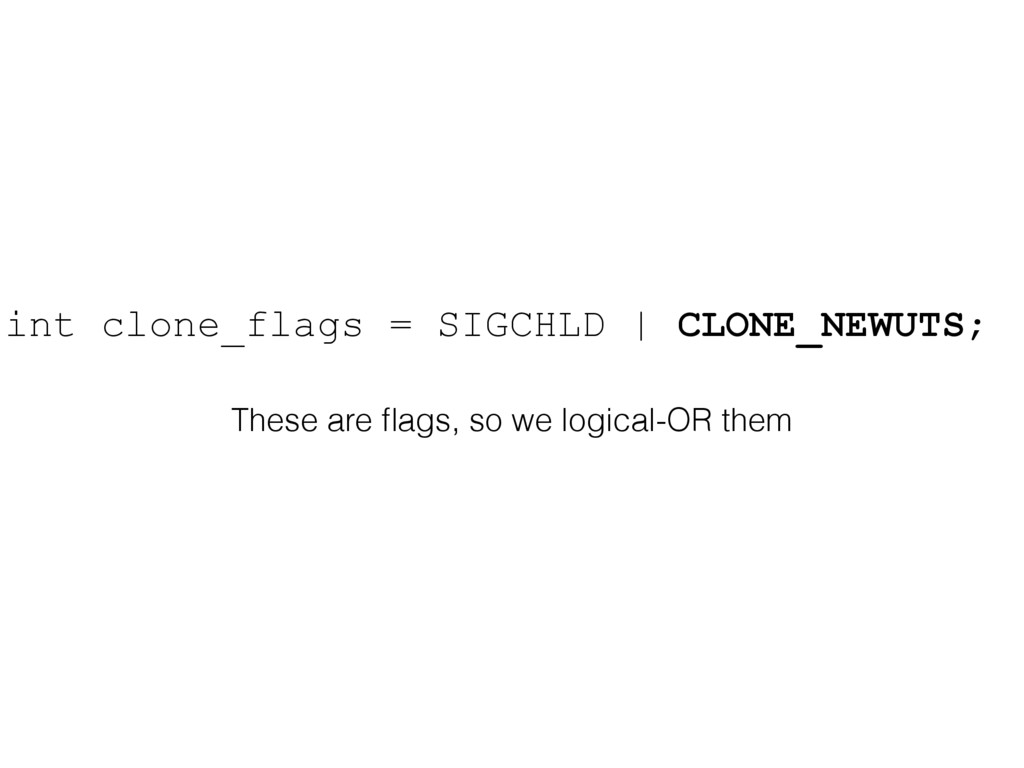
int clone_flags = SIGCHLD | CLONE_NEWUTS; These are flags, so
we logical-OR them -
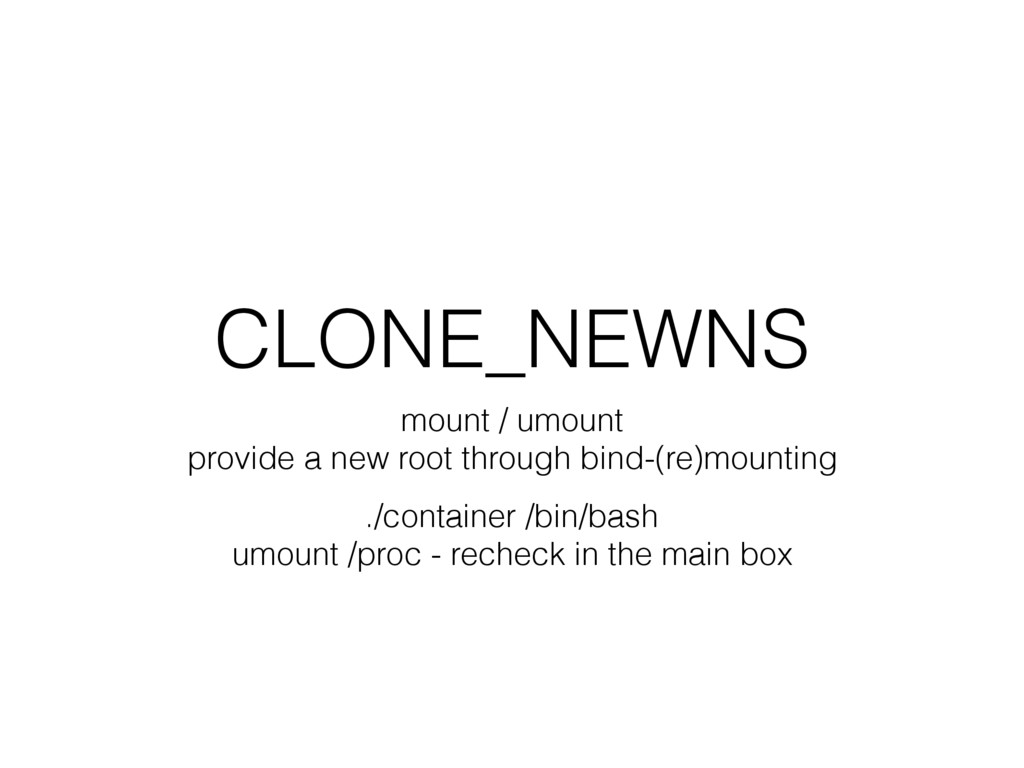
CLONE_NEWNS mount / umount provide a new root through bind-(re)mounting
./container /bin/bash umount /proc - recheck in the main box -
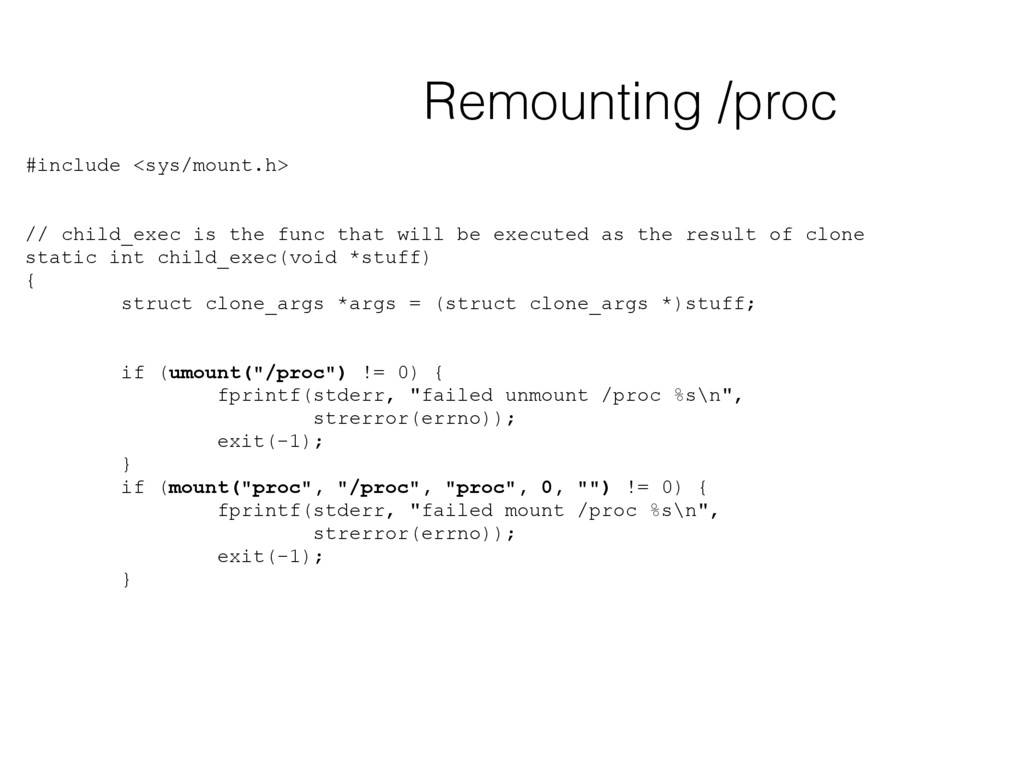
#include <sys/mount.h> // child_exec is the func that will be
executed as the result of clone static int child_exec(void *stuff) { struct clone_args *args = (struct clone_args *)stuff; if (umount("/proc") != 0) { fprintf(stderr, "failed unmount /proc %s\n", strerror(errno)); exit(-1); } if (mount("proc", "/proc", "proc", 0, "") != 0) { fprintf(stderr, "failed mount /proc %s\n", strerror(errno)); exit(-1); } Remounting /proc -
ubuntu@ubuntu-xenial:~$ unshare -h Usage: unshare [options] <program> [<argument>...] Run a
program with some namespaces unshared from the parent. Options: -m, --mount[=<file>] unshare mounts namespace -u, --uts[=<file>] unshare UTS namespace (hostname etc) -i, --ipc[=<file>] unshare System V IPC namespace -n, --net[=<file>] unshare network namespace -p, --pid[=<file>] unshare pid namespace -U, --user[=<file>] unshare user namespace -f, --fork fork before launching <program> --mount-proc[=<dir>] mount proc filesystem first (implies --mount) -r, --map-root-user map current user to root (implies --user) --propagation slave|shared|private|unchanged modify mount propagation in mount namespace -s, --setgroups allow|deny control the setgroups syscall in user ns -h, --help display this help and exit -V, --version output version information and exit For more details see unshare(1). -
Cgroups Controls the resources available to a process/processes Used to
control memory / cpu / … resources