Upgrade to Pro — share decks privately, control downloads, hide ads and more …

Game Tools in the Browser

Sponsored · SiteGround - Reliable hosting with speed, security, and support you can count on.

Game Tools in the Browser

Avatar for Don Olmstead

Don Olmstead

May 10, 2016

More Decks by Don Olmstead

Other Decks in Programming

Transcript

  1. Overview • Why use the browser? • Dart • Demo

    • Application code • Other possibilities
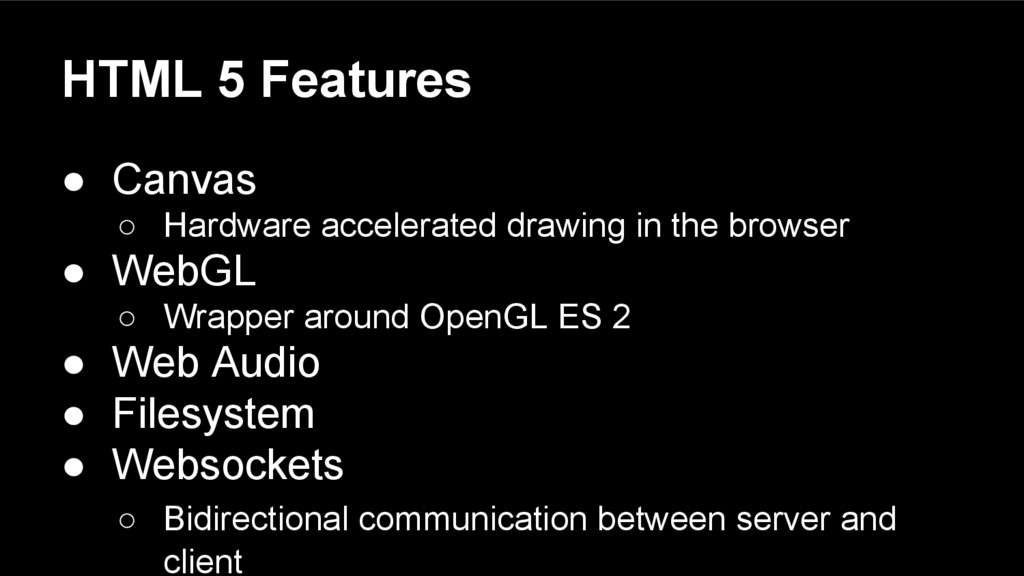
  2. HTML 5 Features • Canvas ◦ Hardware accelerated drawing in

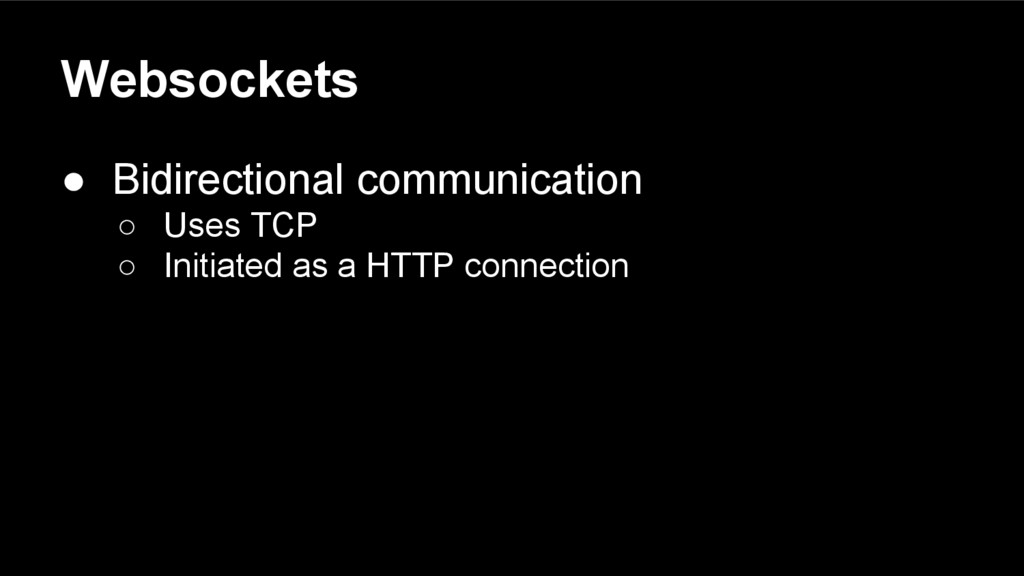
    the browser • WebGL ◦ Wrapper around OpenGL ES 2 • Web Audio • Filesystem • Websockets ◦ Bidirectional communication between server and client
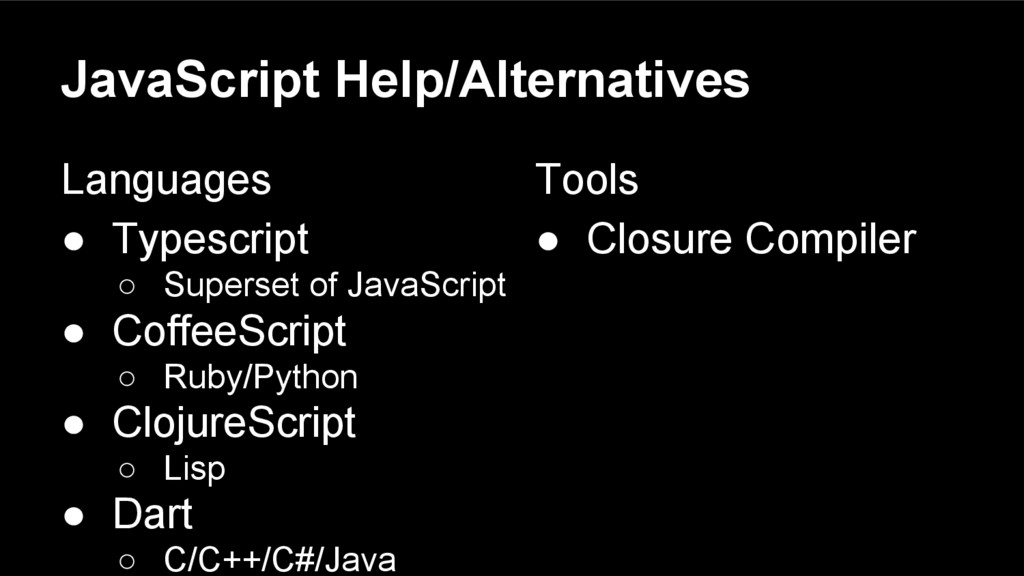
  3. JavaScript Help/Alternatives Languages • Typescript ◦ Superset of JavaScript •

    CoffeeScript ◦ Ruby/Python • ClojureScript ◦ Lisp • Dart ◦ C/C++/C#/Java Tools • Closure Compiler
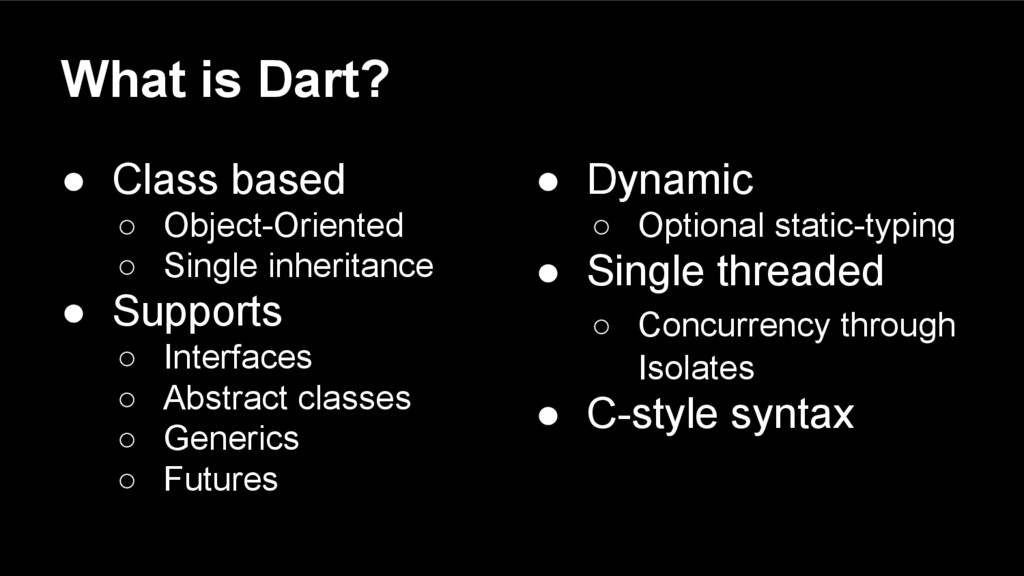
  4. What is Dart? • Class based ◦ Object-Oriented ◦ Single

    inheritance • Supports ◦ Interfaces ◦ Abstract classes ◦ Generics ◦ Futures • Dynamic ◦ Optional static-typing • Single threaded ◦ Concurrency through Isolates • C-style syntax
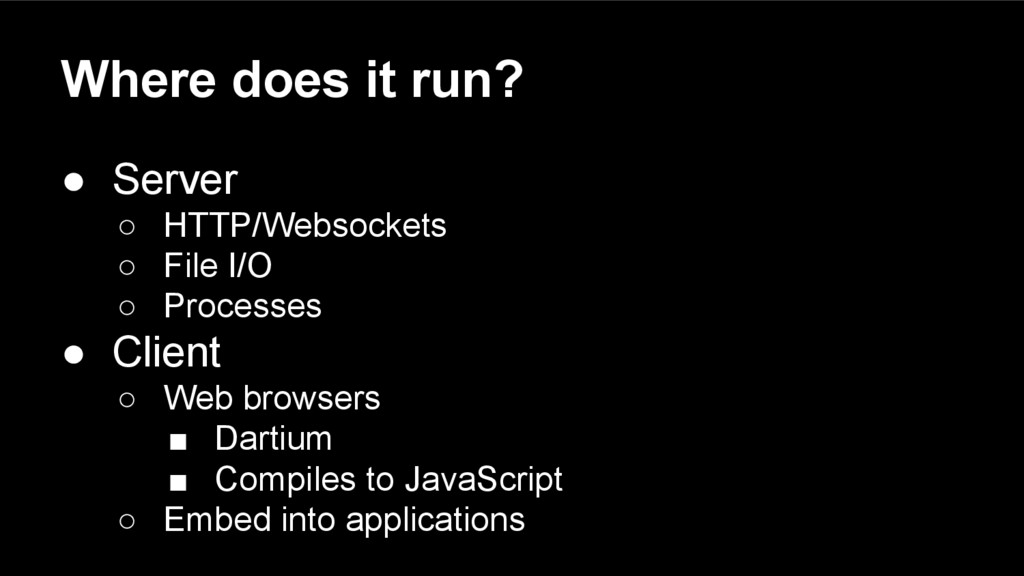
  5. Where does it run? • Server ◦ HTTP/Websockets ◦ File

    I/O ◦ Processes • Client ◦ Web browsers ▪ Dartium ▪ Compiles to JavaScript ◦ Embed into applications
  6. What makes a modern web app? • Can replace a

    native application ◦ Same level of functionality and polish • Server side component ◦ Data storage ◦ Processing ◦ Collaboration
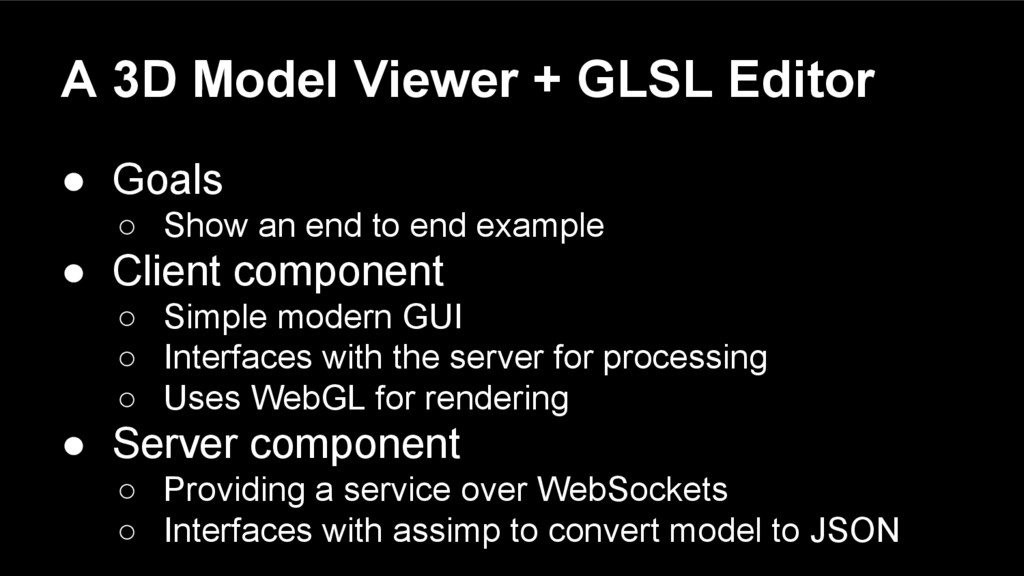
  7. A 3D Model Viewer + GLSL Editor • Goals ◦

    Show an end to end example • Client component ◦ Simple modern GUI ◦ Interfaces with the server for processing ◦ Uses WebGL for rendering • Server component ◦ Providing a service over WebSockets ◦ Interfaces with assimp to convert model to JSON
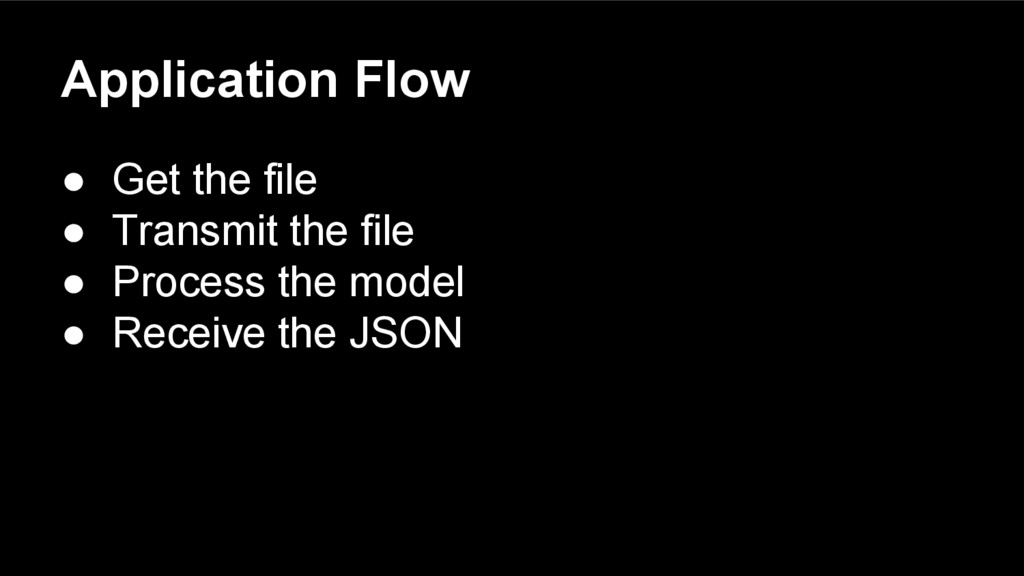
  8. Application Flow • Get the file • Transmit the file

    • Process the model • Receive the JSON
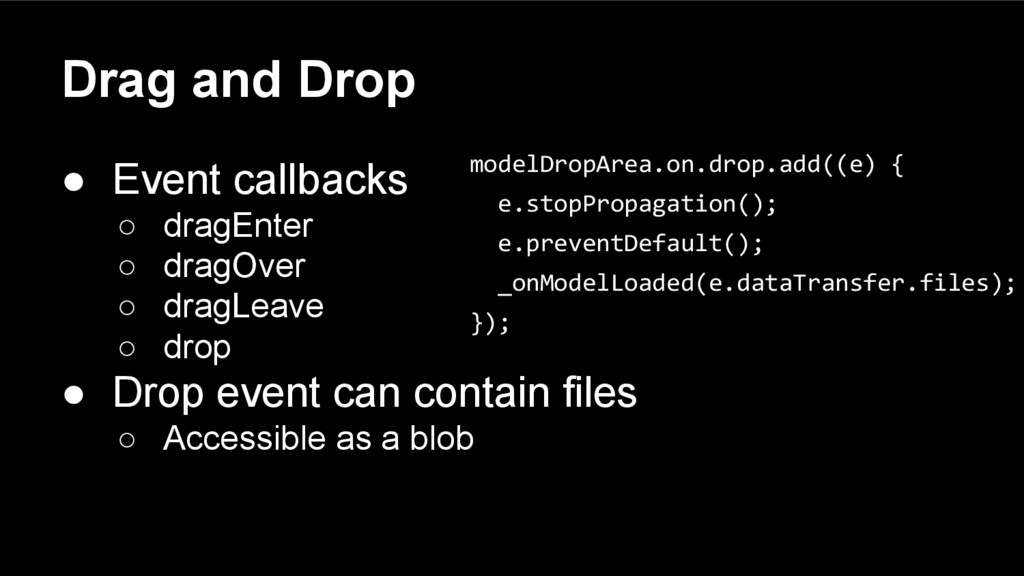
  9. Drag and Drop • Event callbacks ◦ dragEnter ◦ dragOver

    ◦ dragLeave ◦ drop • Drop event can contain files ◦ Accessible as a blob modelDropArea.on.drop.add((e) { e.stopPropagation(); e.preventDefault(); _onModelLoaded(e.dataTransfer.files); });
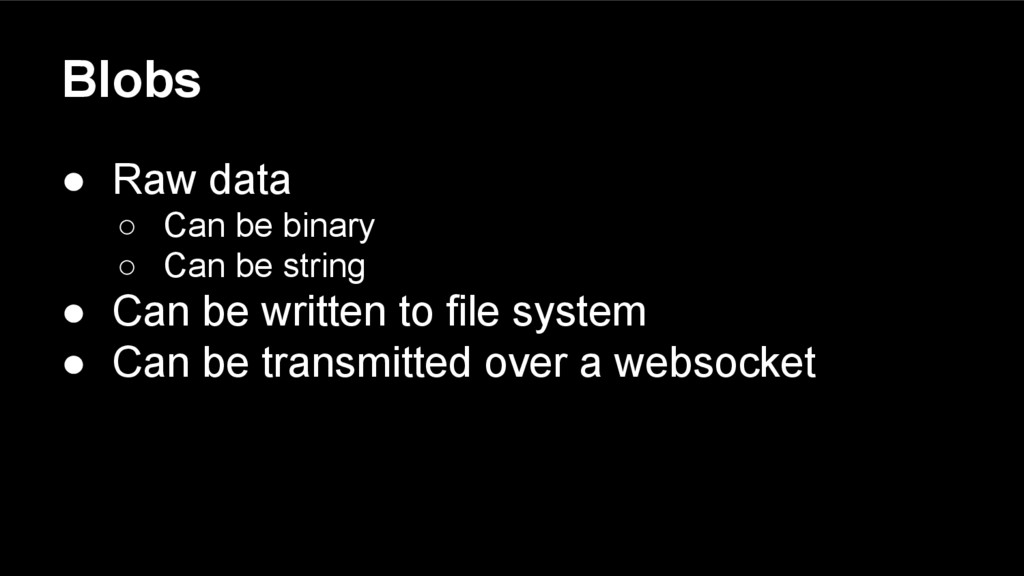
  10. Blobs • Raw data ◦ Can be binary ◦ Can

    be string • Can be written to file system • Can be transmitted over a websocket
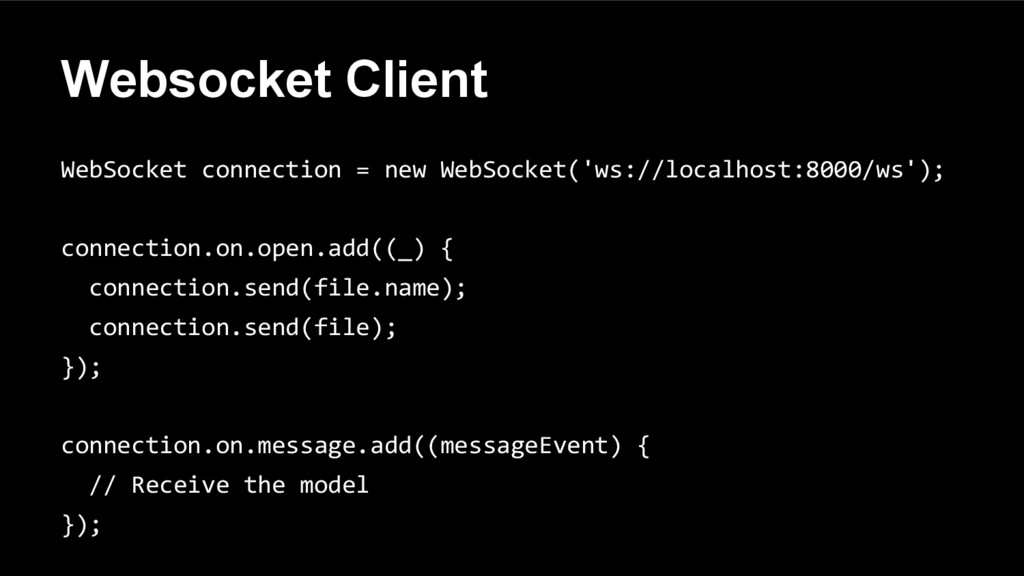
  11. Websocket Client WebSocket connection = new WebSocket('ws://localhost:8000/ws'); connection.on.open.add((_) { connection.send(file.name);

    connection.send(file); }); connection.on.message.add((messageEvent) { // Receive the model });
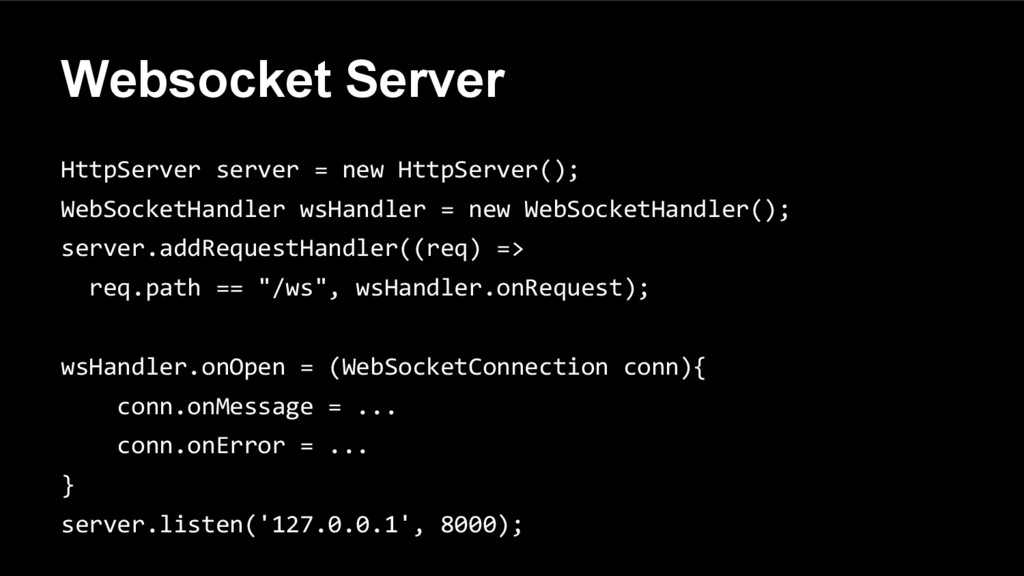
  12. Websocket Server HttpServer server = new HttpServer(); WebSocketHandler wsHandler =

    new WebSocketHandler(); server.addRequestHandler((req) => req.path == "/ws", wsHandler.onRequest); wsHandler.onOpen = (WebSocketConnection conn){ conn.onMessage = ... conn.onError = ... } server.listen('127.0.0.1', 8000);
  13. Server side processing • VM can invoke processes ◦ Can

    interface with current toolset • VM can be extended to interface with native code ◦ More flexible • Using the former in this example
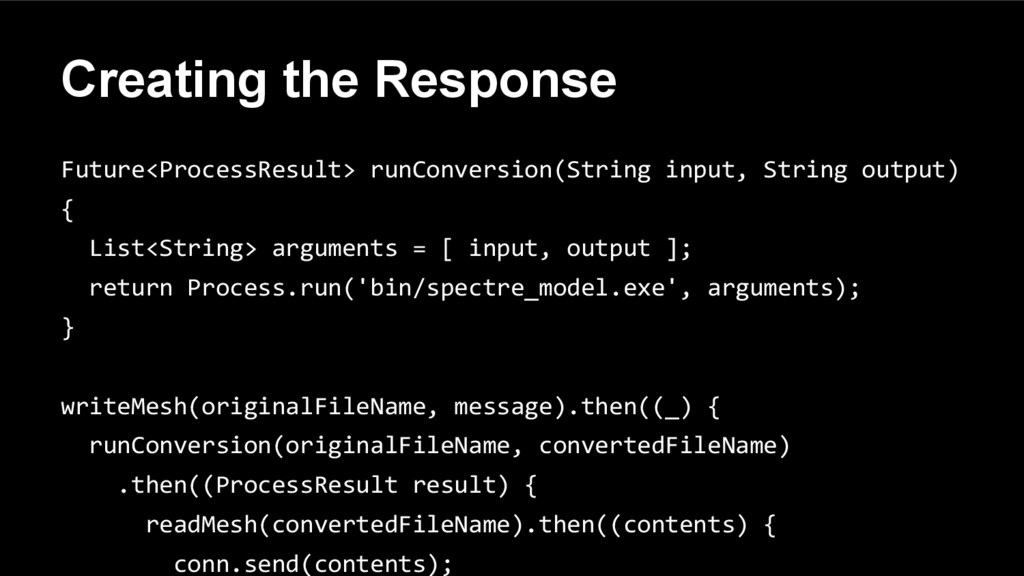
  14. Creating the Response Future<ProcessResult> runConversion(String input, String output) { List<String>

    arguments = [ input, output ]; return Process.run('bin/spectre_model.exe', arguments); } writeMesh(originalFileName, message).then((_) { runConversion(originalFileName, convertedFileName) .then((ProcessResult result) { readMesh(convertedFileName).then((contents) { conn.send(contents);
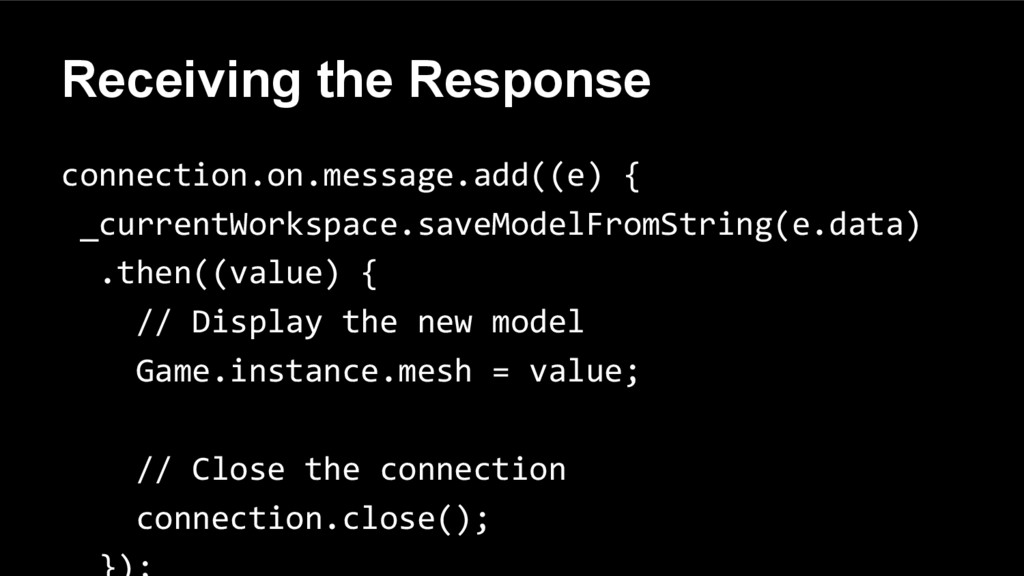
  15. Receiving the Response connection.on.message.add((e) { _currentWorkspace.saveModelFromString(e.data) .then((value) { // Display

    the new model Game.instance.mesh = value; // Close the connection connection.close();
  16. Filesystem • Two storage types ◦ Temporary ◦ Persistent •

    Each file has a corresponding URL ◦ Can load as trusted content
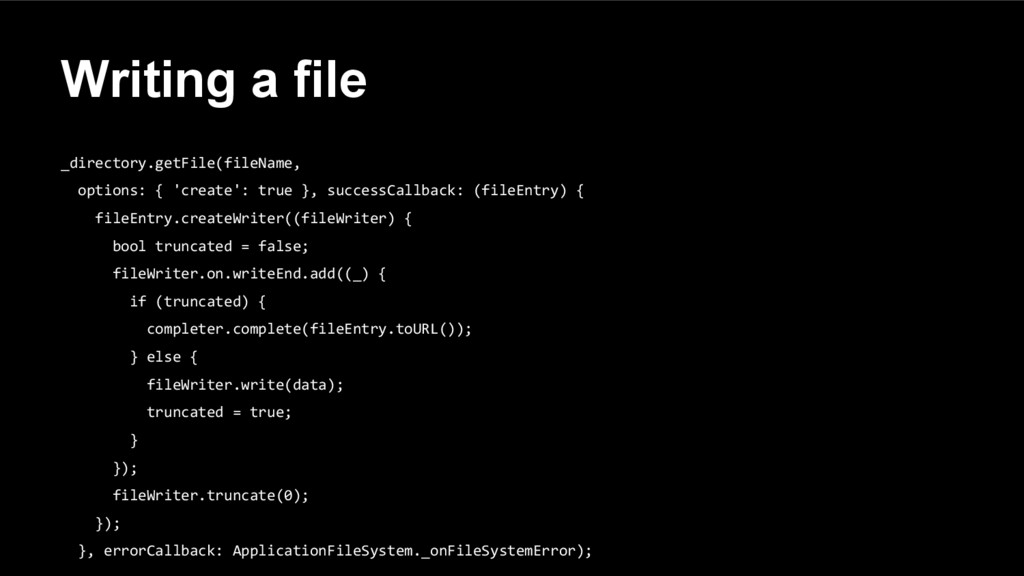
  17. Writing a file _directory.getFile(fileName, options: { 'create': true }, successCallback:

    (fileEntry) { fileEntry.createWriter((fileWriter) { bool truncated = false; fileWriter.on.writeEnd.add((_) { if (truncated) { completer.complete(fileEntry.toURL()); } else { fileWriter.write(data); truncated = true; } }); fileWriter.truncate(0); }); }, errorCallback: ApplicationFileSystem._onFileSystemError);
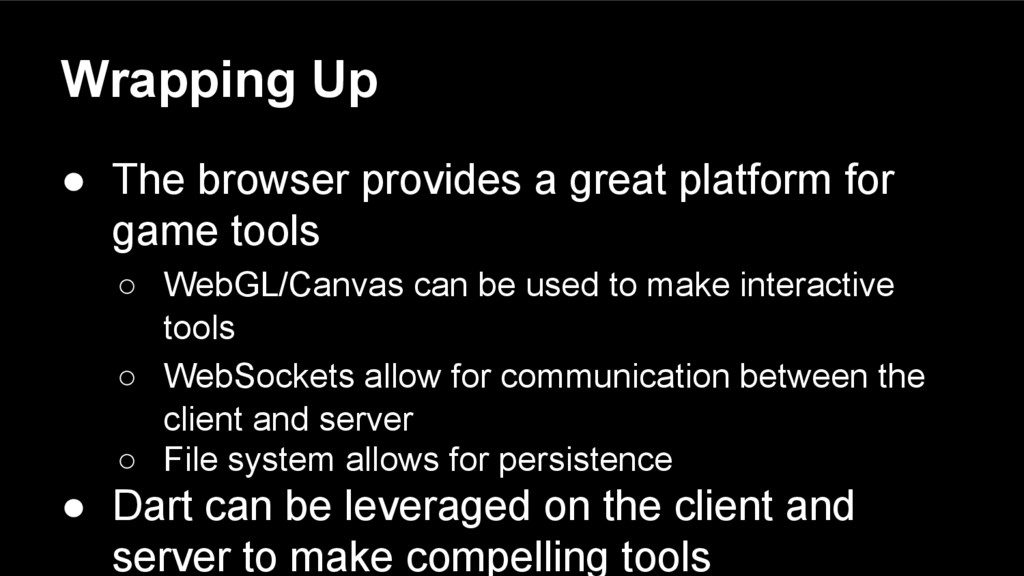
  18. Wrapping Up • The browser provides a great platform for

    game tools ◦ WebGL/Canvas can be used to make interactive tools ◦ WebSockets allow for communication between the client and server ◦ File system allows for persistence • Dart can be leveraged on the client and server to make compelling tools
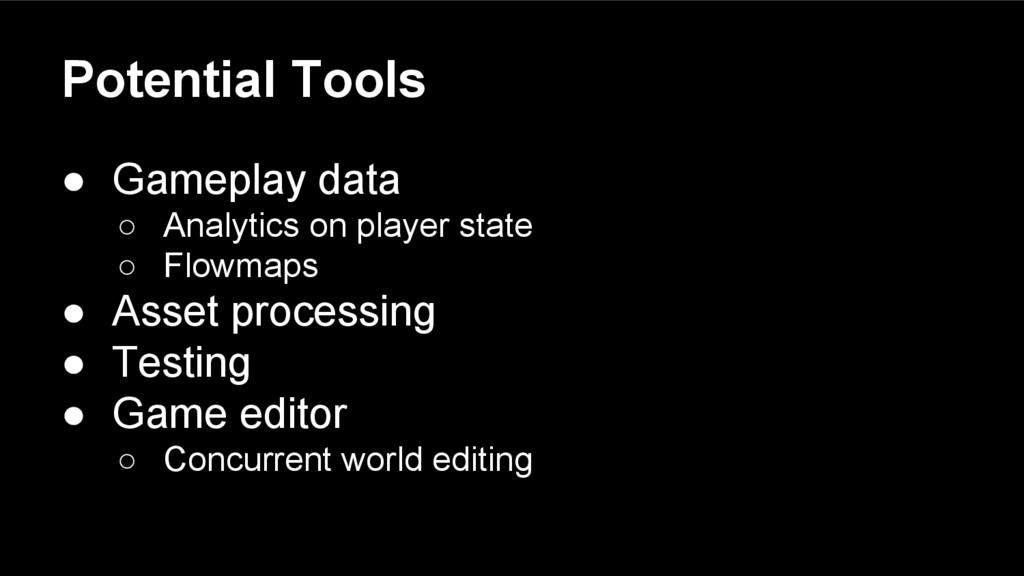
  19. Potential Tools • Gameplay data ◦ Analytics on player state

    ◦ Flowmaps • Asset processing • Testing • Game editor ◦ Concurrent world editing