Upgrade to Pro — share decks privately, control downloads, hide ads and more …

Gaming in the Browser

Sponsored · SiteGround - Reliable hosting with speed, security, and support you can count on.

Gaming in the Browser

Avatar for Don Olmstead

Don Olmstead

May 10, 2016

More Decks by Don Olmstead

Other Decks in Programming

Transcript

  1. Game developers • Program in native code (C/C++) • Push

    the boundaries of what’s possible • Understand the underlying hardware • Highly competitive industry
  2. Web developers • Program in JavaScript • Don’t understand the

    underlying hardware • Lack an engineering background ◦ “Creative coders” • Dime a dozen
  3. The web is changing gamedev • The browser is a

    platform • Performance is there ◦ GPU compositing ◦ Continually improving virtual machines • Tools for developers ◦ Profile network usage ◦ Script debugging/profiling ◦ View how pages are painted
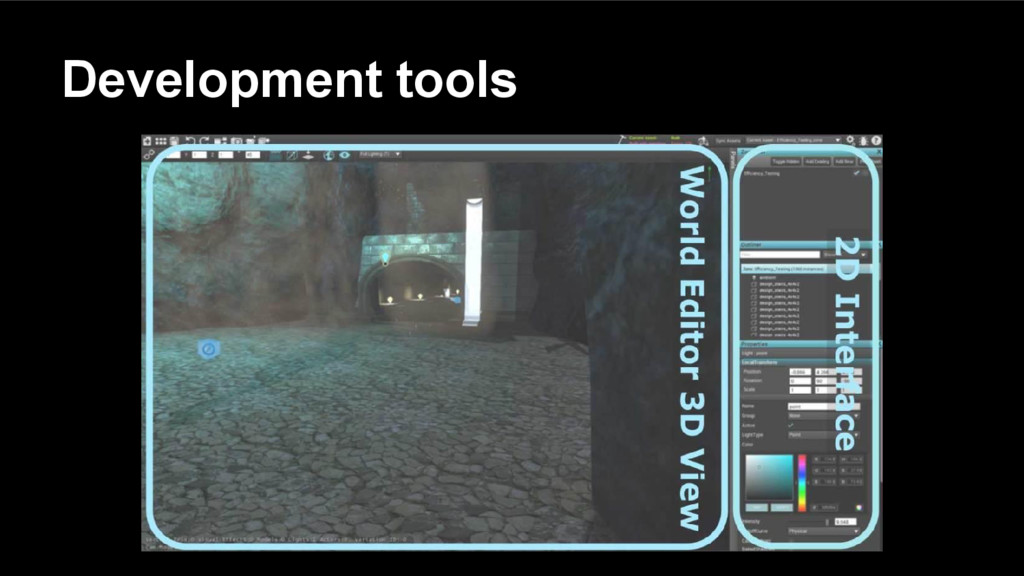
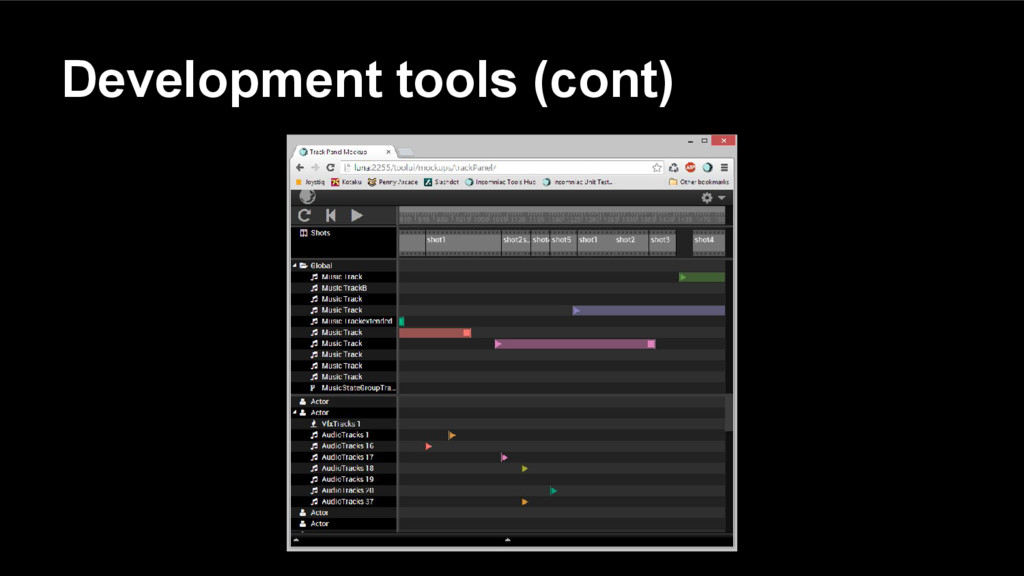
  4. Why use it for tools? • Many UI frameworks available

    • Connect to web services • Share code between the server and client side • Collaborative
  5. Why use it for UI? • Time consuming to roll

    your own UI framework • Cross platform • Easily extensible
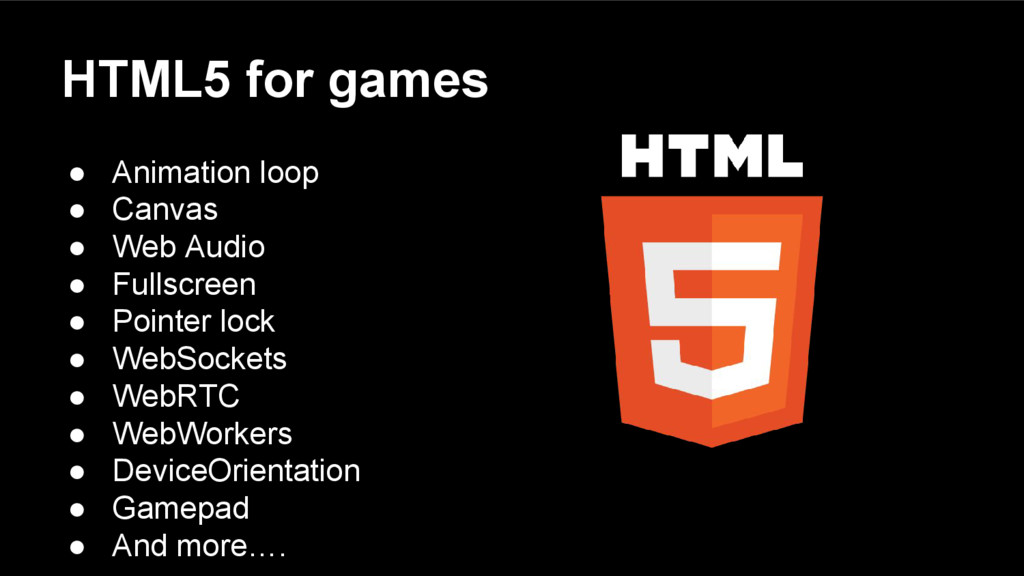
  6. HTML5 for games • Animation loop • Canvas • Web

    Audio • Fullscreen • Pointer lock • WebSockets • WebRTC • WebWorkers • DeviceOrientation • Gamepad • And more….
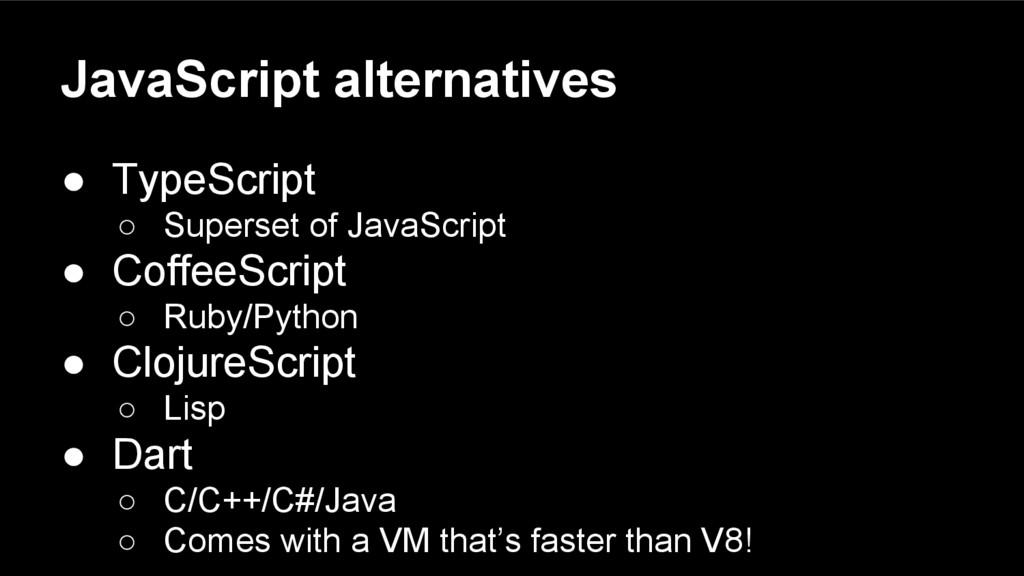
  7. JavaScript alternatives • TypeScript ◦ Superset of JavaScript • CoffeeScript

    ◦ Ruby/Python • ClojureScript ◦ Lisp • Dart ◦ C/C++/C#/Java ◦ Comes with a VM that’s faster than V8!
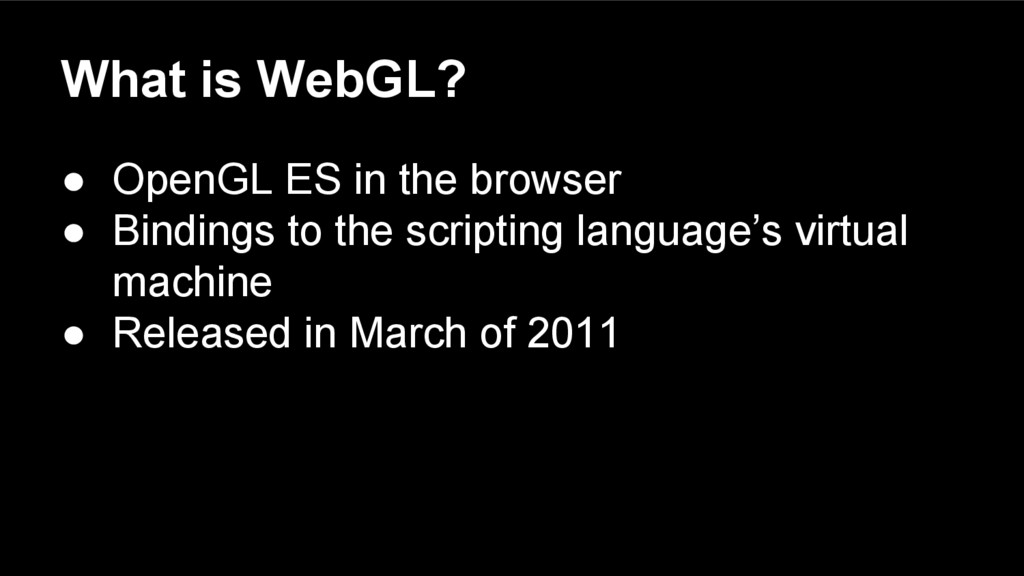
  8. What is WebGL? • OpenGL ES in the browser •

    Bindings to the scripting language’s virtual machine • Released in March of 2011
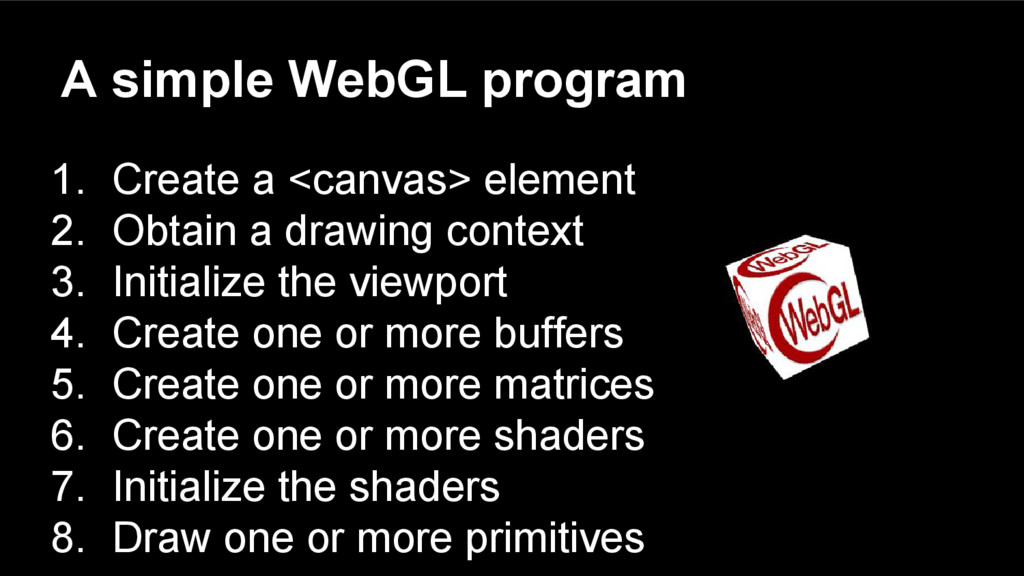
  9. A simple WebGL program 1. Create a <canvas> element 2.

    Obtain a drawing context 3. Initialize the viewport 4. Create one or more buffers 5. Create one or more matrices 6. Create one or more shaders 7. Initialize the shaders 8. Draw one or more primitives
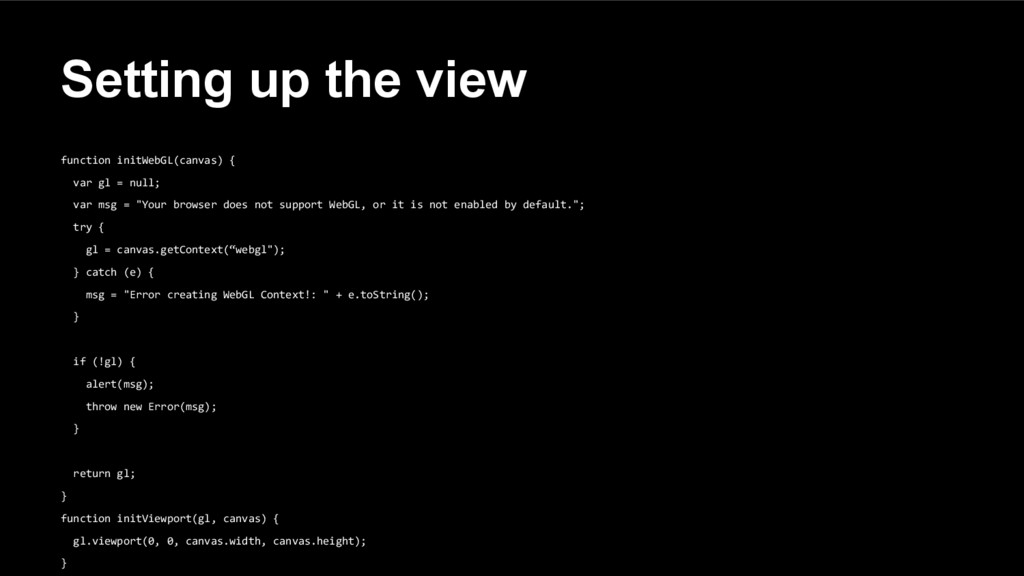
  10. Setting up the view function initWebGL(canvas) { var gl =

    null; var msg = "Your browser does not support WebGL, or it is not enabled by default."; try { gl = canvas.getContext(“webgl"); } catch (e) { msg = "Error creating WebGL Context!: " + e.toString(); } if (!gl) { alert(msg); throw new Error(msg); } return gl; } function initViewport(gl, canvas) { gl.viewport(0, 0, canvas.width, canvas.height); }
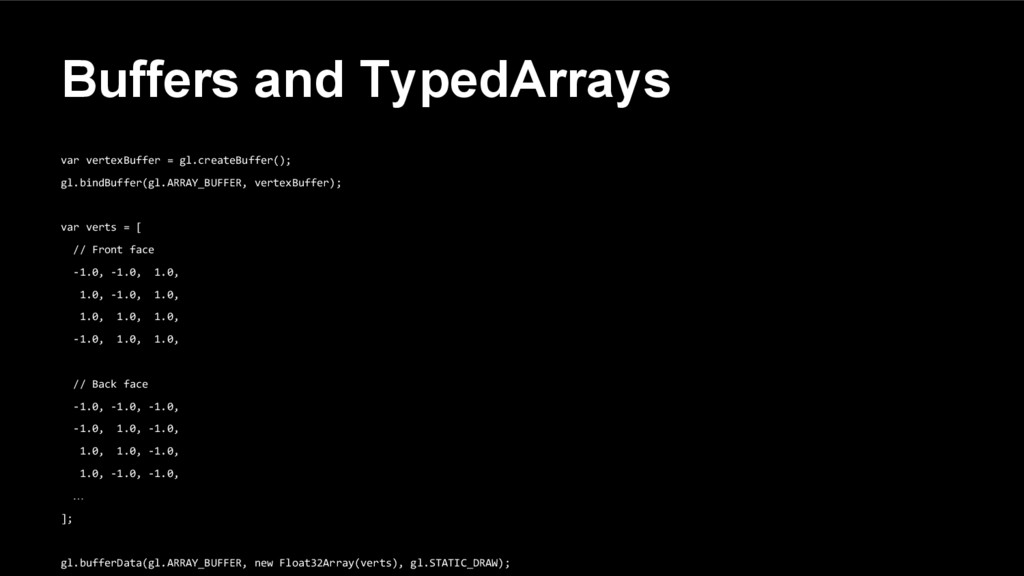
  11. Buffers and TypedArrays var vertexBuffer = gl.createBuffer(); gl.bindBuffer(gl.ARRAY_BUFFER, vertexBuffer); var

    verts = [ // Front face -1.0, -1.0, 1.0, 1.0, -1.0, 1.0, 1.0, 1.0, 1.0, -1.0, 1.0, 1.0, // Back face -1.0, -1.0, -1.0, -1.0, 1.0, -1.0, 1.0, 1.0, -1.0, 1.0, -1.0, -1.0, … ]; gl.bufferData(gl.ARRAY_BUFFER, new Float32Array(verts), gl.STATIC_DRAW);
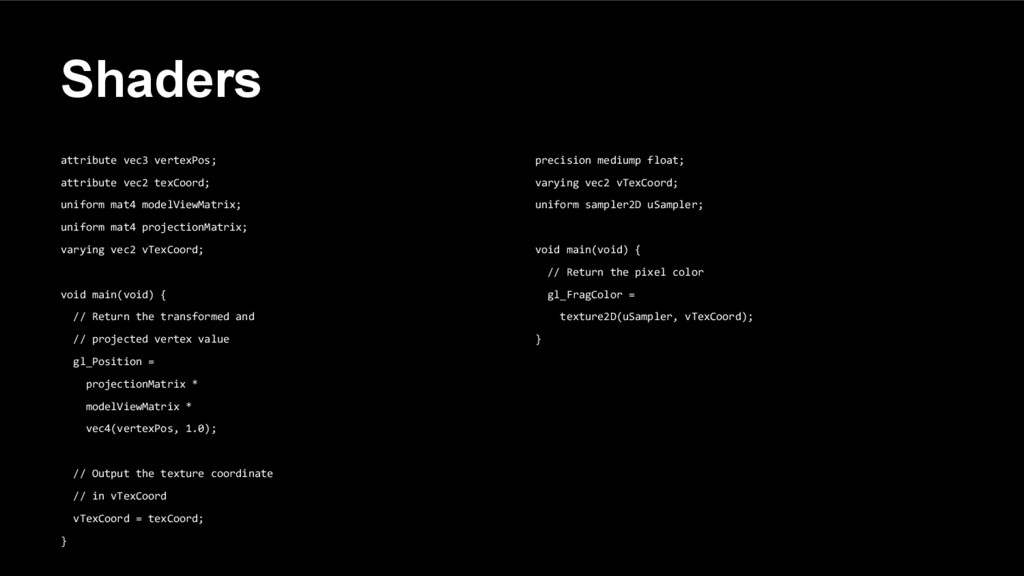
  12. Shaders attribute vec3 vertexPos; attribute vec2 texCoord; uniform mat4 modelViewMatrix;

    uniform mat4 projectionMatrix; varying vec2 vTexCoord; void main(void) { // Return the transformed and // projected vertex value gl_Position = projectionMatrix * modelViewMatrix * vec4(vertexPos, 1.0); // Output the texture coordinate // in vTexCoord vTexCoord = texCoord; } precision mediump float; varying vec2 vTexCoord; uniform sampler2D uSampler; void main(void) { // Return the pixel color gl_FragColor = texture2D(uSampler, vTexCoord); }
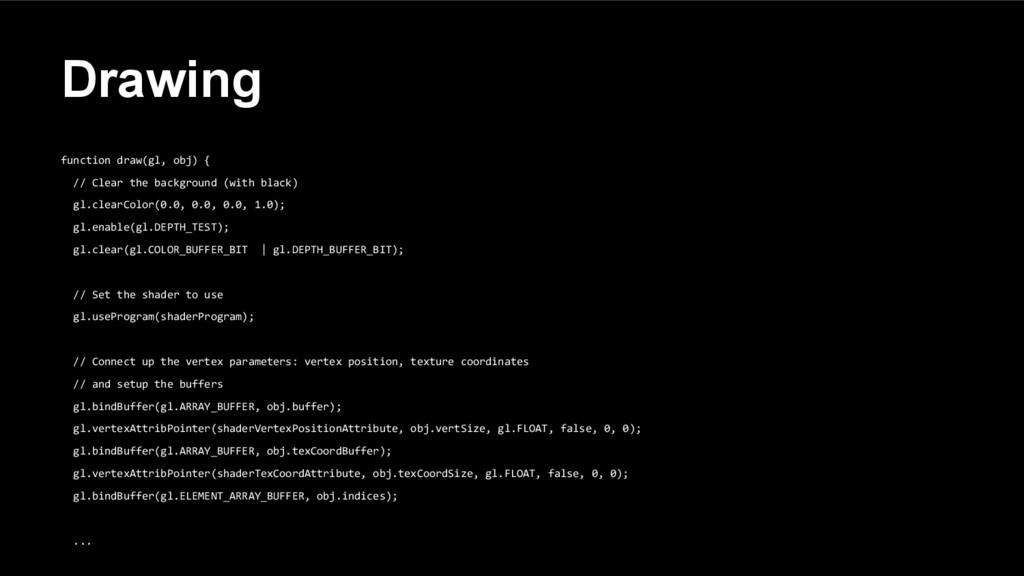
  13. Drawing function draw(gl, obj) { // Clear the background (with

    black) gl.clearColor(0.0, 0.0, 0.0, 1.0); gl.enable(gl.DEPTH_TEST); gl.clear(gl.COLOR_BUFFER_BIT | gl.DEPTH_BUFFER_BIT); // Set the shader to use gl.useProgram(shaderProgram); // Connect up the vertex parameters: vertex position, texture coordinates // and setup the buffers gl.bindBuffer(gl.ARRAY_BUFFER, obj.buffer); gl.vertexAttribPointer(shaderVertexPositionAttribute, obj.vertSize, gl.FLOAT, false, 0, 0); gl.bindBuffer(gl.ARRAY_BUFFER, obj.texCoordBuffer); gl.vertexAttribPointer(shaderTexCoordAttribute, obj.texCoordSize, gl.FLOAT, false, 0, 0); gl.bindBuffer(gl.ELEMENT_ARRAY_BUFFER, obj.indices); ...
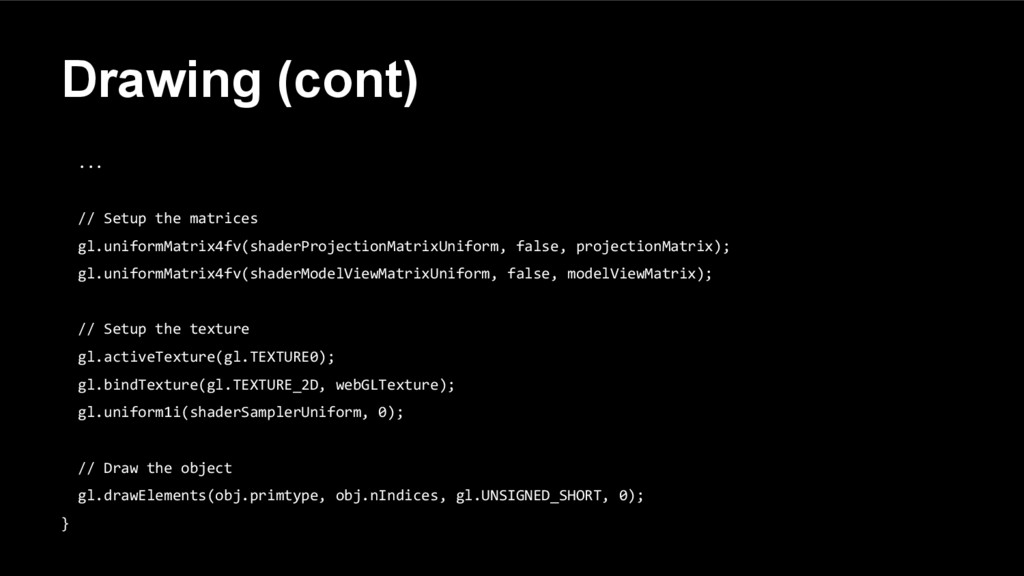
  14. Drawing (cont) ... // Setup the matrices gl.uniformMatrix4fv(shaderProjectionMatrixUniform, false, projectionMatrix);

    gl.uniformMatrix4fv(shaderModelViewMatrixUniform, false, modelViewMatrix); // Setup the texture gl.activeTexture(gl.TEXTURE0); gl.bindTexture(gl.TEXTURE_2D, webGLTexture); gl.uniform1i(shaderSamplerUniform, 0); // Draw the object gl.drawElements(obj.primtype, obj.nIndices, gl.UNSIGNED_SHORT, 0); }
  15. WebGL offers flexibility • Shaders allow for many different effects

    • Can develop and test on the fly • Editors ◦ ShaderToy ◦ Kick.js ◦ My own creation
  16. WebGL offers performance • WebGL lives closer to the hardware

    • Even 2D games can benefit from using WebGL instead of Canvas • Sprite stress test ◦ Using Canvas2D ◦ Using WebGL
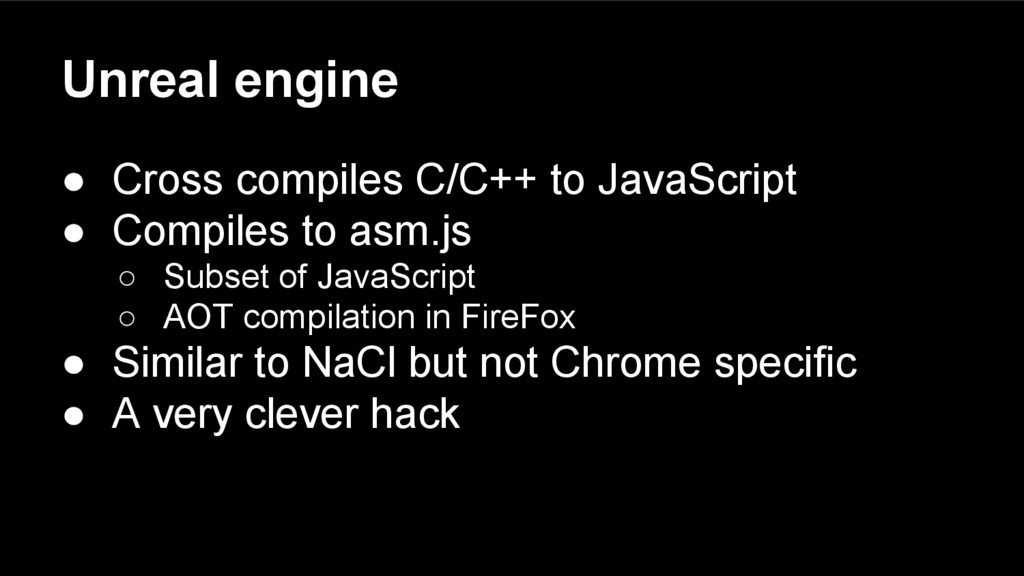
  17. Unreal engine • Cross compiles C/C++ to JavaScript • Compiles

    to asm.js ◦ Subset of JavaScript ◦ AOT compilation in FireFox • Similar to NaCl but not Chrome specific • A very clever hack
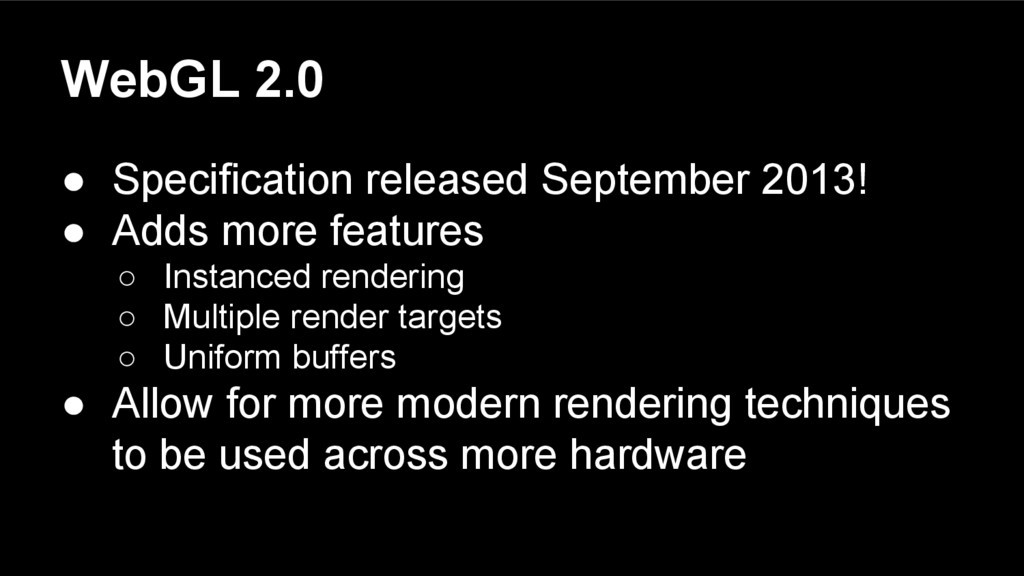
  18. WebGL 2.0 • Specification released September 2013! • Adds more

    features ◦ Instanced rendering ◦ Multiple render targets ◦ Uniform buffers • Allow for more modern rendering techniques to be used across more hardware
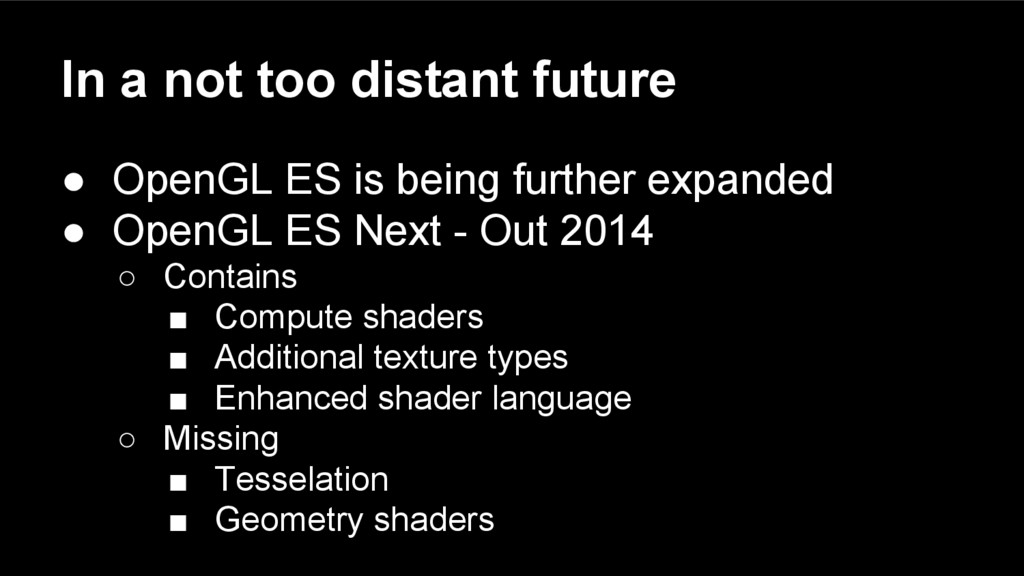
  19. In a not too distant future • OpenGL ES is

    being further expanded • OpenGL ES Next - Out 2014 ◦ Contains ▪ Compute shaders ▪ Additional texture types ▪ Enhanced shader language ◦ Missing ▪ Tesselation ▪ Geometry shaders
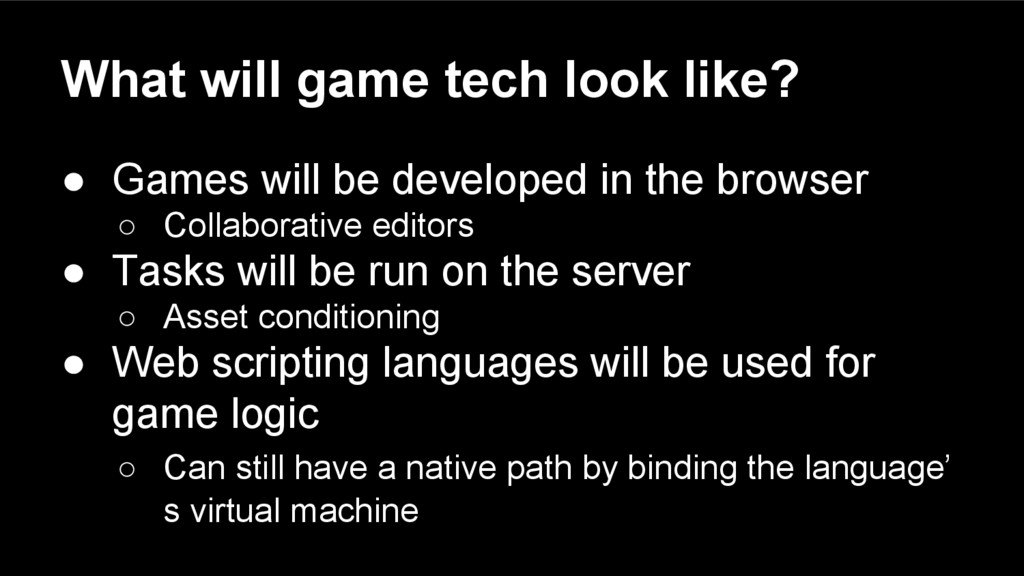
  20. What will game tech look like? • Games will be

    developed in the browser ◦ Collaborative editors • Tasks will be run on the server ◦ Asset conditioning • Web scripting languages will be used for game logic ◦ Can still have a native path by binding the language’ s virtual machine
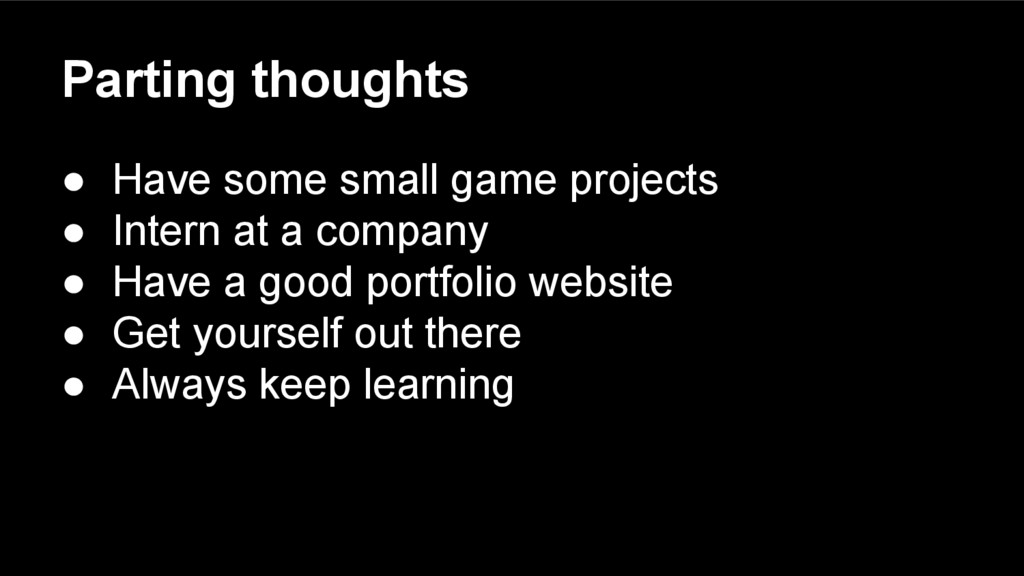
  21. Parting thoughts • Have some small game projects • Intern

    at a company • Have a good portfolio website • Get yourself out there • Always keep learning