❒ Apache and NetBeans must be installed and working on your own machine ❒ Start NetBeans now! ❒ Do lab exercises (on class website) when indicated ❍ Submit answers to Laulima
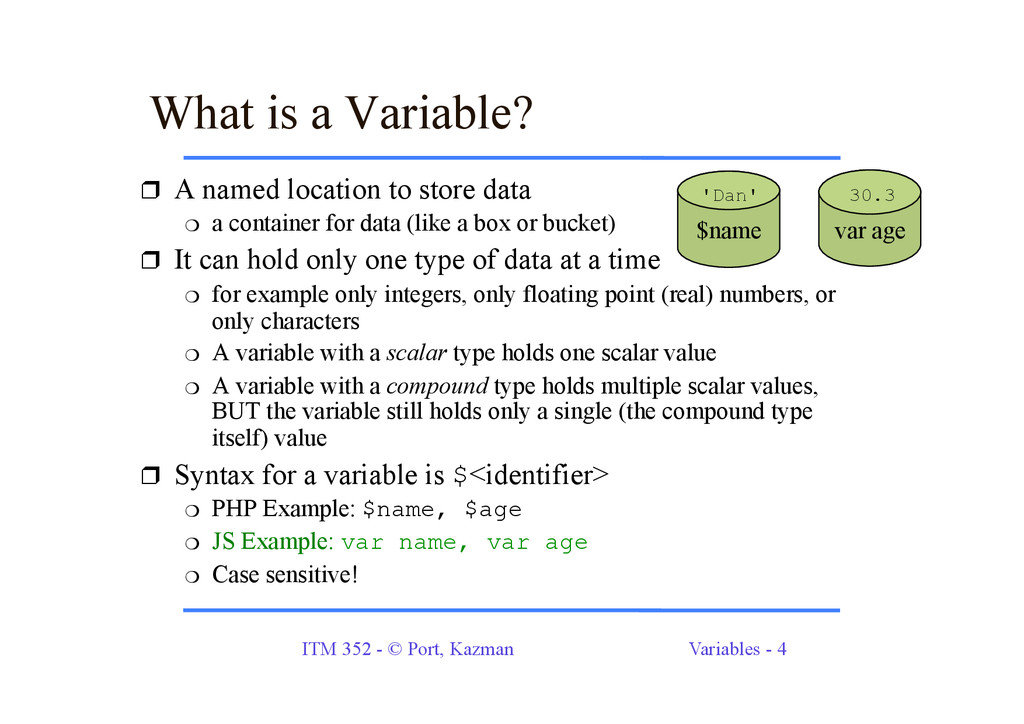
is a Variable? ❒ A named location to store data ❍ a container for data (like a box or bucket) ❒ It can hold only one type of data at a time ❍ for example only integers, only floating point (real) numbers, or only characters ❍ A variable with a scalar type holds one scalar value ❍ A variable with a compound type holds multiple scalar values, BUT the variable still holds only a single (the compound type itself) value ❒ Syntax for a variable is $<identifier> ❍ PHP Example: $name, $age ❍ JS Example: var name, var age ❍ Case sensitive! $name var age 'Dan' 30.3
Values to Variables ❒ The assignment operator: "=" ❍ "sets" a value for a variable ❍ not the "is equal to" sign; not the same as in algebra ❒ It means - "Assign the value of the expression on the right side to the variable on the left side." ❒ Can have the variable on both sides of the equals sign: $count = 10;// initialize counter to ten $count = $count - 1;// decrement counter var count = 10;// initialize counter to ten var count = count - 1; // decrement counter ❍ new value of count = 10 - 1 = 9
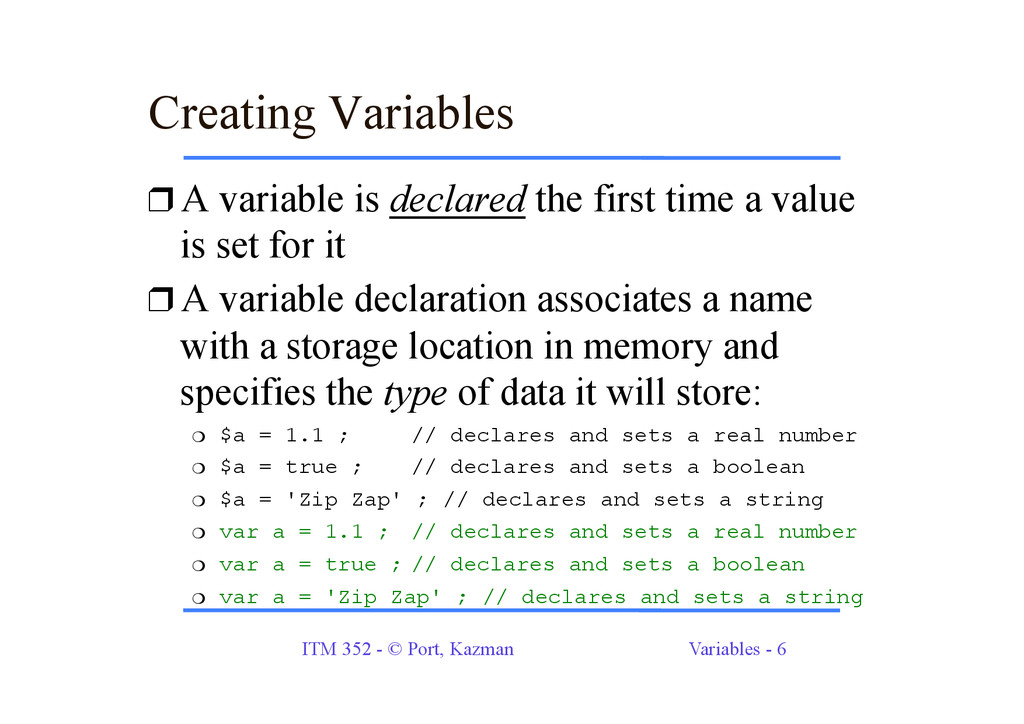
Variables ❒ A variable is declared the first time a value is set for it ❒ A variable declaration associates a name with a storage location in memory and specifies the type of data it will store: ❍ $a = 1.1 ; // declares and sets a real number ❍ $a = true ; // declares and sets a boolean ❍ $a = 'Zip Zap' ; // declares and sets a string ❍ var a = 1.1 ; // declares and sets a real number ❍ var a = true ; // declares and sets a boolean ❍ var a = 'Zip Zap' ; // declares and sets a string
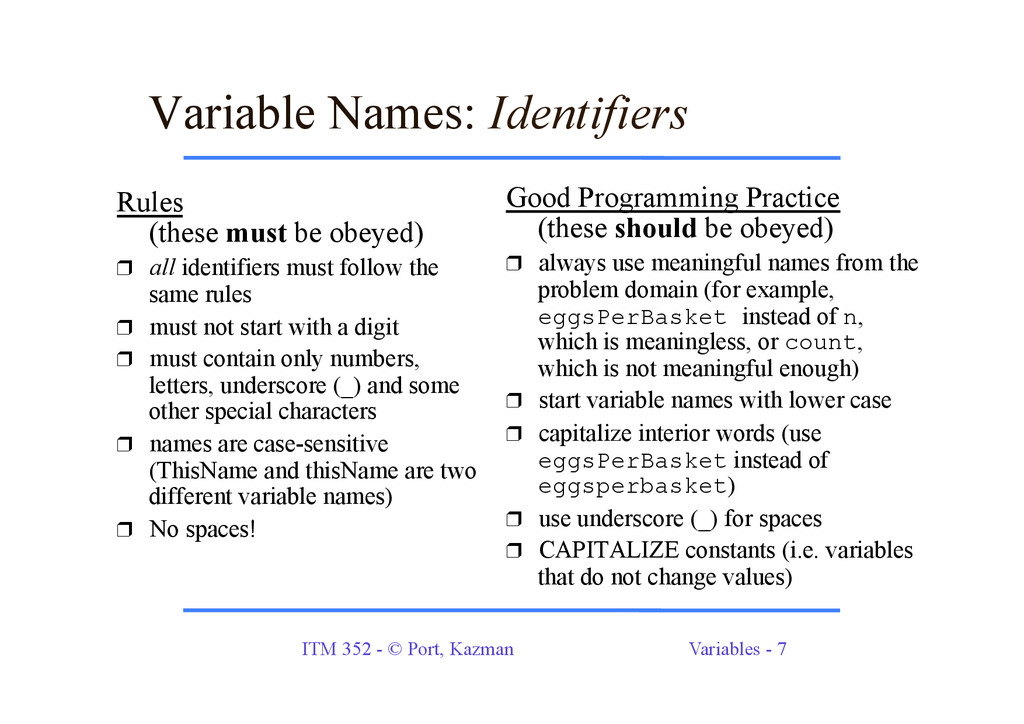
Names: Identifiers Rules (these must be obeyed) ❒ all identifiers must follow the same rules ❒ must not start with a digit ❒ must contain only numbers, letters, underscore (_) and some other special characters ❒ names are case-sensitive (ThisName and thisName are two different variable names) ❒ No spaces! Good Programming Practice (these should be obeyed) ❒ always use meaningful names from the problem domain (for example, eggsPerBasket instead of n, which is meaningless, or count, which is not meaningful enough) ❒ start variable names with lower case ❒ capitalize interior words (use eggsPerBasket instead of eggsperbasket) ❒ use underscore (_) for spaces ❒ CAPITALIZE constants (i.e. variables that do not change values)
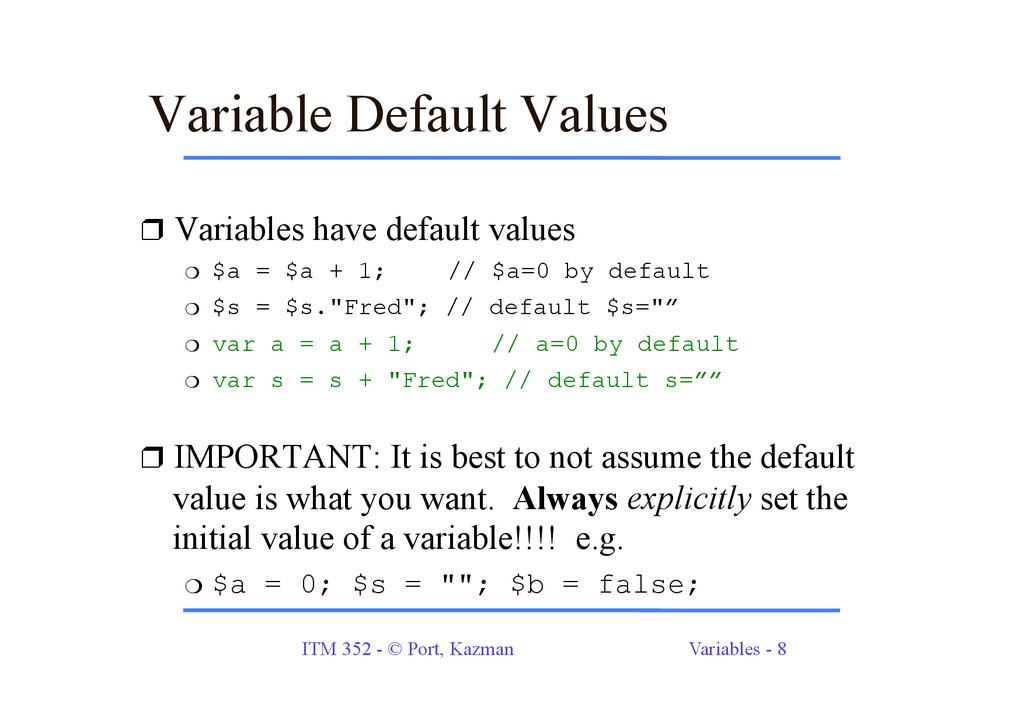
Default Values ❒ Variables have default values ❍ $a = $a + 1; // $a=0 by default ❍ $s = $s."Fred"; // default $s="” ❍ var a = a + 1; // a=0 by default ❍ var s = s + "Fred"; // default s=”” ❒ IMPORTANT: It is best to not assume the default value is what you want. Always explicitly set the initial value of a variable!!!! e.g. ❍ $a = 0; $s = ""; $b = false;
(PHP) ❒ Use echo for simple output ❍ echo 'hello'; ❍ echo 'hello', ' goodbye'; ❍ echo ('hello'); ❒ print is virtually the same syntax ❍ print 'hello'; ❒ You can use () if you like ❍ echo('hello'); ❍ print('hello'); ❒ New line for console output (we don’t do much of this) ❍ echo "line1\nline2"; ❒ New line for HTML output ❍ echo 'line1<br>line2';
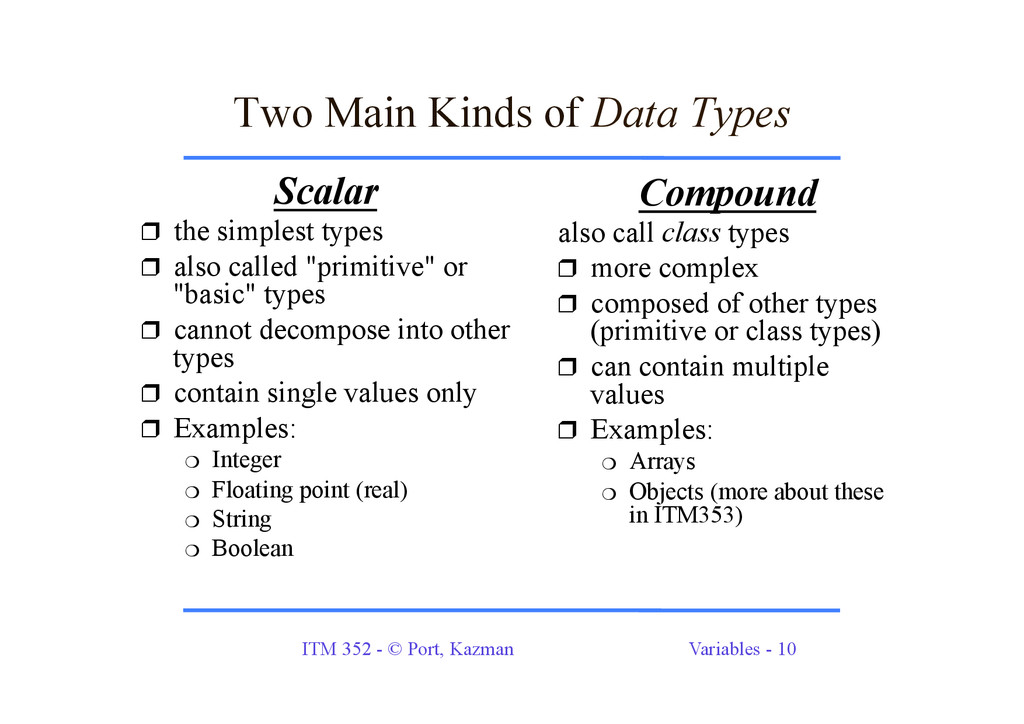
Main Kinds of Data Types Scalar ❒ the simplest types ❒ also called "primitive" or "basic" types ❒ cannot decompose into other types ❒ contain single values only ❒ Examples: ❍ Integer ❍ Floating point (real) ❍ String ❍ Boolean Compound also call class types ❒ more complex ❒ composed of other types (primitive or class types) ❒ can contain multiple values ❒ Examples: ❍ Arrays ❍ Objects (more about these in ITM353)
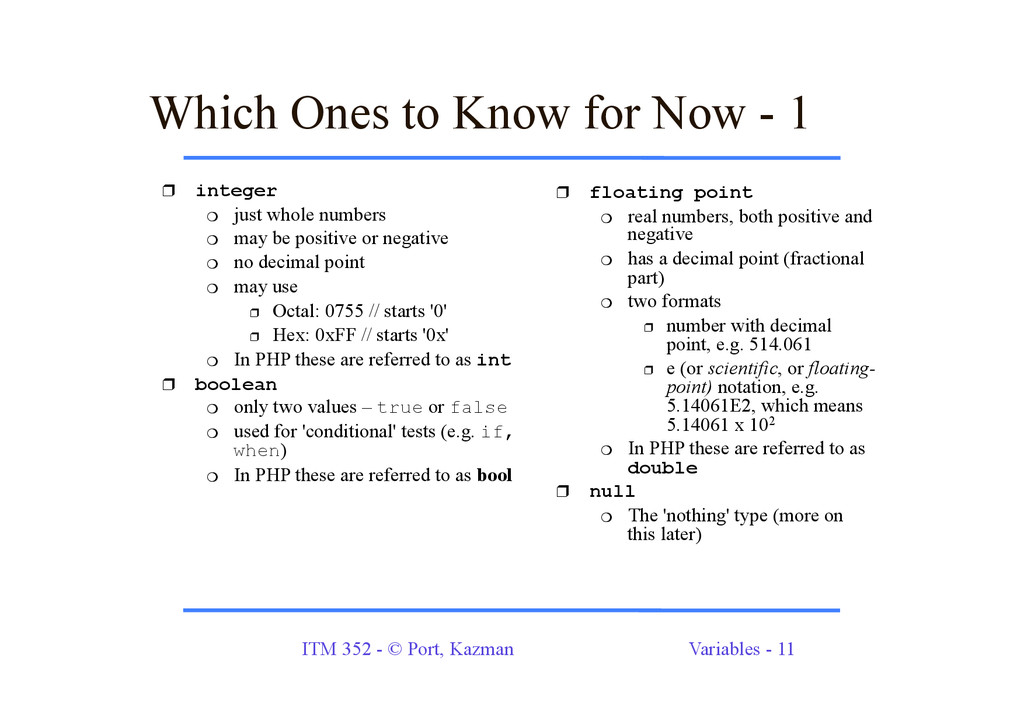
Ones to Know for Now - 1 ❒ integer ❍ just whole numbers ❍ may be positive or negative ❍ no decimal point ❍ may use ❒ Octal: 0755 // starts '0' ❒ Hex: 0xFF // starts '0x' ❍ In PHP these are referred to as int ❒ boolean ❍ only two values – true or false ❍ used for 'conditional' tests (e.g. if, when) ❍ In PHP these are referred to as bool ❒ floating point ❍ real numbers, both positive and negative ❍ has a decimal point (fractional part) ❍ two formats ❒ number with decimal point, e.g. 514.061 ❒ e (or scientific, or floating- point) notation, e.g. 5.14061E2, which means 5.14061 x 10² ❍ In PHP these are referred to as double ❒ null ❍ The 'nothing' type (more on this later)
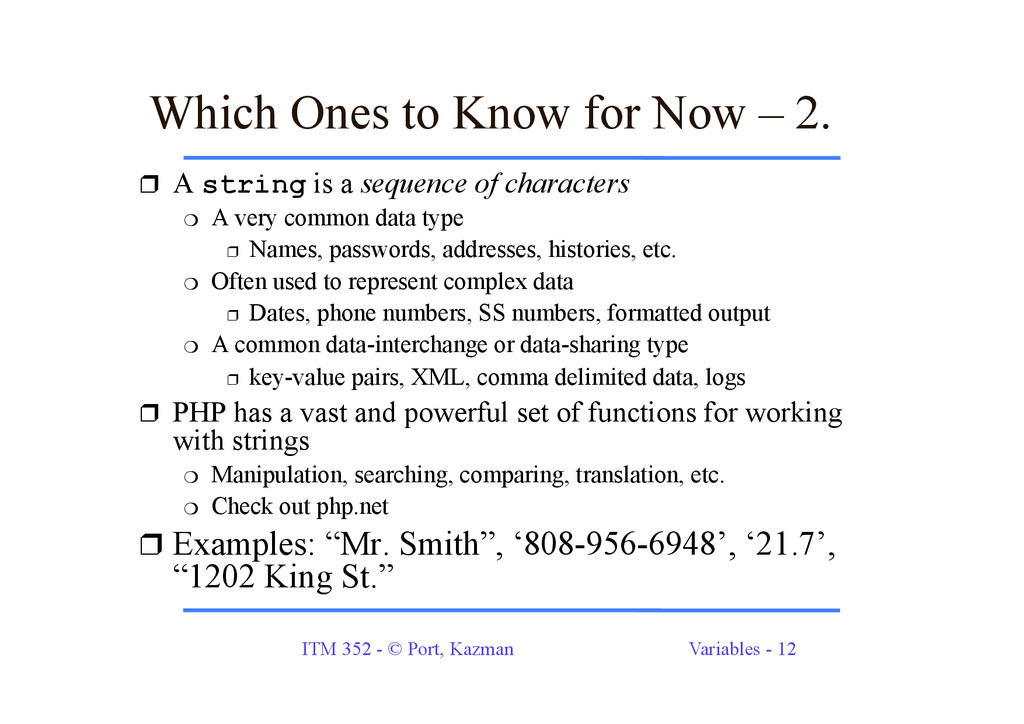
A string is a sequence of characters ❍ A very common data type ❒ Names, passwords, addresses, histories, etc. ❍ Often used to represent complex data ❒ Dates, phone numbers, SS numbers, formatted output ❍ A common data-interchange or data-sharing type ❒ key-value pairs, XML, comma delimited data, logs ❒ PHP has a vast and powerful set of functions for working with strings ❍ Manipulation, searching, comparing, translation, etc. ❍ Check out php.net ❒ Examples: “Mr. Smith”, ‘808-956-6948’, ‘21.7’, “1202 King St.” Which Ones to Know for Now – 2.
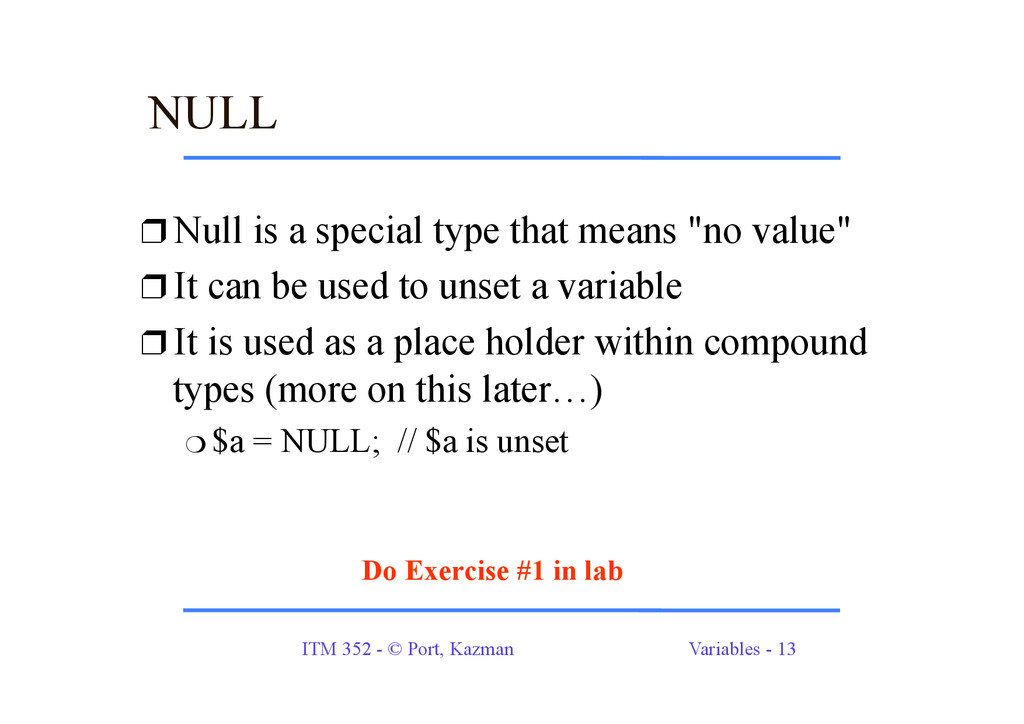
❒ Null is a special type that means "no value" ❒ It can be used to unset a variable ❒ It is used as a place holder within compound types (more on this later…) ❍ $a = NULL; // $a is unset Do Exercise #1 in lab
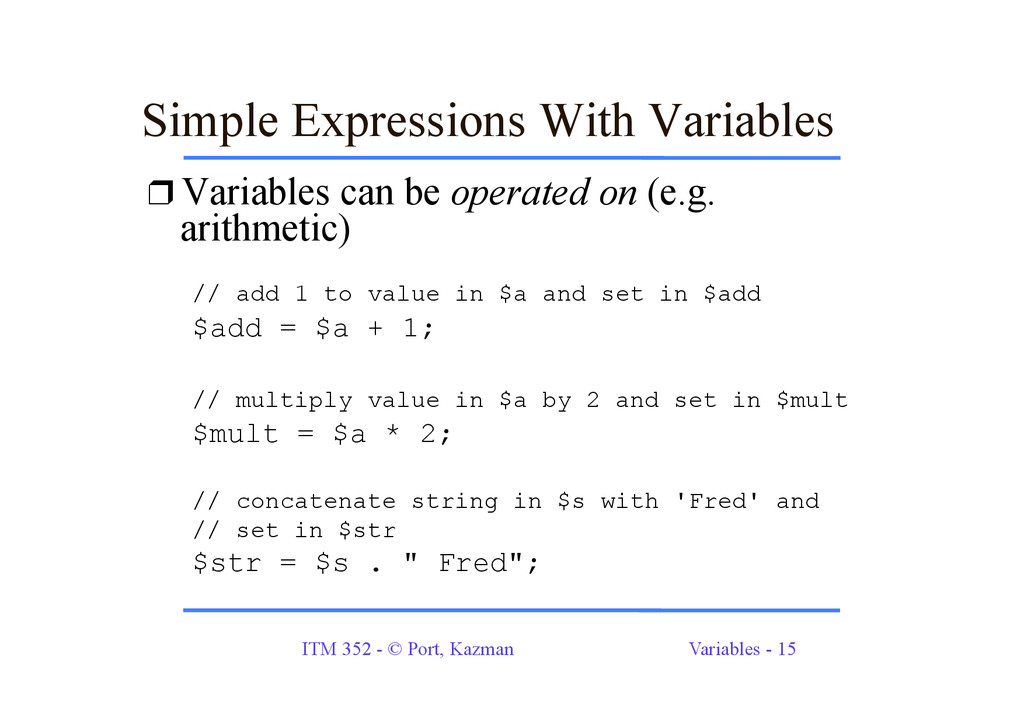
Expressions With Variables ❒ Variables can be operated on (e.g. arithmetic) // add 1 to value in $a and set in $add $add = $a + 1; // multiply value in $a by 2 and set in $mult $mult = $a * 2; // concatenate string in $s with 'Fred' and // set in $str $str = $s . " Fred";
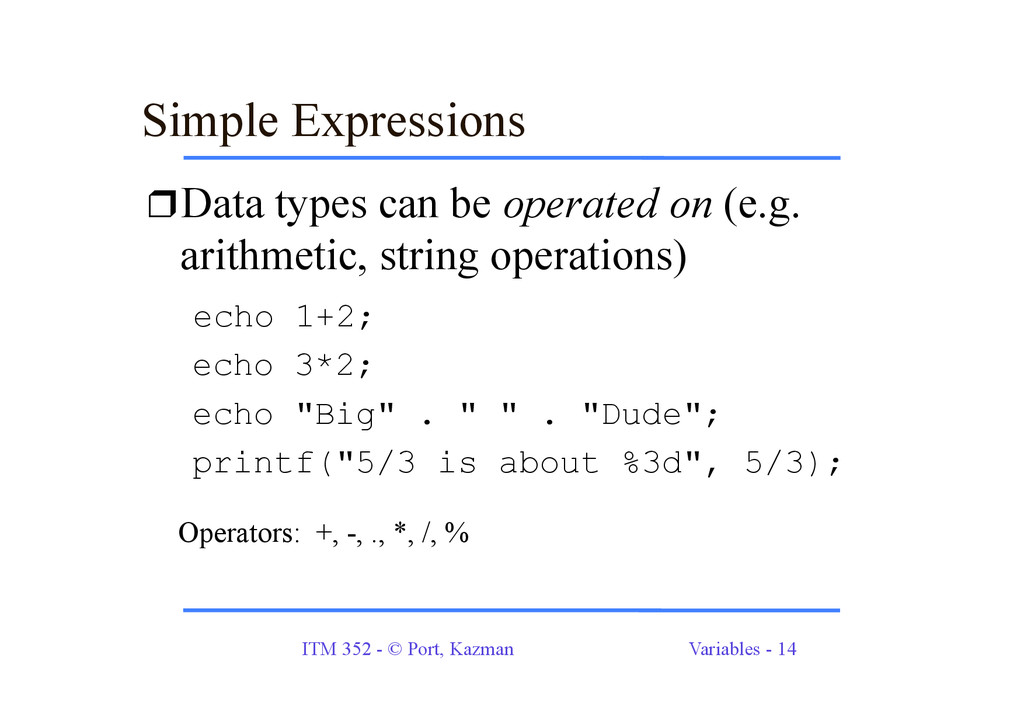
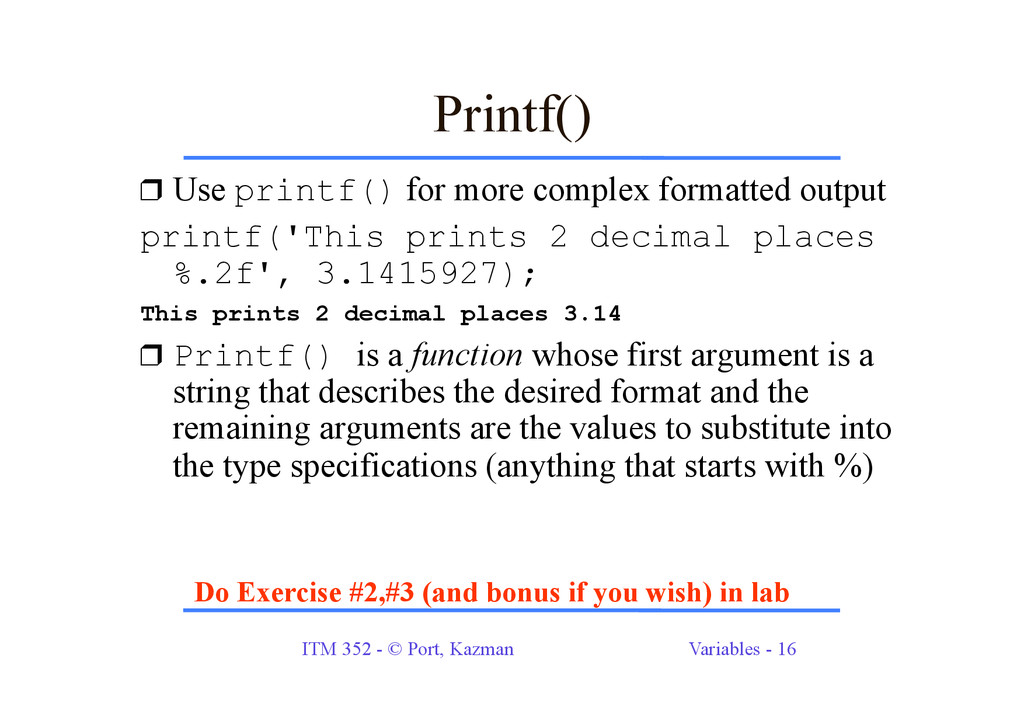
❒ Use printf() for more complex formatted output printf('This prints 2 decimal places %.2f', 3.1415927); This prints 2 decimal places 3.14 ❒ Printf() is a function whose first argument is a string that describes the desired format and the remaining arguments are the values to substitute into the type specifications (anything that starts with %) Do Exercise #2,#3 (and bonus if you wish) in lab


 dport96
 tammyeverts
 moore
moore
 rmw
rmw
 tapps
tapps
 pauljervisheath
 chriscoyier
 addyosmani
 emna__ayadi
 techseoconnect
 kneath
 csswizardry
 jonoalderson