Upgrade to Pro — share decks privately, control downloads, hide ads and more …

Atelier sur django-tastypie

Atelier sur django-tastypie

Atelier basé sur le projet omgcats (une simple galerie de photo) en django, pour en faire une API REST

Avatar for Benoit Calvez

Benoit Calvez

November 25, 2012

More Decks by Benoit Calvez

Other Decks in Programming

Transcript

  1. Qui suis-je Benoit `dzen’ Calvez Developpeur python/django depuis pas mal

    de mois / années Vineolia.fr, medici.tv, litchis.org (ahaha), inventeev.com, ebookgarage.com, autolib.eu (en cours), linkuist.com (full lulz),
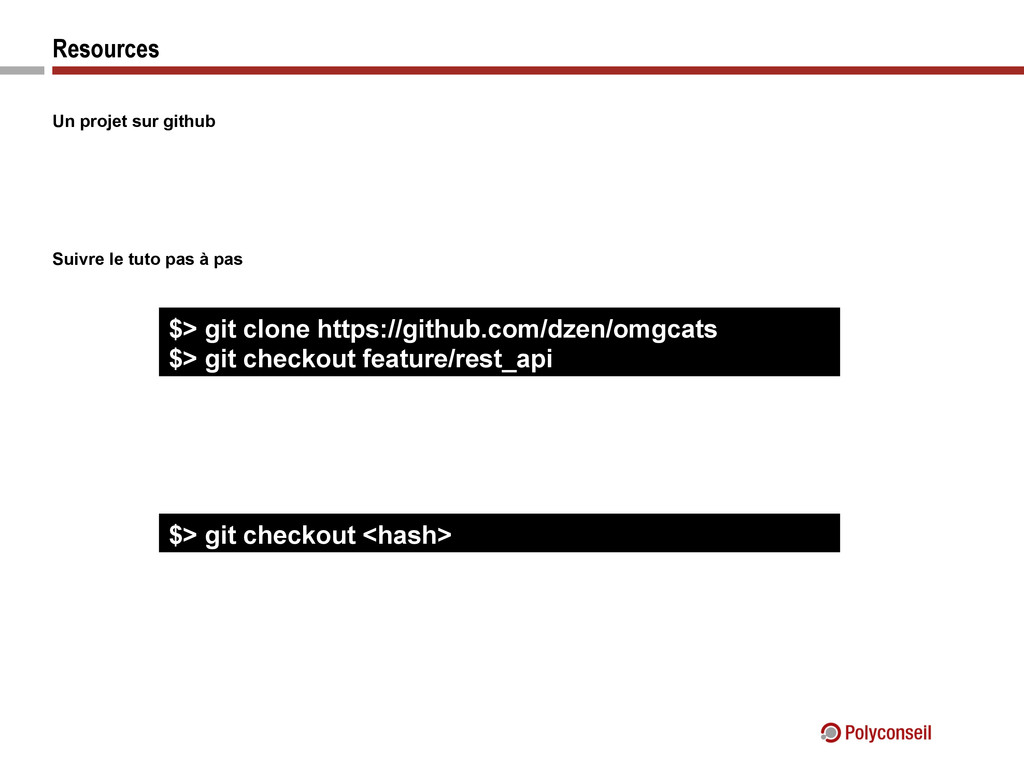
  2. Resources Un projet sur github Suivre le tuto pas à

    pas $> git clone https://github.com/dzen/omgcats $> git checkout feature/rest_api $> git checkout <hash>
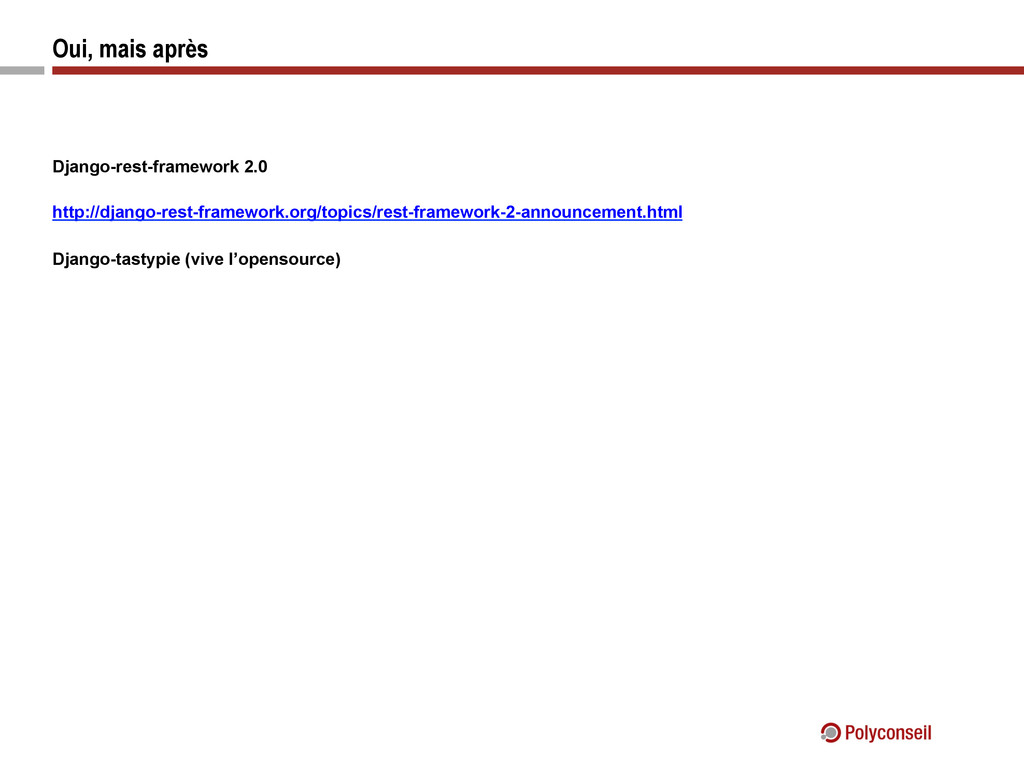
  3. Avant: django-piston Développé par Jesper Noher Dispo sur bitbucket Pour

    bitbucket Beaucoup de contribs (trop ?) Beaucoup de bugs (trop ?)
  4. Puis: django-rest-framework Developpé par Tom Christie Classy, Object (trop ?),

    Générique Limité (pas de pagination, pas de many to many, sérialisation lente)
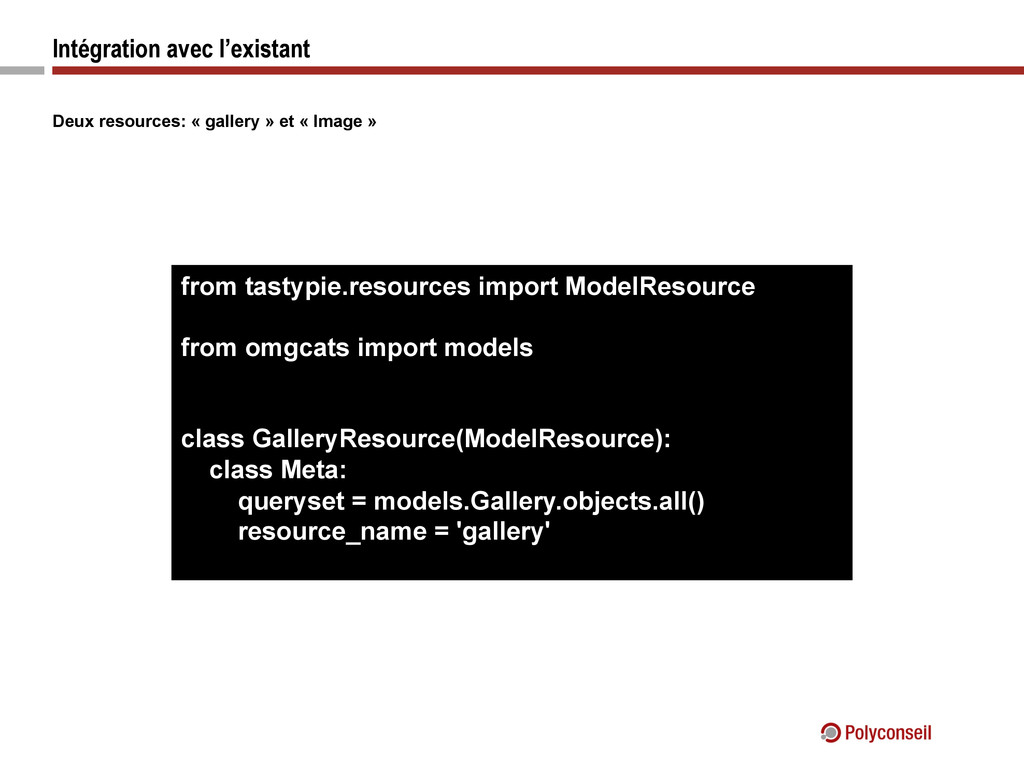
  5. Intégration avec l’existant Deux resources: « gallery » et «

    Image » from tastypie.resources import ModelResource from omgcats import models class GalleryResource(ModelResource): class Meta: queryset = models.Gallery.objects.all() resource_name = 'gallery'
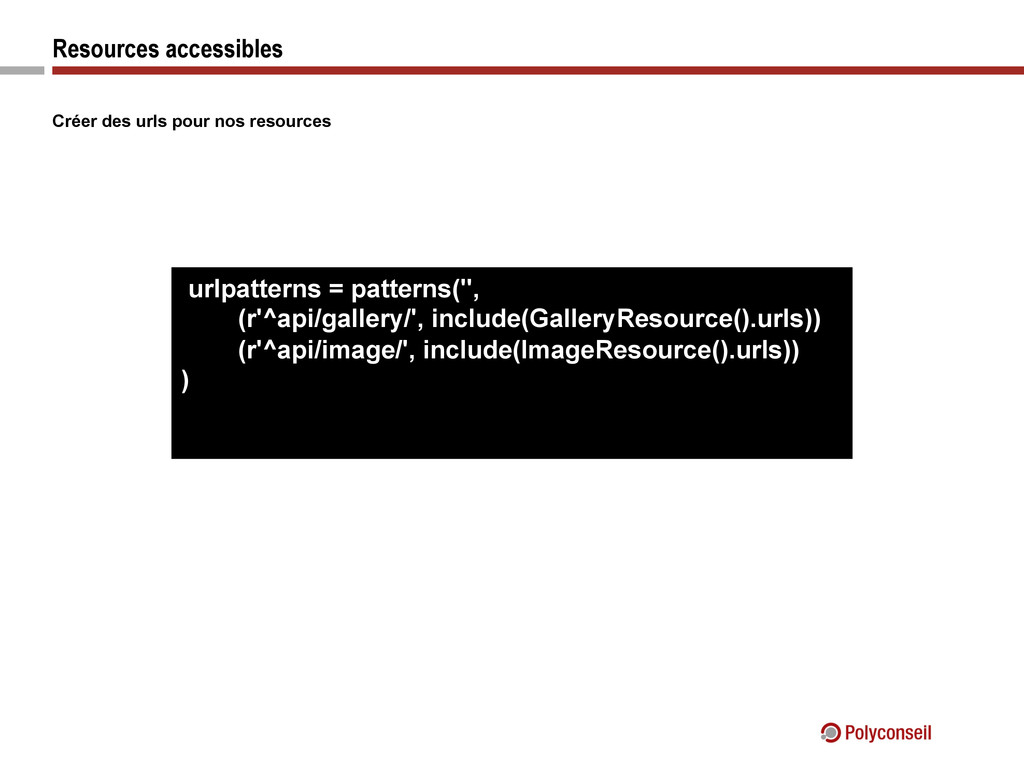
  6. Resources accessibles Créer des urls pour nos resources urlpatterns =

    patterns('', (r'^api/gallery/', include(GalleryResource().urls)) (r'^api/image/', include(ImageResource().urls)) )
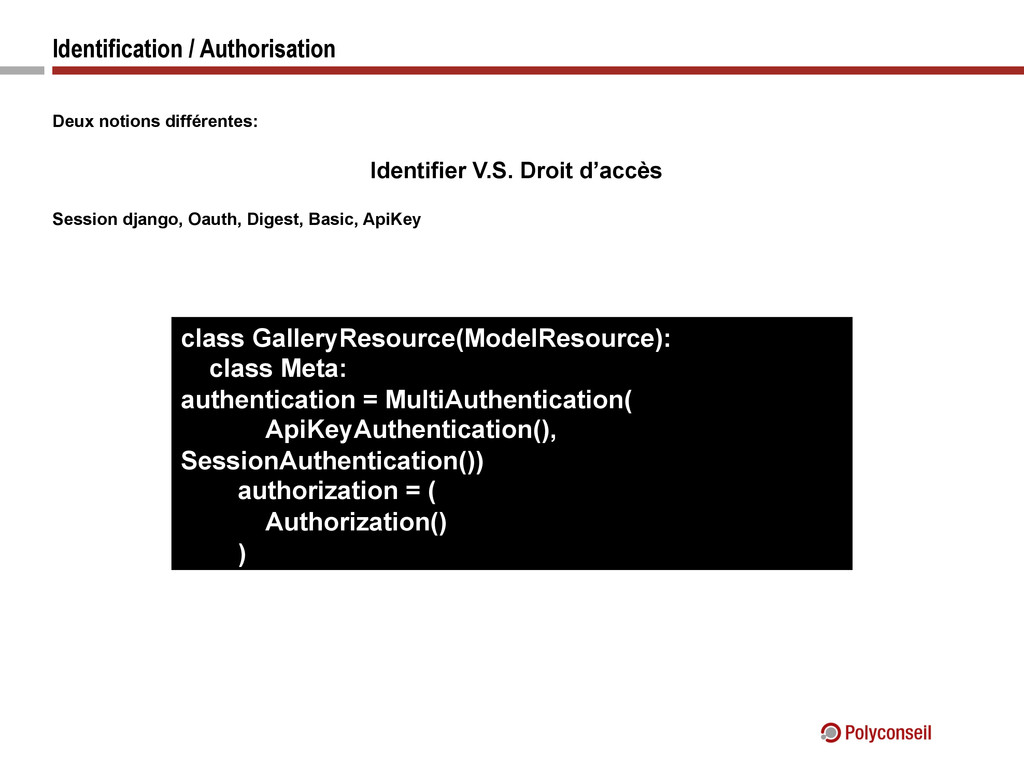
  7. Identification / Authorisation Deux notions différentes: Identifier V.S. Droit d’accès

    Session django, Oauth, Digest, Basic, ApiKey class GalleryResource(ModelResource): class Meta: authentication = MultiAuthentication( ApiKeyAuthentication(), SessionAuthentication()) authorization = ( Authorization() )
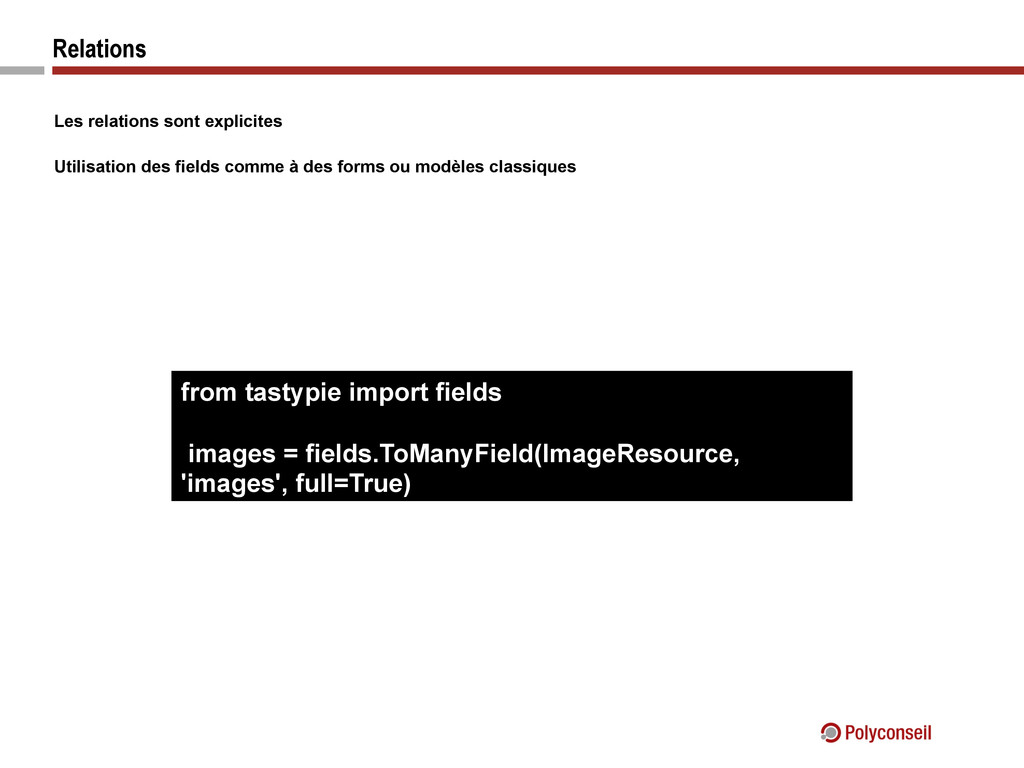
  8. Relations Les relations sont explicites Utilisation des fields comme à

    des forms ou modèles classiques from tastypie import fields images = fields.ToManyField(ImageResource, 'images', full=True)
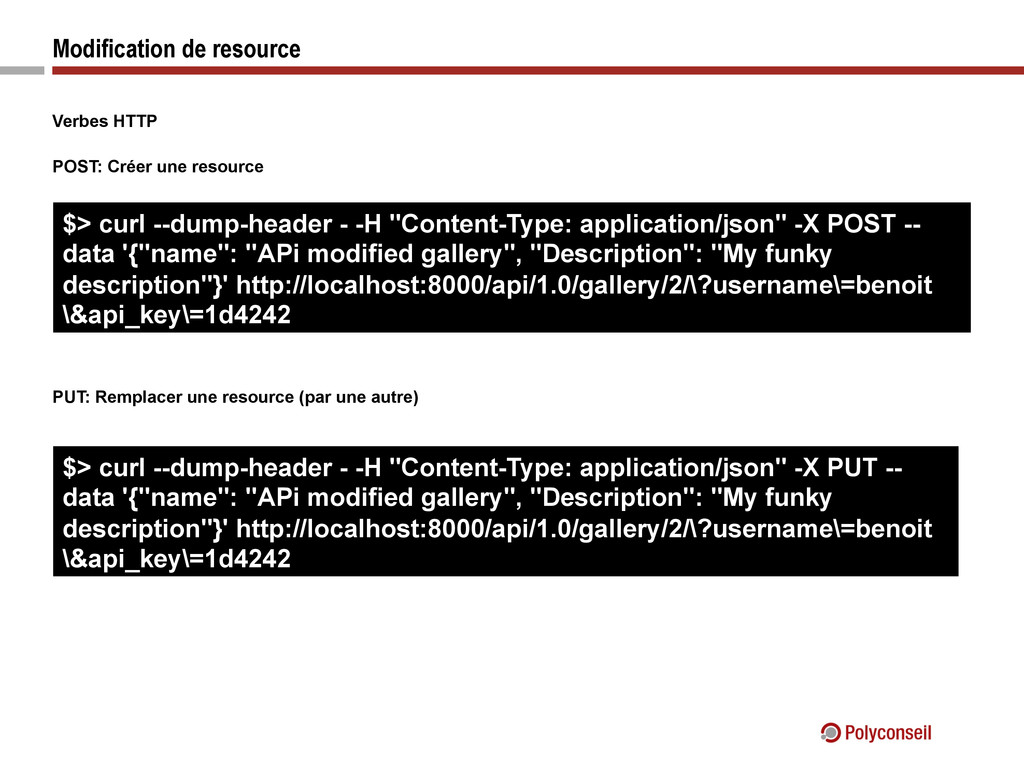
  9. Modification de resource Verbes HTTP POST: Créer une resource PUT:

    Remplacer une resource (par une autre) $> curl --dump-header - -H "Content-Type: application/json" -X POST -- data '{"name": "APi modified gallery", "Description": "My funky description"}' http://localhost:8000/api/1.0/gallery/2/\?username\=benoit \&api_key\=1d4242 $> curl --dump-header - -H "Content-Type: application/json" -X PUT -- data '{"name": "APi modified gallery", "Description": "My funky description"}' http://localhost:8000/api/1.0/gallery/2/\?username\=benoit \&api_key\=1d4242