Upgrade to Pro — share decks privately, control downloads, hide ads and more …

Intro to Workmanager

Intro to Workmanager

What is workmanager
What are it's advantages,
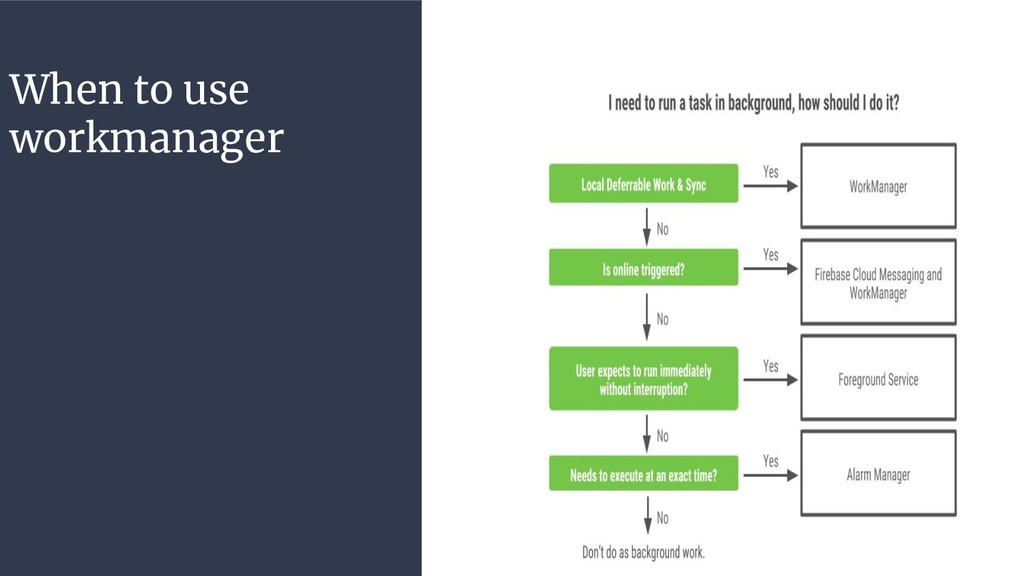
When to use it
How to implement it.

Avatar for Edward Muturi

Edward Muturi

August 08, 2019

Other Decks in Programming

Transcript

  1. Background Tasks in Android • Each app in android has

    a period of 5 sec to respond to user input • Any process that takes longer than that leads to bad user experience and possibly ANR error • We have several solutions for running background tasks in android: • Services: Background tasks that are not tied to UI • Loaders: Background tasks that are tied to the UI
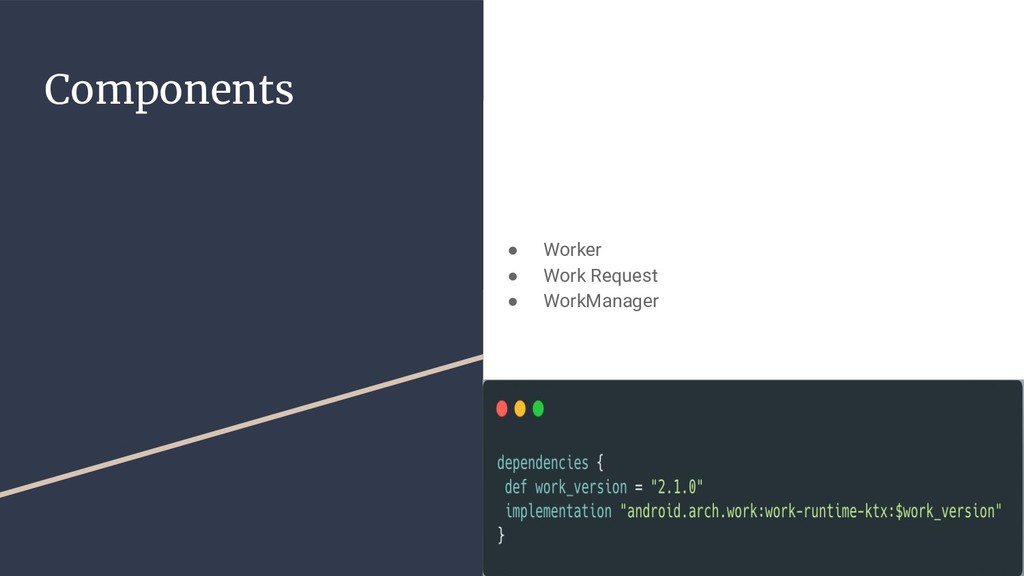
  2. Work Manager • A simple, flexible, compatible library for deferrable

    background work • Intended for tasks that require a guarantee that the system will run even when the app exits • It is the recommended task scheduler on android for deferrable work with execution guarantee • Part of android jetpack and architecture components • We can execute one off and periodic tasks • It provides a battery-friendly API.
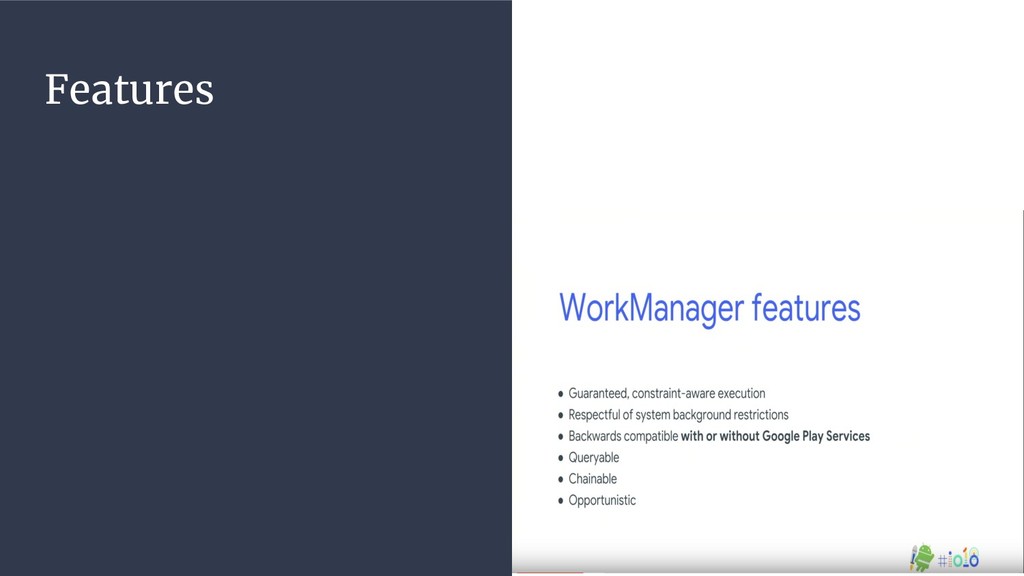
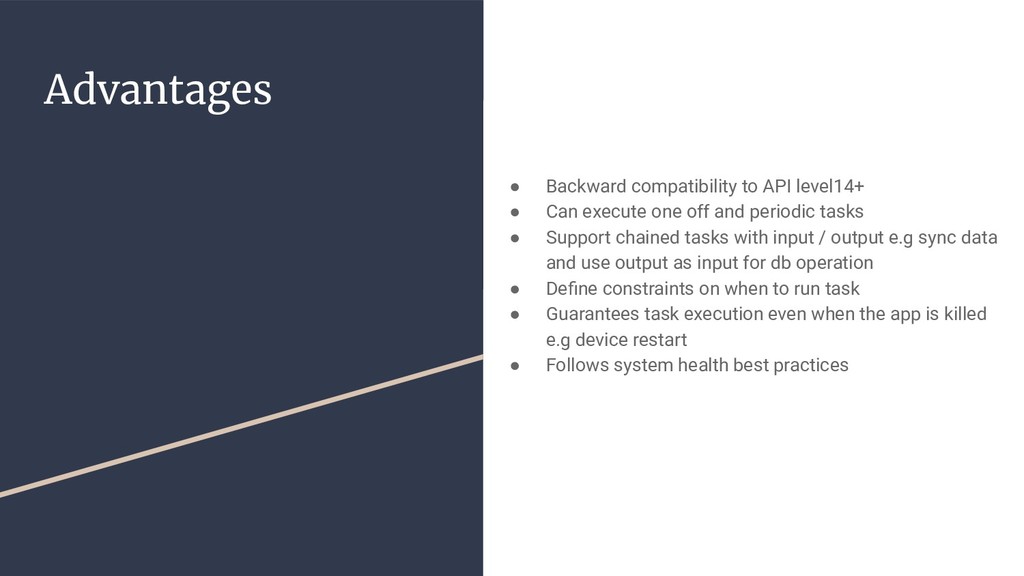
  3. Advantages • Backward compatibility to API level14+ • Can execute

    one off and periodic tasks • Support chained tasks with input / output e.g sync data and use output as input for db operation • Define constraints on when to run task • Guarantees task execution even when the app is killed e.g device restart • Follows system health best practices
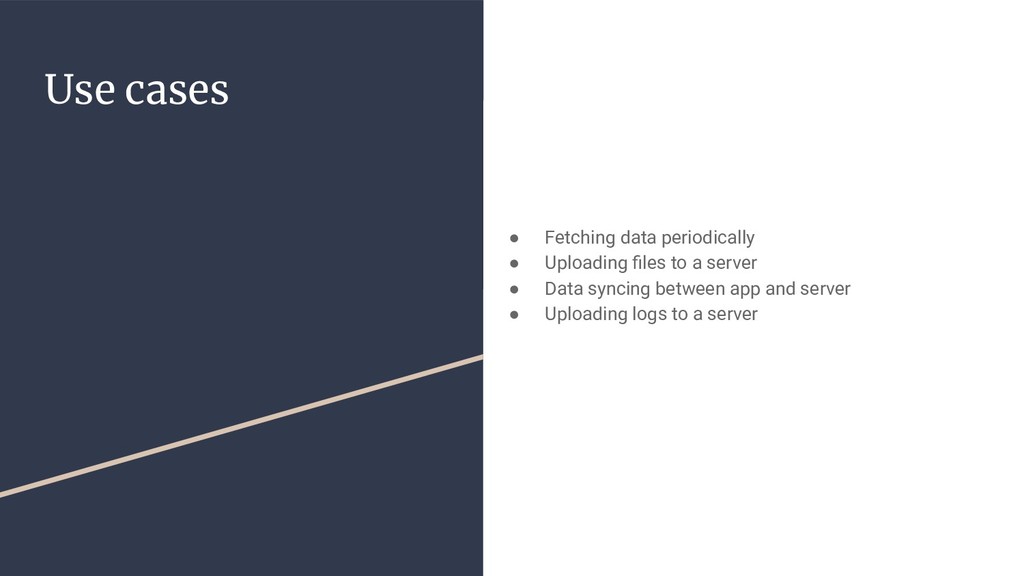
  4. Use cases • Fetching data periodically • Uploading files to

    a server • Data syncing between app and server • Uploading logs to a server
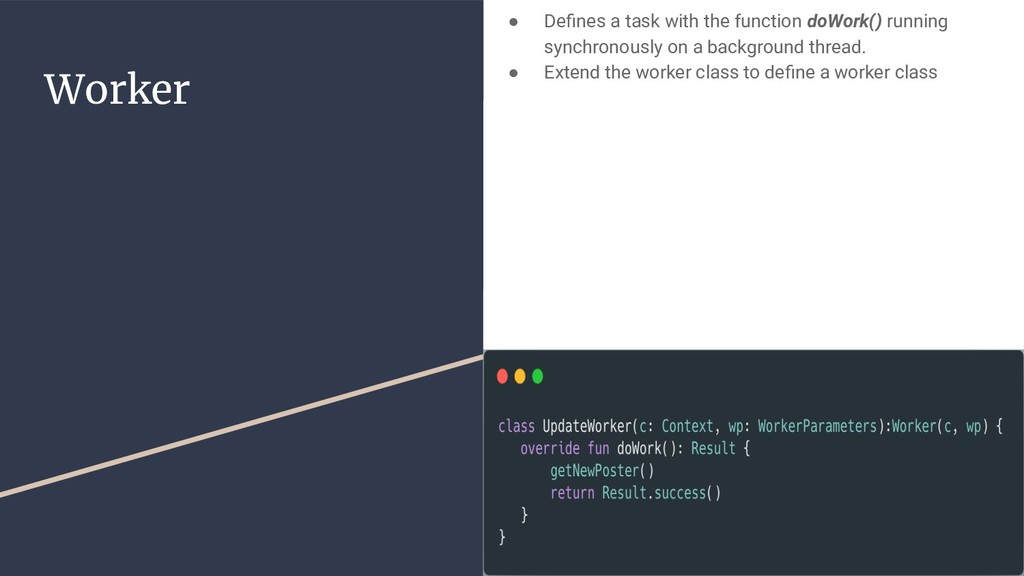
  5. Worker • Defines a task with the function doWork() running

    synchronously on a background thread. • Extend the worker class to define a worker class
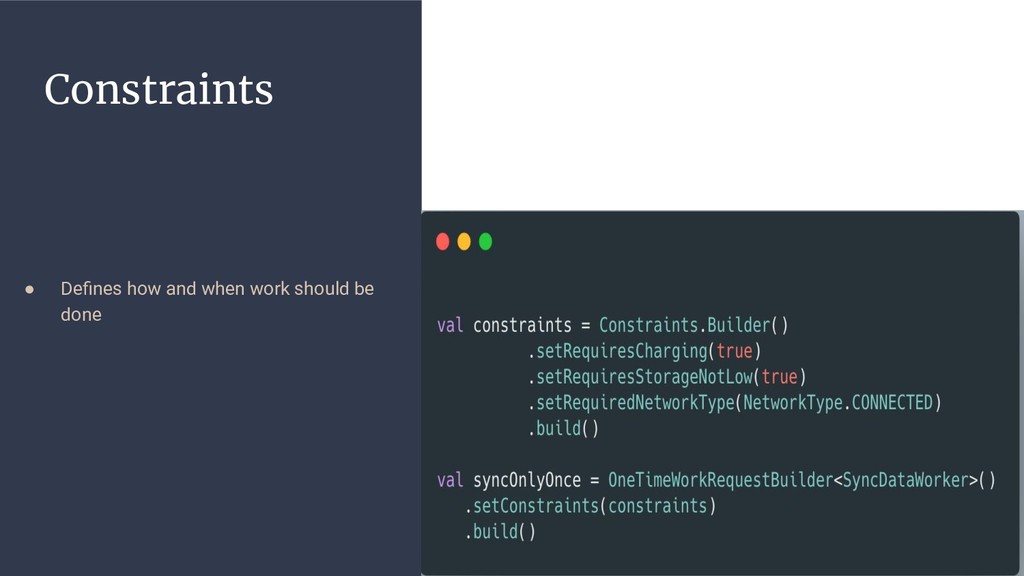
  6. Work Request • Defines how and when work is done

    • We define if work is periodic or not. • If it is periodic we use PeriodicWorkRequestClass if not we use OneTimeWorkRequest
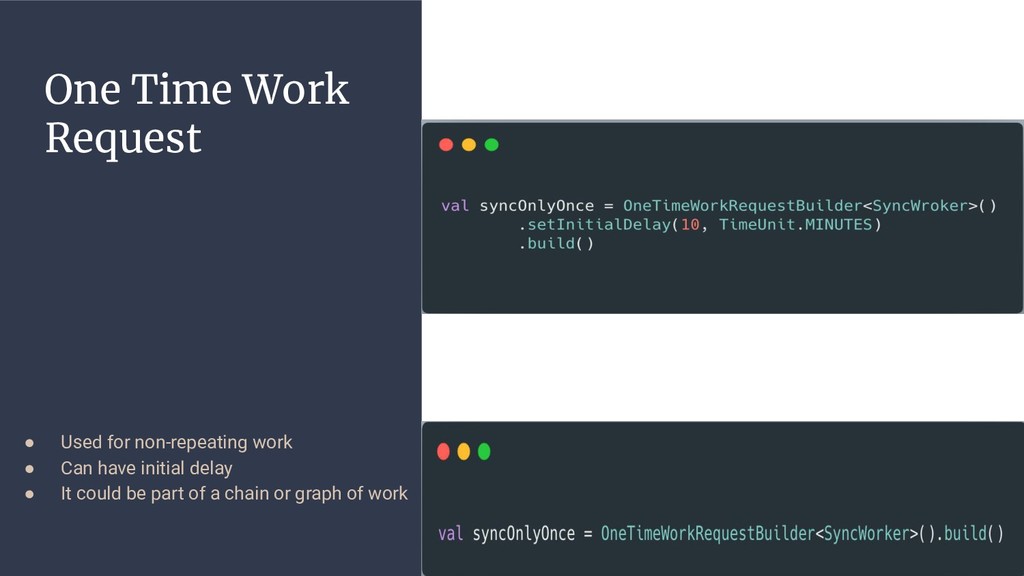
  7. One Time Work Request • Used for non-repeating work •

    Can have initial delay • It could be part of a chain or graph of work
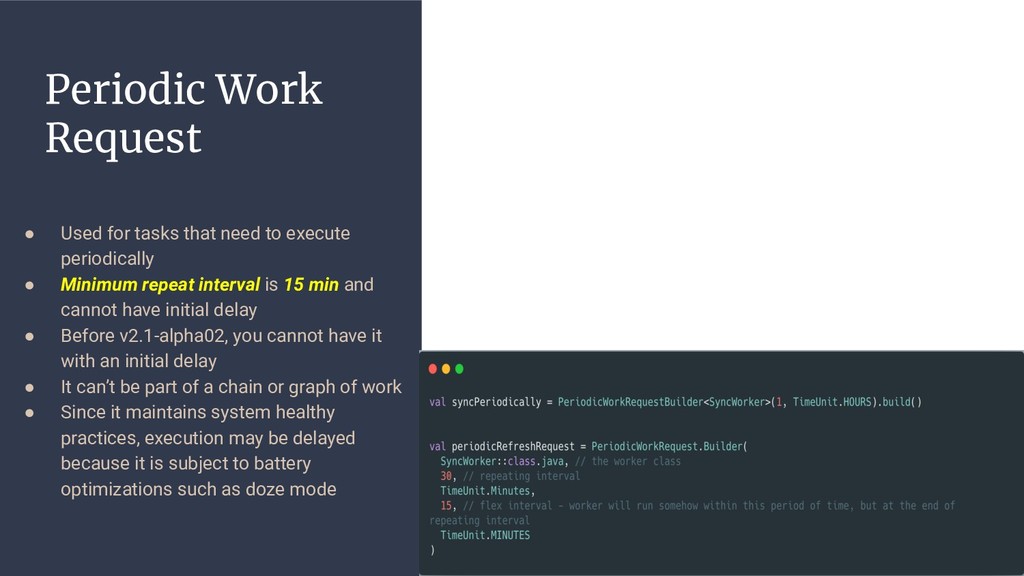
  8. Periodic Work Request • Used for tasks that need to

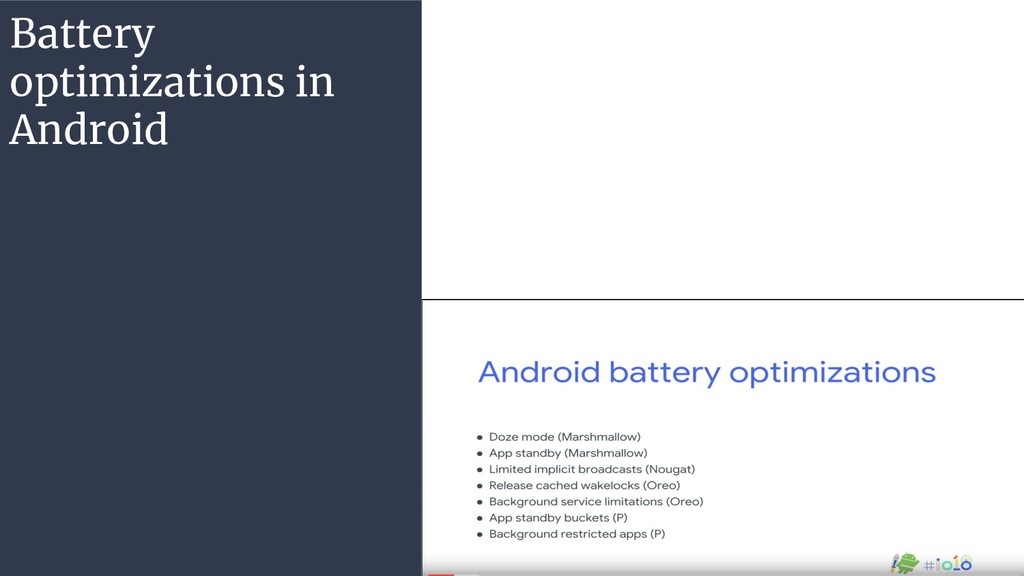
    execute periodically • Minimum repeat interval is 15 min and cannot have initial delay • Before v2.1-alpha02, you cannot have it with an initial delay • It can’t be part of a chain or graph of work • Since it maintains system healthy practices, execution may be delayed because it is subject to battery optimizations such as doze mode
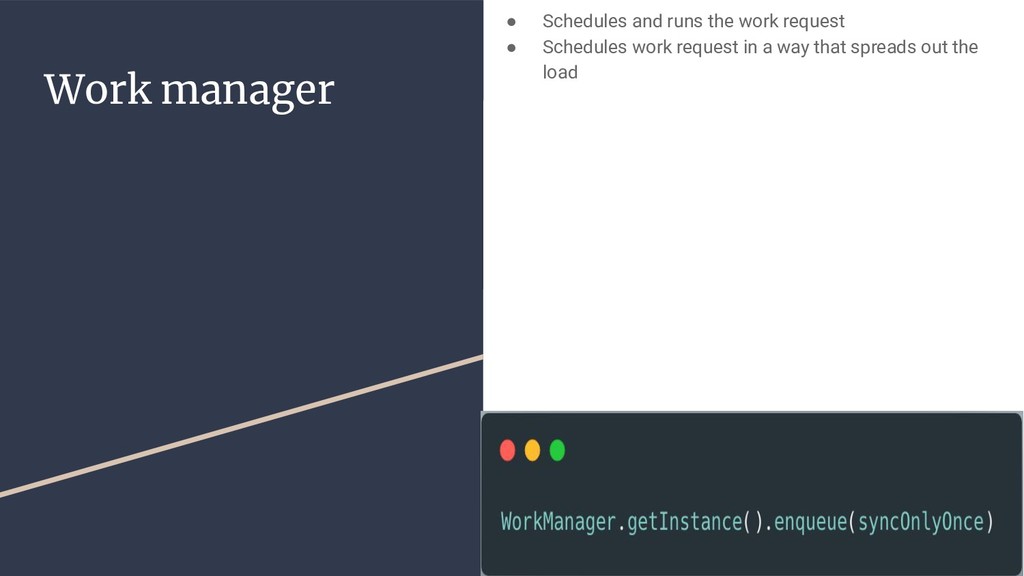
  9. Work manager • Schedules and runs the work request •

    Schedules work request in a way that spreads out the load
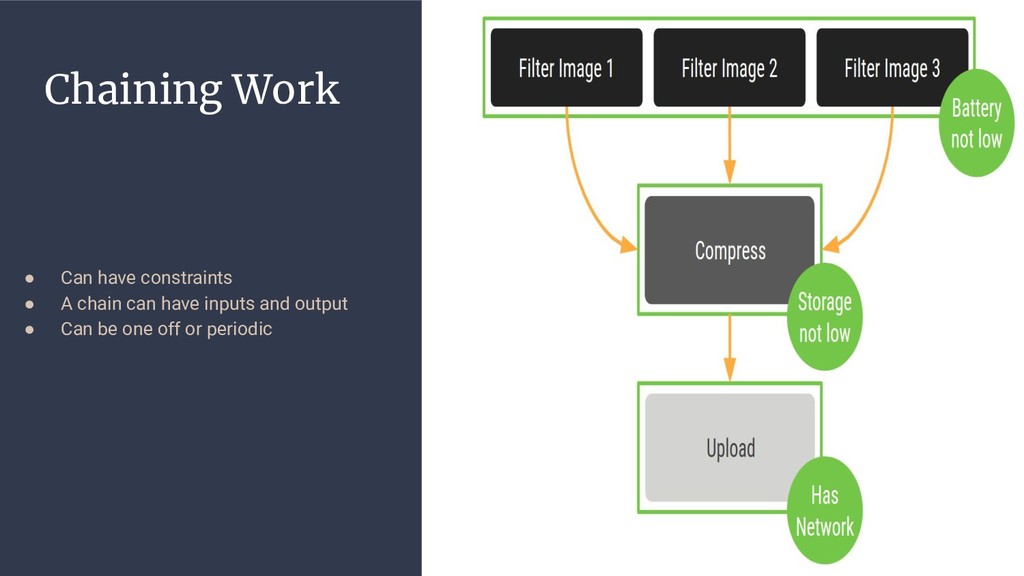
  10. Chaining Work • Can have constraints • A chain can

    have inputs and output • Can be one off or periodic
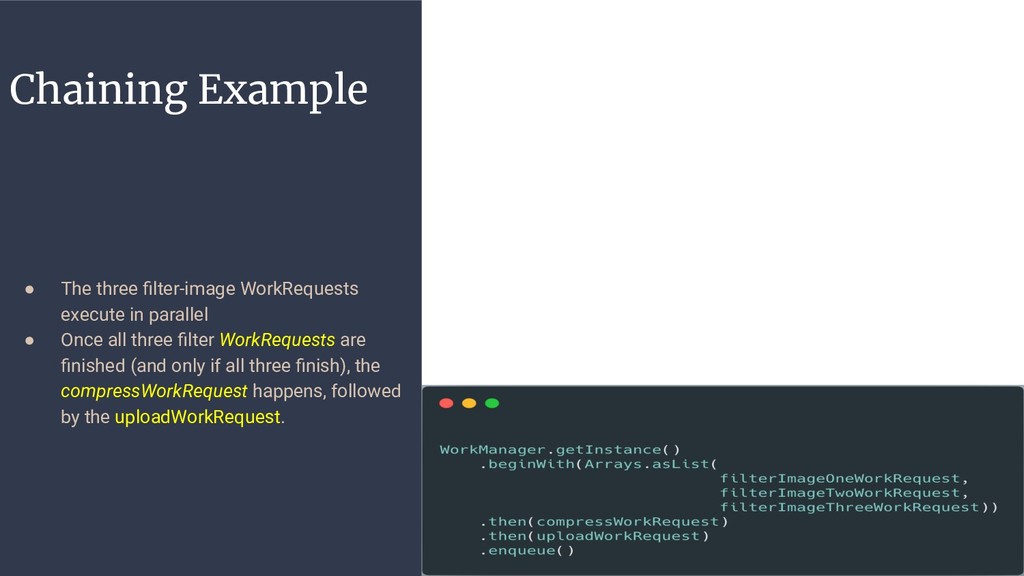
  11. Chaining Example • The three filter-image WorkRequests execute in parallel

    • Once all three filter WorkRequests are finished (and only if all three finish), the compressWorkRequest happens, followed by the uploadWorkRequest.
  12. Resources • https://medium.com/androiddevelopers/workmanager-periodicity-ff3 5185ff006 • https://medium.com/androiddevelopers/introducing-workmanager-2 083bcfc4712 • https://developer.android.com/topic/libraries/architecture/workmana ger/how-to/define-work

    • https://proandroiddev.com/workout-your-tasks-with-workmanager-m ain-components-1c0c66317a3e • https://proandroiddev.com/workout-your-tasks-with-workmanager-in tro-db5aefe14d66 • https://codelabs.developers.google.com/codelabs/android-workman ager/#0 • https://proandroiddev.com/experiments-with-android-workmanager- our-new-reliable-assistant-for-deferrable-background-work-9baeb6b d7db3 • https://www.youtube.com/watch?v=pe_yqM16hPQ&t=3s • https://www.youtube.com/watch?v=IrKoBFLwTN0&t=247s