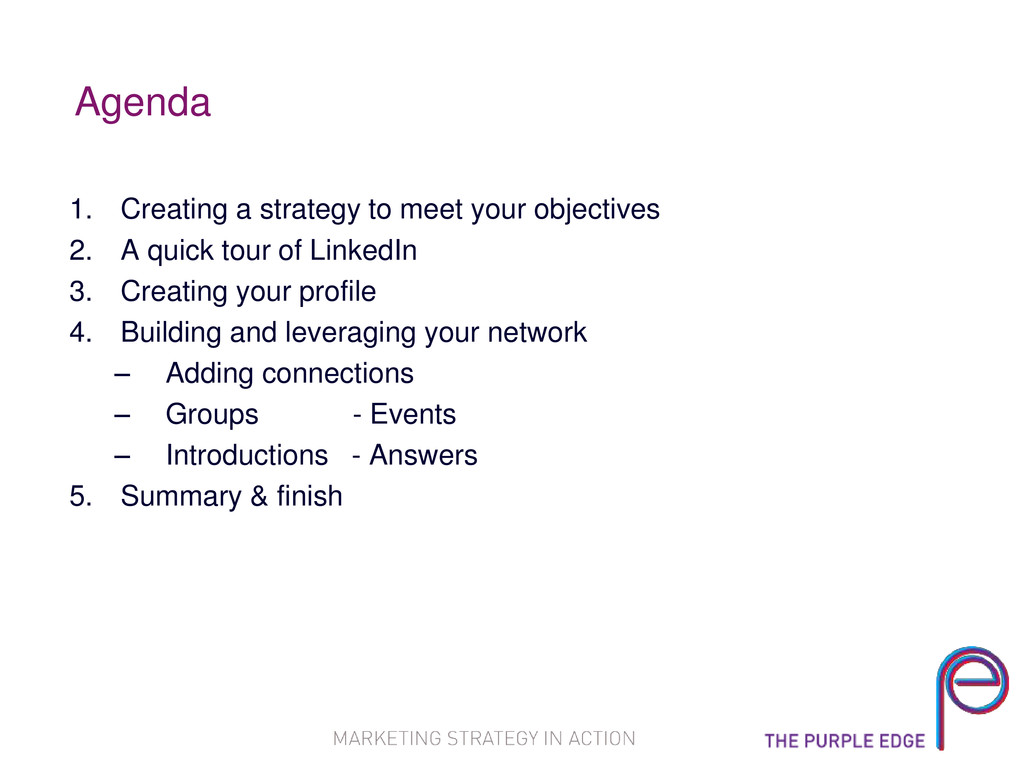
A quick tour of LinkedIn 3. Creating your profile 4. Building and leveraging your network – Adding connections – Groups - Events – Introductions - Answers 5. Summary & finish
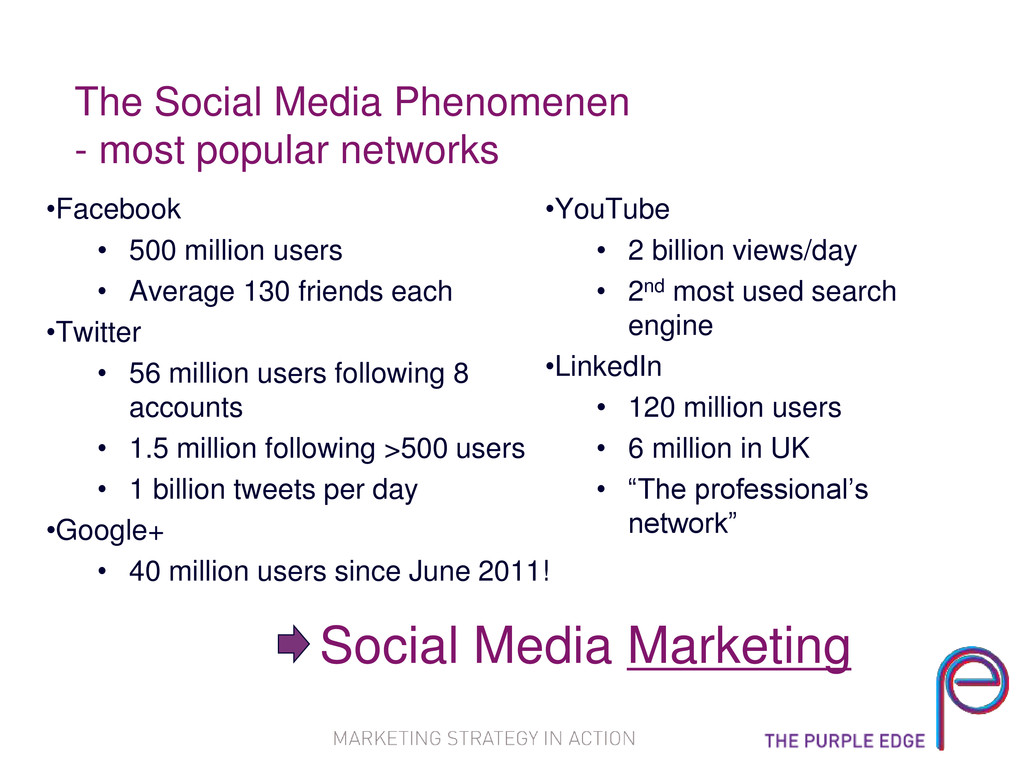
500 million users • Average 130 friends each •Twitter • 56 million users following 8 accounts • 1.5 million following >500 users • 1 billion tweets per day •Google+ • 40 million users since June 2011! •YouTube • 2 billion views/day • 2nd most used search engine •LinkedIn • 120 million users • 6 million in UK • “The professional’s network” Social Media Marketing
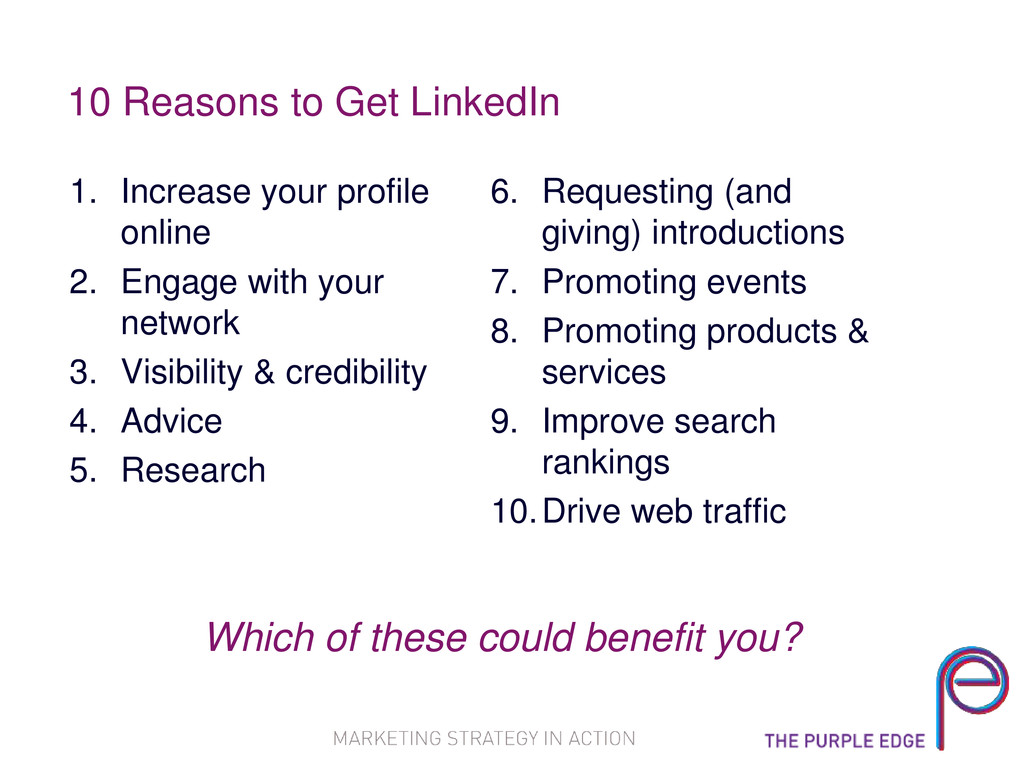
2. Engage with your network 3. Visibility & credibility 4. Advice 5. Research 6. Requesting (and giving) introductions 7. Promoting events 8. Promoting products & services 9. Improve search rankings 10.Drive web traffic Which of these could benefit you?
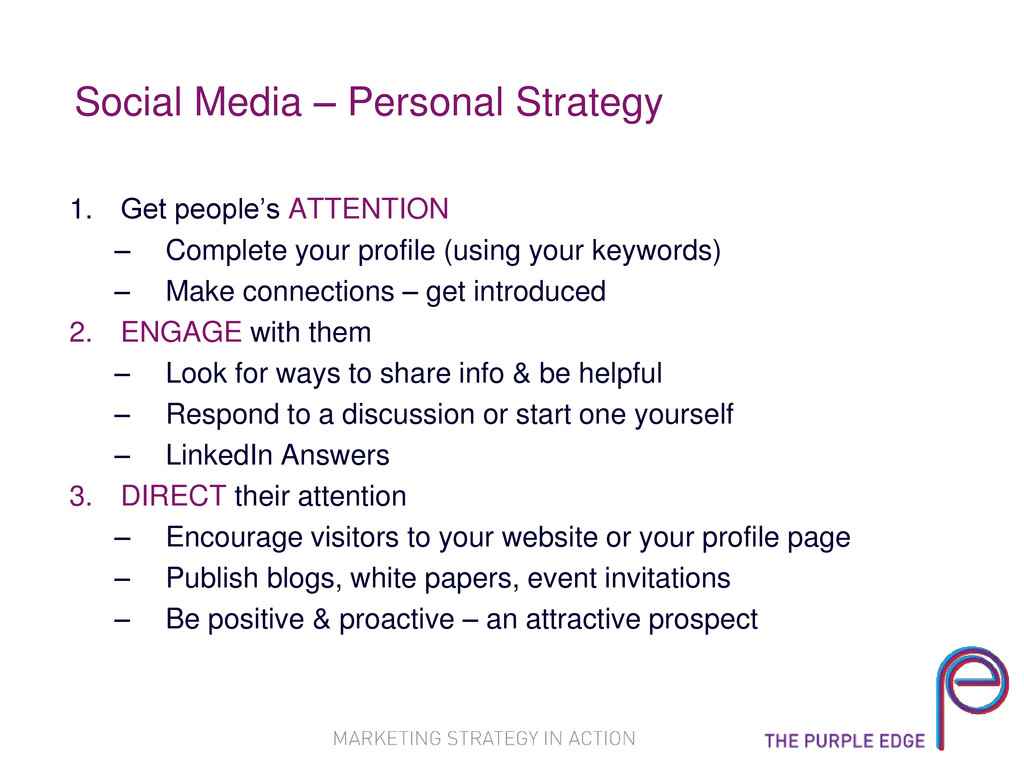
Complete your profile (using your keywords) – Make connections – get introduced 2. ENGAGE with them – Look for ways to share info & be helpful – Respond to a discussion or start one yourself – LinkedIn Answers 3. DIRECT their attention – Encourage visitors to your website or your profile page – Publish blogs, white papers, event invitations – Be positive & proactive – an attractive prospect
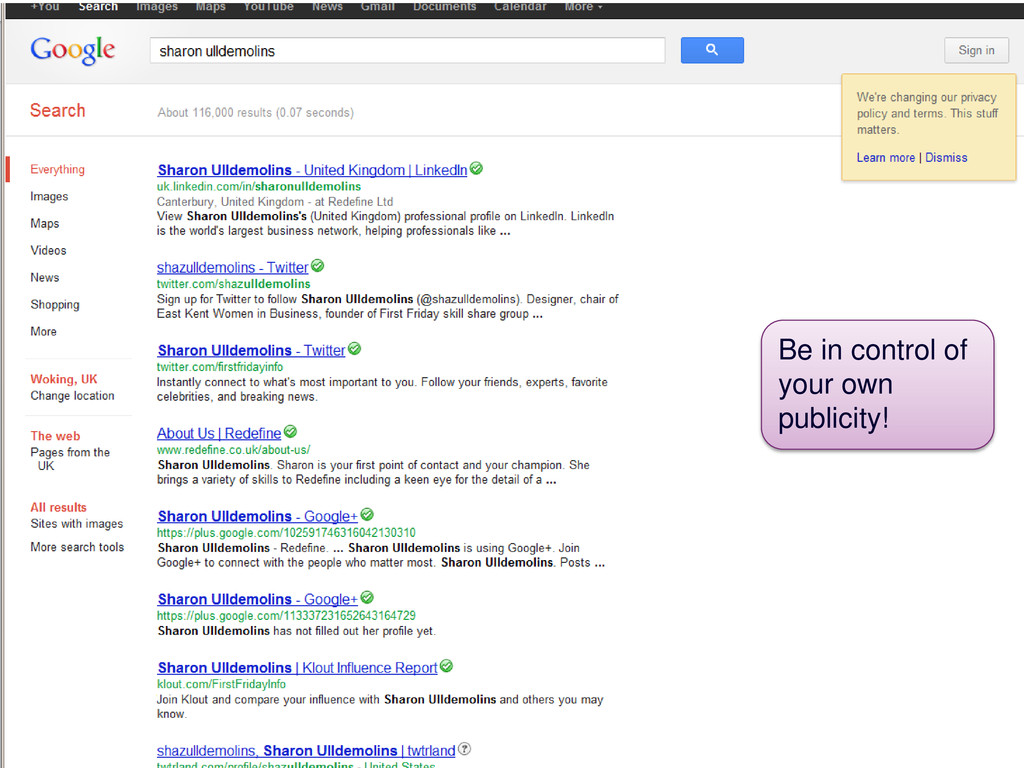
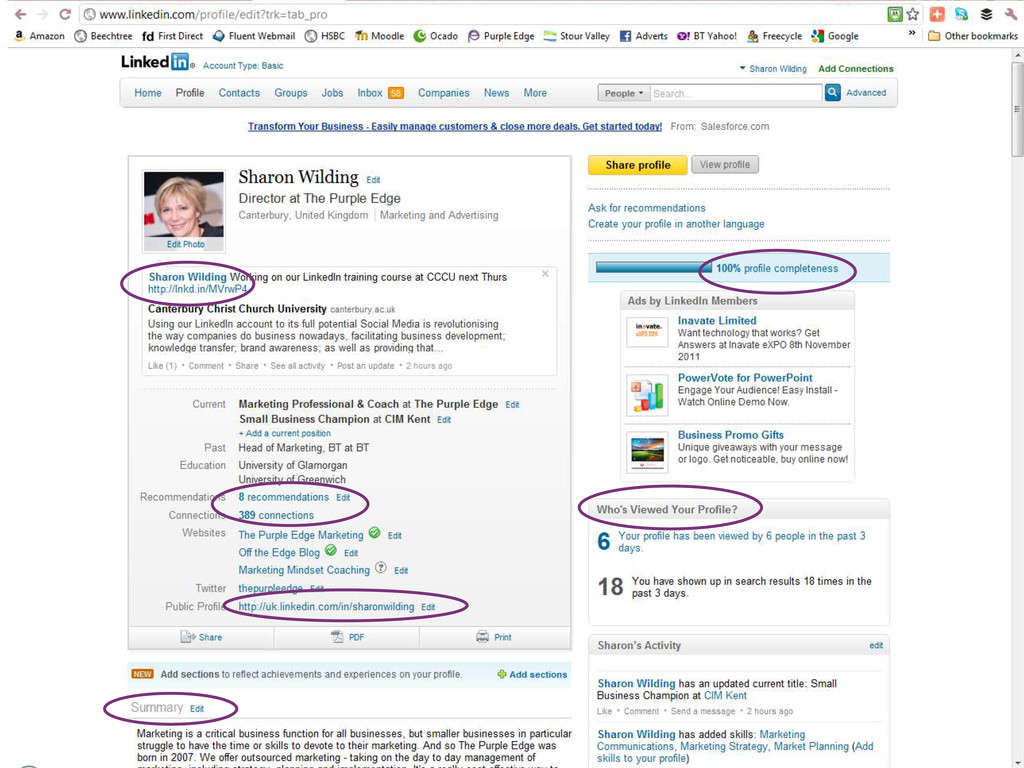
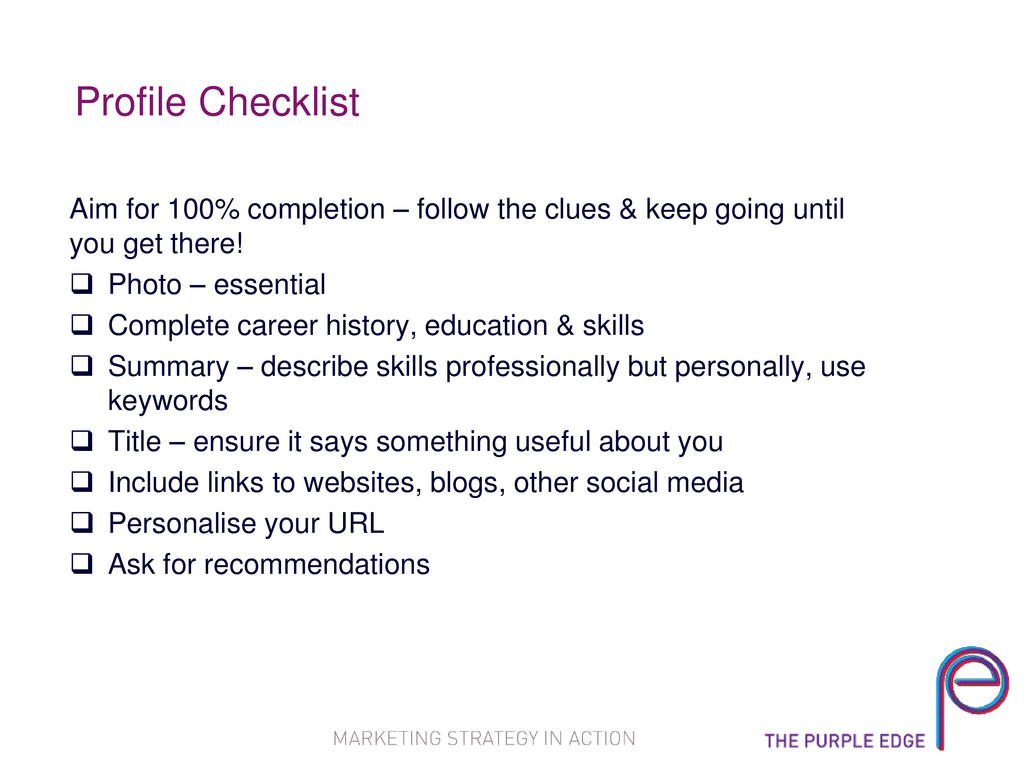
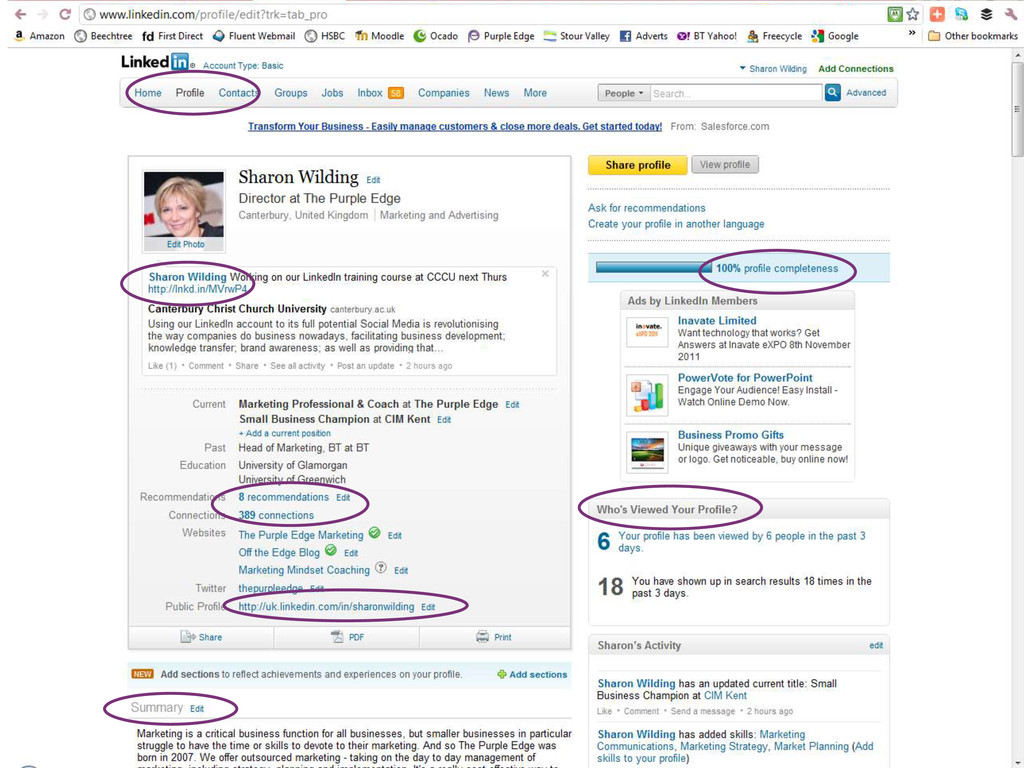
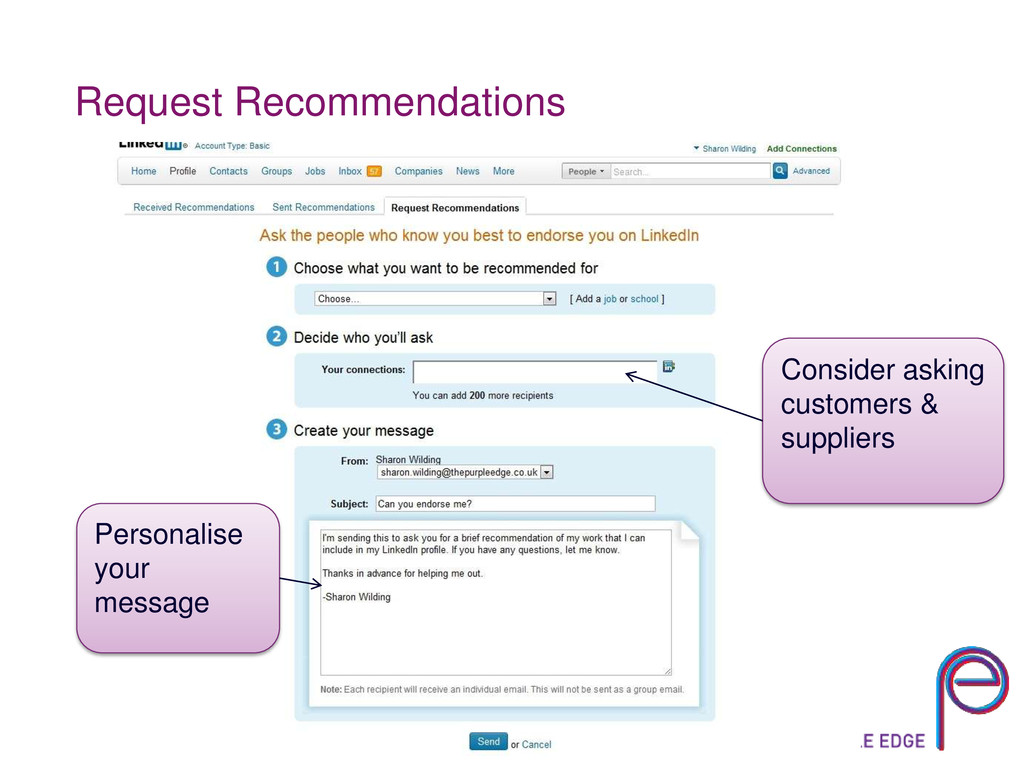
& keep going until you get there! Photo – essential Complete career history, education & skills Summary – describe skills professionally but personally, use keywords Title – ensure it says something useful about you Include links to websites, blogs, other social media Personalise your URL Ask for recommendations
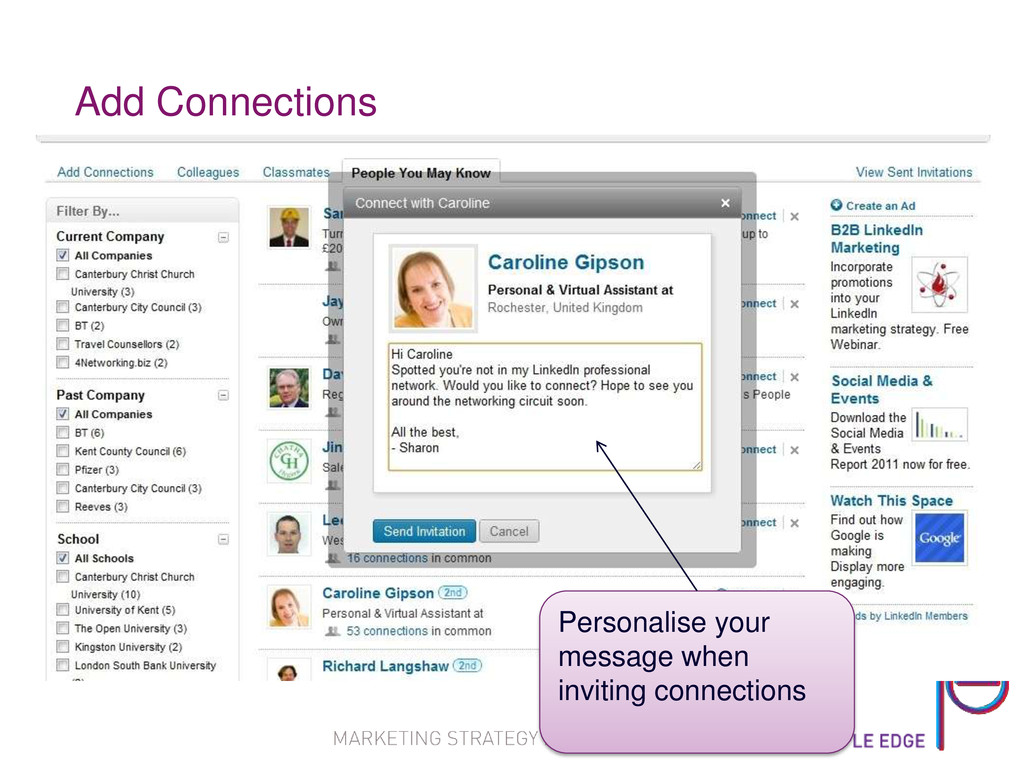
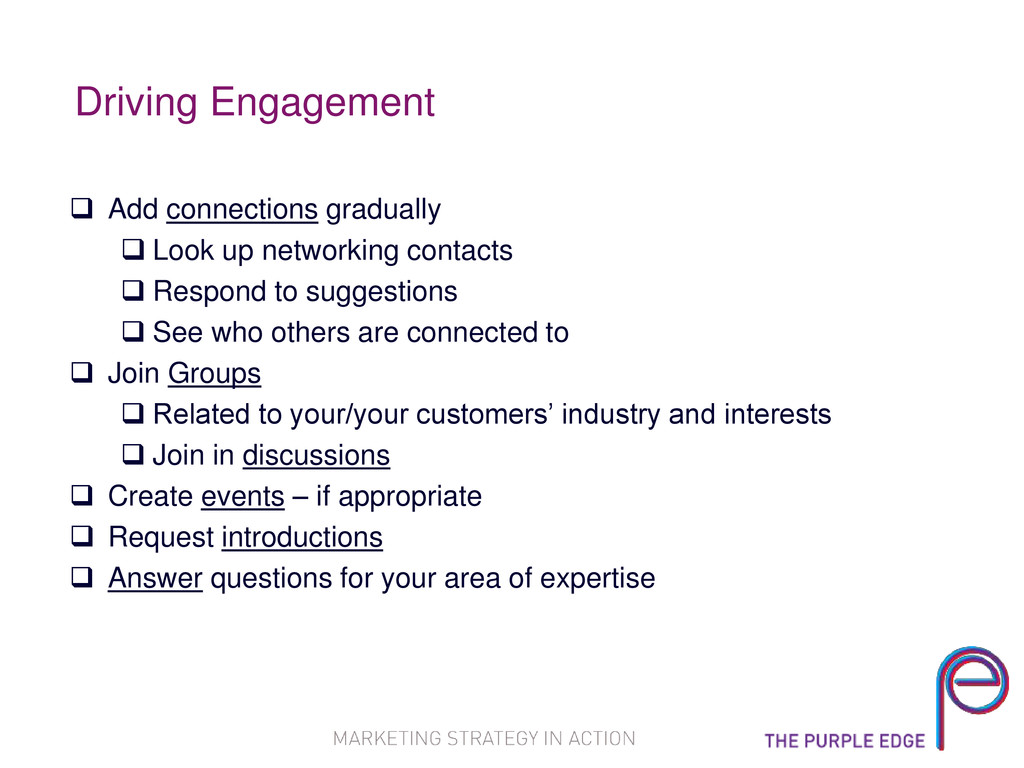
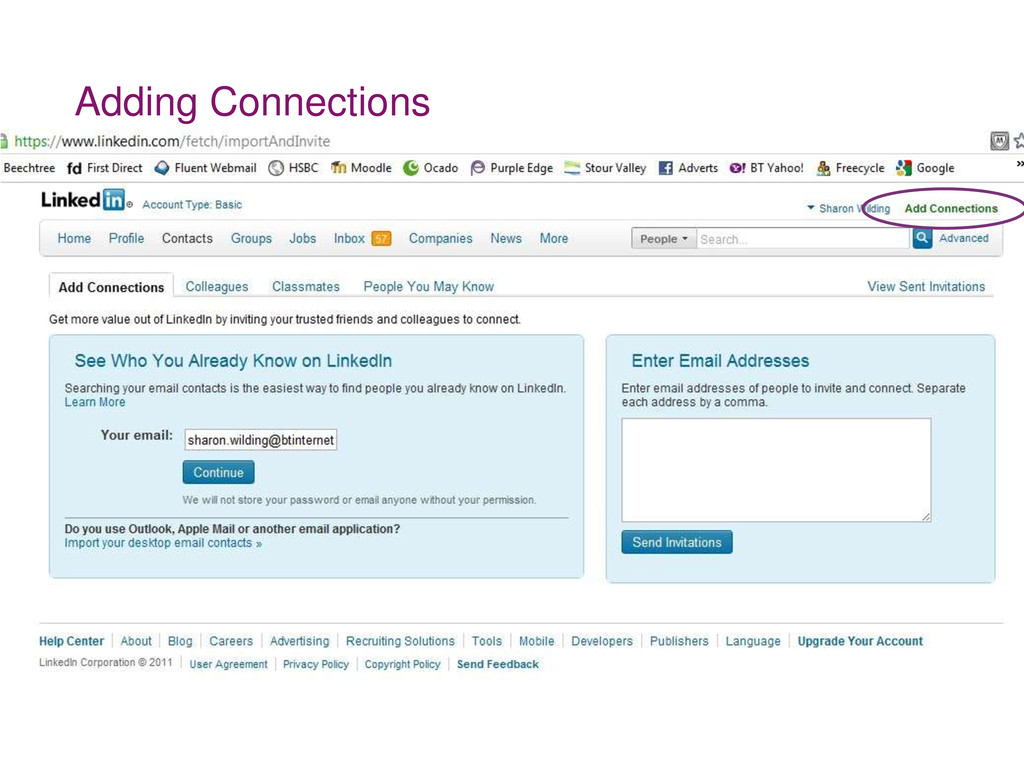
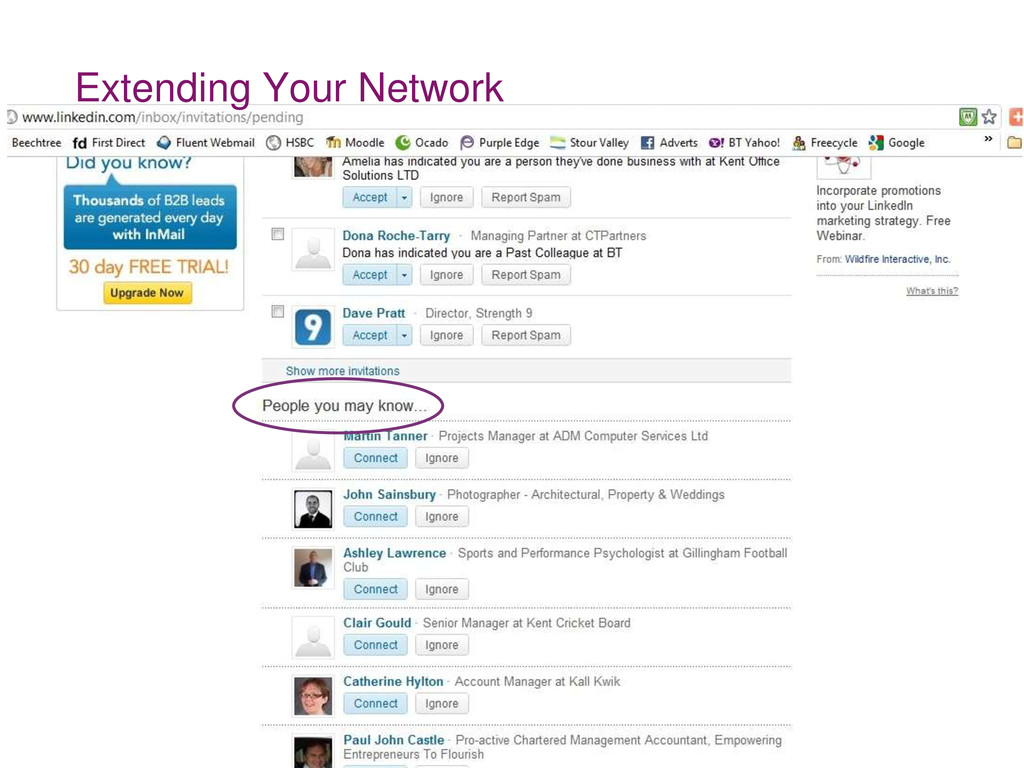
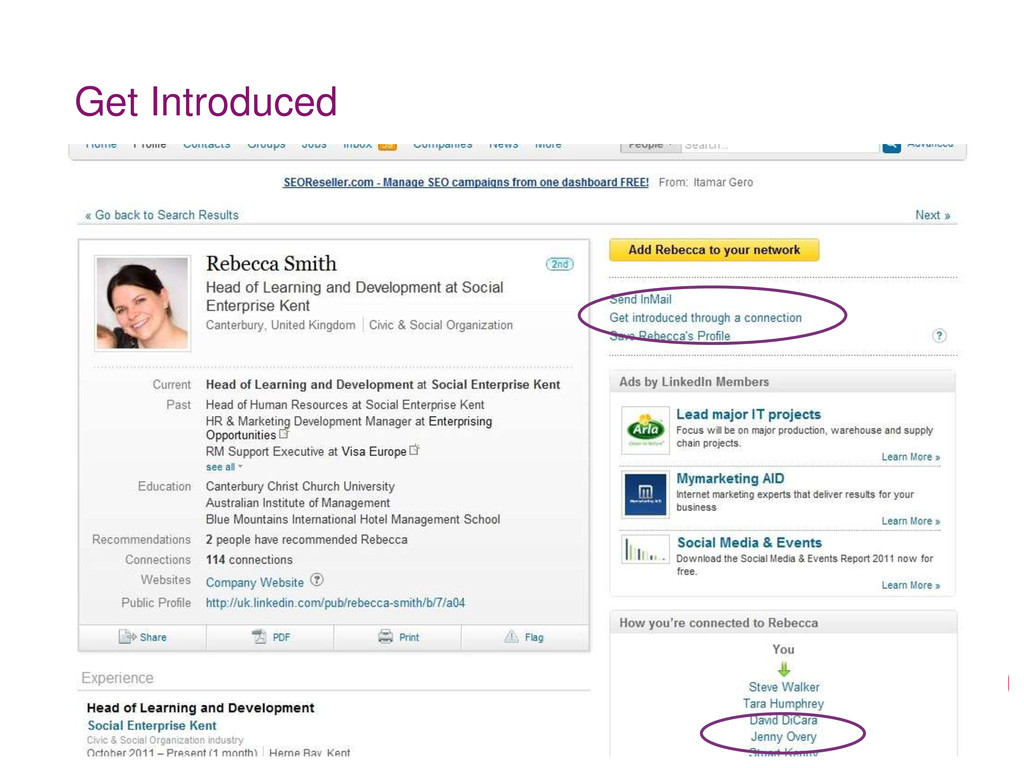
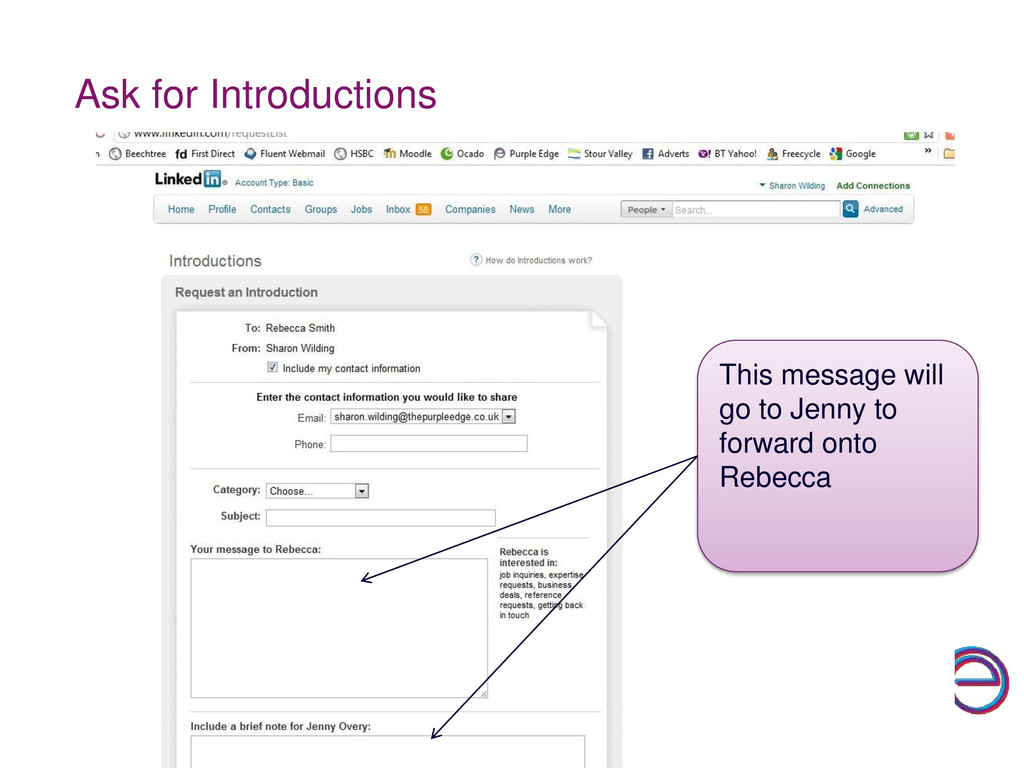
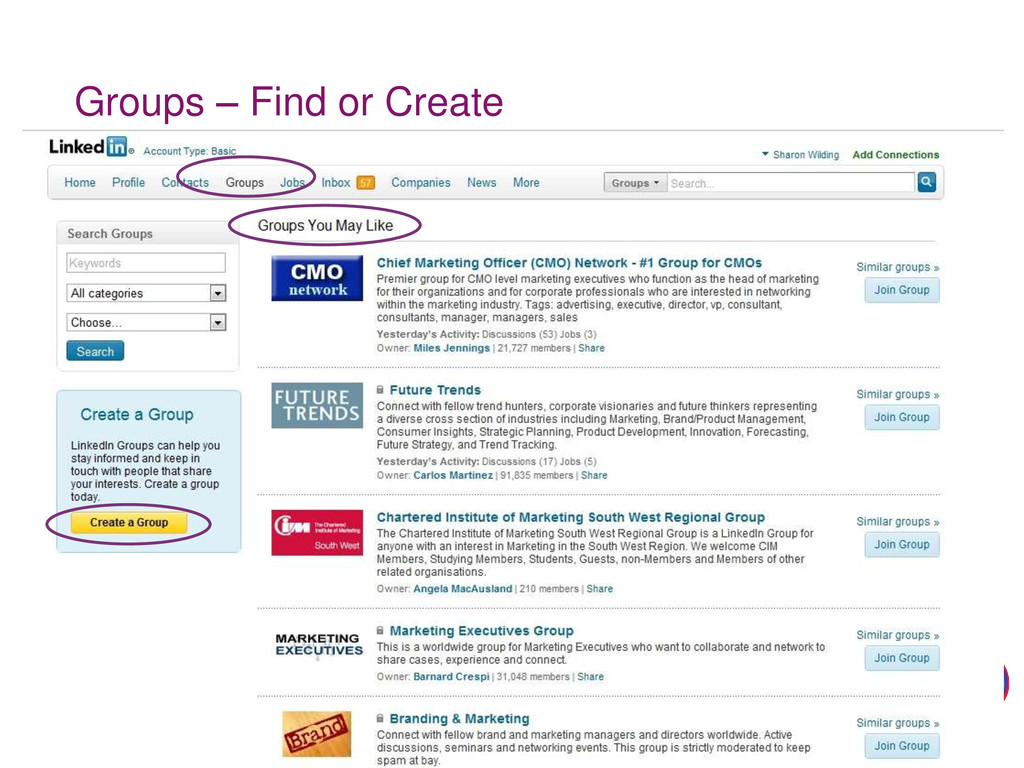
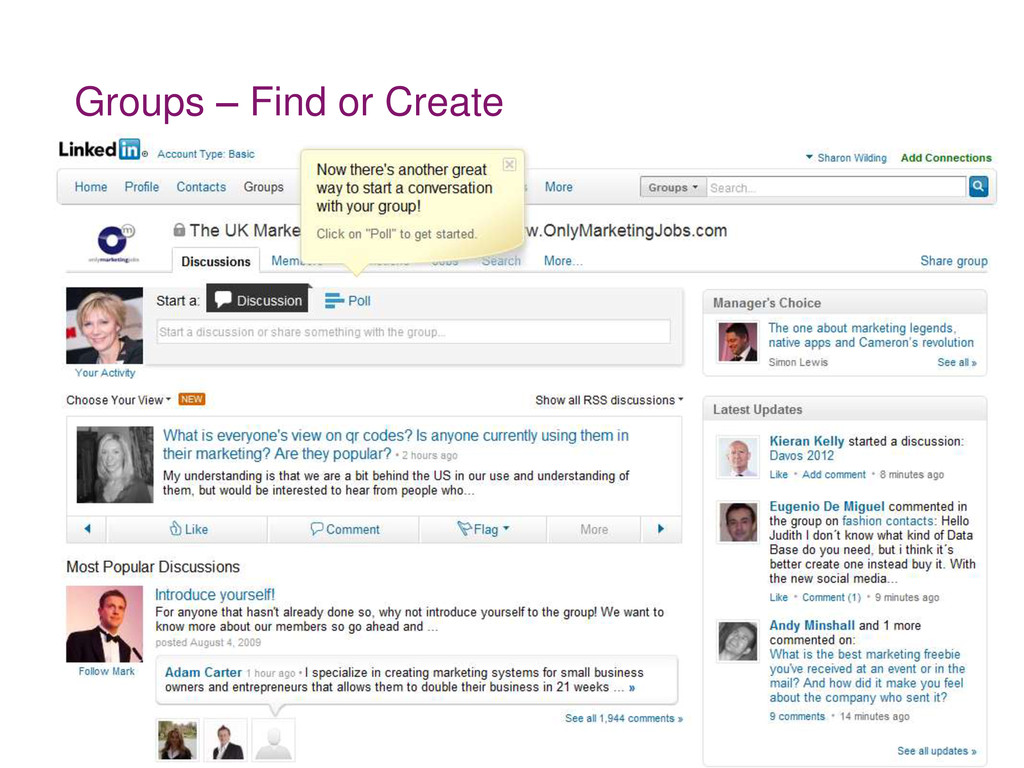
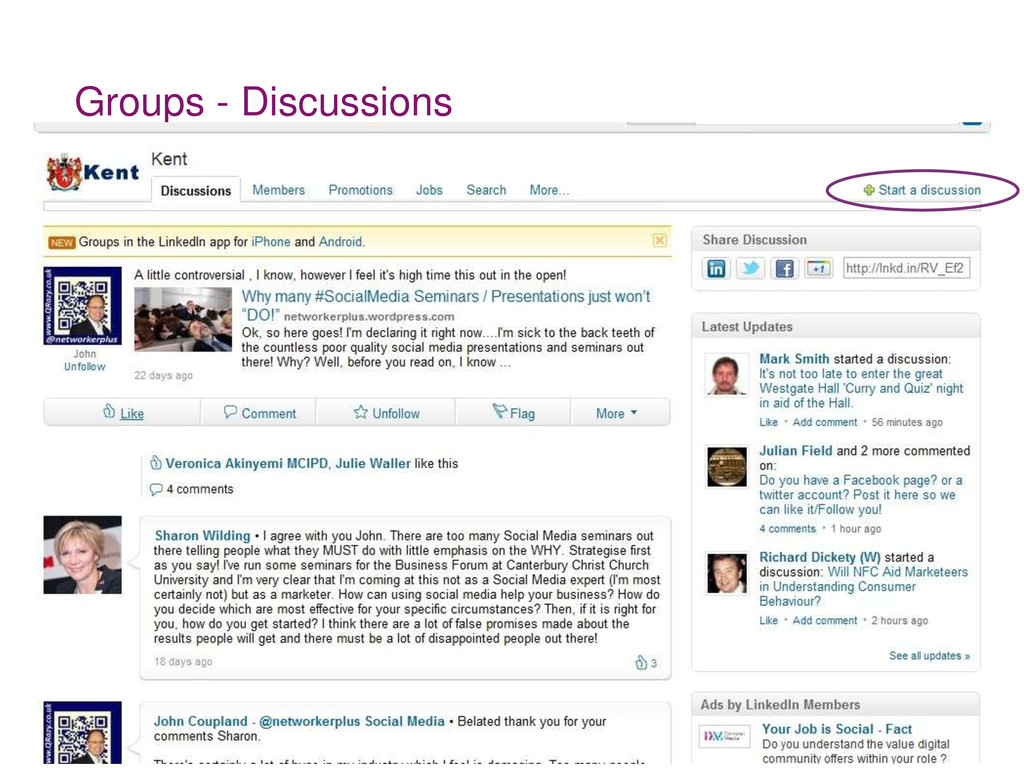
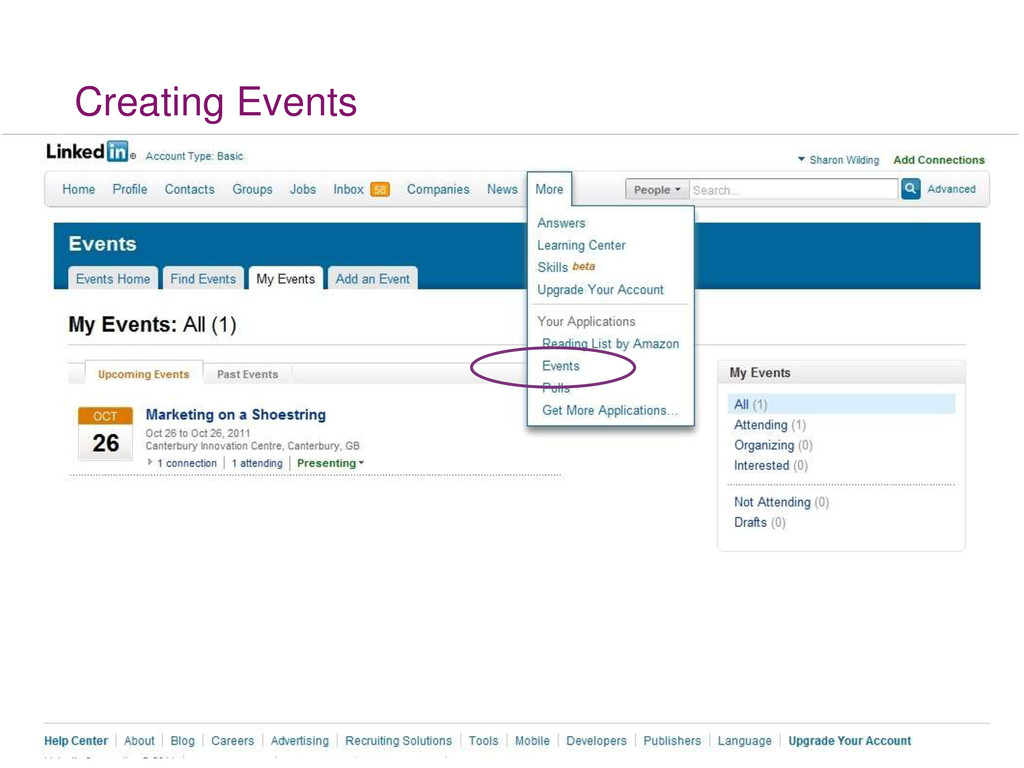
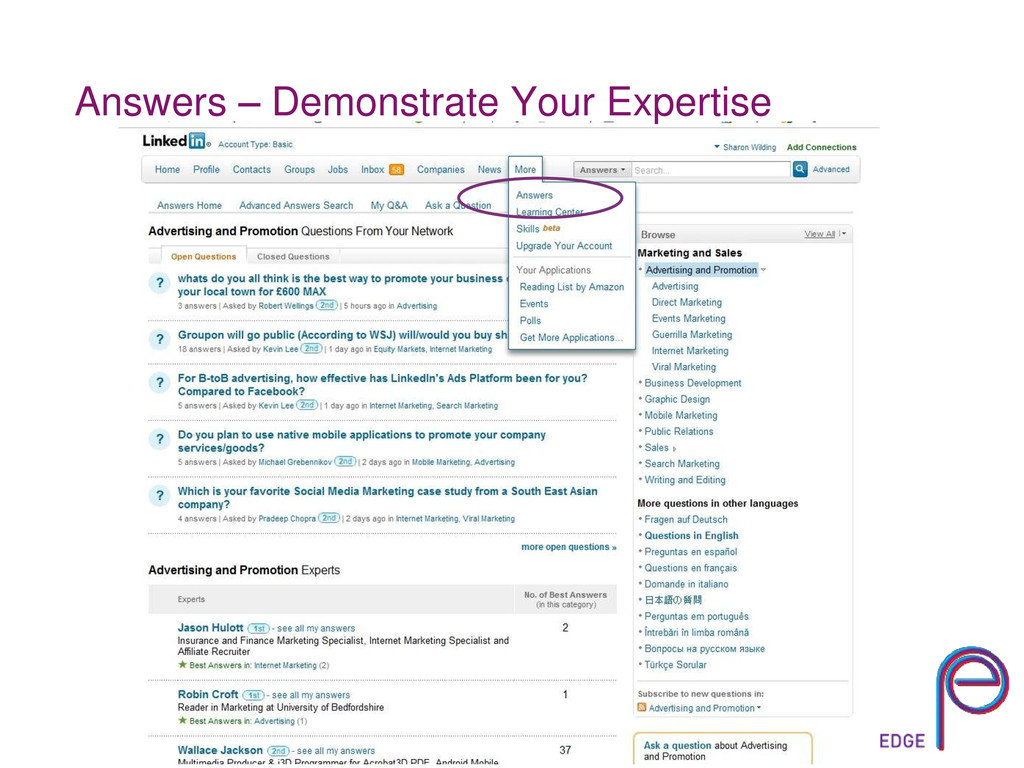
contacts Respond to suggestions See who others are connected to Join Groups Related to your/your customers’ industry and interests Join in discussions Create events – if appropriate Request introductions Answer questions for your area of expertise
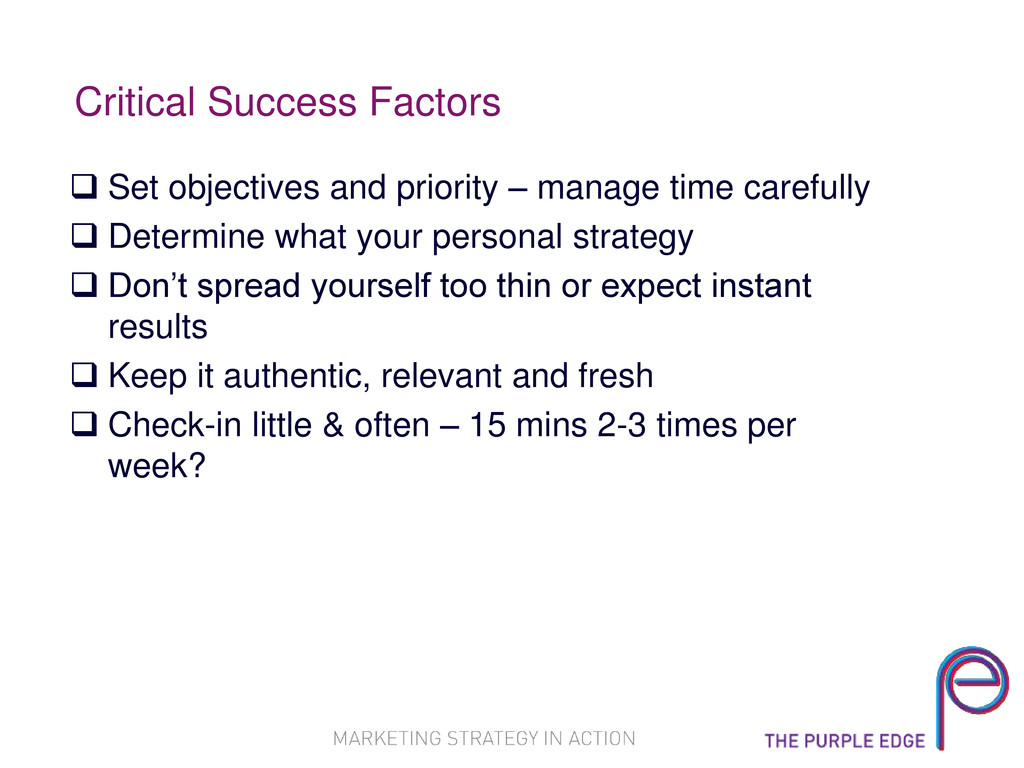
time carefully Determine what your personal strategy Don’t spread yourself too thin or expect instant results Keep it authentic, relevant and fresh Check-in little & often – 15 mins 2-3 times per week?


 keeg
keeg
 jyouryuusui
 sh_fk2
 maimyyym
 akhino
 yamanoku
 moznion
 camiha
 ykanoh
 shogo4131
 shugo
shugo
 pfn
pfn
 ks91
ks91
 szymonslowik
 tammyeverts
 mongodb
 codingconduct
 addyosmani
 aleyda
 lfama
lfama
 lindahogenes
 davidcarrasco
 axbom
axbom
 tmiket