Upgrade to Pro — share decks privately, control downloads, hide ads and more …

Ok Google, we need to talk!

Sponsored · SiteGround - Reliable hosting with speed, security, and support you can count on. →

Ok Google, we need to talk!

The way we interact with our devices has changed rapidly. Things that we, till now, took for granted like the visual UI are now optional; they need to talk back to your users becomes a necessity if you want to keep your app and your business on the edge of technology. In this talk you will learn about Google's new conversational user experience platform, API.ai, and get familiar with it and its tools.

Avatar for Eliza Camber

Eliza Camber

November 06, 2017

More Decks by Eliza Camber

Other Decks in Technology

Transcript

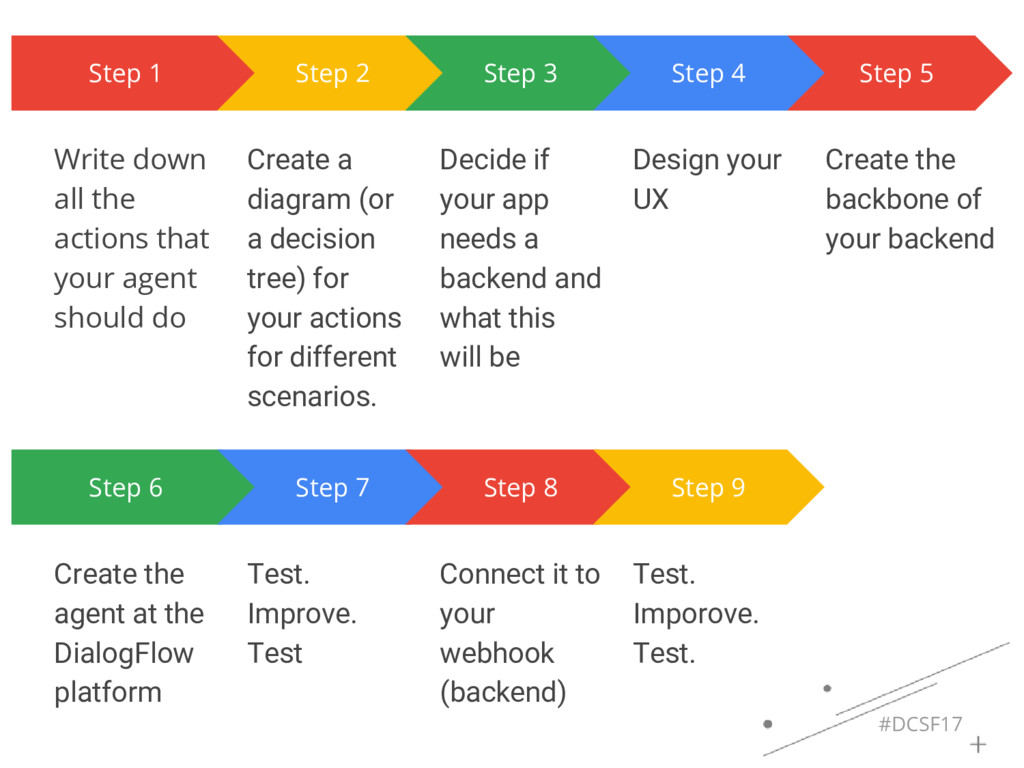
  1. #DCSF17 Step 1 Write down all the actions that your

    agent should do Step 2 Create a diagram (or a decision tree) for your actions for different scenarios. Step 3 Decide if your app needs a backend and what this will be Step 5 Create the backbone of your backend Step 4 Design your UX Step 6 Create the agent at the DialogFlow platform Step 7 Test. Improve. Test Step 8 Connect it to your webhook (backend) Step 9 Test. Imporove. Test.
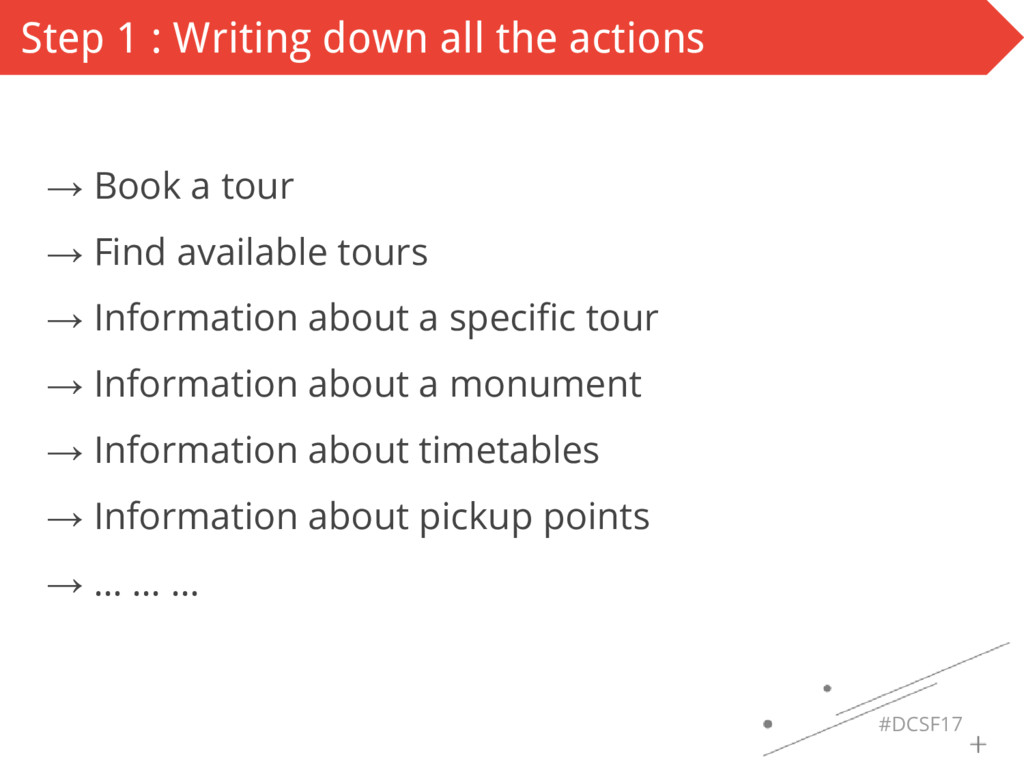
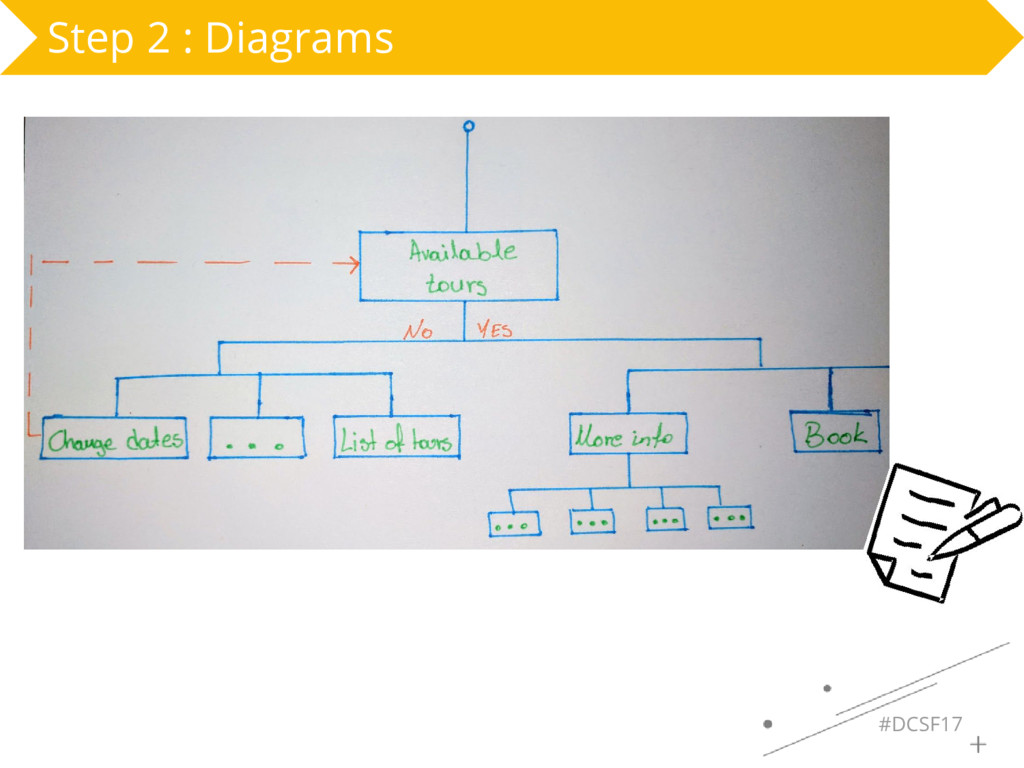
  2. #DCSF17 Step 1 : Writing down all the actions →

    Book a tour → Find available tours → Information about a specific tour → Information about a monument → Information about timetables → Information about pickup points → … … …
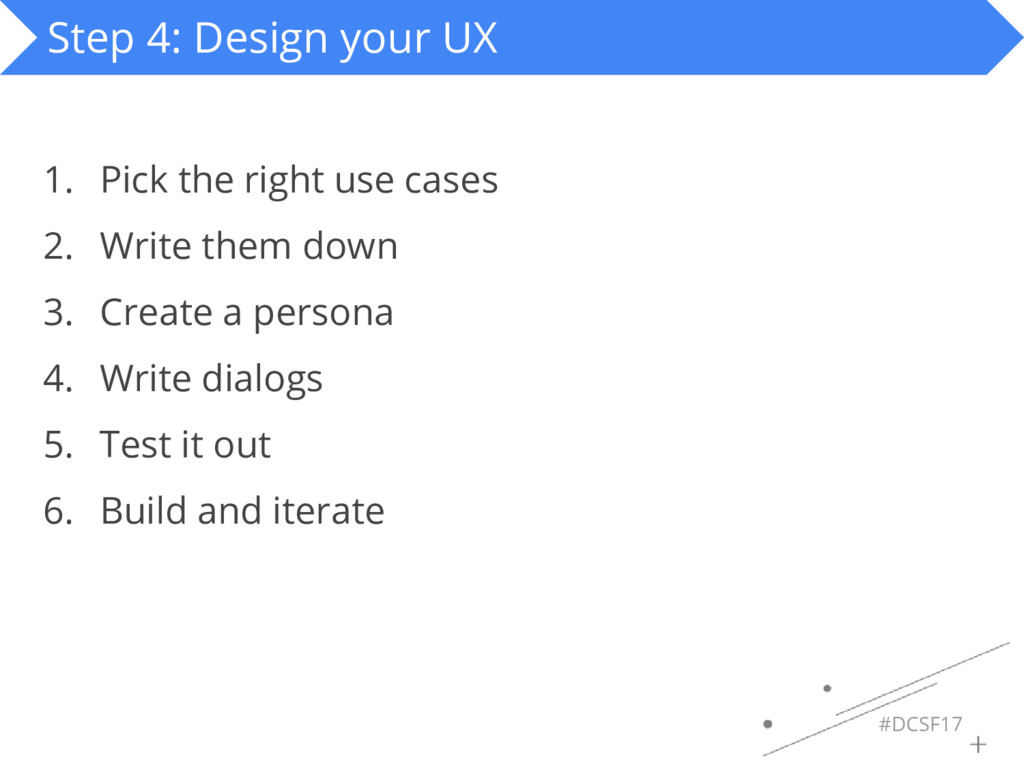
  3. #DCSF17 Step 4: Design your UX 1. Pick the right

    use cases 2. Write them down 3. Create a persona 4. Write dialogs 5. Test it out 6. Build and iterate
  4. #DCSF17 Step 4.a: Pick the right use cases Just… DON’T!

    • What’s your frequent flyer number?
  5. #DCSF17 Step 4.a: Pick the right use cases Just… DON’T!

    • What’s your frequent flyer number? • Sure I’ll book the flight! I need your frequent flyer number first.
  6. #DCSF17 Step 4.a: Pick the right use cases Just… DON’T!

    • What’s your frequent flyer number? • Sure I’ll book the flight! I need your frequent flyer number first. • To check if this product is compatible with your PC, go to settings, blah, blah, blah, blah
  7. #DCSF17 Step 4.a: Pick the right use cases Just… DON’T!

    • What’s your frequent flyer number? • Sure I’ll book the flight! I need your frequent flyer number first. • To check if this product is compatible with your PC, go to settings, blah, blah, blah, blah • To verify, tap on the top of your Google Home device
  8. #DCSF17 Step 4.a: Pick the right use cases Optimize for

    these things: Speed, simplicity, and hands-free interactions.
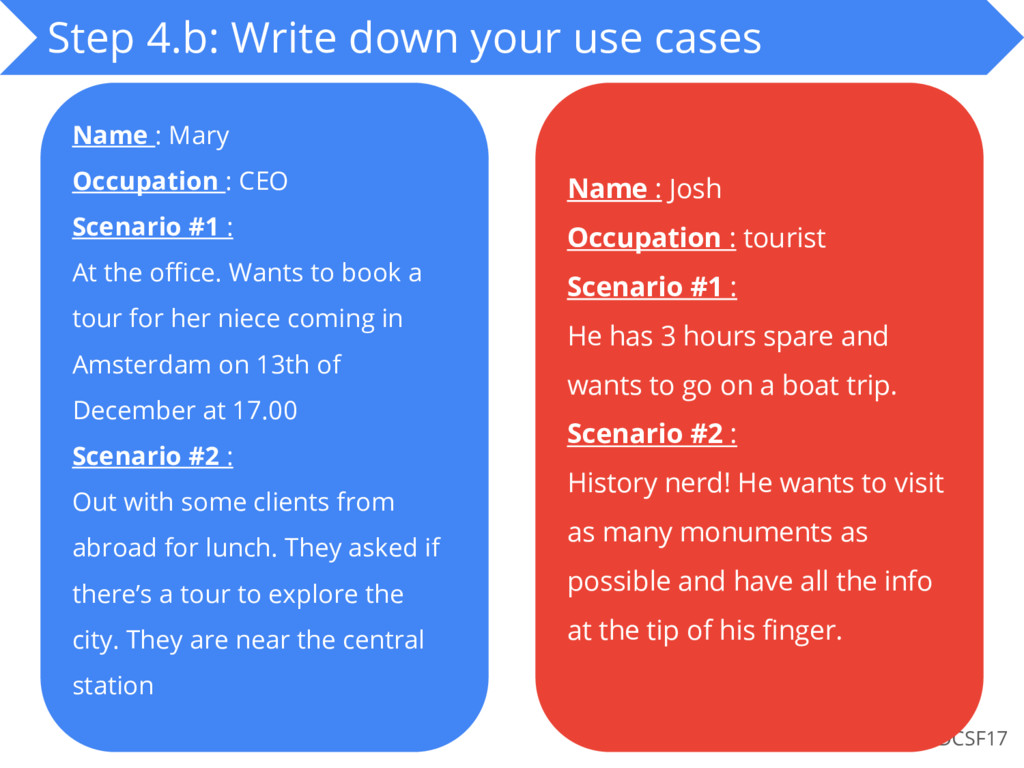
  9. #DCSF17 Step 4.b: Write down your use cases Name :

    Mary Occupation : CEO Scenario #1 : At the office. Wants to book a tour for her niece coming in Amsterdam on 13th of December at 17.00 Scenario #2 : Out with some clients from abroad for lunch. They asked if there’s a tour to explore the city. They are near the central station Name : Josh Occupation : tourist Scenario #1 : He has 3 hours spare and wants to go on a boat trip. Scenario #2 : History nerd! He wants to visit as many monuments as possible and have all the info at the tip of his finger.
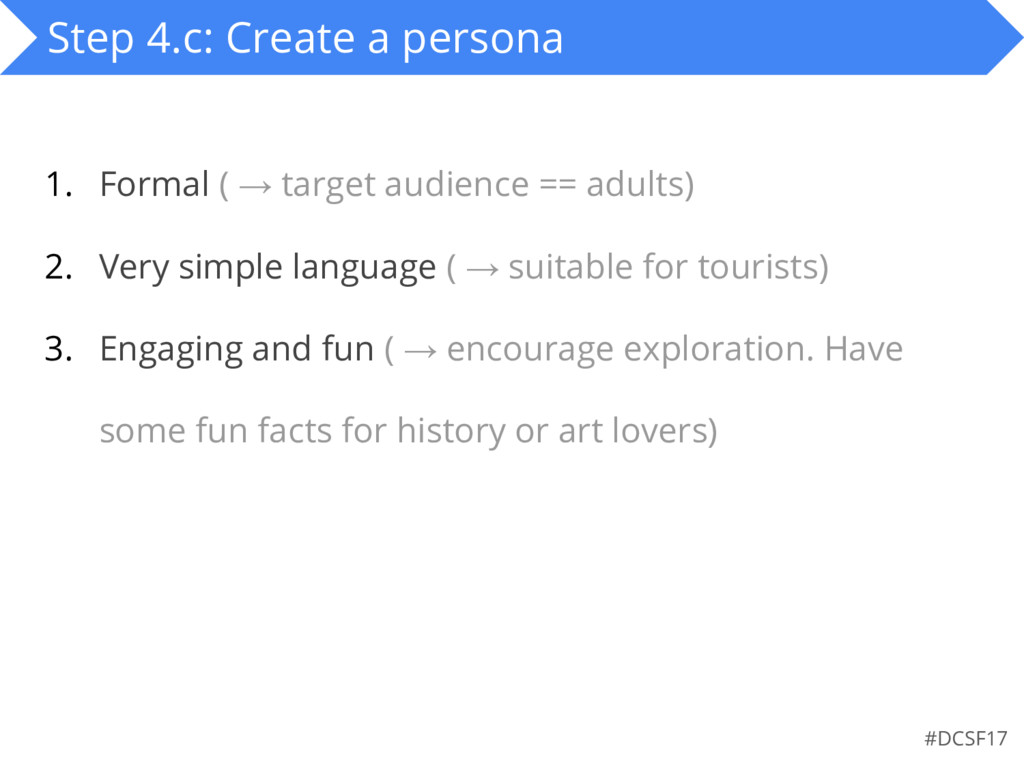
  10. #DCSF17 Step 4.c: Create a persona 1. Formal ( →

    target audience == adults) 2. Very simple language ( → suitable for tourists) 3. Engaging and fun ( → encourage exploration. Have some fun facts for history or art lovers)
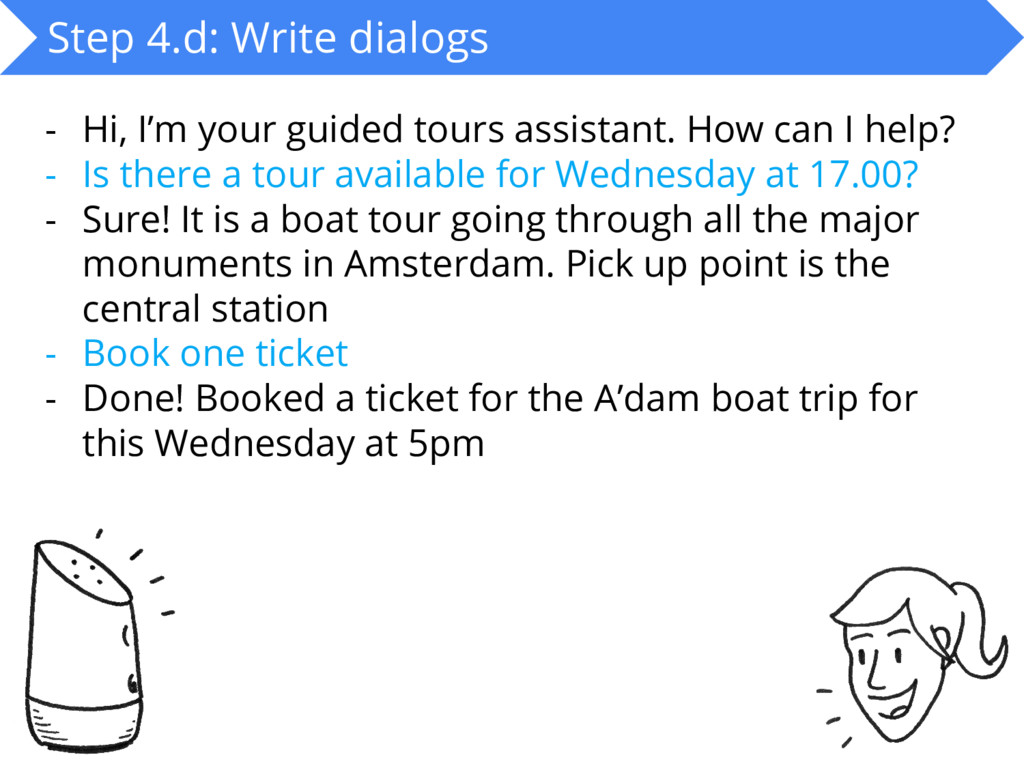
  11. #DCSF17 Step 4.d: Write dialogs - Hi, I’m your guided

    tours assistant. How can I help? - Is there a tour available for Wednesday at 17.00? - Sure! It is a boat tour going through all the major monuments in Amsterdam. Pick up point is the central station - Book one ticket - Done! Booked a ticket for the A’dam boat trip for this Wednesday at 5pm
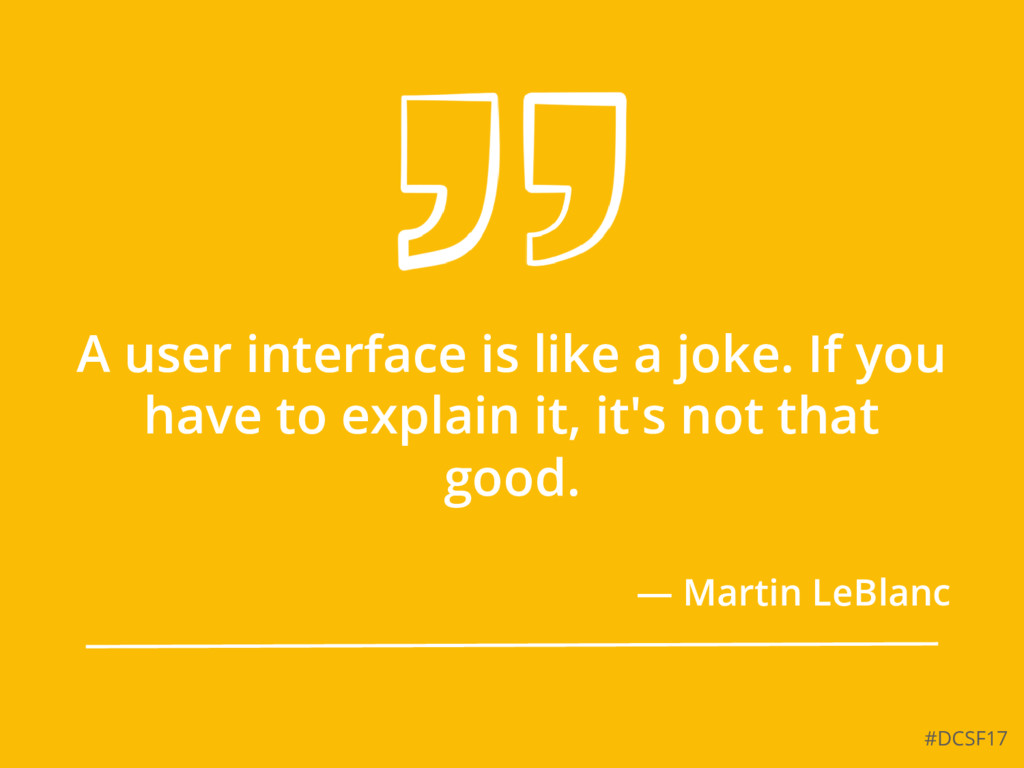
  12. #DCSF17 A user interface is like a joke. If you

    have to explain it, it's not that good. — Martin LeBlanc