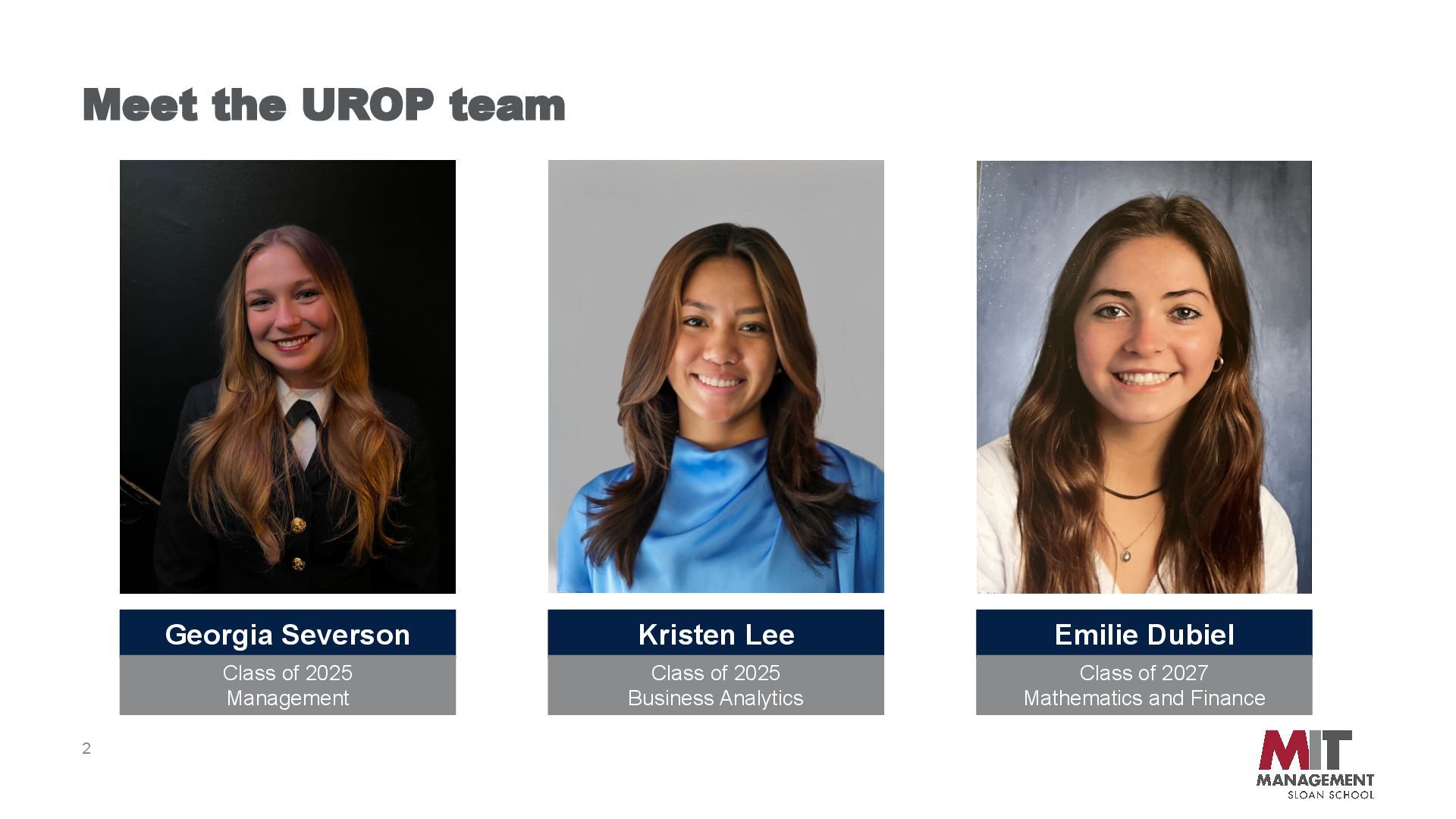
General Workflows with GenAI By Kristen Lee '25, Georgia Severson ‘25, Emilie Dubiel ‘27 Professor Melissa Webster Spring 2025 UROP UNLOCKING PRODUCTIVITY: Generative AI in Action
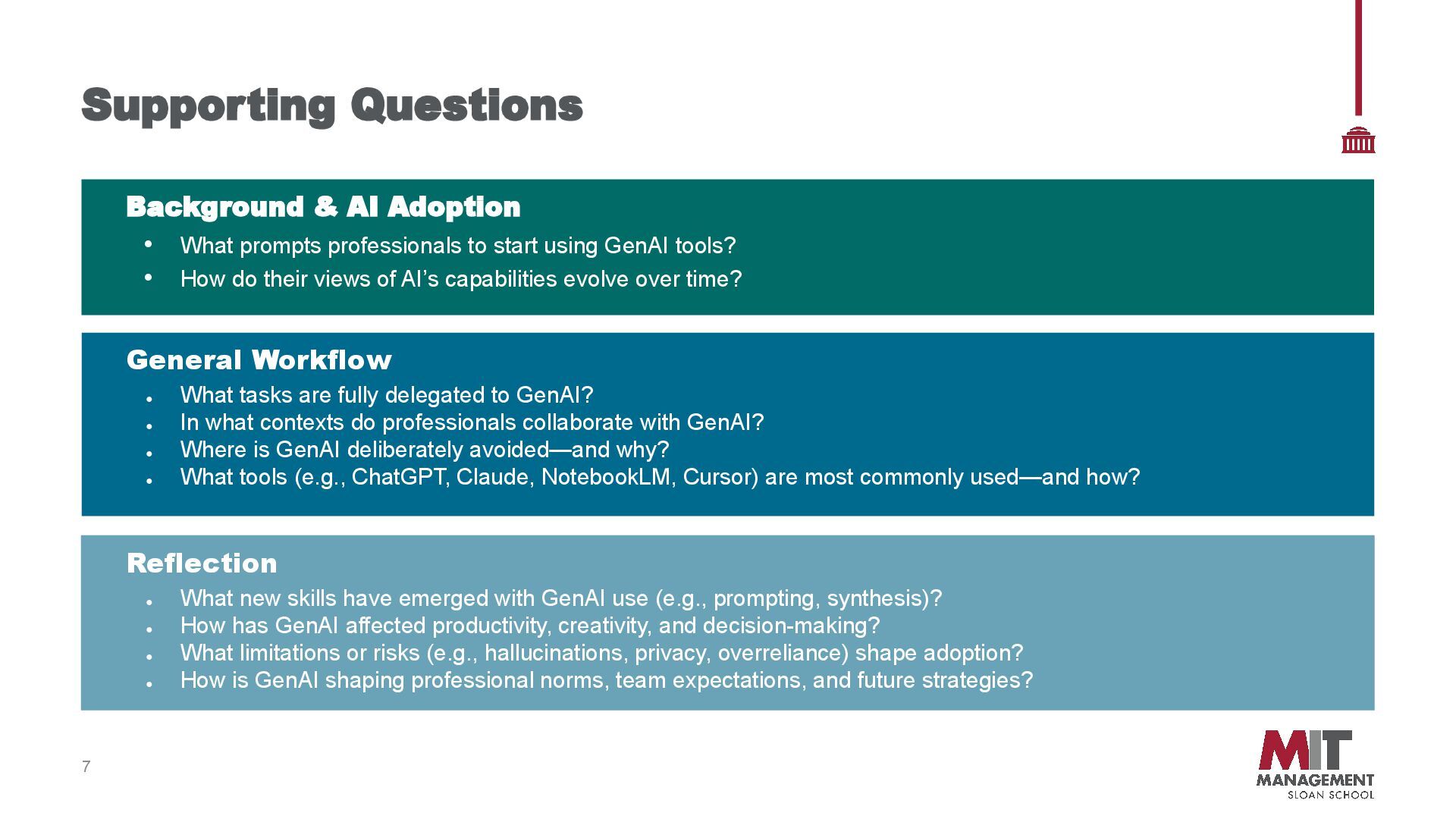
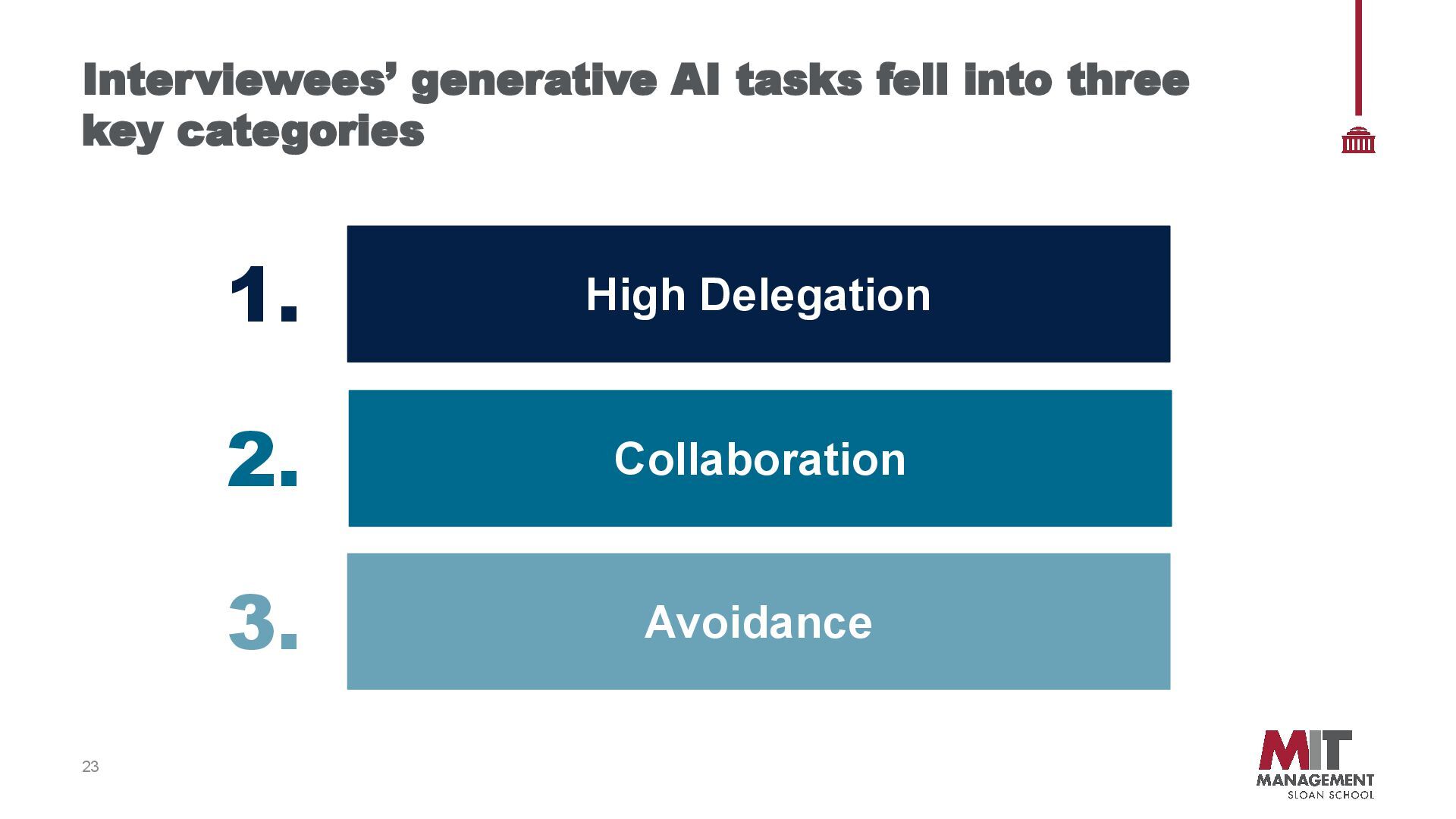
delegated to GenAI? • In what contexts do professionals collaborate with GenAI? • Where is GenAI deliberately avoided—and why? • What tools (e.g., ChatGPT, Claude, NotebookLM, Cursor) are most commonly used—and how? Reflection • What new skills have emerged with GenAI use (e.g., prompting, synthesis)? • How has GenAI affected productivity, creativity, and decision-making? • What limitations or risks (e.g., hallucinations, privacy, overreliance) shape adoption? • How is GenAI shaping professional norms, team expectations, and future strategies? Background & AI Adoption • What prompts professionals to start using GenAI tools? • How do their views of AI’s capabilities evolve over time?
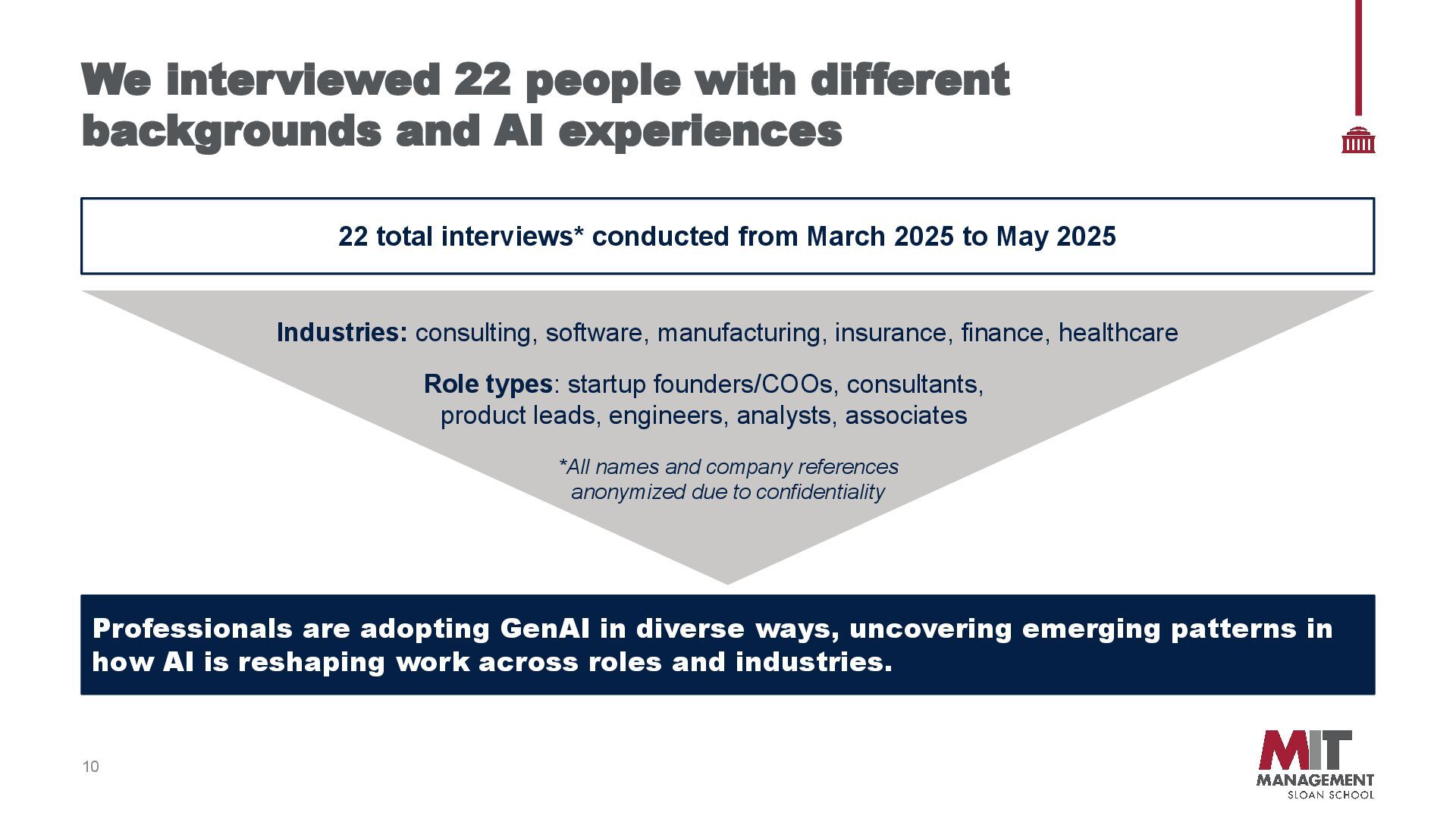
experiences 22 total interviews* conducted from March 2025 to May 2025 Professionals are adopting GenAI in diverse ways, uncovering emerging patterns in how AI is reshaping work across roles and industries. Industries: consulting, software, manufacturing, insurance, finance, healthcare Role types: startup founders/COOs, consultants, product leads, engineers, analysts, associates *All names and company references anonymized due to confidentiality
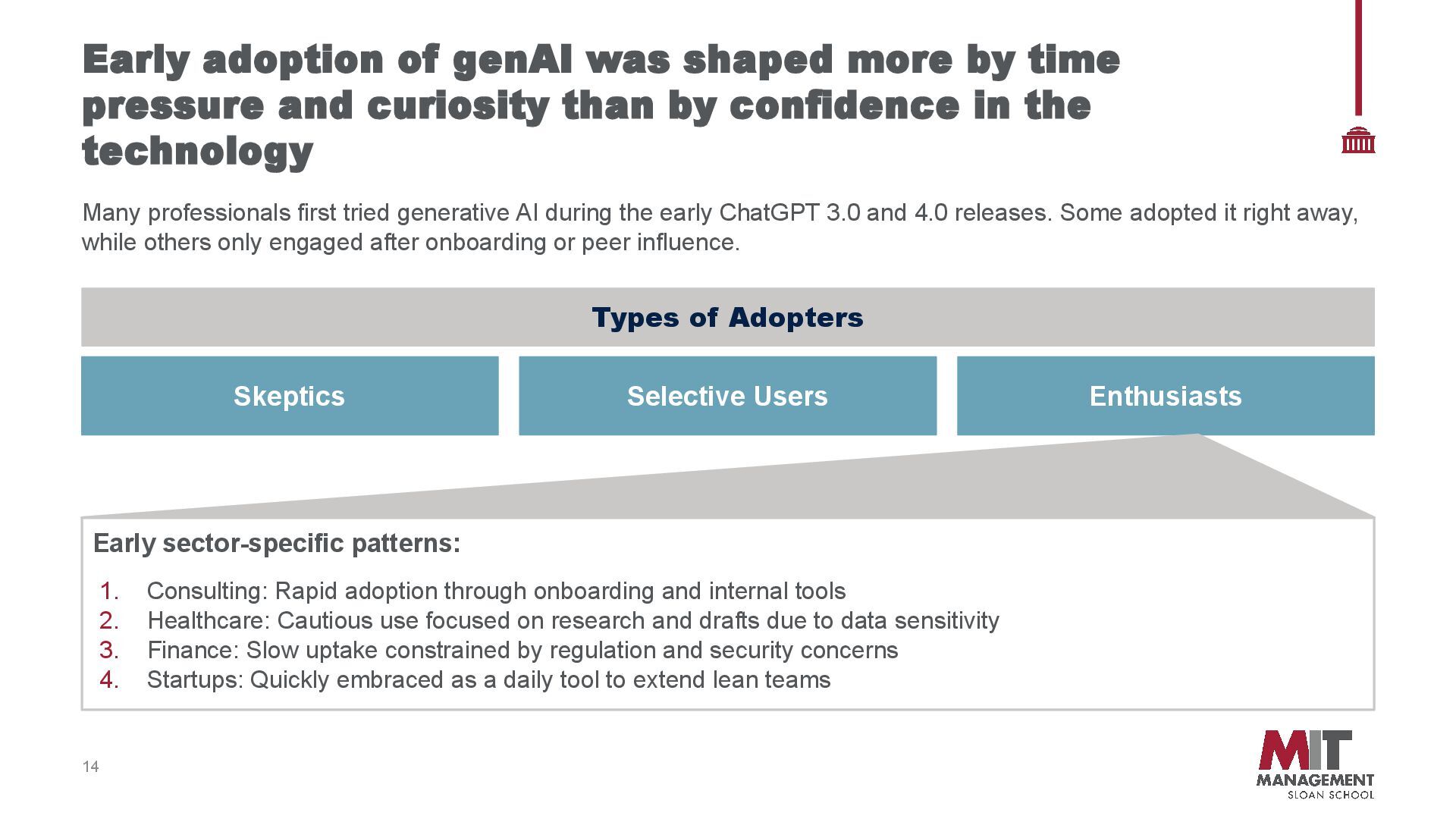
pressure and curiosity than by confidence in the technology Skeptics Selective Users Enthusiasts Early sector-specific patterns: 1. Consulting: Rapid adoption through onboarding and internal tools 2. Healthcare: Cautious use focused on research and drafts due to data sensitivity 3. Finance: Slow uptake constrained by regulation and security concerns 4. Startups: Quickly embraced as a daily tool to extend lean teams Types of Adopters Many professionals first tried generative AI during the early ChatGPT 3.0 and 4.0 releases. Some adopted it right away, while others only engaged after onboarding or peer influence.
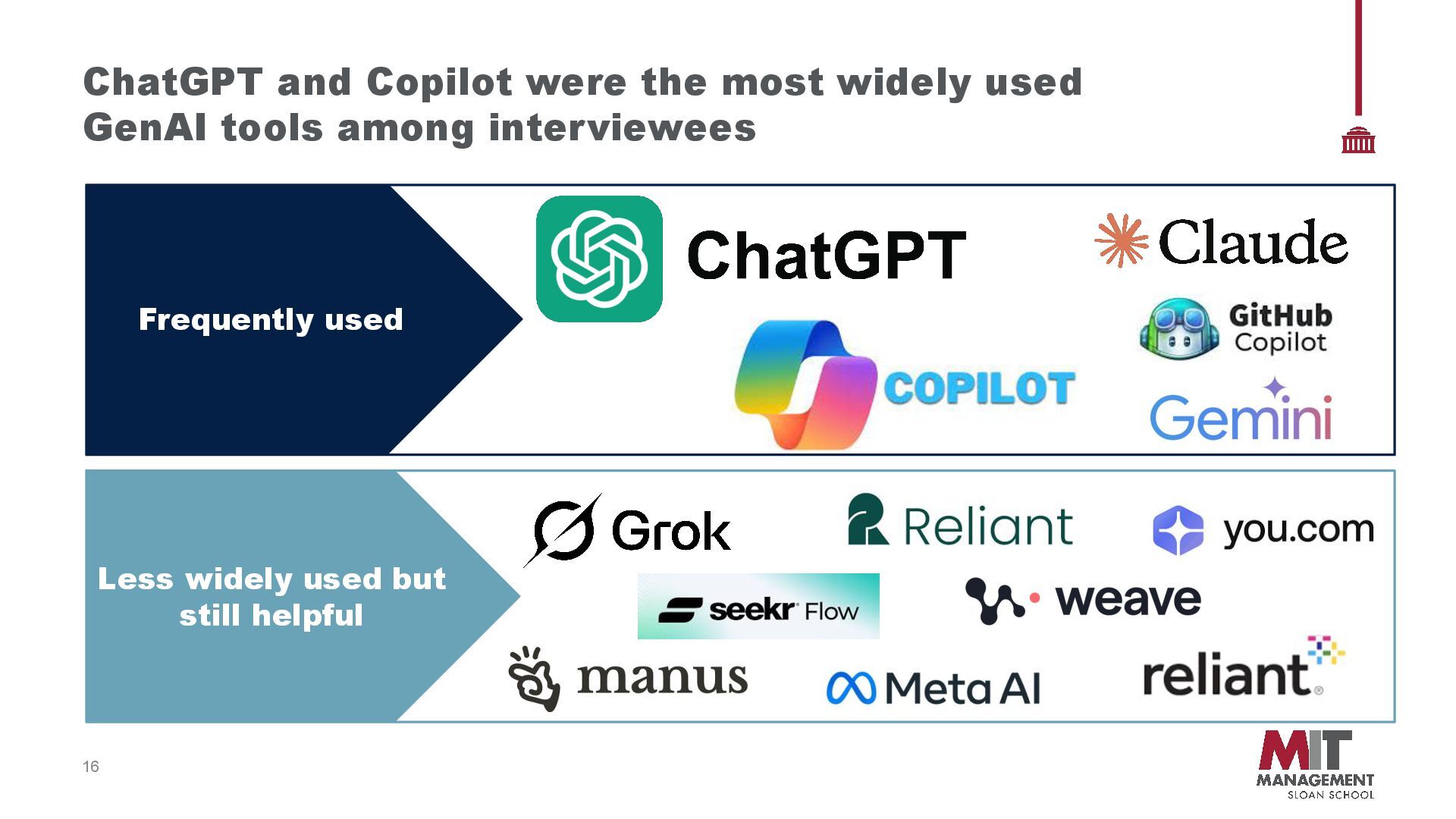
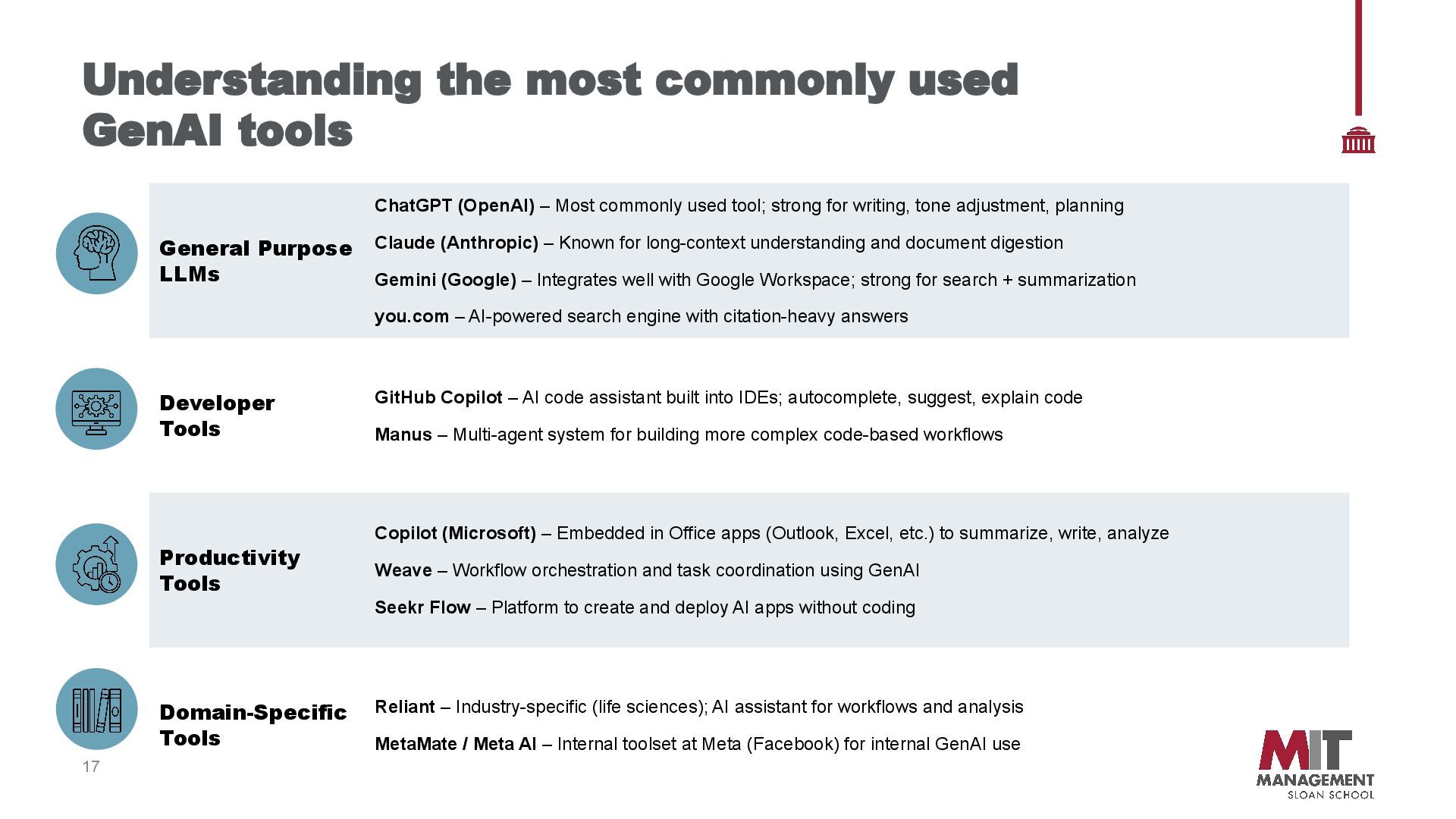
LLMs ChatGPT (OpenAI) – Most commonly used tool; strong for writing, tone adjustment, planning Claude (Anthropic) – Known for long-context understanding and document digestion Gemini (Google) – Integrates well with Google Workspace; strong for search + summarization you.com – AI-powered search engine with citation-heavy answers Developer Tools GitHub Copilot – AI code assistant built into IDEs; autocomplete, suggest, explain code Manus – Multi-agent system for building more complex code-based workflows Productivity Tools Copilot (Microsoft) – Embedded in Office apps (Outlook, Excel, etc.) to summarize, write, analyze Weave – Workflow orchestration and task coordination using GenAI Seekr Flow – Platform to create and deploy AI apps without coding Domain-Specific Tools Reliant – Industry-specific (life sciences); AI assistant for workflows and analysis MetaMate / Meta AI – Internal toolset at Meta (Facebook) for internal GenAI use
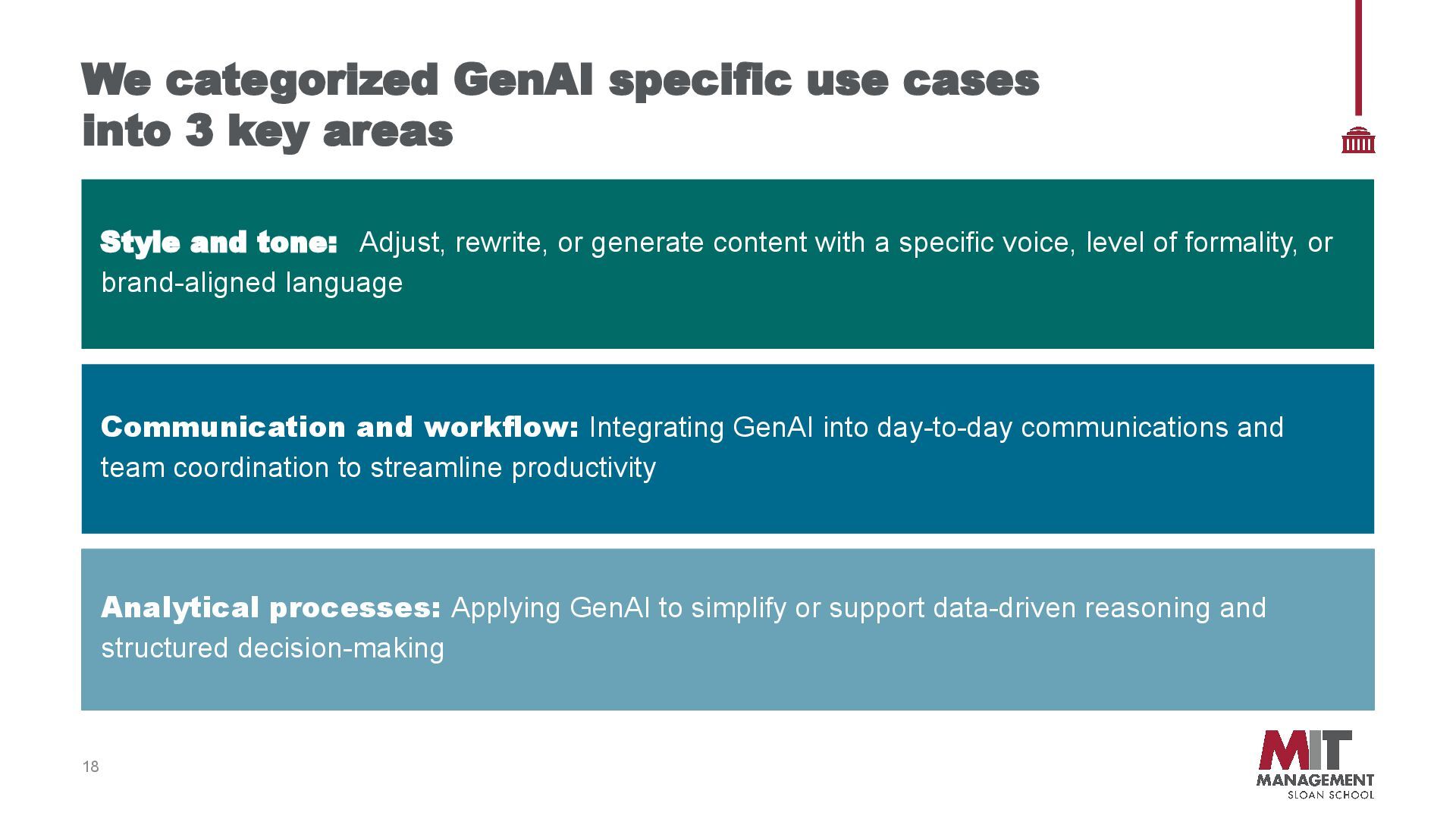
categorized GenAI specific use cases into 3 key areas Style and tone: Adjust, rewrite, or generate content with a specific voice, level of formality, or brand-aligned language Communication and workflow: Integrating GenAI into day-to-day communications and team coordination to streamline productivity Analytical processes: Applying GenAI to simplify or support data-driven reasoning and structured decision-making
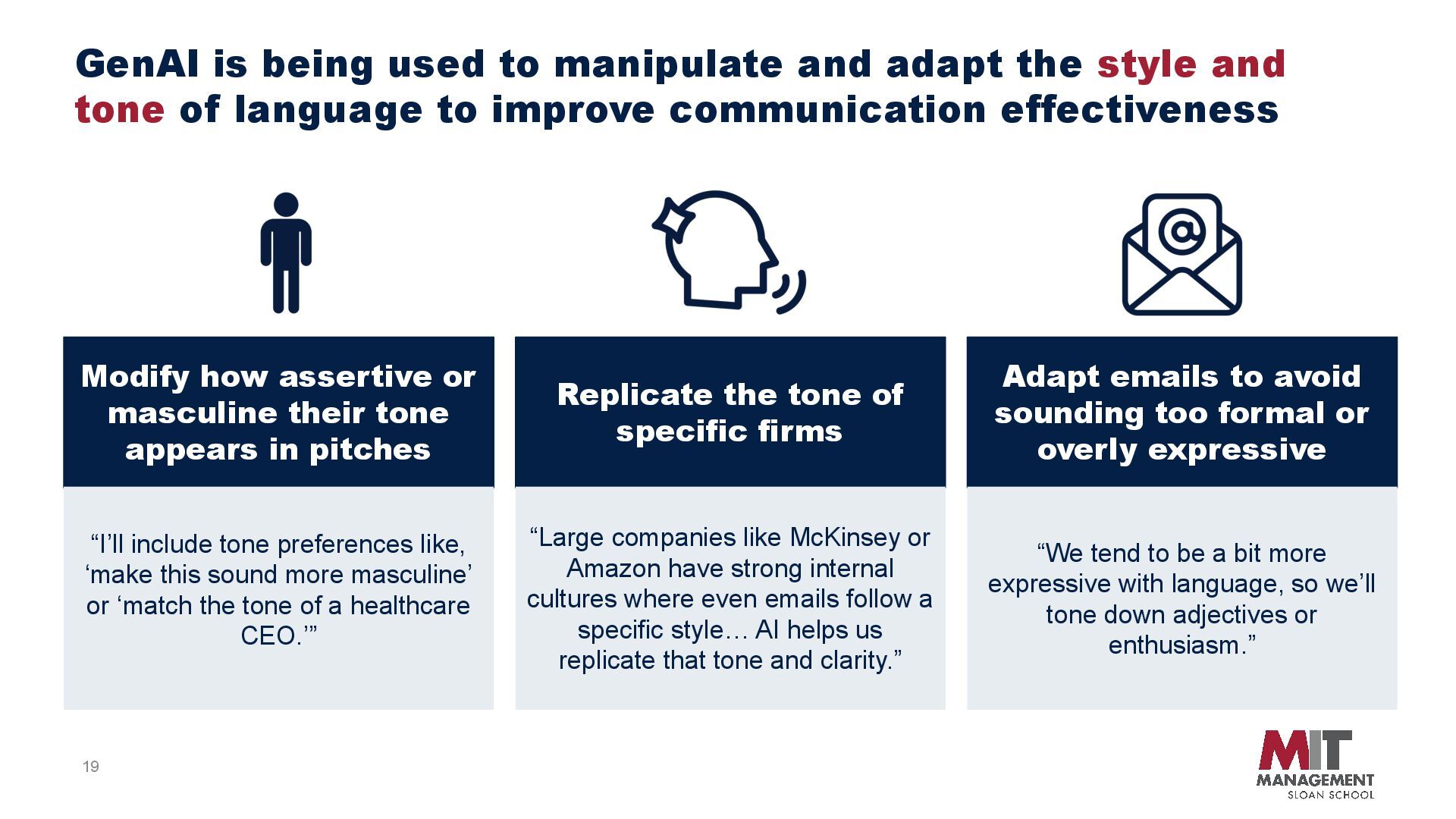
pitches Adapt emails to avoid sounding too formal or overly expressive Replicate the tone of specific firms “I’ll include tone preferences like, ‘make this sound more masculine’ or ‘match the tone of a healthcare CEO.’” “We tend to be a bit more expressive with language, so we’ll tone down adjectives or enthusiasm.” GenAI is being used to manipulate and adapt the style and tone of language to improve communication effectiveness “Large companies like McKinsey or Amazon have strong internal cultures where even emails follow a specific style… AI helps us replicate that tone and clarity.”
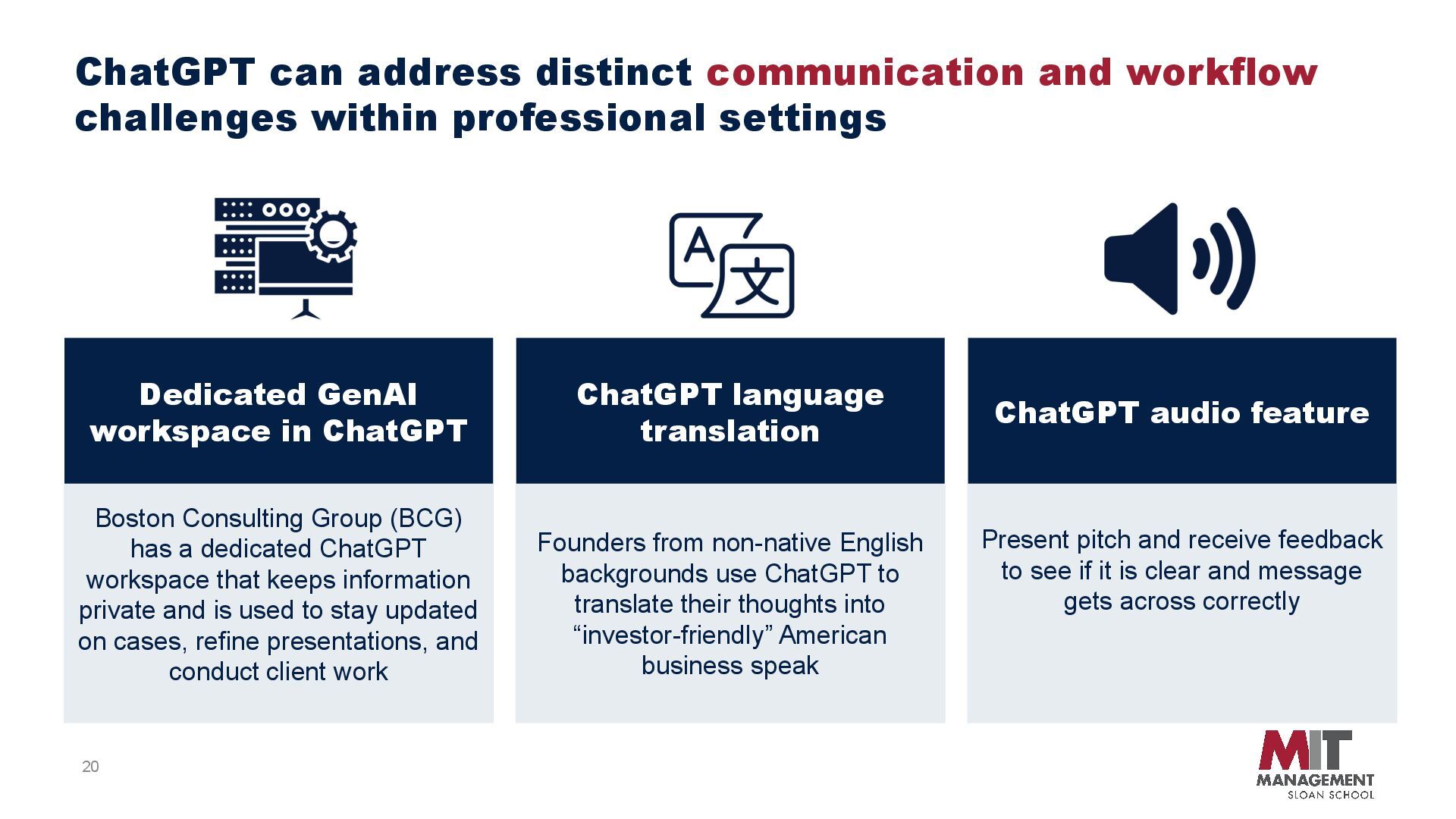
language translation Present pitch and receive feedback to see if it is clear and message gets across correctly Founders from non-native English backgrounds use ChatGPT to translate their thoughts into “investor-friendly” American business speak ChatGPT can address distinct communication and workflow challenges within professional settings Boston Consulting Group (BCG) has a dedicated ChatGPT workspace that keeps information private and is used to stay updated on cases, refine presentations, and conduct client work
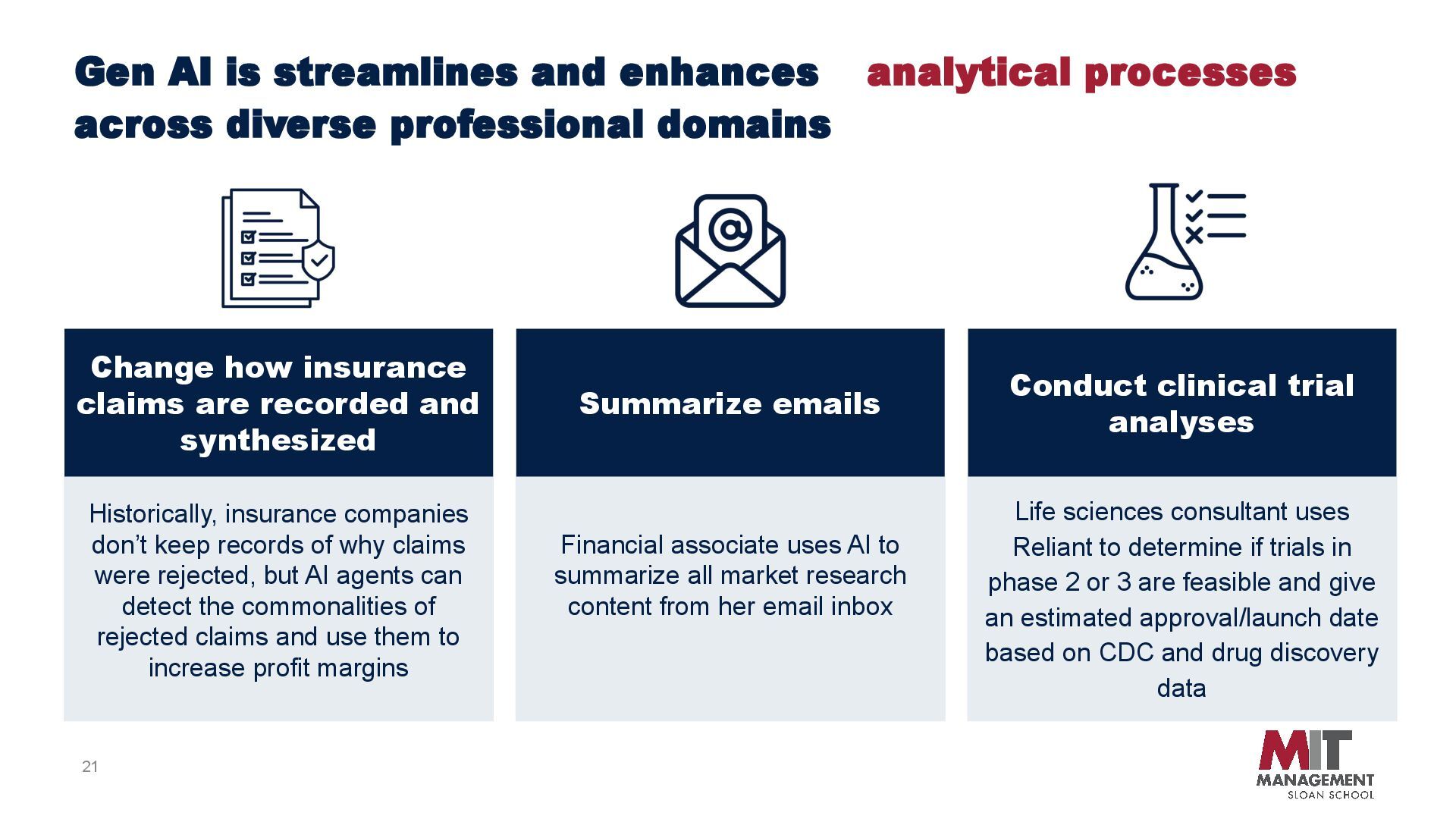
clinical trial analyses Summarize emails Historically, insurance companies don’t keep records of why claims were rejected, but AI agents can detect the commonalities of rejected claims and use them to increase profit margins Financial associate uses AI to summarize all market research content from her email inbox Life sciences consultant uses Reliant to determine if trials in phase 2 or 3 are feasible and give an estimated approval/launch date based on CDC and drug discovery data Gen AI is streamlines and enhances analytical processes across diverse professional domains
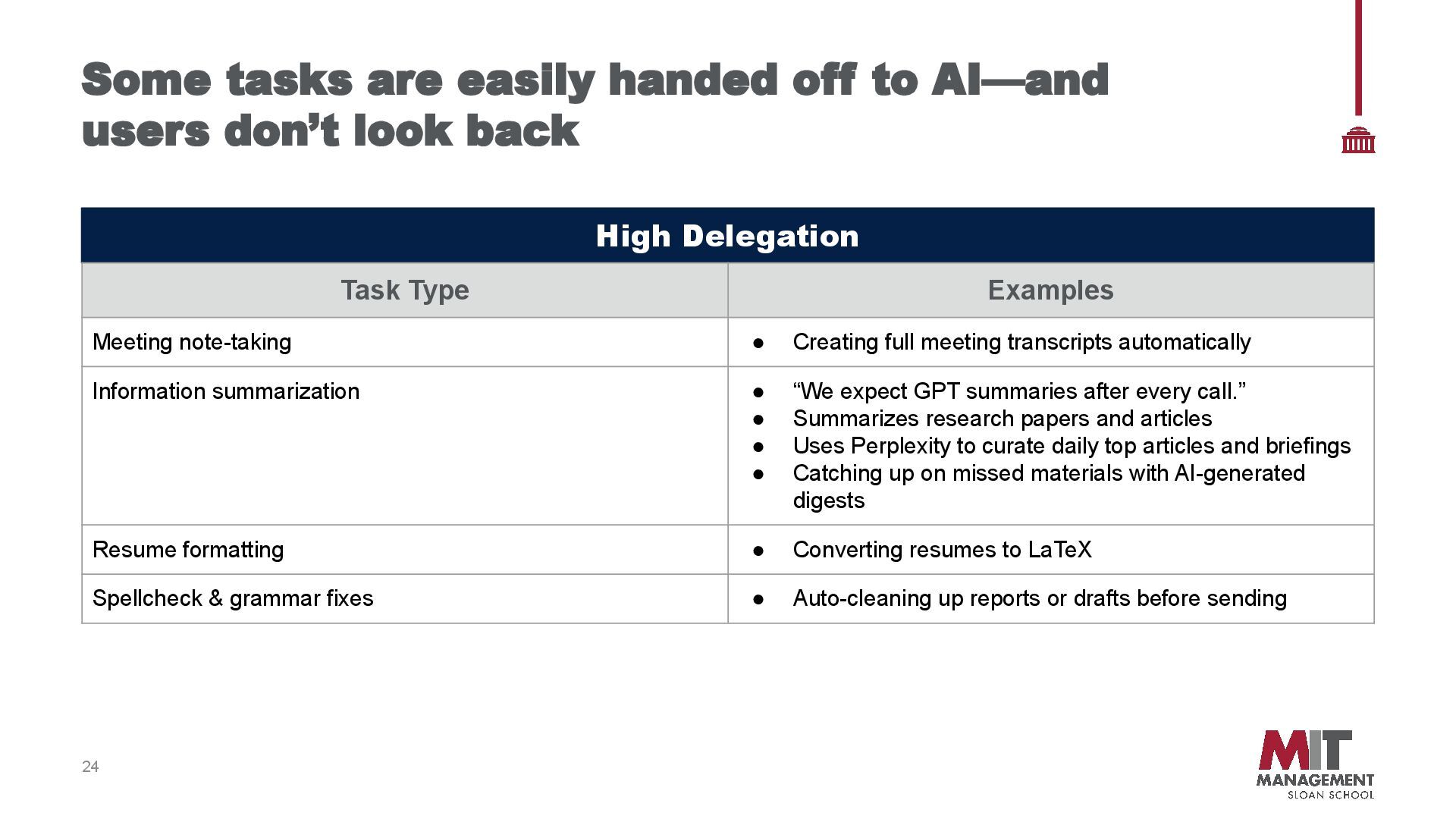
don’t look back High Delegation Task Type Examples Meeting note-taking • Creating full meeting transcripts automatically Information summarization • “We expect GPT summaries after every call.” • Summarizes research papers and articles • Uses Perplexity to curate daily top articles and briefings • Catching up on missed materials with AI-generated digests Resume formatting • Converting resumes to LaTeX Spellcheck & grammar fixes • Auto-cleaning up reports or drafts before sending
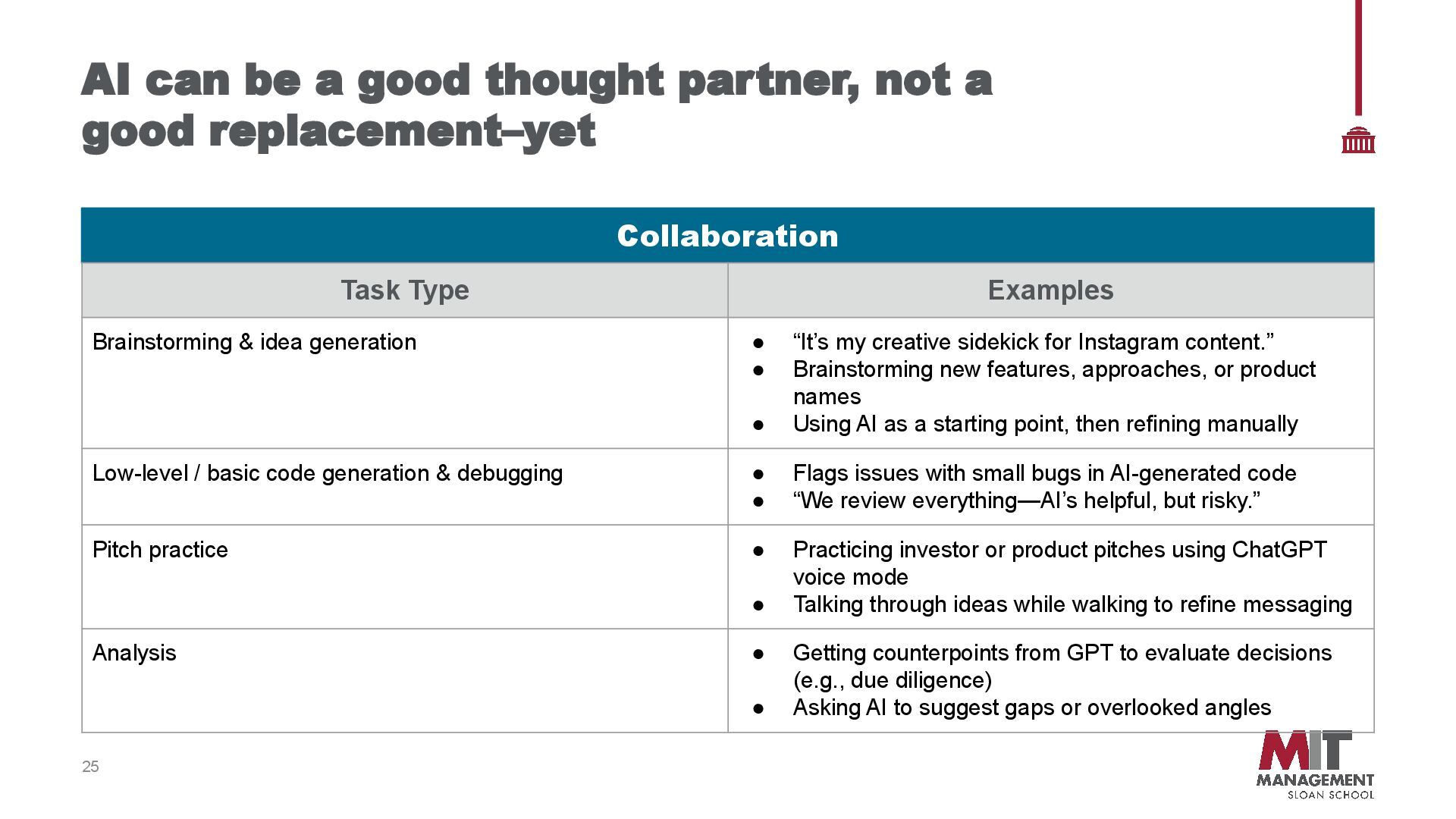
good replacement–yet Collaboration Task Type Examples Brainstorming & idea generation • “It’s my creative sidekick for Instagram content.” • Brainstorming new features, approaches, or product names • Using AI as a starting point, then refining manually Low-level / basic code generation & debugging • Flags issues with small bugs in AI-generated code • “We review everything—AI’s helpful, but risky.” Pitch practice • Practicing investor or product pitches using ChatGPT voice mode • Talking through ideas while walking to refine messaging Analysis • Getting counterpoints from GPT to evaluate decisions (e.g., due diligence) • Asking AI to suggest gaps or overlooked angles
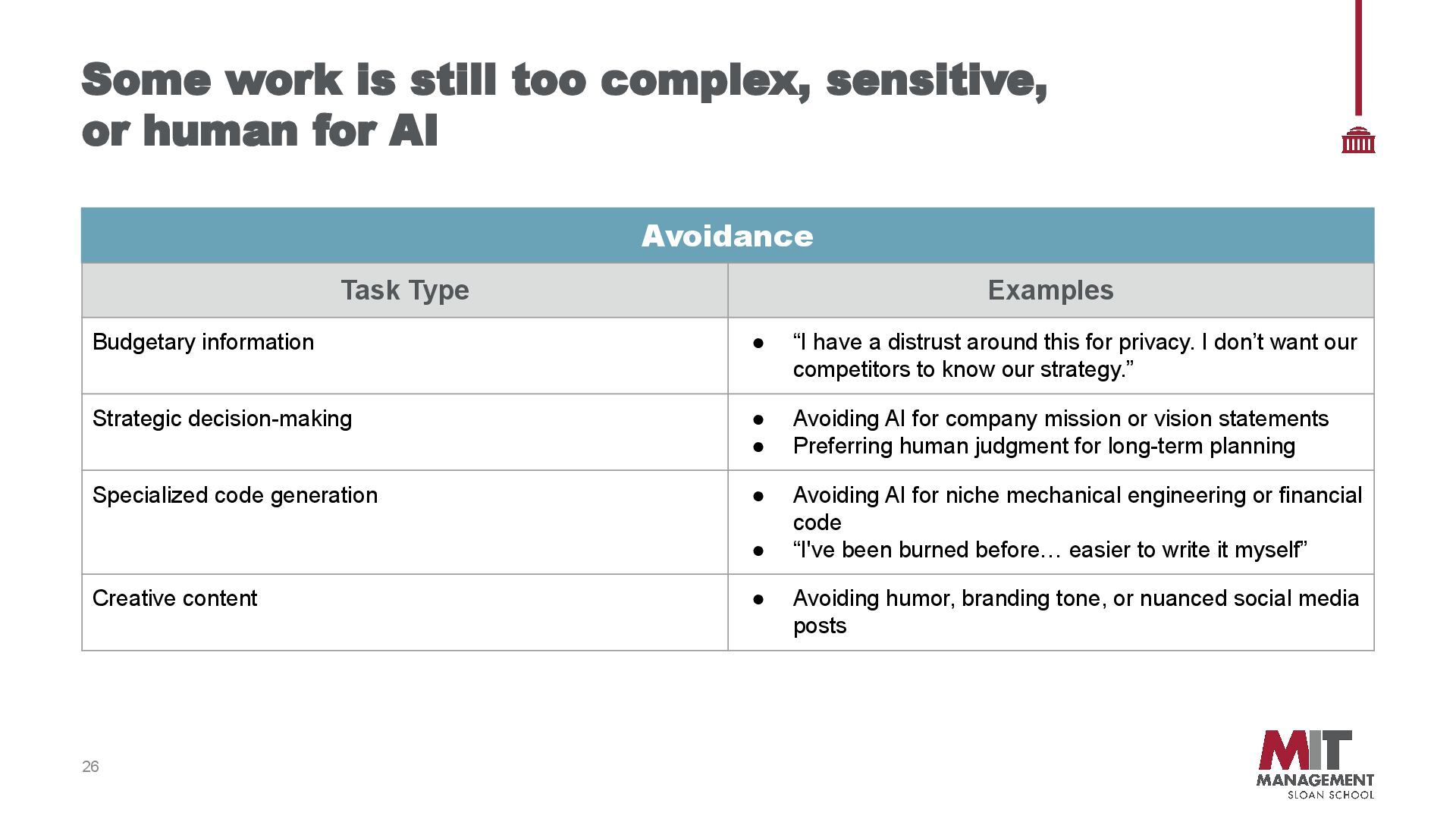
for AI Avoidance Task Type Examples Budgetary information • “I have a distrust around this for privacy. I don’t want our competitors to know our strategy.” Strategic decision-making • Avoiding AI for company mission or vision statements • Preferring human judgment for long-term planning Specialized code generation • Avoiding AI for niche mechanical engineering or financial code • “I've been burned before… easier to write it myself” Creative content • Avoiding humor, branding tone, or nuanced social media posts
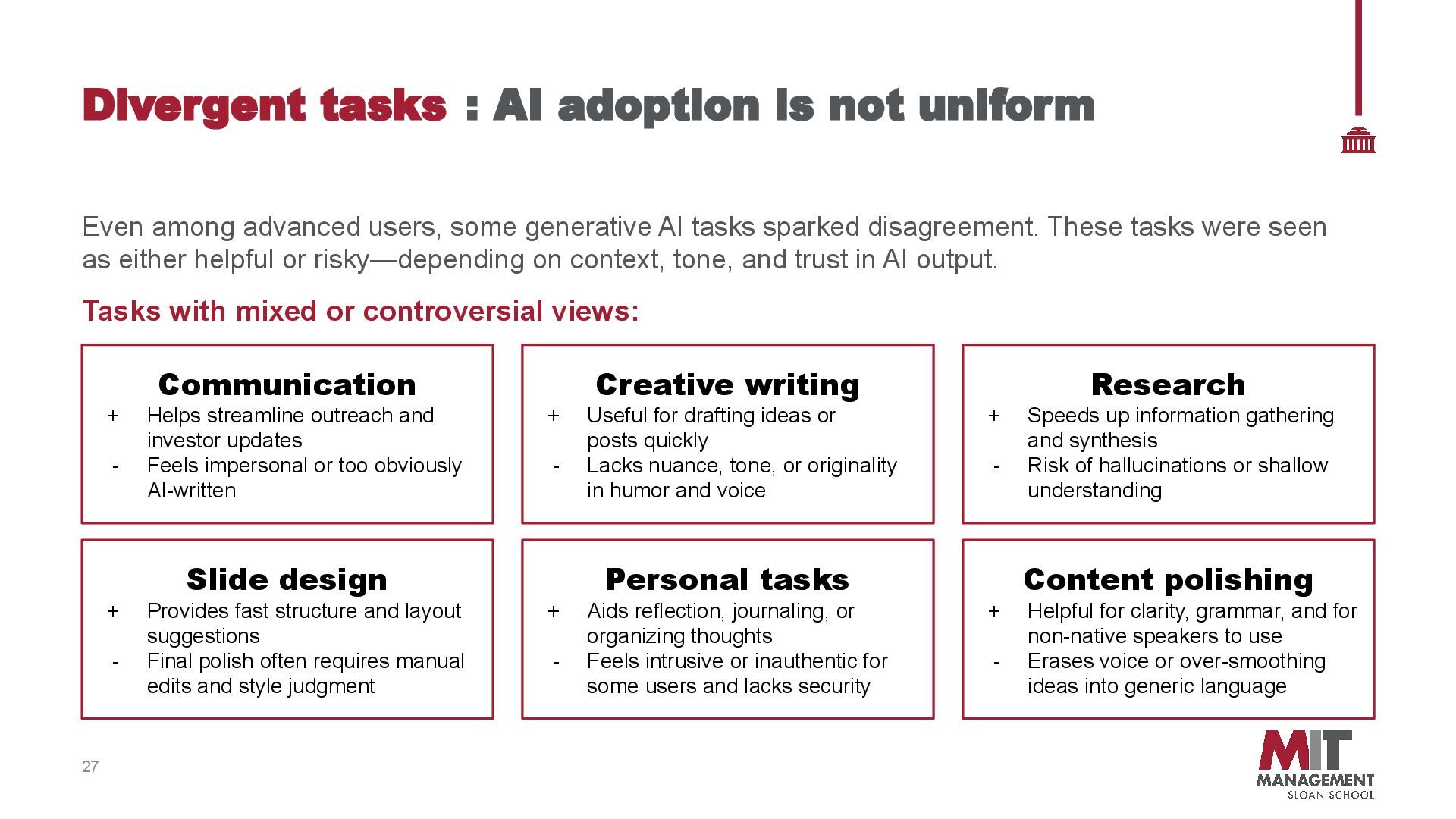
These tasks were seen as either helpful or risky—depending on context, tone, and trust in AI output. Tasks with mixed or controversial views: 27 Divergent tasks : AI adoption is not uniform Communication + Helps streamline outreach and investor updates - Feels impersonal or too obviously AI-written Creative writing + Useful for drafting ideas or posts quickly - Lacks nuance, tone, or originality in humor and voice Personal tasks + Aids reflection, journaling, or organizing thoughts - Feels intrusive or inauthentic for some users and lacks security Content polishing + Helpful for clarity, grammar, and for non-native speakers to use - Erases voice or over-smoothing ideas into generic language Research + Speeds up information gathering and synthesis - Risk of hallucinations or shallow understanding Slide design + Provides fast structure and layout suggestions - Final polish often requires manual edits and style judgment
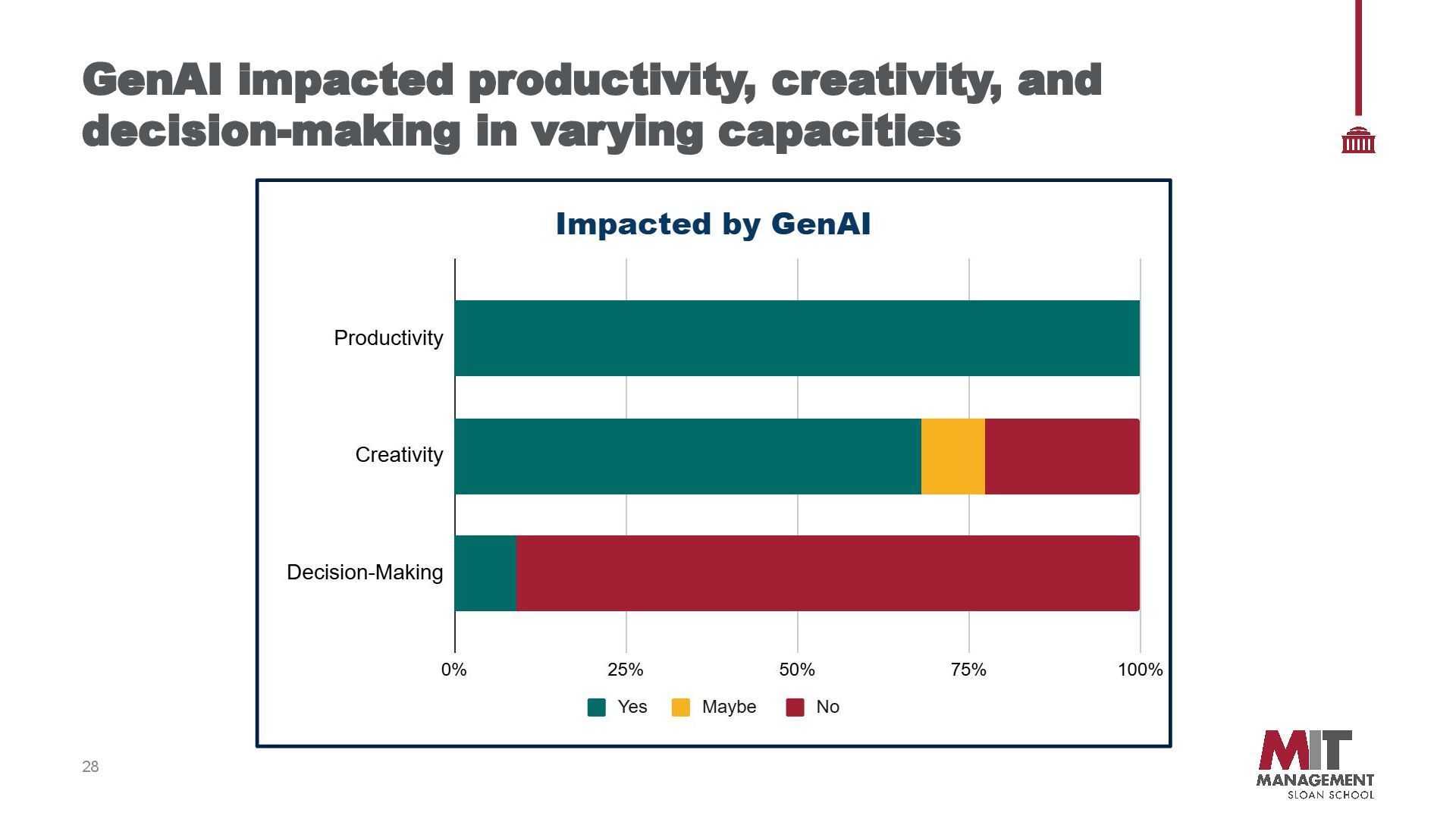
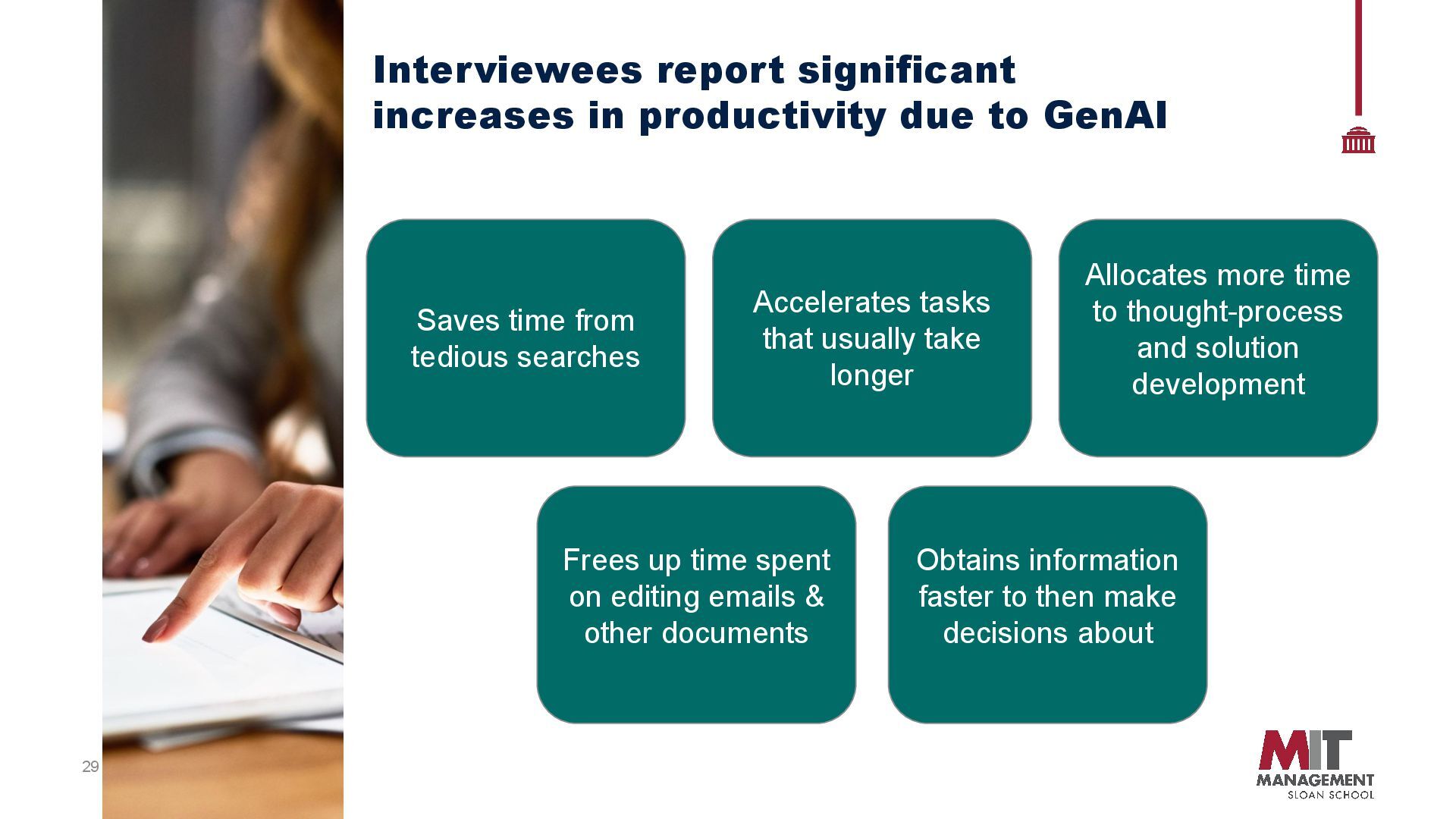
take longer Allocates more time to thought-process and solution development Frees up time spent on editing emails & other documents Obtains information faster to then make decisions about Interviewees report significant increases in productivity due to GenAI
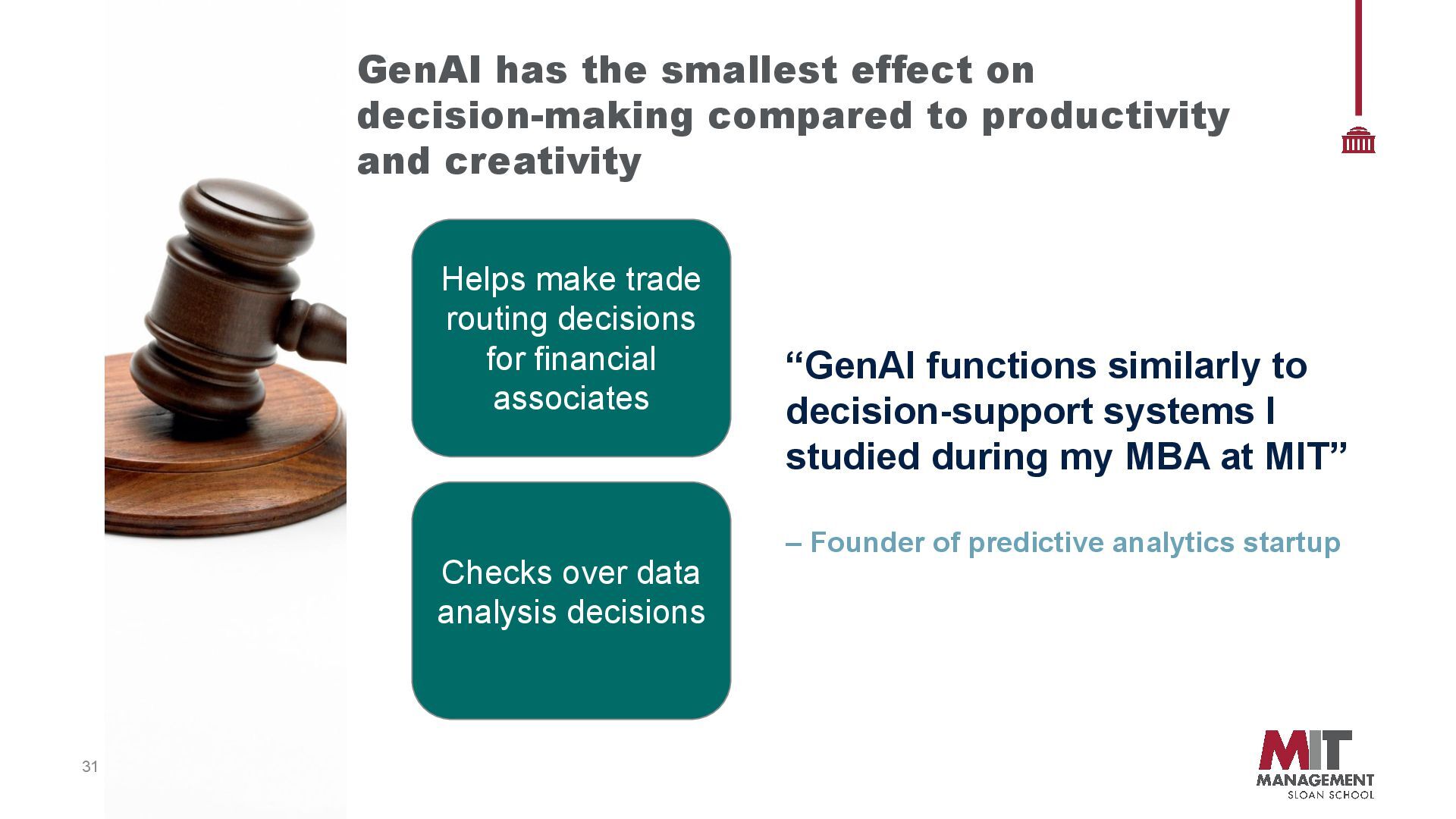
over data analysis decisions GenAI has the smallest effect on decision-making compared to productivity and creativity “GenAI functions similarly to decision-support systems I studied during my MBA at MIT” – Founder of predictive analytics startup
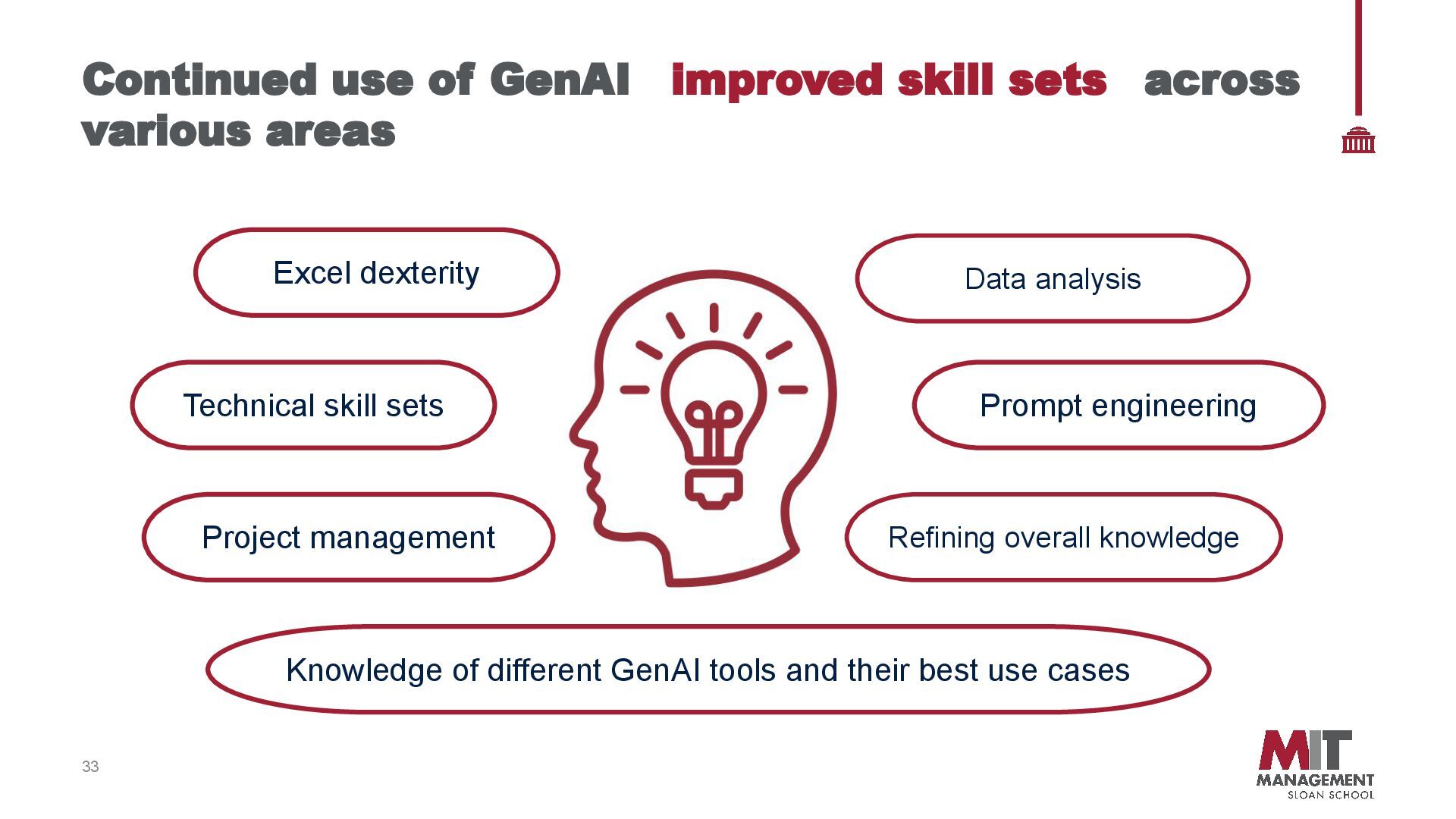
areas Data analysis Knowledge of different GenAI tools and their best use cases Project management Technical skill sets Prompt engineering Refining overall knowledge Excel dexterity
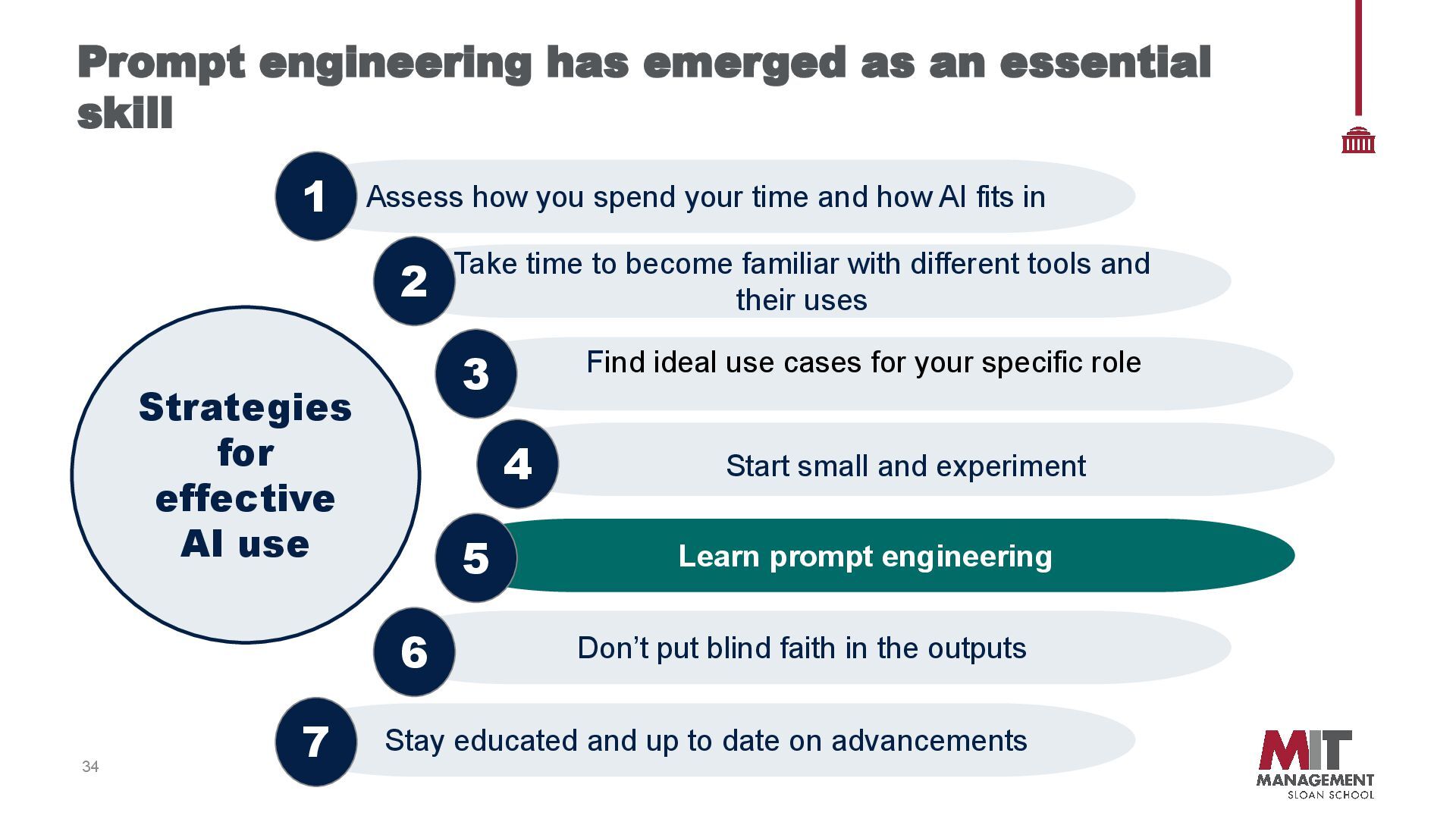
blind faith in the outputs Learn prompt engineering Assess how you spend your time and how AI fits in Take time to become familiar with different tools and their uses Find ideal use cases for your specific role 34 Prompt engineering has emerged as an essential skill Strategies for effective AI use Start small and experiment 4 5 6 7 3 2 1
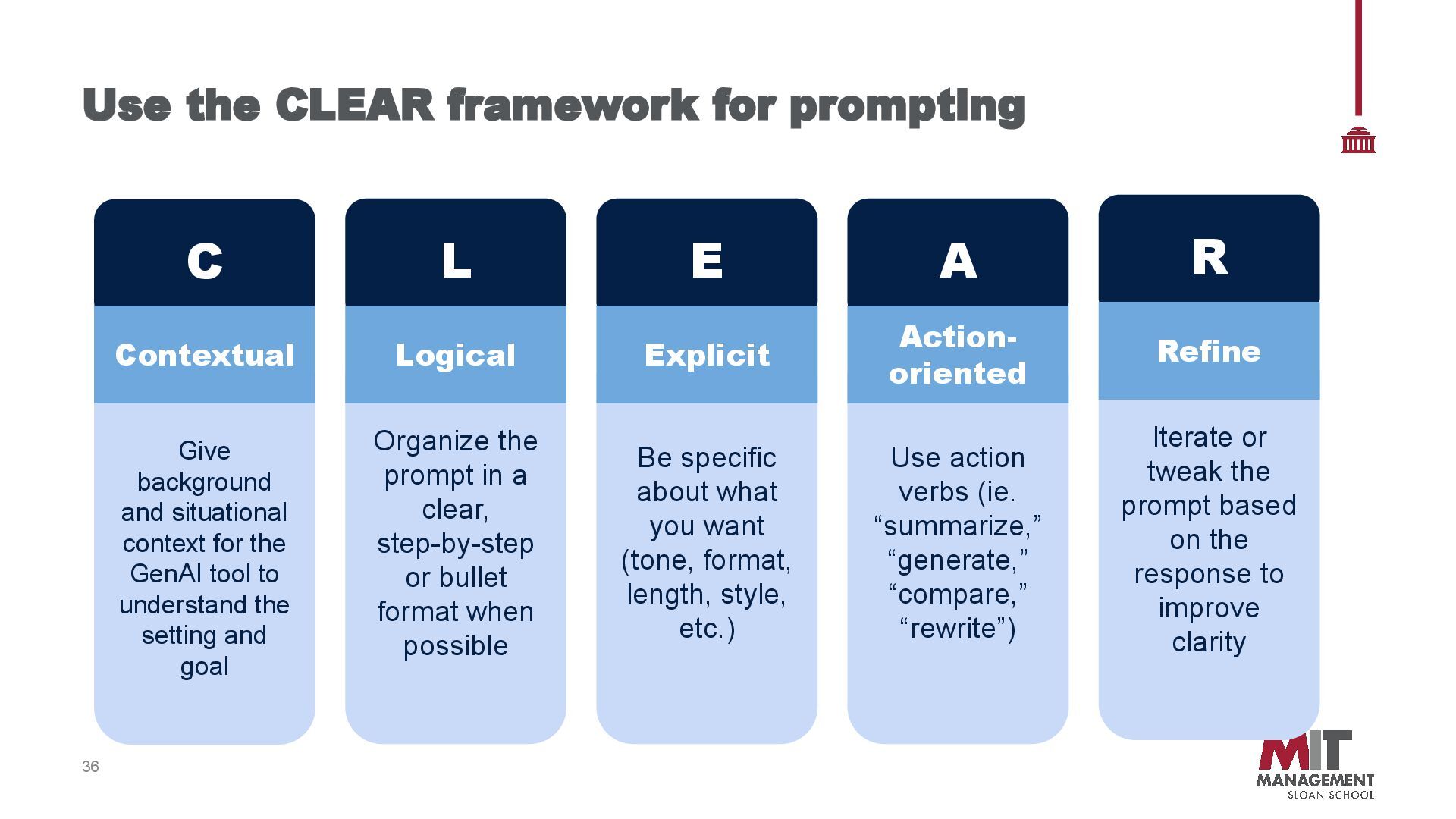
improve clarity Give background and situational context for the GenAI tool to understand the setting and goal 36 Use the CLEAR framework for prompting C Organize the prompt in a clear, step-by-step or bullet format when possible L Logical Be specific about what you want (tone, format, length, style, etc.) E Explicit Use action verbs (ie. “summarize,” “generate,” “compare,” “rewrite”) A Action- oriented R Refine Contextual
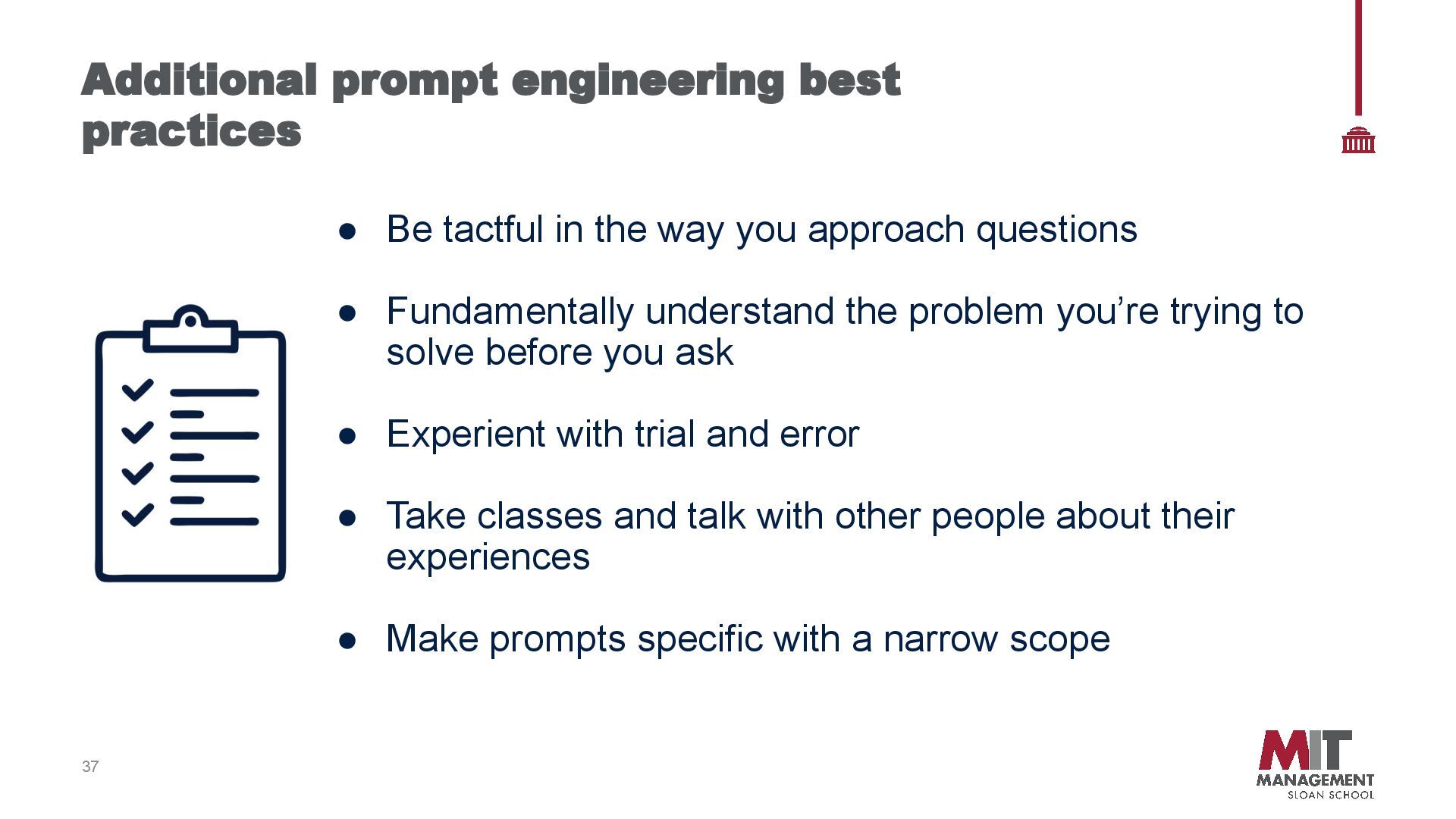
Fundamentally understand the problem you’re trying to solve before you ask • Experient with trial and error • Take classes and talk with other people about their experiences • Make prompts specific with a narrow scope 37 Additional prompt engineering best practices
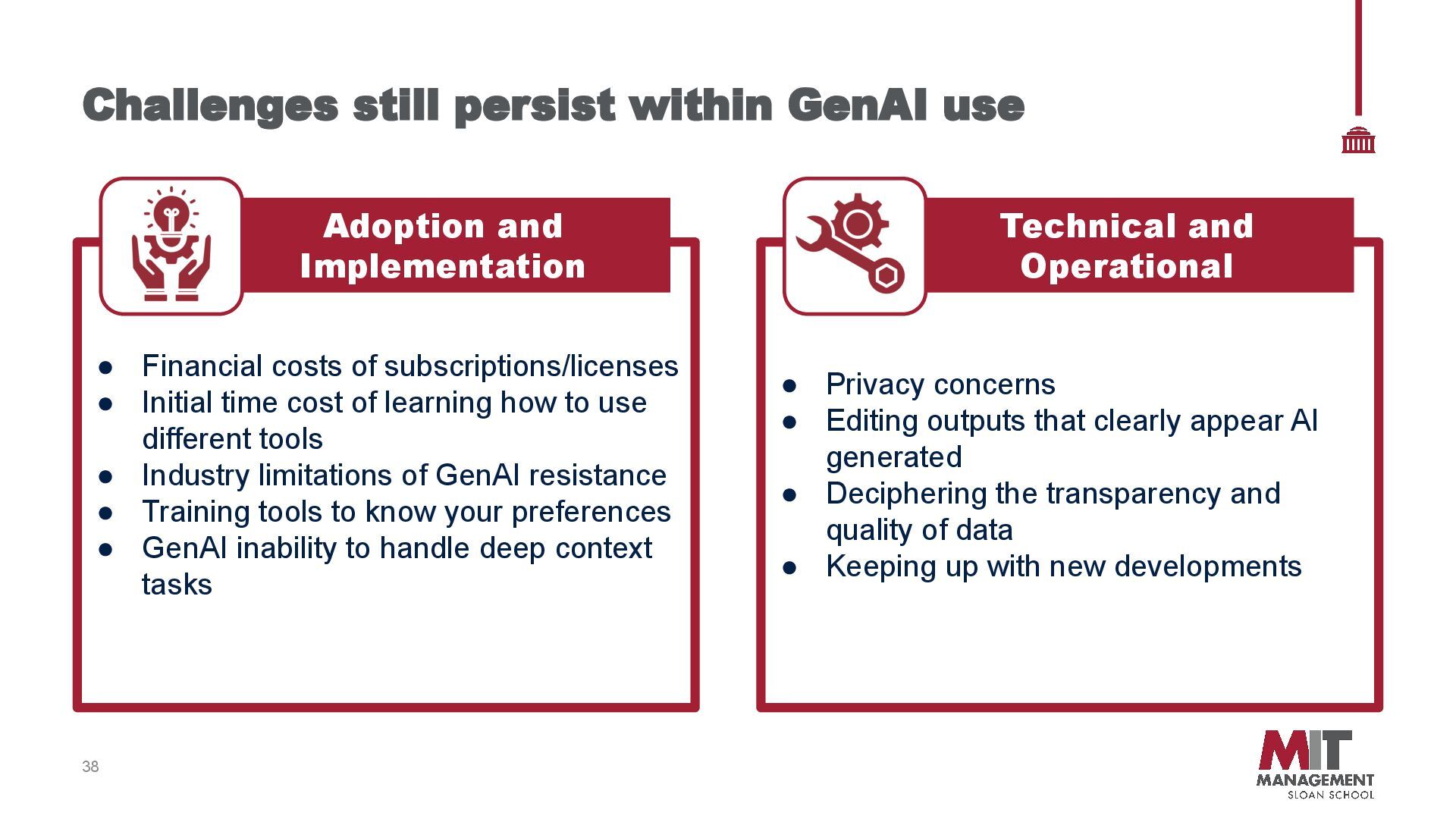
learning how to use different tools • Industry limitations of GenAI resistance • Training tools to know your preferences • GenAI inability to handle deep context tasks Adoption and Implementation 38 Challenges still persist within GenAI use • Privacy concerns • Editing outputs that clearly appear AI generated • Deciphering the transparency and quality of data • Keeping up with new developments Technical and Operational
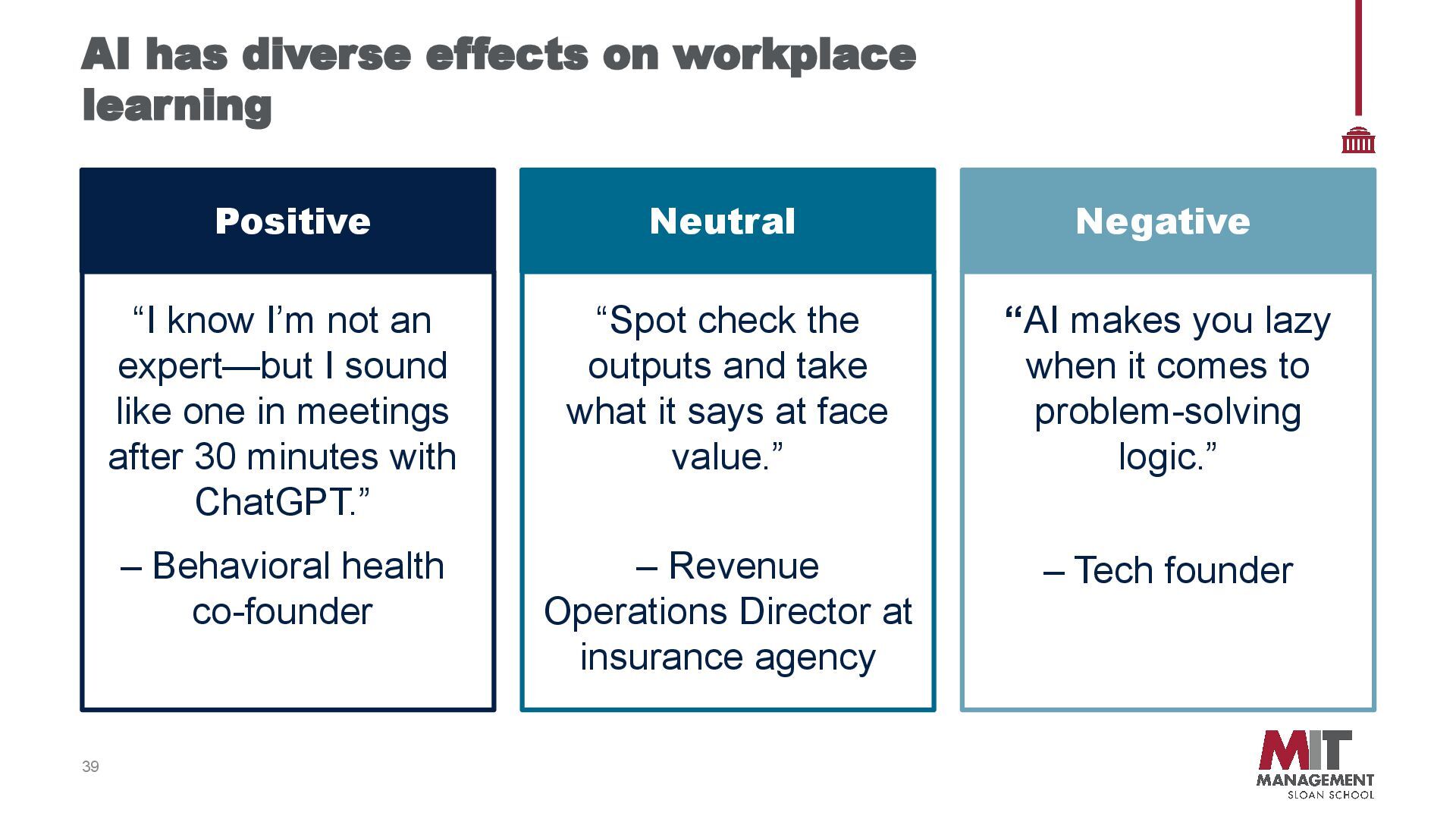
know I’m not an expert—but I sound like one in meetings after 30 minutes with ChatGPT.” – Behavioral health co-founder Neutral “Spot check the outputs and take what it says at face value.” – Revenue Operations Director at insurance agency Negative “AI makes you lazy when it comes to problem-solving logic.” – Tech founder
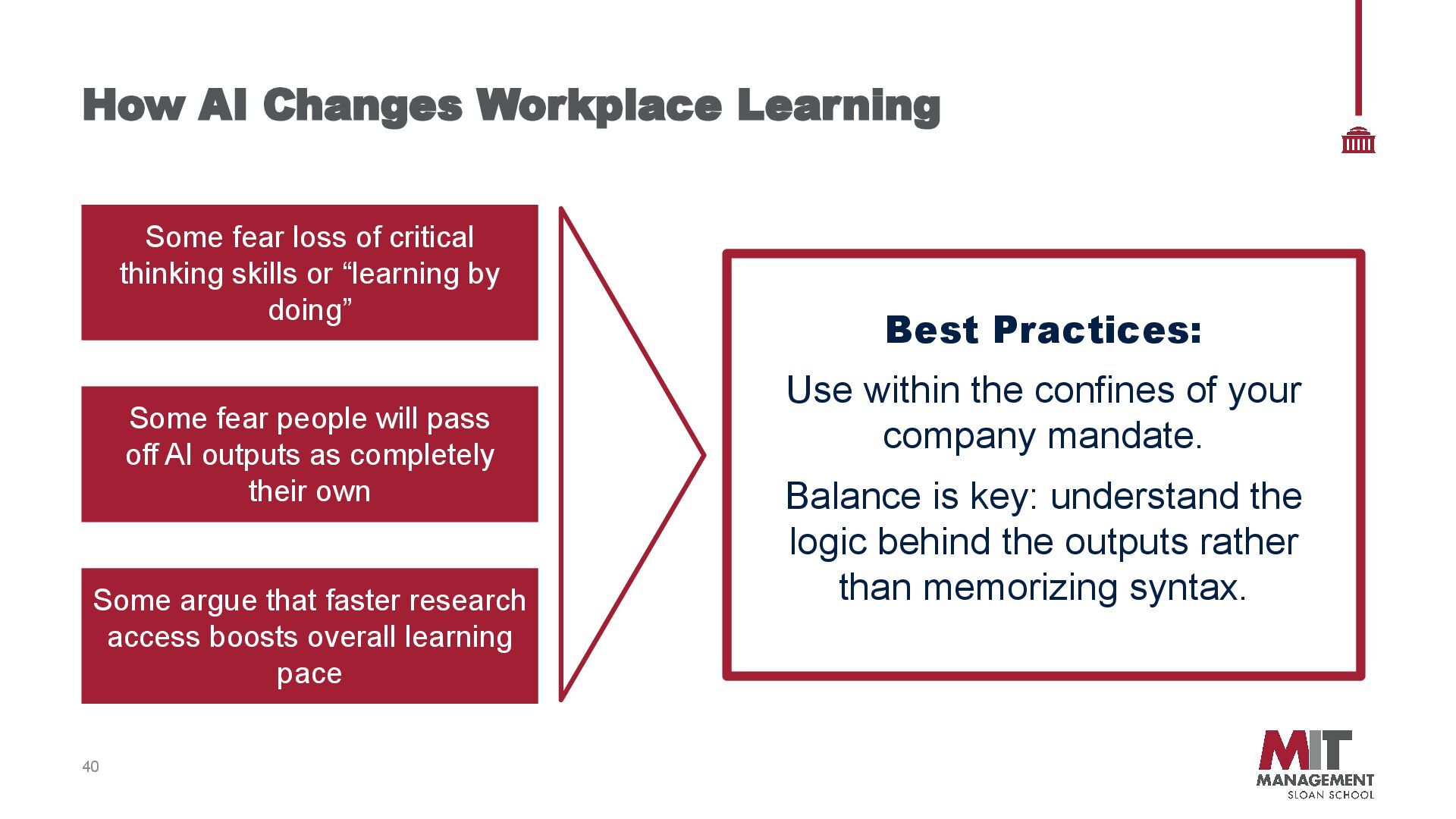
critical thinking skills or “learning by doing” Some fear people will pass off AI outputs as completely their own Some argue that faster research access boosts overall learning pace Best Practices: Use within the confines of your company mandate. Balance is key: understand the logic behind the outputs rather than memorizing syntax.
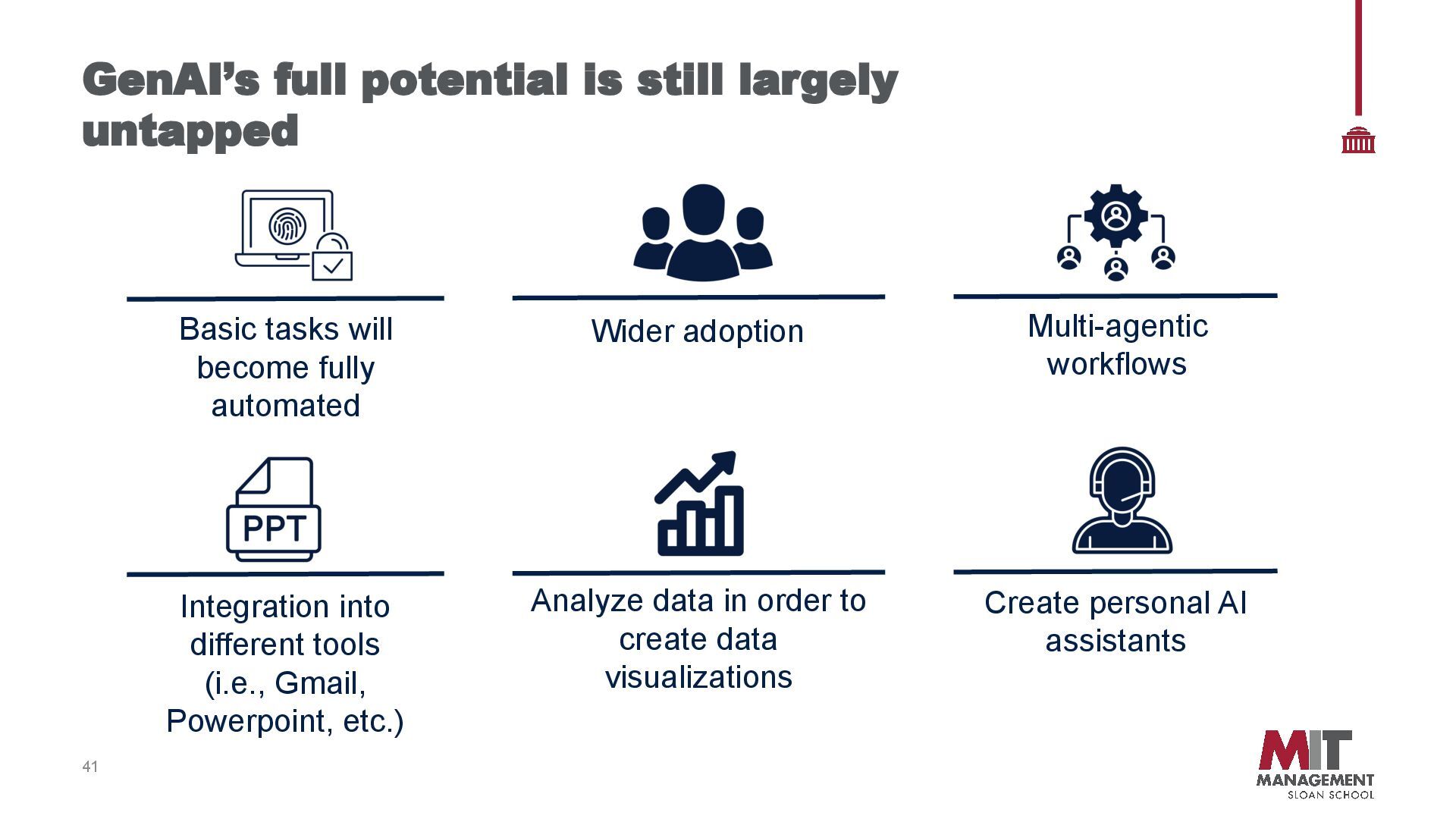
will become fully automated Wider adoption Multi-agentic workflows Integration into different tools (i.e., Gmail, Powerpoint, etc.) Analyze data in order to create data visualizations Create personal AI assistants
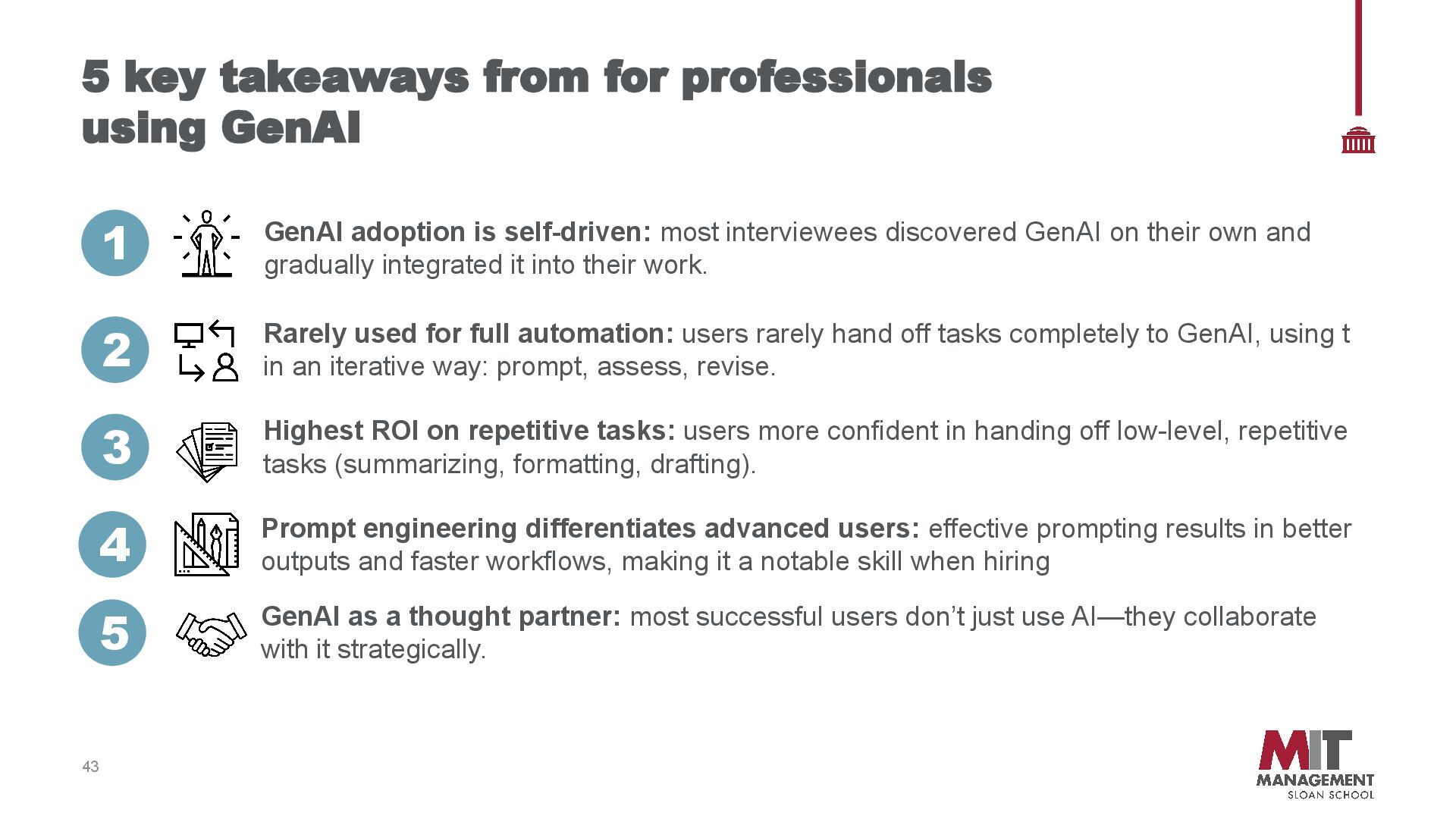
GenAI adoption is self-driven: most interviewees discovered GenAI on their own and gradually integrated it into their work. 2 Rarely used for full automation: users rarely hand off tasks completely to GenAI, using t in an iterative way: prompt, assess, revise. 3 Highest ROI on repetitive tasks: users more confident in handing off low-level, repetitive tasks (summarizing, formatting, drafting). 4 Prompt engineering differentiates advanced users: effective prompting results in better outputs and faster workflows, making it a notable skill when hiring 5 GenAI as a thought partner: most successful users don’t just use AI—they collaborate with it strategically.
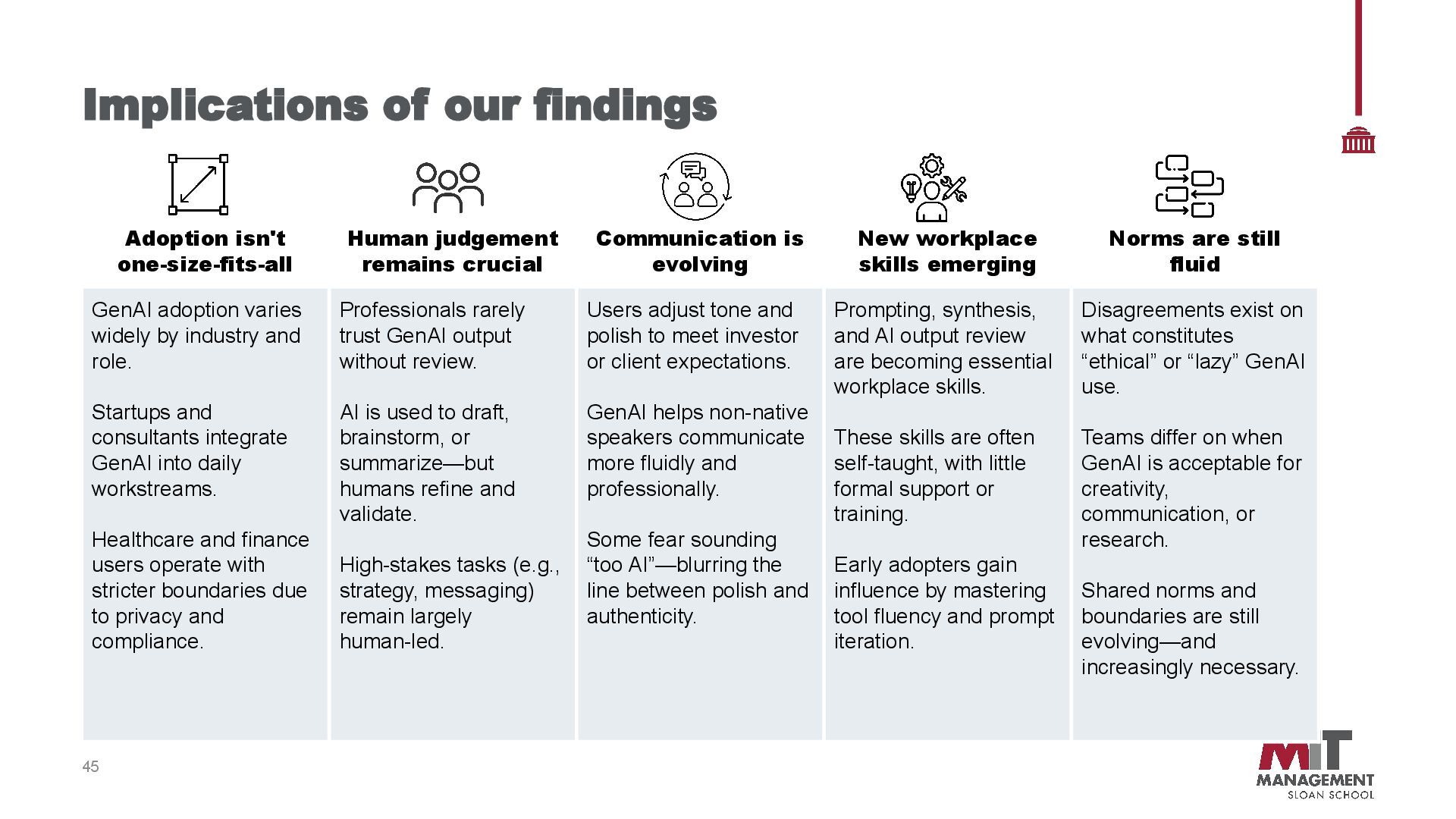
remains crucial Communication is evolving New workplace skills emerging Norms are still fluid GenAI adoption varies widely by industry and role. Startups and consultants integrate GenAI into daily workstreams. Healthcare and finance users operate with stricter boundaries due to privacy and compliance. Professionals rarely trust GenAI output without review. AI is used to draft, brainstorm, or summarize—but humans refine and validate. High-stakes tasks (e.g., strategy, messaging) remain largely human-led. Users adjust tone and polish to meet investor or client expectations. GenAI helps non-native speakers communicate more fluidly and professionally. Some fear sounding “too AI”—blurring the line between polish and authenticity. Prompting, synthesis, and AI output review are becoming essential workplace skills. These skills are often self-taught, with little formal support or training. Early adopters gain influence by mastering tool fluency and prompt iteration. Disagreements exist on what constitutes “ethical” or “lazy” GenAI use. Teams differ on when GenAI is acceptable for creativity, communication, or research. Shared norms and boundaries are still evolving—and increasingly necessary.
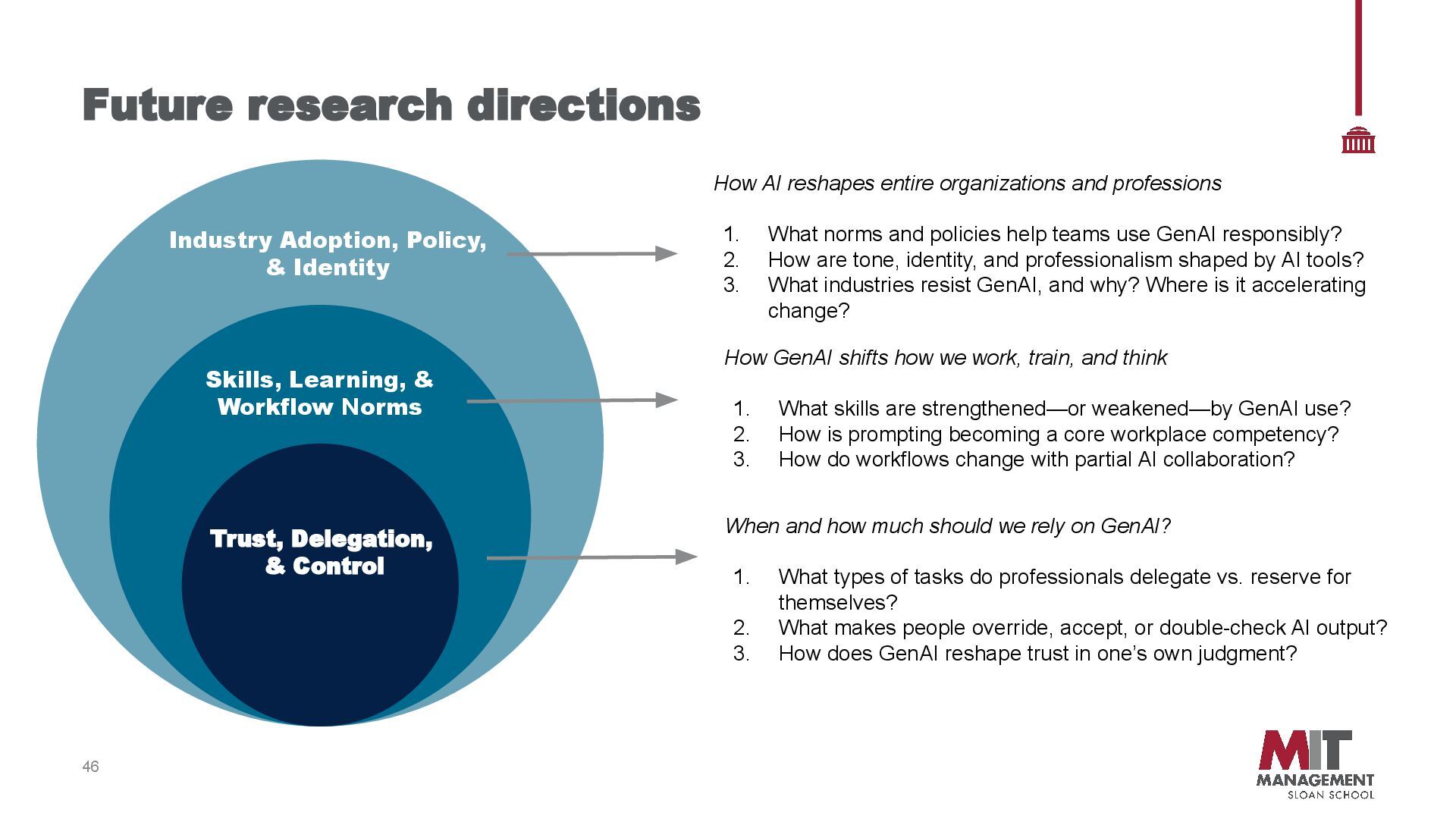
& Workflow Norms Industry Adoption, Policy, & Identity How AI reshapes entire organizations and professions 1. What norms and policies help teams use GenAI responsibly? 2. How are tone, identity, and professionalism shaped by AI tools? 3. What industries resist GenAI, and why? Where is it accelerating change? How GenAI shifts how we work, train, and think 1. What skills are strengthened—or weakened—by GenAI use? 2. How is prompting becoming a core workplace competency? 3. How do workflows change with partial AI collaboration? When and how much should we rely on GenAI? 1. What types of tasks do professionals delegate vs. reserve for themselves? 2. What makes people override, accept, or double-check AI output? 3. How does GenAI reshape trust in one’s own judgment?


 emiliedubiel
 sergeychernyshev
 rmw
rmw
 akashhashmi
 addyosmani
 tamaranovitovic
 madoxten
 palkan
 jonoalderson
 apolaine
 rkendrick25
 lauravandoore
 ammeep