Share
Embed

Transcript
134 slides
-
Gwen-Zoe Yang, co ‘27 Computer Science and Mathematics @Wellesley Today
(August 14): Encouraging Employee Adoption of Generative AI Next Thursday (August 22): Evaluating No-Code Platforms for Generative AI About Me -
Context 02 04 01 Research Question Existing Research 03 Methodology
Findings + Implications 05 Conclusion 06 Table of contents -
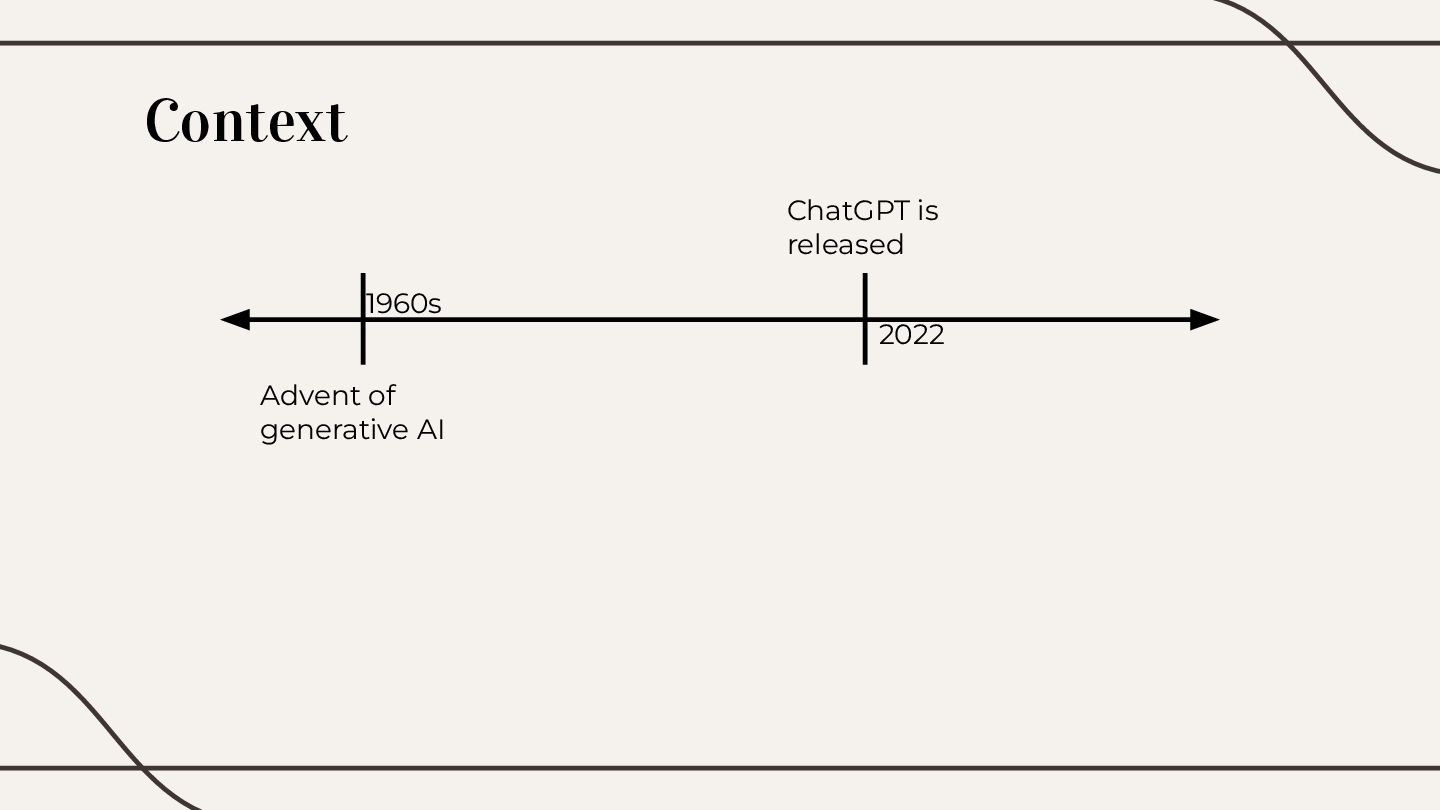
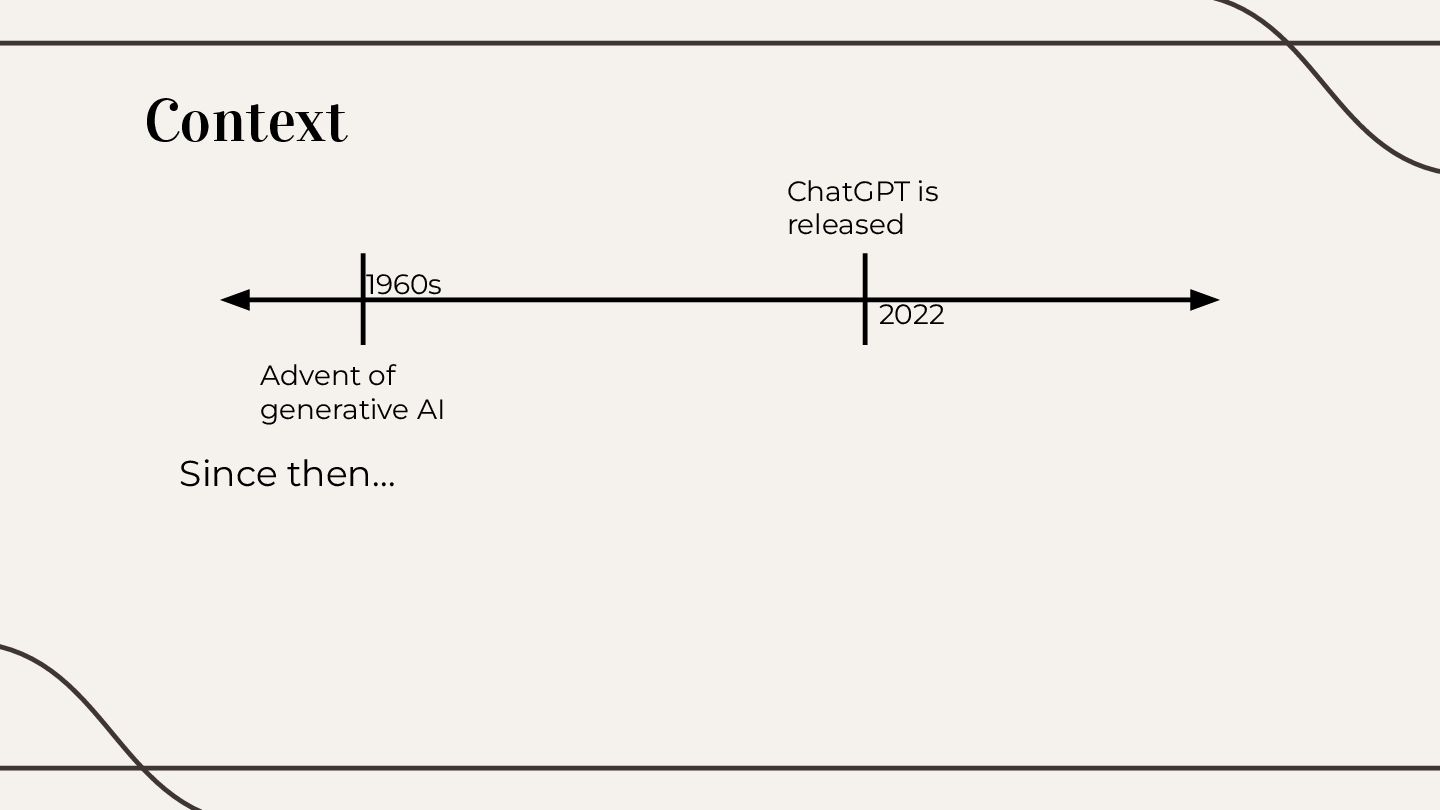
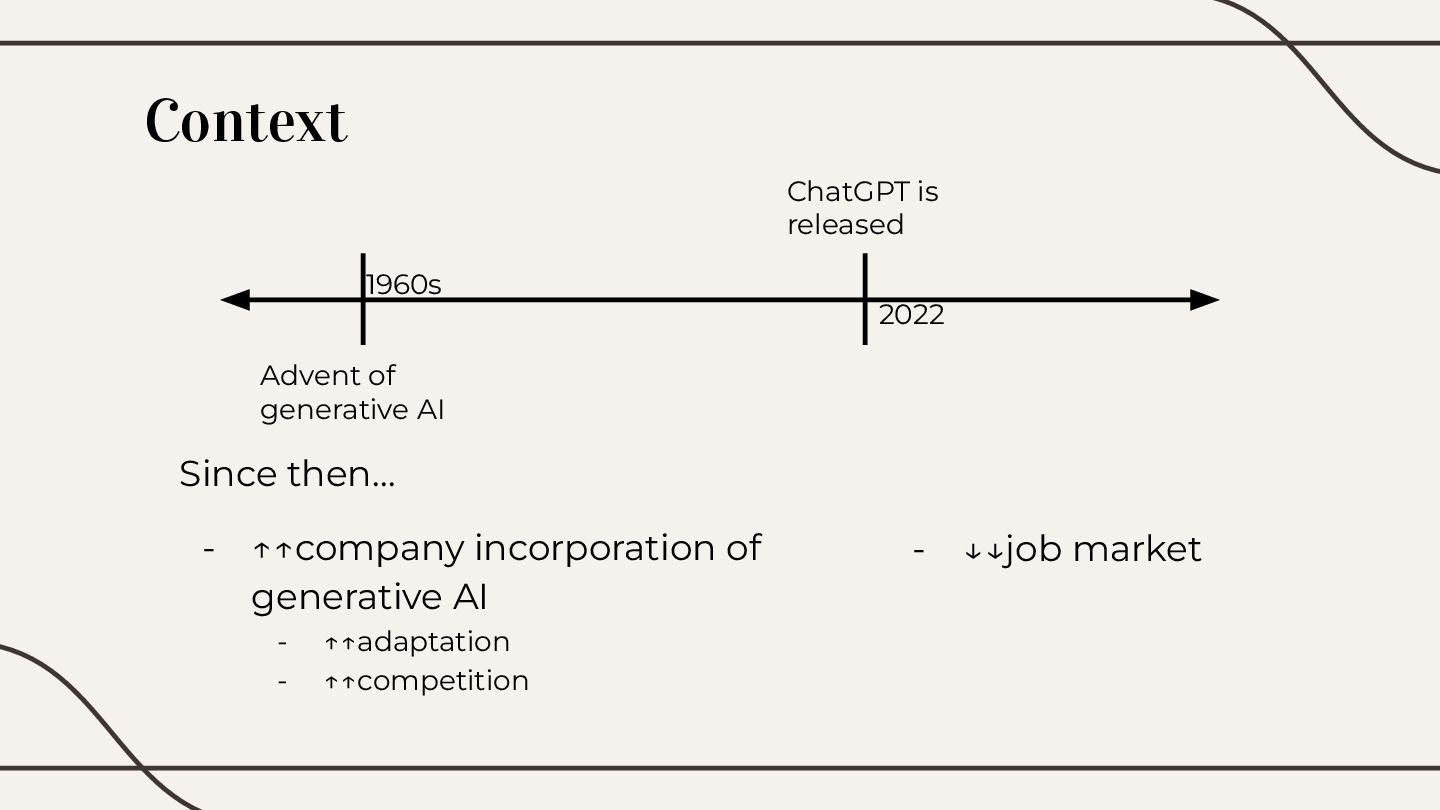
Context Advent of generative AI 1960s 2022 ChatGPT is released
Since then… - ↑↑company incorporation of generative AI - ↑↑adaptation - ↑↑competition - ↓↓job market -
Research Question What should companies start, stop, and keep doing
to encourage employee adoption of generative AI? -
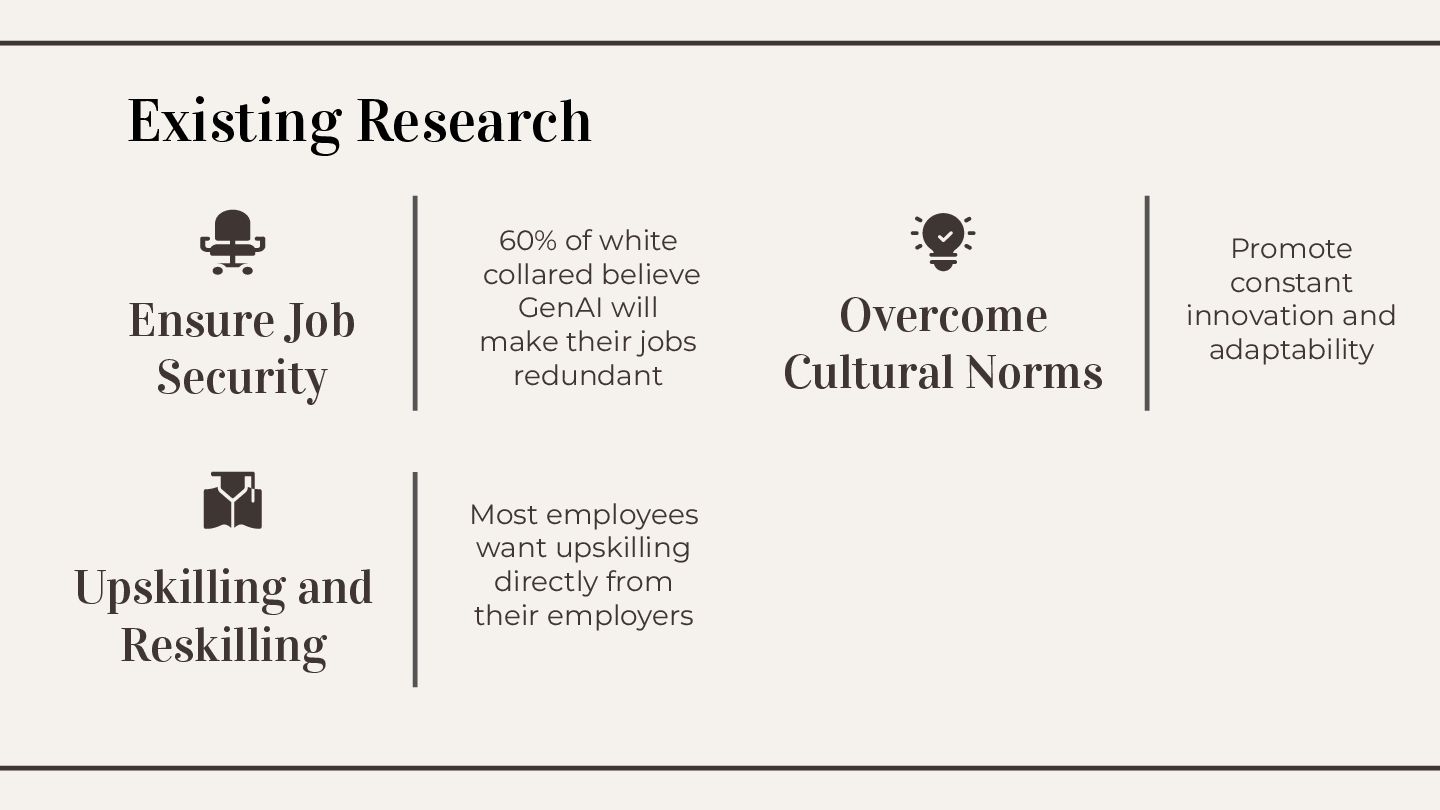
Ensure Job Security Existing Research 60% of white collared believe
GenAI will make their jobs redundant -
Overcome Cultural Norms Ensure Job Security Existing Research 60% of
white collared believe GenAI will make their jobs redundant -
Overcome Cultural Norms Ensure Job Security Existing Research 60% of
white collared believe GenAI will make their jobs redundant Promote constant innovation and adaptability -
Overcome Cultural Norms Ensure Job Security Upskilling and Reskilling Existing
Research 60% of white collared believe GenAI will make their jobs redundant Promote constant innovation and adaptability -
Overcome Cultural Norms Ensure Job Security Upskilling and Reskilling Existing
Research 60% of white collared believe GenAI will make their jobs redundant Most employees want upskilling directly from their employers Promote constant innovation and adaptability -
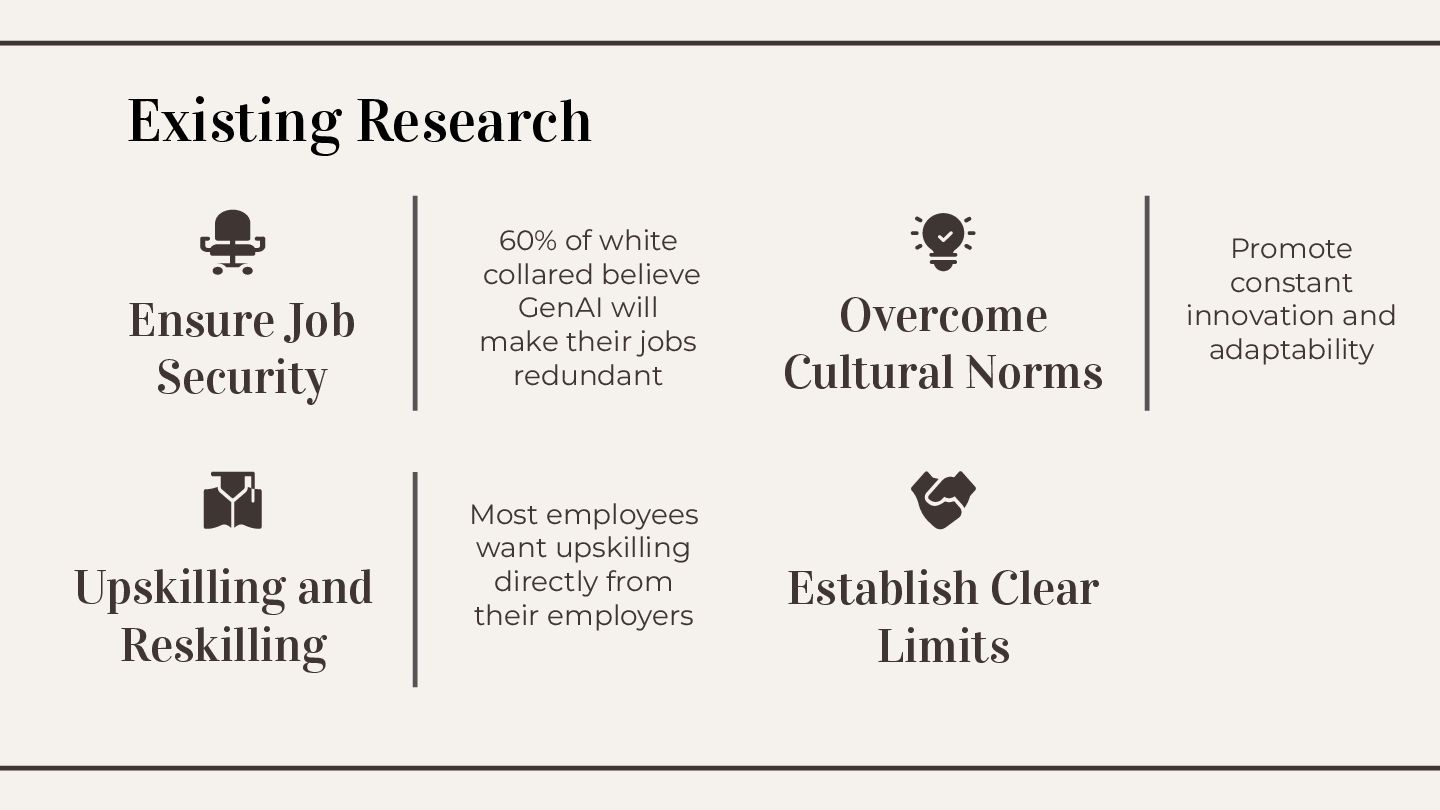
Overcome Cultural Norms Ensure Job Security Establish Clear Limits Upskilling
and Reskilling Existing Research 60% of white collared believe GenAI will make their jobs redundant Most employees want upskilling directly from their employers Promote constant innovation and adaptability -
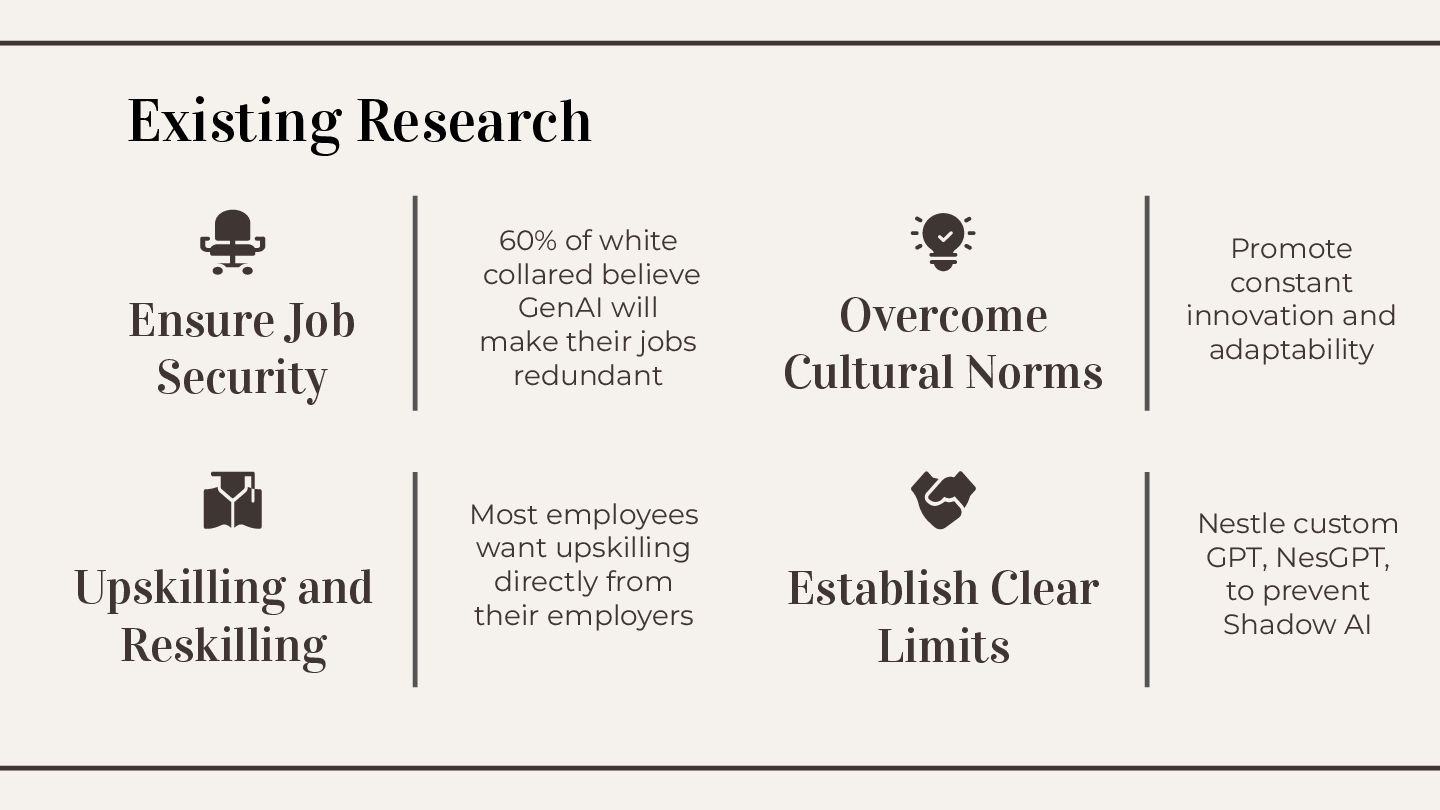
Overcome Cultural Norms Ensure Job Security Establish Clear Limits Upskilling
and Reskilling Existing Research 60% of white collared believe GenAI will make their jobs redundant Most employees want upskilling directly from their employers Promote constant innovation and adaptability Nestle custom GPT, NesGPT, to prevent Shadow AI -
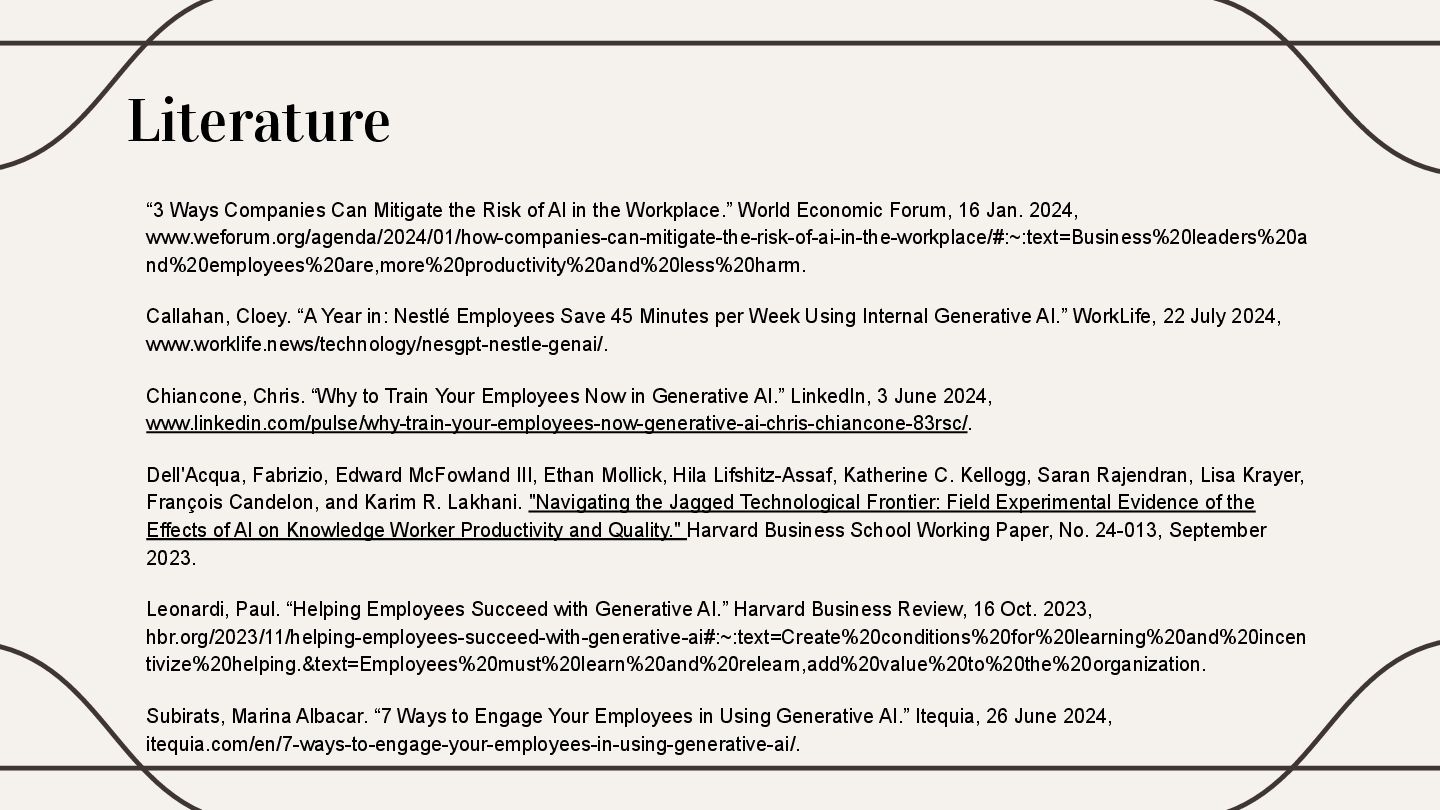
Literature “3 Ways Companies Can Mitigate the Risk of AI
in the Workplace.” World Economic Forum, 16 Jan. 2024, www.weforum.org/agenda/2024/01/how-companies-can-mitigate-the-risk-of-ai-in-the-workplace/#:~:text=Business%20leaders%20a nd%20employees%20are,more%20productivity%20and%20less%20harm. Callahan, Cloey. “A Year in: Nestlé Employees Save 45 Minutes per Week Using Internal Generative AI.” WorkLife, 22 July 2024, www.worklife.news/technology/nesgpt-nestle-genai/. Chiancone, Chris. “Why to Train Your Employees Now in Generative AI.” LinkedIn, 3 June 2024, www.linkedin.com/pulse/why-train-your-employees-now-generative-ai-chris-chiancone-83rsc/. Dell'Acqua, Fabrizio, Edward McFowland III, Ethan Mollick, Hila Lifshitz-Assaf, Katherine C. Kellogg, Saran Rajendran, Lisa Krayer, François Candelon, and Karim R. Lakhani. "Navigating the Jagged Technological Frontier: Field Experimental Evidence of the Effects of AI on Knowledge Worker Productivity and Quality." Harvard Business School Working Paper, No. 24-013, September 2023. Leonardi, Paul. “Helping Employees Succeed with Generative AI.” Harvard Business Review, 16 Oct. 2023, hbr.org/2023/11/helping-employees-succeed-with-generative-ai#:~:text=Create%20conditions%20for%20learning%20and%20incen tivize%20helping.&text=Employees%20must%20learn%20and%20relearn,add%20value%20to%20the%20organization. Subirats, Marina Albacar. “7 Ways to Engage Your Employees in Using Generative AI.” Itequia, 26 June 2024, itequia.com/en/7-ways-to-engage-your-employees-in-using-generative-ai/. -
Methodology 4 interviews - 2 in healthcare, 2 in corporate
Identifying common themes across similar interviews -
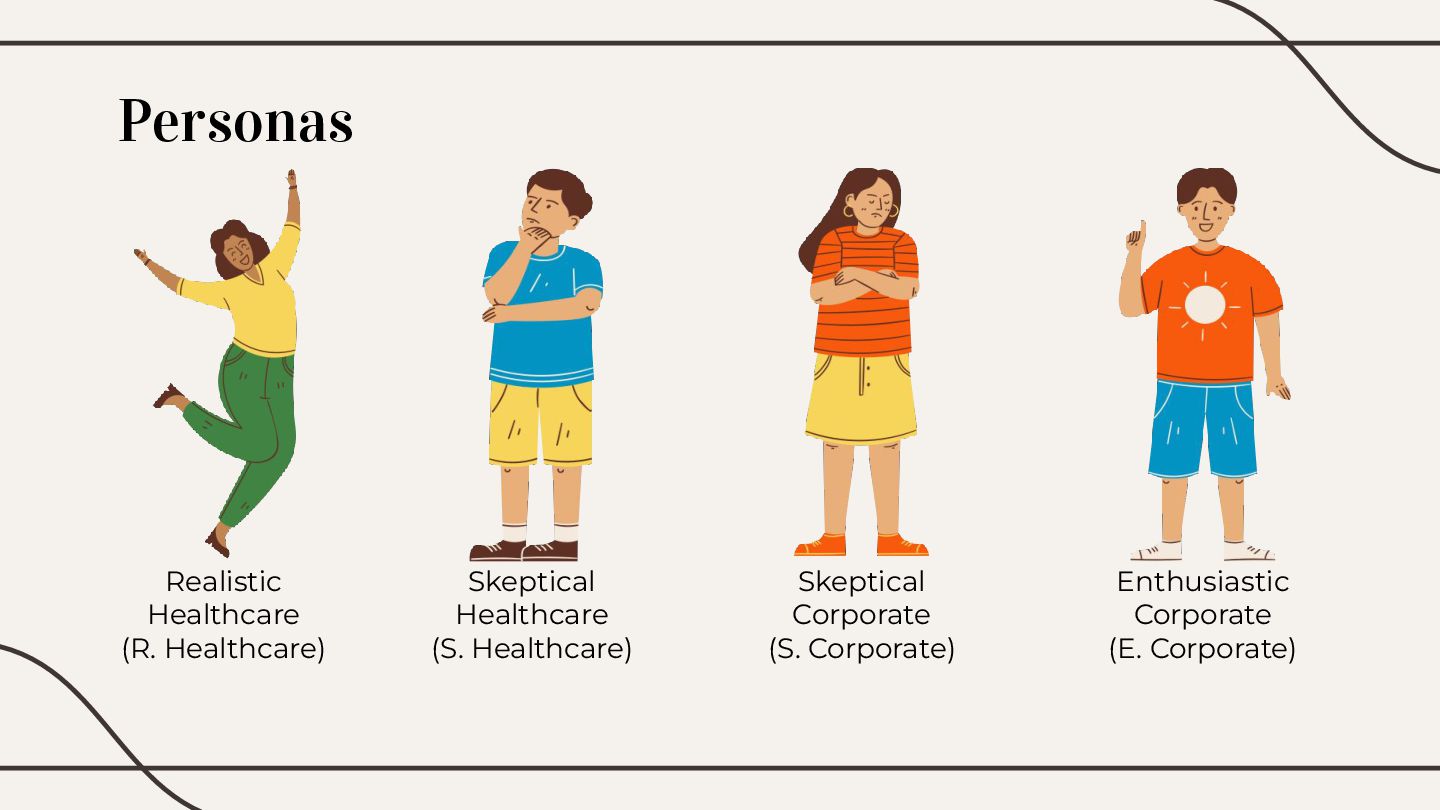
Personas Realistic Healthcare (R. Healthcare) Skeptical Healthcare (S. Healthcare) Skeptical
Corporate (S. Corporate) Enthusiastic Corporate (E. Corporate) -
Keep Establish Clear Limits - S. Corporate - Ensure employees
are careful with company data - “It could be just a policy saying that you cannot enter any company proprietary data into ChatGPT query” (S. Corporate) - Often, they will take an LLM and further refine it with company data Upskilling and Reskilling - Companies have an active hand in shaping employee knowledge -
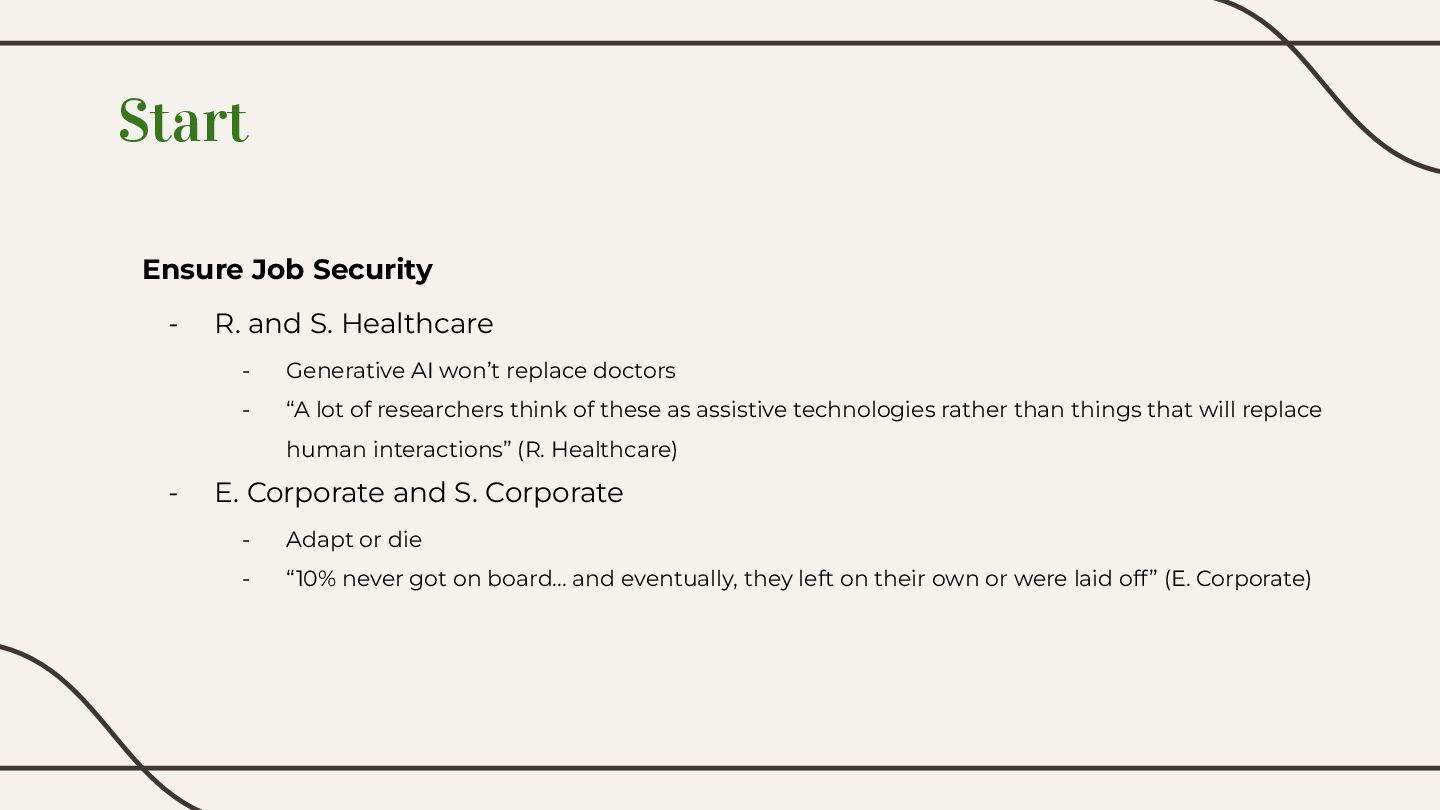
Start Ensure Job Security - R. and S. Healthcare -
Generative AI won’t replace doctors - “A lot of researchers think of these as assistive technologies rather than things that will replace human interactions” (R. Healthcare) - E. Corporate and S. Corporate - Adapt or die - “10% never got on board… and eventually, they left on their own or were laid off” (E. Corporate) -
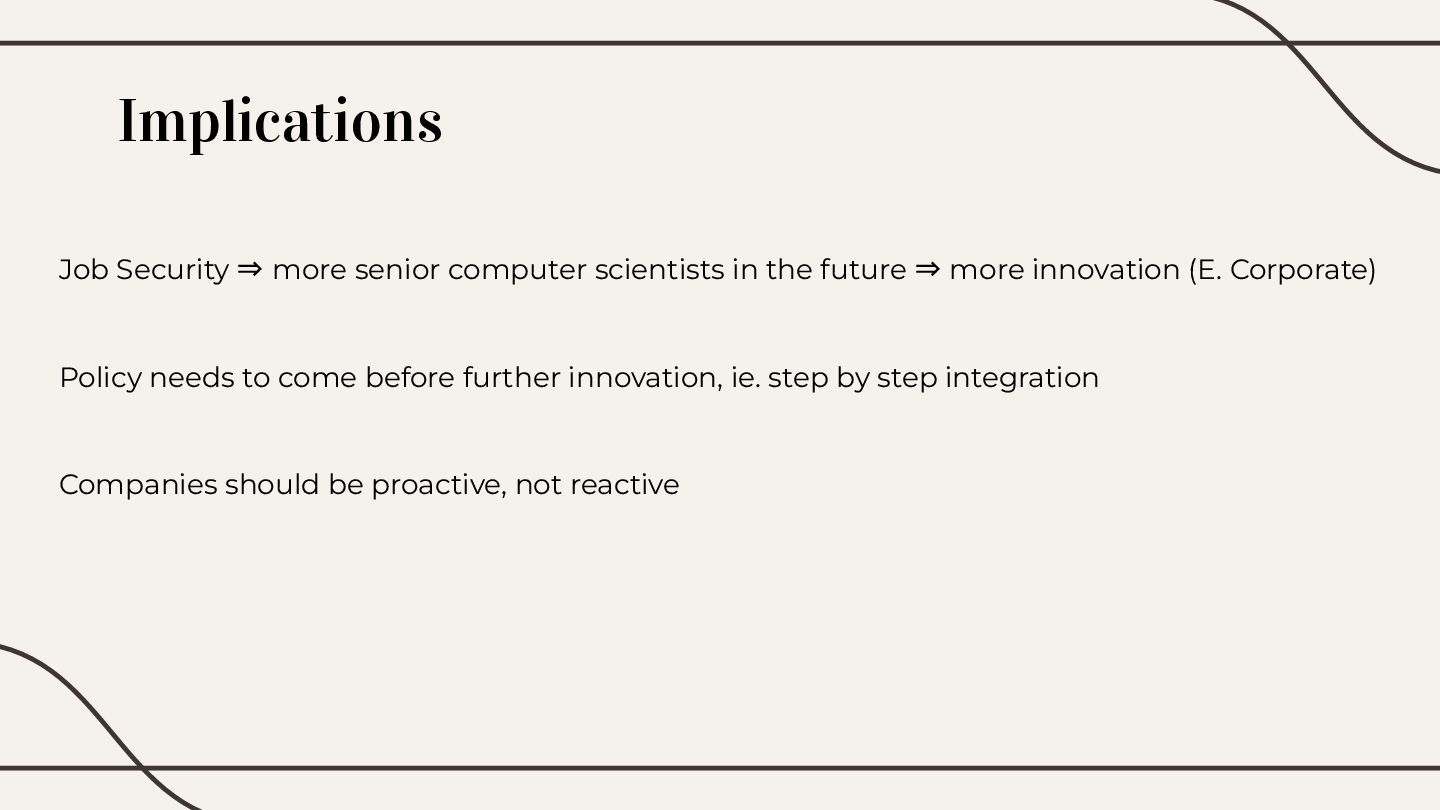
Implications Job Security ⇒ more senior computer scientists in the
future ⇒ more innovation (E. Corporate) Policy needs to come before further innovation, ie. step by step integration Companies should be proactive, not reactive -
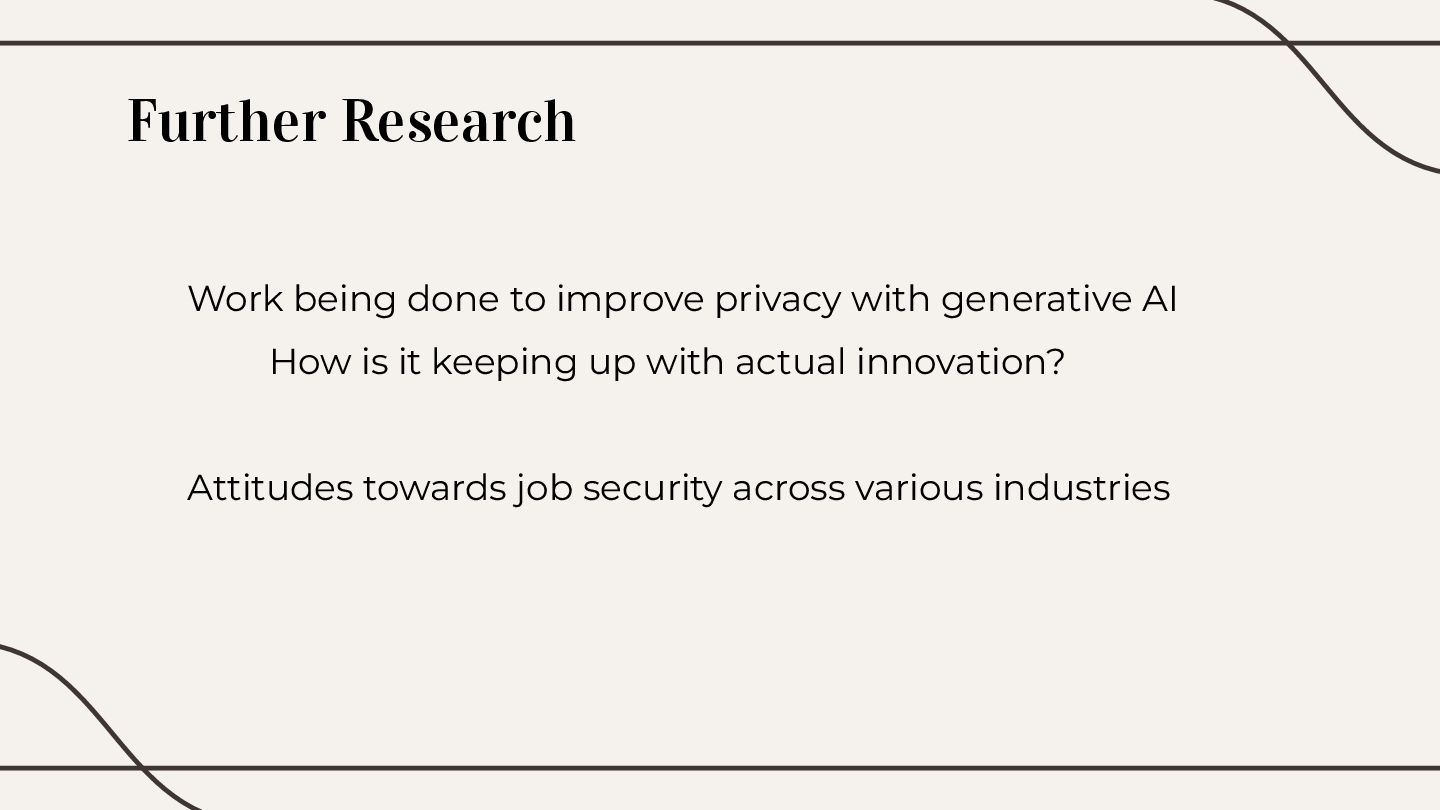
Work being done to improve privacy with generative AI How
is it keeping up with actual innovation? Attitudes towards job security across various industries Further Research -
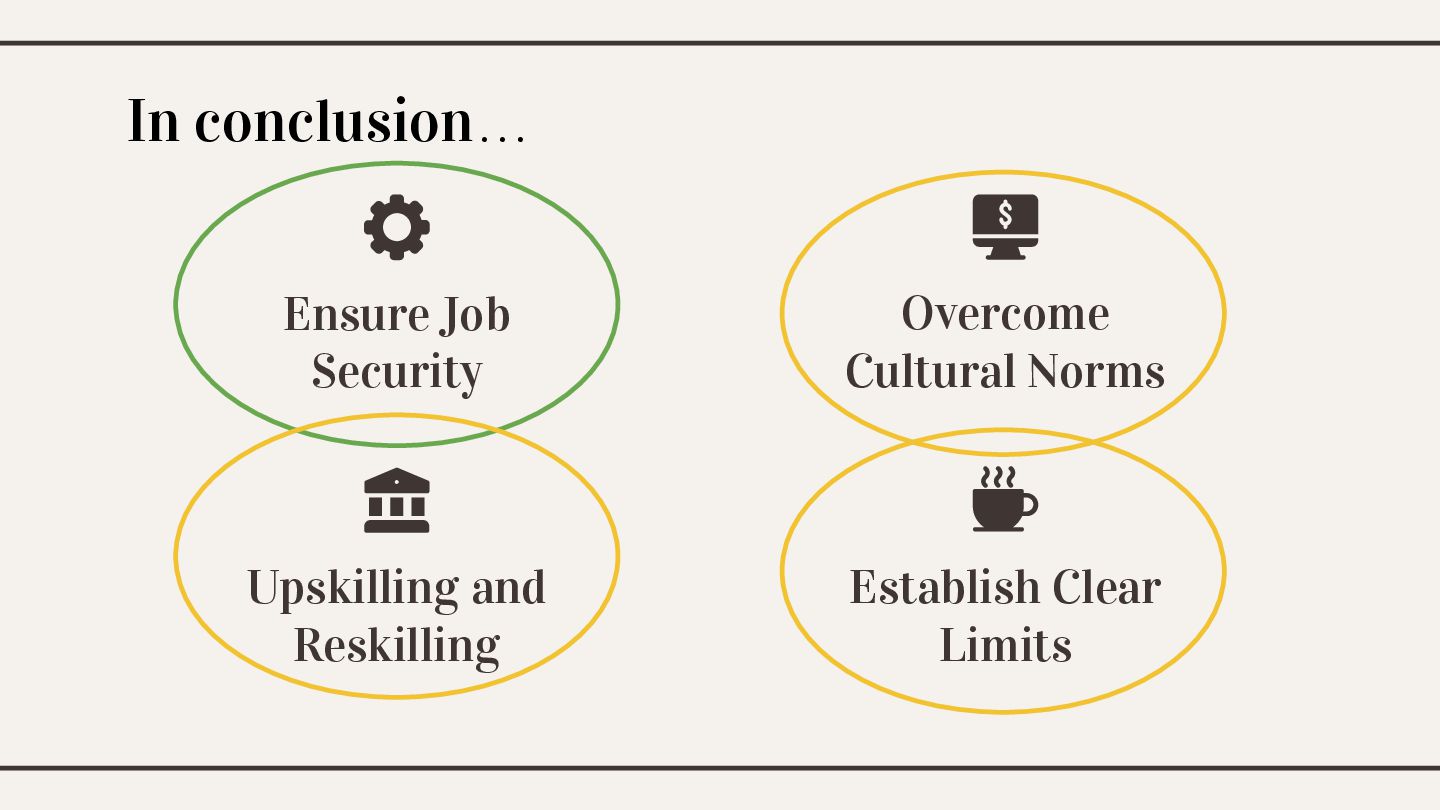
Overcome Cultural Norms Ensure Job Security Establish Clear Limits Upskilling
and Reskilling In conclusion… -
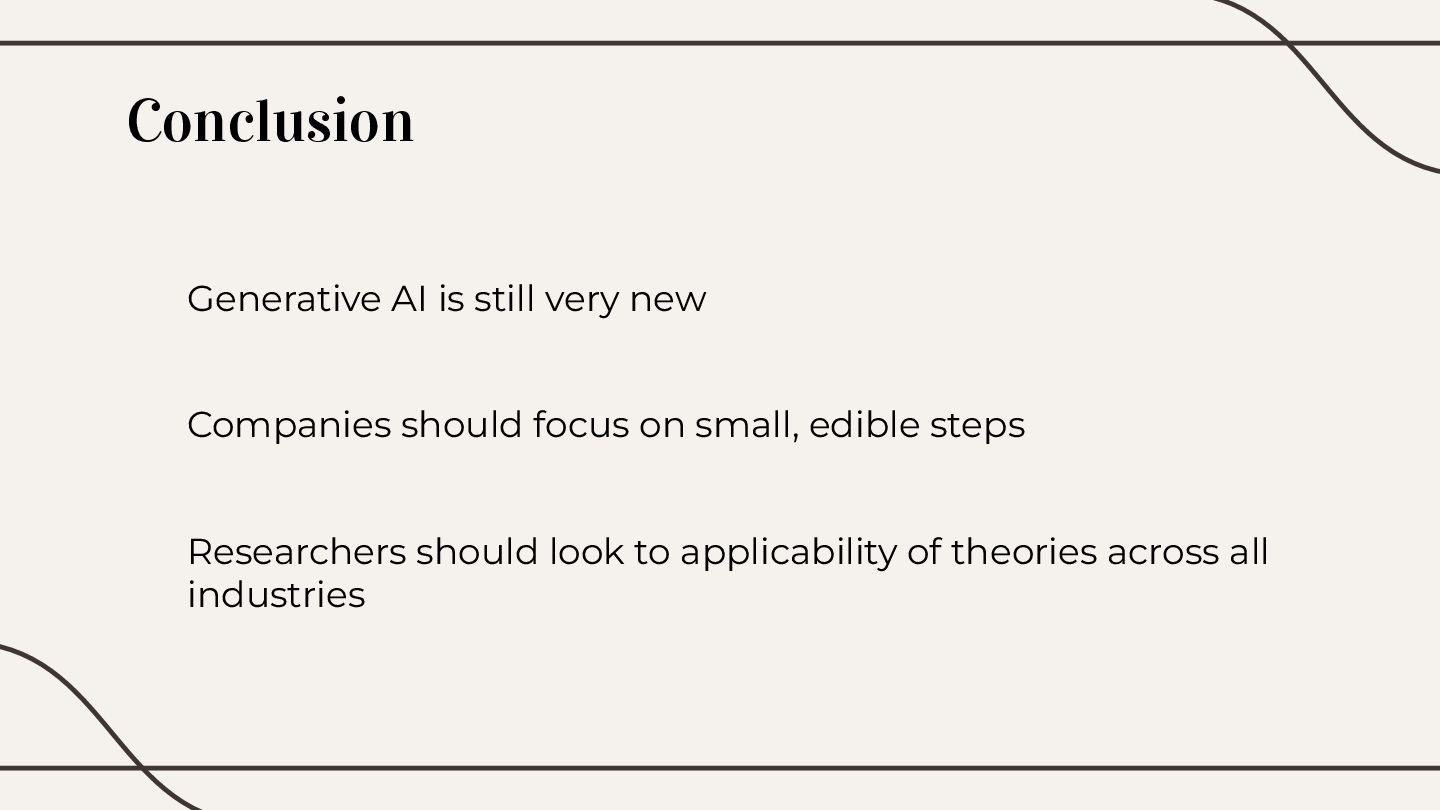
Generative AI is still very new Companies should focus on
small, edible steps Researchers should look to applicability of theories across all industries Conclusion -
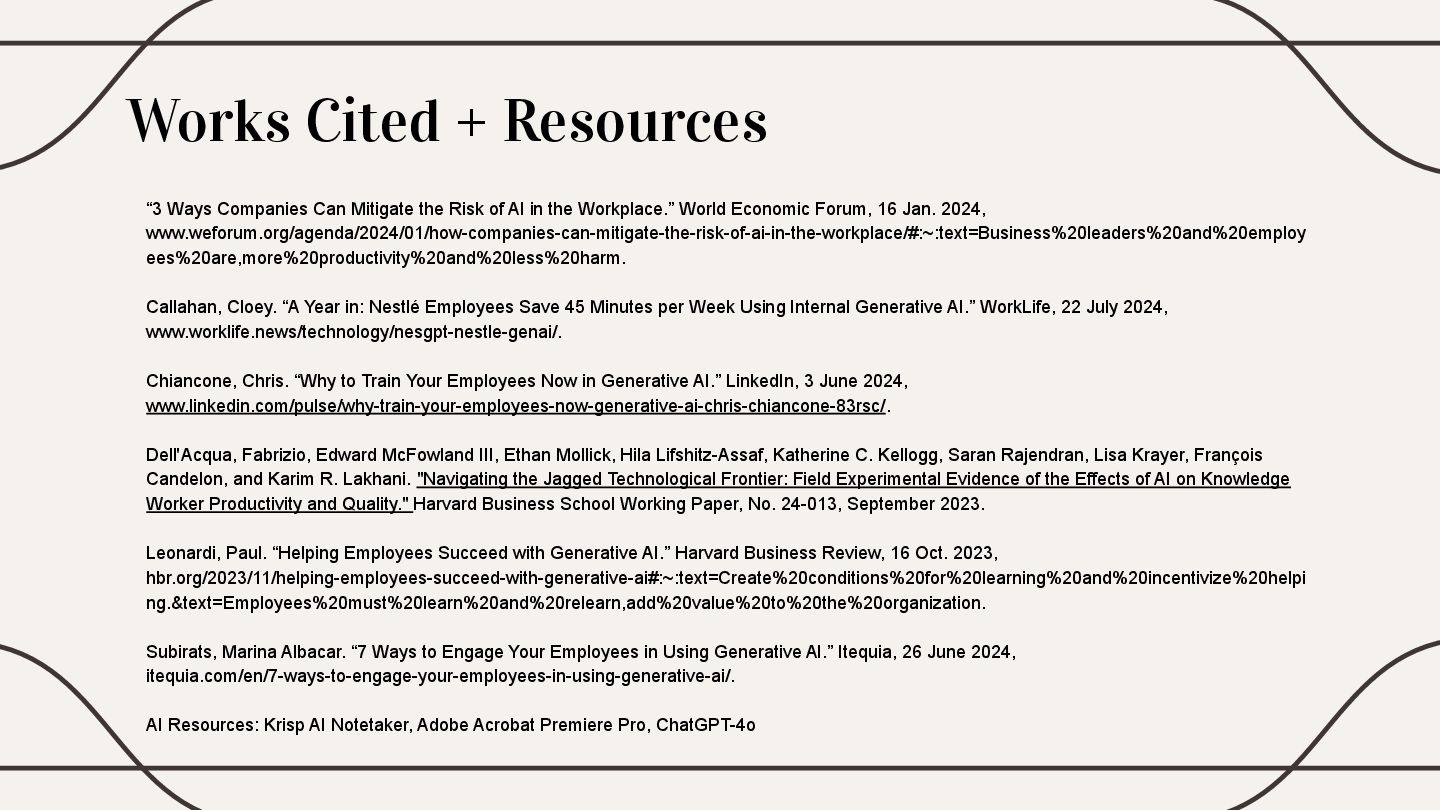
Works Cited + Resources “3 Ways Companies Can Mitigate the
Risk of AI in the Workplace.” World Economic Forum, 16 Jan. 2024, www.weforum.org/agenda/2024/01/how-companies-can-mitigate-the-risk-of-ai-in-the-workplace/#:~:text=Business%20leaders%20and%20employ ees%20are,more%20productivity%20and%20less%20harm. Callahan, Cloey. “A Year in: Nestlé Employees Save 45 Minutes per Week Using Internal Generative AI.” WorkLife, 22 July 2024, www.worklife.news/technology/nesgpt-nestle-genai/. Chiancone, Chris. “Why to Train Your Employees Now in Generative AI.” LinkedIn, 3 June 2024, www.linkedin.com/pulse/why-train-your-employees-now-generative-ai-chris-chiancone-83rsc/. Dell'Acqua, Fabrizio, Edward McFowland III, Ethan Mollick, Hila Lifshitz-Assaf, Katherine C. Kellogg, Saran Rajendran, Lisa Krayer, François Candelon, and Karim R. Lakhani. "Navigating the Jagged Technological Frontier: Field Experimental Evidence of the Effects of AI on Knowledge Worker Productivity and Quality." Harvard Business School Working Paper, No. 24-013, September 2023. Leonardi, Paul. “Helping Employees Succeed with Generative AI.” Harvard Business Review, 16 Oct. 2023, hbr.org/2023/11/helping-employees-succeed-with-generative-ai#:~:text=Create%20conditions%20for%20learning%20and%20incentivize%20helpi ng.&text=Employees%20must%20learn%20and%20relearn,add%20value%20to%20the%20organization. Subirats, Marina Albacar. “7 Ways to Engage Your Employees in Using Generative AI.” Itequia, 26 June 2024, itequia.com/en/7-ways-to-engage-your-employees-in-using-generative-ai/. AI Resources: Krisp AI Notetaker, Adobe Acrobat Premiere Pro, ChatGPT-4o -
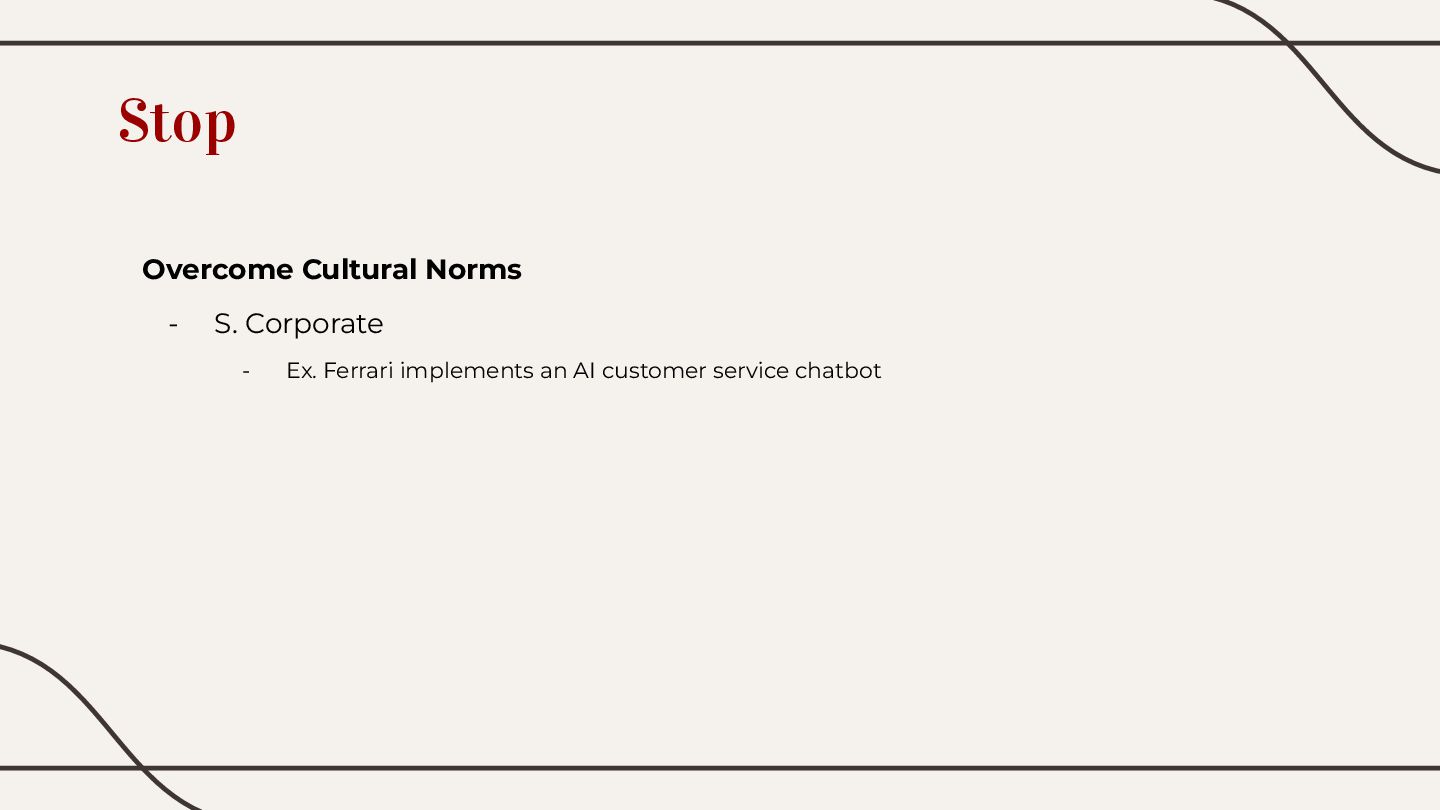
Stop Overcome Cultural Norms - S. Corporate - Ex. Ferrari
implements an AI customer service chatbot -
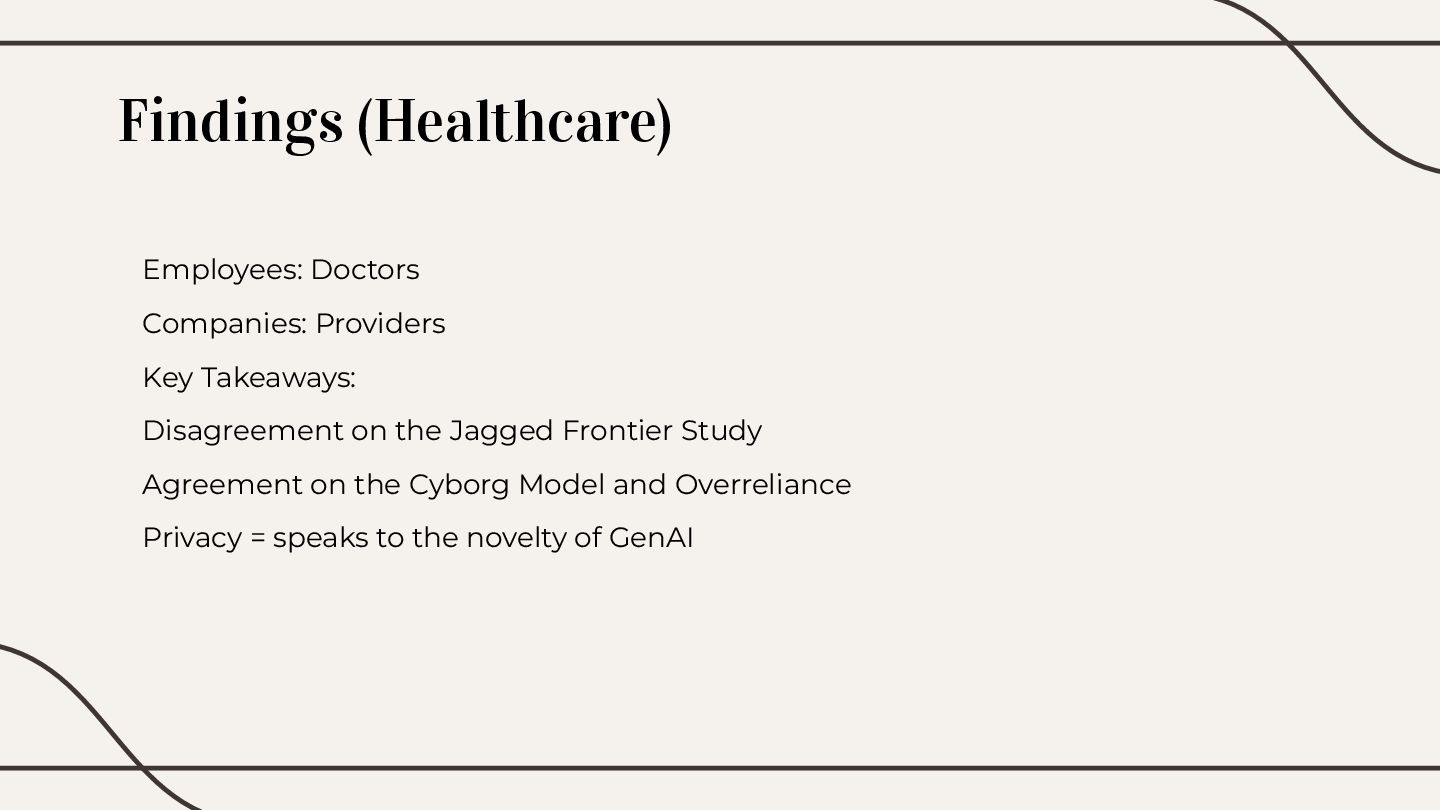
Findings (Healthcare) Employees: Doctors Companies: Providers Key Takeaways: Disagreement on
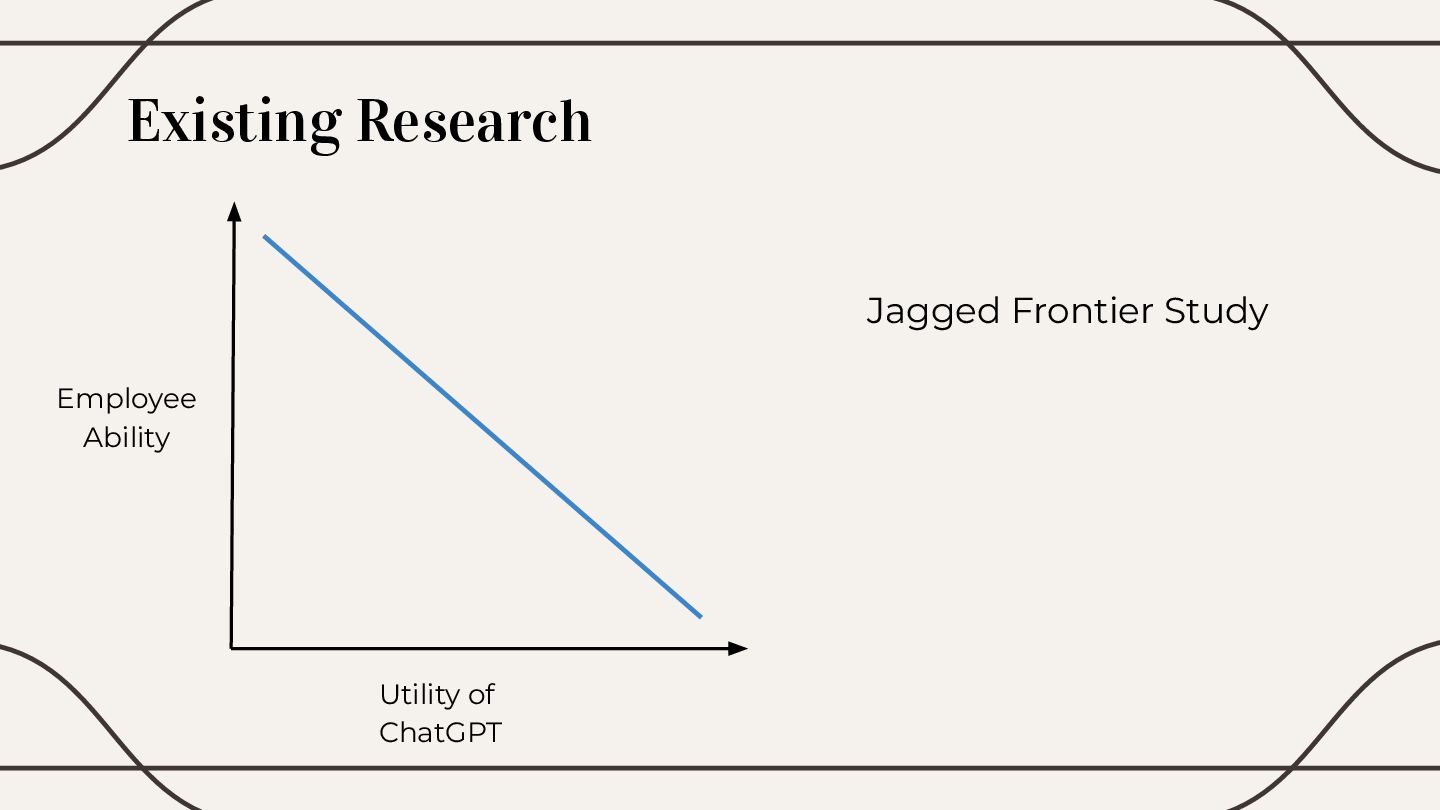
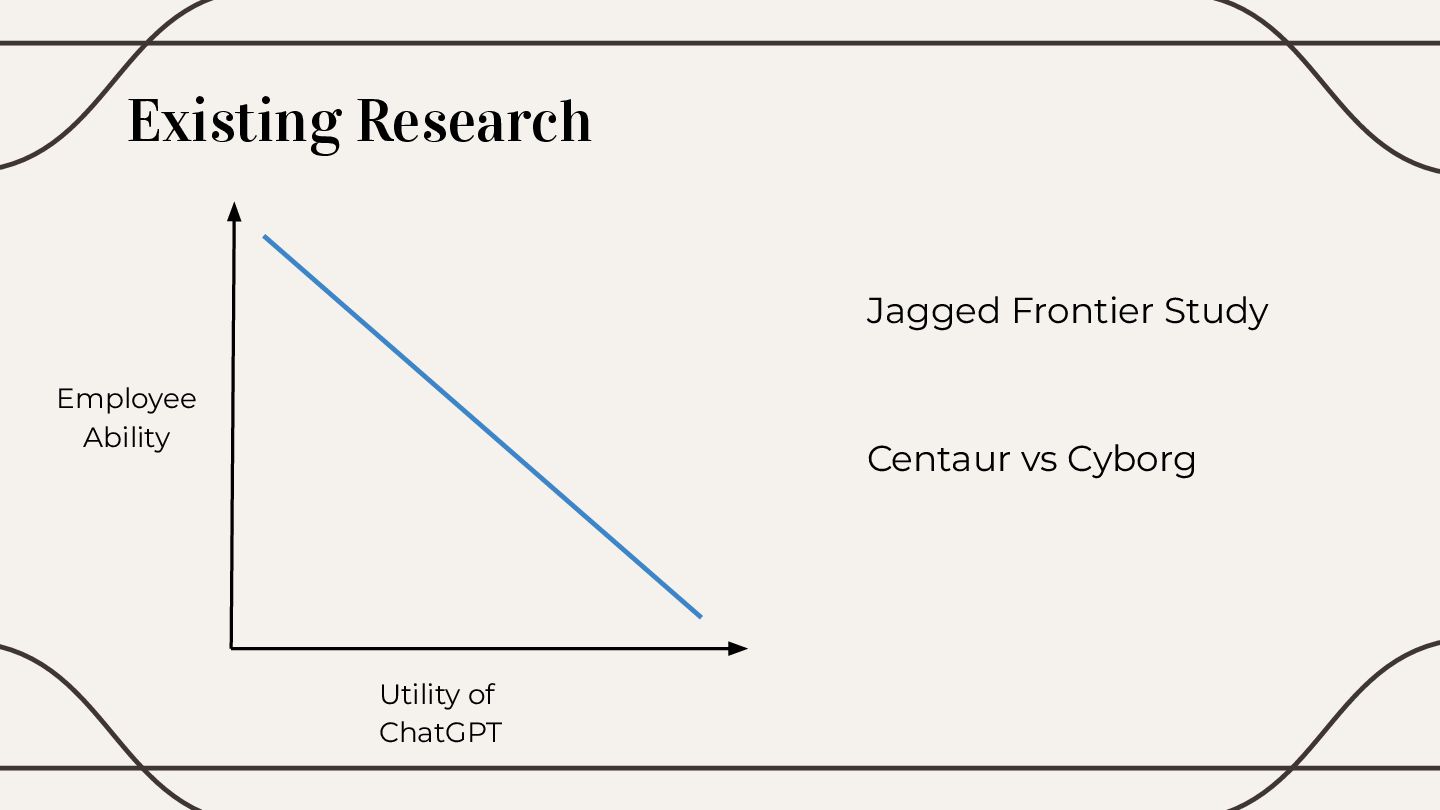
the Jagged Frontier Study Agreement on the Cyborg Model and Overreliance Privacy = speaks to the novelty of GenAI -
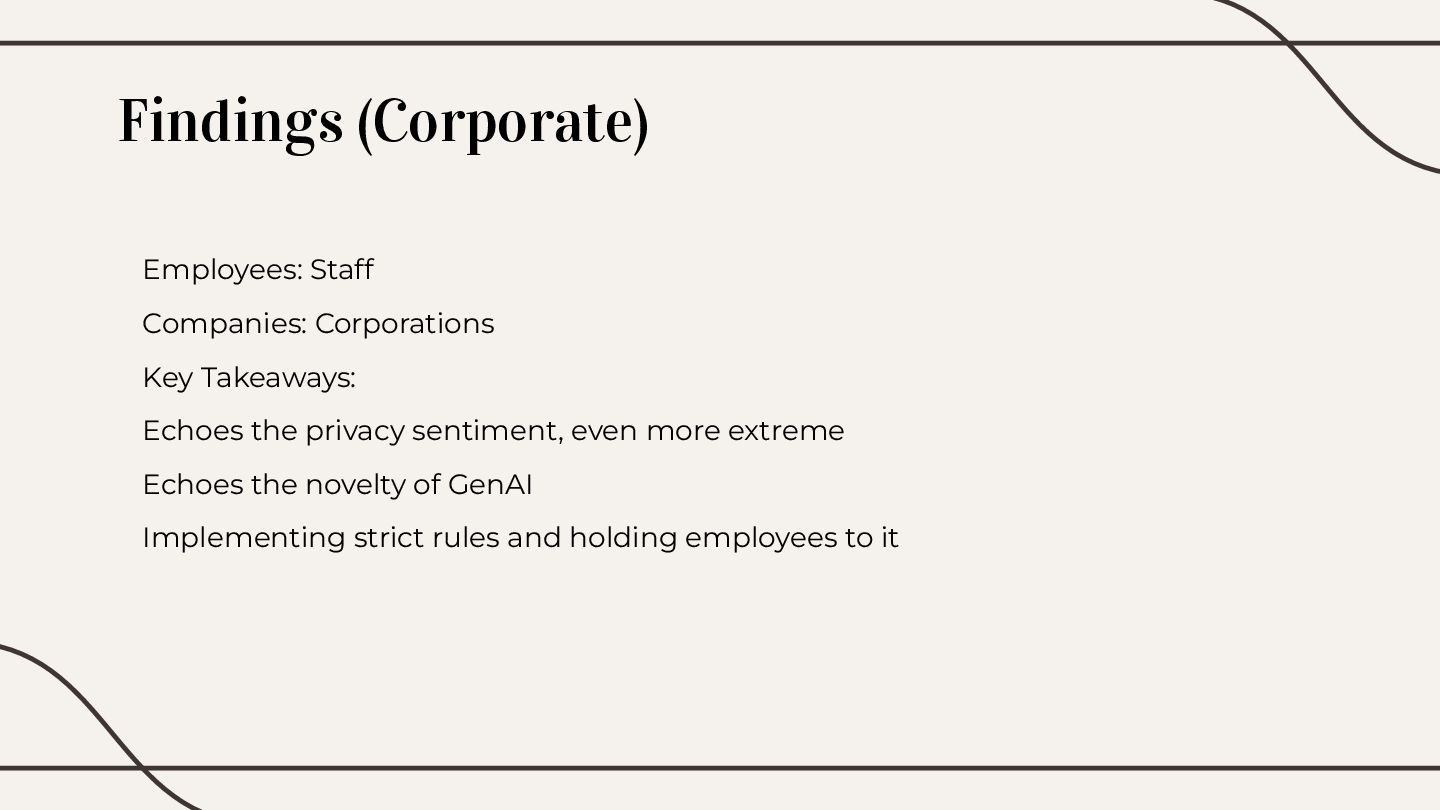
Employees: Staff Companies: Corporations Key Takeaways: Echoes the privacy sentiment,
even more extreme Echoes the novelty of GenAI Implementing strict rules and holding employees to it Findings (Corporate) -
Do you know what helps you make your point clear?
Lists like this one: • Because they’re simple • You can organize your ideas clearly • And because you’ll never forget to buy milk! And the most important thing: the audience won’t miss the point of your presentation. Let’s use lists! -
Contents of this template Here’s what you’ll find in this
Slidesgo template: • A slide structure based on a multi-business XL template, which you can easily adapt to your needs. For more info on how to edit the template, please visit Slidesgo School or read our FAQs. • To view this template in PowerPoint with the correct fonts, download and install on your computer the fonts that we have used. You can learn how to download and install fonts here. • An assortment of graphic resources that are suitable for use in the presentation can be found in the alternative resources slides. • A thanks slide, which you must keep so that proper credits for our design are given. • Several resources slides, where you’ll find links to all the elements used in the template. • Instructions for use. • Final slides with: • The fonts and colors used in the template. • A selection of illustrations. You can also customize and animate them as you wish with the online editor. Visit Storyset to find more. • More infographic resources, whose size and color can be edited. • Sets of customizable icons of the following themes: general, business, avatar, creative process, education, help & support, medical, nature, performing arts, SEO & marketing, and teamwork. You can delete this slide when you’re done editing the presentation. -
Table of contents Introduction Company You can describe the topic
of the section here You can describe the topic of the section here Conclusion You can describe the topic of the section here Analysis You can describe the topic of the section here 01 02 03 04 -
Introduction Describe the topic of the section here Describe the
topic of the section here 02 04 01 Company Describe the topic of the section here Analysis 03 Conclusion Describe the topic of the section here Business views 05 Describe the topic of the section here Financial plan 06 Describe the topic of the section here Table of contents -
—Someone Famous “This is a quote. Words full of wisdom
that someone important said and can make the reader get inspired.” -
—Someone Famous “This is a quote. Words full of wisdom
that someone important said and can make the reader get inspired.” -
Do you know what helps you make your point clear?
Lists like this one: • Because they’re simple • You can organize your ideas clearly • And because you’ll never forget to buy milk! And the most important thing: the audience won’t miss the point of your presentation. Let’s use lists! The slide title goes here! -
Whoa! This can be the part of the presentation where
you introduce yourself, write your email… -
Whoa! This can be the part of the presentation where
you introduce yourself, write your email… -
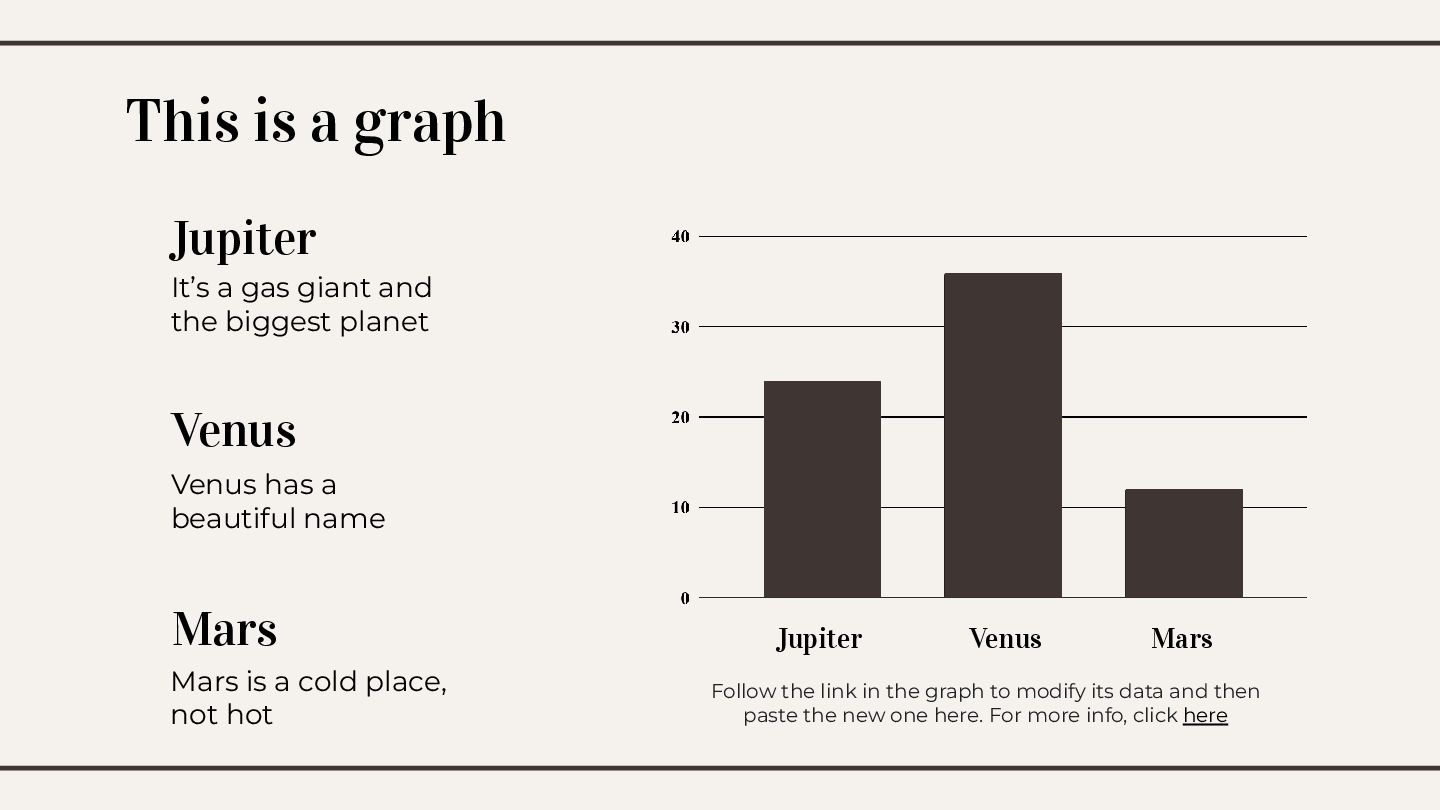
This is a graph It’s a gas giant and the
biggest planet Jupiter Mars Mars is a cold place, not hot Venus has a beautiful name Venus Follow the link in the graph to modify its data and then paste the new one here. For more info, click here Jupiter Venus Mars -
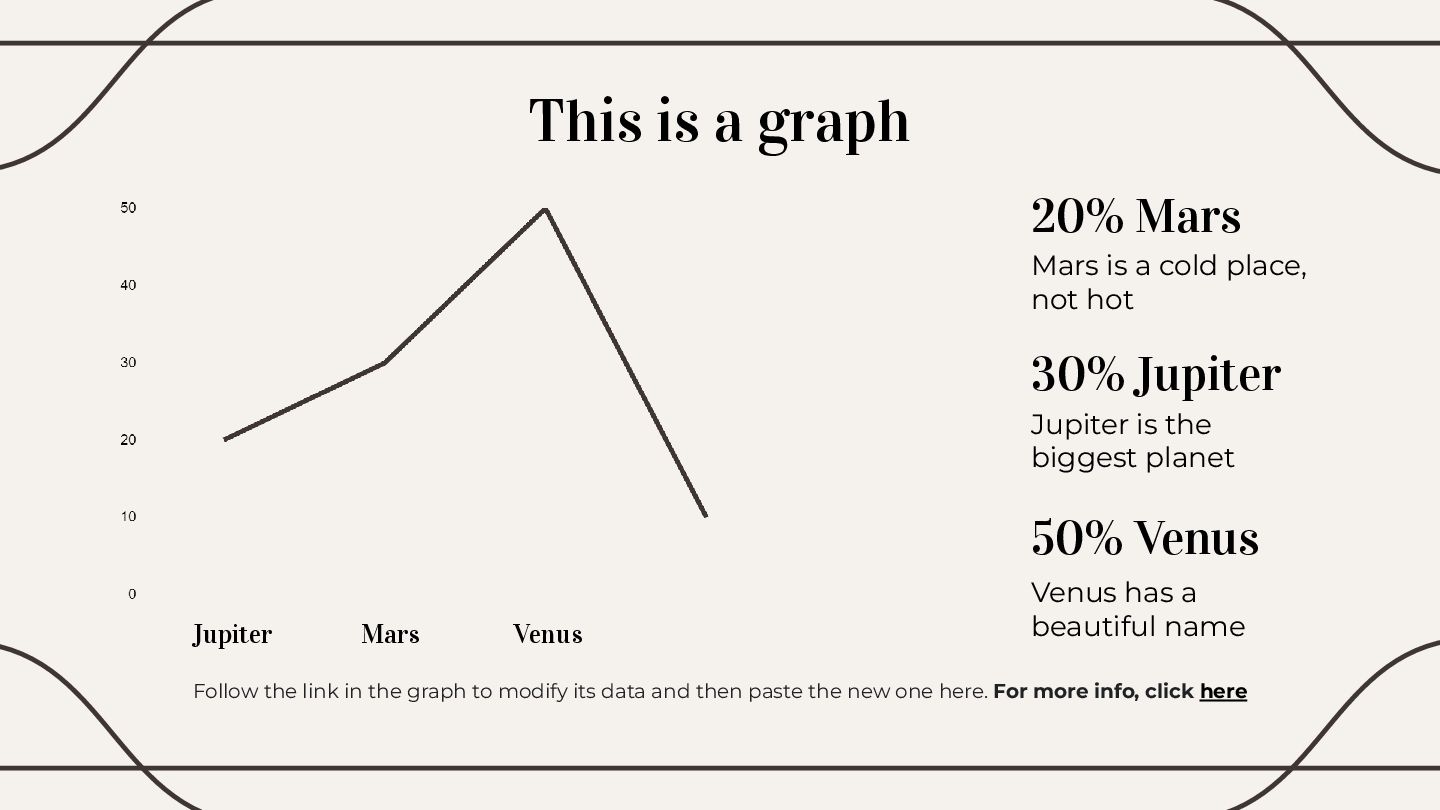
This is a graph Jupiter is the biggest planet 30%
Jupiter Venus has a beautiful name 50% Venus Mars is a cold place, not hot 20% Mars Follow the link in the graph to modify its data and then paste the new one here. For more info, click here Jupiter Mars Venus -
Maybe you need to divide the content Venus Venus has
a beautiful name and is the second planet from the Sun Mercury Mercury is the closest planet to the Sun and the smallest one -
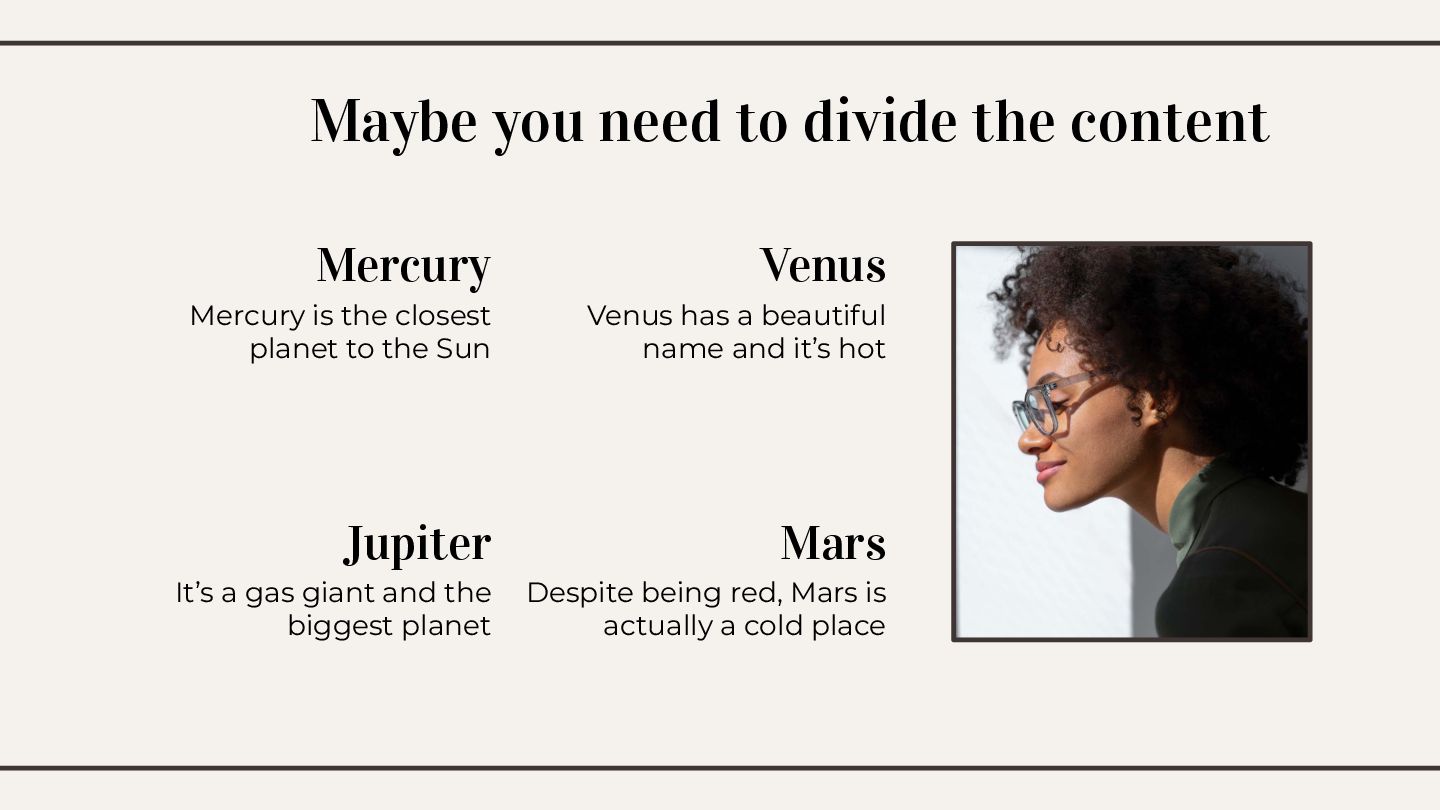
Maybe you need to divide the content Venus Venus has
a beautiful name and it’s hot Mercury Mercury is the closest planet to the Sun Mars Despite being red, Mars is actually a cold place Jupiter It’s a gas giant and the biggest planet -
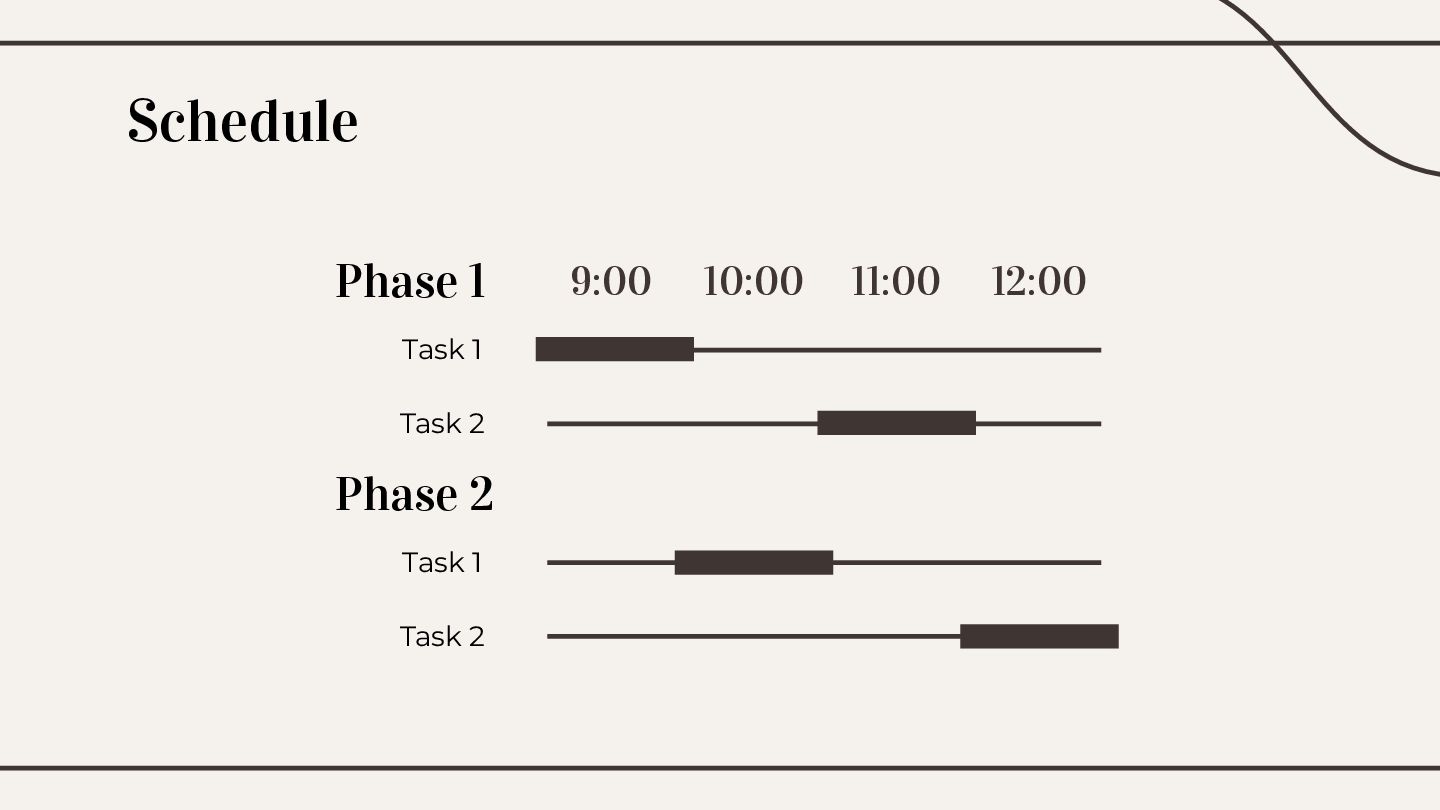
Schedule Task 1 Task 2 Phase 1 Task 1 Task
2 Phase 2 9:00 10:00 11:00 12:00 -
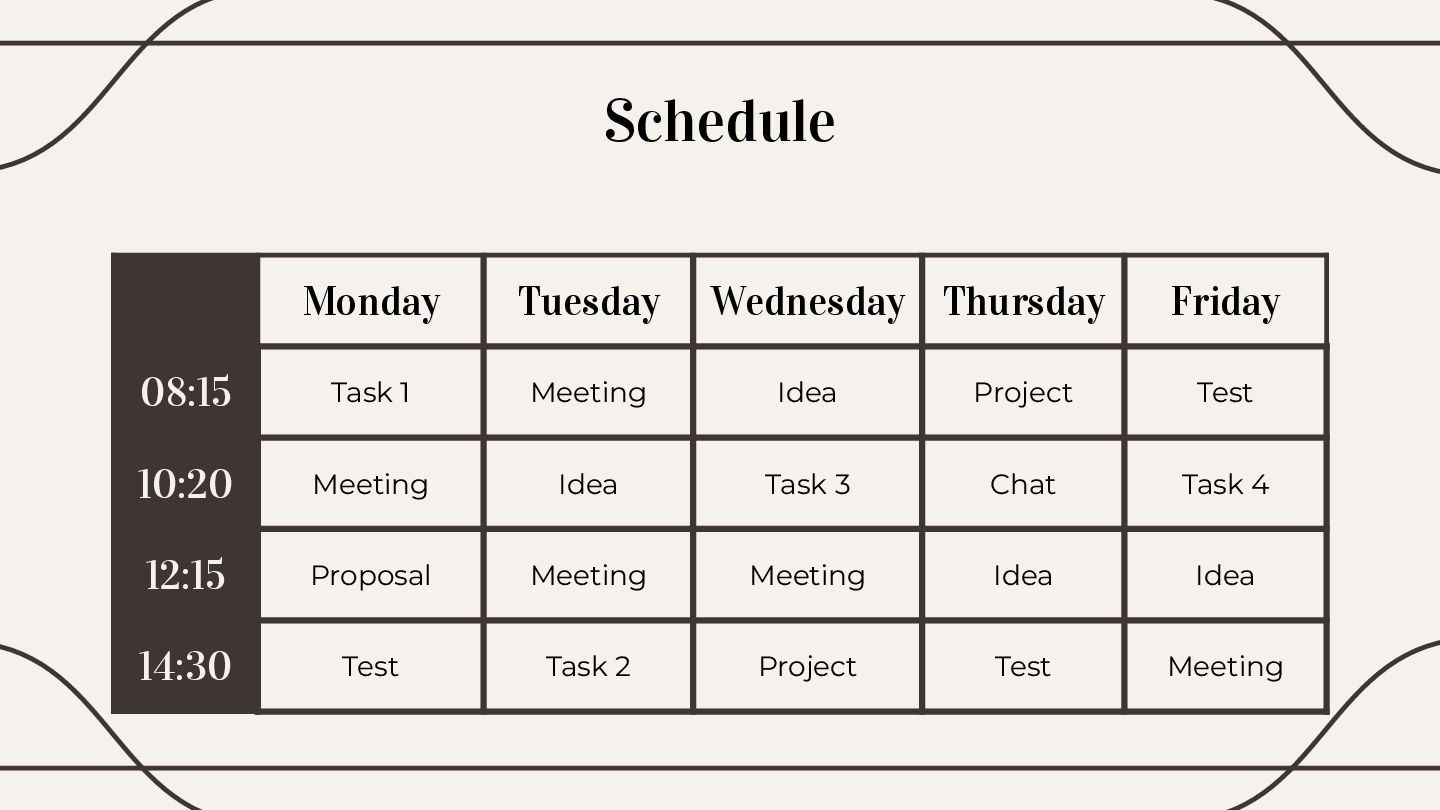
Schedule Monday Tuesday Wednesday Thursday Friday 08:15 Task 1 Meeting
Idea Project Test 10:20 Meeting Idea Task 3 Chat Task 4 12:15 Proposal Meeting Meeting Idea Idea 14:30 Test Task 2 Project Test Meeting -
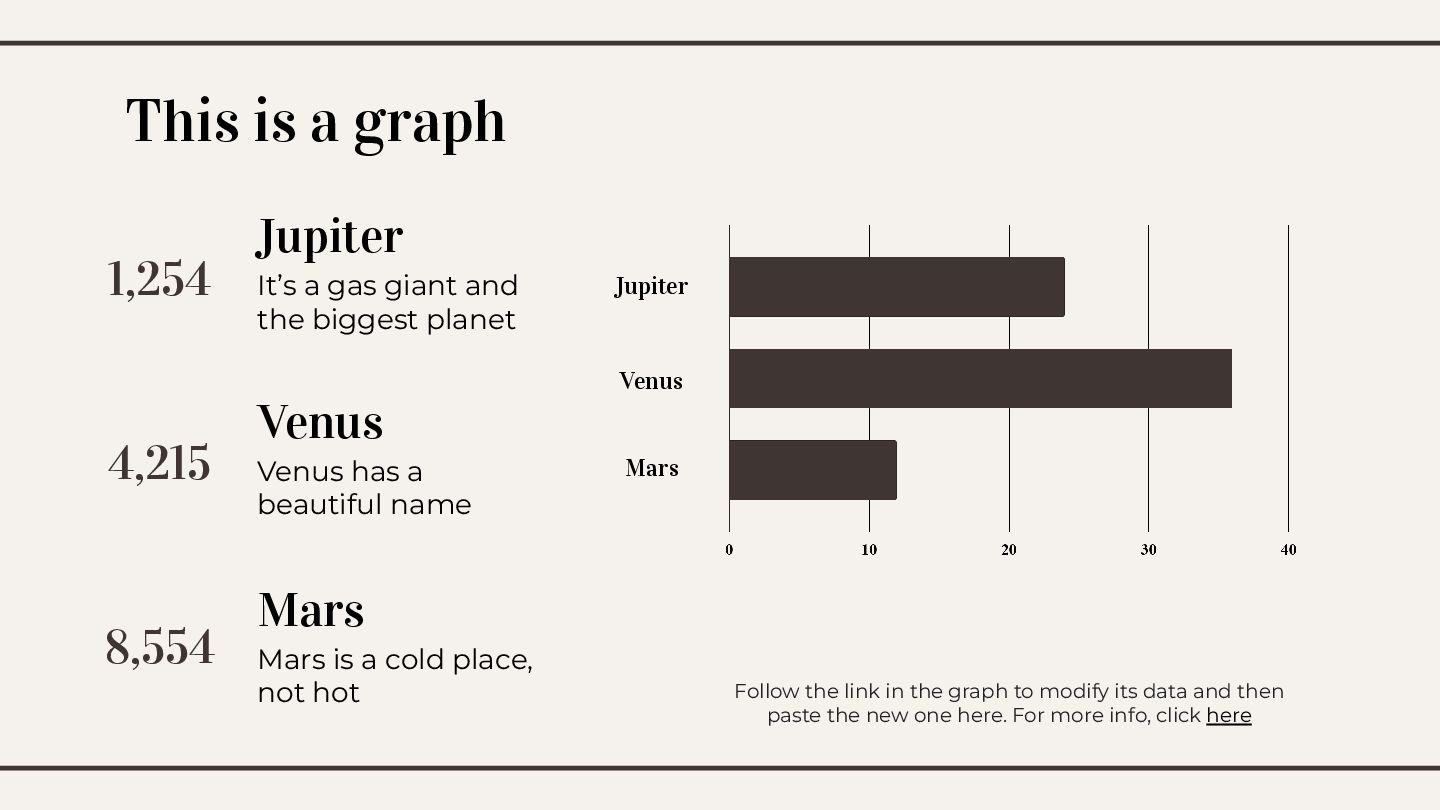
This is a graph It’s a gas giant and the
biggest planet Jupiter Mars Mars is a cold place, not hot 1,254 8,554 Venus has a beautiful name Venus 4,215 Follow the link in the graph to modify its data and then paste the new one here. For more info, click here Jupiter Venus Mars -
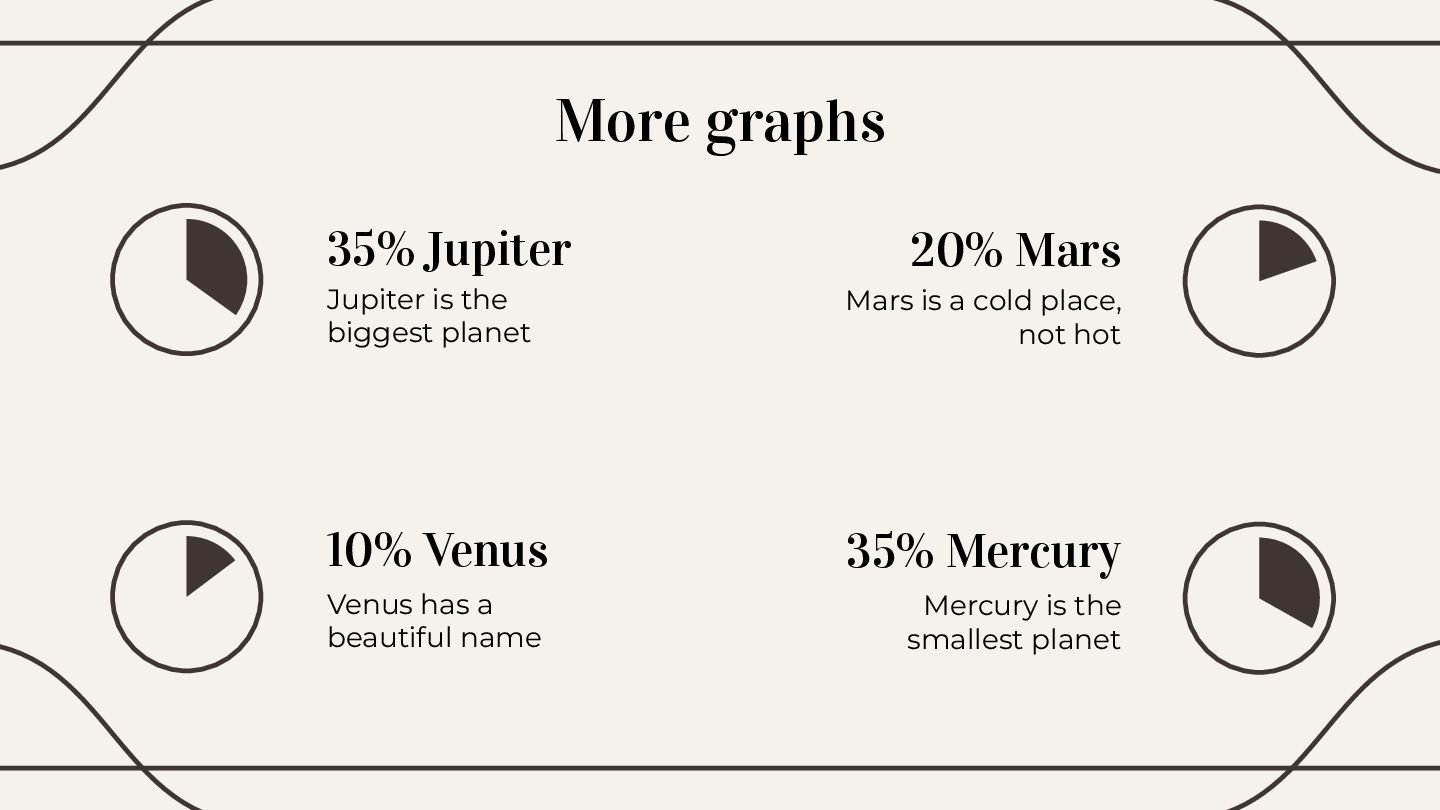
More graphs Jupiter is the biggest planet 35% Jupiter Venus
has a beautiful name 10% Venus Mars is a cold place, not hot 20% Mars Mercury is the smallest planet 35% Mercury -
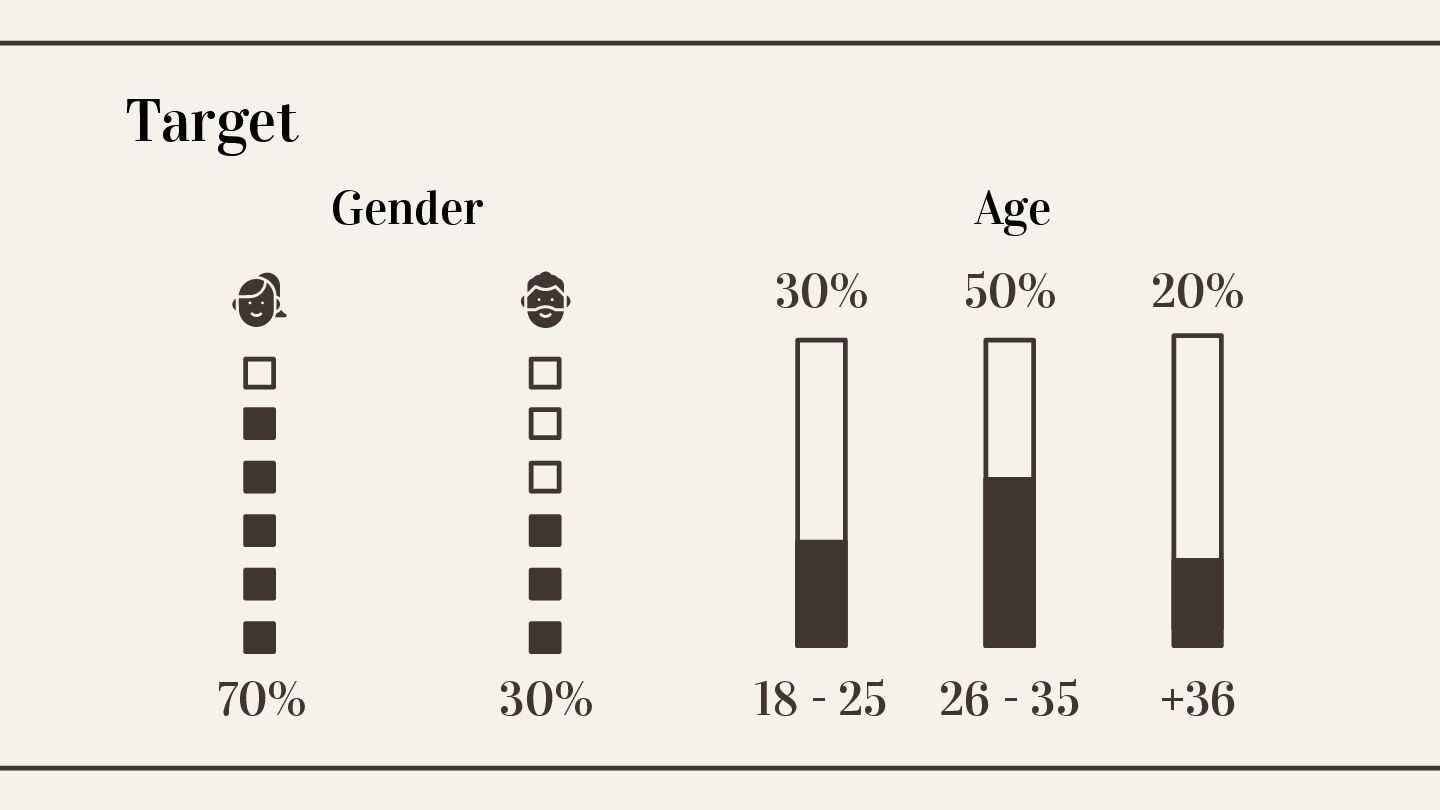
Target 50% 30% 20% 18 - 25 26 - 35
+36 30% 70% Age Gender -
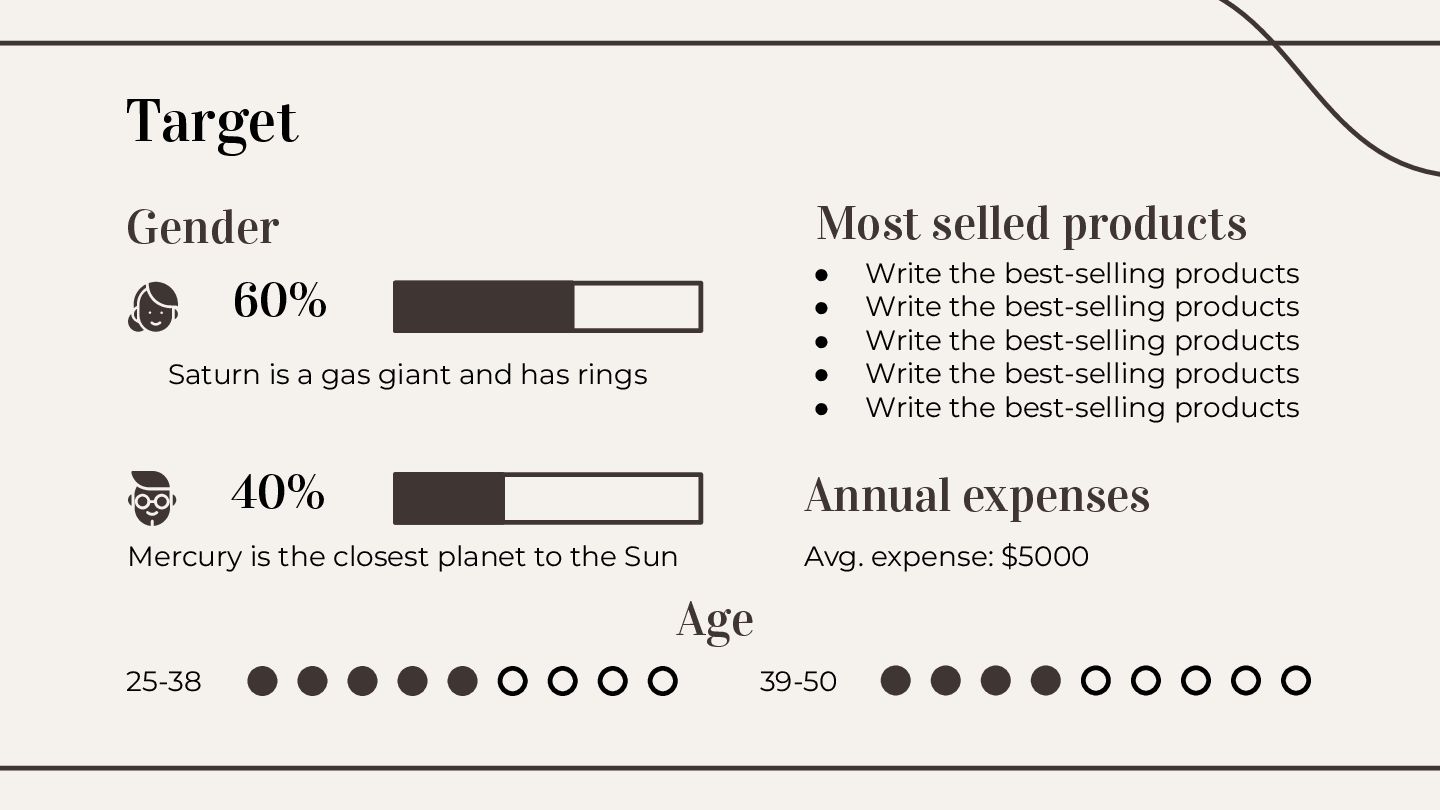
Target 60% 40% Saturn is a gas giant and has
rings Mercury is the closest planet to the Sun Age 25-38 39-50 Gender Most selled products • Write the best-selling products • Write the best-selling products • Write the best-selling products • Write the best-selling products • Write the best-selling products Annual expenses Avg. expense: $5000 -
A picture always reinforces the concept Images reveal large amounts
of data, so remember: use and image instead of long texts -
A picture always reinforces the concept Images reveal large amounts
of data, so remember: use and image instead of long texts -
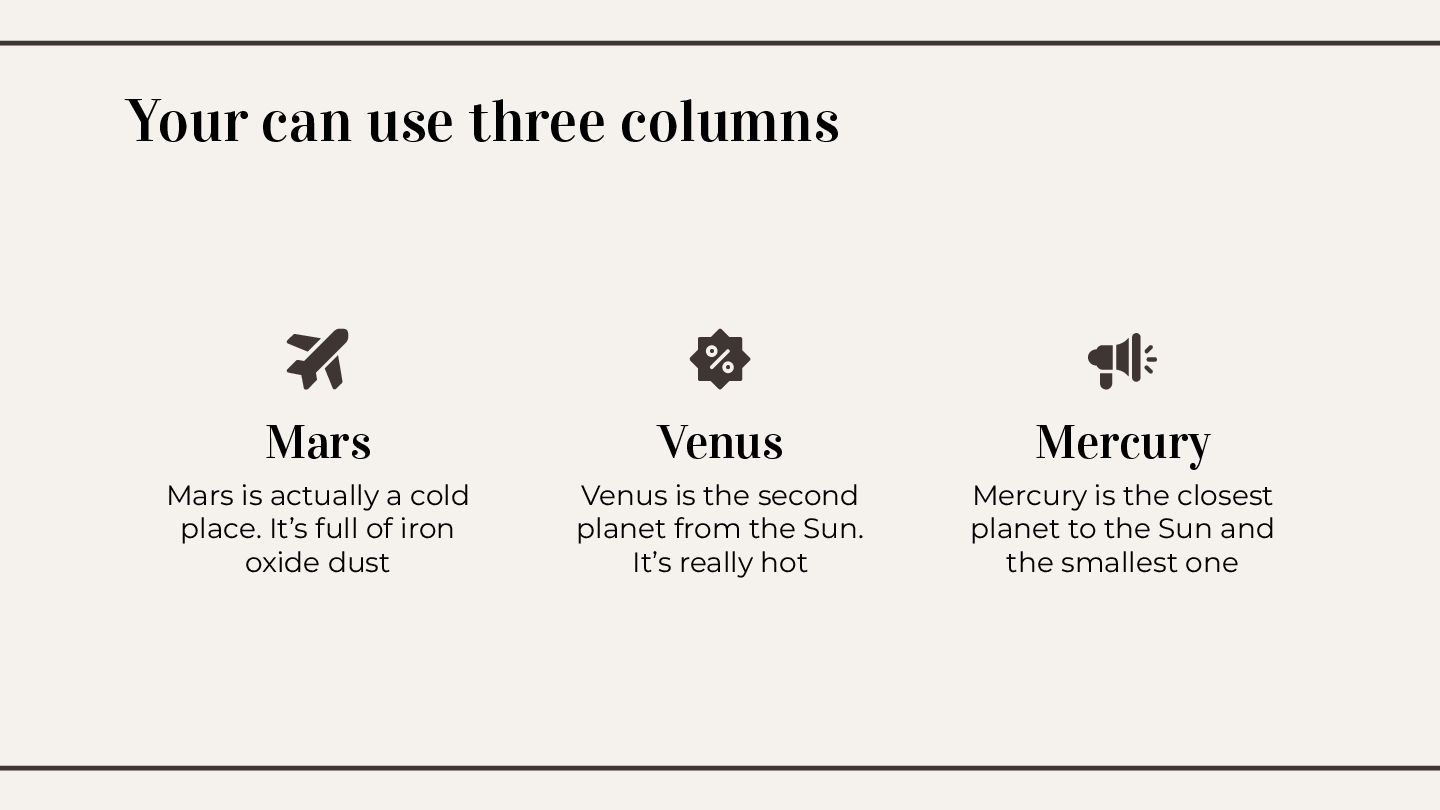
Your can use three columns Venus Venus is the second
planet from the Sun. It’s really hot Mars Mars is actually a cold place. It’s full of iron oxide dust Mercury Mercury is the closest planet to the Sun and the smallest one -
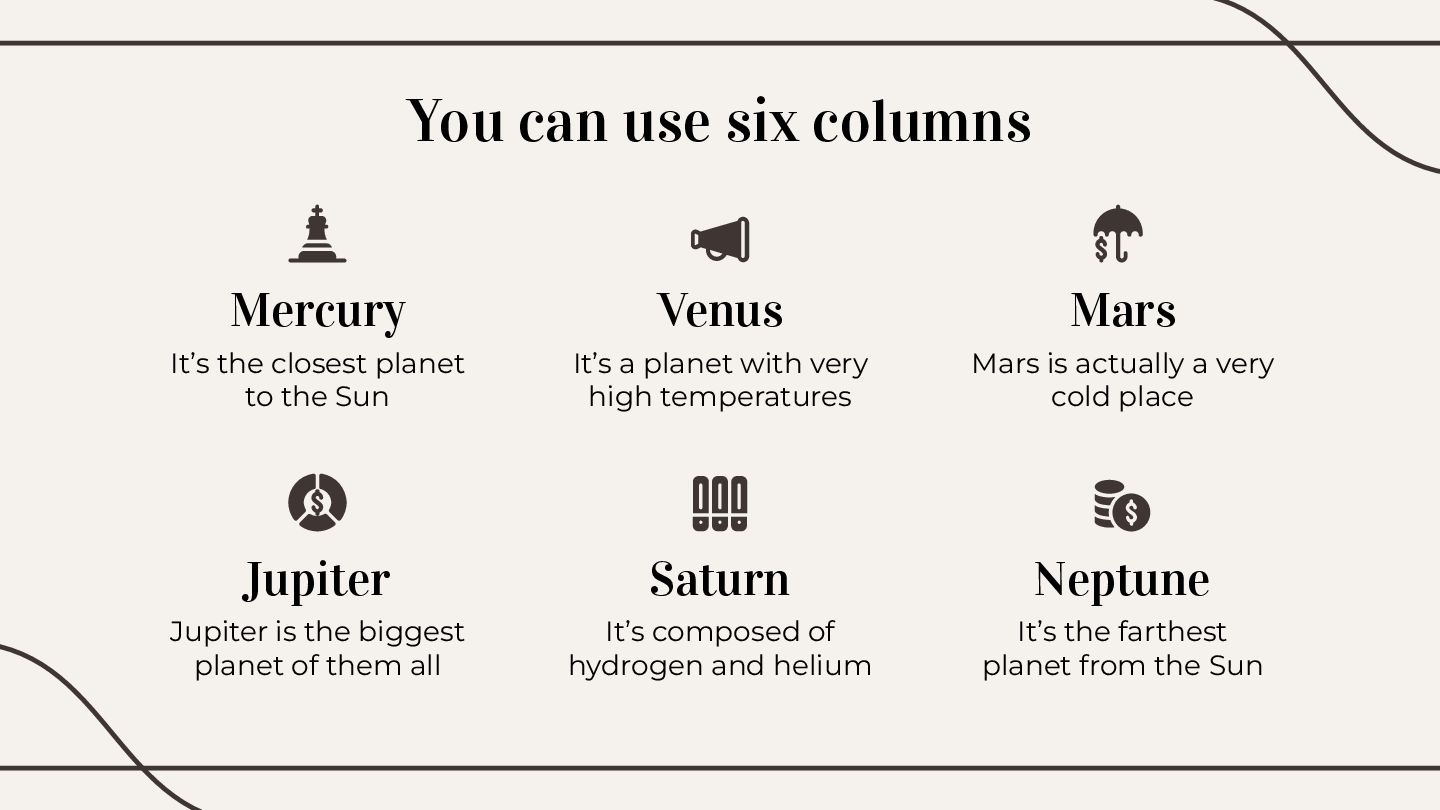
Venus It’s a planet with very high temperatures Mercury It’s
the closest planet to the Sun Mars Mars is actually a very cold place You can use six columns Saturn It’s composed of hydrogen and helium Jupiter Jupiter is the biggest planet of them all Neptune It’s the farthest planet from the Sun -
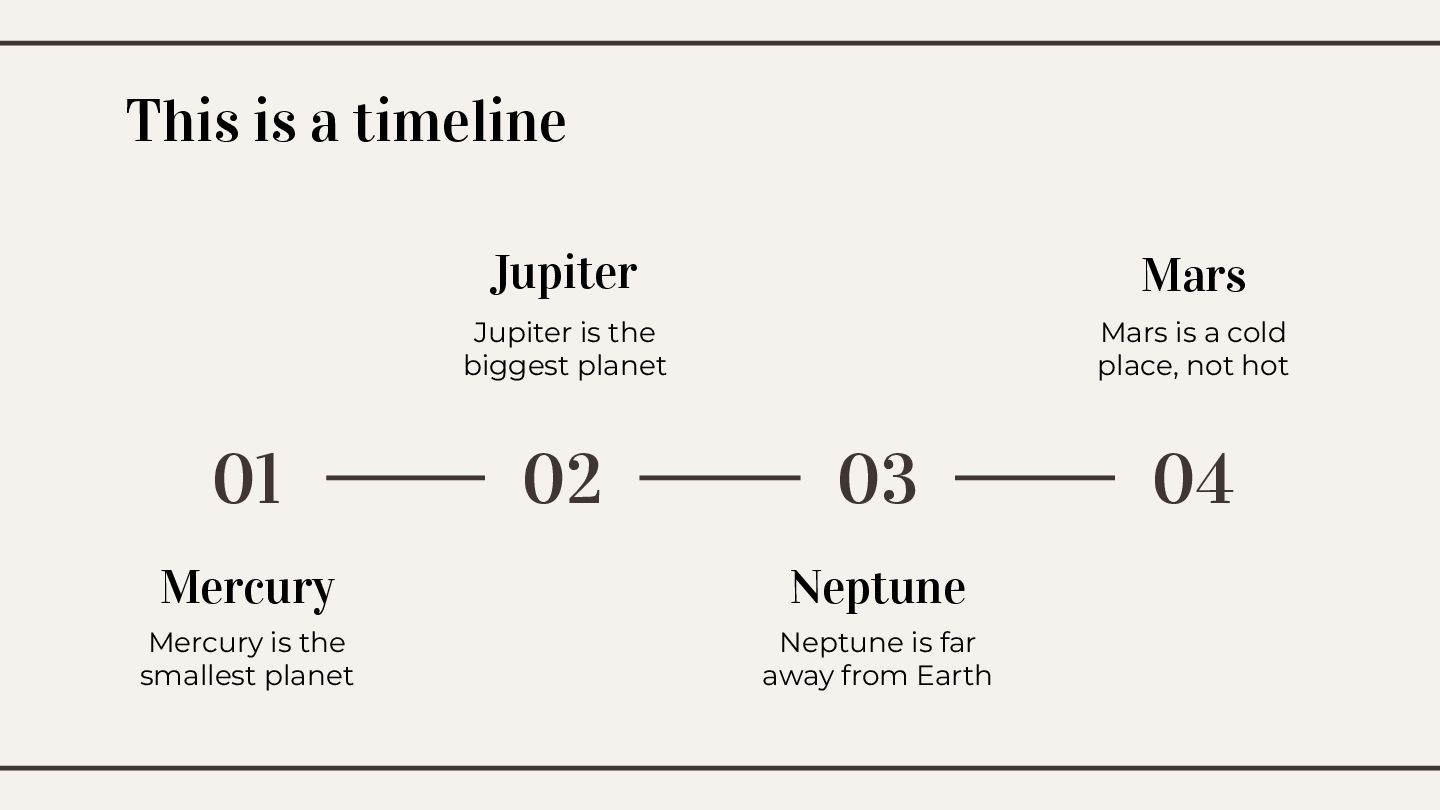
This is a timeline Mars is a cold place, not
hot Jupiter is the biggest planet Neptune Neptune is far away from Earth Mercury Mercury is the smallest planet 01 02 03 04 Jupiter Mars -
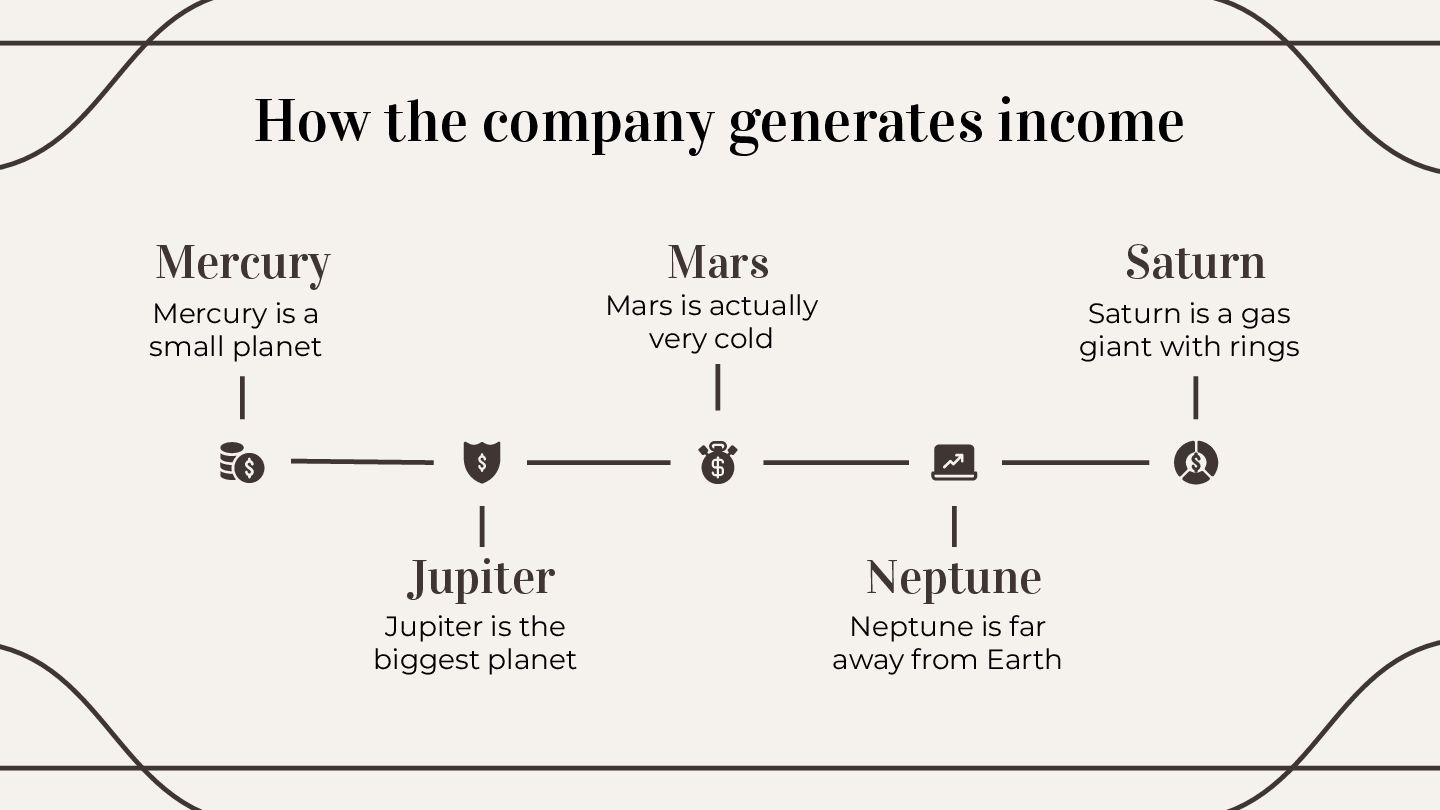
How the company generates income Mars Mars is actually very
cold Jupiter Jupiter is the biggest planet Neptune Neptune is far away from Earth Saturn Saturn is a gas giant with rings Mercury Mercury is a small planet -
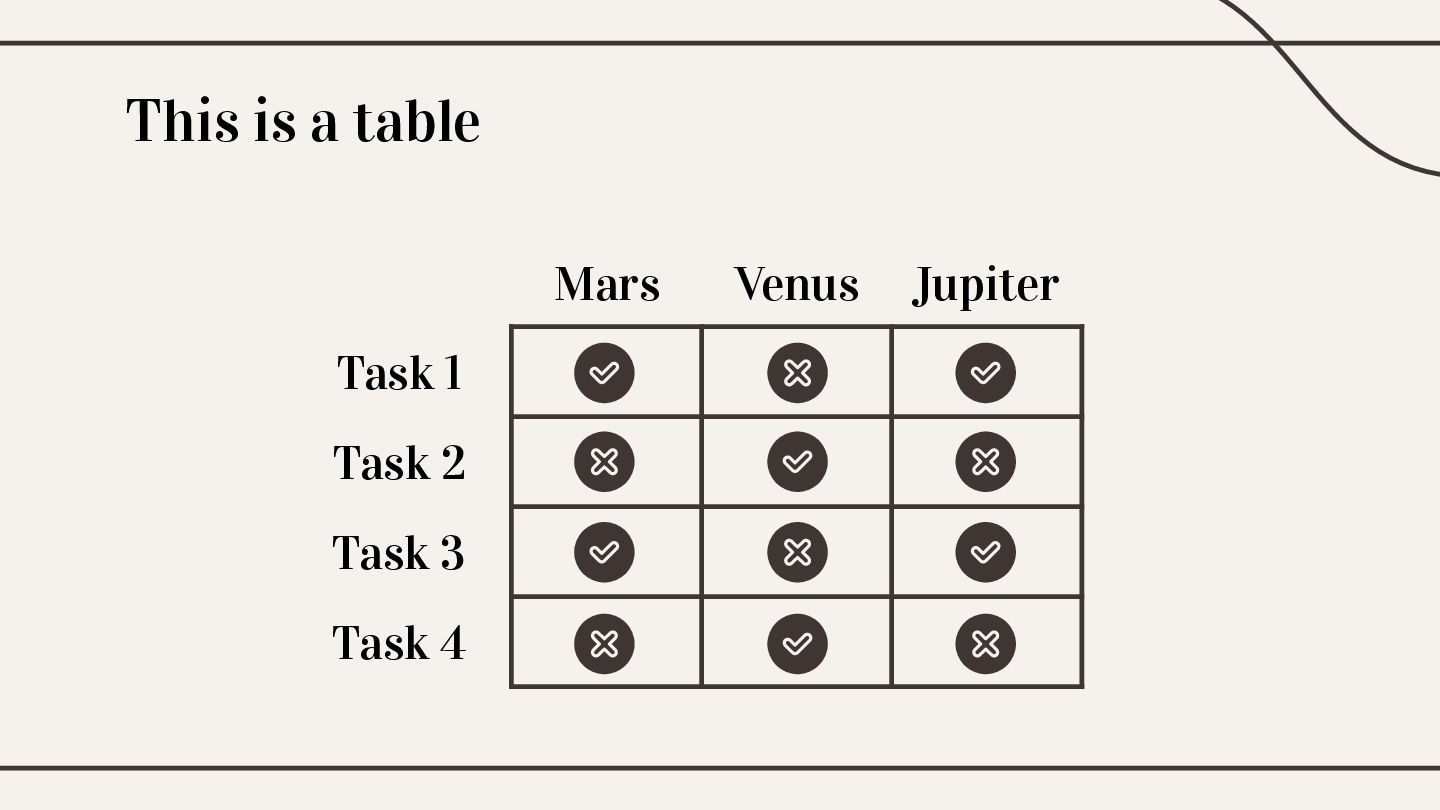
This is a table Mars Venus Jupiter Task 1 Task
2 Task 3 Task 4 -
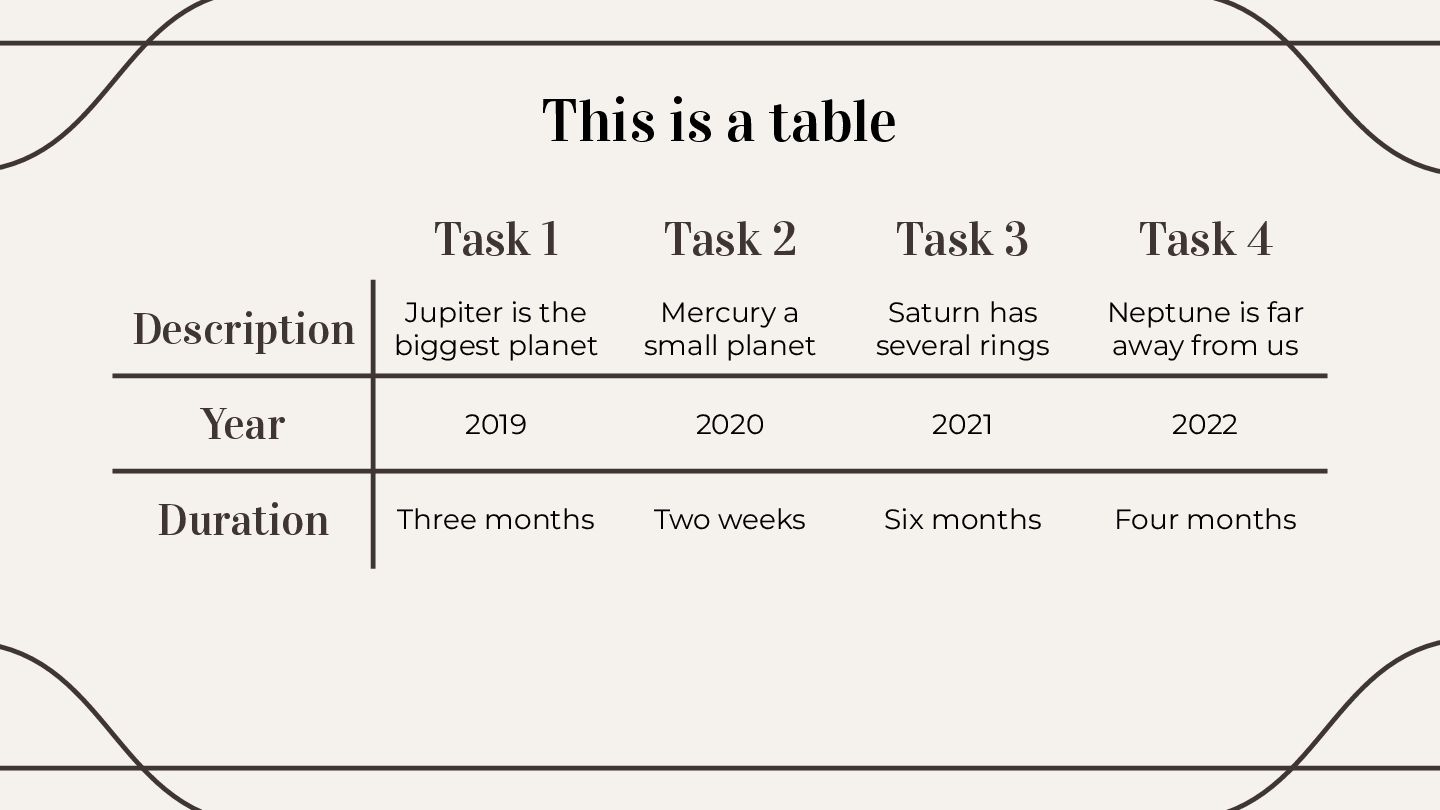
This is a table Task 1 Task 2 Task 3
Task 4 Description Jupiter is the biggest planet Mercury a small planet Saturn has several rings Neptune is far away from us Year 2019 2020 2021 2022 Duration Three months Two weeks Six months Four months -
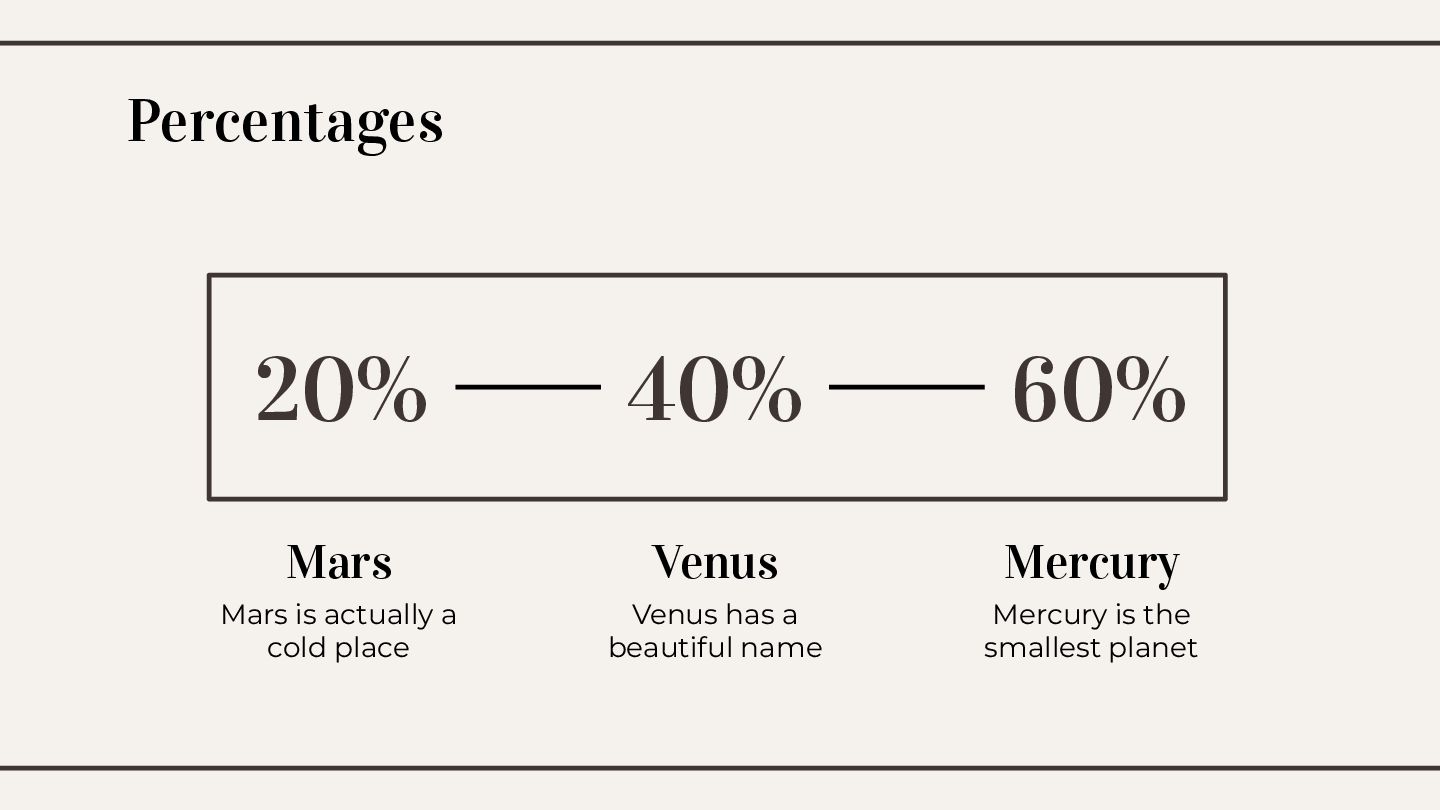
Percentages Venus Venus has a beautiful name Mars Mars is
actually a cold place Mercury Mercury is the smallest planet 20% 40% 60% -
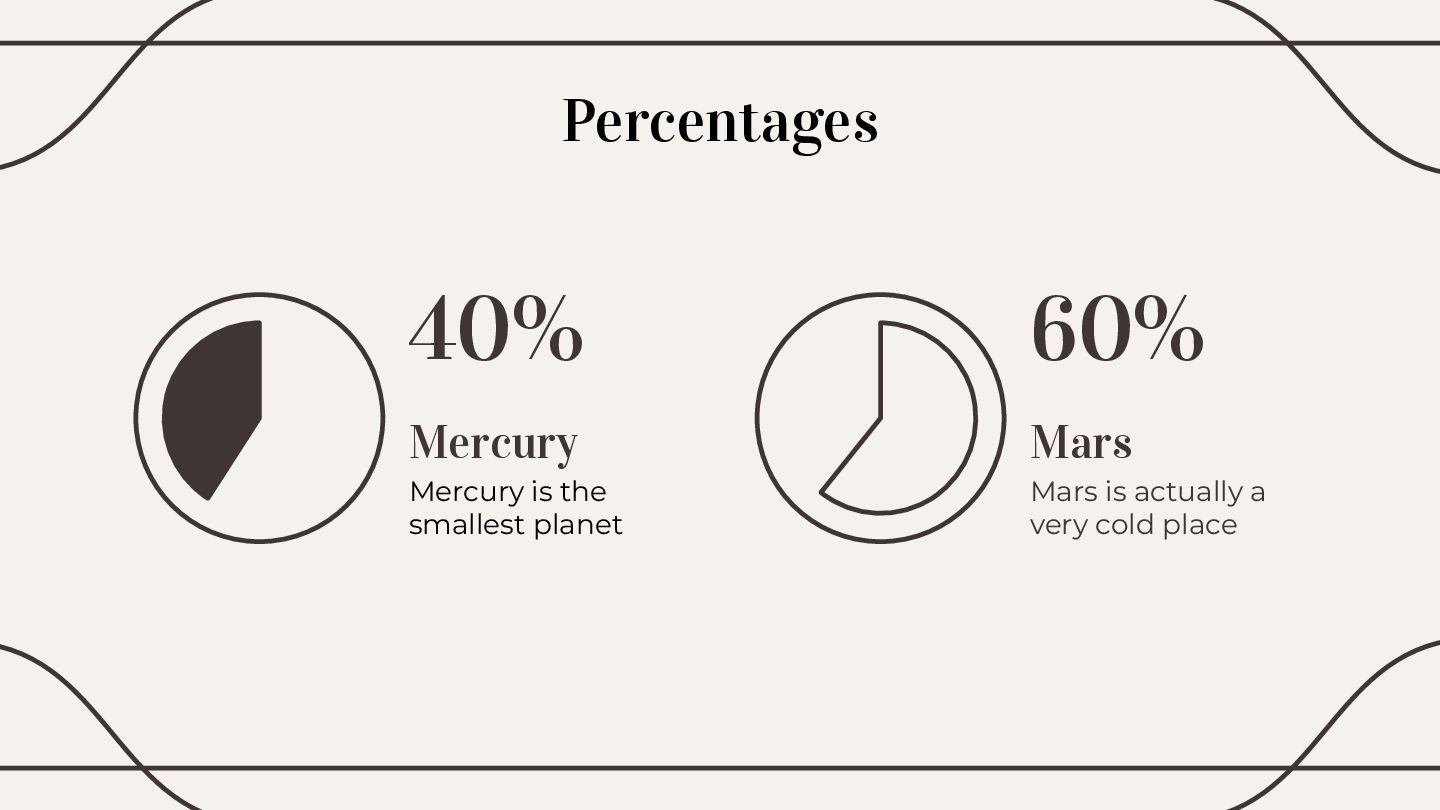
Percentages Mars Mars is actually a very cold place 60%
Mercury Mercury is the smallest planet 40% -
Venus Venus has a beautiful name Mars Mars is actually
a cold place Mercury Mercury is the smallest planet Jupiter Jupiter is the biggest planet Neptune Neptune is far away from Earth Saturn Saturn is a gas giant with several rings You can use six columns -
Mercury Mercury is the smallest planet Mars Despite being red,
Mars is cold Jupiter Jupiter is the biggest planet Neptune Neptune is far away from Earth Saturn Saturn is a gas giant with rings Competitors -
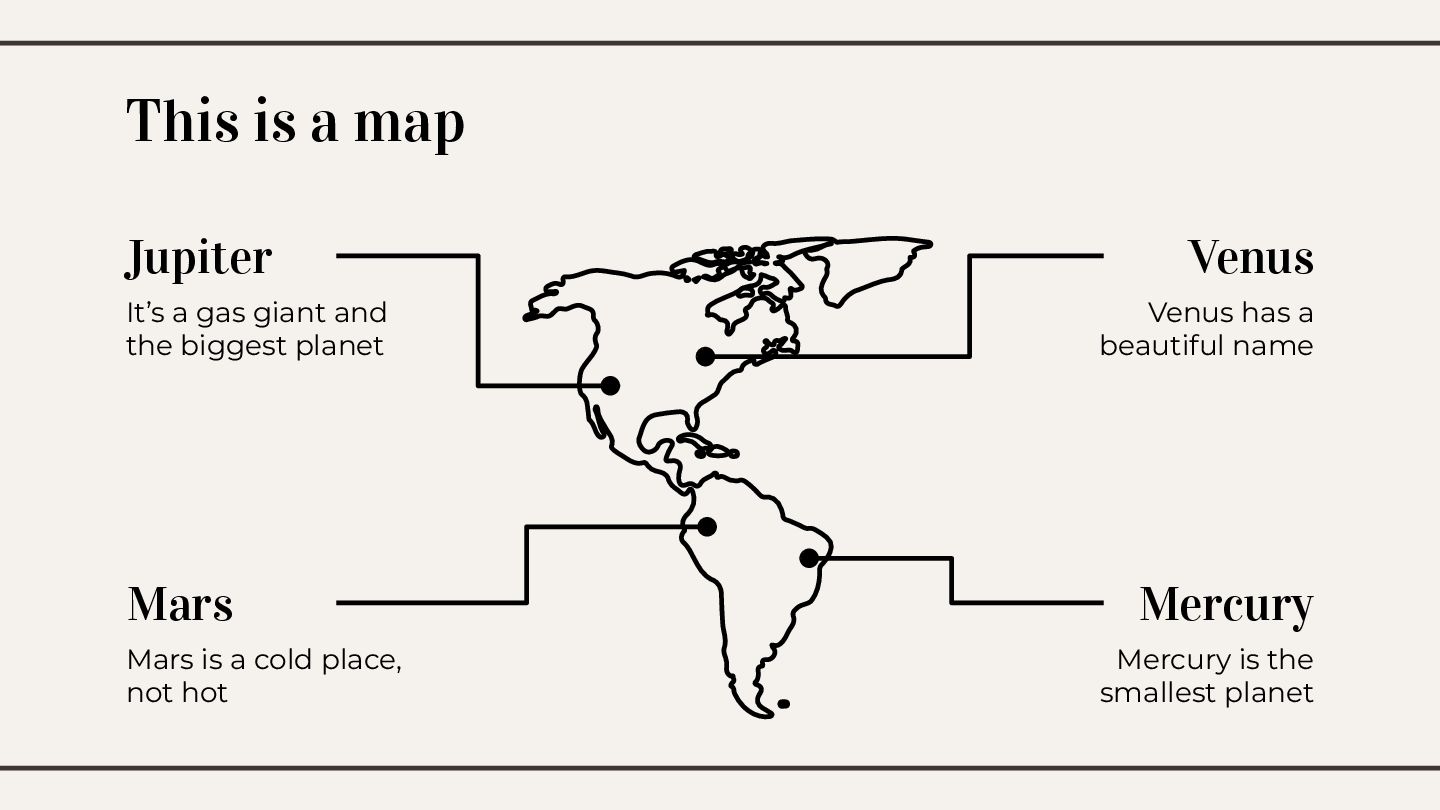
This is a map It’s a gas giant and the
biggest planet Jupiter Mars Mars is a cold place, not hot Venus has a beautiful name Venus Mercury Mercury is the smallest planet -
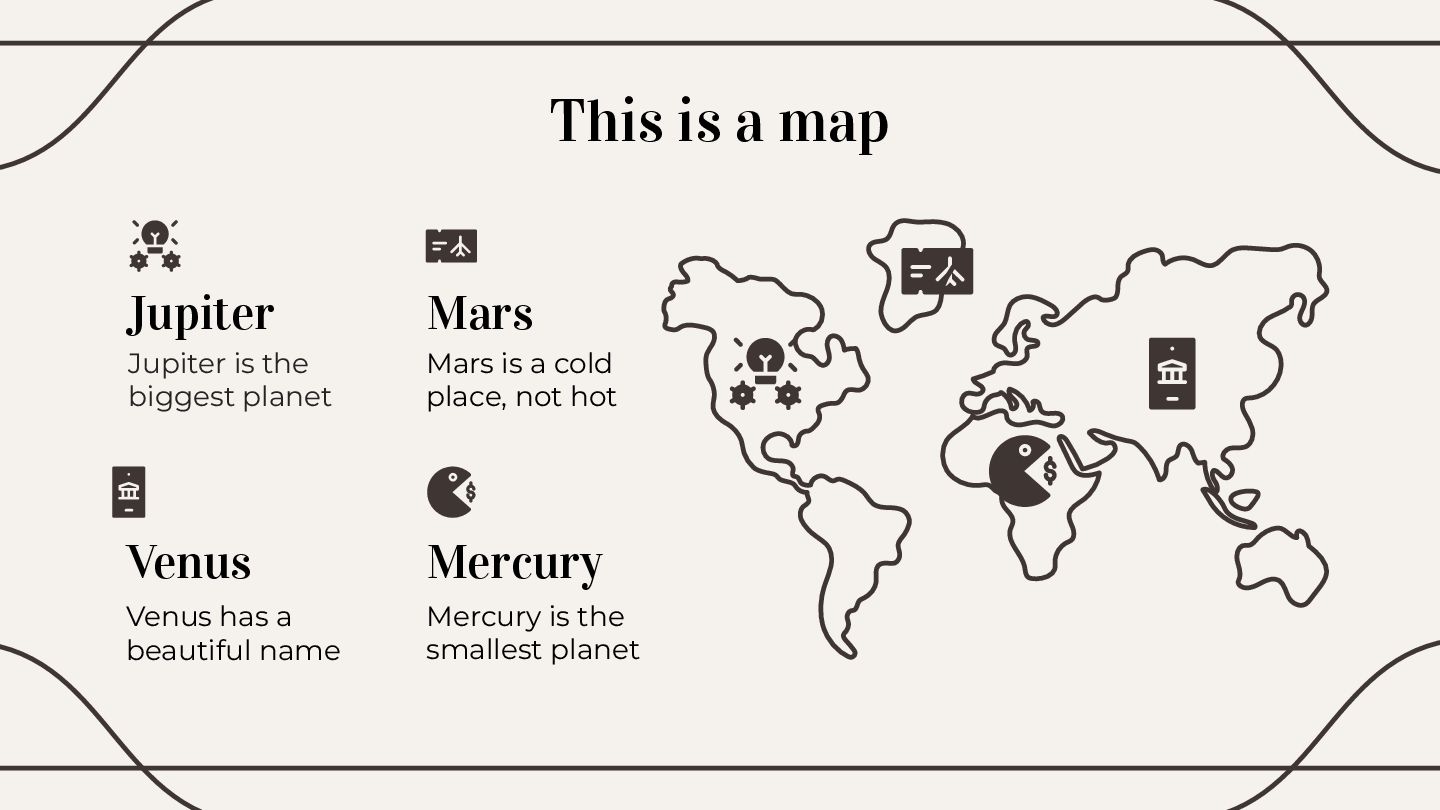
This is a map Jupiter is the biggest planet Jupiter
Venus has a beautiful name Venus Mars is a cold place, not hot Mars Mercury is the smallest planet Mercury -
Venus Venus has a beautiful name Mars Mars is actually
a cold place Jupiter Jupiter is the biggest planet Neptune It’s the farthest planet from the Sun You can use four columns -
Mars Mars is actually a cold place Neptune Neptune is
far away from Earth Jupiter Jupiter is the biggest planet 01 02 03 You can use three columns -
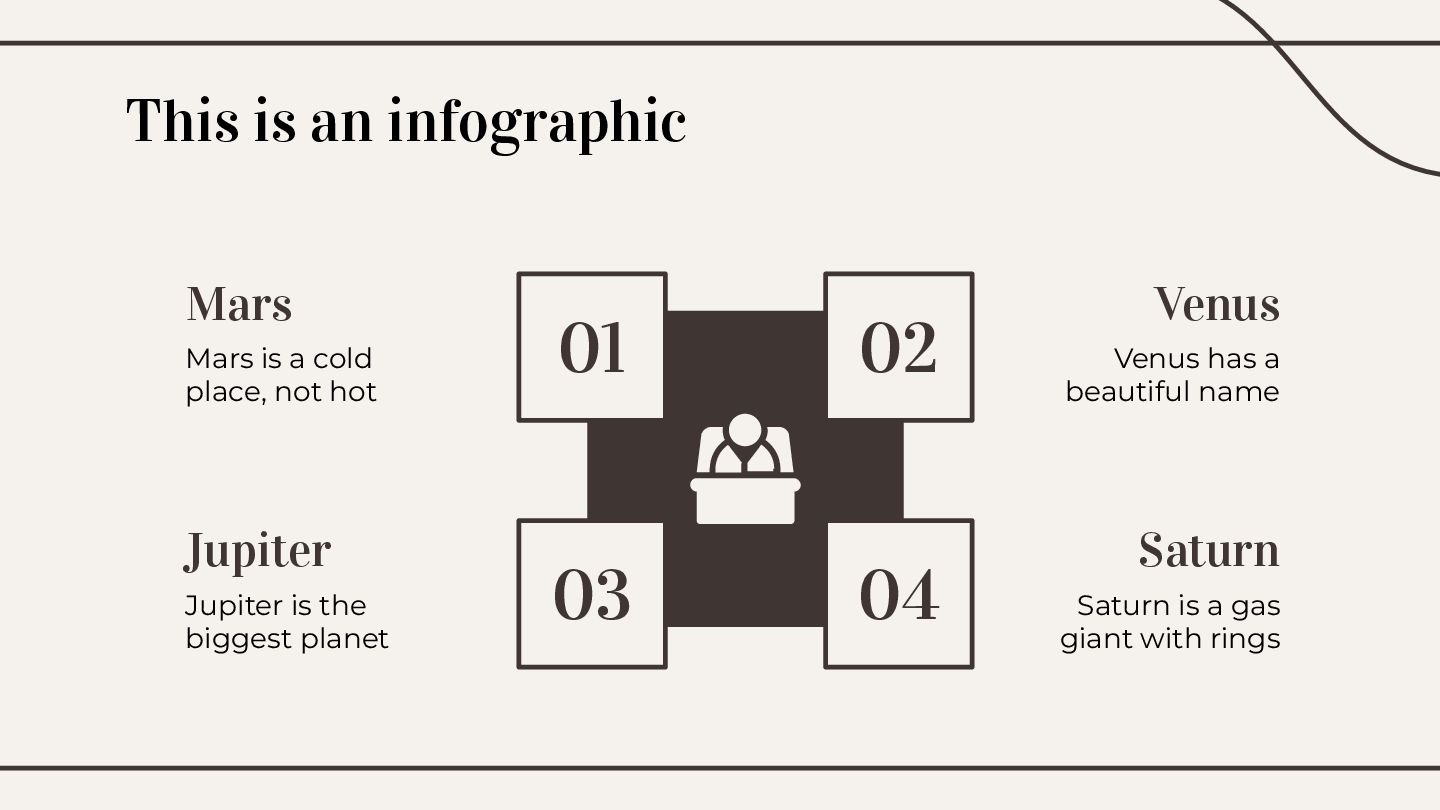
This is an infographic Jupiter Jupiter is the biggest planet
Mars Mars is a cold place, not hot Saturn Saturn is a gas giant with rings Venus Venus has a beautiful name 01 02 03 04 -
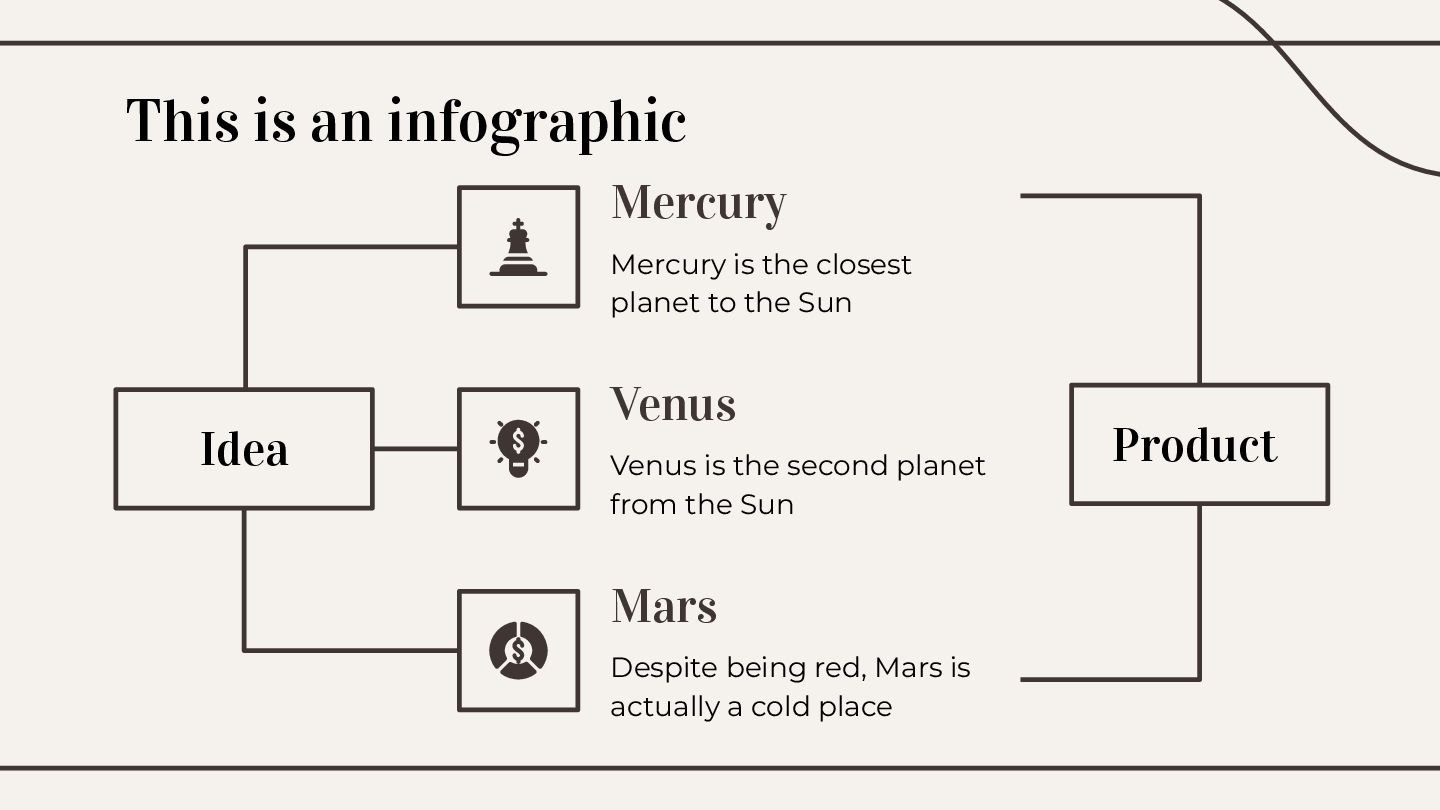
This is an infographic Mercury Mercury is the closest planet
to the Sun Mars Despite being red, Mars is actually a cold place Venus Venus is the second planet from the Sun Idea Product -
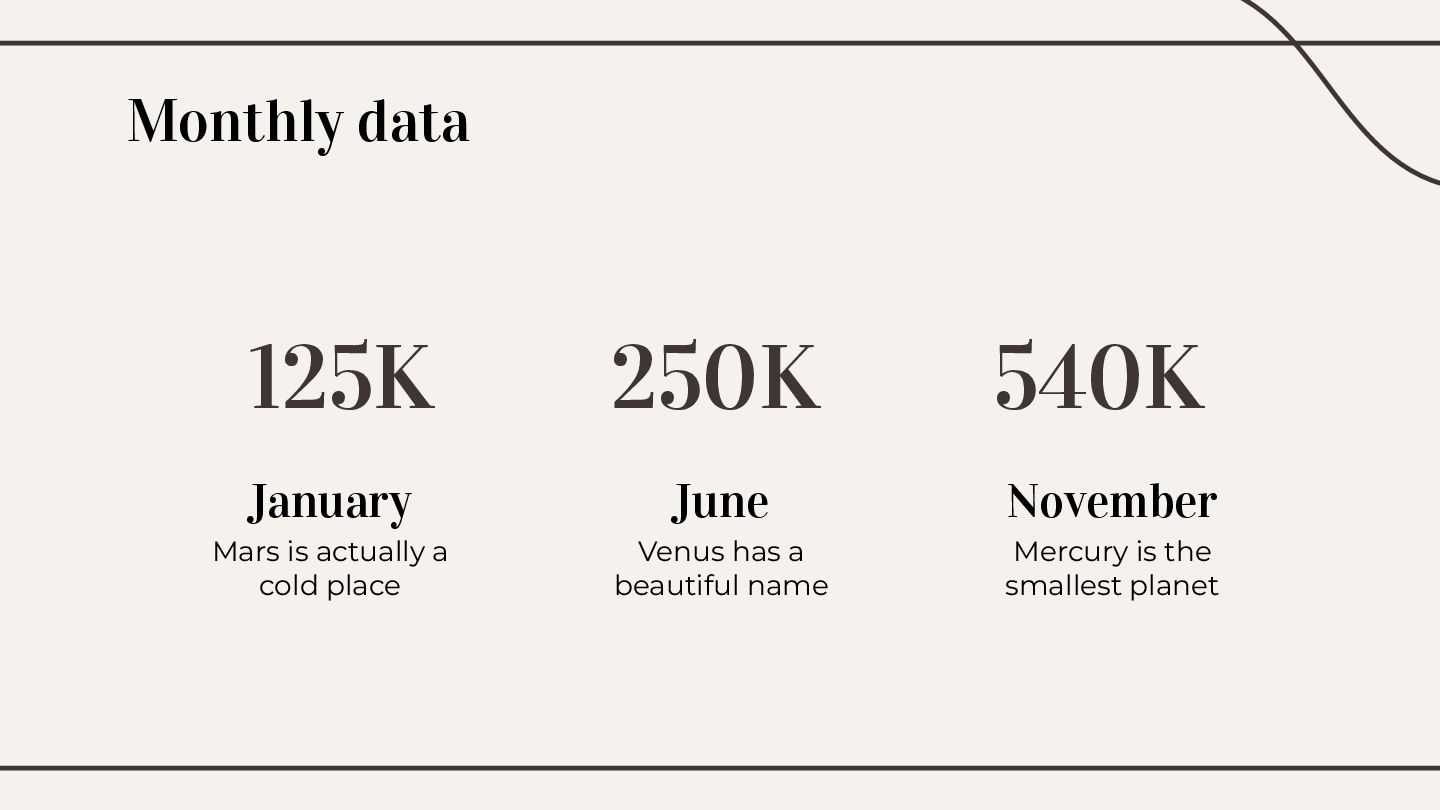
June Venus has a beautiful name January Mars is actually
a cold place November Mercury is the smallest planet 125K 250K 540K Monthly data -
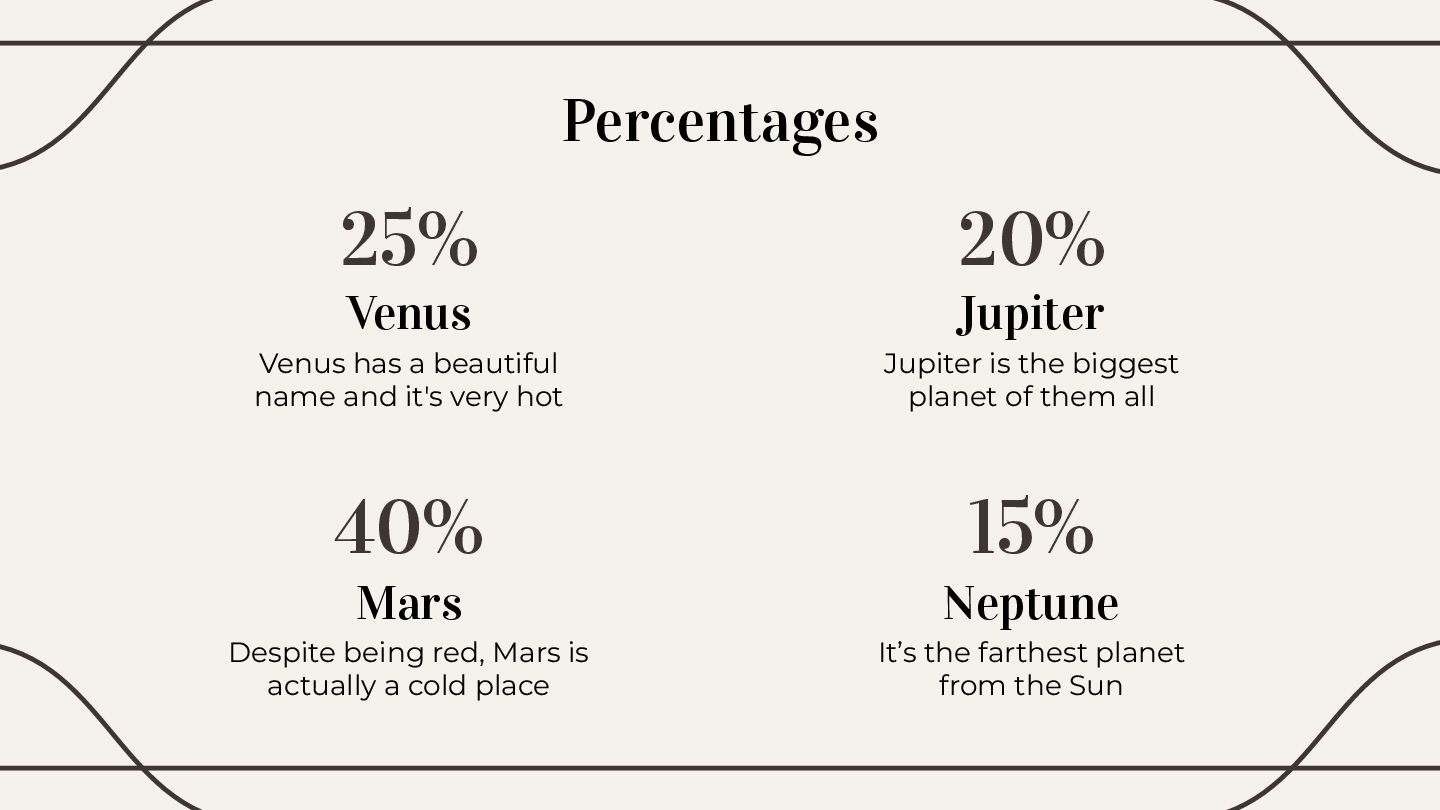
Jupiter Jupiter is the biggest planet of them all Venus
Venus has a beautiful name and it's very hot Percentages Neptune It’s the farthest planet from the Sun Mars Despite being red, Mars is actually a cold place 25% 20% 40% 15% -
Our goals Venus Venus has a beautiful name Mars Mars
is actually a cold place Jupiter Jupiter is the biggest planet Neptune It’s the farthest planet from the Sun -
Jupiter Jupiter is the biggest planet Neptune It’s the farthest
planet from the Sun Venus Venus has a beautiful name Our goals -
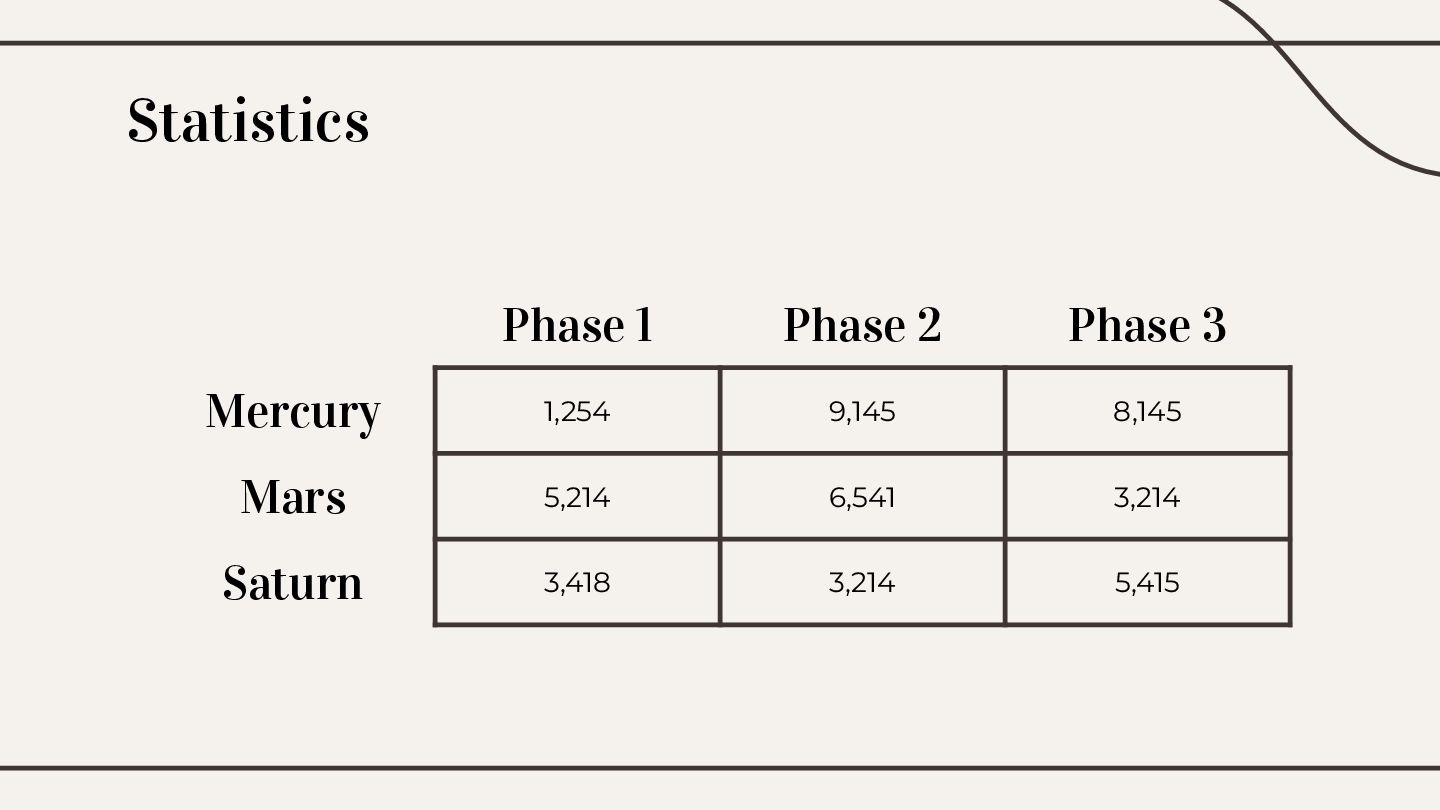
Statistics Phase 1 Phase 2 Phase 3 Mercury 1,254 9,145
8,145 Mars 5,214 6,541 3,214 Saturn 3,418 3,214 5,415 -
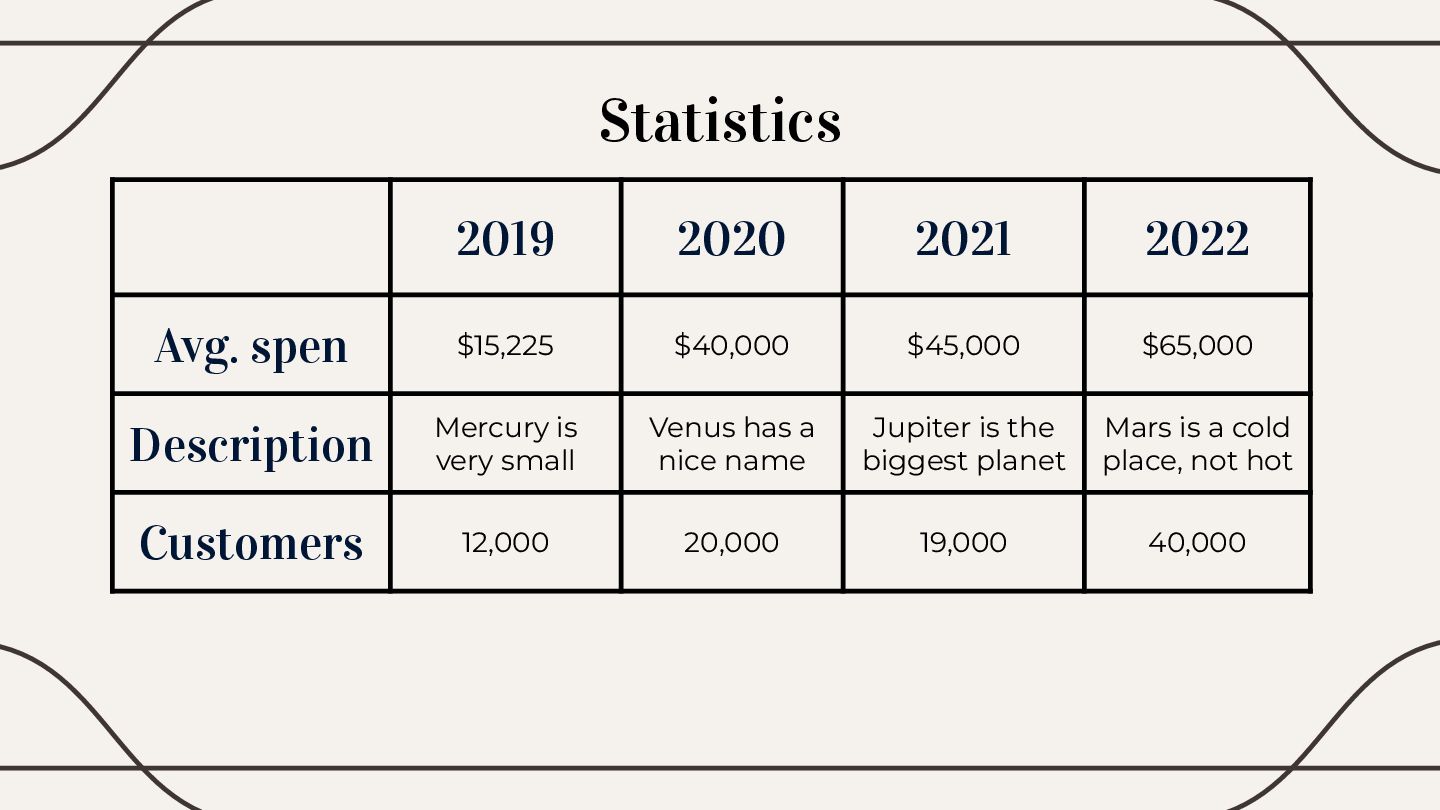
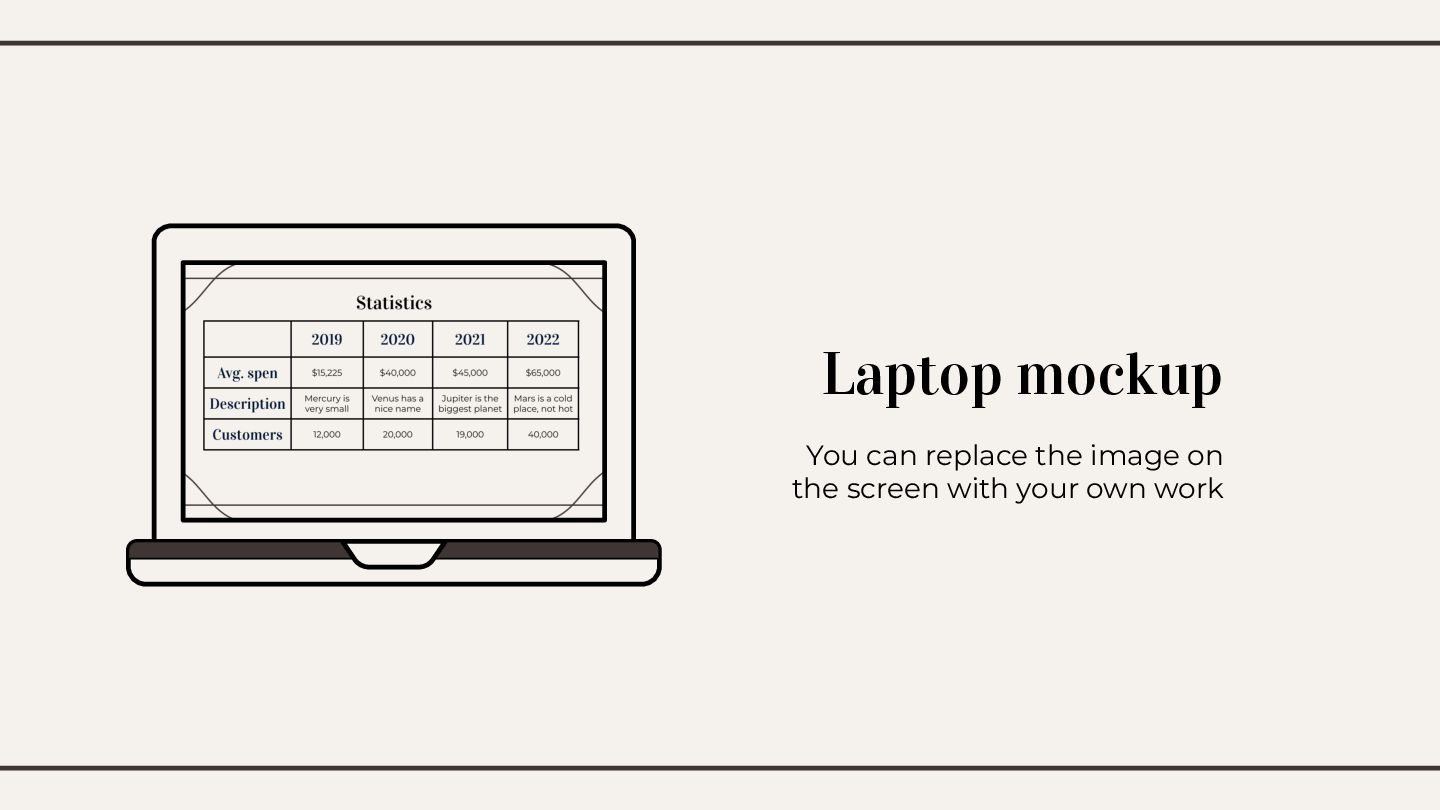
Statistics 2019 2020 2021 2022 Avg. spen $15,225 $40,000 $45,000
$65,000 Description Mercury is very small Venus has a nice name Jupiter is the biggest planet Mars is a cold place, not hot Customers 12,000 20,000 19,000 40,000 -
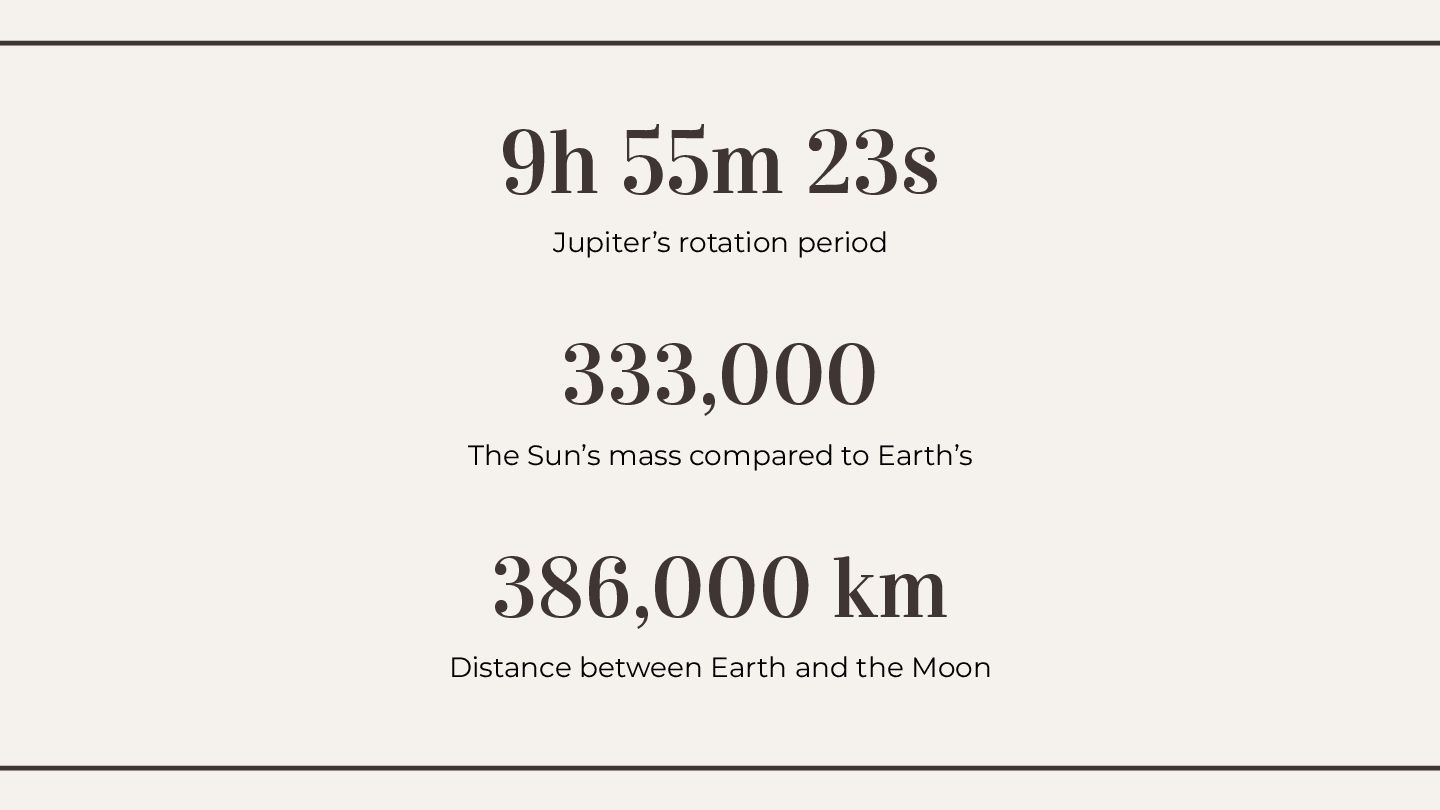
Jupiter’s rotation period The Sun’s mass compared to Earth’s Distance
between Earth and the Moon 9h 55m 23s 333,000 386,000 km -
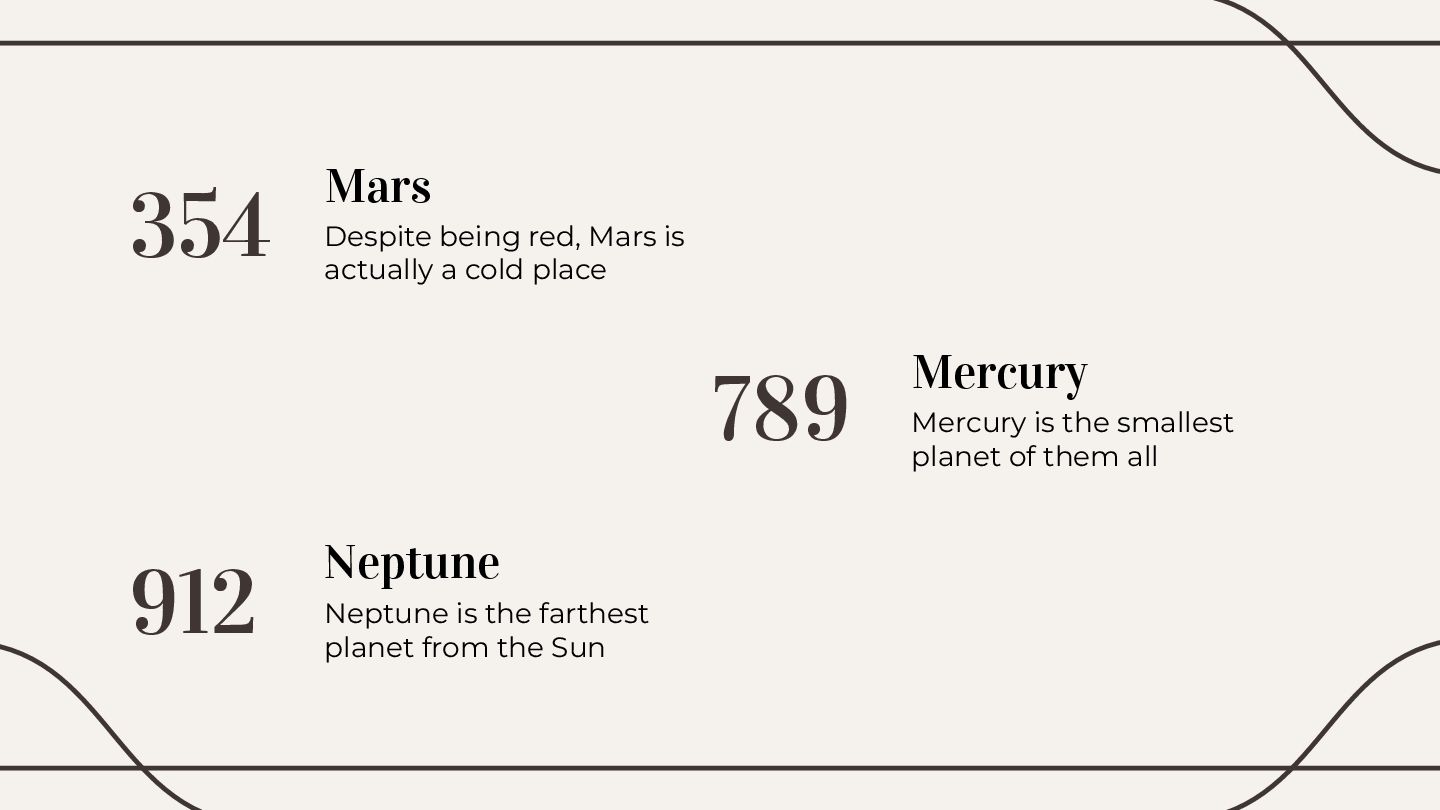
354 Mars 789 Despite being red, Mars is actually a
cold place Mercury Mercury is the smallest planet of them all Neptune Neptune is the farthest planet from the Sun 912 -
Desktop mockup You can replace the image on the screen
with your own work -
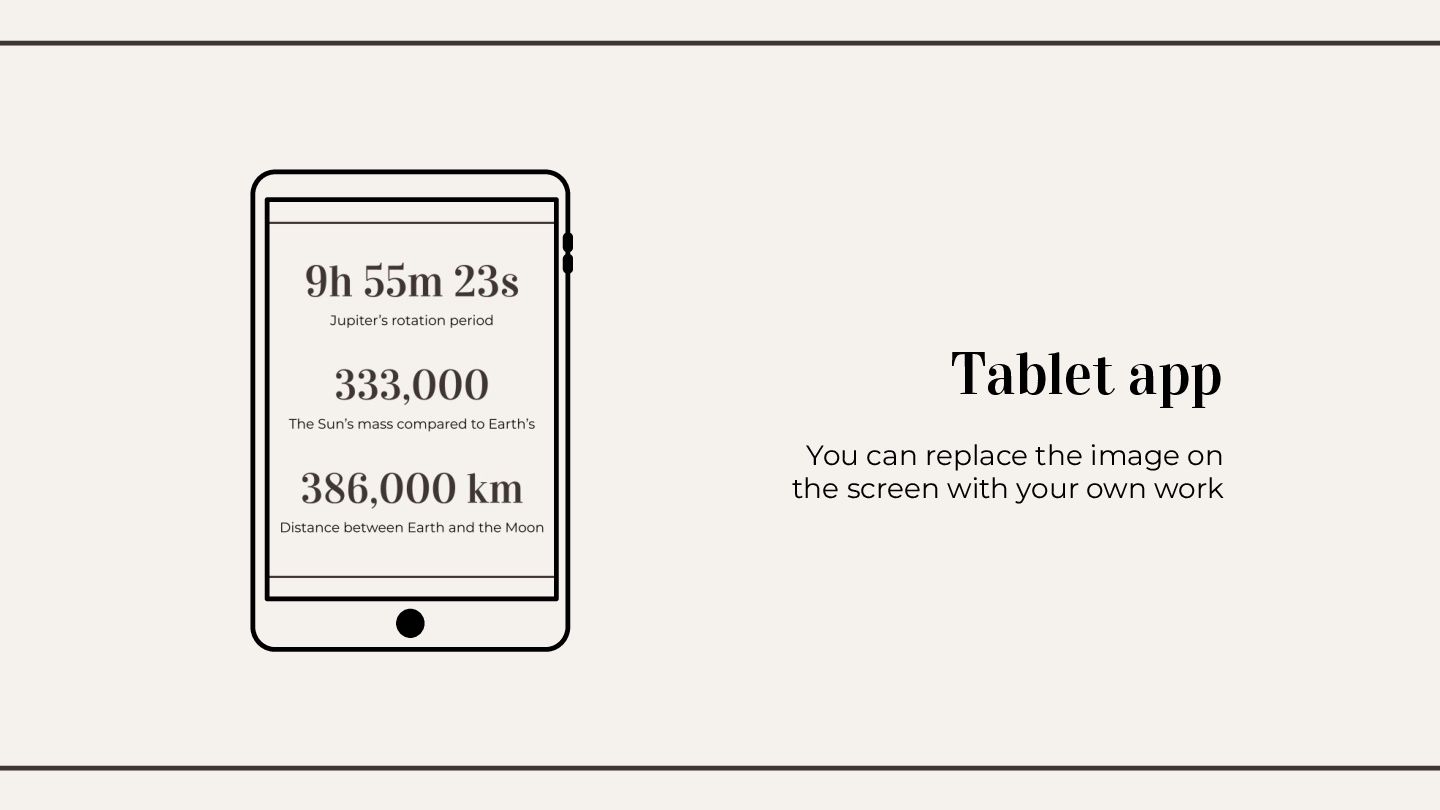
Tablet app You can replace the image on the screen
with your own work -
Mobile web You can replace the image on the screen
with your own work -
Laptop mockup You can replace the image on the screen
with your own work -
• Write your references here • Write your references here
• Write your references here • Write your references here • Write your references here • Write your references here • Write your references here • Write your references here List of references -
• Write references of internet • Write references of internet
• Write references of internet • Write references of internet • Write references of internet • Write references of internet • Write references of internet • Write references of internet Research references • Write references of books • Write references of books • Write references of books • Write references of books • Write references of books • Write references of books • Write references of books • Write references of books -
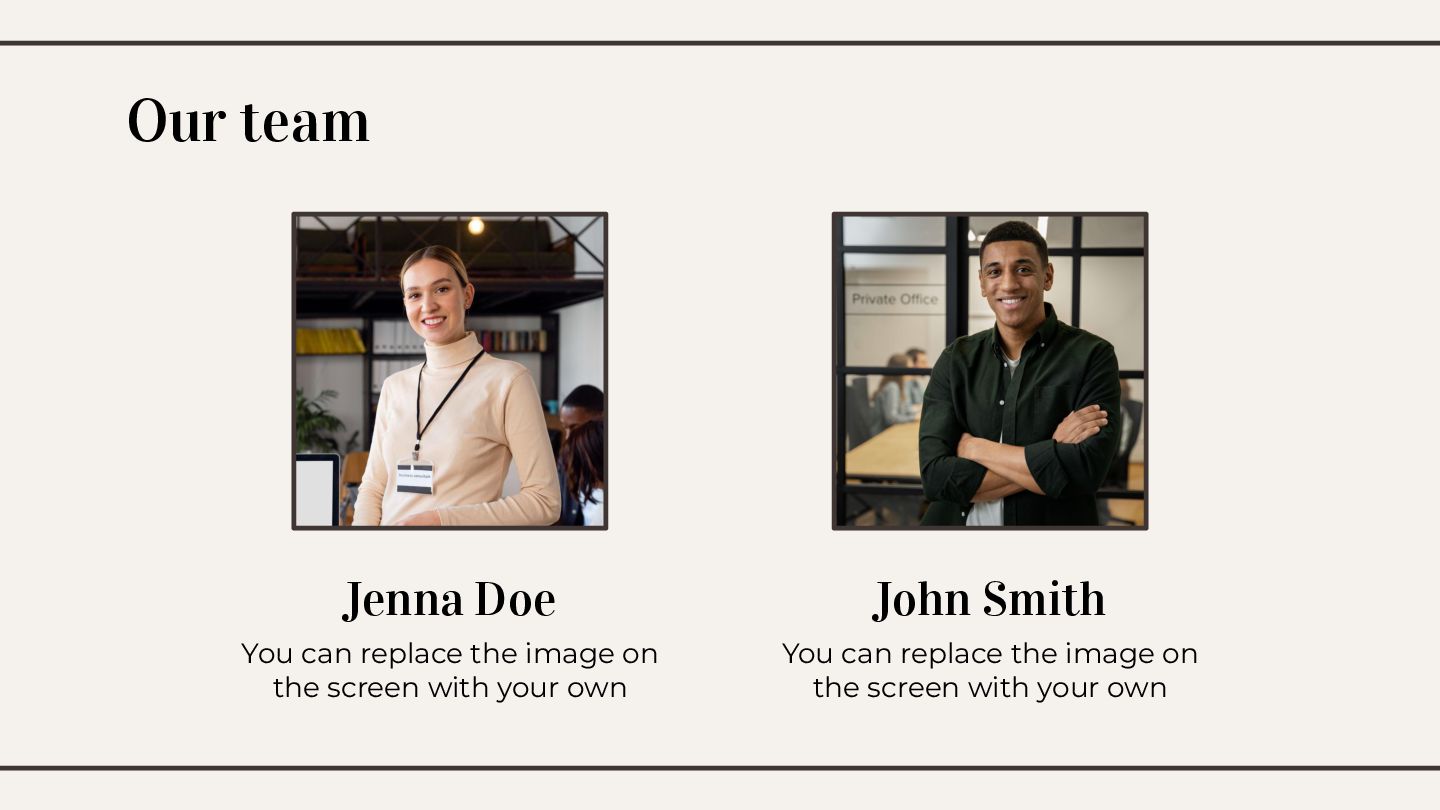
You can replace the image on the screen with your
own Our team John Smith You can replace the image on the screen with your own Jenna Doe -
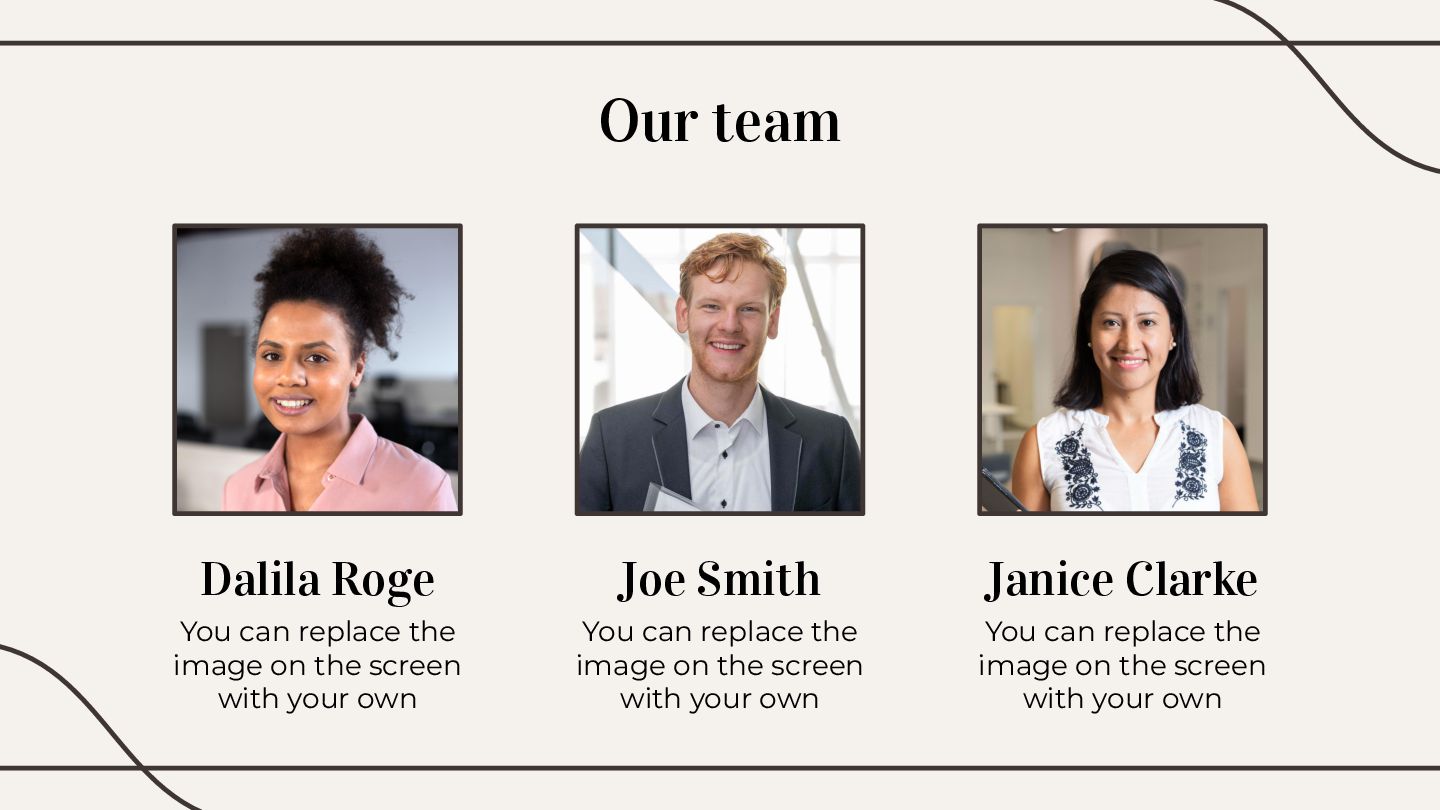
Joe Smith Our team You can replace the image on
the screen with your own Janice Clarke You can replace the image on the screen with your own Dalila Roge You can replace the image on the screen with your own -
CREDITS: This presentation template was created by Slidesgo, including icons
by Flaticon, infographics & images by Freepik Thanks Do you have any questions? your [email protected] +91 620 421 838 yourcompany.com Please keep this slide for attribution -
Photos • People in business meeting high angle • Front
view of people meeting over a cup of coffee • Businessman at office with laptop • Smiley redhead business woman working • Business women talking while looking • Medium shot smiley business woman Alternative resources -
Photos • Smiling young woman working at laptop in office
• Medium shot woman with box • Medium shot business people with devices • Startups entrepreneurs discussing strategies • Close up business people at tablet • Man and woman discussing a new project • Business people discussing a new project Alternative resources -
Photos • Coworkers discussing a new project together • Smiley
man holding project documents • Businessman respecting safety measures at the office • Young man using laptop with coffee cup Icons • Business Icon Pack Alternative resources -
Photos • Business people doing their job • People having
a meeting in the office • Young co worker spending time in office • Front view woman working at office • Front view woman working as economist • Smiley woman at business meeting Resources -
Photos • Low angle womens team meeting • Close up
on company employee smiling • Close up on young businesswoman • Low angle womens team meeting I • Blond woman sitting back and smiling with closed eyes at workplace • Happy business woman holding coffee Resources -
Photos • Smiley woman working in the office with papers
and laptop • Side view of coworkers at the office working with laptop • Business team working together in the office with laptop • Medium shot smiley woman at work Resources -
Instructions for use In order to use this template, you
must credit Slidesgo by keeping the Thanks slide. You are allowed to: - Modify this template. - Use it for both personal and commercial projects. You are not allowed to: - Sublicense, sell or rent any of Slidesgo Content (or a modified version of Slidesgo Content). - Distribute Slidesgo Content unless it has been expressly authorized by Slidesgo. - Include Slidesgo Content in an online or offline database or file. - Offer Slidesgo templates (or modified versions of Slidesgo templates) for download. - Acquire the copyright of Slidesgo Content. For more information about editing slides, please read our FAQs or visit Slidesgo School: https://slidesgo.com/faqs and https://slidesgo.com/slidesgo-school -
As a Premium user, you can use this template without
attributing Slidesgo or keeping the "Thanks" slide. You are allowed to: • Modify this template. • Use it for both personal and commercial purposes. • Hide or delete the “Thanks” slide and the mention to Slidesgo in the credits. • Share this template in an editable format with people who are not part of your team. You are not allowed to: • Sublicense, sell or rent this Slidesgo Template (or a modified version of this Slidesgo Template). • Distribute this Slidesgo Template (or a modified version of this Slidesgo Template) or include it in a database or in any other product or service that offers downloadable images, icons or presentations that may be subject to distribution or resale. • Use any of the elements that are part of this Slidesgo Template in an isolated and separated way from this Template. • Register any of the elements that are part of this template as a trademark or logo, or register it as a work in an intellectual property registry or similar. For more information about editing slides, please read our FAQs or visit Slidesgo School: https://slidesgo.com/faqs and https://slidesgo.com/slidesgo-school Instructions for use (premium users) -
Fonts & colors used This presentation has been made using
the following fonts: Vidaloka (https://fonts.google.com/specimen/Vidaloka) Lato (https://fonts.google.com/specimen/Montserrat) #000000 #f5f2ee #3f3533 -
Storyset Create your Story with our illustrated concepts. Choose the
style you like the most, edit its colors, pick the background and layers you want to show and bring them to life with the animator panel! It will boost your presentation. Check out how it works. Pana Amico Bro Rafiki Cuate -
You can easily resize these resources without losing quality. To
change the color, just ungroup the resource and click on the object you want to change. Then, click on the paint bucket and select the color you want. Group the resource again when you’re done. You can also look for more infographics on Slidesgo. Use our editable graphic resources... -
JANUARY FEBRUARY MARCH APRIL MAY JUNE PHASE 1 PHASE 2
Task 1 Task 2 Task 1 Task 2 JANUARY FEBRUARY MARCH APRIL PHASE 1 Task 1 Task 2 -
...and our sets of editable icons You can resize these
icons without losing quality. You can change the stroke and fill color; just select the icon and click on the paint bucket/pen. In Google Slides, you can also use Flaticon’s extension, allowing you to customize and add even more icons.
 emiliedubiel
 frankvandijk
 akademiya2063
 bethany
 jonoalderson
 cassininazir
 reverentgeek
 bkeepers
 eileencodes
 leimatthew05
 ivargrimstad
 tomoyanonymous