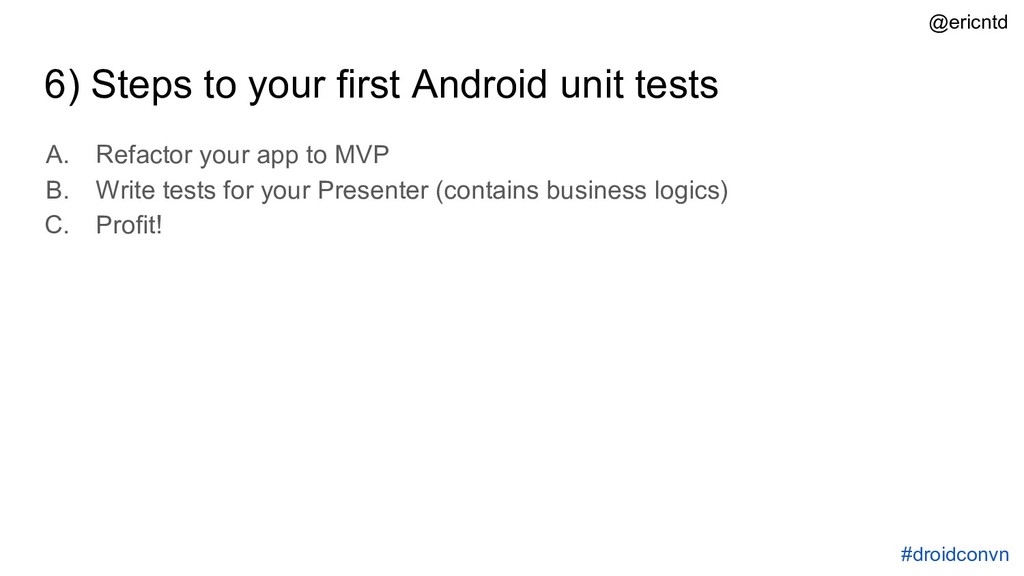
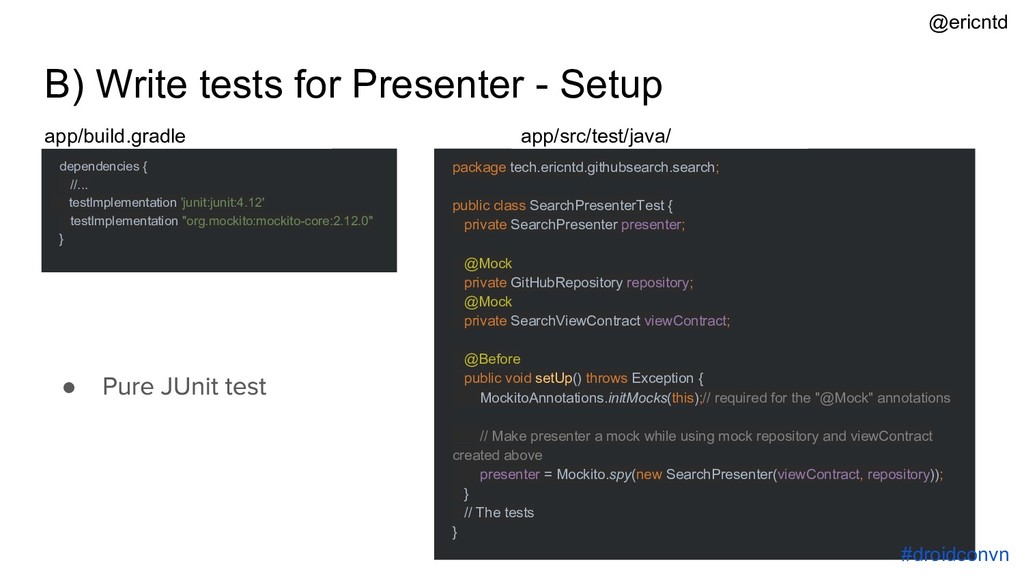
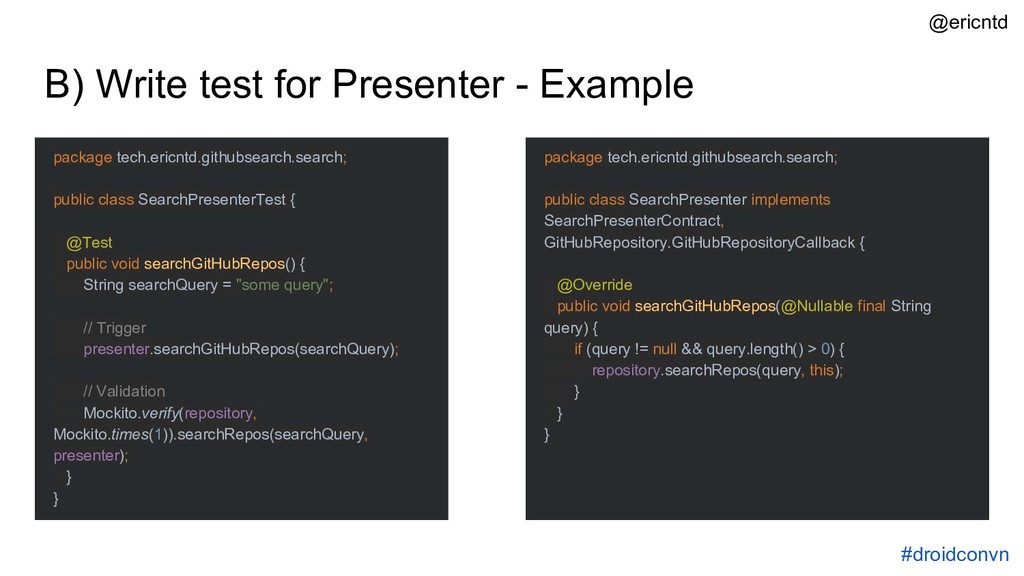
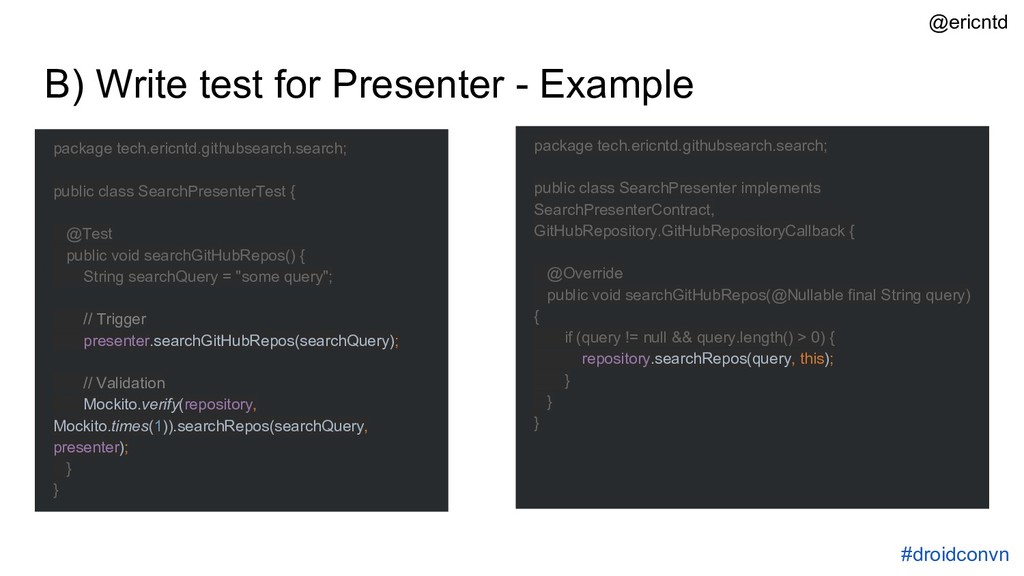
Easy to follow, contains only what's absolutely necessary to get started. Starts with MVP but expands to MVVM. Follow up Medium article on UI testing also available
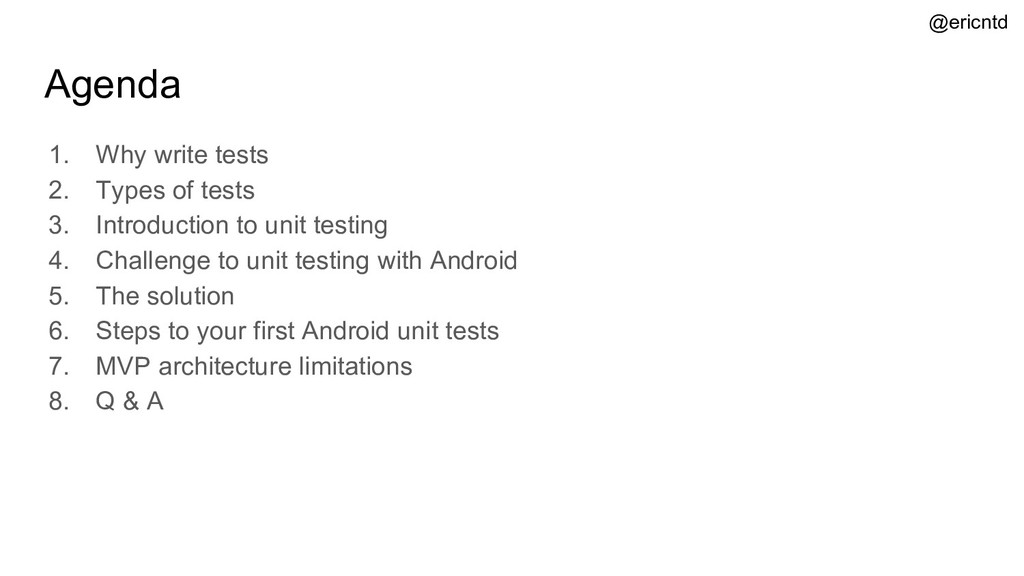
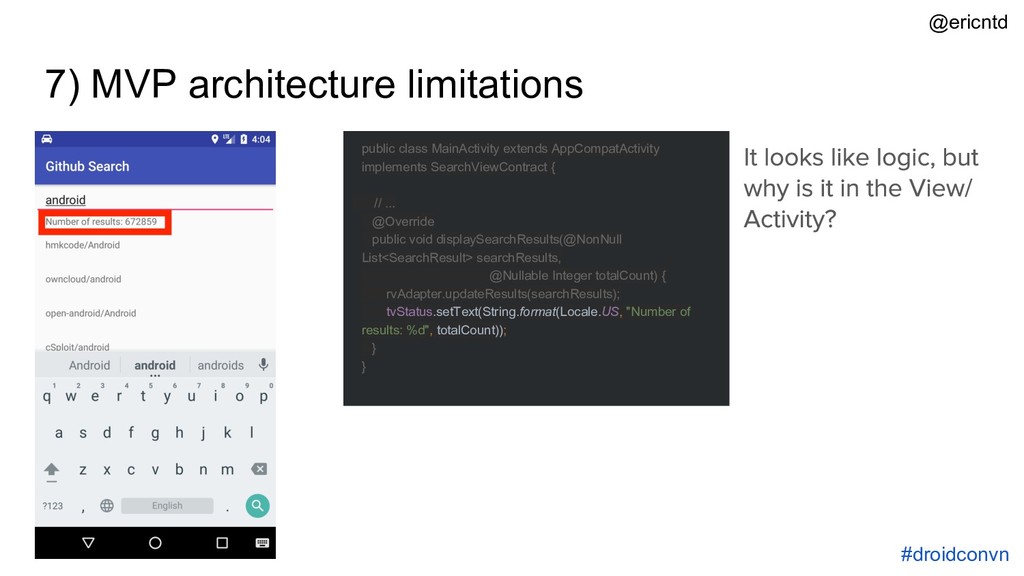
Introduction to unit testing 4. Challenge to unit testing with Android 5. The solution 6. Steps to your first Android unit tests 7. MVP architecture limitations 8. Q & A @ericntd
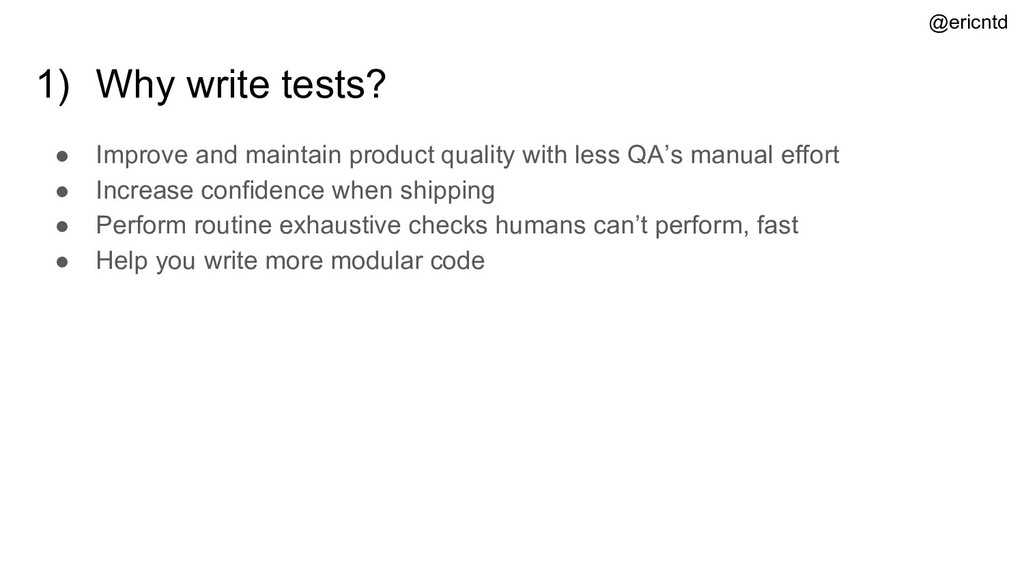
with less QA’s manual effort • Increase confidence when shipping • Perform routine exhaustive checks humans can’t perform, fast • Help you write more modular code @ericntd
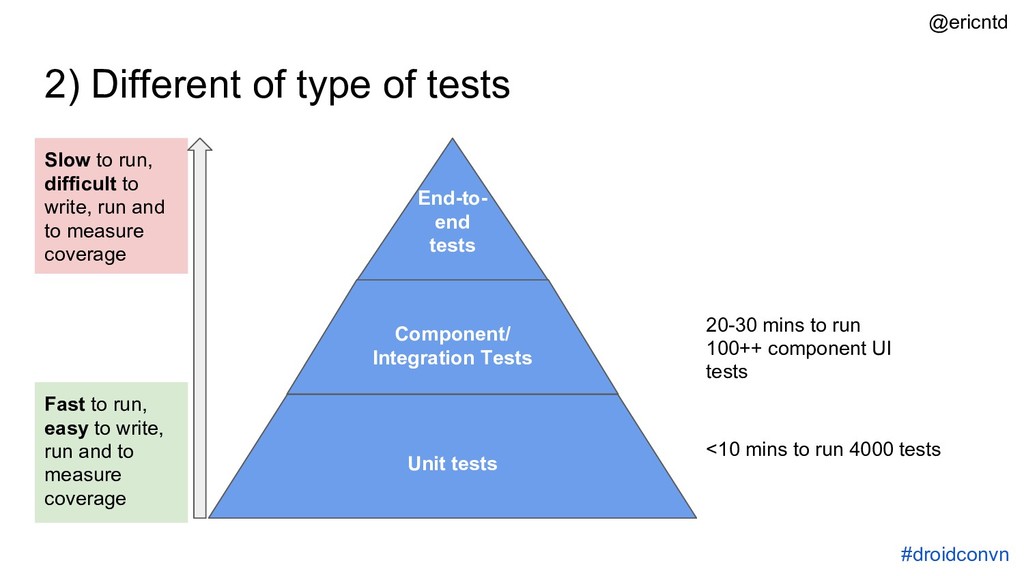
Tests End-to- end tests 20-30 mins to run 100++ component UI tests <10 mins to run 4000 tests Fast to run, easy to write, run and to measure coverage Slow to run, difficult to write, run and to measure coverage #droidconvn @ericntd
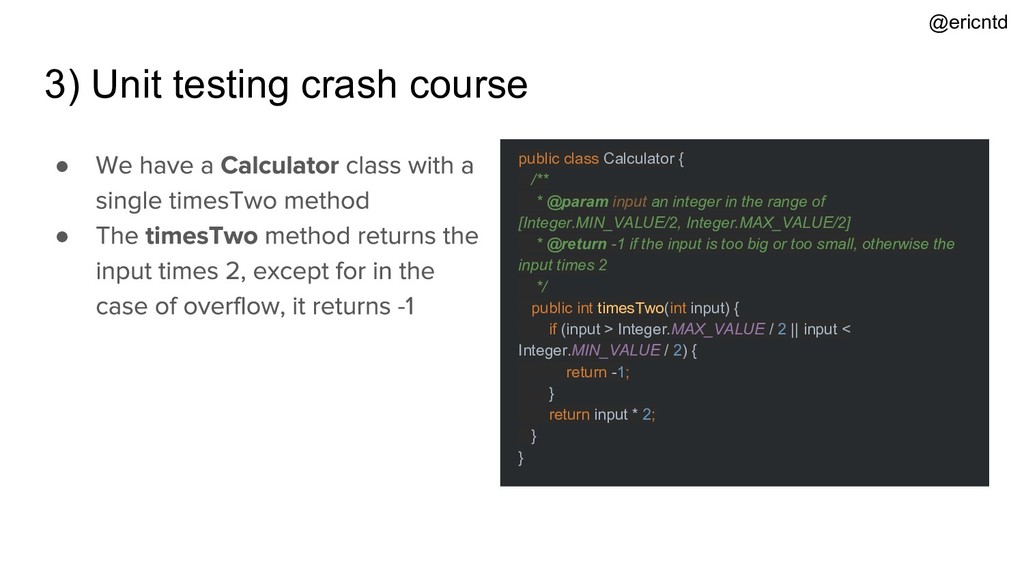
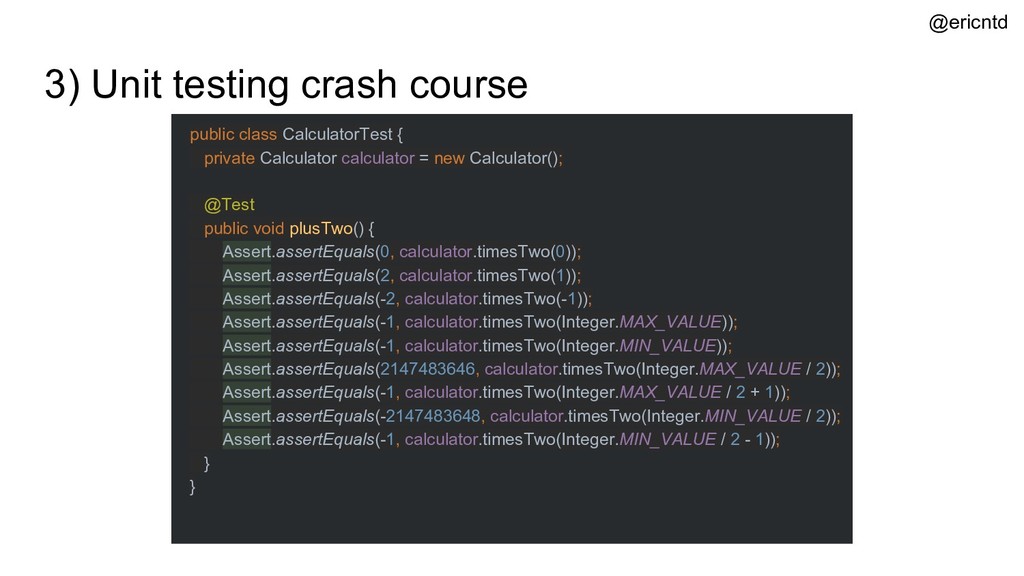
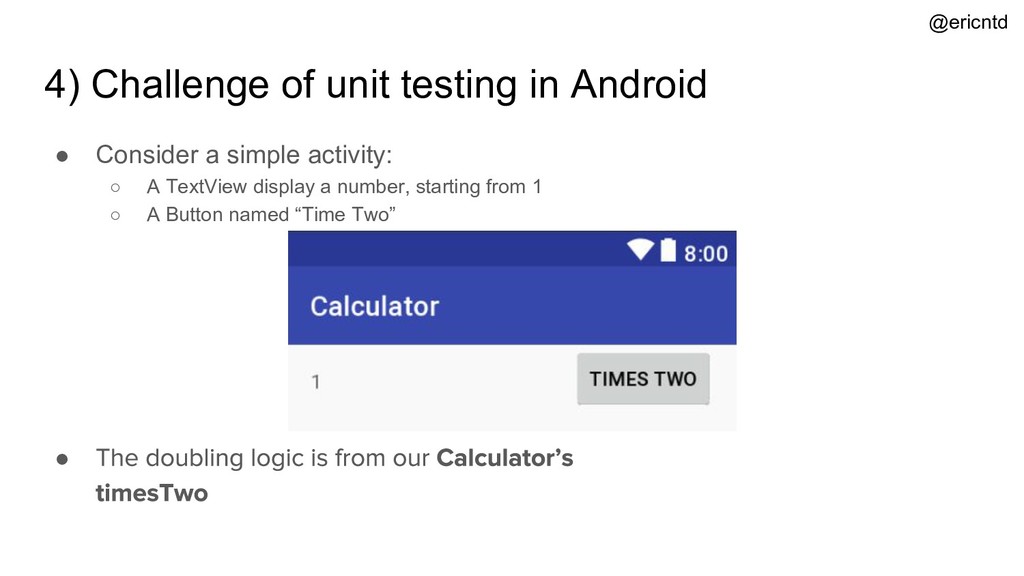
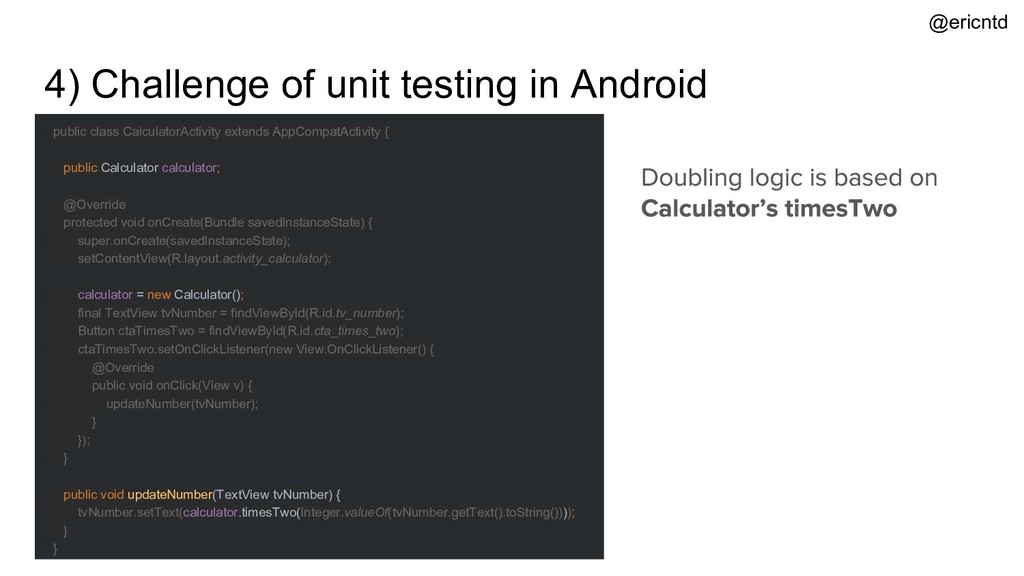
* @param input an integer in the range of [Integer.MIN_VALUE/2, Integer.MAX_VALUE/2] * @return -1 if the input is too big or too small, otherwise the input times 2 */ public int timesTwo(int input) { if (input > Integer.MAX_VALUE / 2 || input < Integer.MIN_VALUE / 2) { return -1; } return input * 2; } } • • @ericntd
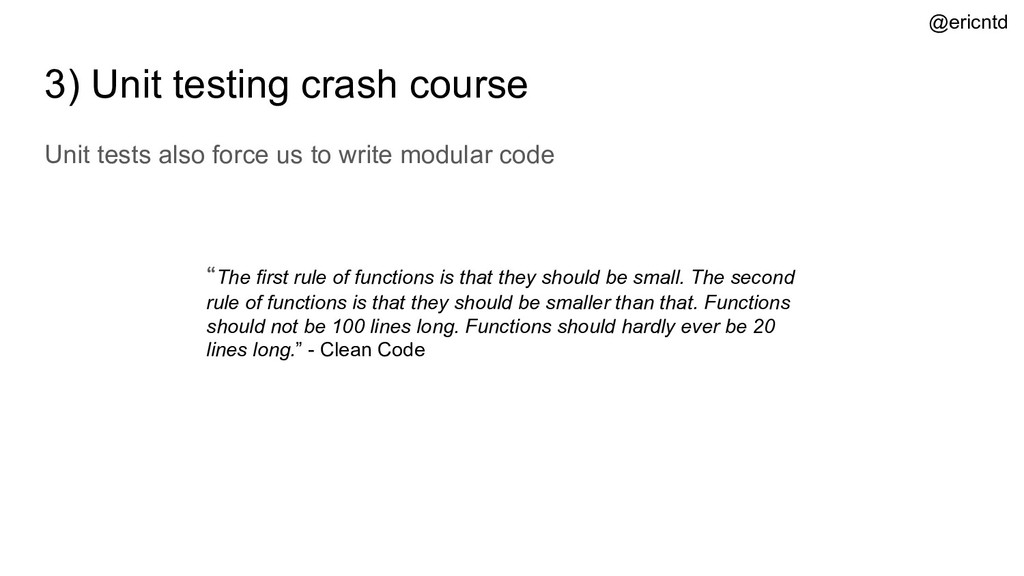
to write modular code The first rule of functions is that they should be small. The second rule of functions is that they should be smaller than that. Functions should not be 100 lines long. Functions should hardly ever be 20 lines long.” - Clean Code @ericntd
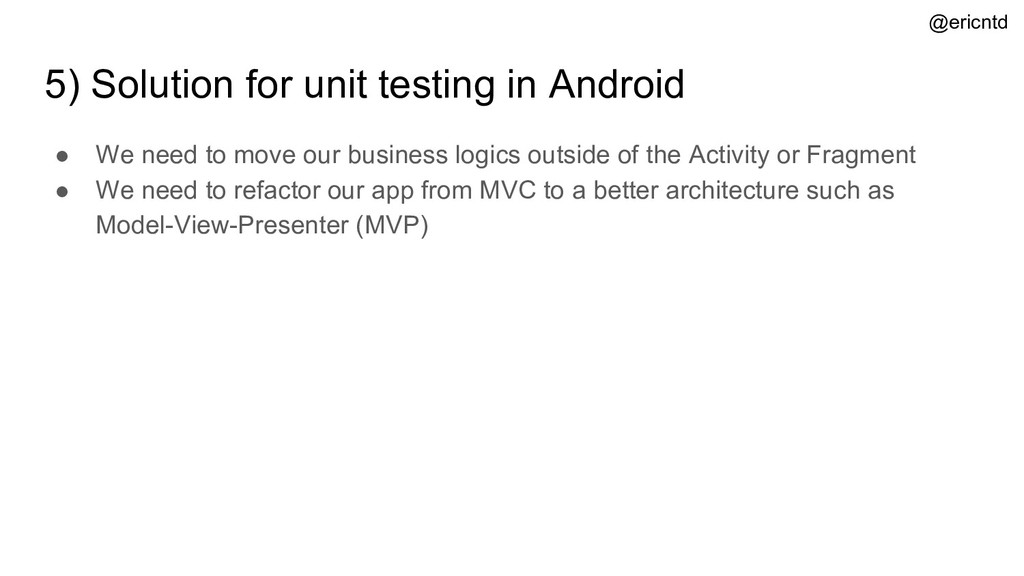
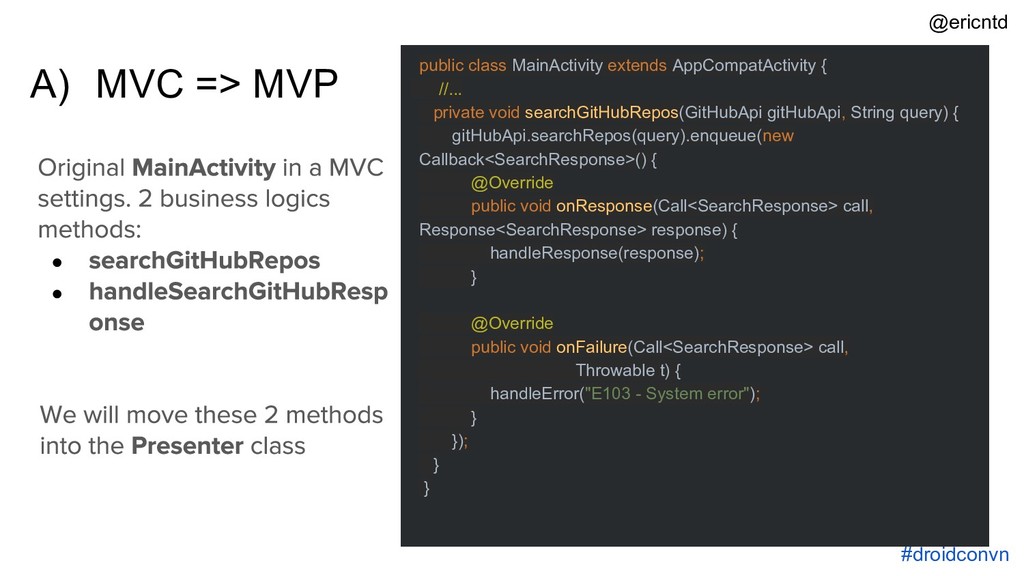
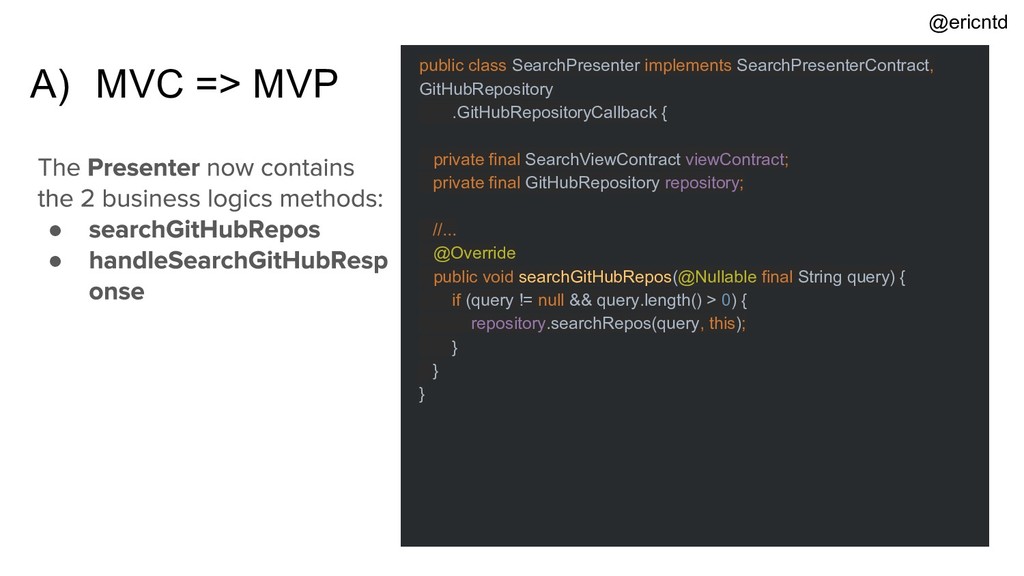
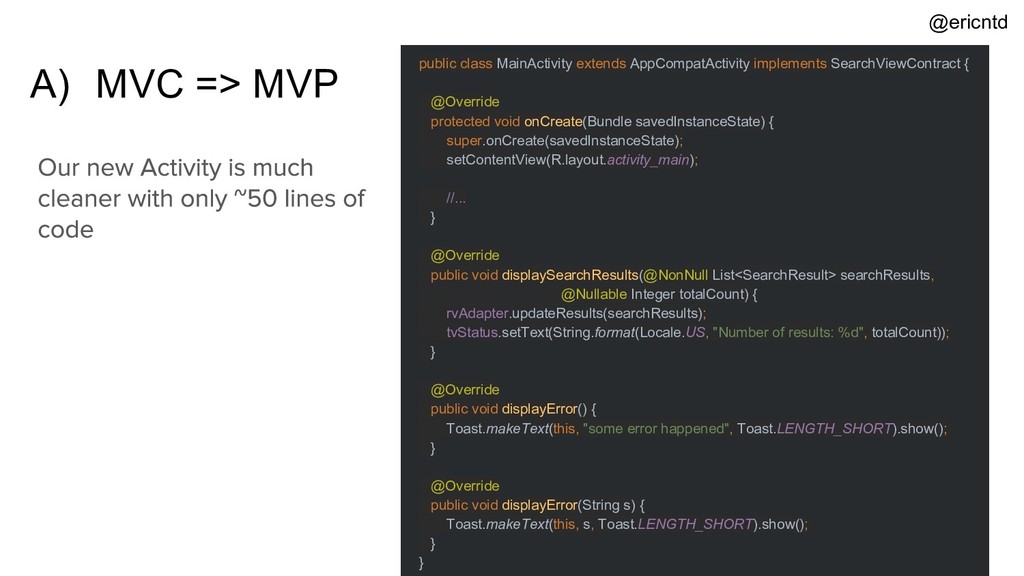
to move our business logics outside of the Activity or Fragment • We need to refactor our app from MVC to a better architecture such as Model-View-Presenter (MVP) @ericntd
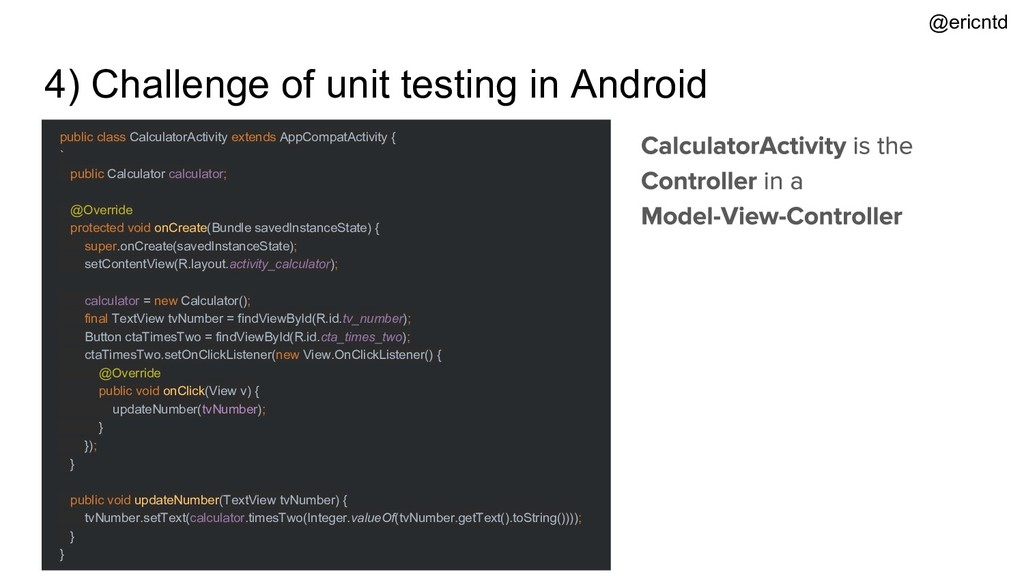
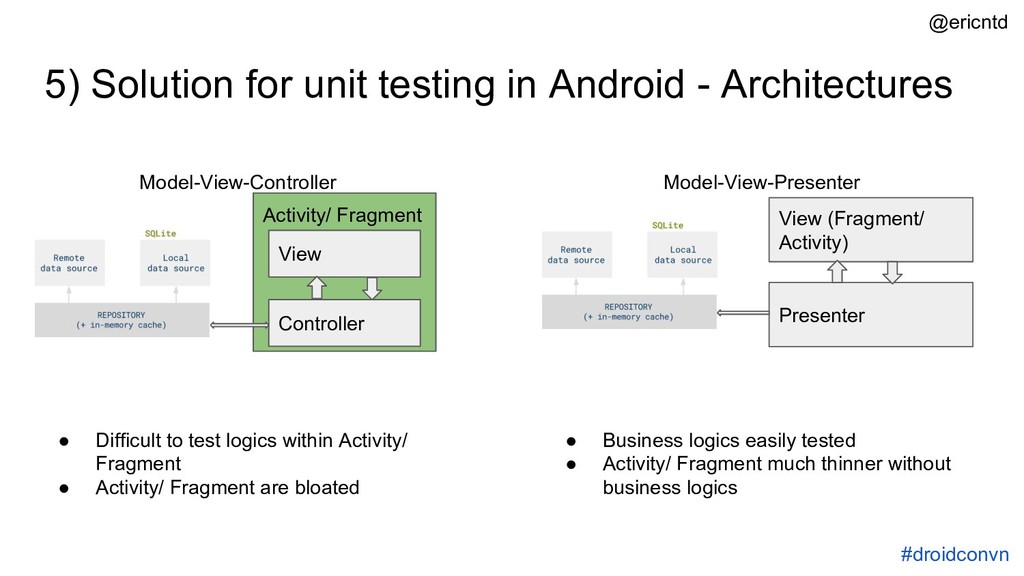
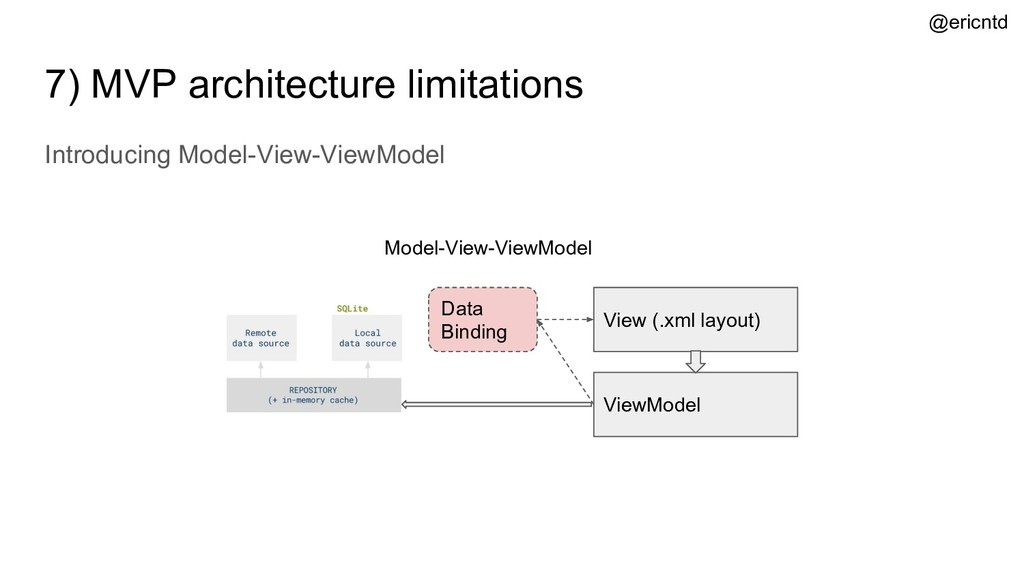
• Difficult to test logics within Activity/ Fragment • Activity/ Fragment are bloated Model-View-Presenter View (Fragment/ Activity) Presenter Activity/ Fragment Model-View-Controller Controller View • Business logics easily tested • Activity/ Fragment much thinner without business logics @ericntd
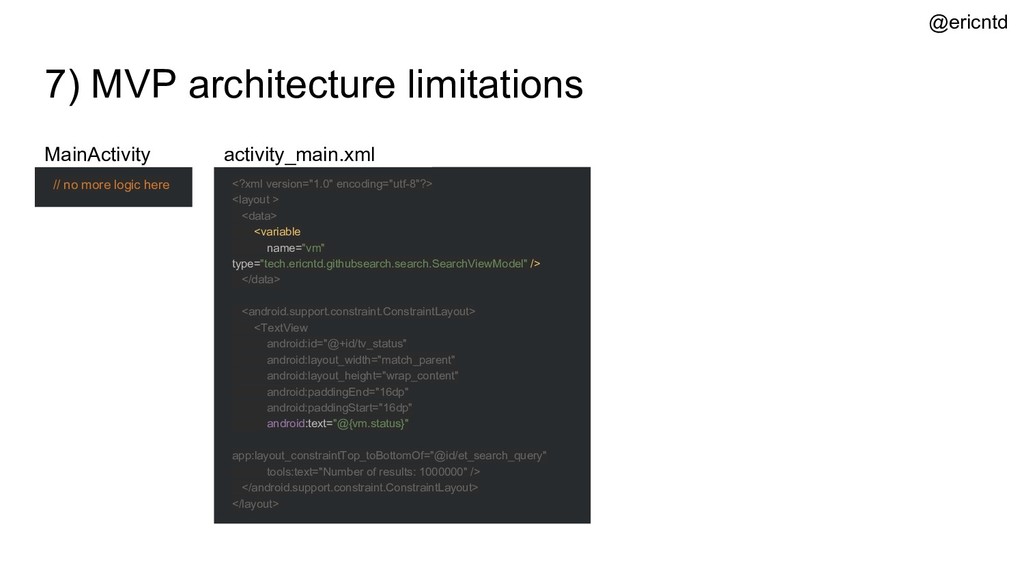
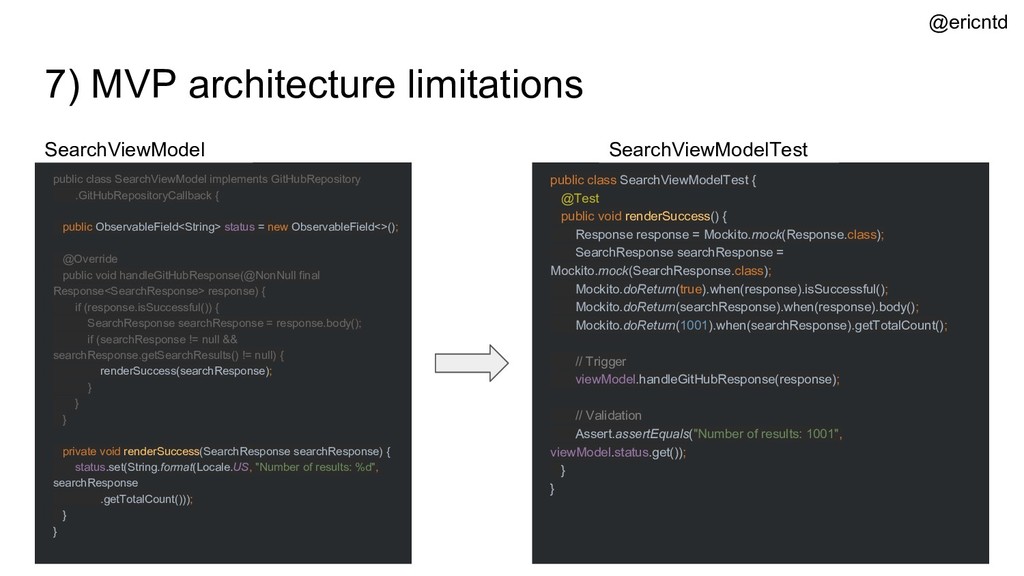
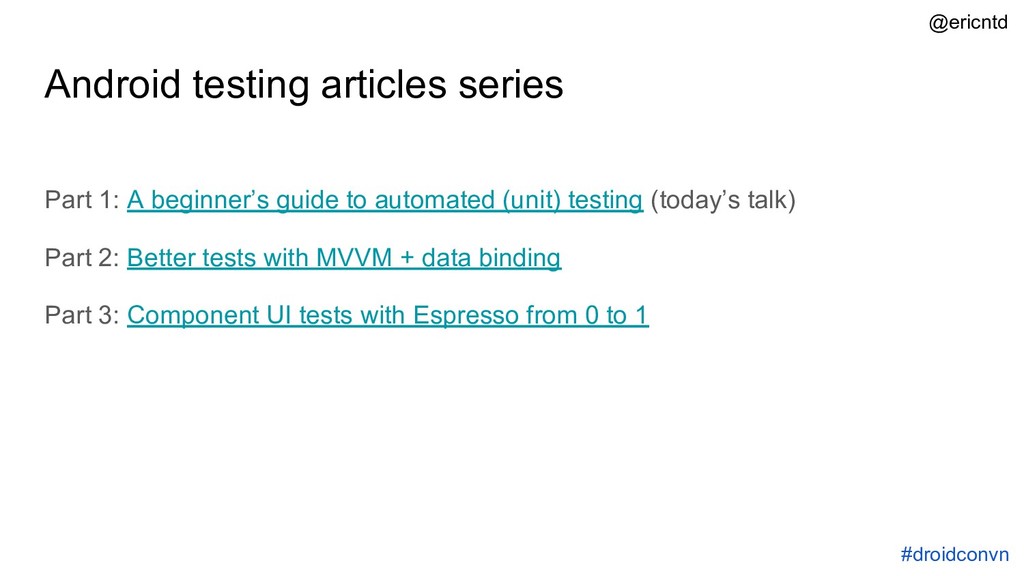
automated (unit) testing (today’s talk) Part 2: Better tests with MVVM + data binding Part 3: Component UI tests with Espresso from 0 to 1 #droidconvn @ericntd


 ezaki
ezaki
 grimoh
 kizawa2020
 kairim0
 takuroabe
 rfdnxbro
 satoshi7
 techtekt
 syuchimu
.png) codatum
codatum
 kaminashi
 codmoninc
 reverentgeek
 palkan
 kneath
 nonsquared
 axbom
axbom
 lara
lara
 marcelosomers
 matthewcrist
 auna
auna
 3n
3n
 kastner
 thirion