Upgrade to Pro — share decks privately, control downloads, hide ads and more …

Chapter 2 – Prompt Engineering for Effective So...

Sponsored · Ship Features Fearlessly Turn features on and off without deploys. Used by thousands of Ruby developers.

Chapter 2 – Prompt Engineering for Effective Software Testing (ISTQBⓇ CT-GenAI v1.1). Reading Materials

Format: Reading Materials (self-study or guided reading)
Estimated Duration: 365 minutes

Target Audience: Software Testers, Test Automation Engineers, Test Analysts, Test Managers, Software Developers and professionals who need a solid understanding of Generative AI (GenAI) in testing – project managers, quality managers, software development managers, business analysts, IT directors and consultants, professionals preparing for ISTQBⓇ CT-GenAI certification

During this chapter, you will:
•Understand the fundamentals of prompt engineering for AI-assisted software testing
•Learn how to structure effective prompts using role, context, instructions, constraints, and output formats
•Explore prompt engineering techniques such as prompt chaining, few-shot prompting, and meta prompting
•Apply GenAI to software testing tasks including test analysis, test design, regression testing, and test monitoring
•Evaluate and refine AI-generated outputs using quality metrics, feedback, and iterative improvement techniques

Join Software Testing Hub via Linkedin: https://www.linkedin.com/groups/16889021/
Join Software Testing Hub via Facebook: https://www.facebook.com/groups/746590458484807

Avatar for Exactpro

Exactpro PRO

May 27, 2026

More Decks by Exactpro

Other Decks in Technology

Transcript

  1. ISTQB® CT-GenAI TRAINING COURSE Chapter 2. Prompt Engineering​ for Effective

    Software Testing Iuliia Emelianova, Dmitrii Degtiarenko BUILD SOFTWARE TO TEST SOFTWARE ISTQB® CT-GenAI COURSE 2026, V1.1 exactpro.com
  2. Learning Activity Overview Title: Chapter 2 – Prompt Engineering for

    Effective Software Testing (ISTQBⓇ CT-GenAI v1.1) Format: Reading Materials (self-study or guided reading) Estimated Duration: 365 minutes Target Audience: Software Testers, Test Automation Engineers, Test Analysts, Test Managers, Software Developers and professionals who need a solid understanding of Generative AI (GenAI) in testing – project managers, quality managers, software development managers, business analysts, IT directors and consultants, professionals preparing for ISTQBⓇ CT-GenAI certification Programme Context: This learning activity forms a part of the ISTQBⓇ CT-GenAI training programme and aligns with the syllabus version 1.1 Engagement: During this chapter, you will: •​ Understand the fundamentals of prompt engineering for AI-assisted software testing •​ Learn how to structure effective prompts using role, context, instructions, constraints, and output formats •​ Explore prompt engineering techniques such as prompt chaining, few-shot prompting, and meta prompting •​ Apply GenAI to software testing tasks including test analysis, test design, regression testing, and test monitoring •​ Evaluate and refine AI-generated outputs using quality metrics, feedback, and iterative improvement techniques ISTQB® CT-GenAI Training Course | Chapter 2. Prompt Engineering for Effective Software Testing Page 2 of 44
  3. Learning Objectives By the end of this learning activity, participants

    will be able to: •​ Give examples of the structure of prompts used in generative AI for software testing •​ Differentiate core prompting techniques for software testing •​ Distinguish between system prompts and user prompts •​ Apply generative AI to test analysis tasks •​ Apply generative AI to test design and test implementation tasks •​ Apply generative AI to automated regression testing •​ Apply generative AI to test monitoring and control task •​ Select and apply appropriate prompting techniques for a given context and test task •​ Understand the metrics for evaluating the results of generative AI on test tasks •​ Give examples of techniques for evaluating and iteratively refining prompts​ Learning Structure This reading activity follows a structured learning flow: 1.​ Effective prompt development and common prompt engineering challenges (Section 2.1) 2.​ Structure of prompts for Generative AI in software testing (Section 2.1.1) 3.​ Core prompting techniques: prompt chaining, few-shot prompting, and meta prompting (Section 2.1.2) 4.​ Understanding system prompts and user prompts (Section 2.1.3) 5.​ Using GenAI for test analysis, test design, and test implementation (Sections 2.2.1-2.2.2) ISTQB® CT-GenAI Training Course | Chapter 2. Prompt Engineering for Effective Software Testing Page 3 of 44
  4. 6.​ Applying GenAI to automated regression testing (Section 2.2.3) 7.​

    Supporting test monitoring and test control with Generative AI (Section 2.2.4) 8.​ Choosing appropriate prompting techniques for different test tasks (Section 2.2.5) 9.​ Evaluating Generative AI outputs using quality metrics and test oracles (Section 2.3.1) 10.​Techniques for evaluating and iteratively refining prompts (Section 2.3.2)​ 2.1 Effective Prompt Development Generative AI systems depend entirely on how you talk to them. Every interaction, be it a request, question, or instruction, is a prompt, and the quality of that prompt determines how useful, accurate, and test-relevant the output will be. For testers, this skill is more than just “knowing what to type.” It’s about understanding how language models interpret context, what makes them focus or drift and how to guide them toward repeatable, reliable, testing-oriented results. Prompt engineering, therefore, becomes a core competence for AI-assisted testing, much like designing test cases is for conventional testing. Prompt engineering is the process of designing and refining input prompts to guide LLMs toward producing desired outputs. When you use an LLM, you’re not programming it in the traditional sense; you’re instructing it through language. The model doesn’t “understand” the way humans do but it predicts the most probable next words based on your prompt. That means small wording changes can lead to big differences in output. ISTQB® CT-GenAI Training Course | Chapter 2. Prompt Engineering for Effective Software Testing Page 4 of 44
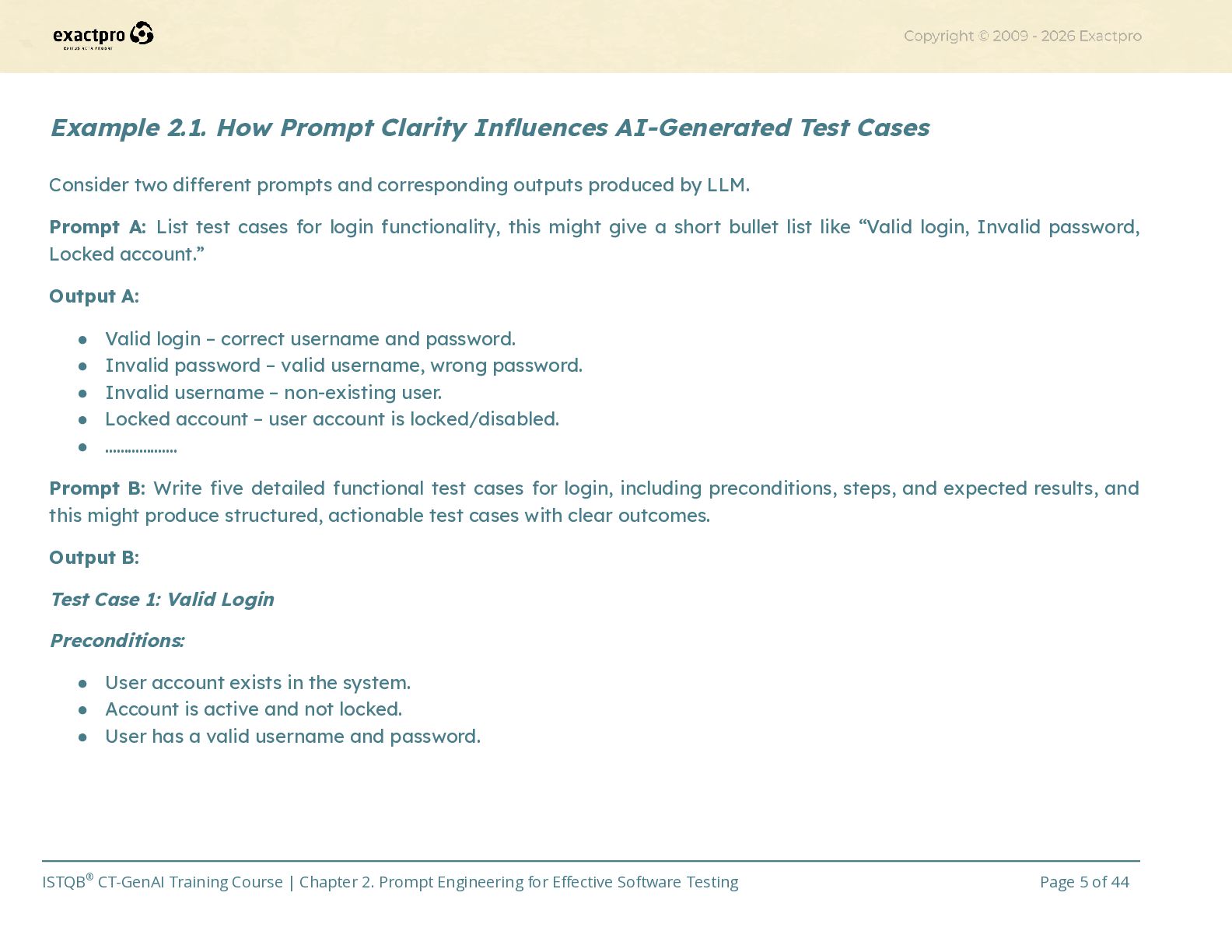
  5. Example 2.1. How Prompt Clarity Influences AI-Generated Test Cases Consider

    two different prompts and corresponding outputs produced by LLM. Prompt A: List test cases for login functionality, this might give a short bullet list like “Valid login, Invalid password, Locked account.” Output A: •​ Valid login – correct username and password. •​ Invalid password – valid username, wrong password. •​ Invalid username – non-existing user. •​ Locked account – user account is locked/disabled. •​ …………….… Prompt B: Write five detailed functional test cases for login, including preconditions, steps, and expected results, and this might produce structured, actionable test cases with clear outcomes. Output B: Test Case 1: Valid Login Preconditions: •​ User account exists in the system. •​ Account is active and not locked. •​ User has a valid username and password. ISTQB® CT-GenAI Training Course | Chapter 2. Prompt Engineering for Effective Software Testing Page 5 of 44
  6. Steps: •​ Navigate to the Login page. •​ Enter a

    valid username. •​ Enter the correct password. •​ Click the Login button. Expected Result: •​ User is successfully authenticated. •​ User is redirected to the home/dashboard page. •​ A valid session is created. ………………………………………………………………………………………………………….… Both are correct, but only the second is usable in a test plan. This illustrates why prompt clarity is just as critical as requirement clarity, because the model reflects exactly what you ask, not what you meant to ask. You can think of prompt engineering as a form of test design for the AI. You get to define the conditions (the input text), specify the expected behaviour (the type and format of output) and assess whether the actual output meets your intent. And just like with real test cases, prompts can be positive (what should happen) or negative (what should not happen). What are some of the typical challenges testers face with prompts? First is vagueness, it’s when the prompt is too general, which would cause AI to give shallow results. Then comes overload, it’s when the prompt mixes too many ideas and AI loses focus. Also there could be a missing context, it’s when the model doesn’t “see” prior project details unless you include them. And lastly the format mismatch, it’s when the output is useful but not in the right shape (e.g., missing step numbers). These issues are common, but easily fixed once you understand prompt structure and the principles that govern LLM behaviour. ISTQB® CT-GenAI Training Course | Chapter 2. Prompt Engineering for Effective Software Testing Page 6 of 44
  7. 2.1.1 Structure of Prompts for Generative AI in Software Testing

    (K2) When testers interact with LLM, the prompt becomes the bridge between what you need and what the model delivers. The same model can produce either brilliant or completely useless results depending on how you ask. That’s why understanding the principles of effective prompting is essential for anyone using GenAI in testing. A structured prompt for generative AI in software testing typically includes six components. Using this structure makes outputs predictable, testable, and easier to validate. Treat each component like a field in a test case: missing or vague fields cause ambiguity in the result. 1.​ Role: The persona or perspective the model should adopt (for example: “experienced QA engineer”, “test automation developer”, “product owner”). Telling the model its role is like asking a specific colleague for help. You’d ask different people different questions. Asking “a chef” vs “a nutritionist” about a meal gives different answers. Example 2.2. Using Role-Based Prompting to Improve AI Outputs for Testing Use the prompt to set the role: “Act as an experienced QA engineer.” This will cause the model to prioritise testable behaviours, edge cases, and clear steps rather than giving a high-level product marketing answer. 2.​ Context: Background information the model needs, for instance project details, user stories, business rules, relevant constraints already known to the team. Basically, context is the “file folder” you hand to a substitute teacher: without it they lack the syllabus and grading instructions. ISTQB® CT-GenAI Training Course | Chapter 2. Prompt Engineering for Effective Software Testing Page 7 of 44
  8. Example 2.3. Using Context-Based Prompting in Software Testing Include a

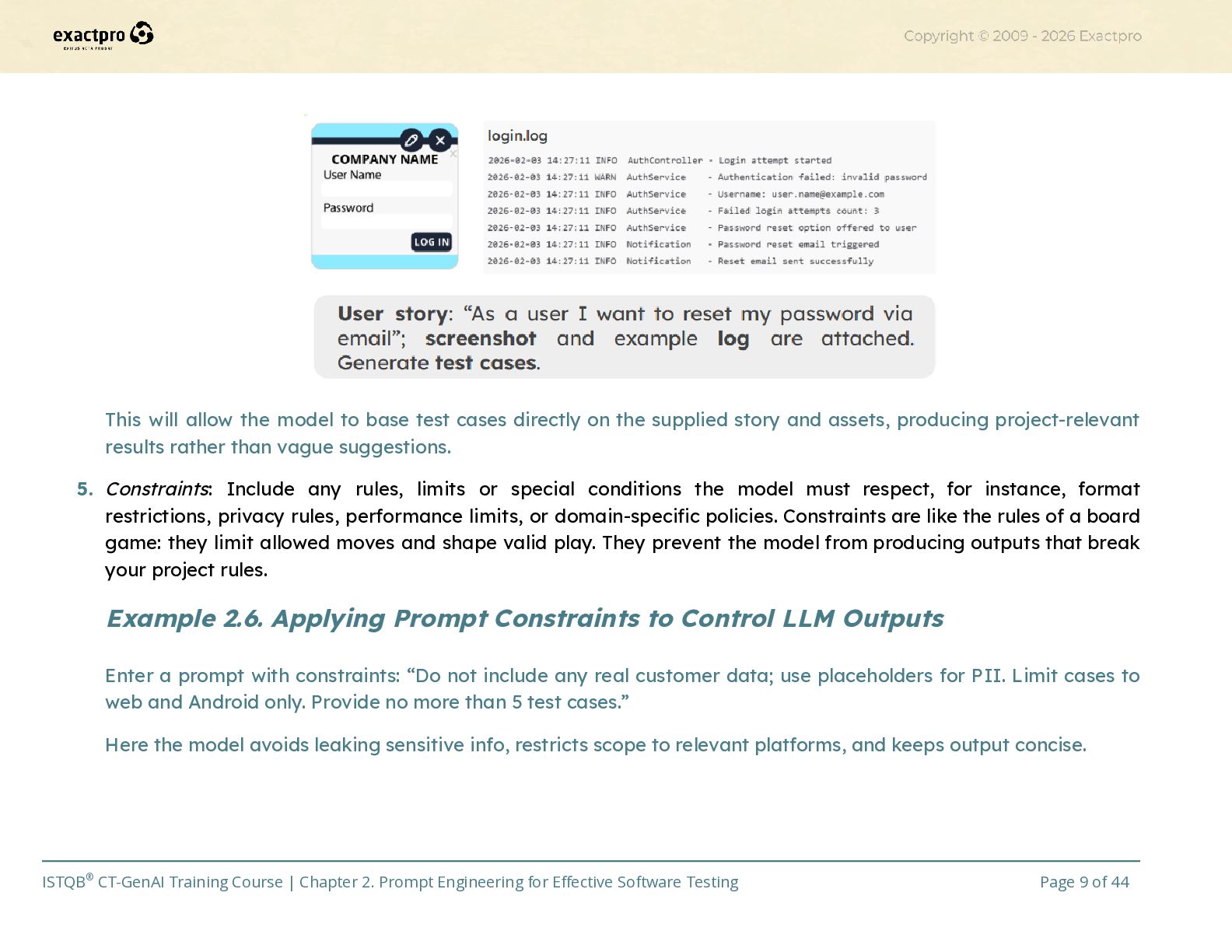
    prompt that sets the context: “This is a mobile banking login feature that supports passwords, biometrics, and 2FA. The app must lock an account after 3 failed attempts for 15 minutes.” This will lead to the model anchoring its responses to project-specific behaviour and avoids generic assumptions. 3.​ Instruction: The explicit task you want the model to perform (the action or goal). This should be clear and imperative (e.g., “Generate”, “List”, “Convert”). Instruction is the actual command you give a teammate, be it “Write test cases” or “Summarise tasks”, it defines the job to be done. Example 2.4. Using Clear Instructions to Generate Structured Test Cases Enter a prompt with instructions: “Generate five functional test cases for login, including preconditions, test steps, and expected results.” This will make the model focus on producing concrete artefacts that match your requested activity. 4.​ Input data: The concrete data the model should use to perform the task: user stories, acceptance criteria, screenshots, code snippets, logs, or sample inputs. Think of it this way – input data is the raw material handed to a craftsman and without the wood/metal the task can’t start. The better structured the input, the better the output. Example 2.5. Using Input Data to Generate Relevant Test Cases Use the input data while prompting: “User story: "As a user I want to reset my password via email"; screenshot and example log are attached. Generate test cases.” Attach the screenshot (e.g. login_page.png) and example log (e.g. login.log). ISTQB® CT-GenAI Training Course | Chapter 2. Prompt Engineering for Effective Software Testing Page 8 of 44
  9. This will allow the model to base test cases directly

    on the supplied story and assets, producing project-relevant results rather than vague suggestions. 5.​ Constraints: Include any rules, limits or special conditions the model must respect, for instance, format restrictions, privacy rules, performance limits, or domain-specific policies. Constraints are like the rules of a board game: they limit allowed moves and shape valid play. They prevent the model from producing outputs that break your project rules. Example 2.6. Applying Prompt Constraints to Control LLM Outputs Enter a prompt with constraints: “Do not include any real customer data; use placeholders for PII. Limit cases to web and Android only. Provide no more than 5 test cases.” Here the model avoids leaking sensitive info, restricts scope to relevant platforms, and keeps output concise. ISTQB® CT-GenAI Training Course | Chapter 2. Prompt Engineering for Effective Software Testing Page 9 of 44
  10. 6.​ Output format: The exact structure you want in reply,

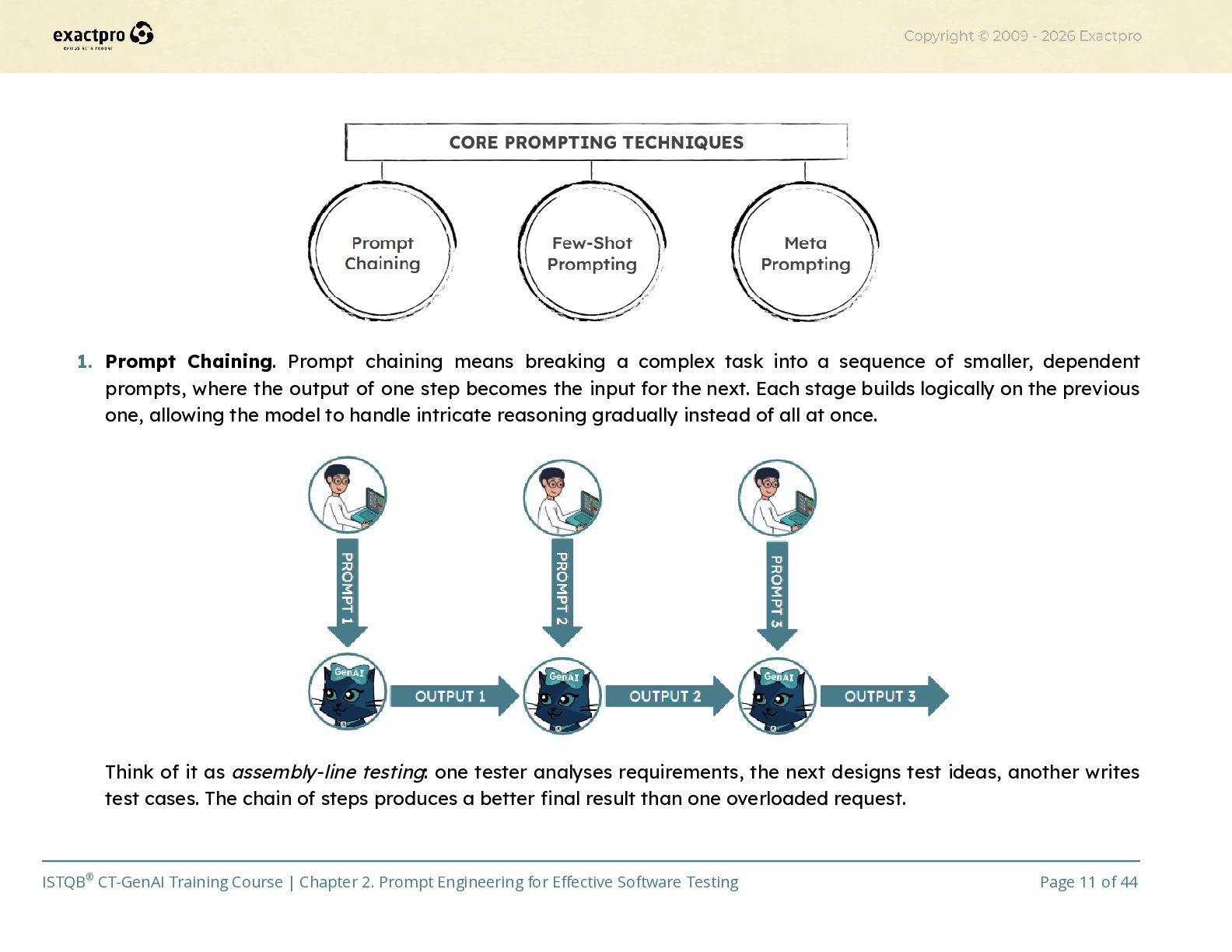
    be it plain bullets, numbered steps, a table, JSON, Gherkin, CSV, etc. This makes the result machine- or human-consumable without heavy rework. Specifying format is like telling a colleague to fill a spreadsheet column-by-column rather than scribbling notes on paper which makes the result unusable. Example 2.7. Specifying Output Formats for AI-Generated Test Artefacts Enter a prompt, specifying the output format: “Provide results as a Markdown table with columns: ID | Title | Preconditions | Steps | Expected Result.” Here the model returns a formatted table you can paste into documentation or convert programmatically. Using the six-component structure turns prompts from loose questions into testable specifications for the AI. Each field reduces ambiguity and helps make the model’s output predictable and review-friendly. Keep the language specific, supply project-relevant input, and define the format you need then treat the AI output like a draft that you verify and refine.​ 2.1.2 Core Prompting Techniques for Software Testing (K2) Once you know the six key components of a good prompt, the next step is to understand how to combine and extend them to handle more complex testing tasks. These combinations are called prompt patterns. They are reusable ways of structuring prompts to improve the quality, reasoning depth, or consistency of AI responses. In software testing, three common and highly practical patterns are prompt chaining, few-shot prompting, and meta prompting. Each supports a different need: controlling complexity, improving accuracy, or giving the model self-guidance. ISTQB® CT-GenAI Training Course | Chapter 2. Prompt Engineering for Effective Software Testing Page 10 of 44
  11. 1.​ Prompt Chaining. Prompt chaining means breaking a complex task

    into a sequence of smaller, dependent prompts, where the output of one step becomes the input for the next. Each stage builds logically on the previous one, allowing the model to handle intricate reasoning gradually instead of all at once. Think of it as assembly-line testing: one tester analyses requirements, the next designs test ideas, another writes test cases. The chain of steps produces a better final result than one overloaded request. ISTQB® CT-GenAI Training Course | Chapter 2. Prompt Engineering for Effective Software Testing Page 11 of 44
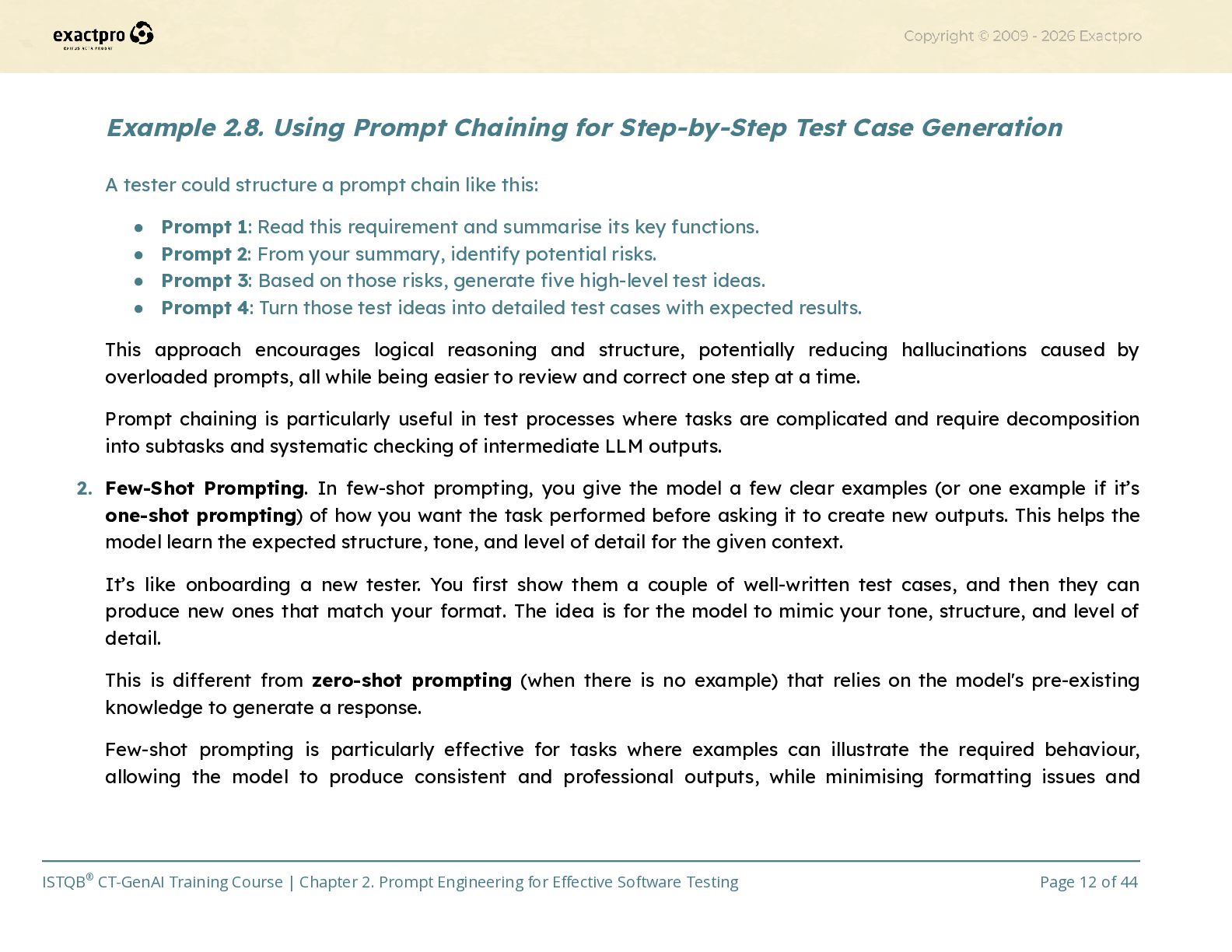
  12. Example 2.8. Using Prompt Chaining for Step-by-Step Test Case Generation

    A tester could structure a prompt chain like this: •​ Prompt 1: Read this requirement and summarise its key functions. •​ Prompt 2: From your summary, identify potential risks. •​ Prompt 3: Based on those risks, generate five high-level test ideas. •​ Prompt 4: Turn those test ideas into detailed test cases with expected results. This approach encourages logical reasoning and structure, potentially reducing hallucinations caused by overloaded prompts, all while being easier to review and correct one step at a time. Prompt chaining is particularly useful in test processes where tasks are complicated and require decomposition into subtasks and systematic checking of intermediate LLM outputs. 2.​ Few-Shot Prompting. In few-shot prompting, you give the model a few clear examples (or one example if it’s one-shot prompting) of how you want the task performed before asking it to create new outputs. This helps the model learn the expected structure, tone, and level of detail for the given context. It’s like onboarding a new tester. You first show them a couple of well-written test cases, and then they can produce new ones that match your format. The idea is for the model to mimic your tone, structure, and level of detail. This is different from zero-shot prompting (when there is no example) that relies on the model's pre-existing knowledge to generate a response. Few-shot prompting is particularly effective for tasks where examples can illustrate the required behaviour, allowing the model to produce consistent and professional outputs, while minimising formatting issues and ISTQB® CT-GenAI Training Course | Chapter 2. Prompt Engineering for Effective Software Testing Page 12 of 44
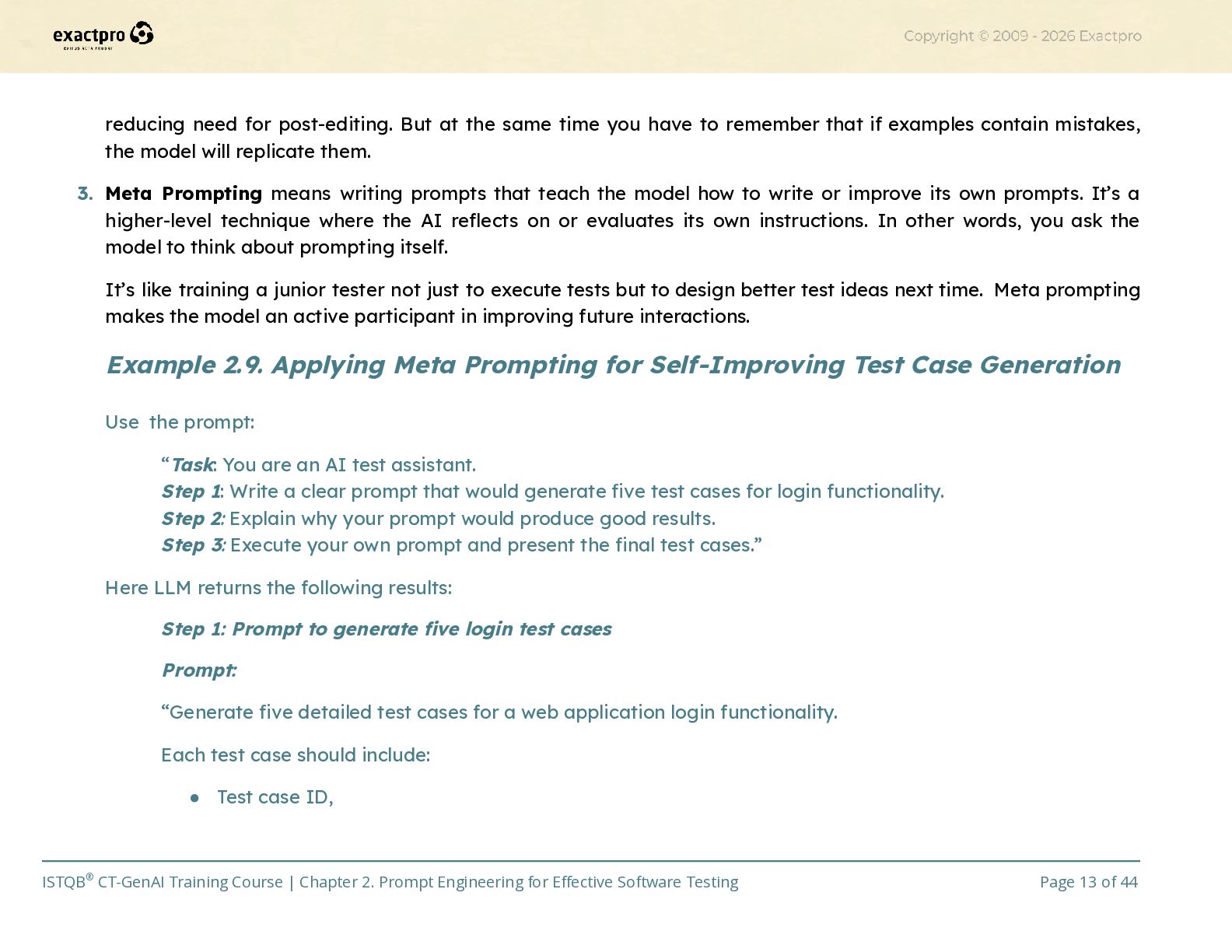
  13. reducing need for post-editing. But at the same time you

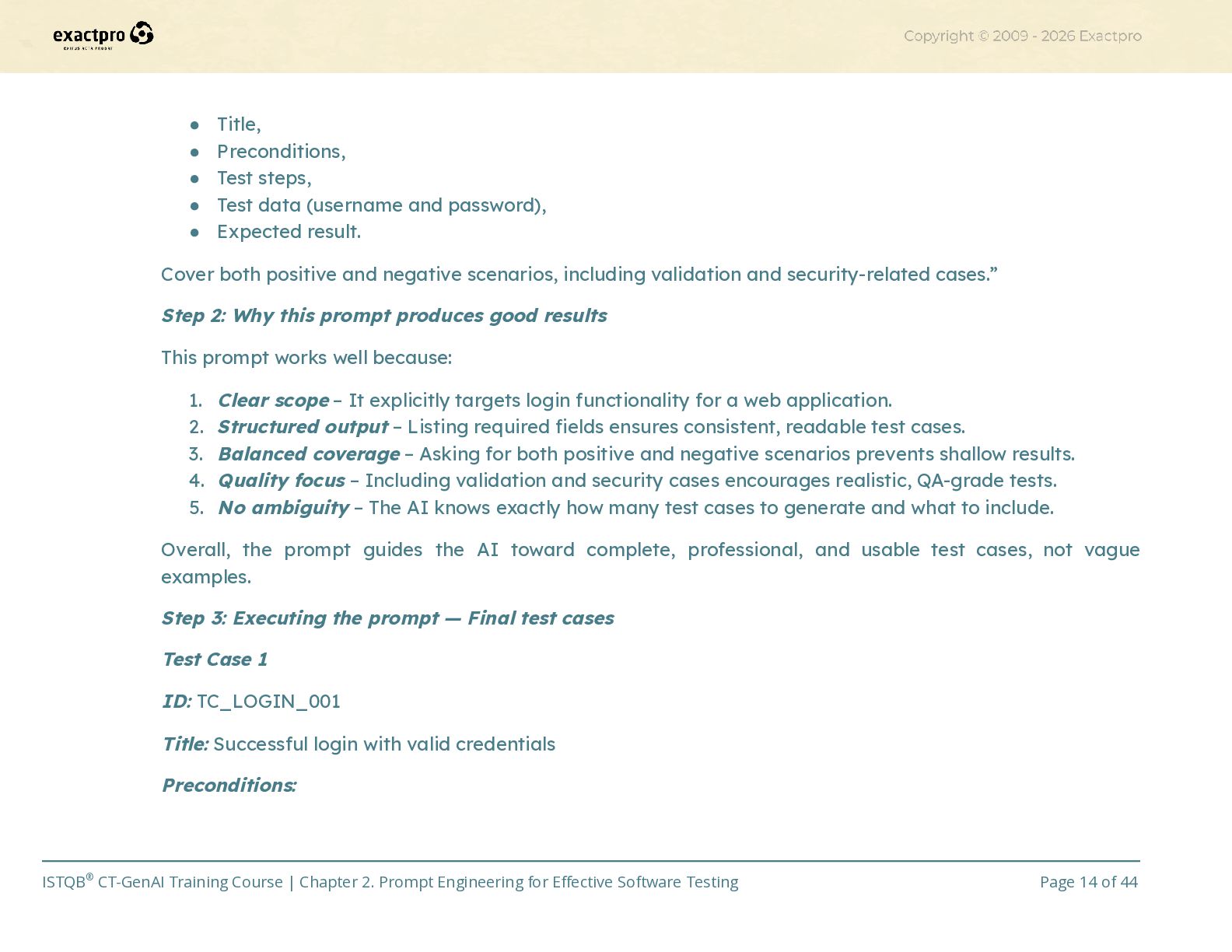
    have to remember that if examples contain mistakes, the model will replicate them. 3.​ Meta Prompting means writing prompts that teach the model how to write or improve its own prompts. It’s a higher-level technique where the AI reflects on or evaluates its own instructions. In other words, you ask the model to think about prompting itself. It’s like training a junior tester not just to execute tests but to design better test ideas next time. Meta prompting makes the model an active participant in improving future interactions. Example 2.9. Applying Meta Prompting for Self-Improving Test Case Generation Use the prompt: “Task: You are an AI test assistant. Step 1: Write a clear prompt that would generate five test cases for login functionality. Step 2: Explain why your prompt would produce good results. Step 3: Execute your own prompt and present the final test cases.” Here LLM returns the following results: Step 1: Prompt to generate five login test cases Prompt: “Generate five detailed test cases for a web application login functionality. Each test case should include: •​ Test case ID, ISTQB® CT-GenAI Training Course | Chapter 2. Prompt Engineering for Effective Software Testing Page 13 of 44
  14. •​ Title, •​ Preconditions, •​ Test steps, •​ Test data

    (username and password), •​ Expected result. Cover both positive and negative scenarios, including validation and security-related cases.” Step 2: Why this prompt produces good results This prompt works well because: 1.​ Clear scope – It explicitly targets login functionality for a web application. 2.​ Structured output – Listing required fields ensures consistent, readable test cases. 3.​ Balanced coverage – Asking for both positive and negative scenarios prevents shallow results. 4.​ Quality focus – Including validation and security cases encourages realistic, QA-grade tests. 5.​ No ambiguity – The AI knows exactly how many test cases to generate and what to include. Overall, the prompt guides the AI toward complete, professional, and usable test cases, not vague examples. Step 3: Executing the prompt — Final test cases Test Case 1 ID: TC_LOGIN_001 Title: Successful login with valid credentials Preconditions: ISTQB® CT-GenAI Training Course | Chapter 2. Prompt Engineering for Effective Software Testing Page 14 of 44
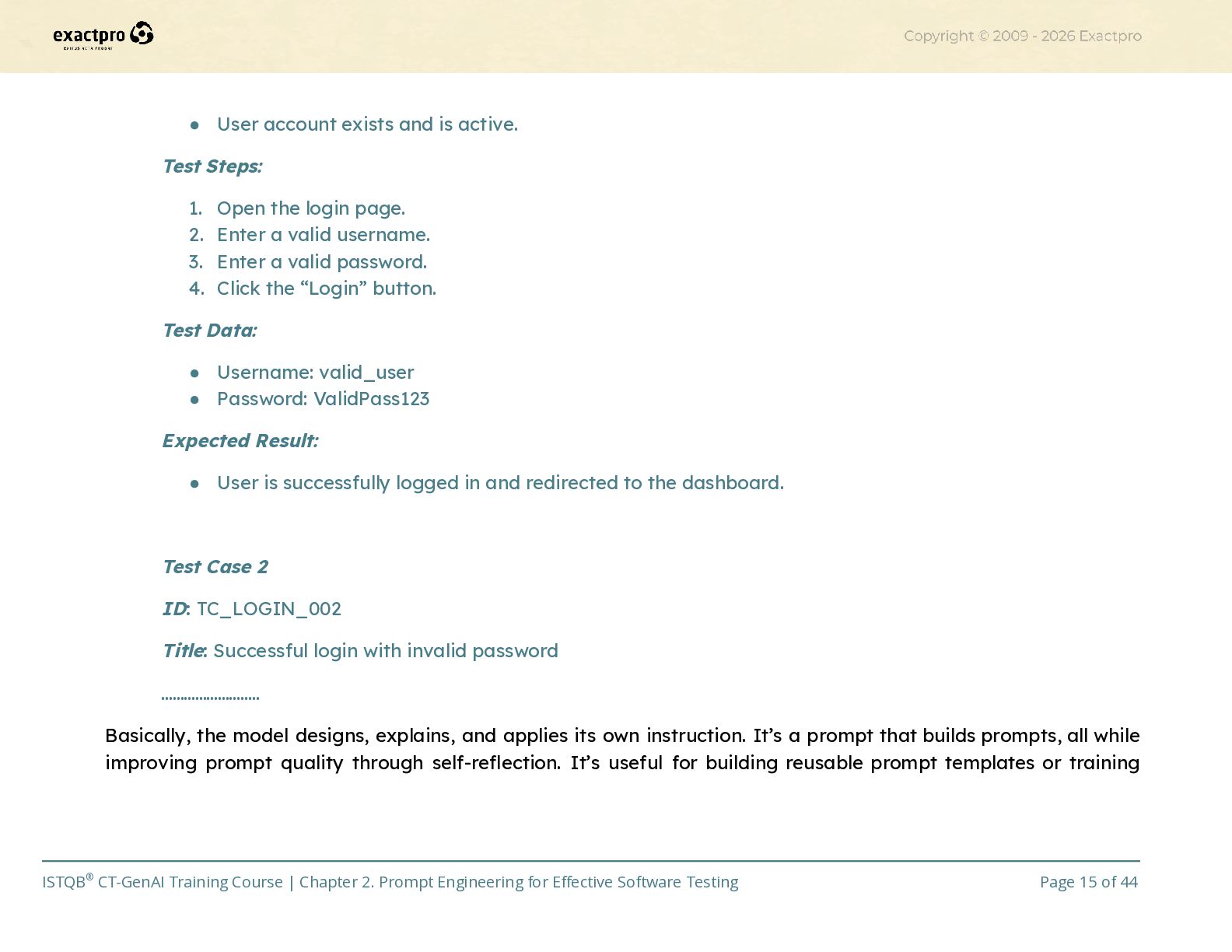
  15. •​ User account exists and is active. Test Steps: 1.​

    Open the login page. 2.​ Enter a valid username. 3.​ Enter a valid password. 4.​ Click the “Login” button. Test Data: •​ Username: valid_user •​ Password: ValidPass123 Expected Result: •​ User is successfully logged in and redirected to the dashboard. Test Case 2 ID: TC_LOGIN_002 Title: Successful login with invalid password …………………….. Basically, the model designs, explains, and applies its own instruction. It’s a prompt that builds prompts, all while improving prompt quality through self-reflection. It’s useful for building reusable prompt templates or training ISTQB® CT-GenAI Training Course | Chapter 2. Prompt Engineering for Effective Software Testing Page 15 of 44
  16. materials. It also helps testers understand why a certain prompt

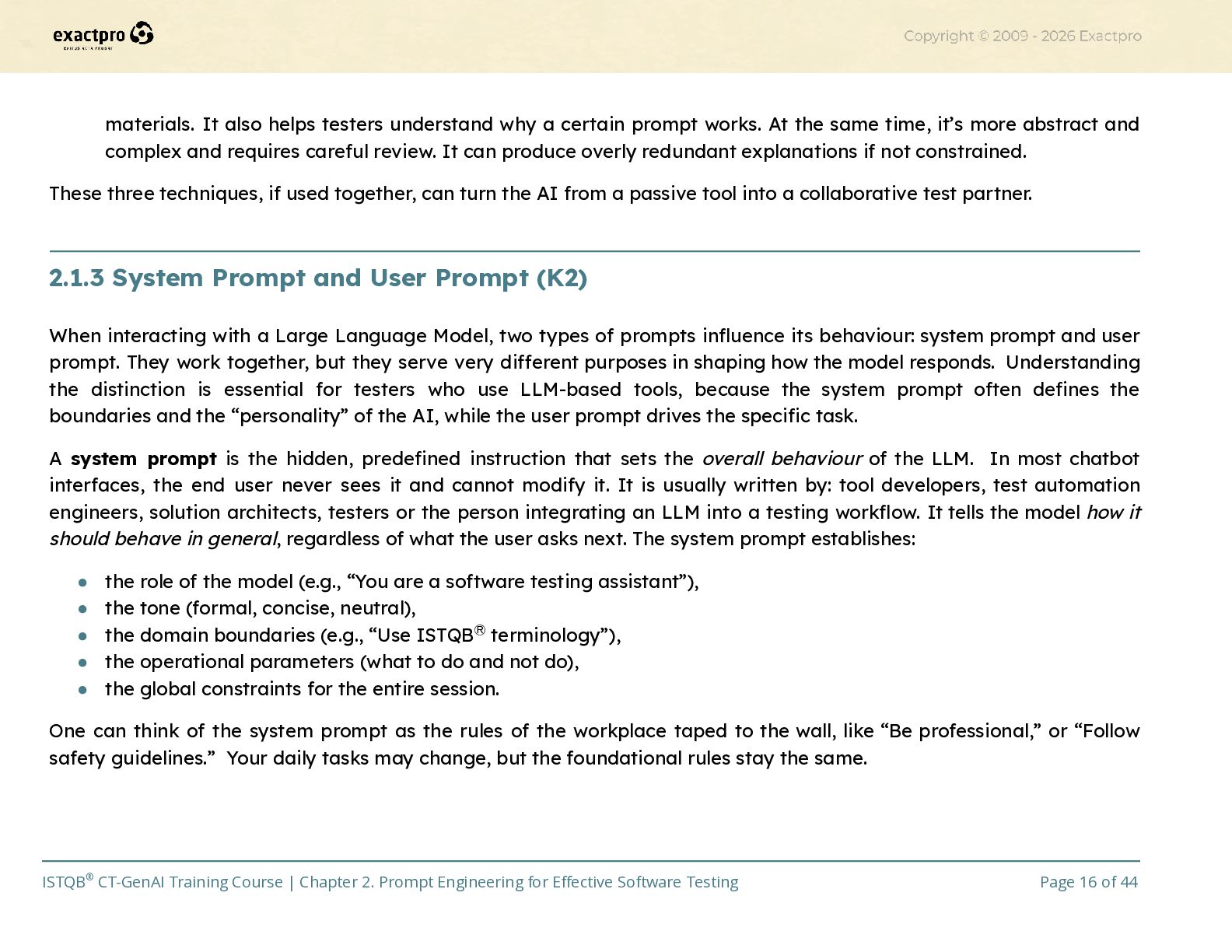
    works. At the same time, it’s more abstract and complex and requires careful review. It can produce overly redundant explanations if not constrained. These three techniques, if used together, can turn the AI from a passive tool into a collaborative test partner.​ 2.1.3 System Prompt and User Prompt (K2) When interacting with a Large Language Model, two types of prompts influence its behaviour: system prompt and user prompt. They work together, but they serve very different purposes in shaping how the model responds. Understanding the distinction is essential for testers who use LLM-based tools, because the system prompt often defines the boundaries and the “personality” of the AI, while the user prompt drives the specific task. A system prompt is the hidden, predefined instruction that sets the overall behaviour of the LLM. In most chatbot interfaces, the end user never sees it and cannot modify it. It is usually written by: tool developers, test automation engineers, solution architects, testers or the person integrating an LLM into a testing workflow. It tells the model how it should behave in general, regardless of what the user asks next. The system prompt establishes: •​ the role of the model (e.g., “You are a software testing assistant”), •​ the tone (formal, concise, neutral), •​ the domain boundaries (e.g., “Use ISTQBⓇ terminology”), •​ the operational parameters (what to do and not do), •​ the global constraints for the entire session. One can think of the system prompt as the rules of the workplace taped to the wall, like “Be professional,” or “Follow safety guidelines.” Your daily tasks may change, but the foundational rules stay the same. ISTQB® CT-GenAI Training Course | Chapter 2. Prompt Engineering for Effective Software Testing Page 16 of 44
  17. Example 2.10. Using System Prompts to Define LLM Behaviour in

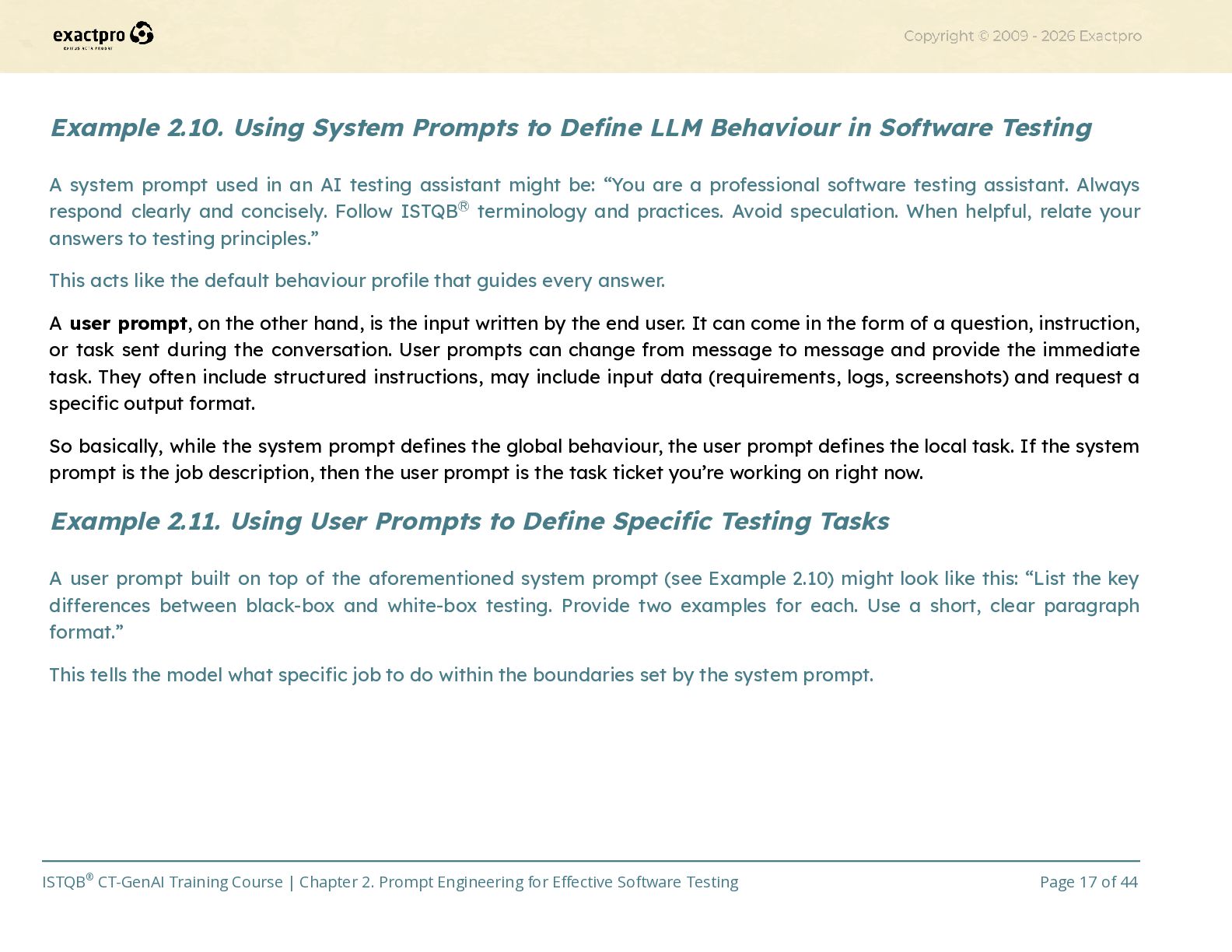
    Software Testing A system prompt used in an AI testing assistant might be: “You are a professional software testing assistant. Always respond clearly and concisely. Follow ISTQBⓇ terminology and practices. Avoid speculation. When helpful, relate your answers to testing principles.” This acts like the default behaviour profile that guides every answer. A user prompt, on the other hand, is the input written by the end user. It can come in the form of a question, instruction, or task sent during the conversation. User prompts can change from message to message and provide the immediate task. They often include structured instructions, may include input data (requirements, logs, screenshots) and request a specific output format. So basically, while the system prompt defines the global behaviour, the user prompt defines the local task. If the system prompt is the job description, then the user prompt is the task ticket you’re working on right now. Example 2.11. Using User Prompts to Define Specific Testing Tasks A user prompt built on top of the aforementioned system prompt (see Example 2.10) might look like this: “List the key differences between black-box and white-box testing. Provide two examples for each. Use a short, clear paragraph format.” This tells the model what specific job to do within the boundaries set by the system prompt. ISTQB® CT-GenAI Training Course | Chapter 2. Prompt Engineering for Effective Software Testing Page 17 of 44
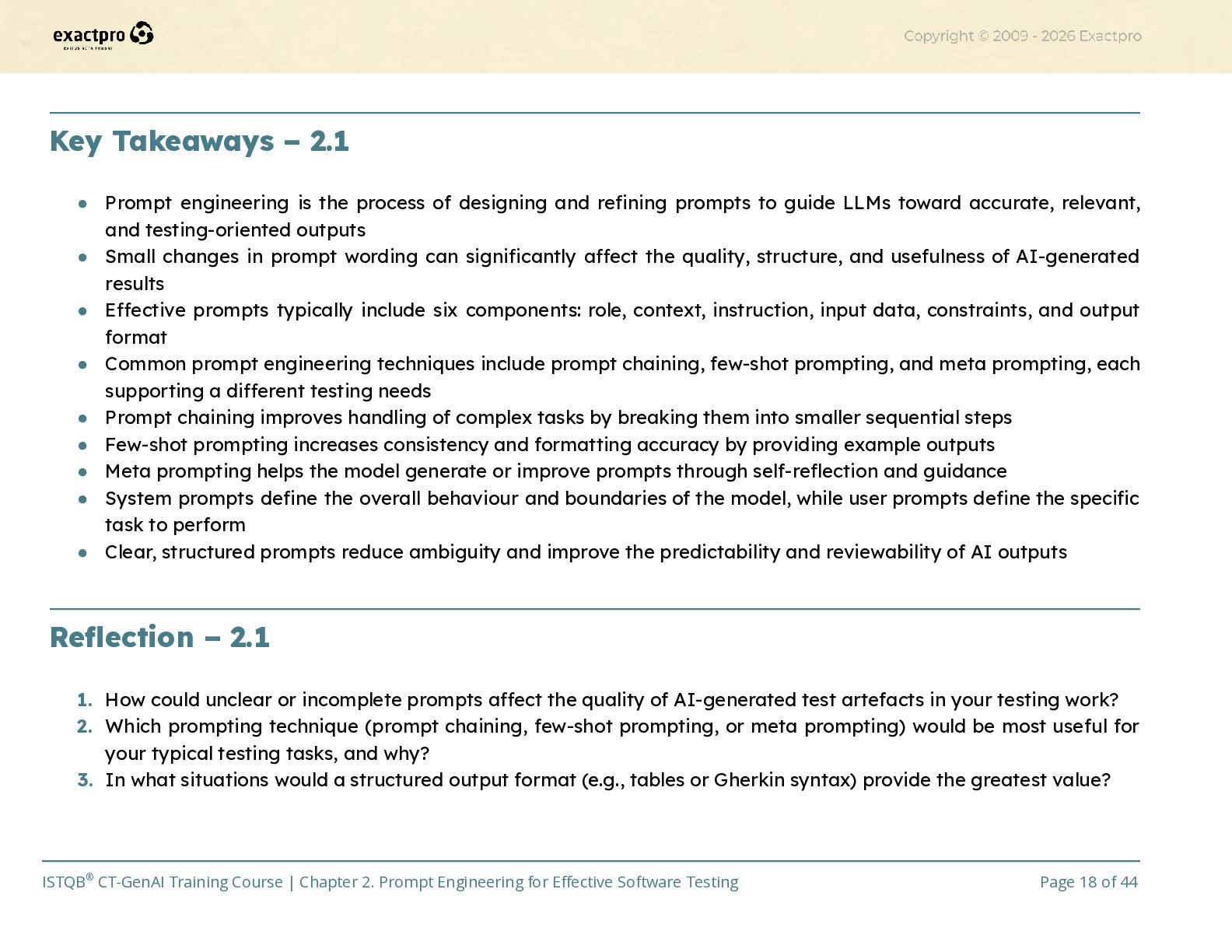
  18. Key Takeaways – 2.1 •​ Prompt engineering is the process

    of designing and refining prompts to guide LLMs toward accurate, relevant, and testing-oriented outputs •​ Small changes in prompt wording can significantly affect the quality, structure, and usefulness of AI-generated results •​ Effective prompts typically include six components: role, context, instruction, input data, constraints, and output format •​ Common prompt engineering techniques include prompt chaining, few-shot prompting, and meta prompting, each supporting a different testing needs •​ Prompt chaining improves handling of complex tasks by breaking them into smaller sequential steps •​ Few-shot prompting increases consistency and formatting accuracy by providing example outputs •​ Meta prompting helps the model generate or improve prompts through self-reflection and guidance •​ System prompts define the overall behaviour and boundaries of the model, while user prompts define the specific task to perform •​ Clear, structured prompts reduce ambiguity and improve the predictability and reviewability of AI outputs​ Reflection – 2.1 1.​ How could unclear or incomplete prompts affect the quality of AI-generated test artefacts in your testing work? 2.​ Which prompting technique (prompt chaining, few-shot prompting, or meta prompting) would be most useful for your typical testing tasks, and why? 3.​ In what situations would a structured output format (e.g., tables or Gherkin syntax) provide the greatest value? ISTQB® CT-GenAI Training Course | Chapter 2. Prompt Engineering for Effective Software Testing Page 18 of 44
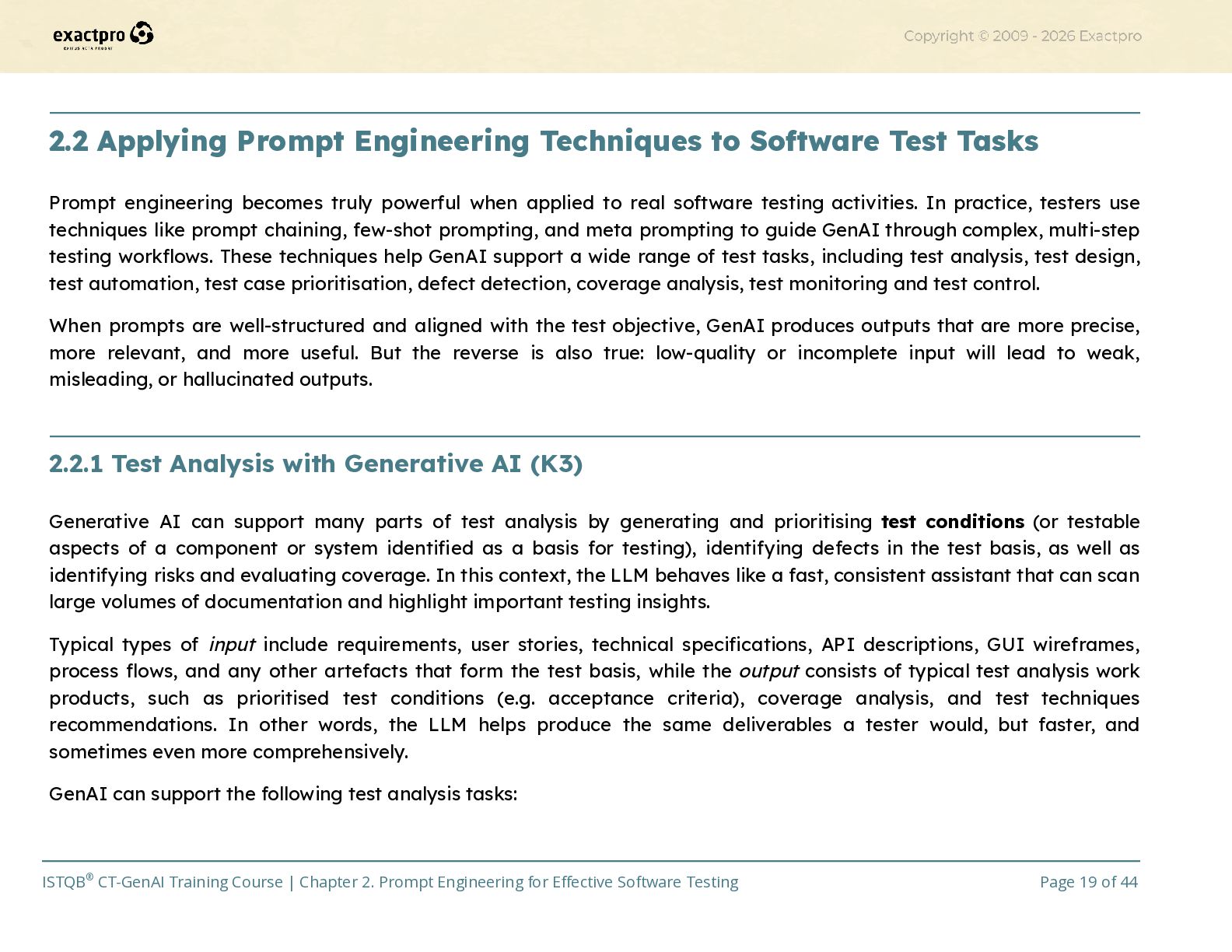
  19. 2.2 Applying Prompt Engineering Techniques to Software Test Tasks Prompt

    engineering becomes truly powerful when applied to real software testing activities. In practice, testers use techniques like prompt chaining, few-shot prompting, and meta prompting to guide GenAI through complex, multi-step testing workflows. These techniques help GenAI support a wide range of test tasks, including test analysis, test design, test automation, test case prioritisation, defect detection, coverage analysis, test monitoring and test control. When prompts are well-structured and aligned with the test objective, GenAI produces outputs that are more precise, more relevant, and more useful. But the reverse is also true: low-quality or incomplete input will lead to weak, misleading, or hallucinated outputs. ​ 2.2.1 Test Analysis with Generative AI (K3) Generative AI can support many parts of test analysis by generating and prioritising test conditions (or testable aspects of a component or system identified as a basis for testing), identifying defects in the test basis, as well as identifying risks and evaluating coverage. In this context, the LLM behaves like a fast, consistent assistant that can scan large volumes of documentation and highlight important testing insights. Typical types of input include requirements, user stories, technical specifications, API descriptions, GUI wireframes, process flows, and any other artefacts that form the test basis, while the output consists of typical test analysis work products, such as prioritised test conditions (e.g. acceptance criteria), coverage analysis, and test techniques recommendations. In other words, the LLM helps produce the same deliverables a tester would, but faster, and sometimes even more comprehensively. GenAI can support the following test analysis tasks: ISTQB® CT-GenAI Training Course | Chapter 2. Prompt Engineering for Effective Software Testing Page 19 of 44
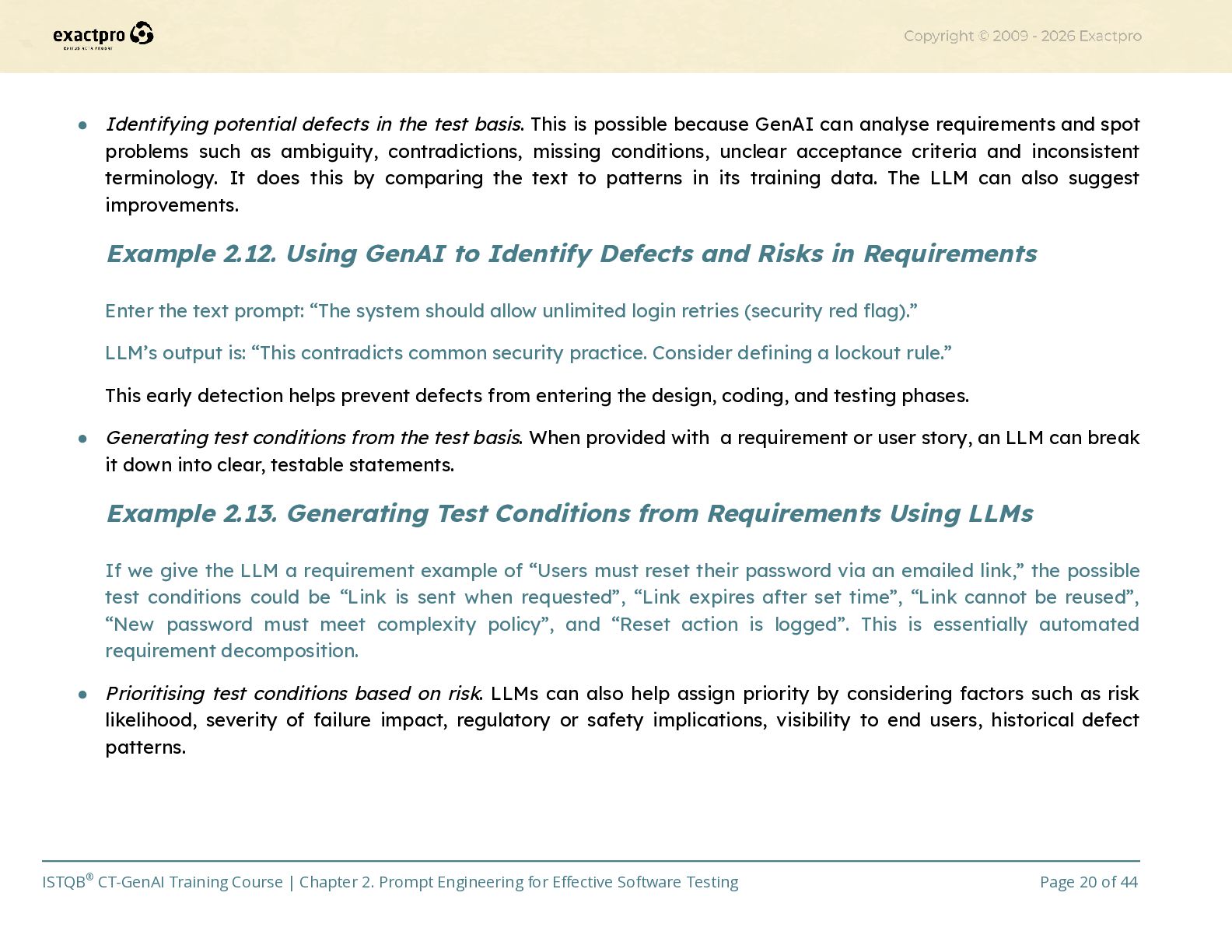
  20. •​ Identifying potential defects in the test basis. This is

    possible because GenAI can analyse requirements and spot problems such as ambiguity, contradictions, missing conditions, unclear acceptance criteria and inconsistent terminology. It does this by comparing the text to patterns in its training data. The LLM can also suggest improvements. Example 2.12. Using GenAI to Identify Defects and Risks in Requirements Enter the text prompt: “The system should allow unlimited login retries (security red flag).” LLM’s output is: “This contradicts common security practice. Consider defining a lockout rule.” This early detection helps prevent defects from entering the design, coding, and testing phases. •​ Generating test conditions from the test basis. When provided with a requirement or user story, an LLM can break it down into clear, testable statements. Example 2.13. Generating Test Conditions from Requirements Using LLMs If we give the LLM a requirement example of “Users must reset their password via an emailed link,” the possible test conditions could be “Link is sent when requested”, “Link expires after set time”, “Link cannot be reused”, “New password must meet complexity policy”, and “Reset action is logged”. This is essentially automated requirement decomposition. •​ Prioritising test conditions based on risk. LLMs can also help assign priority by considering factors such as risk likelihood, severity of failure impact, regulatory or safety implications, visibility to end users, historical defect patterns. ISTQB® CT-GenAI Training Course | Chapter 2. Prompt Engineering for Effective Software Testing Page 20 of 44
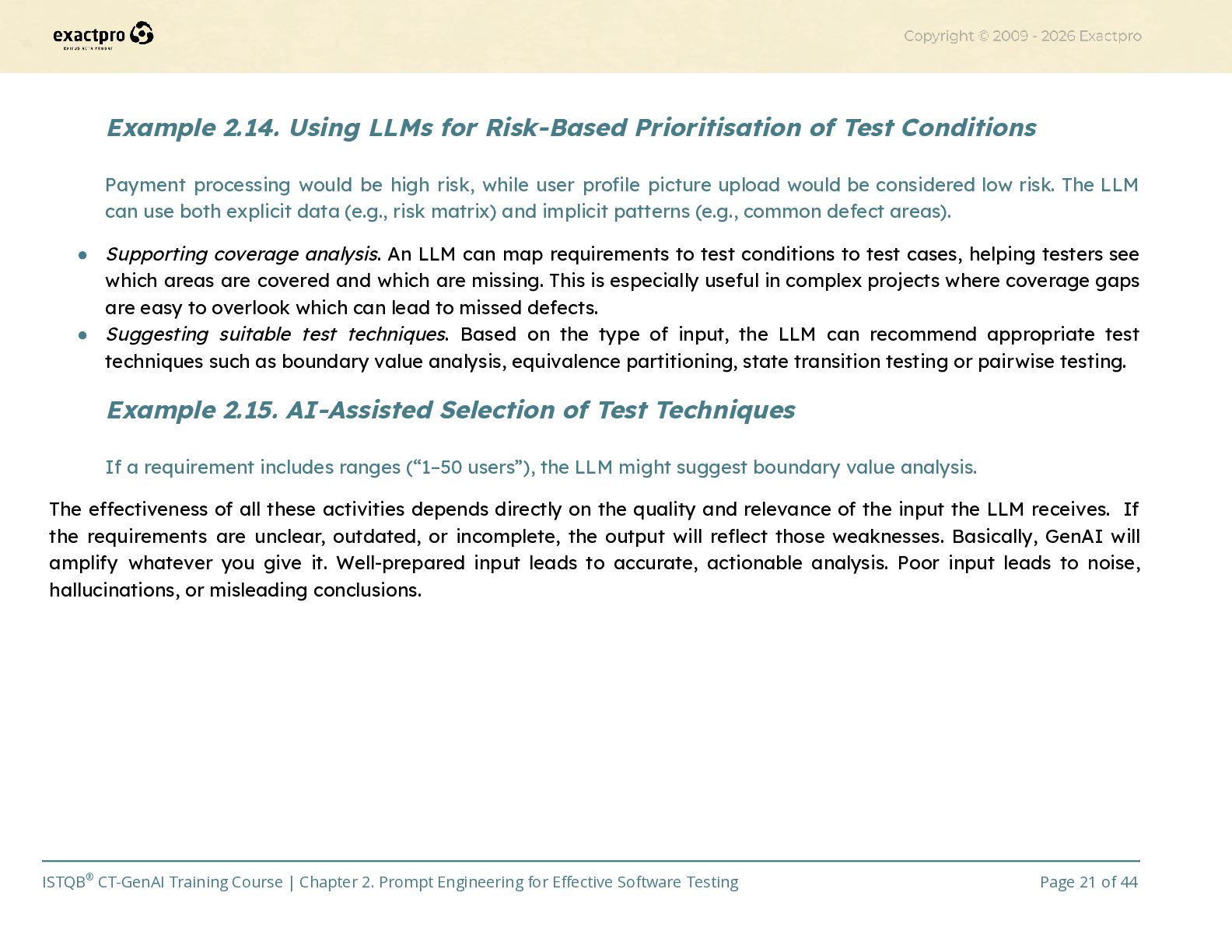
  21. Example 2.14. Using LLMs for Risk-Based Prioritisation of Test Conditions

    Payment processing would be high risk, while user profile picture upload would be considered low risk. The LLM can use both explicit data (e.g., risk matrix) and implicit patterns (e.g., common defect areas). •​ Supporting coverage analysis. An LLM can map requirements to test conditions to test cases, helping testers see which areas are covered and which are missing. This is especially useful in complex projects where coverage gaps are easy to overlook which can lead to missed defects. •​ Suggesting suitable test techniques. Based on the type of input, the LLM can recommend appropriate test techniques such as boundary value analysis, equivalence partitioning, state transition testing or pairwise testing. Example 2.15. AI-Assisted Selection of Test Techniques If a requirement includes ranges (“1–50 users”), the LLM might suggest boundary value analysis. The effectiveness of all these activities depends directly on the quality and relevance of the input the LLM receives. If the requirements are unclear, outdated, or incomplete, the output will reflect those weaknesses. Basically, GenAI will amplify whatever you give it. Well-prepared input leads to accurate, actionable analysis. Poor input leads to noise, hallucinations, or misleading conclusions. ​ ISTQB® CT-GenAI Training Course | Chapter 2. Prompt Engineering for Effective Software Testing Page 21 of 44
  22. 2.2.2 Test Design and Test Implementation with Generative AI (K3)

    According to the ISTQBⓇ, test design means taking test conditions and turning them into clear, structured test cases and other testware. Test implementation means preparing everything needed to execute those tests, such as test cases, test data, scripts, environments, and configuration. Generative AI can support both activities by accelerating the creation, refinement, and evaluation of a wide range of test artefacts. Whether the tests are manual or automated, GenAI can help testers transform raw requirements into actionable, organised testware much faster and with greater consistency. In practice, testers use techniques like prompt chaining or few-shot prompting to guide the LLM step-by-step. For example, from requirement to test condition to test case to test script to execution plan. Below are the typical tasks where GenAI provides substantial support. •​ Test case generation. Using natural language processing, GenAI can read requirements, user stories, acceptance criteria, or interface descriptions and turn them into draft test cases. This includes preconditions, test inputs, expected results and simple coverage criteria. The model can produce test cases aimed at different objectives like functional verification, negative testing, end-to-end scenarios and usability or error-handling coverage. It’s like giving the LLM a requirement and asking it to break this into specific things we should test and write them clearly. Example 2.16. Generating Structured Test Cases from Requirements Using GenAI If we give the system a requirement of “Users must verify their email before first login”, LLM-generated test case elements could consist of: ISTQB® CT-GenAI Training Course | Chapter 2. Prompt Engineering for Effective Software Testing Page 22 of 44
  23. Preconditions: •​ User account created but not verified. Test Steps:

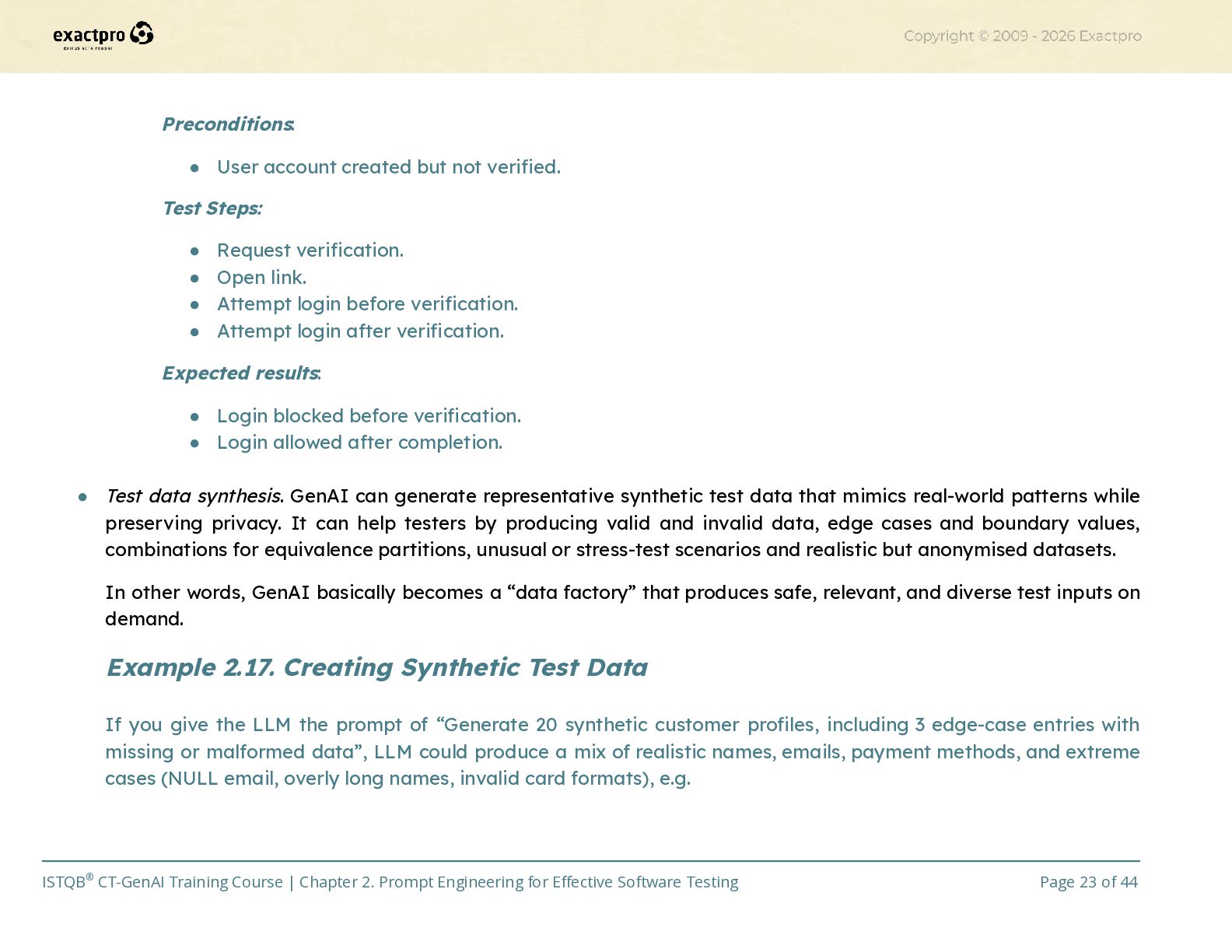
    •​ Request verification. •​ Open link. •​ Attempt login before verification. •​ Attempt login after verification. Expected results: •​ Login blocked before verification. •​ Login allowed after completion.​ •​ Test data synthesis. GenAI can generate representative synthetic test data that mimics real-world patterns while preserving privacy. It can help testers by producing valid and invalid data, edge cases and boundary values, combinations for equivalence partitions, unusual or stress-test scenarios and realistic but anonymised datasets. In other words, GenAI basically becomes a “data factory” that produces safe, relevant, and diverse test inputs on demand. Example 2.17. Creating Synthetic Test Data If you give the LLM the prompt of “Generate 20 synthetic customer profiles, including 3 edge-case entries with missing or malformed data”, LLM could produce a mix of realistic names, emails, payment methods, and extreme cases (NULL email, overly long names, invalid card formats), e.g. ISTQB® CT-GenAI Training Course | Chapter 2. Prompt Engineering for Effective Software Testing Page 23 of 44
  24. •​ Automated test script generation. GenAI can also convert structured

    test cases into manual test procedures, or automated test scripts (e.g., Selenium, Cypress, Playwright, API test scripts). The LLM can then translate natural-language test steps into executable code and can update existing scripts as requirements evolve. It’s as if it acts as a translator between “what to test” and “how to code the test.” ISTQB® CT-GenAI Training Course | Chapter 2. Prompt Engineering for Effective Software Testing Page 24 of 44 # NAME EMAIL PAYMENT METHOD COUNTRY 1 Daniel Mercer [email protected] Visa **** 4821 USA 2 Priya Sharma [email protected] Mastercard **** 1934 India 3 Lucas Ferreira [email protected] PayPal ([email protected]) Brazil 4 MaximilianAlexanderT heThirdOfWestminste r-Smythe-Johnson-De lacroix-Vanderbilt max.vanderbilt@extremelylo ngdomainnameexamplecorp orationinternational.com Mastercard **** 1299 USA ---------------------------------------------------------------------------------------------------------------------------------------- 18 Lara Kim [email protected] 1234-ABCD-INVALID-CARD South Korea 19 Sofia Andronikos [email protected] Visa **** 7765 Greece 20 Olivia Benett NULL Visa **** 4431 Kenya
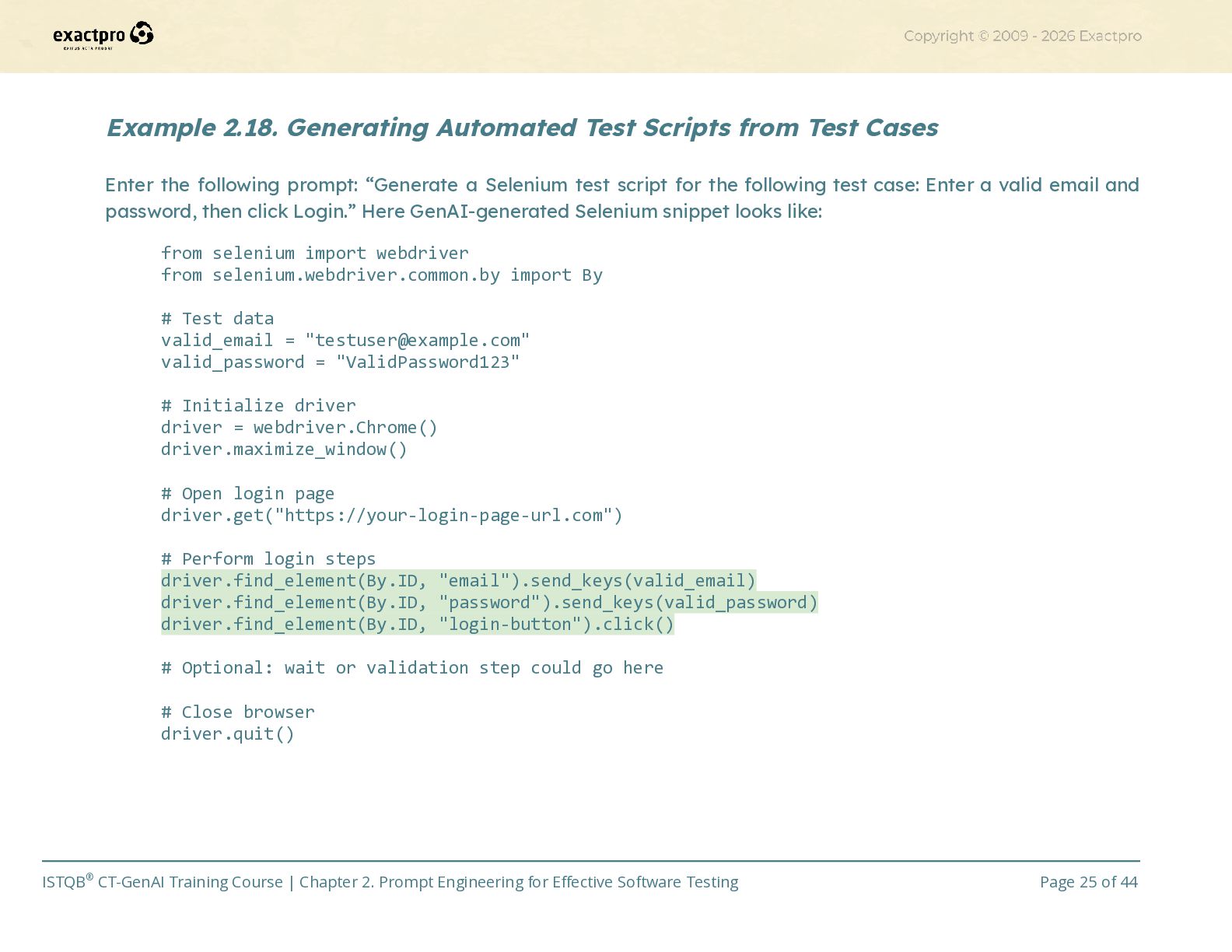
  25. Example 2.18. Generating Automated Test Scripts from Test Cases Enter

    the following prompt: “Generate a Selenium test script for the following test case: Enter a valid email and password, then click Login.” Here GenAI-generated Selenium snippet looks like: from selenium import webdriver from selenium.webdriver.common.by import By # Test data valid_email = "[email protected]" valid_password = "ValidPassword123" # Initialize driver driver = webdriver.Chrome() driver.maximize_window() # Open login page driver.get("https://your-login-page-url.com") # Perform login steps driver.find_element(By.ID, "email").send_keys(valid_email) driver.find_element(By.ID, "password").send_keys(valid_password) driver.find_element(By.ID, "login-button").click() # Optional: wait or validation step could go here # Close browser driver.quit() ISTQB® CT-GenAI Training Course | Chapter 2. Prompt Engineering for Effective Software Testing Page 25 of 44
  26. •​ Test execution scheduling and prioritisation. GenAI can organise test

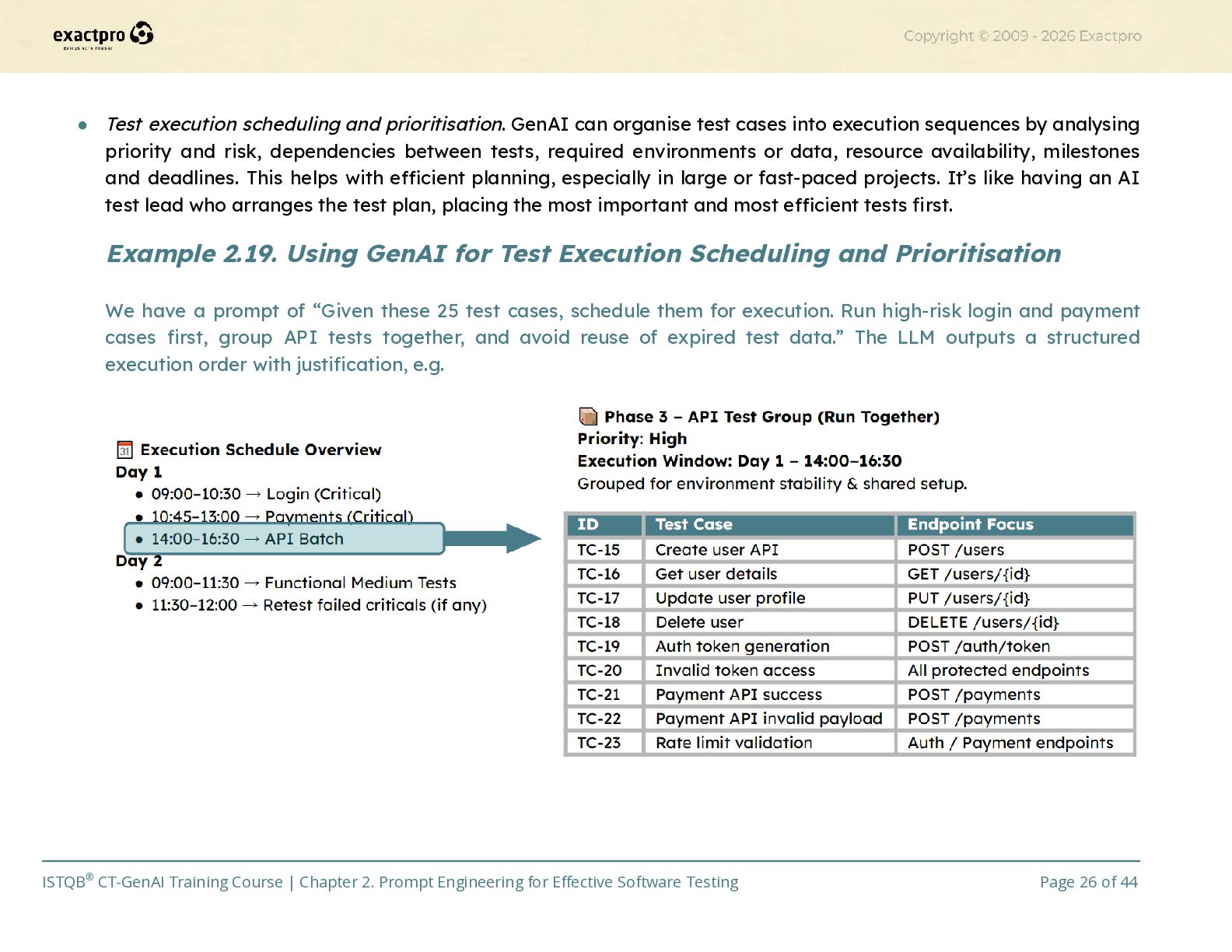
    cases into execution sequences by analysing priority and risk, dependencies between tests, required environments or data, resource availability, milestones and deadlines. This helps with efficient planning, especially in large or fast-paced projects. It’s like having an AI test lead who arranges the test plan, placing the most important and most efficient tests first. Example 2.19. Using GenAI for Test Execution Scheduling and Prioritisation We have a prompt of “Given these 25 test cases, schedule them for execution. Run high-risk login and payment cases first, group API tests together, and avoid reuse of expired test data.” The LLM outputs a structured execution order with justification, e.g. ISTQB® CT-GenAI Training Course | Chapter 2. Prompt Engineering for Effective Software Testing Page 26 of 44
  27. Through test case generation, synthetic data creation, script writing, and

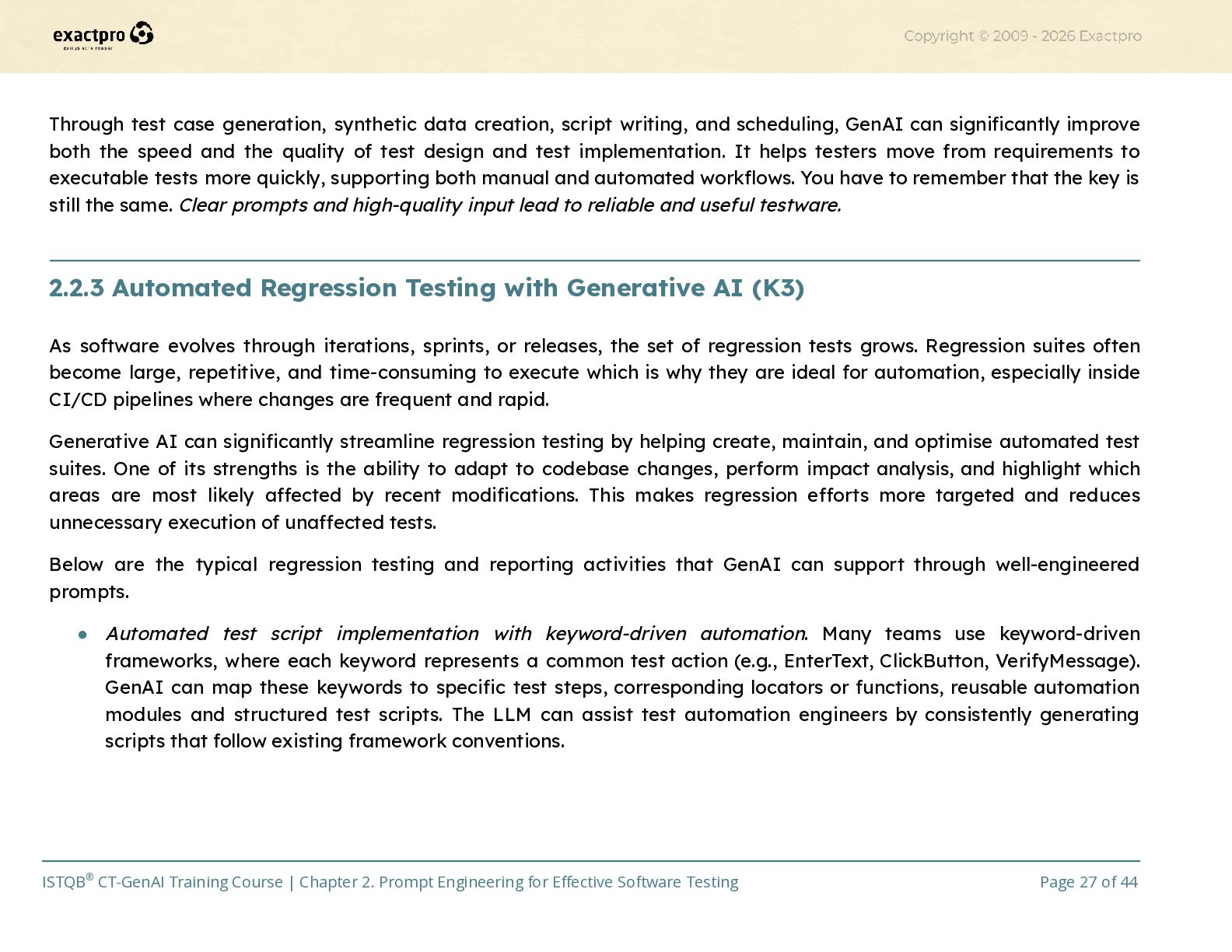
    scheduling, GenAI can significantly improve both the speed and the quality of test design and test implementation. It helps testers move from requirements to executable tests more quickly, supporting both manual and automated workflows. You have to remember that the key is still the same. Clear prompts and high-quality input lead to reliable and useful testware.​ 2.2.3 Automated Regression Testing with Generative AI (K3) As software evolves through iterations, sprints, or releases, the set of regression tests grows. Regression suites often become large, repetitive, and time-consuming to execute which is why they are ideal for automation, especially inside CI/CD pipelines where changes are frequent and rapid. Generative AI can significantly streamline regression testing by helping create, maintain, and optimise automated test suites. One of its strengths is the ability to adapt to codebase changes, perform impact analysis, and highlight which areas are most likely affected by recent modifications. This makes regression efforts more targeted and reduces unnecessary execution of unaffected tests. Below are the typical regression testing and reporting activities that GenAI can support through well-engineered prompts. •​ Automated test script implementation with keyword-driven automation. Many teams use keyword-driven frameworks, where each keyword represents a common test action (e.g., EnterText, ClickButton, VerifyMessage). GenAI can map these keywords to specific test steps, corresponding locators or functions, reusable automation modules and structured test scripts. The LLM can assist test automation engineers by consistently generating scripts that follow existing framework conventions. ISTQB® CT-GenAI Training Course | Chapter 2. Prompt Engineering for Effective Software Testing Page 27 of 44
  28. Example 2.20. Using GenAI for Keyword-Driven Test Automation If the

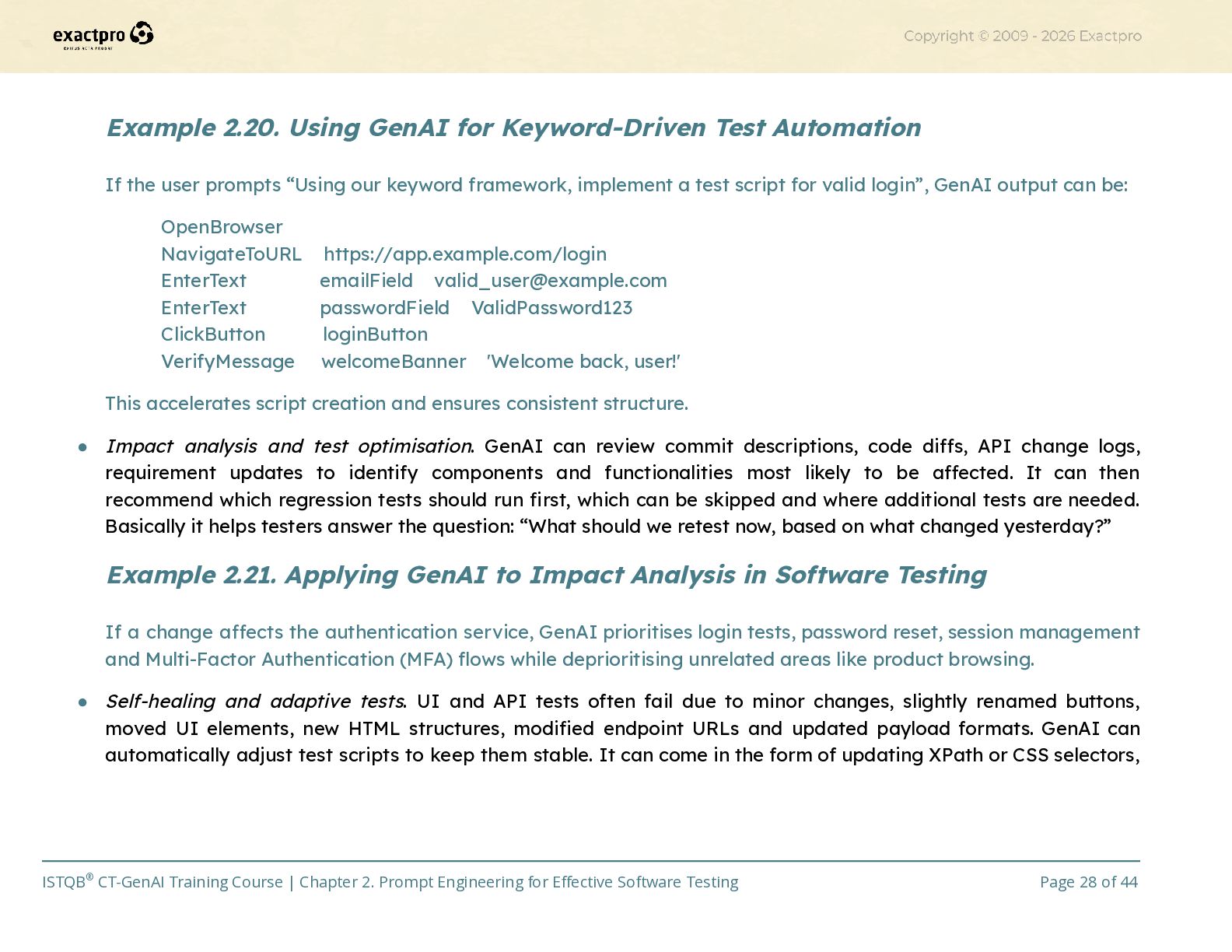
    user prompts “Using our keyword framework, implement a test script for valid login”, GenAI output can be: OpenBrowser NavigateToURL https://app.example.com/login EnterText emailField [email protected] EnterText passwordField ValidPassword123 ClickButton loginButton VerifyMessage welcomeBanner 'Welcome back, user!' This accelerates script creation and ensures consistent structure. •​ Impact analysis and test optimisation. GenAI can review commit descriptions, code diffs, API change logs, requirement updates to identify components and functionalities most likely to be affected. It can then recommend which regression tests should run first, which can be skipped and where additional tests are needed. Basically it helps testers answer the question: “What should we retest now, based on what changed yesterday?” Example 2.21. Applying GenAI to Impact Analysis in Software Testing If a change affects the authentication service, GenAI prioritises login tests, password reset, session management and Multi-Factor Authentication (MFA) flows while deprioritising unrelated areas like product browsing. •​ Self-healing and adaptive tests. UI and API tests often fail due to minor changes, slightly renamed buttons, moved UI elements, new HTML structures, modified endpoint URLs and updated payload formats. GenAI can automatically adjust test scripts to keep them stable. It can come in the form of updating XPath or CSS selectors, ISTQB® CT-GenAI Training Course | Chapter 2. Prompt Engineering for Effective Software Testing Page 28 of 44
  29. renaming outdated variables, adjusting request payloads or response validation or

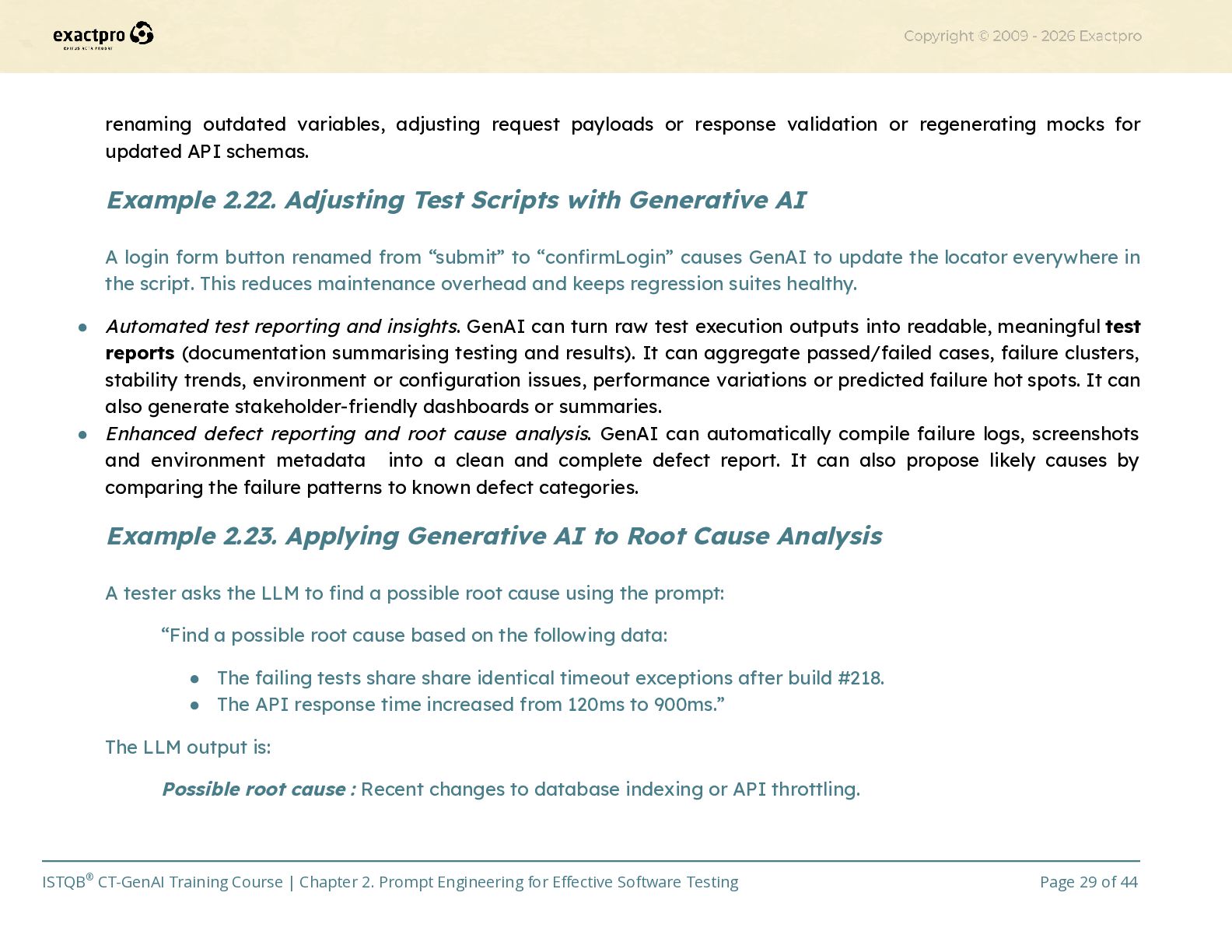
    regenerating mocks for updated API schemas. Example 2.22. Adjusting Test Scripts with Generative AI A login form button renamed from “submit” to “confirmLogin” causes GenAI to update the locator everywhere in the script. This reduces maintenance overhead and keeps regression suites healthy. •​ Automated test reporting and insights. GenAI can turn raw test execution outputs into readable, meaningful test reports (documentation summarising testing and results). It can aggregate passed/failed cases, failure clusters, stability trends, environment or configuration issues, performance variations or predicted failure hot spots. It can also generate stakeholder-friendly dashboards or summaries. •​ Enhanced defect reporting and root cause analysis. GenAI can automatically compile failure logs, screenshots and environment metadata into a clean and complete defect report. It can also propose likely causes by comparing the failure patterns to known defect categories. Example 2.23. Applying Generative AI to Root Cause Analysis A tester asks the LLM to find a possible root cause using the prompt: “Find a possible root cause based on the following data: •​ The failing tests share share identical timeout exceptions after build #218. •​ The API response time increased from 120ms to 900ms.” The LLM output is: Possible root cause : Recent changes to database indexing or API throttling. ISTQB® CT-GenAI Training Course | Chapter 2. Prompt Engineering for Effective Software Testing Page 29 of 44
  30. These capabilities apply to many forms of regression testing: functional,

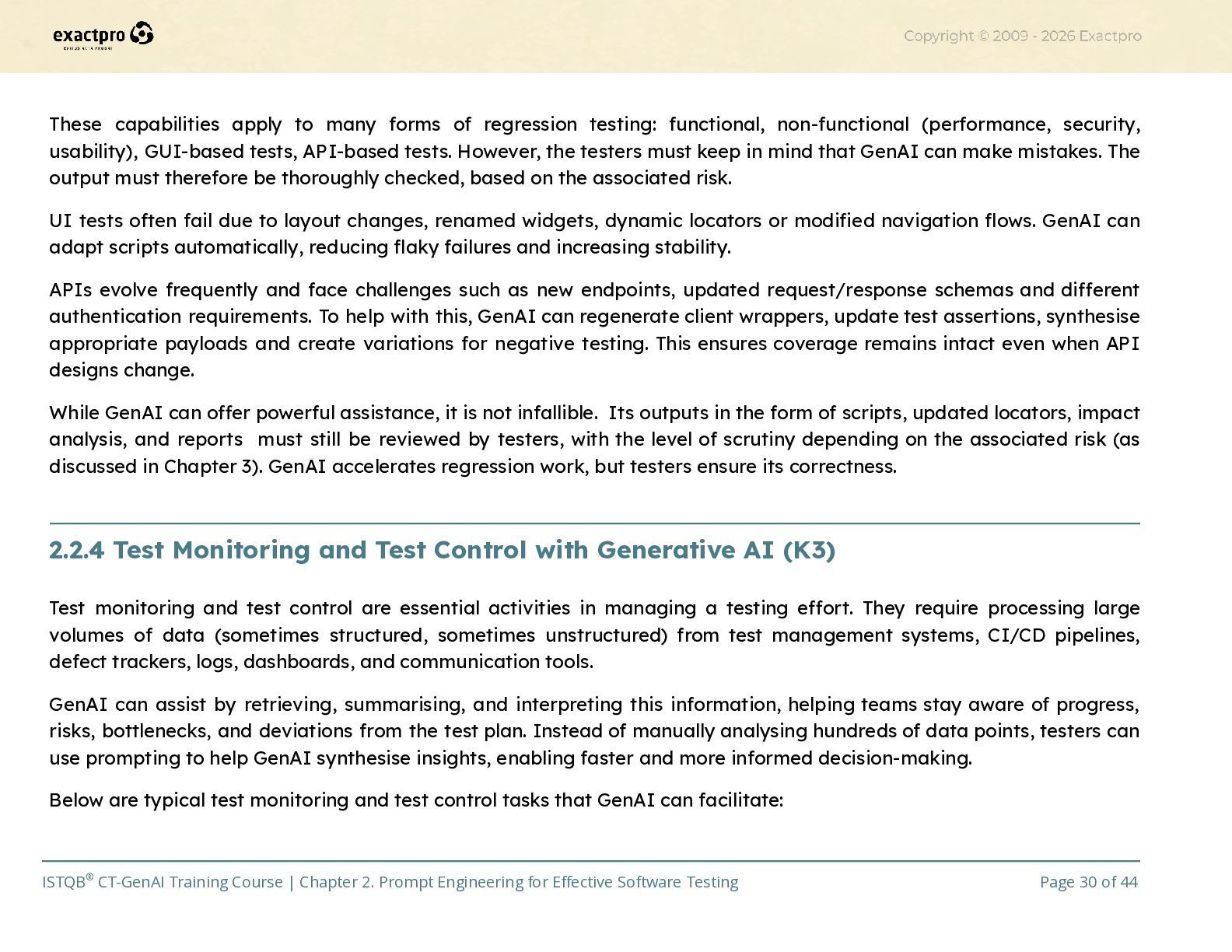
    non-functional (performance, security, usability), GUI-based tests, API-based tests. However, the testers must keep in mind that GenAI can make mistakes. The output must therefore be thoroughly checked, based on the associated risk. UI tests often fail due to layout changes, renamed widgets, dynamic locators or modified navigation flows. GenAI can adapt scripts automatically, reducing flaky failures and increasing stability. APIs evolve frequently and face challenges such as new endpoints, updated request/response schemas and different authentication requirements. To help with this, GenAI can regenerate client wrappers, update test assertions, synthesise appropriate payloads and create variations for negative testing. This ensures coverage remains intact even when API designs change. While GenAI can offer powerful assistance, it is not infallible. Its outputs in the form of scripts, updated locators, impact analysis, and reports must still be reviewed by testers, with the level of scrutiny depending on the associated risk (as discussed in Chapter 3). GenAI accelerates regression work, but testers ensure its correctness.​ 2.2.4 Test Monitoring and Test Control with Generative AI (K3) Test monitoring and test control are essential activities in managing a testing effort. They require processing large volumes of data (sometimes structured, sometimes unstructured) from test management systems, CI/CD pipelines, defect trackers, logs, dashboards, and communication tools. GenAI can assist by retrieving, summarising, and interpreting this information, helping teams stay aware of progress, risks, bottlenecks, and deviations from the test plan. Instead of manually analysing hundreds of data points, testers can use prompting to help GenAI synthesise insights, enabling faster and more informed decision-making. Below are typical test monitoring and test control tasks that GenAI can facilitate: ISTQB® CT-GenAI Training Course | Chapter 2. Prompt Engineering for Effective Software Testing Page 30 of 44
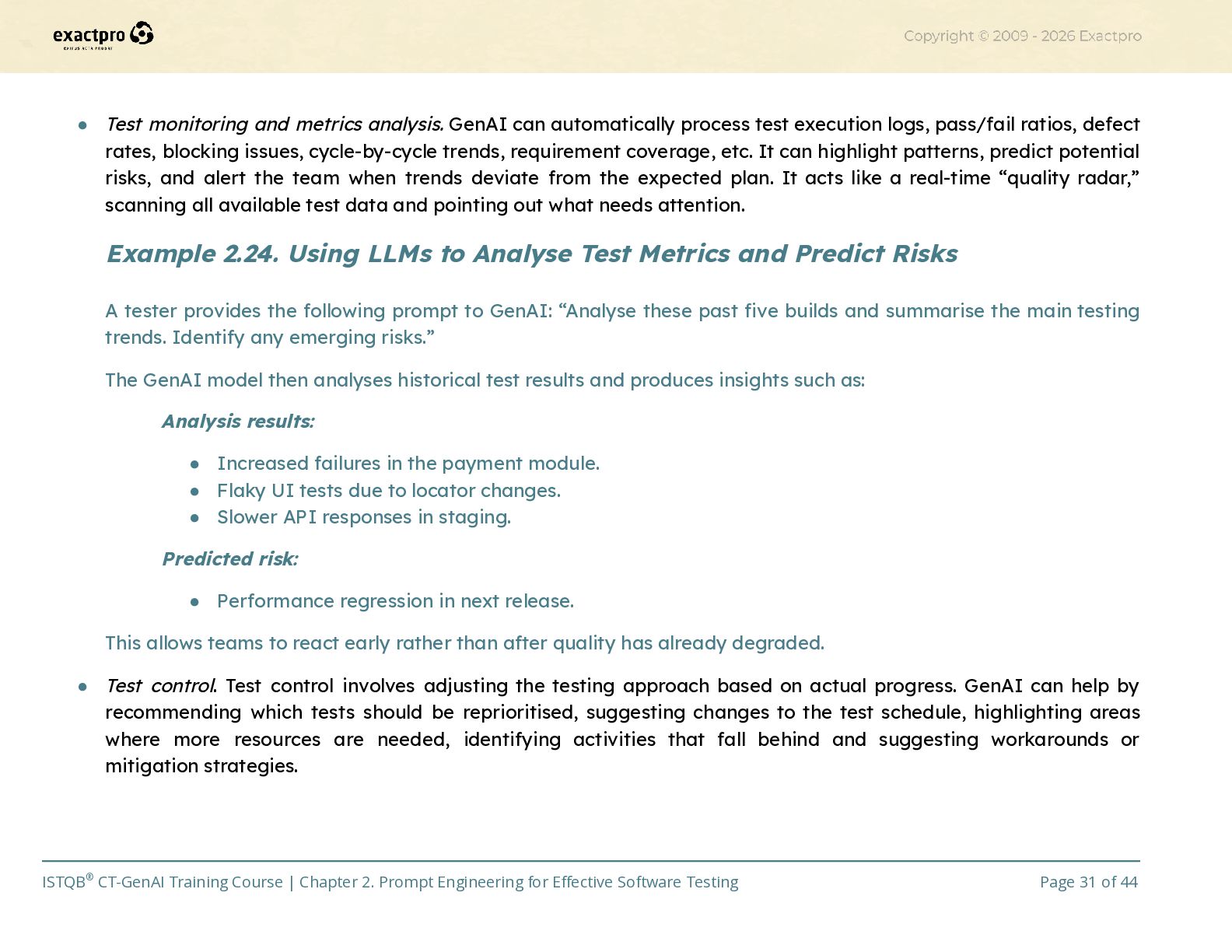
  31. •​ Test monitoring and metrics analysis. GenAI can automatically process

    test execution logs, pass/fail ratios, defect rates, blocking issues, cycle-by-cycle trends, requirement coverage, etc. It can highlight patterns, predict potential risks, and alert the team when trends deviate from the expected plan. It acts like a real-time “quality radar,” scanning all available test data and pointing out what needs attention. Example 2.24. Using LLMs to Analyse Test Metrics and Predict Risks A tester provides the following prompt to GenAI: “Analyse these past five builds and summarise the main testing trends. Identify any emerging risks.” The GenAI model then analyses historical test results and produces insights such as: Analysis results: •​ Increased failures in the payment module. •​ Flaky UI tests due to locator changes. •​ Slower API responses in staging. Predicted risk: •​ Performance regression in next release. This allows teams to react early rather than after quality has already degraded. •​ Test control. Test control involves adjusting the testing approach based on actual progress. GenAI can help by recommending which tests should be reprioritised, suggesting changes to the test schedule, highlighting areas where more resources are needed, identifying activities that fall behind and suggesting workarounds or mitigation strategies. ISTQB® CT-GenAI Training Course | Chapter 2. Prompt Engineering for Effective Software Testing Page 31 of 44
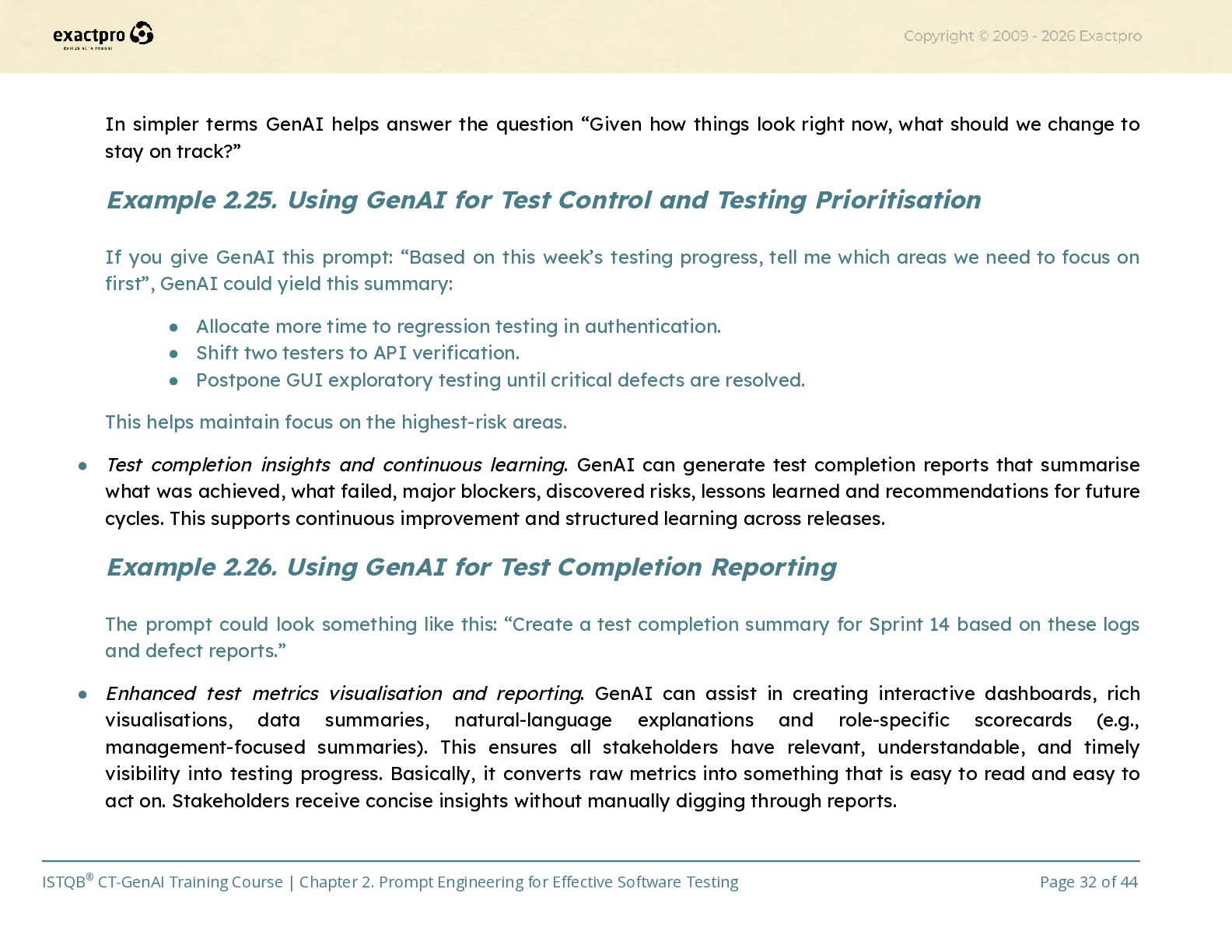
  32. In simpler terms GenAI helps answer the question “Given how

    things look right now, what should we change to stay on track?” Example 2.25. Using GenAI for Test Control and Testing Prioritisation If you give GenAI this prompt: “Based on this week’s testing progress, tell me which areas we need to focus on first”, GenAI could yield this summary: •​ Allocate more time to regression testing in authentication. •​ Shift two testers to API verification. •​ Postpone GUI exploratory testing until critical defects are resolved. This helps maintain focus on the highest-risk areas. •​ Test completion insights and continuous learning. GenAI can generate test completion reports that summarise what was achieved, what failed, major blockers, discovered risks, lessons learned and recommendations for future cycles. This supports continuous improvement and structured learning across releases. Example 2.26. Using GenAI for Test Completion Reporting The prompt could look something like this: “Create a test completion summary for Sprint 14 based on these logs and defect reports.” •​ Enhanced test metrics visualisation and reporting. GenAI can assist in creating interactive dashboards, rich visualisations, data summaries, natural-language explanations and role-specific scorecards (e.g., management-focused summaries). This ensures all stakeholders have relevant, understandable, and timely visibility into testing progress. Basically, it converts raw metrics into something that is easy to read and easy to act on. Stakeholders receive concise insights without manually digging through reports. ISTQB® CT-GenAI Training Course | Chapter 2. Prompt Engineering for Effective Software Testing Page 32 of 44
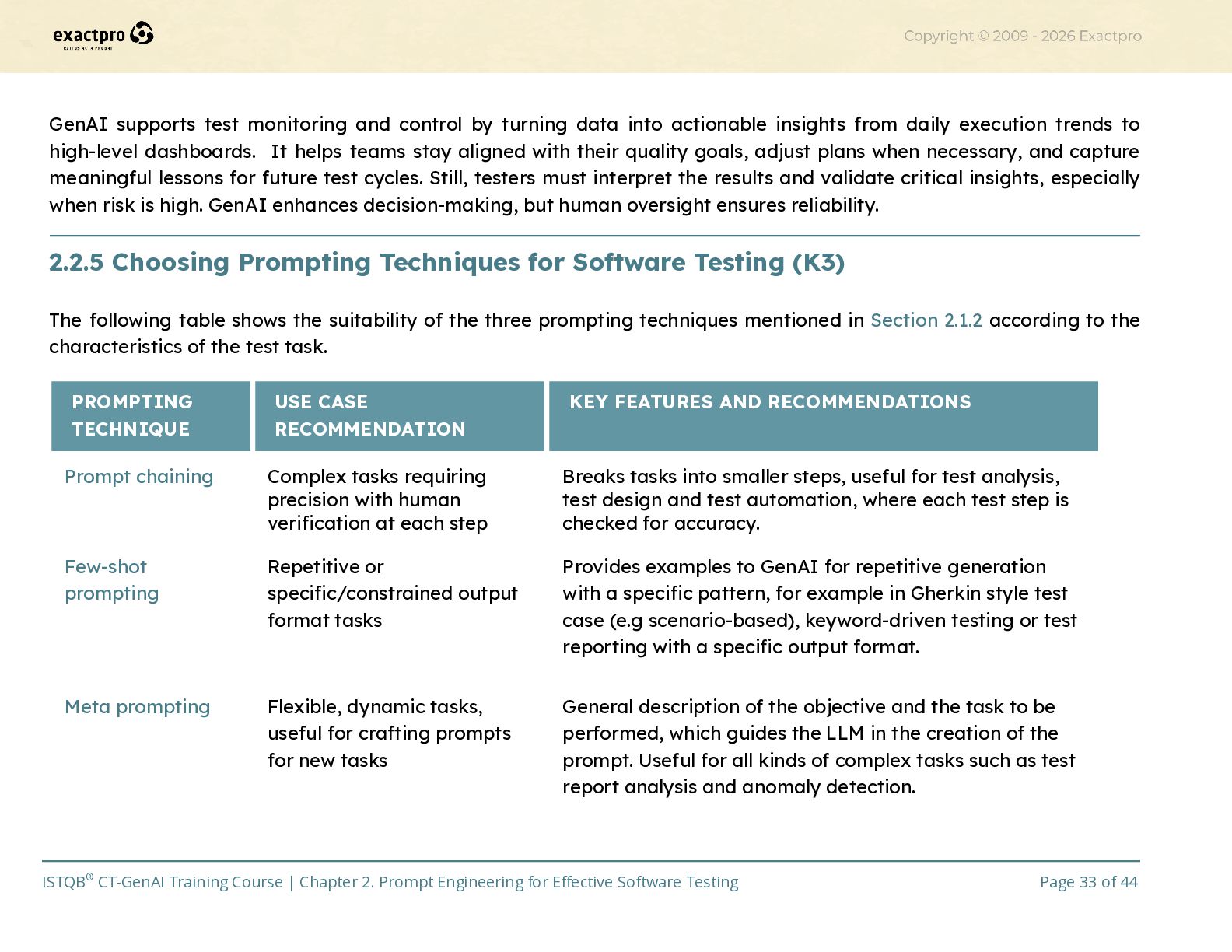
  33. GenAI supports test monitoring and control by turning data into

    actionable insights from daily execution trends to high-level dashboards. It helps teams stay aligned with their quality goals, adjust plans when necessary, and capture meaningful lessons for future test cycles. Still, testers must interpret the results and validate critical insights, especially when risk is high. GenAI enhances decision-making, but human oversight ensures reliability. 2.2.5 Choosing Prompting Techniques for Software Testing (K3) The following table shows the suitability of the three prompting techniques mentioned in Section 2.1.2 according to the characteristics of the test task. PROMPTING TECHNIQUE USE CASE RECOMMENDATION KEY FEATURES AND RECOMMENDATIONS Prompt chaining Complex tasks requiring precision with human verification at each step Breaks tasks into smaller steps, useful for test analysis, test design and test automation, where each test step is checked for accuracy. Few-shot prompting Repetitive or specific/constrained output format tasks Provides examples to GenAI for repetitive generation with a specific pattern, for example in Gherkin style test case (e.g scenario-based), keyword-driven testing or test reporting with a specific output format. Meta prompting Flexible, dynamic tasks, useful for crafting prompts for new tasks General description of the objective and the task to be performed, which guides the LLM in the creation of the prompt. Useful for all kinds of complex tasks such as test report analysis and anomaly detection. ISTQB® CT-GenAI Training Course | Chapter 2. Prompt Engineering for Effective Software Testing Page 33 of 44
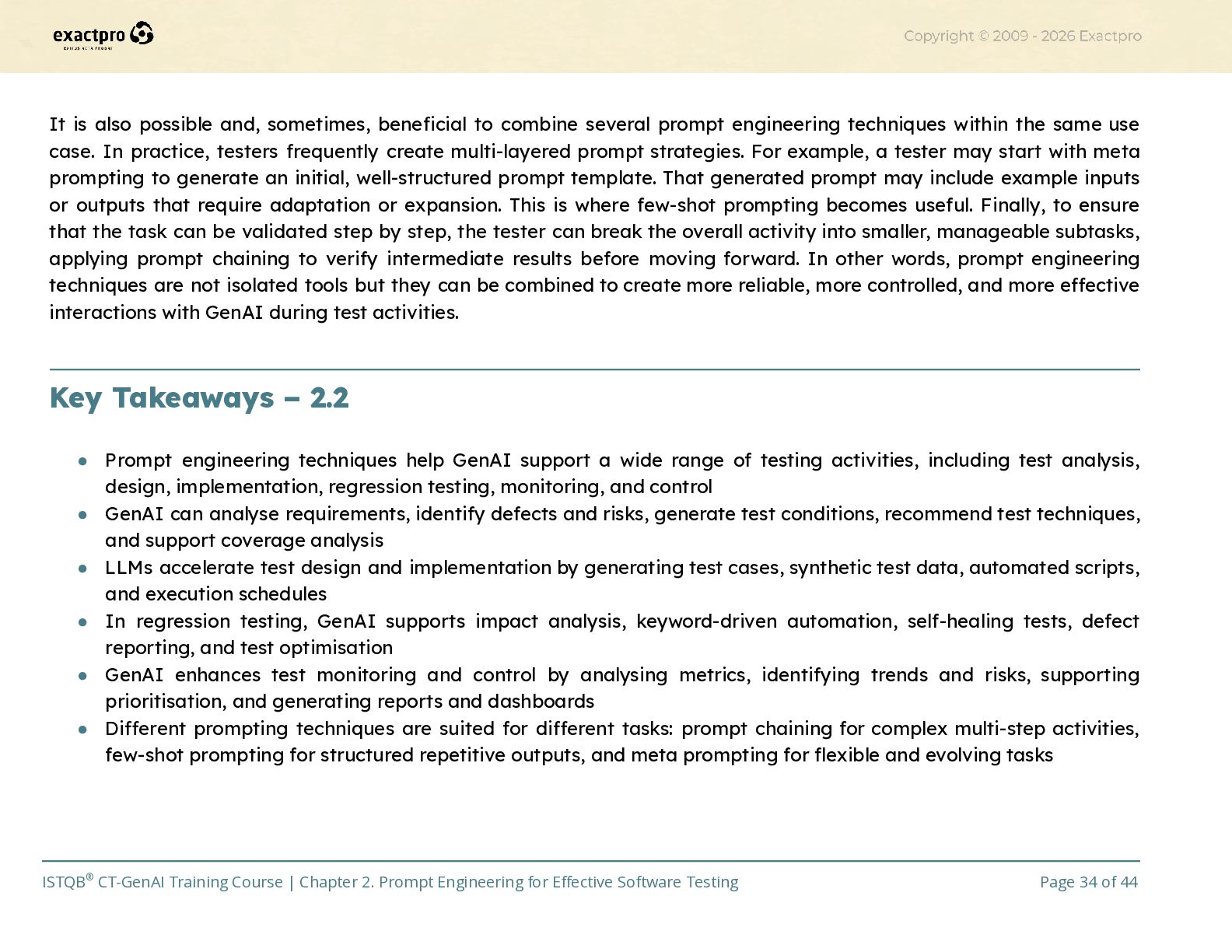
  34. It is also possible and, sometimes, beneficial to combine several

    prompt engineering techniques within the same use case. In practice, testers frequently create multi-layered prompt strategies. For example, a tester may start with meta prompting to generate an initial, well-structured prompt template. That generated prompt may include example inputs or outputs that require adaptation or expansion. This is where few-shot prompting becomes useful. Finally, to ensure that the task can be validated step by step, the tester can break the overall activity into smaller, manageable subtasks, applying prompt chaining to verify intermediate results before moving forward. In other words, prompt engineering techniques are not isolated tools but they can be combined to create more reliable, more controlled, and more effective interactions with GenAI during test activities.​ Key Takeaways – 2.2 •​ Prompt engineering techniques help GenAI support a wide range of testing activities, including test analysis, design, implementation, regression testing, monitoring, and control •​ GenAI can analyse requirements, identify defects and risks, generate test conditions, recommend test techniques, and support coverage analysis •​ LLMs accelerate test design and implementation by generating test cases, synthetic test data, automated scripts, and execution schedules •​ In regression testing, GenAI supports impact analysis, keyword-driven automation, self-healing tests, defect reporting, and test optimisation •​ GenAI enhances test monitoring and control by analysing metrics, identifying trends and risks, supporting prioritisation, and generating reports and dashboards •​ Different prompting techniques are suited for different tasks: prompt chaining for complex multi-step activities, few-shot prompting for structured repetitive outputs, and meta prompting for flexible and evolving tasks​ ISTQB® CT-GenAI Training Course | Chapter 2. Prompt Engineering for Effective Software Testing Page 34 of 44
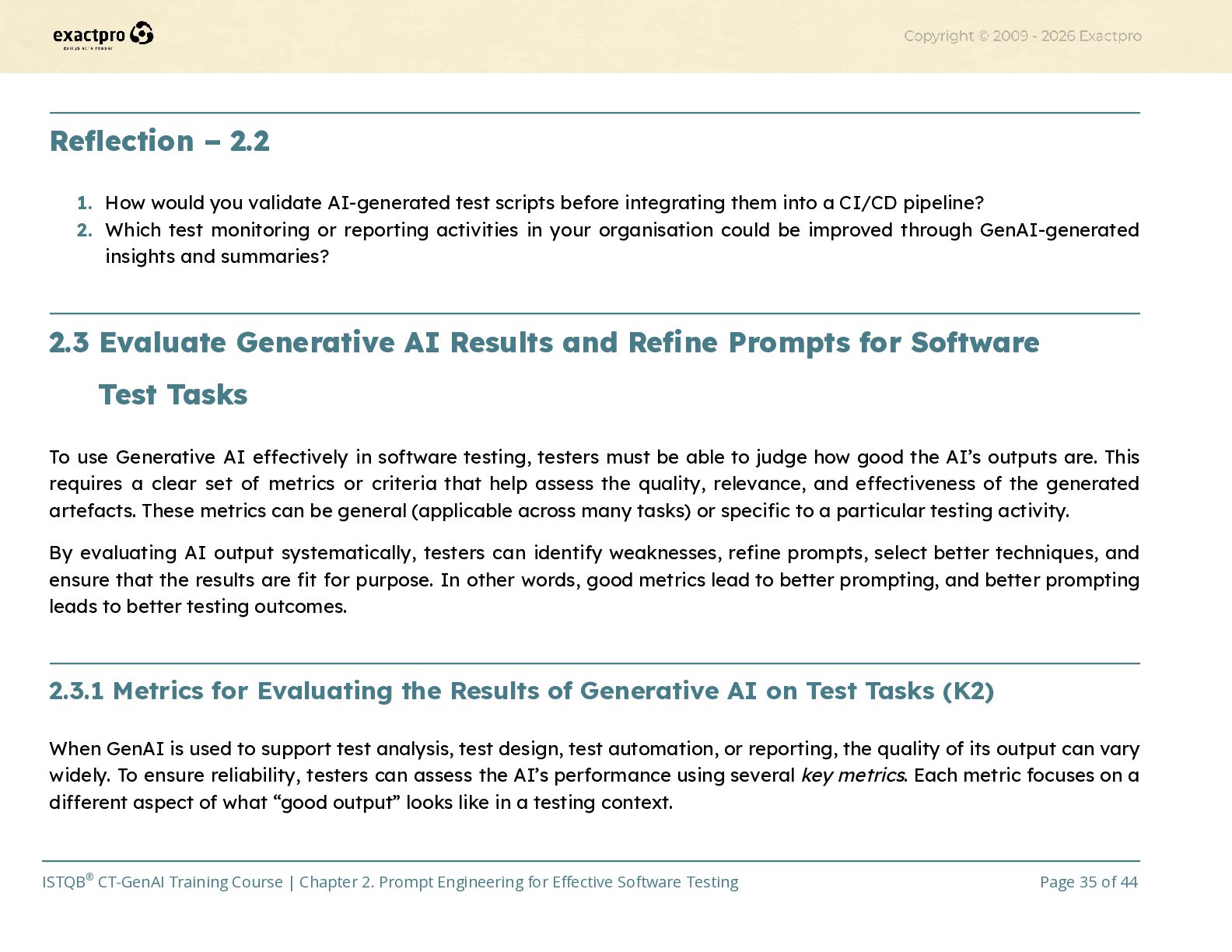
  35. Reflection – 2.2 1.​ How would you validate AI-generated test

    scripts before integrating them into a CI/CD pipeline? 2.​ Which test monitoring or reporting activities in your organisation could be improved through GenAI-generated insights and summaries?​ 2.3 Evaluate Generative AI Results and Refine Prompts for Software​ Test Tasks To use Generative AI effectively in software testing, testers must be able to judge how good the AI’s outputs are. This requires a clear set of metrics or criteria that help assess the quality, relevance, and effectiveness of the generated artefacts. These metrics can be general (applicable across many tasks) or specific to a particular testing activity. By evaluating AI output systematically, testers can identify weaknesses, refine prompts, select better techniques, and ensure that the results are fit for purpose. In other words, good metrics lead to better prompting, and better prompting leads to better testing outcomes.​ 2.3.1 Metrics for Evaluating the Results of Generative AI on Test Tasks (K2) When GenAI is used to support test analysis, test design, test automation, or reporting, the quality of its output can vary widely. To ensure reliability, testers can assess the AI’s performance using several key metrics. Each metric focuses on a different aspect of what “good output” looks like in a testing context. ISTQB® CT-GenAI Training Course | Chapter 2. Prompt Engineering for Effective Software Testing Page 35 of 44
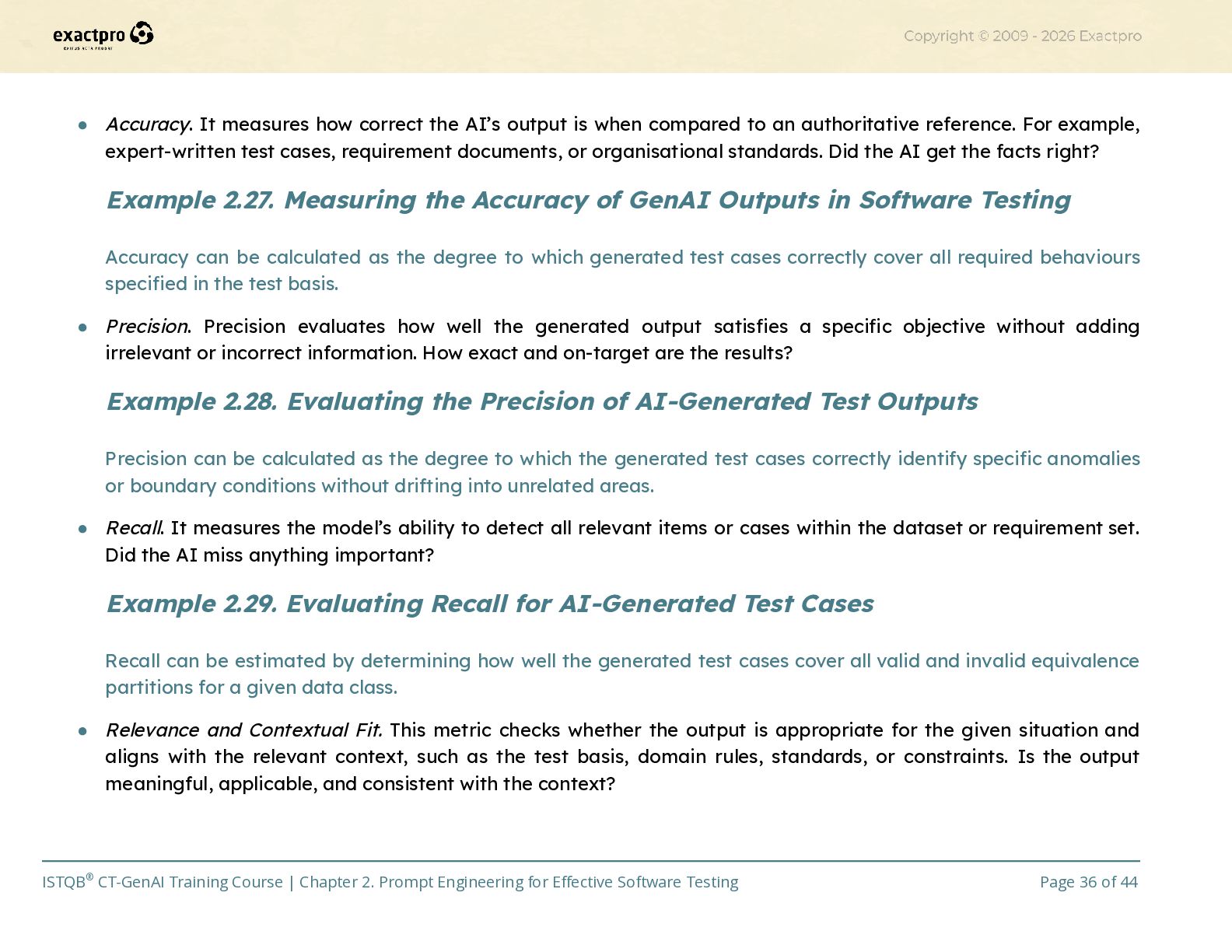
  36. •​ Accuracy. It measures how correct the AI’s output is

    when compared to an authoritative reference. For example, expert-written test cases, requirement documents, or organisational standards. Did the AI get the facts right? Example 2.27. Measuring the Accuracy of GenAI Outputs in Software Testing Accuracy can be calculated as the degree to which generated test cases correctly cover all required behaviours specified in the test basis. •​ Precision. Precision evaluates how well the generated output satisfies a specific objective without adding irrelevant or incorrect information. How exact and on-target are the results? Example 2.28. Evaluating the Precision of AI-Generated Test Outputs Precision can be calculated as the degree to which the generated test cases correctly identify specific anomalies or boundary conditions without drifting into unrelated areas. •​ Recall. It measures the model’s ability to detect all relevant items or cases within the dataset or requirement set. Did the AI miss anything important? Example 2.29. Evaluating Recall for AI-Generated Test Cases Recall can be estimated by determining how well the generated test cases cover all valid and invalid equivalence partitions for a given data class. •​ Relevance and Contextual Fit. This metric checks whether the output is appropriate for the given situation and aligns with the relevant context, such as the test basis, domain rules, standards, or constraints. Is the output meaningful, applicable, and consistent with the context? ISTQB® CT-GenAI Training Course | Chapter 2. Prompt Engineering for Effective Software Testing Page 36 of 44
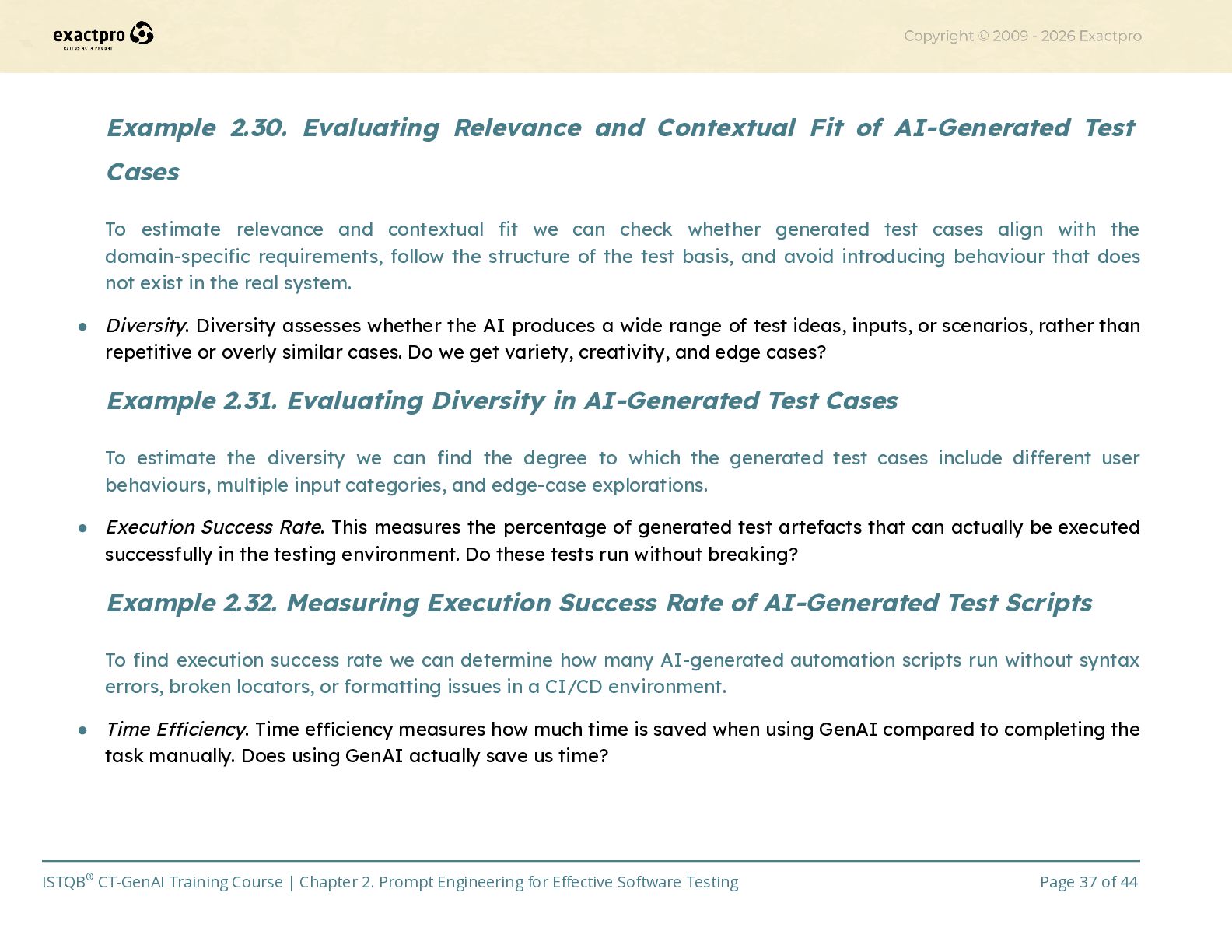
  37. Example 2.30. Evaluating Relevance and Contextual Fit of AI-Generated Test

    Cases To estimate relevance and contextual fit we can check whether generated test cases align with the domain-specific requirements, follow the structure of the test basis, and avoid introducing behaviour that does not exist in the real system. •​ Diversity. Diversity assesses whether the AI produces a wide range of test ideas, inputs, or scenarios, rather than repetitive or overly similar cases. Do we get variety, creativity, and edge cases? Example 2.31. Evaluating Diversity in AI-Generated Test Cases To estimate the diversity we can find the degree to which the generated test cases include different user behaviours, multiple input categories, and edge-case explorations. •​ Execution Success Rate. This measures the percentage of generated test artefacts that can actually be executed successfully in the testing environment. Do these tests run without breaking? Example 2.32. Measuring Execution Success Rate of AI-Generated Test Scripts To find execution success rate we can determine how many AI-generated automation scripts run without syntax errors, broken locators, or formatting issues in a CI/CD environment. •​ Time Efficiency. Time efficiency measures how much time is saved when using GenAI compared to completing the task manually. Does using GenAI actually save us time? ISTQB® CT-GenAI Training Course | Chapter 2. Prompt Engineering for Effective Software Testing Page 37 of 44
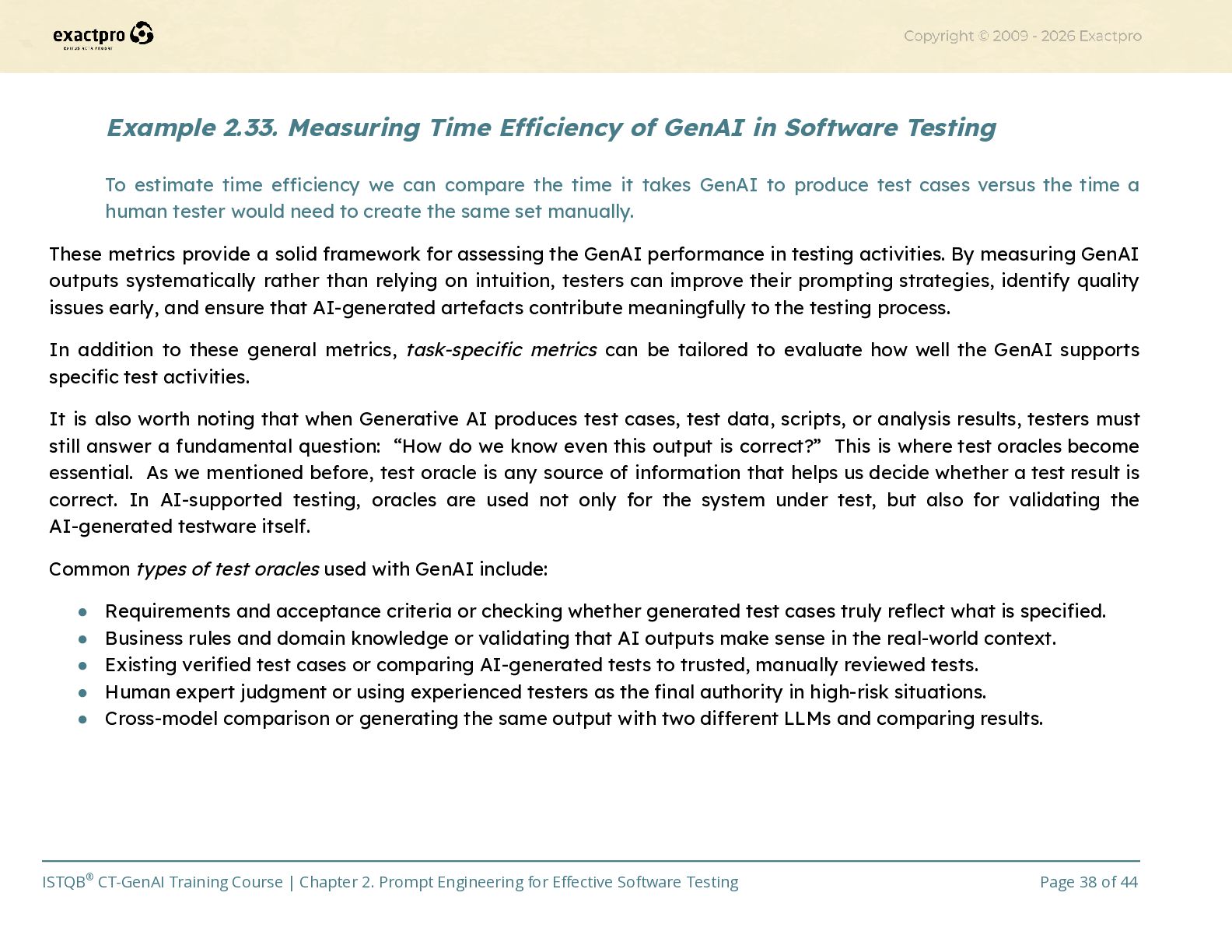
  38. Example 2.33. Measuring Time Efficiency of GenAI in Software Testing

    To estimate time efficiency we can compare the time it takes GenAI to produce test cases versus the time a human tester would need to create the same set manually. These metrics provide a solid framework for assessing the GenAI performance in testing activities. By measuring GenAI outputs systematically rather than relying on intuition, testers can improve their prompting strategies, identify quality issues early, and ensure that AI-generated artefacts contribute meaningfully to the testing process. In addition to these general metrics, task-specific metrics can be tailored to evaluate how well the GenAI supports specific test activities. It is also worth noting that when Generative AI produces test cases, test data, scripts, or analysis results, testers must still answer a fundamental question: “How do we know even this output is correct?” This is where test oracles become essential. As we mentioned before, test oracle is any source of information that helps us decide whether a test result is correct. In AI-supported testing, oracles are used not only for the system under test, but also for validating the AI-generated testware itself. Common types of test oracles used with GenAI include: •​ Requirements and acceptance criteria or checking whether generated test cases truly reflect what is specified. •​ Business rules and domain knowledge or validating that AI outputs make sense in the real-world context. •​ Existing verified test cases or comparing AI-generated tests to trusted, manually reviewed tests. •​ Human expert judgment or using experienced testers as the final authority in high-risk situations. •​ Cross-model comparison or generating the same output with two different LLMs and comparing results. ISTQB® CT-GenAI Training Course | Chapter 2. Prompt Engineering for Effective Software Testing Page 38 of 44
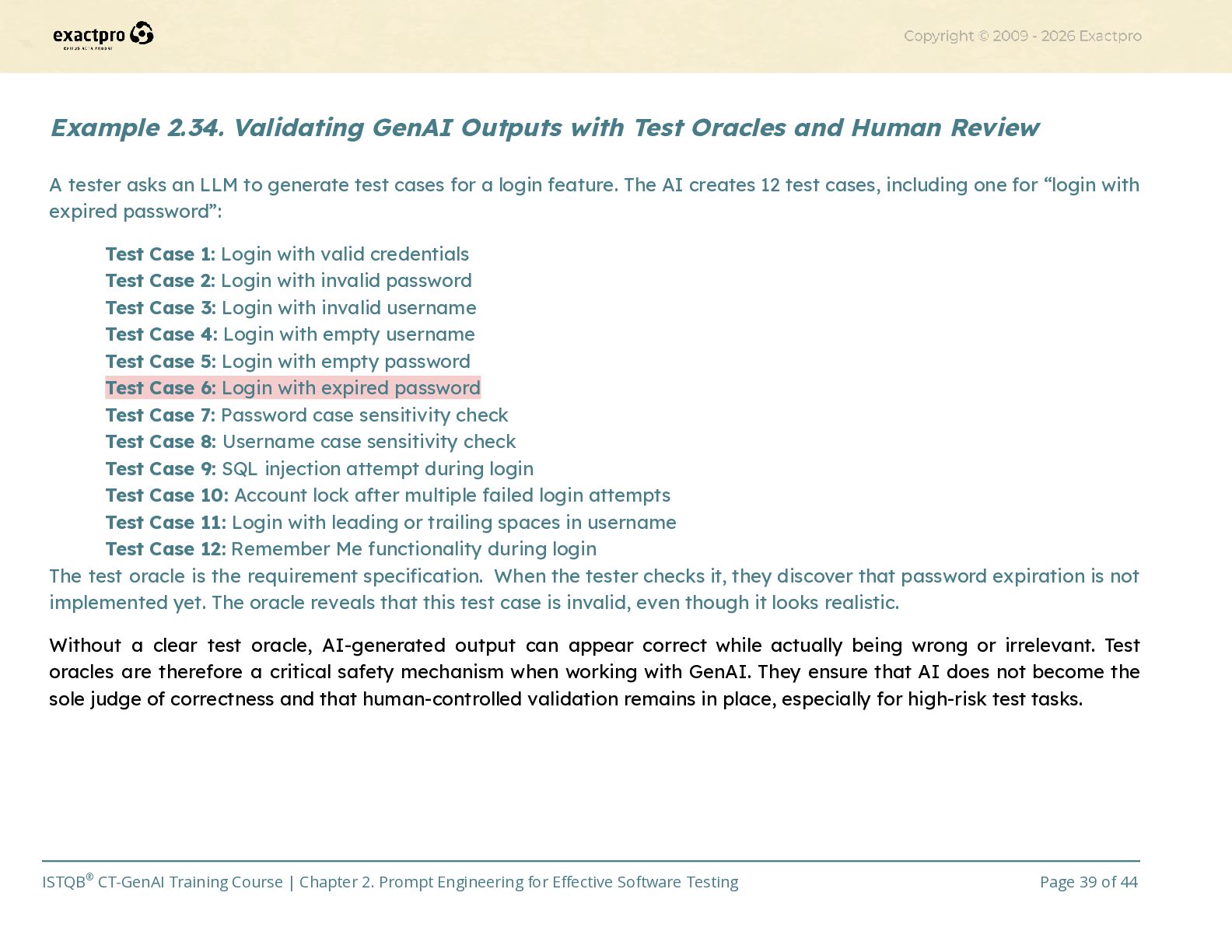
  39. Example 2.34. Validating GenAI Outputs with Test Oracles and Human

    Review A tester asks an LLM to generate test cases for a login feature. The AI creates 12 test cases, including one for “login with expired password”: Test Case 1: Login with valid credentials Test Case 2: Login with invalid password Test Case 3: Login with invalid username Test Case 4: Login with empty username Test Case 5: Login with empty password Test Case 6: Login with expired password Test Case 7: Password case sensitivity check Test Case 8: Username case sensitivity check Test Case 9: SQL injection attempt during login Test Case 10: Account lock after multiple failed login attempts Test Case 11: Login with leading or trailing spaces in username Test Case 12: Remember Me functionality during login The test oracle is the requirement specification. When the tester checks it, they discover that password expiration is not implemented yet. The oracle reveals that this test case is invalid, even though it looks realistic. Without a clear test oracle, AI-generated output can appear correct while actually being wrong or irrelevant. Test oracles are therefore a critical safety mechanism when working with GenAI. They ensure that AI does not become the sole judge of correctness and that human-controlled validation remains in place, especially for high-risk test tasks. ISTQB® CT-GenAI Training Course | Chapter 2. Prompt Engineering for Effective Software Testing Page 39 of 44
  40. 2.3.2 Techniques for Evaluating and Iteratively Refining Prompts (K2) Once

    metrics are defined (accuracy, precision, recall, etc.), testers can actively improve GenAI performance by applying structured techniques for evaluating and refining prompts. These techniques help teams transform an initial, imperfect prompt into one that produces reliable, consistent, and high-quality outputs. Below are the key techniques that support prompt refinement and continuous improvement. •​ Iterative prompt modification. Start with a basic prompt, review the AI’s output, and then adjust the prompt based on what was missing or unclear. This cycle repeats until the results meet the required quality. This refinement might include adding context, clarifying terminology, narrowing the scope or specifying the output format •​ A/B testing of prompts. Create two or more versions of a prompt and compare their outputs using predefined metrics (e.g., accuracy, precision, or diversity). Basically, run two prompt versions head-to-head and keep the winner. •​ Output analysis. Carefully review the AI’s output and check for inaccuracies, contradictions, missing test conditions, misinterpretations of the requirements and overly generic or repetitive cases. This analysis helps testers understand why the prompt failed and how to refine it. Example 2.35. Refining Prompts Through Iterative Evaluation and Output Analysis If the AI repeatedly misinterprets a requirement about “maximum 50 users,” it may need more explicit constraints or examples in the prompt. ISTQB® CT-GenAI Training Course | Chapter 2. Prompt Engineering for Effective Software Testing Page 40 of 44
  41. •​ Integrate user feedback. Collect input from testers or stakeholders

    who use the AI-generated artefacts. They can highlight unclear steps, missing details, formatting issues, unnecessary complexity and inconsistencies with team standards. This human feedback helps refine prompts so that the output better supports real-world testing tasks. Example 2.36. Using User Feedback to Improve AI-Generated Test Cases If testers say the generated test cases are too long or don’t include negative scenarios, then prompts can be updated accordingly. •​ Adjust prompt length and specificity. Experiment with making prompts longer/more detailed or shorter/more abstract to see which version produces better results. Sometimes more detail helps; sometimes it overwhelms the model. A longer prompt may help the AI follow strict rules or use domain-specific terminology. But at the same time, a shorter prompt may help avoid overfitting and encourage broader thinking or more diverse test ideas. By applying these techniques, test teams can improve the quality of GenAI prompts over time. This enables more consistent test artefacts, fewer repeated errors, clearer team-wide prompting practices, continuous improvement of test methodologies and the creation of shared prompt libraries to support the whole organisation. GenAI becomes not just a tool used by individuals, but a collaborative asset that grows more effective as the team learns, shares, and iterates together.​ ISTQB® CT-GenAI Training Course | Chapter 2. Prompt Engineering for Effective Software Testing Page 41 of 44
  42. Key Takeaways – 2.3 •​ GenAI outputs should be evaluated

    using metrics such as accuracy, precision, recall, relevance, diversity, execution success rate, and time efficiency •​ Test oracles such as requirements, business rules, verified test cases, and expert judgment help validate AI-generated outputs and reduce risks •​ Prompt refinement techniques such as iterative modification, A/B testing, output analysis, and user feedback improve the quality and consistency of AI responses​ Reflection – 2.3 1.​ How could teams build and maintain shared prompt libraries to improve consistency across projects? 2.​ Which evaluation metrics would be most important when assessing AI-generated test artefacts in your projects, and why? 3.​ How can continuous feedback and refinement improve the long-term effectiveness of GenAI in testing workflows?​ ISTQB® CT-GenAI Training Course | Chapter 2. Prompt Engineering for Effective Software Testing Page 42 of 44
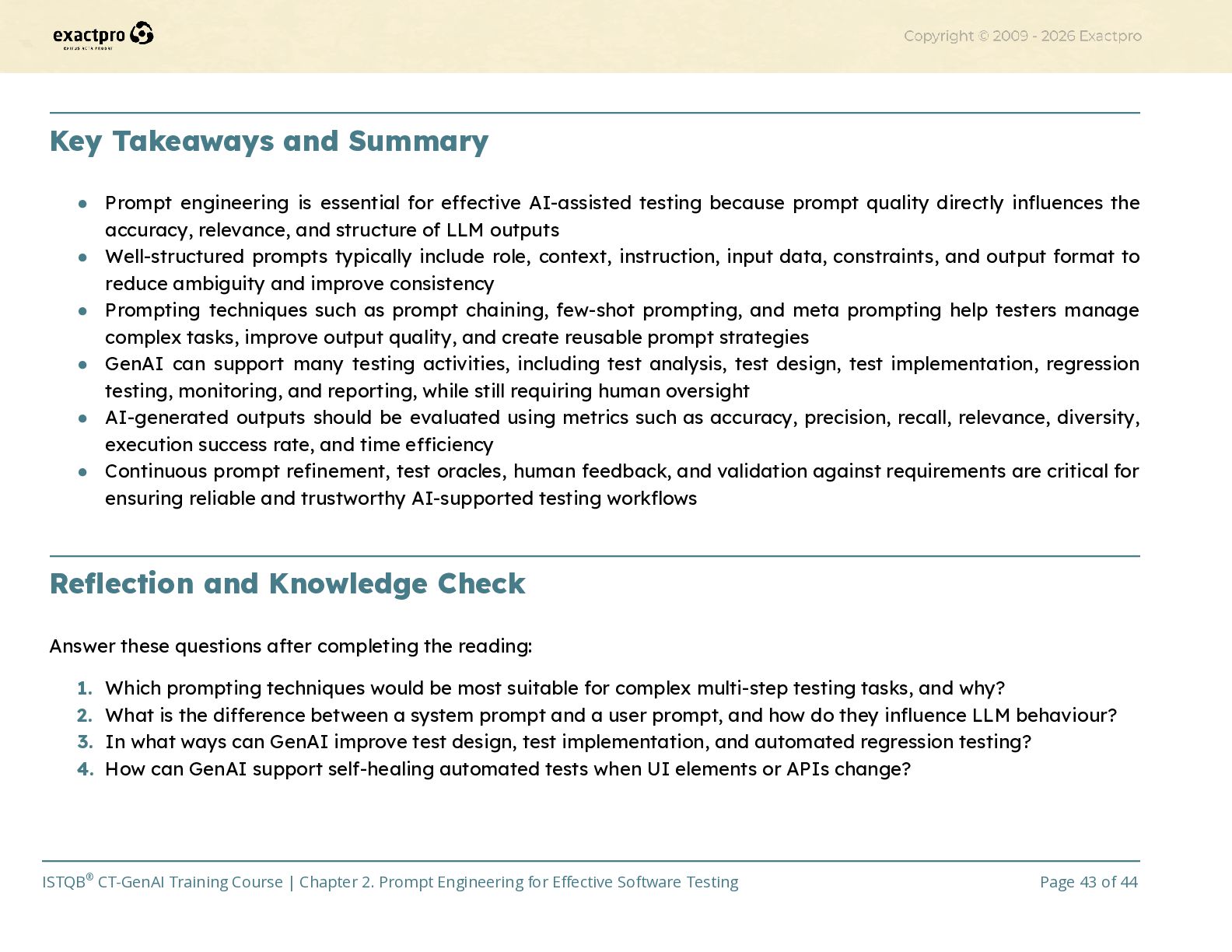
  43. Key Takeaways and Summary •​ Prompt engineering is essential for

    effective AI-assisted testing because prompt quality directly influences the accuracy, relevance, and structure of LLM outputs •​ Well-structured prompts typically include role, context, instruction, input data, constraints, and output format to reduce ambiguity and improve consistency •​ Prompting techniques such as prompt chaining, few-shot prompting, and meta prompting help testers manage complex tasks, improve output quality, and create reusable prompt strategies •​ GenAI can support many testing activities, including test analysis, test design, test implementation, regression testing, monitoring, and reporting, while still requiring human oversight •​ AI-generated outputs should be evaluated using metrics such as accuracy, precision, recall, relevance, diversity, execution success rate, and time efficiency •​ Continuous prompt refinement, test oracles, human feedback, and validation against requirements are critical for ensuring reliable and trustworthy AI-supported testing workflows​ Reflection and Knowledge Check Answer these questions after completing the reading: 1.​ Which prompting techniques would be most suitable for complex multi-step testing tasks, and why? 2.​ What is the difference between a system prompt and a user prompt, and how do they influence LLM behaviour? 3.​ In what ways can GenAI improve test design, test implementation, and automated regression testing? 4.​ How can GenAI support self-healing automated tests when UI elements or APIs change?​ ISTQB® CT-GenAI Training Course | Chapter 2. Prompt Engineering for Effective Software Testing Page 43 of 44
  44. References •​ ISTQB® Certified Tester Specialist Level Testing with Generative

    AI (CT-GenAI) Syllabus Version 1.1, 2026,​ https://istqb.org/?sdm_process_download=1&download_id=6295 (accessed May 2026)​ Feedback and Evaluation Learner feedback is collected to support continuous improvement of delivery and materials. Understanding is evaluated through: •​ Chapter quiz covering key concepts from this chapter •​ Q&A session to clarify questions arising from the activities and quiz ISTQB® CT-GenAI Training Course | Chapter 2. Prompt Engineering for Effective Software Testing Page 44 of 44