Founder Dynamatik. We craft beautiful mobile and web apps. • On the tablet team at Kobo • Node.js Developer for 2 years • Find me blogging at FaisalAbid.com • Tweeting @FaisalAbid Attr.-NonCommercial-ShareAlike 3.0 Unported (CC BY-NC-SA 3.0)
run JS on the server side. • How? Uses Google’s V8 Engine • V8 is built in C. • V8 is the fastest JS engine on the planet! • Great way to build modern web apps in JS on both client and server side! Attr.-NonCommercial-ShareAlike 3.0 Unported (CC BY-NC-SA 3.0)
• Chat servers, Analytic servers & Crazy fast backends • Socket.io library is a wicked way to build real time apps • Seriously, anything you want. • Build a social network! LinkedIn, Dropbox all using Node.js Attr.-NonCommercial-ShareAlike 3.0 Unported (CC BY-NC-SA 3.0)
but • Node.js is not a web framework. i.e Sinatra • Modules for Node.js make it into a web framework. I.e Express • Node.js is not Multi-threaded. • A single thread to rule them all. Attr.-NonCommercial-ShareAlike 3.0 Unported (CC BY-NC-SA 3.0)
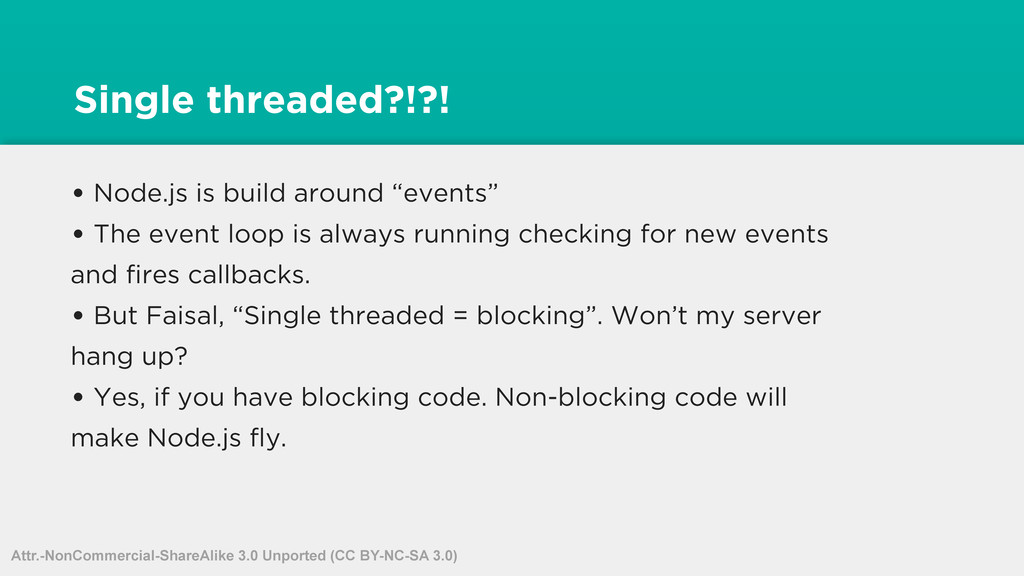
event loop is always running checking for new events and fires callbacks. • But Faisal, “Single threaded = blocking”. Won’t my server hang up? • Yes, if you have blocking code. Non-blocking code will make Node.js fly. Attr.-NonCommercial-ShareAlike 3.0 Unported (CC BY-NC-SA 3.0)
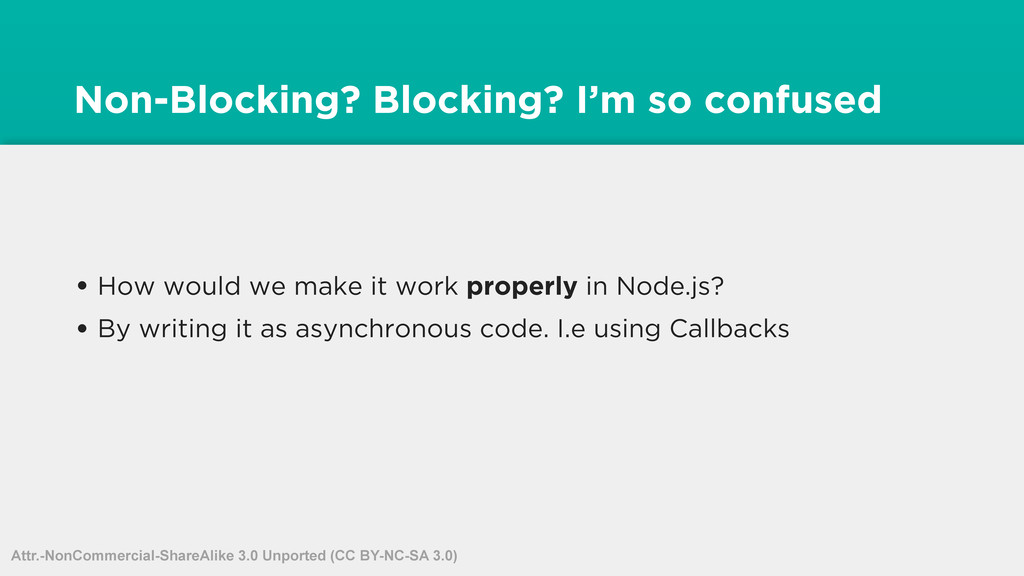
too. • You are use to writing blocking code. I.e PHP, CF, any server language thats multi-threaded. Attr.-NonCommercial-ShareAlike 3.0 Unported (CC BY-NC-SA 3.0)
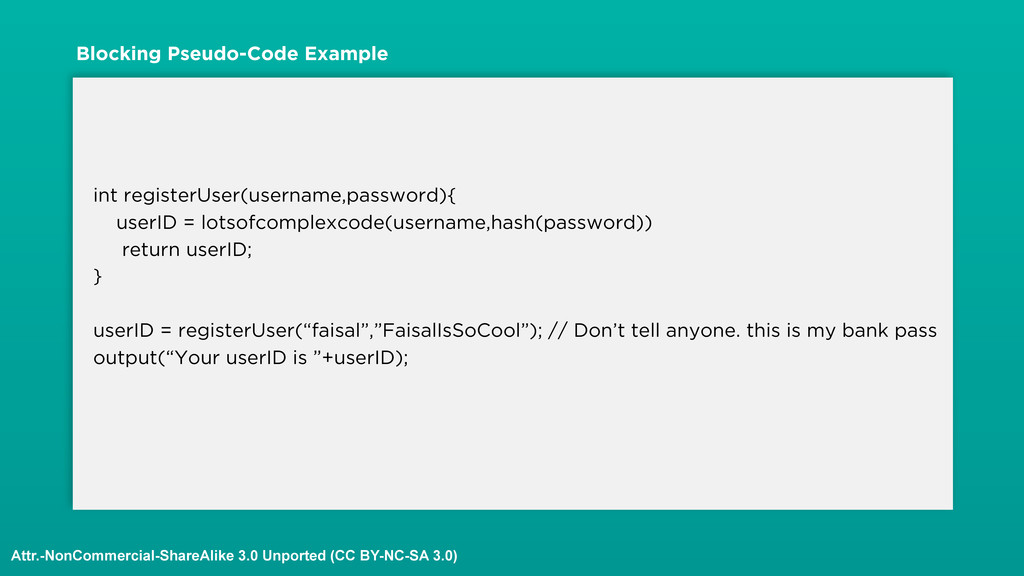
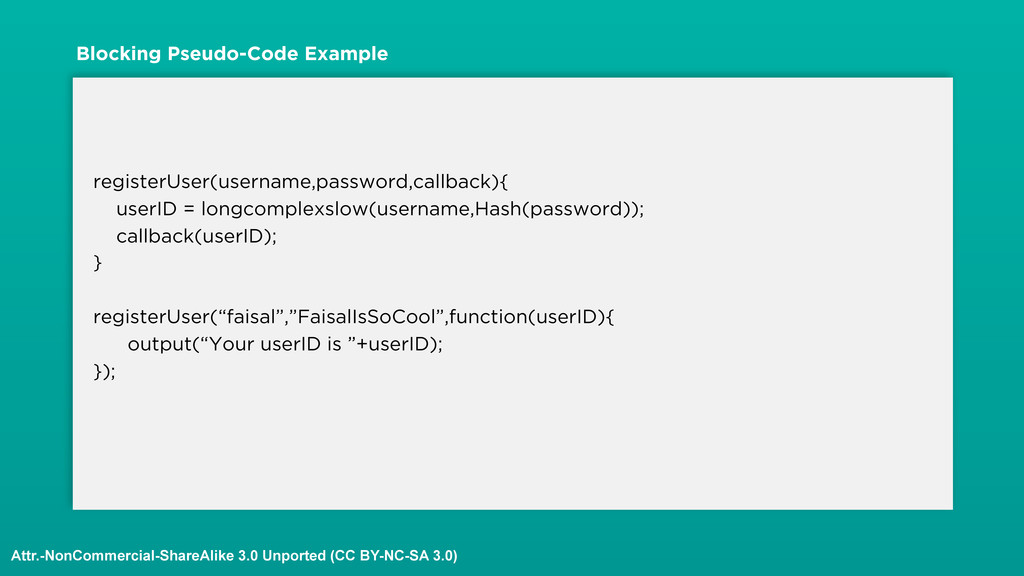
registerUser(“faisal”,”FaisalIsSoCool”); // Don’t tell anyone. this is my bank pass output(“Your userID is ”+userID); Blocking Pseudo-Code Example Attr.-NonCommercial-ShareAlike 3.0 Unported (CC BY-NC-SA 3.0)
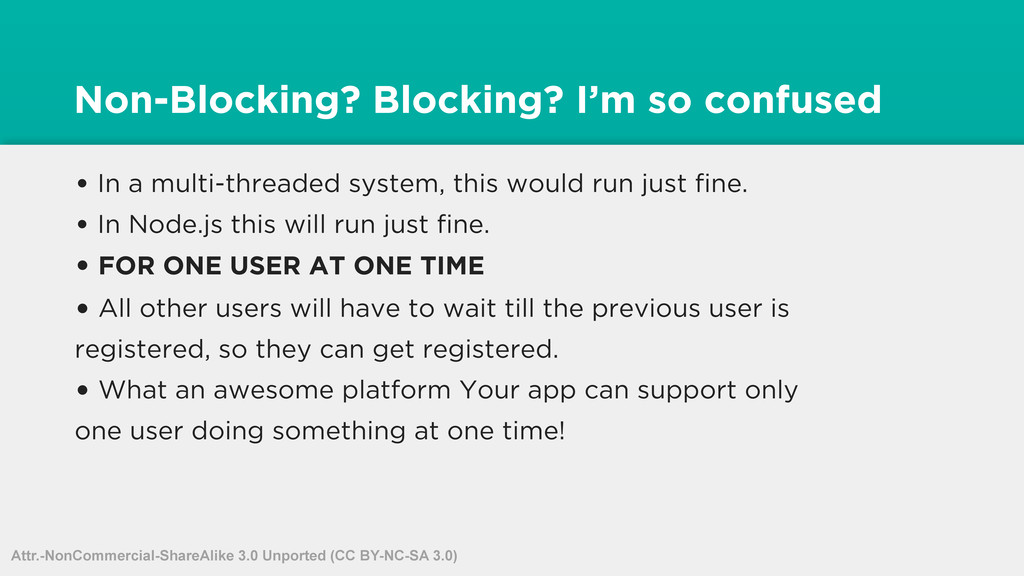
this would run just fine. • In Node.js this will run just fine. • FOR ONE USER AT ONE TIME • All other users will have to wait till the previous user is registered, so they can get registered. • What an awesome platform Your app can support only one user doing something at one time! Attr.-NonCommercial-ShareAlike 3.0 Unported (CC BY-NC-SA 3.0)
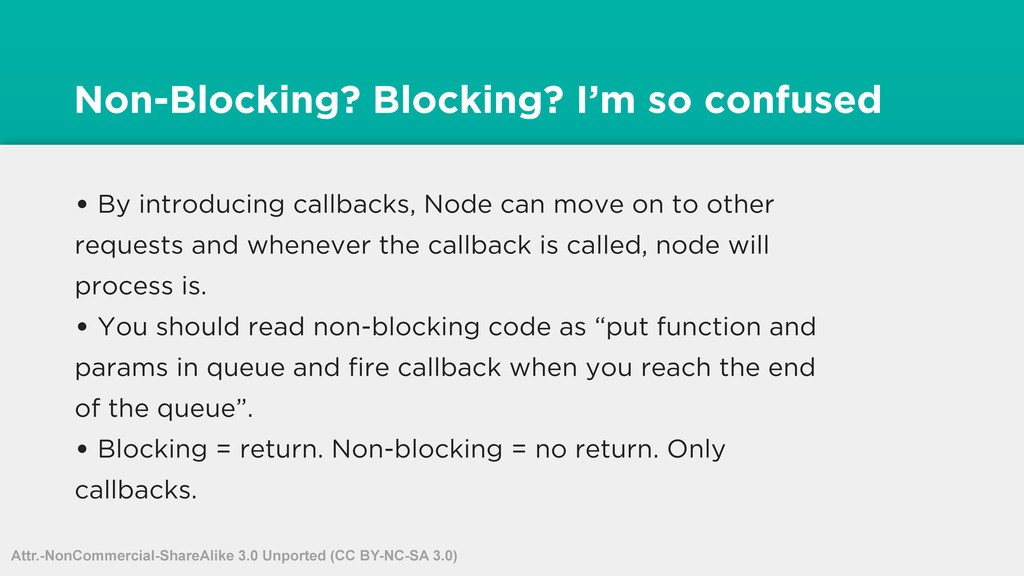
can move on to other requests and whenever the callback is called, node will process is. • You should read non-blocking code as “put function and params in queue and fire callback when you reach the end of the queue”. • Blocking = return. Non-blocking = no return. Only callbacks. Attr.-NonCommercial-ShareAlike 3.0 Unported (CC BY-NC-SA 3.0)
keeps on running. Checking for new events, so it can call callbacks for those events. • Lets take a look at an example. Attr.-NonCommercial-ShareAlike 3.0 Unported (CC BY-NC-SA 3.0)
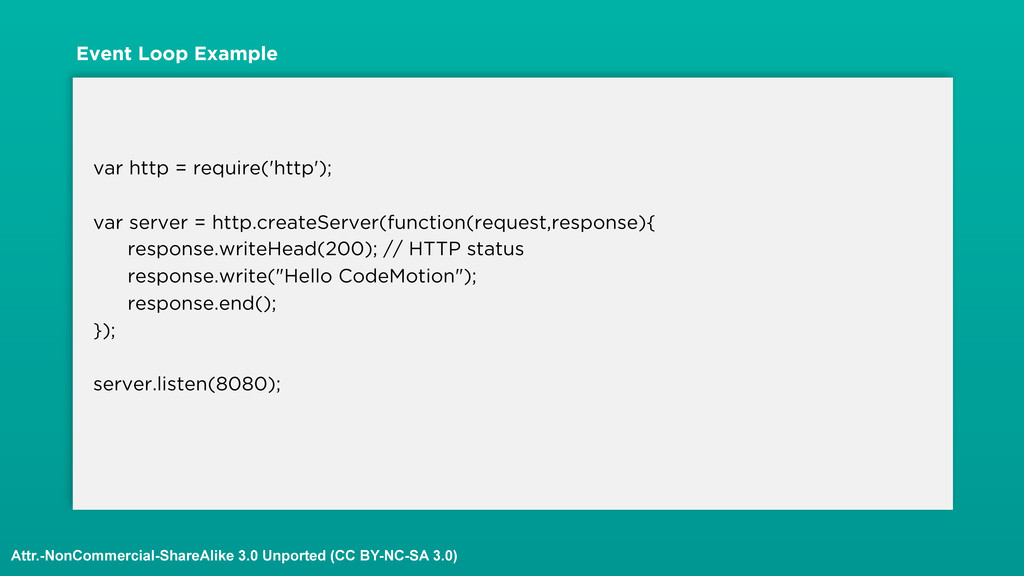
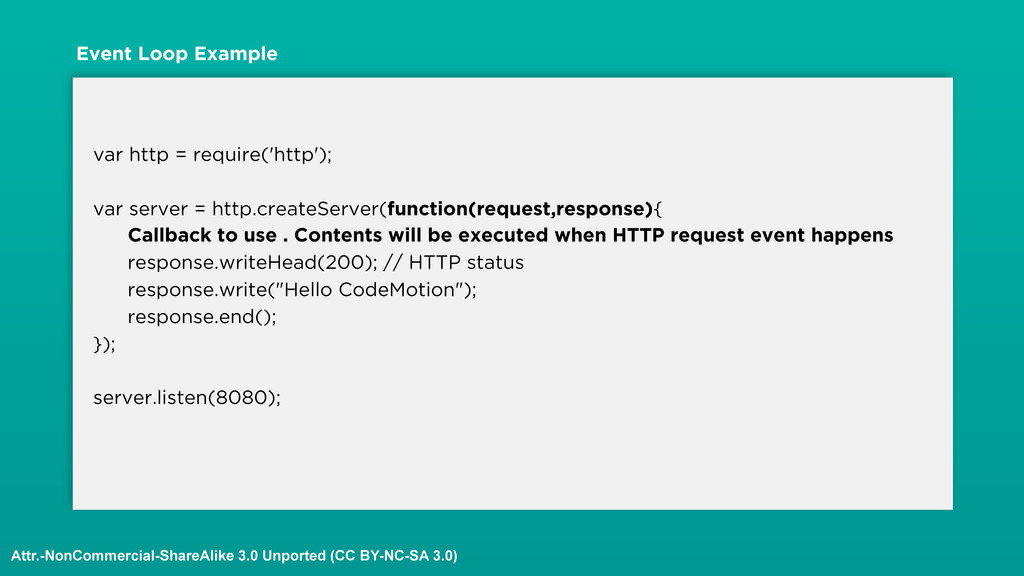
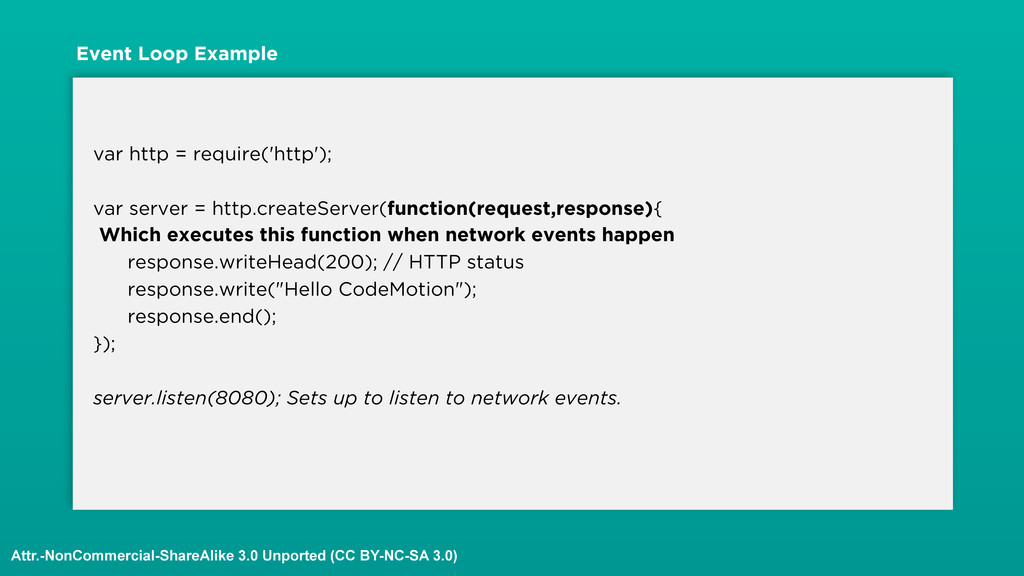
use . Contents will be executed when HTTP request event happens response.writeHead(200); // HTTP status response.write("Hello CodeMotion"); response.end(); }); server.listen(8080); Event Loop Example Attr.-NonCommercial-ShareAlike 3.0 Unported (CC BY-NC-SA 3.0)
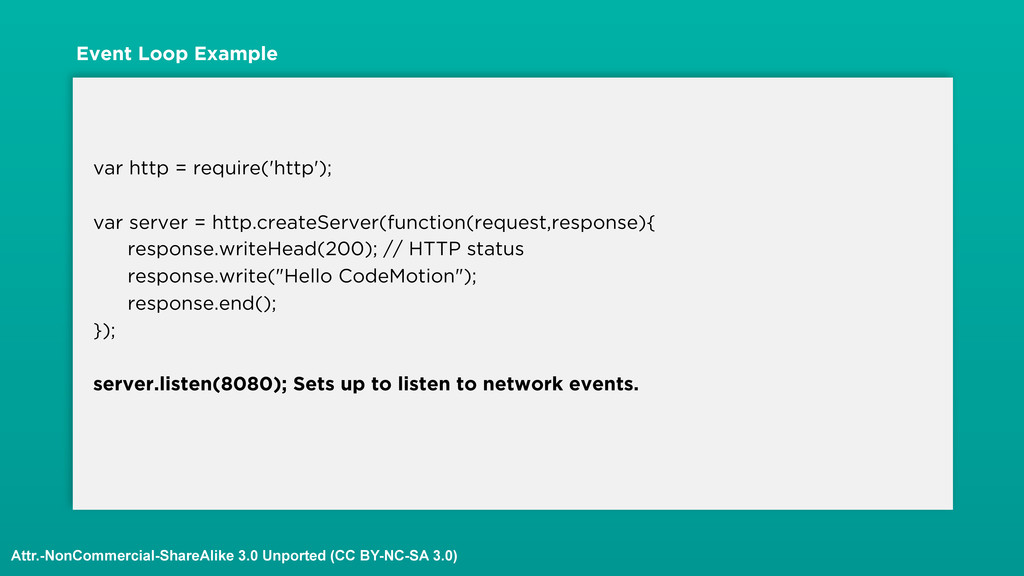
HTTP status response.write("Hello CodeMotion"); response.end(); }); server.listen(8080); Sets up to listen to network events. Event Loop Example Attr.-NonCommercial-ShareAlike 3.0 Unported (CC BY-NC-SA 3.0)
this function when network events happen response.writeHead(200); // HTTP status response.write("Hello CodeMotion"); response.end(); }); server.listen(8080); Sets up to listen to network events. Event Loop Example Attr.-NonCommercial-ShareAlike 3.0 Unported (CC BY-NC-SA 3.0)
keeps on running. Checking for new events, so it can call callbacks for those events. • Events are processed one at a time. Callbacks are fired for those events. • This makes Node.js awesome. Setup events to listen to, and Node.js will do other things till that event comes in. Attr.-NonCommercial-ShareAlike 3.0 Unported (CC BY-NC-SA 3.0)
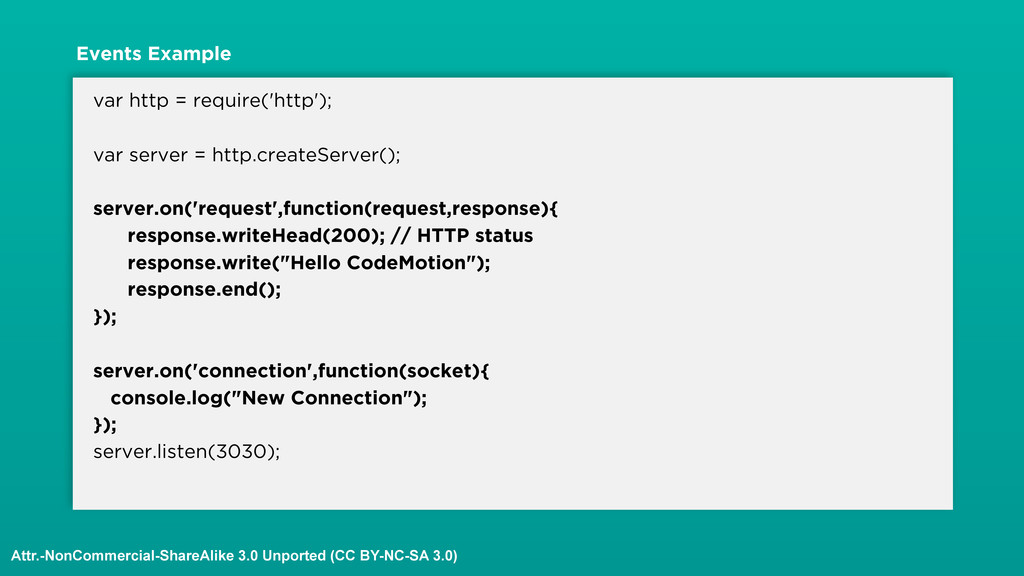
an HTTP request event is fired, our callback is called. • Node.js has a LOT of events. Lots and Lots! • Lets see some in action Attr.-NonCommercial-ShareAlike 3.0 Unported (CC BY-NC-SA 3.0)
an HTTP request event is fired, our callback is called. • We rewrote our previous example to using events only. Gives us finer control of whats going on with the HTTP server. Attr.-NonCommercial-ShareAlike 3.0 Unported (CC BY-NC-SA 3.0)
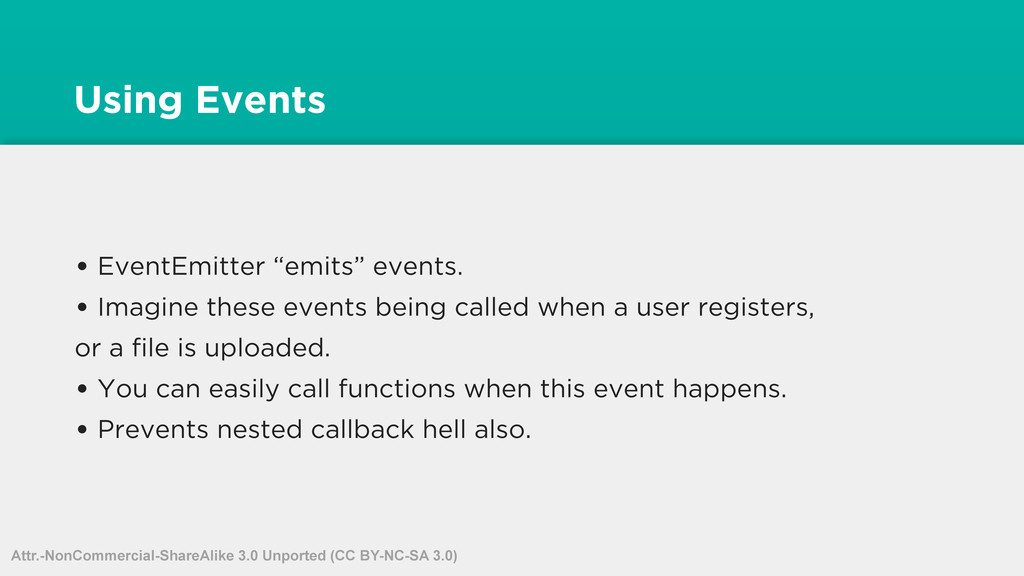
being called when a user registers, or a file is uploaded. • You can easily call functions when this event happens. • Prevents nested callback hell also. Attr.-NonCommercial-ShareAlike 3.0 Unported (CC BY-NC-SA 3.0)
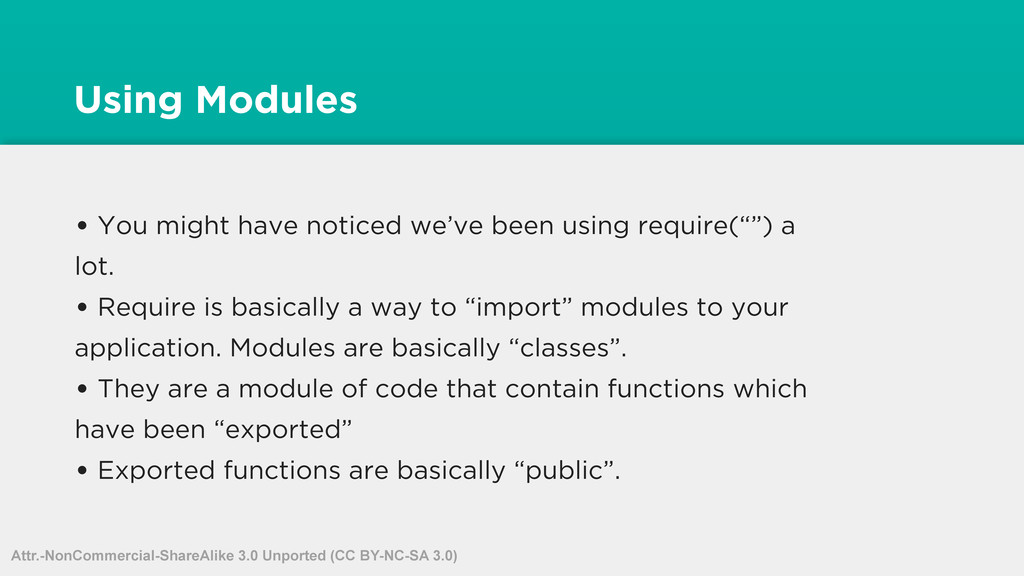
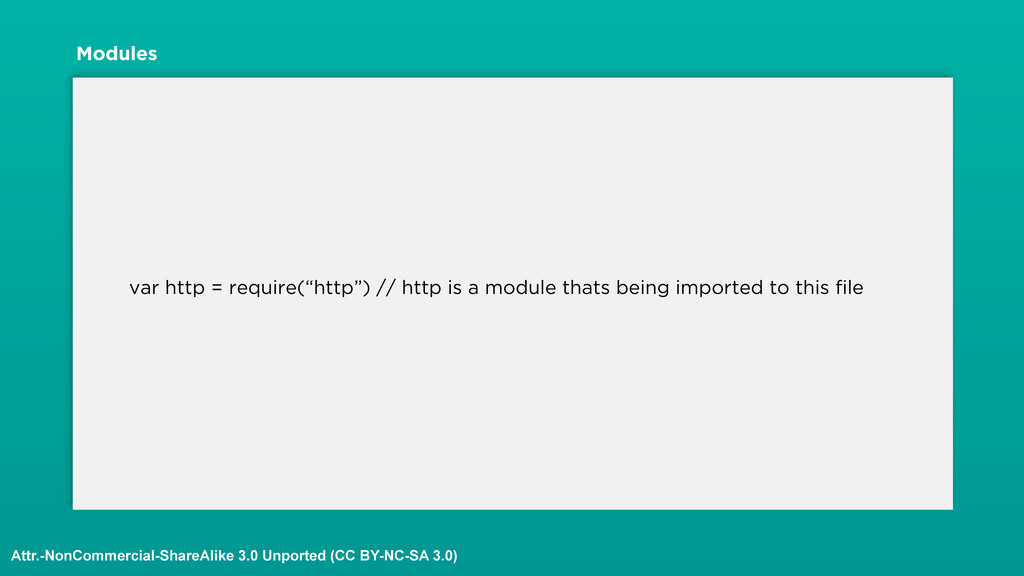
require(“”) a lot. • Require is basically a way to “import” modules to your application. Modules are basically “classes”. • They are a module of code that contain functions which have been “exported” • Exported functions are basically “public”. Attr.-NonCommercial-ShareAlike 3.0 Unported (CC BY-NC-SA 3.0)
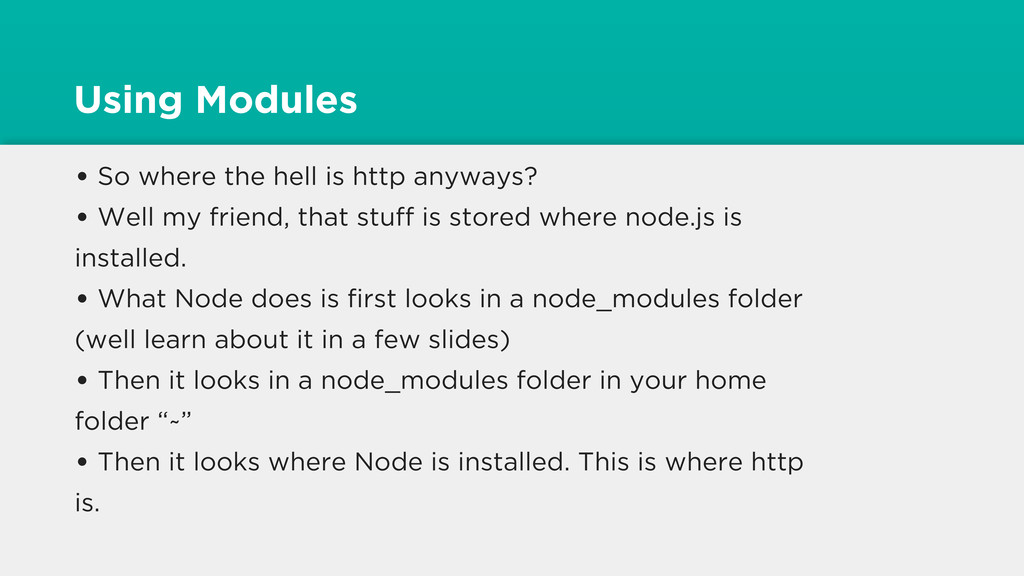
• Well my friend, that stuff is stored where node.js is installed. • What Node does is first looks in a node_modules folder (well learn about it in a few slides) • Then it looks in a node_modules folder in your home folder “~” • Then it looks where Node is installed. This is where http is.
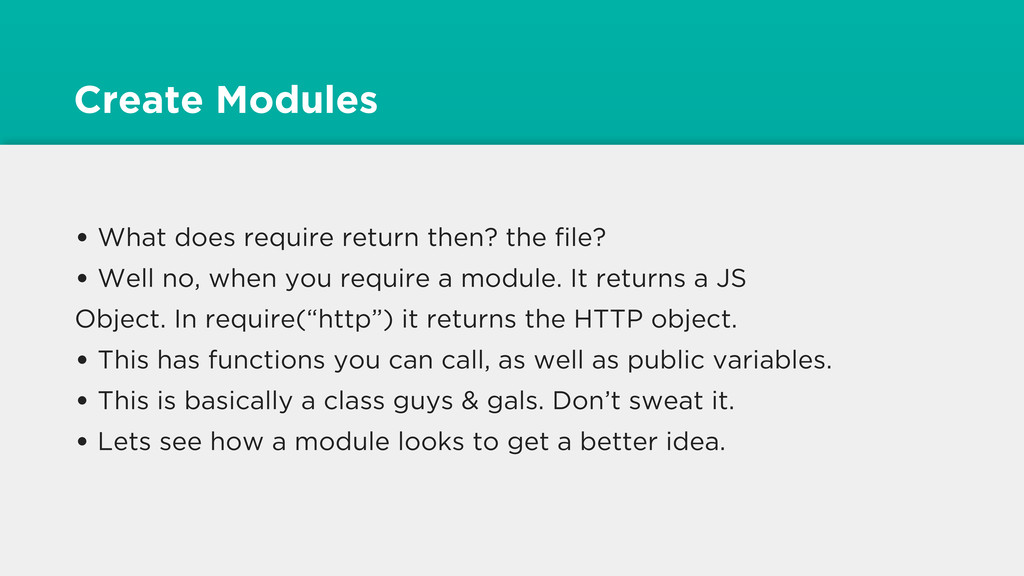
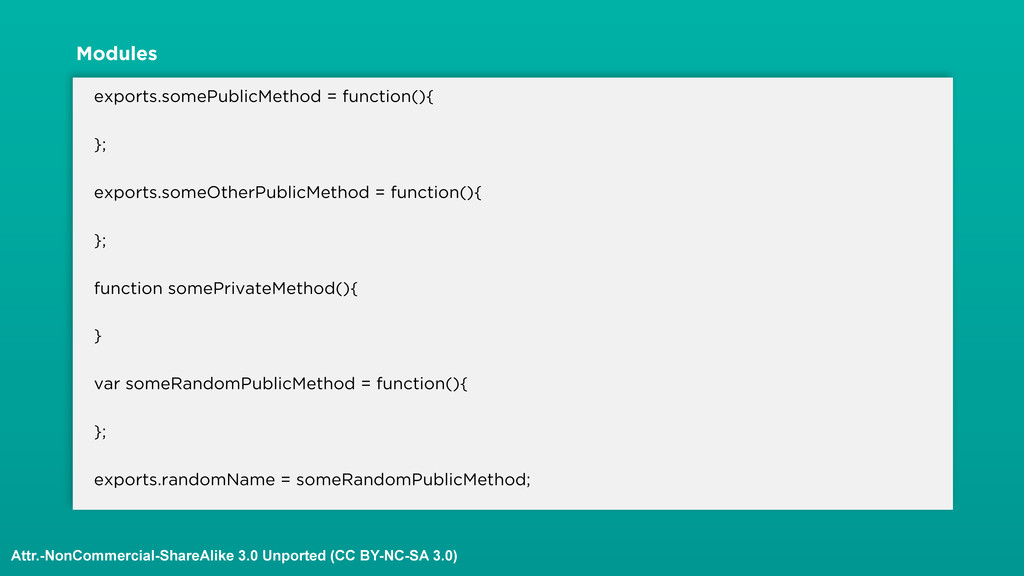
• Well no, when you require a module. It returns a JS Object. In require(“http”) it returns the HTTP object. • This has functions you can call, as well as public variables. • This is basically a class guys & gals. Don’t sweat it. • Lets see how a module looks to get a better idea.
in exports. • If a method is not in exports, then it is private. • This is a great way to do OOP. • Modules can require modules and have dependency hierarchies. Attr.-NonCommercial-ShareAlike 3.0 Unported (CC BY-NC-SA 3.0)
new functionality to your app. • The core of node is small and efficient. It is how it should be. • But the public “userland” support is massive and superb. • You will guaranteed use at least one third party module in a Node.js app. • Heck to run these samples, I’ve been use nodemon! Attr.-NonCommercial-ShareAlike 3.0 Unported (CC BY-NC-SA 3.0)
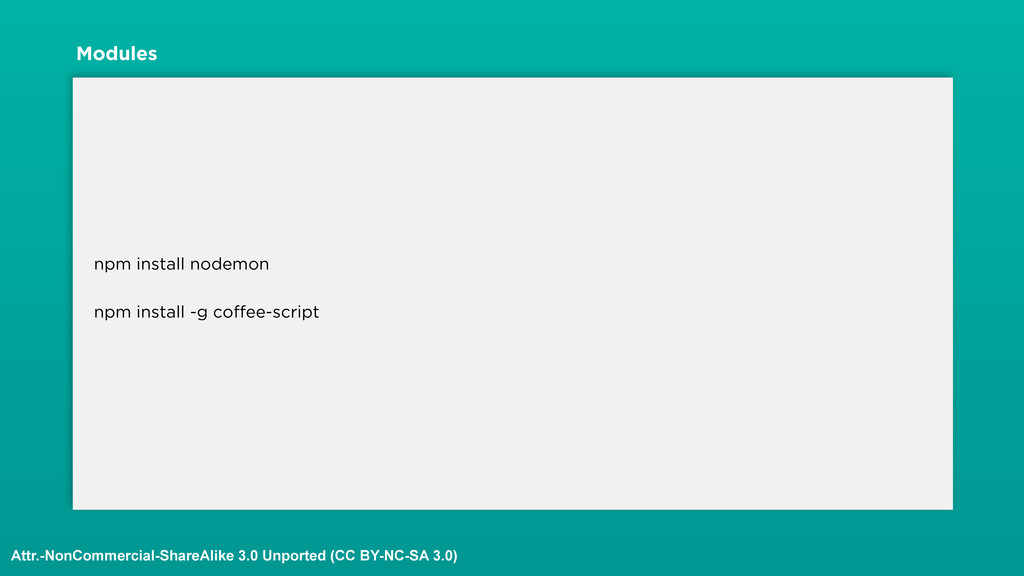
modules then? Do you download them like jar files? • Nope! You use a trusty command called “npm”. • The node package manager. • npm.org has links to every single Node.js module you want. • Lets see it in action. Attr.-NonCommercial-ShareAlike 3.0 Unported (CC BY-NC-SA 3.0)
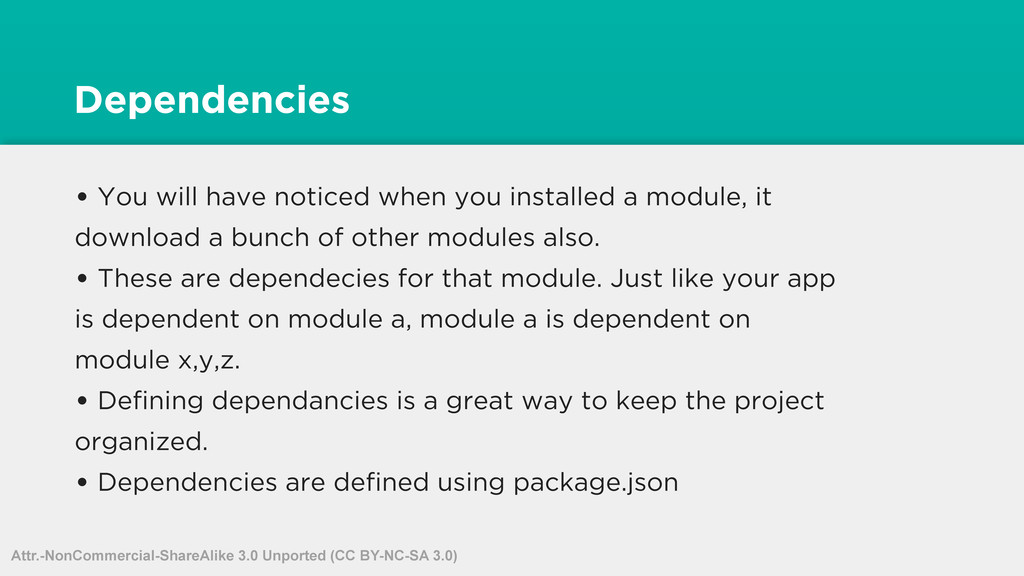
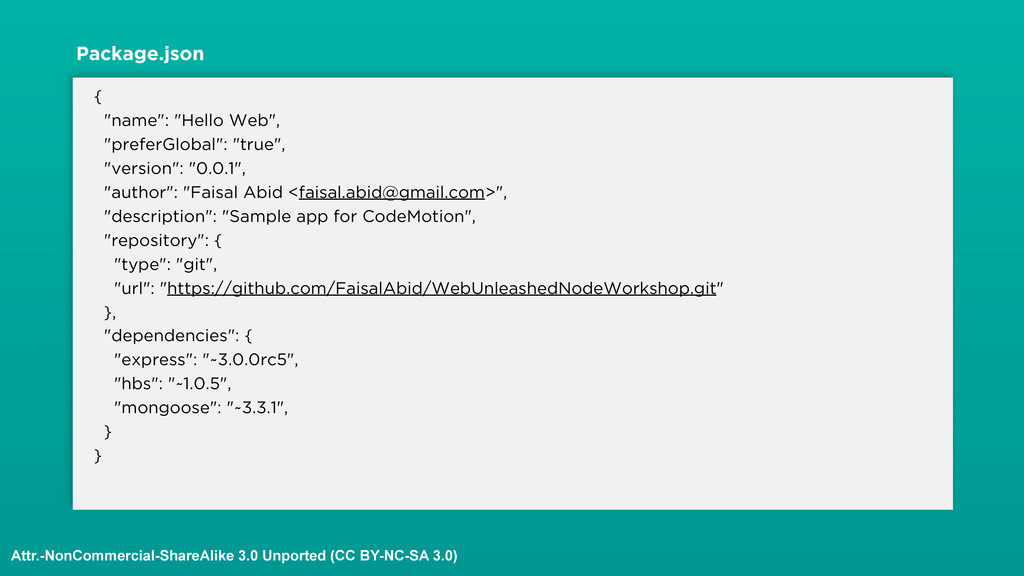
module, it download a bunch of other modules also. • These are dependecies for that module. Just like your app is dependent on module a, module a is dependent on module x,y,z. • Defining dependancies is a great way to keep the project organized. • Dependencies are defined using package.json Attr.-NonCommercial-ShareAlike 3.0 Unported (CC BY-NC-SA 3.0)
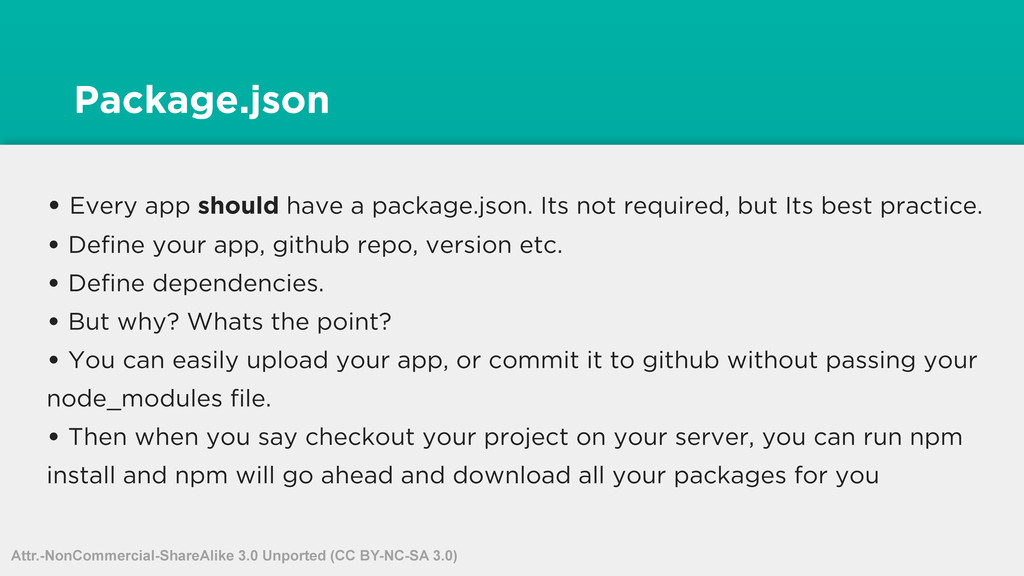
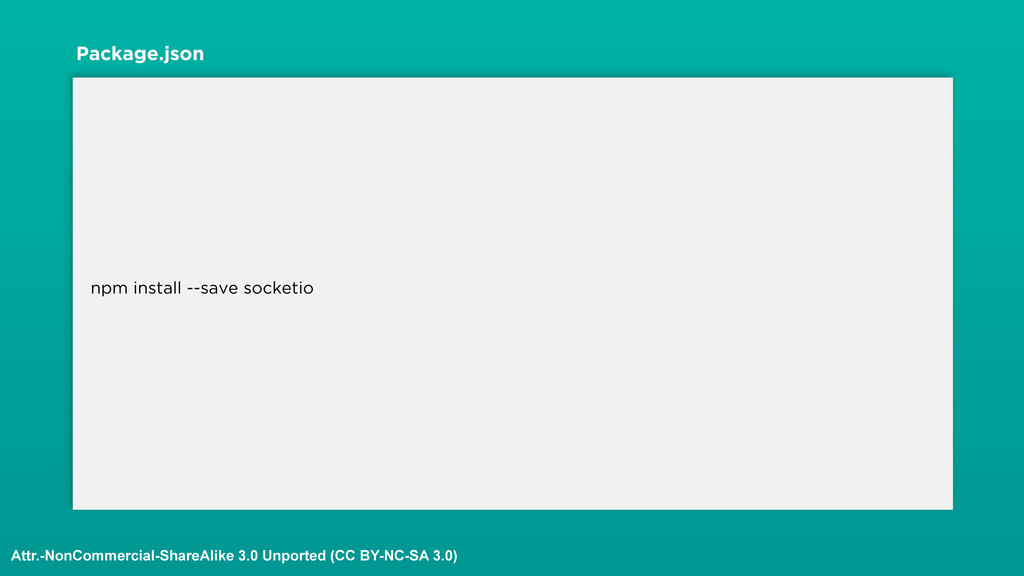
required, but Its best practice. • Define your app, github repo, version etc. • Define dependencies. • But why? Whats the point? • You can easily upload your app, or commit it to github without passing your node_modules file. • Then when you say checkout your project on your server, you can run npm install and npm will go ahead and download all your packages for you Attr.-NonCommercial-ShareAlike 3.0 Unported (CC BY-NC-SA 3.0)
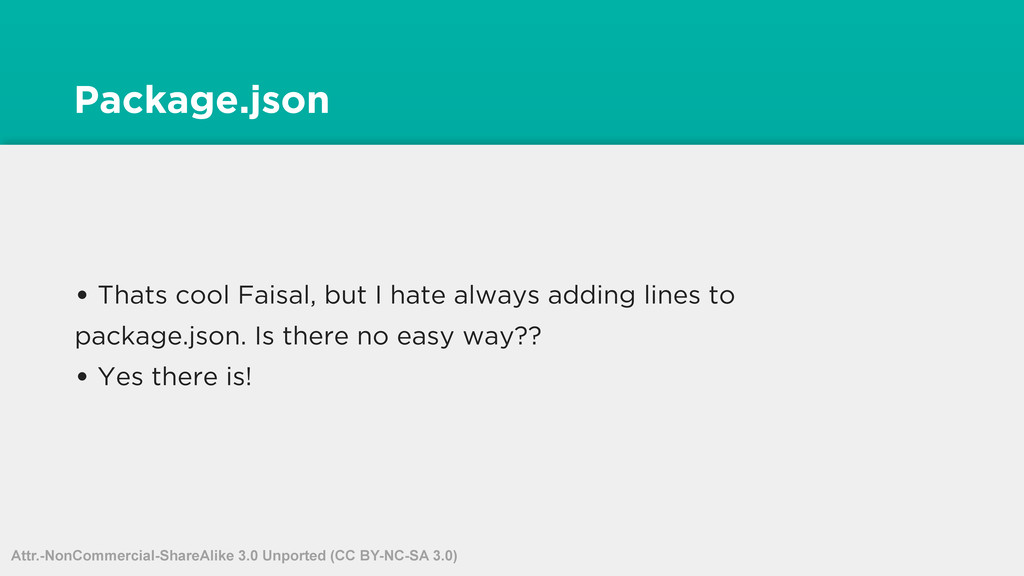
lines to package.json. Is there no easy way?? • Yes there is! • -- save flag automatically updates (not create and update) your package.json file • Remember, it only updates the file. Does not create it. If package.json doesn’t exist, then it will ignore it. Attr.-NonCommercial-ShareAlike 3.0 Unported (CC BY-NC-SA 3.0)
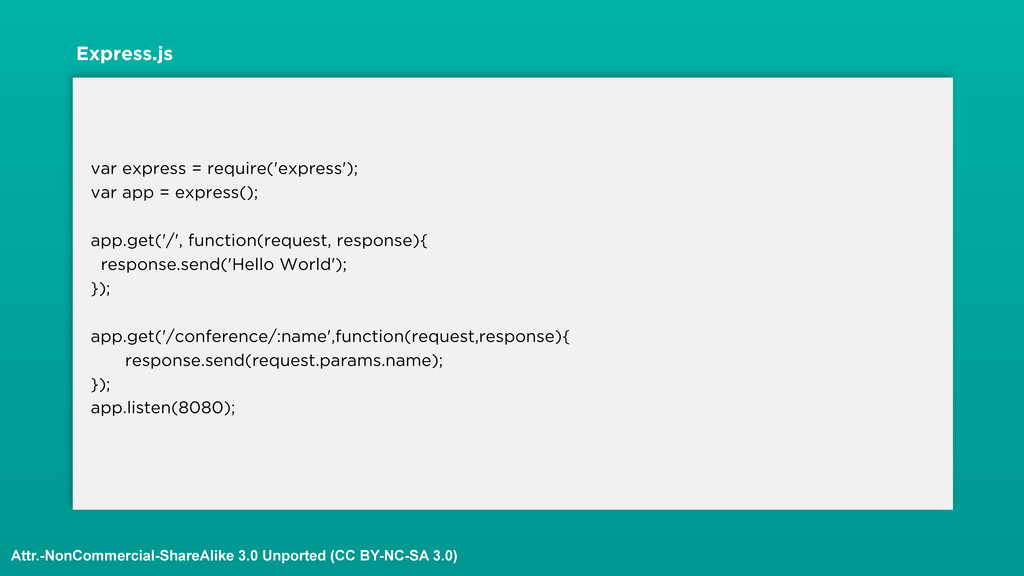
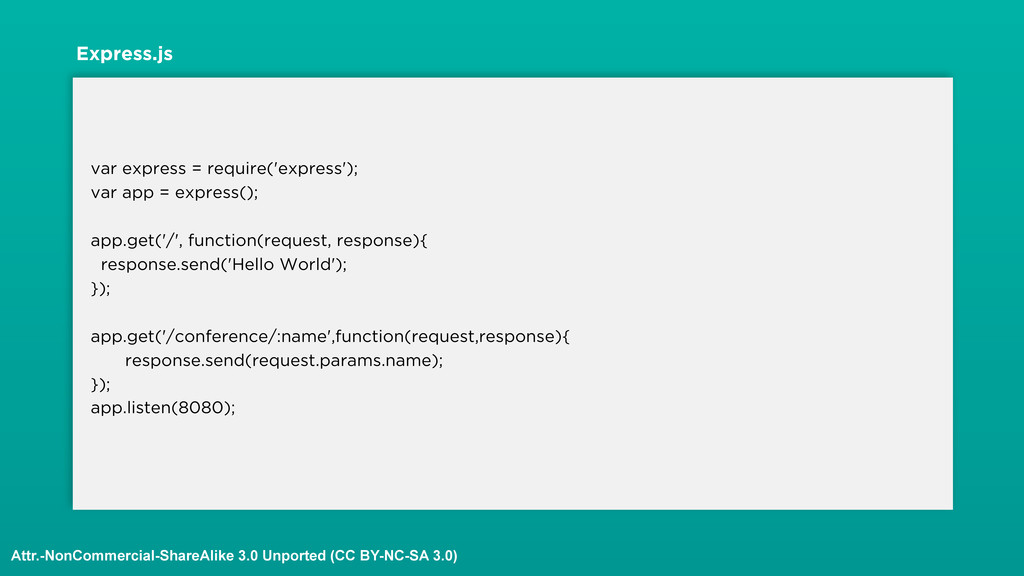
Node.js is not a web framework. • Technically thats correct, but there are awesome modules for Node that make it into a web framework. • One of the most popular modules, that you will undoubtedly use is Express.js • Its sinatra inspired. But I don’t care. I hate ruby. • Whats cool about Express is that its very poweful, very performant and most of all very very simple to use. • Lets take a look. Attr.-NonCommercial-ShareAlike 3.0 Unported (CC BY-NC-SA 3.0)
doing before. But with very little code. • Lets see how this example would look without express. Attr.-NonCommercial-ShareAlike 3.0 Unported (CC BY-NC-SA 3.0)
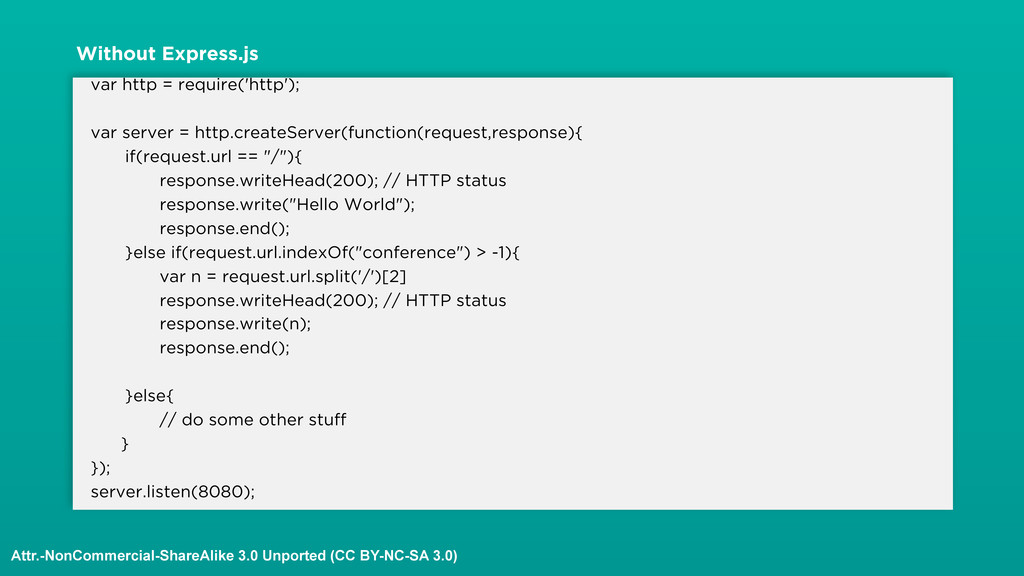
"/"){ response.writeHead(200); // HTTP status response.write("Hello World"); response.end(); }else if(request.url.indexOf("conference") > -1){ var n = request.url.split('/')[2] response.writeHead(200); // HTTP status response.write(n); response.end(); }else{ // do some other stuff } }); server.listen(8080); Without Express.js Attr.-NonCommercial-ShareAlike 3.0 Unported (CC BY-NC-SA 3.0)
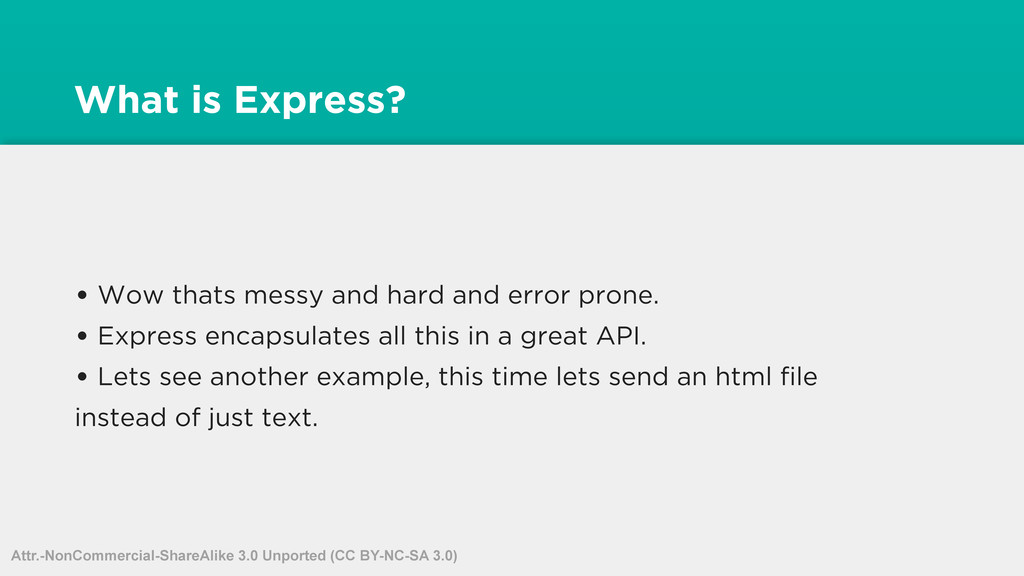
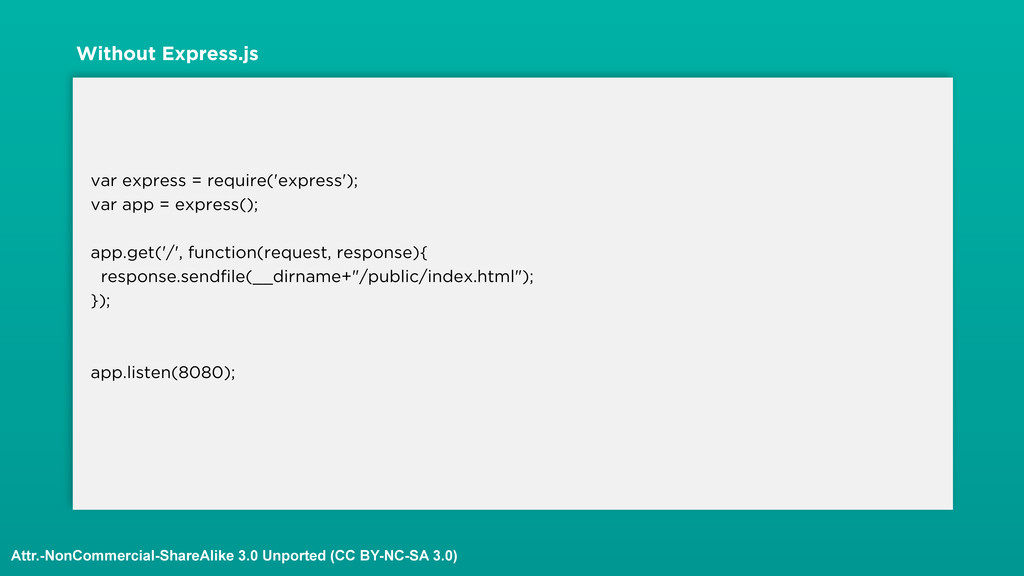
error prone. • Express encapsulates all this in a great API. • Lets see another example, this time lets send an html file instead of just text. Attr.-NonCommercial-ShareAlike 3.0 Unported (CC BY-NC-SA 3.0)
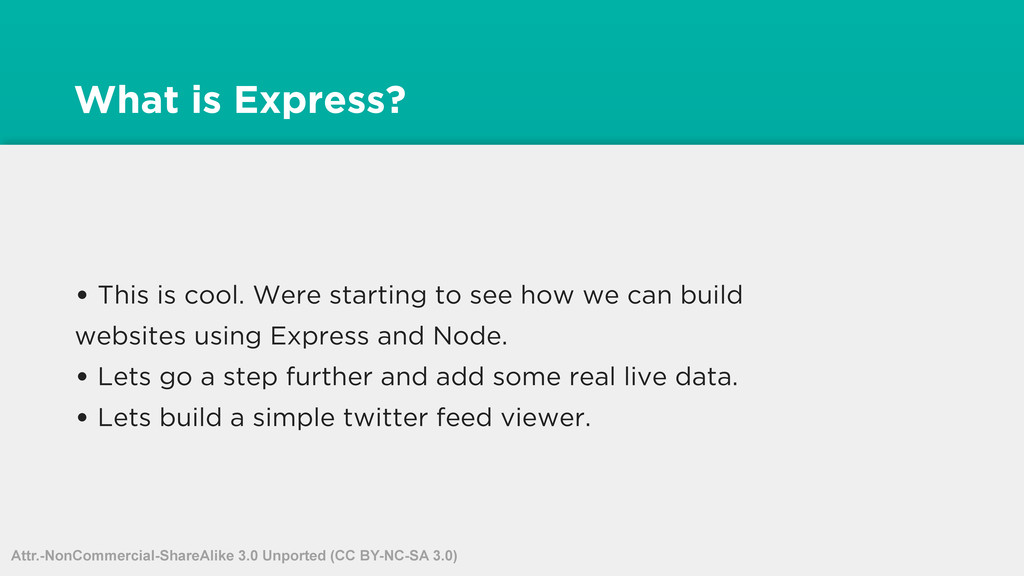
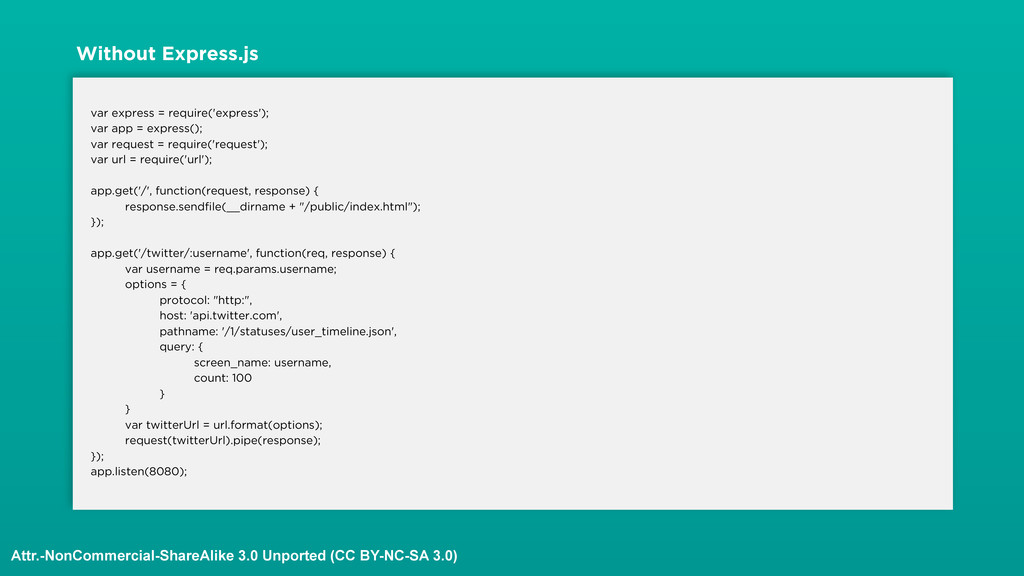
see how we can build websites using Express and Node. • Lets go a step further and add some real live data. • Lets build a simple twitter feed viewer. Attr.-NonCommercial-ShareAlike 3.0 Unported (CC BY-NC-SA 3.0)
everywhere? • Yup, You are seeing the Raw output of the data. Notice we used Pipe to pipe the request stream from twitters API to the response stream. • Lets see how we can format this properly Attr.-NonCommercial-ShareAlike 3.0 Unported (CC BY-NC-SA 3.0)
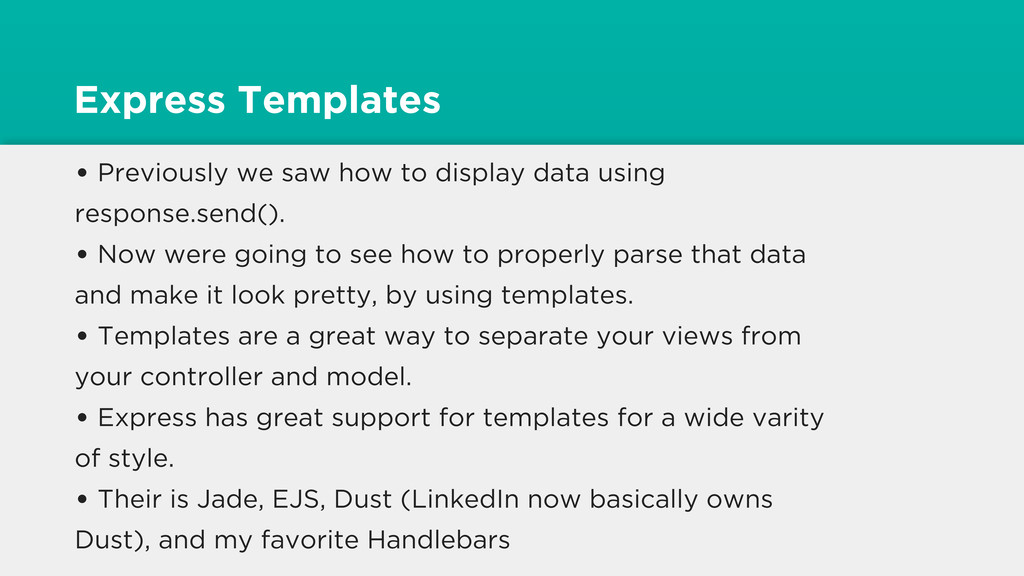
using response.send(). • Now were going to see how to properly parse that data and make it look pretty, by using templates. • Templates are a great way to separate your views from your controller and model. • Express has great support for templates for a wide varity of style. • Their is Jade, EJS, Dust (LinkedIn now basically owns Dust), and my favorite Handlebars
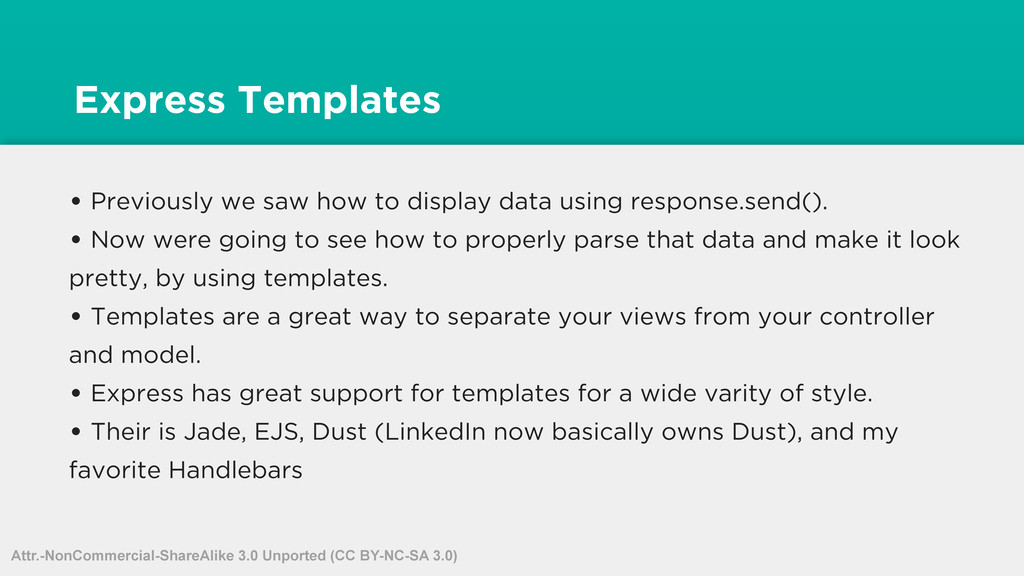
using response.send(). • Now were going to see how to properly parse that data and make it look pretty, by using templates. • Templates are a great way to separate your views from your controller and model. • Express has great support for templates for a wide varity of style. • Their is Jade, EJS, Dust (LinkedIn now basically owns Dust), and my favorite Handlebars Attr.-NonCommercial-ShareAlike 3.0 Unported (CC BY-NC-SA 3.0)
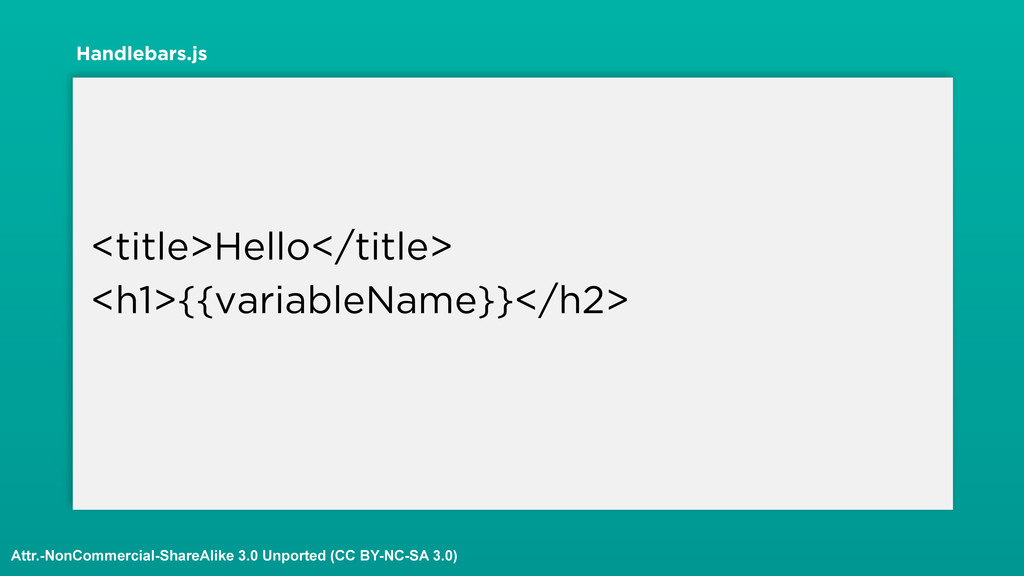
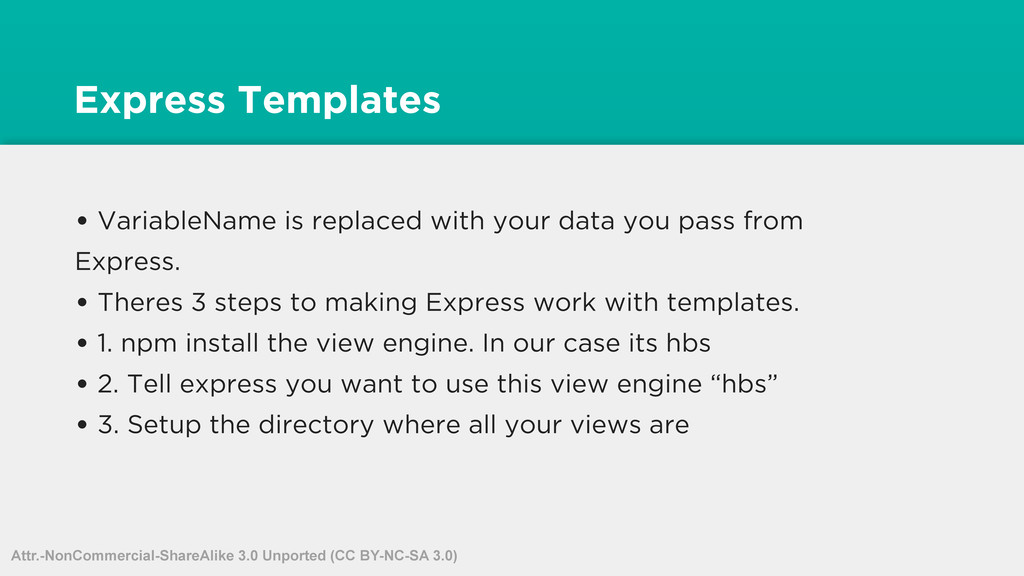
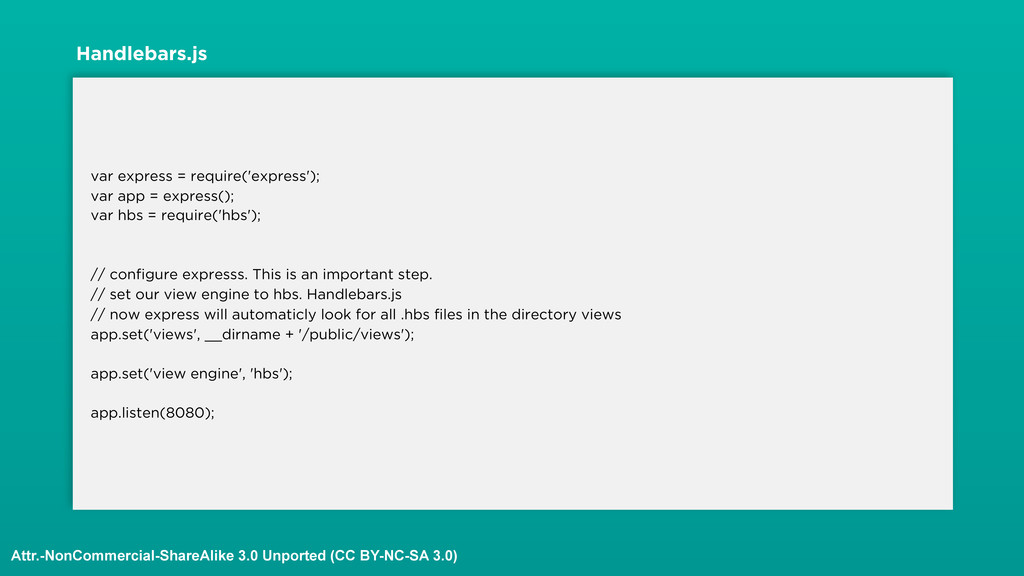
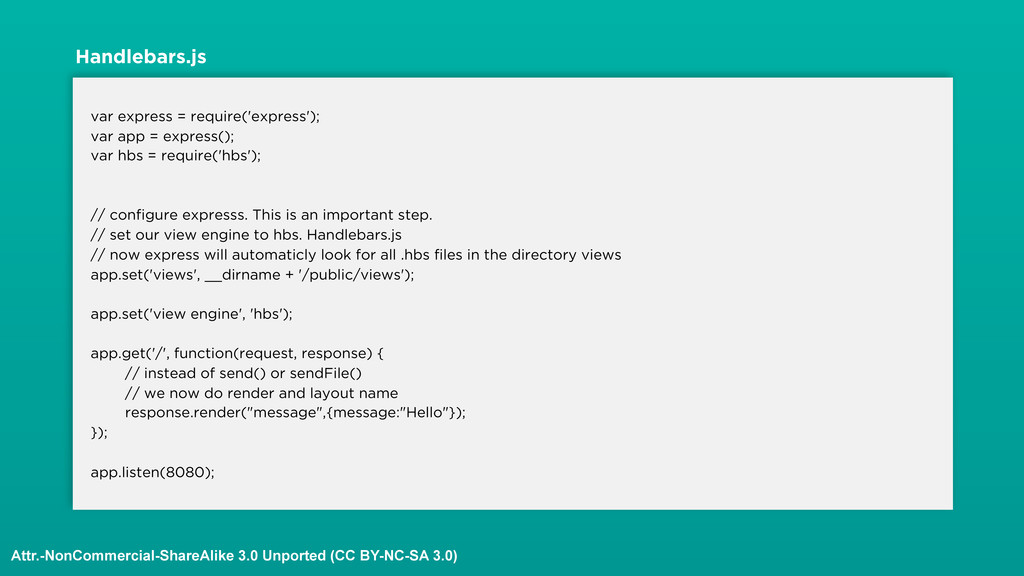
pass from Express. • Theres 3 steps to making Express work with templates. • 1. npm install the view engine. In our case its hbs • 2. Tell express you want to use this view engine “hbs” • 3. Setup the directory where all your views are Attr.-NonCommercial-ShareAlike 3.0 Unported (CC BY-NC-SA 3.0)
= require('hbs'); // configure expresss. This is an important step. // set our view engine to hbs. Handlebars.js // now express will automaticly look for all .hbs files in the directory views app.set('views', __dirname + '/public/views'); app.set('view engine', 'hbs'); app.listen(8080); Handlebars.js Attr.-NonCommercial-ShareAlike 3.0 Unported (CC BY-NC-SA 3.0)
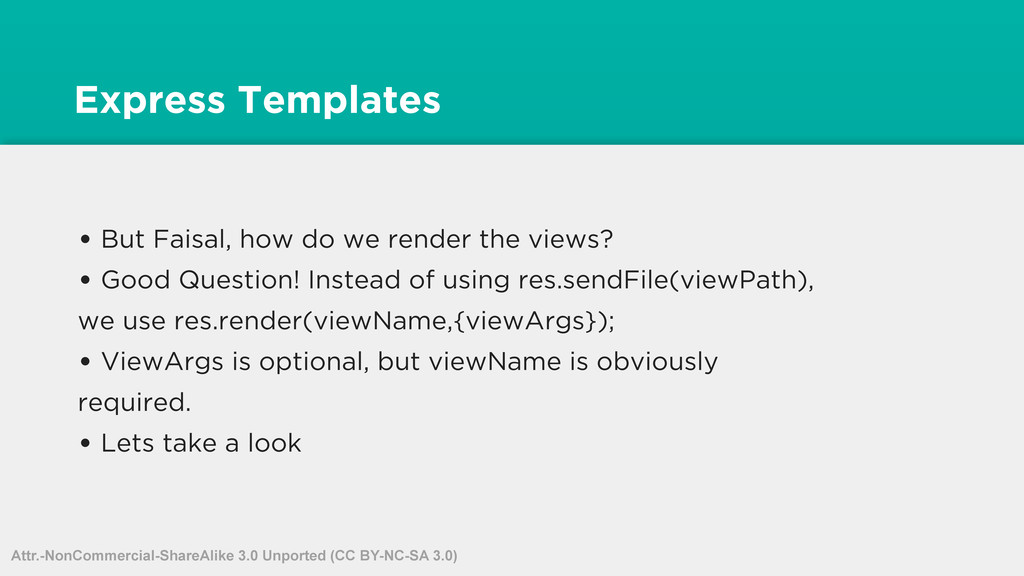
views? • Good Question! Instead of using res.sendFile(viewPath), we use res.render(viewName,{viewArgs}); • ViewArgs is optional, but viewName is obviously required. • Lets take a look Attr.-NonCommercial-ShareAlike 3.0 Unported (CC BY-NC-SA 3.0)
= require('hbs'); // configure expresss. This is an important step. // set our view engine to hbs. Handlebars.js // now express will automaticly look for all .hbs files in the directory views app.set('views', __dirname + '/public/views'); app.set('view engine', 'hbs'); app.get('/', function(request, response) { // instead of send() or sendFile() // we now do render and layout name response.render("message",{message:"Hello"}); }); app.listen(8080); Handlebars.js Attr.-NonCommercial-ShareAlike 3.0 Unported (CC BY-NC-SA 3.0)
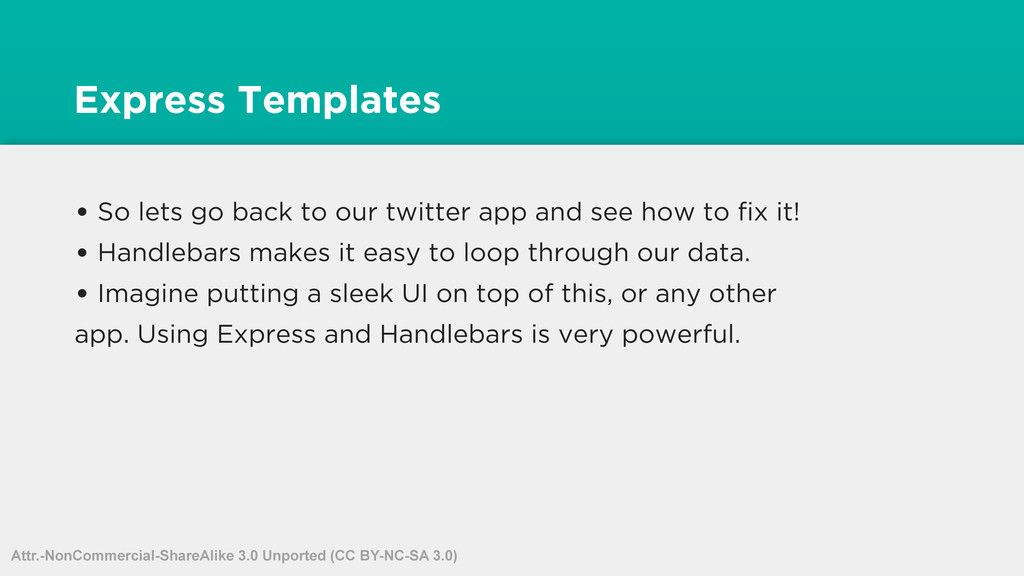
app and see how to fix it! • Handlebars makes it easy to loop through our data. • Imagine putting a sleek UI on top of this, or any other app. Using Express and Handlebars is very powerful. Attr.-NonCommercial-ShareAlike 3.0 Unported (CC BY-NC-SA 3.0)


 faisalabid
 gogutan
 genda
genda
 riyaamemiya
 pfn
pfn
 endonanana
 daidaidai
 nttcom
 ymotongpoo
 grimoh
 kzkhykw1991
 keeg
keeg
 takanorip
 michielstock
 aleyda
 baasie
 kristinabergwall1
 inesmontani
 aki_iinuma
 techseoconnect
 pedronauck
 bkeepers
 sugarenia
 varn
varn
![var unleashed = require("./unleashed"); console.log(unleashed); /* { somePublicMethod: [Function], someOtherPublicMethod:](https://files.speakerdeck.com/presentations/699f13e0bb1701309b3b023921bdbc68/slide_35.jpg)