Upgrade to Pro
— share decks privately, control downloads, hide ads and more …
Speaker Deck
Sign up for free
Menu
Search
Features
All features
Private URLs
Password Protection
Custom URLS
Scheduled publishing
Remove Branding
Restrict embedding
Deck Collections
Notes
Features
All features
Private URLs
Password Protection
Custom URLS
Scheduled publishing
Remove Branding
Restrict embedding
Deck Collections
Notes
Explore
Featured decks
Featured speakers
Programming
Technology
Storyboards
Explore
Featured decks
Featured speakers
Programming
Technology
Storyboards
Pricing
Search
Sign in
Sign up for free
第1回「初めてのWebとGit」
Search
Sponsored
·
SiteGround - Reliable hosting with speed, security, and support you can count on.
→
GDSC NITK
November 15, 2022
Programming
13
0
Share
Embed
Copy iframe code
Copy JS code
Copy link
Start on current slide
第1回「初めてのWebとGit」
GDSC NITK
November 15, 2022
Other Decks in Programming
See All in Programming
JIS keyboard support in Omarchy
lef237
0
130
自サークルのIdPからログアウトできるようになるまで
taiseiue
1
140
Simple Storage Service(S3) is not simple
iwatsukayura
0
290
Performance Optimization With LLMs
xleitix
0
120
設計次第でAIコードの読む量は減らせる / designing-for-code-reading
minodriven
35
17k
Augmenting AI with the Power of Jakarta EE
ivargrimstad
0
210
Findy - エンジニア向け会社紹介/Findy Company Deck
findyinc
6
400k
sbt 2.0: takeoff
eed3si9n
0
160
[JA] Domain Modeling with Vanilla Rails: 「操作」から再考するRailsの設計論
yasaichi
2
400
phperだってパンチカードでコーディングしたい
o0h
PRO
0
340
R8 の設定見直しでアプリサイズ削減
andpad
0
220
Next.js: The final boss of Web Performance
guaca
0
270
Featured
See All Featured
Put a Button on it: Removing Barriers to Going Fast.
kastner
60
4.6k
Context Engineering - Making Every Token Count
addyosmani
9
1.2k
How STYLIGHT went responsive
nonsquared
100
6.3k
Paper Plane
katiecoart
PRO
5
54k
Getting science done with accelerated Python computing platforms
jacobtomlinson
2
540
Impact Scores and Hybrid Strategies: The future of link building
tamaranovitovic
0
460
Music & Morning Musume
bryan
48
7.4k
Ten Tips & Tricks for a 🌱 transition
stuffmc
1
270
Chasing Engaging Ingredients in Design
codingconduct
0
360
Facilitating Awesome Meetings
lara
57
7.2k
What's in a price? How to price your products and services
michaelherold
247
13k
How to Create Impact in a Changing Tech Landscape [PerfNow 2023]
tammyeverts
56
3.5k
Transcript
第1回イベント Speakers Taisei Goto (Frontend Lead) Saurabh Sharma (Chapter Lead)
初めてのWebとGit
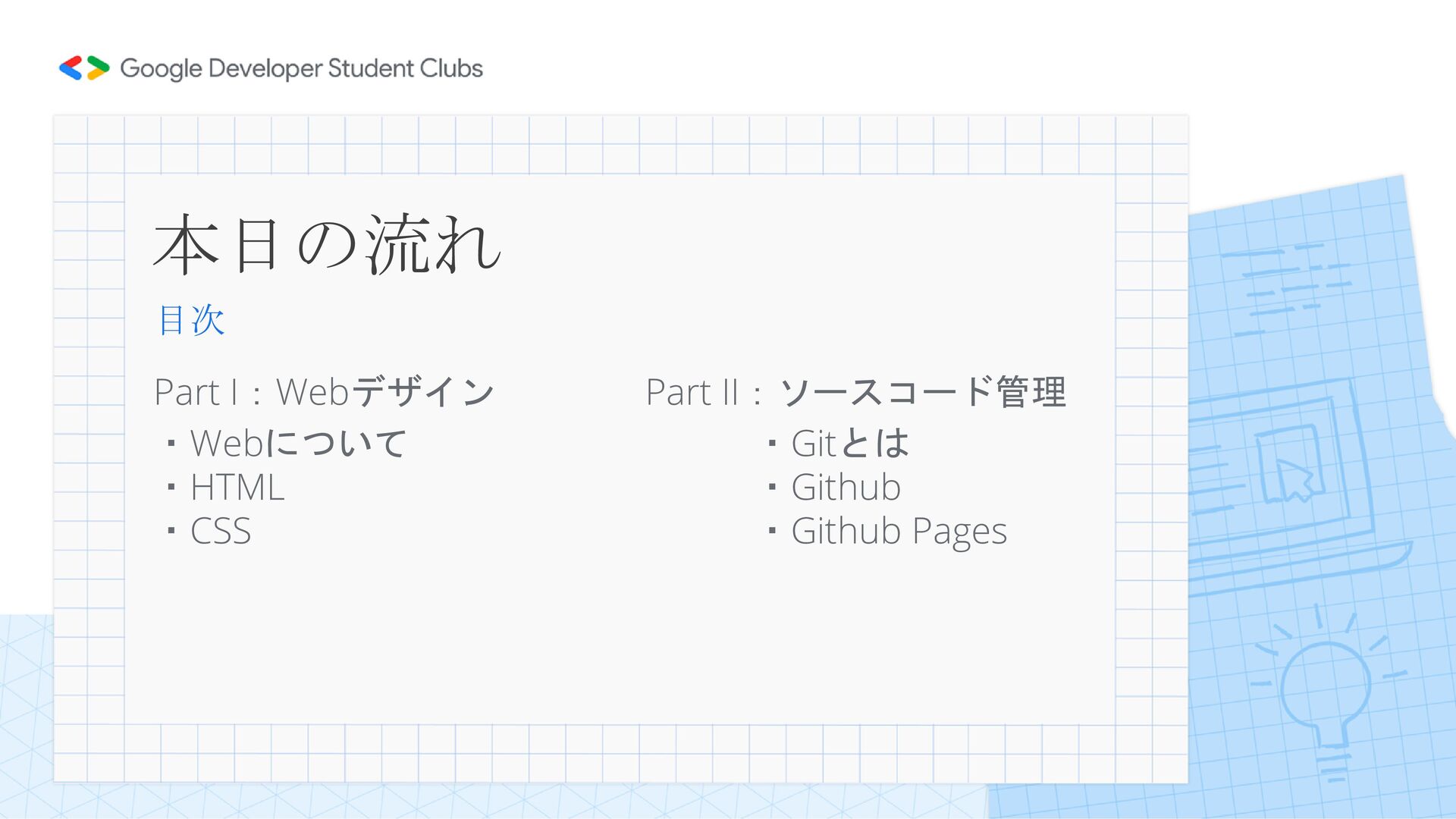
本日の流れ 目次 Part I:Webデザイン Part II:ソースコード管理 ・Webについて ・Gitとは ・HTML ・Github
・CSS ・Github Pages
本日の目的 今日やること ・自分のWebページを作って、オンライン上で公開する
Web 本来の意味:クモの巣のような網状のもの 今回のWebは、World Wide Webのことを指す インターネットを利用して提供されるハイパーテキスト システム Webについて
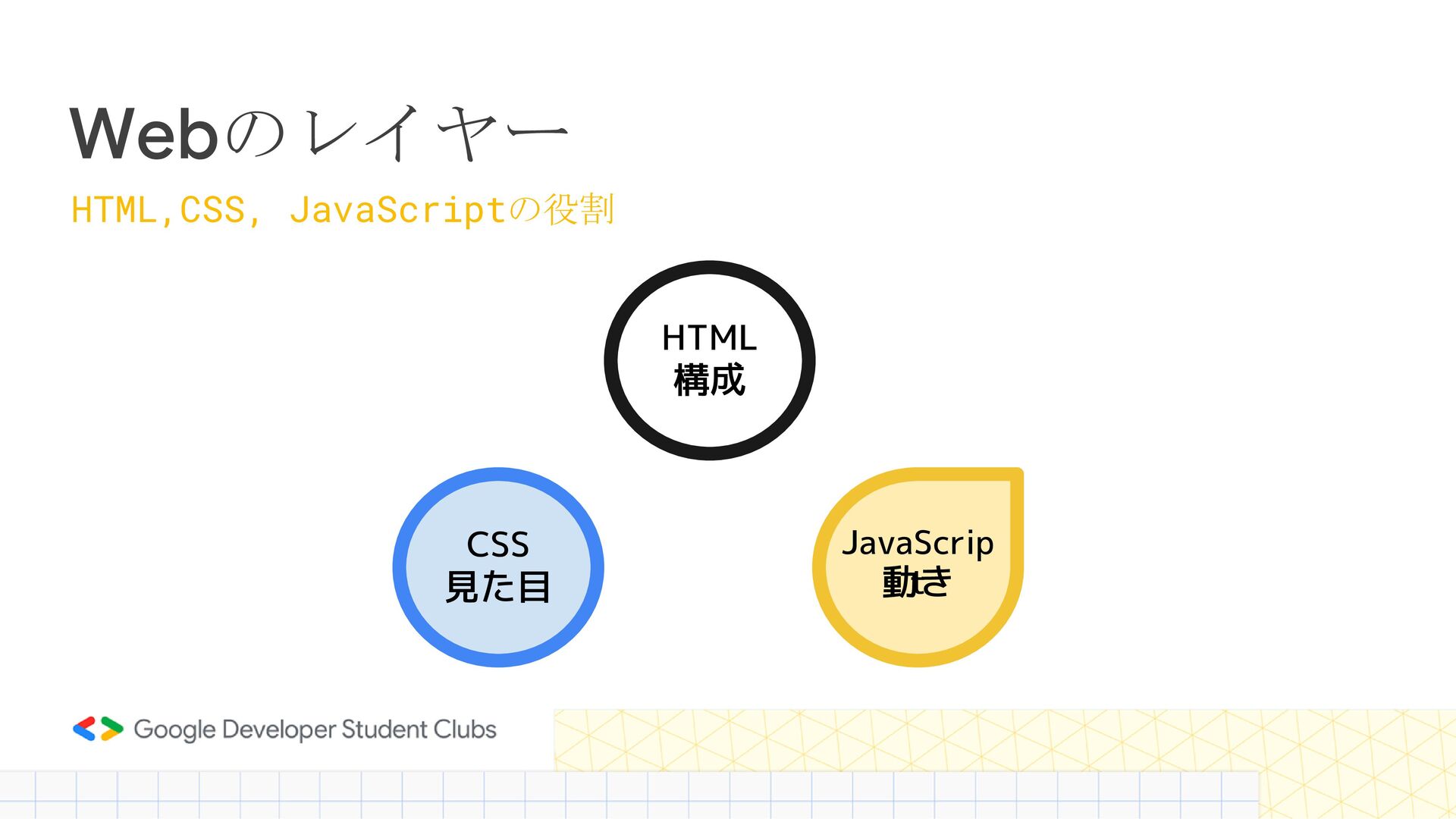
Webのレイヤー HTML,CSS, JavaScriptの役割 HTML 構成 CSS 見た目 動き JavaScrip t
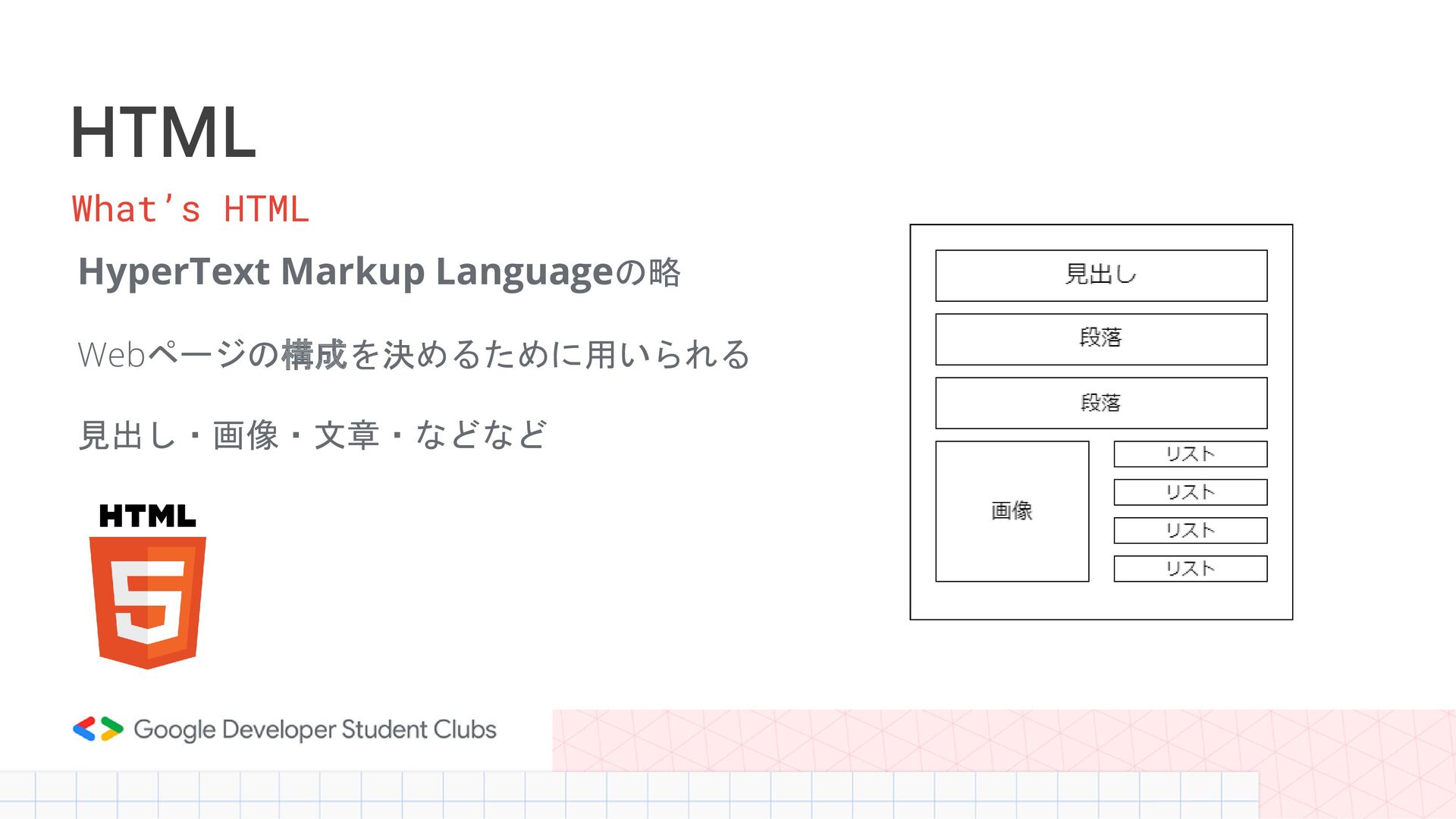
HTML HyperText Markup Languageの略 Webページの構成を決めるために用いられる 見出し・画像・文章・などなど What’s HTML
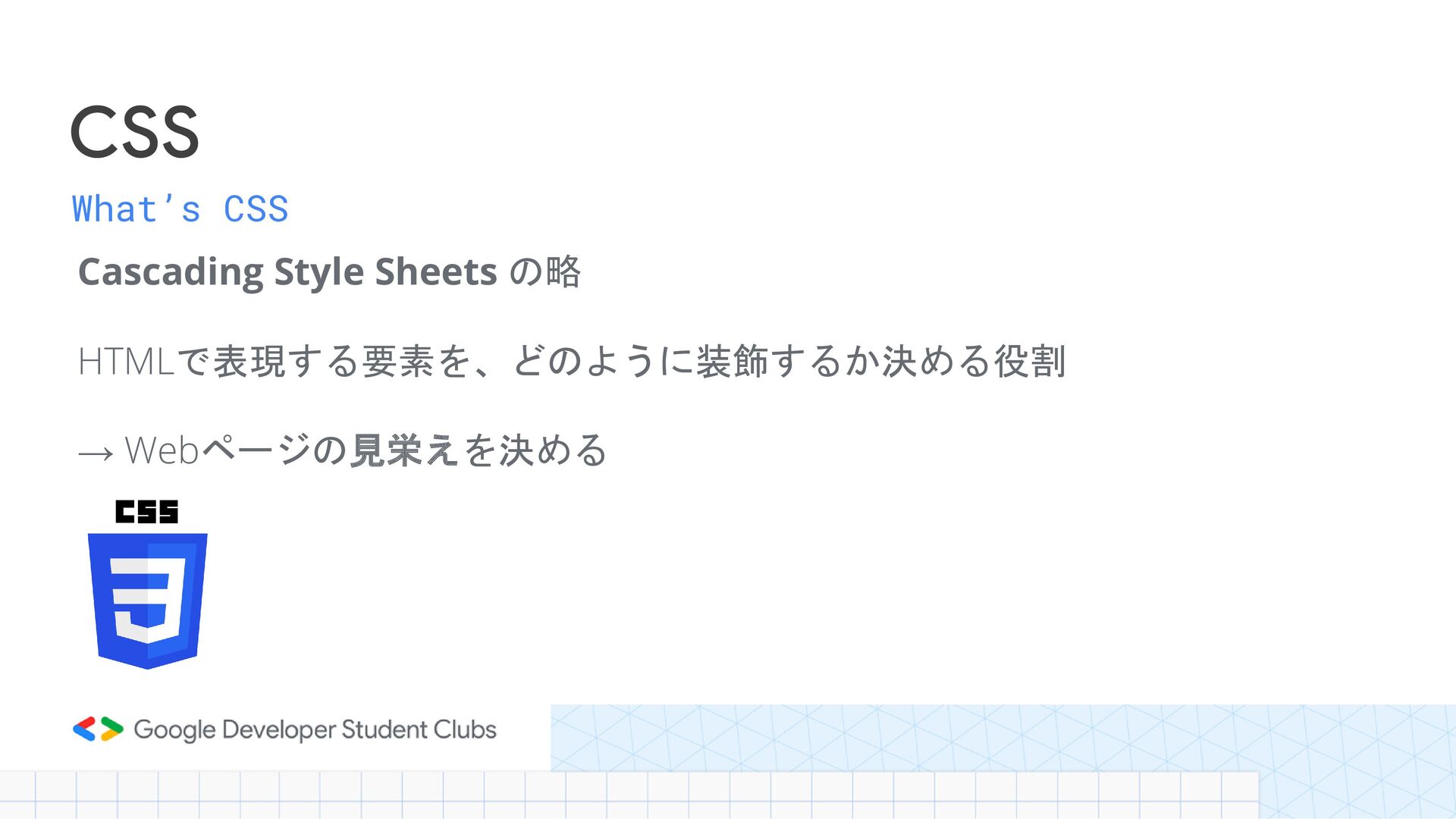
What’s CSS Cascading Style Sheets の略 HTMLで表現する要素を、どのように装飾するか決める役割 → Webページの見栄えを決める CSS
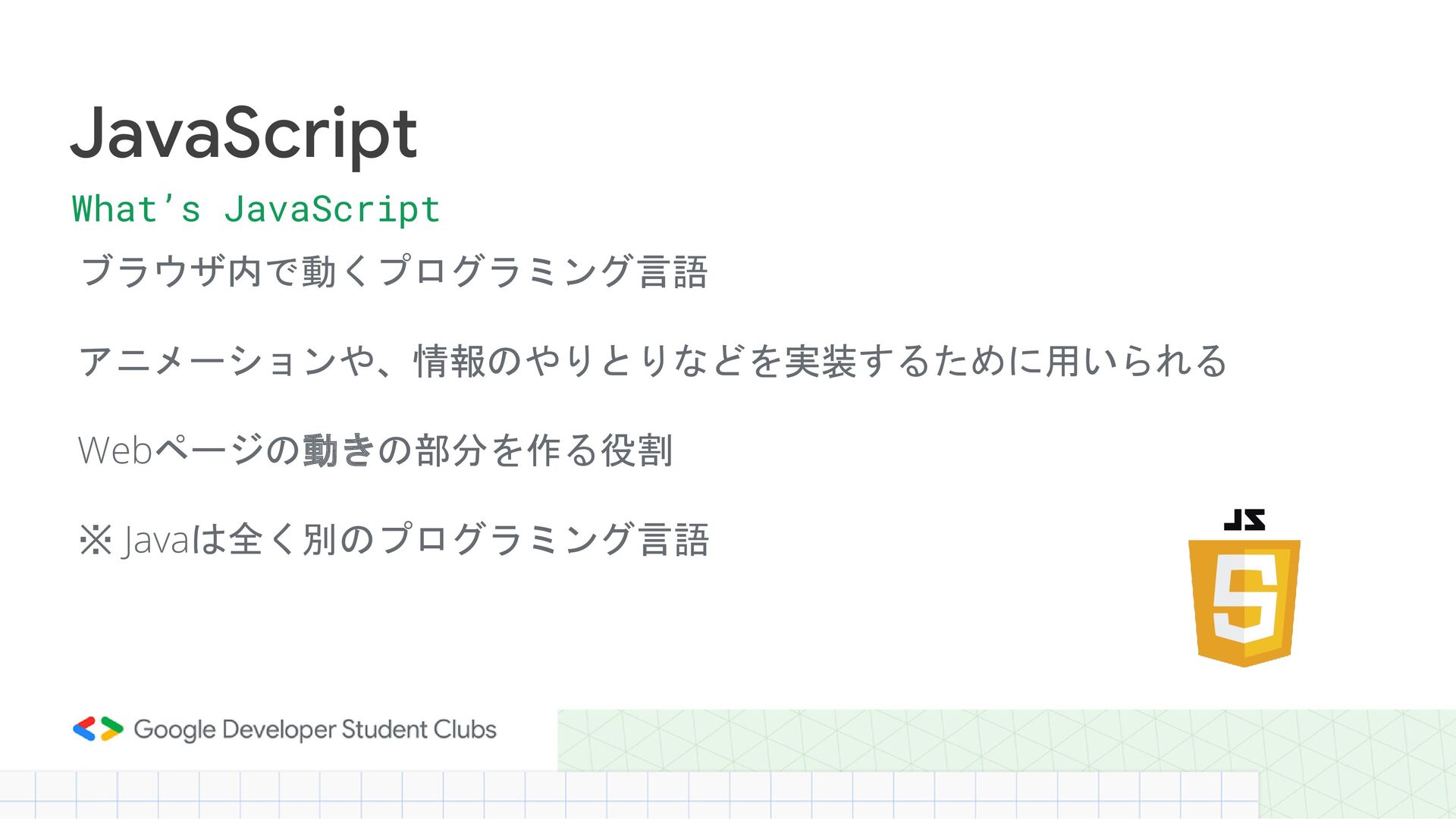
ブラウザ内で動くプログラミング言語 アニメーションや、情報のやりとりなどを実装するために用いられる Webページの動きの部分を作る役割 ※ Javaは全く別のプログラミング言語 JavaScript What’s JavaScript
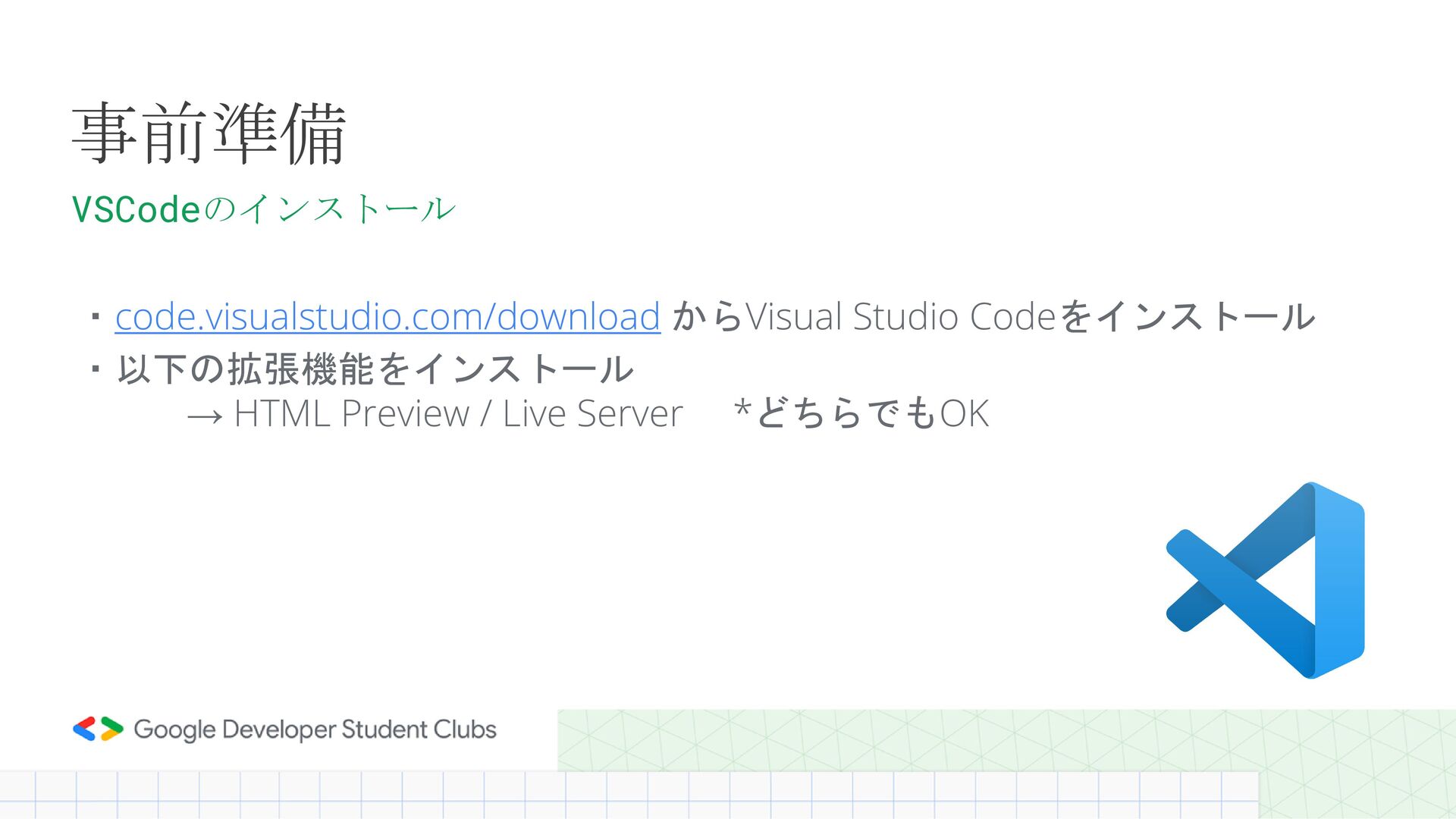
・code.visualstudio.com/download からVisual Studio Codeをインストール ・以下の拡張機能をインストール → HTML Preview / Live
Server *どちらでもOK 事前準備 VSCodeのインストール
HTML
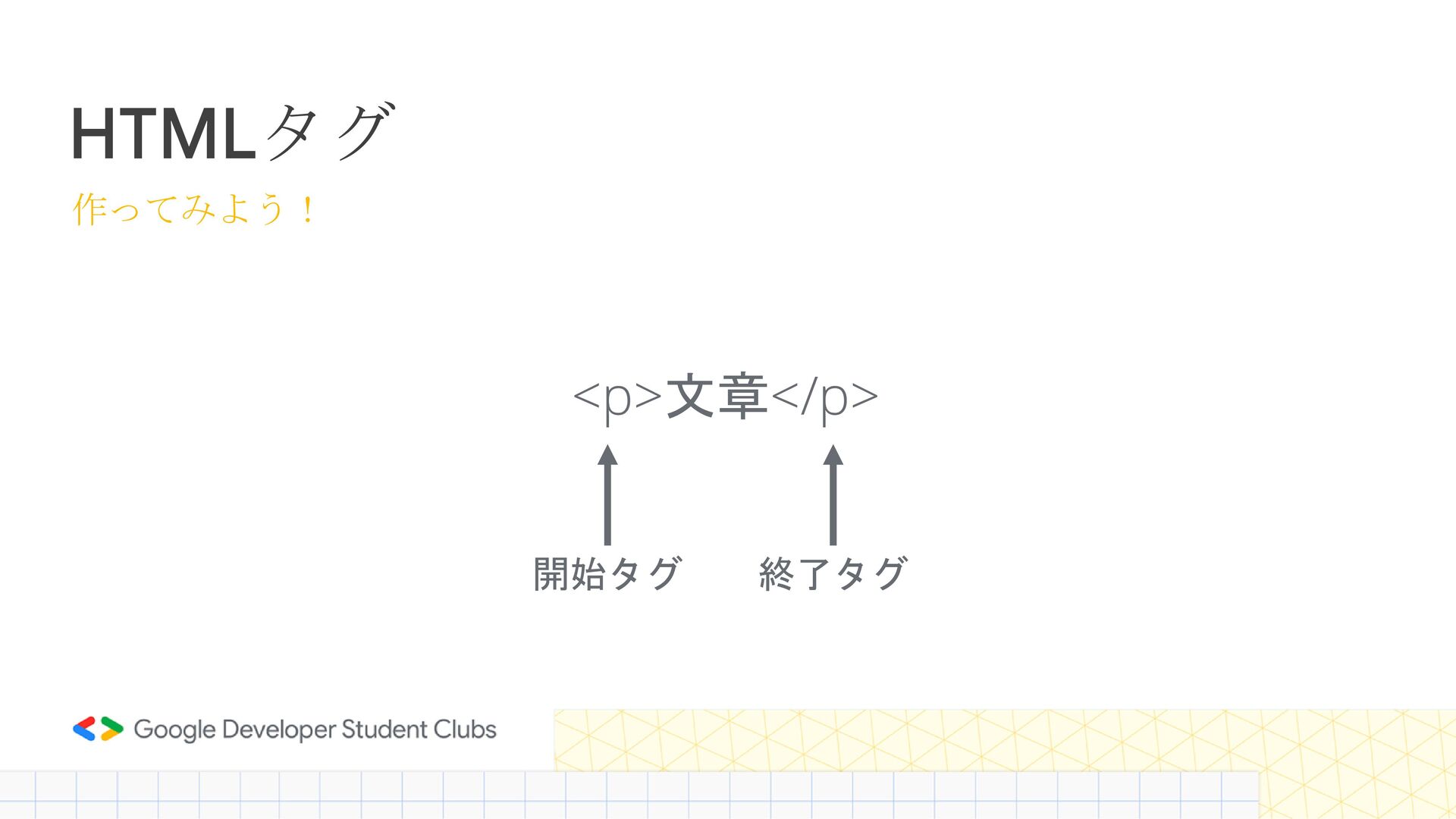
HTMLタグ <p>文章</p> 作ってみよう! 開始タグ 終了タグ
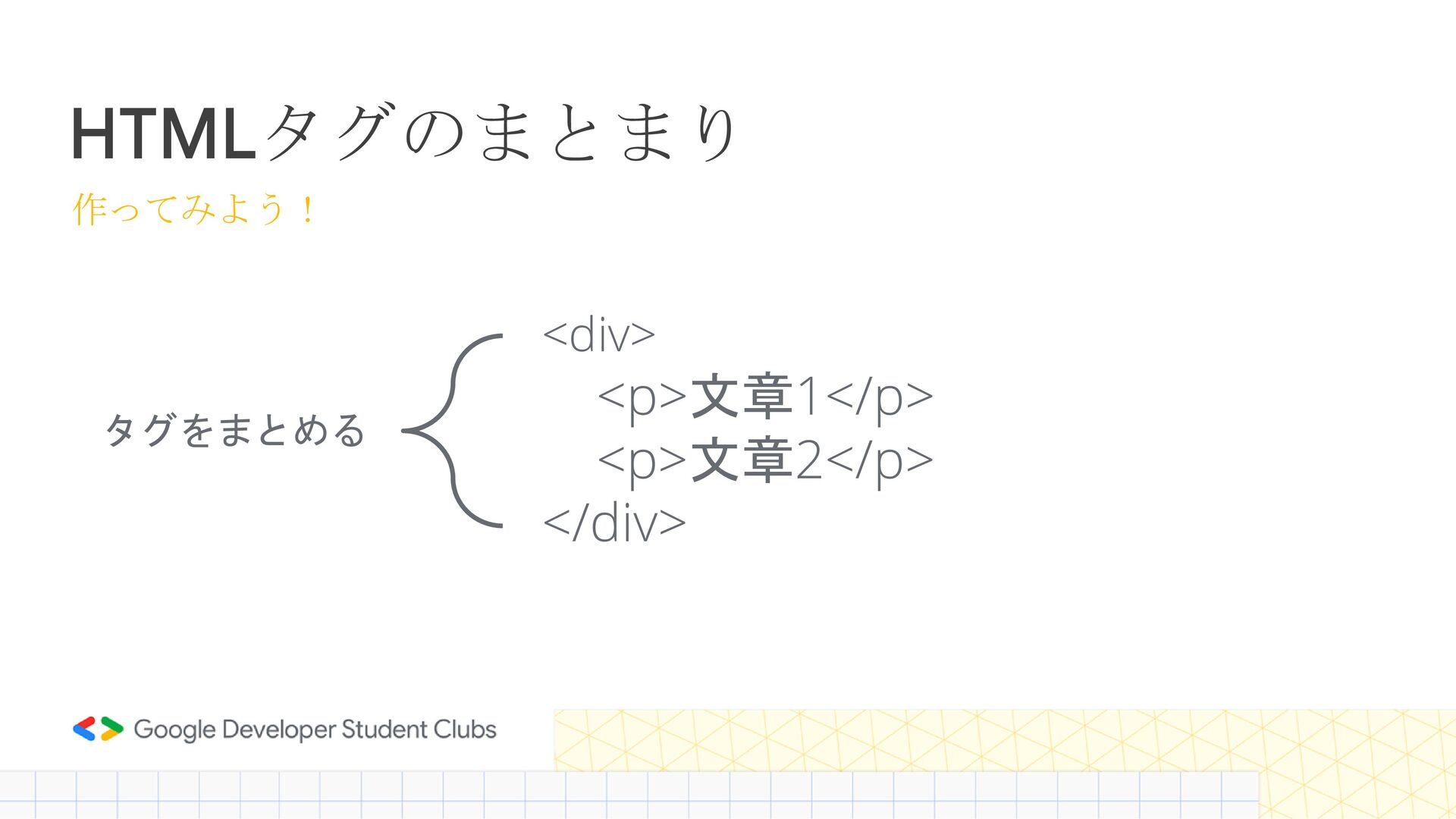
HTMLタグのまとまり <div> <p>文章1</p> <p>文章2</p> </div> 作ってみよう! タグをまとめる
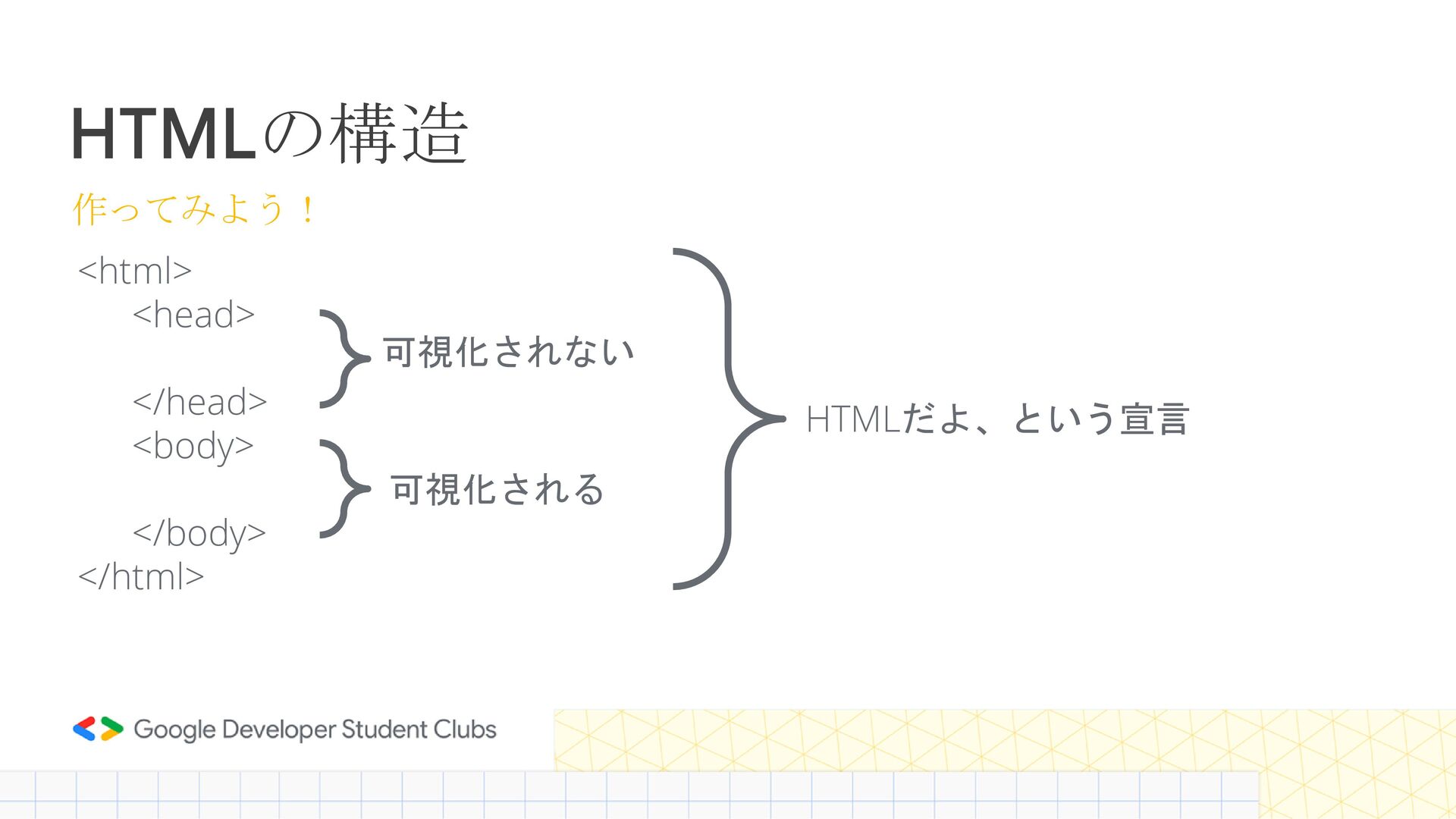
HTMLの構造 <html> <head> </head> <body> </body> </html> 作ってみよう! 可視化されない 可視化される
HTMLだよ、という宣言
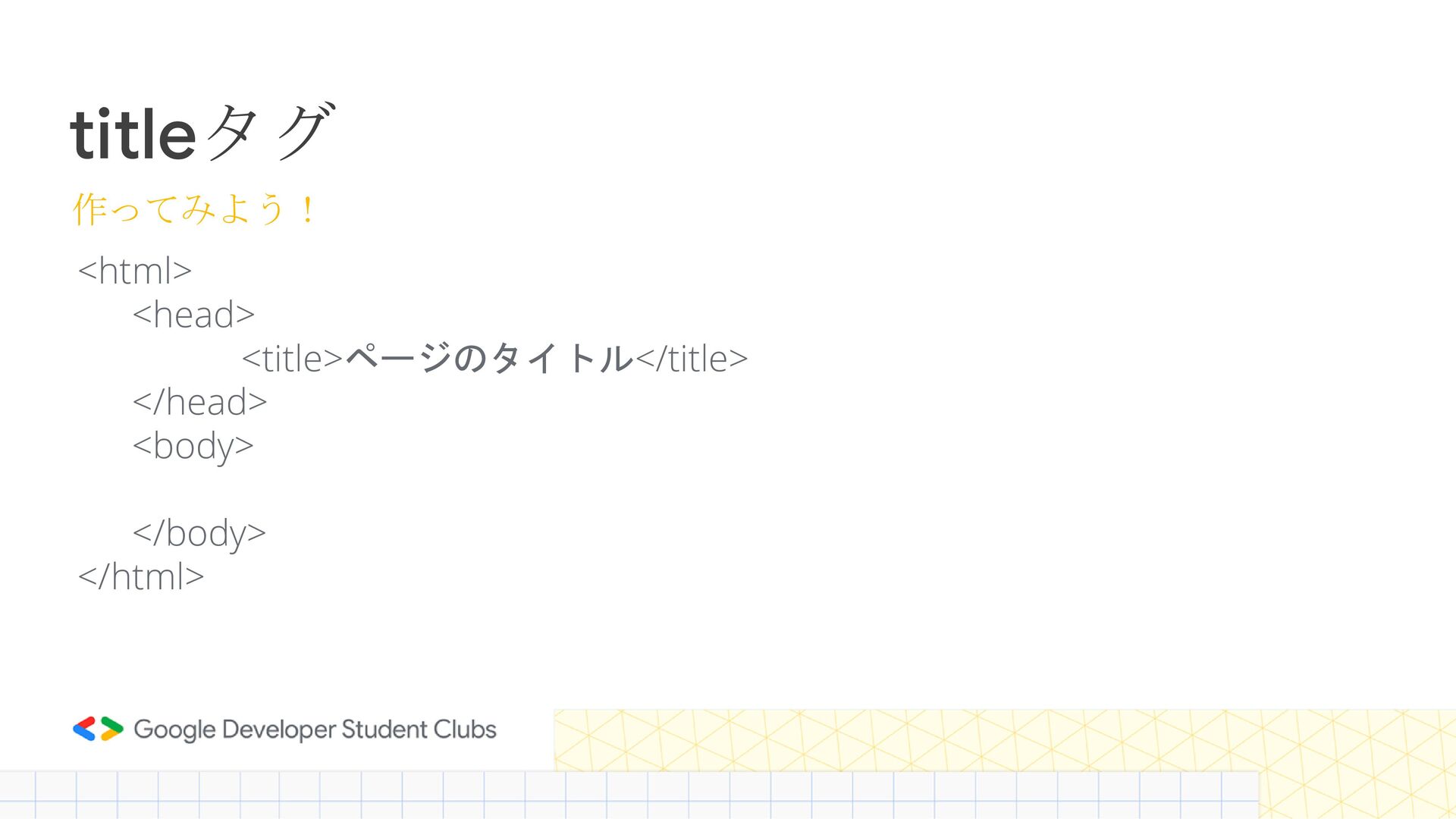
titleタグ <html> <head> <title>ページのタイトル</title> </head> <body> </body> </html> 作ってみよう!
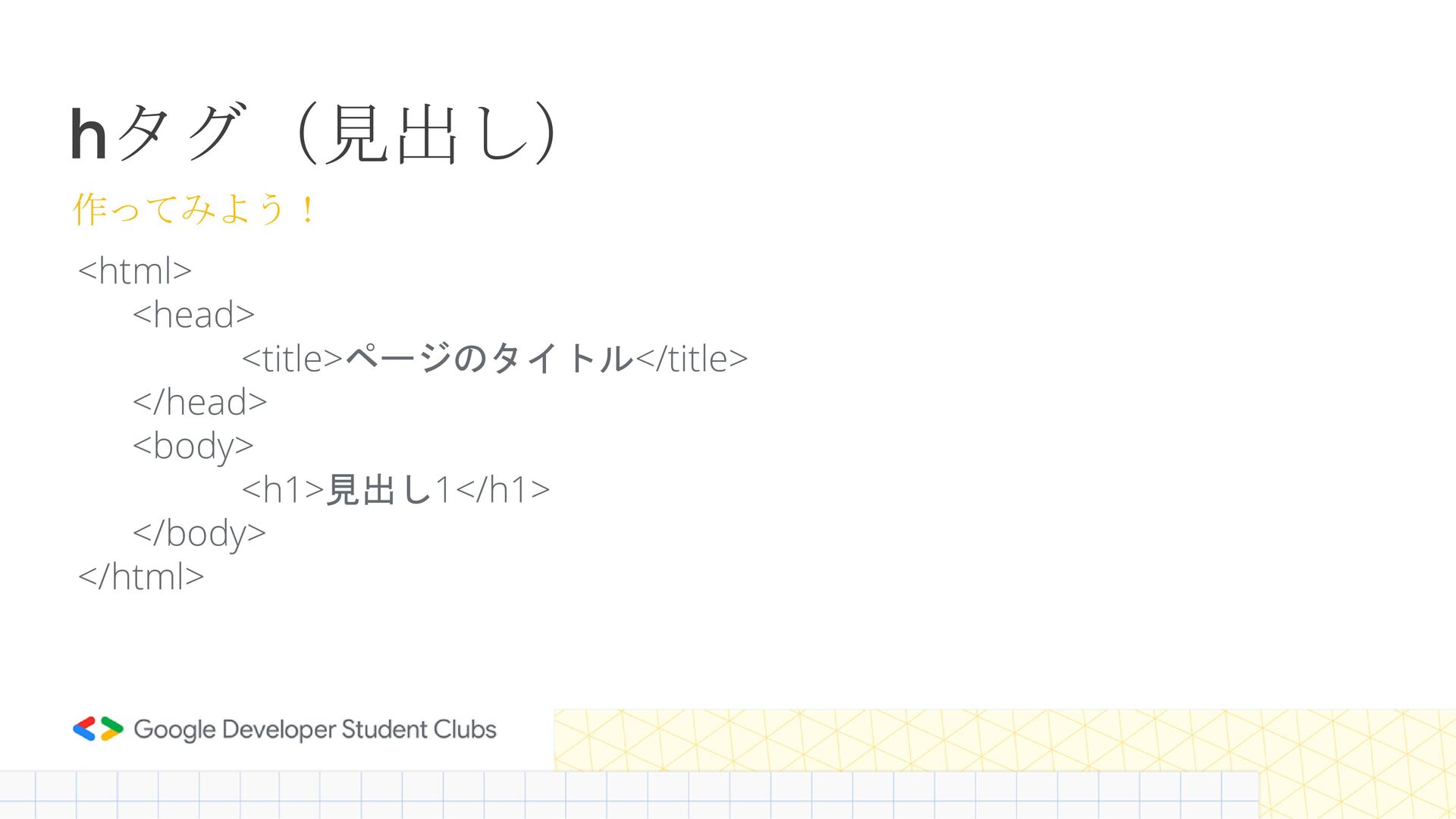
hタグ(見出し) <html> <head> <title>ページのタイトル</title> </head> <body> <h1>見出し1</h1> </body> </html> 作ってみよう!
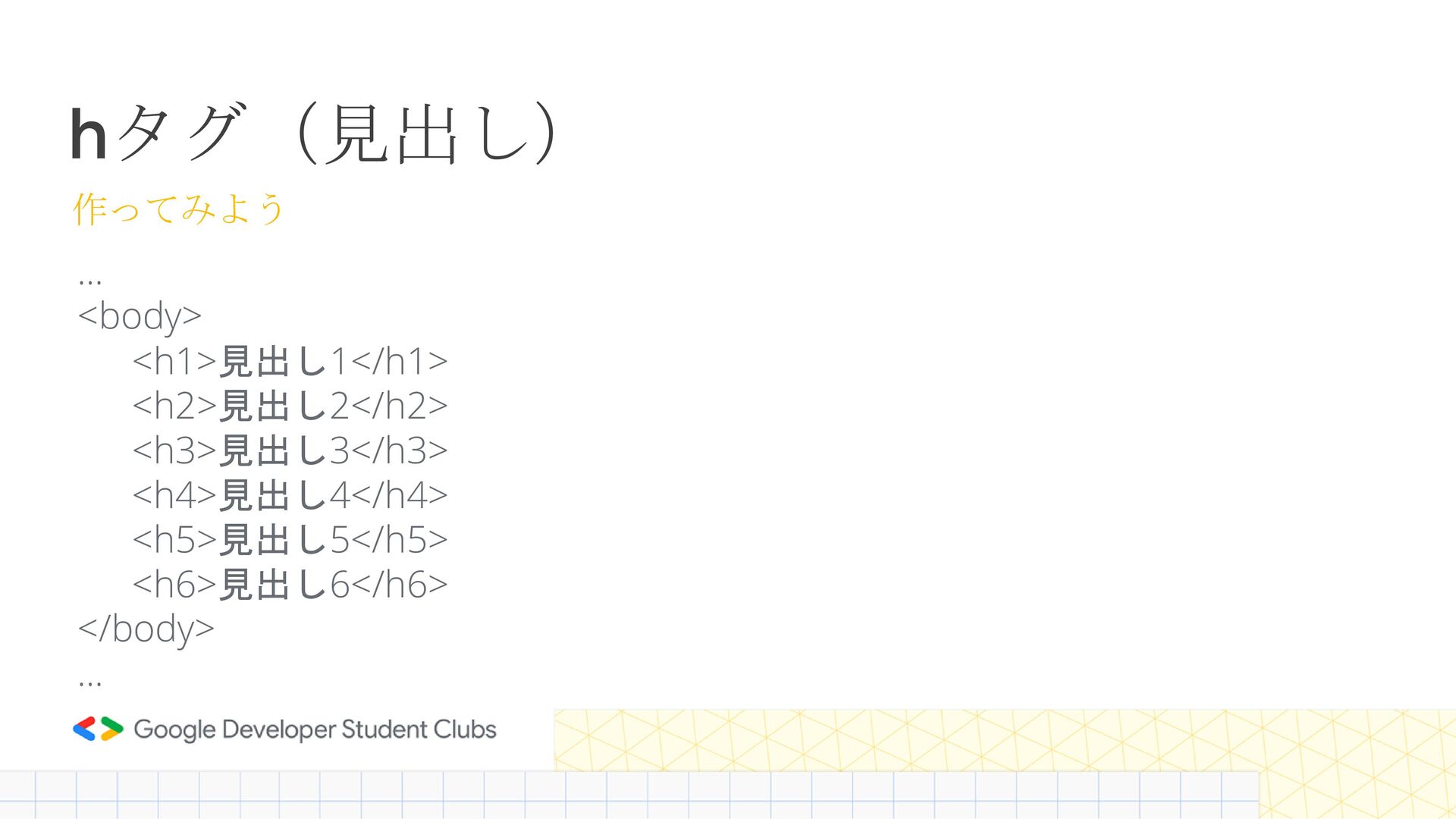
hタグ(見出し) … <body> <h1>見出し1</h1> <h2>見出し2</h2> <h3>見出し3</h3> <h4>見出し4</h4> <h5>見出し5</h5> <h6>見出し6</h6> </body>
… 作ってみよう
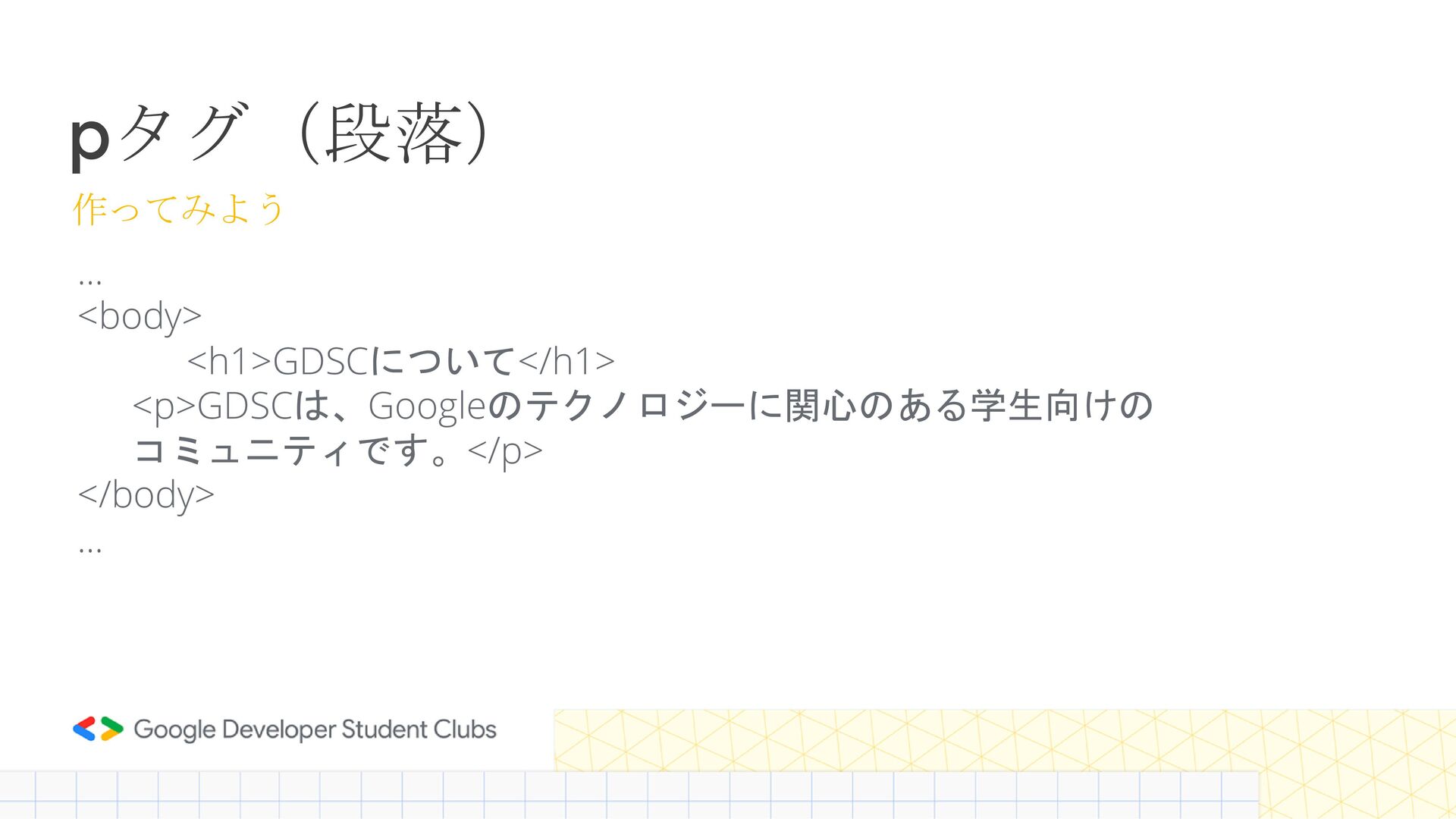
pタグ(段落) … <body> <h1>GDSCについて</h1> <p>GDSCは、Googleのテクノロジーに関心のある学生向けの コミュニティです。</p> </body> … 作ってみよう
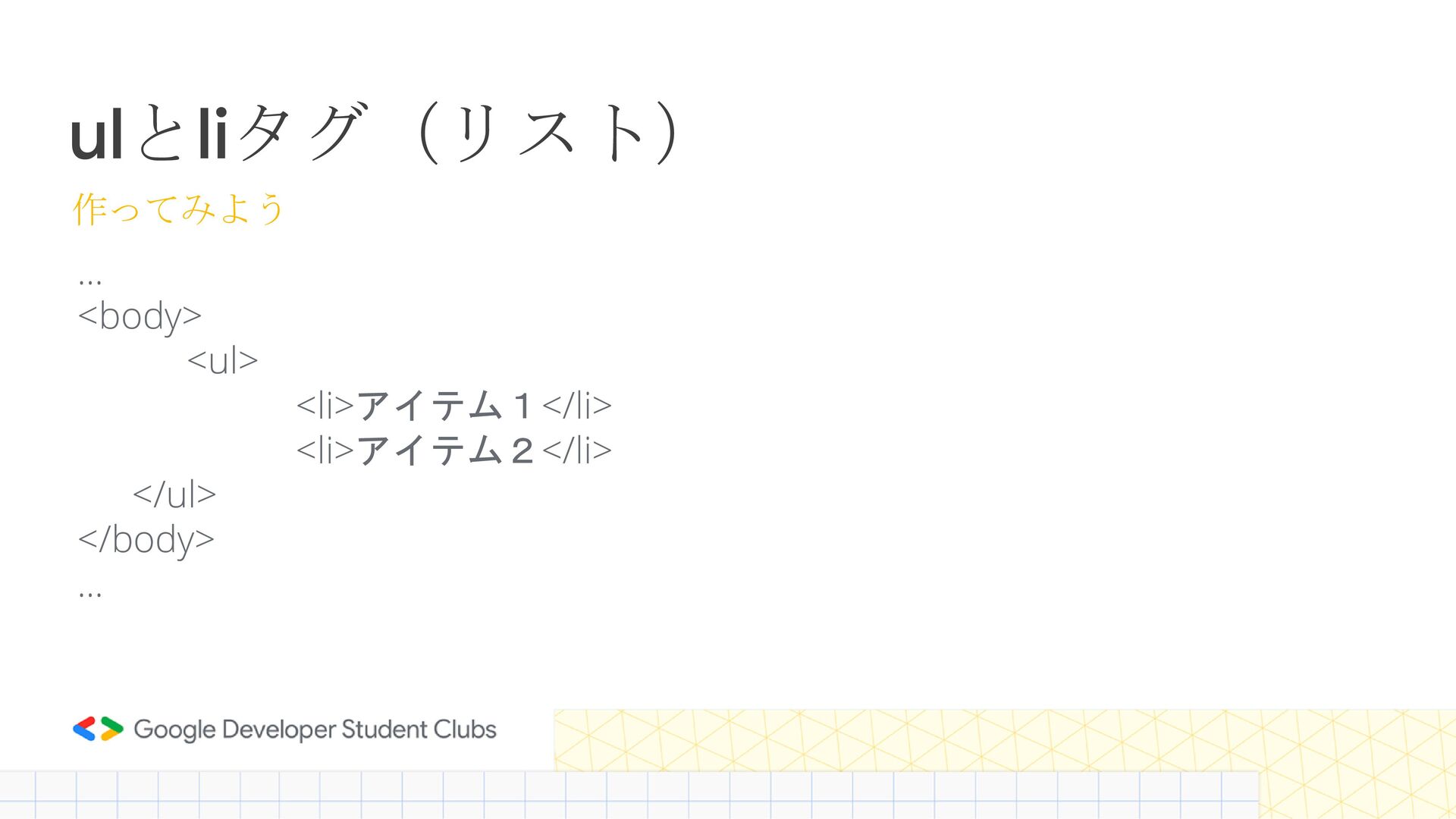
ulとliタグ(リスト) … <body> <ul> <li>アイテム1</li> <li>アイテム2</li> </ul> </body> … 作ってみよう
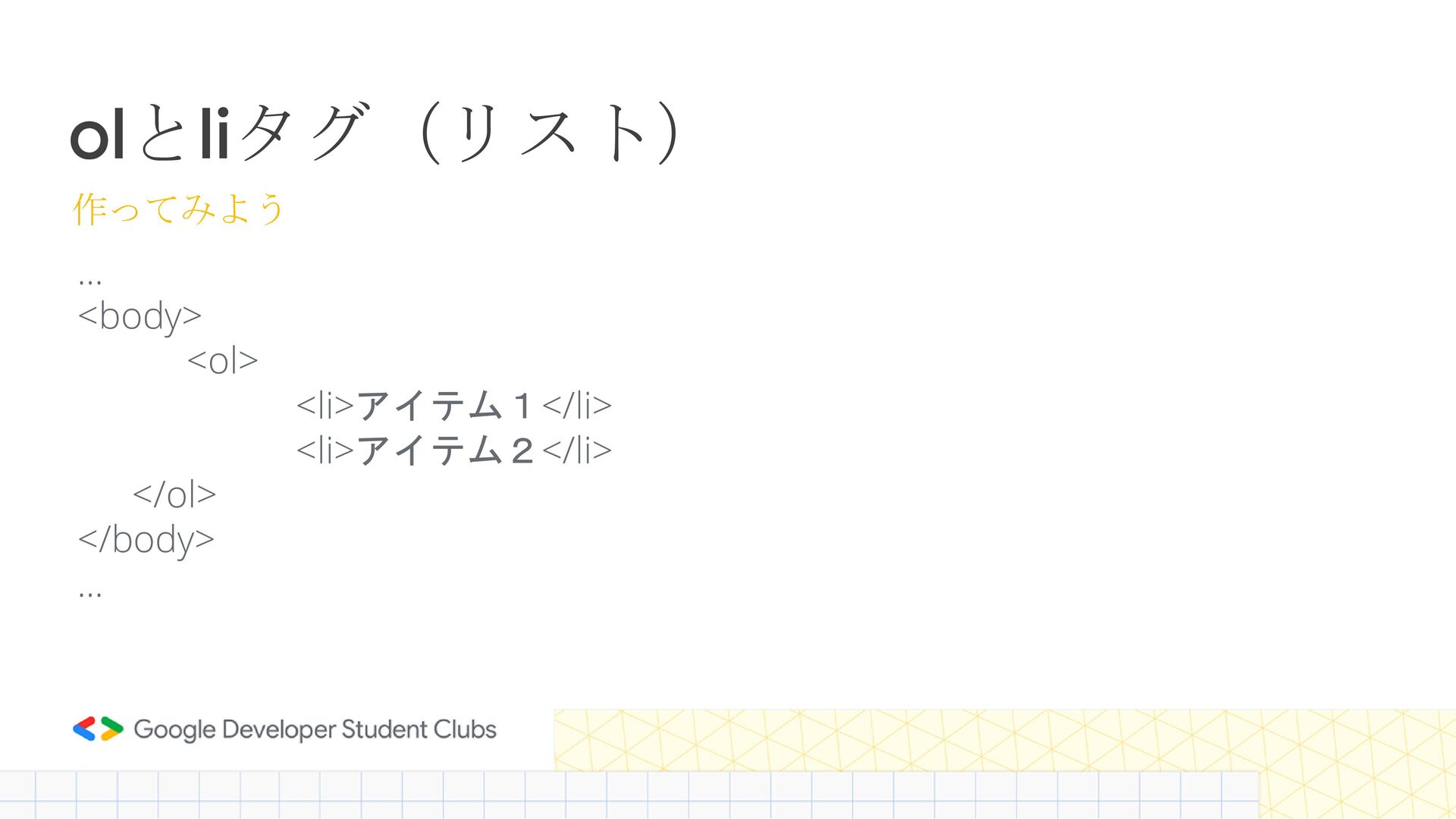
olとliタグ(リスト) … <body> <ol> <li>アイテム1</li> <li>アイテム2</li> </ol> </body> … 作ってみよう
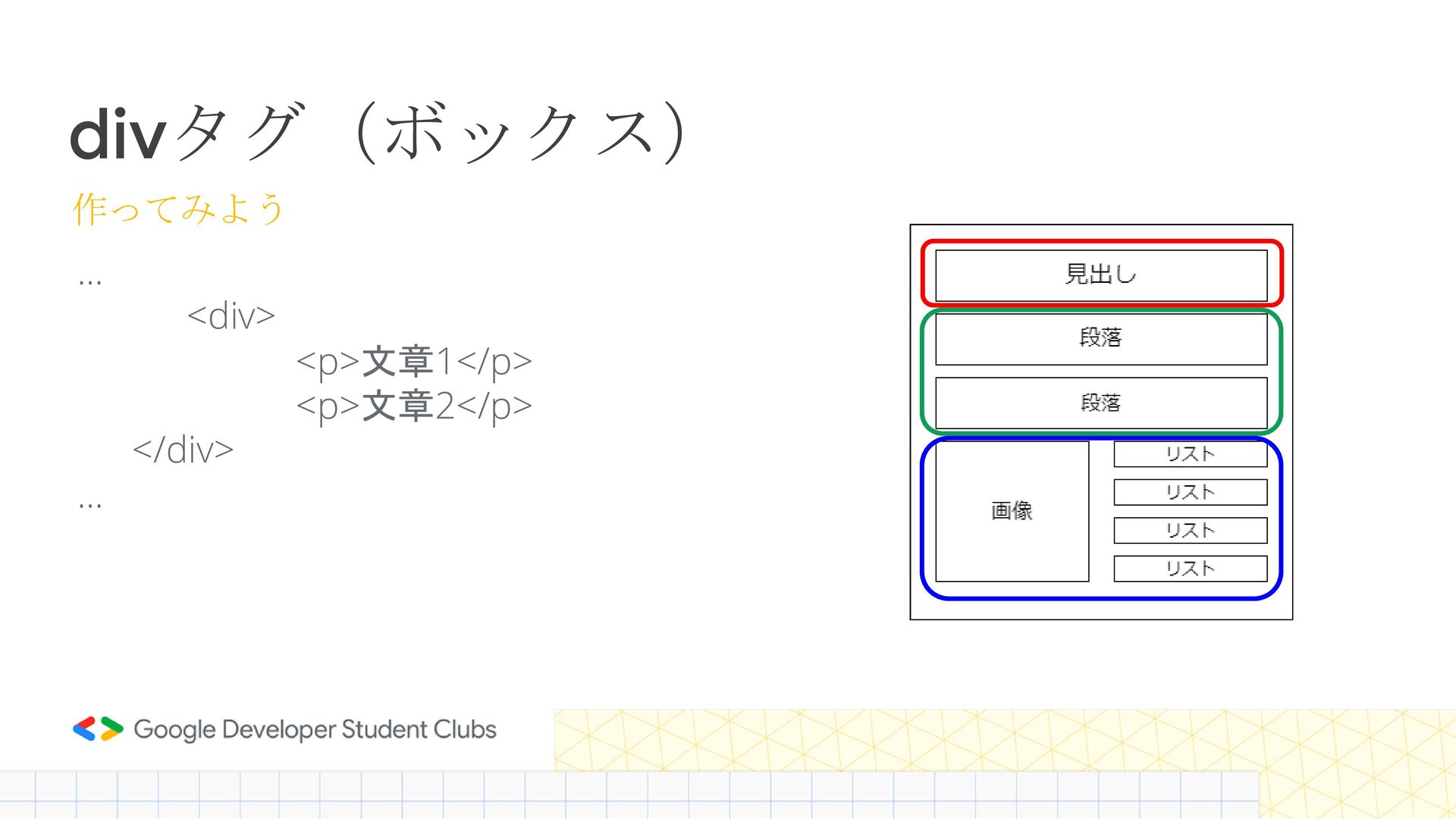
divタグ(ボックス) … <div> <p>文章1</p> <p>文章2</p> </div> … 作ってみよう
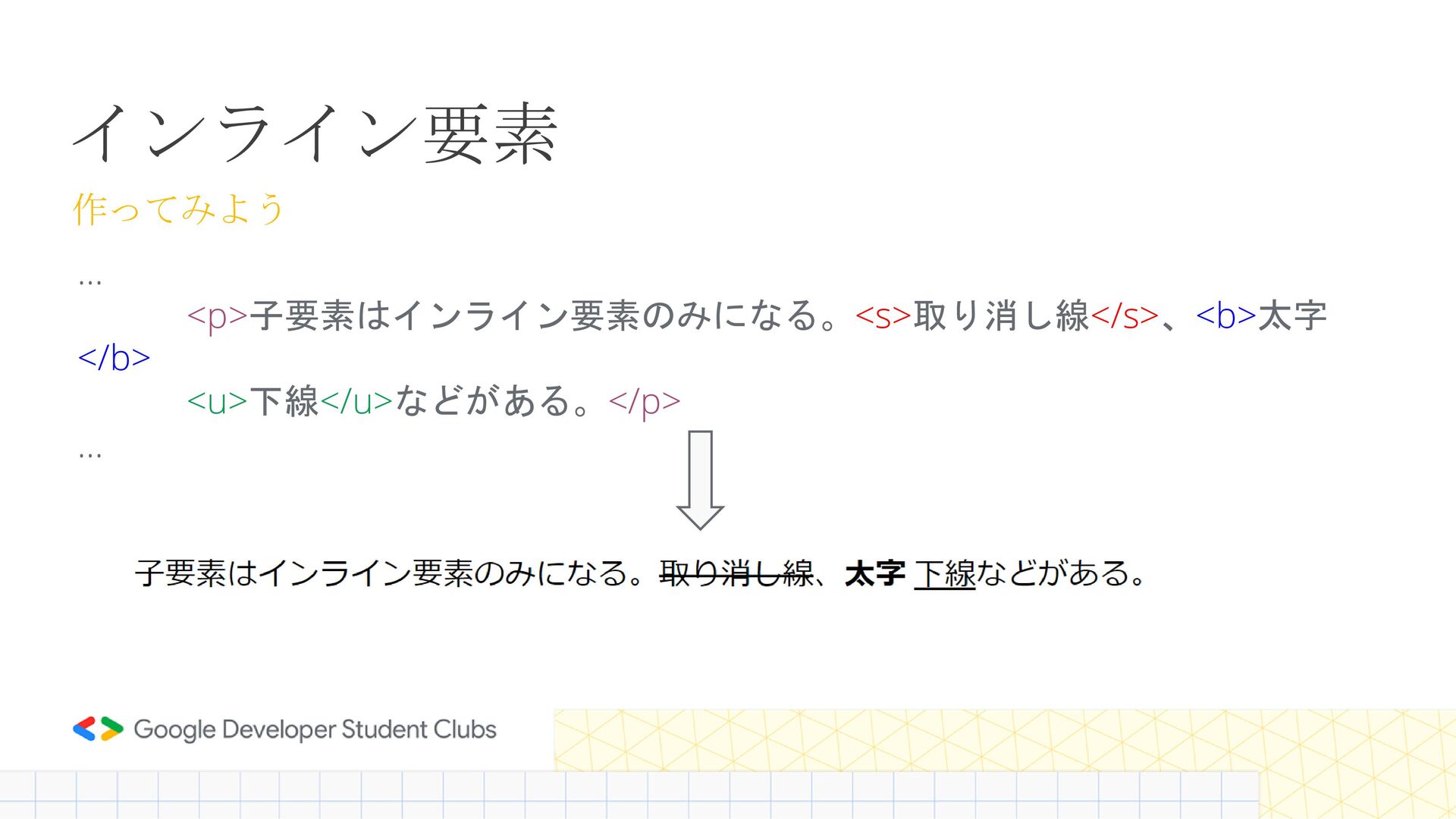
インライン要素 … <p>子要素はインライン要素のみになる。<s>取り消し線</s>、<b>太字 </b> <u>下線</u>などがある。</p> … 作ってみよう
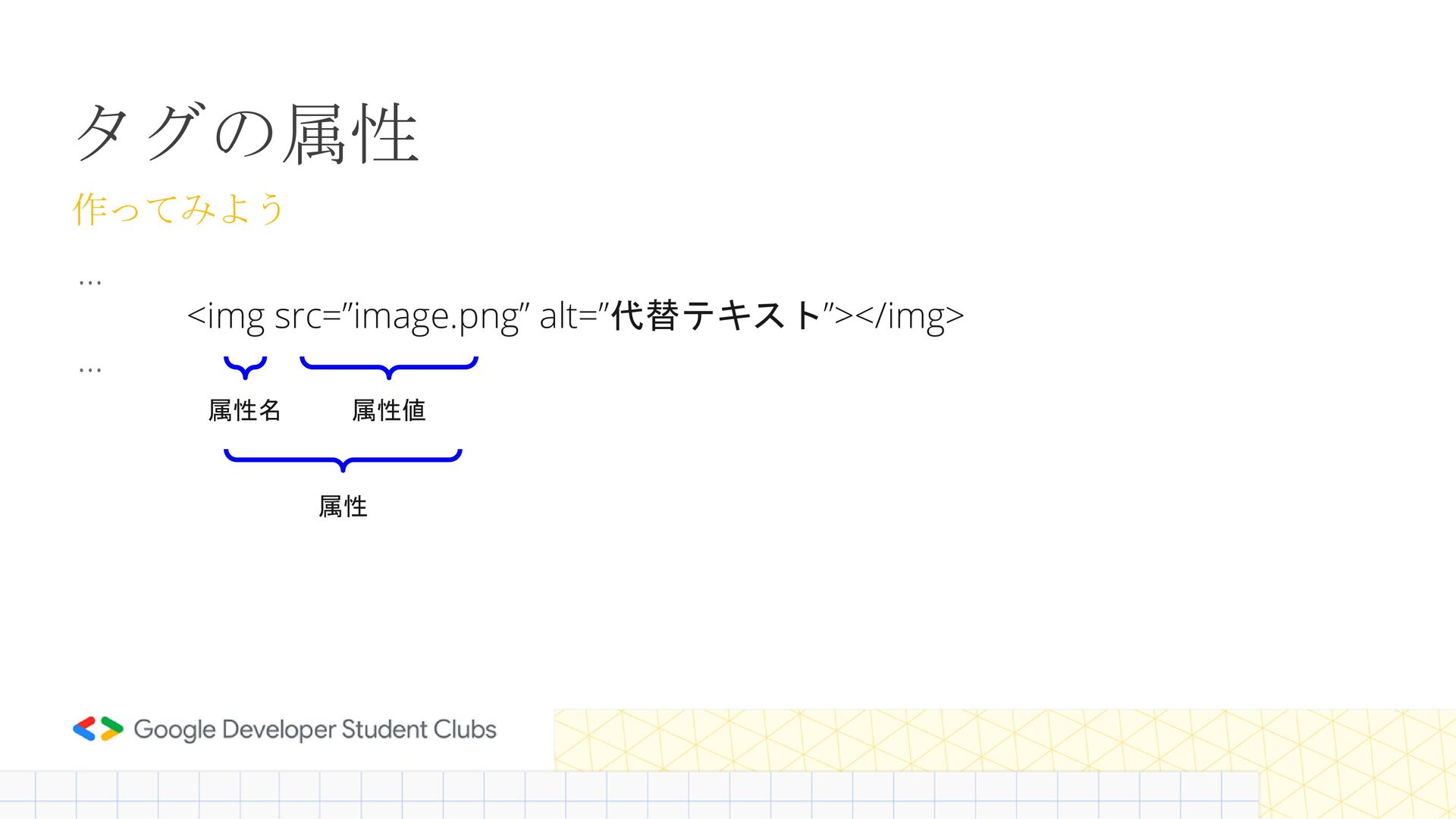
タグの属性 … <img src=”image.png” alt=”代替テキスト”></img> … 作ってみよう 属性名 属性値 属性
CSS
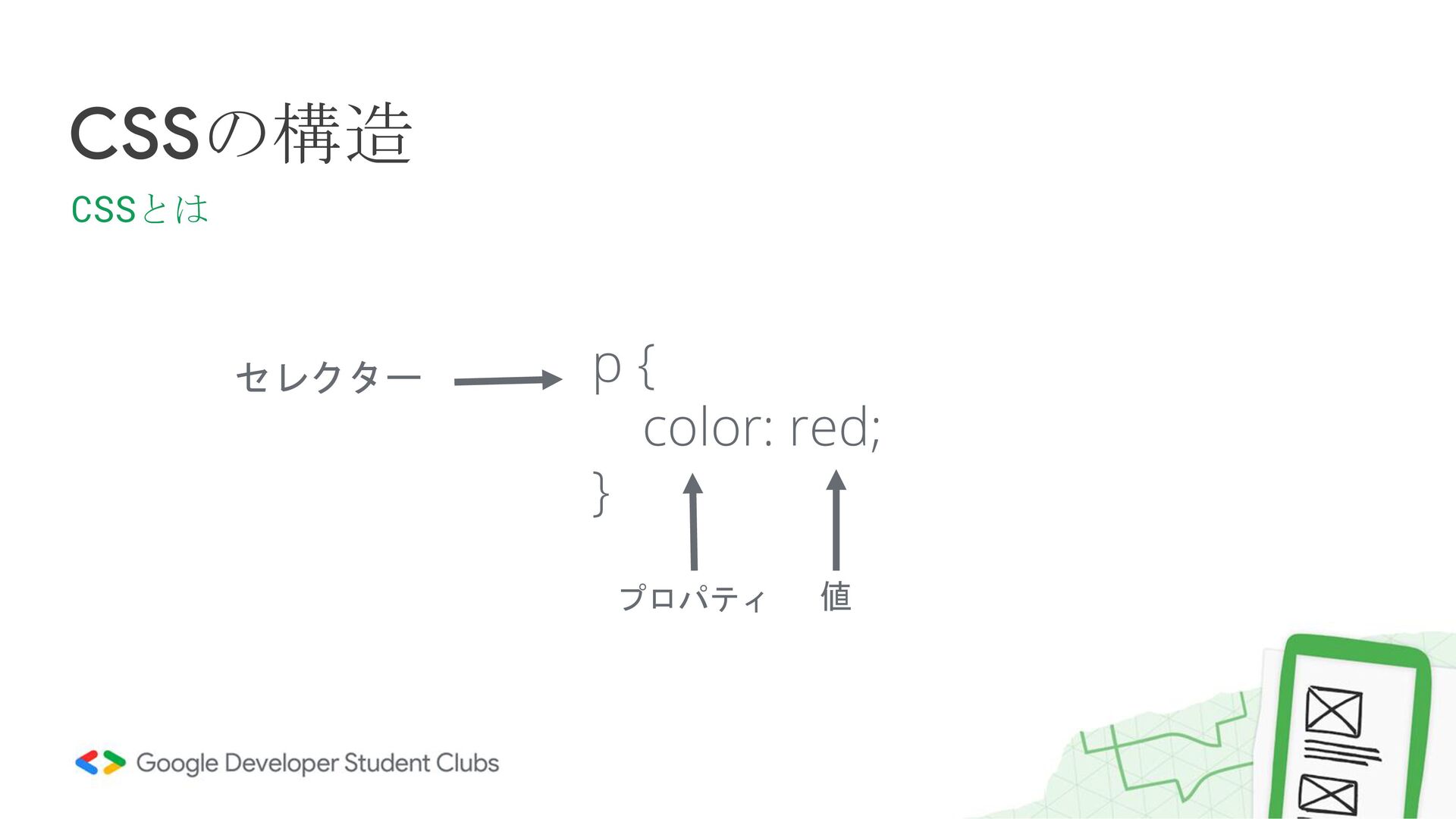
CSSの構造 CSSとは p { color: red; } セレクター プロパティ 値
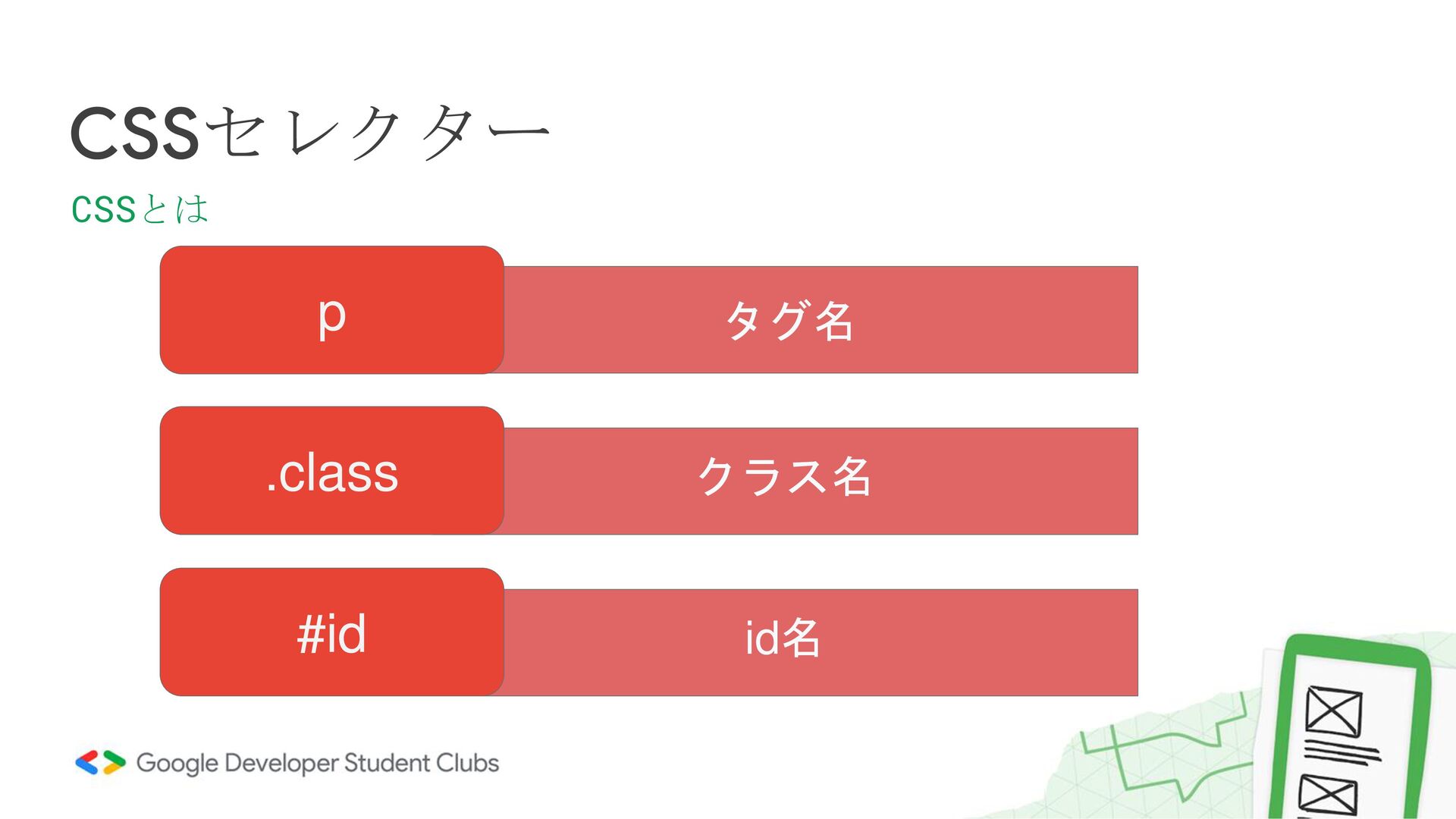
タグ名 CSSセレクター CSSとは p クラス名 .class id名 #id
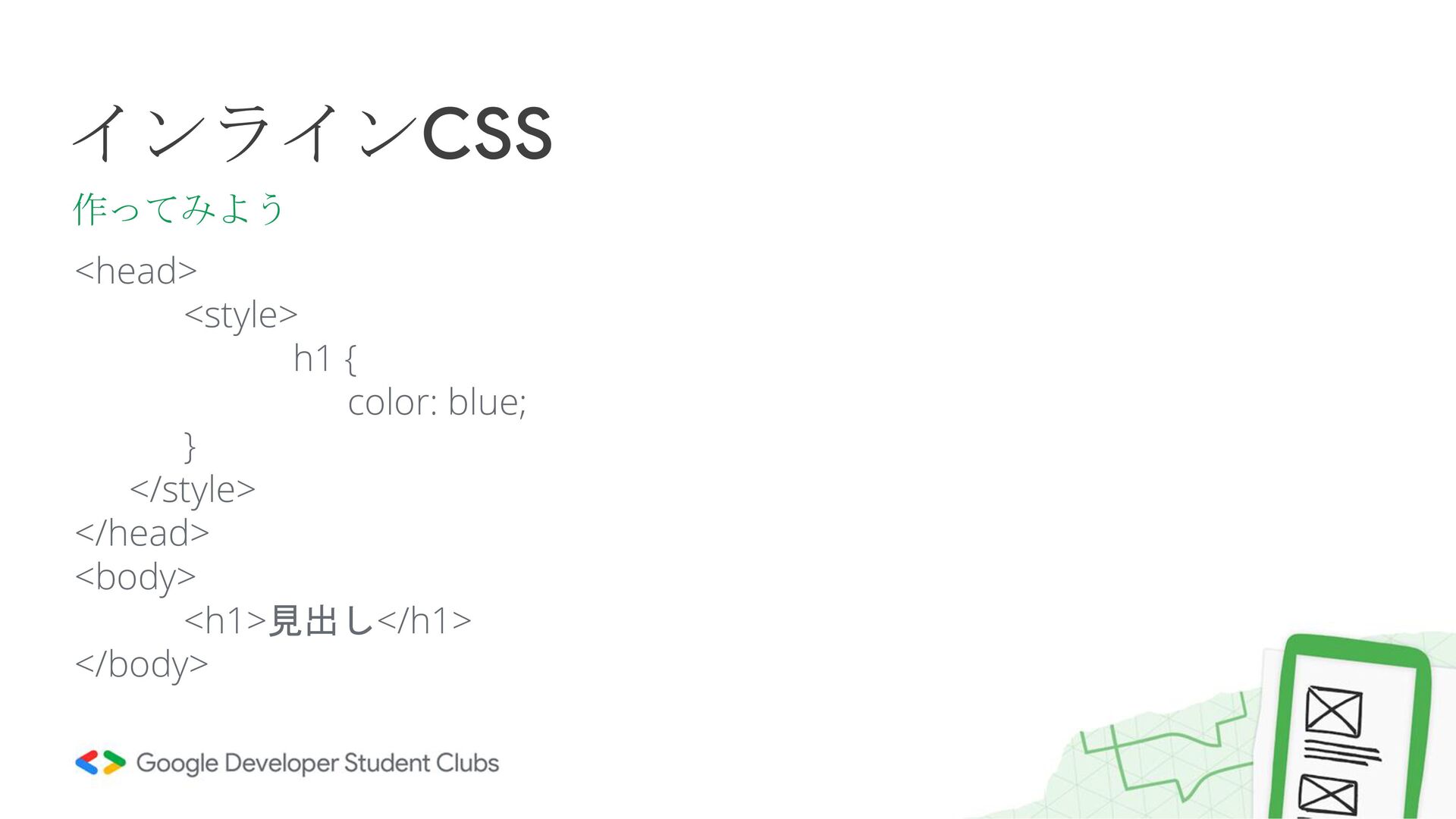
<head> <style> h1 { color: blue; } </style> </head> <body>
<h1>見出し</h1> </body> インラインCSS 作ってみよう
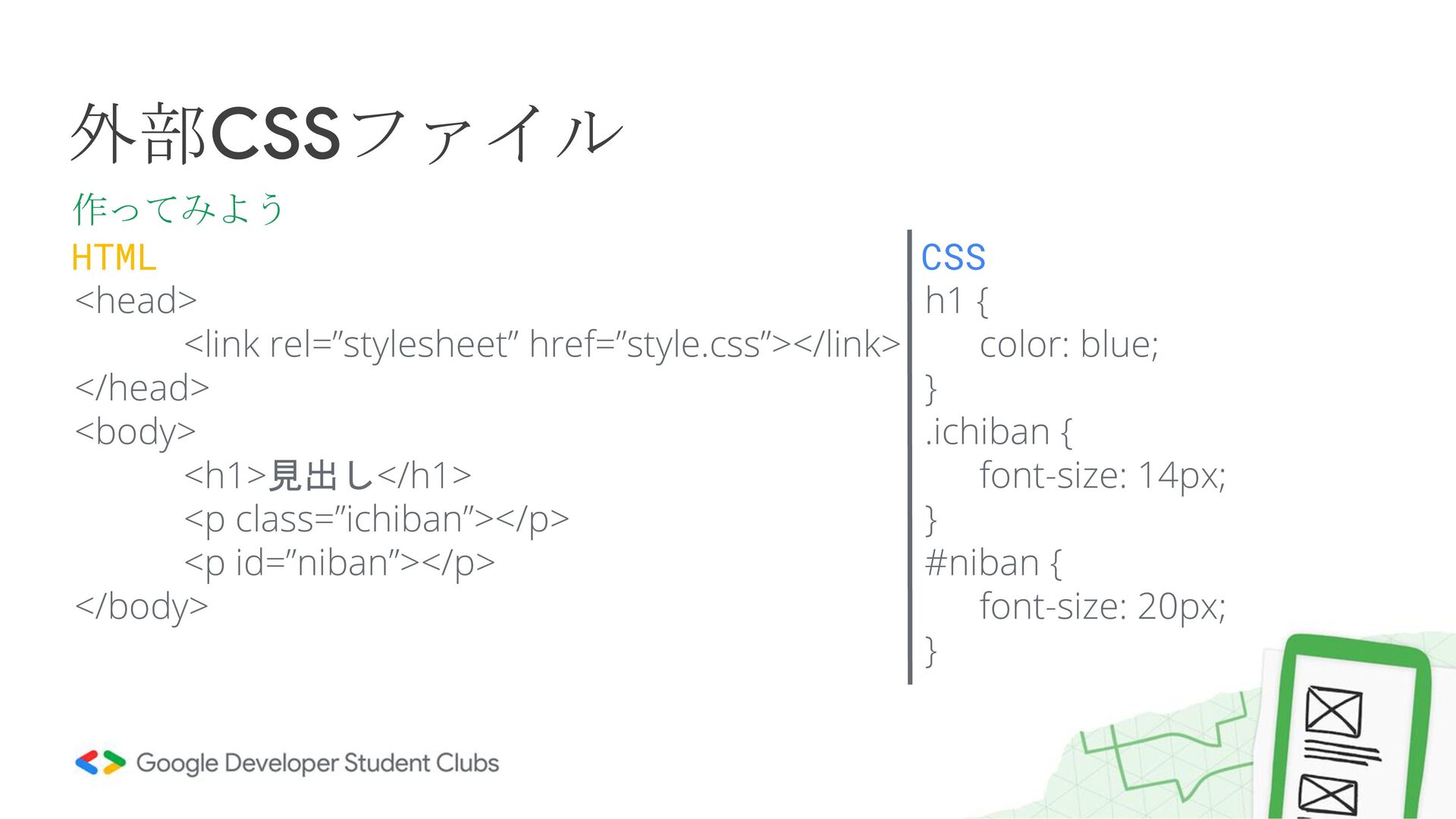
<head> <link rel=”stylesheet” href=”style.css”></link> </head> <body> <h1>見出し</h1> <p class=”ichiban”></p> <p
id=”niban”></p> </body> 外部CSSファイル 作ってみよう h1 { color: blue; } .ichiban { font-size: 14px; } #niban { font-size: 20px; } HTML CSS
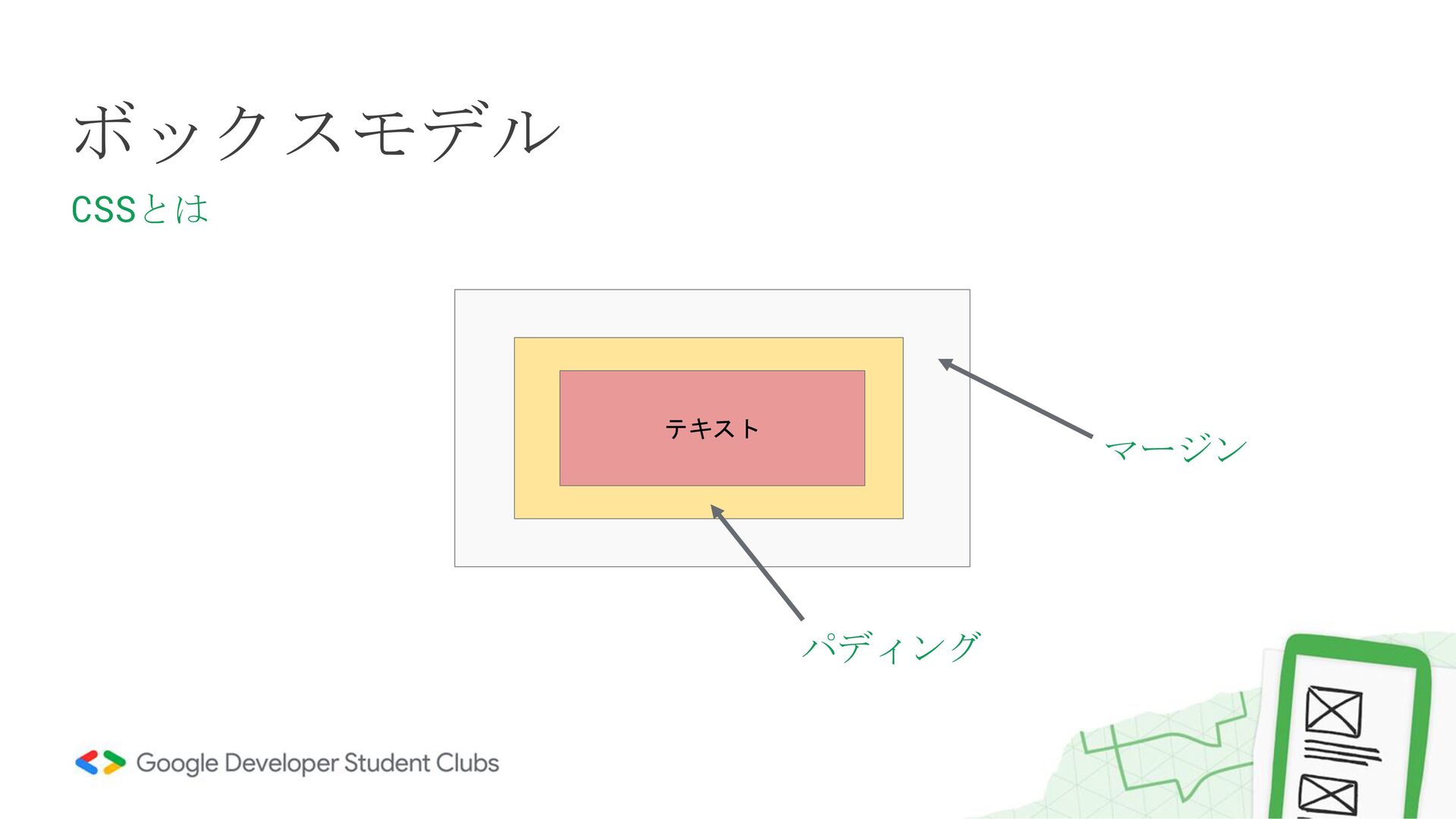
ボックスモデル CSSとは テキスト マージン パディング
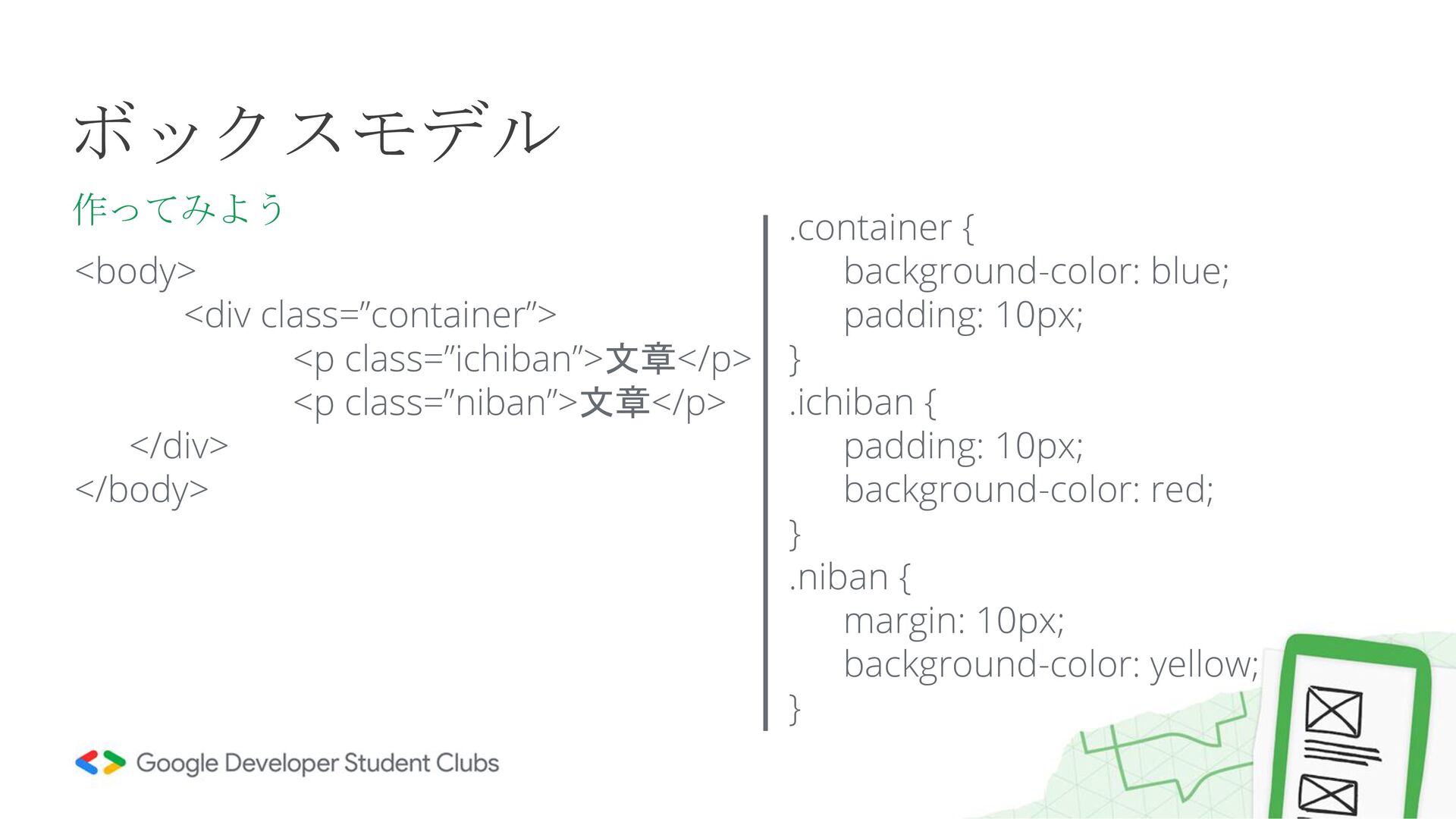
ボックスモデル 作ってみよう <body> <div class=”container”> <p class=”ichiban”>文章</p> <p class=”niban”>文章</p> </div>
</body> .container { background-color: blue; padding: 10px; } .ichiban { padding: 10px; background-color: red; } .niban { margin: 10px; background-color: yellow; }
Webページを作ってみよう!
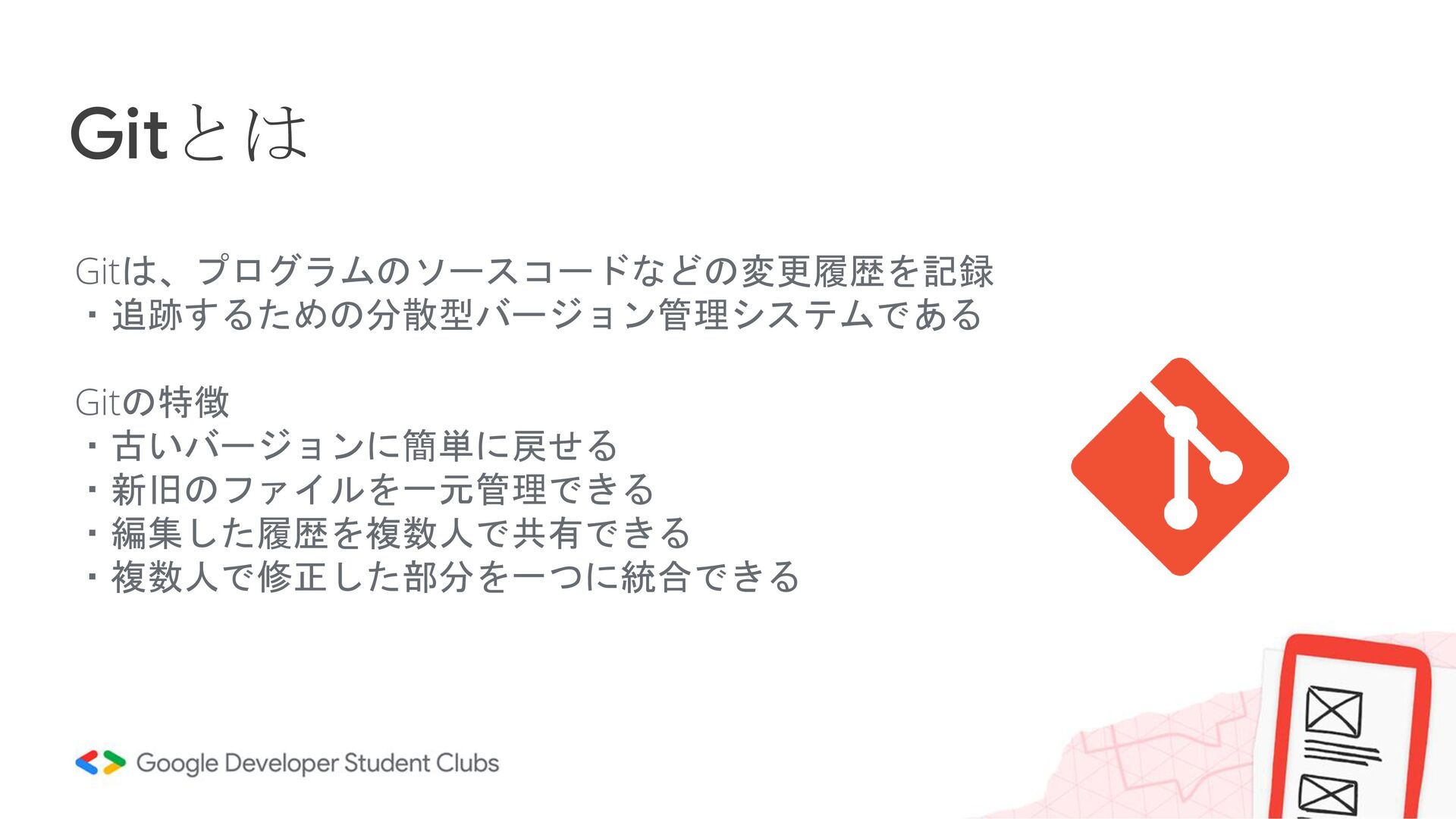
Gitとは Gitは、プログラムのソースコードなどの変更履歴を記録 ・追跡するための分散型バージョン管理システムである Gitの特徴 ・古いバージョンに簡単に戻せる ・新旧のファイルを一元管理できる ・編集した履歴を複数人で共有できる ・複数人で修正した部分を一つに統合できる
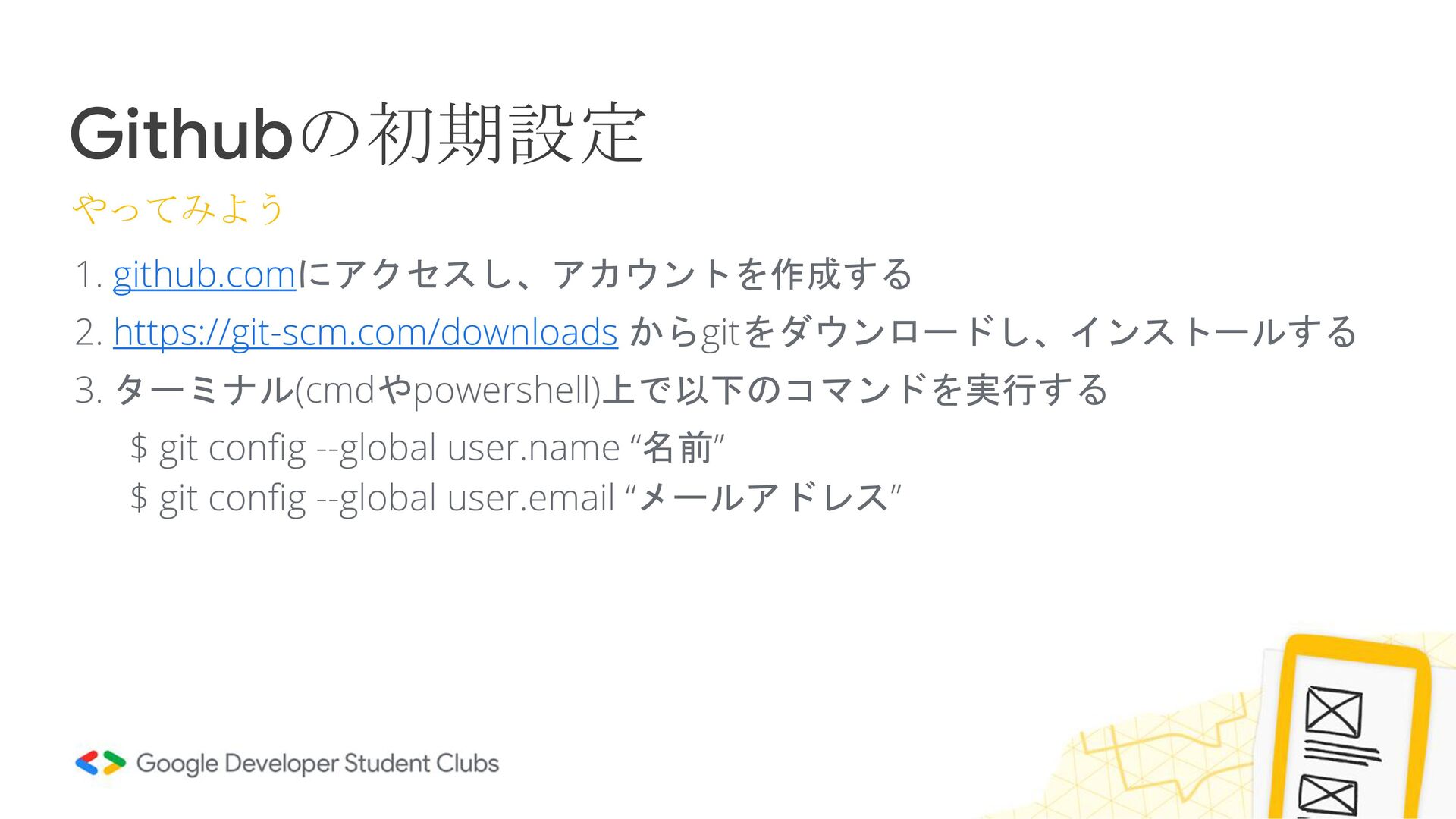
Githubの初期設定 やってみよう 1. github.comにアクセスし、アカウントを作成する 2. https://git-scm.com/downloads からgitをダウンロードし、インストールする 3. ターミナル(cmdやpowershell)上で以下のコマンドを実行する $
git config --global user.name “名前” $ git config --global user.email “メールアドレス”
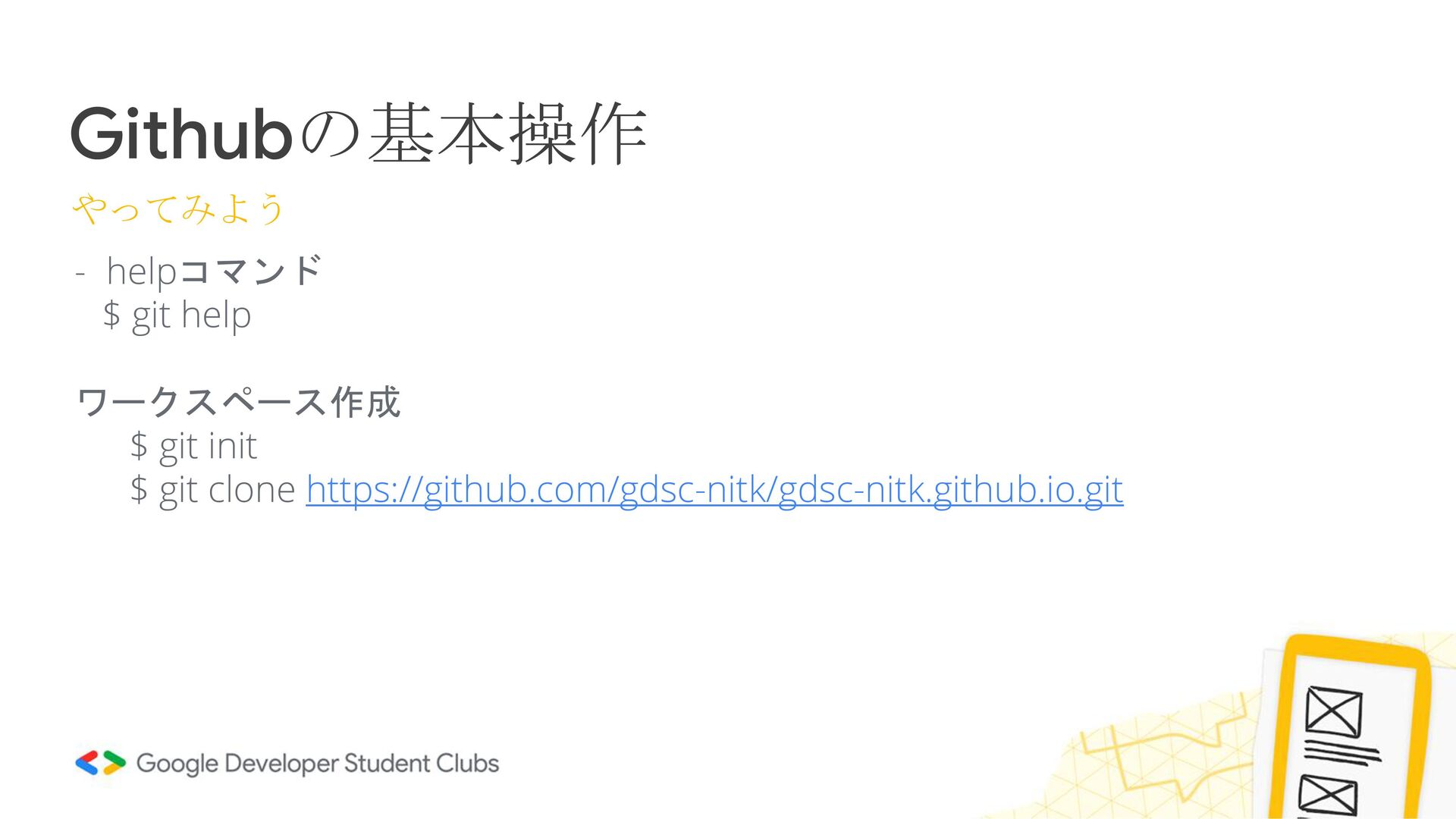
Githubの基本操作 やってみよう - helpコマンド $ git help ワークスペース作成 $ git
init $ git clone https://github.com/gdsc-nitk/gdsc-nitk.github.io.git
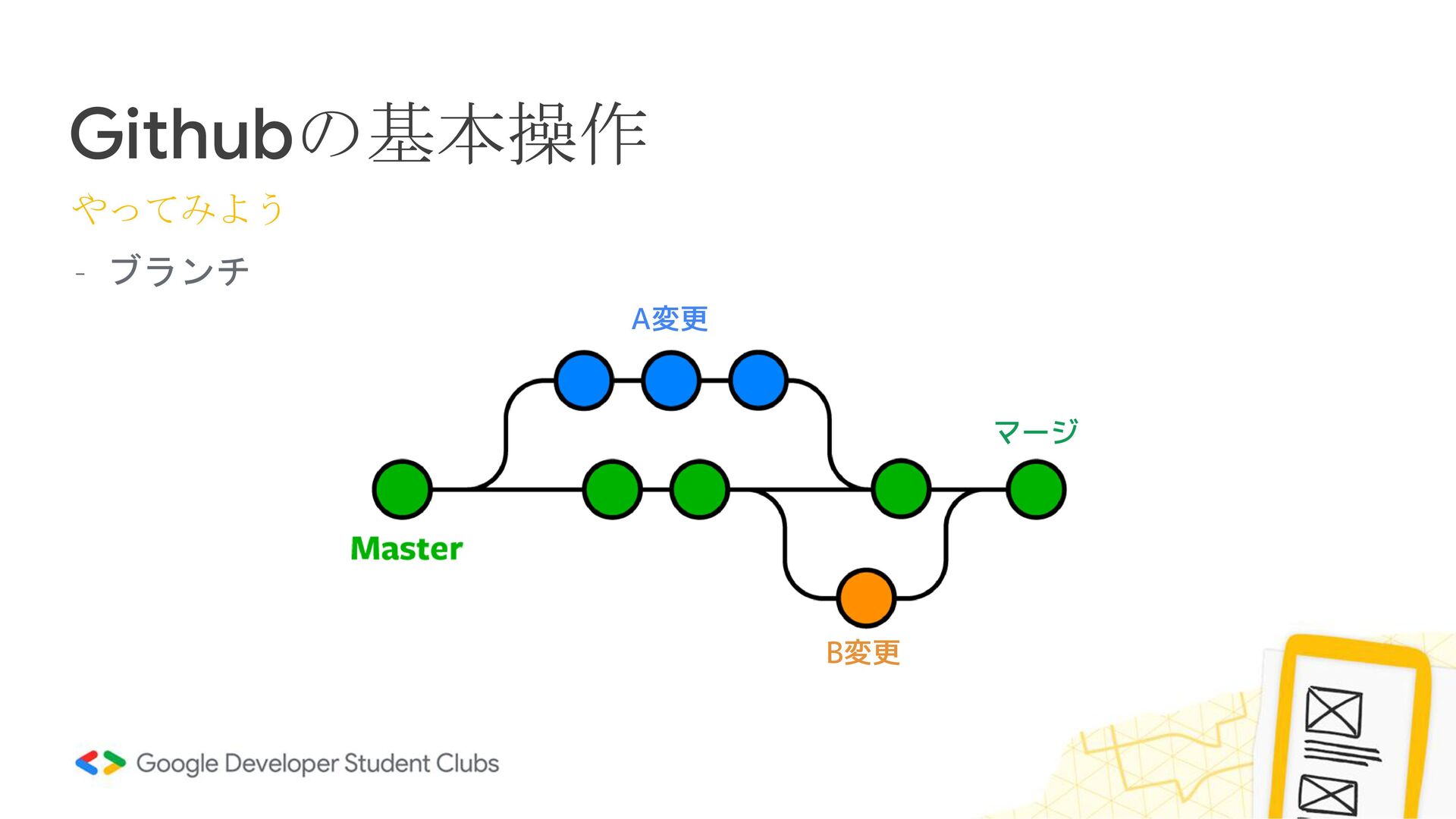
Githubの基本操作 やってみよう - ブランチ B変更 A変更 マージ
Github Pagesで自分のWebサイトを公開しよう!


 lef237
 taiseiue
 iwatsukayura
 xleitix
 minodriven
 ivargrimstad
 findyinc
 eed3si9n
 yasaichi
 o0h
o0h
 andpad
 guaca
guaca
 kastner
 addyosmani
 nonsquared
 katiecoart
 jacobtomlinson
 tamaranovitovic
 bryan
bryan
 stuffmc
 codingconduct
 lara
lara
 michaelherold
 tammyeverts