Upgrade to Pro — share decks privately, control downloads, hide ads and more …

Android Coroutines Workshop

Sponsored · Ship Features Fearlessly Turn features on and off without deploys. Used by thousands of Ruby developers. →

Android Coroutines Workshop

Avatar for Harry Pulvirenti

Harry Pulvirenti

September 08, 2021

Other Decks in Programming

Transcript

  1. What will be covered today? • What is a suspend

    function? • Coroutines Scope, Context and Dispatchers • Coroutine Cancellation • Exception handling • Flow & Channels • Testing 2
  2. 5

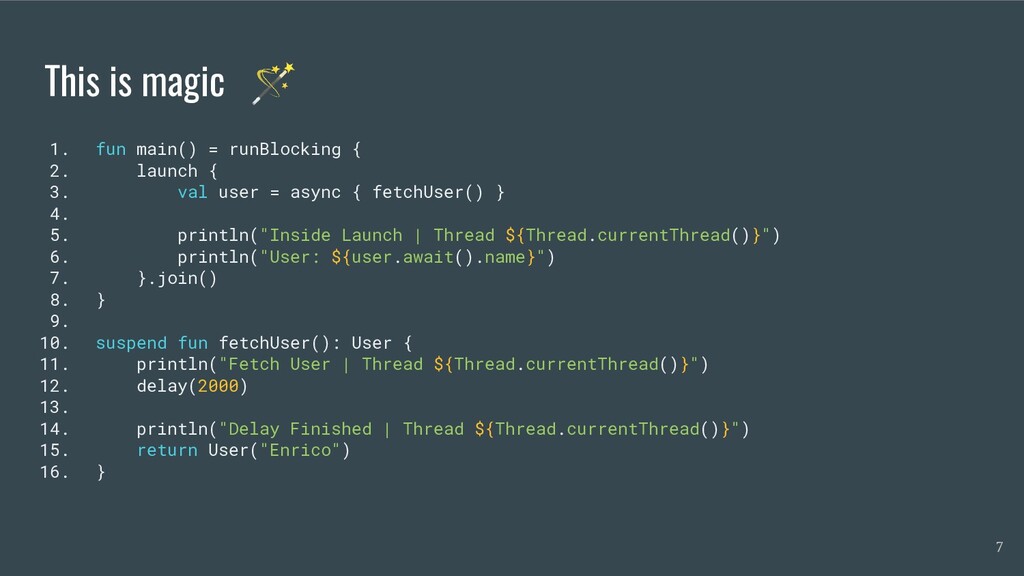
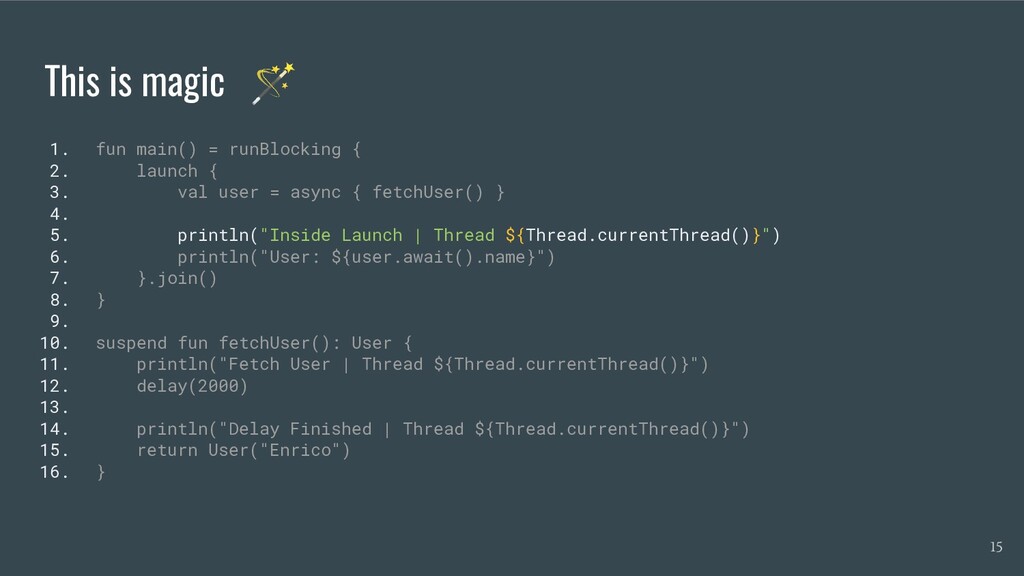
  3. This is magic 🪄 1. fun main() = runBlocking {

    2. launch { 3. val user = async { fetchUser() } 4. 5. println("Inside Launch | Thread ${Thread.currentThread()}") 6. println("User: ${user.await().name}") 7. }.join() 8. } 9. 10. suspend fun fetchUser(): User { 11. println("Fetch User | Thread ${Thread.currentThread()}") 12. delay(2000) 13. 14. println("Delay Finished | Thread ${Thread.currentThread()}") 15. return User("Enrico") 16. } 7
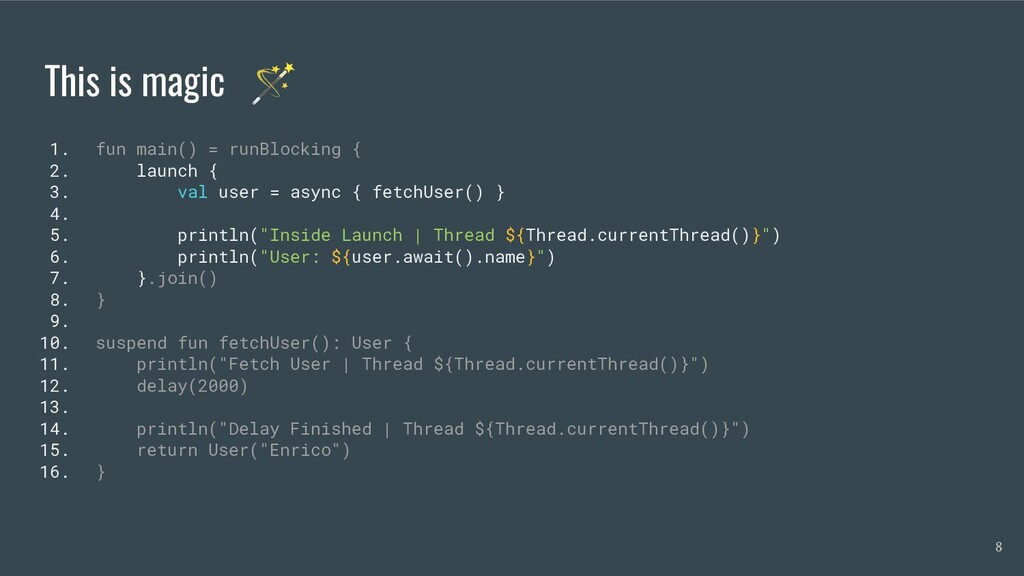
  4. This is magic 🪄 1. fun main() = runBlocking {

    2. launch { 3. val user = async { fetchUser() } 4. 5. println("Inside Launch | Thread ${Thread.currentThread()}") 6. println("User: ${user.await().name}") 7. }.join() 8. } 9. 10. suspend fun fetchUser(): User { 11. println("Fetch User | Thread ${Thread.currentThread()}") 12. delay(2000) 13. 14. println("Delay Finished | Thread ${Thread.currentThread()}") 15. return User("Enrico") 16. } 8
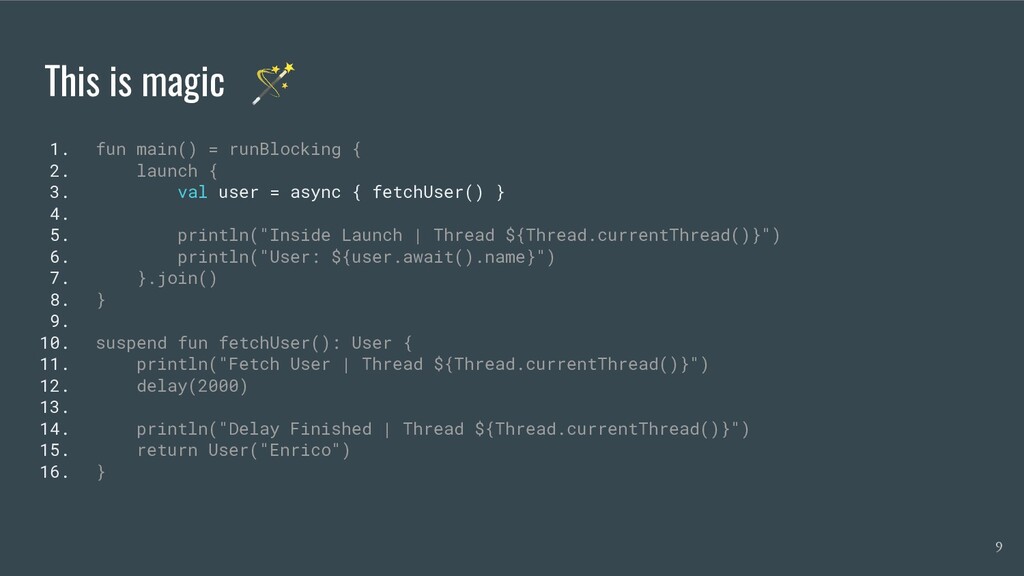
  5. This is magic 🪄 1. fun main() = runBlocking {

    2. launch { 3. val user = async { fetchUser() } 4. 5. println("Inside Launch | Thread ${Thread.currentThread()}") 6. println("User: ${user.await().name}") 7. }.join() 8. } 9. 10. suspend fun fetchUser(): User { 11. println("Fetch User | Thread ${Thread.currentThread()}") 12. delay(2000) 13. 14. println("Delay Finished | Thread ${Thread.currentThread()}") 15. return User("Enrico") 16. } 9
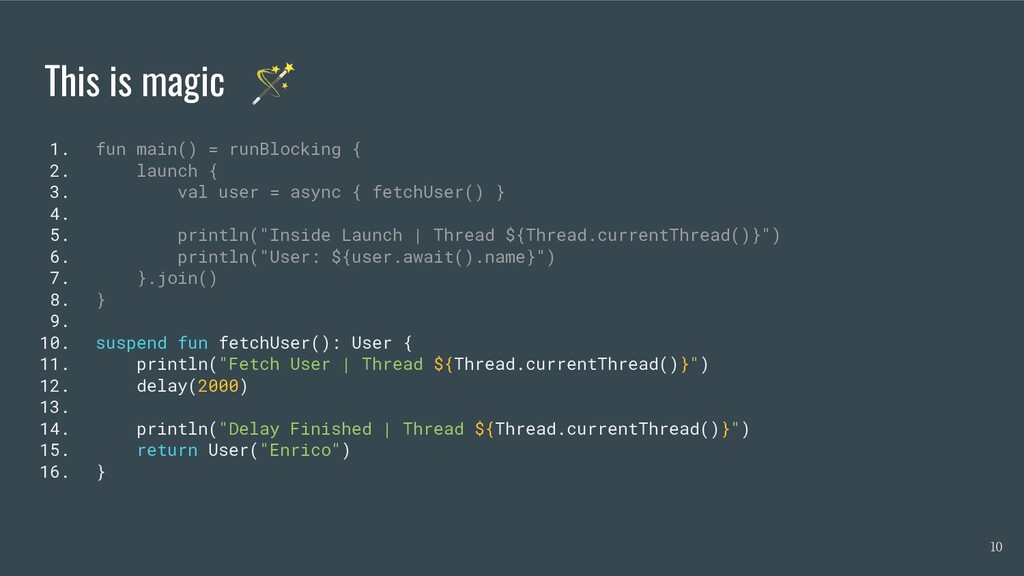
  6. This is magic 🪄 1. fun main() = runBlocking {

    2. launch { 3. val user = async { fetchUser() } 4. 5. println("Inside Launch | Thread ${Thread.currentThread()}") 6. println("User: ${user.await().name}") 7. }.join() 8. } 9. 10. suspend fun fetchUser(): User { 11. println("Fetch User | Thread ${Thread.currentThread()}") 12. delay(2000) 13. 14. println("Delay Finished | Thread ${Thread.currentThread()}") 15. return User("Enrico") 16. } 10
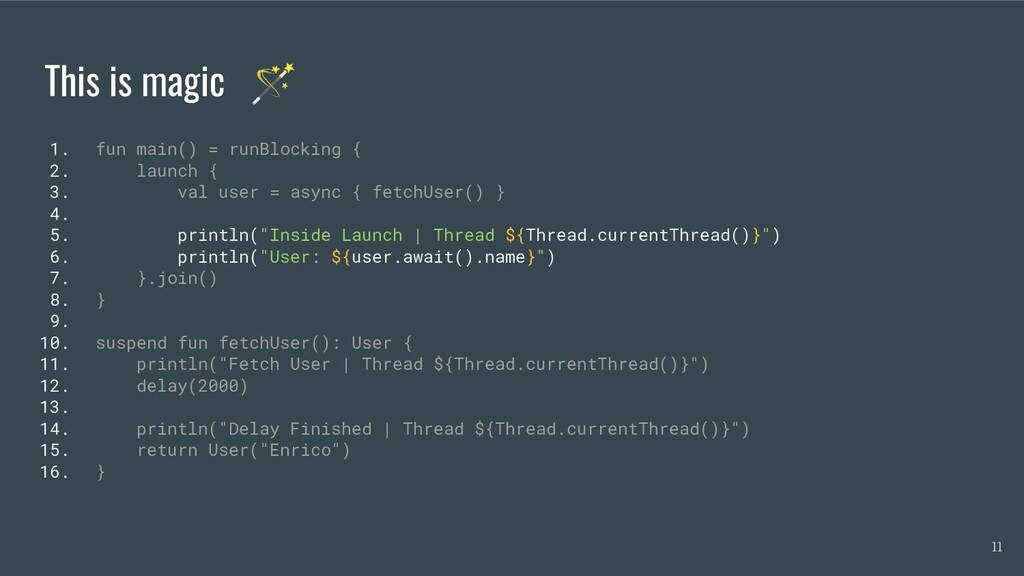
  7. This is magic 🪄 1. fun main() = runBlocking {

    2. launch { 3. val user = async { fetchUser() } 4. 5. println("Inside Launch | Thread ${Thread.currentThread()}") 6. println("User: ${user.await().name}") 7. }.join() 8. } 9. 10. suspend fun fetchUser(): User { 11. println("Fetch User | Thread ${Thread.currentThread()}") 12. delay(2000) 13. 14. println("Delay Finished | Thread ${Thread.currentThread()}") 15. return User("Enrico") 16. } 11
  8. This is magic 🪄 Fetch User | Thread Thread[main,5,main] Delay

    Finished | Thread Thread[main,5,main] Inside Launch | Thread Thread[main,5,main] User: Enrico 12
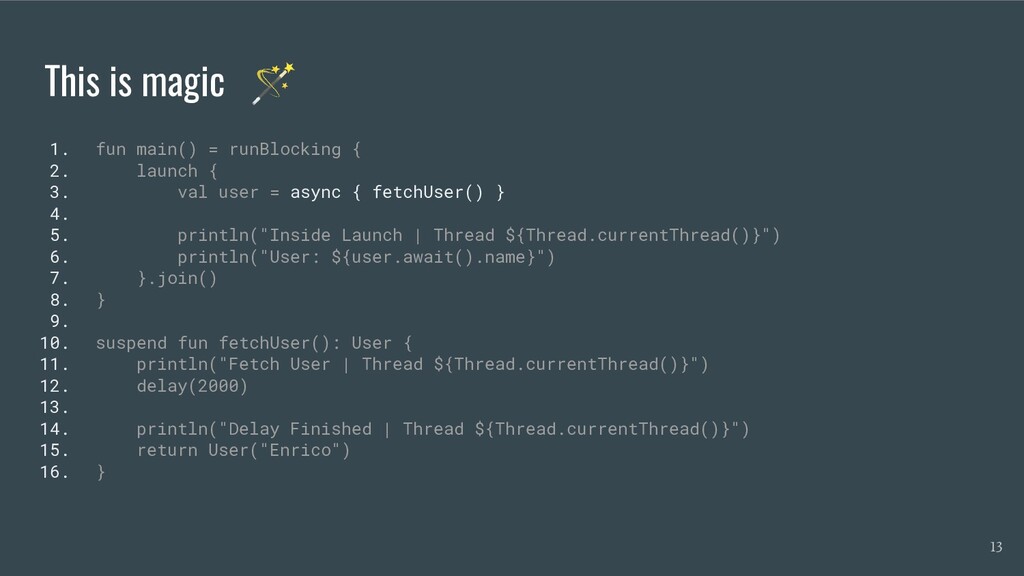
  9. This is magic 🪄 1. fun main() = runBlocking {

    2. launch { 3. val user = async { fetchUser() } 4. 5. println("Inside Launch | Thread ${Thread.currentThread()}") 6. println("User: ${user.await().name}") 7. }.join() 8. } 9. 10. suspend fun fetchUser(): User { 11. println("Fetch User | Thread ${Thread.currentThread()}") 12. delay(2000) 13. 14. println("Delay Finished | Thread ${Thread.currentThread()}") 15. return User("Enrico") 16. } 13
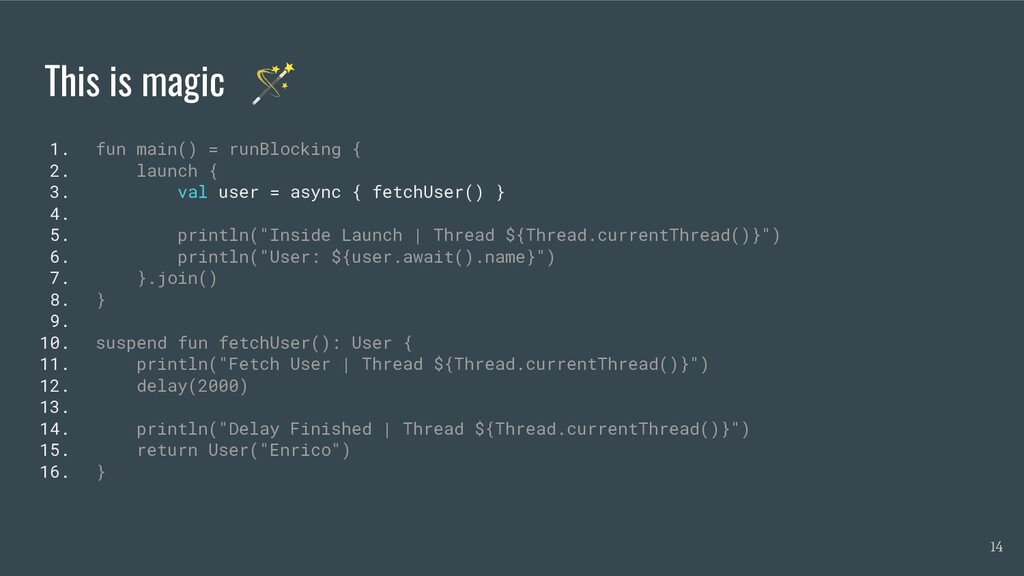
  10. This is magic 🪄 1. fun main() = runBlocking {

    2. launch { 3. val user = async { fetchUser() } 4. 5. println("Inside Launch | Thread ${Thread.currentThread()}") 6. println("User: ${user.await().name}") 7. }.join() 8. } 9. 10. suspend fun fetchUser(): User { 11. println("Fetch User | Thread ${Thread.currentThread()}") 12. delay(2000) 13. 14. println("Delay Finished | Thread ${Thread.currentThread()}") 15. return User("Enrico") 16. } 14
  11. This is magic 🪄 1. fun main() = runBlocking {

    2. launch { 3. val user = async { fetchUser() } 4. 5. println("Inside Launch | Thread ${Thread.currentThread()}") 6. println("User: ${user.await().name}") 7. }.join() 8. } 9. 10. suspend fun fetchUser(): User { 11. println("Fetch User | Thread ${Thread.currentThread()}") 12. delay(2000) 13. 14. println("Delay Finished | Thread ${Thread.currentThread()}") 15. return User("Enrico") 16. } 15
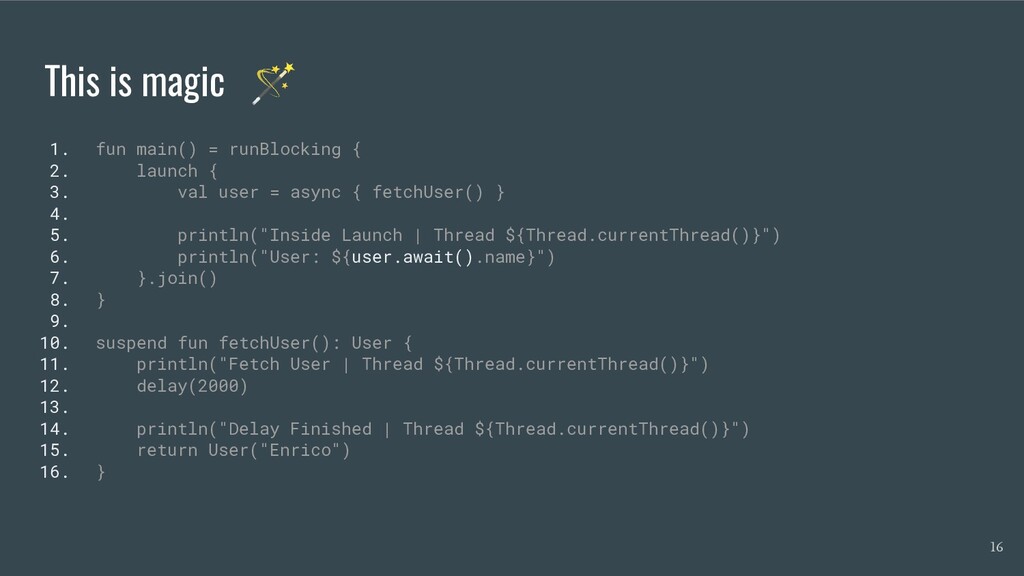
  12. This is magic 🪄 1. fun main() = runBlocking {

    2. launch { 3. val user = async { fetchUser() } 4. 5. println("Inside Launch | Thread ${Thread.currentThread()}") 6. println("User: ${user.await().name}") 7. }.join() 8. } 9. 10. suspend fun fetchUser(): User { 11. println("Fetch User | Thread ${Thread.currentThread()}") 12. delay(2000) 13. 14. println("Delay Finished | Thread ${Thread.currentThread()}") 15. return User("Enrico") 16. } 16
  13. This is magic 🪄 Inside Launch | Thread Thread[main,5,main] Fetch

    User | Thread Thread[main,5,main] Delay Finished | Thread Thread[main,5,main] User: Enrico 17
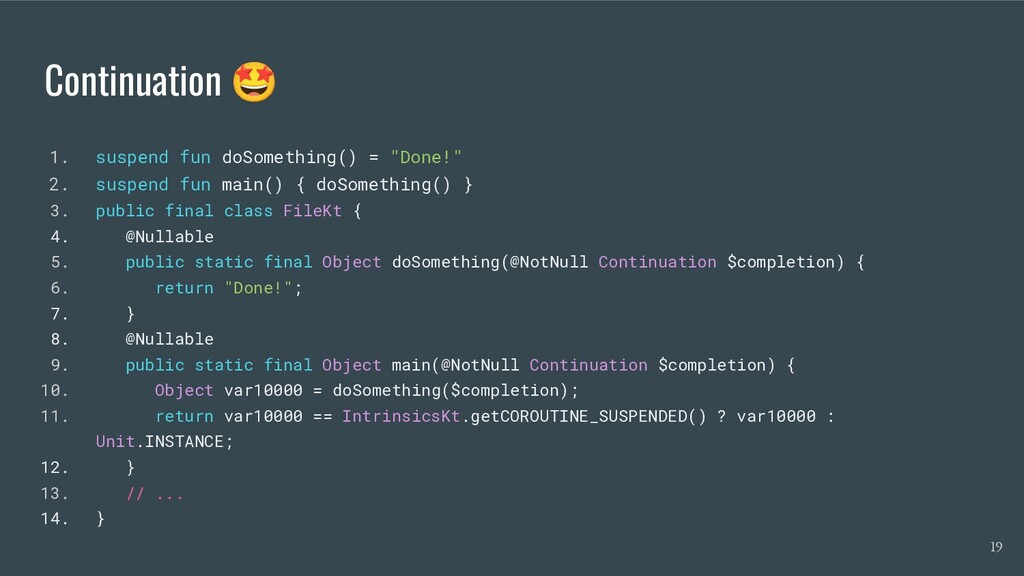
  14. Continuation 🤩 1. suspend fun doSomething() = "Done!" 2. suspend

    fun main() { doSomething() } 3. public final class FileKt { 4. @Nullable 5. public static final Object doSomething(@NotNull Continuation $completion) { 6. return "Done!"; 7. } 8. @Nullable 9. public static final Object main(@NotNull Continuation $completion) { 10. Object var10000 = doSomething($completion); 11. return var10000 == IntrinsicsKt.getCOROUTINE_SUSPENDED() ? var10000 : Unit.INSTANCE; 12. } 13. // ... 14. } 19
  15. Coroutines Scope To execute a Coroutine you have to use

    one of these two extensions defined on Coroutine Scope: launch or async 24
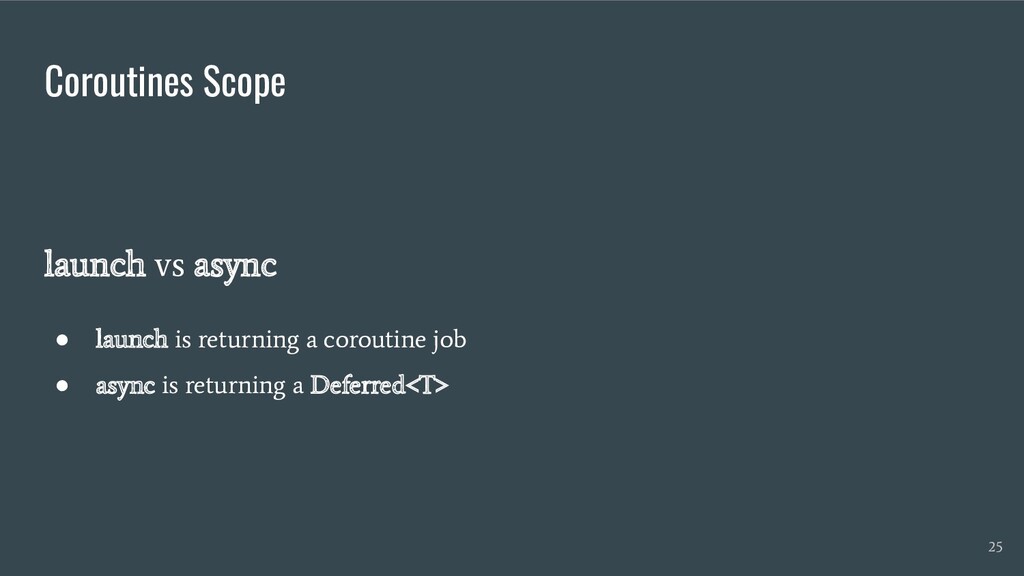
  16. Coroutines Scope launch vs async • launch is returning a

    coroutine job • async is returning a Deferred<T> 25
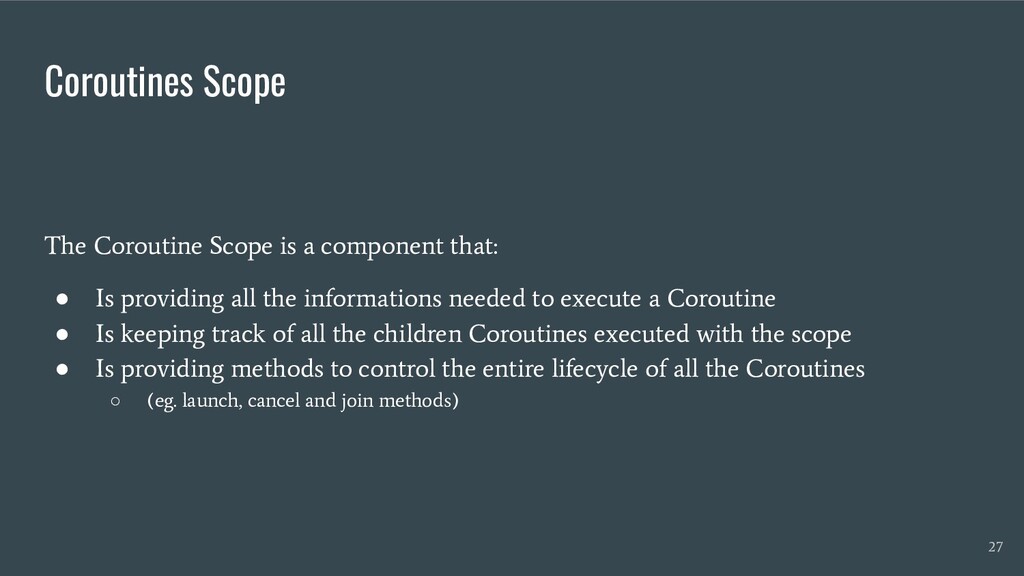
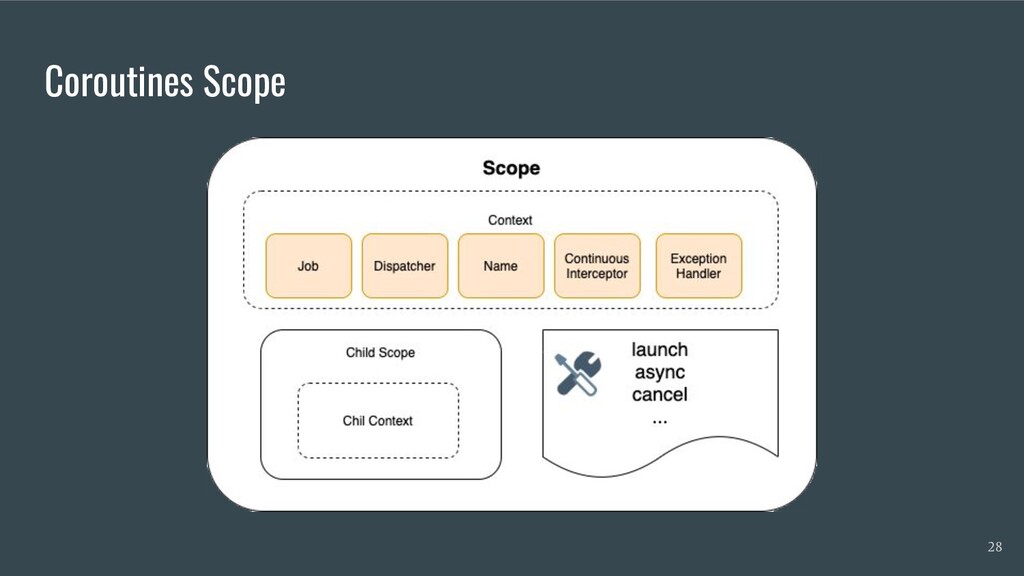
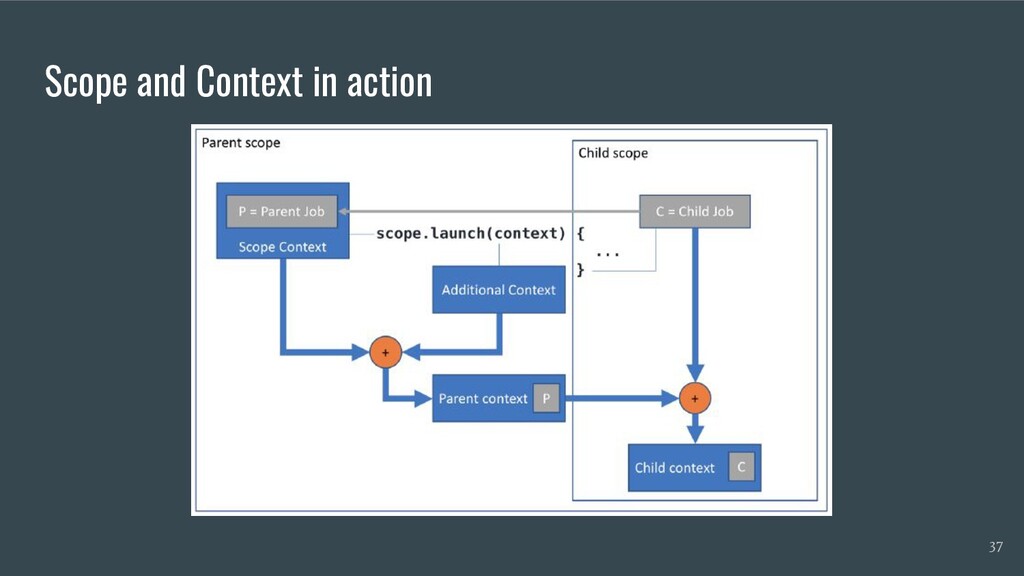
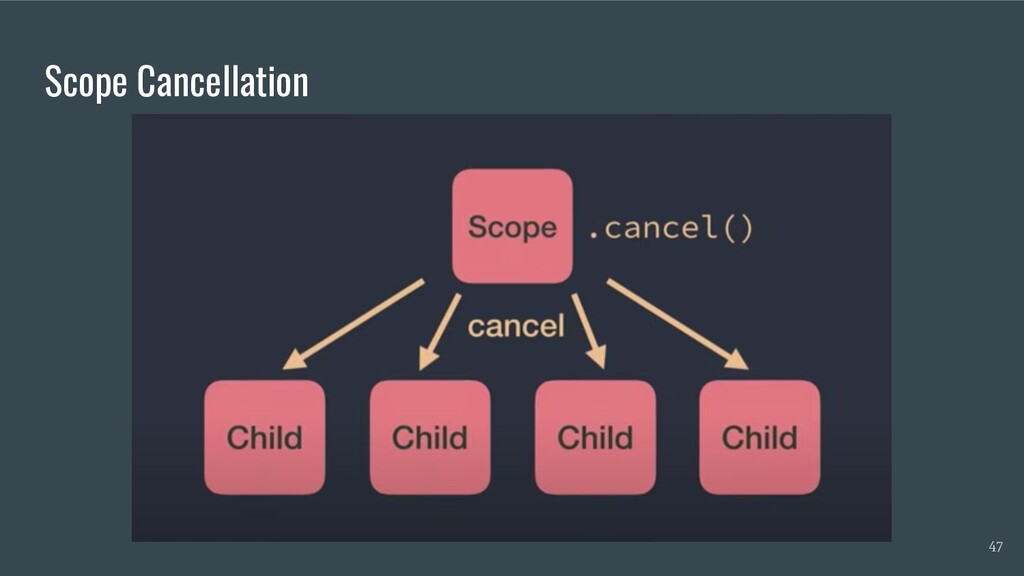
  17. Coroutines Scope The Coroutine Scope is a component that: •

    Is providing all the informations needed to execute a Coroutine • Is keeping track of all the children Coroutines executed with the scope • Is providing methods to control the entire lifecycle of all the Coroutines ◦ (eg. launch, cancel and join methods) 27
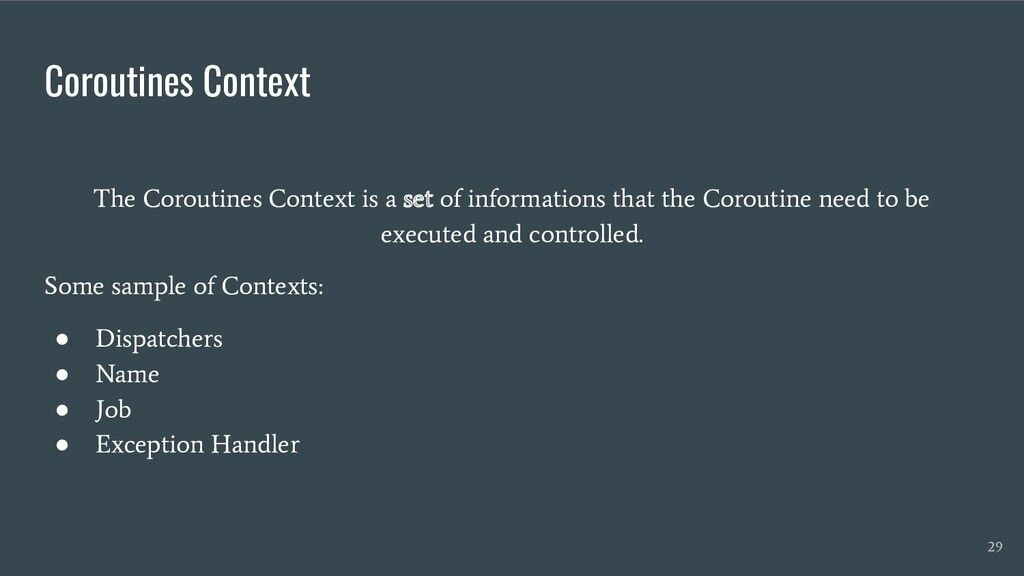
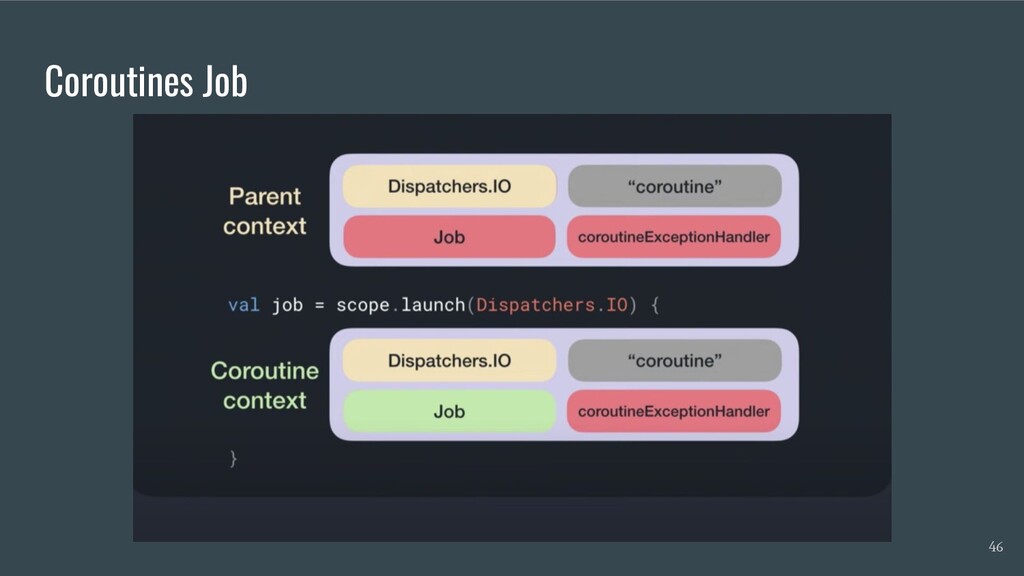
  18. Coroutines Context The Coroutines Context is a set of informations

    that the Coroutine need to be executed and controlled. Some sample of Contexts: • Dispatchers • Name • Job • Exception Handler 29
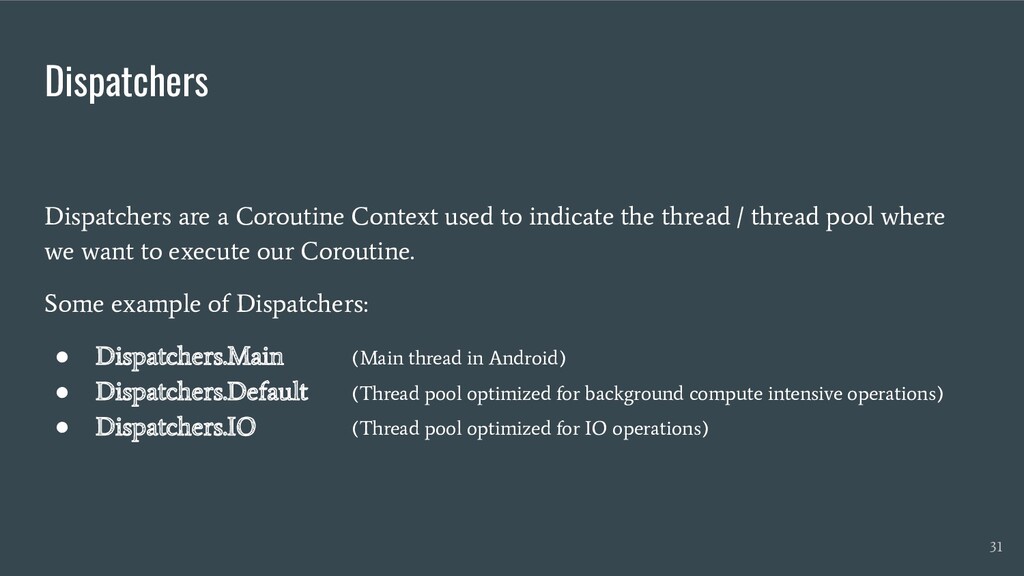
  19. Dispatchers Dispatchers are a Coroutine Context used to indicate the

    thread / thread pool where we want to execute our Coroutine. Some example of Dispatchers: • Dispatchers.Main (Main thread in Android) • Dispatchers.Default (Thread pool optimized for background compute intensive operations) • Dispatchers.IO (Thread pool optimized for IO operations) 31
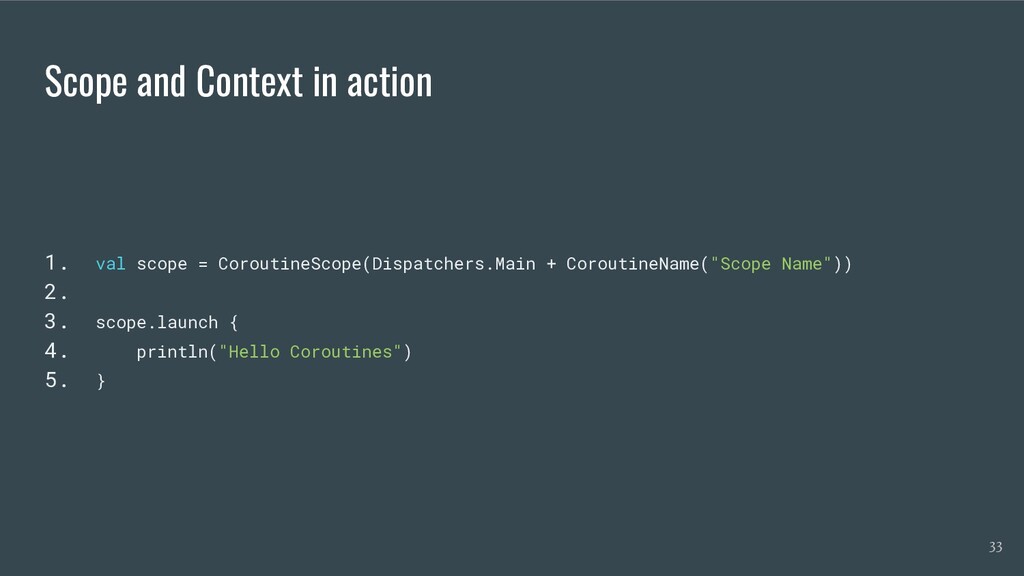
  20. Scope and Context in action 1. val scope = CoroutineScope(Dispatchers.Main

    + CoroutineName("Scope Name")) 2. 3. scope.launch { 4. println("Hello Coroutines") 5. } 33
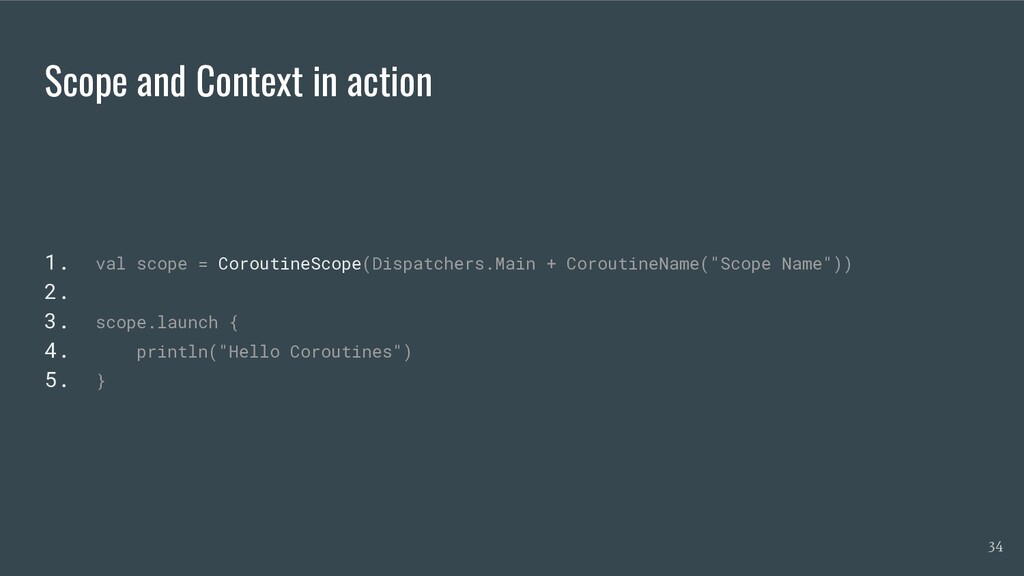
  21. Scope and Context in action 1. val scope = CoroutineScope(Dispatchers.Main

    + CoroutineName("Scope Name")) 2. 3. scope.launch { 4. println("Hello Coroutines") 5. } 34
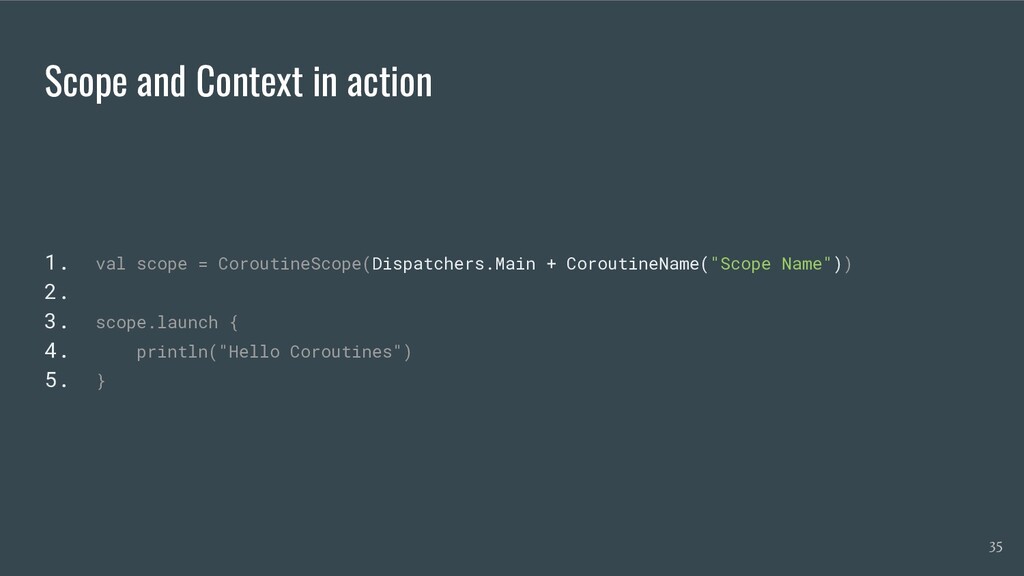
  22. Scope and Context in action 1. val scope = CoroutineScope(Dispatchers.Main

    + CoroutineName("Scope Name")) 2. 3. scope.launch { 4. println("Hello Coroutines") 5. } 35
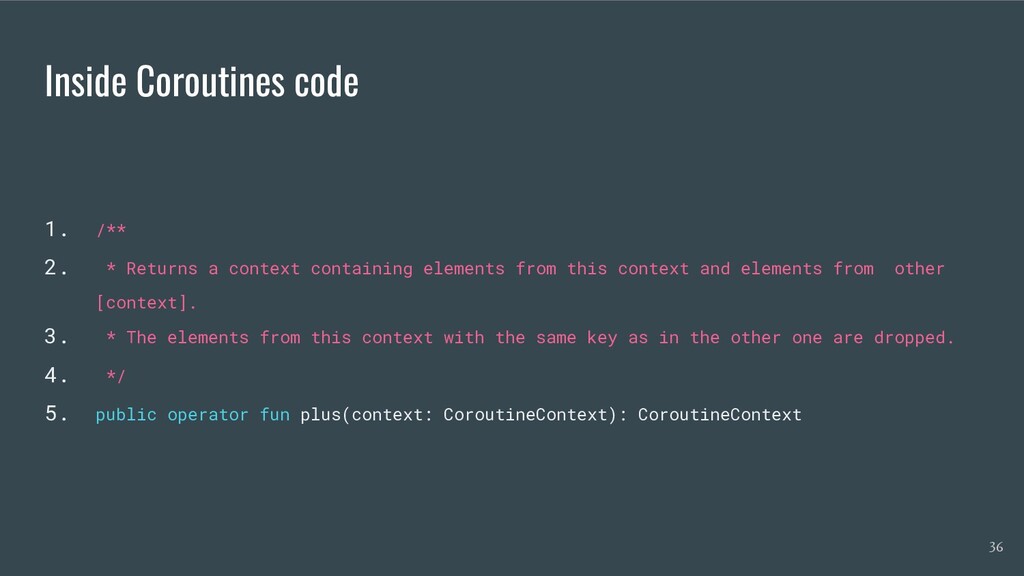
  23. Inside Coroutines code 1. /** 2. * Returns a context

    containing elements from this context and elements from other [context]. 3. * The elements from this context with the same key as in the other one are dropped. 4. */ 5. public operator fun plus(context: CoroutineContext): CoroutineContext 36
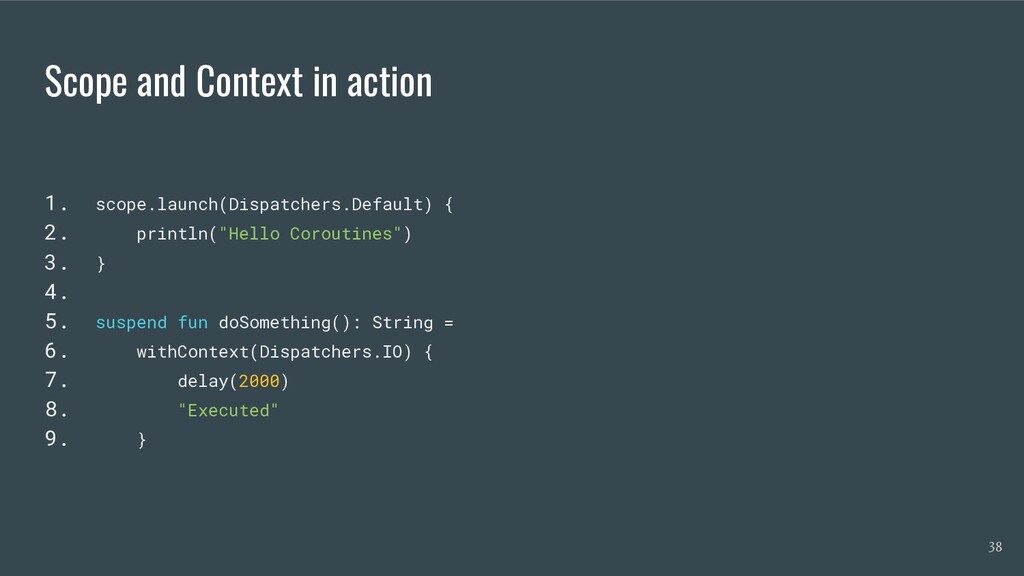
  24. Scope and Context in action 1. scope.launch(Dispatchers.Default) { 2. println("Hello

    Coroutines") 3. } 4. 5. suspend fun doSomething(): String = 6. withContext(Dispatchers.IO) { 7. delay(2000) 8. "Executed" 9. } 38
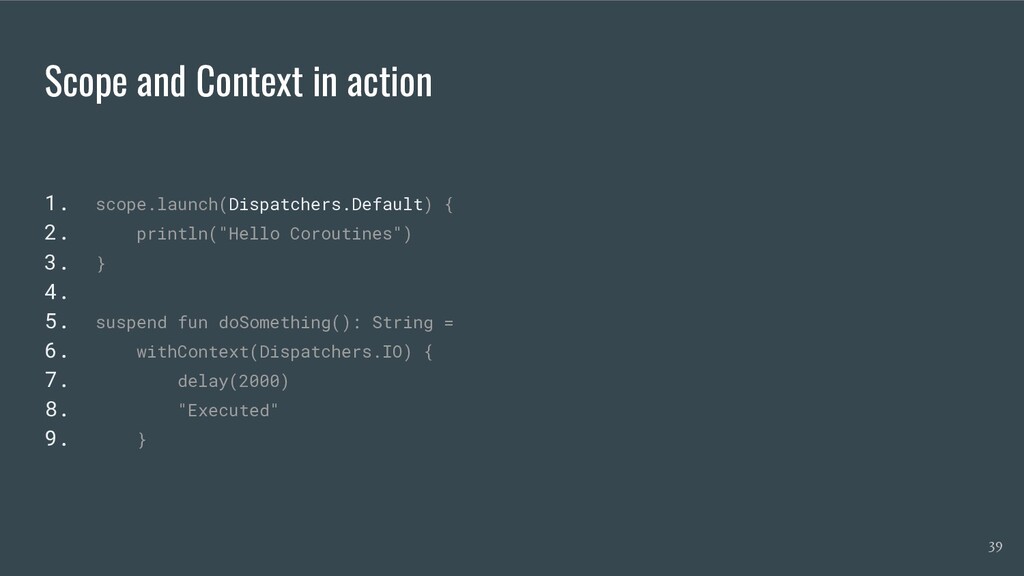
  25. Scope and Context in action 1. scope.launch(Dispatchers.Default) { 2. println("Hello

    Coroutines") 3. } 4. 5. suspend fun doSomething(): String = 6. withContext(Dispatchers.IO) { 7. delay(2000) 8. "Executed" 9. } 39
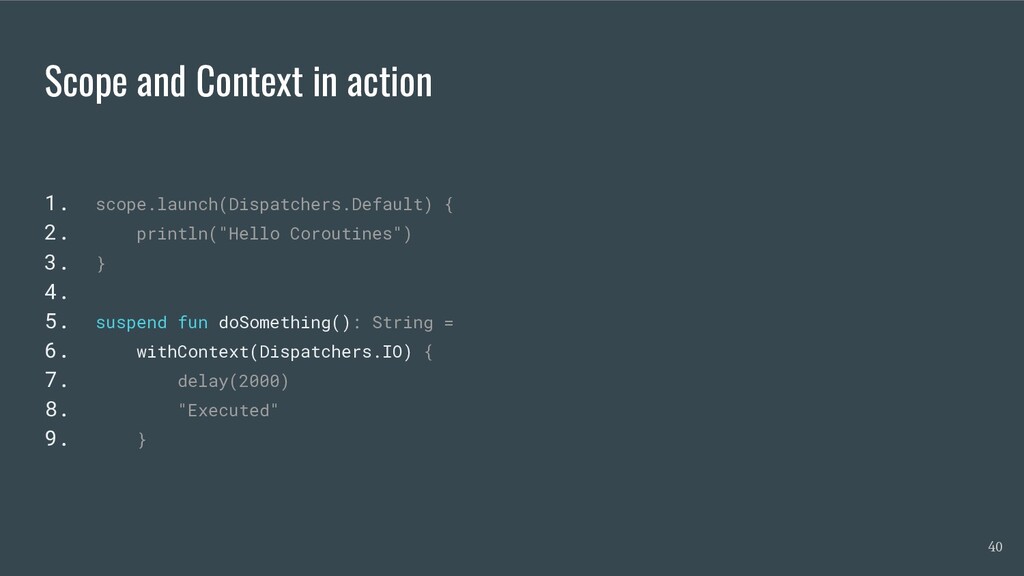
  26. Scope and Context in action 1. scope.launch(Dispatchers.Default) { 2. println("Hello

    Coroutines") 3. } 4. 5. suspend fun doSomething(): String = 6. withContext(Dispatchers.IO) { 7. delay(2000) 8. "Executed" 9. } 40
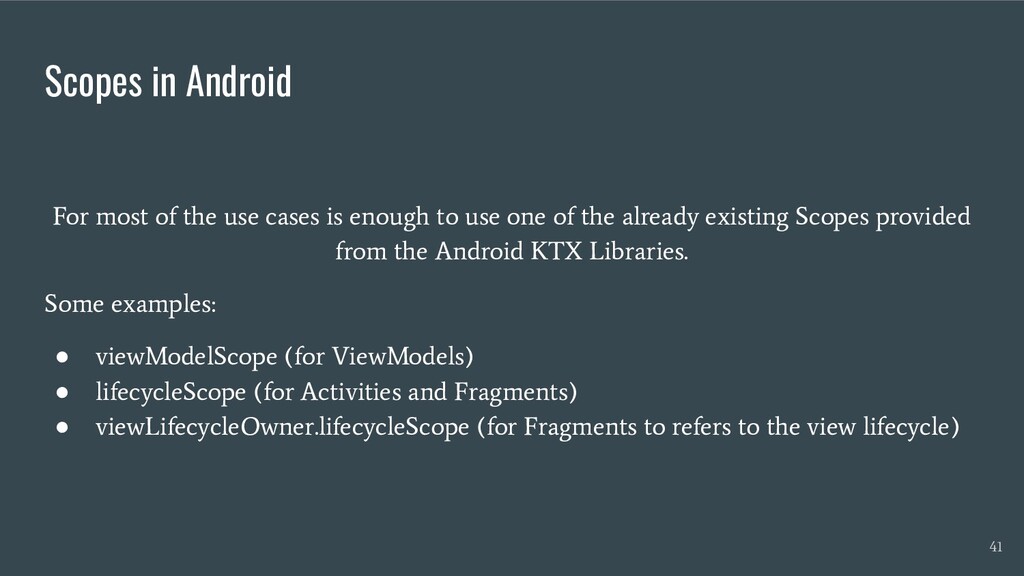
  27. Scopes in Android For most of the use cases is

    enough to use one of the already existing Scopes provided from the Android KTX Libraries. Some examples: • viewModelScope (for ViewModels) • lifecycleScope (for Activities and Fragments) • viewLifecycleOwner.lifecycleScope (for Fragments to refers to the view lifecycle) 41
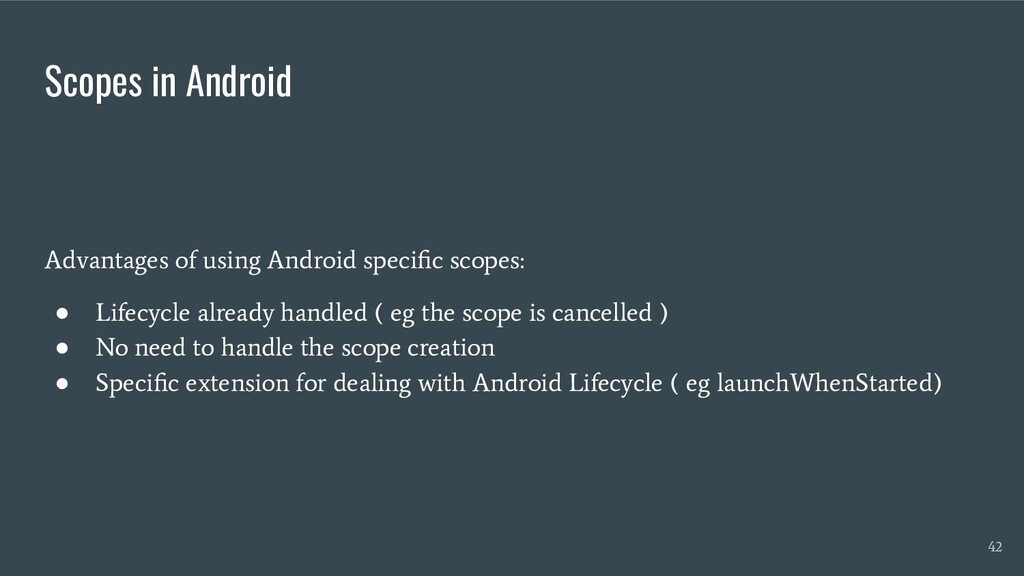
  28. Scopes in Android Advantages of using Android specific scopes: •

    Lifecycle already handled ( eg the scope is cancelled ) • No need to handle the scope creation • Specific extension for dealing with Android Lifecycle ( eg launchWhenStarted) 42
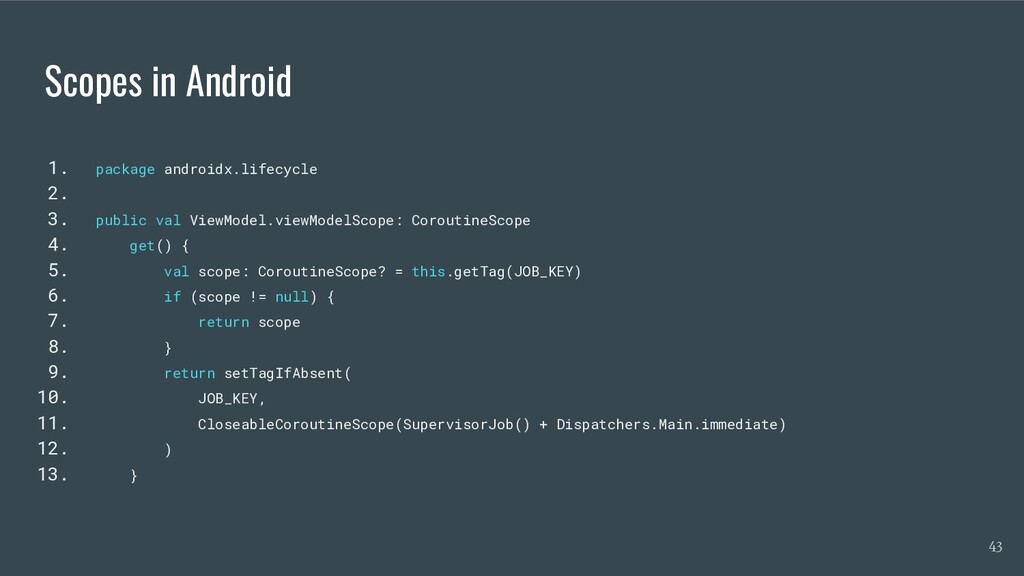
  29. Scopes in Android 1. package androidx.lifecycle 2. 3. public val

    ViewModel.viewModelScope: CoroutineScope 4. get() { 5. val scope: CoroutineScope? = this.getTag(JOB_KEY) 6. if (scope != null) { 7. return scope 8. } 9. return setTagIfAbsent( 10. JOB_KEY, 11. CloseableCoroutineScope(SupervisorJob() + Dispatchers.Main.immediate) 12. ) 13. } 43
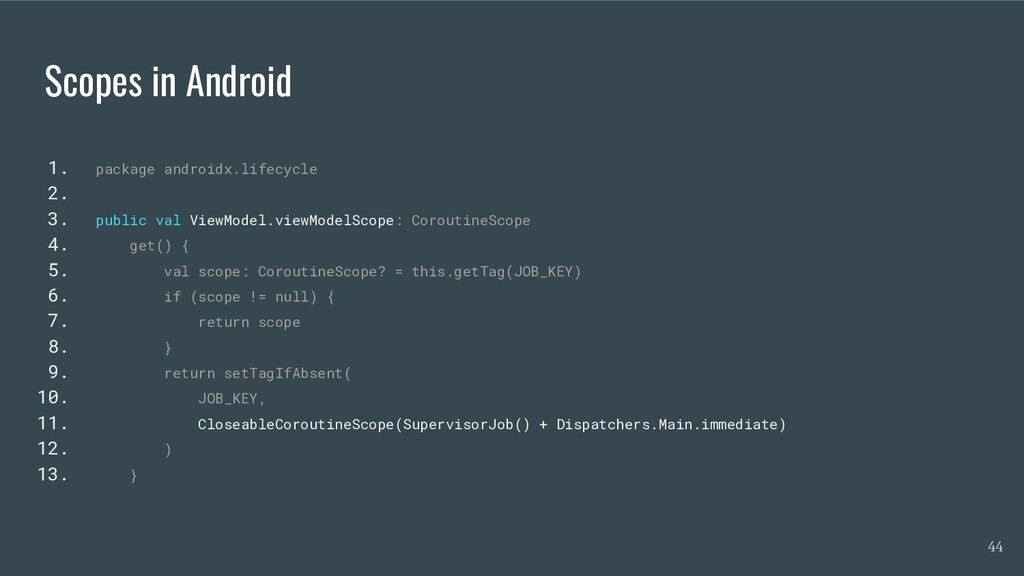
  30. Scopes in Android 1. package androidx.lifecycle 2. 3. public val

    ViewModel.viewModelScope: CoroutineScope 4. get() { 5. val scope: CoroutineScope? = this.getTag(JOB_KEY) 6. if (scope != null) { 7. return scope 8. } 9. return setTagIfAbsent( 10. JOB_KEY, 11. CloseableCoroutineScope(SupervisorJob() + Dispatchers.Main.immediate) 12. ) 13. } 44
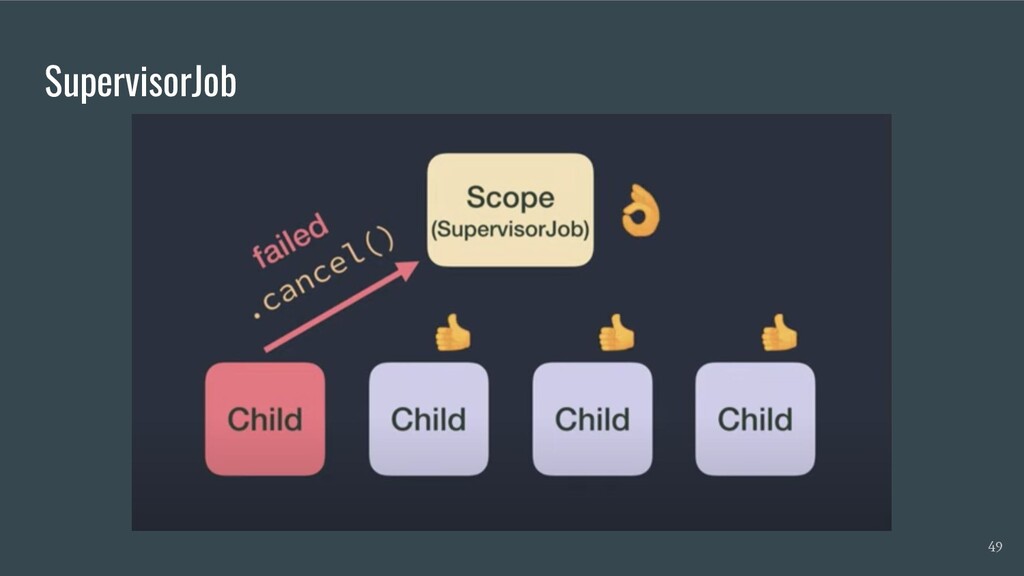
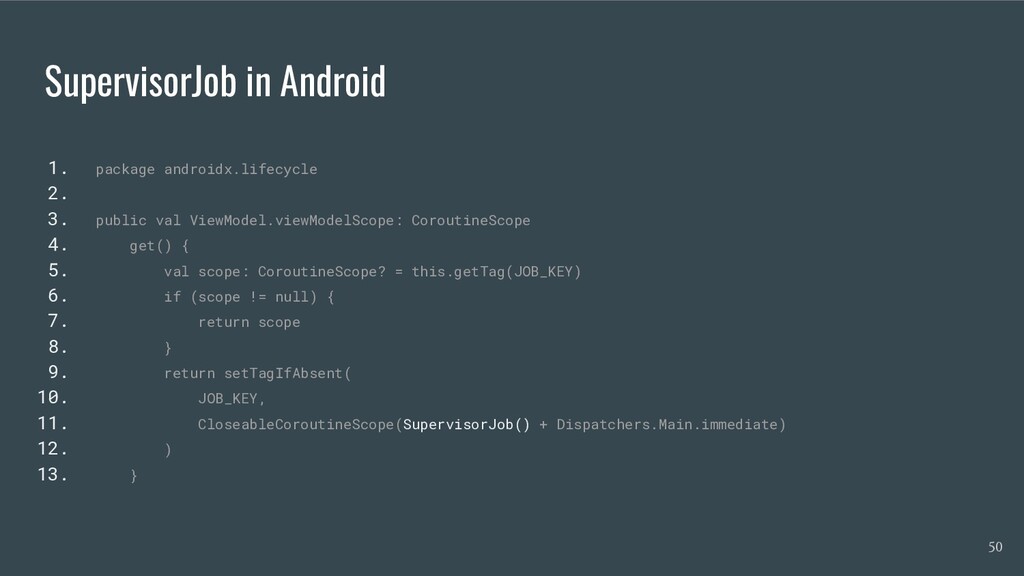
  31. SupervisorJob in Android 1. package androidx.lifecycle 2. 3. public val

    ViewModel.viewModelScope: CoroutineScope 4. get() { 5. val scope: CoroutineScope? = this.getTag(JOB_KEY) 6. if (scope != null) { 7. return scope 8. } 9. return setTagIfAbsent( 10. JOB_KEY, 11. CloseableCoroutineScope(SupervisorJob() + Dispatchers.Main.immediate) 12. ) 13. } 50
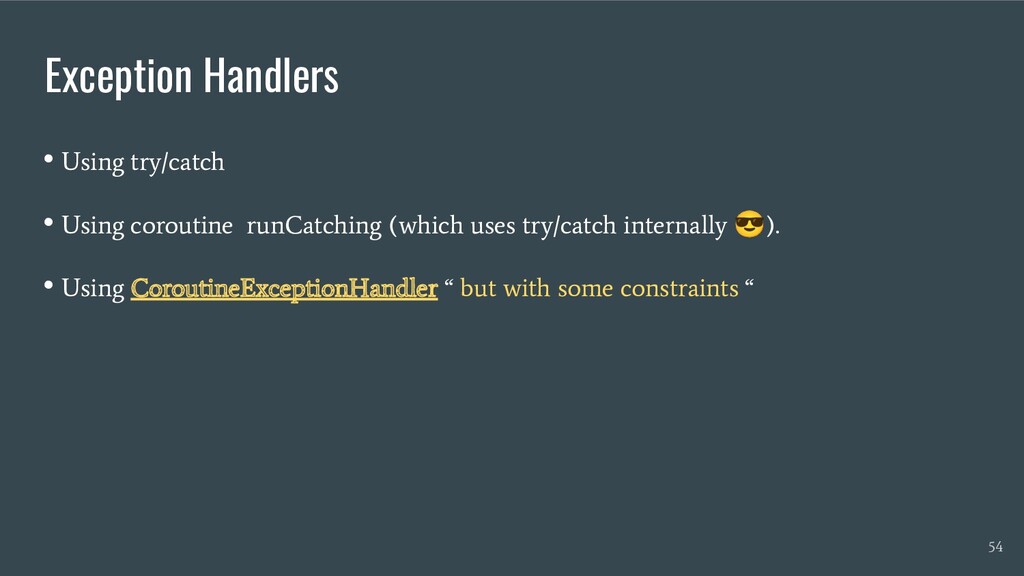
  32. Exception Handlers • Using try/catch • Using coroutine runCatching (which

    uses try/catch internally 😎 ). • Using CoroutineExceptionHandler “ but with some constraints “ 54
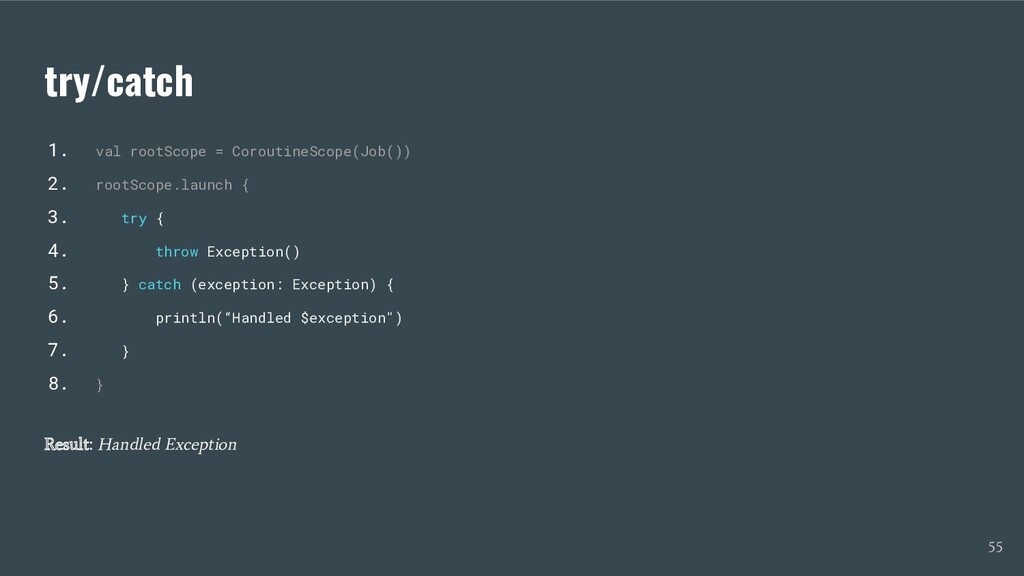
  33. try/catch 1. val rootScope = CoroutineScope(Job()) 2. rootScope.launch { 3.

    try { 4. throw Exception() 5. } catch (exception: Exception) { 6. println(“Handled $exception") 7. } 8. } Result: Handled Exception 55
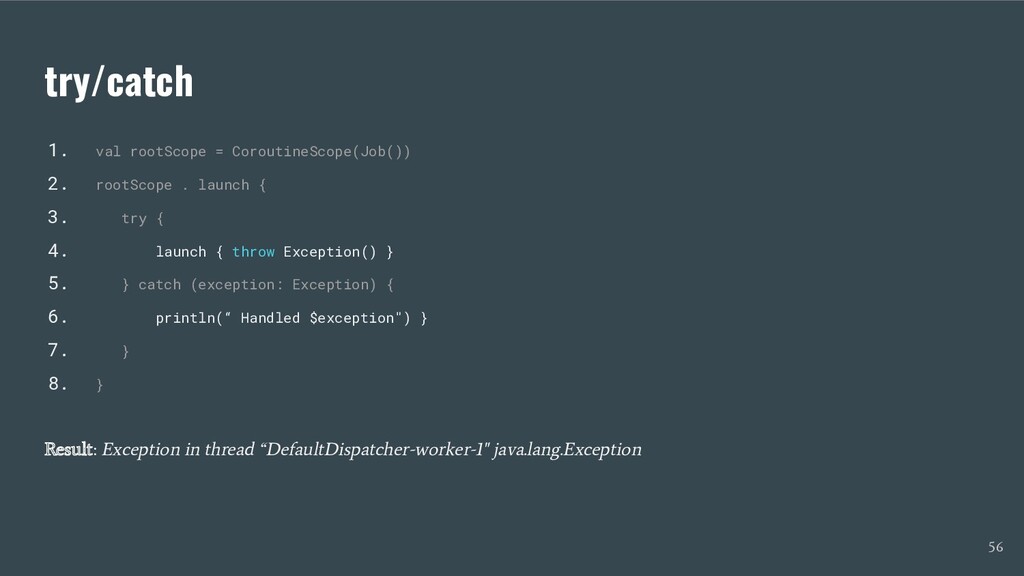
  34. try/catch 1. val rootScope = CoroutineScope(Job()) 2. rootScope . launch

    { 3. try { 4. launch { throw Exception() } 5. } catch (exception: Exception) { 6. println(“ Handled $exception") } 7. } 8. } Result: Exception in thread “DefaultDispatcher-worker-1" java.lang.Exception 56
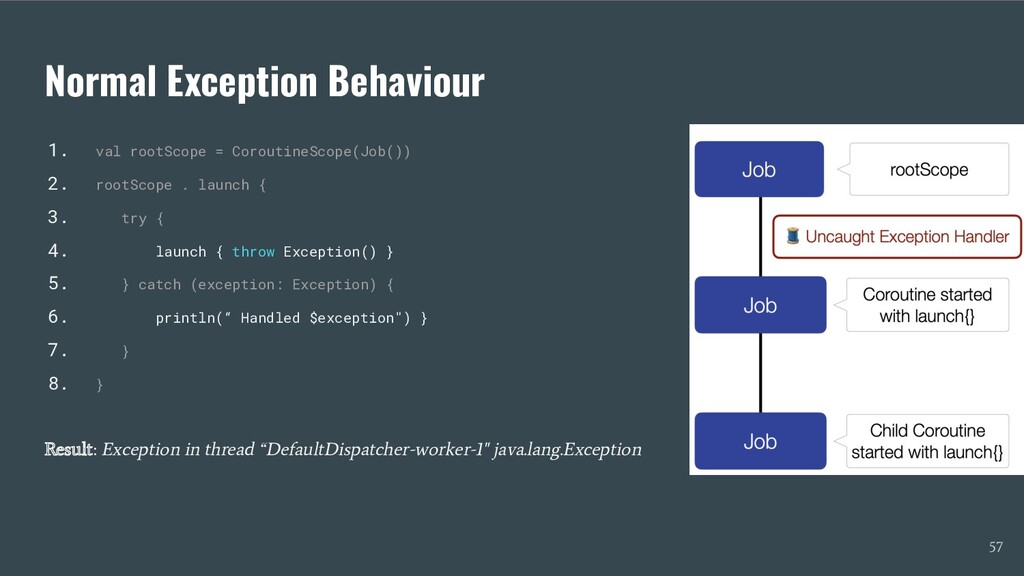
  35. Normal Exception Behaviour 1. val rootScope = CoroutineScope(Job()) 2. rootScope

    . launch { 3. try { 4. launch { throw Exception() } 5. } catch (exception: Exception) { 6. println(“ Handled $exception") } 7. } 8. } Result: Exception in thread “DefaultDispatcher-worker-1" java.lang.Exception 57
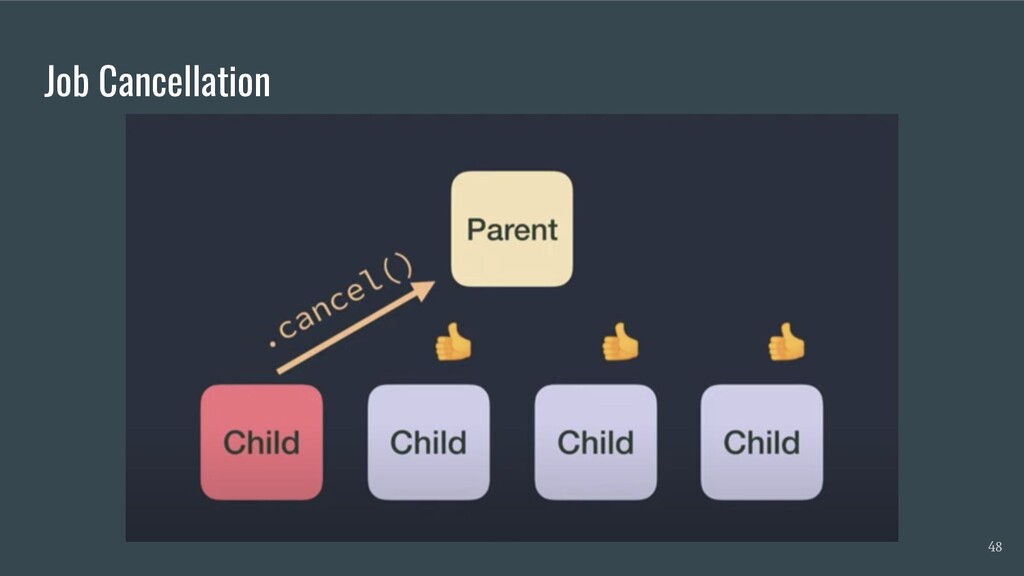
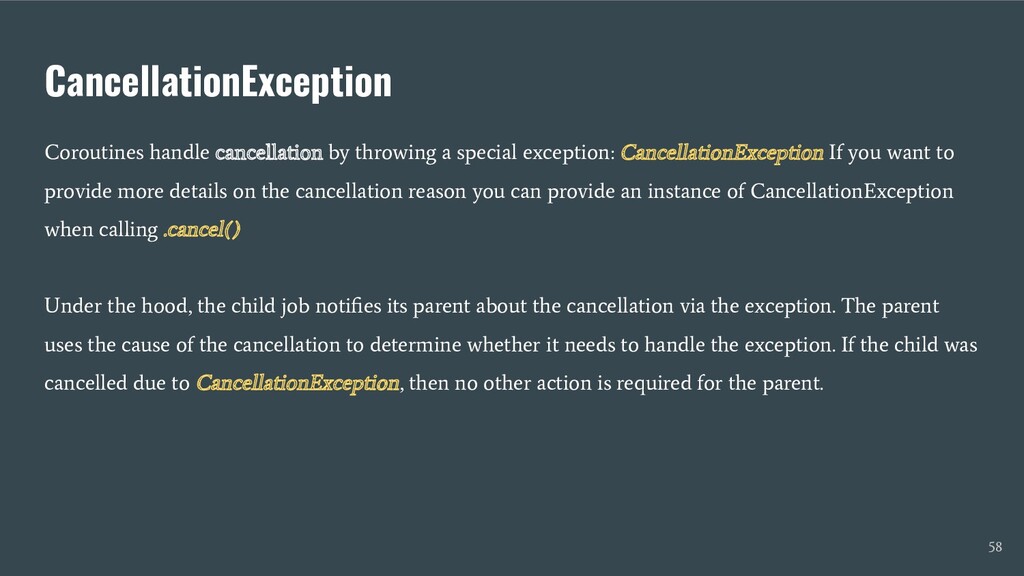
  36. CancellationException Coroutines handle cancellation by throwing a special exception: CancellationException

    If you want to provide more details on the cancellation reason you can provide an instance of CancellationException when calling .cancel() Under the hood, the child job notifies its parent about the cancellation via the exception. The parent uses the cause of the cancellation to determine whether it needs to handle the exception. If the child was cancelled due to CancellationException, then no other action is required for the parent. 58
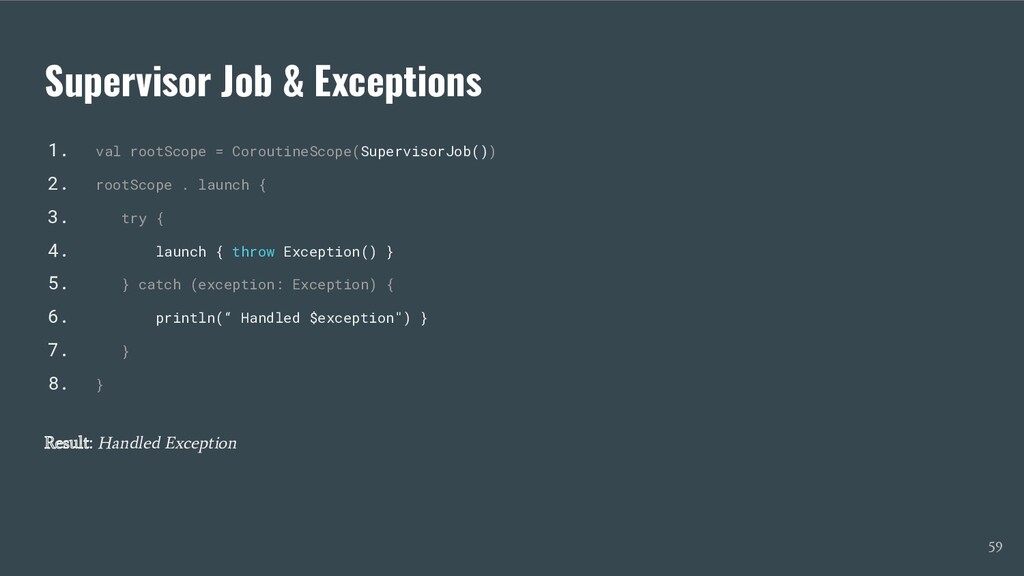
  37. Supervisor Job & Exceptions 1. val rootScope = CoroutineScope(SupervisorJob()) 2.

    rootScope . launch { 3. try { 4. launch { throw Exception() } 5. } catch (exception: Exception) { 6. println(“ Handled $exception") } 7. } 8. } Result: Handled Exception 59
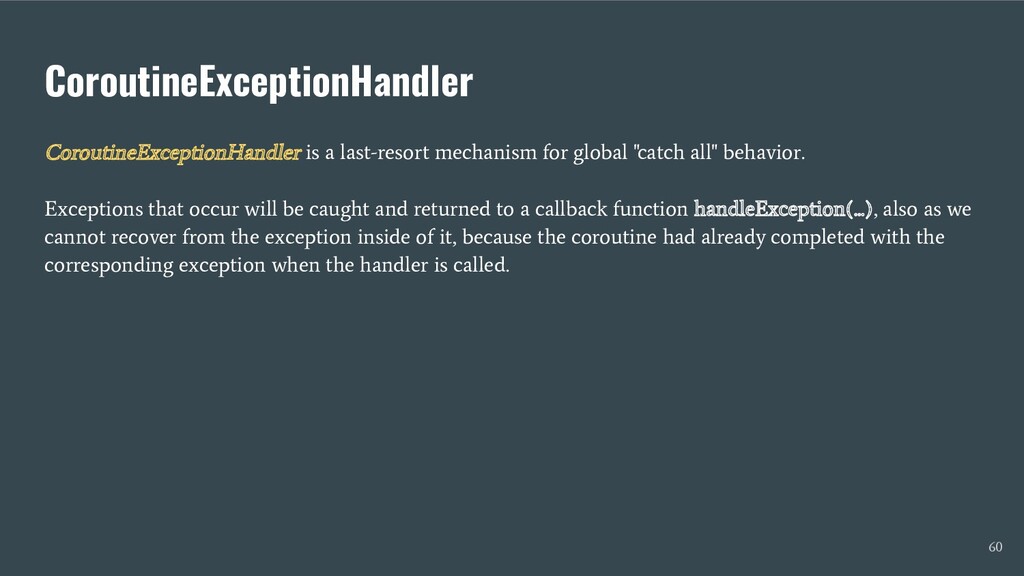
  38. CoroutineExceptionHandler CoroutineExceptionHandler is a last-resort mechanism for global "catch all"

    behavior. Exceptions that occur will be caught and returned to a callback function handleException(...), also as we cannot recover from the exception inside of it, because the coroutine had already completed with the corresponding exception when the handler is called. 60
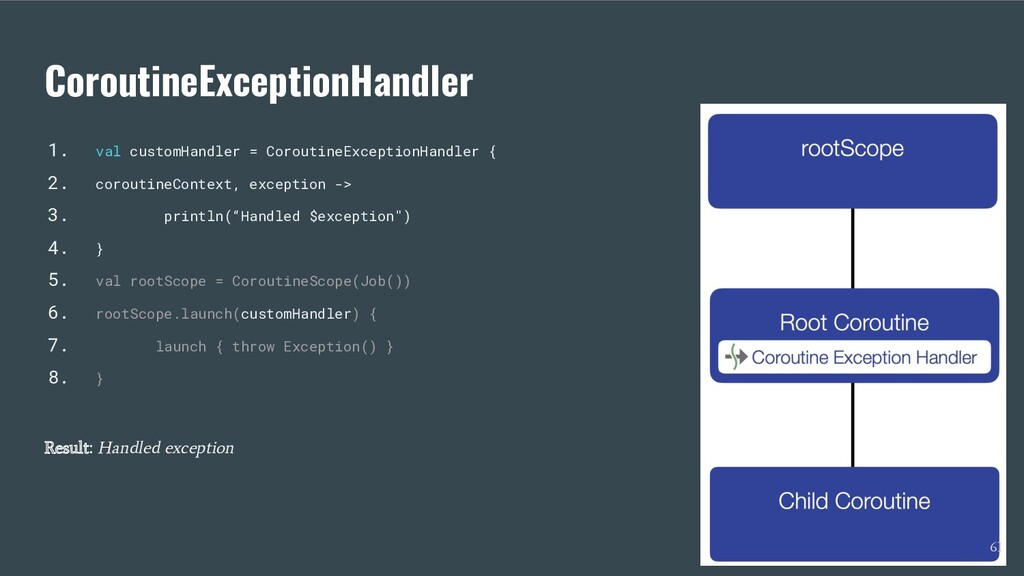
  39. CoroutineExceptionHandler 1. val customHandler = CoroutineExceptionHandler { 2. coroutineContext, exception

    -> 3. println(“Handled $exception") 4. } 5. val rootScope = CoroutineScope(Job()) 6. rootScope.launch(customHandler) { 7. launch { throw Exception() } 8. } Result: Handled exception 61
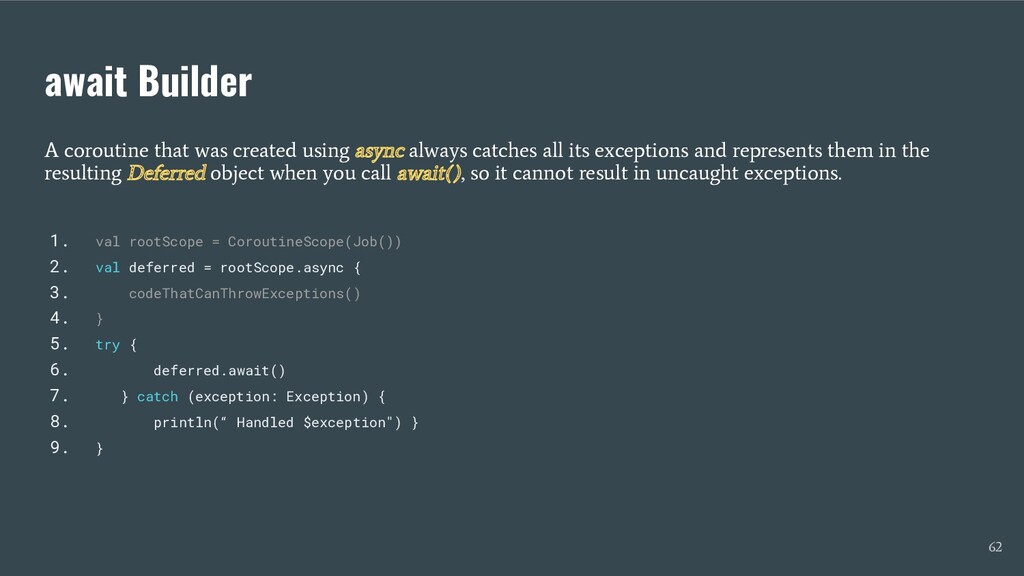
  40. await Builder A coroutine that was created using async always

    catches all its exceptions and represents them in the resulting Deferred object when you call await(), so it cannot result in uncaught exceptions. 1. val rootScope = CoroutineScope(Job()) 2. val deferred = rootScope.async { 3. codeThatCanThrowExceptions() 4. } 5. try { 6. deferred.await() 7. } catch (exception: Exception) { 8. println(“ Handled $exception") } 9. } 62
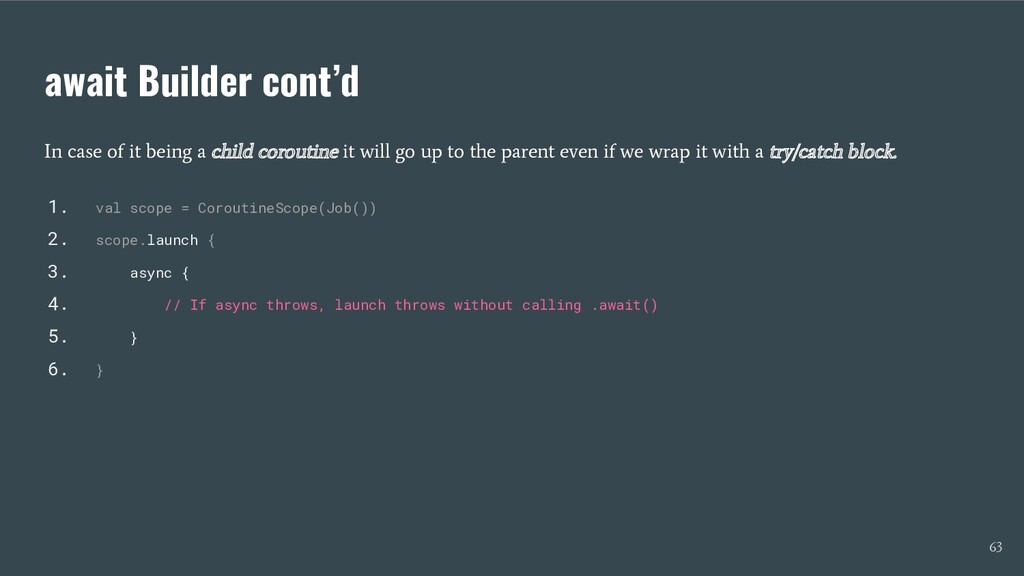
  41. await Builder cont’d In case of it being a child

    coroutine it will go up to the parent even if we wrap it with a try/catch block. 1. val scope = CoroutineScope(Job()) 2. scope.launch { 3. async { 4. // If async throws, launch throws without calling .await() 5. } 6. } 63
  42. Why Channels Coroutines are the preferred way to build non-blocking,

    concurrent applications in Kotlin. And channels allow coroutines to communicate with each other. And later, used for the build of the Flow API. 68
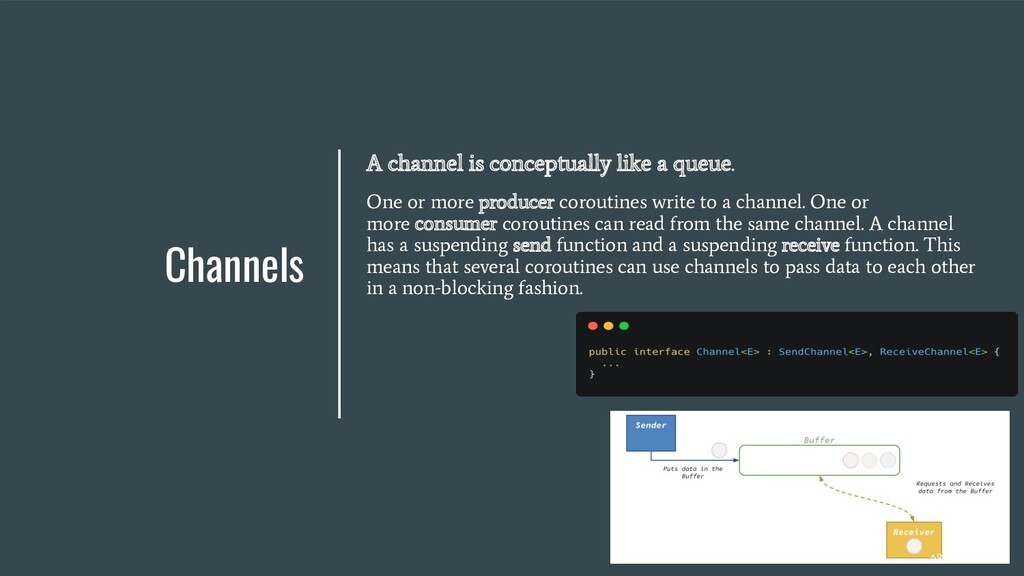
  43. Channels A channel is conceptually like a queue. One or

    more producer coroutines write to a channel. One or more consumer coroutines can read from the same channel. A channel has a suspending send function and a suspending receive function. This means that several coroutines can use channels to pass data to each other in a non-blocking fashion. 69
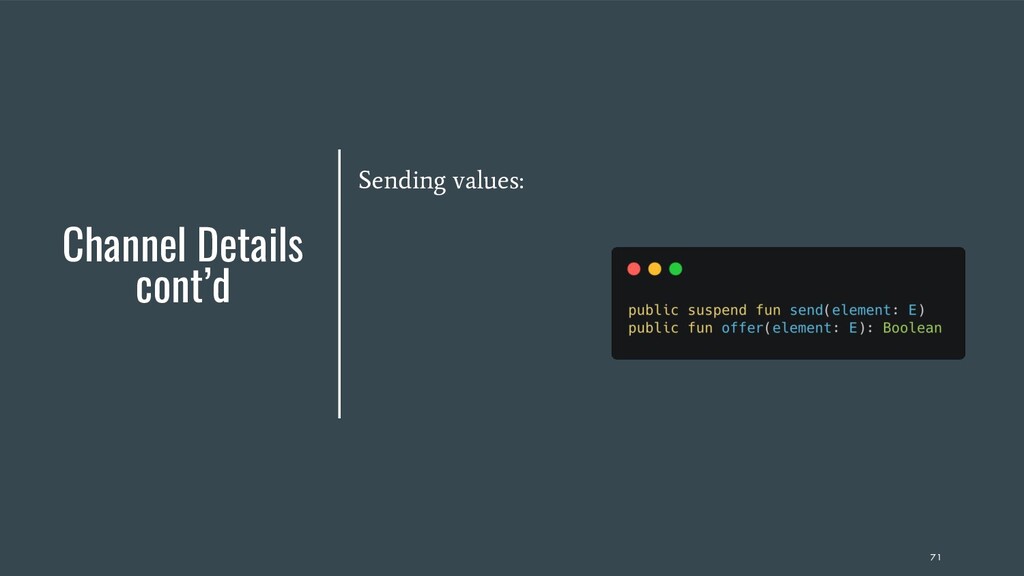
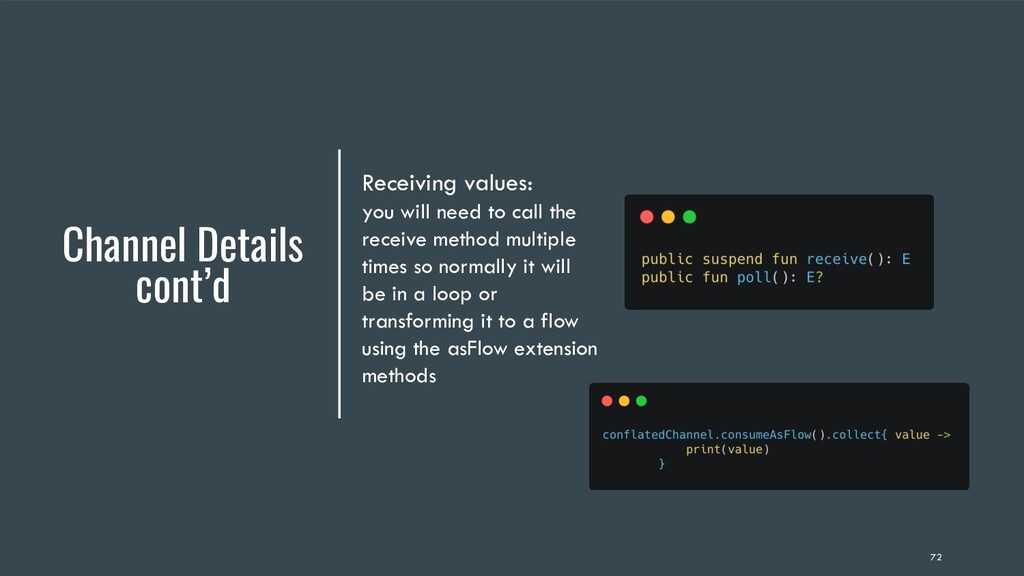
  44. Channel Details cont’d Receiving values: you will need to call

    the receive method multiple times so normally it will be in a loop or transforming it to a flow using the asFlow extension methods 72
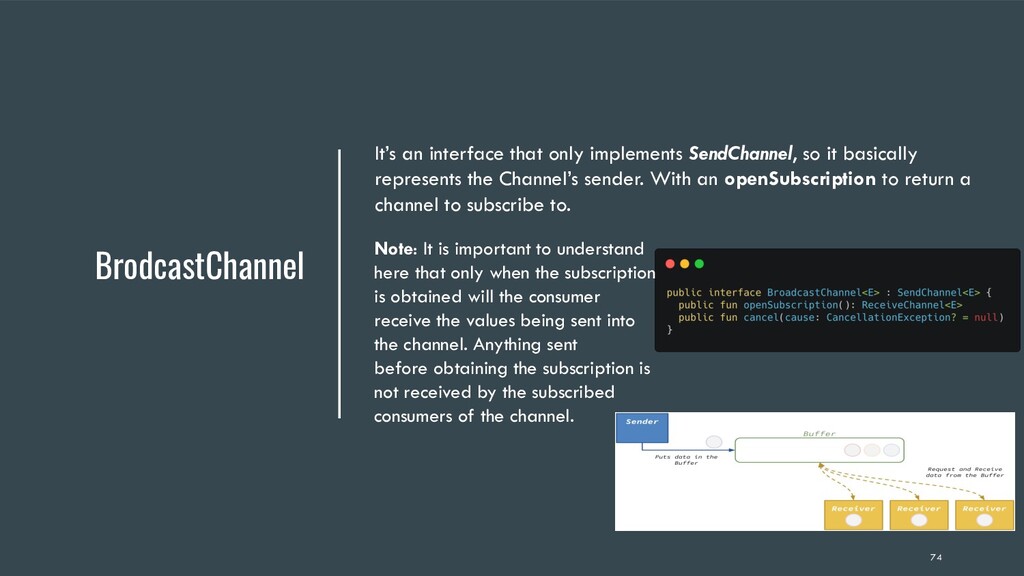
  45. BrodcastChannel It’s an interface that only implements SendChannel, so it

    basically represents the Channel’s sender. With an openSubscription to return a channel to subscribe to. Note: It is important to understand here that only when the subscription is obtained will the consumer receive the values being sent into the channel. Anything sent before obtaining the subscription is not received by the subscribed consumers of the channel. 74
  46. ConflatedBroadcast Channel Like a BroadcastChannel, ConflatedBroadcastChannel enables many subscribed receivers

    to consume items sent in the channel but it differs in one aspect that a ConflatedBroadcastChannel only emits the most recently sent item while the older items are lost. Also, any future subscribers to this channel will receive the item that was most recently emitted same as the Conflated Channel. Note: ConflatedBroadcastChannels is deprecated in favor of StateFlow since kotlin 1.4.0 and became stable as StateFlow offers more capilites “as a Flow API member”, simpler to use and makes more sense for state management. 75
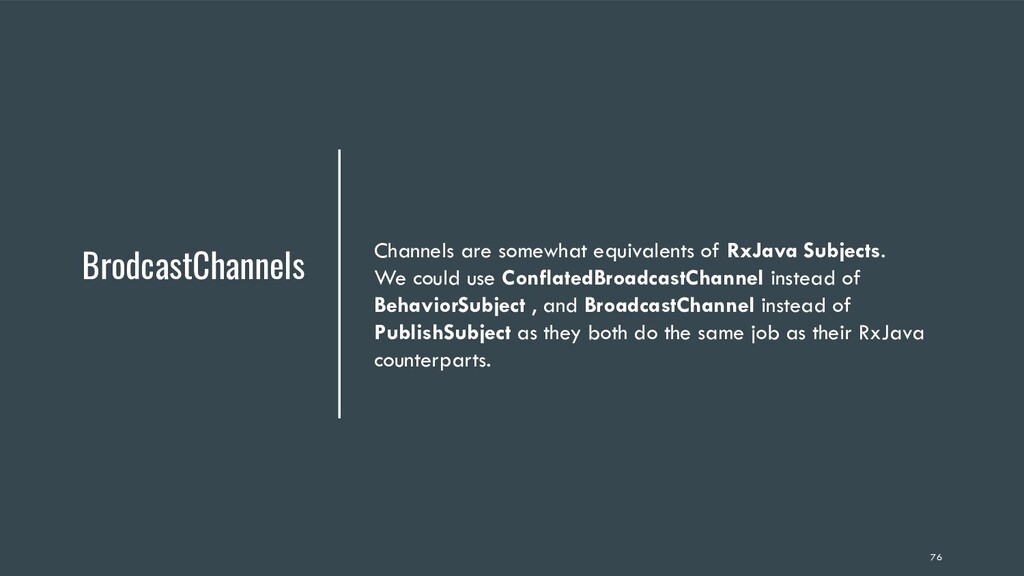
  47. BrodcastChannels Channels are somewhat equivalents of RxJava Subjects. We could

    use ConflatedBroadcastChannel instead of BehaviorSubject , and BroadcastChannel instead of PublishSubject as they both do the same job as their RxJava counterparts. 76
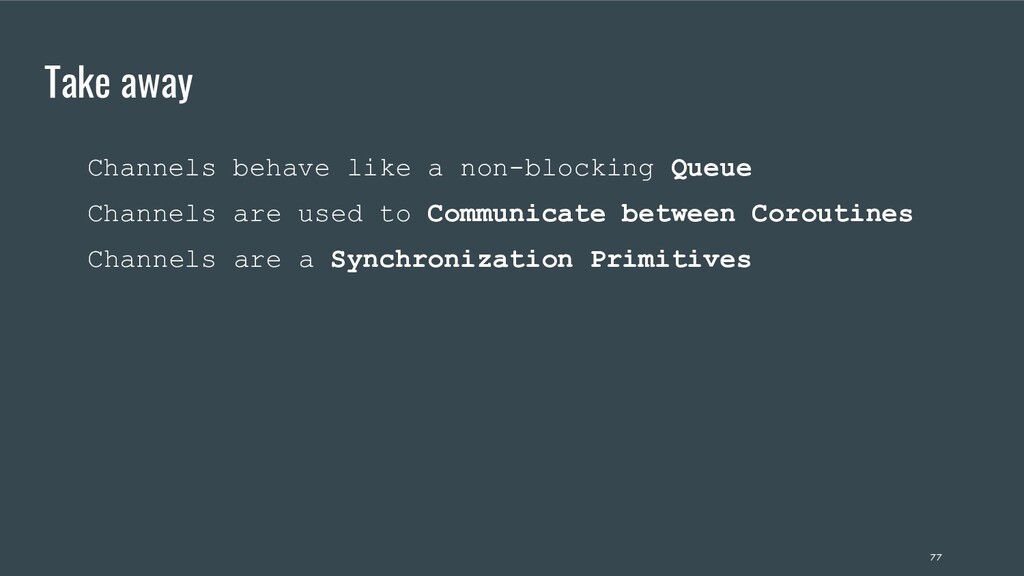
  48. Take away Channels are a Synchronization Primitives Channels behave like

    a non-blocking Queue Channels are used to Communicate between Coroutines 77
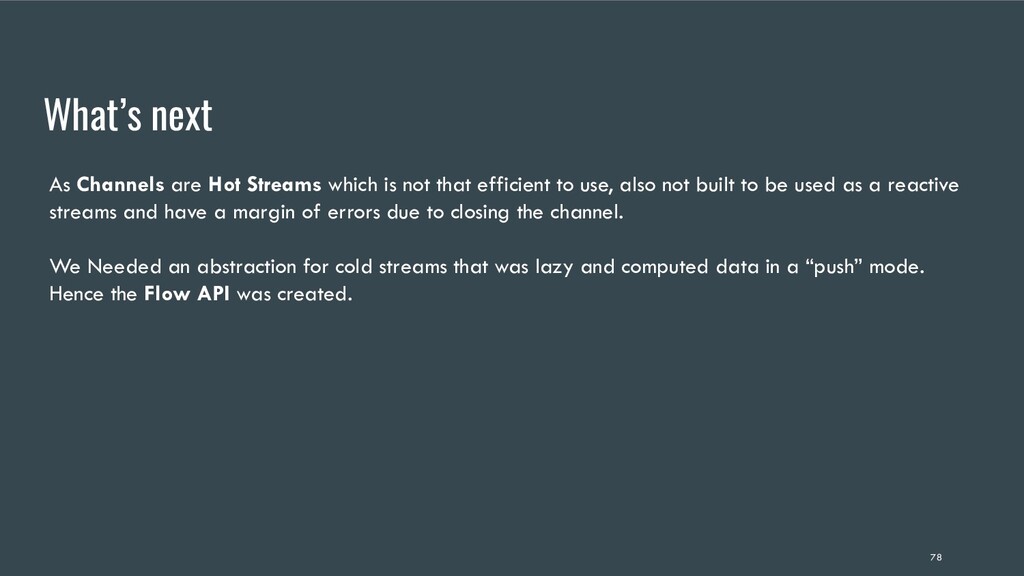
  49. What’s next As Channels are Hot Streams which is not

    that efficient to use, also not built to be used as a reactive streams and have a margin of errors due to closing the channel. We Needed an abstraction for cold streams that was lazy and computed data in a “push” mode. Hence the Flow API was created. 78
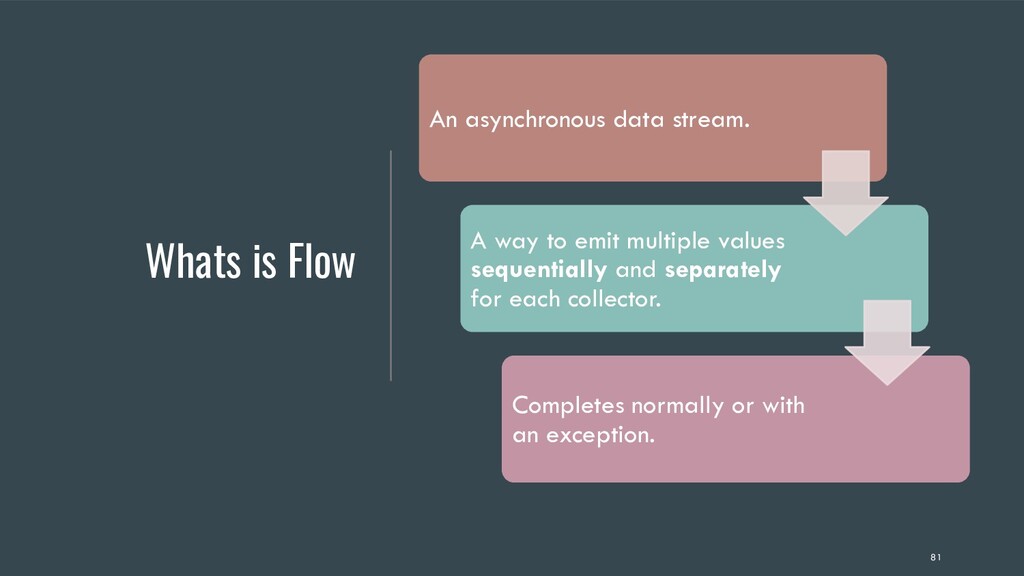
  50. Whats is Flow An asynchronous data stream. A way to

    emit multiple values sequentially and separately for each collector. Completes normally or with an exception. 81
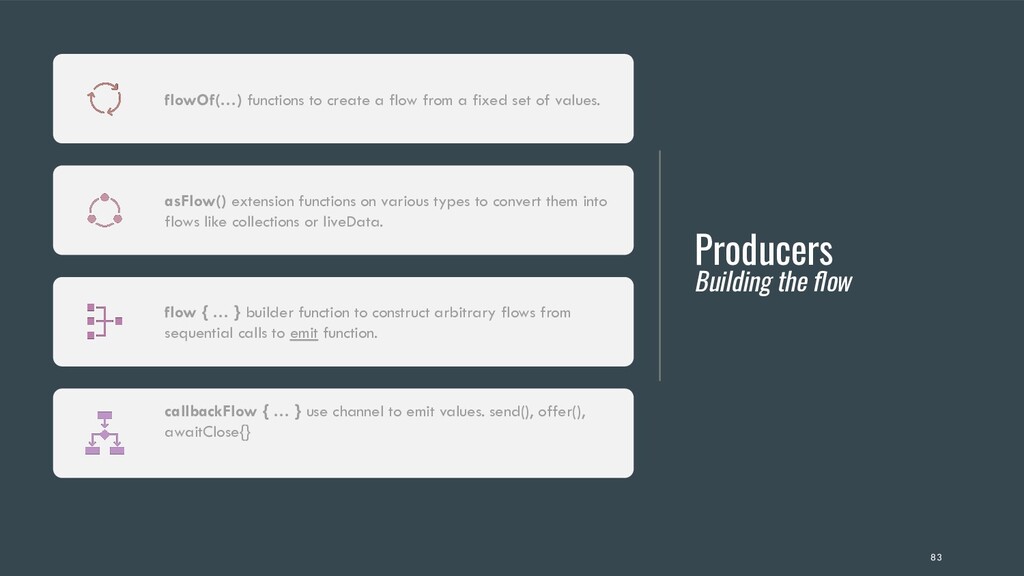
  51. Producers Building the flow flowOf(…) functions to create a flow

    from a fixed set of values. asFlow() extension functions on various types to convert them into flows like collections or liveData. flow { … } builder function to construct arbitrary flows from sequential calls to emit function. callbackFlow { … } use channel to emit values. send(), offer(), awaitClose{} 83
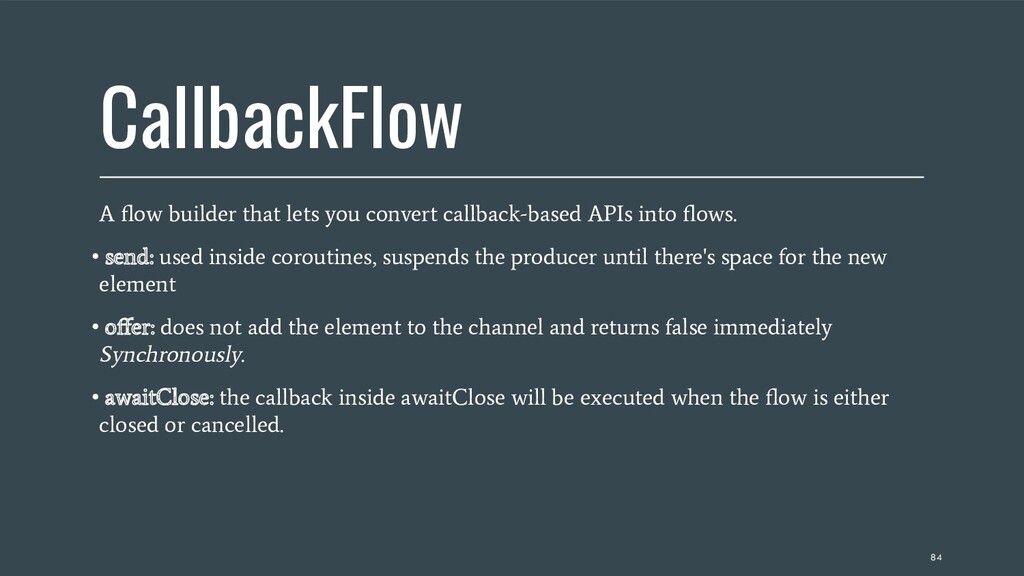
  52. CallbackFlow A flow builder that lets you convert callback-based APIs

    into flows. • send: used inside coroutines, suspends the producer until there's space for the new element • offer: does not add the element to the channel and returns false immediately Synchronously. • awaitClose: the callback inside awaitClose will be executed when the flow is either closed or cancelled. 84
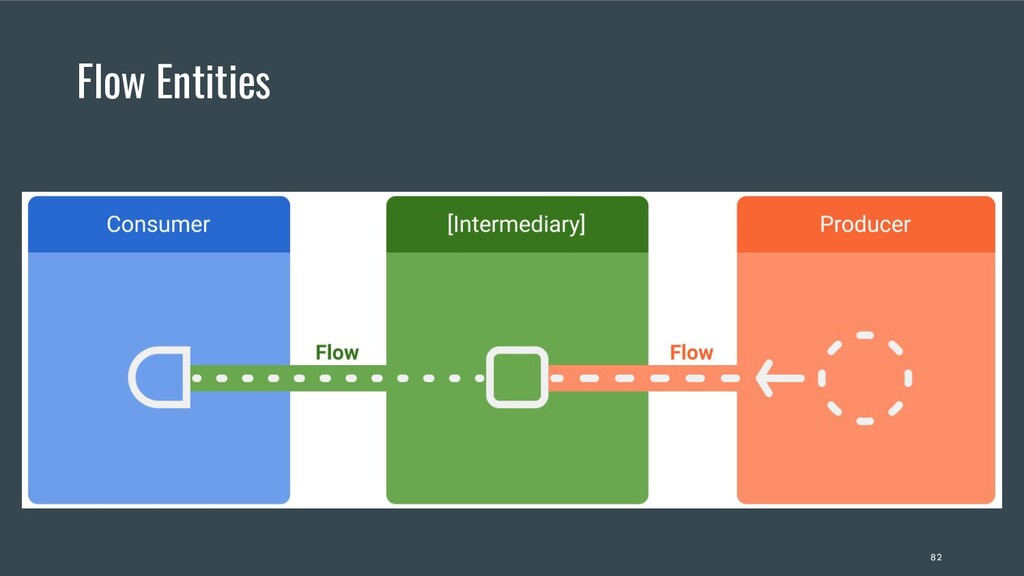
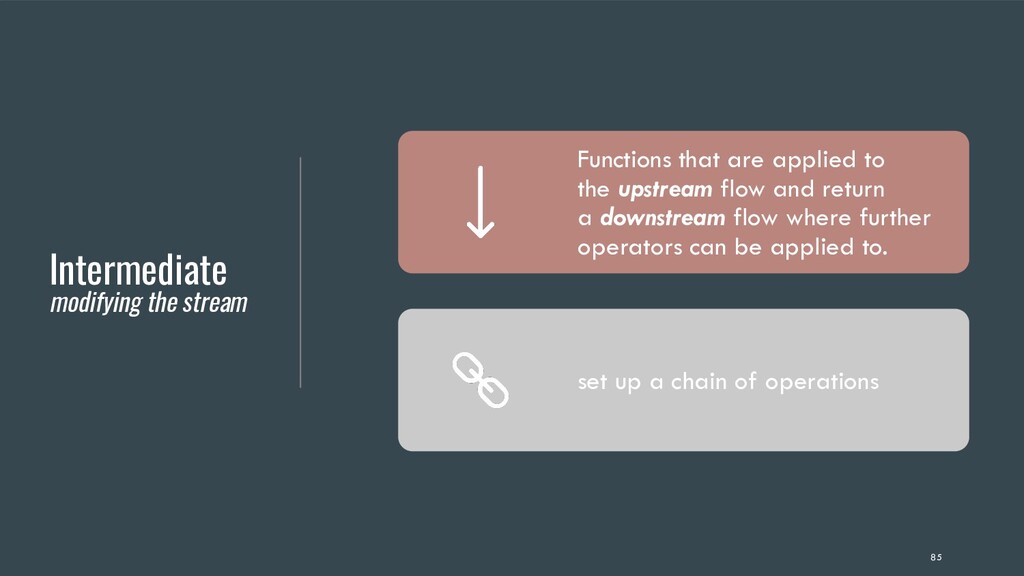
  53. Intermediate modifying the stream Functions that are applied to the

    upstream flow and return a downstream flow where further operators can be applied to. set up a chain of operations 85
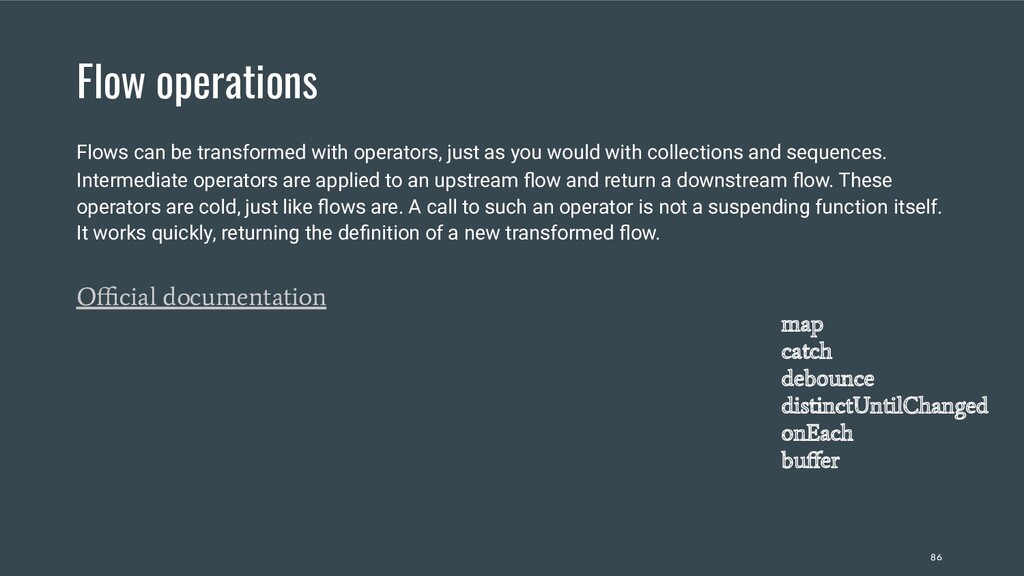
  54. Flow operations Flows can be transformed with operators, just as

    you would with collections and sequences. Intermediate operators are applied to an upstream flow and return a downstream flow. These operators are cold, just like flows are. A call to such an operator is not a suspending function itself. It works quickly, returning the definition of a new transformed flow. Official documentation map catch debounce distinctUntilChanged onEach buffer 86
  55. Consumer collecting the flow • Start the execution. • Use

    a terminal operator to trigger the flow to start listening for values. 87
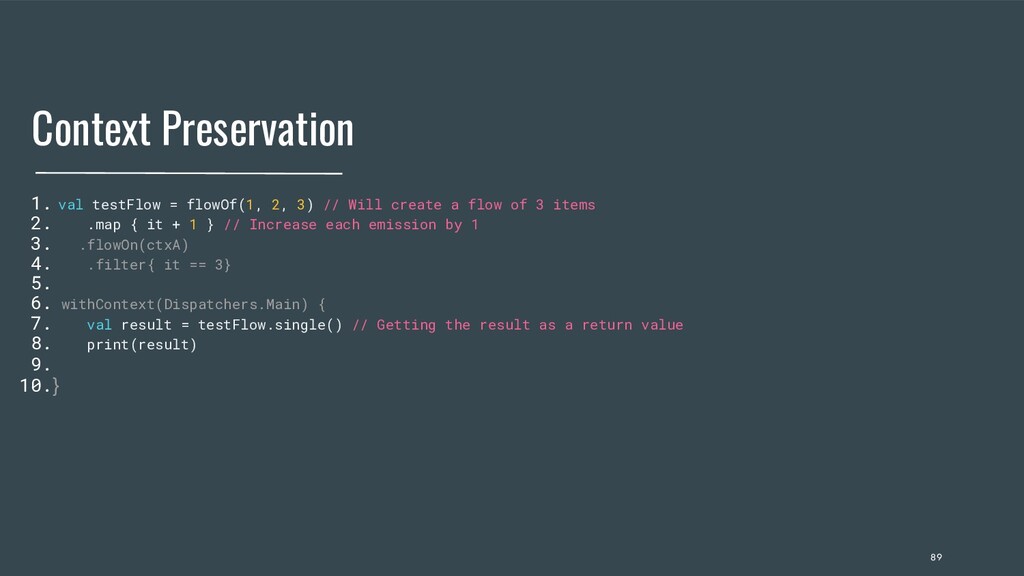
  56. Context Preservation 1. val testFlow = flowOf(1, 2, 3) //

    Will create a flow of 3 items 2. .map { it + 1 } // Increase each emission by 1 3. .flowOn(ctxA) 4. .filter{ it == 3} 5. 6. withContext(Dispatchers.Main) { 7. val result = testFlow.single() // Getting the result as a return value 8. print(result) 9. 10.} 89
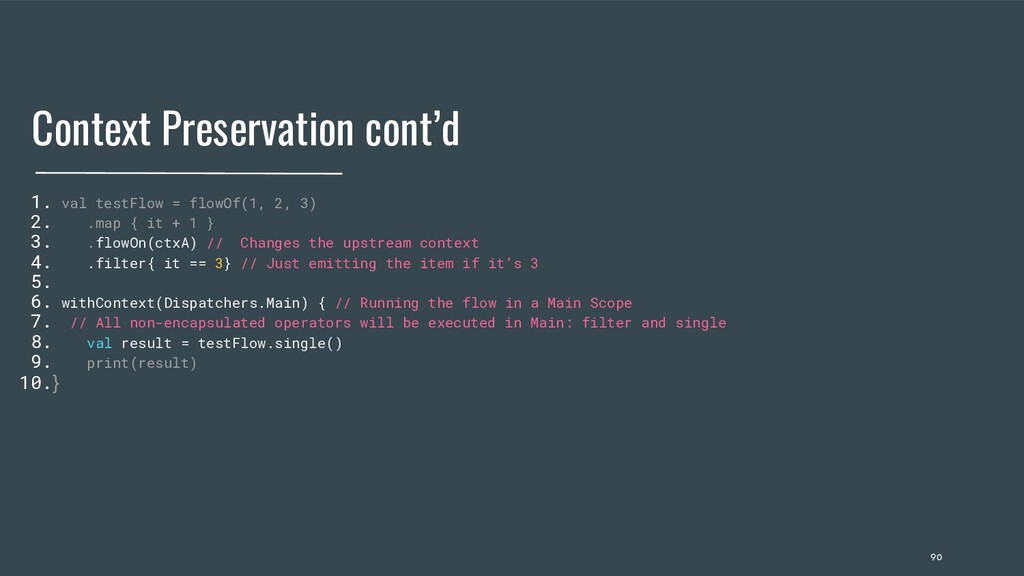
  57. Context Preservation cont’d 1. val testFlow = flowOf(1, 2, 3)

    2. .map { it + 1 } 3. .flowOn(ctxA) // Changes the upstream context 4. .filter{ it == 3} // Just emitting the item if it’s 3 5. 6. withContext(Dispatchers.Main) { // Running the flow in a Main Scope 7. // All non-encapsulated operators will be executed in Main: filter and single 8. val result = testFlow.single() 9. print(result) 10.} 90
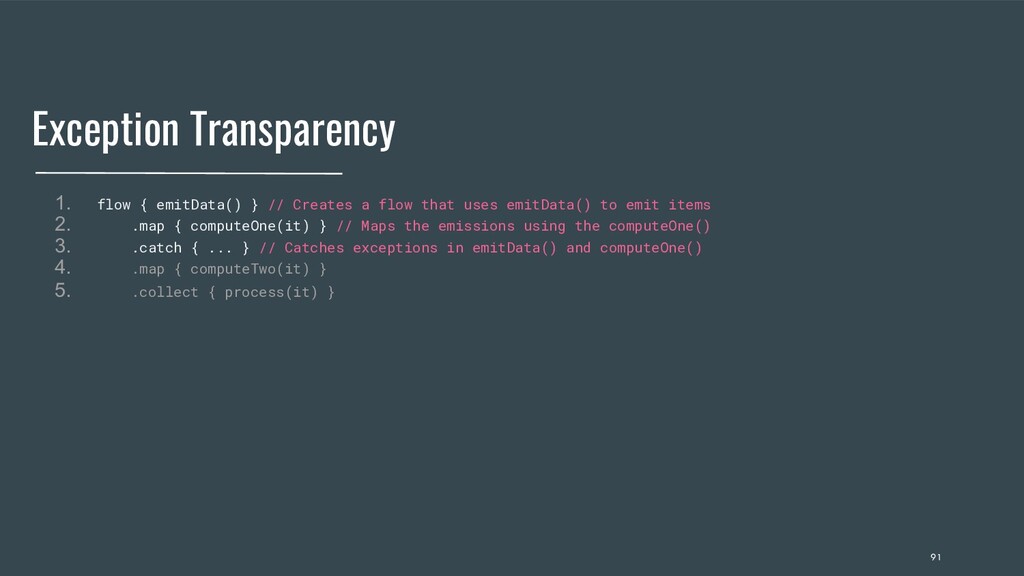
  58. Exception Transparency 1. flow { emitData() } // Creates a

    flow that uses emitData() to emit items 2. .map { computeOne(it) } // Maps the emissions using the computeOne() 3. .catch { ... } // Catches exceptions in emitData() and computeOne() 4. .map { computeTwo(it) } 5. .collect { process(it) } 91
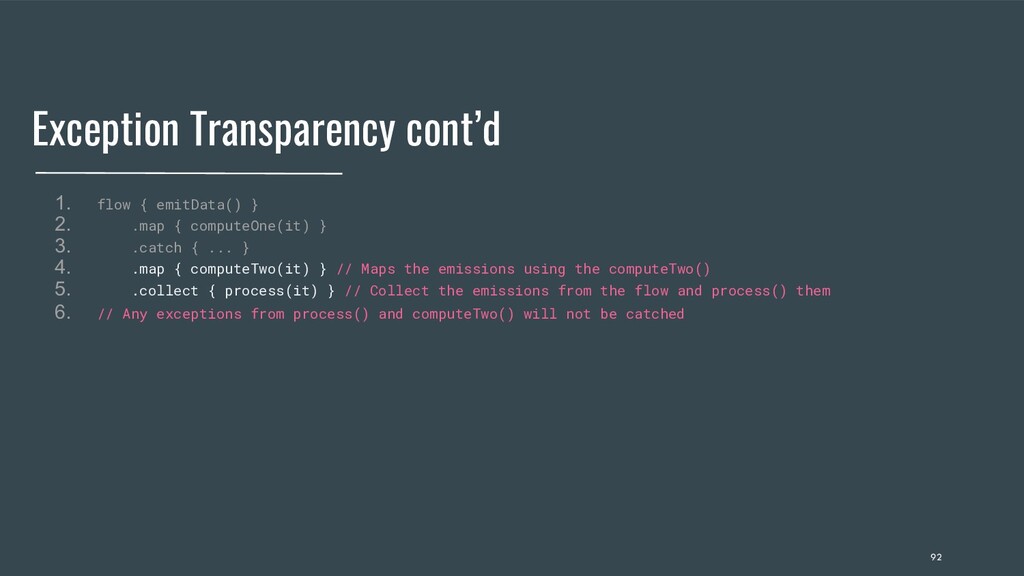
  59. Exception Transparency cont’d 1. flow { emitData() } 2. .map

    { computeOne(it) } 3. .catch { ... } 4. .map { computeTwo(it) } // Maps the emissions using the computeTwo() 5. .collect { process(it) } // Collect the emissions from the flow and process() them 6. // Any exceptions from process() and computeTwo() will not be catched 92
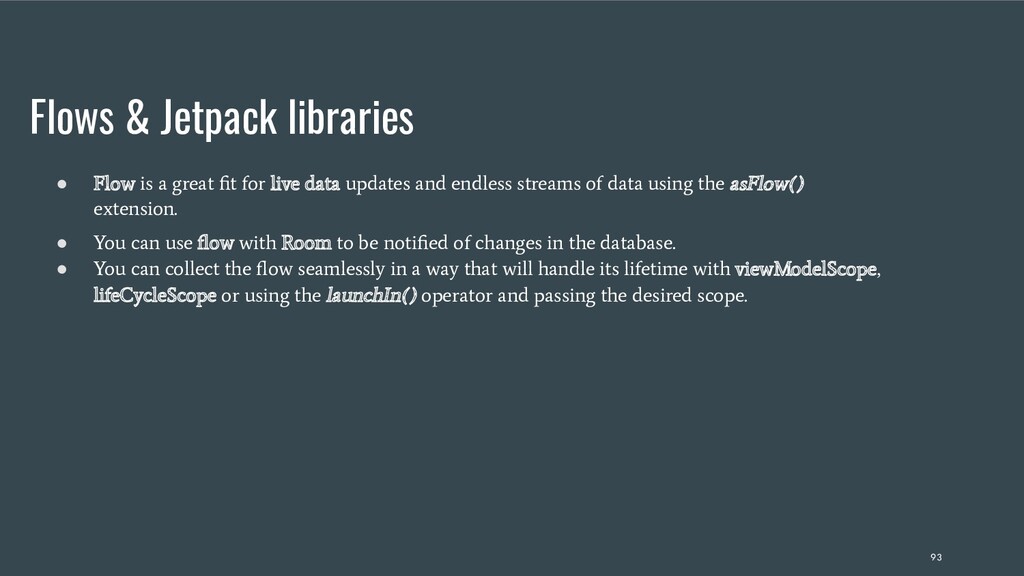
  60. Flows & Jetpack libraries • Flow is a great fit

    for live data updates and endless streams of data using the asFlow() extension. • You can use flow with Room to be notified of changes in the database. • You can collect the flow seamlessly in a way that will handle its lifetime with viewModelScope, lifeCycleScope or using the launchIn() operator and passing the desired scope. 93
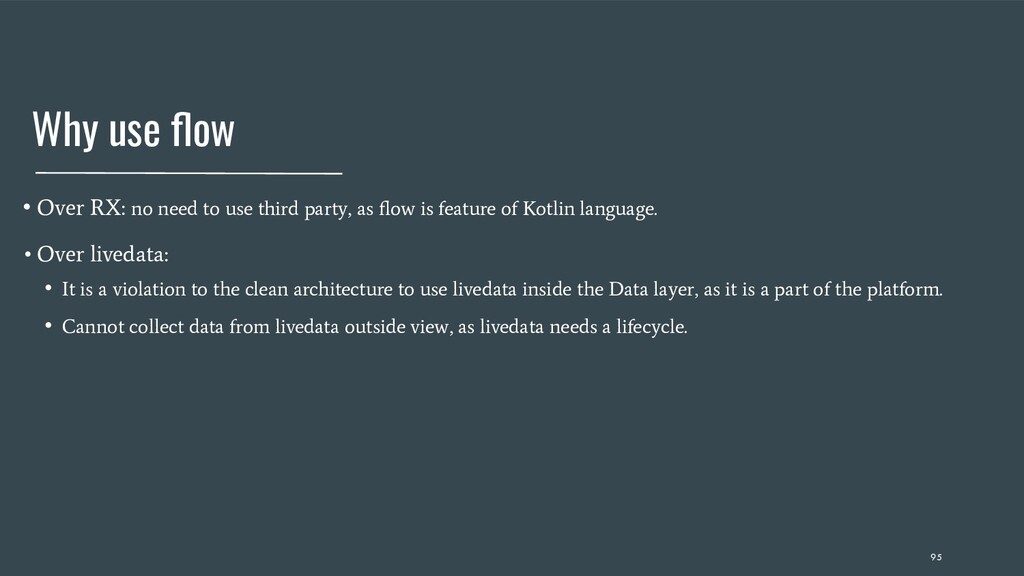
  61. Why use flow • Over RX: no need to use

    third party, as flow is feature of Kotlin language. • Over livedata: • It is a violation to the clean architecture to use livedata inside the Data layer, as it is a part of the platform. • Cannot collect data from livedata outside view, as livedata needs a lifecycle. 95
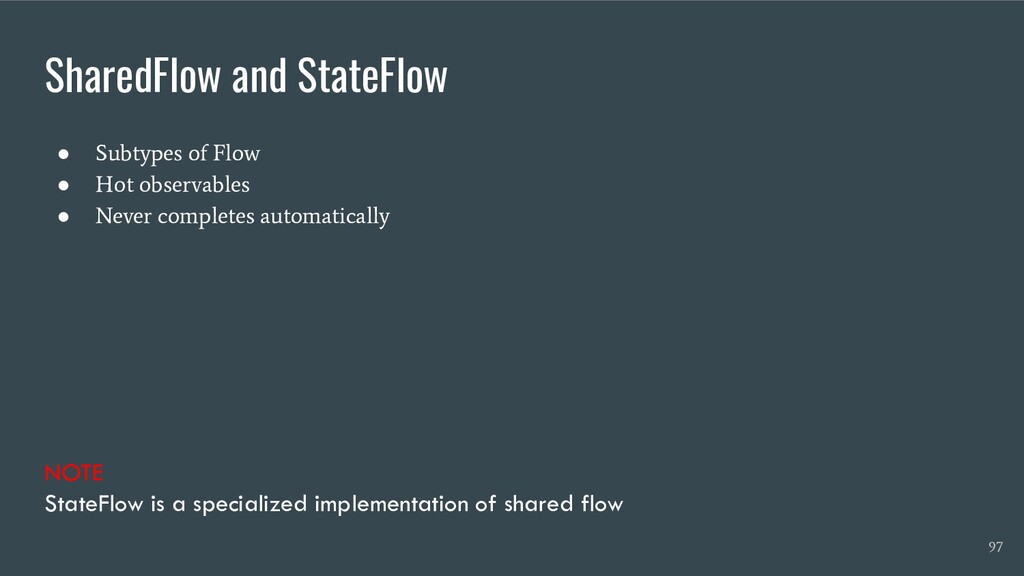
  62. NOTE StateFlow is a specialized implementation of shared flow SharedFlow

    and StateFlow • Subtypes of Flow • Hot observables • Never completes automatically 97
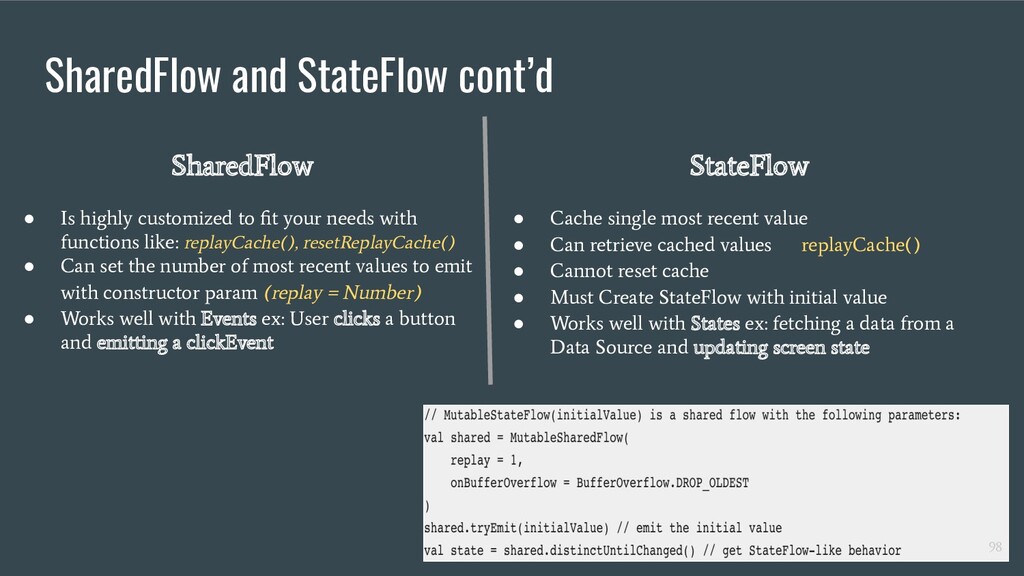
  63. SharedFlow and StateFlow cont’d SharedFlow • Is highly customized to

    fit your needs with functions like: replayCache(), resetReplayCache() • Can set the number of most recent values to emit with constructor param (replay = Number) • Works well with Events ex: User clicks a button and emitting a clickEvent StateFlow • Cache single most recent value • Can retrieve cached values replayCache() • Cannot reset cache • Must Create StateFlow with initial value • Works well with States ex: fetching a data from a Data Source and updating screen state 98
  64. Coroutines Testing It’s simple to UnitTest classes that use Coroutines

    as you just need to include the org.jetbrains.kotlinx:kotlinx-coroutines-test:$versions.coroutinesVersion, and use the runBlockingTest() function to launch your code inside an Immediate execution dispatcher & a TestCoroutineScope. Dispatchers.setMain will override the Main dispatcher in test situations. This is helpful when you want to execute a test in situations where the platform Main dispatcher is not available. And you can also inject a TestCoroutineDispatcher to your class and use it instead of your normal dispatchers to force a sequential execution. 102
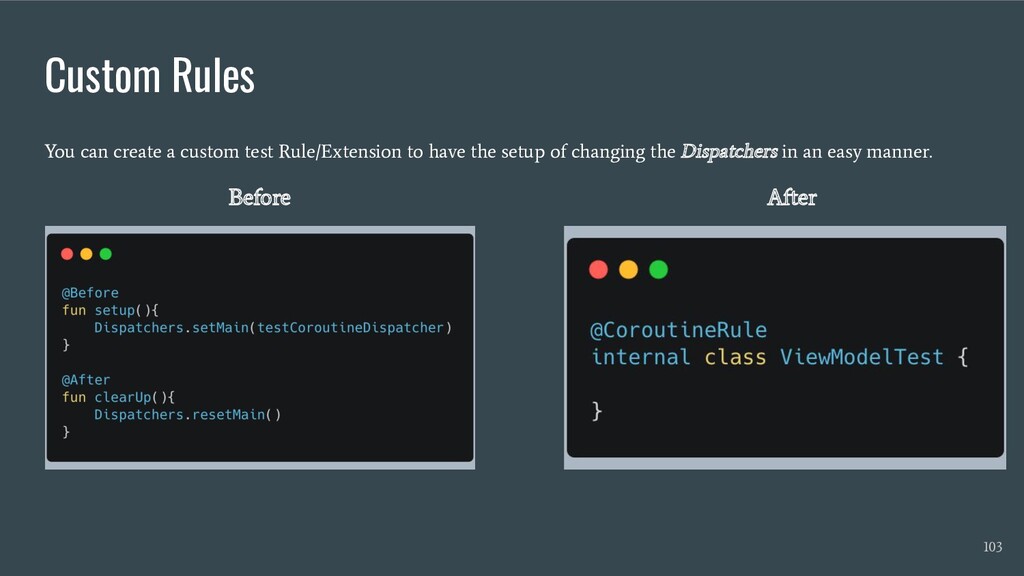
  65. Custom Rules You can create a custom test Rule/Extension to

    have the setup of changing the Dispatchers in an easy manner. Before After 103