Upgrade to Pro
— share decks privately, control downloads, hide ads and more …
Speaker Deck
Sign up for free
Menu
Search
Features
All features
Private URLs
Password Protection
Custom URLS
Scheduled publishing
Remove Branding
Restrict embedding
Deck Collections
Notes
Features
All features
Private URLs
Password Protection
Custom URLS
Scheduled publishing
Remove Branding
Restrict embedding
Deck Collections
Notes
Explore
Featured decks
Featured speakers
Programming
Technology
Storyboards
Explore
Featured decks
Featured speakers
Programming
Technology
Storyboards
Pricing
Search
Sign in
Sign up for free
InboxZero
Search
Roger Camargo
January 13, 2013
Technology
11k
1
Share
Embed
Copy iframe code
Copy JS code
Copy link
Start on current slide
InboxZero
Small habits to help you spend less time with your emails, but be more effective.
Roger Camargo
January 13, 2013
More Decks by Roger Camargo
See All by Roger Camargo
AWS Lambda, Rodar local, com testes, IaC e Deploy via ansible
huogerac
1
46
Mapa de estudo dev frontend 2023
huogerac
1
97
Documentando API no Django com django-ninja
huogerac
1
140
Um pouco da origem para chegar no WSGI
huogerac
0
61
"API Design First" pt-br
huogerac
0
290
Design First Web APIs - OpenAPI 3
huogerac
1
120
3 Arquiteturas Django
huogerac
1
350
Django ORM vs SQLAlchemy (queries)
huogerac
0
220
Django ORM vs SQLAlchemy (intro)
huogerac
0
110
Other Decks in Technology
See All in Technology
AI駆動開発、viviONの1年 ── うまくいったこと・いかなかったこと
vivion
0
260
Datadog の学び方 - あるいは、オブザーバビリティを学ぶとは何か
mananyuki
1
490
FinTech 1-2 : Overview of FinTech
ks91
PRO
0
150
形式手法を使って仕様をコーディングしよう
mikanichinose
0
180
分析の民主化を支えるメタデータ整備の実践
kakehashi
PRO
0
300
生成AIと進める探索的データ分析(2026.10.03 第122回Tokyo.R勉強会)
tatamiya
2
1.4k
雪かき部 #7 もう怖くない!SELECT文!
foursue
0
280
ログラスのマルチプロダクトを 支える認証基盤 〜テナントごとに異なる統制とどう向き合うか〜
dada4386
3
400
SDDの運用にめげずに向き合った話
sansantech
PRO
1
130
ミイダス株式会社 テックチームのご紹介 / MIIDAS Tech Team
miidas
0
160
[AWS 秋のクラウドオペレーション祭り 2026]AWS DevOps Agentで変わる リリースと運用対応 ~リリース管理機能と Directed actions のご紹介~
furuton
3
990
ハードウェアコンペでもAI駆動開発が進んでいる話
iotengineer22
0
120
Featured
See All Featured
How To Stay Up To Date on Web Technology
chriscoyier
790
250k
Leveraging Curiosity to Care for An Aging Population
cassininazir
1
520
Are puppies a ranking factor?
jonoalderson
2
4k
Building AI with AI
inesmontani
PRO
1
1.3k
The innovator’s Mindset - Leading Through an Era of Exponential Change - McGill University 2025
jdejongh
PRO
1
370
The MySQL Ecosystem @ GitHub 2015
samlambert
251
13k
Game over? The fight for quality and originality in the time of robots
wayneb77
1
300
GitHub's CSS Performance
jonrohan
1033
470k
Side Projects
sachag
456
43k
Why Your Marketing Sucks and What You Can Do About It - Sophie Logan
marketingsoph
0
420
DBのスキルで生き残る技術 - AI時代におけるテーブル設計の勘所
soudai
PRO
68
58k
Principles of Awesome APIs and How to Build Them.
keavy
128
18k
Transcript
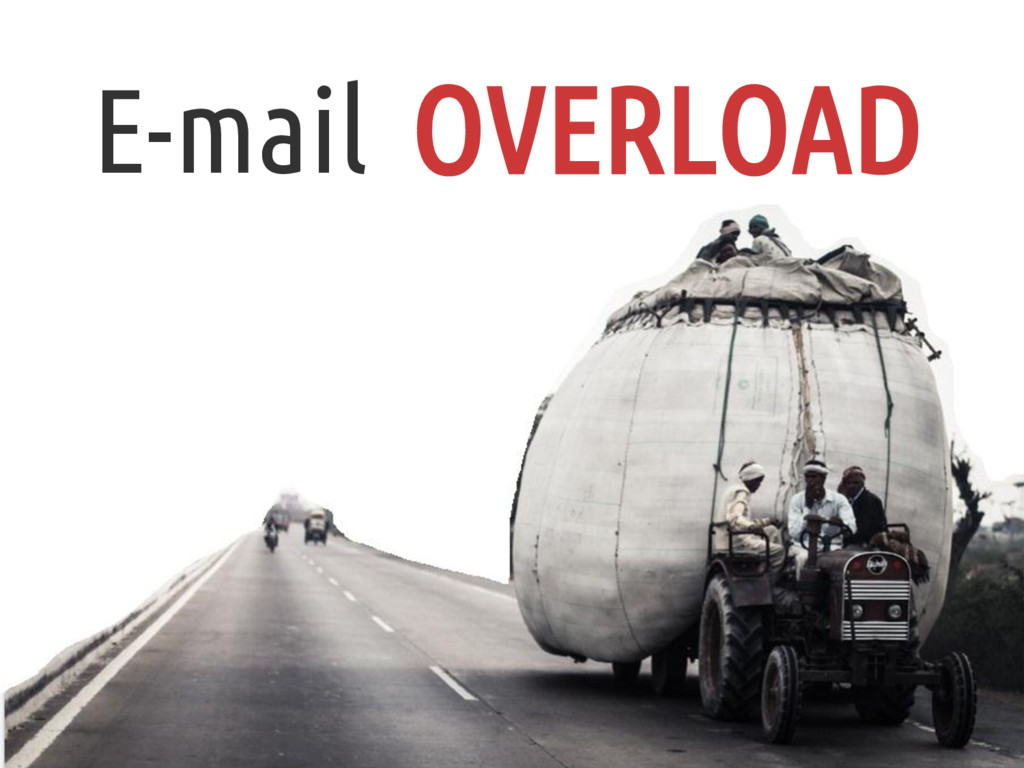
E-mail OVERLOAD
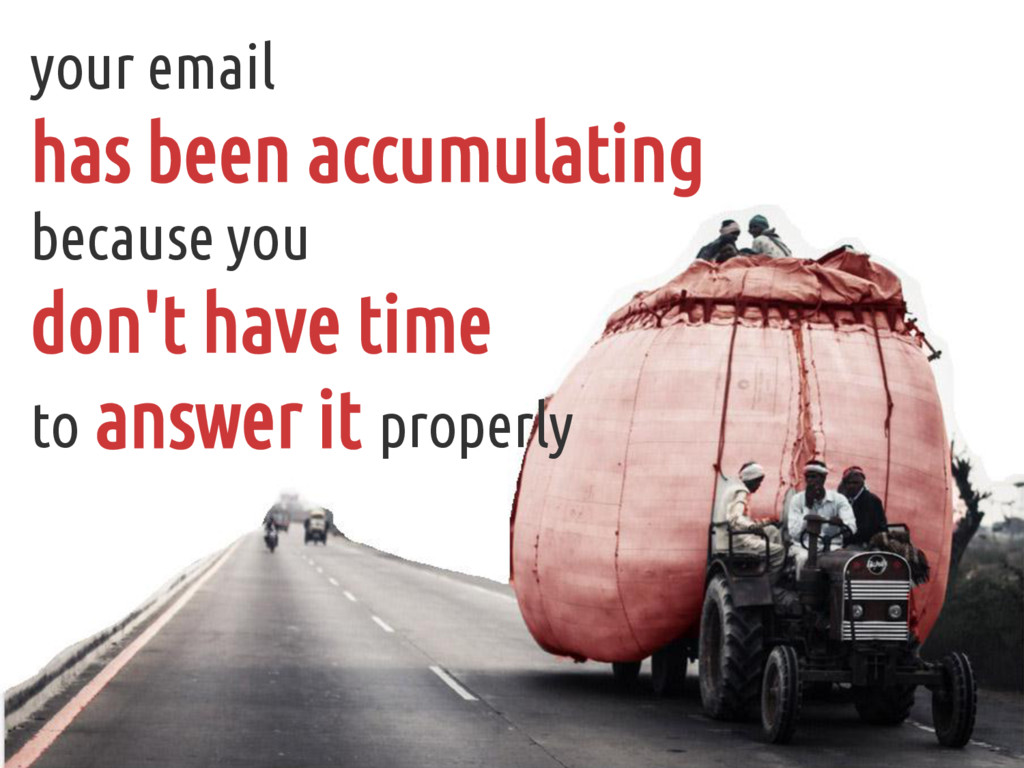
your email has been accumulating because you don't have time
to answer it properly
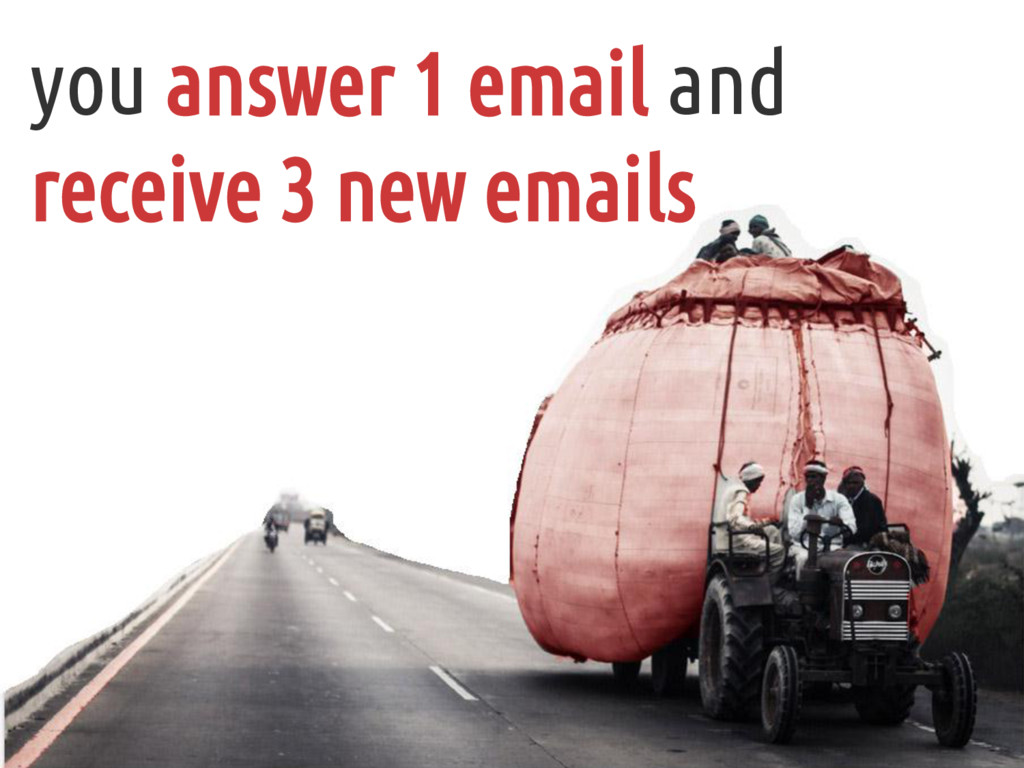
you answer 1 email and receive 3 new emails
you also fear losing track of the emails you haven't
responded to
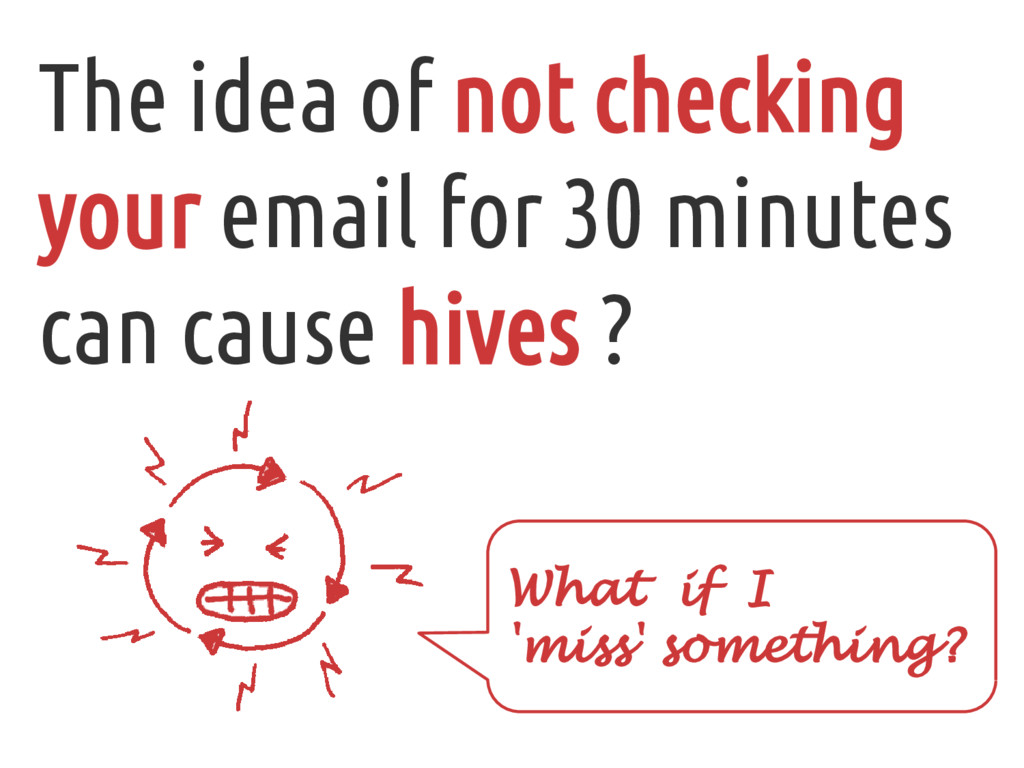
The idea of not checking your email for 30 minutes
can cause hives ? What if I 'miss' something?
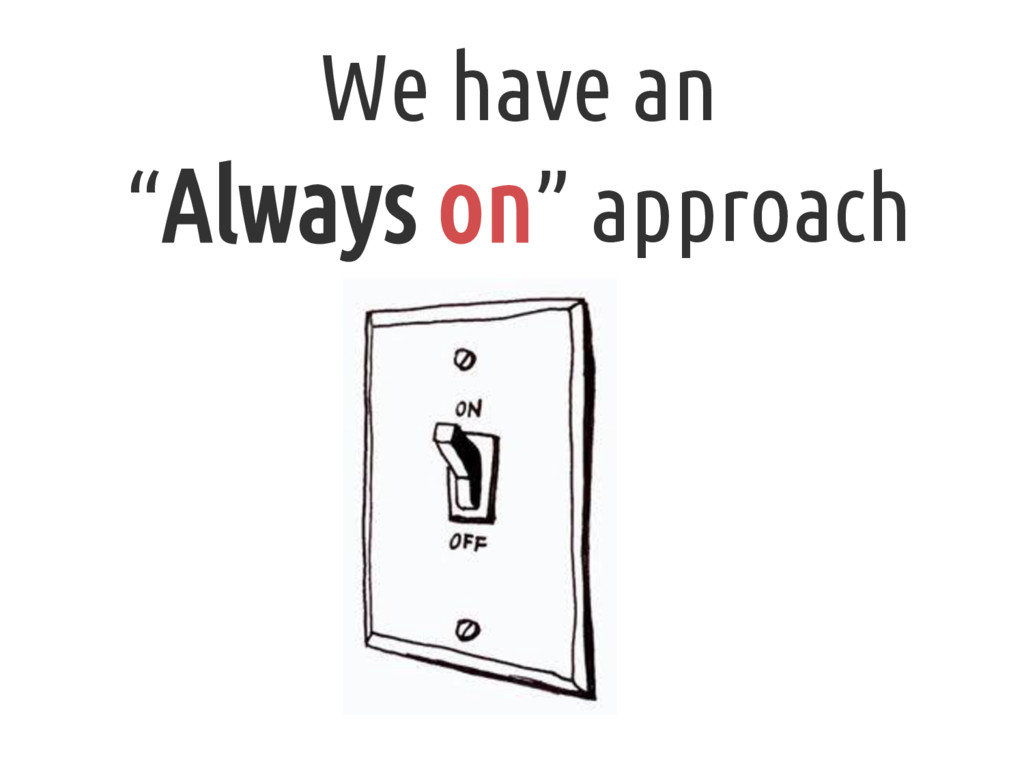
We have an “Always on” approach
BUT What is the problem ?
Playing way too much with your email without success!
Do you want to be more effective with your e-mail
?
Inbox Zero Roger Camargo April / 2013 http://inboxzero.com
First, remember: “ There is no silver bullet ” Frederick
Brooks It’s can help you or not...
What’s Inbox Zero ?
Habits to help you empty your email inbox spend less
time playing with your email and more time doing other things What’s Inbox Zero ?
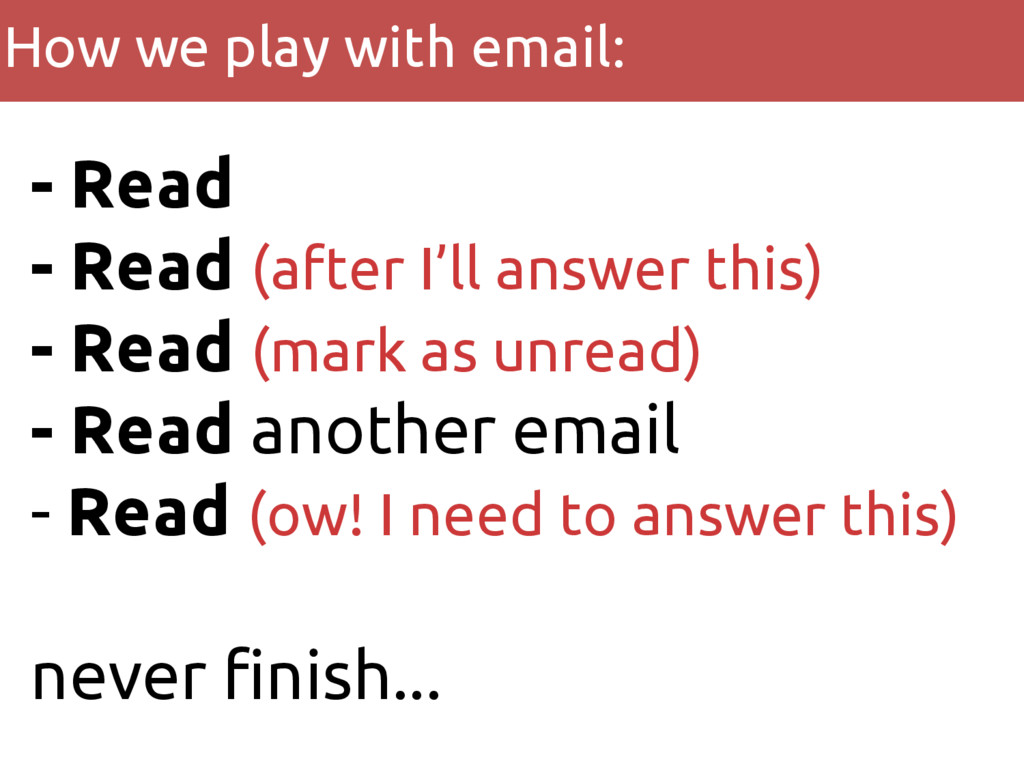
- Read - Read (after I’ll answer this) - Read
(mark as unread) - Read another email - Read (ow! I need to answer this) never finish... How we play with email:
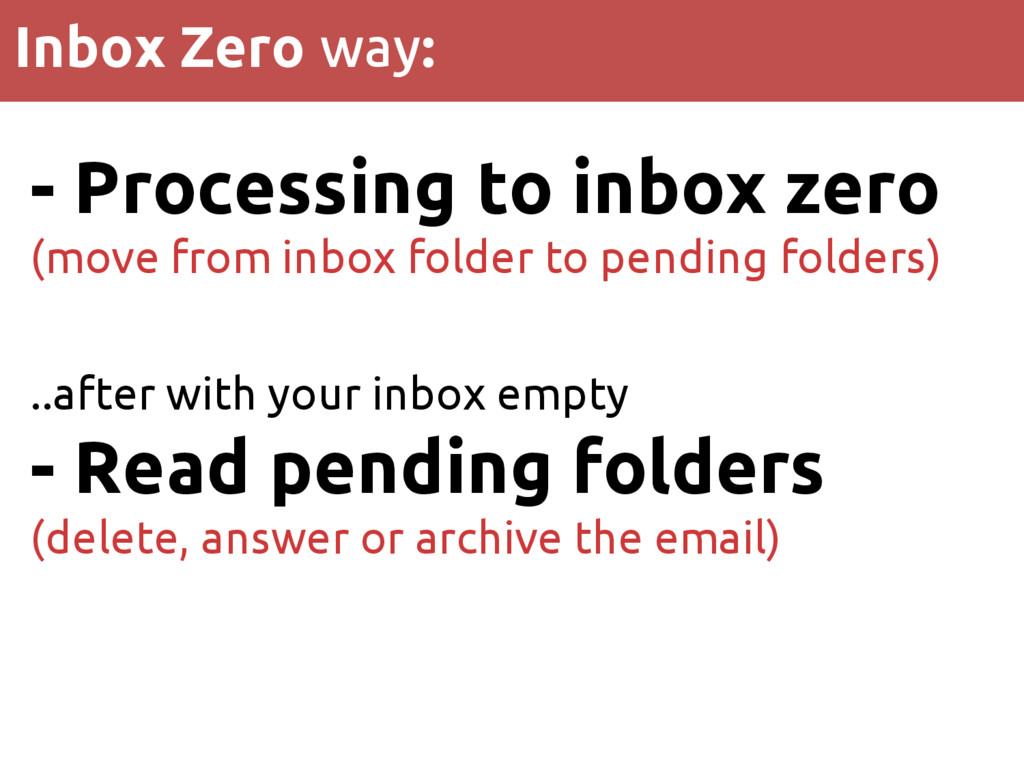
- Processing to inbox zero (move from inbox folder to
pending folders) ..after with your inbox empty - Read pending folders (delete, answer or archive the email) Inbox Zero way:
Starting Inbox Zero
1 Improving your habits
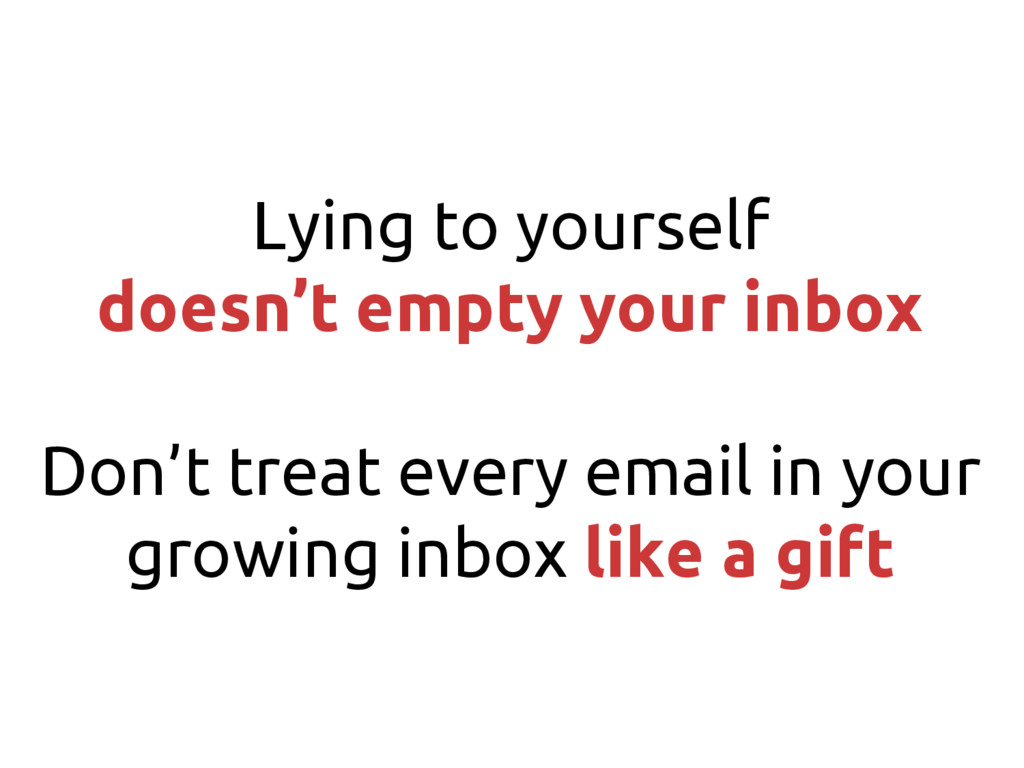
Lying to yourself doesn’t empty your inbox Don’t treat every
email in your growing inbox like a gift
Don’t use email for you TO DO List Create filters
to decrease undesirable emails Choose the best time to process and read
Do Email Less
2 Processing emails to Inbox Zero
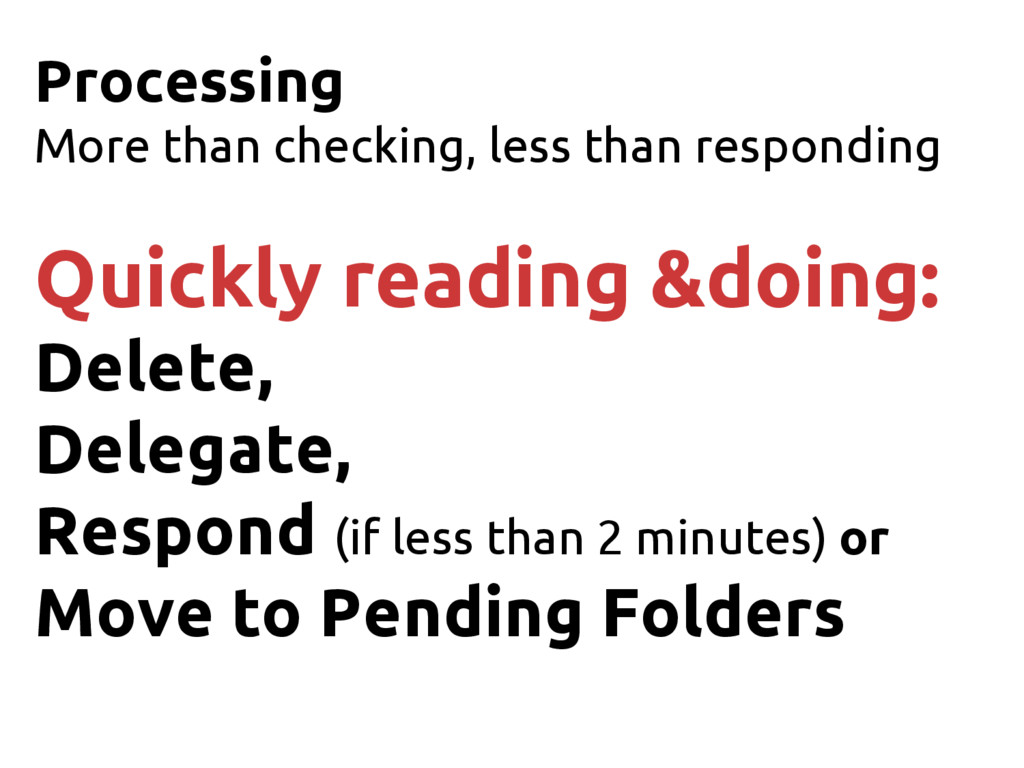
Processing More than checking, less than responding Quickly reading &doing:
Delete, Delegate, Respond (if less than 2 minutes) or Move to Pending Folders
3 Reading pending folders
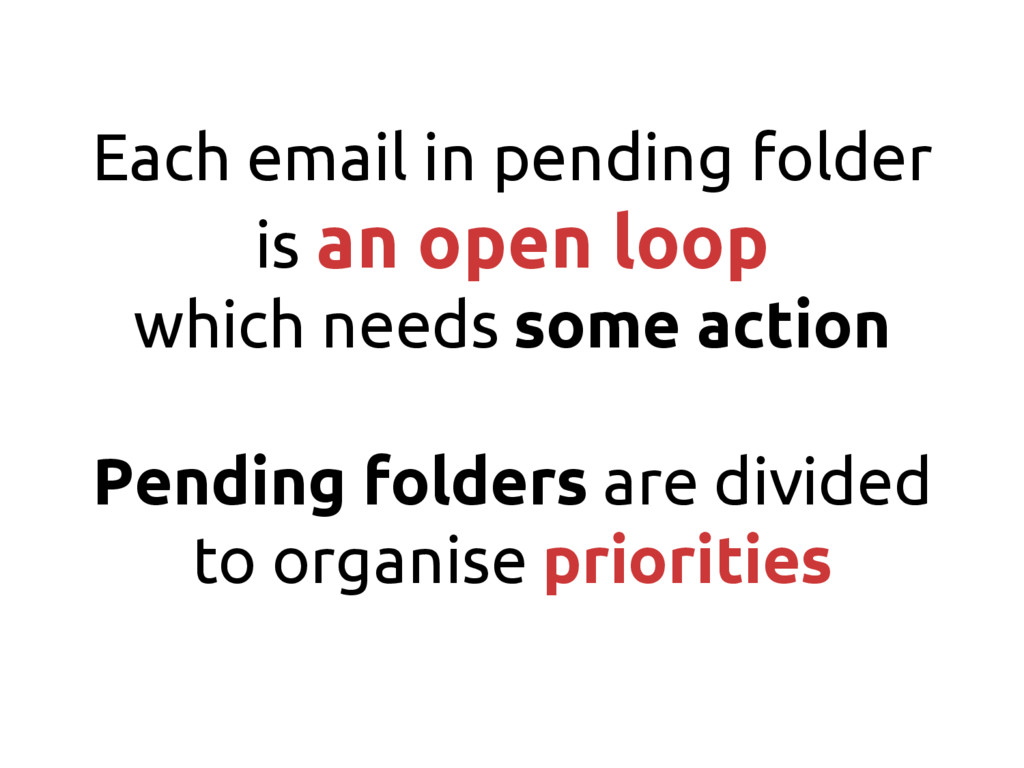
Each email in pending folder is an open loop which
needs some action Pending folders are divided to organise priorities
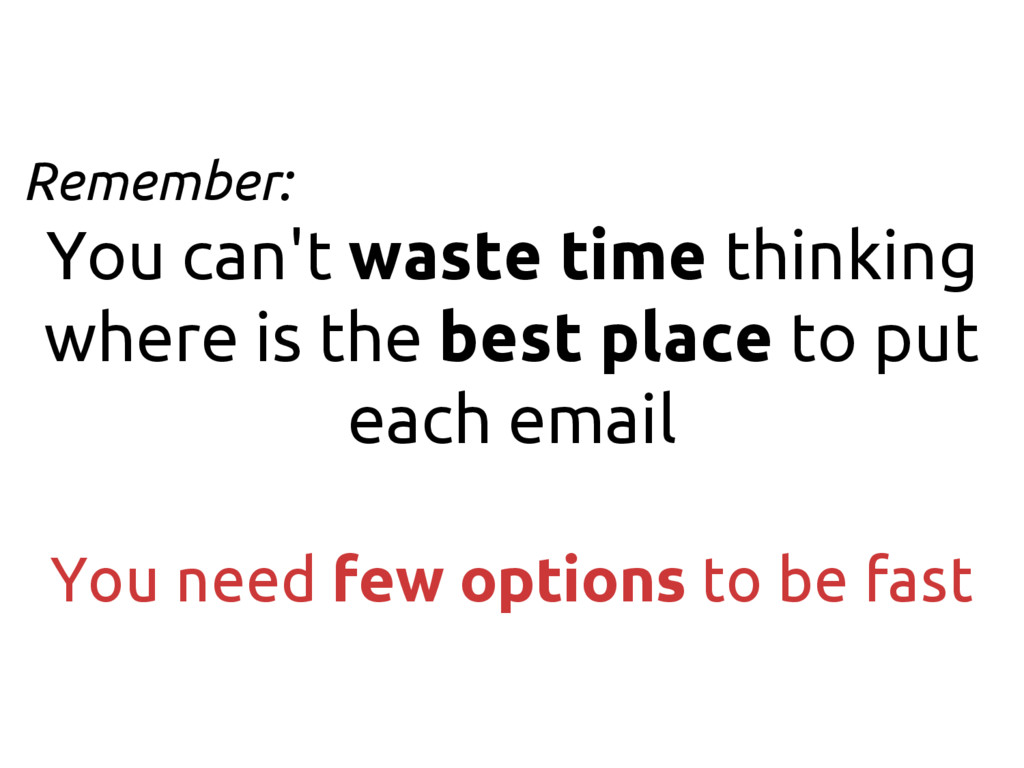
Remember: You can't waste time thinking where is the best
place to put each email You need few options to be fast
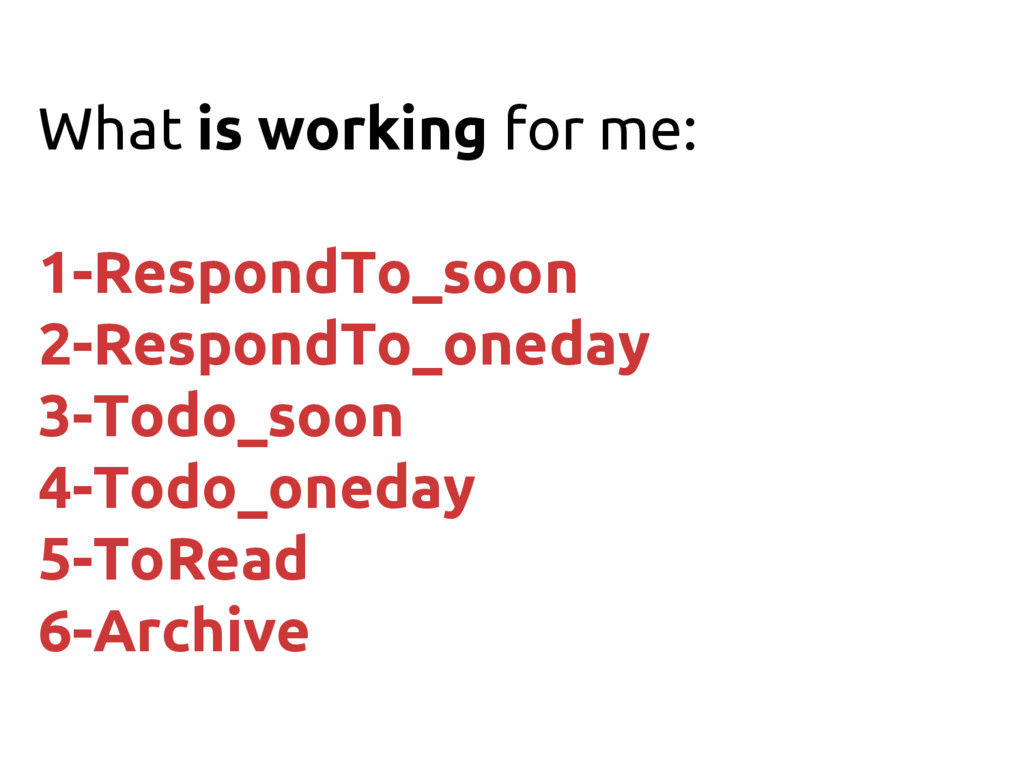
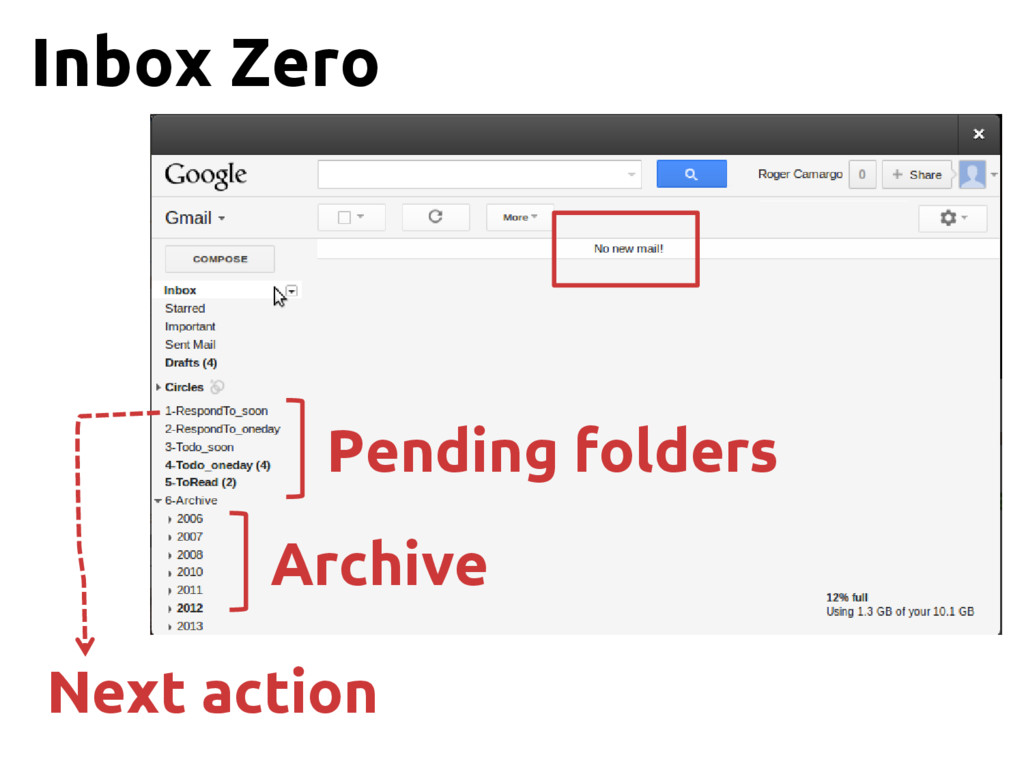
What is working for me: 1-RespondTo_soon 2-RespondTo_oneday 3-Todo_soon 4-Todo_oneday 5-ToRead
6-Archive
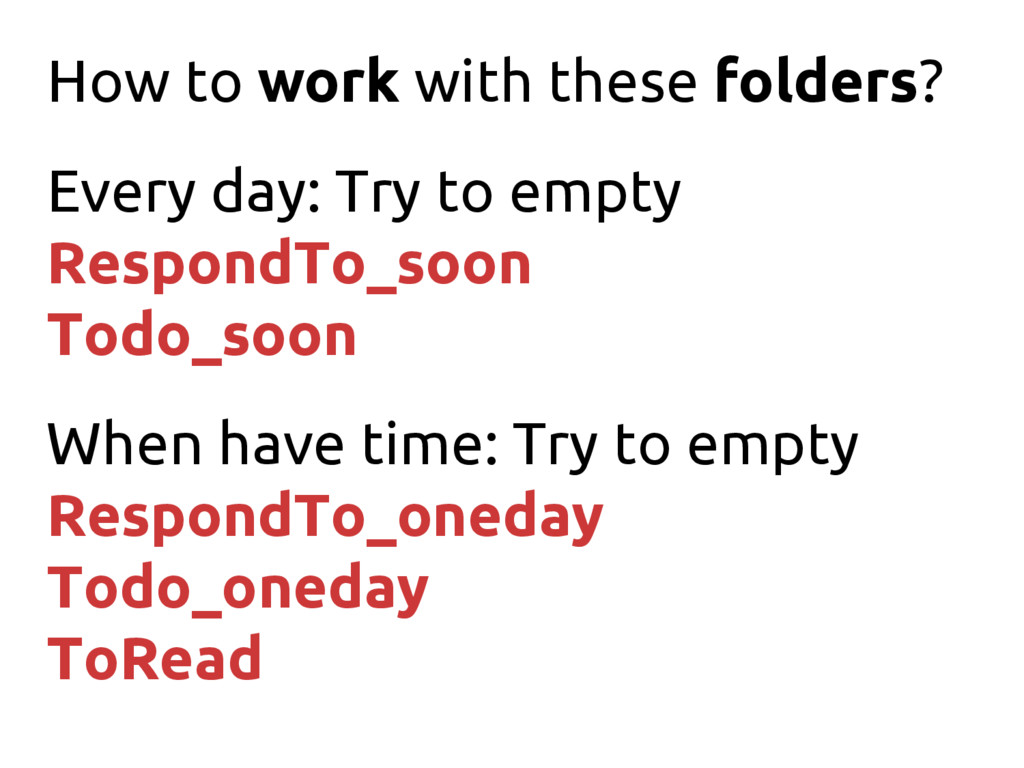
How to work with these folders? Every day: Try to
empty RespondTo_soon Todo_soon When have time: Try to empty RespondTo_oneday Todo_oneday ToRead
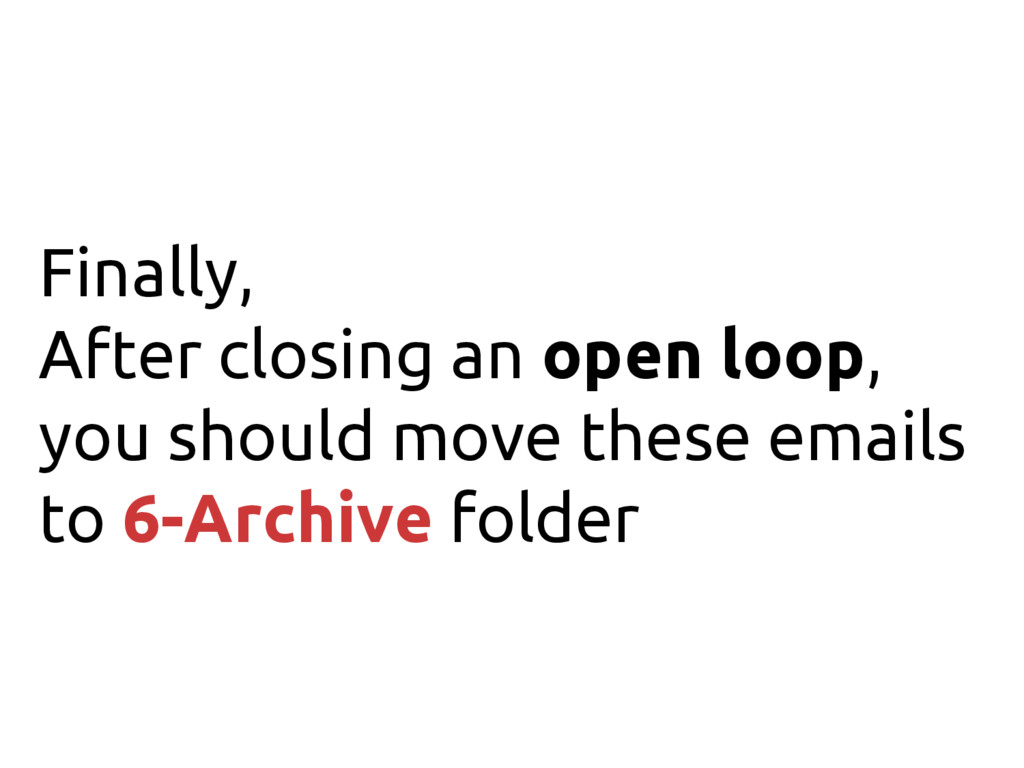
Finally, After closing an open loop, you should move these
emails to 6-Archive folder
Pending folders Archive Next action Inbox Zero
Inbox Zero Start from scratch
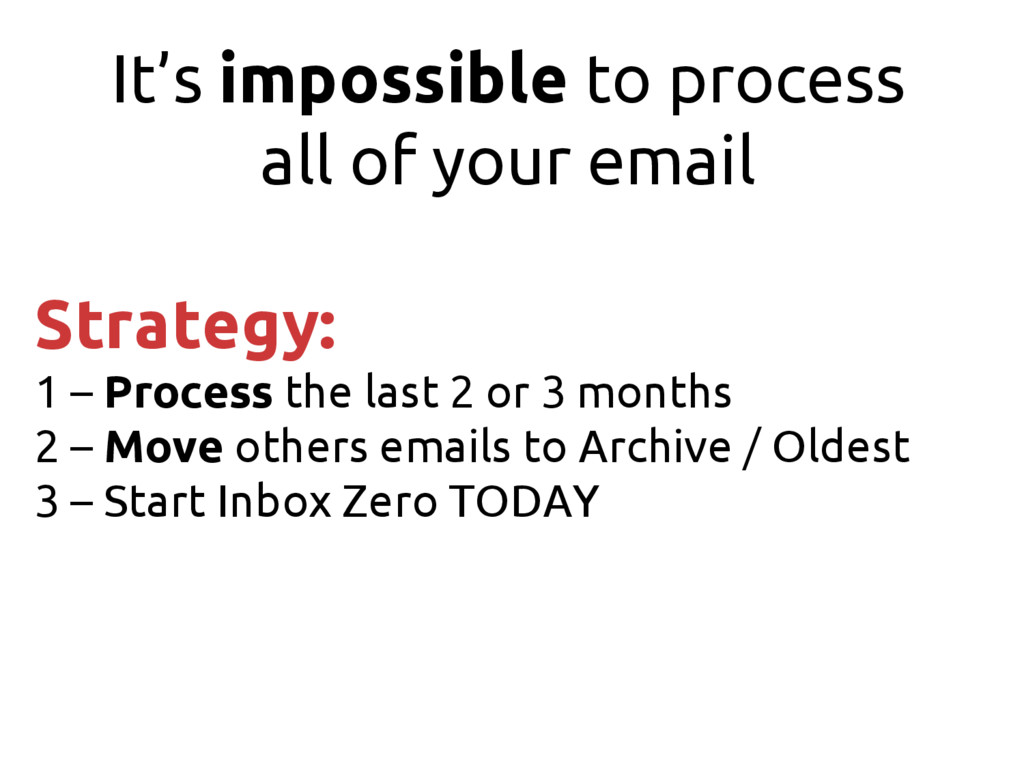
It’s impossible to process all of your email Strategy: 1
– Process the last 2 or 3 months 2 – Move others emails to Archive / Oldest 3 – Start Inbox Zero TODAY
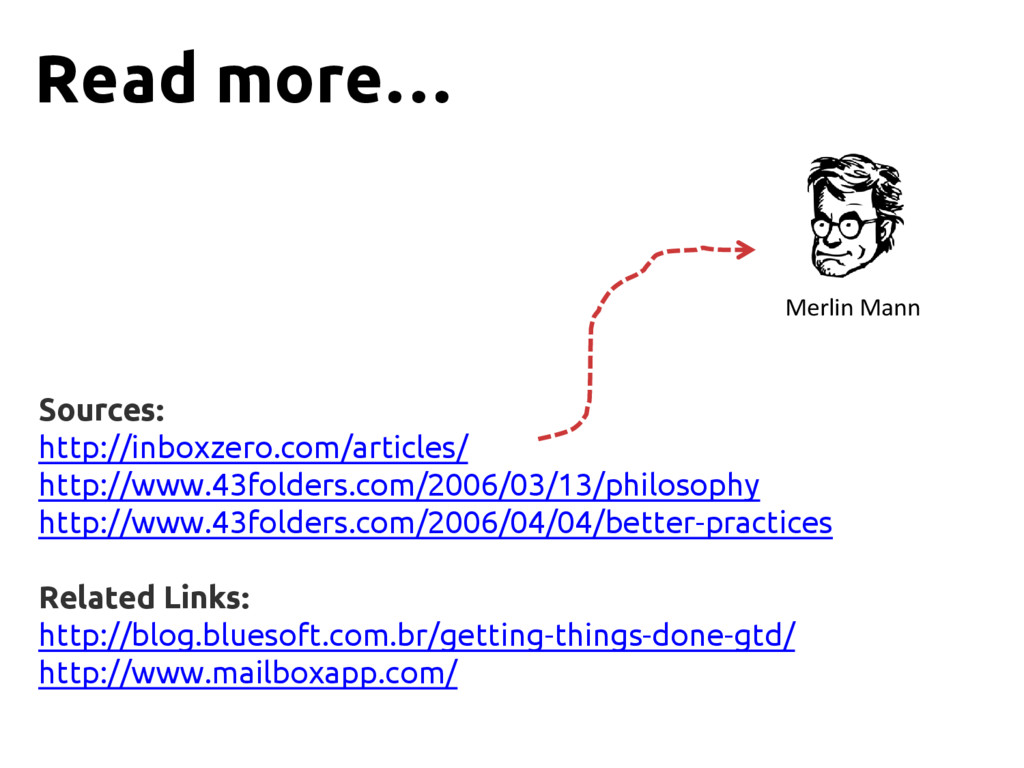
Sources: http://inboxzero.com/articles/ http://www.43folders.com/2006/03/13/philosophy http://www.43folders.com/2006/04/04/better-practices Related Links: http://blog.bluesoft.com.br/getting-things-done-gtd/ http://www.mailboxapp.com/ Merlin Mann
Read more…
Roger Camargo @huogerac github.com/huogerac blog.billcode.com.br Thank you! billcode.com.br


 huogerac
 vivion
 mananyuki
 ks91
ks91
 mikanichinose
 kakehashi
 tatamiya
 foursue
 dada4386
 sansantech
 miidas
 furuton
 iotengineer22
 chriscoyier
 cassininazir
 jonoalderson
 inesmontani
 jdejongh
 samlambert
 wayneb77
 jonrohan
 sachag
 marketingsoph
 soudai
 keavy
keavy