Upgrade to Pro — share decks privately, control downloads, hide ads and more …

Practical Autolayout

Sponsored · SiteGround - Reliable hosting with speed, security, and support you can count on.

Practical Autolayout

This presentation was part of the CocoaHeadsBE session on Nov 27th, 2014 at the iCapps offices in Antwerp, Belgium.

You can find the examples here: https://github.com/Inferis/Practical-AutoLayout

Avatar for Tom Adriaenssen

Tom Adriaenssen

November 27, 2014
Tweet

More Decks by Tom Adriaenssen

Other Decks in Programming

Transcript

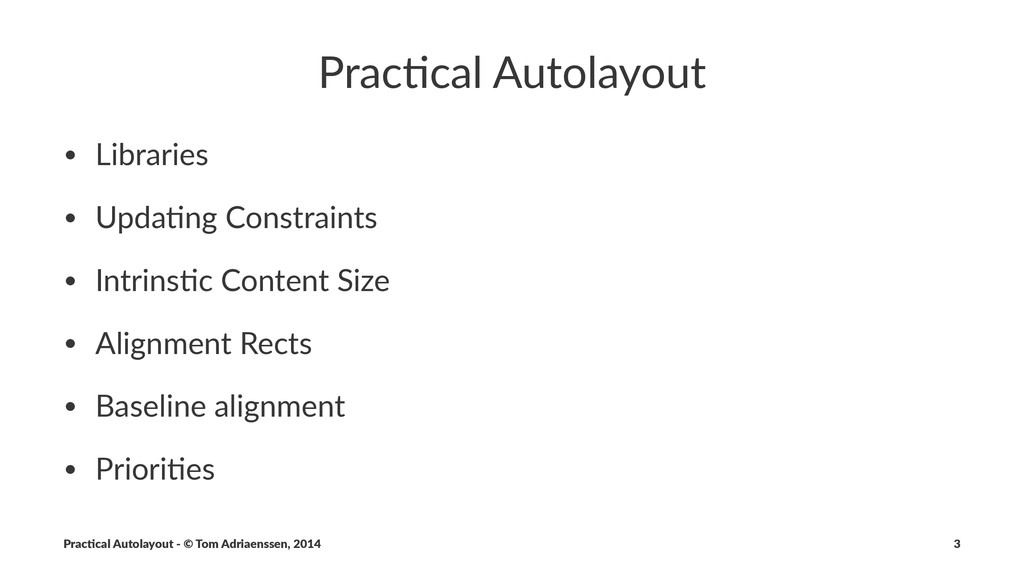
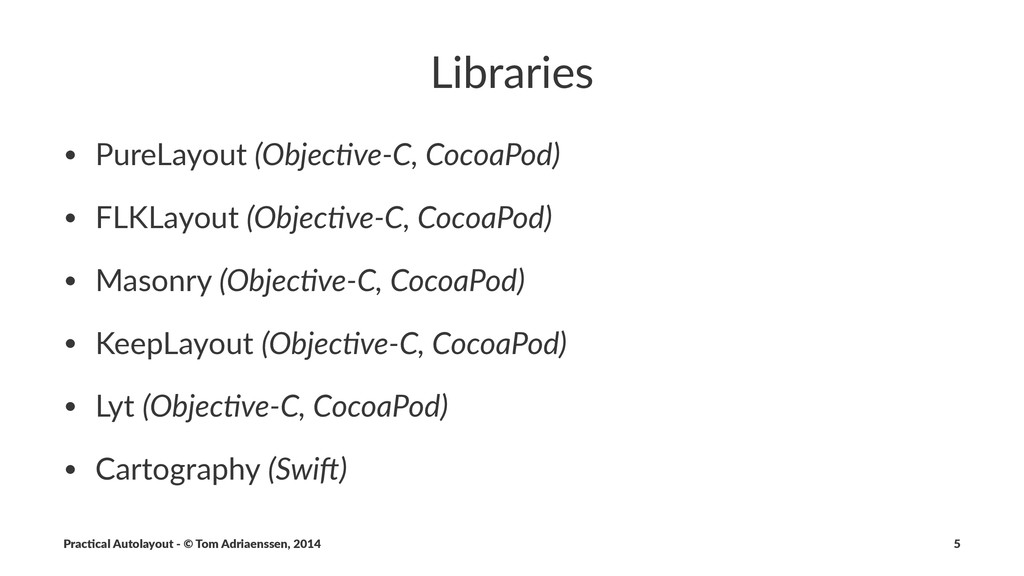
  1. Prac%cal'Autolayout • Libraries • Upda,ng/Constraints • Intrins,c/Content/Size • Alignment/Rects •

    Baseline/alignment • Priori,es Prac%cal'Autolayout'-'©'Tom'Adriaenssen,'2014 3
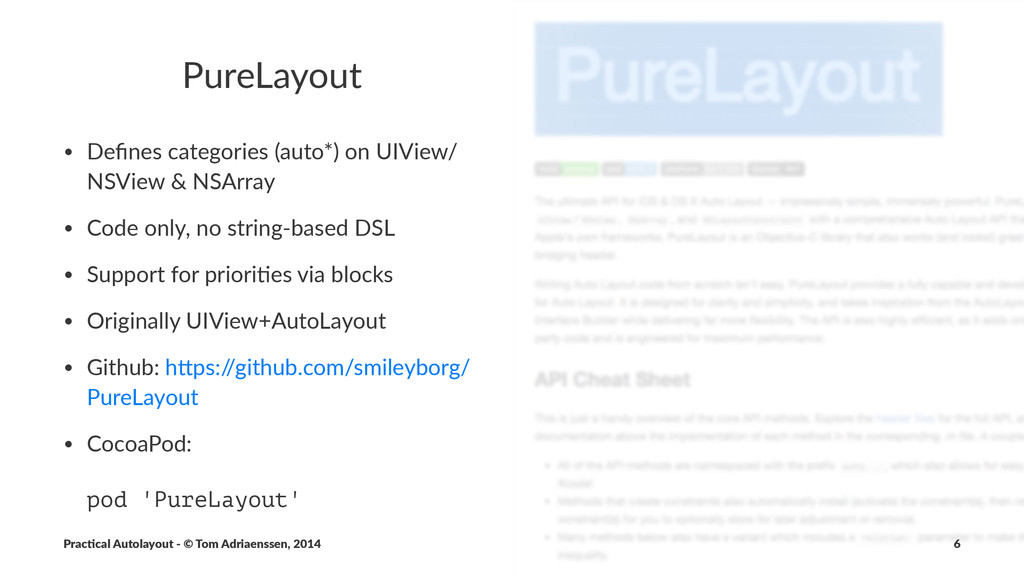
  2. PureLayout • Defines'categories'(auto*)'on'UIView/ NSView'&'NSArray • Code'only,'no'stringAbased'DSL • Support'for'prioriFes'via'blocks • Originally'UIView+AutoLayout

    • Github:'hNps:/ /github.com/smileyborg/ PureLayout • CocoaPod: pod 'PureLayout' Prac%cal'Autolayout'-'©'Tom'Adriaenssen,'2014 6
  3. PureLayout [self.blueView autoCenterInSuperview]; [self.blueView autoSetDimensionsToSize:CGSizeMake(50.0, 50.0)]; s// Red view is

    positioned at the bottom right corner of the blue view, with the same width, and a height of 40 pt [self.redView autoPinEdge:ALEdgeTop toEdge:ALEdgeBottom ofView:self.blueView]; [self.redView autoPinEdge:ALEdgeLeft toEdge:ALEdgeRight ofView:self.blueView]; [self.redView autoMatchDimension:ALDimensionWidth toDimension:ALDimensionWidth ofView:self.blueView]; [self.redView autoSetDimension:ALDimensionHeight toSize:40.0]; [@[self.redView, self.yellowView] autoSetViewsDimension:ALDimensionHeight toSize:50.0]; [@[self.blueView, self.greenView] autoSetViewsDimension:ALDimensionHeight toSize:70.0]; Prac%cal'Autolayout'-'©'Tom'Adriaenssen,'2014 7
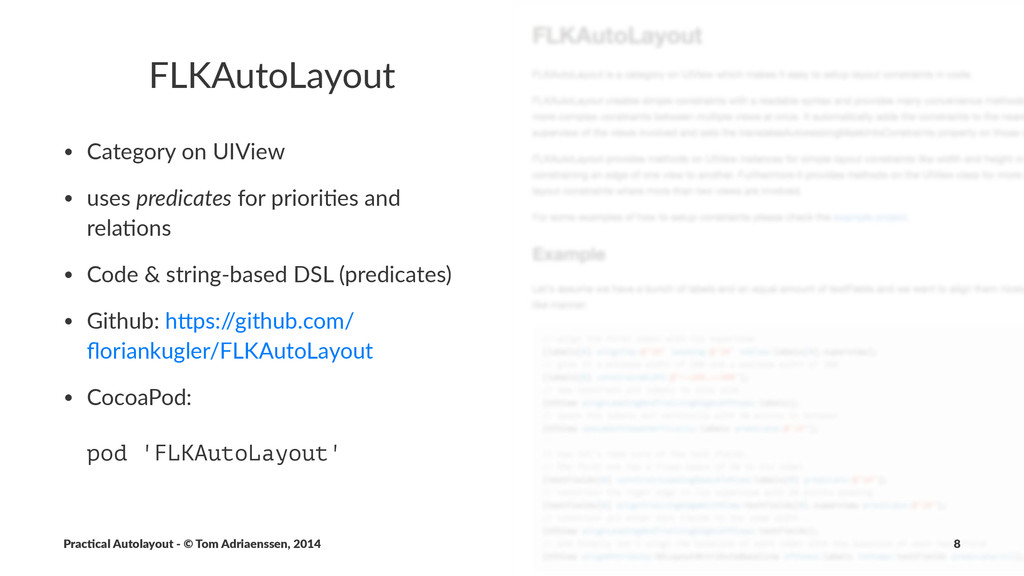
  4. FLKAutoLayout • Category*on*UIView • uses*predicates*for*priori5es*and* rela5ons • Code*&*string9based*DSL*(predicates) • Github:*hDps:/

    /github.com/ floriankugler/FLKAutoLayout • CocoaPod: pod 'FLKAutoLayout' Prac%cal'Autolayout'-'©'Tom'Adriaenssen,'2014 8
  5. FLKAutoLayout // align the first label with its superview [labels[0]

    alignTop:@"20" leading:@"20" toView:labels[0].superview]; // give it a minimum width of 200 and a maximum width of 300 [labels[0] constrainWidth:@">=200,<=300"]; // now constrain all labels to this size [UIView alignLeadingAndTrailingEdgesOfViews:labels]; // space the labels out vertically with 10 points in between [UIView spaceOutViewsVertically:labels predicate:@"10"]; // now let's take care of the text fields. // the first one has a fixed space of 20 to its label [textFields[0] constrainLeadingSpaceToView:labels[0] predicate:@"20"]; // constrain the right edge to its superview with 20 points padding [textFields[0] alignTrailingEdgeWithView:textFields[0].superview predicate:@"20"]; Prac%cal'Autolayout'-'©'Tom'Adriaenssen,'2014 9
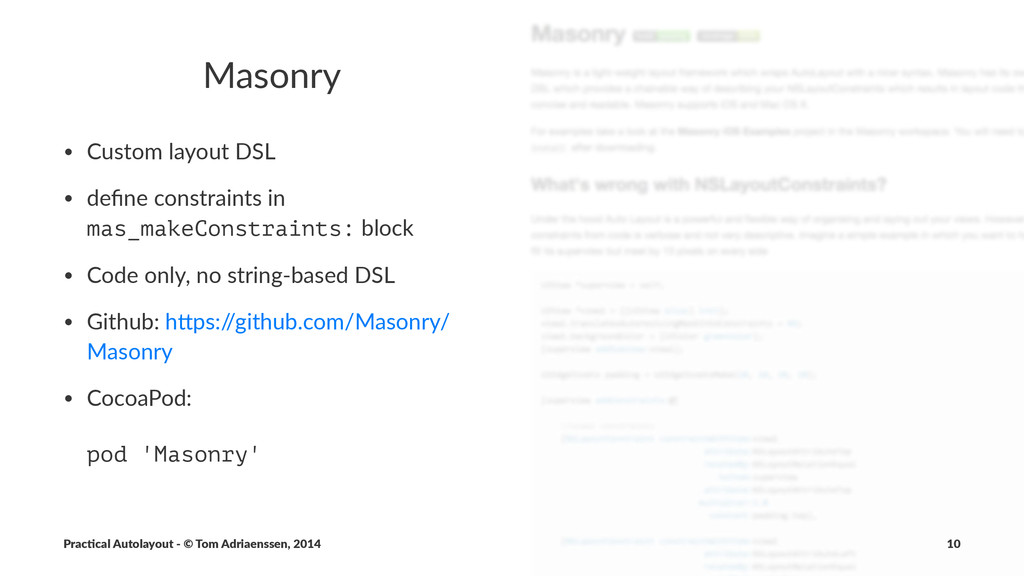
  6. Masonry • Custom(layout(DSL • define(constraints(in( mas_makeConstraints:(block • Code(only,(no(string:based(DSL • Github:(h>ps:/

    /github.com/Masonry/ Masonry • CocoaPod: pod 'Masonry' Prac%cal'Autolayout'-'©'Tom'Adriaenssen,'2014 10
  7. Masonry UIEdgeInsets padding = UIEdgeInsetsMake(10, 10, 10, 10); [view1 mas_makeConstraints:^(MASConstraintMaker

    *make) { make.top.equalTo(superview.mas_top).with.offset(padding.top); //with is an optional semantic filler make.left.equalTo(superview.mas_left).with.offset(padding.left); make.bottom.equalTo(superview.mas_bottom).with.offset(-padding.bottom); make.right.equalTo(superview.mas_right).with.offset(-padding.right); }]; // or even shorter [view1 mas_makeConstraints:^(MASConstraintMaker *make) { make.edges.equalTo(superview).with.insets(padding); }]; Prac%cal'Autolayout'-'©'Tom'Adriaenssen,'2014 11
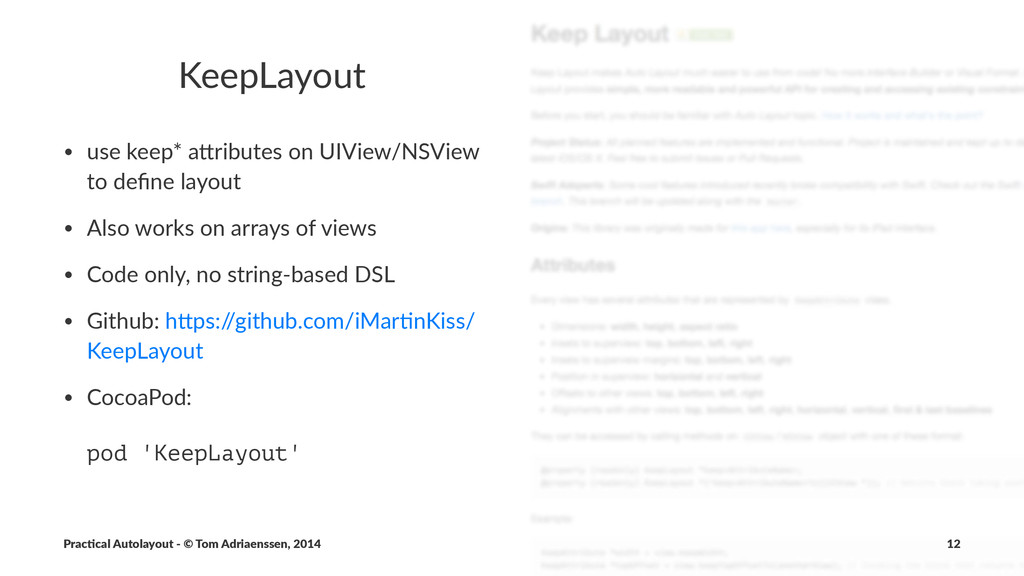
  8. KeepLayout • use%keep*%a*ributes%on%UIView/NSView% to%define%layout • Also%works%on%arrays%of%views • Code%only,%no%stringBbased%DSL • Github:%h*ps:/

    /github.com/iMarLnKiss/ KeepLayout • CocoaPod: pod 'KeepLayout' Prac%cal'Autolayout'-'©'Tom'Adriaenssen,'2014 12
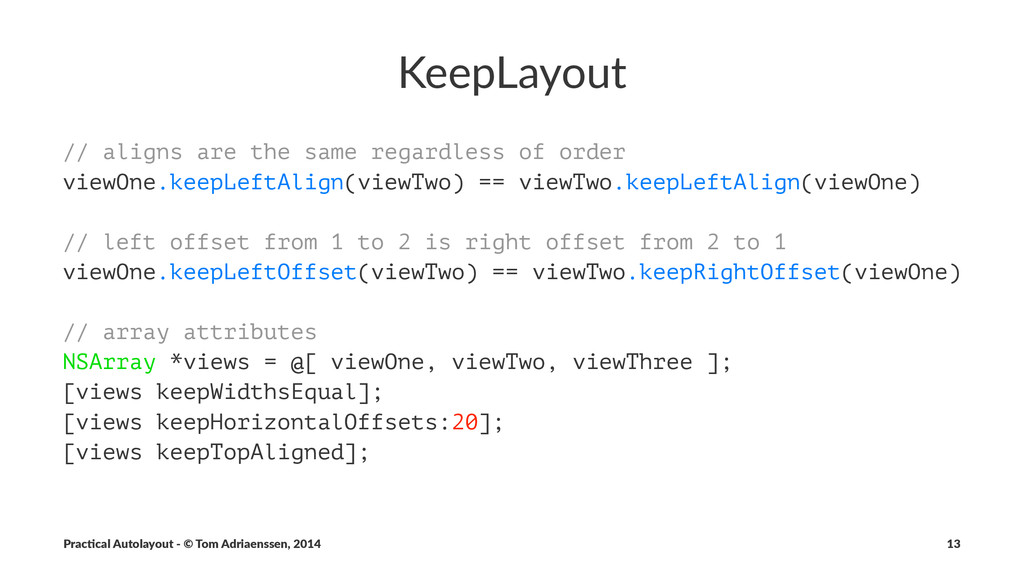
  9. KeepLayout // aligns are the same regardless of order viewOne.keepLeftAlign(viewTwo)

    == viewTwo.keepLeftAlign(viewOne) // left offset from 1 to 2 is right offset from 2 to 1 viewOne.keepLeftOffset(viewTwo) == viewTwo.keepRightOffset(viewOne) // array attributes NSArray *views = @[ viewOne, viewTwo, viewThree ]; [views keepWidthsEqual]; [views keepHorizontalOffsets:20]; [views keepTopAligned]; Prac%cal'Autolayout'-'©'Tom'Adriaenssen,'2014 13
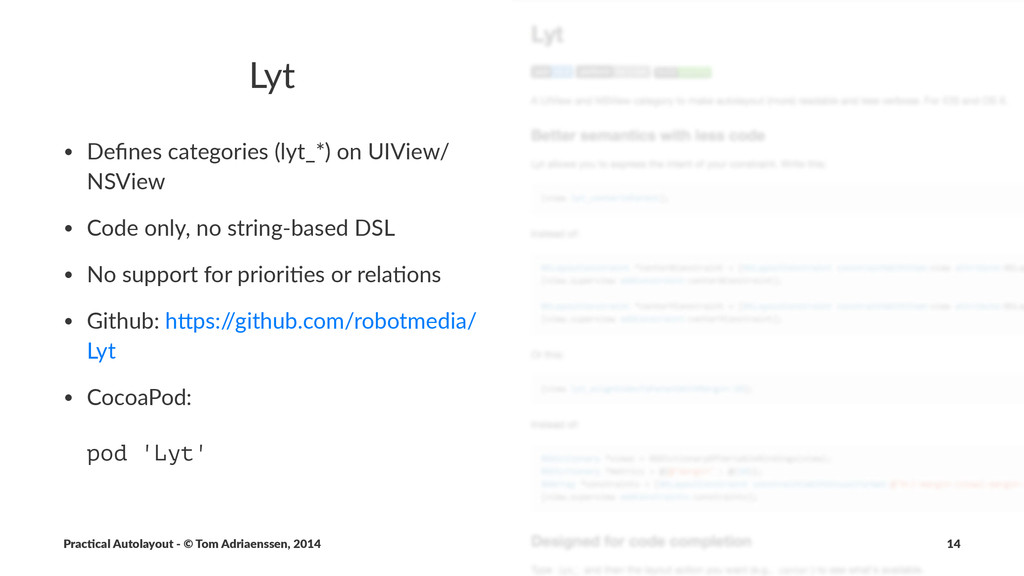
  10. Lyt • Defines'categories'(lyt_*)'on'UIView/ NSView • Code'only,'no'string?based'DSL • No'support'for'prioriEes'or'relaEons • Github:'hIps:/

    /github.com/robotmedia/ Lyt • CocoaPod: pod 'Lyt' Prac%cal'Autolayout'-'©'Tom'Adriaenssen,'2014 14
  11. Lyt [view lyt_centerInParent]; // instead of NSLayoutConstraint *centerXConstraint = [NSLayoutConstraint

    constraintWithItem:view attribute:NSLayoutAttributeCenterX relatedBy:NSLayoutRelationEqual toItem:view.superview attribute:NSLayoutAttributeCenterX multiplier:1.0 constant:0]; NSLayoutConstraint *centerYConstraint = [NSLayoutConstraint constraintWithItem:view attribute:NSLayoutAttributeCenterY relatedBy:NSLayoutRelationEqual toItem:view.superview attribute:NSLayoutAttributeCenterY multiplier:1.0 constant:0]; [view.superview addConstraints:@[centerXConstraint, centerYConstraint]]; Prac%cal'Autolayout'-'©'Tom'Adriaenssen,'2014 15
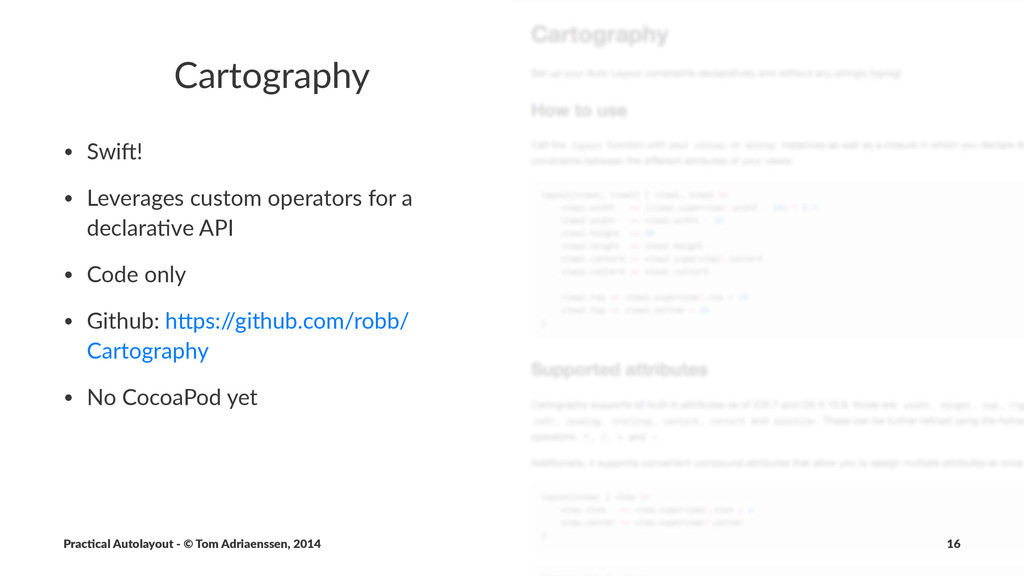
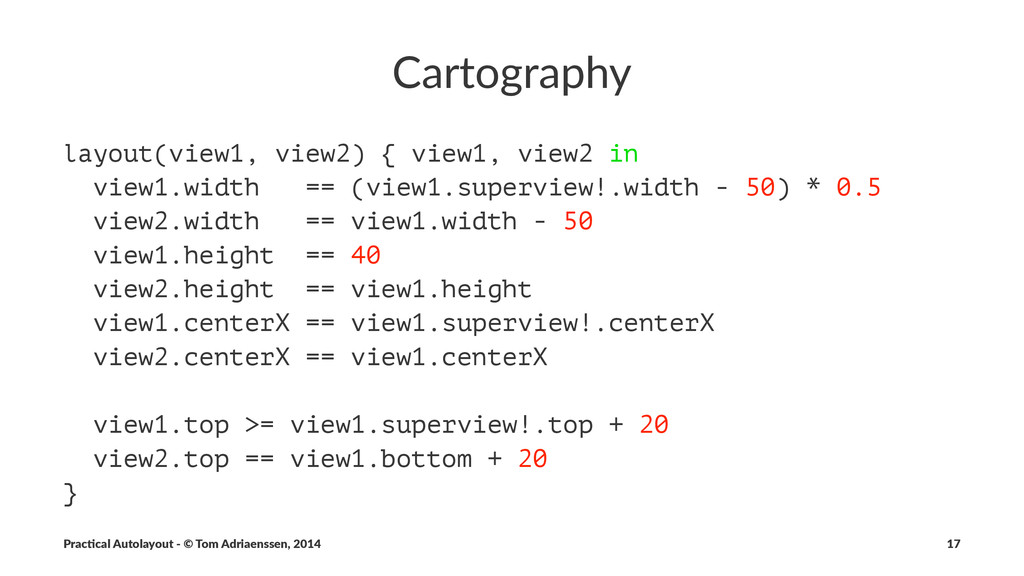
  12. Cartography • Swi%! • Leverages.custom.operators.for.a. declara8ve.API • Code.only • Github:.hCps:/

    /github.com/robb/ Cartography • No.CocoaPod.yet Prac%cal'Autolayout'-'©'Tom'Adriaenssen,'2014 16
  13. Cartography layout(view1, view2) { view1, view2 in view1.width == (view1.superview!.width

    - 50) * 0.5 view2.width == view1.width - 50 view1.height == 40 view2.height == view1.height view1.centerX == view1.superview!.centerX view2.centerX == view1.centerX view1.top >= view1.superview!.top + 20 view2.top == view1.bottom + 20 } Prac%cal'Autolayout'-'©'Tom'Adriaenssen,'2014 17
  14. Upda%ng(Constraints • Don't"update"constraints"all"over"the"place • "update"="add"/"delete • changing"constants"is"no"problem • use"updateConstraints"or"updateViewConstraints •

    you"can"create"constraints"on"beforehand,"but"add"or"remove" them"in"updateConstraints Prac%cal'Autolayout'-'©'Tom'Adriaenssen,'2014 20
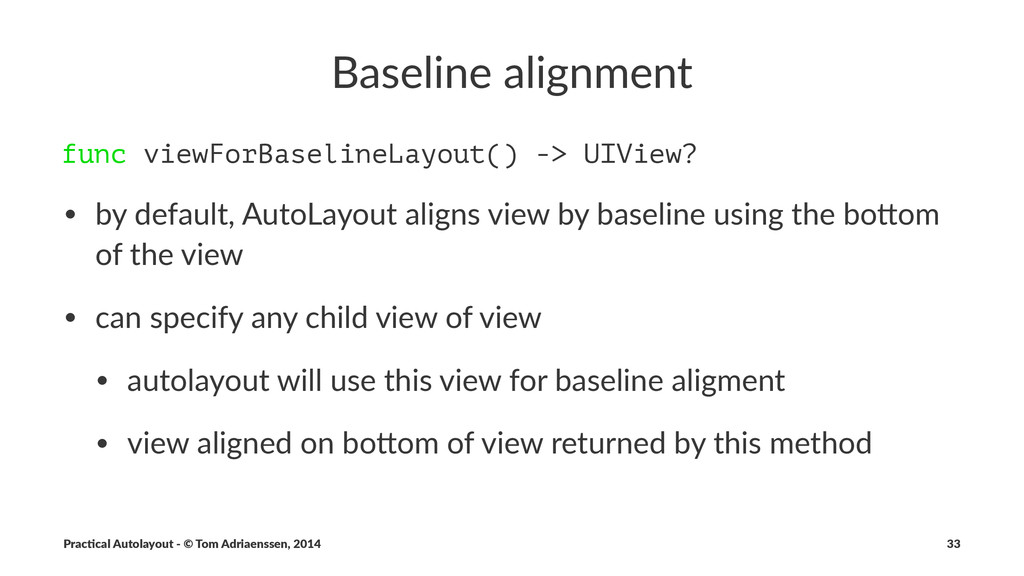
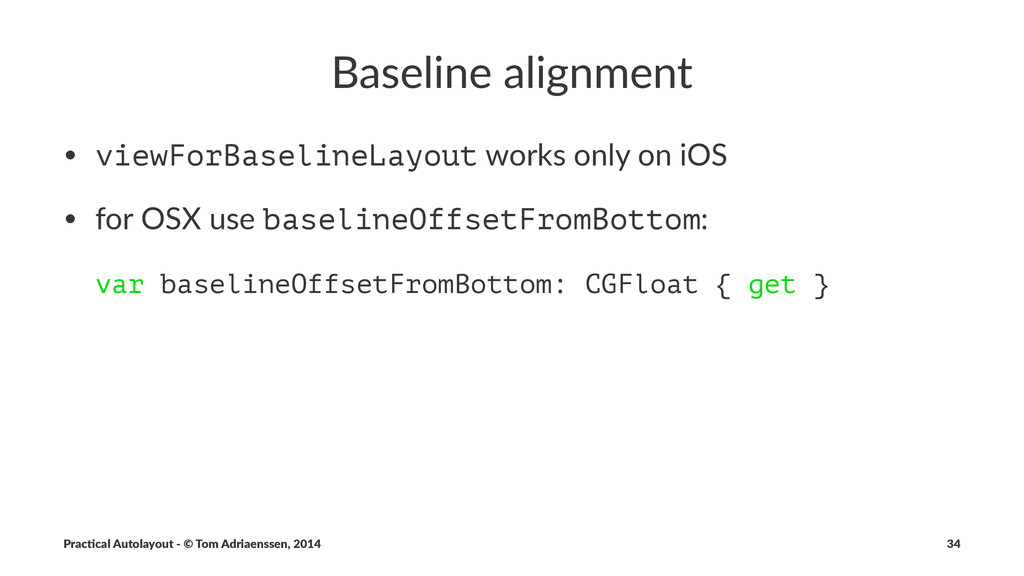
  15. Baseline(alignment func viewForBaselineLayout() -> UIView? • by$default,$AutoLayout$aligns$view$by$baseline$using$the$bo7om$ of$the$view • can$specify$any$child$view$of$view

    • autolayout$will$use$this$view$for$baseline$aligment • view$aligned$on$bo7om$of$view$returned$by$this$method Prac%cal'Autolayout'-'©'Tom'Adriaenssen,'2014 33