Upgrade to Pro — share decks privately, control downloads, hide ads and more …

Expedia Tech Know How Talks August 2016: Beyond...

Expedia Tech Know How Talks August 2016: Beyond WCAG 2.0 Effective Inclusive Design Through Testing

Slides for a meetup hosted and run by Expedia London (https://www.meetup.com/Expedia-London/events/232106564/). It is part of a series called "Know How" where subject matter experts from Expedia London talk all sorts of tech, from Java to Front-End.

Avatar for Jack Armley

Jack Armley

August 19, 2016

Other Decks in Technology

Transcript

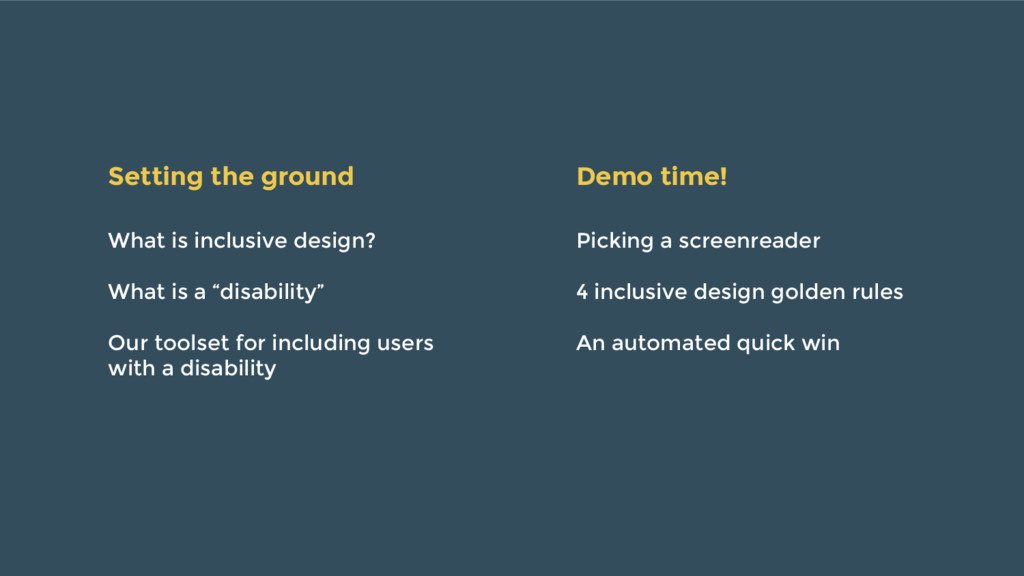
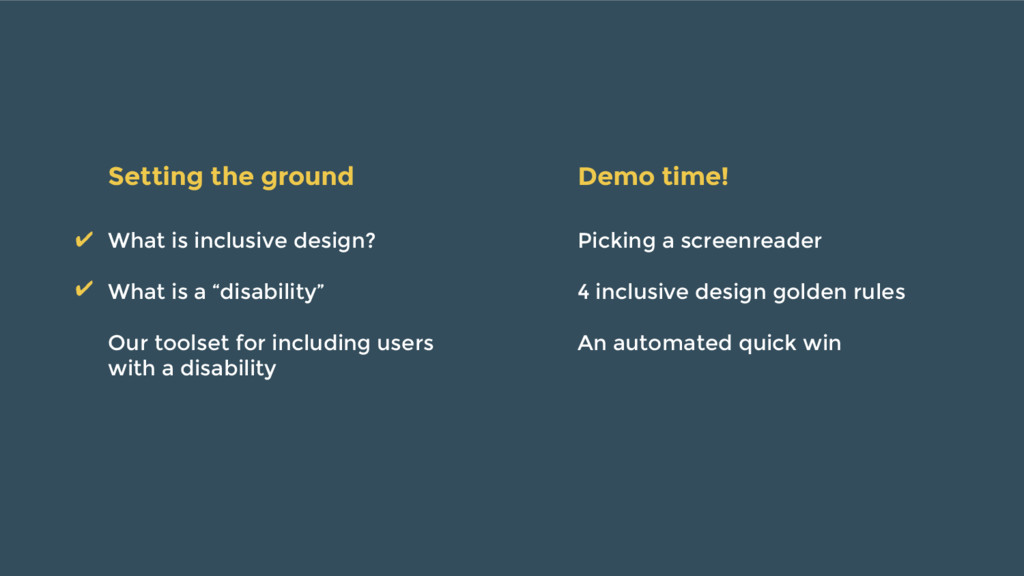
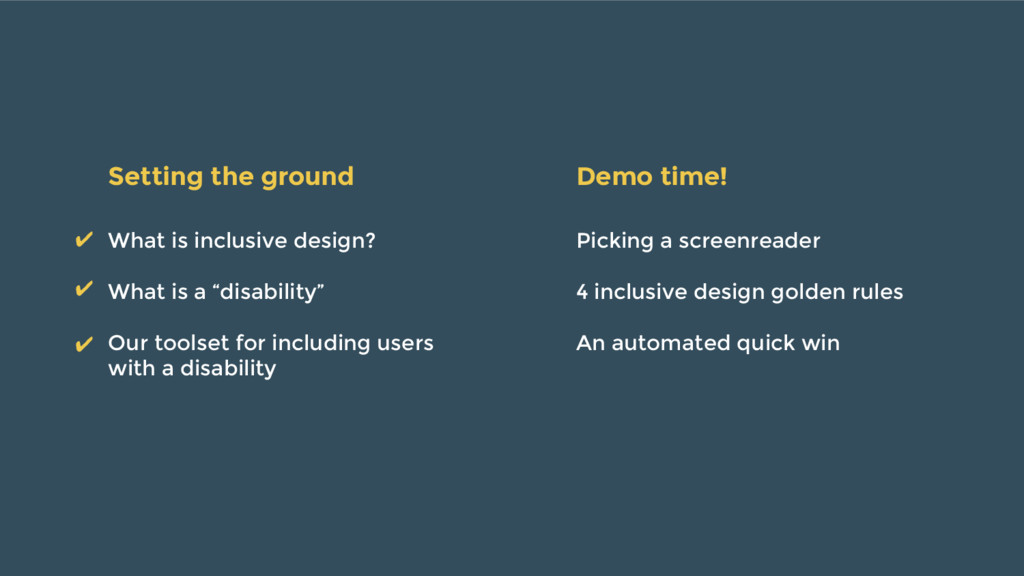
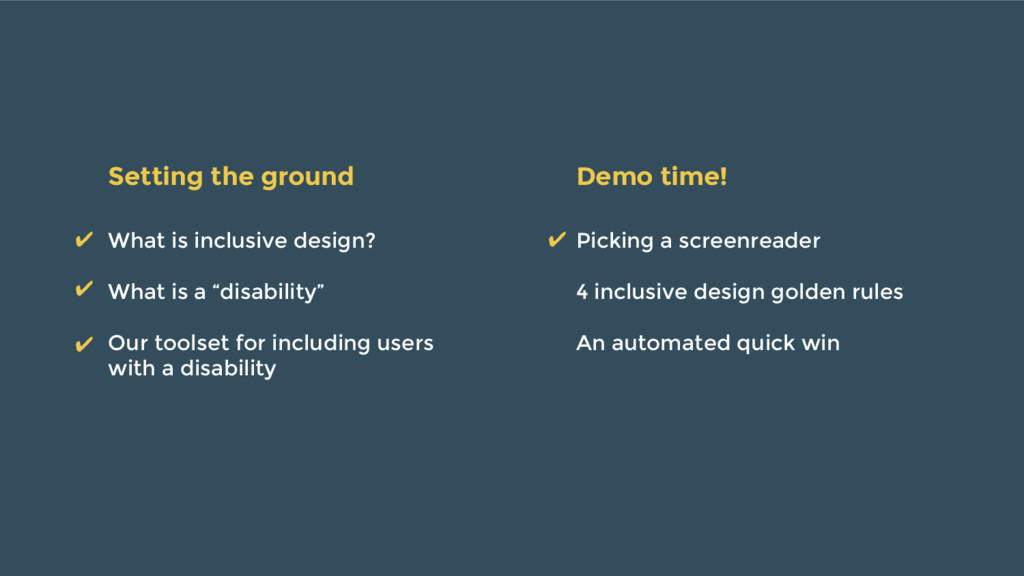
  1. What is inclusive design? What is a “disability” Our toolset

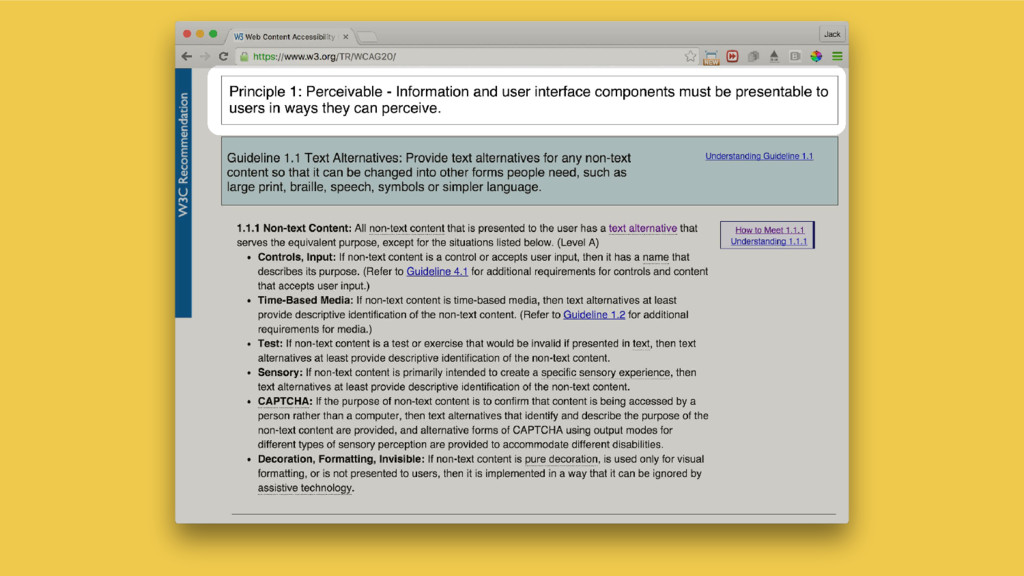
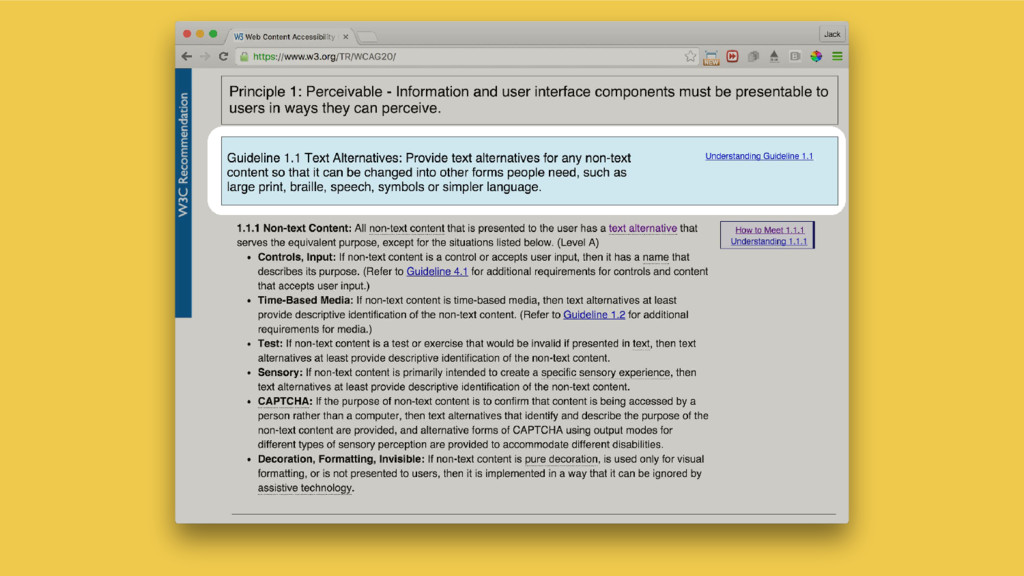
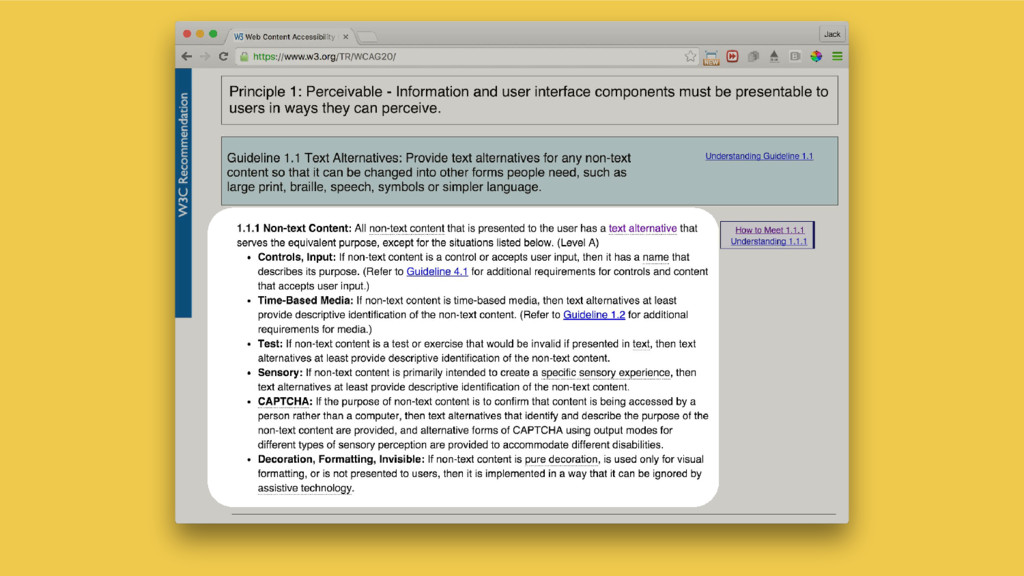
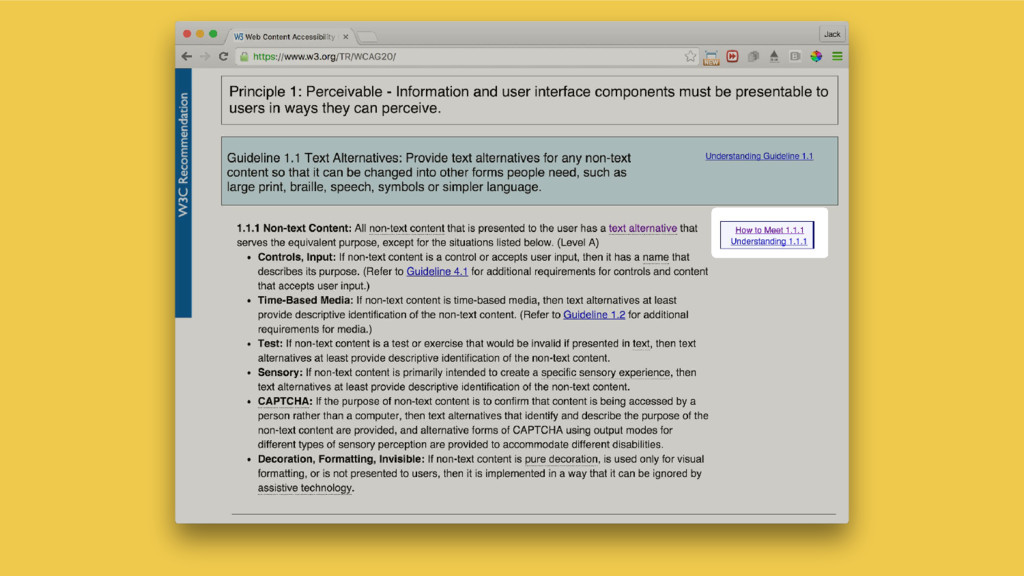
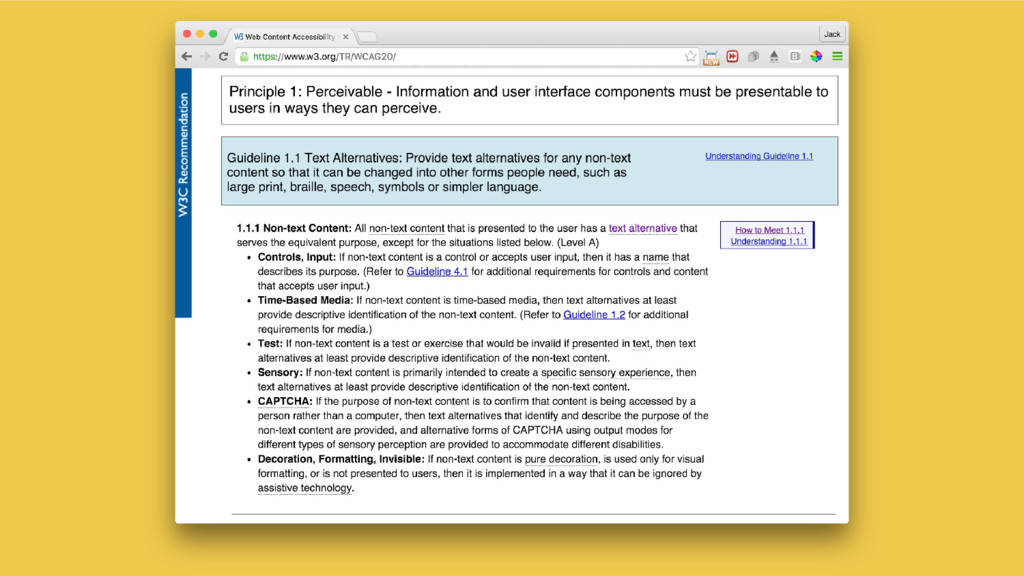
    for including users with a disability Picking a screenreader 4 inclusive design golden rules An automated quick win Setting the ground Demo time!
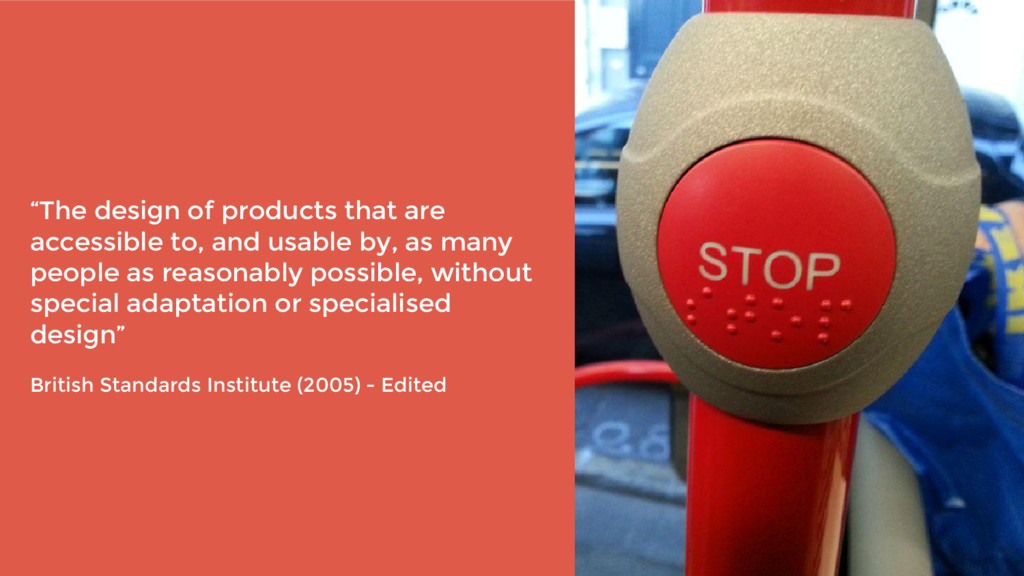
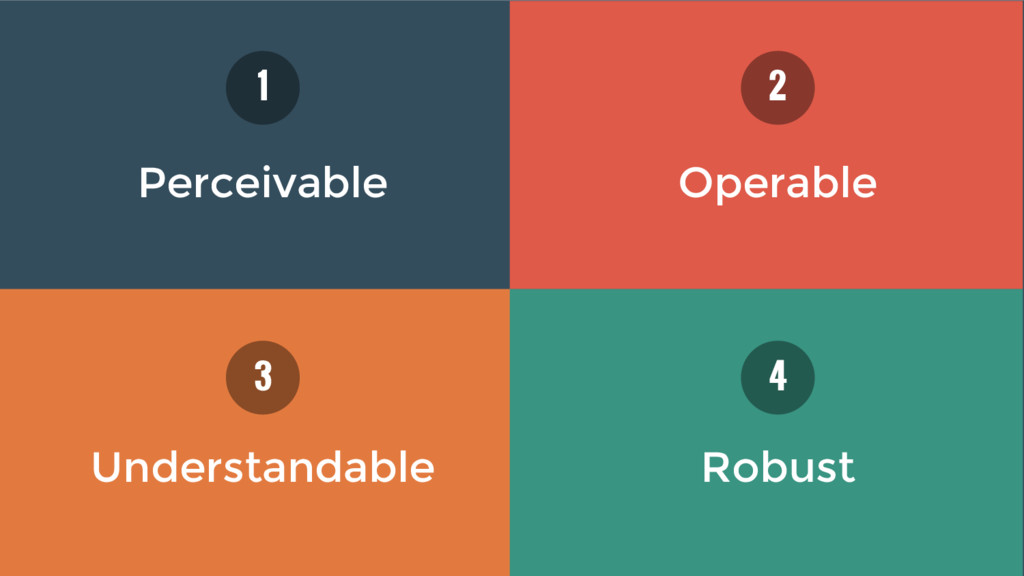
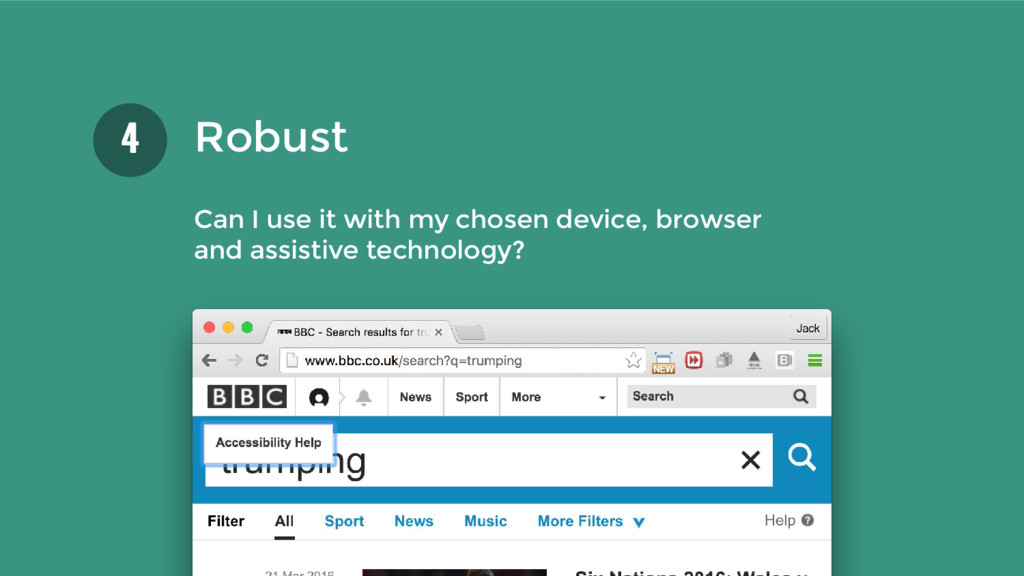
  2. “The design of products that are accessible to, and usable

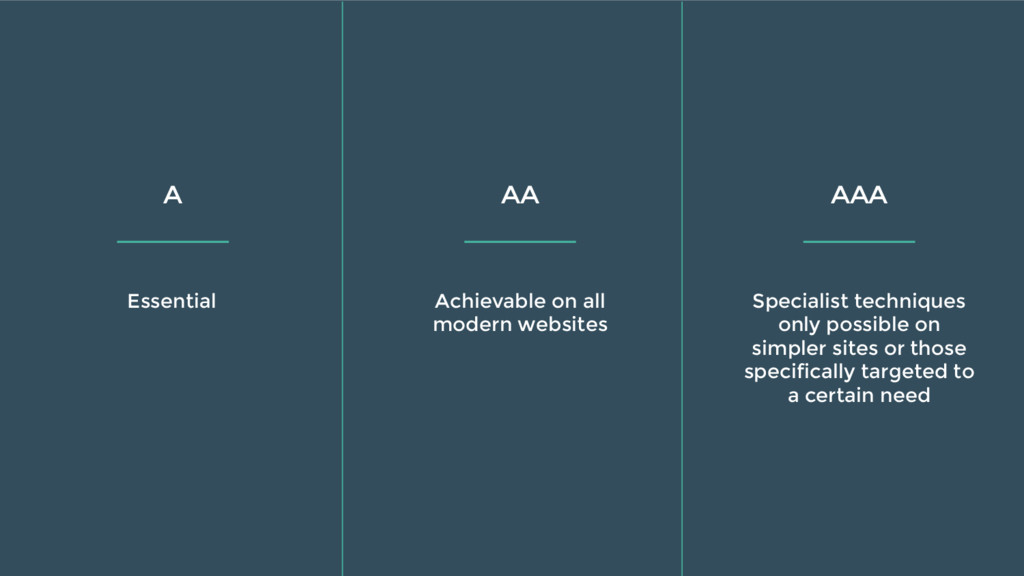
    by, as many people as reasonably possible, without special adaptation or specialised design” British Standards Institute (2005) - Edited
  3. “...you have a physical or mental impairment that has a

    ‘substantial’ and ‘long-term’ negative effect on your ability to do normal daily activities.” - gov.uk
  4. ...blindness and low vision, deafness and hearing loss, learning disabilities,

    cognitive limitations, limited movement, speech disabilities. - W3C
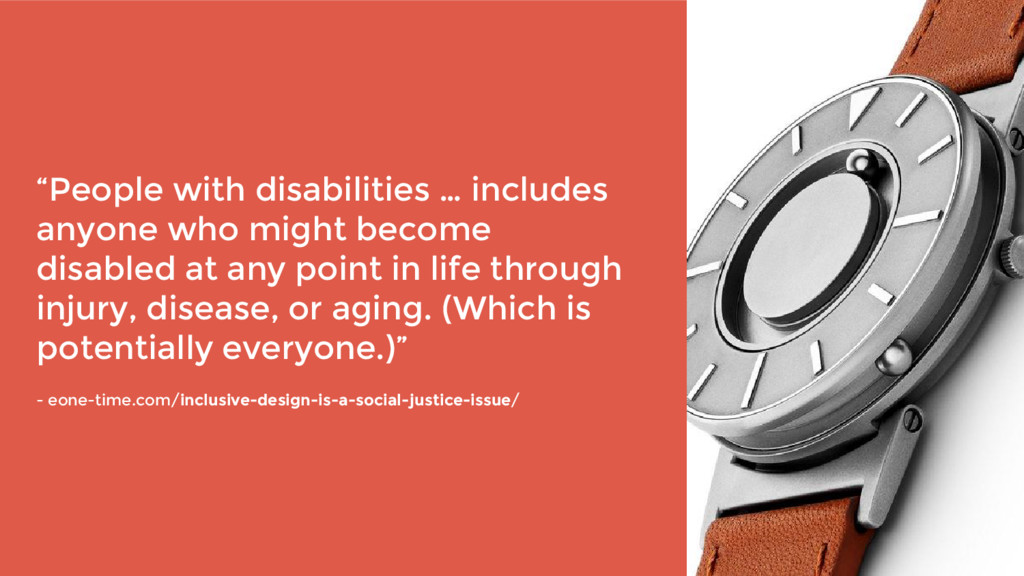
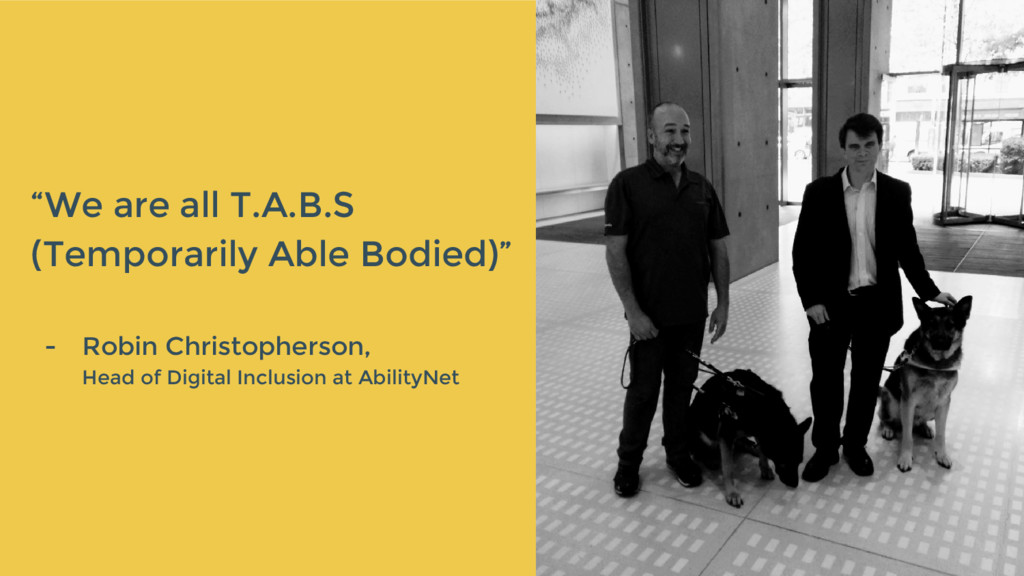
  5. “People with disabilities … includes anyone who might become disabled

    at any point in life through injury, disease, or aging. (Which is potentially everyone.)” - eone-time.com/inclusive-design-is-a-social-justice-issue/
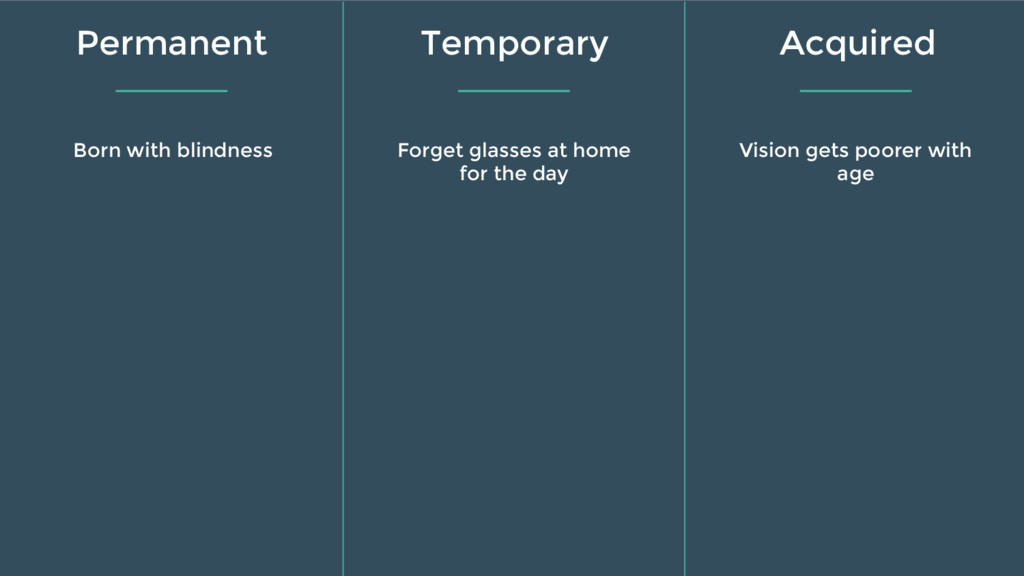
  6. Born with blindness Forget glasses at home for the day

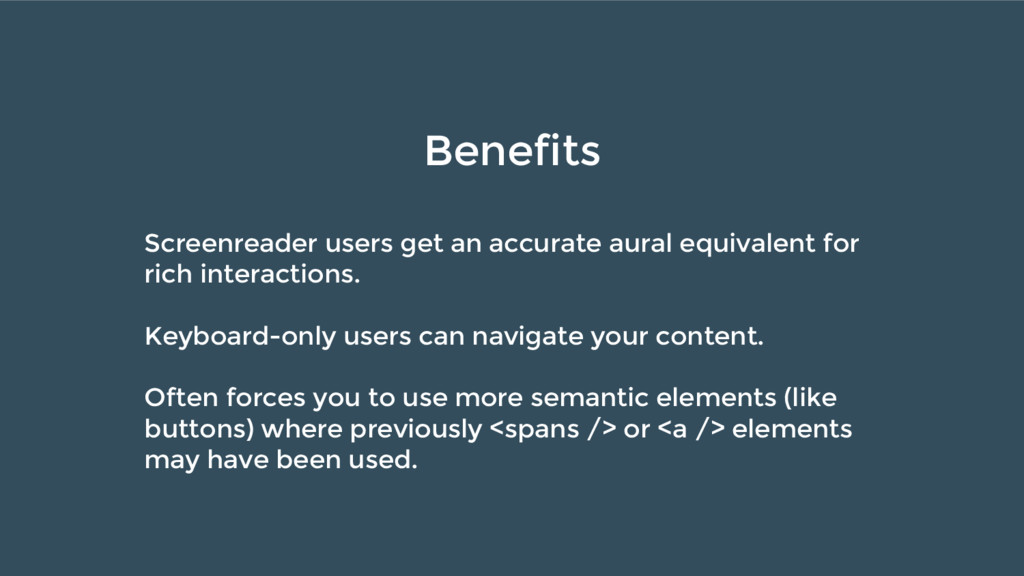
    Vision gets poorer with age Permanent Temporary Acquired
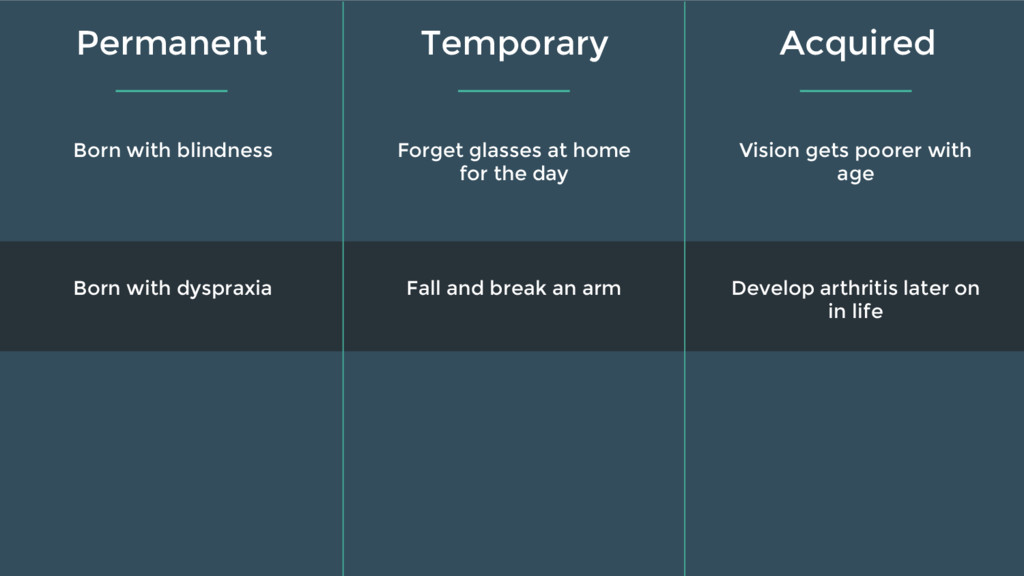
  7. Born with dyspraxia Fall and break an arm Develop arthritis

    later on in life Born with blindness Forget glasses at home for the day Vision gets poorer with age Permanent Temporary Acquired
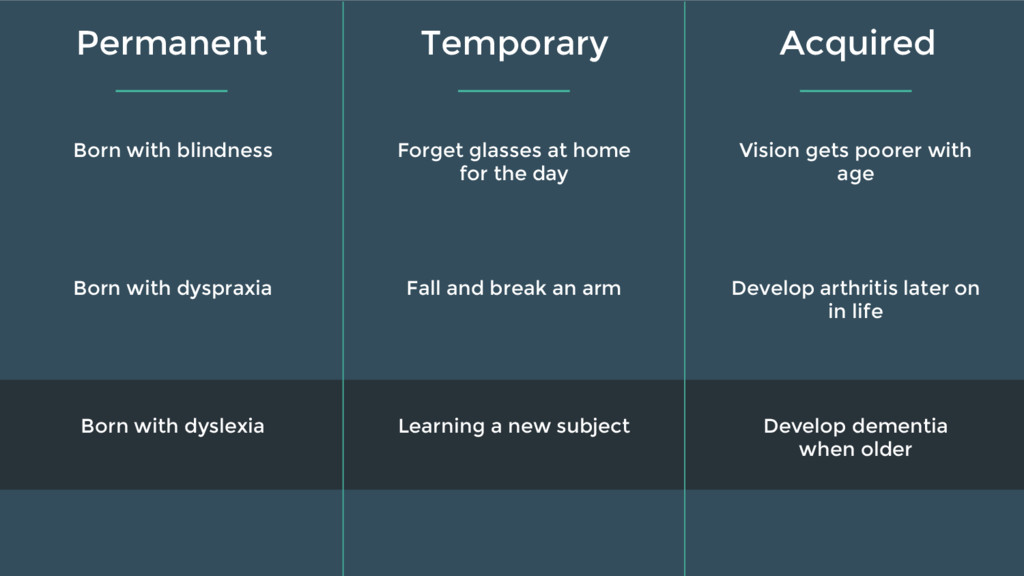
  8. Born with dyslexia Learning a new subject Develop dementia when

    older Born with dyspraxia Fall and break an arm Develop arthritis later on in life Born with blindness Forget glasses at home for the day Vision gets poorer with age Permanent Temporary Acquired
  9. What is inclusive design? What is a “disability” Our toolset

    for including users with a disability Picking a screenreader 4 inclusive design golden rules An automated quick win Setting the ground Demo time! ✔ ✔
  10. “Web Content Accessibility Guidelines (WCAG) 2.0 covers a wide range

    of recommendations for making Web content more accessible to a wider range of people with disabilities. -WCAG 2.0 Spec
  11. Robust 4 Can I use it with my chosen device,

    browser and assistive technology?
  12. Essential Achievable on all modern websites Specialist techniques only possible

    on simpler sites or those specifically targeted to a certain need A AA AAA
  13. What is inclusive design? What is a “disability” Our toolset

    for including users with a disability Picking a screenreader 4 inclusive design golden rules An automated quick win Setting the ground Demo time! ✔ ✔ ✔
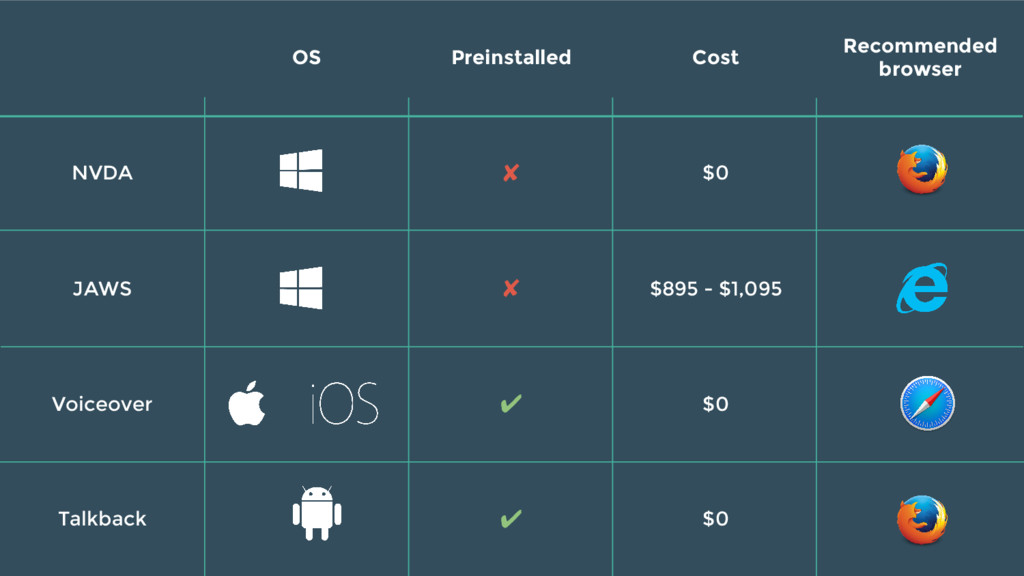
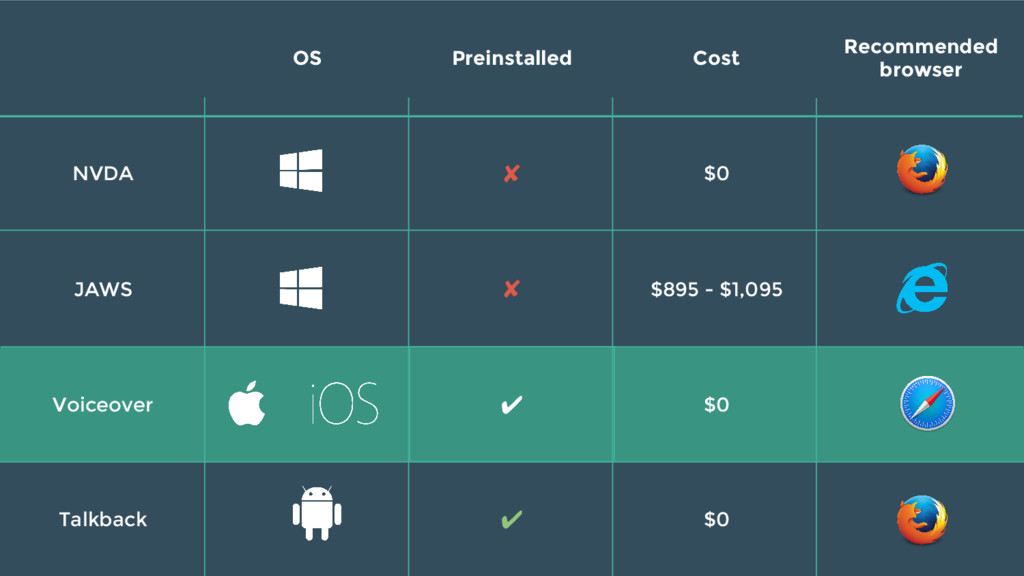
  14. OS Preinstalled Cost Recommended browser NVDA ✘ $0 JAWS ✘

    $895 - $1,095 Voiceover ✔ $0 Talkback ✔ $0
  15. OS Preinstalled Cost Recommended browser NVDA ✘ $0 JAWS ✘

    $895 - $1,095 Voiceover ✔ $0 Talkback ✔ $0
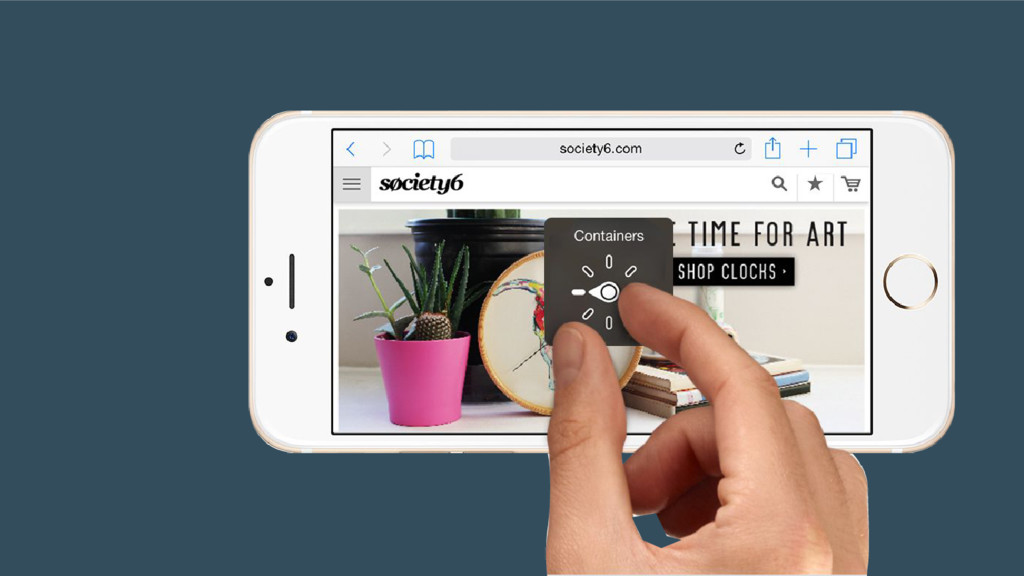
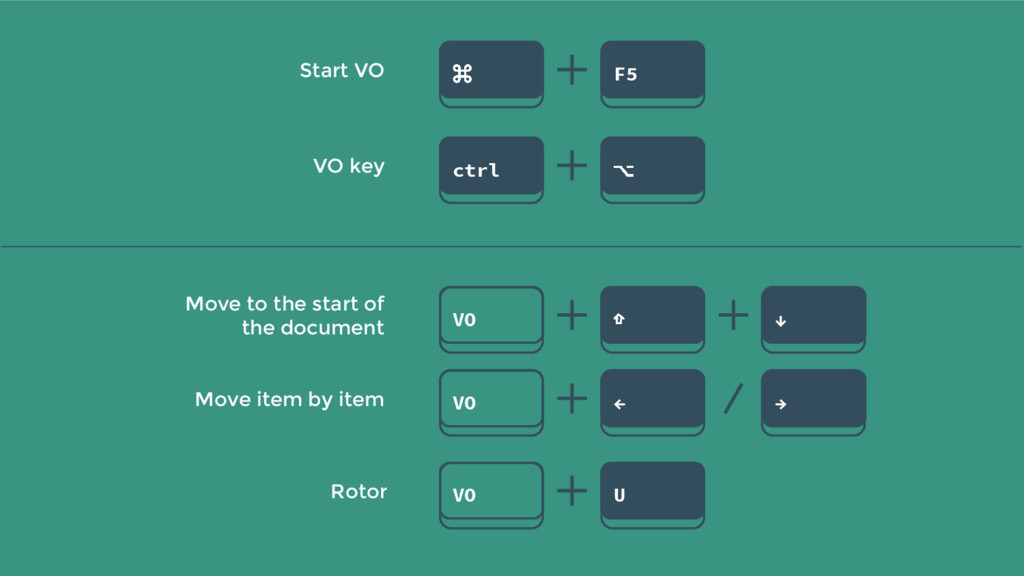
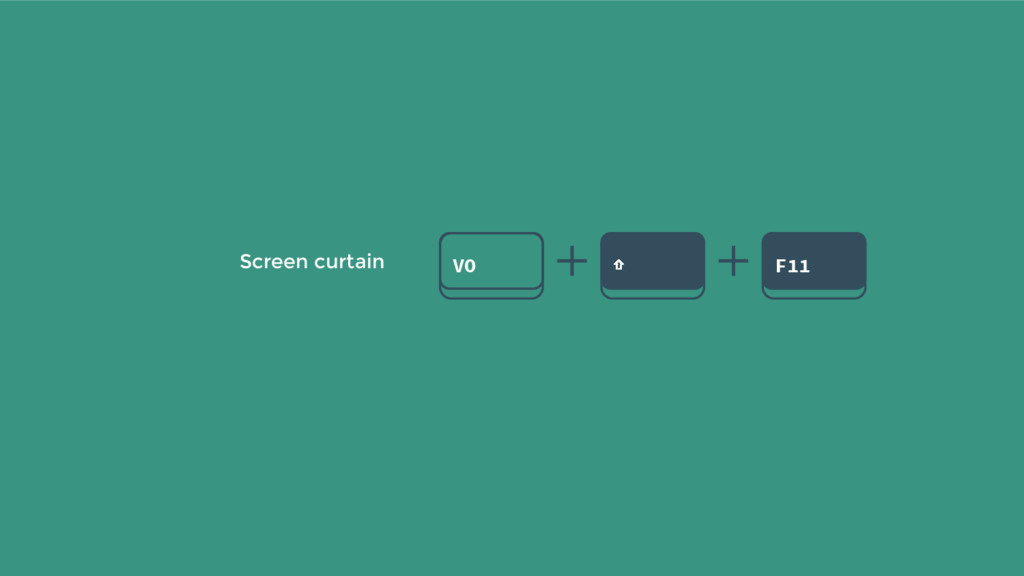
  16. VO key ctrl ⌥ Move item by item VO ←

    → Move to the start of the document VO ⇧ ↓ Rotor VO U Start VO ⌘ F5
  17. What is inclusive design? What is a “disability” Our toolset

    for including users with a disability Picking a screenreader 4 inclusive design golden rules An automated quick win Setting the ground Demo time! ✔ ✔ ✔ ✔
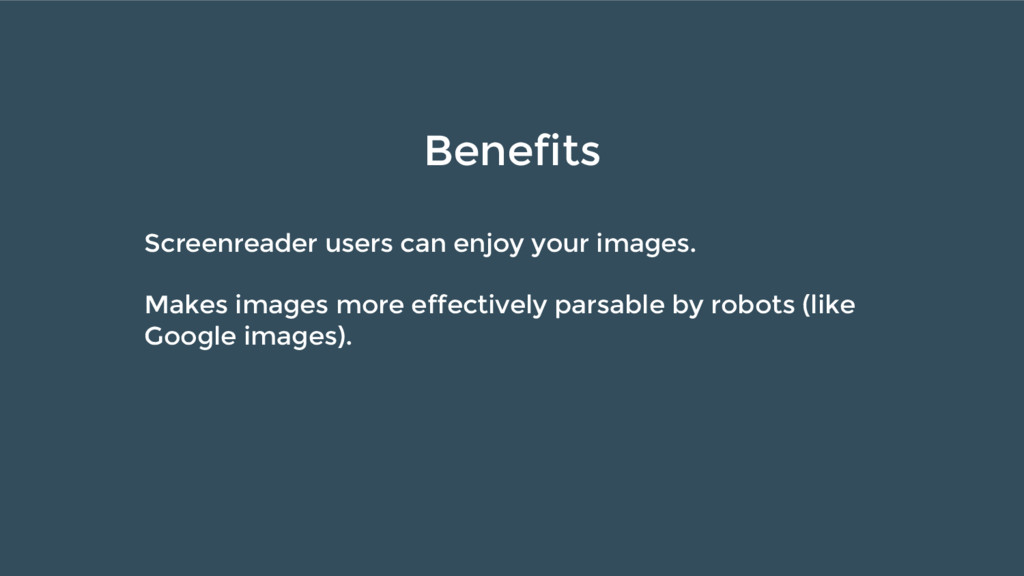
  18. Benefits Screenreader users can enjoy your images. Makes images more

    effectively parsable by robots (like Google images).
  19. Benefits Screenreader users can more quickly jump to links in

    any part of your page, using the element quick nav. If links are buried within content, they will be generally more readable by all users.
  20. Benefits Screenreader users get an accurate aural equivalent for rich

    interactions. Keyboard-only users can navigate your content. Often forces you to use more semantic elements (like buttons) where previously <spans /> or <a /> elements may have been used.
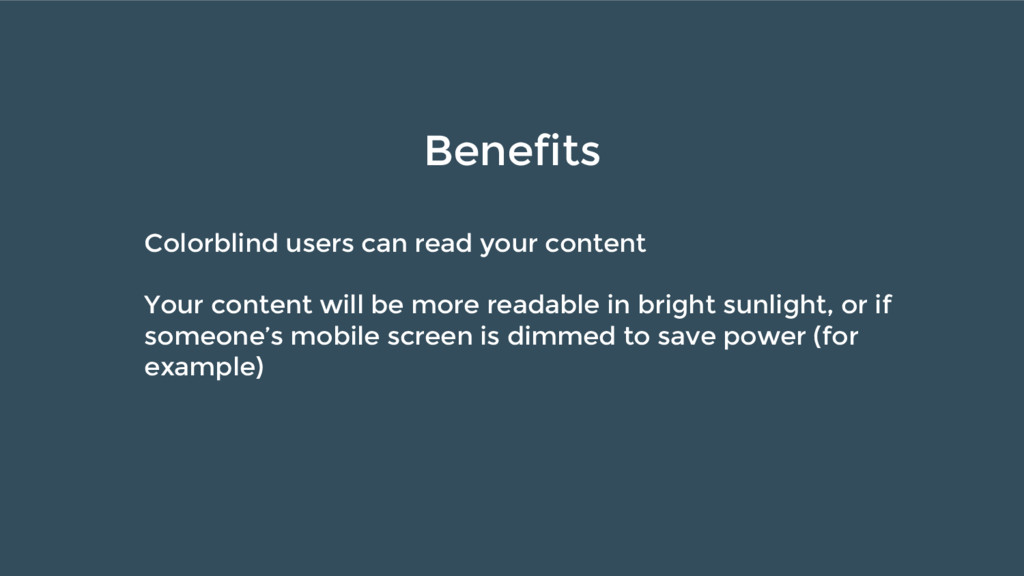
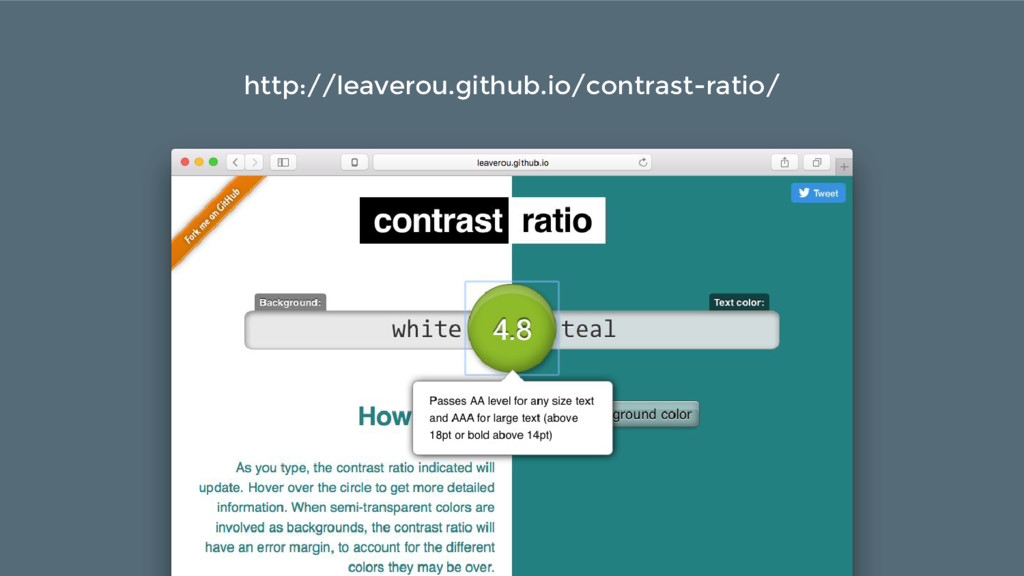
  21. Benefits Colorblind users can read your content Your content will
    be more readable in bright sunlight, or if someone’s mobile screen is dimmed to save power (for example)