[ruby-]1.8.7[-head] # security released on head [ruby-]1.9.1[-p431] [ruby-]1.9.2[-p330] [ruby-]1.9.3[-p551] [ruby-]2.0.0[-p647] [ruby-]2.1[.7] [ruby-]2.2[.3] [ruby-]2.2-head ruby-head
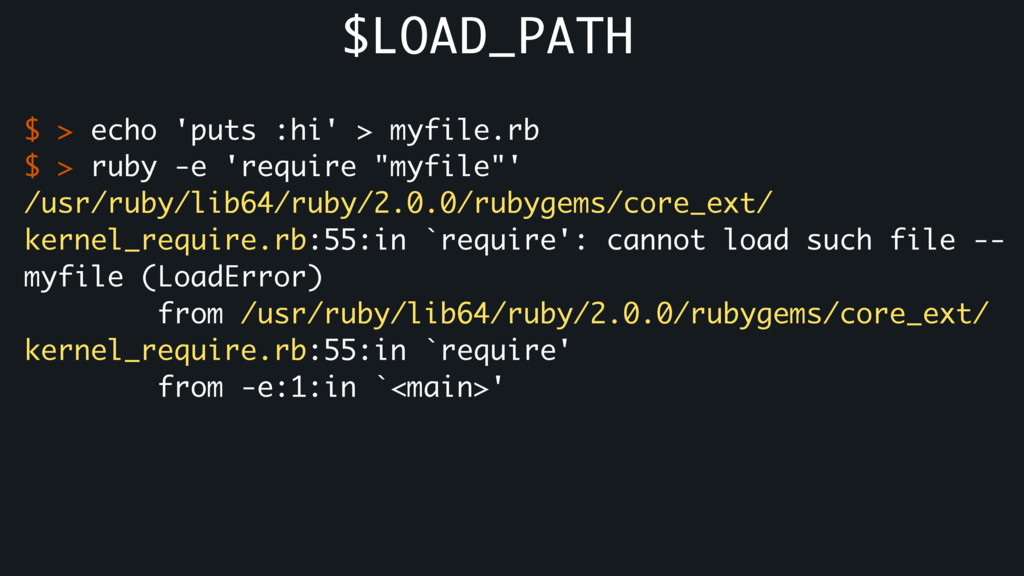
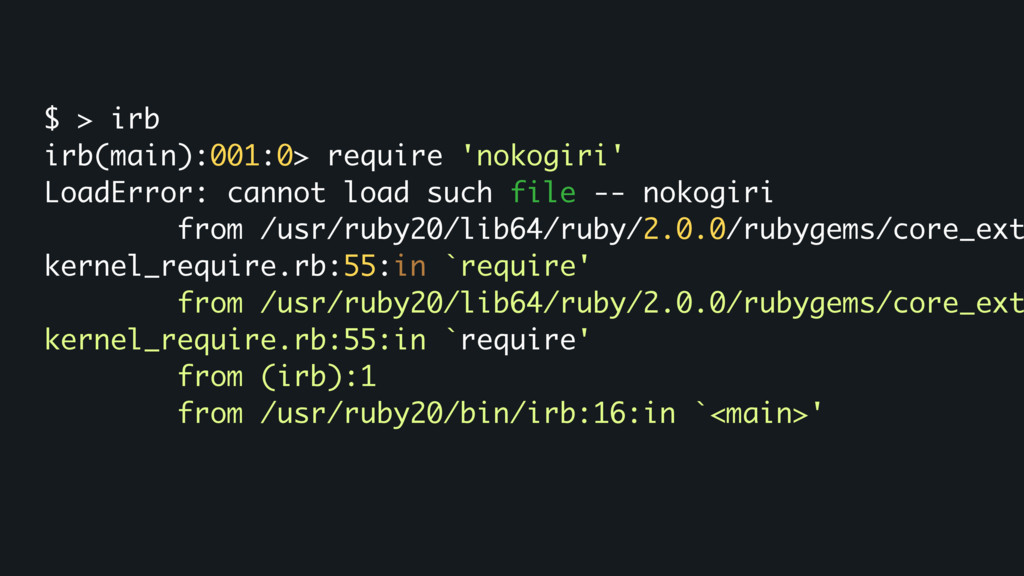
file -- nokogiri from /usr/ruby20/lib64/ruby/2.0.0/rubygems/core_ext kernel_require.rb:55:in `require' from /usr/ruby20/lib64/ruby/2.0.0/rubygems/core_ext kernel_require.rb:55:in `require' from (irb):1 from /usr/ruby20/bin/irb:16:in `<main>'
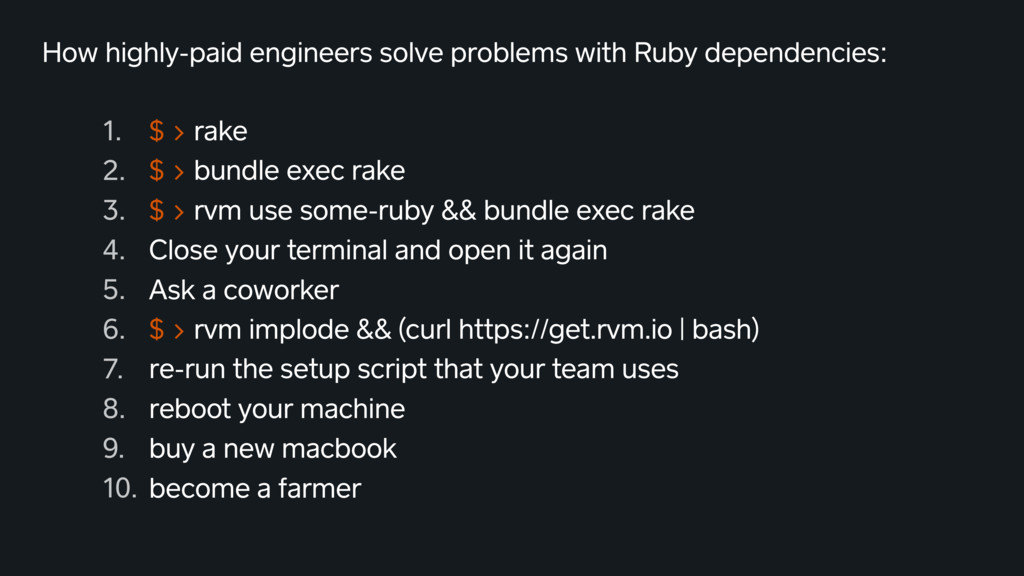
> rake 2. $ > bundle exec rake 3. $ > rvm use some-ruby && bundle exec rake 4. Close your terminal and open it again 5. Ask a coworker 6. $ > rvm implode && (curl https://get.rvm.io | bash) 7. re-run the setup script that your team uses 8. reboot your machine 9. buy a new macbook 10. become a farmer
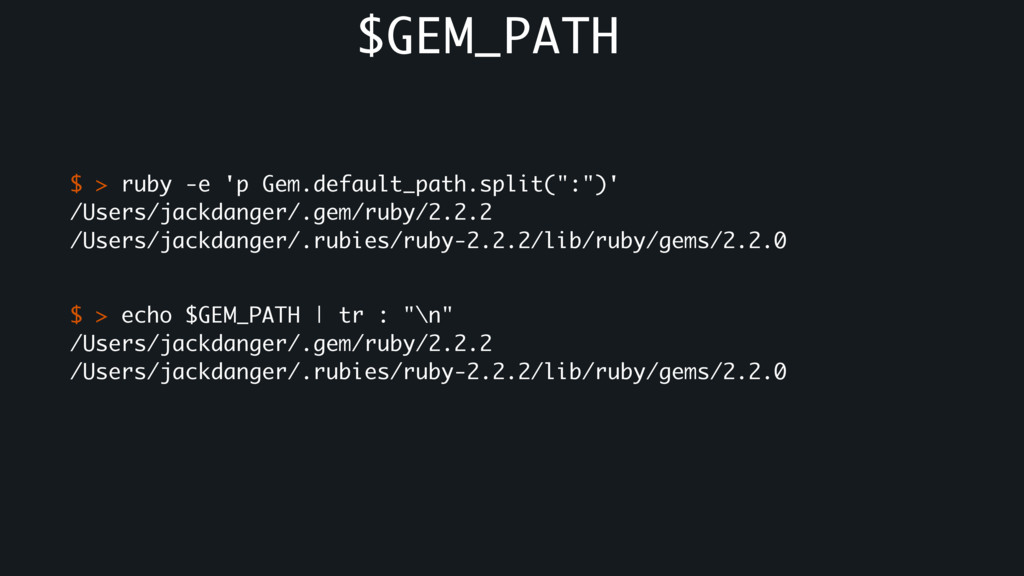
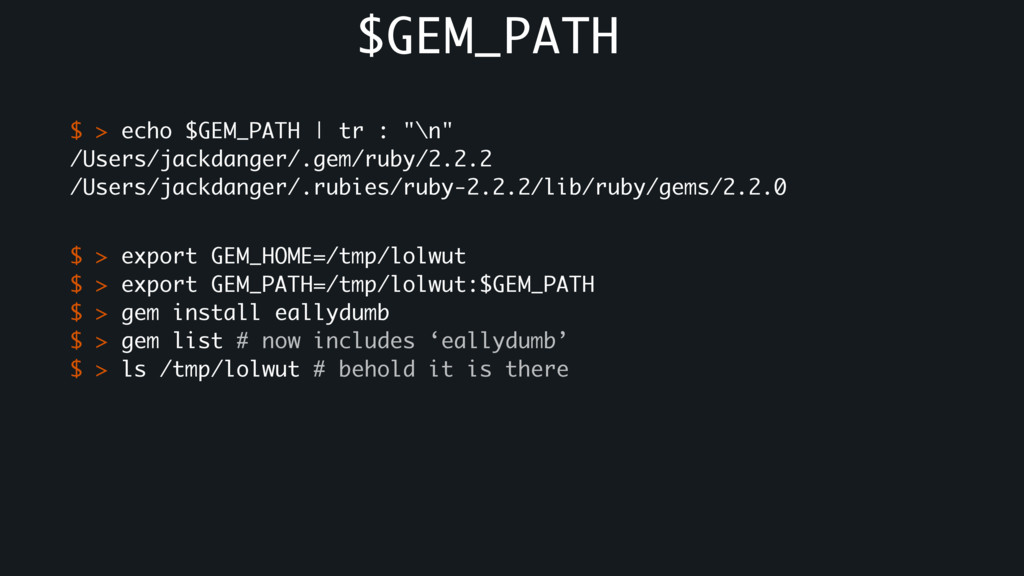
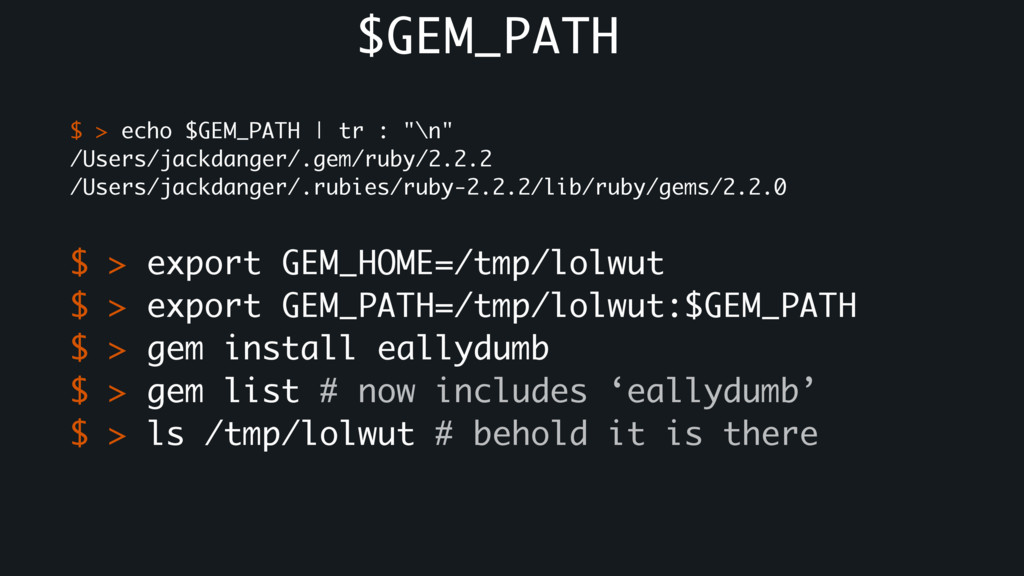
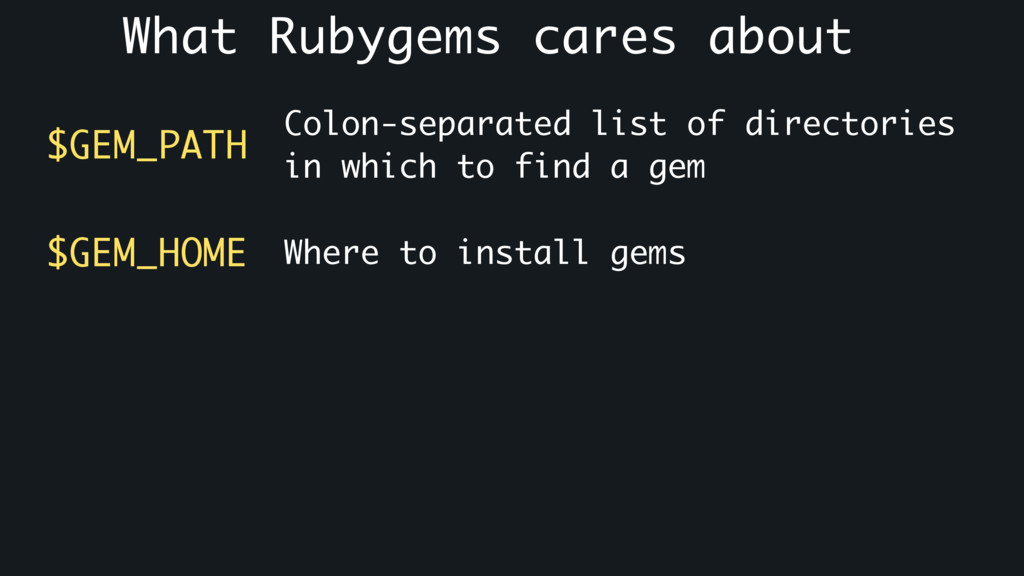
$ > export GEM_HOME=/tmp/lolwut $ > export GEM_PATH=/tmp/lolwut:$GEM_PATH $ > gem install eallydumb $ > gem list # now includes ‘eallydumb’ $ > ls /tmp/lolwut # behold it is there $GEM_PATH
$ > export GEM_HOME=/tmp/lolwut $ > export GEM_PATH=/tmp/lolwut:$GEM_PATH $ > gem install eallydumb $ > gem list # now includes ‘eallydumb’ $ > ls /tmp/lolwut # behold it is there $GEM_PATH
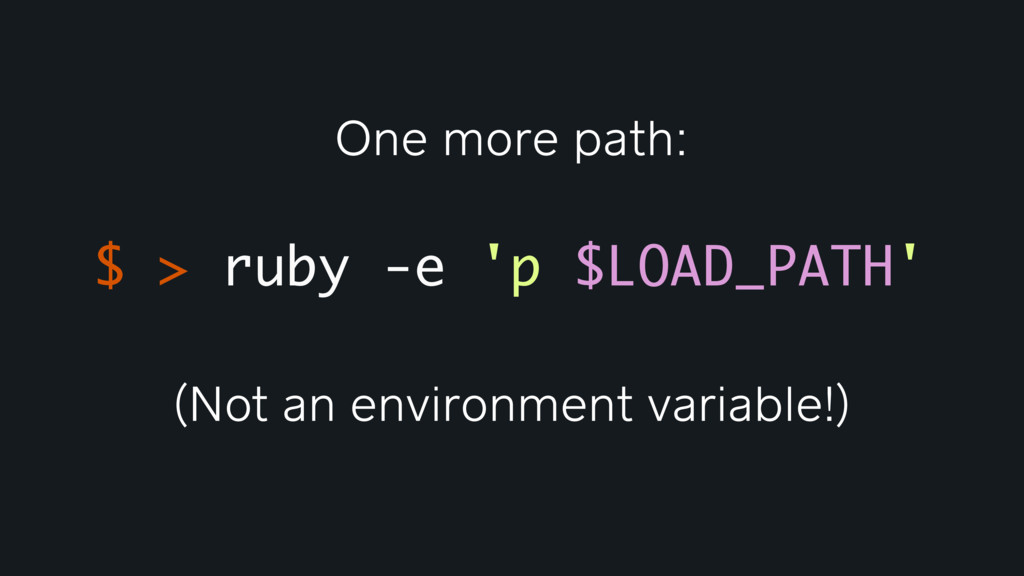
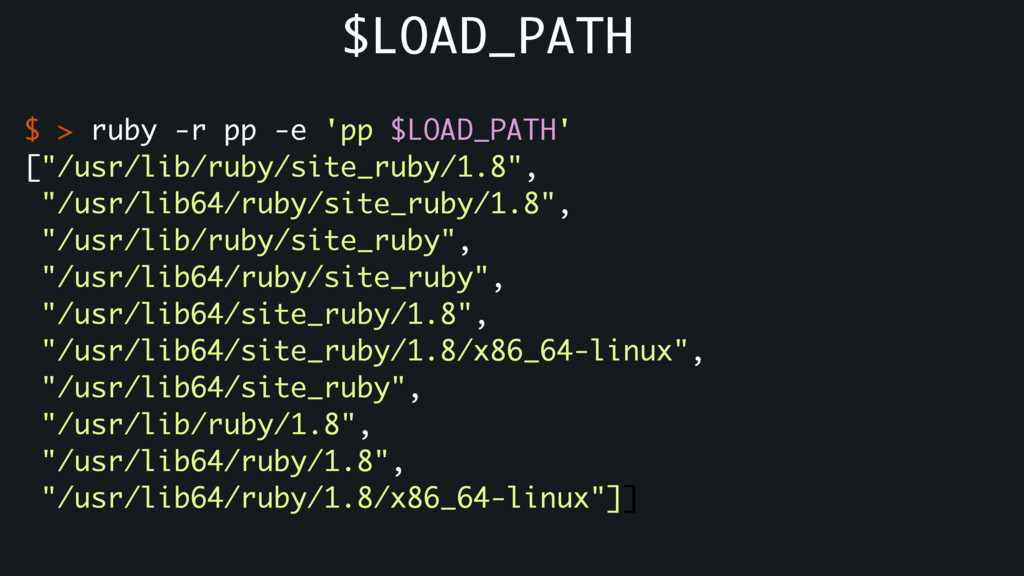
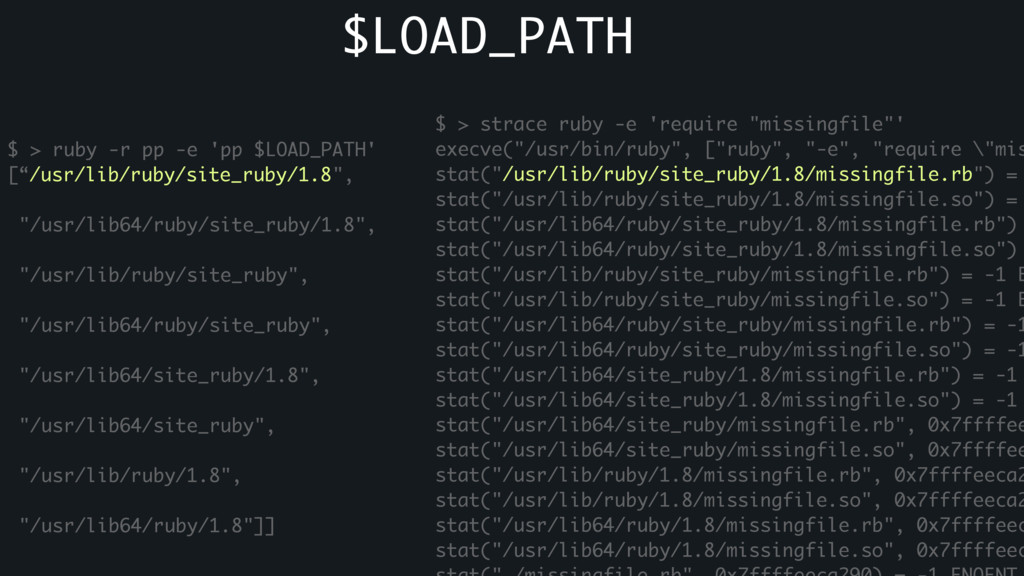
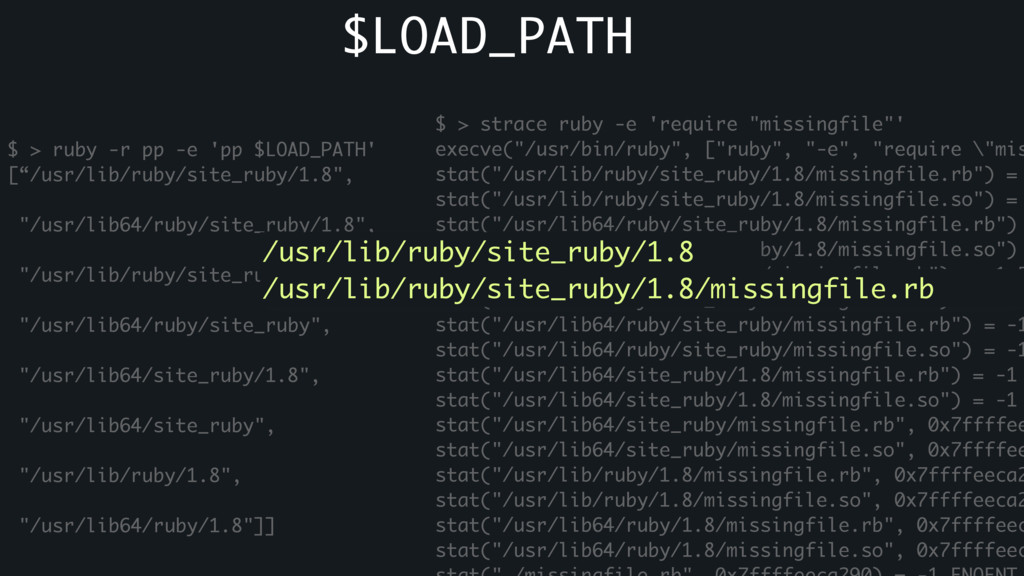
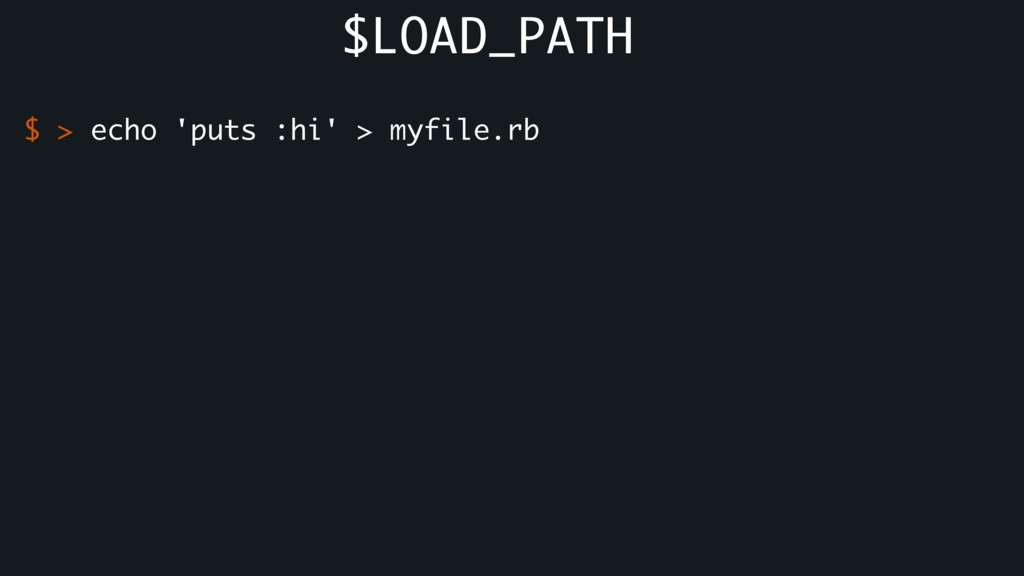
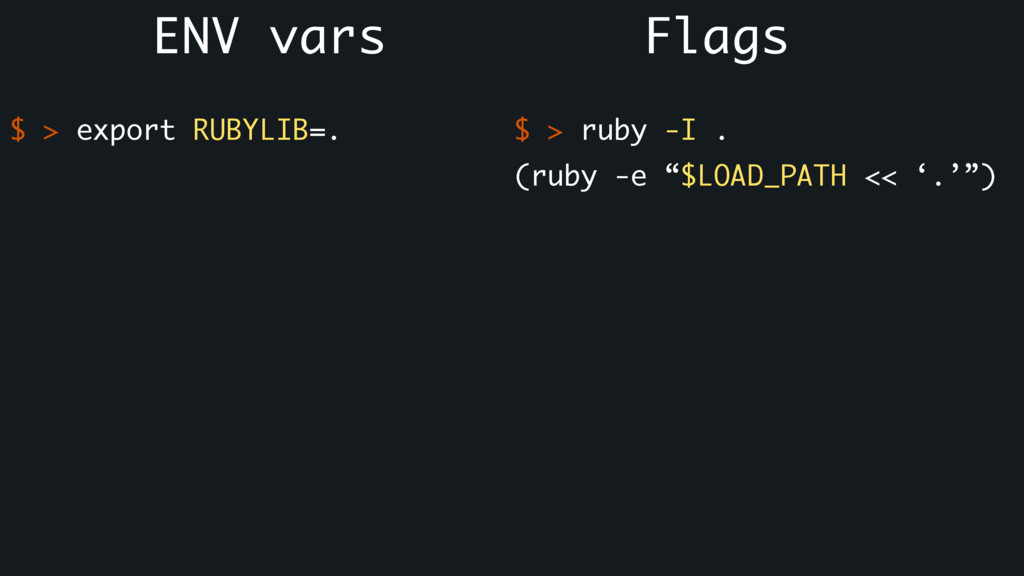
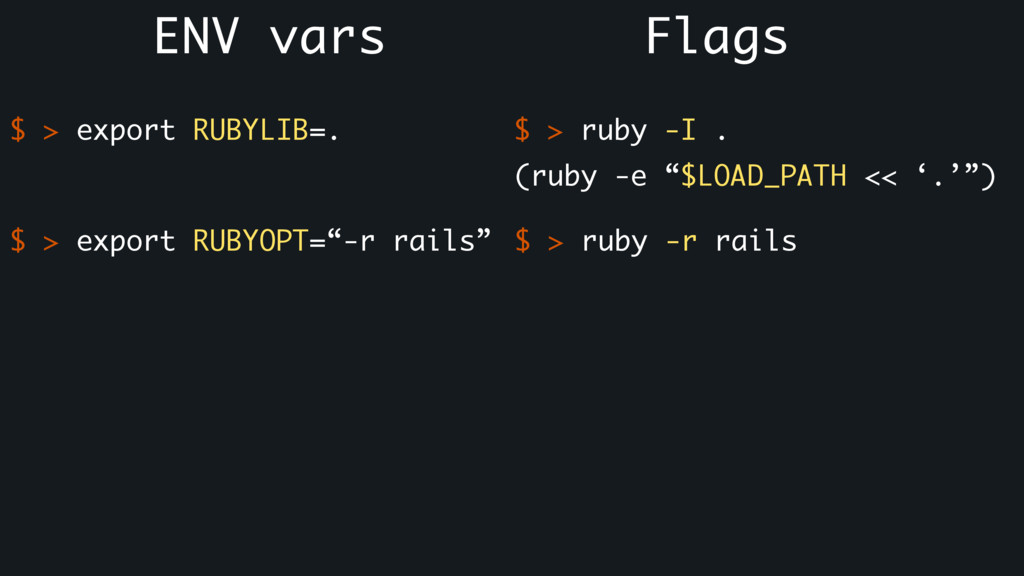
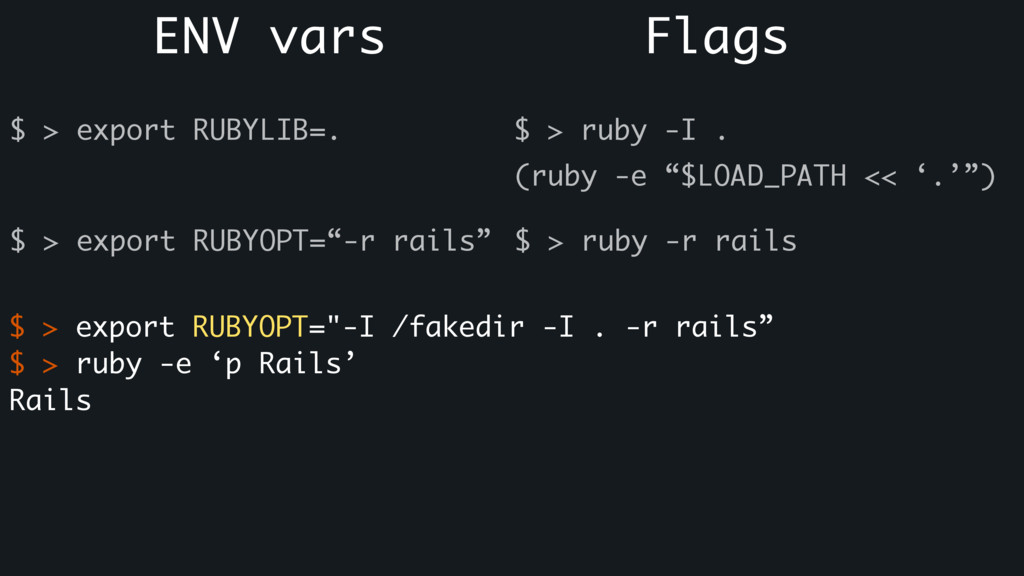
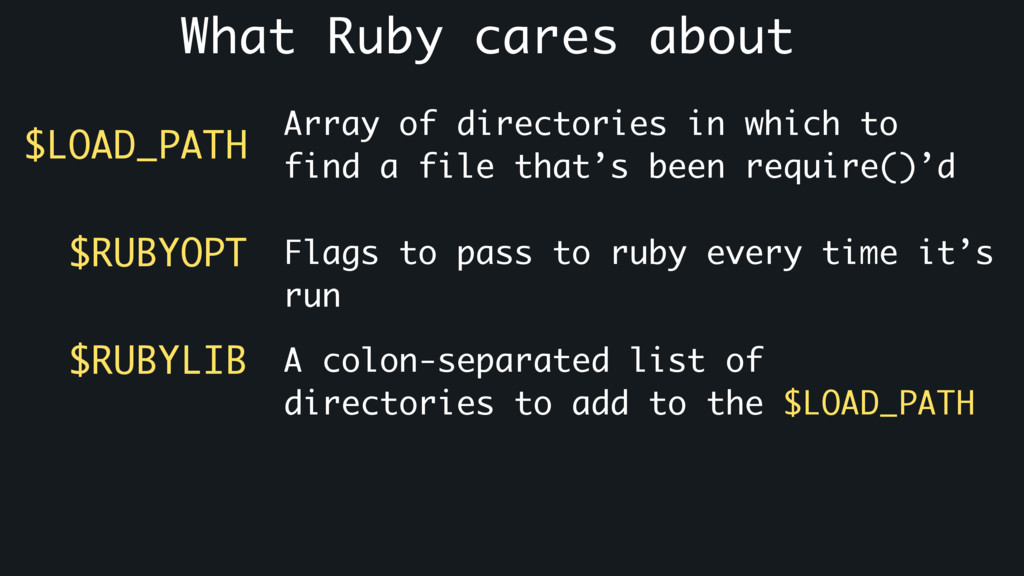
to find a file that’s been require()’d Flags to pass to ruby every time it’s run $RUBYOPT $RUBYLIB A colon-separated list of directories to add to the $LOAD_PATH
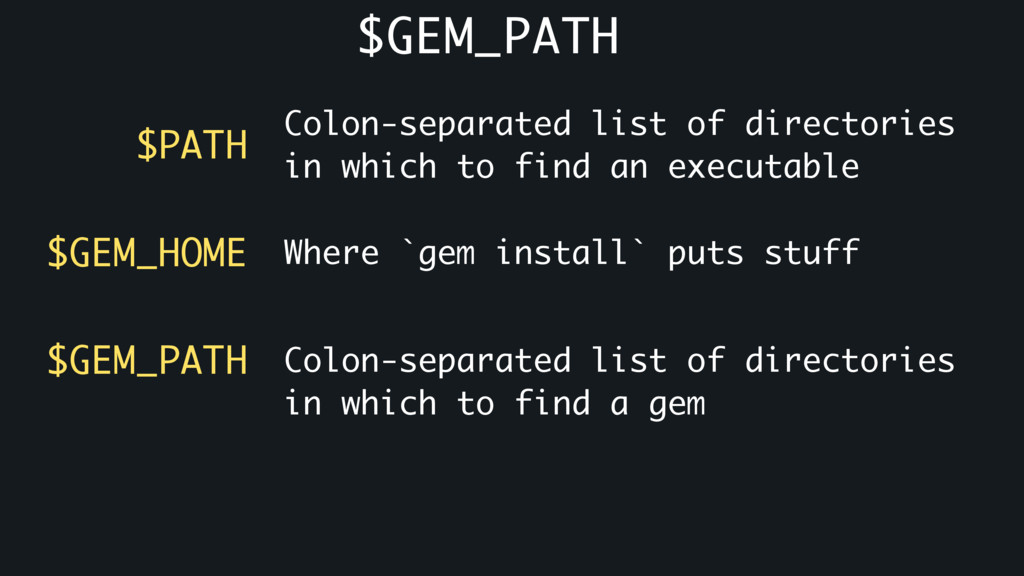
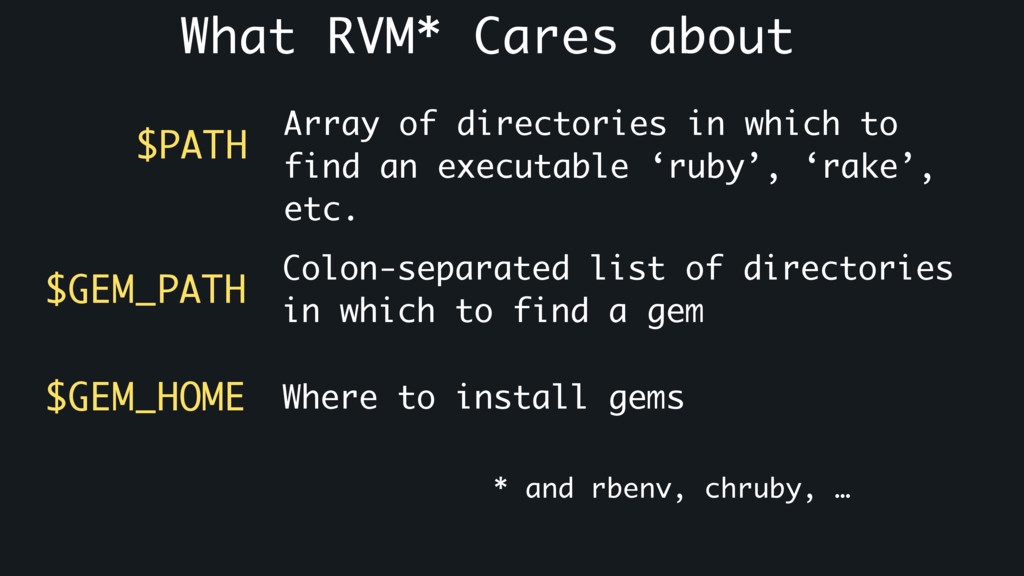
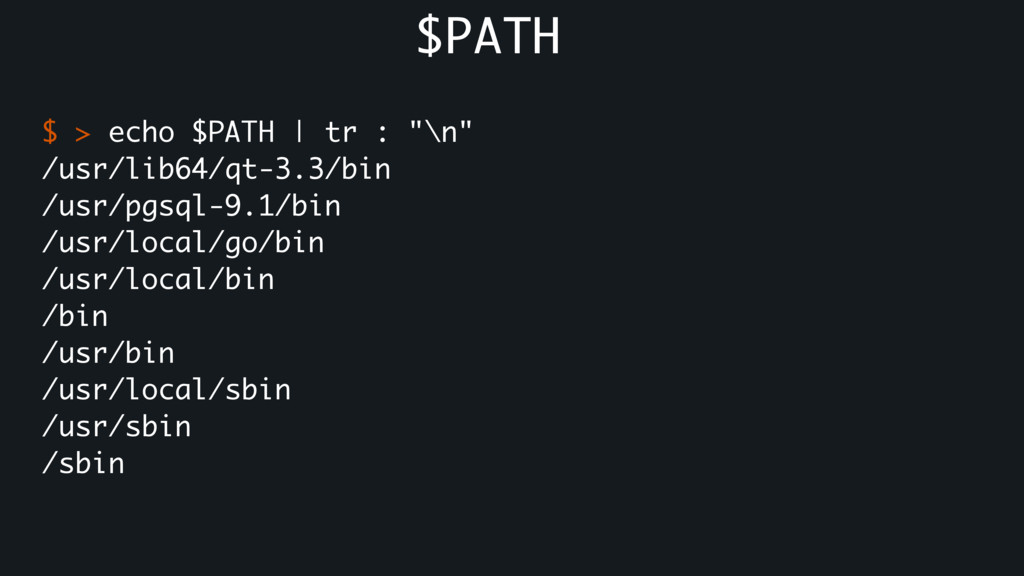
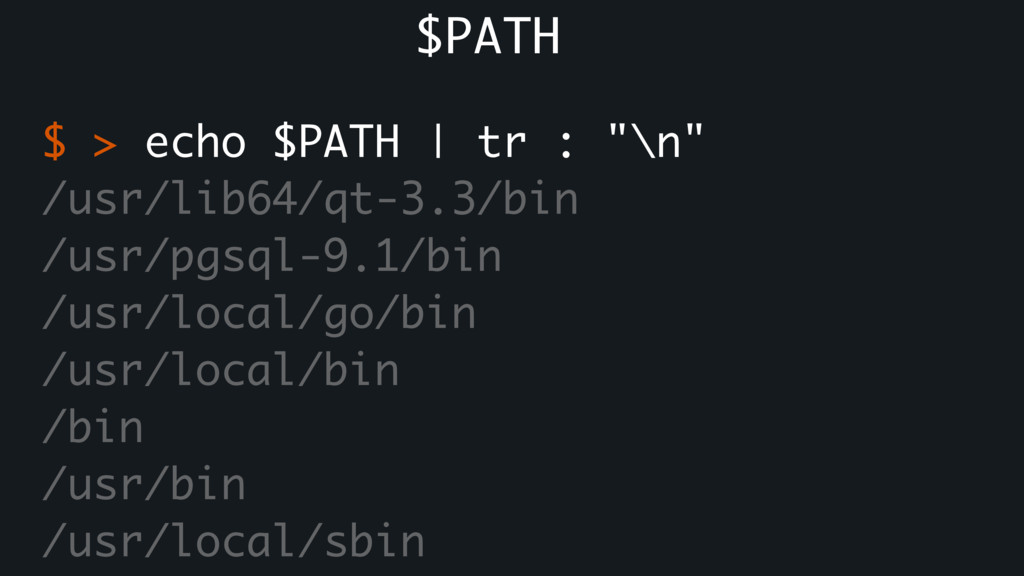
to find an executable ‘ruby’, ‘rake’, etc. $GEM_PATH Colon-separated list of directories in which to find a gem Where to install gems $GEM_HOME * and rbenv, chruby, …


 colorful12
 florets1
 utakaha
 chobishiba
 shihochan
 eed3si9n
 iwatsukayura
 lynnswap
 artoy
artoy
 irinanazarova
 optim
optim
.jpg) yumnumm
yumnumm
 tammielis
 sugarenia
 inesmontani
 tanoku
 szymonslowik
.png) helenjbeal
helenjbeal
 keithpitt
 lemiorhan
 aleyda
 gurzu
gurzu
 tammyeverts
 paigeccino



![Reality: $ > rvm list known # MRI Rubies [ruby-]1.8.6[-p420]](https://files.speakerdeck.com/presentations/bd1ba2536a4b4359ad7d57ddda97071d/slide_6.jpg)
![# MagLev maglev[-head] maglev-1.0.0 # Mac OS X Snow Leopard](https://files.speakerdeck.com/presentations/bd1ba2536a4b4359ad7d57ddda97071d/slide_7.jpg)






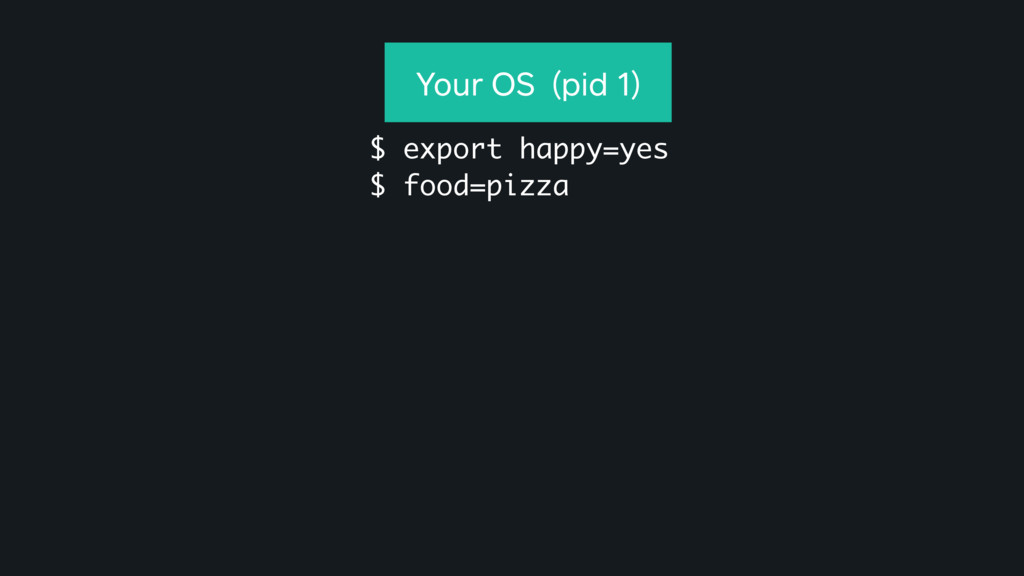
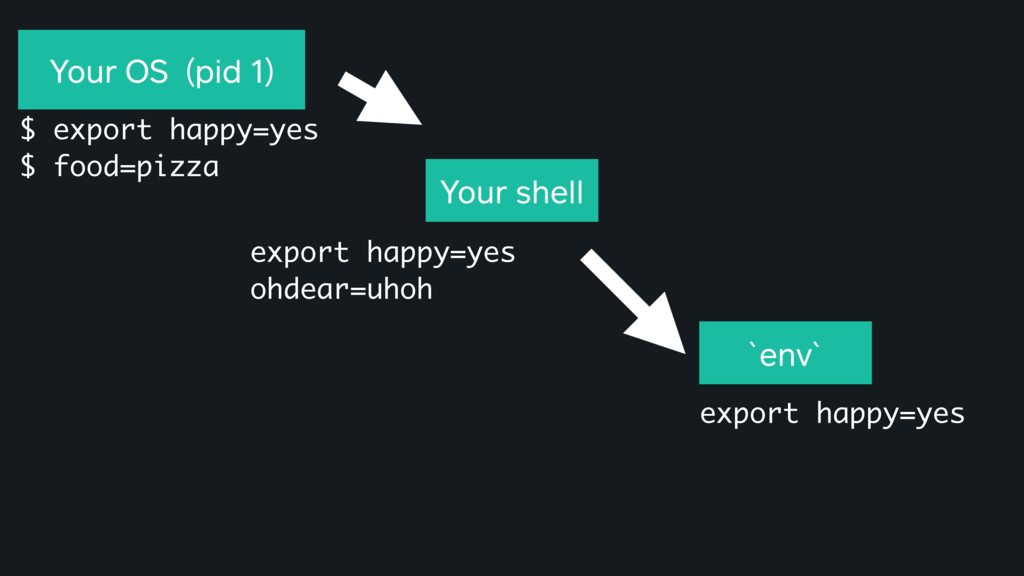
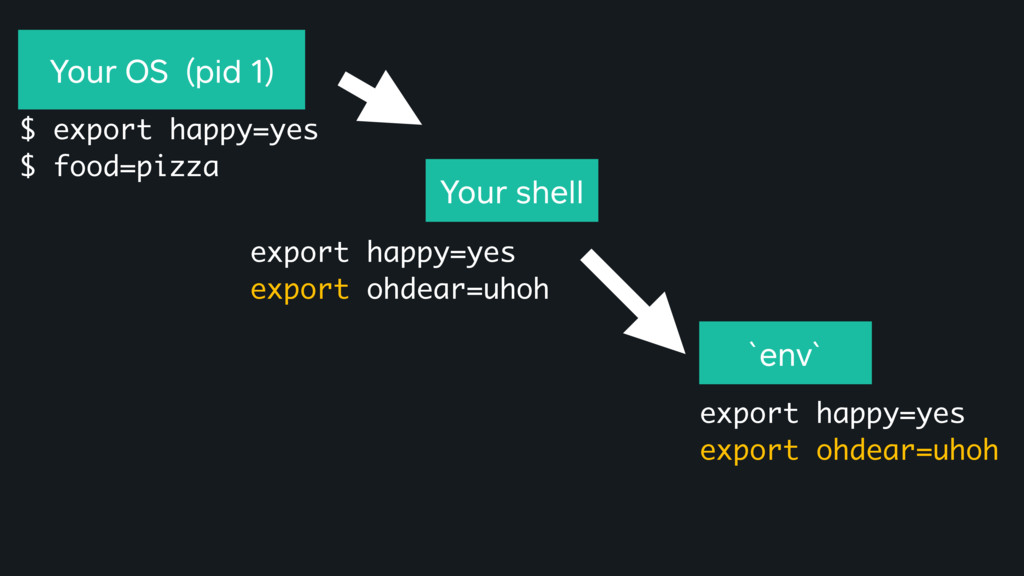
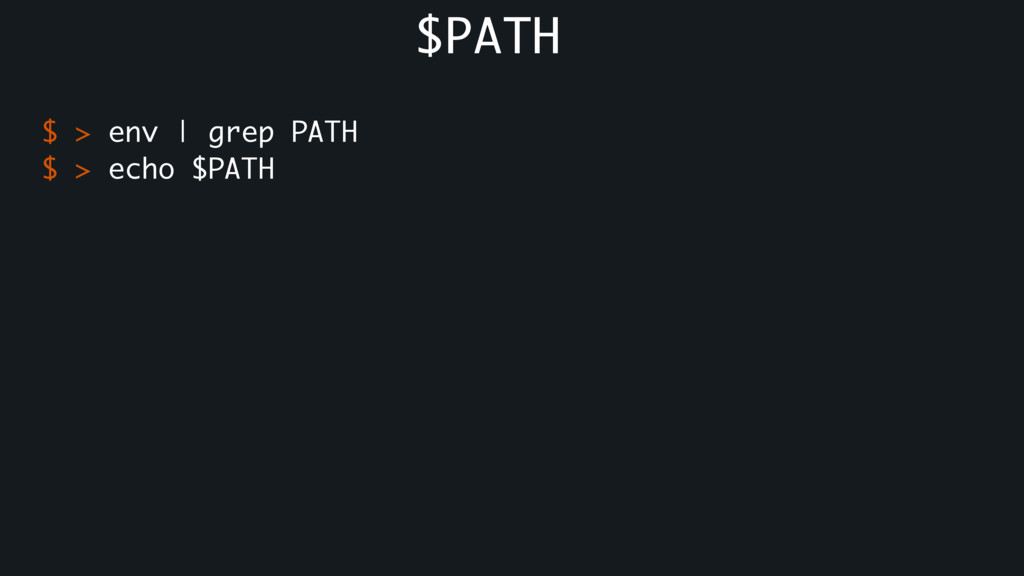
![$ > strace sh -c 'missingcommand' execve("/bin/sh", ["sh", "-c", "missingcommand"],](https://files.speakerdeck.com/presentations/bd1ba2536a4b4359ad7d57ddda97071d/slide_27.jpg)
![$ > strace sh -c 'missingcommand' execve("/bin/sh", ["sh", "-c", "missingcommand"],](https://files.speakerdeck.com/presentations/bd1ba2536a4b4359ad7d57ddda97071d/slide_28.jpg)
![$ > strace sh -c 'missingcommand' execve("/bin/sh", ["sh", "-c", "missingcommand"],](https://files.speakerdeck.com/presentations/bd1ba2536a4b4359ad7d57ddda97071d/slide_29.jpg)
![$ > strace sh -c 'missingcommand' execve("/bin/sh", ["sh", "-c", "missingcommand"],](https://files.speakerdeck.com/presentations/bd1ba2536a4b4359ad7d57ddda97071d/slide_30.jpg)
![$ > strace sh -c 'missingcommand' execve("/bin/sh", ["sh", "-c", "missingcommand"],](https://files.speakerdeck.com/presentations/bd1ba2536a4b4359ad7d57ddda97071d/slide_31.jpg)
![$ > strace sh -c 'missingcommand' execve("/bin/sh", ["sh", "-c", "missingcommand"],](https://files.speakerdeck.com/presentations/bd1ba2536a4b4359ad7d57ddda97071d/slide_32.jpg)