Share
Embed
Transcript
19 slides
-
K čemu je SVG a proč by mě to mělo
zajímat? • Vektorová grafika na webu - logotypy, mapy, UI prvky… • Grafy, vizualizace - http://d3js.org • Rozšíření HTML -
Co je SVG? • Formát vektorové grafiky • Podporavný v
prohlížečích • Velmi flexibilní (bitmapy, animace, interakce…) -
SVG je text • Minifikace/gzip komprese (grunt, gulp) • Čitelný
(i pro vyhledávače/čtečky) • Generování/editace • Debugging -
Co lze nakreslit? <rect> <line> <polyline> <circle> <ellipse> <polygon> <svg
xmlns="http://www.w3.org/2000/svg" version="1.1" width="700px" height="700px"> <rect width="100%" height="100%" fill="#C0FFEE" stroke="#B00B00" stroke-width="30"></rect> </svg> -
<filter> <filter id="pictureFilter" > <feGaussianBlur stdDeviation="14" /> <filter /> <filter
id="gammaFilter"> <feComponentTransfer in="SourceGraphic" result="gammaFilter"> <feFuncR id="channelR" type="identity"></feFuncR> <feFuncG id="channelG" type="gamma" amplitude="1" exponent="0.5"></feFuncG> <feFuncB id="channelB" type="identity"></feFuncB> <feFuncA id="channelA" type="identity"></feFuncA> </feComponentTransfer> </filter> Filtry lze kombinovat in out -
<pattern> <pattern id="pattern1" x="10" y="10" width="20" height="20" patternUnits="userSpaceOnUse" > <circle
cx="10" cy="10" r="10" style="fill: #0000ff" /> </pattern> http://philbit.com/svgpatterns/ -
CSS ♥ SVG <svg xmlns="http://www.w3.org/2000/svg" version="1.1" width="700px" height="700px"> <rect width="100%"
height="100%" fill="#C0FFEE" stroke="#B00B00" stroke-width="30"></rect> </svg> <svg xmlns="http://www.w3.org/2000/svg" version="1.1" width="700px" height="700px"> <rect width="100%" height="100%" style="fill: #C0FFEE; stroke: #B00B00; stroke-width: 30;"></rect> </svg> <style>rect {fill: #C0FFEE; stroke: #B00B00; stroke-width: 30;}</style> <svg xmlns="http://www.w3.org/2000/svg" version="1.1" width="700px" height="700px"> <rect width="100%" height="100%"></rect> </svg> -
font, font-‐family, font-‐size, font-‐size-‐adjust, font-‐stretch, font-‐style, font-‐variant, font-‐weight, direction,
letter-‐spacing, text-‐decoration, unincode-‐bidi, word-‐spacing, visibility, text-‐ rendering, writing-‐mode, clip-‐path, mask-‐opacity, filter, pointer-‐events, image-‐rendering, clip, color, cursor, display, overflow, clip-‐rule, flood-‐color, flood-‐opacity, stop-‐opacity, kerning, tech-‐anchor, color-‐profile, color-‐rendering, fill, fill-‐ opacity, fill-‐rule, marker, marker-‐end, marker-‐mid, marker-‐start, stroke, stroke-‐width, stop-‐color, lighting-‐color, enable-‐ background, dominant-‐baseline, color-‐interpolation-‐filters, color-‐interpolation, glyph-‐orientation-‐horizontal, glyph-‐ orientation-‐vertical, shape-‐rendering, baseline-‐shift, alignment-‐ baseline, stroke-‐miterlimit, stroke-‐linejoin, stroke-‐linecap, stroke-‐dashoffset, stroke-‐dasharray, stroke-‐opacity http://slides.com/sarasoueidan/styling-animating-svgs-with-css--2 http://bit.ly/1ypOBeM -
viewBox • <svg> má width a height v DOMu •
Atribut viewBox se používá pro interní x y koordináty <svg width="500" height="200" viewBox="0 0 50 20" > <rect x="20" y="10" width="10" height="5" style="stroke: #000000; fill:none;"/> </svg> -
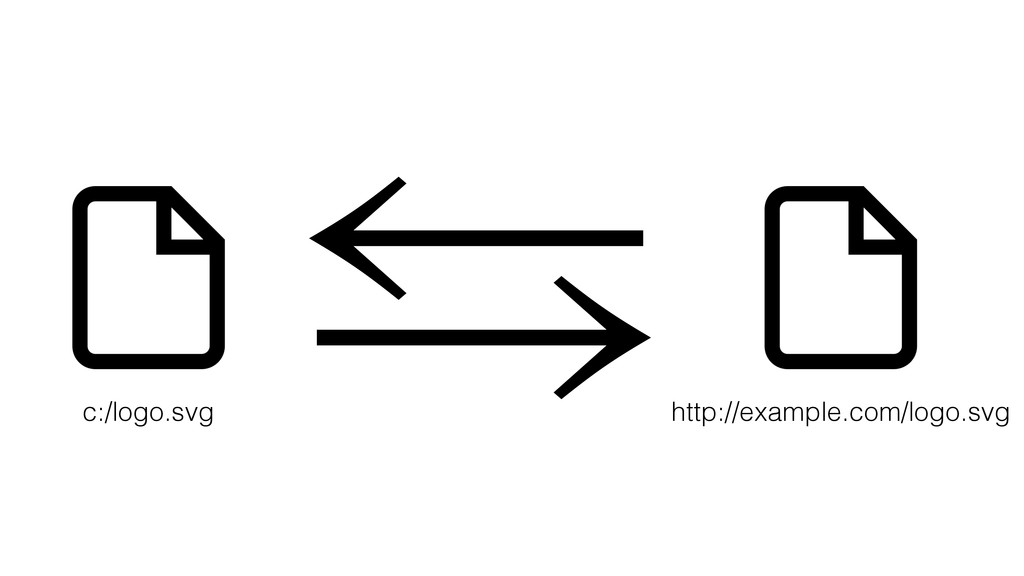
Inline nebo externí SVG • Inline SVG (s textem) je
čitelné pro roboty, čtečky… • Externí SVG dokáže prohlížeč uložit do cache • Inline SVG je možné stylovat CSS a ovládat JS • Externí SVG jde použít jako background elementů <img src="obrazek.svg" /> <body> <svg width="100" height="100"> <circle cx="50" cy="50" r="40" fill="#BADA55" /> </svg> </body> -
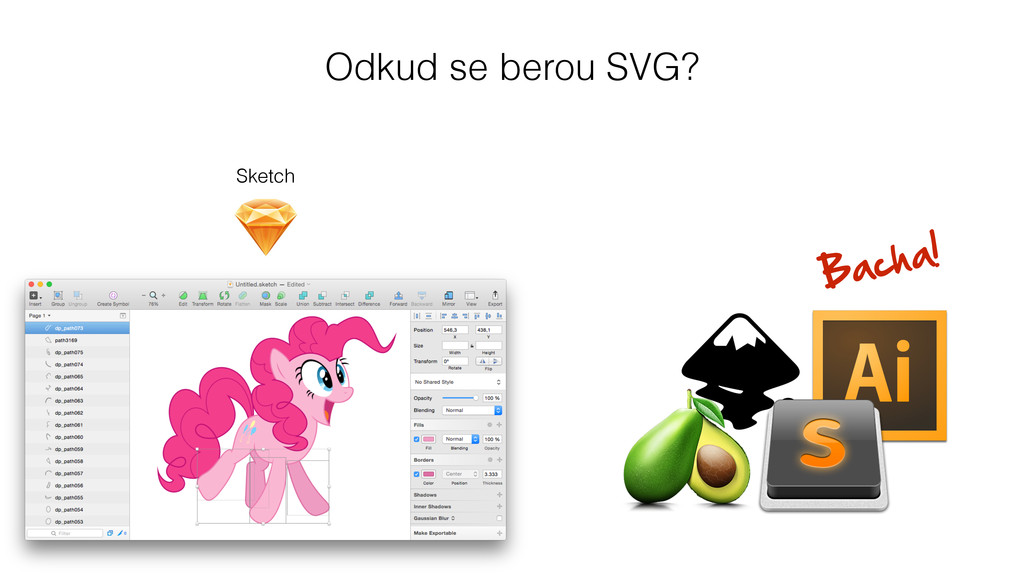
Rebekapitulace • SVG vytvořte buď v editoru nebo pomocí knihovny
(SnapSVG, Raphael, D3.js…) • Pokud můžete, tak optimalizujte: svg-min (grunt/gulp), gzip, odstraňte nedůležité vrstvy