de equipe na Bludata Twitter: @jaswdr Github: github.com/jaschweder E-mail: [email protected] Hackerspace: hackerspaceblumenau.slack.com Jonathan A. Schweder
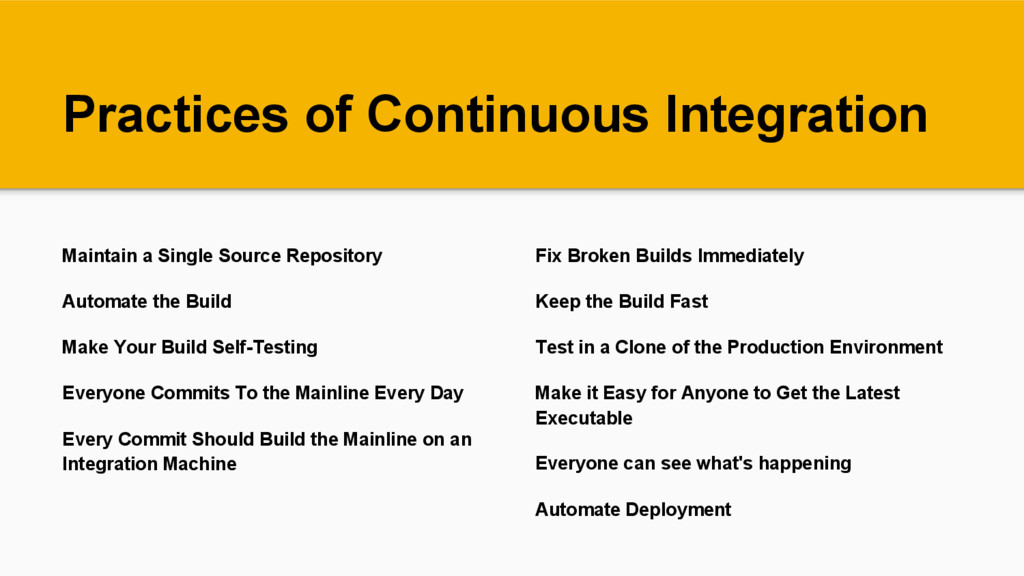
the Build Make Your Build Self-Testing Everyone Commits To the Mainline Every Day Every Commit Should Build the Mainline on an Integration Machine Fix Broken Builds Immediately Keep the Build Fast Test in a Clone of the Production Environment Make it Easy for Anyone to Get the Latest Executable Everyone can see what's happening Automate Deployment
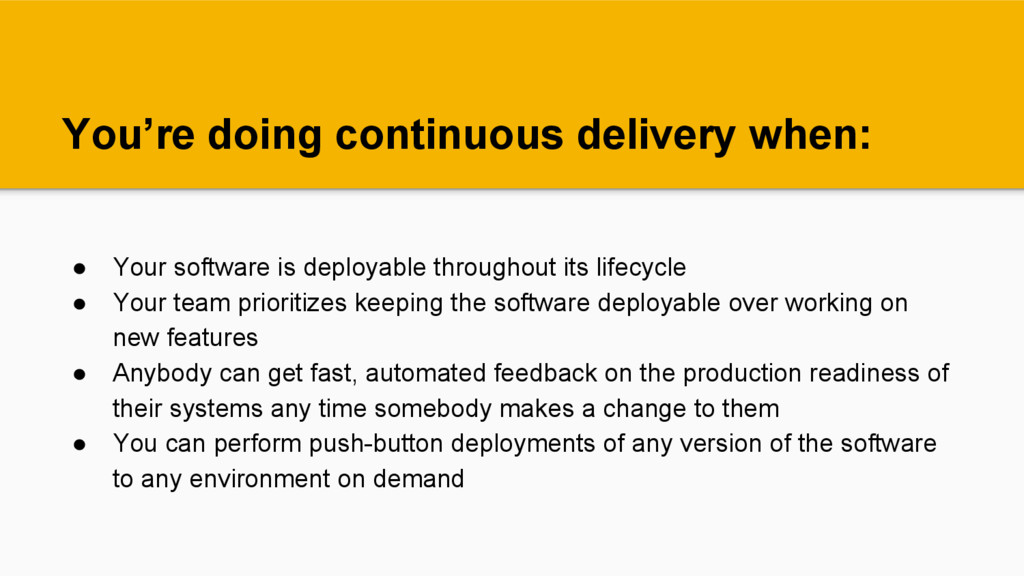
throughout its lifecycle • Your team prioritizes keeping the software deployable over working on new features • Anybody can get fast, automated feedback on the production readiness of their systems any time somebody makes a change to them • You can perform push-button deployments of any version of the software to any environment on demand
done. If "done" means "developers declare it to be done" that's much less believable than if it's deployed into a production (or production-like) environment. Advantages
is that you end up building something that isn't useful. The earlier and more frequently you get working software in front of real users, the quicker you get feedback to find out how valuable it really is (particularly if you use Advantages Every Commit Should Build the Mainline on an Integration Machine


 jaschweder
 kworkdev
 persolserverworks
 kzkhykw1991
 bgpat
bgpat
 grimoh
 kentarofujii
 kakehashi
 tomokusaba
 onk
onk
 ymotongpoo
 mhrtech
 techtekt
 aleyda
 reverentgeek
 khoart
 pwiseman
 lara
lara
 axbom
axbom
 samlambert
 akademiya2063
 lindahogenes
 sonatard
 csswizardry
 afnizarnur