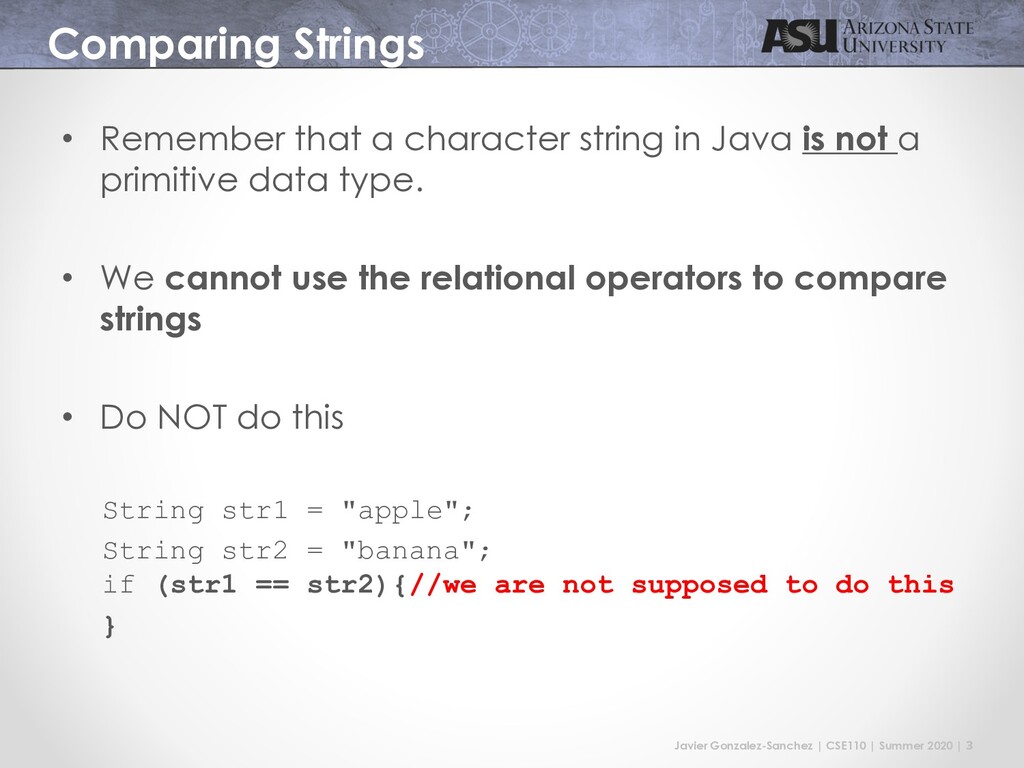
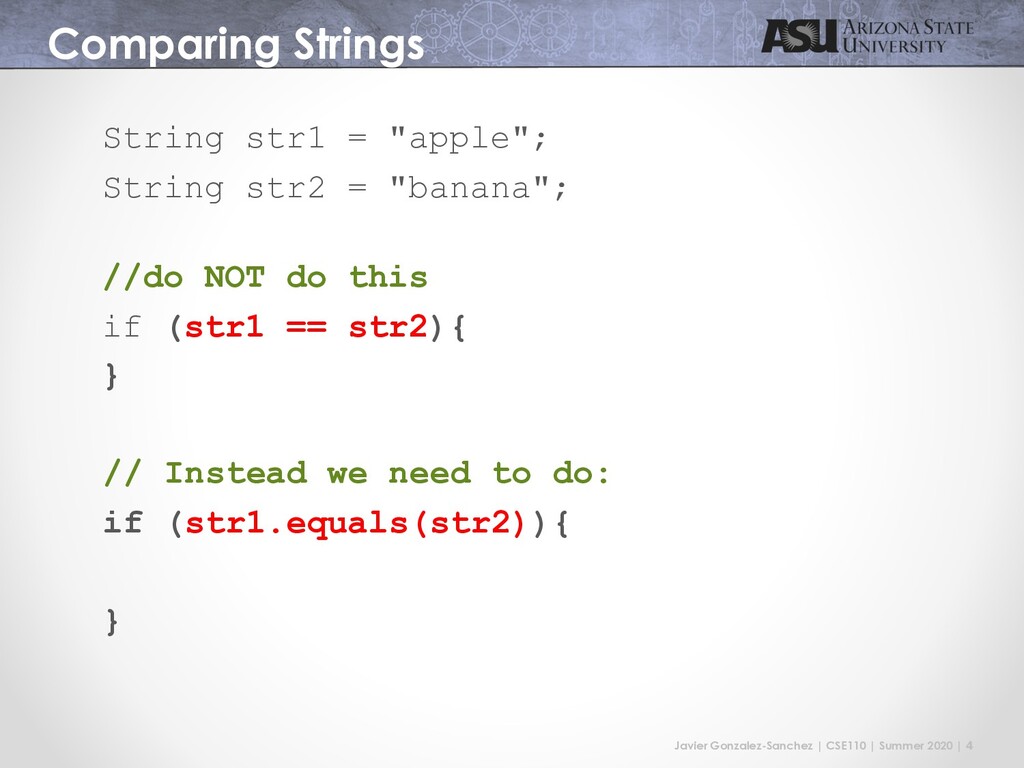
Strings • Remember that a character string in Java is not a primitive data type. • We cannot use the relational operators to compare strings • Do NOT do this String str1 = "apple"; String str2 = "banana"; if (str1 == str2){//we are not supposed to do this }
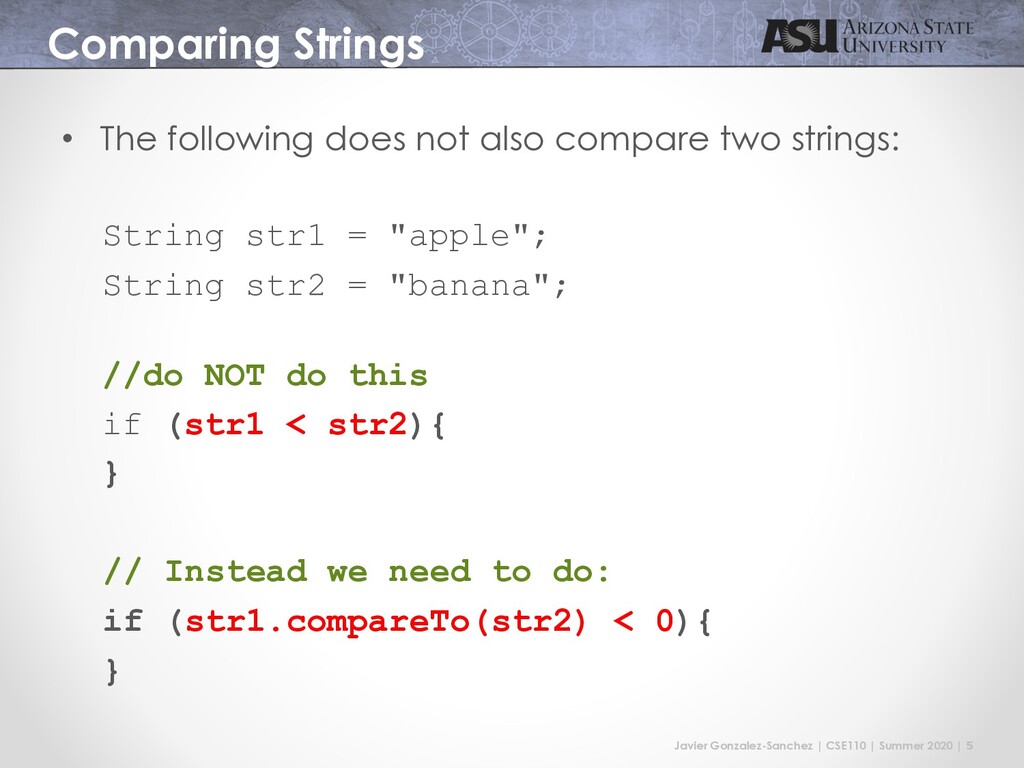
Strings • The following does not also compare two strings: String str1 = "apple"; String str2 = "banana"; //do NOT do this if (str1 < str2){ } // Instead we need to do: if (str1.compareTo(str2) < 0){ }
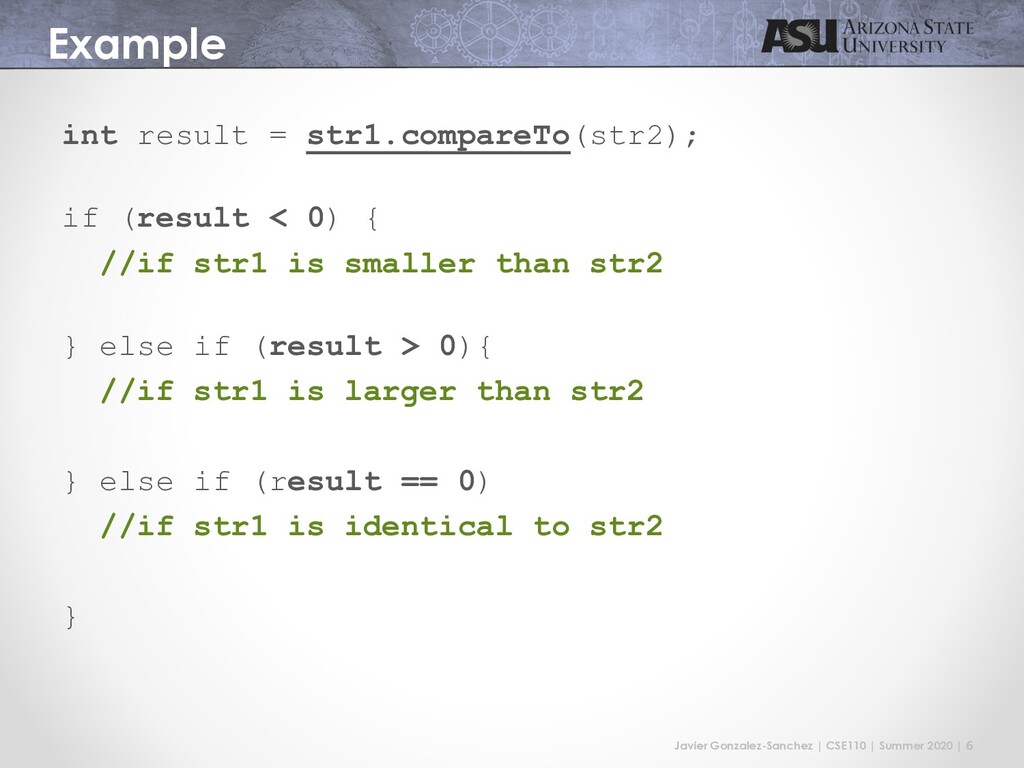
int result = str1.compareTo(str2); if (result < 0) { //if str1 is smaller than str2 } else if (result > 0){ //if str1 is larger than str2 } else if (result == 0) //if str1 is identical to str2 }
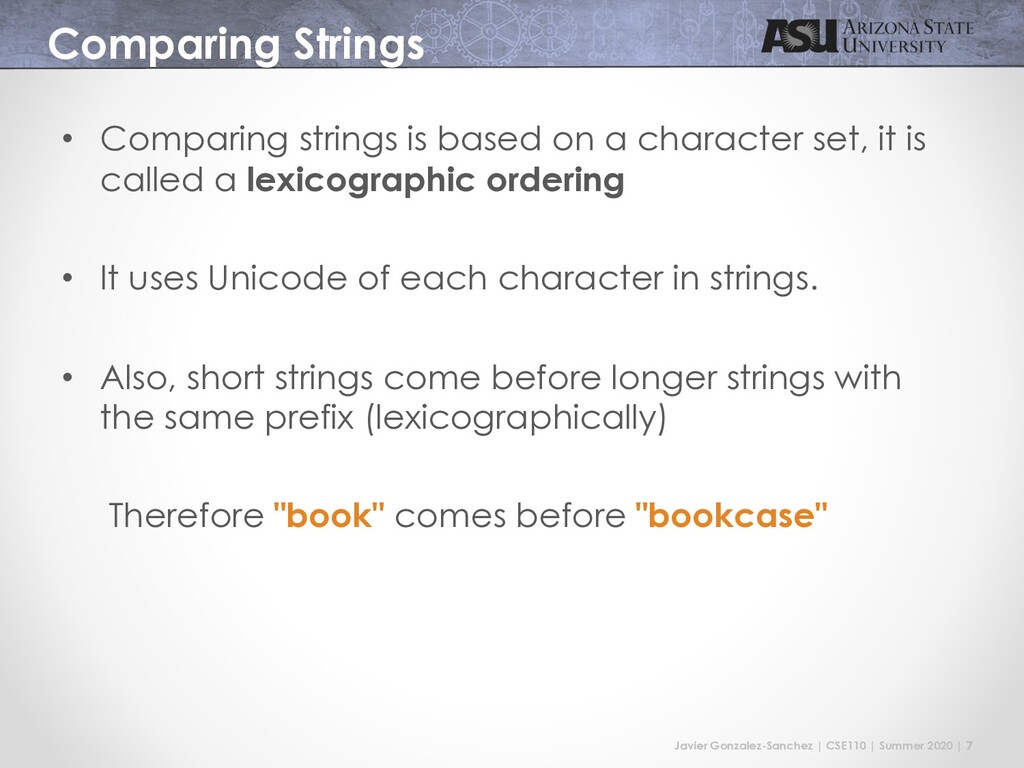
Strings • Comparing strings is based on a character set, it is called a lexicographic ordering • It uses Unicode of each character in strings. • Also, short strings come before longer strings with the same prefix (lexicographically) Therefore "book" comes before "bookcase"
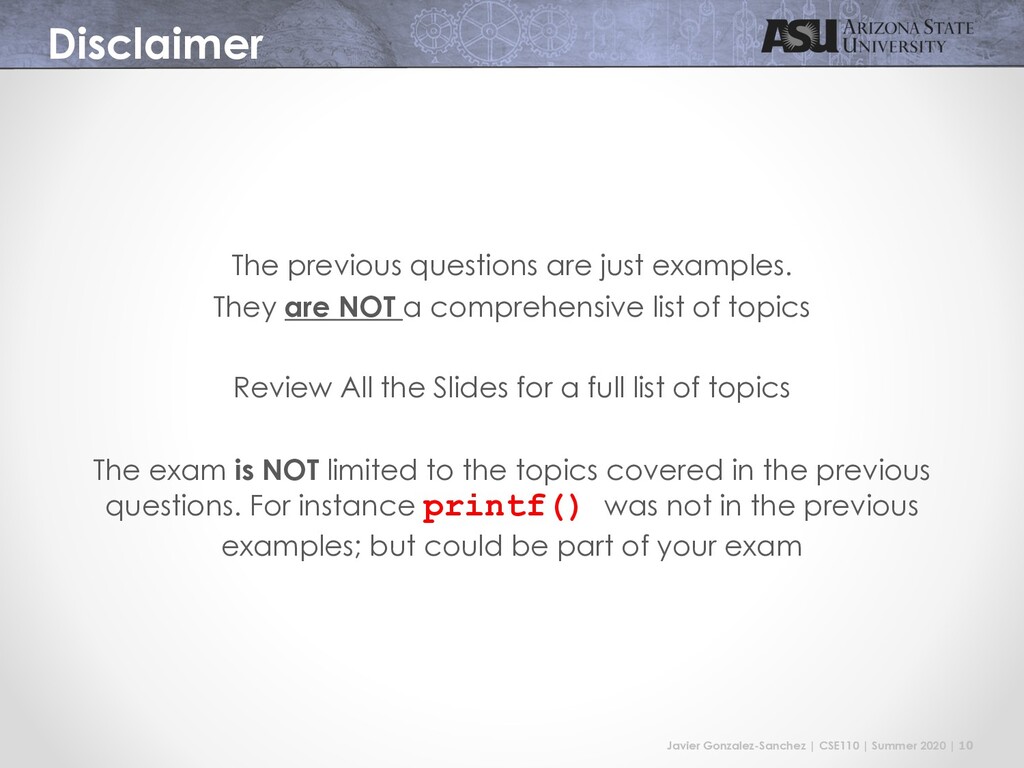
The previous questions are just examples. They are NOT a comprehensive list of topics Review All the Slides for a full list of topics The exam is NOT limited to the topics covered in the previous questions. For instance printf() was not in the previous examples; but could be part of your exam
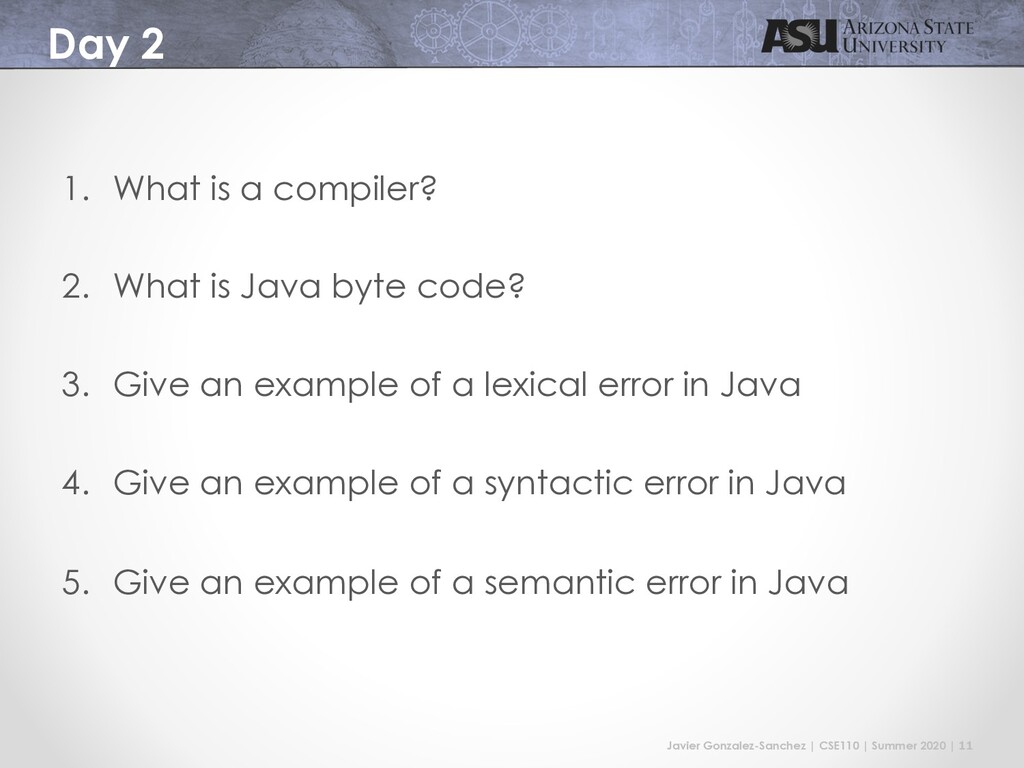
2 1. What is a compiler? 2. What is Java byte code? 3. Give an example of a lexical error in Java 4. Give an example of a syntactic error in Java 5. Give an example of a semantic error in Java
3 1. What is a variable? 2. What is a method? 3. What is a class? 4. Create a program that prints “This is my exam”. Including the code for creating a class and main method. 5. Write 3 reserved words in Java
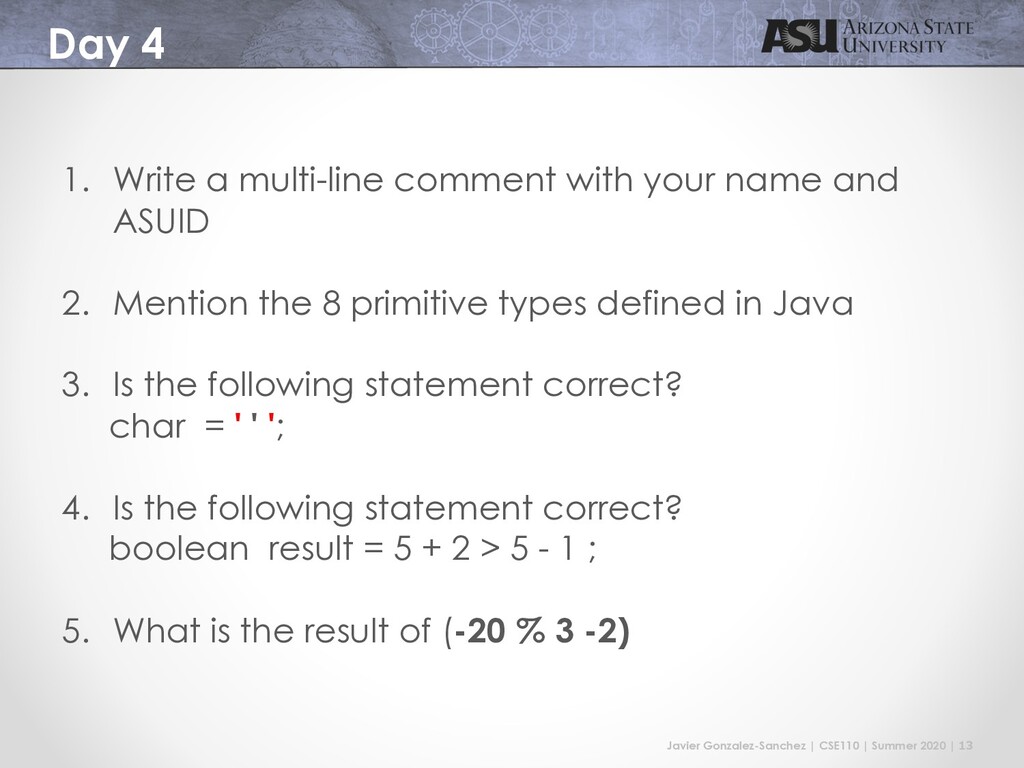
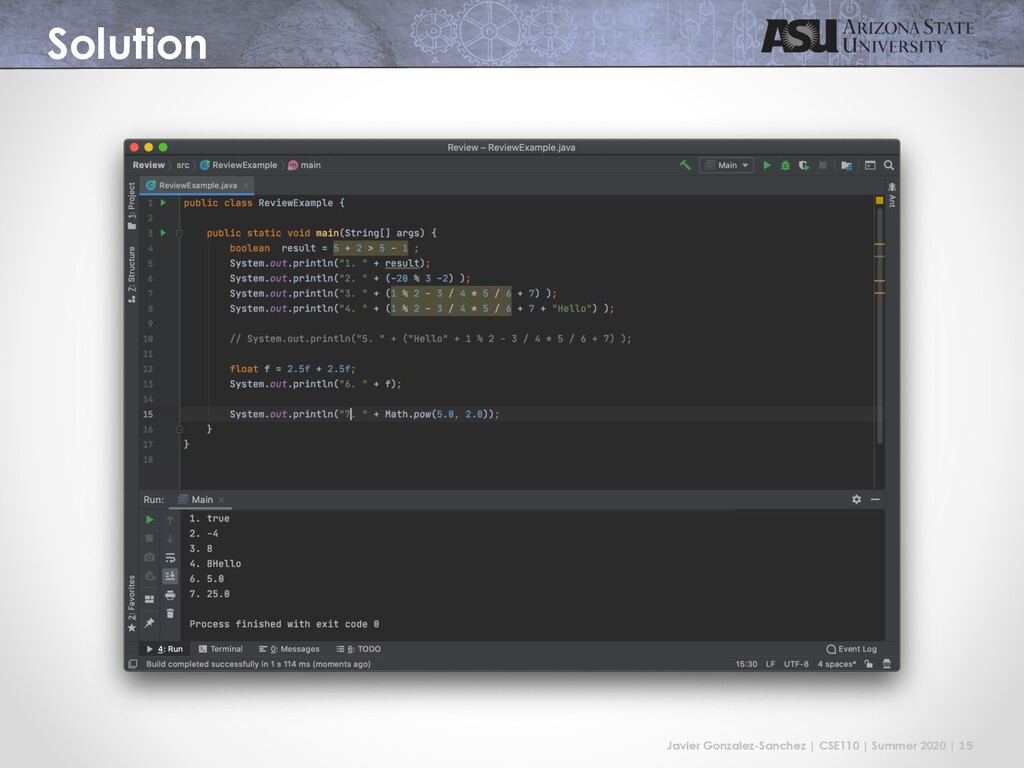
4 1. Write a multi-line comment with your name and ASUID 2. Mention the 8 primitive types defined in Java 3. Is the following statement correct? char = ' ' '; 4. Is the following statement correct? boolean result = 5 + 2 > 5 - 1 ; 5. What is the result of (-20 % 3 -2)
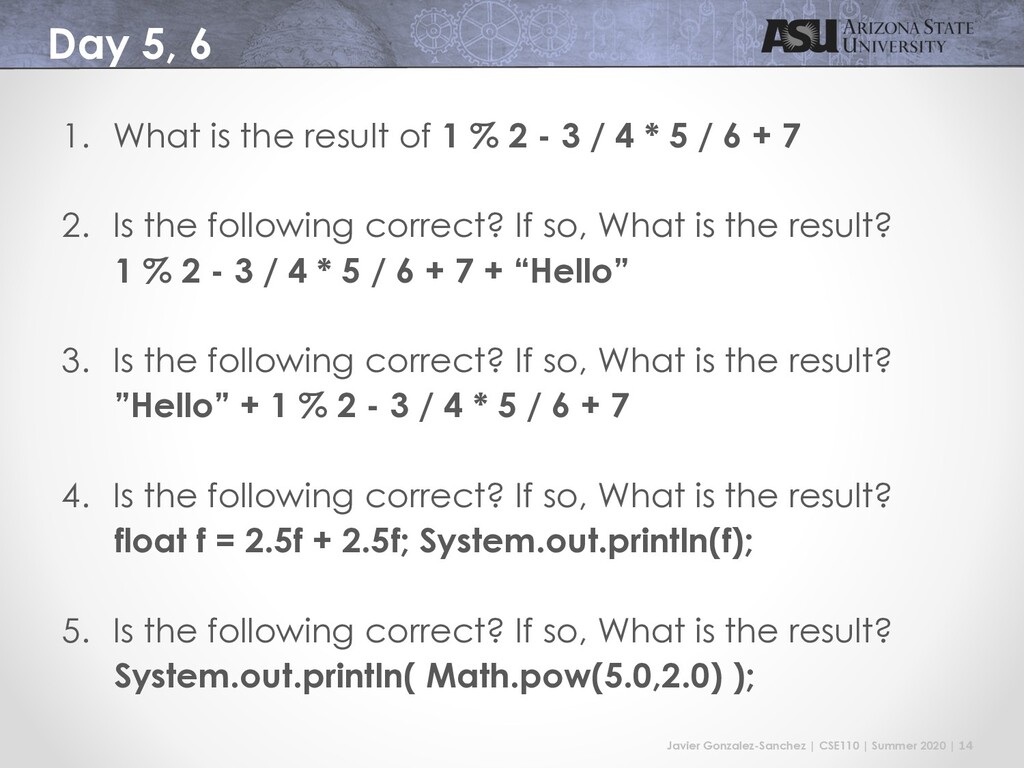
5, 6 1. What is the result of 1 % 2 - 3 / 4 * 5 / 6 + 7 2. Is the following correct? If so, What is the result? 1 % 2 - 3 / 4 * 5 / 6 + 7 + “Hello” 3. Is the following correct? If so, What is the result? ”Hello” + 1 % 2 - 3 / 4 * 5 / 6 + 7 4. Is the following correct? If so, What is the result? float f = 2.5f + 2.5f; System.out.println(f); 5. Is the following correct? If so, What is the result? System.out.println( Math.pow(5.0,2.0) );
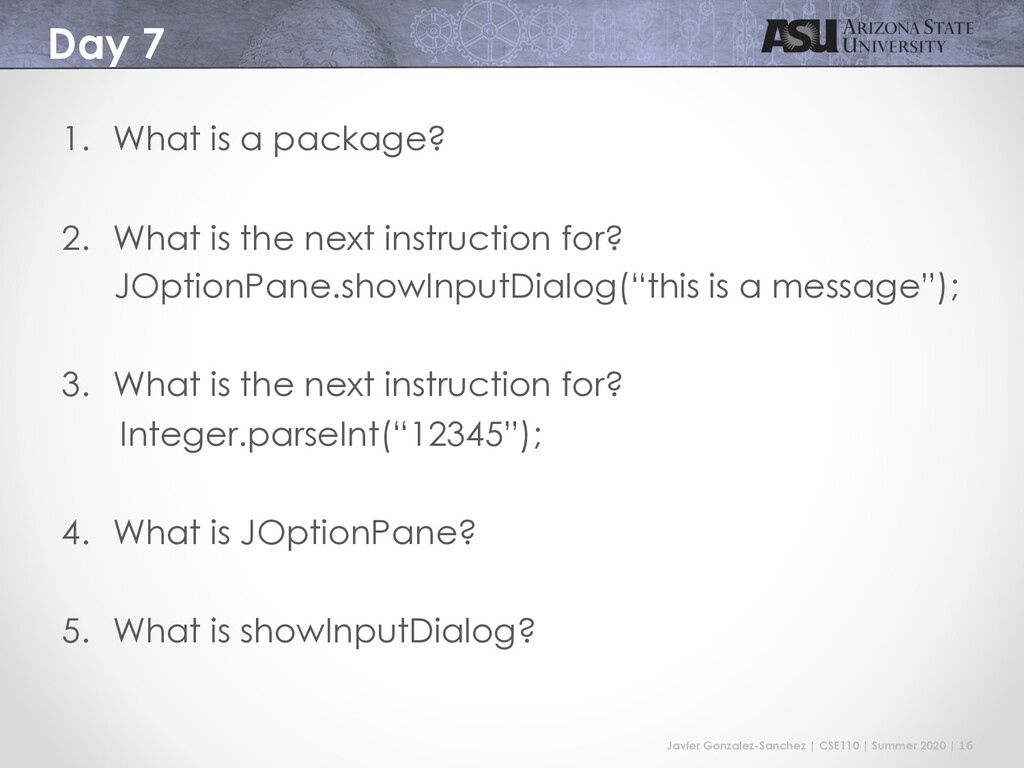
7 1. What is a package? 2. What is the next instruction for? JOptionPane.showInputDialog(“this is a message”); 3. What is the next instruction for? Integer.parseInt(“12345”); 4. What is JOptionPane? 5. What is showInputDialog?
8, 9 int x = 75; y = 95; z = 1; if (x < y && x < z) { if (y < z) System.out.println( x + " " + y + " " + z ); else System.out.println( x + " " + z + " " + y ); } else if (x > y && x > z) { if (y < z) System.out.println( y + " " + z + " " + x ); else System.out.println( z + " " + y + " " + x ); } else { if (y < z) System.out.println( y + " " + x + " " + z); else System.out.println( z + " " + x + " " + y); }
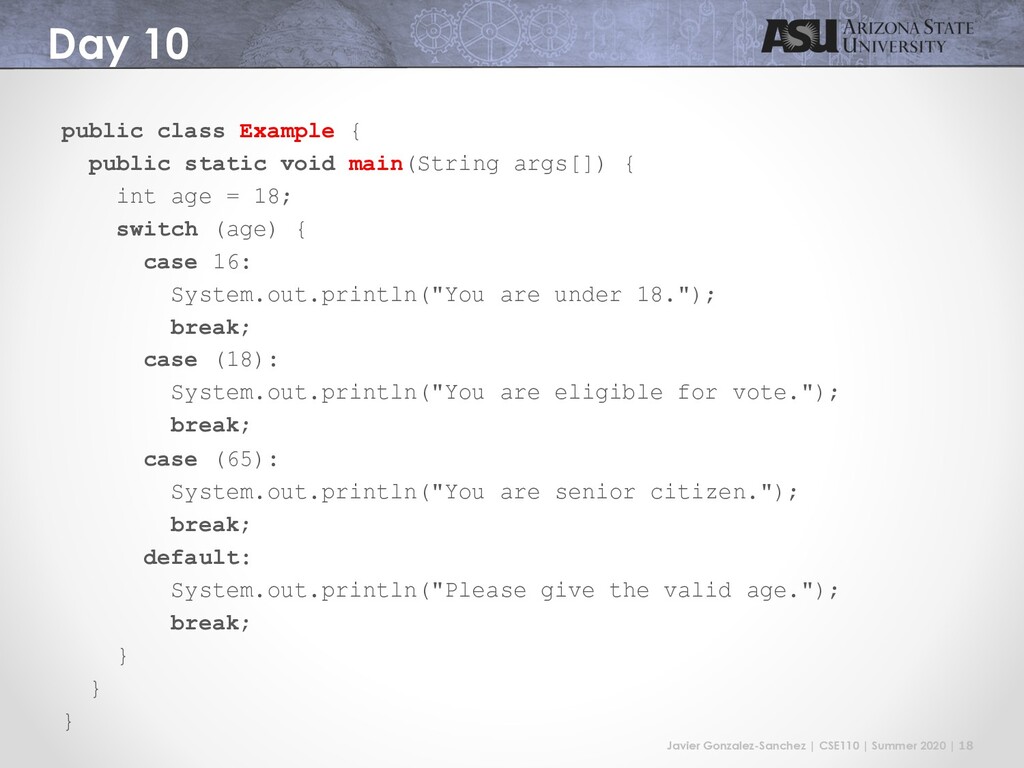
10 public class Example { public static void main(String args[]) { int age = 18; switch (age) { case 16: System.out.println("You are under 18."); break; case (18): System.out.println("You are eligible for vote."); break; case (65): System.out.println("You are senior citizen."); break; default: System.out.println("Please give the valid age."); break; } } }


 javiergs
 ken_tunc
 headius
 neuecc
 tosite
 hatsu38
 willnet
 satoshi256kbyte
 kenjiyoneyama
 yukiny
 teyamagu
 sts11142
 reimaru
 aarron
 letsgokoyo
 chrisshort
 tammyeverts
 ryanjones
 davetheseo
 frankvandijk
 jct
jct
 rkendrick25
 marktimemedia
 axbom
axbom
 rasmusluckow




![CSE110 - Principles of Programming Javier Gonzalez-Sanchez [email protected] Summer 2020](https://files.speakerdeck.com/presentations/71d0d1d844da4660af4d54b602c5cd9d/slide_18.jpg)