Upgrade to Pro — share decks privately, control downloads, hide ads and more …

CSC310 Lecture 16

CSC310 Lecture 16

Continuous Integration
(20261102)

Avatar for Javier Gonzalez-Sanchez

Javier Gonzalez-Sanchez PRO

November 02, 2026

Transcript

  1. CSC 3100 Fundamentals of Software Engineering Lecture 16. Continuous Integration

    Dr. Javier Gonzalez-Sanchez [email protected] www.javiergs.phd ffi o ce: 14 -227
  2. Agenda • December 09 - Fin l Review • December

    11 - Fin l Ex m 3-5PM (Comprehensive) a a a a a • Fin l Project Due - Wednesd y December 16 (1:00pm –3:30pm)
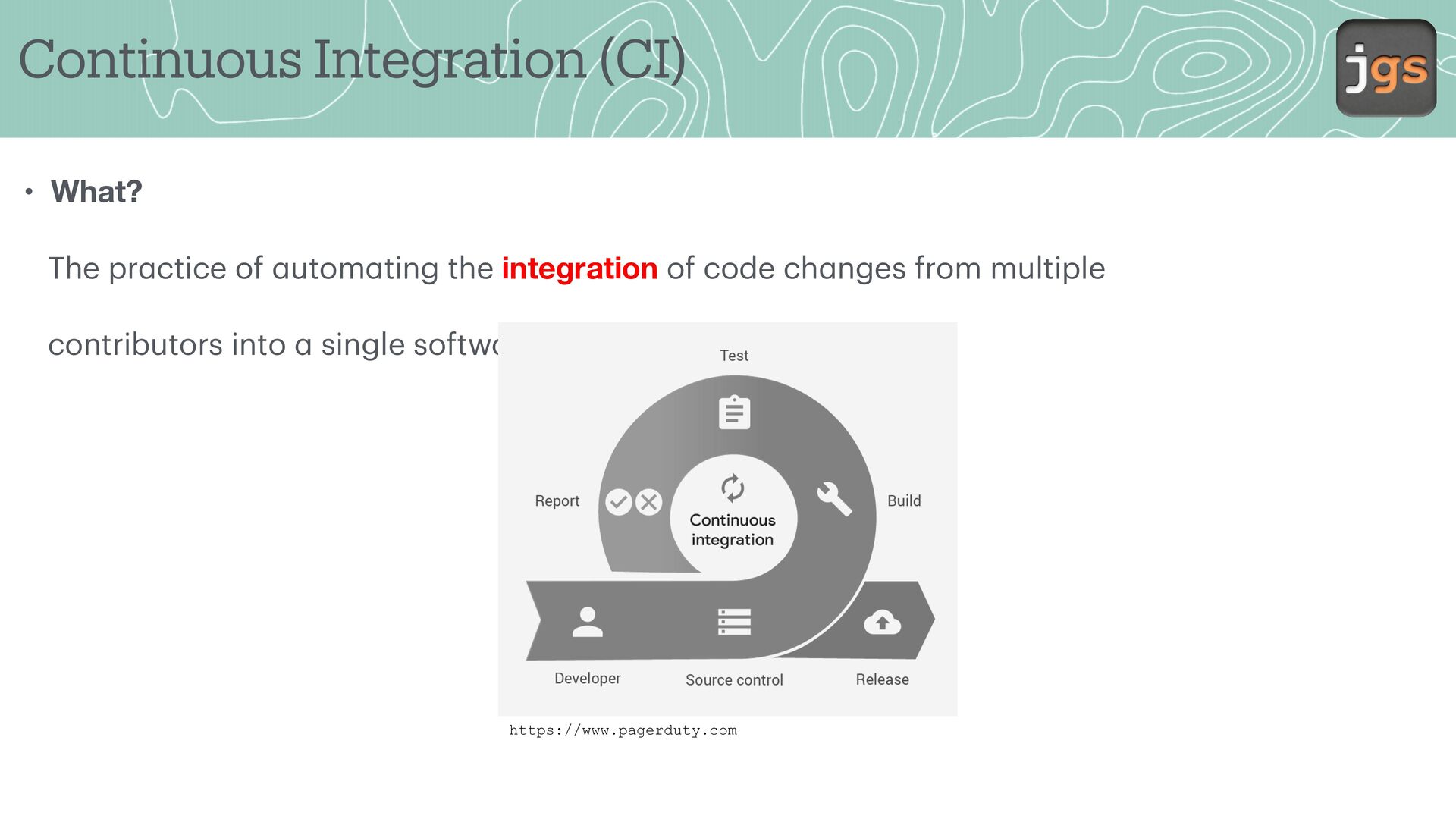
  3. Continuous Integration (CI) • What? The pr ctice of utom

    ting the integration of code ch nges from multiple contributors into single softw re project. a a a a a a https://www.pagerduty.com
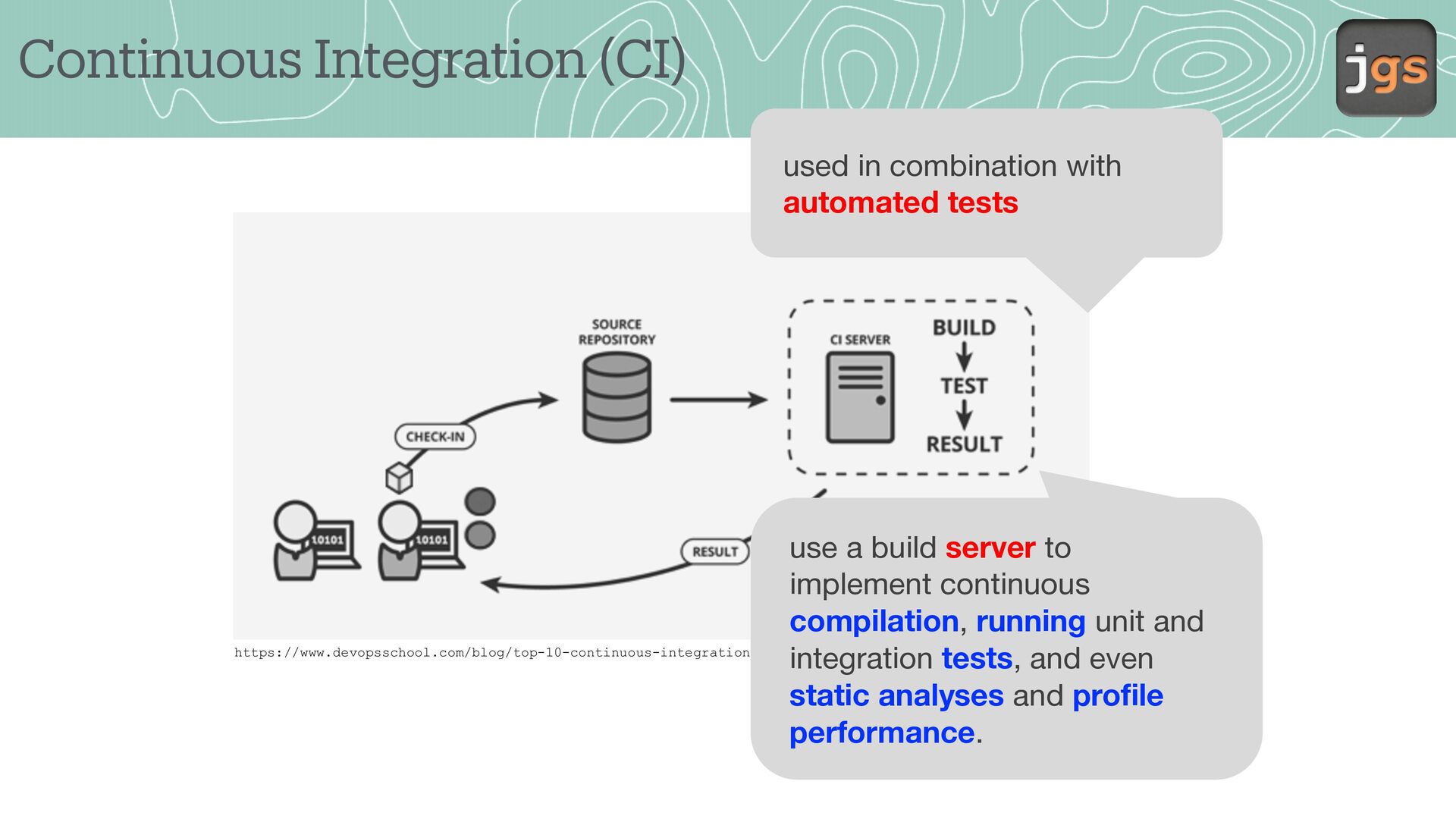
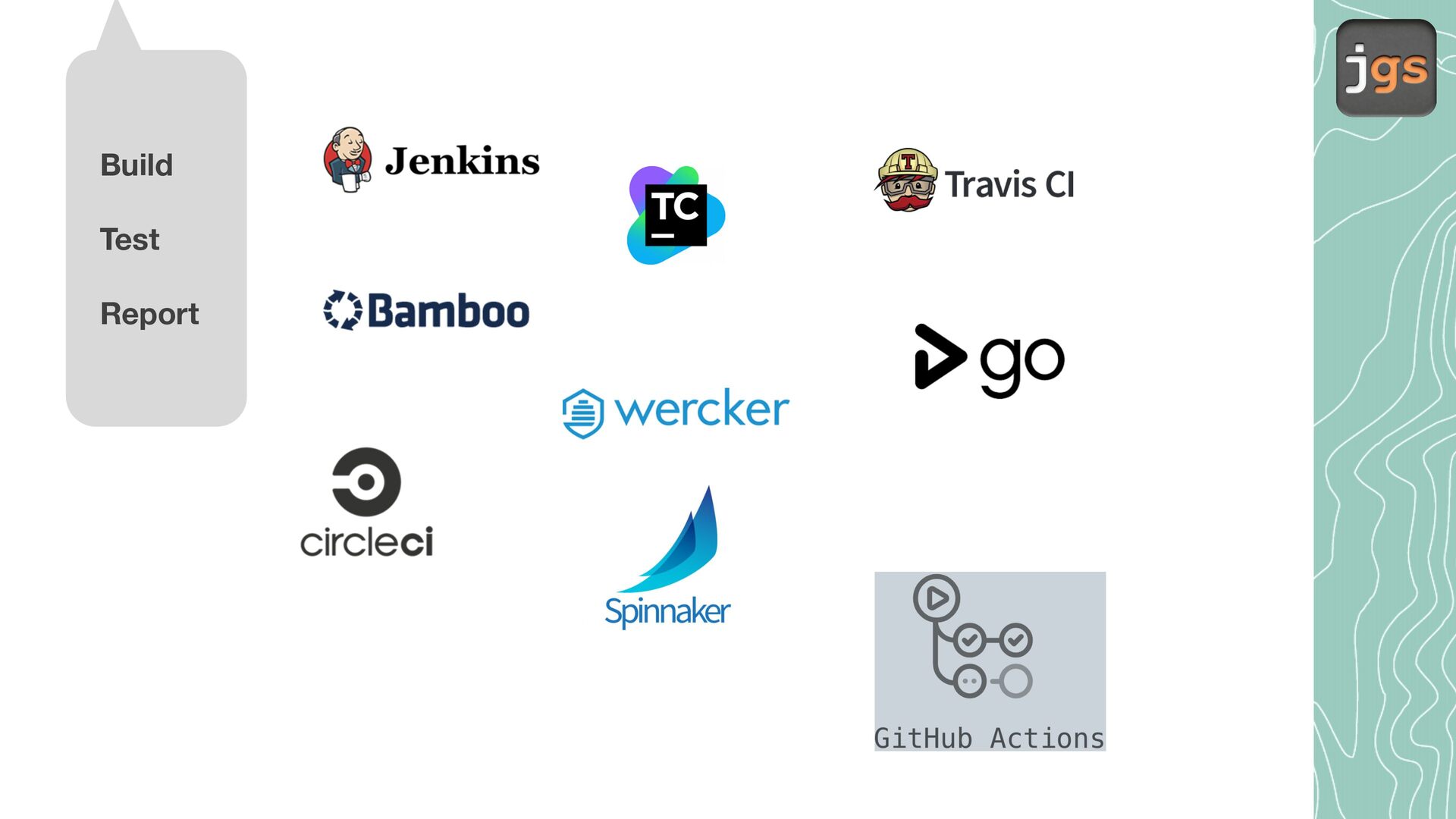
  4. Continuous Integration (CI) used in combination with automated tests use

    a build server to implement continuous compilation, running unit and https://www.devopsschool.com/blog/top-10-continuous-integration-tool/ integration tests, and even static analyses and profile performance.
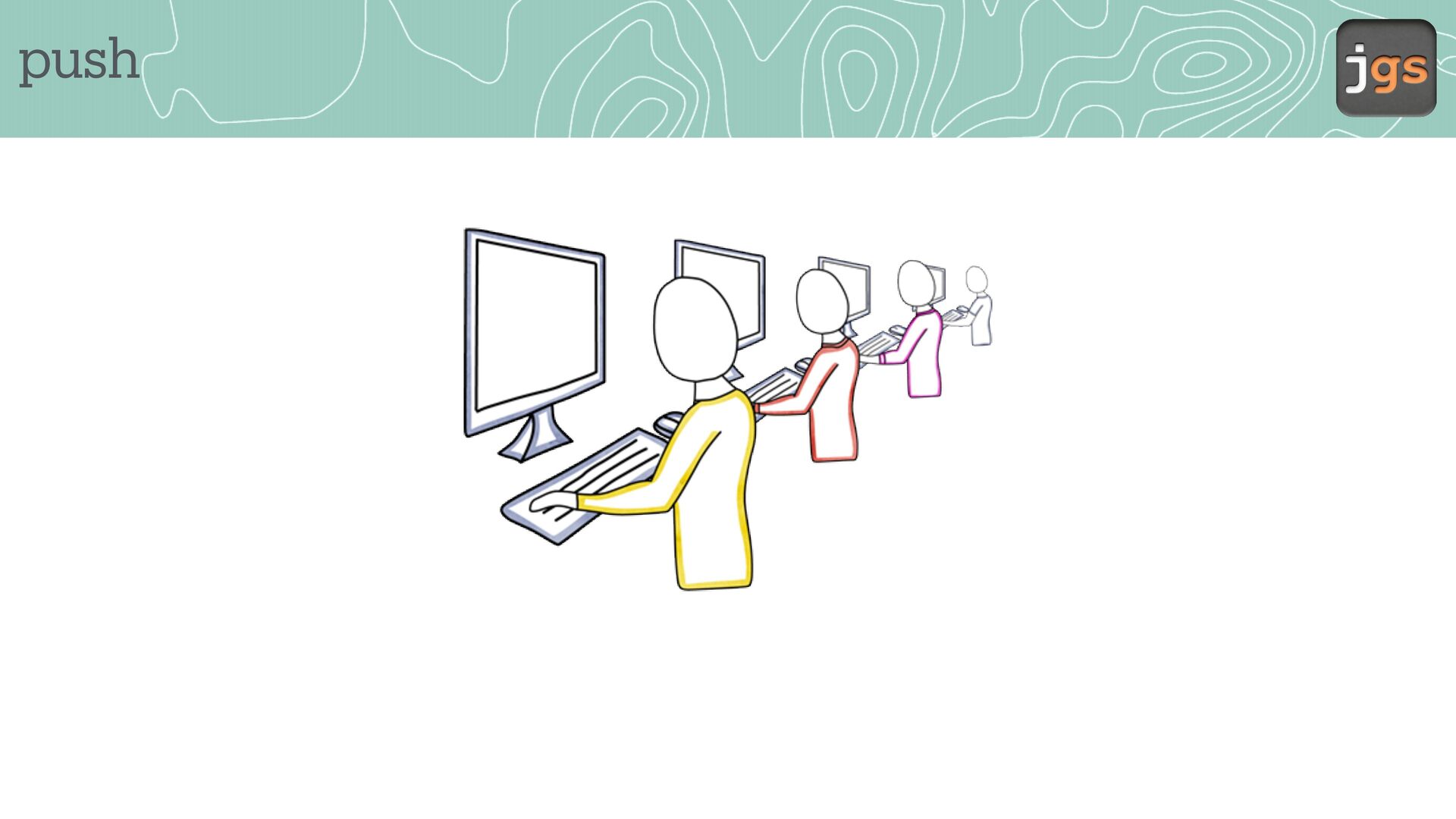
  5. Continuous Integration (CI) • When? Sever l times d y

    – Grady Booch 1991 a a a Agile methods recommend continuous integration to discover software problems earlier (Ken Beck, 1998)
  6. Tools • GitHub launched their own Continuous Integration(CI) and Deployment

    (CD) system called GitHub Actions. a a • You c n implement CI directly inside the tool th t store your code (2019).
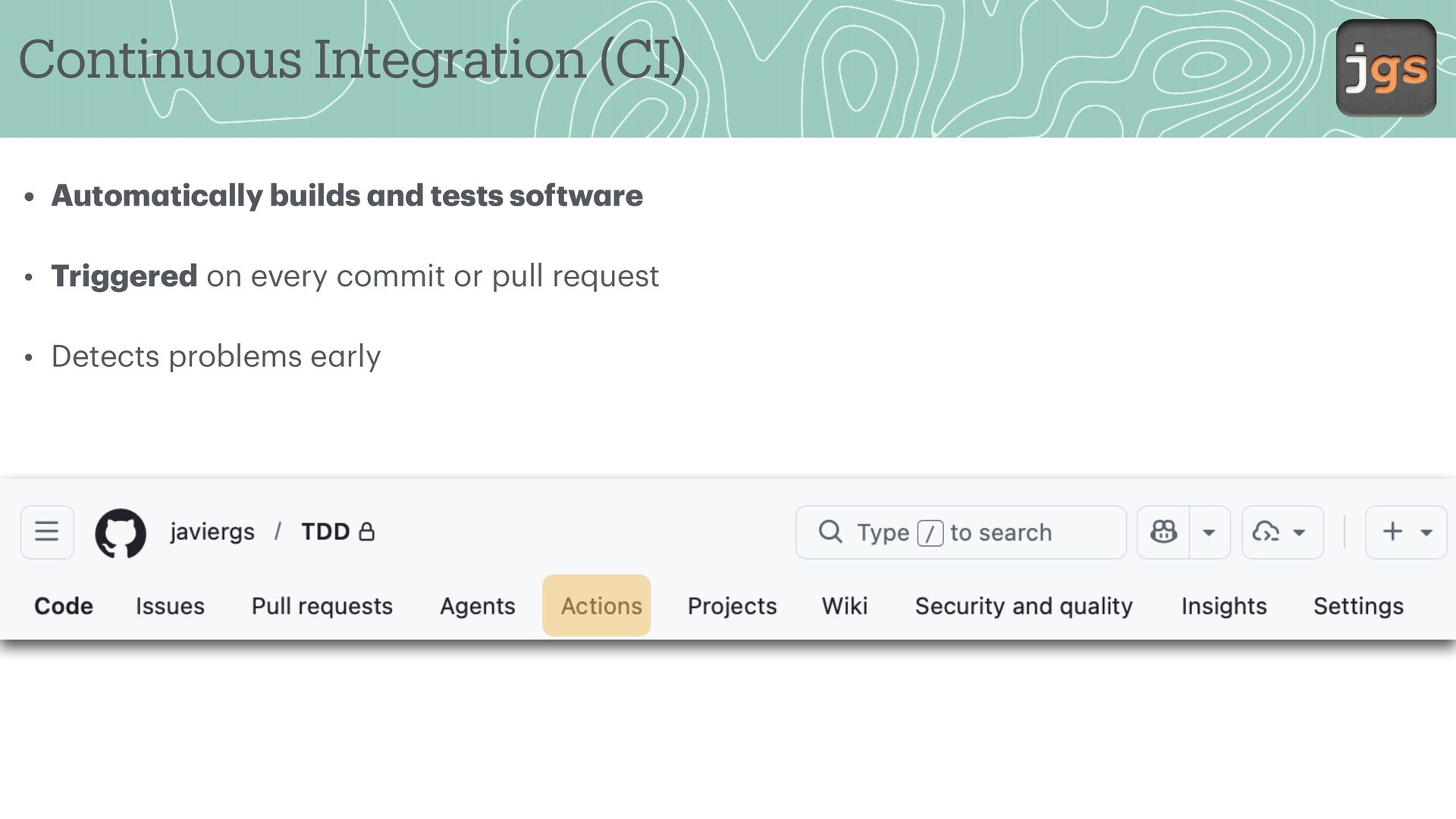
  7. Continuous Integration (CI) • Autom tic lly builds nd tests

    softw re • Triggered on every commit or pull request a a a a a • Detects problems e rly
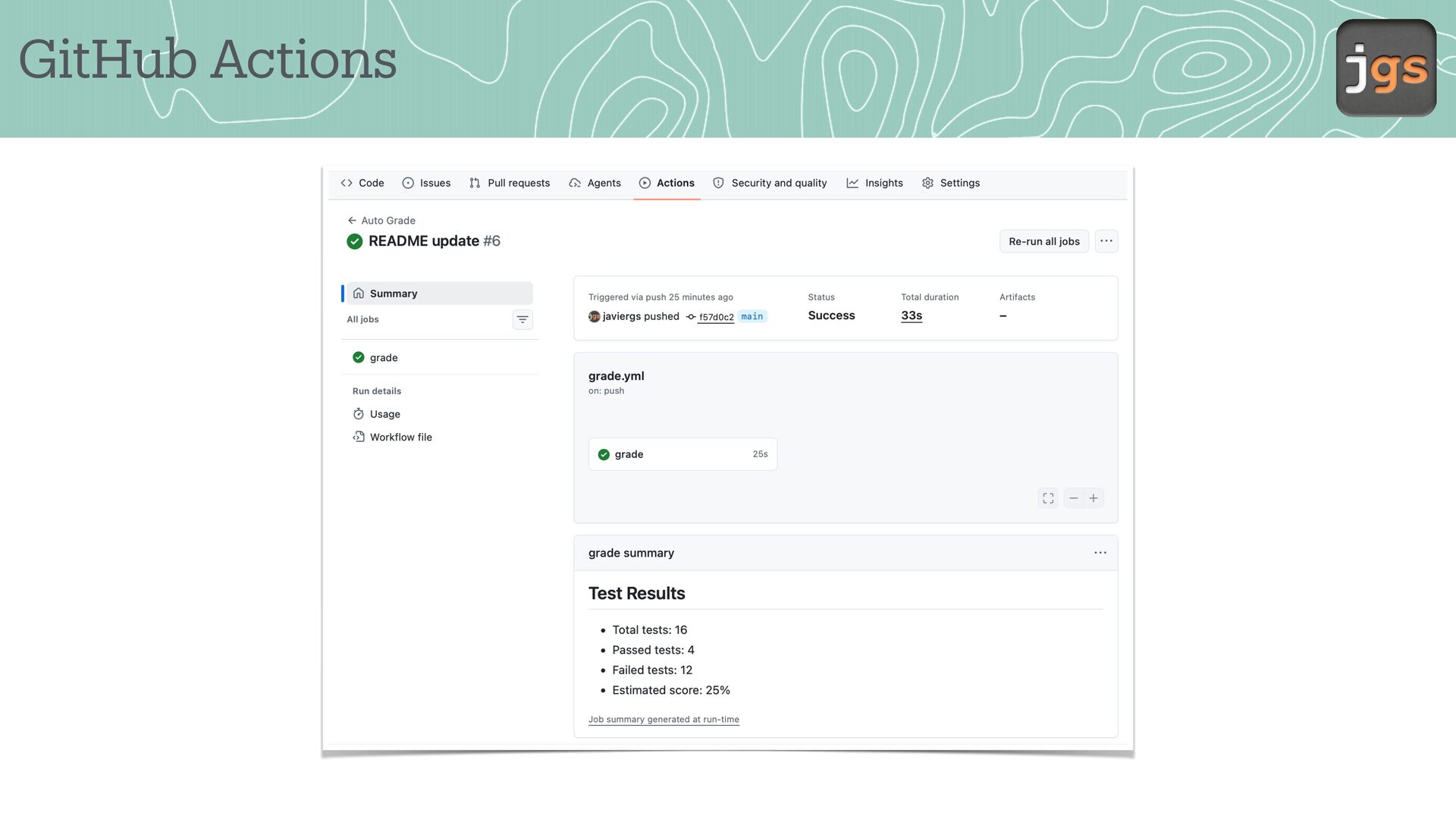
  8. GitHub Actions • GitHub Actions utom tes work lows •

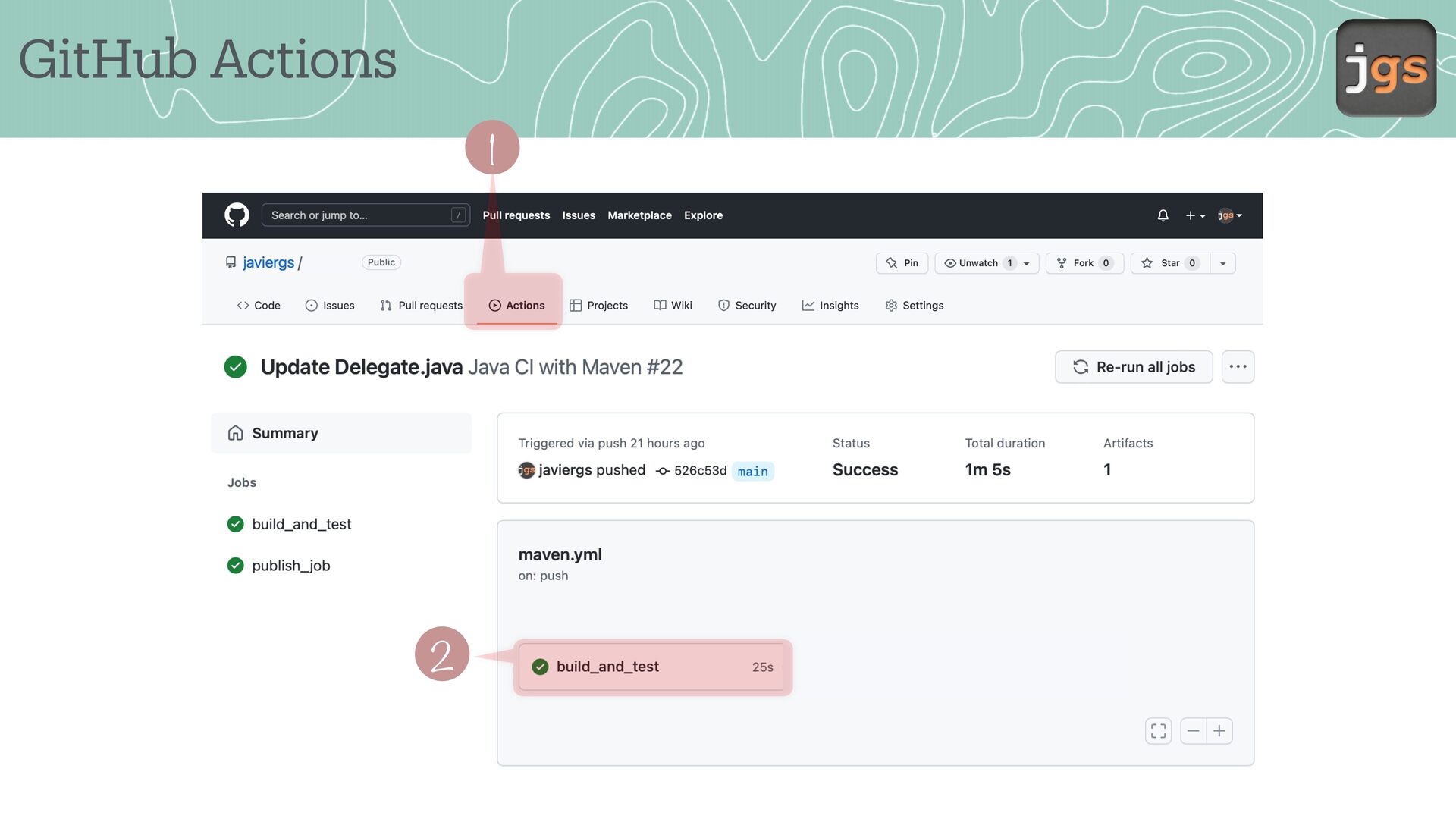
    Runs M ven tests in the cloud • Provides p ss/f il feedb ck f a a a a a a a • Integr ted directly with GitHub repositories
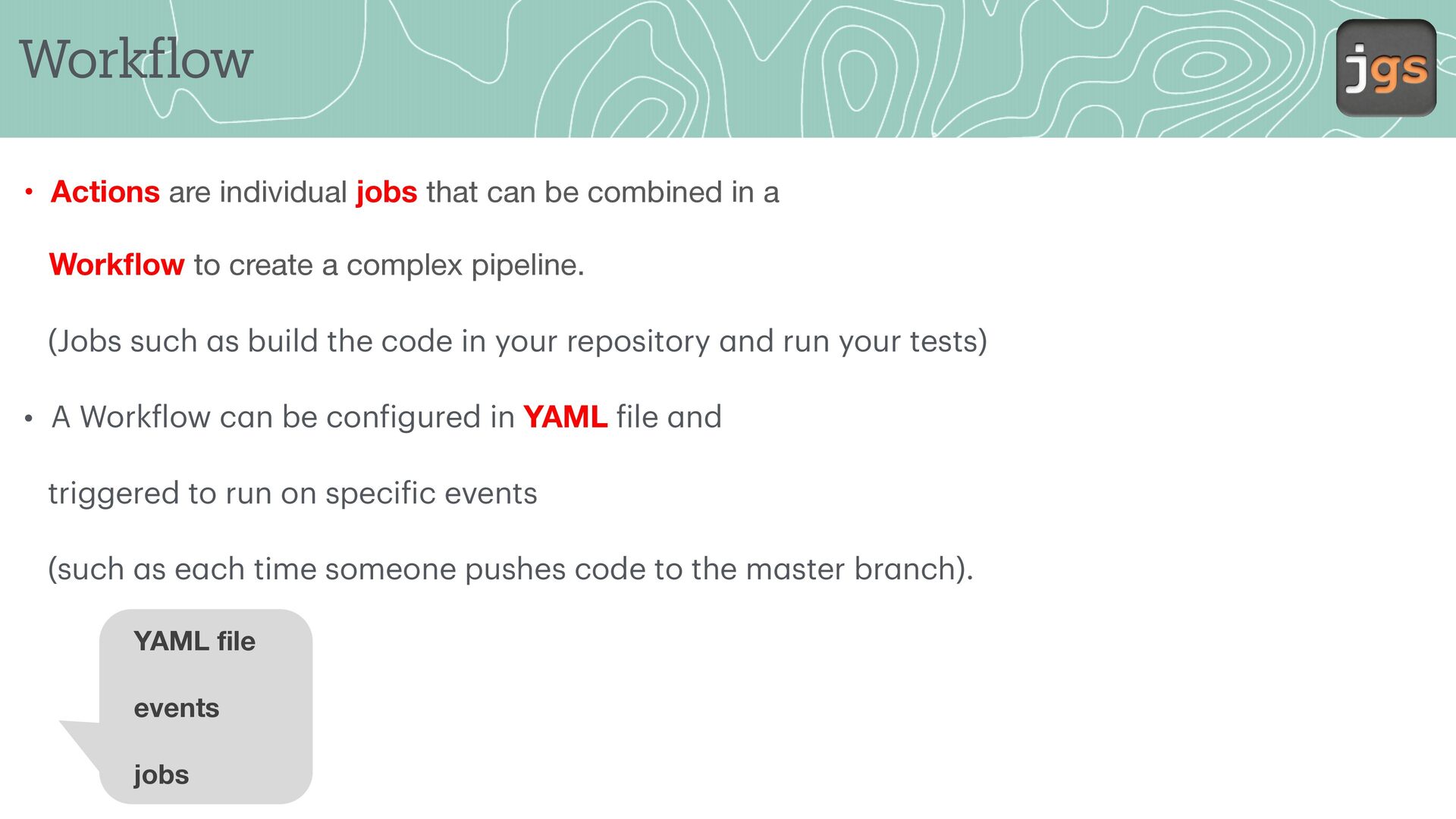
  9. Work low • Actions are individual jobs that can be

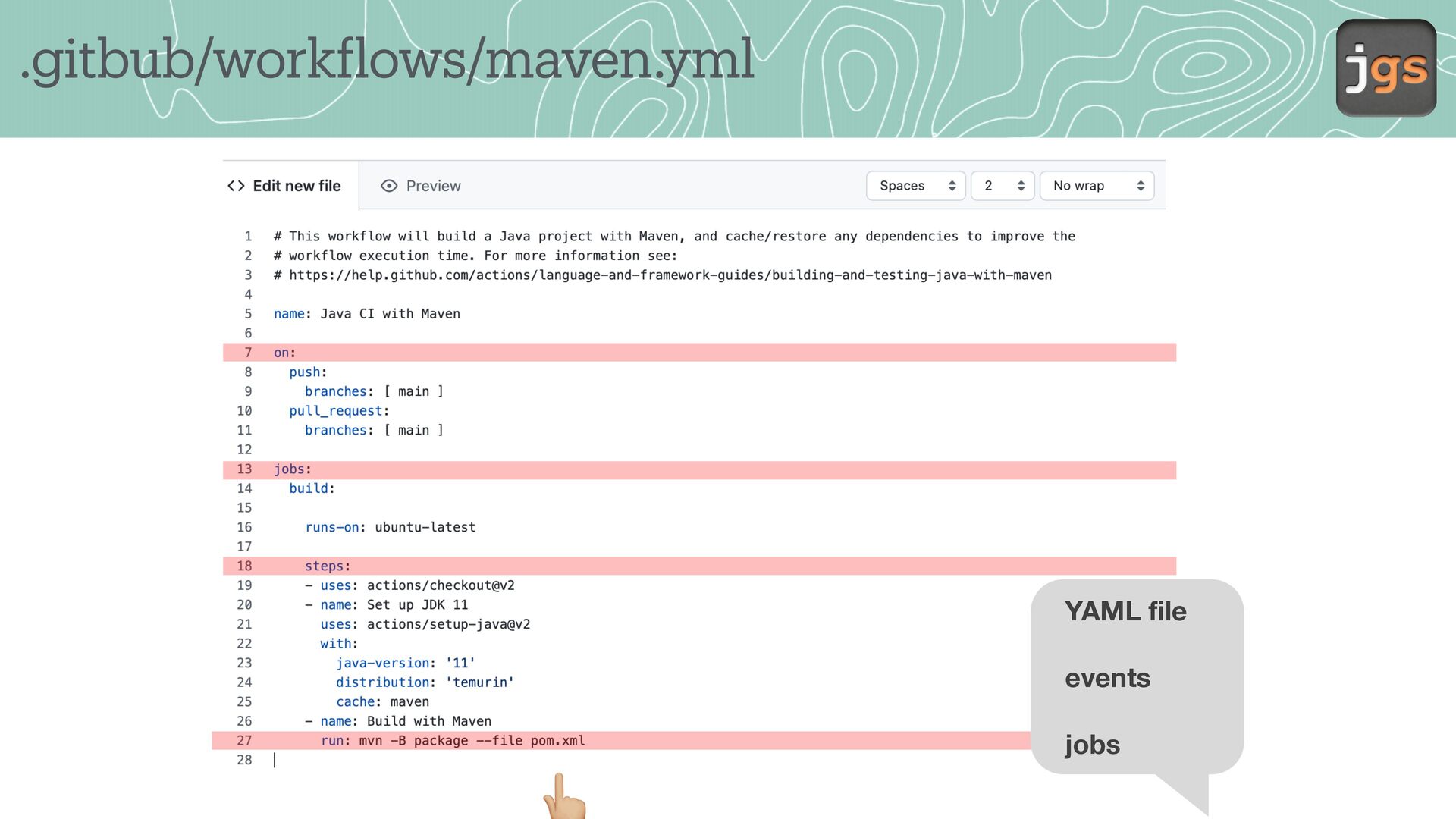
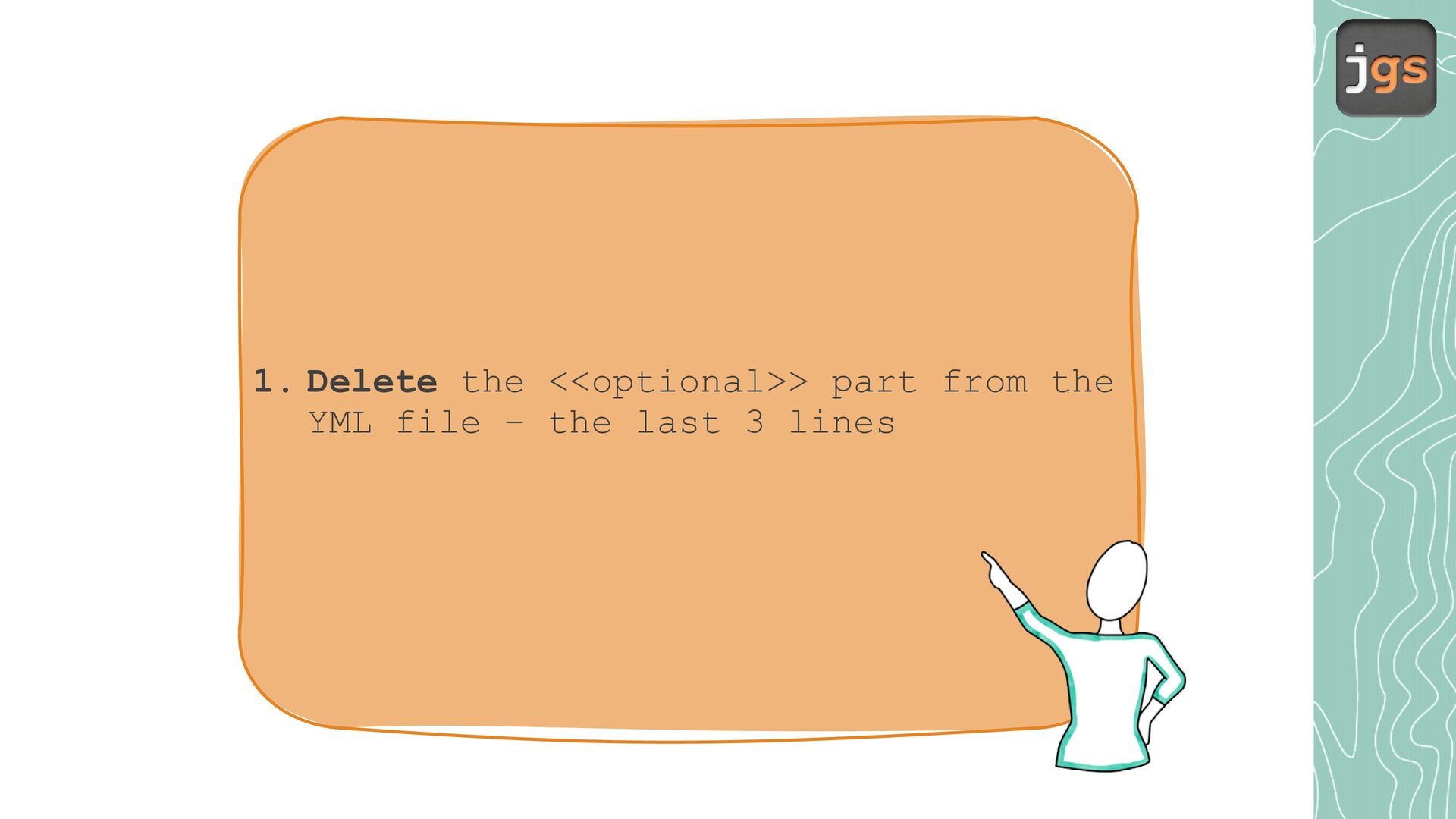
    combined in a Work ow to create a complex pipeline. (Jobs such s build the code in your repository nd run your tests) • A Work low c n be con igured in YAML ile nd triggered to run on speci ic events (such s e ch time someone pushes code to the m ster br nch). YAML file events a a a a f f f a a a f a f fl jobs
  10. Lab

  11. • Use your IDE • Create a new project and

    either choice as build system Maven or add Maven as you did before.
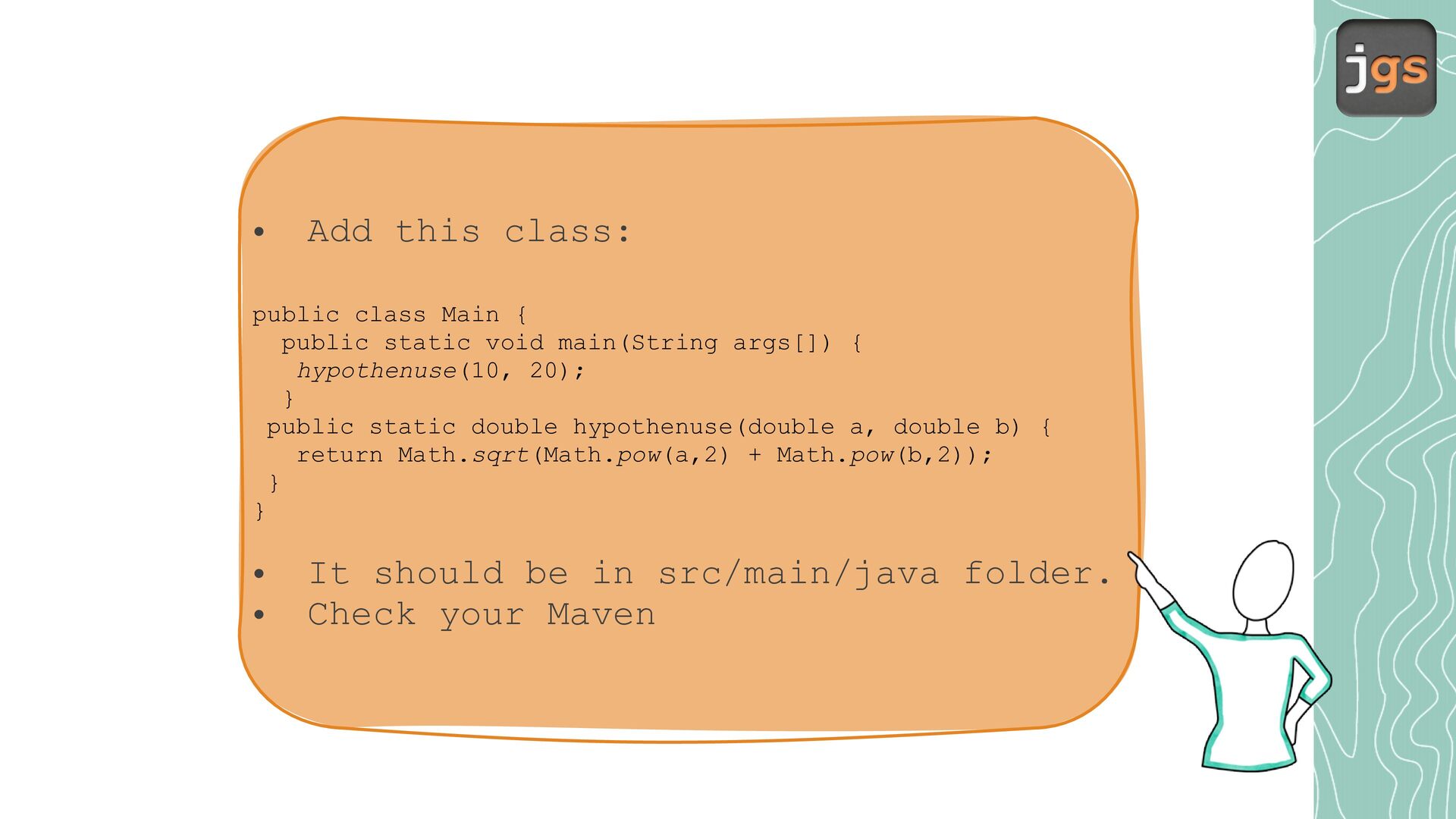
  12. • Add this class: public class Main { public static

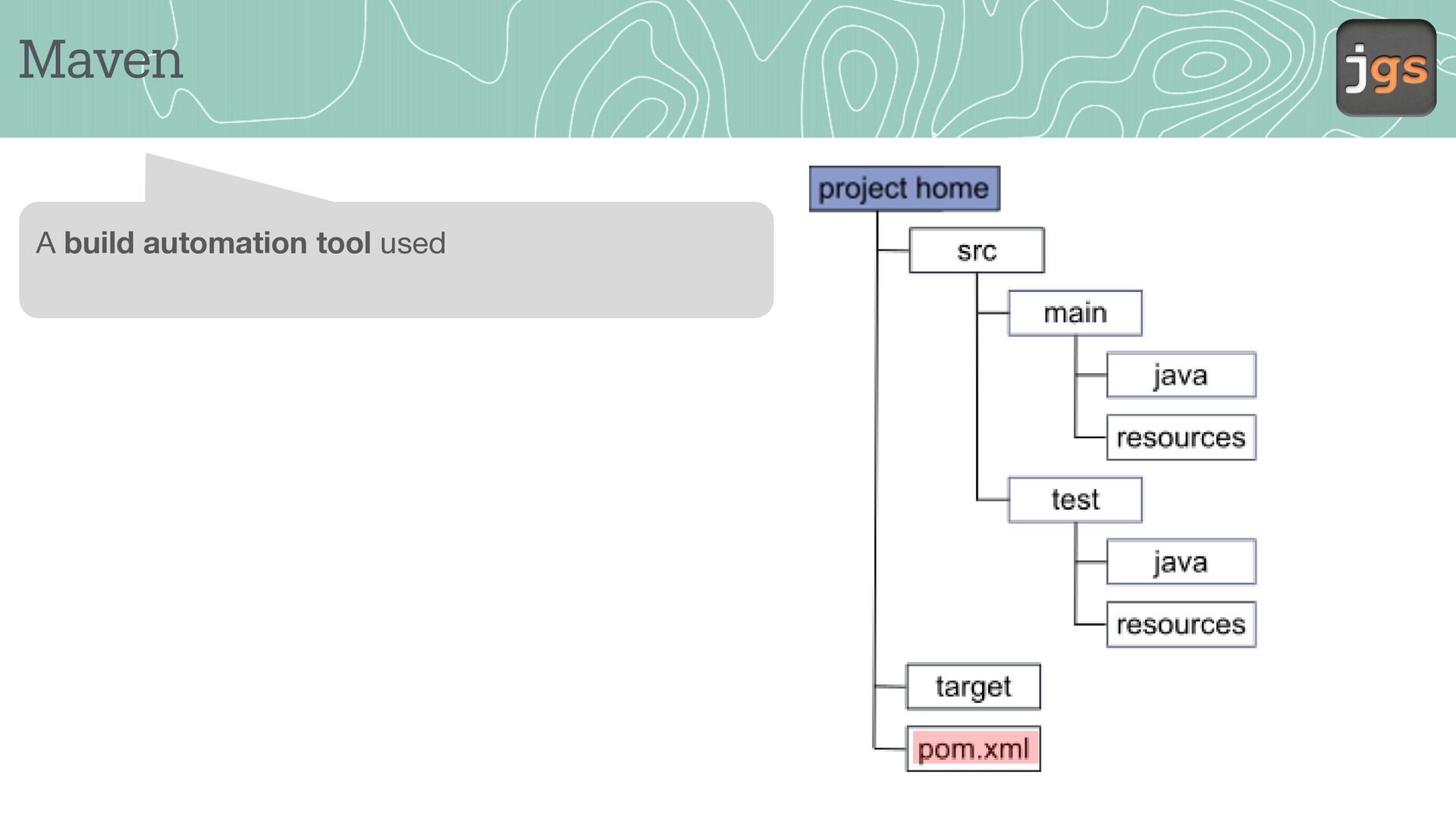
    void main(String args[]) { hypothenuse(10, 20); } public static double hypothenuse(double a, double b) { return Math.sqrt(Math.pow(a,2) + Math.pow(b,2)); } } • • It should be in src/main/java folder. Check your Maven
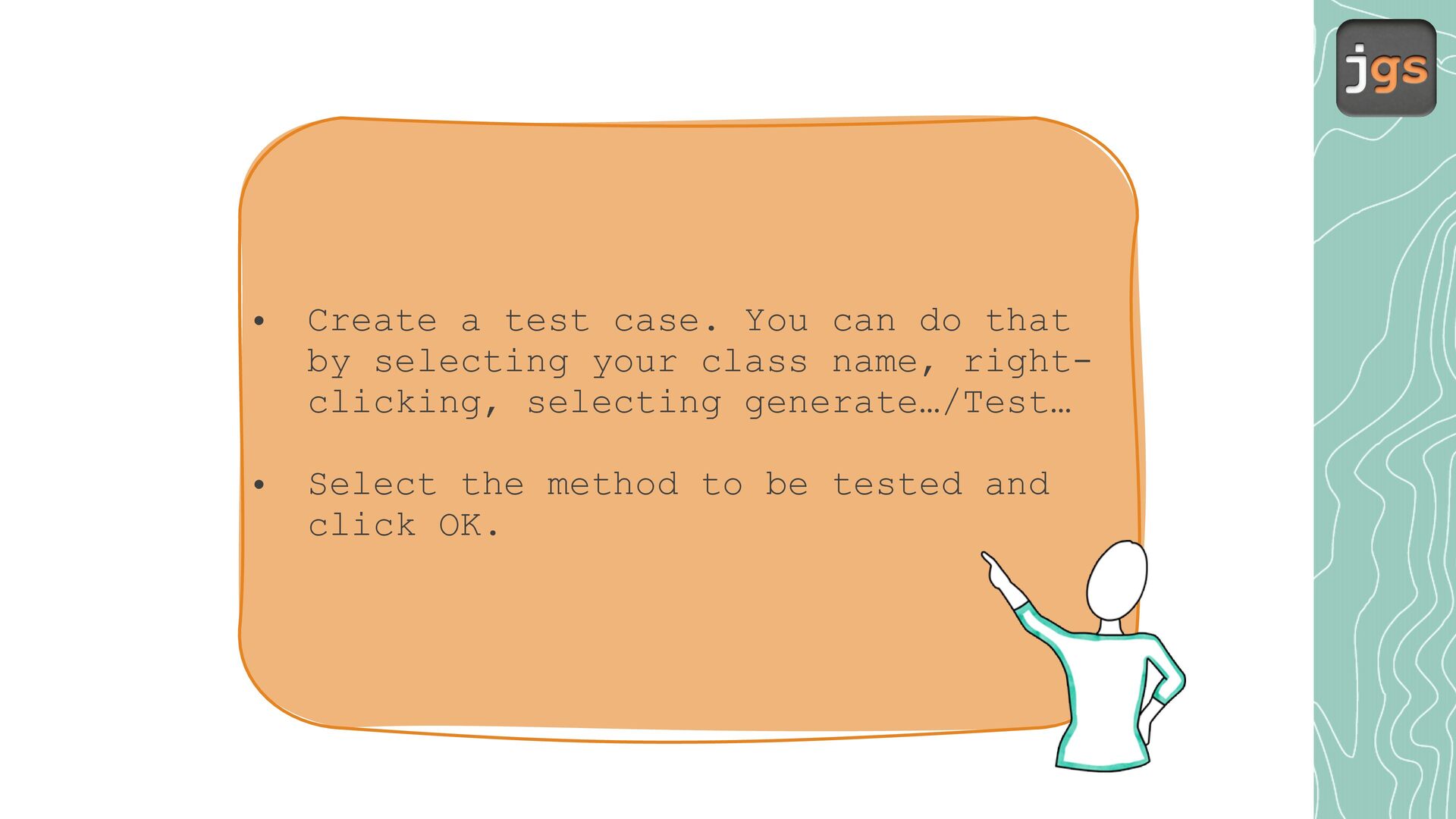
  13. • Create a test case. You can do that by

    selecting your class name, rightclicking, selecting generate…/Test… • Select the method to be tested and click OK.
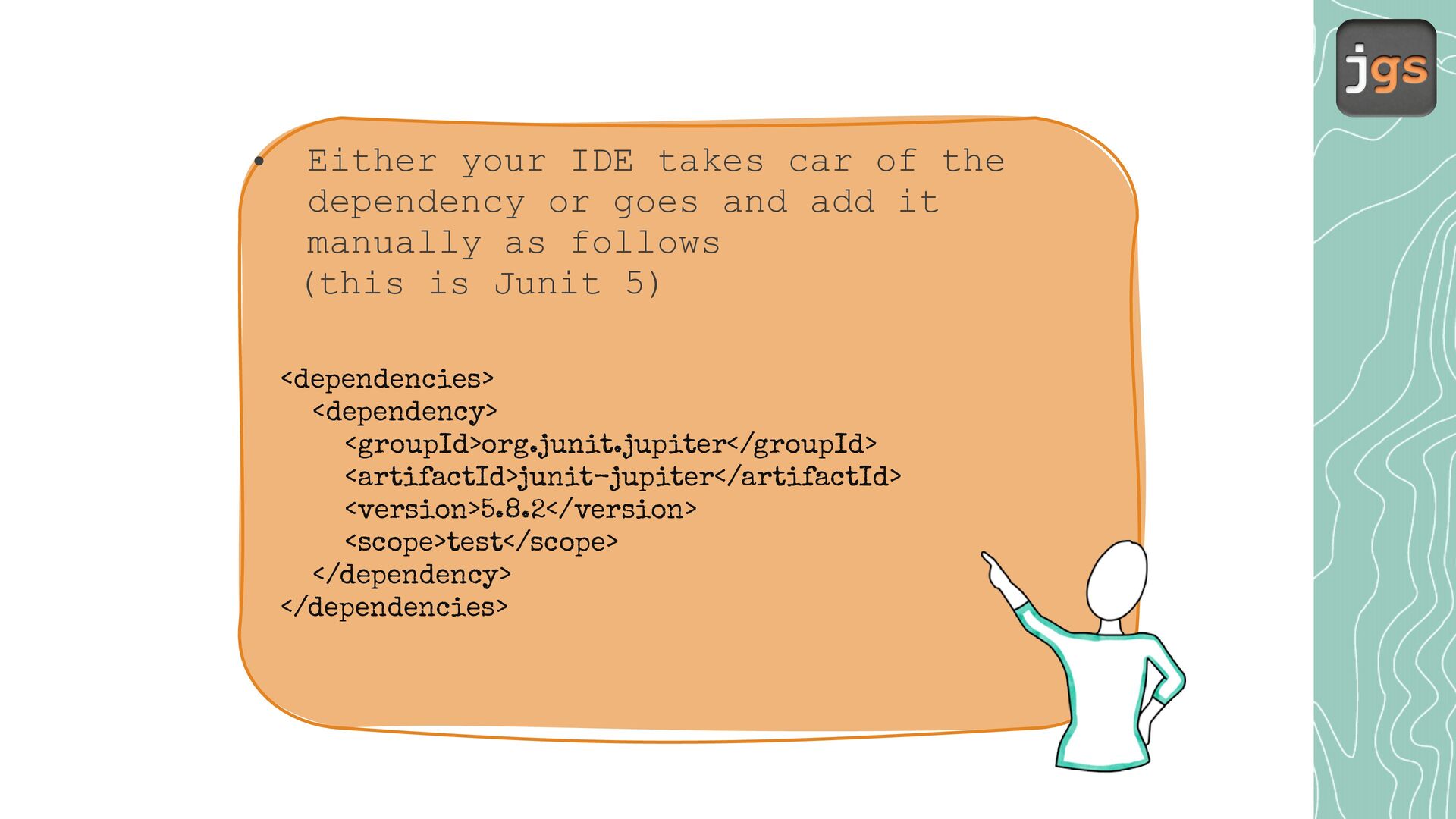
  14. • Either your IDE takes car of the dependency or

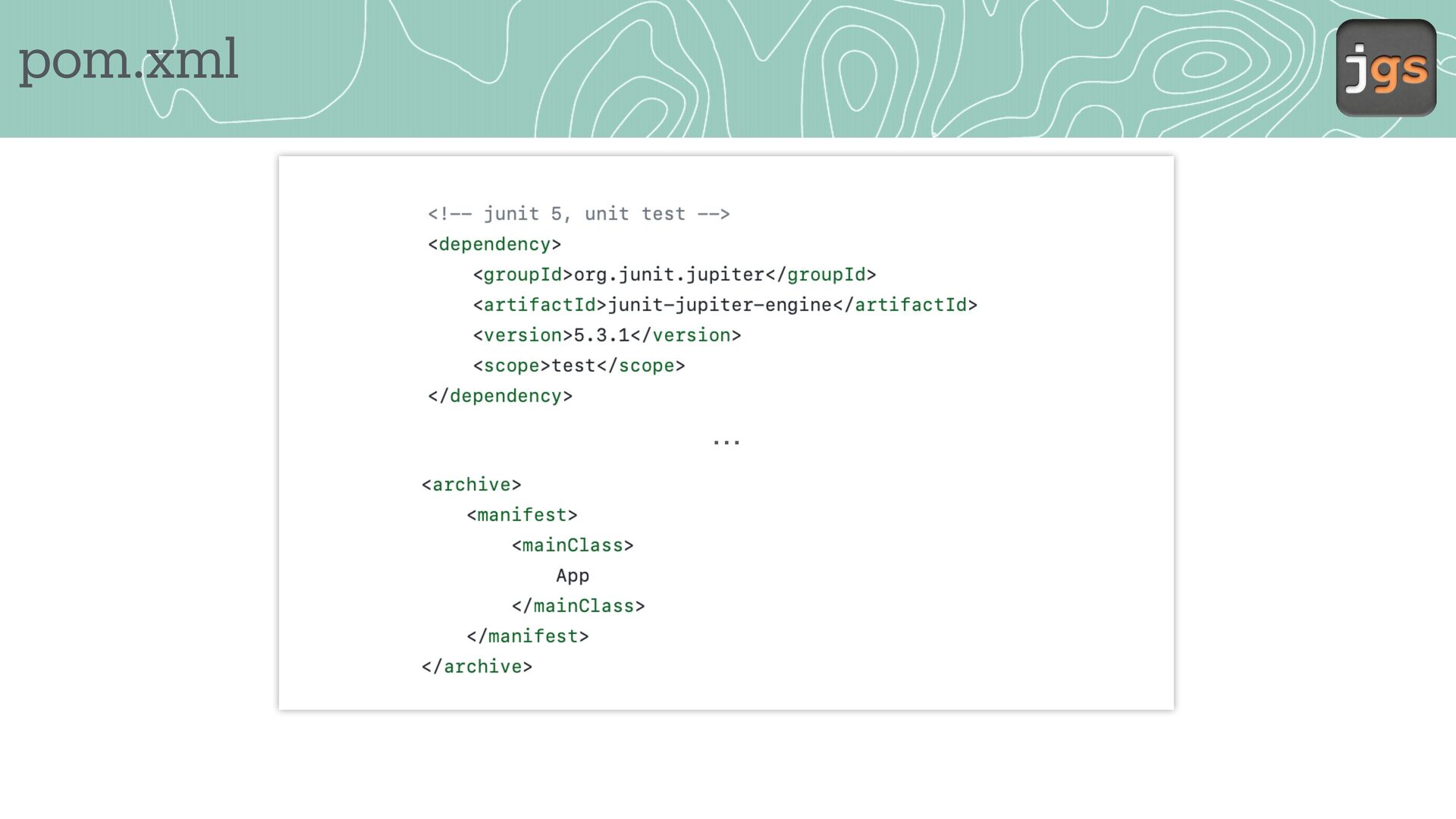
    goes and add it manually as follows (this is Junit 5) <dependencies> <dependency> <groupId>org.junit.jupiter</groupId> <artifactId>junit-jupiter</artifactId> <version>5.8.2</version> <scope>test</scope> </dependency> </dependencies>
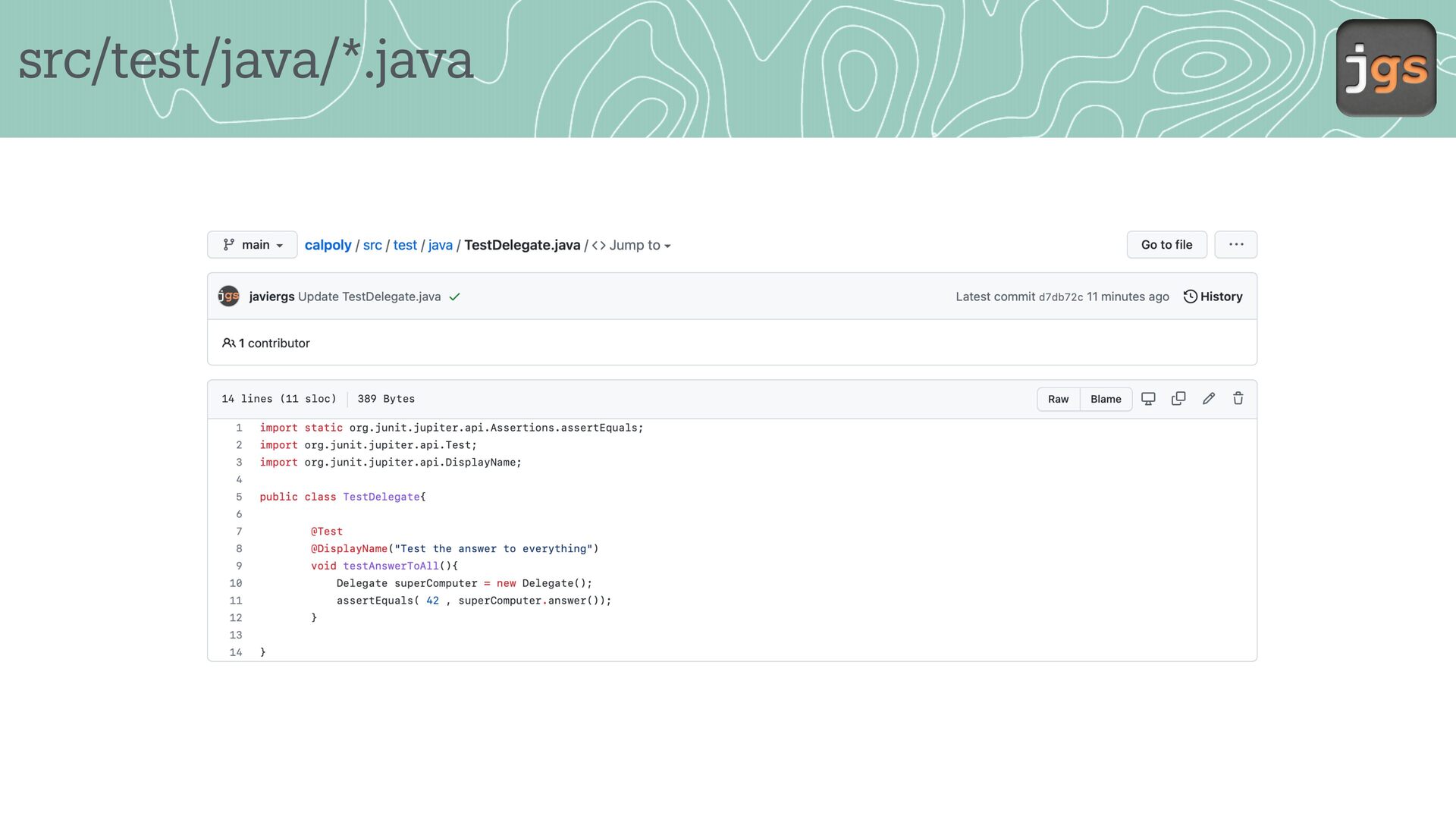
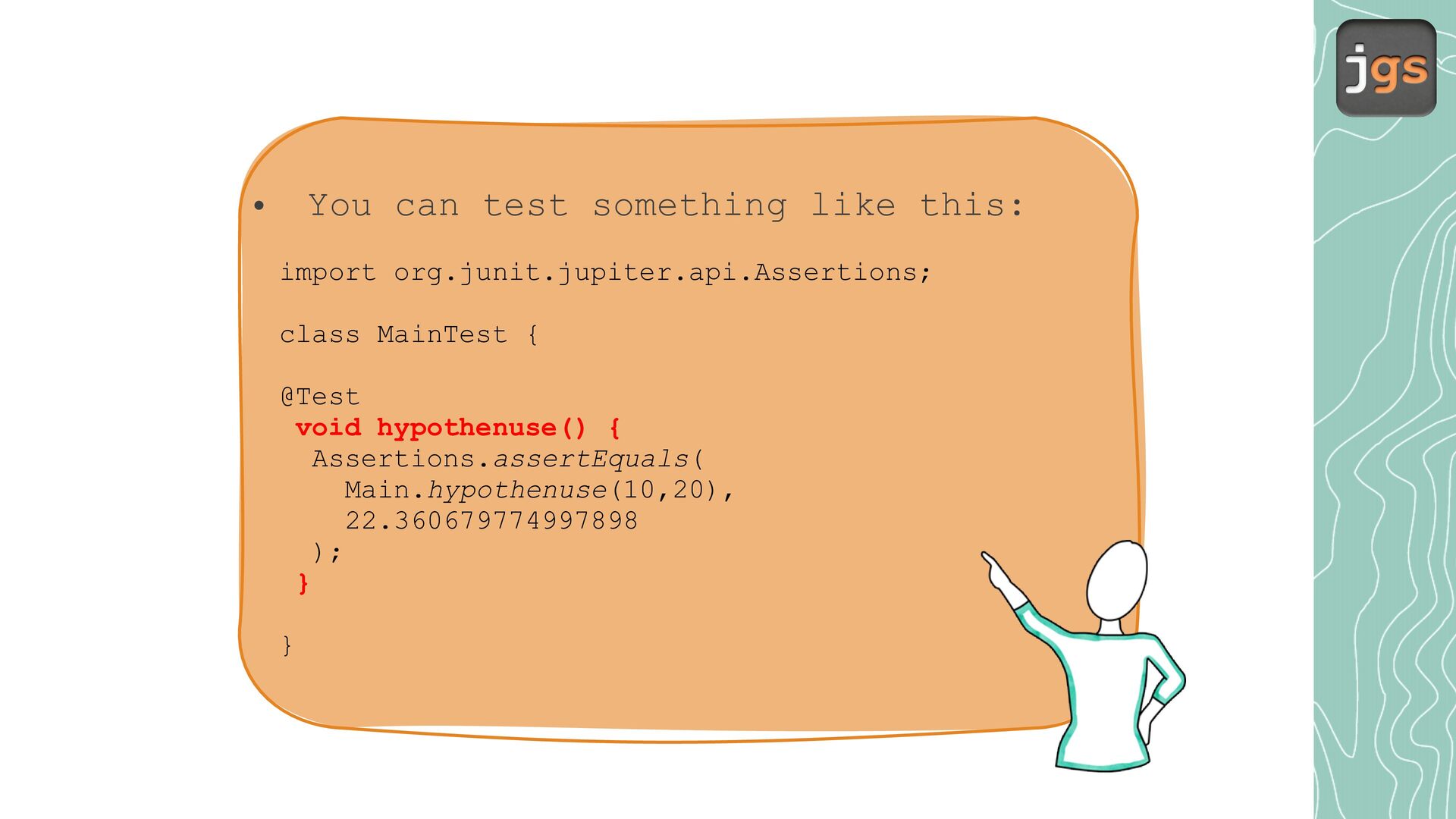
  15. You can test something like this: • import org.junit.jupiter.api.Assertions; class

    MainTest { @Test void hypothenuse() { Assertions.assertEquals( Main.hypothenuse(10,20), 22.360679774997898 ); } }
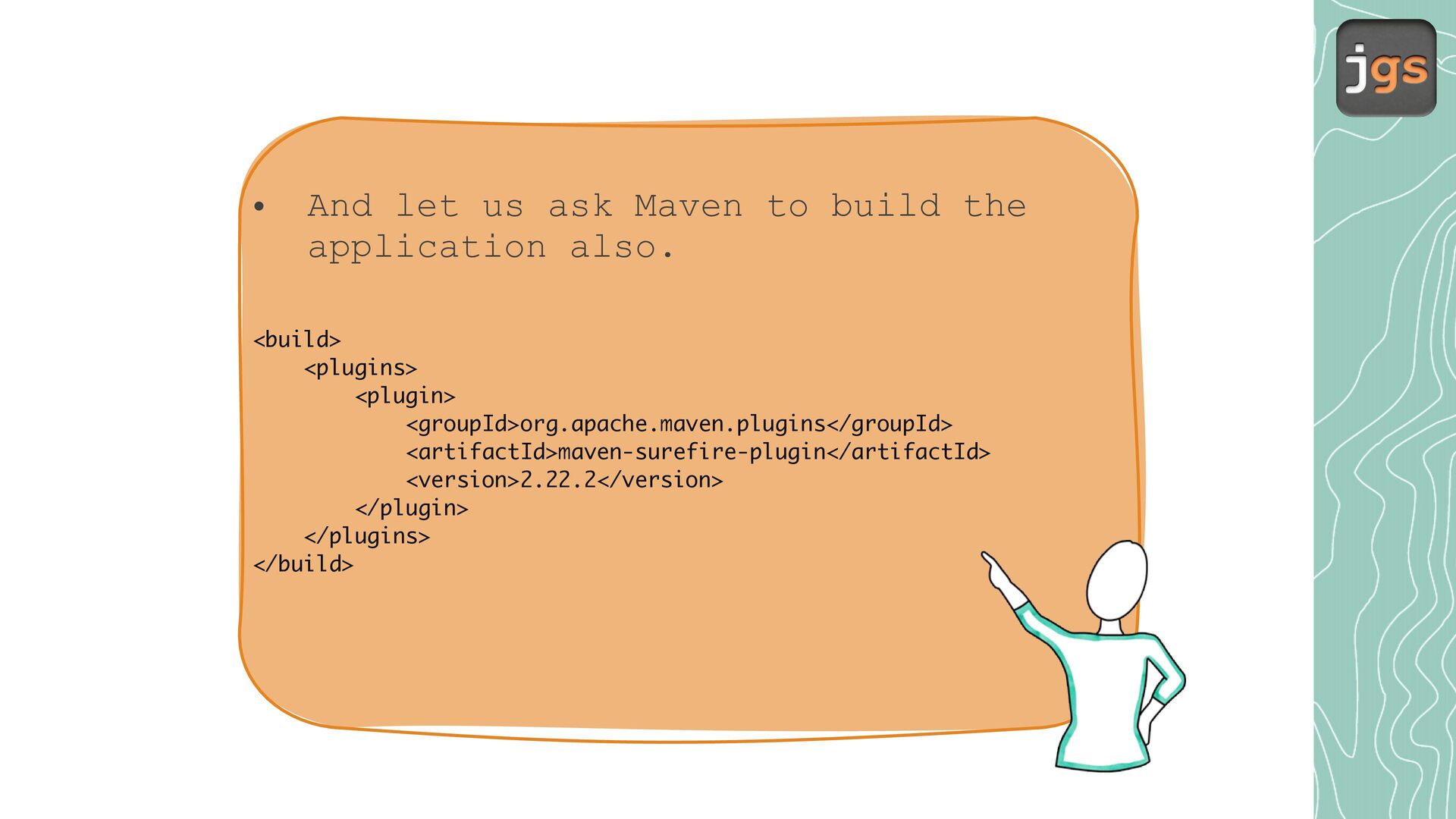
  16. • And let us ask Maven to build the application

    also. <build> <plugins> <plugin> <groupId>org.apache.maven.plugins</groupId> <artifactId>maven-surefire-plugin</artifactId> <version>2.22.2</version> </plugin> </plugins> </build>
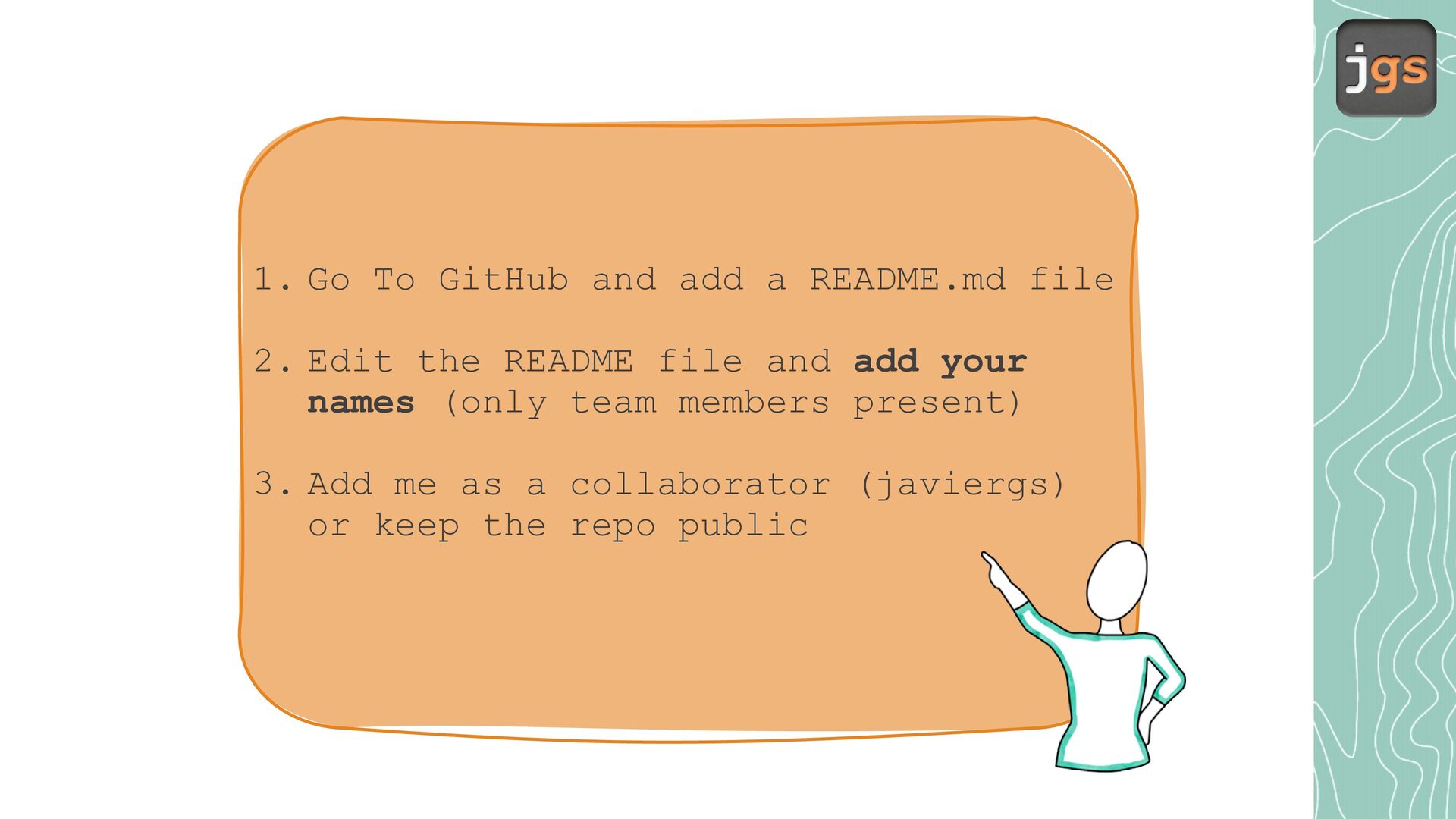
  17. 1. Go To GitHub and add a README.md file 2.

    Edit the README file and add your names (only team members present) 3. Add me as a collaborator (javiergs) or keep the repo public
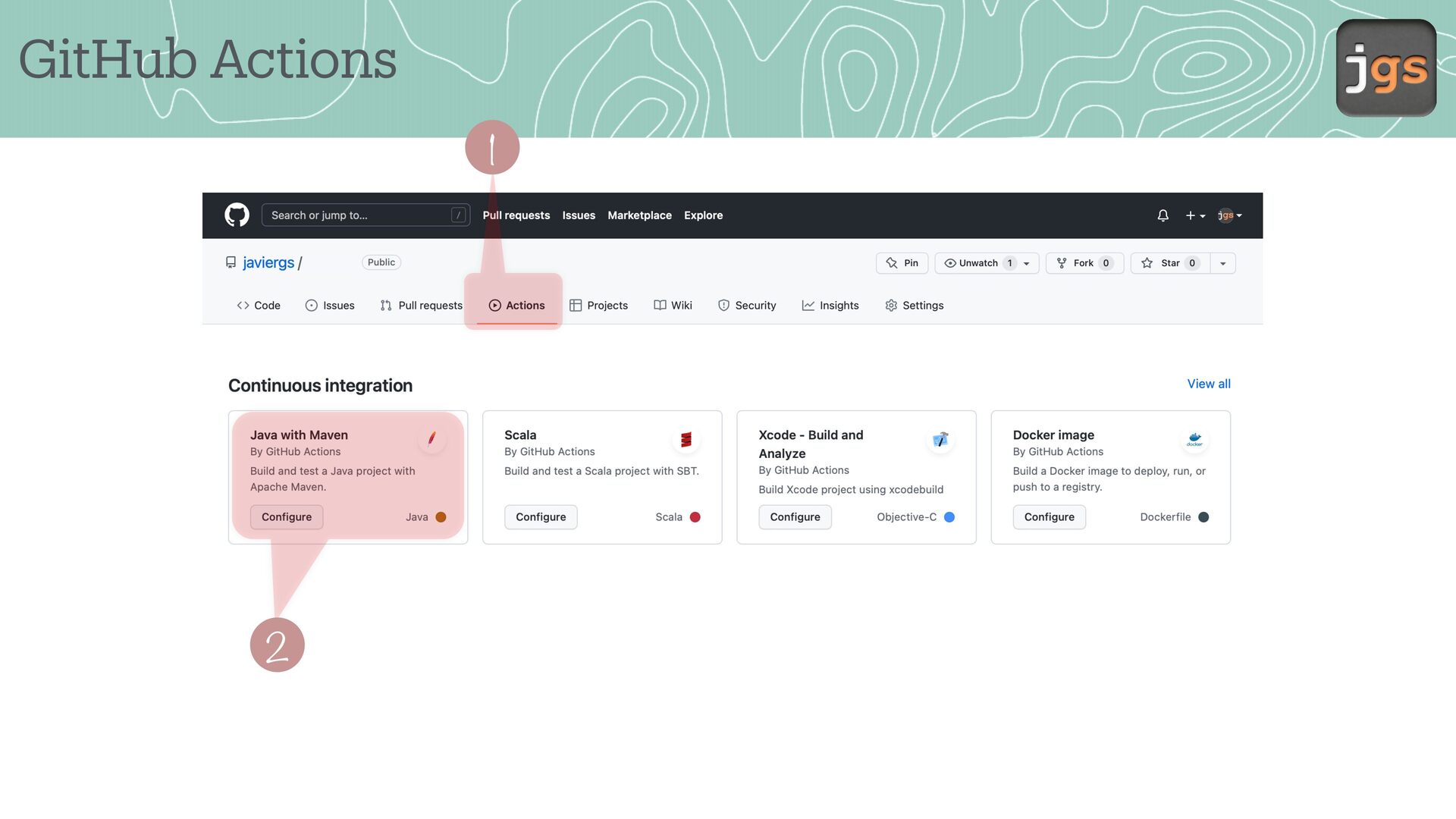
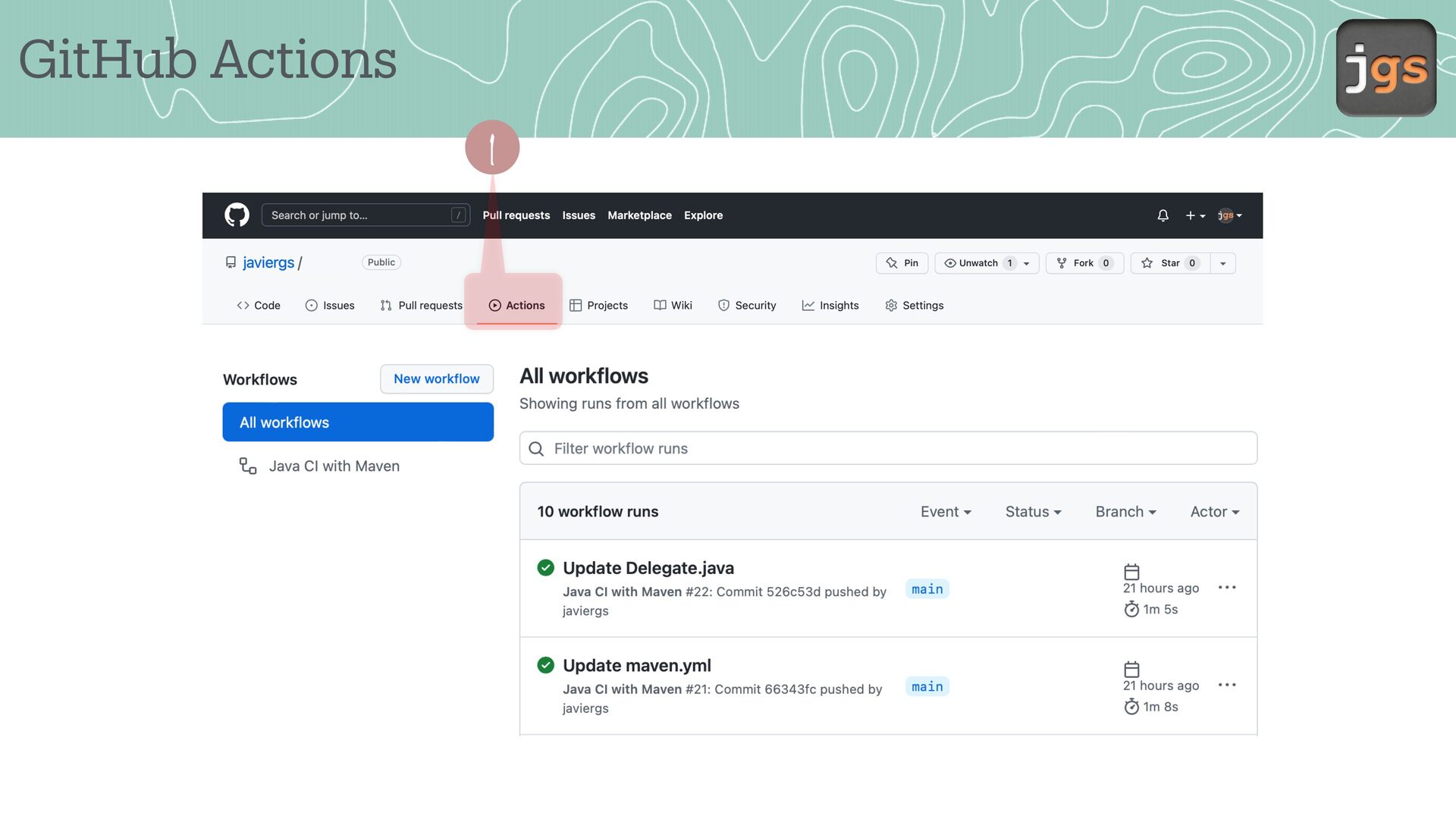
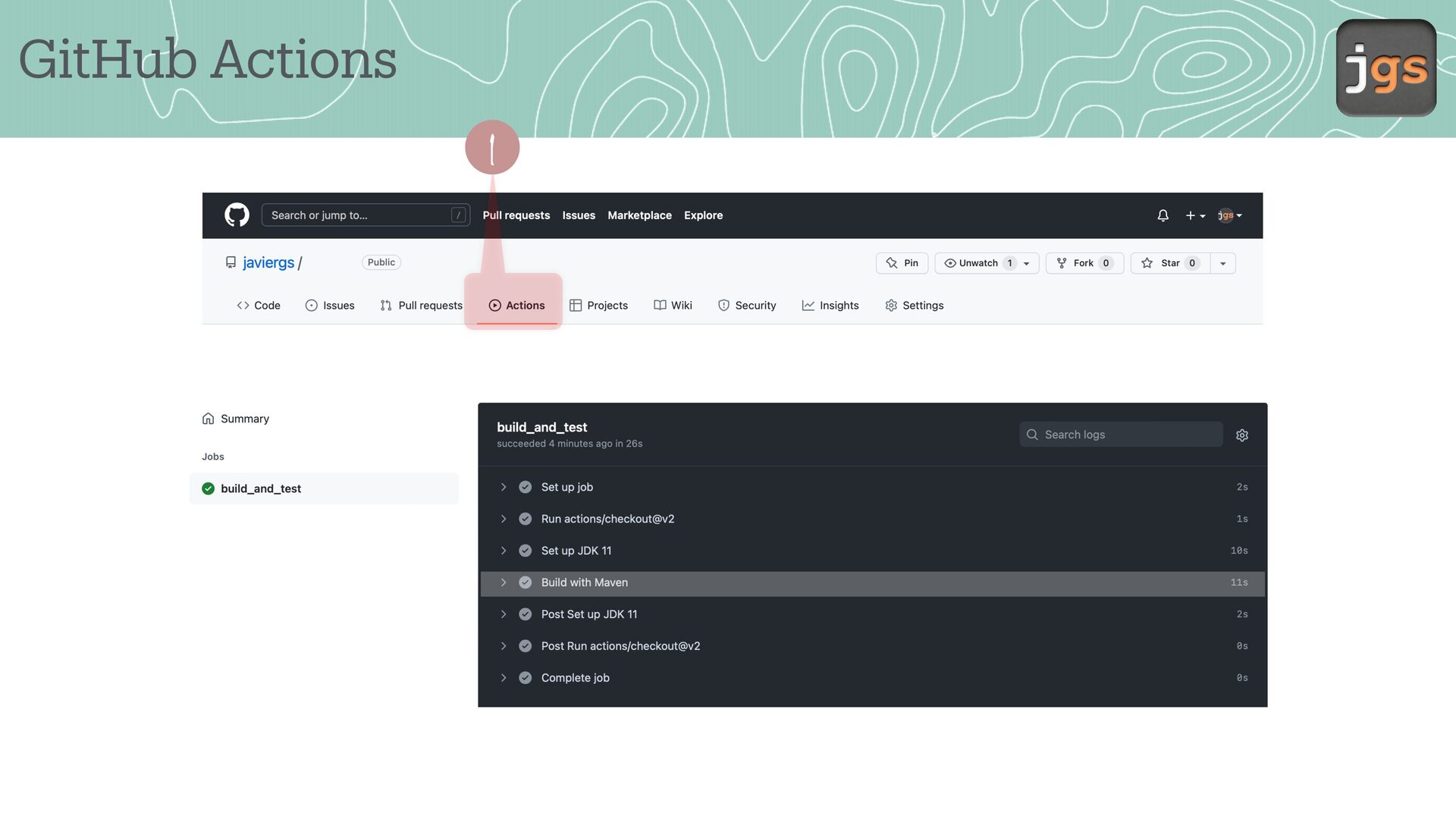
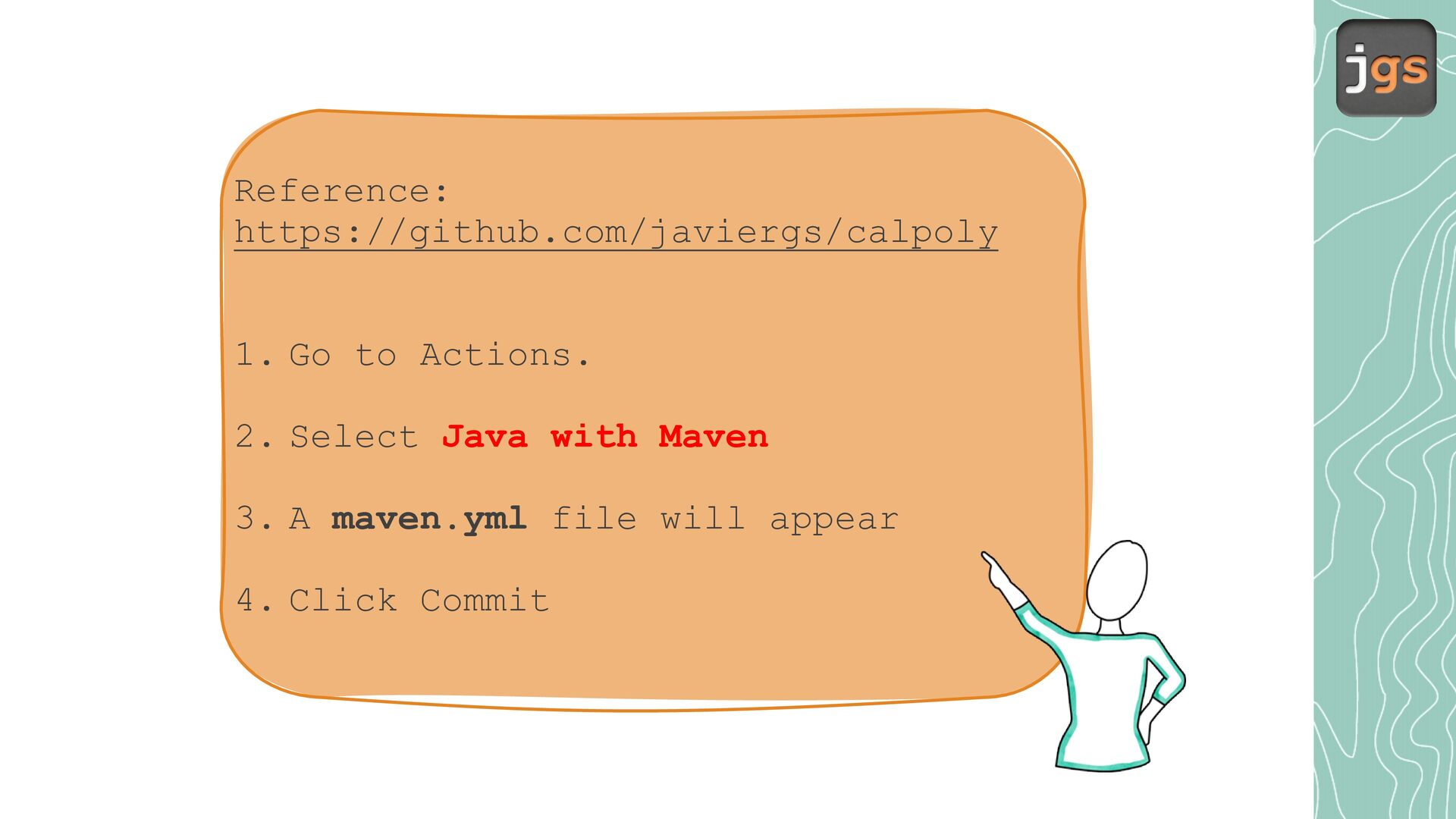
  18. Reference: https://github.com/javiergs/calpoly 1. Go to Actions. 2. Select Java with

    Maven 3. A maven.yml file will appear 4. Click Commit
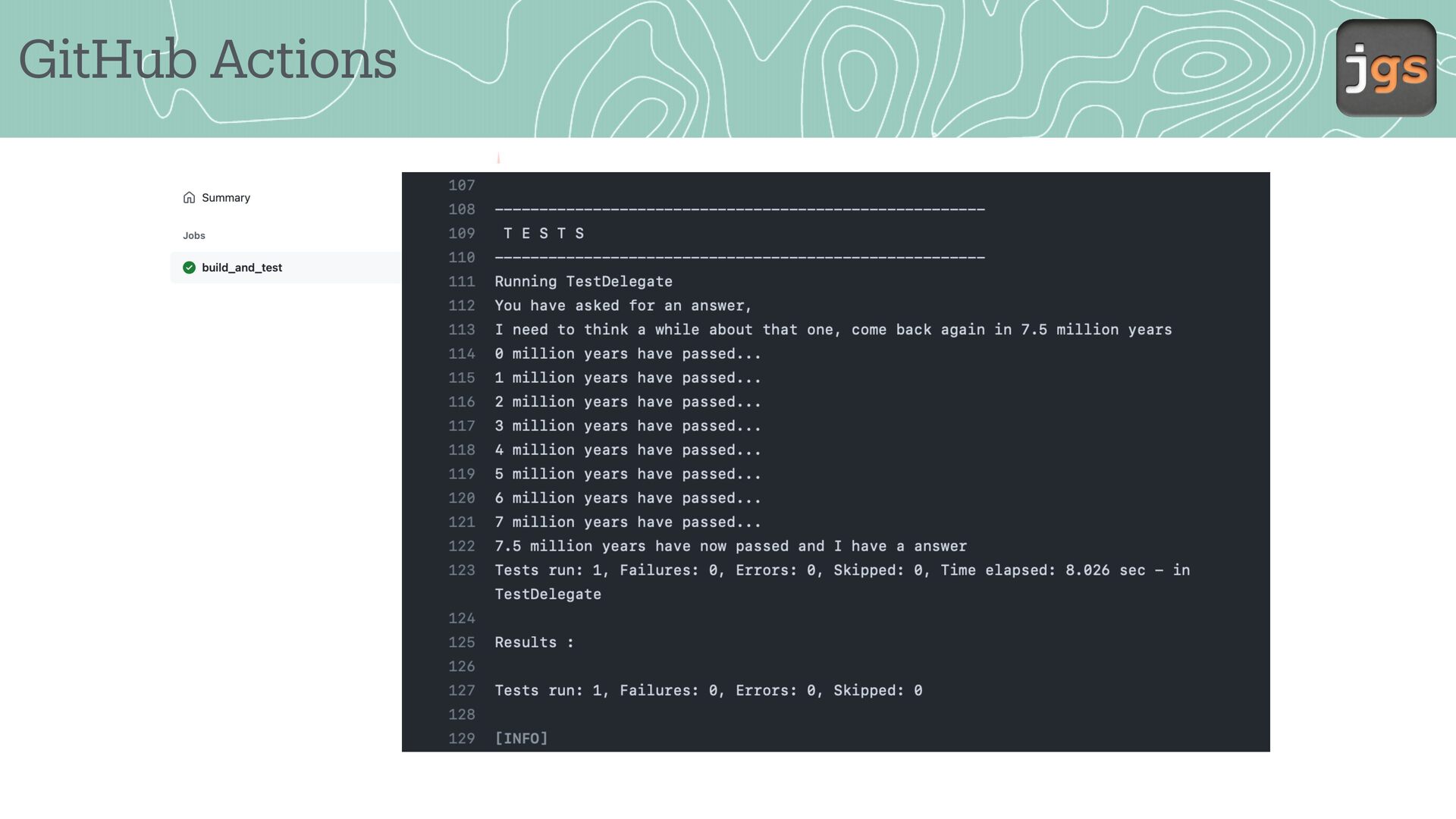
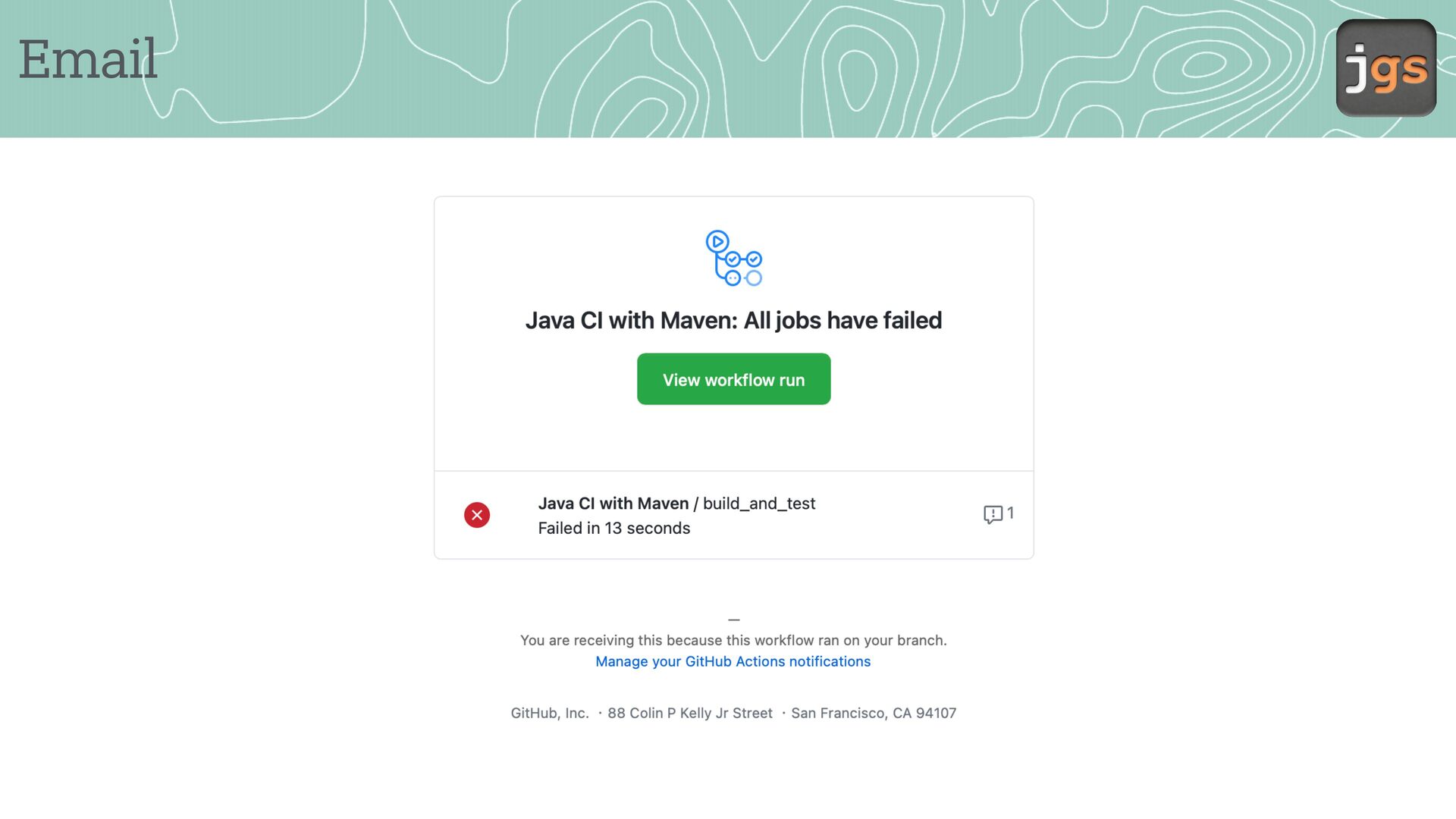
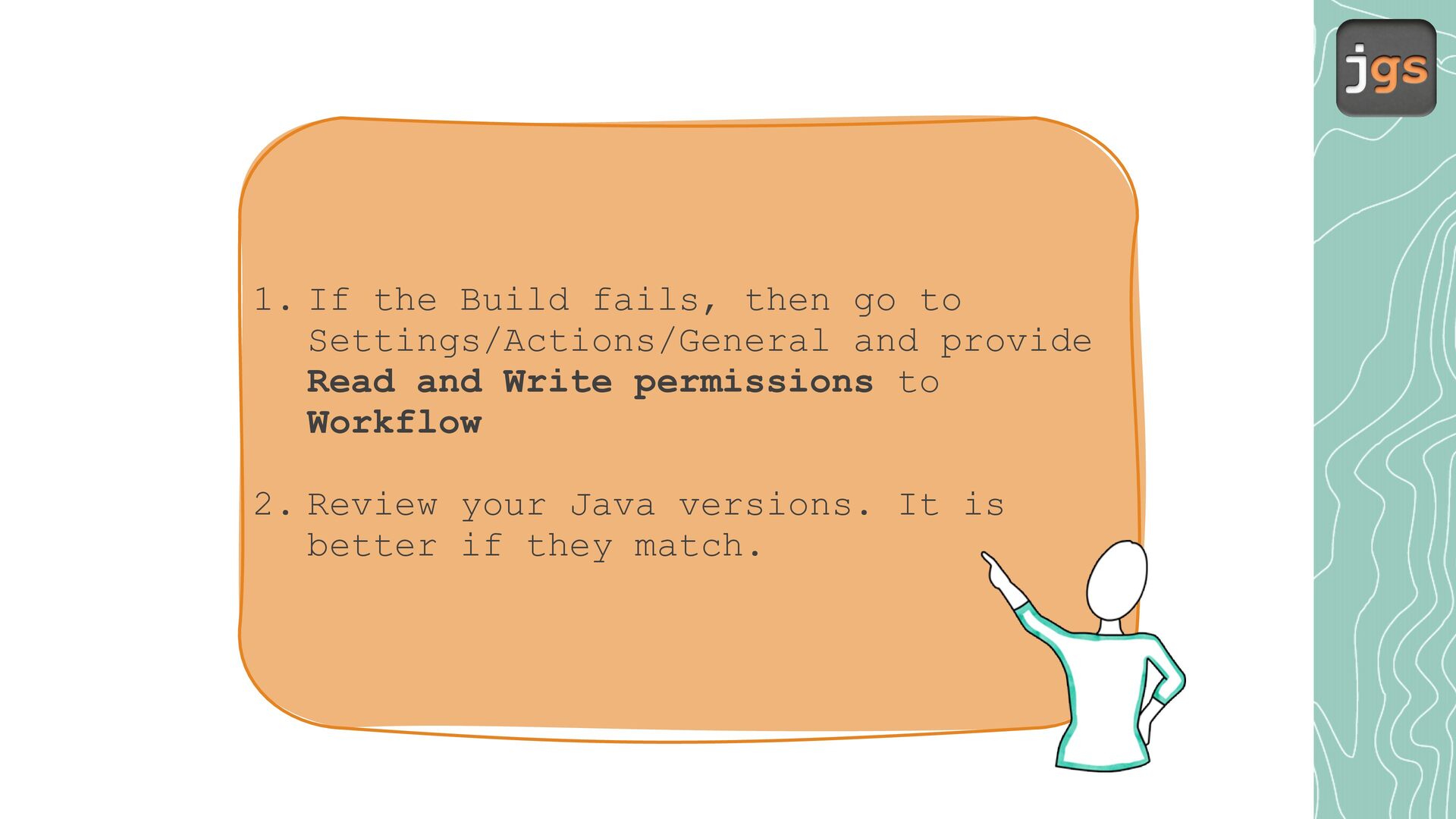
  19. 1. If the Build fails, then go to Settings/Actions/General and

    provide Read and Write permissions to Workflow 2. Review your Java versions. It is better if they match.
  20. References • Chapter 25 Con igur tion M n gement

    - Continuous Integr tion • Understanding GitHub Actions https://docs.github.com/en/ ctions/le rn-github- ctions/underst nding-github- ctions • Maven a a a a a a a a a a a a f https://m ven. p che.org/guides/introduction/introduction-to-the-pom.html
  21. CSC 3100 Fundamentals of Software Engineering Javier Gonzalez-Sanchez, Ph.D. [email protected]

    Fall 2026 Copyright Notice. These slides are provided exclusively for educational use in CSC 3100 within the California State University system. Redistribution or use for any other purpose is prohibited without prior written permission.